Leaderboard




Popular Content
Showing content with the highest reputation on 11/05/22 in all areas
-
Well I found the reason why the library wasn't loading. It's actually interesting, and a rookie mistake. Yikes! If you browse to the Top Picks Configuration page before the Home Screen, the configuration page attaches a function to the ApiClient called "getItems()". This custom function is meant to load the items in the dropdown list with all the items except Top Pick items, and it looks likes this: Items?ExcludeLocationTypes=Top%20Picks&Recursive=true However, the ApiClient already has a function attached to it called "getItems()", so by attaching this new custom method, it indirectly overrides the normal Apiclient function with a new one. Now, if you browse to the Top Picks library, the new method is being used, which is telling the browser don't load Top Picks, even while viewing the Top Picks library. Ops! If the browser is refreshed, it refreshes the ApiClient, and that custom "getItems" method is no longer overriding, and the library loads. Lesson learned! Do not name functions the same as ones that already exist. I will push an update that will fix all of this right away.4 points
-
I want to start off by saying that I have used all 3 media servers on and off for many years - more recently Jellyfin. When you go online, and visit Plex forums or Reddit etc you will see them bash it and then everyone always says try jellyfin. I have never understood why Emby almost always NEVER gets mentioned. I think they all have their pros and cons. Plex for me just has a bit nicer UI but it's not worth the functionality FAILS it has. Subs didn't work for a long time, volume levels are off. Does not have sane defaults making people select passthrough which causes more issues. I can go on and on. Jellyfin is free, and also crashes for me at times with no rhyme or reason. And they decided to sideways scroll libraries by default, to be different? Emby is the steady hand. It absolutely crushes Plex in functionality. I know this because I have quite a few friends on my server with random internet/bandwidth connections. I would get the odd text that plex crashed, Jelly crashed, Plex buffered, Jelly buffered. Emby...never. Never ever, and if it did - it's because they live on a farm with terrible satellite internet. Whatever test Emby does before it decides what bitrate to send our how it sends is it is infinitely better than Plex. On the same hardware and Network (I run them side by side) Emby has 0 issues. So. Thank you Emby Team. Keep doing what you're doing. I know there is always a need to improve, but be that steady hand. I just want my media server to work. Ty.4 points
-
Looks like we've managed to update the plugin, to be current Emby Server 4.7.7 (minimum). Some Changes to be aware of Automatic Library scan and updates are disabled, too many things are triggering library scans at the moment and entering into an endless loop which will crash the server. Moved to a Scheduled task now. Fully Locked item Metadata can be ignored in the Plugin Settings for grouping. (Partial field may have worked before but you need to Lock the item itself now) ".strm" files are ignored from any processing New plugin Graphics with a big nod to MikePlanet This is always Mikes plugin and the work he has done is fantastic. - We only did essential maintenace to keep this alive for you peeps. @Happy2Playwill post up the new version 1.0.0.4 when he gets round to it. Thanks all for your support.3 points
-
Chef!! You’re a trooper fella! Great work and dedication for the community!!3 points
-
I started working on an Extras enhancement plugin last month, and there's some backstory here. The core features are now in place, and I'm ready to share a test build (attached) for anyone who's interested in providing real world feedback on how the plugin works (or doesn't work) in their environment. The requirements are that you're running a 4.8 server, have some Movie extras in a Movie library, and want a plugin to modify some or all of your Extras art. The plugin doesn't yet support all image libraries Emby uses across platforms, so in these cases, the plugin will just say your platform isn't supported yet. It will be at some point. Configuration After installation, navigate to the plugin configuration page and click on the 'Generators' button for the Movie library(ies) you want Extras Art created for. Uncheck 'Disable Image Generation', then click 'Ok'. This will enable generation of all the Art types the plugin can create for you. You can also uncheck individual image types in the 'Generators' dialog if you only want certain image types created. Scroll down to the Generation section if you just want to start creating Extras Art, or read on to get more details on the other configuration options. You can adjust the styling of the images by clicking the 'Styles' button. Sensible defaults are already selected here, though, so adjusting these is optional. The last section is 'Extra Type Styling' which allows detailed control over how the Extra folders (featurettes, behind the scenes, deleted scenes, etc) are displayed on the image. Again, the defaults are fine, so you don't need to adjust these until you want to. Generation With the plugin configured for your Movie Libraries, navigate to a Movie with extras. The art generation is triggered by refreshing metadata on an individual Extra(s) or its parent Movie/Folder/Library. I'd strongly recommend starting by selecting/multi-selecting directly on Extra Items until you get a feel for what the plugin is going to do. New Extras will automatically have their art generated by the initial metadata scan that happens when Emby adds them to your library. Also, the plugin should respect the 'replace images' option on 'refresh metadata' and not overwrite any existing extras art unless you ask it to. If it doesn't, that's a bug and please let me know about it. Disclaimer Please remember that this is testing and don't run straight to refreshing metadata on your entire library or put any art you care about at risk without backing it up first. I've been running this plugin on my production Emby for a week now with no issues. It's working as expected (for me) on Linux and Windows, but it may not work or work correctly in your environment. Finally, this plugin does not fetch metadata from any provider. It is wholly dependent on the parent Movie's art being present. So, for example, if you ask the plugin to clone the parent's logo, but the parent doesn't have a logo, the plugin will not be able to generate a logo for the Extra. In cases where the parent Movie is missing necessary source images, the plugin will whine in the log about what's missing. All you need to do is edit the parent Movie's images to provide what's needed and 'refresh metadata' on the Extra. Thanks for testing. Hope you enjoy. Version History 0.6.4.0 - Trigger parent image fetch when needed to improve extra art generation when ingesting new item 0.6.3.1 - Compatibility Fix for Emby Beta .30 0.6.3.0 - Support for 'scenes' folder, case insensitive folder check 0.6.2.1 - Compatibility fix for Emby Beta .17 (will not work for .16 and lower) 0.6.2.0 - Fix server restart, check for existence of top level folders (please upgrade to beta .17 and install 0.6.2.1) 0.6.1.0 - Bug fixes Create config directory if missing Fix responsiveness for mobile view 0.6.0.0 - Initial Testing Version ExtrasPlus.dll
 2 points
 -
See first post for new version 1.0.0.4.2 points
-
This one is the schnitzel. I was able to get smooth playback on all sources using GPU-next. 5.1 FLAC audio was output correctly if I selected 5.1 (or 7.1) in ET's Audio section. If I selected Auto, then 2.0 was output on the same source material that worked previously.2 points
-
it depends what your drivers are. if you want simplicity to set up and reliability of programming/recording then iptv isnt your answer. if you want channels that you can't even get OTA, are prepared to accept a degree of unreliability and are prepared to put the work in to configure your setup then iptv can be great. personally i want both, so i have both. i spend quite a bit of time curating a m3u (from both an OTA source and a couple of itpv providers) and epg (separately paid for) file outside of emby in itpv boss and providing that to emby. once set up it doesnt need much, if any, ongoing maintenance2 points
-
Please verify your server's time hasn't drifted, force an NTP update if that's the case. I have no issue on a fresh Debian 11 VM with the latest release and beta.2 points
-
Use VirtualTV plugin.2 points
-
I made a stressful update to DSM7, and it seem to work now2 points
-
Sure thing, it wasn't anyone's intention to distract @chef from the amazing work he's been doing, just throwing ideas, certainly not to be implemented ASAP. But I do lack that MediaInfo row. If it will be feasible at some point - great, if not - no biggie. Cheers2 points
-
I know Luke doesn't fancy that approach due to the typical nature of strm files - actual videos being hosted on an external domain and doing it on scan time would result in hammering that domain. Since here we're discussing very limited number of strm files only (and likely local), I reckon probing those at the time of creation wouldn't have any considerable impact. But it is only QOL improvement that one can certainly live without.2 points
-
It is a little harder with virtual files. I have actually attempted to copy the entire probe data over, but because the strm file isn't actually the real media file, things start to error. I'm looking into it further though.2 points
-
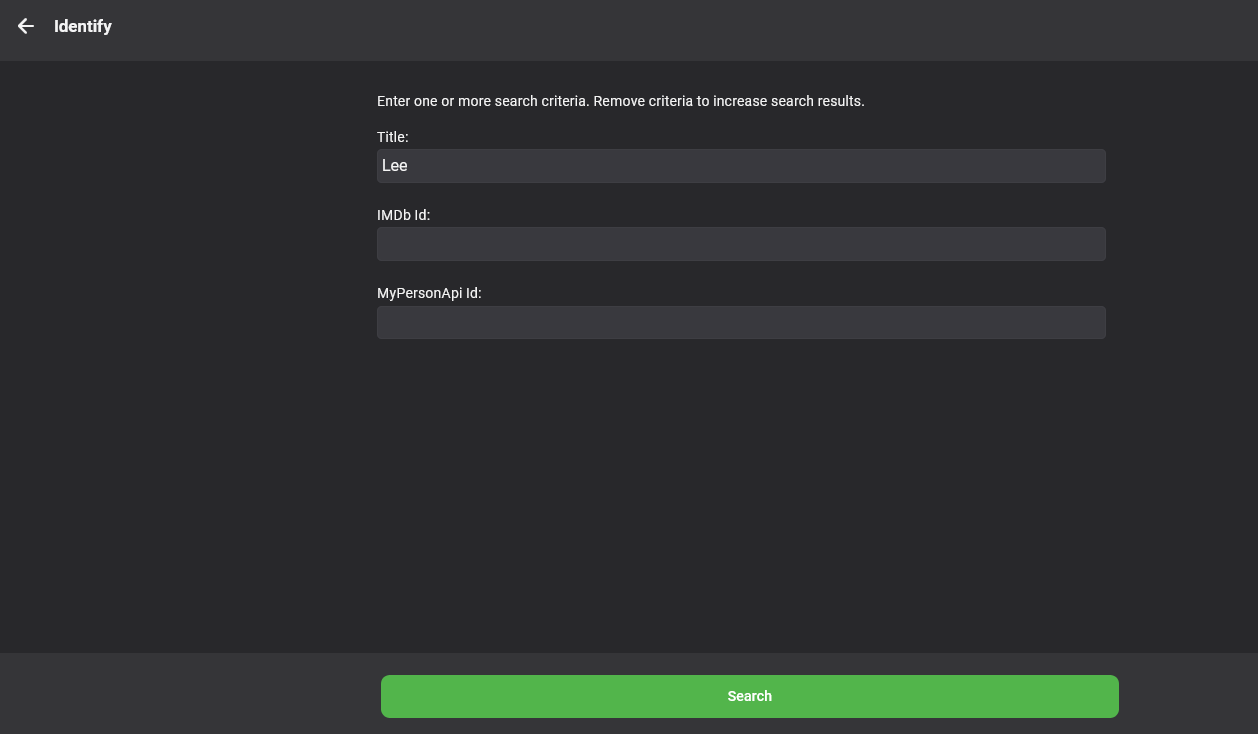
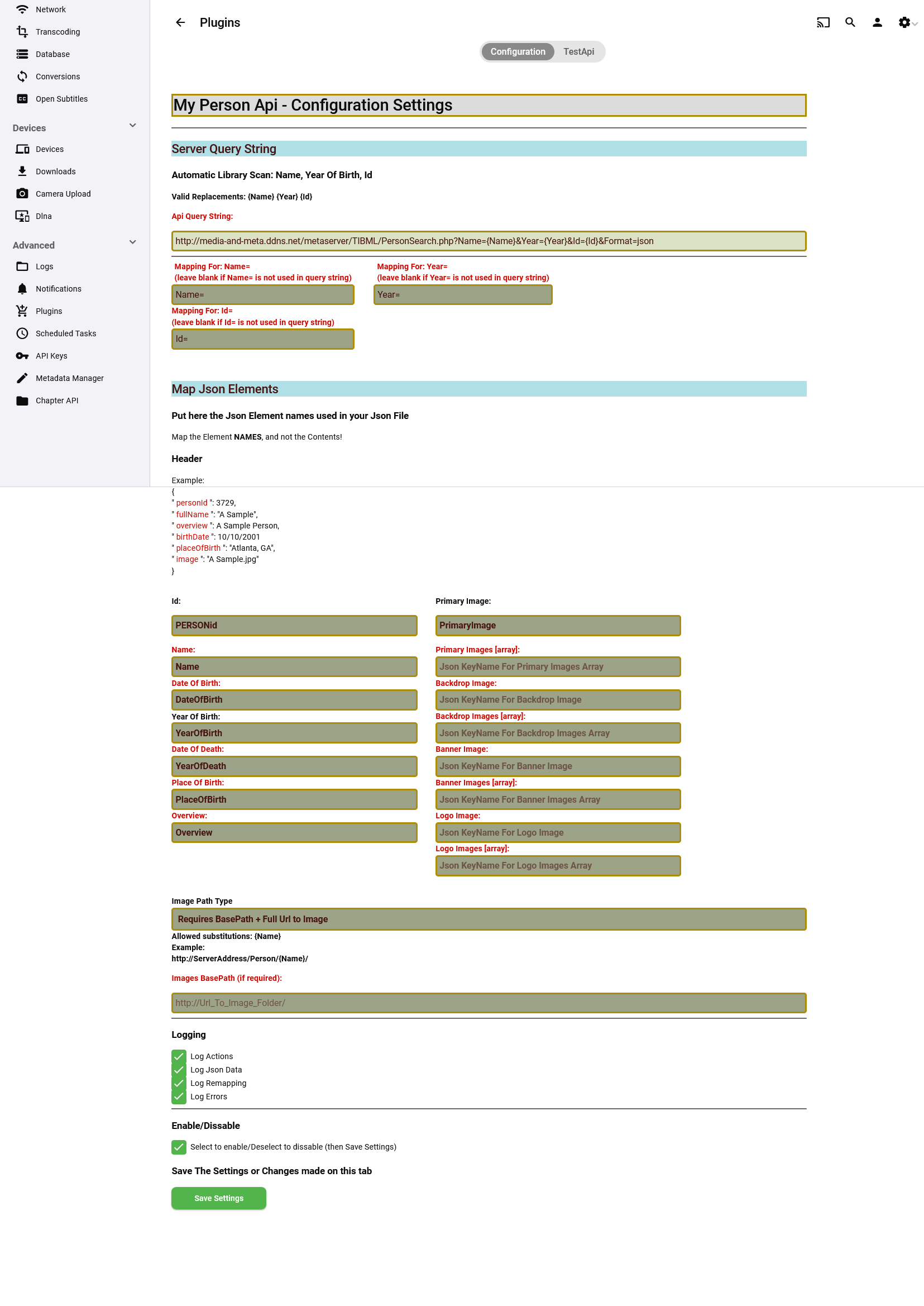
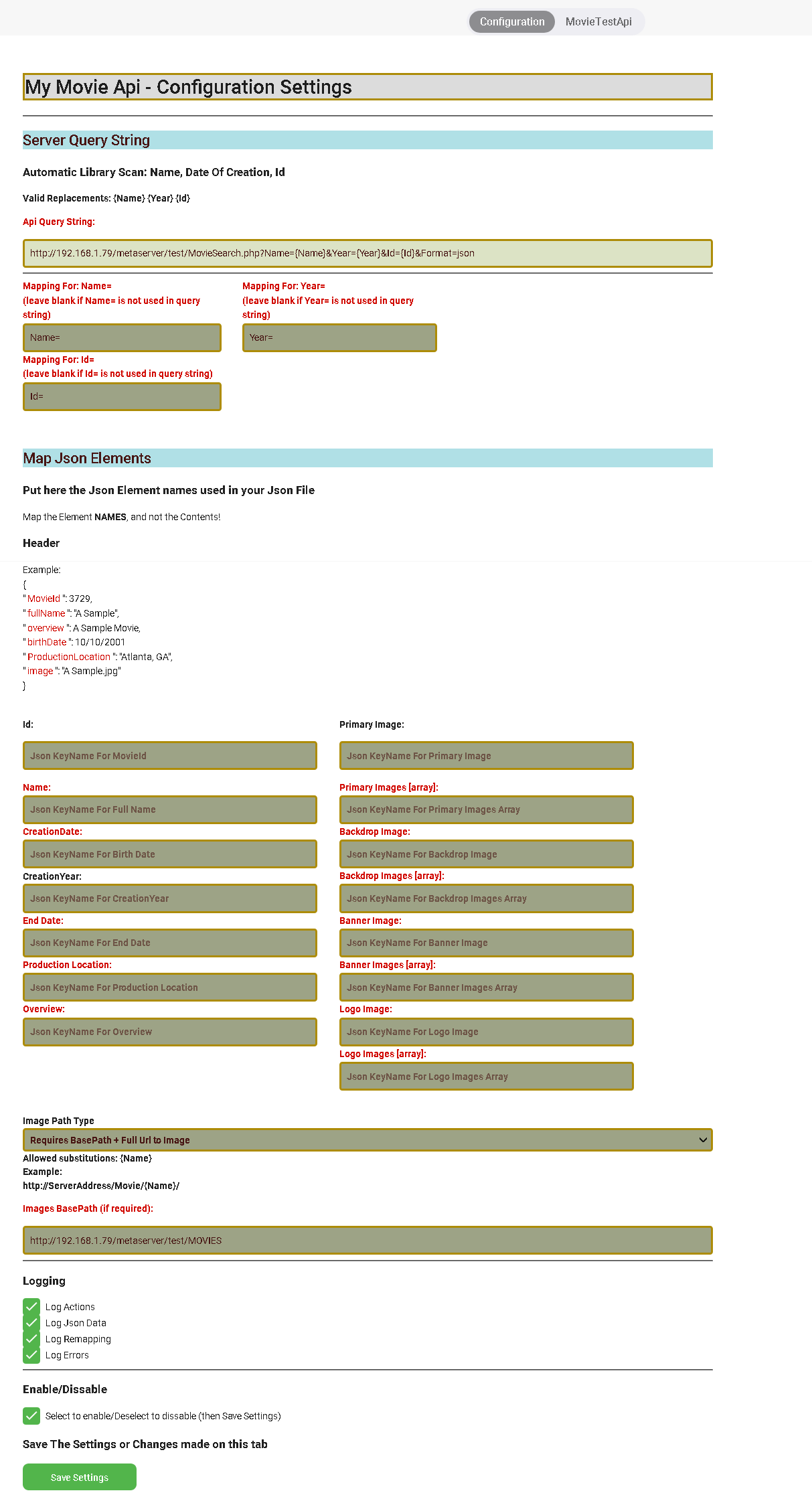
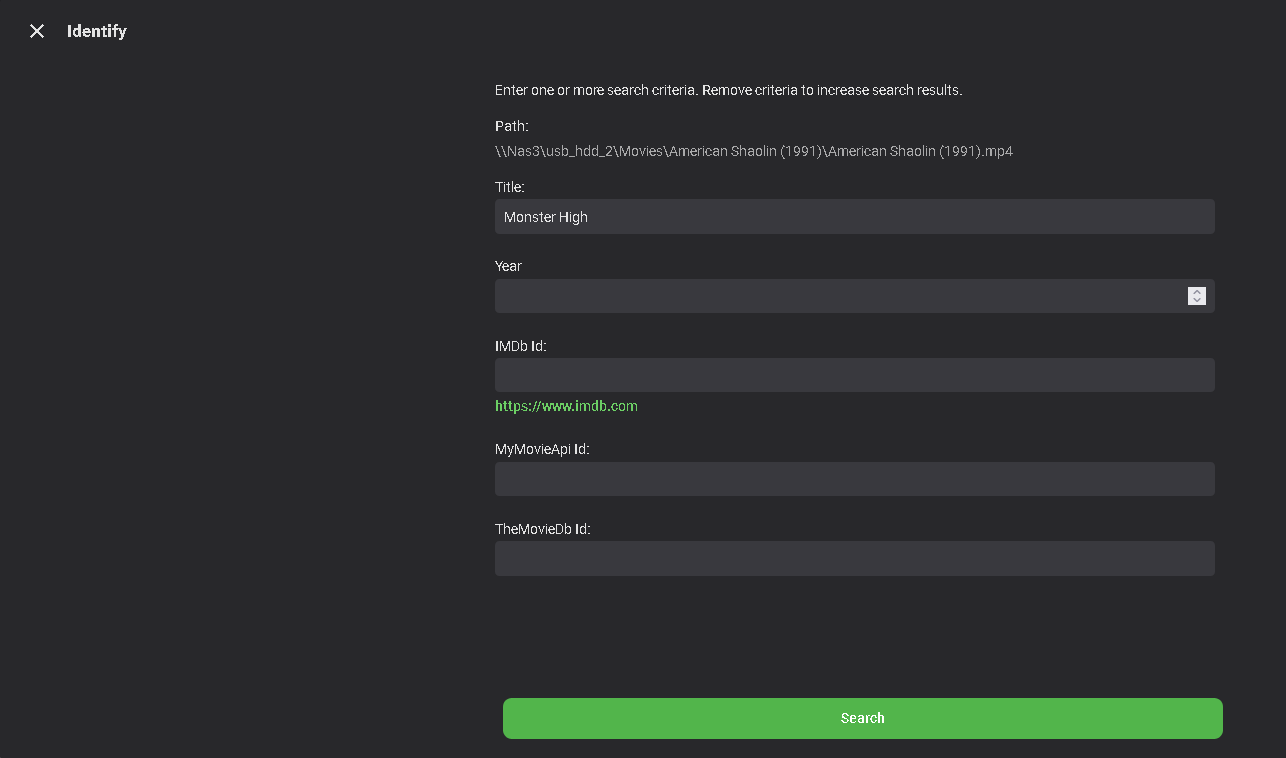
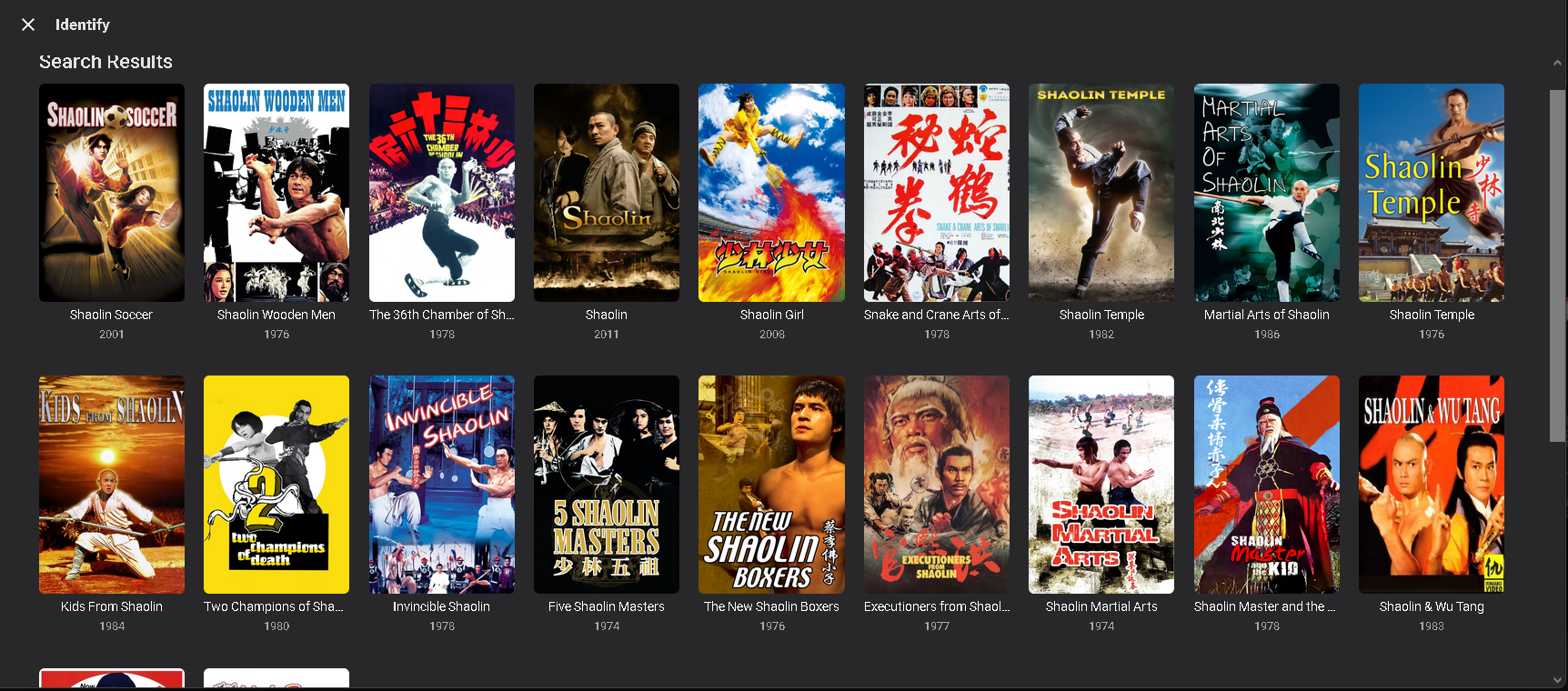
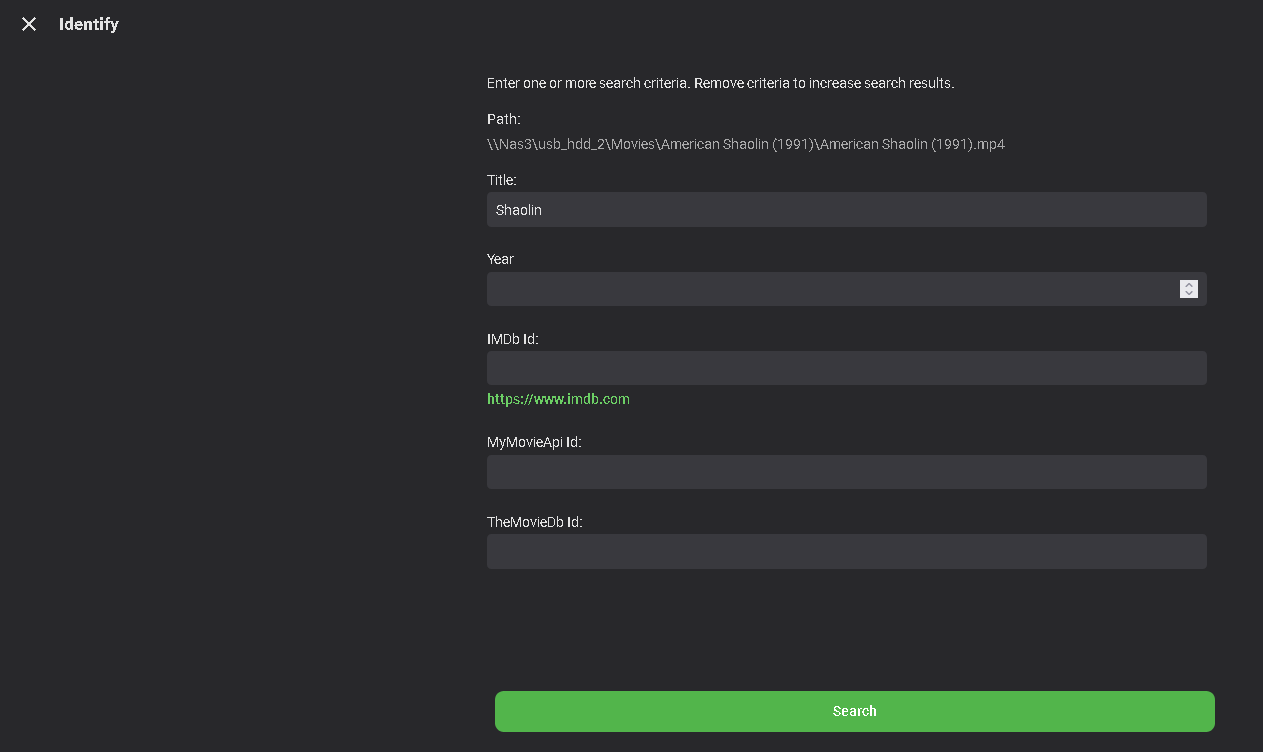
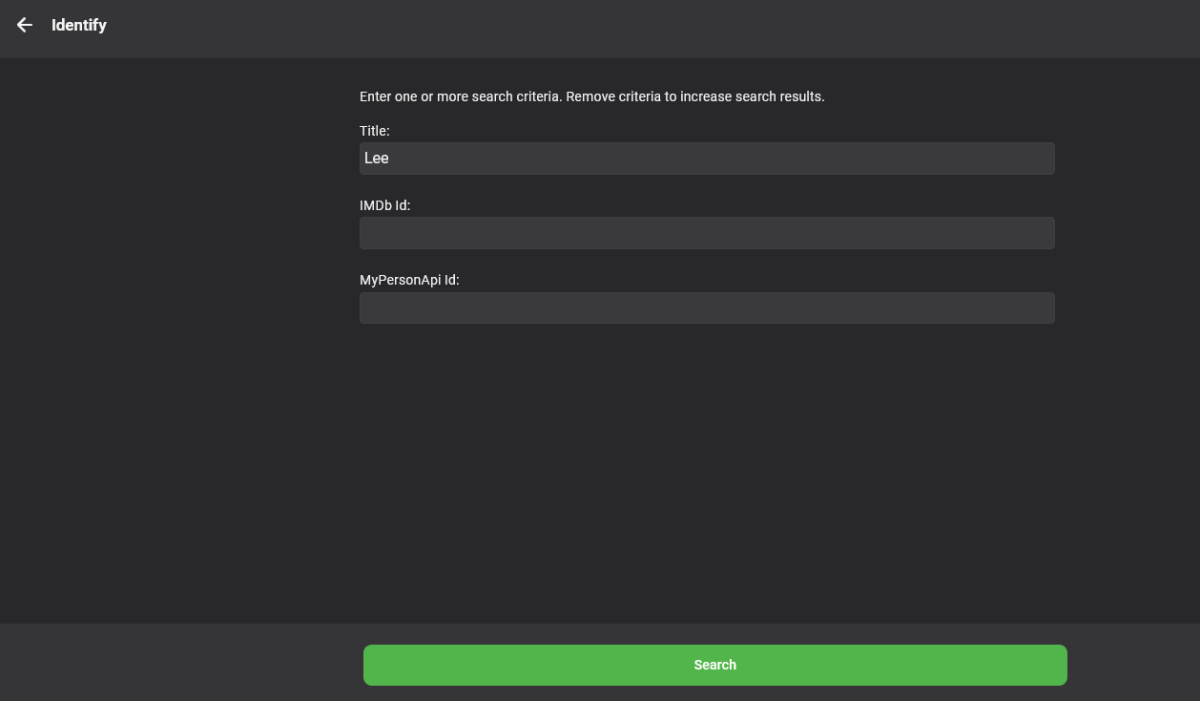
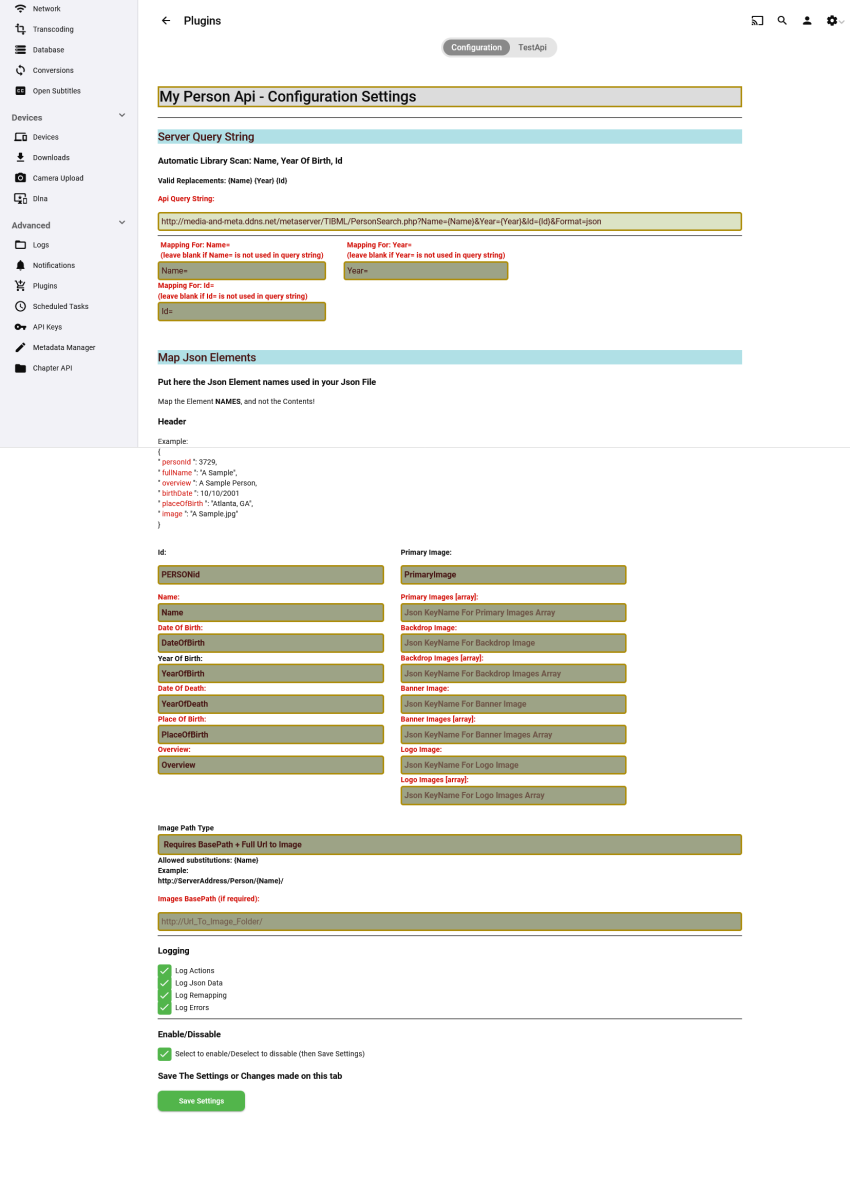
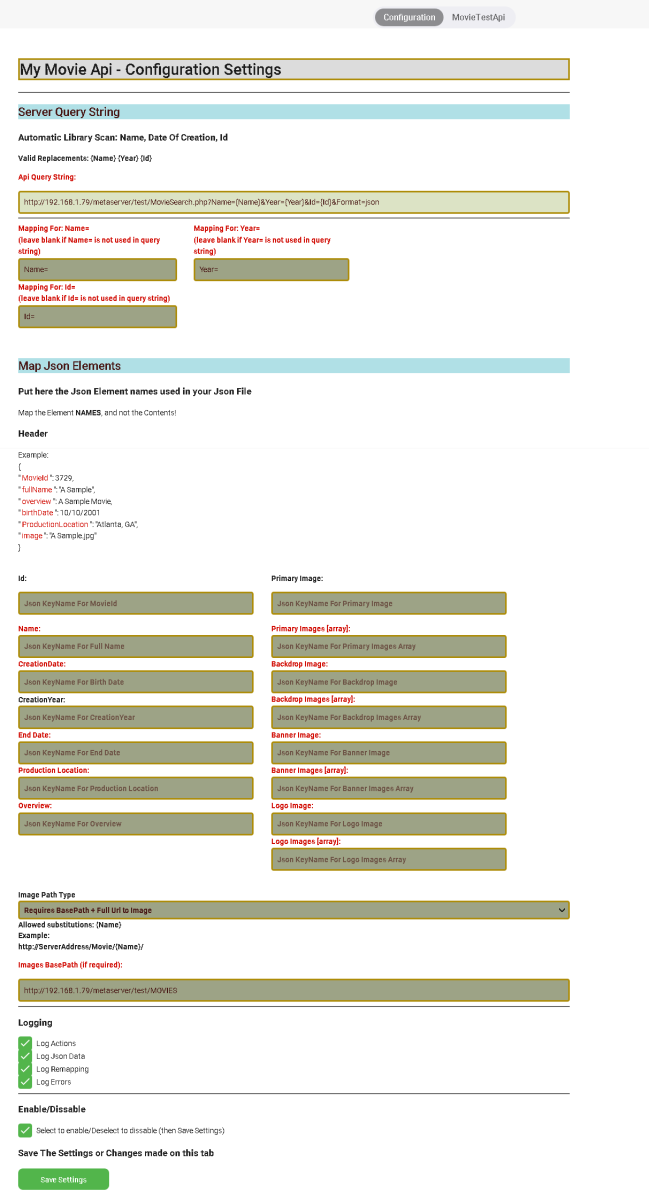
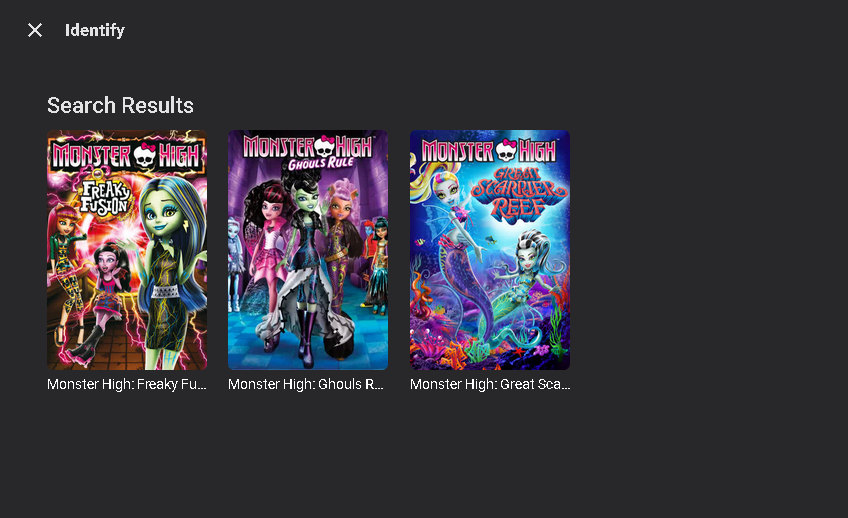
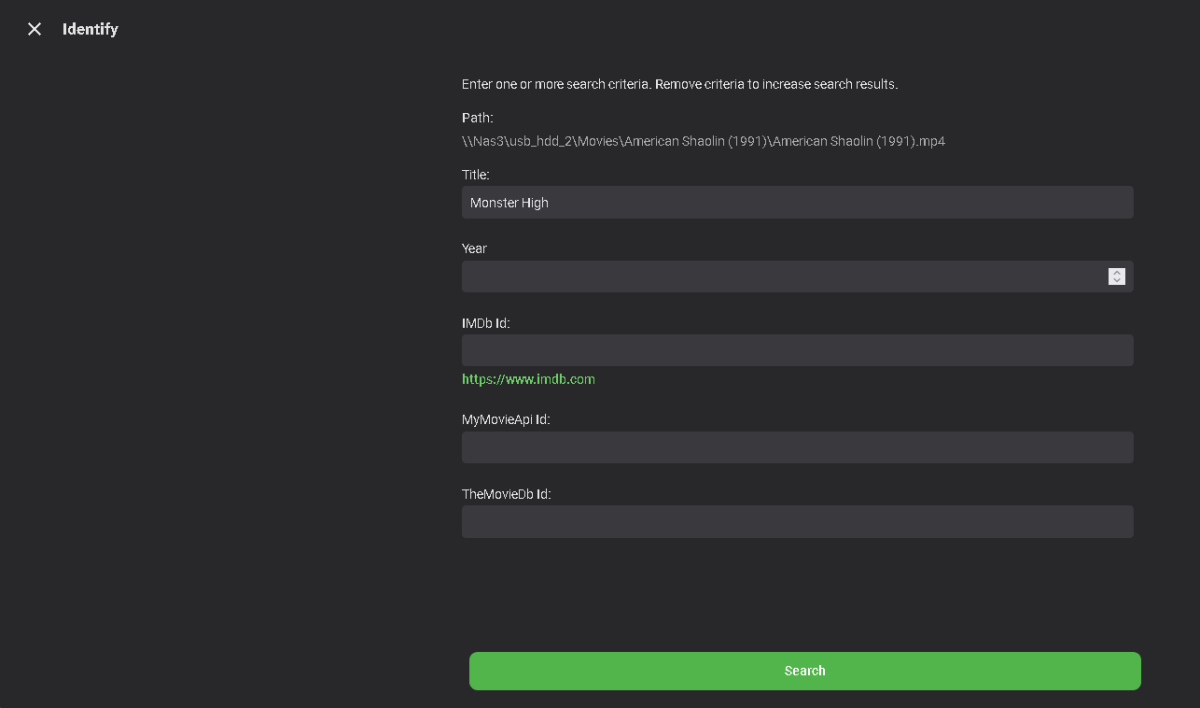
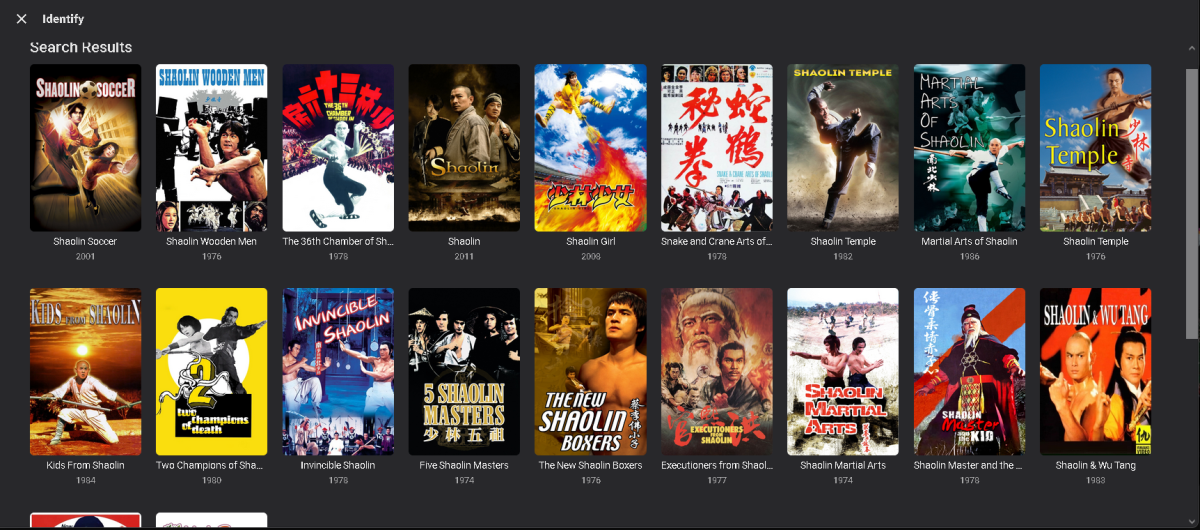
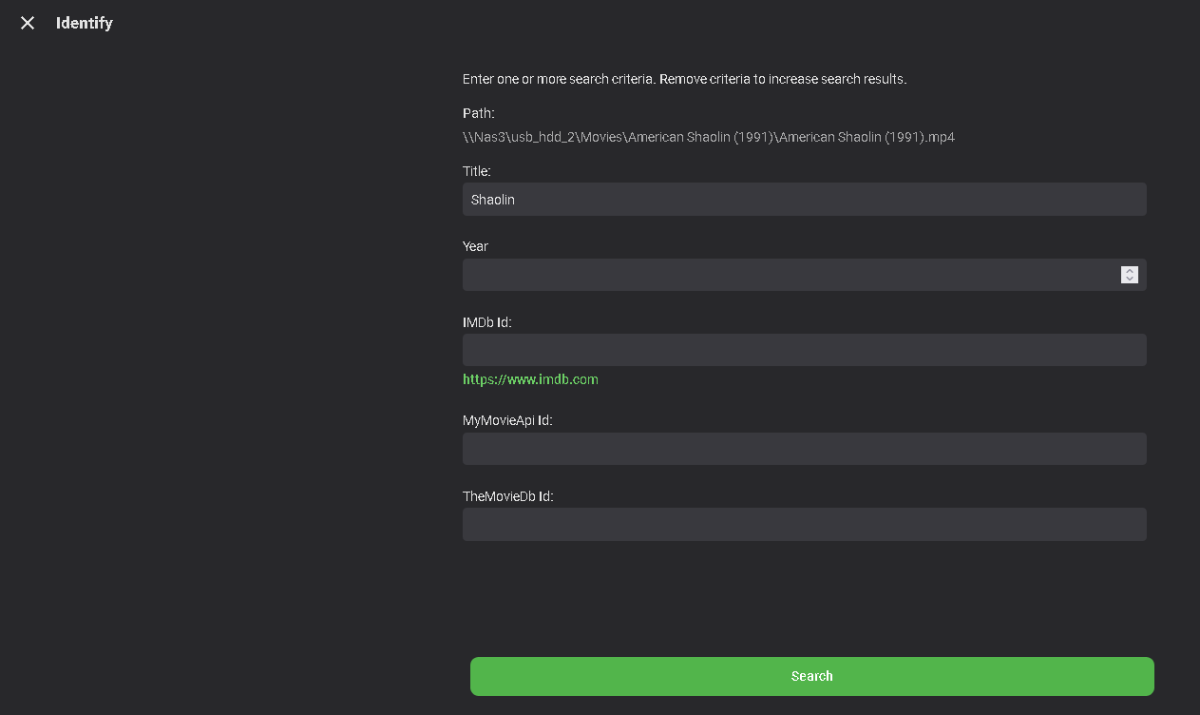
This is just a fully working version of the Person Provider. (I think - LOL , at least until I find some bugs!) Requres latest stable 4.7.9 As Always with my plugins, I accept no resposibility for anything..... its up to you if you try it. Basically what it is, it lets you use your own json server to serve metadata for people directly into Emby as a metadata fetcher (with images) People fetchers dont need turning on in library settings, they are already on by default. So apart from the server string and mappings, there no more config. *This plugin does not cover musicartists* Anyway anyone who wants to have a play can, let me know in the comment whether I should make this cover everything else so you can have your own Metadata servers So far its only People The config page lets you MAP your JSON to work with EMBY, so your JSON Element Names can be whatever you like,,you map them here. The path to the image has 3 settings, it allows for a full url, a partial url and a base url path or a filename and a base url path Edit Images (Magnifying glass search) Identify (Looking for a Lee !) I have included the config file to my test server so you can at least try it. My test server is all asian people (some do not have images as you will no doubt find) so if you look for anyone else you wont find them! you can try the web view here http://media-and-meta.ddns.net/metaserver/DBQueries/Find&Editperson.php Any way if you try it let me know your findings - thanks And Thanks to @TallBoiDezfor the inspiration to do this... CreateMovieApi.zip MyPersonApiProvider.zip CreatePersonApi.zip Added an Alpha version of MyMovieApiProvider. You will have to test this and let me know if its fully working or not. It seems to for me, leaving all the remap boxes blank because I used the CreateMovieApi. Enable in your library settings Included in the zip is some updated php files for the create movie api (adapted from another project) Ignore the usb path - just testing identify with a movie name MyMovieApiProvider-Alpha(25-03-2024) - build 2.zip


 1 point
 -
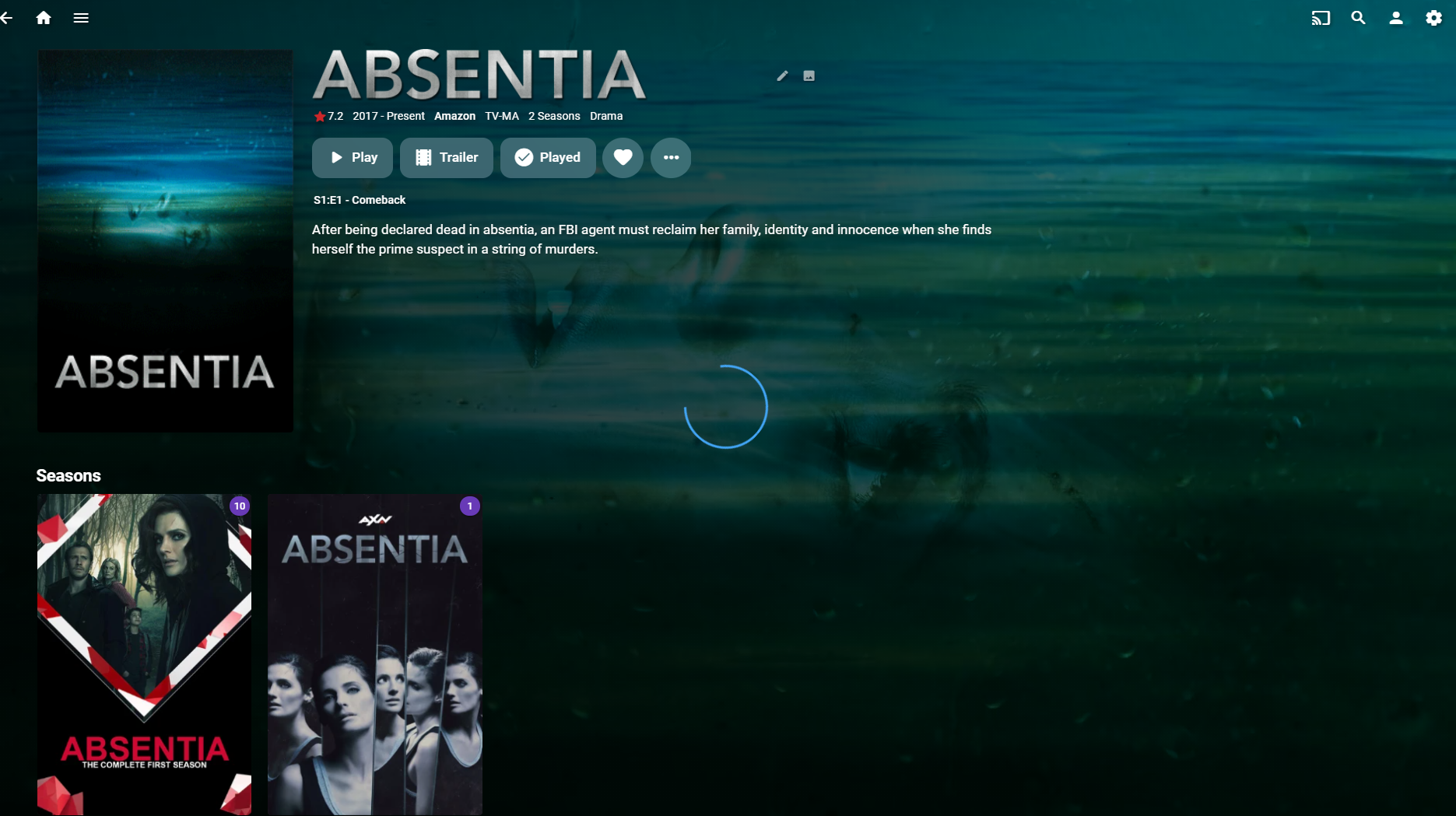
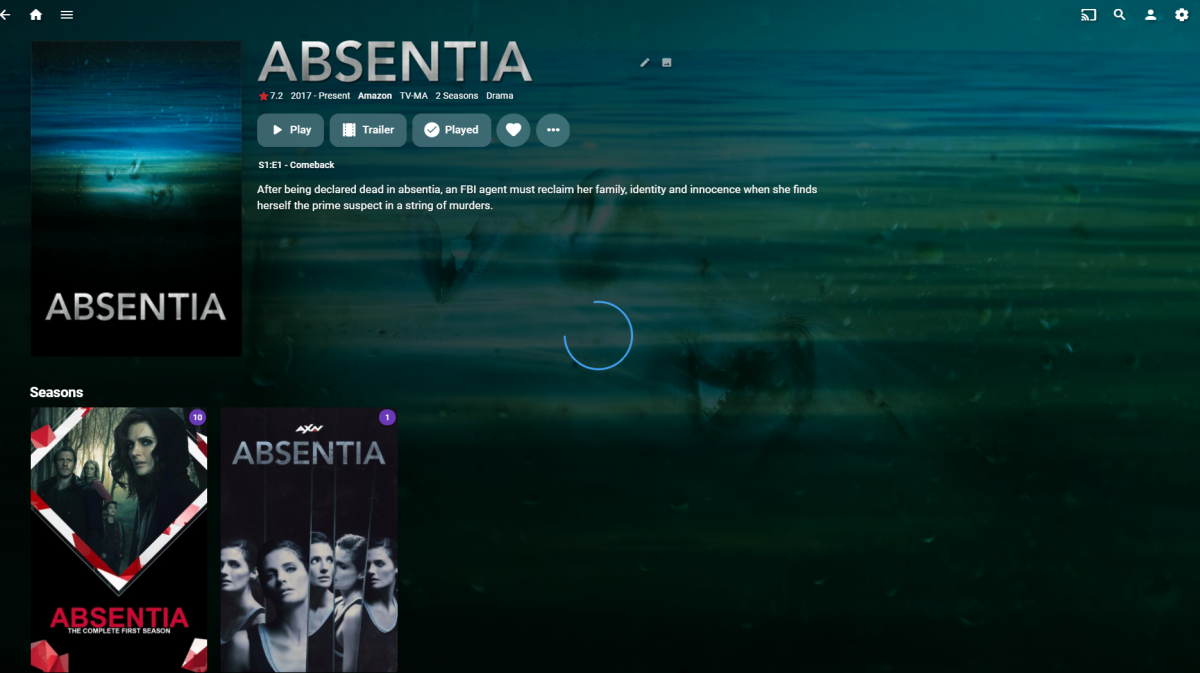
Hello, I am having an issues where there is a spring circle when my custom video backgrounds play while viewing both TV and Movies in the menu. Is this an issue that is known, or am I doing something wrong? You can see the the light blue circle in the image that I have attached. It spins and never stops. It dose this for every video background on my server. It only appears to happen when I am using Emby theater, and it dose not happen when viewing them in my web browser. I have two PC's and the issue happens on both. (I use Firefox) (Server is up to date) (Windows 10 is up to date) Thanks Smitty
 1 point
 -
Hi, I use the Unplayed filter every single time for movies and TVShows to find the next thing I want to watch, because I have just so many things to watch. But I would like to see the same for Music Albums. Like, I am sometimes in a mood, that I want to listen to something I have downloaded that I did not have the time to listen to at that point, but now I have the time and the energy... and browsing through to find something new is daunting, especially as usually some of us might have more Albums than Movies. Would it be possible to add the very same Unplayed to Music types as well? It makes sense, to unify the media features this way, at least in my use case it would help me discover something new more easily. Or is there something like that already?1 point
-
That was easy to setup and get running. I see it just updates the MKV. It is a work around. I hope this natively gets added to Emby 4.8, but for now I'll play around with this. Thank you.1 point
-
Sure just change to TV Mode. User icon-App Settings-Display-Display Mode to TV, Home Screen TV Mode Home Screen Horizontal1 point
-
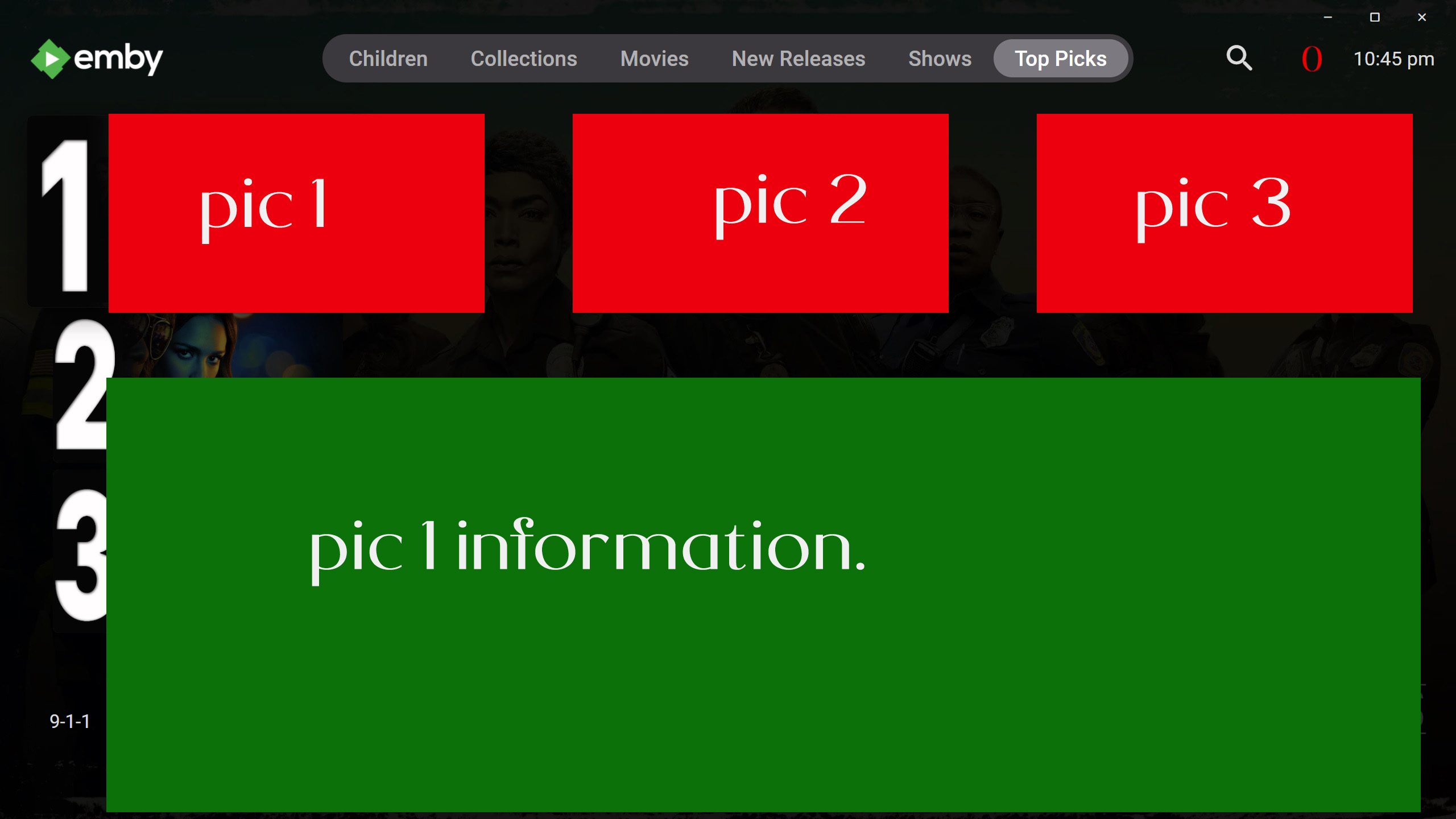
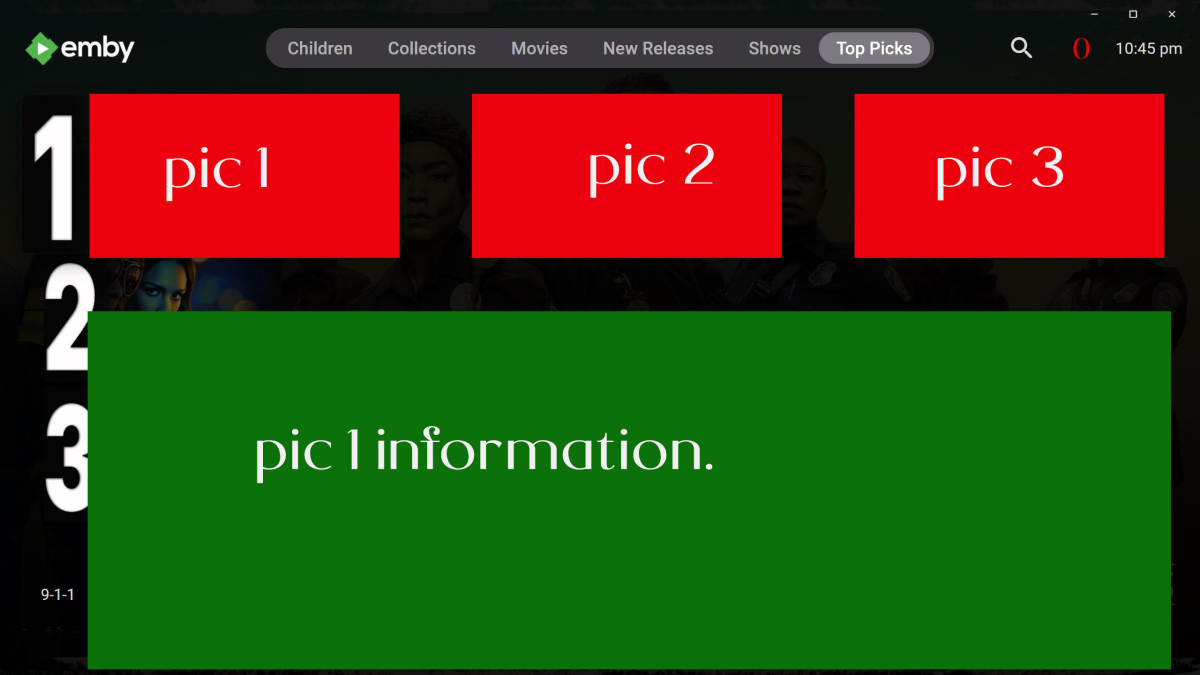
hey @chef thank you so so much for releasing top picks, i have only just managed to get back on due to a bad cpu chip but all back up and running now and finally able to test top picks properly, i would like to ask if this would be possible to do or something similar, after choosing your list of top picks, when in the tv i have the horizontal mode selected and find that the images are fairly tiny. do you think it would be possible to have the option to enlarge them, i know emby has this built in now but it doesn't have the option to do it with induvial library's. also instead of having the images go down in a list could it be possible to have the go in a line from left to right and the information pop up under the main image ? hopefully i am talking sense when writing this haha
 1 point
 -
Still, on a completely different and irrelevant subject, finally managed to rip my Top Gun Maverick 4K after about 37 attempts(ish), so the day is looking up...1 point
-
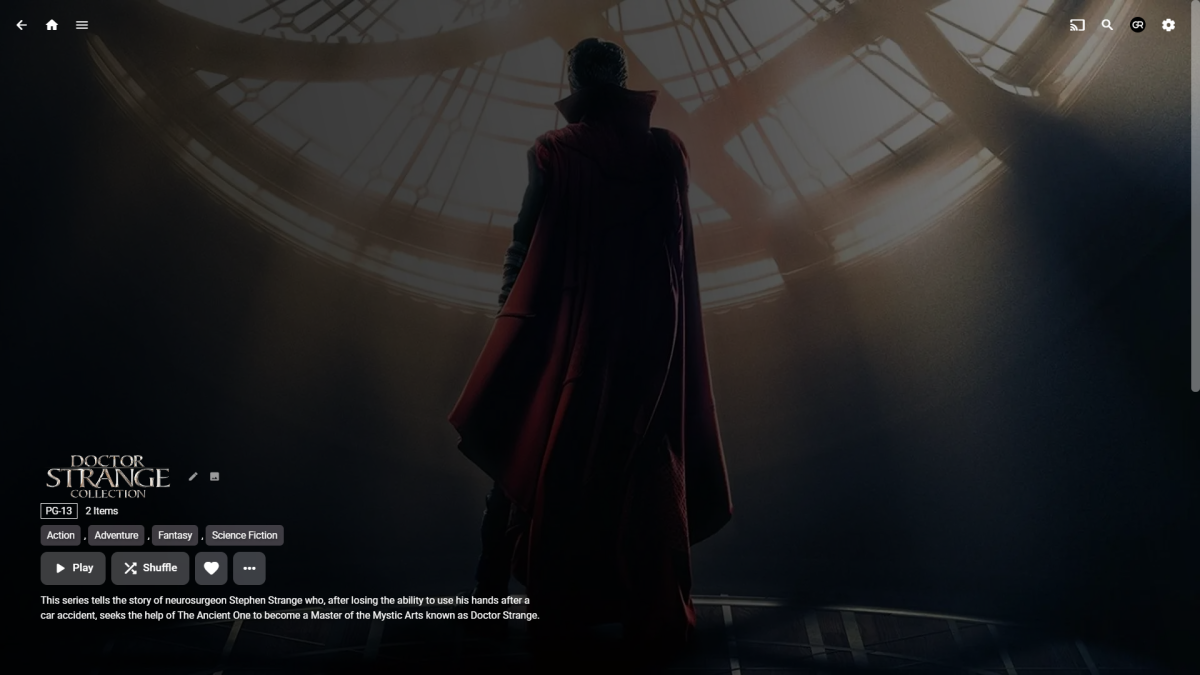
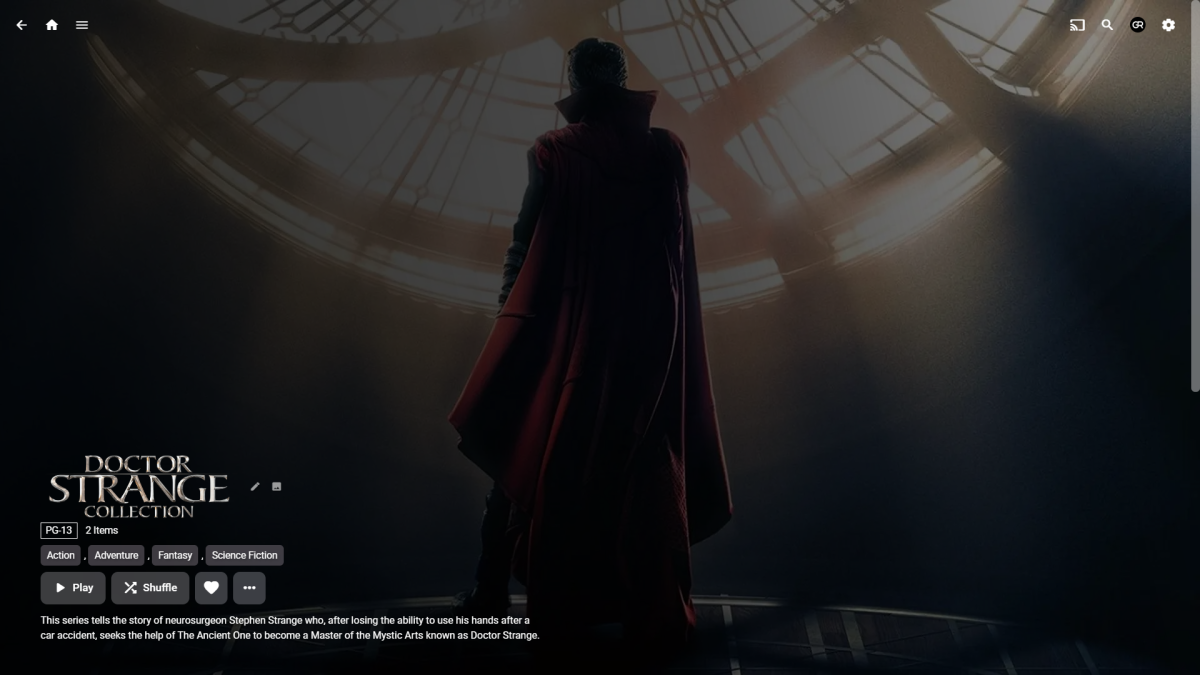
Latter. No CSS: CSS:
 1 point
 -
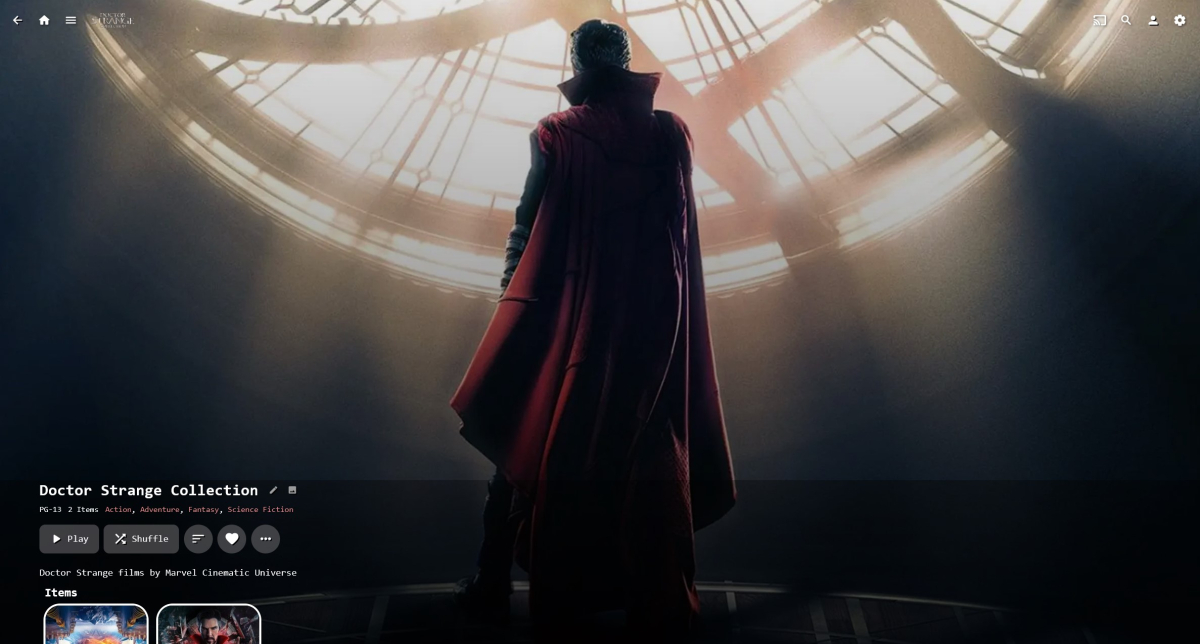
Lets al play spot the logo -
 1 point
 -
That’s great and appreciate it. It’s a constant learning and tweaking road with the mediaInfo side. But we should get there glad you are all sorted fella1 point
-
1 point
-
Super, working now thanks for that. I've another question I've popped directly into the plugin thread, thanks again1 point
-
Yes, tag those three or four shows and use tag-based channel rule. For any further queries, you can post in Plugin thread.1 point
-
I can also confirm the fixed version works as expected. Thanks a lot for fixing it.1 point
-
Ok, after scan I have removed TEST library, restarted EMBY and MoviesHD33 was still available in Movies library, but empty. I had to rescan it, but since I had saved all metadata in media folders, it took less time and got everything right. So it's been some kind of hiccup that's been solved with this unintentional workaround. The reason remains unknown, but at least I know how to fix it should it happen again. Thanks for the suggestions.1 point
-
The Android app had the option for awhile as well. Still the existing ATV app is pretty good at the moment and I hope the new replacement app gets to look as good. And there's css for the web version, so not quite the end of the world as we know it...1 point
-
Yea I understand, everyone has there own preferences, which make's it hard for the dev's to choose one or the other. Jellyfin did have a option to switch between the two if I remember.. (haven't used it for ages) but it still wasn't up to par with Emby. But yea options are great, let the user decide what lib view they want!1 point
-
Jellyfin sideways scrolls. Wish Emby did that.1 point
-
I think it's just a thicker font weight. I don't think it's actually a larger font size.1 point
-
1 point
-
The next step is successfully updating episodes in series that belong to Top Picks, when they are added over time. Movies are easy, there is only one, Series may take months to complete. I have tapped into the Item_Added event in emby and specified items that belong to Top Picks, but if files get renamed, the event seems to throw a nasty exception that crashes the server. I've got to trace the exception, and handle new episodes added to Top Picks.1 point
-
@chef update git and ill add a probe folder and task(not scheduled task) that can run after the items are all processed. Will probably need a model also but this should be doable.1 point
-
Chef? Let me look at this in the morning. I can run some tests and see if it’s feasible, but there will be a lot of processes/tasks concurrently running which i think will be another issue to contend with.1 point
-
@cayars Thank you1 point
-
I edit my initial post on this, I think it's adding coverart to the background image for the library thumbs for top picks. As you can see the home widget is gold. This is only TV thumbs, movies don't suffer from this but the also have coverart.1 point
-
An edge case but might want to exclude stub files also (.disc).
 1 point
 -
I would steer clear of this Chef and let emby deal with that. Its another can of worms you shouldn’t have to deal with. Grim…. put pressure on the core to handle strm files for their library management1 point
-
@LukePlayback appears fine, even with hardware acceleration for me, tested using nvidia 3090 GPU.1 point
-
Just found this thread. Yep Im having the same issue with DTS on my Hisense tv1 point
-
Version 1.0.0.23 Things I was able to add/fix in this release Top Picks Library now re-creates itself as a "Mixed content" library (big one!) TV Series are able to be added to Top picks (really big one!) Re-design of the configuration page to allow for TV Series. (still a work in-progress) (big one!) I tried to make it look more like the other Emby config pages in the dashboard. Fixed Engagement task broke when attempting to ignore 4K content Only one library scan is run at the end of the Top Picks Refresh Task. (big one!) Things I wasn't able to "fix" There is a chance that the Home Screen throws an error after a library refresh, and the first time you enter Top Picks it renders the library empty??? I thought I could fix this by limiting the library scans, but there is something else happening. This is browser specific, and only happens in the browsers. A page refresh fixes the issue. Could be the cache, but I'm unsure. Still working on it. There is a slight wait while the config page loads large libraries. I have done my best to keep it unnoticeable.... hopefully. I look forward to feed back about that going forward. TODO: In the configuration the "Library Location" select box doesn't change when switching content type. Needs to be fixed. "Library Location" label should probably be changed to "Virtual Folders" User engagement doesn't calculate tv shows yet. It will eventually, but it is going to take some work to get it calculating stats for that.1 point
-
Did you happen to use the same email to register that you used to sign up to the community forum with? let me know. we'll get it fixed up for you.1 point
-
Oh yes! I already registered it yesterday lol ! So glad to have this! Thank you!1 point
-
@Luke I had a Static IP address for my NAS, but I didn't have a Static IP address for my Router. I just added a Static IP address to my Router, so now I'll have a Static WAN IP address and hopefully avoid this from happening in the future. Thanks again for ALL your help.1 point
-
For those who have been unable to play using the .deb or RPI packages, can you try redownloading the 3.0.16 .deb and let us know how that compares? We've repackaged it with some library updates. We're also working on a 3.0.17 release with more updates but wanted to do a quick repackaging for now. Thanks !1 point
-
HI, please try restarting the app and it should be resolved now. Thanks.1 point
-
Save Time With Emby's Intro Skip Requires: Emby Server 4.7 or later One of the new features in Emby Server 4.7 is the ability to skip TV Show Episode Introductions segments. This allows you to jump right to the start of the action saving you a great deal of time allowing you to quickly get to the good stuff! Combine Into Skip with Automatic Play Next Episode for a superior binge-watching experience!. This guide will cover the following: Configure a TV Library in Emby Server Configure Emby Client for Automatic or Manual Intro Skip How to use Configure a TV Library in Emby Server In order to use Intro Skip a TV Show library needs to be configured. Edit a TV Library on the Emby Server console. Scroll down to the Markers section in the library and change the option from NEVER to either "as a scheduled task" or "as a scheduled task and when media is added" depending on your particular needs. Once setup go to Scheduled Tasks and you'll see a new option has been added: By default this task is set to run every 24 hours. You can adjust it to run at specific time if you like. To add a new Task click the + sign above. This shows a new schedule that starts at 3 AM and is allowed to run for 4 hours. After clicking Add: We can now click the trashcan icon on the 24 hours schedule ending with: From our Scheduled Tasks menu we can manually run this job clicking the arrow icon. You will then see a status bar showing the percentage complete. There is nothing more needed on the server to use Intro Skip except to give it time to analyze all episodes and build the Intro Skip indexes. This process may take a while depending on the number of episodes you have. Configure Emby Client for Automatic or Manual Intro Skip Each client can be set to ignore TV Show Intros, automatically use Intros, or to prompt use showing a button. You can set this option in the client option's Playback Menu. Using Intro Skip With the Skip Intro button selected you can clearly see the button on the OSD immediately at the start of playback. The timeline is still at 0:00 before the show has started to play and we can already skip the introduction of the show. Clicking the Skip Intro button immediately jumps right to the start of the Episode. With the client option set to Automatically skip intros our TV show intros have been put on auto pilot. Right at the start of playback it jumps to the end of the intro right at the point of the fade in. View the full article1 point