Leaderboard




Popular Content
Showing content with the highest reputation on 10/10/22 in all areas
-
I would like the ability to force themes on apps from the server side. Such as holiday themes, halloween and christmas. OR, I would like to be able to set my own date ranges for holiday themes. I would like to have them run for a week, instead of a single day.2 points
-
its already implemented in the ATV app2 points
-
@Luke Checked everything as mentioned, with no success, then did the update to 4.7.8. This does indeed seem to have solved it2 points
-
@RaptorCentauri I would assume as these will be alias, they will be grouped into Season 0/Specials it at Series level. More aliases for Season 0 folder underneath series: extras specials shorts scenes featurettes behind the scenes deleted scenes interviews And these would appear within specific Season if in that folder. Support for special folders underneath season folder: extras specials shorts scenes featurettes behind the scenes deleted scenes interviews similar to this mockup from above And Episodes to be like Movie extras using a specific naming scheme against that episode. Support for specials right next to the episode files: Dexter S01E01 - Episode Title-featurette.mp4 But further documentation will be needed for what will work against specific episode. Dexter S01E01 - Episode Title-Deleted Scenes.mp4 Or if nested episode structure will work. Doctor Who (1963)\Season 1\Doctor Who (1963) S01E01\Doctor Who (1963) S01E01.mkv Doctor Who (1963)\Season 1\Doctor Who (1963) S01E01\Extras\Deleted Scenes S01E01.mkv2 points
-
Tried to search for this feature request but couldn't find it. It would be very good to be able to sort and filter the content of collections. I have some collections with a lot of movies (1001 movies you have to see before you die, Criterion collection, etc). As of today you can sort and filter the collections themselves but you can't sort and filter the content. So if I want to find an unseen movie from my 1001 collection I will have to scroll through a lot of movies. In the collection view you also separate categories (movies, tv, ...) and it would be great to be able to choose to not separate them also.1 point
-
In my house, I would like to see a User Profile selection similar to Netflix. Using my single logon, I would like my family to choose between who is watching. That way each of us can watch shows without marking it watched for someone else. In this scenario, I would have a 4 users in a Family Group using the same username/password.1 point
-
There is no Remove on an administrator account only user accounts. So if this is an Admin account you need to create another admin account login change the account you are trying to edit to non-admin and then you can remove the password.1 point
-
As above, but I've done this already, so - Thats from Emby Theater, but its the same in the new app for me.
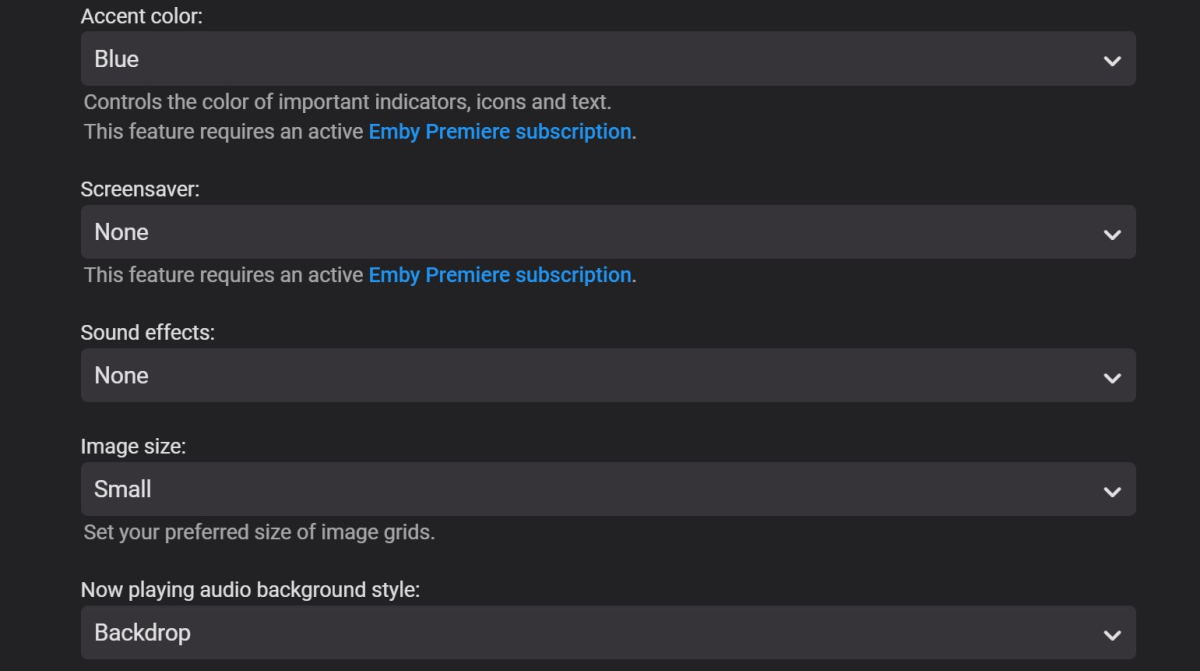 1 point
 -
The Entire Library if possible but maybe not rotate as it would take forever lol, I was thinking just a simple static page showing your media with covers etc., basically like looking at your emby library without the option to edit/play items. I would do the prior mentioned idea but was looking for something a little more lightweight, if at all possible, Thanks1 point
-
what device? because i can do 415 in 30s on a shield. i don't use it - because i find it quicker to navigate there by up/ down (and page up/page down when @Luke implements it). but it should be added. i'd prefer better access to the channel tag filtering like WMC used to do...1 point
-
Hi, yes the channel icon is certainly possible. Thanks.1 point
-
Ohh that's a new one. Let me take a look.1 point
-
Hi. Looks like the resolution in Chrome is different. Do you have it zoomed?1 point
-
Thanks, Grim!1 point
-
This sounds like a good way. What needs to be made sure IMO: 1. Remote users need to sign in first before "fast user change" is available. Two thoughts on this: Maybe some sort of PIN for "fast login" should be considered as there might be children in the house (e.g. your siblings + children) that shouldn't access to accounts that can watch unappropriate stuff (e.g. Scream for a little 6 years old) for them. Maybe expanding the PIN login to remote users as well could be a quick win for this. Prerequesite for the PIN login to work would be that the user must have logged in to the device with User + PW previously. 2. When a user actually logs out the credential should also be deleted from that device. PS: Like post #1 to support the request.1 point
-
1 point
-
Dev may need to see full server log. @hackthis021 point
-
I ended up deleting and resyncing everything and it fixed it.1 point
-
OK it looks like the subtitles and subs folder support was not added for episodes, so we'll add that for Emby Server 4.8. Thanks.1 point
-
@Luke will the extras/features appear as separate sections in the UI, or will the issue of everything being under "season 0" still exist?1 point
-
Thank you very much for the support, now everything is fine!1 point
-
OK please try updating to the latest version. Thanks.1 point
-
I know. But what I mean is like when I play a TV series; at the end of any episode, there´s a prompt that says PLAY NEXT/NEXT EPISODE (or similar, in my case it's set on SPANISH, so it says 'Siguiente episodio'), and I was wondering if there was any option to enable a prompt like that for movies too.1 point
-
No. The browser thinks we're trying to autoplay audio and isn't allowing it, thus forcing you to click another button.1 point
-
Yes you can.1 point
-
Think the buttons in the ATV app are better, they're a bit smaller and more square with rounded corners, and not just circular.1 point
-
One thing that annoys me on the Android app is changing tracks, it needs a whole screen to select, very cumbersome.1 point
-
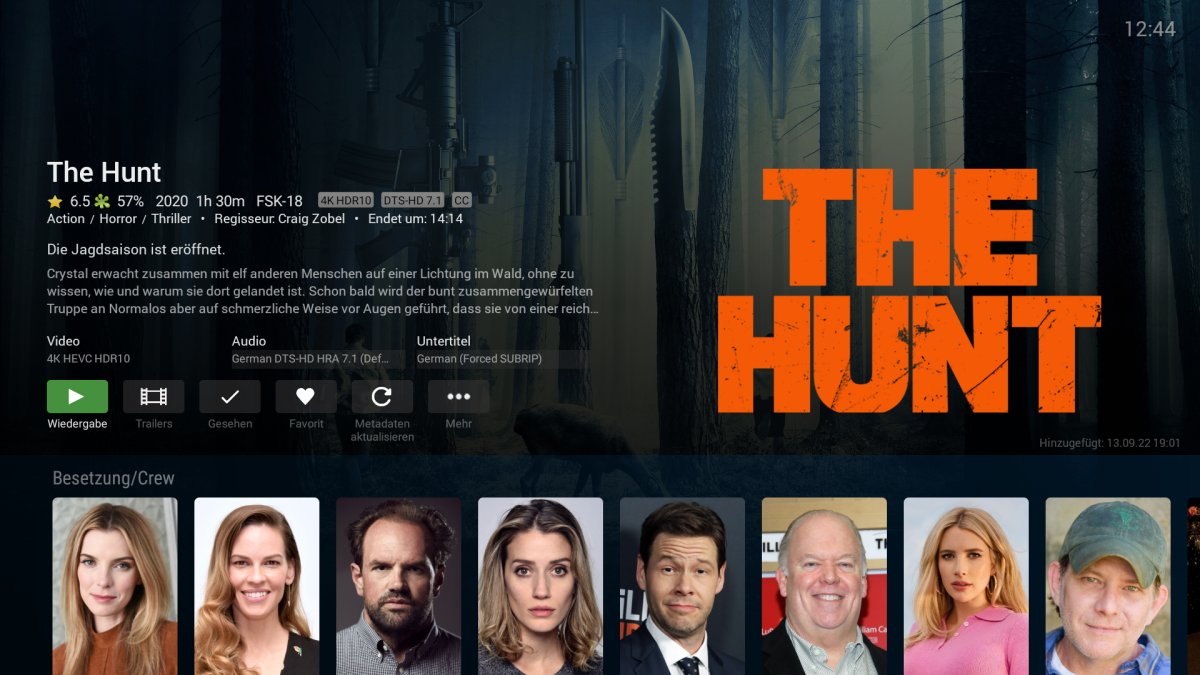
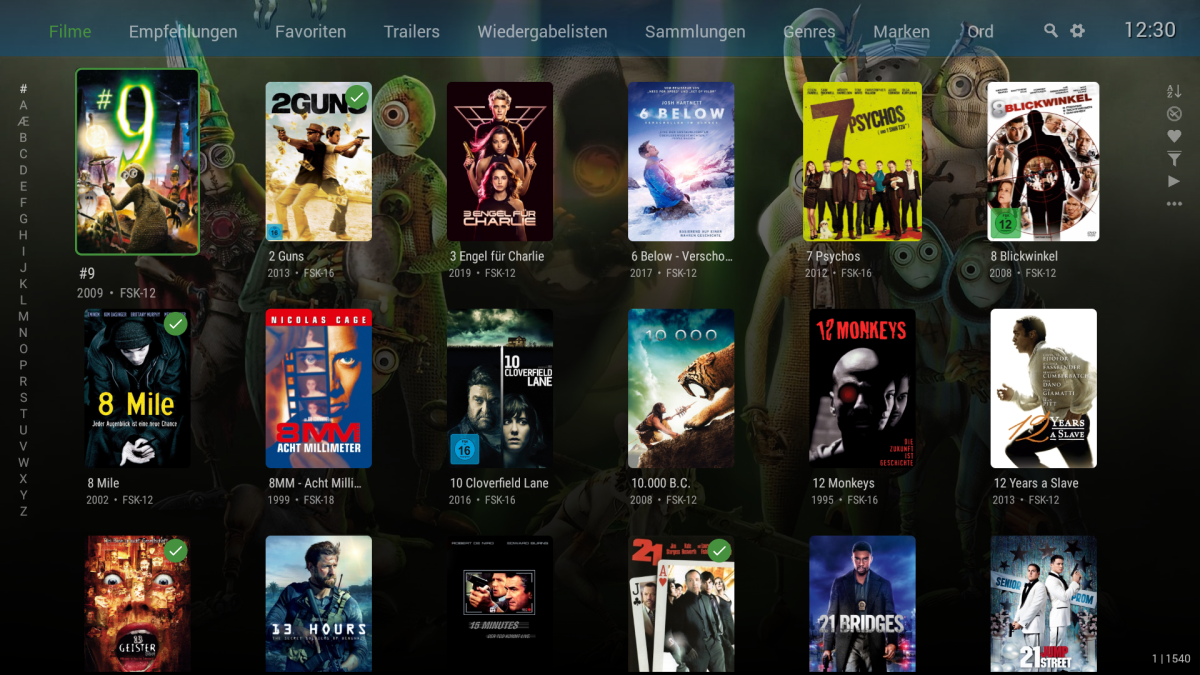
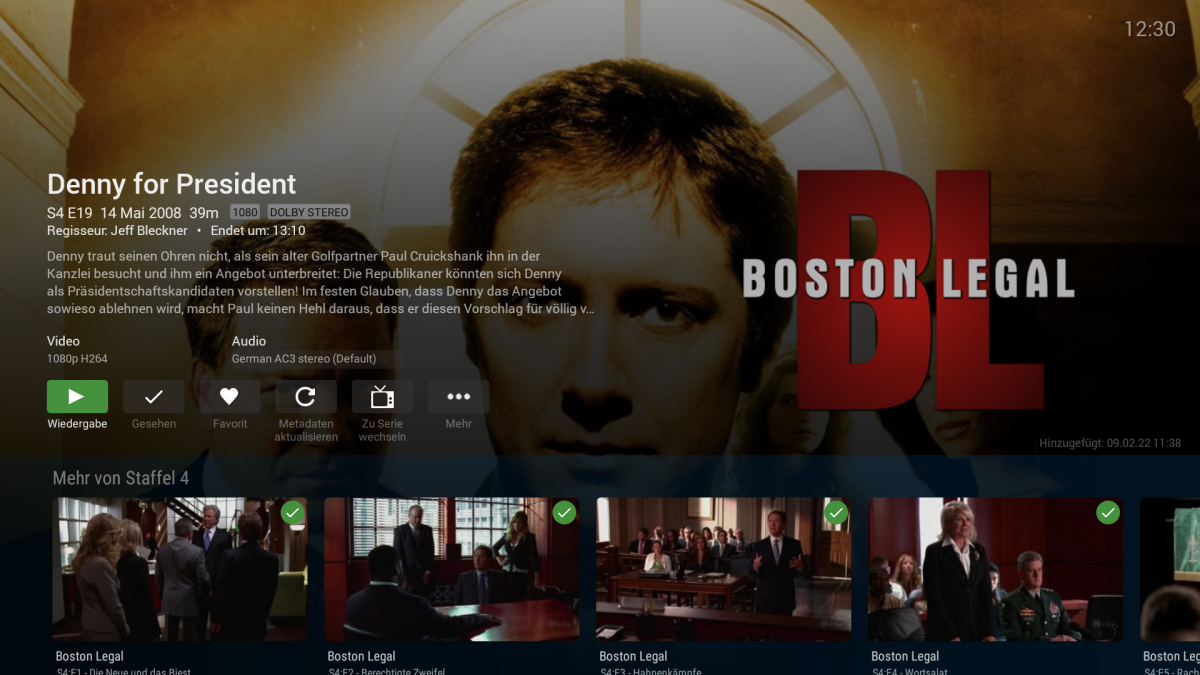
First of all, many thanks for that fast support The normal App is now starting in TV mode and my remote from my TV is working fine. But I still prefere the AndroidTV version. Why: The GUI, the text, the pictures. Everything is in my opionen much to big. I put some screenshots to compare it. Exampe by series view. You have to scroll down to choose a episode, on the TV not. Or the Cover view by movies. Only getting one "good" line, that also means, need more to scroll same for detailed view on a movies... In generell, everything is to big.... An option to decrase the size would be great, or why not starting on detailed info view more on the top. you loose the half of youre screen, because text and info starting at round about the middle of the screen...
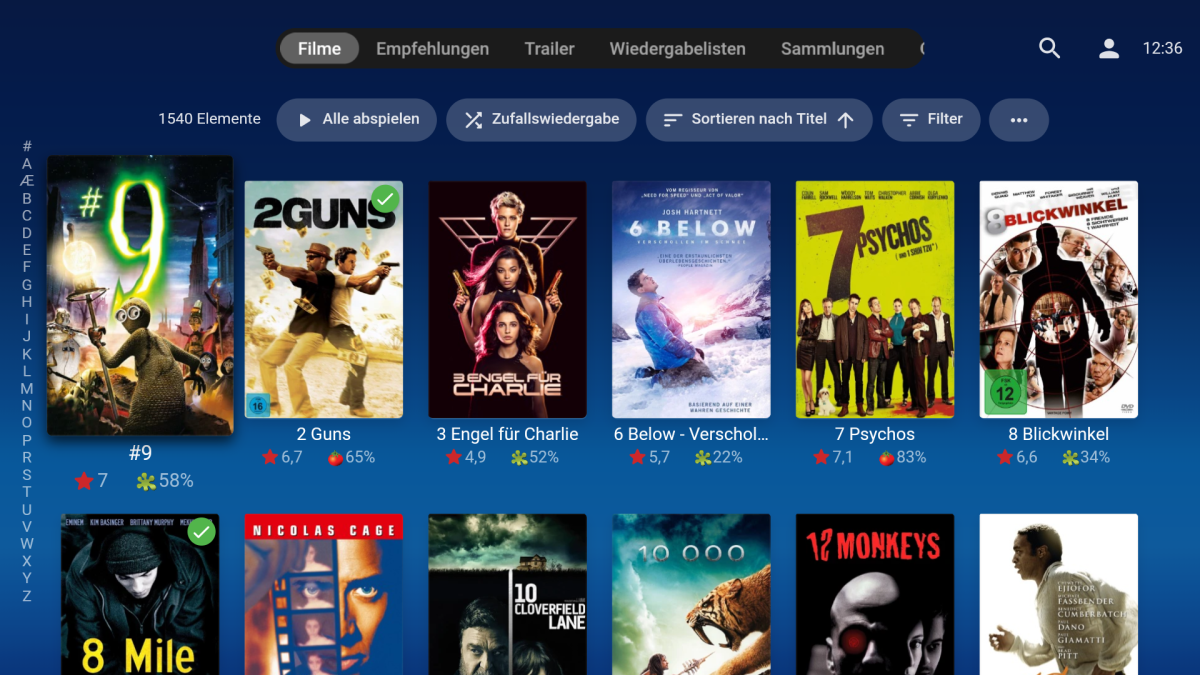
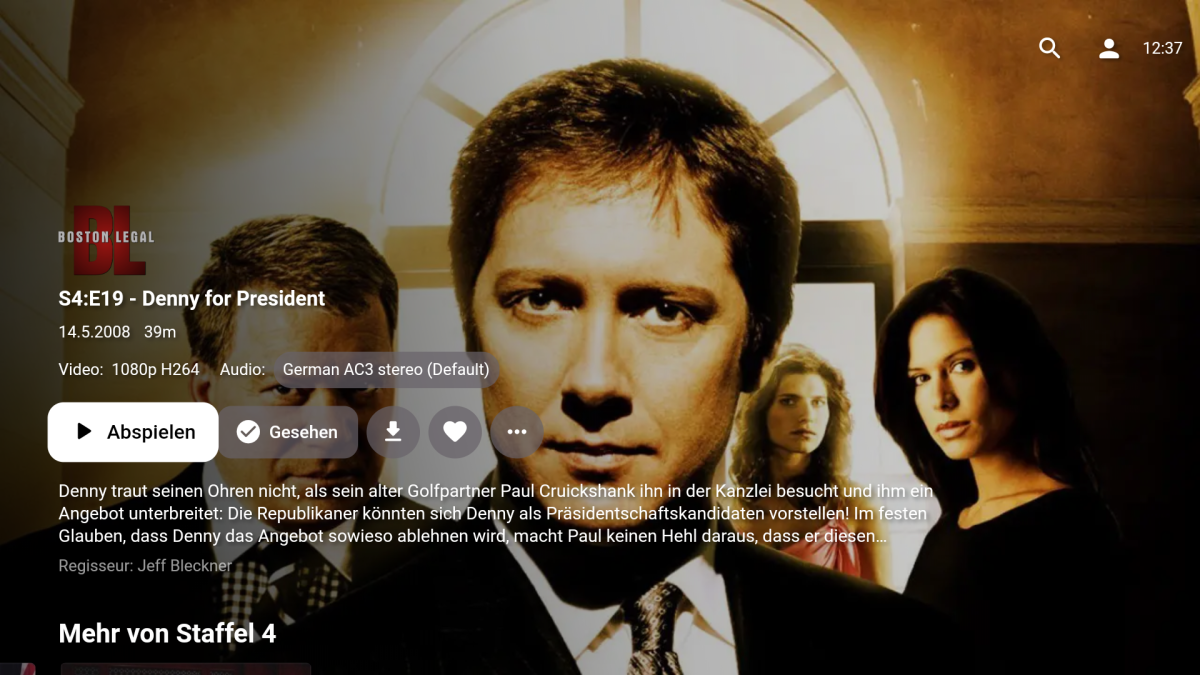
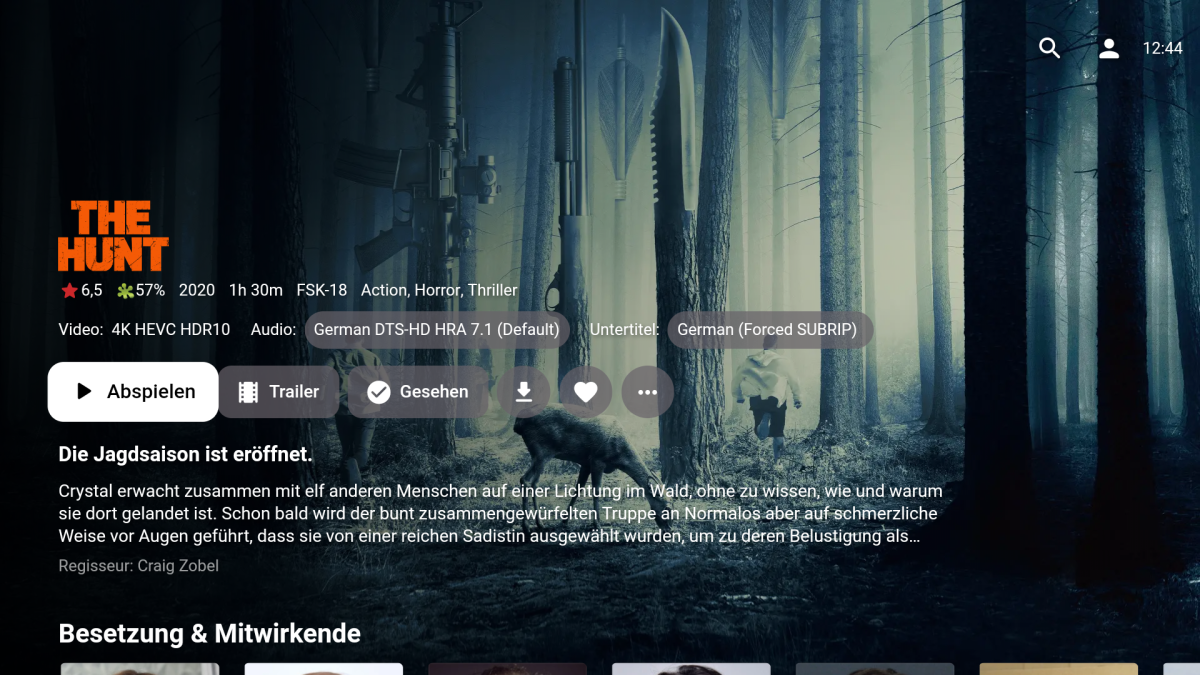 1 point
 -
Yep, It will be interesting how they weave this timeline together. In the movie/books he must be 40++ years old when he cut's the ring of power off Sauron. I've just watched the latest episode after the creation of Mordor. This series just keeps getting better with every episode. It started slow but wow!!1 point
-
Hi, yes a full rescan was always going to happen. I agree that we should provide an easier way to change the location of a library without a rescan, but until that happens, I would consider the instructions here a close but imperfect workaround.1 point
-
A button to play in external player. Or add an item to menu dropdown. Why? Internal player has resume function, external player also has resume function but not synced. External player can adjust audio, video, frame size etc etc etc. also I can have multiple instances at the same time, ie i am playing multiple videos at once. A possible solution is perhaps set by type e.g. tv shows internal player, movies external player. Just a thought. Simplest solution would be to just have an option to play in external player or internal in the menu which would override the default setting. Emby Support, you are complicating matters when you do not need to. There are a plethora of reason why people use external players for some instances and some not. Your internal player cannot adjust frame size, audio latency, output device and a lot more. The simplest solution would be to simply add an option > play in external player and keep everything else as is. Then people can choose when and where they want to use an external player. What if I want to watch 4 videos at the same time? Compare 4k vs 1080p? and so on. What if I want to check video to audio sync? colour .. and so on.1 point
-
Luke, you may have answered this but I cannot find it but WHY can't EMBY fix the "digital signature issue" permanently? Is QNAP trying to extort money from EMBY or are they trying to promote PLEX (who they "approve")?1 point
-
Hi, this is resolved in the 4.8 beta channel, in 4.8.0.8+. We are working on getting the fixes backported into a new 4.7.X stable release. Thanks.1 point
-
evil has already won1 point
-
You should. For evil to win all it takes is good people to do nothing. If you do nothing eventually they will suspend your account the next time this happens. Strikes add up. Do something this time. Fight back against the strike. ^_~1 point
-
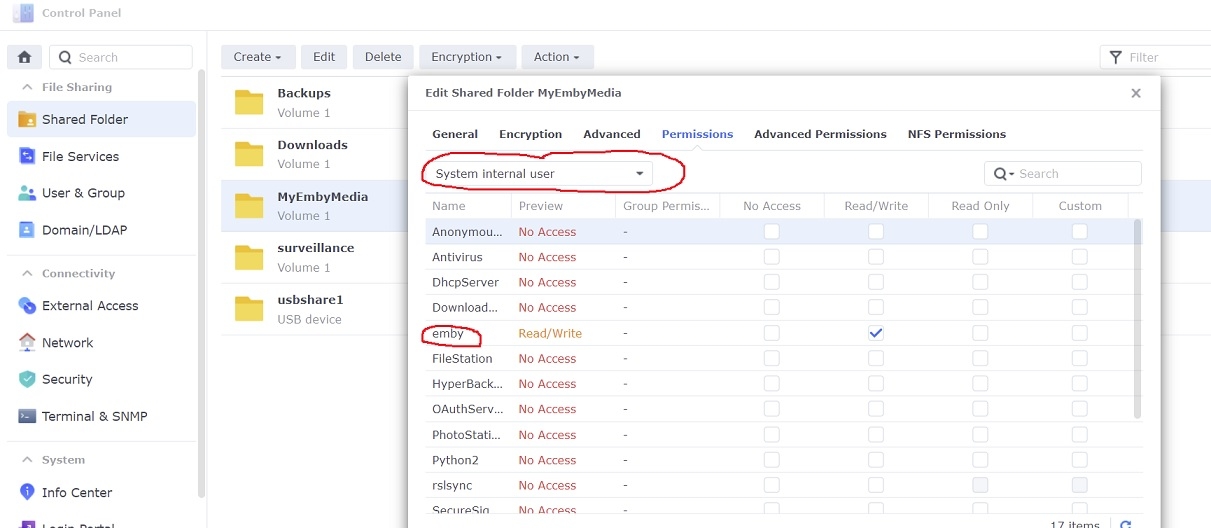
Adding libraries to Emby server is a little different under DSM 7 in that setting permissions for the shared folders has changed some. If you've ever tried to add a library to Emby and it wouldn't accept, then the permissions might be wrong 1. Give emby read/write permissions to the shared folder Open Control Panel...Shared Folder in DSM on your NAS Select your shared folder...Edit... and then under the Permissions tab select the dropdown box and change it to "System internal user" Check Read/Write next to the user 'emby' and then click Save 2. Add libraries in Emby server Settings...Library...New Library Select the library type and enter library folder information Example:
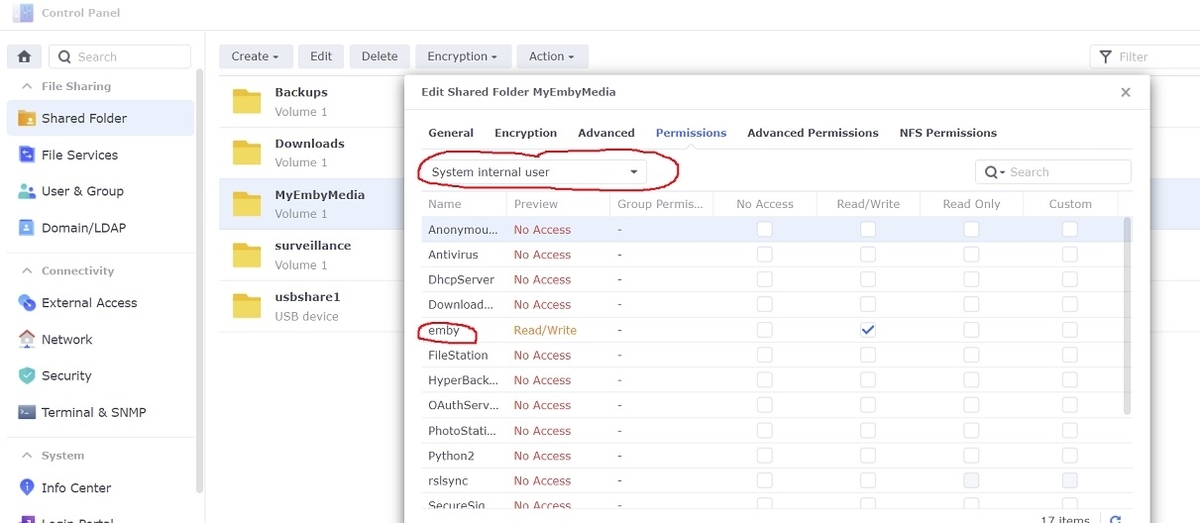
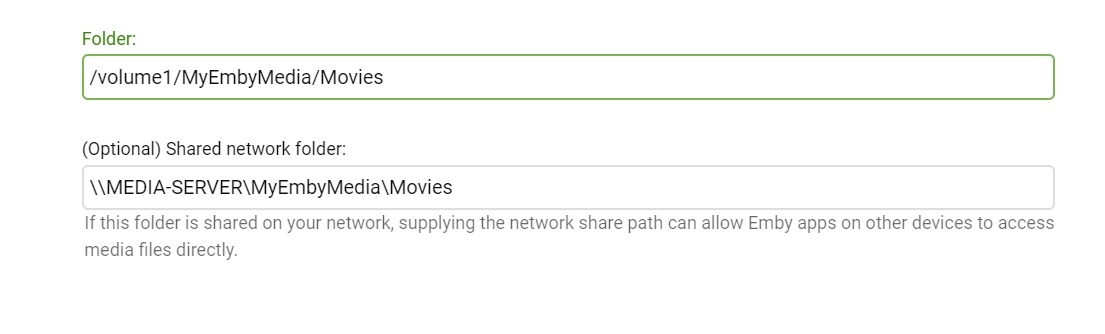 1 point
 -
So what I'm saying is what we need is just an easier way to switch users - not a whole new way of creating and managing users and logging on.1 point
-
Have you checked out the parallax posters in Apple TV? To be honest, I think that is better than these animated posters. You can see a css-made example here: https://designmodo.com/apple-tv-effect/ The way they work is the posters are delivered in 5 pieces, so in that example above, the poster background could be one image file, the snow could be another, the logo, etc, etc. Then the parallax animation is interactive depending on which direction you navigate. I have mentioned the idea to Kode at fanart but obviously it's a lot of work for users who contribute images, since they'd have to upload all of the layers separately. But I personally think it is superior to these animated gifs.1 point
-
Yep it appears they do work in the web client. But you can not upload then or select them in image edit(v3.1.198). So applying them is all manual. Doesn't appear Coverart likes them but I don't see any errors in the log.1 point
-
I'm pretty sure you need Internet to install the old app also. Part of the process is to logon with the 'develop' user0 points