Leaderboard




Popular Content
Showing content with the highest reputation on 09/05/22 in all areas
-
Hi, I have finally been successful in creating a tool using AI to help standardize Actor Images for Emby. This was no easy task. I thought I'd post and see if there was interest in a utility like this. Here are some examples of the subtle changes the utility will make to the person images to make them uniform in the UI. Before Images: After Images: The AI targets the background of the image, and then we create a shadow behind the actor. Of course the background image is completely customizable. You can make the background the actor is standing in front of anything you want. These images just use a white background to show the shadow a little more. I think this creates subtle changes that may have a nice impact on the actors row in emby clients.









 4 points
 -
I looked everywhere online for a way to remove backgrounds, but all there was was paid APIs. Then I decided that I would learn how python worked since python seems to have the best AI possibilities. Luckily my friend @samuelqwe is a secret master at python and he answered a lot of questions. @rbjtech and @Cheesegeezer helped me keep the new images looking classy. I trained pytorch with a person detection model. Then it trains a background model. Once the image is segmented, I use c# to overlay the Mat image with the nice and clean backdrop. I think this only runs on windows at the moment though. But I'm learning how to build it cross platform today. All the components are there, I just need to make sure that the AI builds cross platform. The first time you run the app, it will train the AI. It takes about 10 minutes. After that the models are ready, and images are created in seconds.4 points
-
Hey everyone, just got back from holidays will go through the messages and see what needs fixing/doing.4 points
-
Hold the phone!! I just realized that you can run this with cuda cores on a GPU. This now looks for cuda and if it finds it, you can use it. If we thread the process then technically the AI runs using the gpu, and the processor just mattes the image. We could thread this thing 20 times over... Well... maybe not 20... But one heck of a lot faster rendering on the GPU if there is one. I officially might love python. ..2 points
-
This fast enough? I was thinking if the process was threaded you could do more then one at a time. So, two or three in that amount of time (about 2-3 seconds) 1 second per image. And I'll fix it to process everything in memory which will also make it much faster. Right now it is writing files. It doesn't have to do that.2 points
-
I would love to see this as a plugin. Definitely only targets people. The url is non negotiable. ...and only works with emby. Large person images (the really big ones) take about 3-4 seconds. Mid size images (most of the people images are this size) take less then half a second. Currently, Python interpreter has to be installed. I tired to build a standalone executable, but I failed.. still have some python stuff to learn. It's still kind of infant, but it is consistent in it's production. I've had one or two images that the AI had issues with, but I've process thousands of perfect ones. Considering that online apis charge upwards of 0.10 cents per images. I think this application is worth a dollar or two donation I may ask for it.... When it is ready.2 points
-
Yes. You can create a background in Photoshop, and then copy it into the execution directory. That image will be used. For instance, my first attempt I created these using Emby green. But after staring at them long enough, Rich Dave and I realized that they are not as nice looking as the white with backdrop shadow. they kinda just look cutout. the white backdrop with shadow looks a lot more classy.



 2 points
 -
Please go here for info, bugs, issues and feature requests Been working on a plugin that bring the big screen experience and is user driven. Introducing Vantage Point Plugin for Emby. It can be downloaded in the Emby Server Plugin Catalogue. the order is pretty much set at the minute, But so far I’m happy with how it works. At the minute these are the following sections Personal Bumper Trivia Section intros, funnies and adds, select upto a max of 50 intros from your selected folder - good to use while your movie guests get drinks, popcorn, hotdogs etc, Personal Bumper Coming Soon Bumper coming attractions, select number of trailers to play from various sources. Courtesy intro - be quiet or mobile phones off. Only 1 is selected Personal Bumper audio codec intro matched to feature presentation audio track, only 1 is selected Feature Presentation Bumper countdown to feature presentation, only one is selected MPAA, BBFC, etc - certification screen which is matched to the MPAA rating tag in the nfo file. Feature Presentation Starts. For Bugs and Issues, please post them in the below thread Vantage Point - Big Screen Experience Intros - Plugins - Emby Community1 point
-
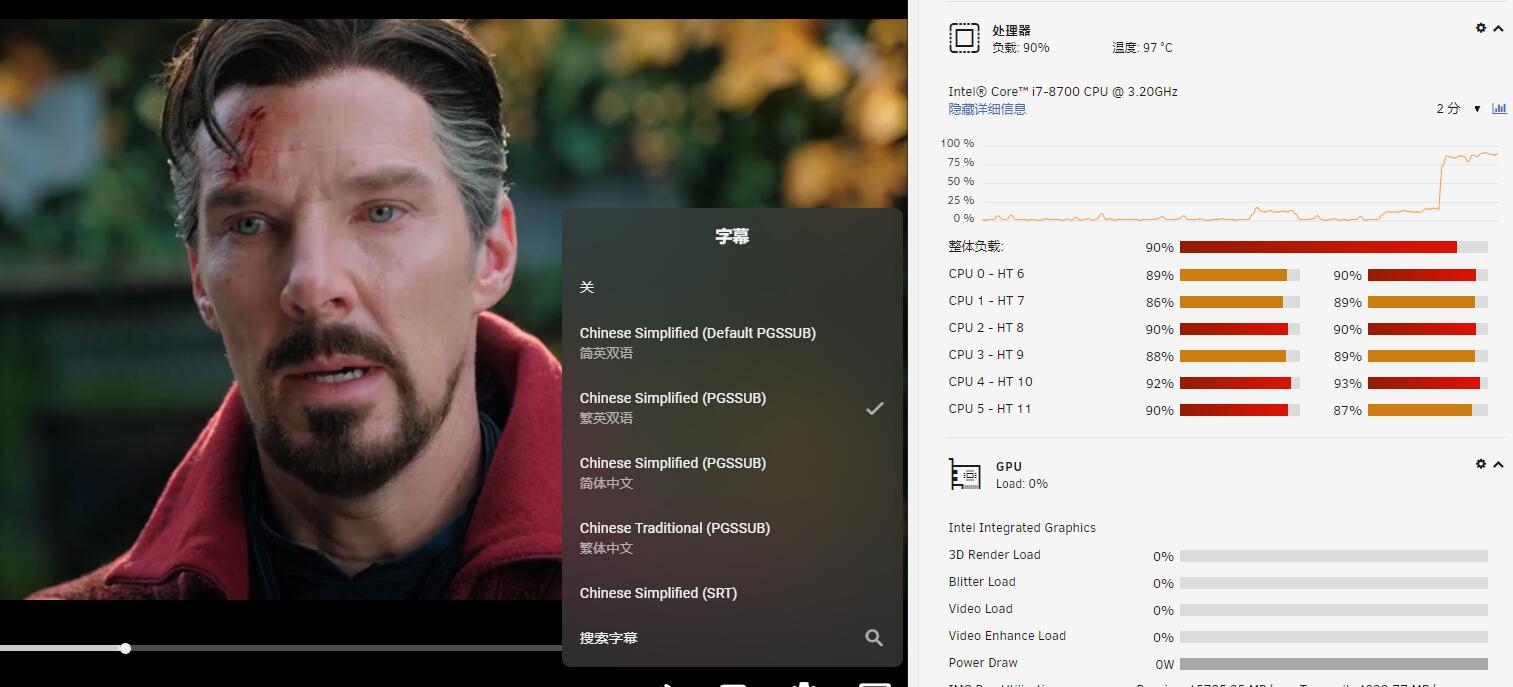
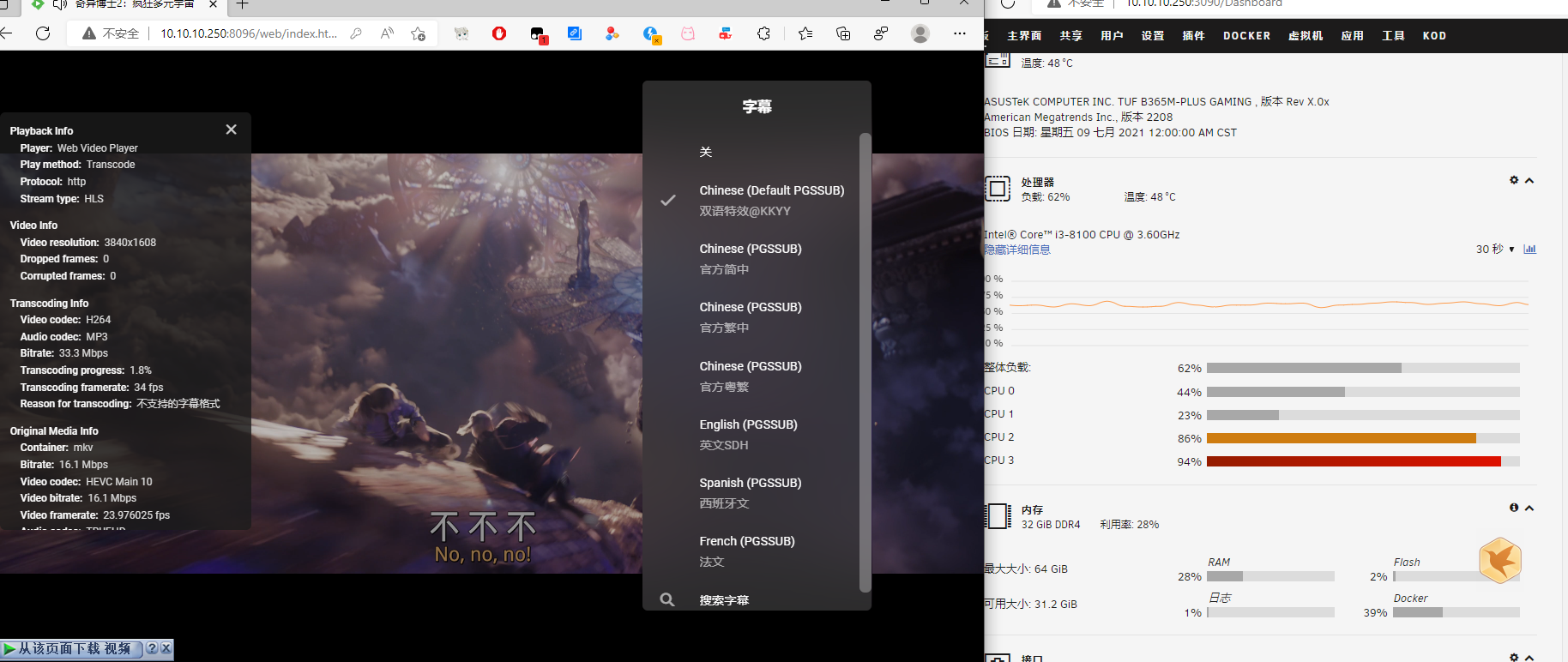
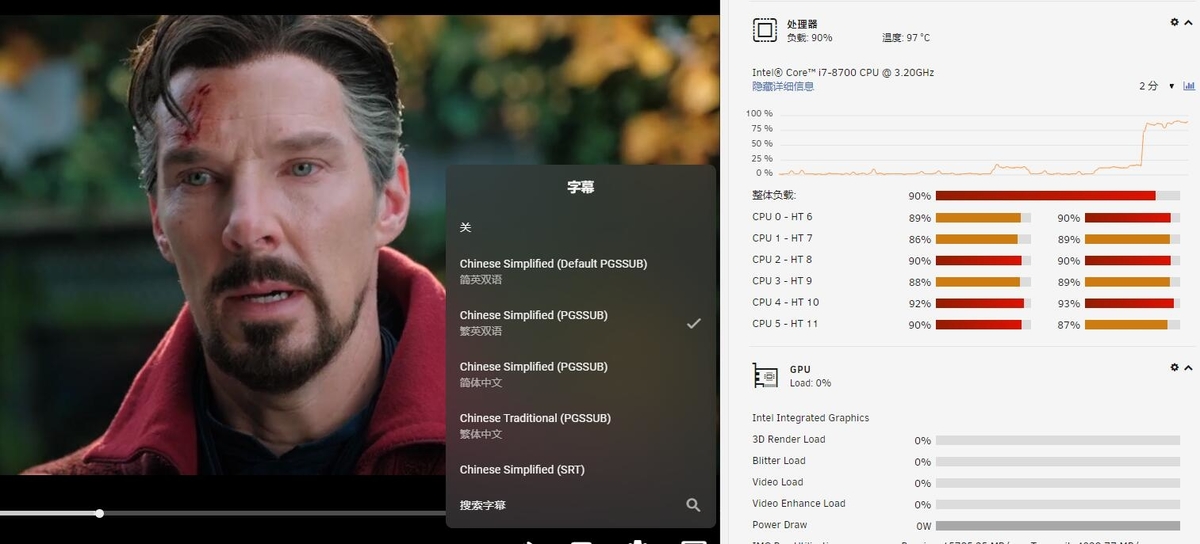
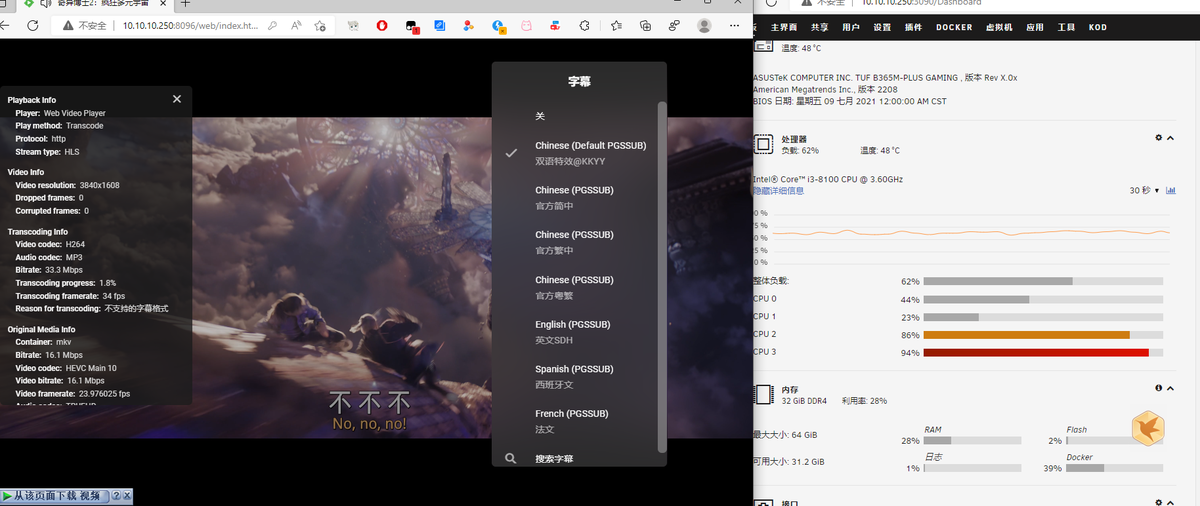
我目前正在4.6.7普通硬件中解码我的emby。当硬件解码4.7或更高版本的字幕时,它将占用我的CPU而不是调用GPU。我甚至更换了主板和CPU来尝试解决问题,但一直没有成功。卢克,你能帮我解决这个问题吗?
 1 point
 -
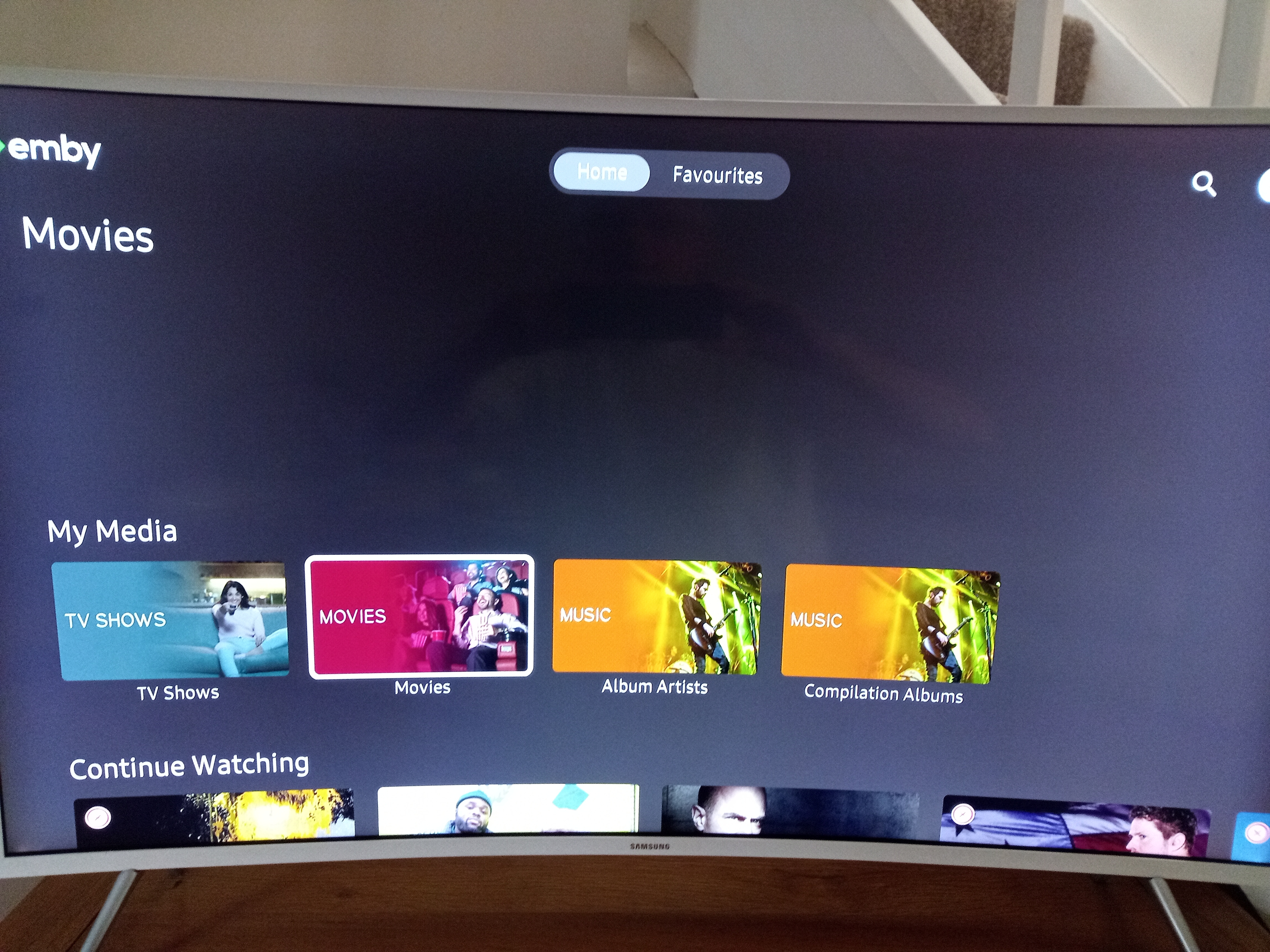
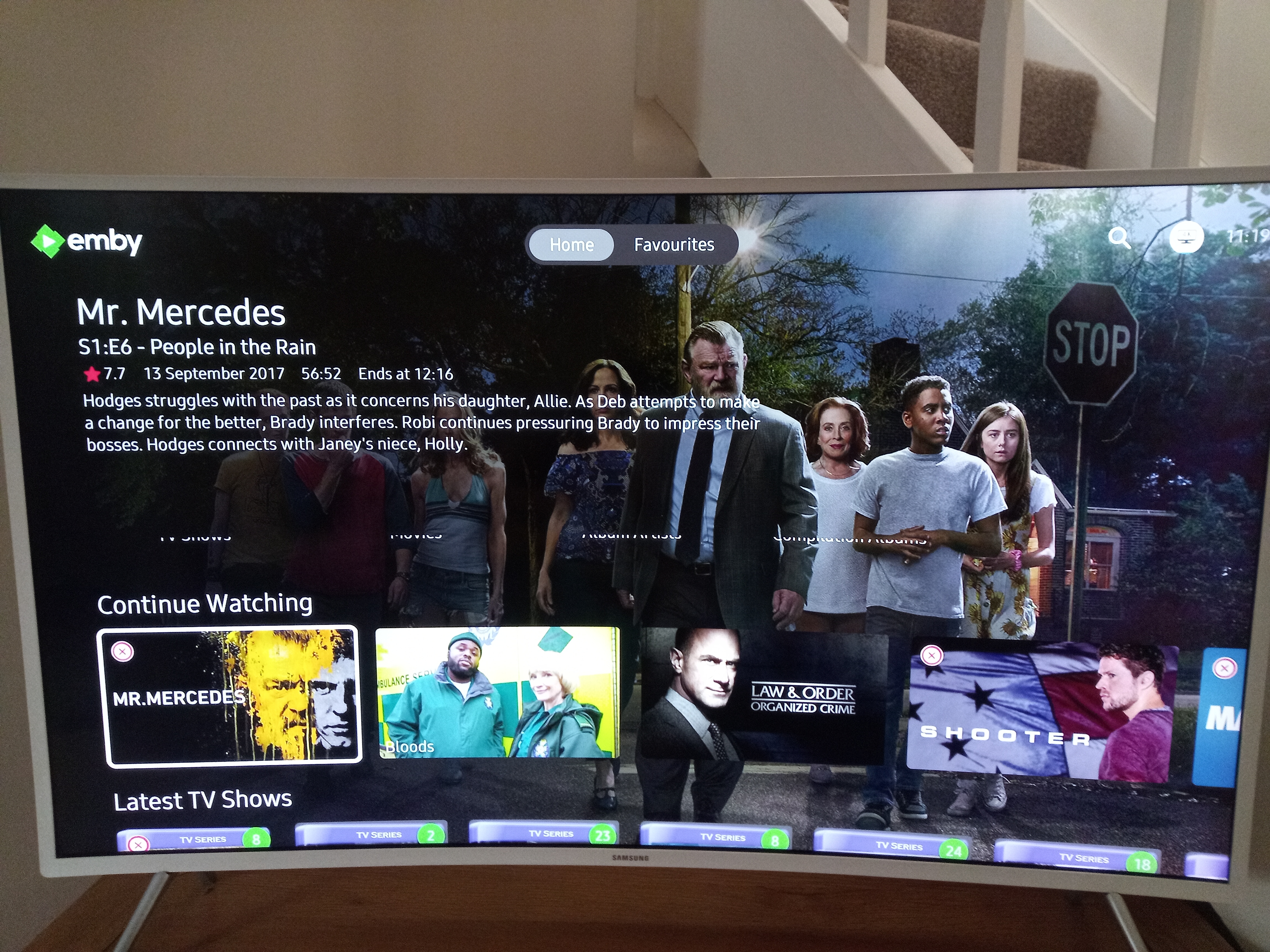
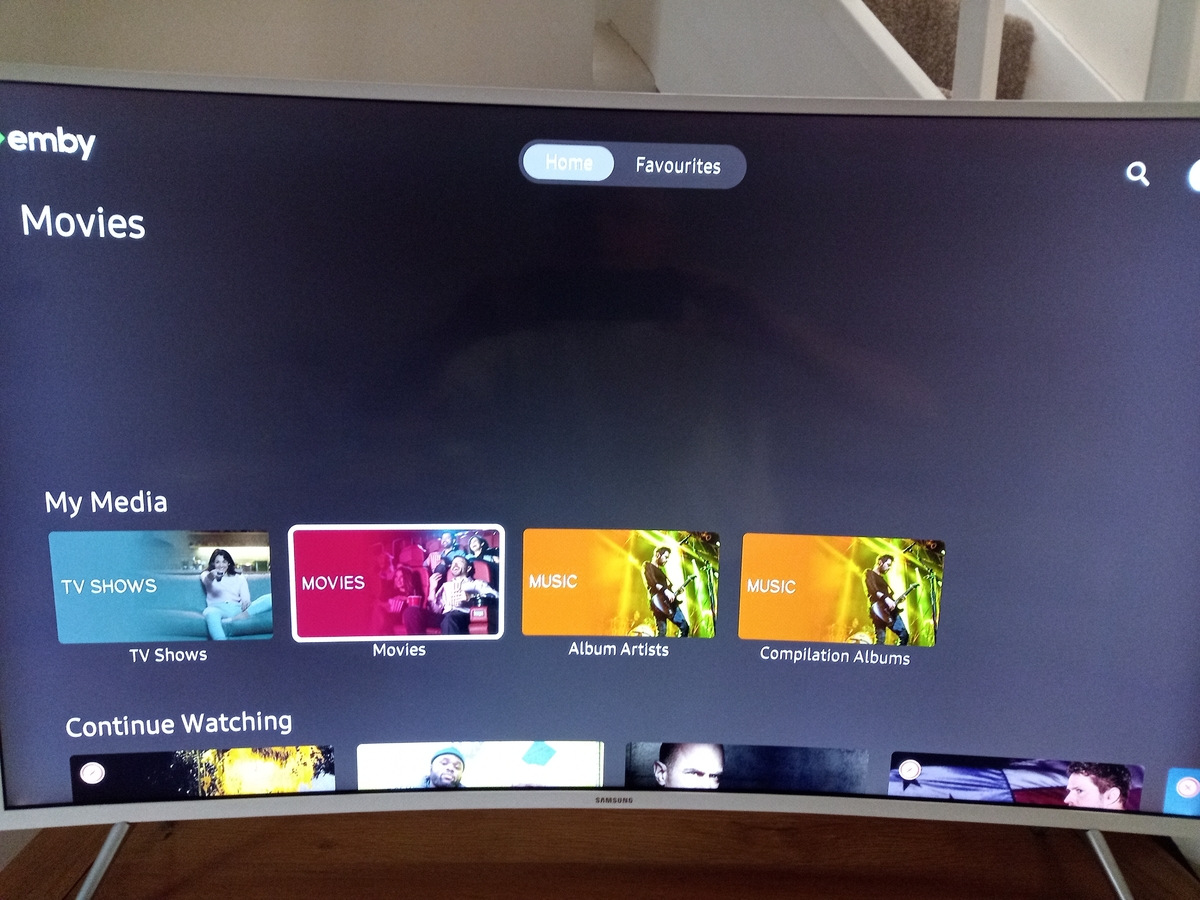
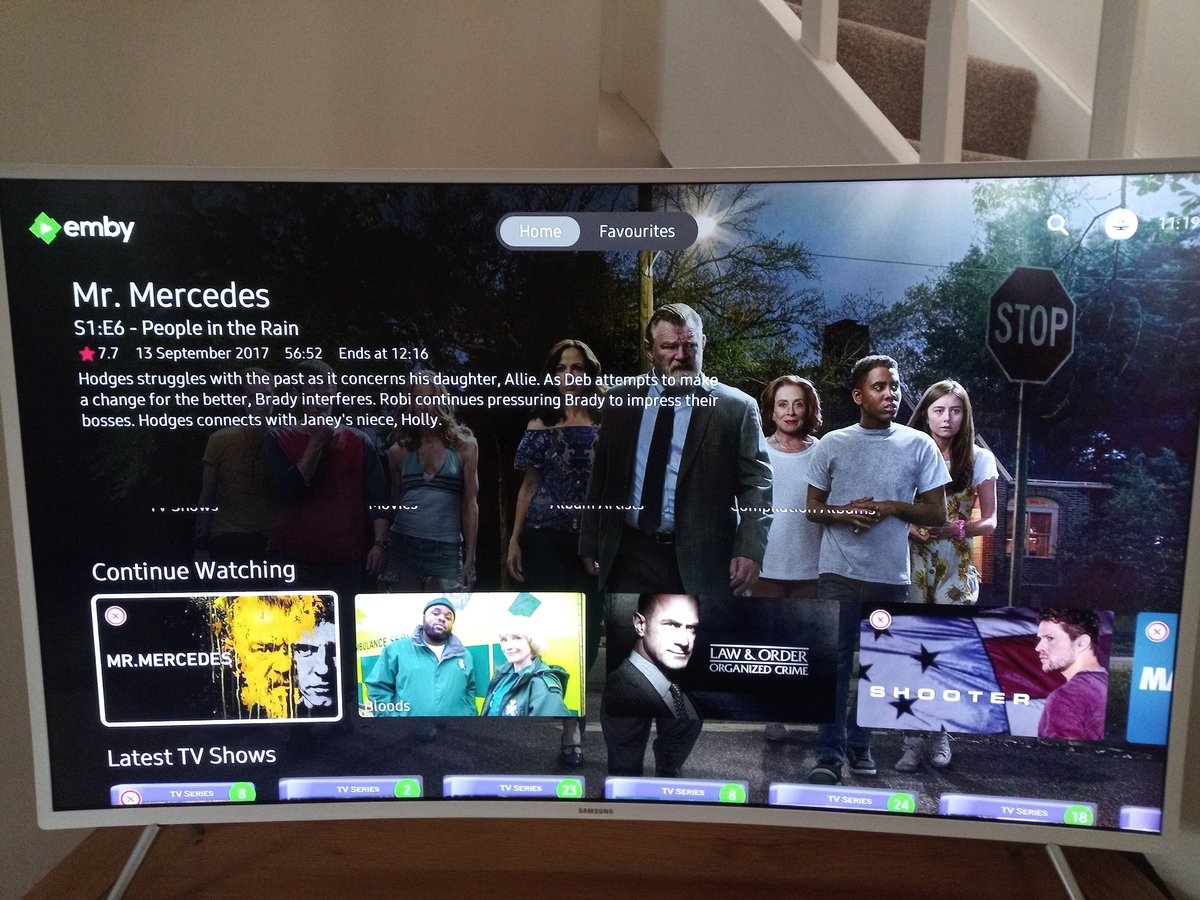
I have a UE43KU6510 running V1.3.4 on server V4.7.6.0 and the new "Add home screen focus preview" option has a small bug in that the bottom of the library labels can still be seen. Pictures below may explain better.
 1 point
 -
I believe I can offer a very simple, but powerful solution to the issue I have (and others) regarding custom organized folders that are not commerical content that can be identified from the internet. When there is a folder that contains files in a sequential order, whether numbered or even just plain old alphabetical order....any folder with a bunch of videos.... If you choose the "play all" option from the screen that shows all the videos in the Folder view, that works just fine. When you start playing there is that "Play next" button on the control bar. But that button isn't there if you start playing from the individual video. And that button isn't there later when you want to resume from the home screen. So can you add an option to have that button always there when playing any video from folder view? All it needs to detect is that there are multiple files in the folder, that's it. If there is, have the button there. Now this allows us to sort all our custom folders and files however we need and still get the nice tv show features you get with the tv show option, as in playing things next. What do you think?1 point
-
They are coded to remain for I believe 7 days.1 point
-
Currently no, but it's possible for future updates. Thanks.1 point
-
Hi again Thanks for the feedback I solved the problem. I must have at some point in the past, ran Emby Server as root, because a few of the folders in /var/lib/emby/cache were owned by "root" instead of "emby"., including for example, tmdb-tv I changed the owner back to emby and the problem went away. Thanks for the help!1 point
-
No. I just installed .434 and am watching House of the Dragon right now I have an Xbox 1X if that makes a difference.1 point
-
I preferred the way the artwork was handled in 7.7.6, if I'm honest.1 point
-
@jriker1 I run emby on a VM on Esxi 7.X this is no problem. Hardware endcoding is different story i finaly bought today a Nivida P2000 card I hope that I can get it working but I'm not sure. I recommend using a Debian Linux and then install only emby on it. I map the network drives from my synology into this vm. No problem at all if you have 1 gbit lan and switches. You can also transfer the current database as Luke mentioned this is the normal backup process.1 point
-
Hello thanks everybody for replying IDK i was doing something wrong, after repeating the steps from scratch following the WIKI everthing works fine now, much appreciated the help, thank you for making this dope program1 point
-
Hi, yes we're looking into it. Thanks.1 point
-
The more I think about it the less I think this should be an ImageProcessor because these only need to be done once for the entire life of the image. So some sort of process that runs as a scheduled task would make more sense probably. The tricky part is that people images are not downloaded until requested by an app and you don't want this process to cause the download of ALL people images.1 point
-
I am not familiar with the laws in your particular country but that would be illegal in the US. Regardless, it is against our terms of use for you to use Emby to give access to content for which you do not have the rights to do so.1 point
-
I do think some of the latest builds of the latest mpv player (not the one in Emby currently) are doing a better job with HDR->SDR tonemapping in regards to color, so updating Emby to that would be an improvement with that. A large portion of using madVR with beamer users is being able to set your display's target nit level for the DTM, so that is a big feature missing when using anything other than madVR. High-end home theater enthusiasts are typically either using a HTPC with madVR right now, or opening their wallet further and adding a commercial Lumagen Radiance or madVR Envy system in-line with an Nvidia Shield Pro and/or UHD disc player for DTM. If I could wave a magic wand for a perfect feature set on a device, it would be if Emby could add DTM by being able to stretch the HDR EOTF with proper colors in the high nit highlights with users being able to input their display's max nit level directly in the app on an Nvidia Shield Pro. I don't know if a Shield Pro is fast enough to directly handle this, and it would require a new feature set from the Emby team. The next best option would be if the Shield isn't fast enough, for Emby Theater to allow for this, and the third option would be to allow Emby Theater to allow madVR internally without an external player somehow so the OSD controls work when playing media.1 point
-
Thanks for the explanation, they are easy enough to reconstruct from the provider ids.1 point
-
I brought this up in the Android thread to remove that gap. One of the devs mentioned possibly adding some sort of backdrop there from the currently selected library, or something. Not sure what direction they will go in though. It only shows up when using the enhanced home page because it uses that space to show the other information1 point
-
IF (and that is a big if) this performs adequately (< 1/10 sec per image) you could implement this as an imageProcessor plug-in but be sure it only targets people images. In reality, though, it is better as some sort of process that alters the actual images as that will be much more efficient (one and done whereas an image processor will recreate these every 30 days).1 point
-
Looks good Chef Would be nice to have uniform images of actors. I assume it just takes your current image and creates the same but with the background you choose?1 point
-
Yess guess a star or else showing that the feature is premiere could help. Anyway I saw that intro can be skipped manually from chapter section even if it's not always accurate and seems I can't skip ending titles1 point
-
Well I've deleted the files and added them again and now it's ok Sorry to bothored you for nothing1 point
-
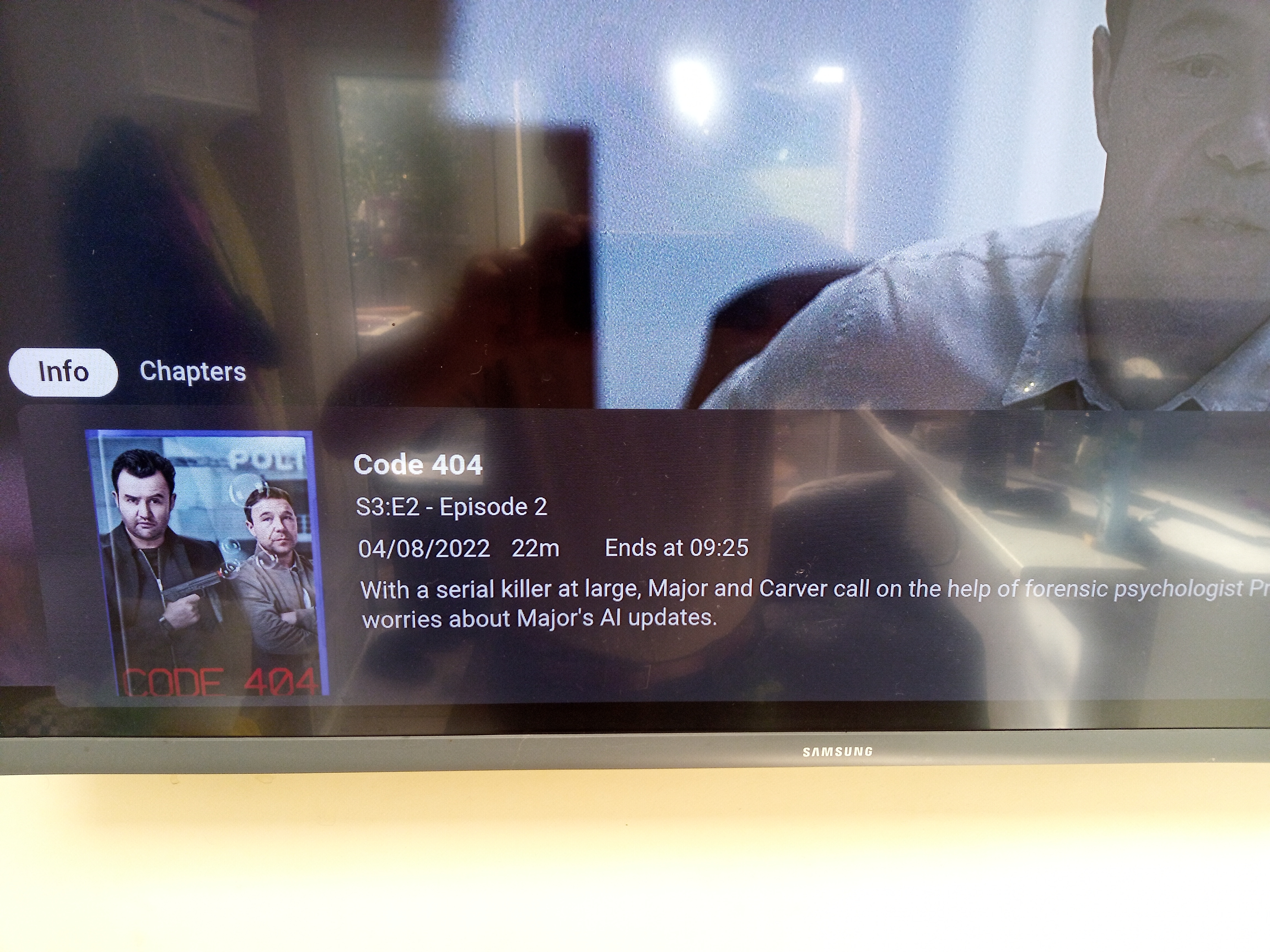
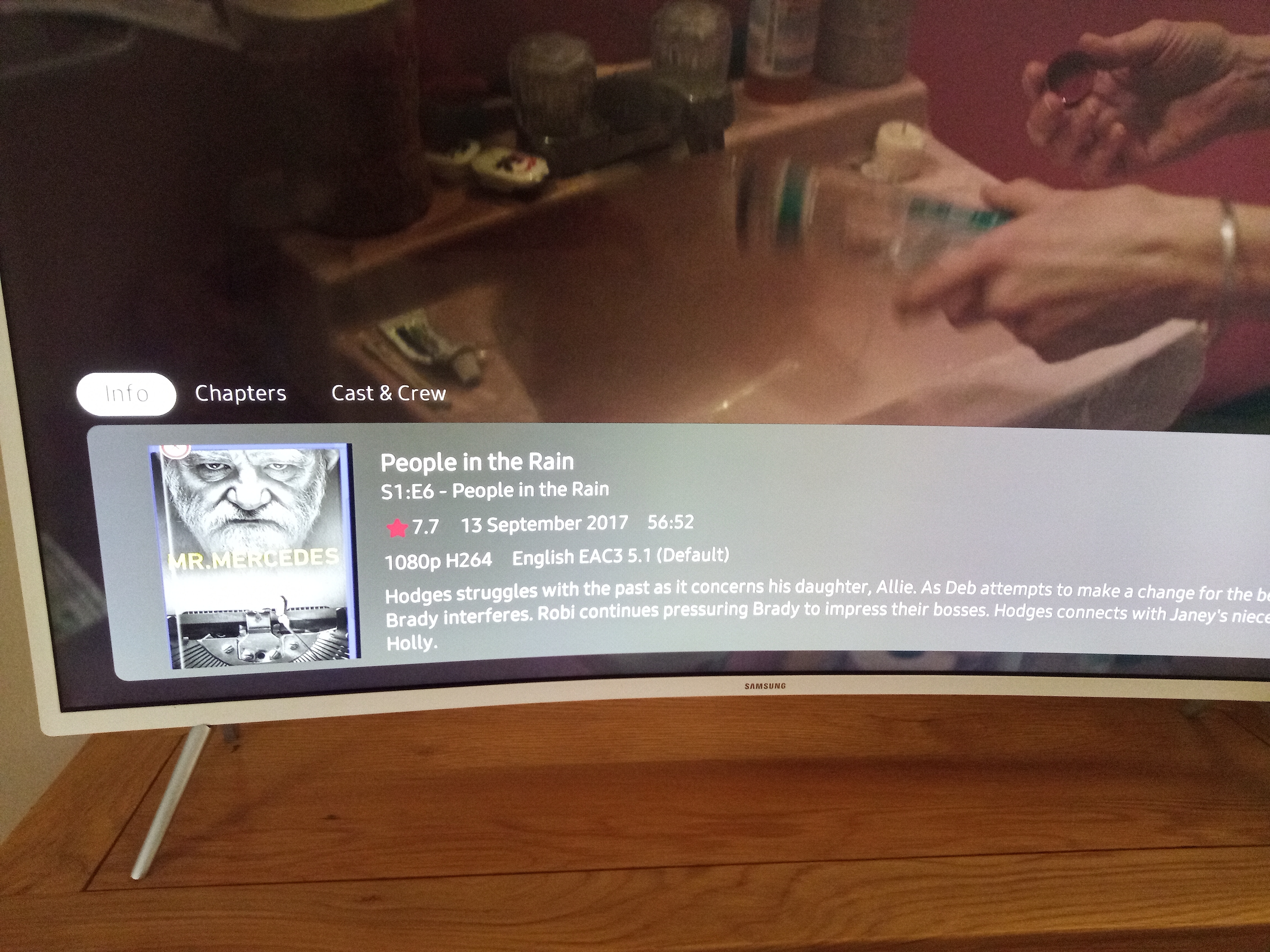
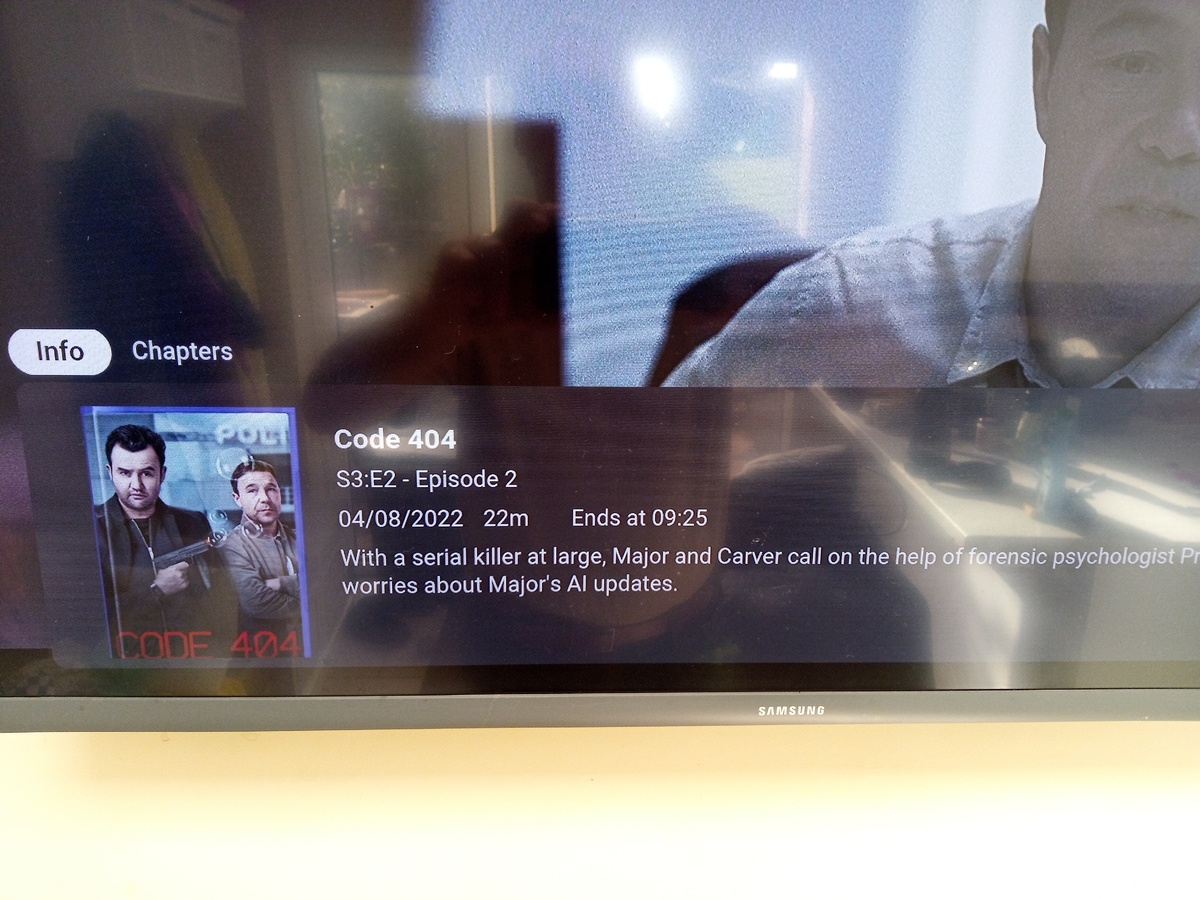
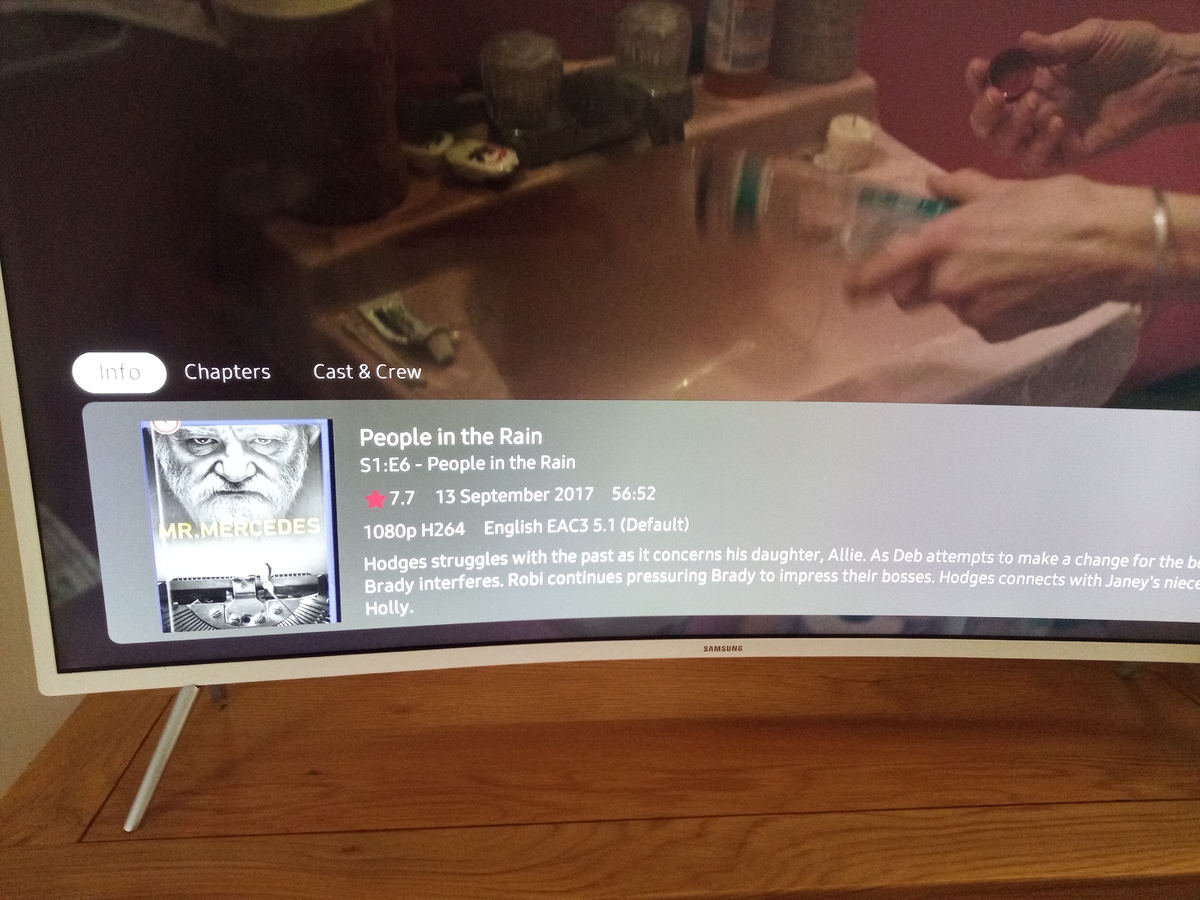
In the Info panel. Previously it showed the date and runtime followed by the "ends at" Now it shows the rating, date and runtime but no ends at. I can see that the cover art was chopped off in previous versions just never noticed it. I have also found another bug with the playback which is more serious as it crashes the app I shall open another issue for this once I have all the details.
 1 point
 -
From my test it worked. But only tested TV content type with provider order TVDB, TMDB,.1 point
-
Hi, you could open one in the web app and then change the id in the browser address bar.1 point
-
I would think we'll eventually support files with multiple video streams.1 point
-
Hi, there's already an open request for this or something functionally equivalent. Please join in and contribute to the existing discussion at:1 point
-
Ah, yes, after looking at the server log I could see the permissions errors. I just had to change the linux mount parameters to mount as the emby linux user https://www.ceos3c.com/linux/mount-cifs-permission-denied-linux/#step-2-creating-a-mount-point Thanks1 point
-
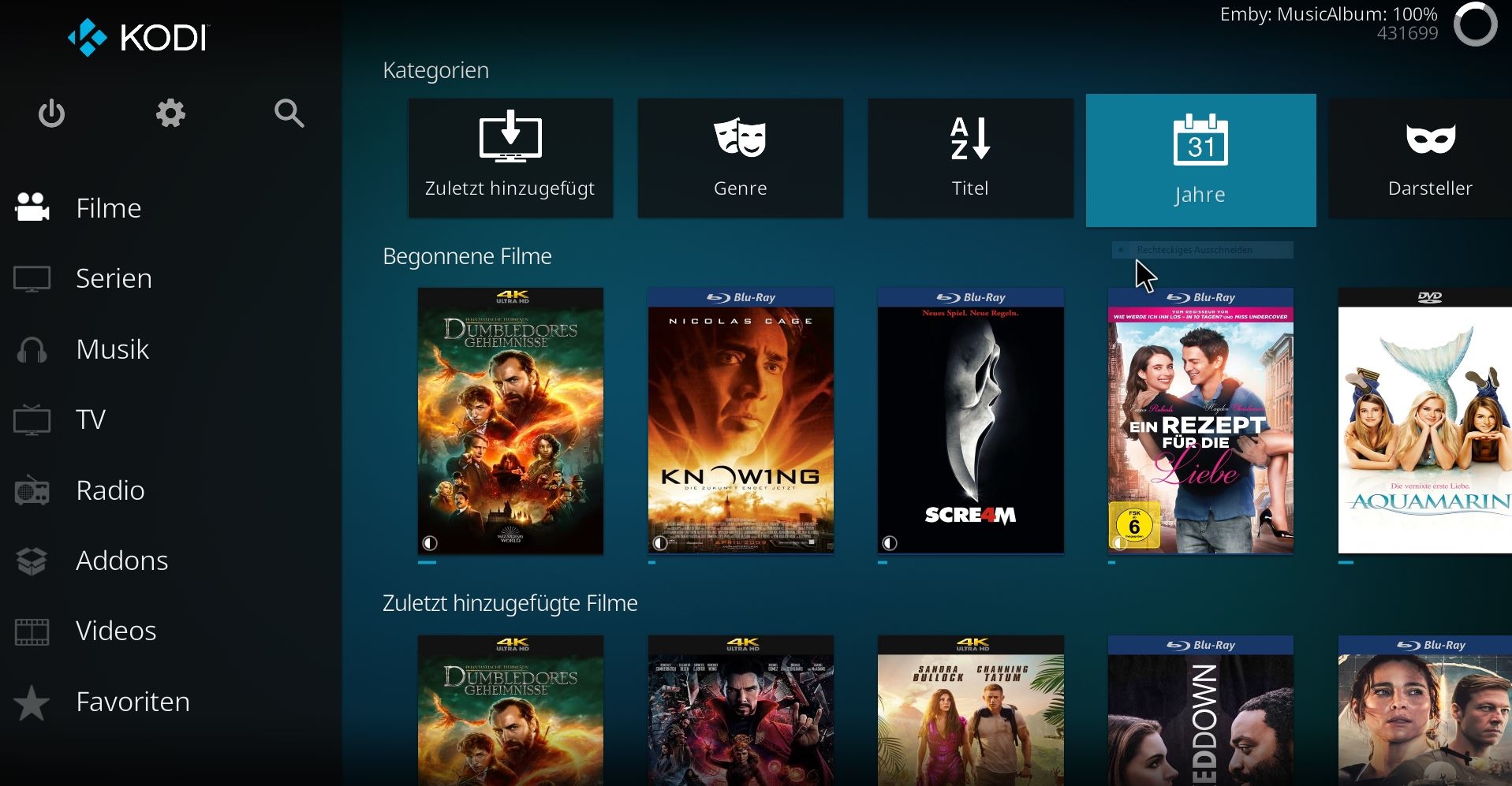
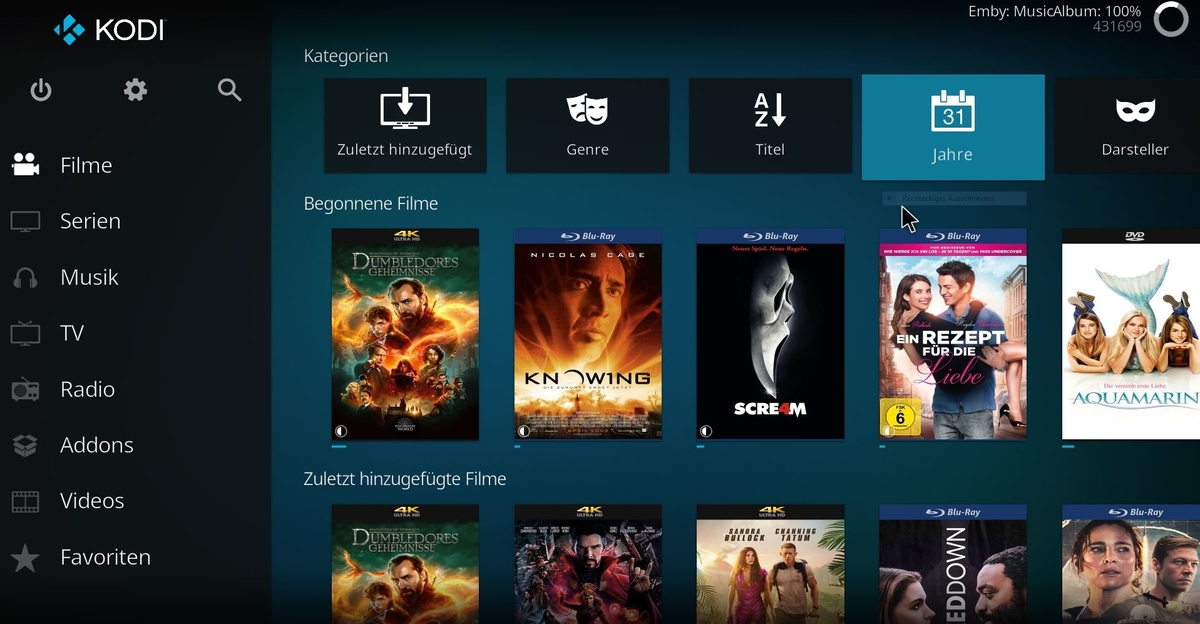
Hi, im very new to emby, im using atm emby for kodi next gen 7.7.7, and it seems i ran into a bug.... emby for kodi next gen runs in addon mode.... If i delete a library file using the server web-interface the file will be removed from the emby database. Kodi itself get info about this, but (the emby plugin) it will hang in an infinite loop, and the item will not be deleted from the local database. This will happend on Kodi 19.4 (Windows) and also Kodi 19.5-rcx (coreelec). The Emby addon stay forever with "Emby: MusicAlbum 100%"... Repairing the library does not work, only if i "hard"-Reset the emby plugin. Greetings Andreas Kodi Log and a Image included. Andreaskodi.log
 1 point
 -
Can you post a server log, but the odds are permissions. How to Report a Problem1 point
-
Something like the Today show which is on every day Today - Aired Order - Season 61 - TheTVDB.com1 point
-
Thank you so much again! This has really helped a lot. It seems to perform better in my opinion difficult to say for sure1 point
-
I wouldn't go that far, it doesn't always give you unauthenticated remote access to any system, only under the circumstances I mentioned here last year. But I don't think they are uncommon. At the very least, it is a privilege escalation for authenticated users, tricking the server into thinking you're local. Worst case, if you can guess a user that is "local only" and doesn't have a password, you're in. The admins seem to rely in parts on "security through obscurity", as there is an option to "Hide user from the login screen on devices that they've never signed into". Still, if you manage to guess a user's name without "allow remote access"...1 point
-
Doesn't Tvheadend need pipe through ffmpeg? If so, then it's probably even slower than directly in Emby.1 point
-
I just wanted to follow up with this as i found a workaround that works for me for now and might help others. i created another emby user and that user only has access to my live music folder. my primary user account i use does not have access to the live music folder so i simply switch over to that account when i want to hear live music and then back over for everything else. works for me. ideally i'd love to see emby incorporate the option to not index/searchable a library but this works for me.1 point
-
I have found after installing an Emby update, I have to restart the Emby server (from the Emby management dashboard) a second time (after the update/restart). Then everything seems stable and homepage populates correctly, although I can't explain why the extra restart helps. That might be worth a try if you find it is happening after Emby version updates. You could also try clearing the cache on the client device (browser or app, whichever you are using). I am running the latest Emby beta (4.8.0.8) on an Asustor AS5304T (upgraded to 8GB RAM) with the latest OS (4.1.0.RKM1). It has been happening for many months on previous Emby and OS version. What Asustor NAS are you running, how much RAM, and which ADM version?1 point
-
Excellent. Thanks for testing.1 point
-
@Sparker It is a matter of where to get them from? As RT and IMDB want a lot of money annually for their data.1 point
-
Sorry about the delay. I was changing jobs and caught corona the second time this year. I got it working. What i did: downloaded a fresh windows server installer today, installed it, selected library type TV Shows, otherwise didnt change anything. Deleted all the old .ignore files i had in some of the folders. There was an ignored folder windows didn't let me open or change until i took ownership of it, which was very weird. Deleted the .ignore file in it too. Now emby sees everything just like before, both on TV and on PC.1 point
-
Hi, I could fix the issue. I found an article on the Emby community about the connectivity, the main problem was on the firewall so I just followed the steps and I could fix it. Than you so much1 point
-
Hi, one can side load Chrome and Firefox, there is also TV Bro and Puffin which are on the google play store. Just trying to get a handle on what most users prefer on the Shield / Mibox.1 point
-
Hi, yes it is. We will look at improving this and making it more obvious. Thanks.1 point
-
It's in-progress. There are steps that need to be taken first, such as having the ability to switch back and forth between the native Apple player and our embedded player (mpv). So that groundwork is what we're currently working on.1 point
-
Solution: 1- in UNRAID, install the Nvidia plugin called "Nvidia driver" 2- stop then restart the "docker service" located in the "settings tab" 3- On "docker tab", click the blue link "EmbyServer", settings appear 4- right on top, go to "AVANCED VIEW" 5- Found the line called "Extra Parameters", and enter --runtime=nvidia 6- Click APPLY, DONE 7- Open Emby, go to settings 8- At "Transcoding Tab", choose "Advanced" in the drop-down 9- select coding and decoding you want, then "SAVE" YOU DONE ! Here is a quick video of 4k H265 120Mbps video playback on 1GB ethernet LAN.1 point