Leaderboard




Popular Content
Showing content with the highest reputation on 07/11/22 in all areas
-
The question was asked again just a few days ago in the PM with all the plug-in devs... and I answered it again there. In fact, I said, don't spend time on an editor because one will be coming in the core.3 points
-
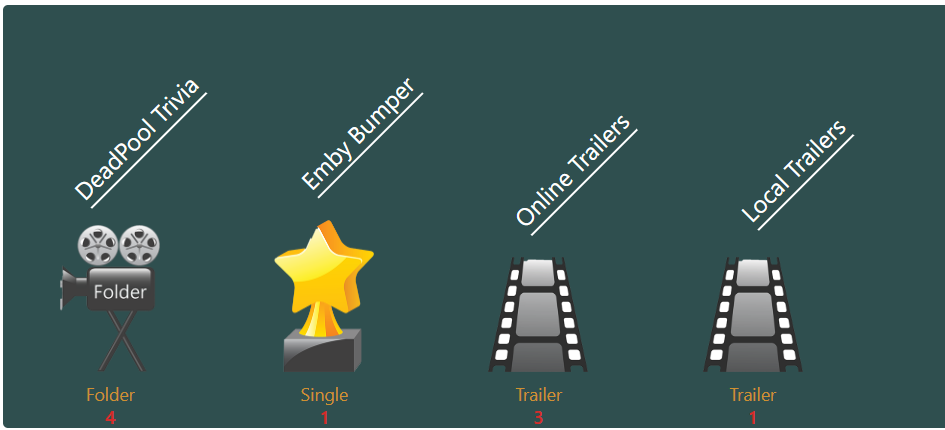
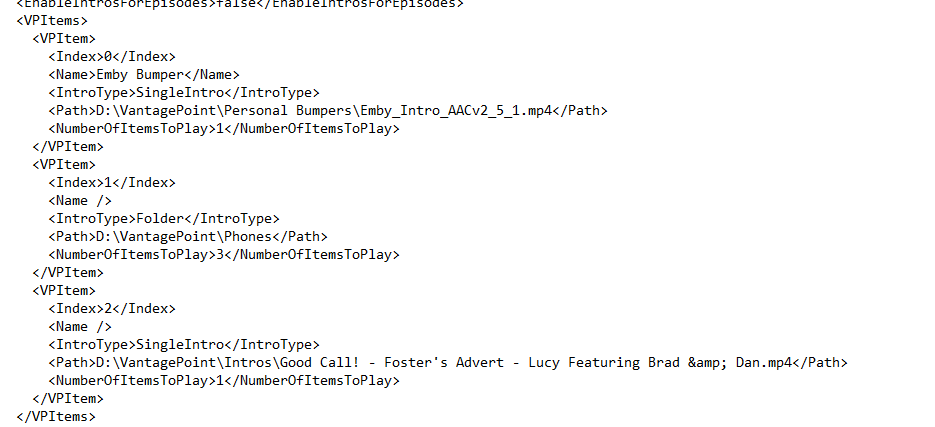
Work has started on VP2.0 - its early days and I’m just playing visual ideas. it will include TV shows also in this release. this is not a feature request invite - so no FR at the moment. its gonna be more visual and very flexible so you can choose exactly what you want it to do. and these are stored nicely in the config now.
 3 points
 -
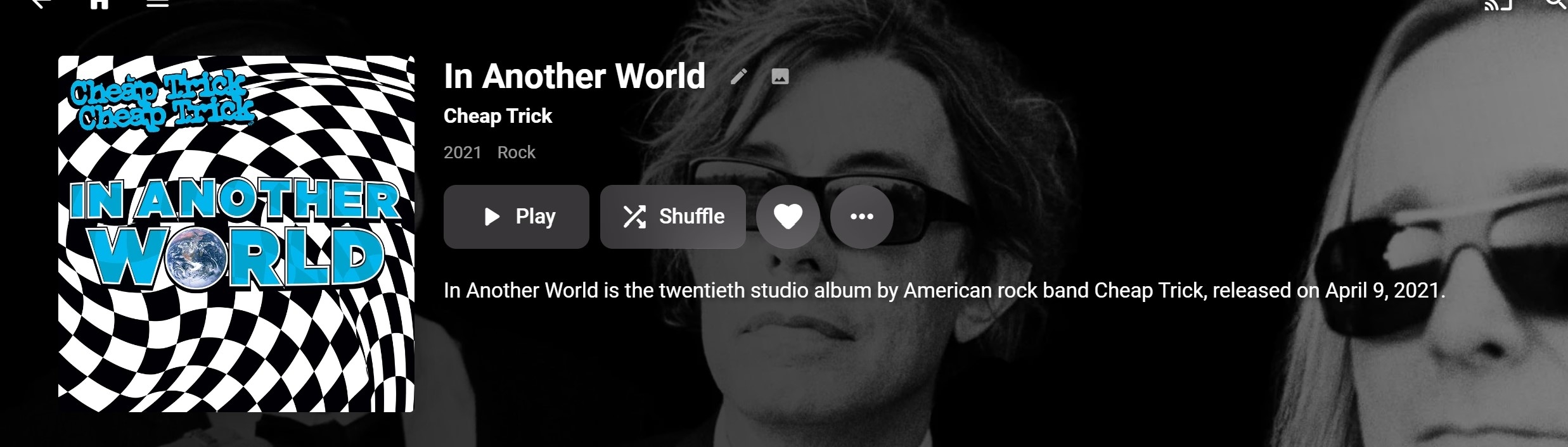
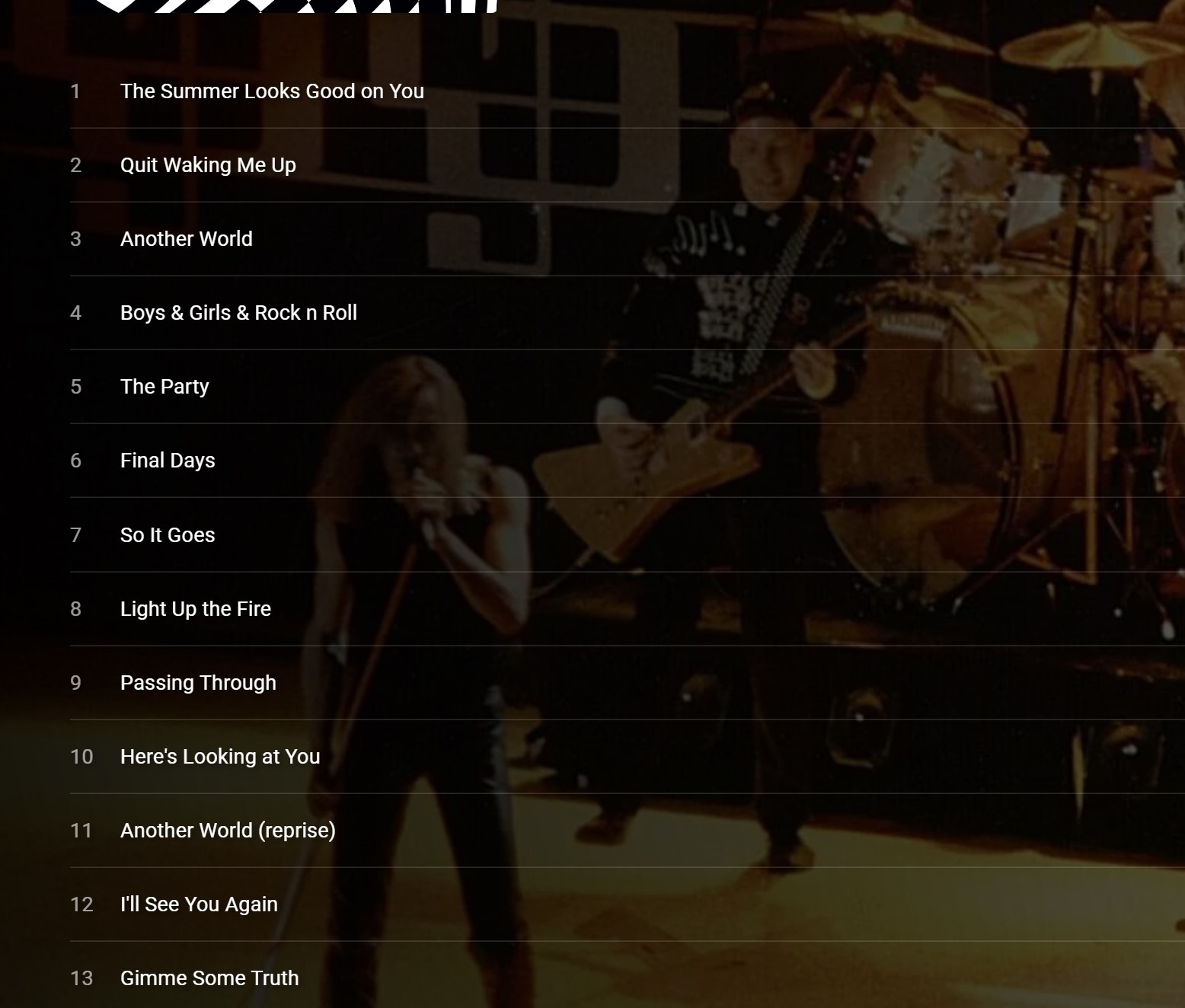
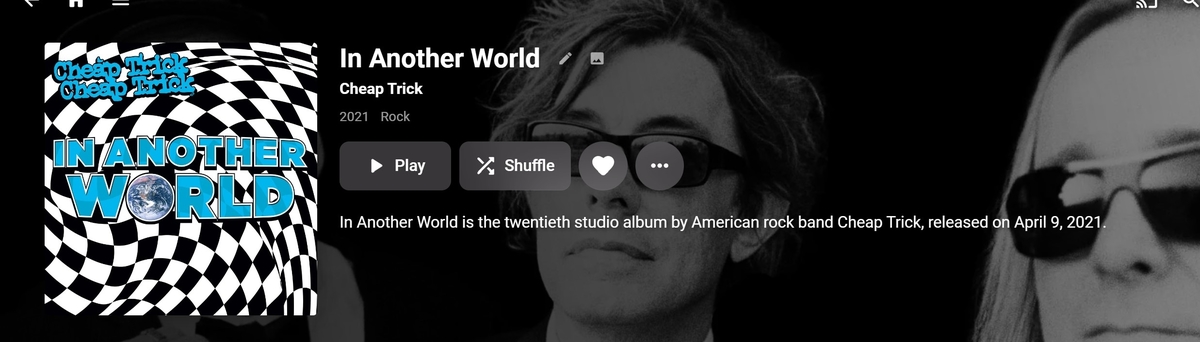
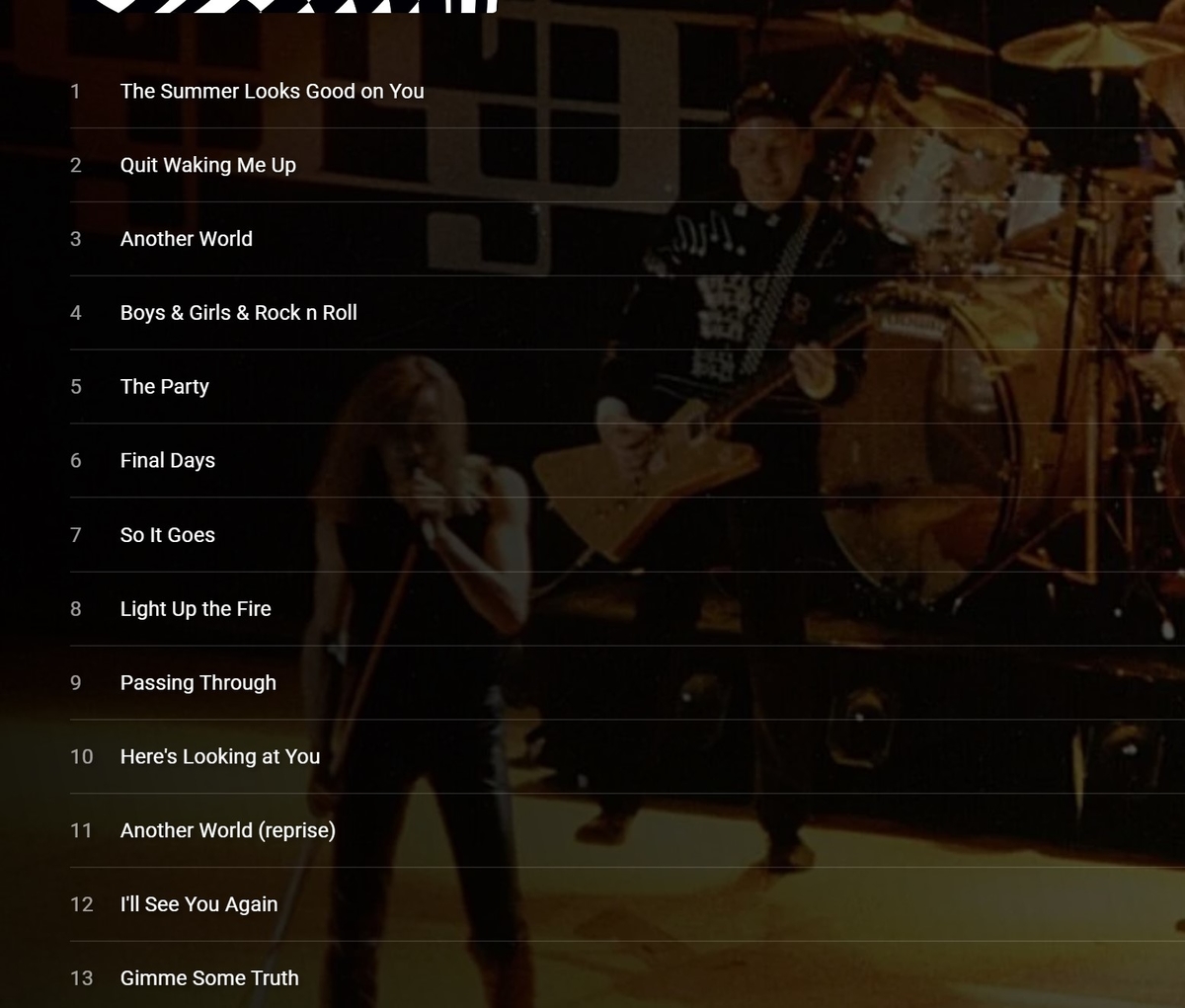
Hi With the recent changes, the UI for "Appears on" needs an update. I now have alot of artists that the "Appears On" list contains, 20-100+ albums. Albums now appear in the list that the UI doesn't show what the relationship to the artist is. For example. This is the first album in my John Lennon "appears on list. The UI provides no information as to why "John Lennon" appears on this album. He is not a member of Cheap Trick, he did not play on the album. (recorded after his untimely death). A casual user may just think this is a bug. Now as I understand the new "feature" John Lennon has a composer credit, on one of the above songs. But based on the UI that is just a guess., which one? I would suggest adding to the display Composed by John Lennon to the appropriate tracks. The navigation is cumbersome at best., need a See All, Lennon "appears" on 80+ albums. I have others of 100+ . (8 plus clicks on the More arrow) Addition of a see all option is needed. The default display would be best to sorted by Artist. That would at least group the display logically. The new table display is not the solution. -Thanks -vicpa
 2 points
 -
Cool, excellent work moving data over. That's is actually great news. You can tell I got lost waaay back there. So if users can successfully utilize all their data for intro skip (which is provided by the Emby server), then then it's just a matter of being patient to see all the extras (like a editor, etc). The core server team have to up keep huge amounts a code, and also try to implement intro skip, which kind of fell in their lap... Or forced in their lap ... Depending on how you look at it. "Surprise! Here is a feature that the community is keen on implementing in your existing product, and it means changing some core functionality..." But, we are here to help in anyway we can, even if it is just by being patient.2 points
-
An editor is in the works. At least it will give us something to use until the core team develop their own, or maybe even integrate what we write. We'll try and write something that will take the data from the db, and copy into something useable. Keep that database data @crusher112 points
-
@roaku Well I just installed it and it just worked immediately. I can no longer find any show with missing icons. Thanks!2 points
-
Hi, Since I am using more and more TMDb, (since tvdb is more and more a mess), I am missing a very important feature. tvdb had the feature of grouping stuff into aired, DVD and absolute, which is supported by emby. TMDb had also this feature. See this example for "La casa de papel" (Money Heist, Haus des Geldes): The Original Order is allways the "aired order" of the original country. "La casa de papel" was originaly released by "Antena 3" and was taken over by Netflix, which results in different episodes ordering, which is a mess. They solved it in episode grouping. This feature is missing from emby, but it's integrated in their API and is allready supported in other apps, like kodi. At least, Banana a TMDb Mod claims it, that it's supported by Kodi: https://www.themoviedb.org/tv/71446-la-casa-de-papel/discuss/5e7032d84f9a99001152704f?page=1#5eb76872ca7ec6001f7c53cb Is it possible to add this feature into emby? It is the last scraping feature, I really really miss for TMDb on emby. It adds much flexibility and is overall a much better solution, than on tvdb with their aired, dvd and absolute order. Another great example is Dragonball Super: As you see, it adds much more flexibility for different regions over the world. It's in my own eyes a must have for emby!

 1 point
 -
Could you please add a Webhook for the New content added notification?1 point
-
New_GUI_2.zip
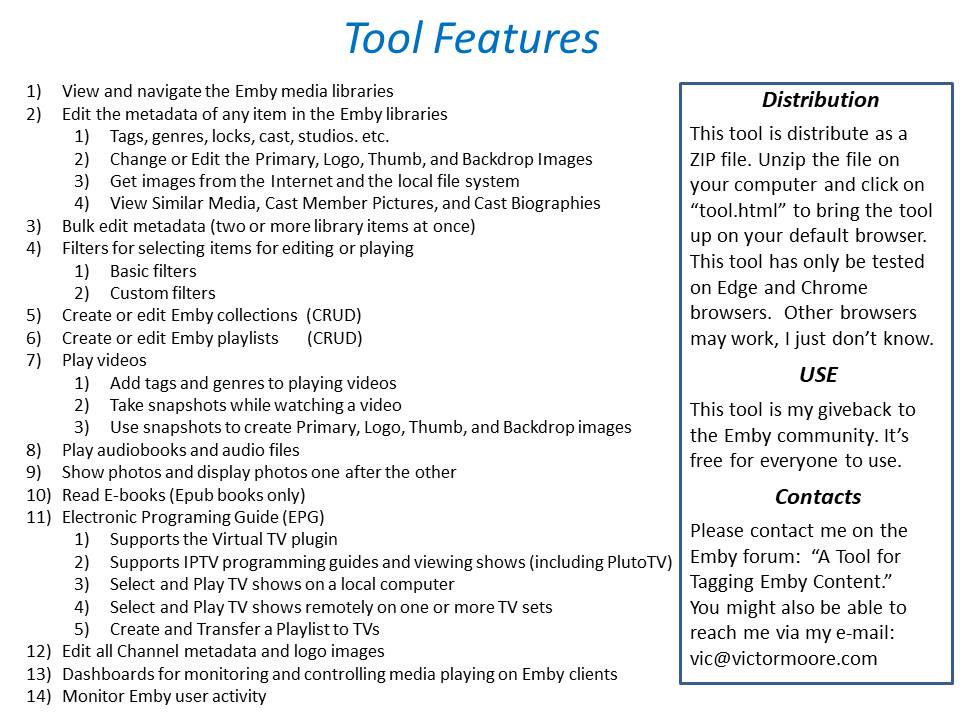
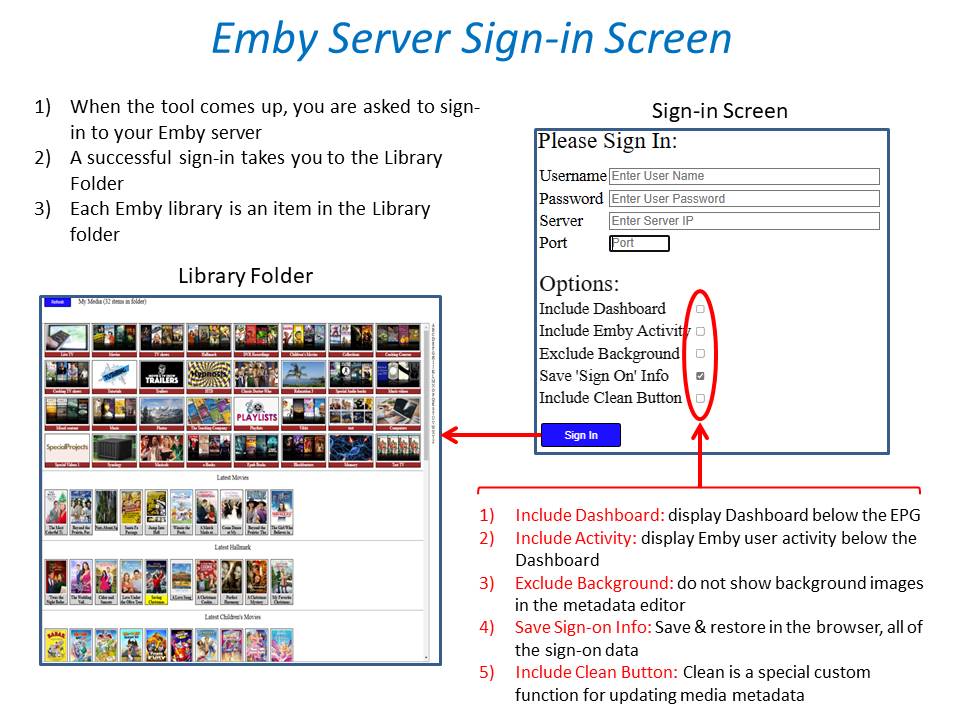
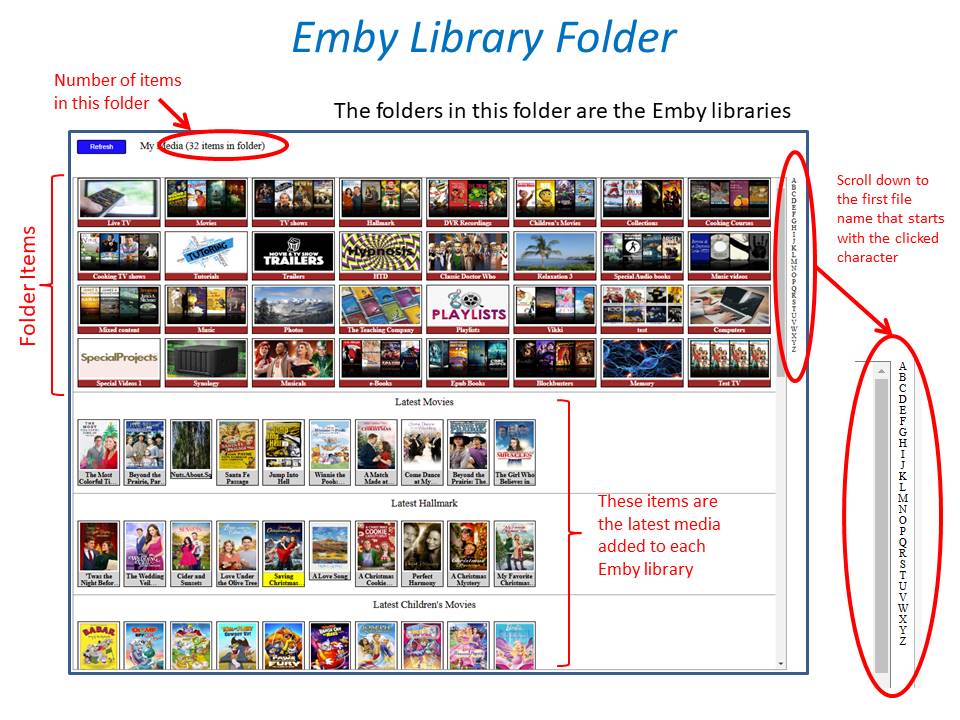
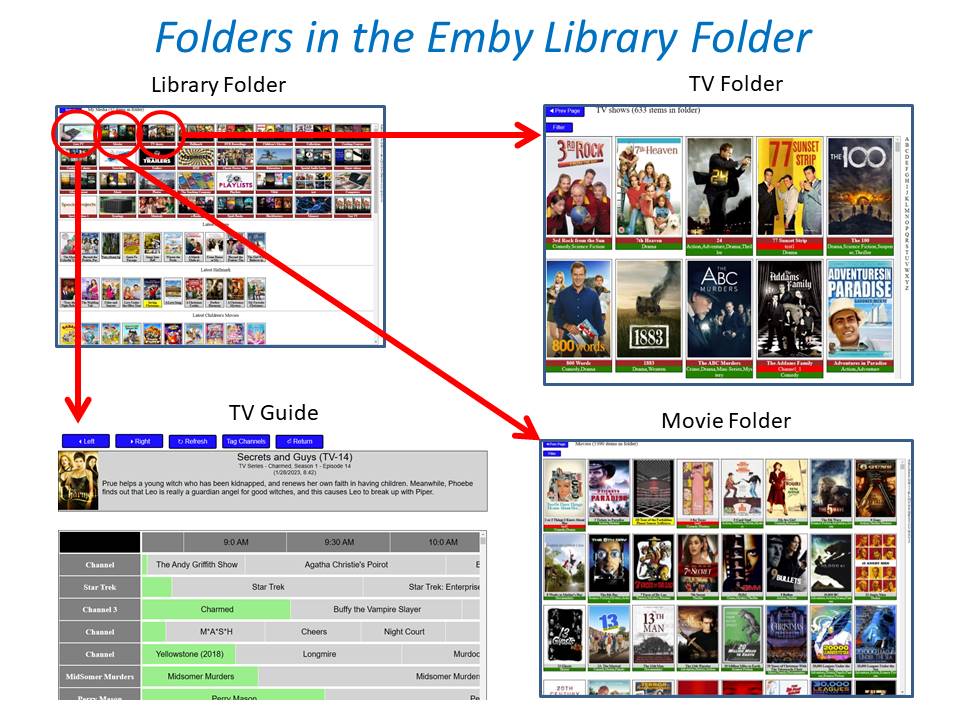
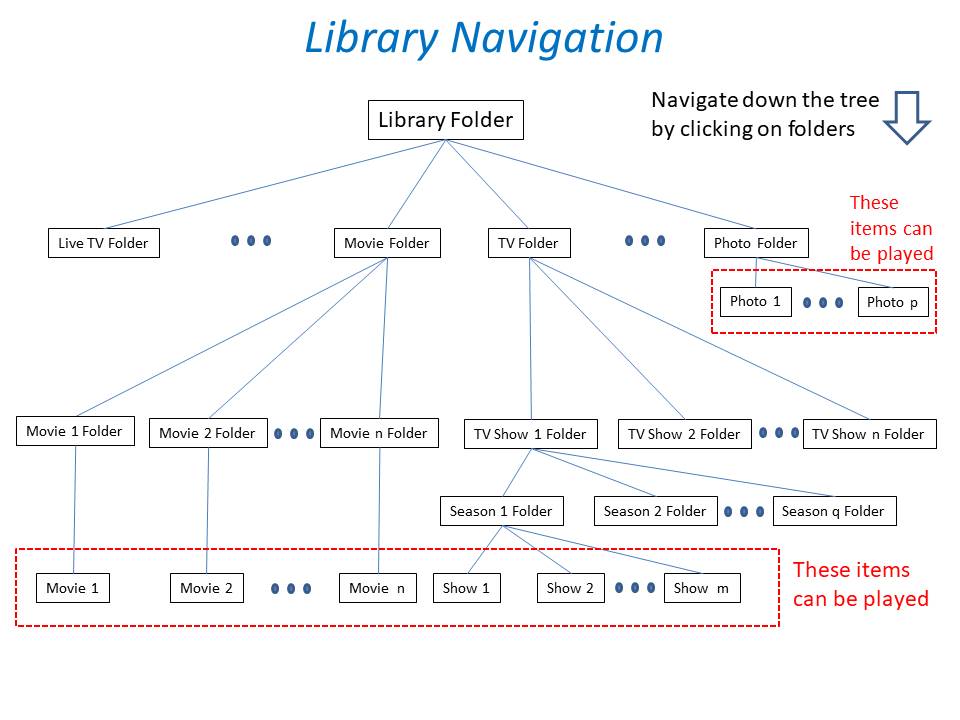
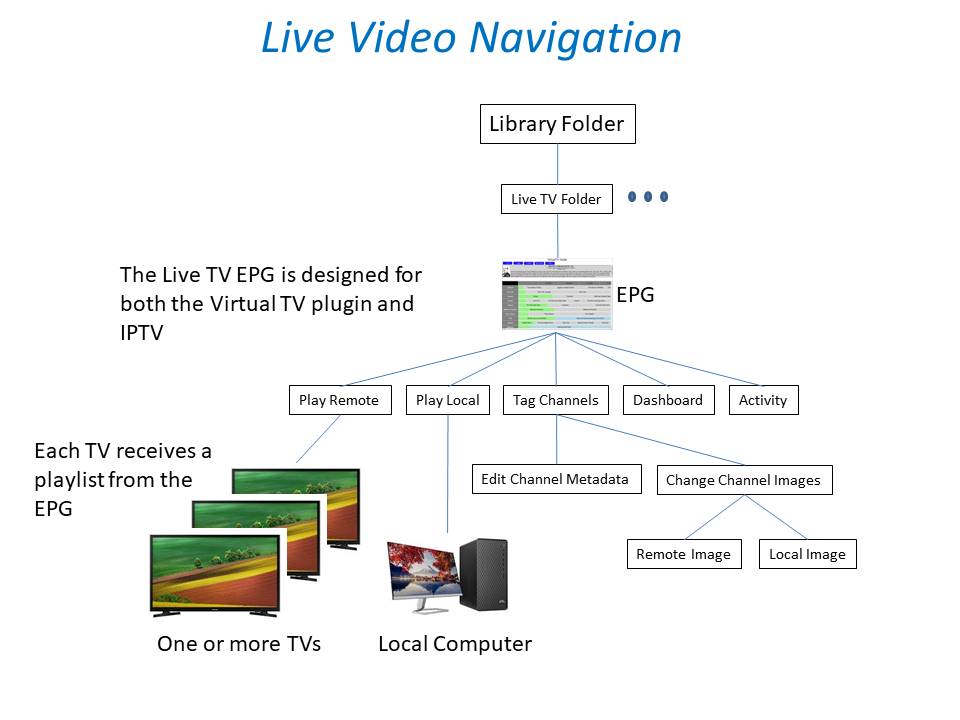
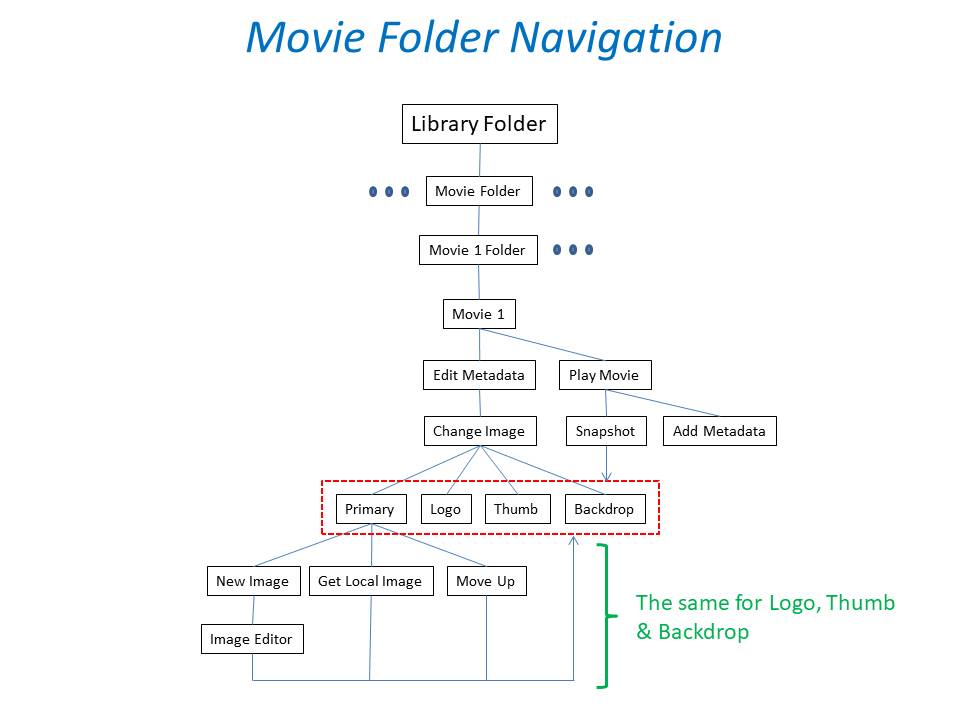
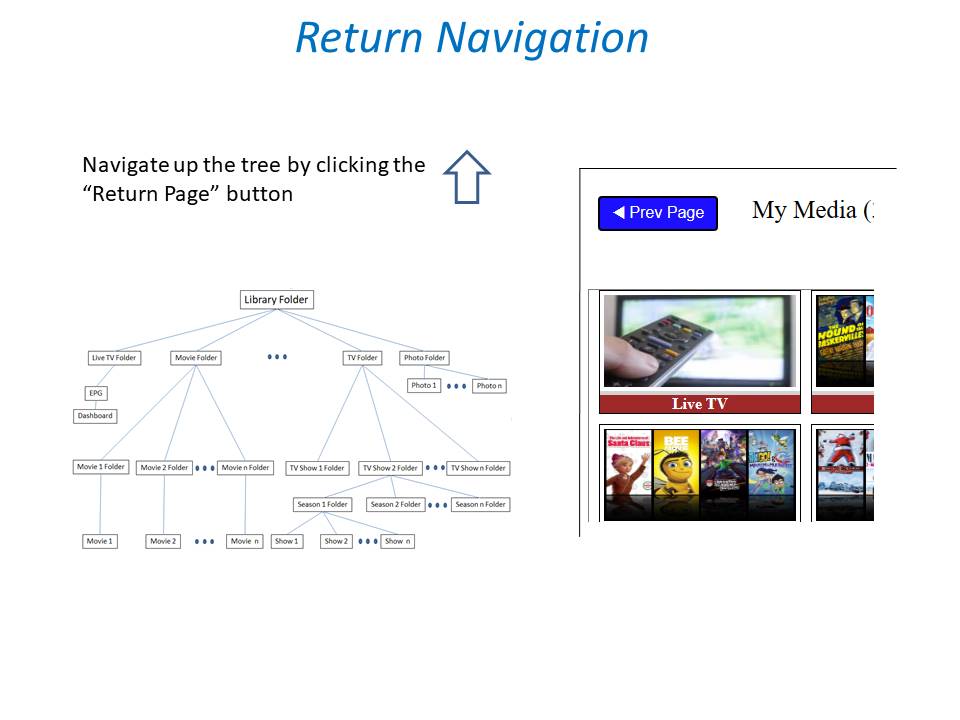
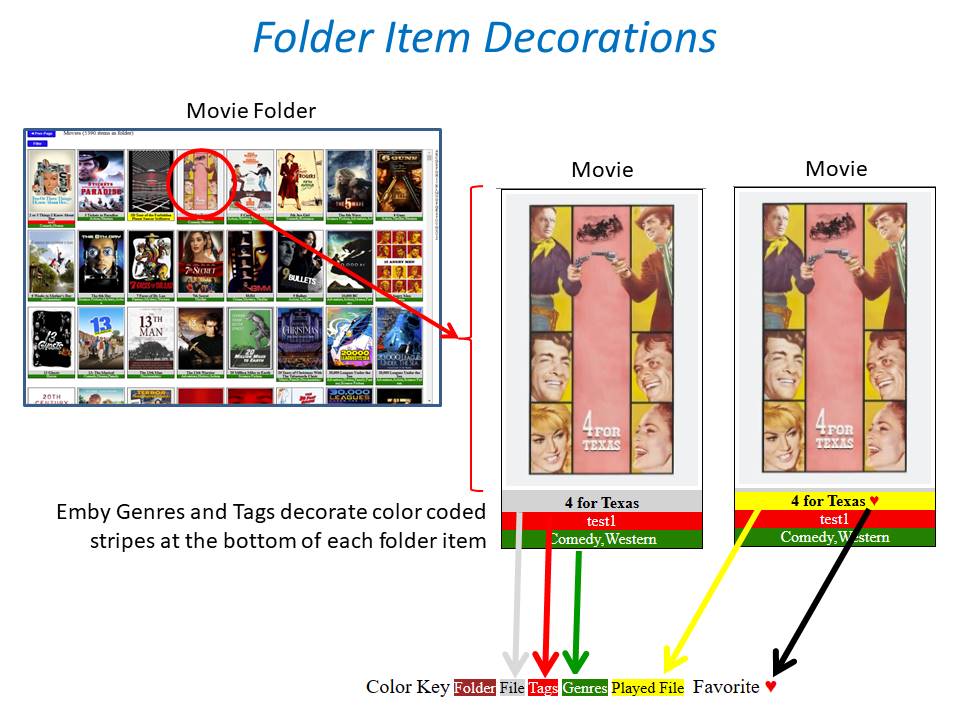
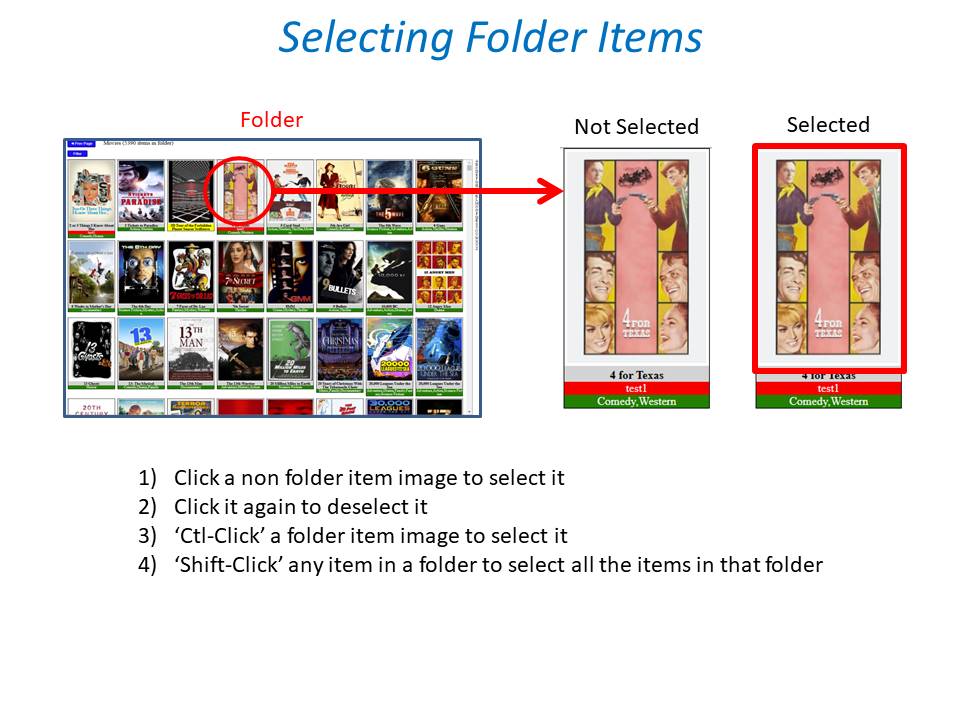
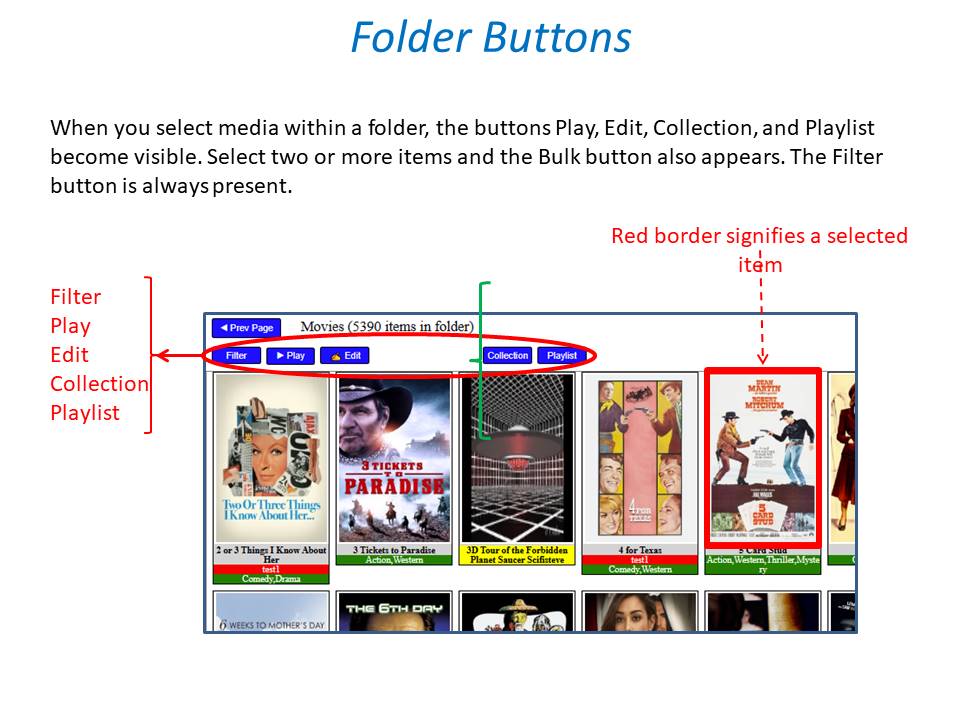
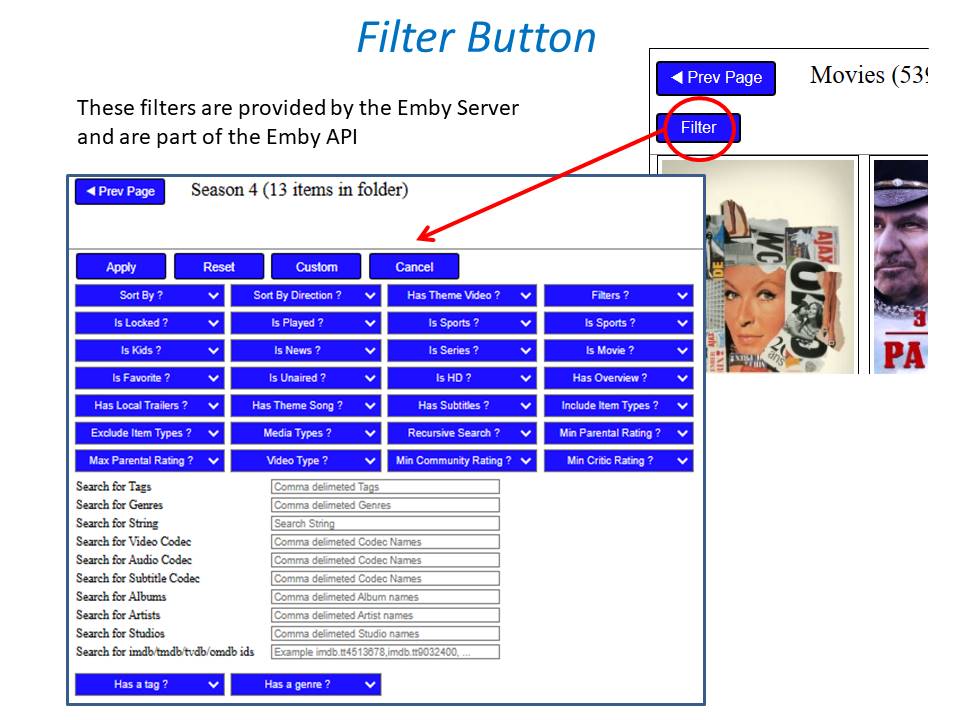
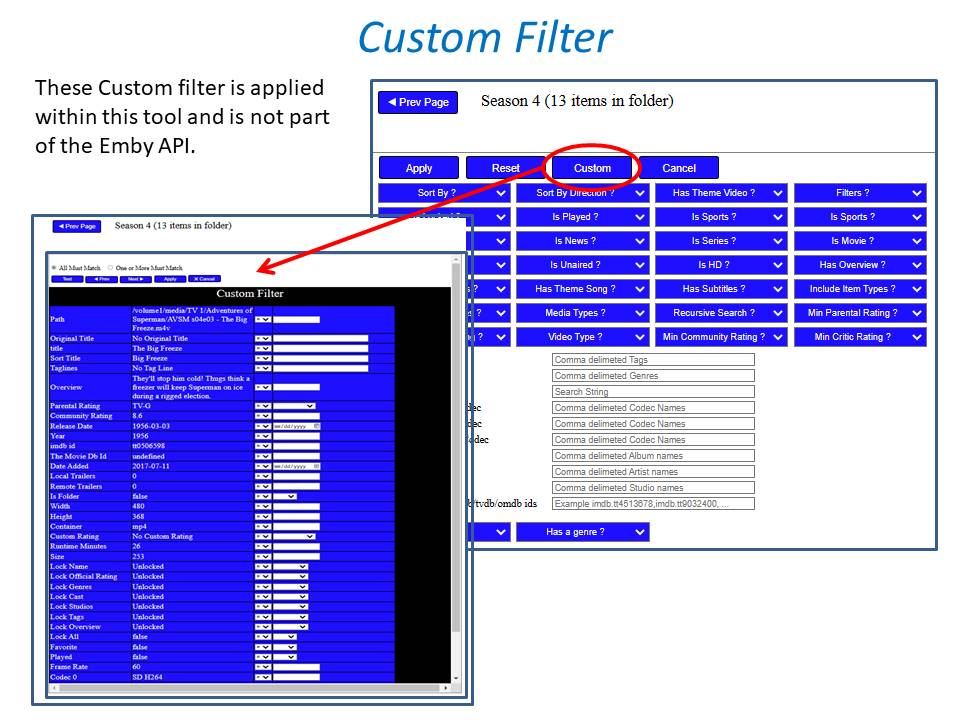
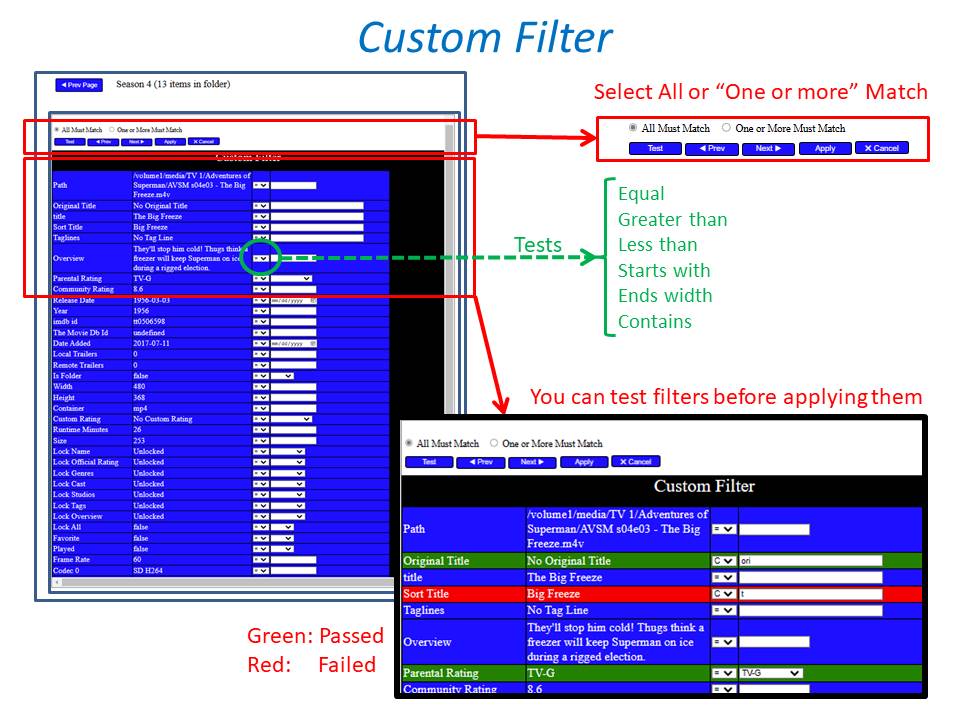
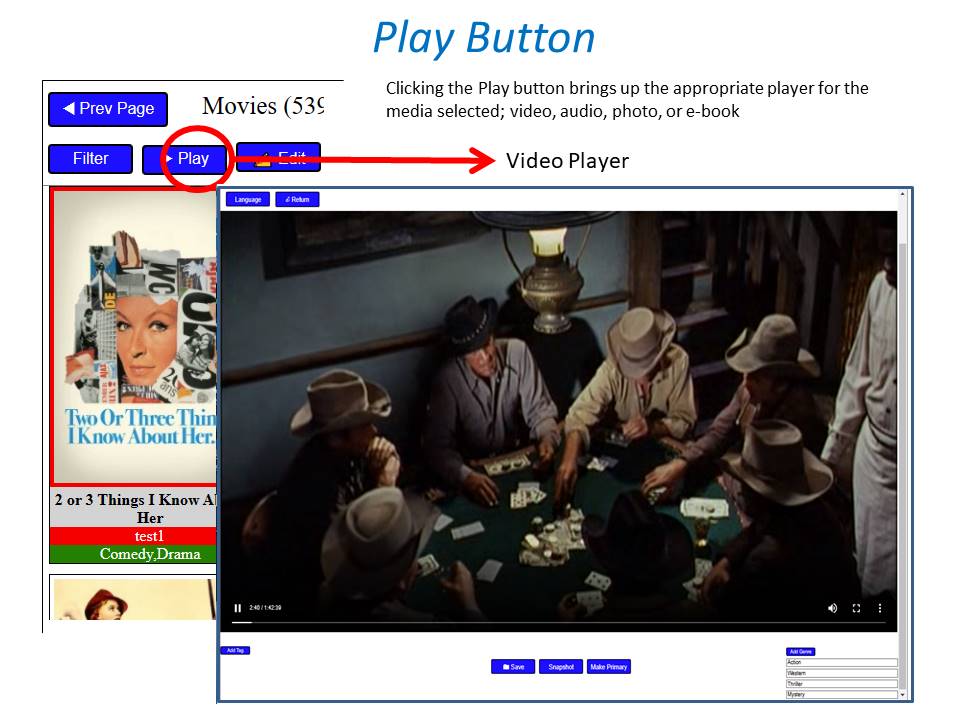
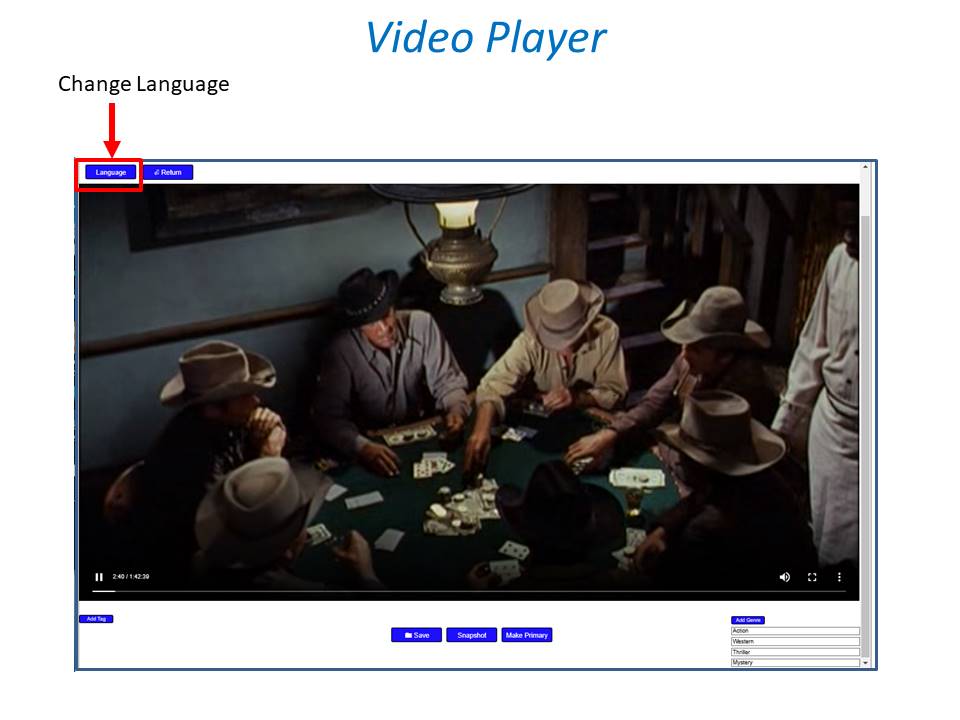
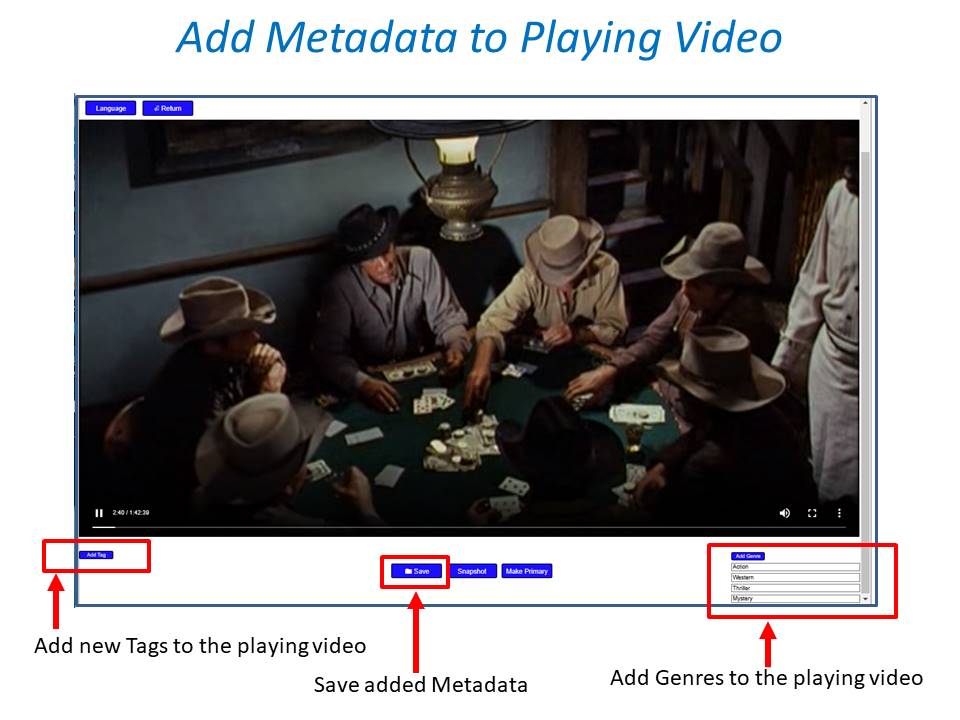
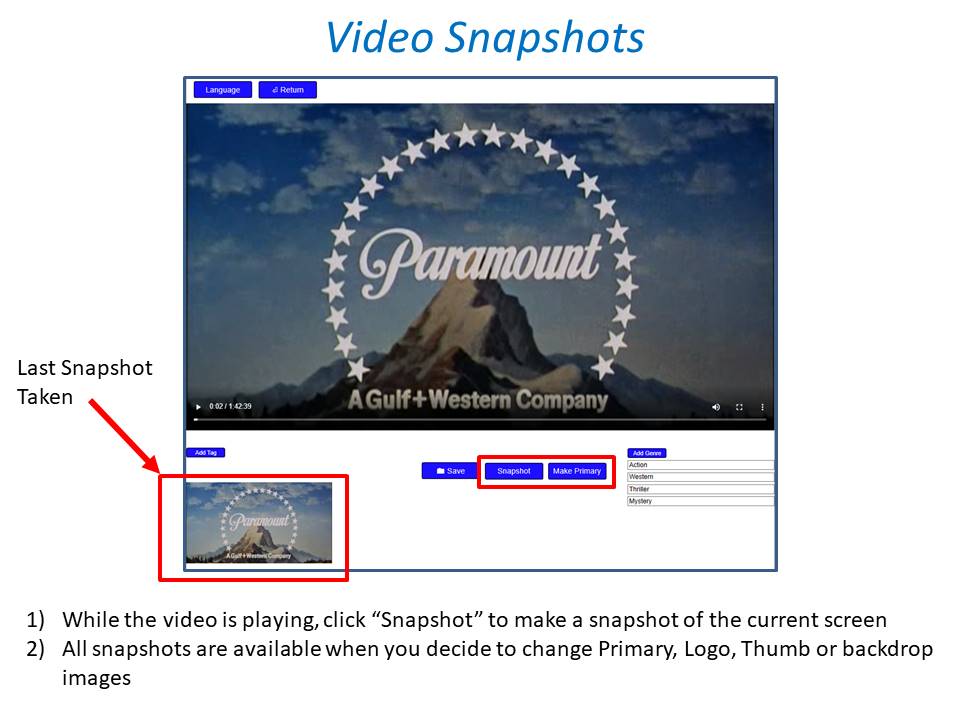
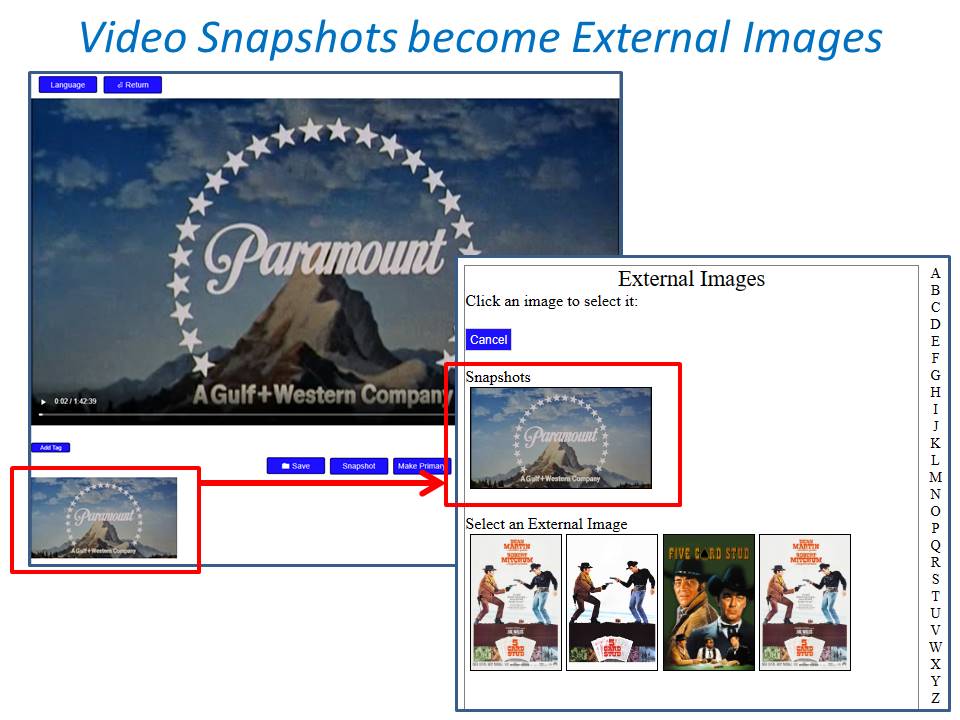
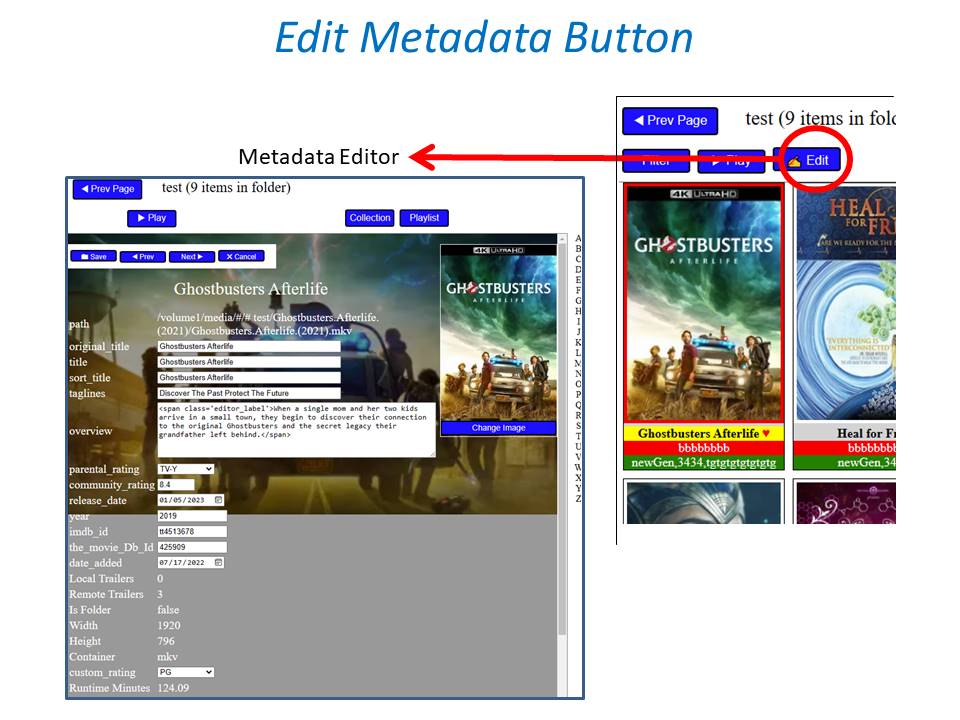
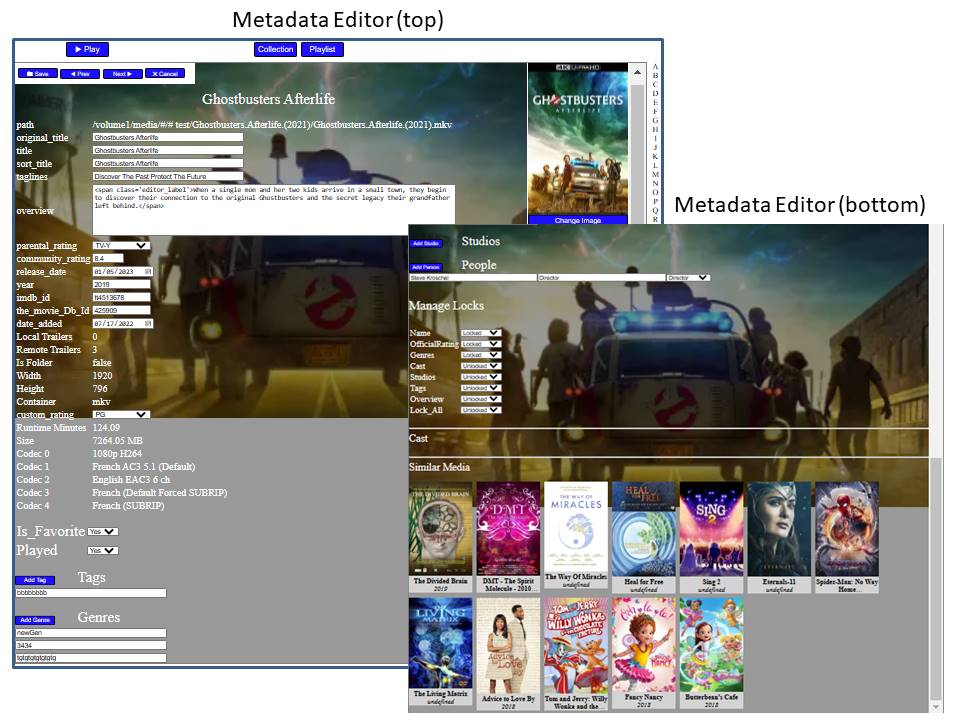
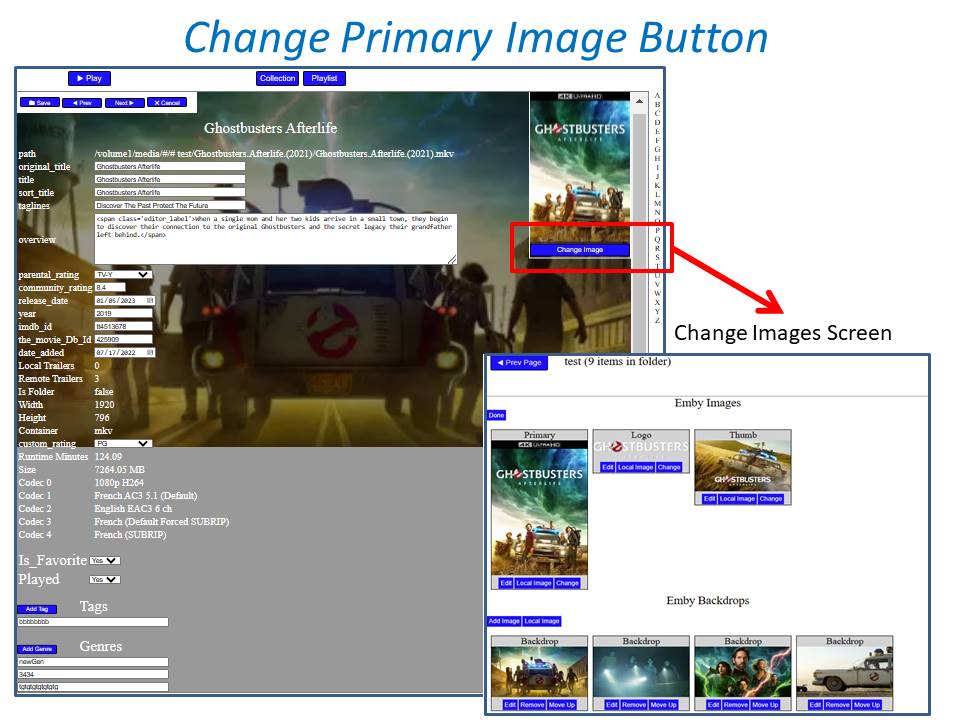
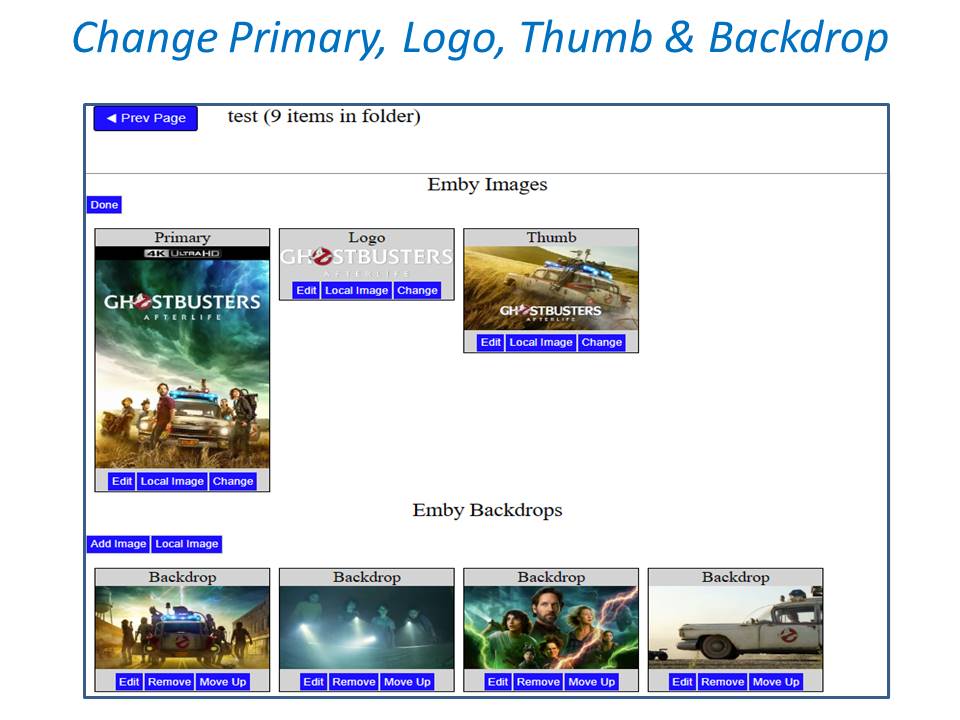
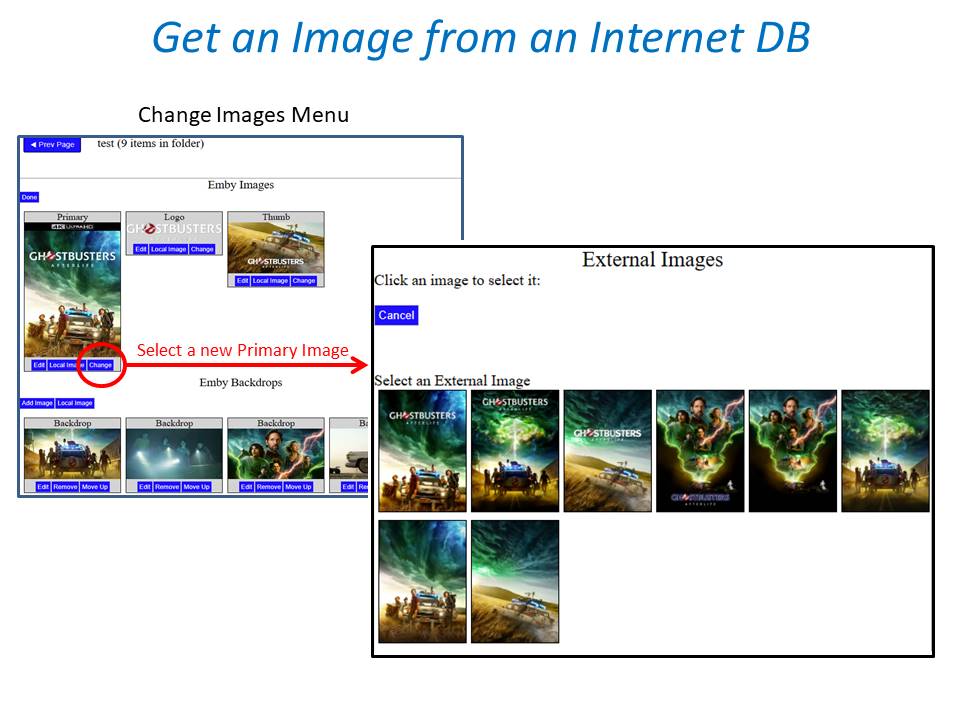
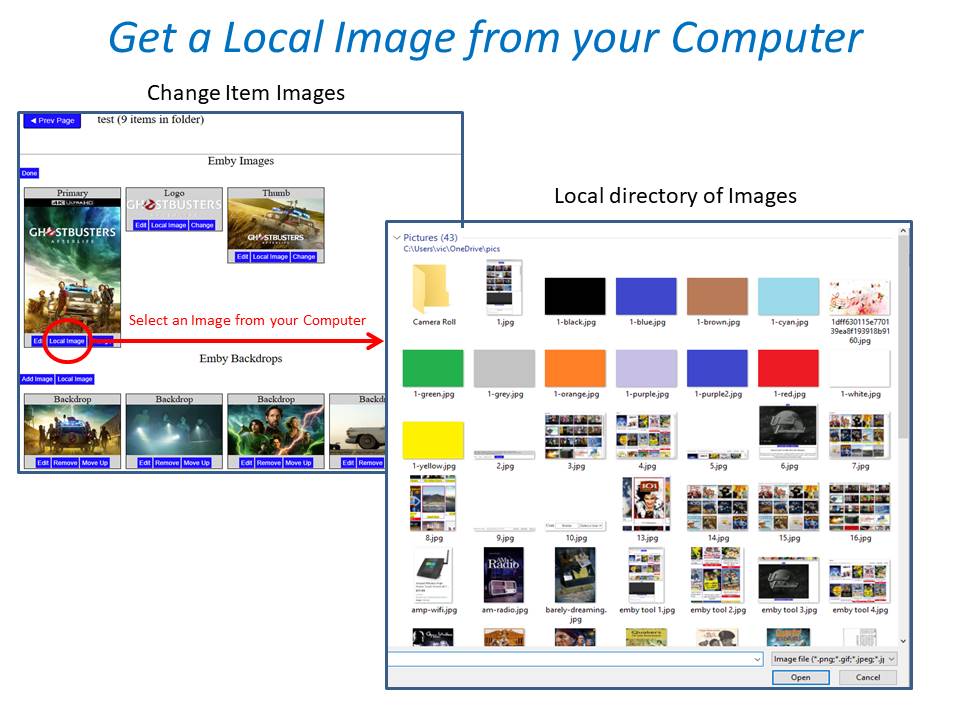
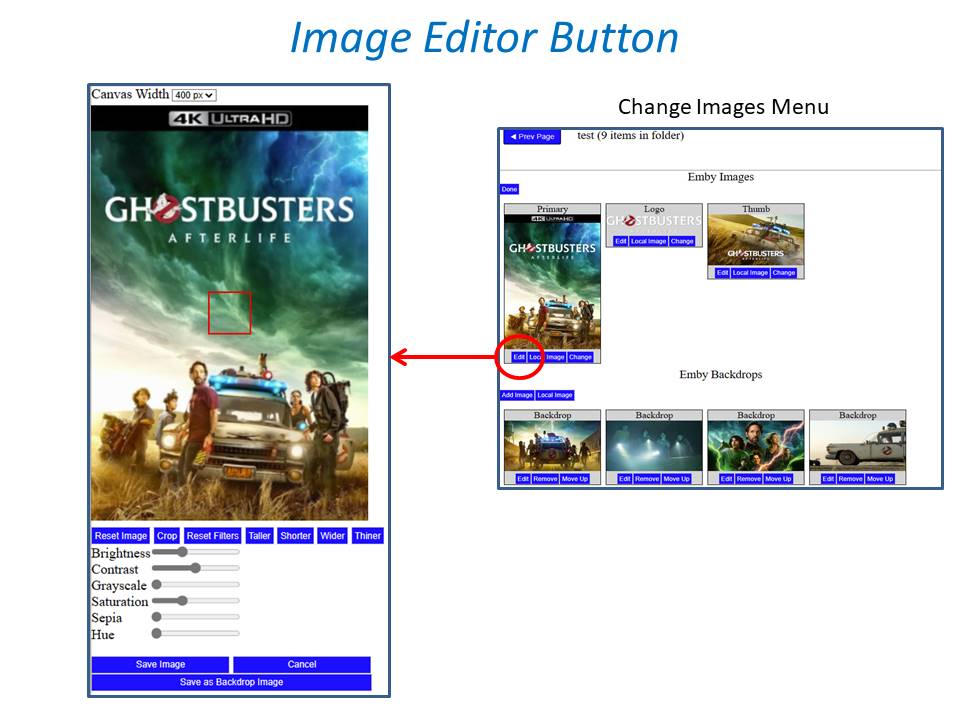
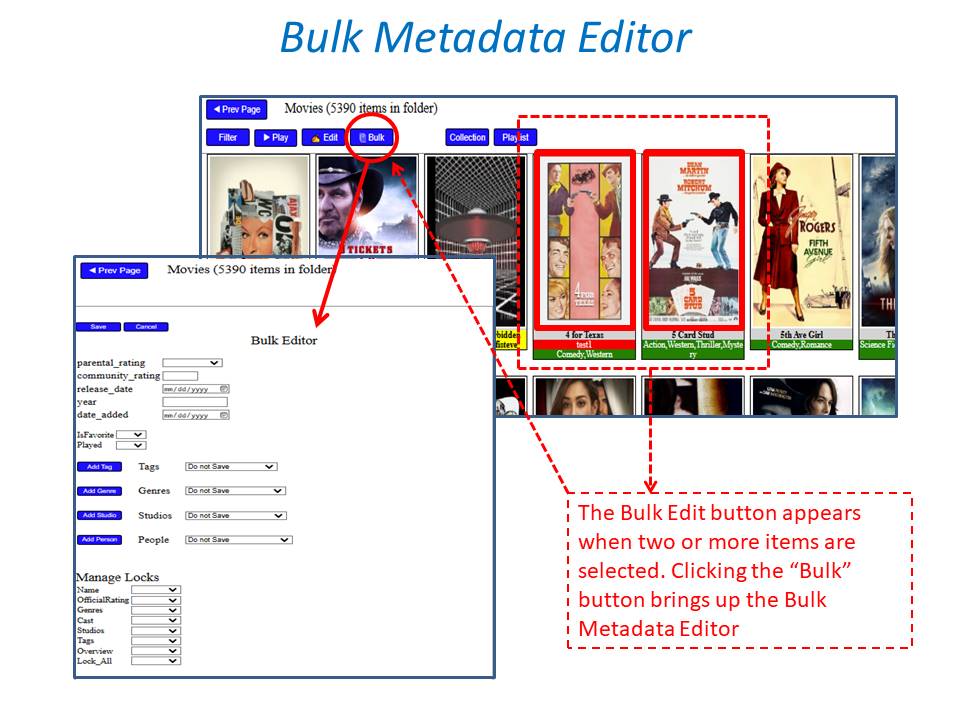
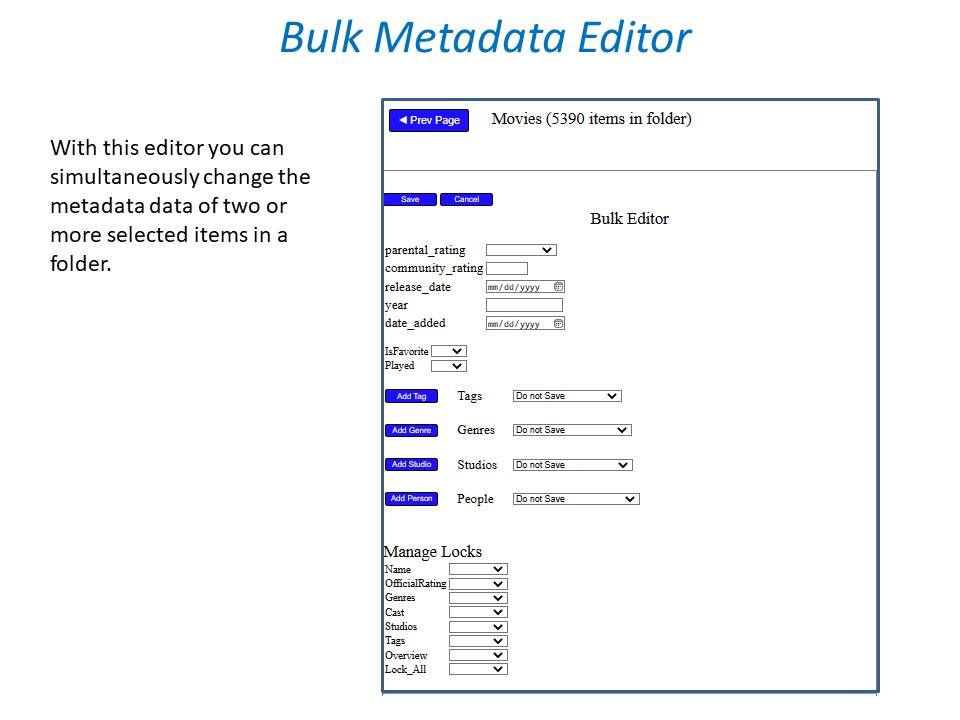
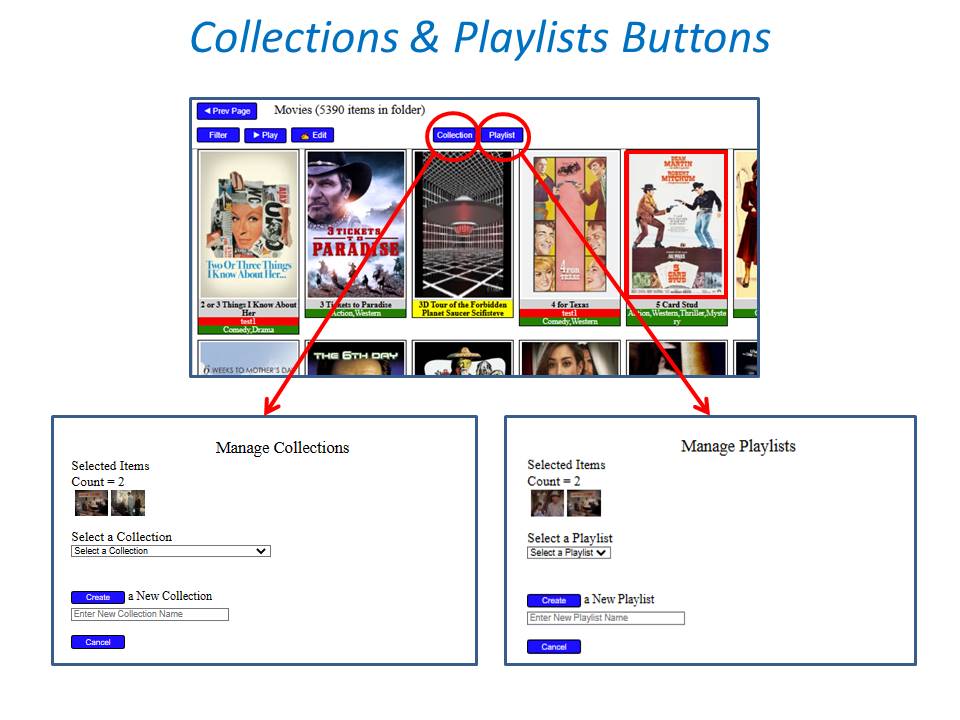
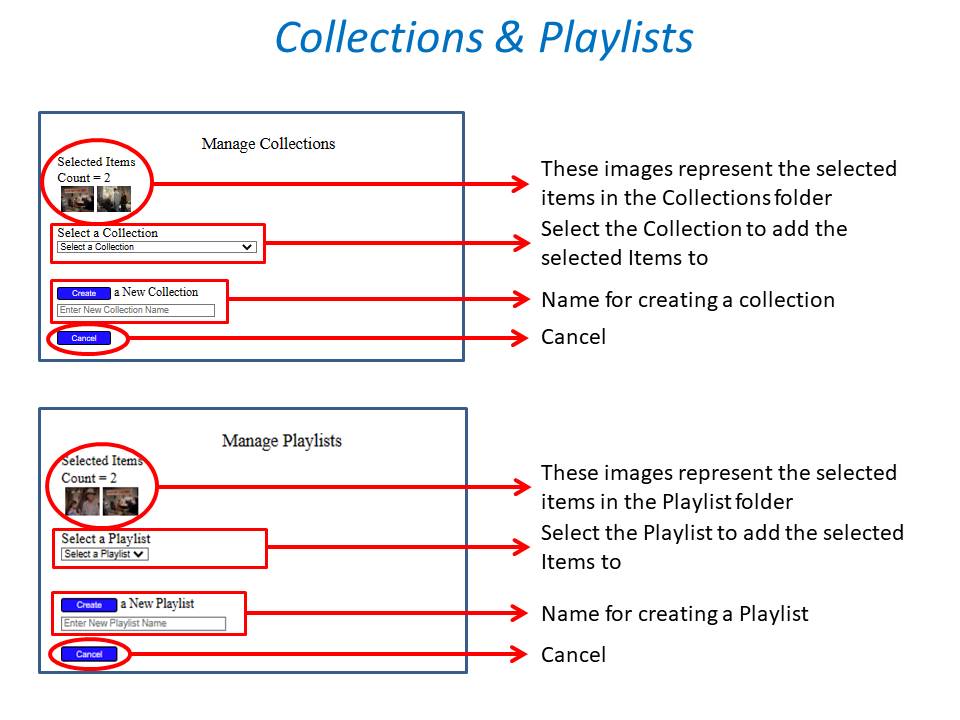
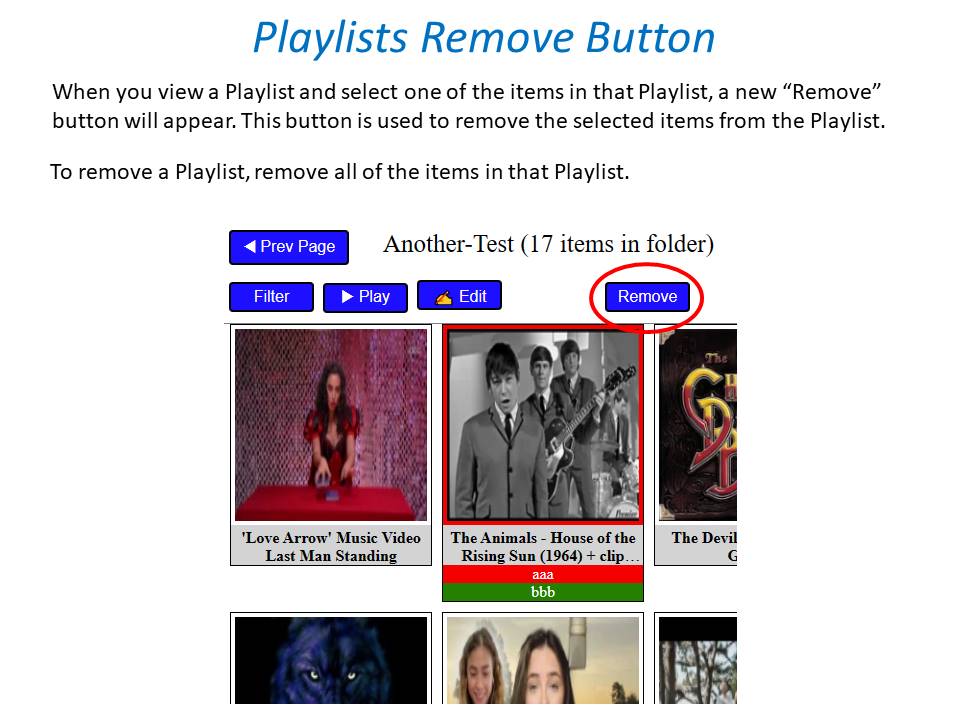
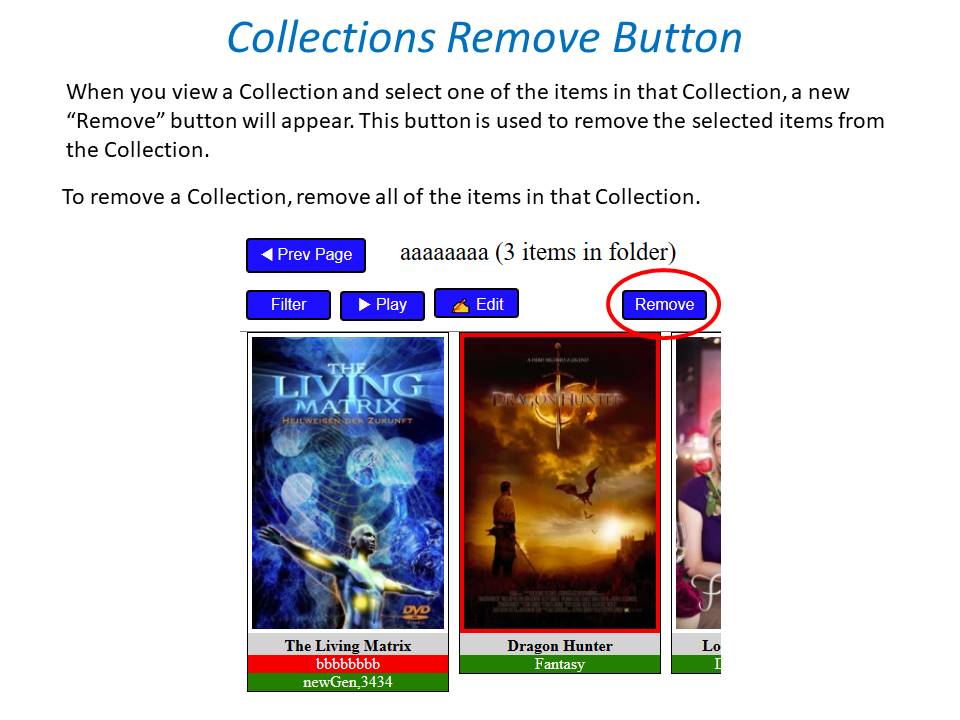
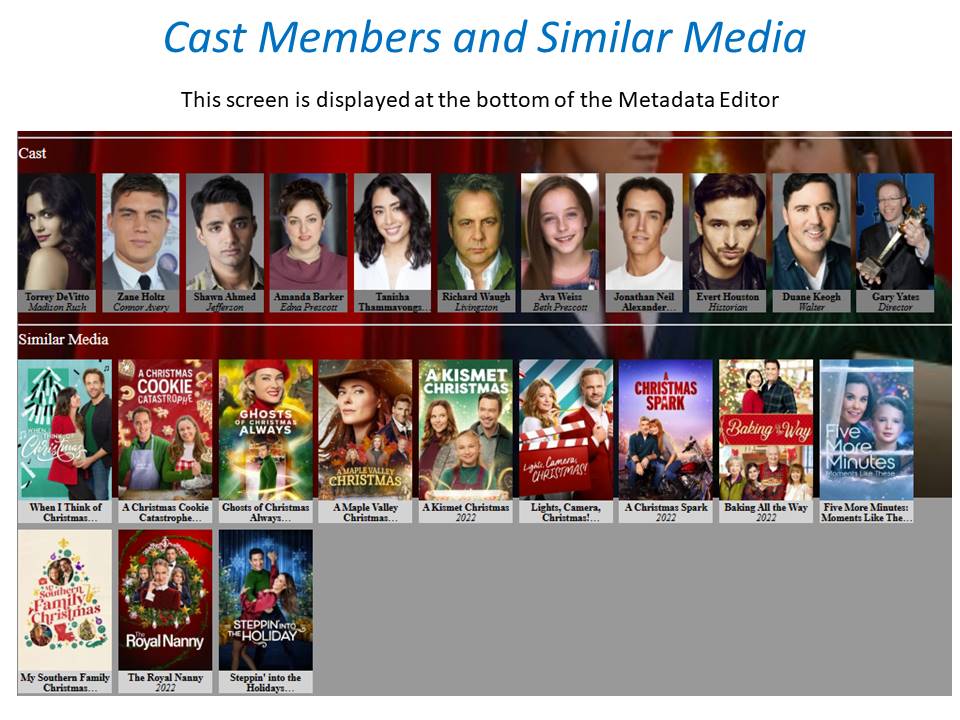
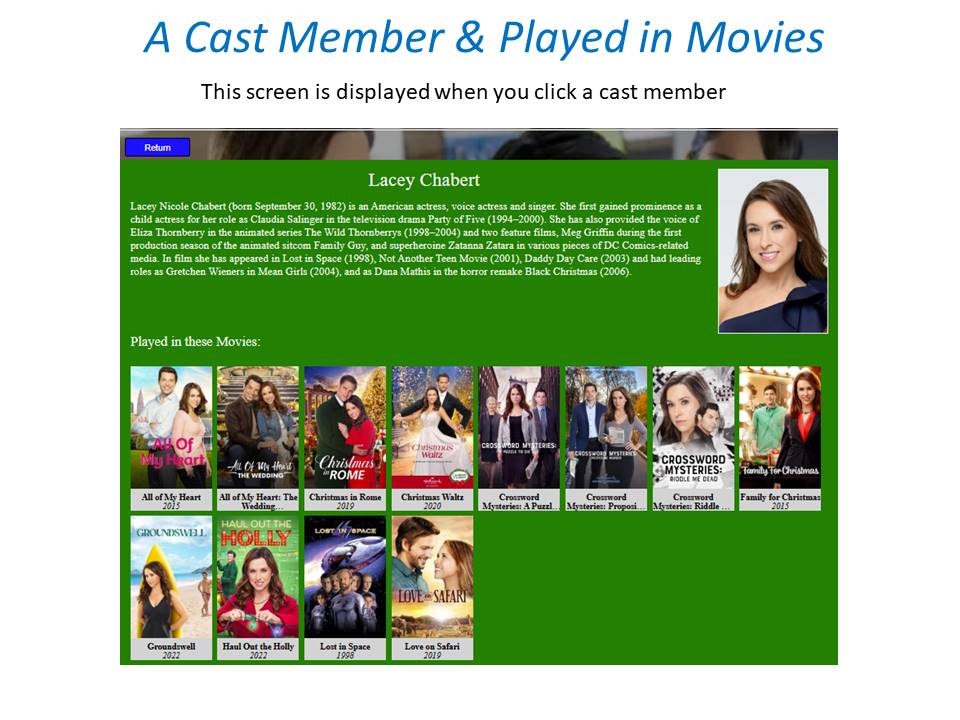
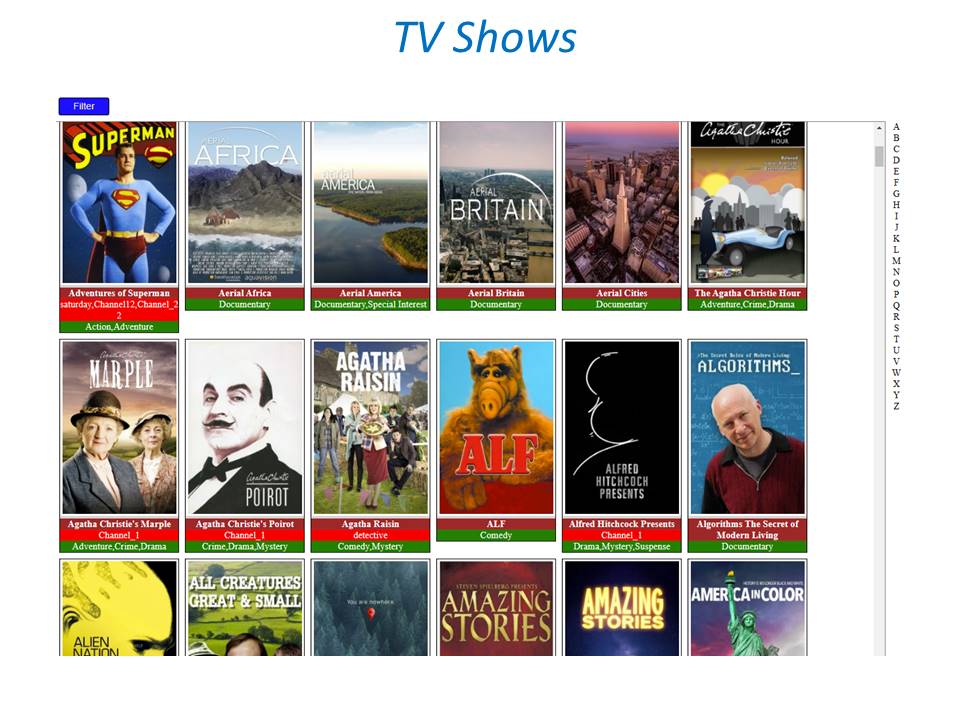
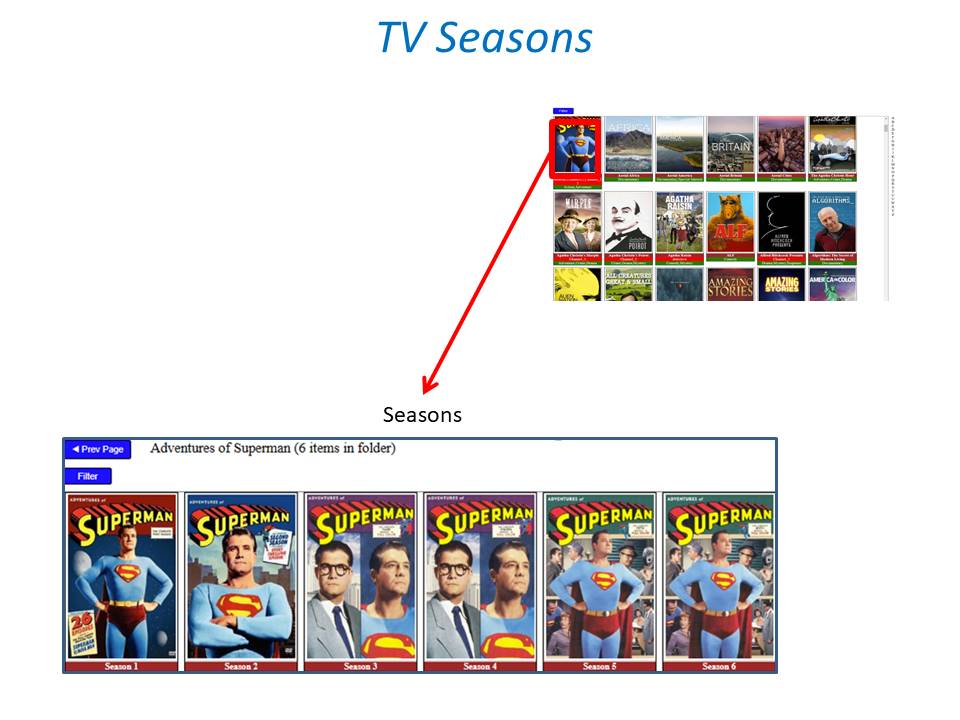
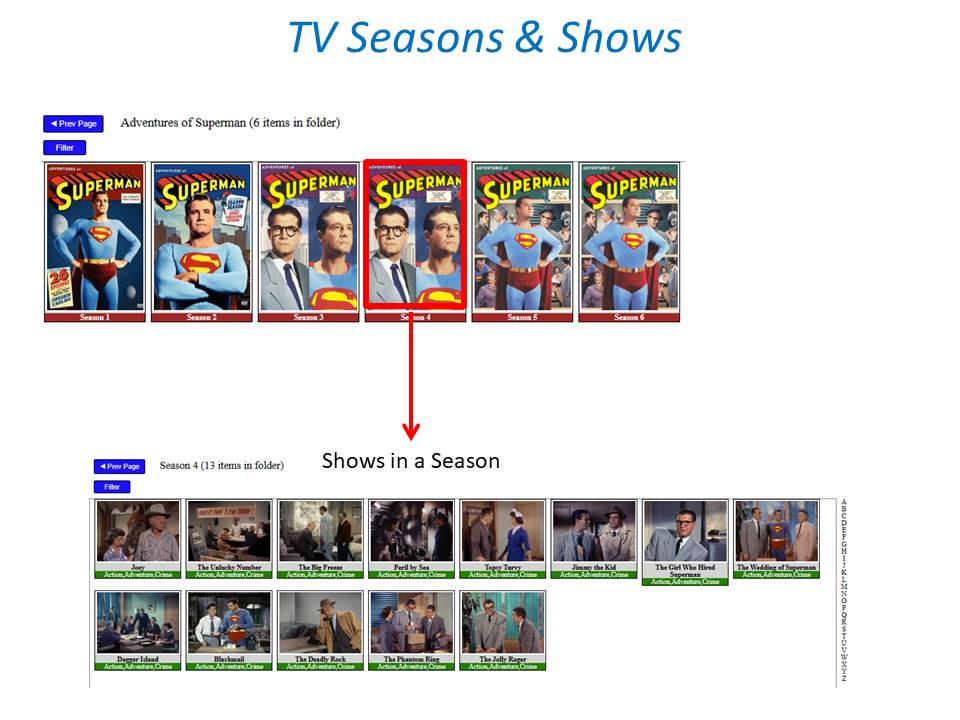
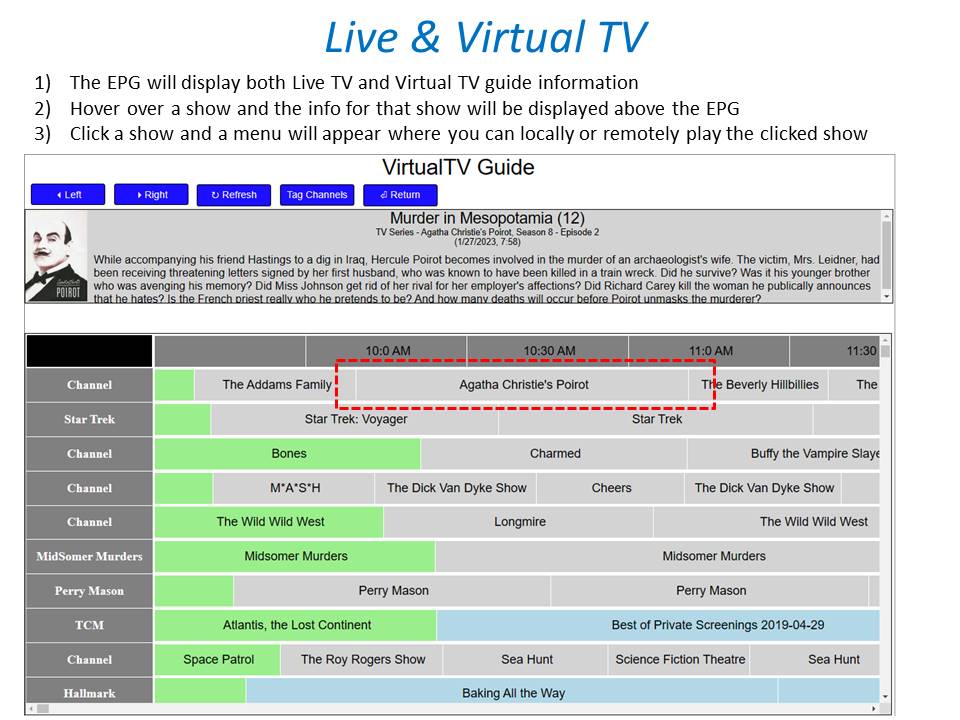
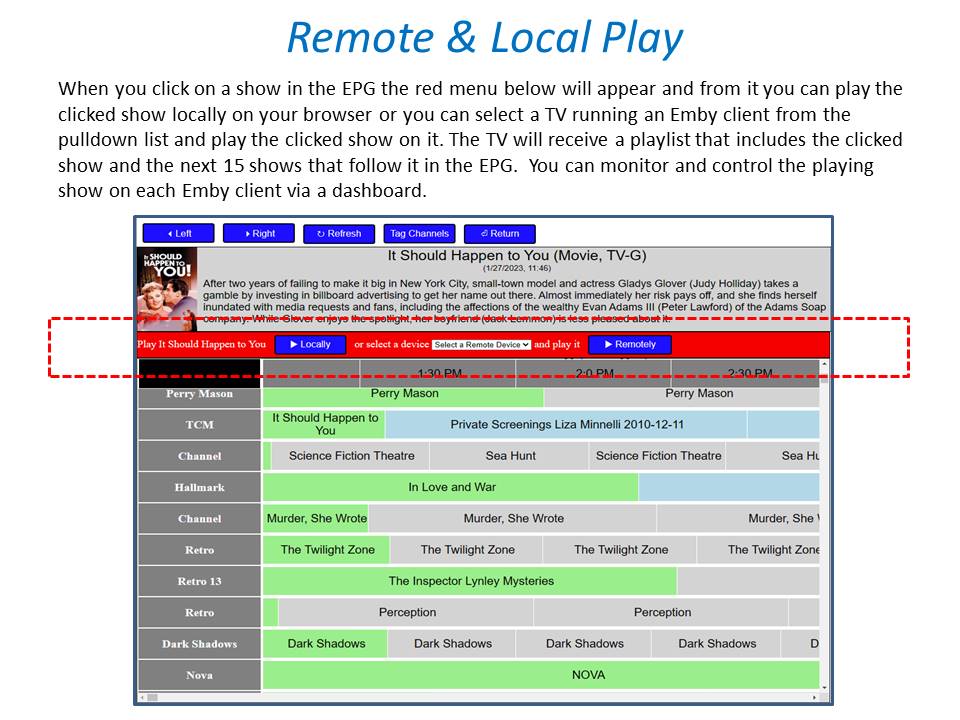
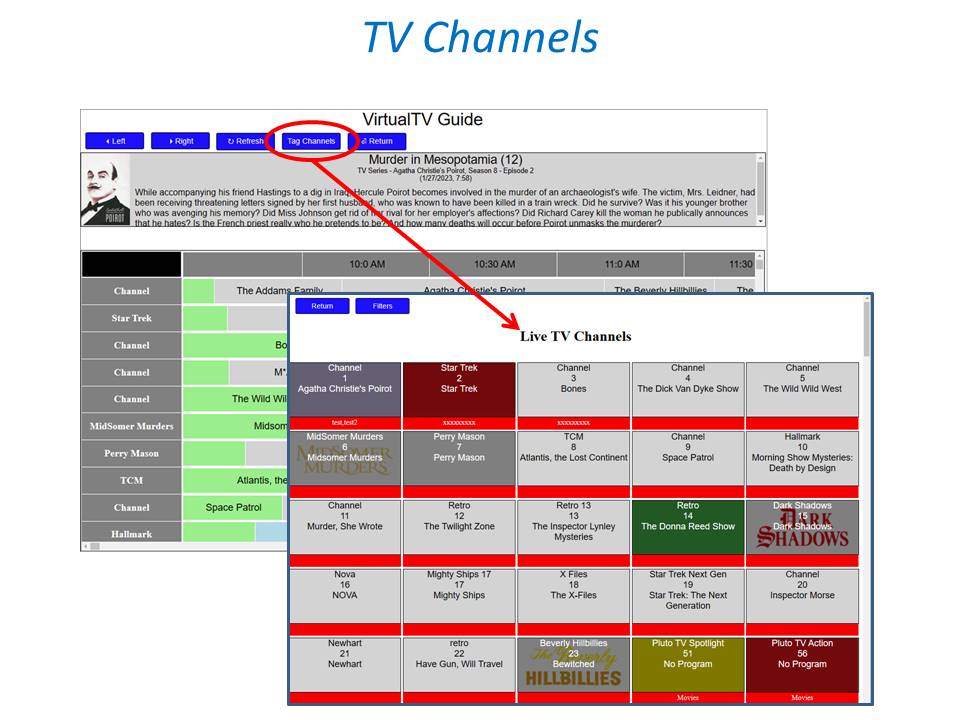
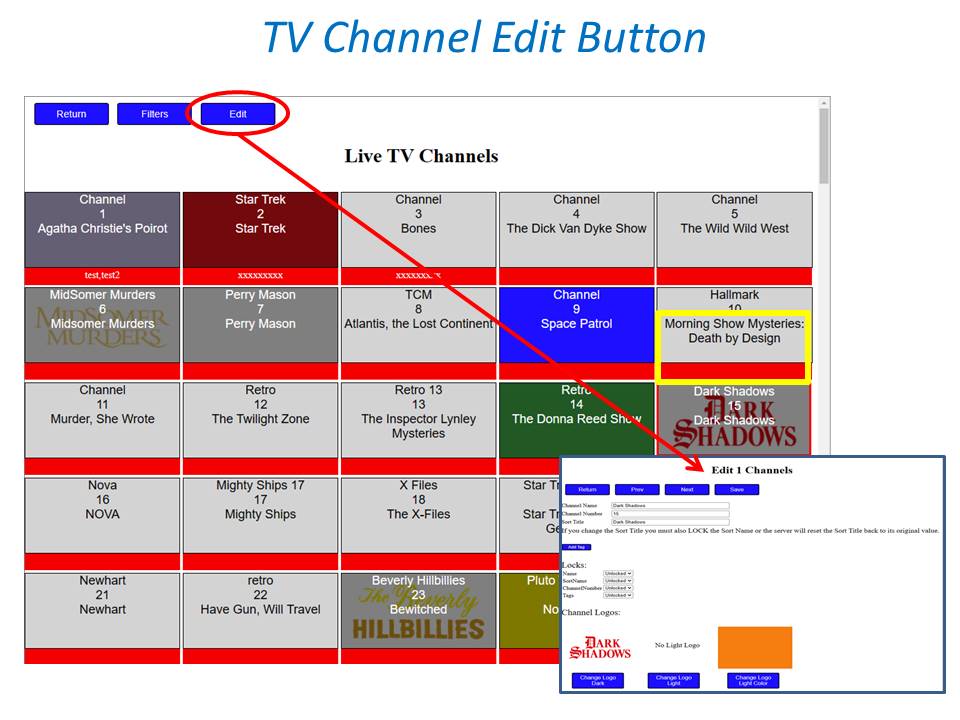
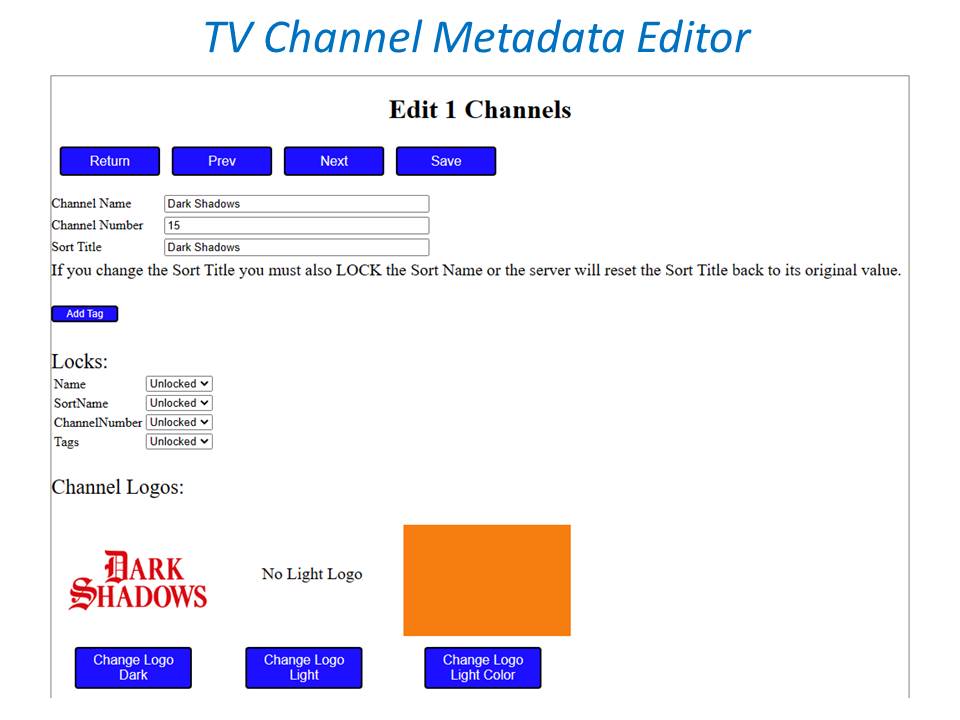
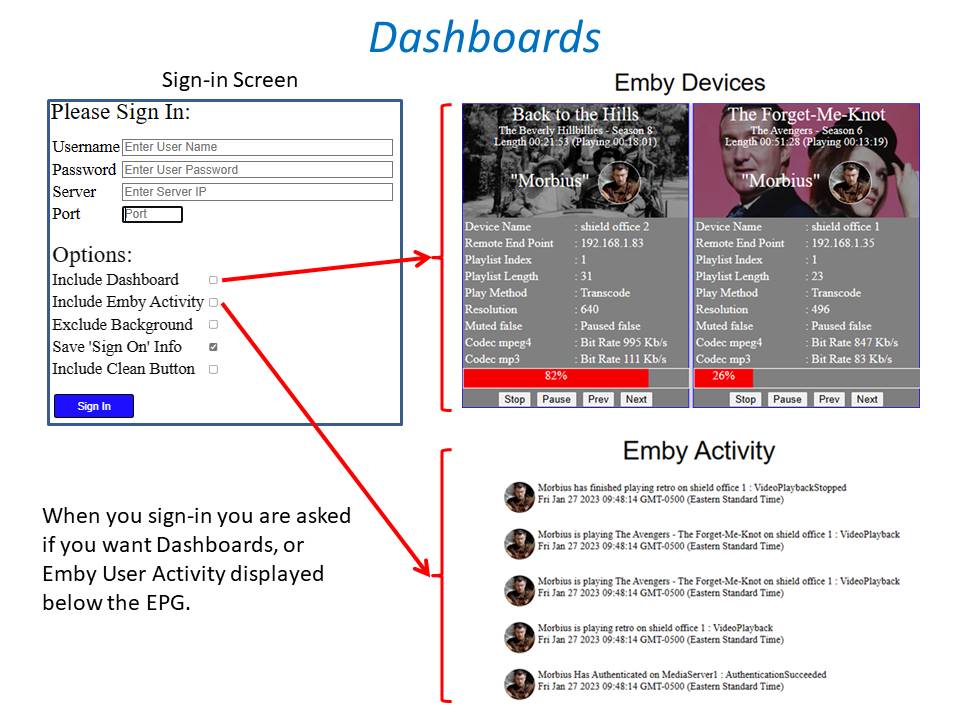
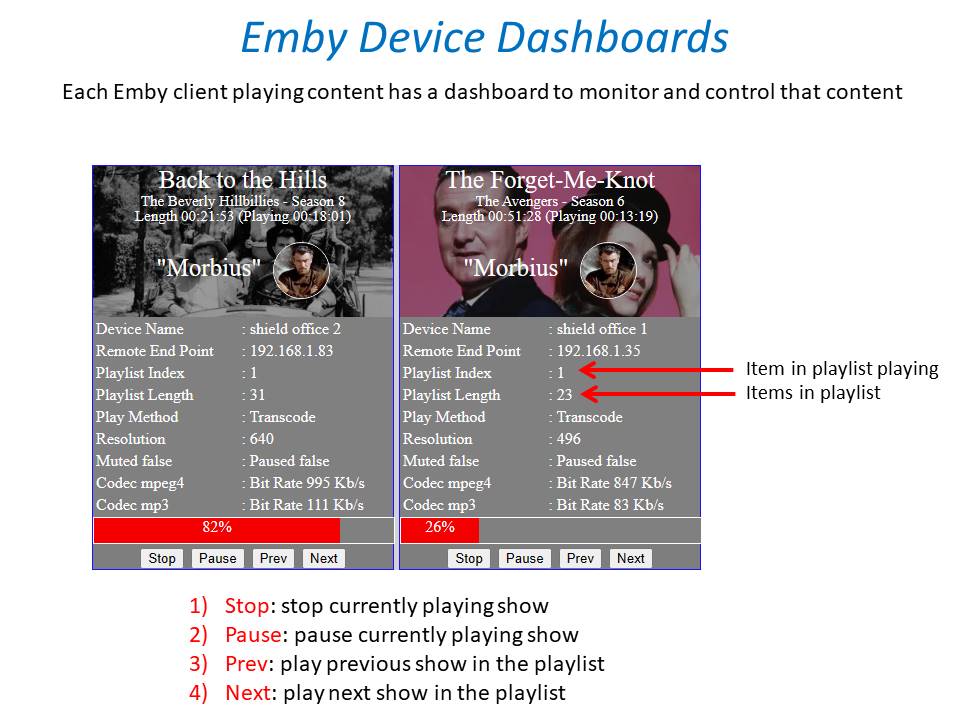
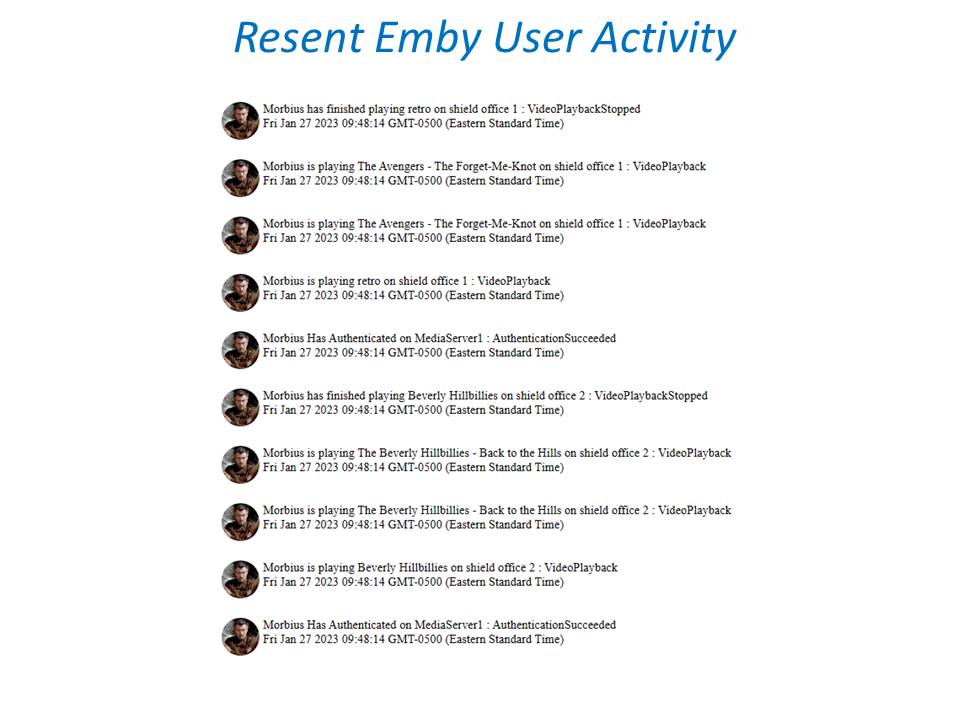
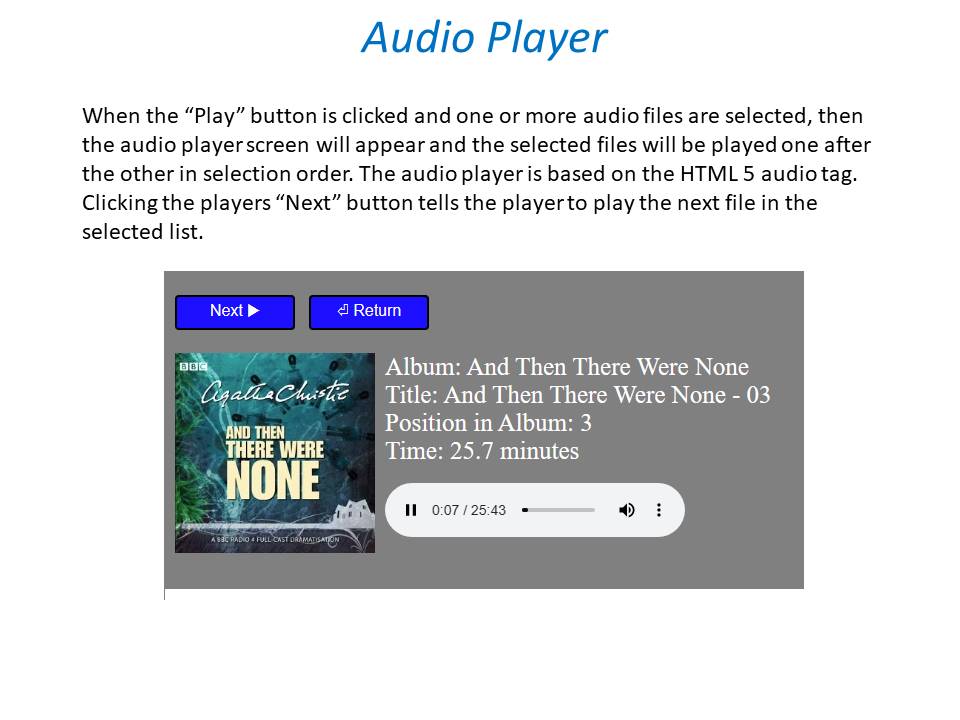
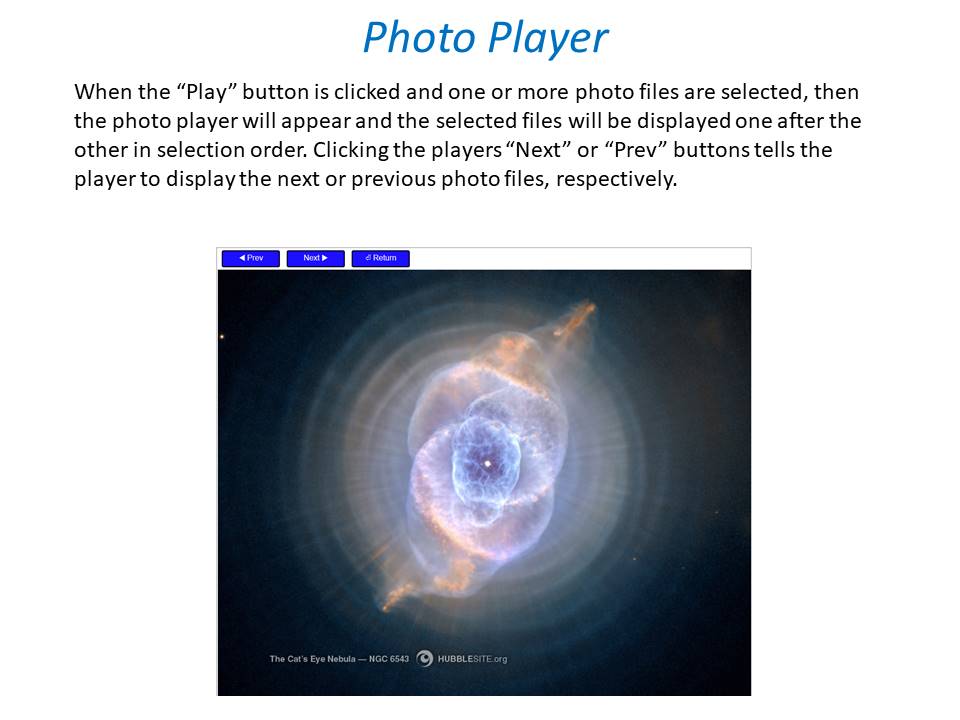
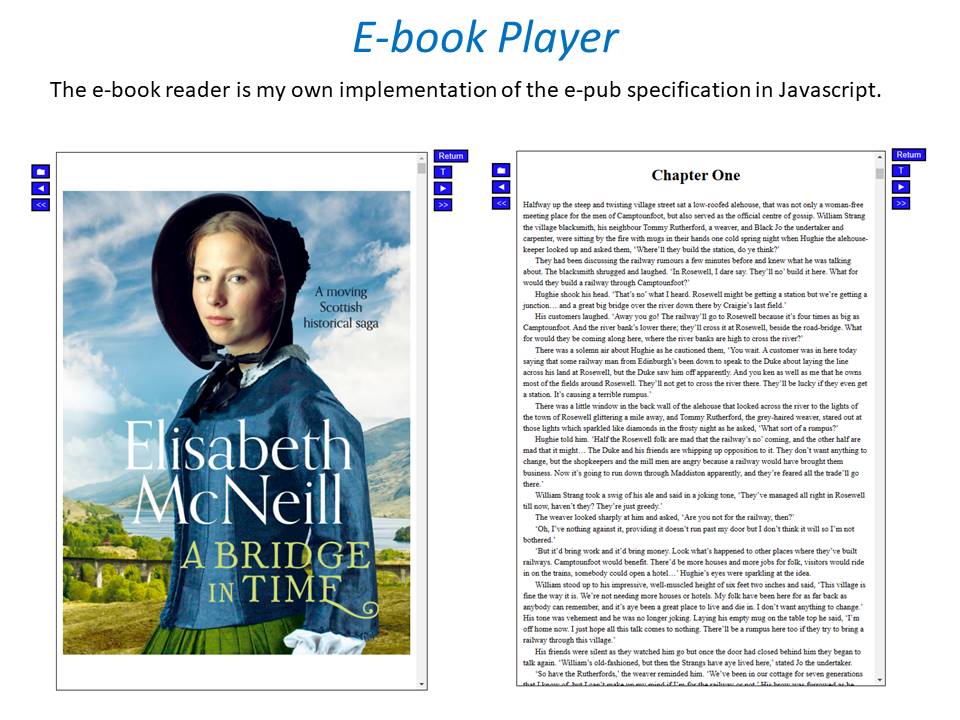 1 point
 -
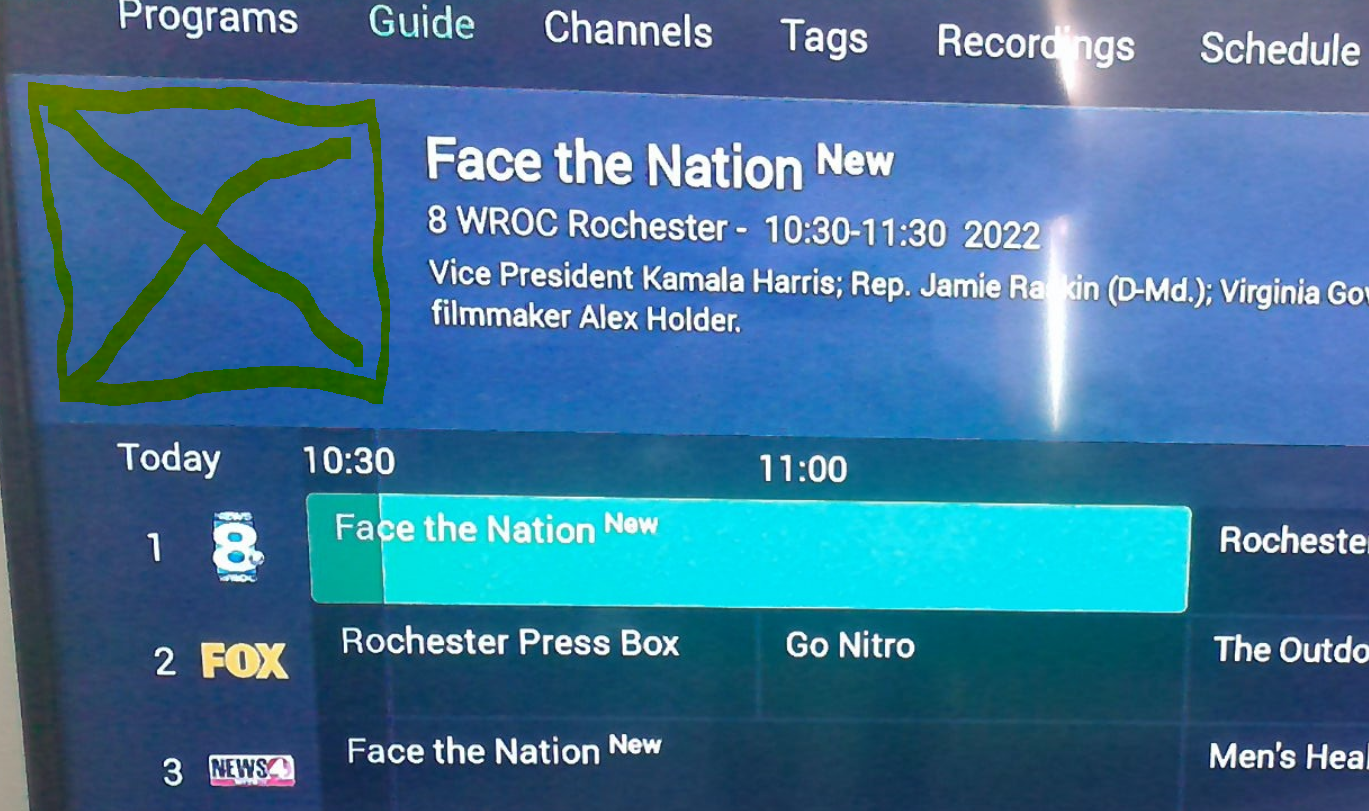
Currently if no programme logo exists in the xmltv file, this happens Note, nothing is displayed. I suggest falling back to the channel logo in the xmltv file if no programme logo exists.
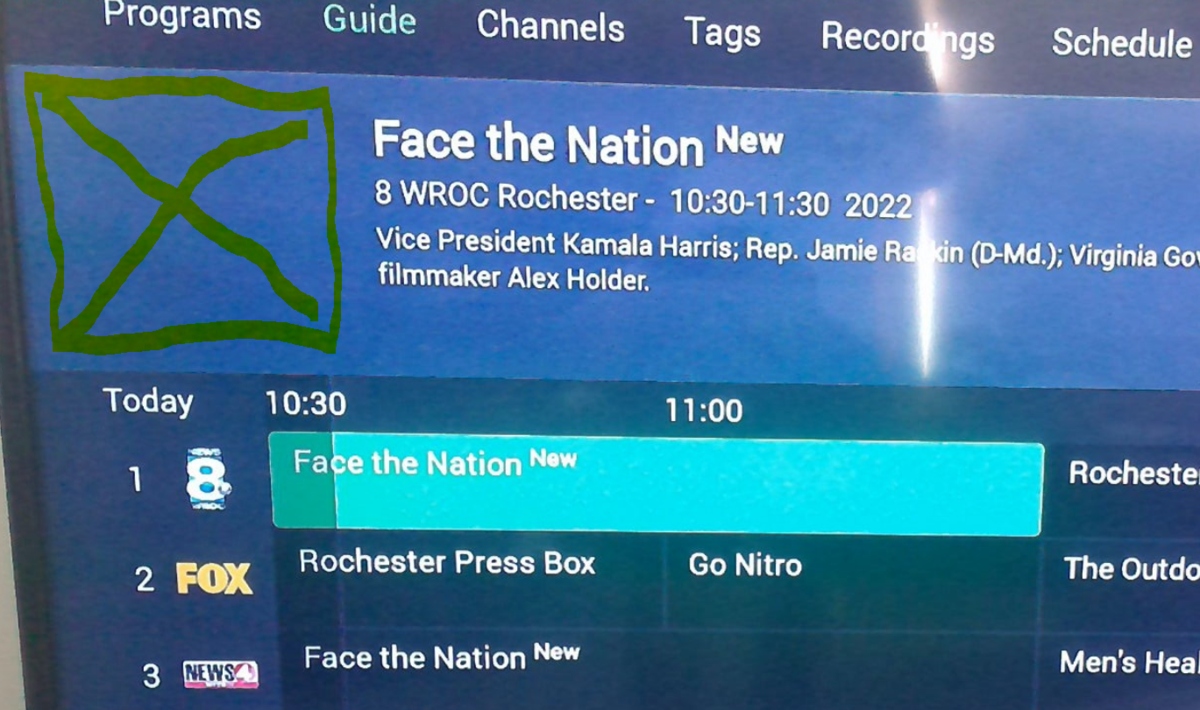 1 point
 -
I just wanted to say that so far this feature is proving very reliable and a great addition. I love how my Emby server stacks up to, and in my opinion exceeds, Netflix more and more each day! The scheduled tasks took well over a day to complete on my computer though.. Oops! Keep up the good work team.1 point
-
It worked like a charm.. I stared at it for a long time before I gave up and asked for help1 point
-
Thank you.. Now I feel really dumb1 point
-
From that screenshot there is no Season or Episode numbering, so Emby tries to get it from all the additional info in the filename. As resolution is used as Season and/or Episode numbering. In the end it is still unidentified. https://support.emby.media/support/solutions/articles/44001159110-tv-naming1 point
-
This is where I think the issue is. The entire share and the folder where the server config backups are stored have the permissions set recursively. However, when the plugin creates a new folder for that backup the recursive permissions are not set on that folder. This can be seen in the SSH screen shots above. After a new server backup task I can go into File Station, right click the new folder, select properties, go to the permissions tab, check the box for apply to this folder, sub-folders and files, hit save and then my Rsync job can run fine. So I need a script/task that can do that after the new backup and before the rsync job or I need to know what else to change to allow those permissions to automatically propagate. I am using another user named "rsync". The old Emby user has been deleted. When the new system internal user, emby, creates a new folder for the backup it is not getting the permissions applied to that new folder recursively.1 point
-
Everything seems to be there expect Trakt but I can probably set it up again. Thanks again Luke!1 point
-
Awesome cheese, looking forward to it!1 point
-
OK yes I see, thanks.1 point
-
According to your log, you have thumbnails so visual seeking is enabled. The thinking here is that you are hunting for a specific frame/position and you may have gone just past it by the time you lifted your finger, so it stays in that mode so you can find the exact frame you want and then continue from there.1 point
-
Just an FYI, if you want a shell into Emby on TruneNas Scale and don't like using the GUI, here's a command that works for me if ssh'd into truenas: k3s kubectl exec -n ix-emby-server --stdin --tty "$(/usr/local/bin/k3s kubectl -n ix-emby-server get pods -o name | cut -f2 -d'/')" -- /bin/sh Of course, only what you make persistent is persistent so this is likely useful for poking around, trying to solve a problem, etc.1 point
-
See my post above chef1 point
-
The data is already 'imported' into the Core db - in the chapters table @chef Dave did that a while back - but the part we are 'missing' is we are still editing the Introskip dB - we need to edit the Core dB directly for both Intro's and Credits - and as you said above, this is already in the works. So as far as I'm concerned - no data has been lost, nobody is going to lose any data once we transition to the new editor/plugin ... Removing the plugin was the right thing to do - as having both encouraged more users to use the plugin (as it was, and still is, more feature rich) BUT we then need to support them when the Core catches up - which is not ideal for both parties.1 point
-
We are working on it and we are dependent on the core providing us with information as well - the same question as teamB is asking above - is the core providing an editor or not ? The Plugin IS integrated with the Core - I use it everyday, this is what the chapter task does. It has a minor bug which creates duplicate chapters on some scenerio's - it's fix depends on the above - we are not gonna spend time on a plugin that has no future. To note - We all have busy day jobs - we develop/test these enhancements FOC - so please, respect that issues arise and take time to get resolved.1 point
-
Well if you had bothered to speak to me, i could have put you in the picture. That i'm working on a fix for your issue & that i can give you a new dll to try. So why not come and speak to me before you decide to throw your toys out of the pram all over the forums.1 point
-
Hello, Phew, finally I managed to fix my emby server installation. to do this i had to: 1 - Update the jail that was in V12.2 to V12.3 # iocage fetch [0] 12.3-RELEASE [1] 13.0-RELEASE Type the number of the desired RELEASE Press [Enter] to fetch the default selection: (12.2-RELEASE) Type EXIT to quit: iocage upgrade -r [RELEASE] [JAIL] # iocage upgrade -r 12.3-RELEASE emby emby successfully upgraded from 12.2-RELEASE-p15 to 12.3-RELEASE-p5! Please reboot the jail and inspect. Remove the snapshot: ioc_upgrade_2022-05-04 if everything is OK iocage restart [JAIL] # sudo iocage restart emby 2 - Install dependencies: sudo pkg install libass fontconfig freetype2 fribidi gnutls iconv opus sqlite3 libtheora libva ocl-icd libvorbis webp libzvbi libraw ImageMagick6 tesseract intel-media-sdk libunwind libinotify openssl icu krb5 If you're installing Emby Server into a jail, update jail.conf: allow.mlock = 1; ip6 = inherit; Install Emby Server on FreeBSD 12: pkg add -f https://github.com/MediaBrowser/Emby.Releases/releases/download/4.8.0.3/emby-server-freebsd12_4.8.0.3_amd64.pkg sysrc emby_server_enable="YES" service emby-server start Done Thanks for guiding me to the solution Luke1 point
-
If you are using an IPTV service, my guess is that they changed sources, which will cause guide data in Emby to be lost. If using an IPTV service, you can prevent that from happening by using xTeve to sort your m3u, and use the xTeve generated m3u URL in Emby. Then if the channel sources changes you just have to reassign the channel numbers in xTeve and all is good again.1 point
-
@Luke would adding both networks to LAN Networks help here? 2022-07-11 08:29:27.457 Info NetworkManager: networkInterface: Ethernet eth0, Speed: 10000000000, Description: eth0 2022-07-11 08:29:27.458 Info NetworkManager: GatewayAddresses: 172.18.0.1 2022-07-11 08:29:27.459 Info NetworkManager: UnicastAddresses: 172.18.0.31 point
-
@quickmicYes I have tested it stock. Like I said before it was working before in Kodi 19.2 and a previous edition of 6.x.x. When support was fixed for cinemode this broke at some point. https://kodi.wiki/view/Settings/Player/Discs#Blu-ray_playback_mode There is three options in Kodi Blu-ray menu (this launches the Java JVM and loads the Blu-ray menu system, does not work on Android platform and NOT what I am trying to report.) Simplifed menu (this is a regular Kodi context menu to select a playlist title, this is what is broken, playback should be paused with the context menu, it crashes Kodi) Main movie (this opens the ISO container directly, no issue with Kodi or Emby, playback works)1 point
-
Yes, thanks, sorry to bother.1 point
-
Blah, I figured it out. Pihole was blocking it. Ah, the joys of coming back to a bunch of complex systems that need updating after a year of not touching anything due to a baby.... I was randomly disabling pihole for other reasons and that's why it was working sometimes and not others.1 point
-
Let me try removing the playercorefactory and testing again.1 point
-
So, I reinstalled MPC-HC to the latest version to fix a different problem and it started working - then it didn't work again after a couple reboots, so I switched to 7.5.2 and it's working again for external, but not internal. I'll post over in that thread.1 point
-
OK great, thanks for the info.1 point
-
I misremembered the screen size. it's 5.5" for the screen, 6.5" for the device if you count the bezel - Still, I can't imagine wanting anything bigger as a phone. It's already a bit annoying to use as a phone (doesn't fit nicely in pockets; even most phone belt pouches its a tight fit; awkward to hold with one hand for taking photos if I need to hold something in the other hand), while being much too small to make a decent tablet for videos and reading PDFs and comics and webpages. I just booted up Plex on my phone for the first time since a few days after I downloaded Emby. They moved "Chapter Selection" into the menu on phones.1 point
-
> Really small It's a 6 inch screen & the biggest phone I've ever owned. If I went much bigger it would be a small tablet. haha Maybe the phone is misreporting the screen size. (Or perhaps when you say 'really small' you mean all phones, not just small phones). Yeah. it's imprecise. I found get vaguely close to the start of the chapter, and then I need to jump around until I get there. Admittedly it would be more user-friendly on a 20 minute file than on an 11 hour file. I appreciate it, when you do manage to add it in.1 point
-
@MrMackey Can you post a server log after a restart to show network detection.1 point
-
This is the first thing I have found that has helped... Thank You Very Much!! Just FYI... I also had to add the emby user to the emby and sambashare groups Then I had to add proper permissions to the /media/rootuser seeing as I am using external drives to store the media1 point
-
I think everyone is feeling a little burnt out on this at the moment. Its been a hell of a ride over many months. From what I can tell all intro detection will now be handled by the core Emby server implementation. I think the idea is uninstall the plugin and just use Emby server 4.7 implementation. My understanding is that a new plugin will be released (or a revamped SkipIntro) that has the intro detection removed so the sooner you move to using the core implementation the better now that it is official and available in the latest Emby server 4.7 release. https://emby.media/community/index.php?/topic/110226-save-time-with-embys-intro-skip/ I dont think there is a chapter editor at the moment, I was going to look at building something but was told it is coming in the core Emby server but I dont know when but am hesitant to do the work and then have the core release something that makes it redundant. My biggest frustration at the moment is I can not see the Intro detection results using just the core implementation, so can not verify that it is working as intended.1 point
-
@rbjtech All set, link in first post.1 point
-
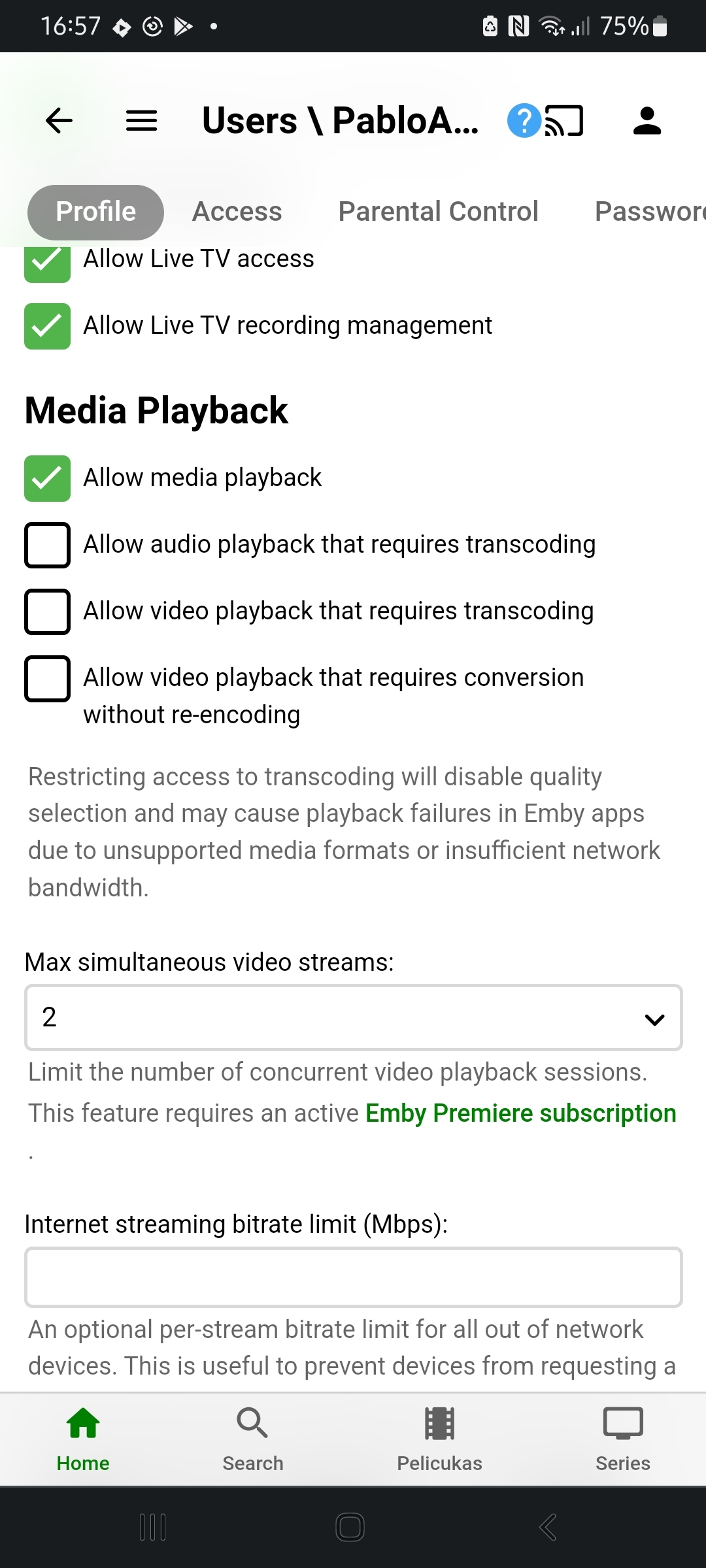
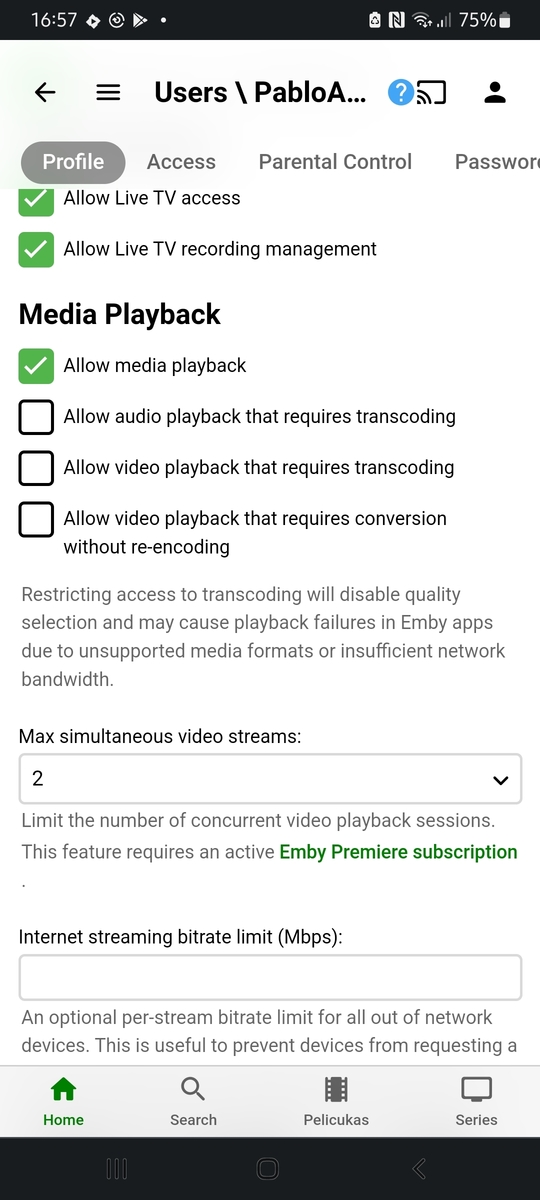
Hola. A mi me sucedió lo mismo y ahora que lo dicen también fue desde que actualice a Android 12. También instale la beta y la última versión estable del servidor pero no se soluciono. Una solución "parcial" es editar el perfil de usuario en Media Playback pero de esa forma obtenemos video pero no audio ni subtitulos:
 1 point
 -
Hey @quickmic on the multiversion select window, is it possible to list the runtime of the movie? So it would look something like this? Theatrical Cut - 2Hrs 5Min Extended Cut - 2Hrs 20min1 point
-
Heb het gevonden, ik moest mijn instellingen veranderen naar 'tablet' modus1 point
-
It is much more than backing up actors (that's the old plugin and @mickle026 should really make another thread for current iteration of his Custom Provider plugin ), it literally includes what you're after: another scraper (mickle's own) in addition to usual set of scrapers from where users can download all kinds of metadata/artwork. Nope, not familiar, but someone else might chime in.1 point
-
ok, thanks for taking the time to look at this1 point
-
Ok. Thanks. It must have changed with the XMLTV feed subscription change then.1 point
-
Tried two other files, both played with no issue. 4bd1bae2-2f1a-4a9d-a283-a381687d7f2b.log1 point
-
I too have tried to set up and use Emby with Google Home. The guide online is badly written and doesn't make sense. However, it seems that integration with Google Home has fallen out of support and is no longer working. Real shame as this has such great potential. Emby team - will support for Google Home be revived?1 point
-
Hi, no, it's not related to premiere. What version are you on now?1 point
-
I would really like to see the addition of HDR and Dolby Vision tags tags to the case. I love the ability for it to create all 4k cases but to the left or right of this add HDR or Dolbyvision. If it is a side case then have it on its side to the left/right of the 4k logo1 point
-
Had this issue on a fresh installed hard drive. It was auto detected and working on my ubuntu machine as /media/user/xyz however I had to follow these steps to add a mounted hard drive sudo mkdir /hdd sudo vim /etc/fstab add this line to end of file: /dev/sdb1 /hdd ext4 defaults 0 0 mount the hard drive mount /hdd chmod permissions: sudo chmod 777 /hdd -R Finally it added and synced my 500GB of music (quickly), excited to test this out.1 point