Leaderboard




Popular Content
Showing content with the highest reputation on 06/07/22 in all areas
-
Emby Server 4.7.2 - Point Release: Round 2 Fixes This is the latest point release of Emby Server containing fixes for identified issues. Add episode intro detection feature to library options Add user profile options for episode intro skipping Fix regression with episode number parsing from file names Fix file names of home videos being truncated after last dot in the file name Fix downloads redownloading on deletion Remember subtitle selections if enabled, even when user subtitle mode is set to default to None Original Blog posts for the 4.7 release: Emby Server 4.7 Release: Many New Features, Improvements and Fixes Emby Server 4.7.1 - Point Release: Round 1 Fixes Please report any issues you may have in the General/Windows section of our Community Forums: Emby Community General/Windows Forum View the full article5 points
-
Emby Server 4.7.2 - Point Release: Round 2 Fixes This is the latest point release of Emby Server containing fixes for identified issues. Add episode intro detection feature to library options Add user profile options for episode intro skipping Fix regression with episode number parsing from file names Fix file names of home videos being truncated after last dot in the file name Fix downloads redownloading on deletion Remember subtitle selections if enabled, even when user subtitle mode is set to default to None Original Blog posts for the 4.7 release: Emby Server 4.7 Release: Many New Features, Improvements and Fixes Emby Server 4.7.1 - Point Release: Round 1 Fixes Please report any issues you may have in the General/Windows section of our Community Forums: Emby Community General/Windows Forum4 points
-
I suggested in a totally different thread a bit ago about possibly adding Discogs as a meta fetcher... https://emby.media/community/index.php?/topic/79280-duplicate-music-artists-entries-how-to-get-rid-of-them/ That thread has had a few +1 reply posts. As such i figured adding it to the feature requests was the proper way to gauge interest. If you have used MP3tag you should be familiar with Discogs. Its a GREAT alternative to Musicbrainz.3 points
-
Guys, The ebook side of Emby/MediaBrowser has been long stalled or rather stagnated. I would like to offer up a couple of suggestions. Many people use calibre as an ebook/comic book tool for scraping data and general management of their collection already. This program is absolutely astonishing in its ability to pull metadata from post calibre scans, as well as draw in metadata from the file source and/or directory structure. http://vaemendis.net/ubooquity/ Its a self contained .jar server/reader combination. And honestly I am very impressed by it's small footprint and wide range of abilities. The other option is COPS , which was written specifically with calibre in mind. It is open source, so making it work with emby I would think would be fairly easy. https://blog.slucas.fr/projects/calibre-opds-php-server/ Ever since the original release of MediaBrowser's bookshelf I have always wanted something that would allow me to 'read' my collection, rather than being basically nothing more than a place-set for images of books I own. I am sure that those who mainly have audiobooks are thrilled with bookshelf , but it's nothing more than an extension of the music library IMHO, not new features. We can have both right? Here I give you two suggestions free of charge.. Just because I love you, and Emby Personally I plan on running the Ubooquity Server along side of Emby from now on, just because of it's massive functionality and tiny footprint. But I sure hope that someone decides -- "yeah, ebook support should be in here too" and do something about it - rather than allow this now very very ancient issue to continue to remain an issue. And so I don't have to have 20 different ports open, some with SSL support - some not, because Emby isn't delivering the 'complete package'. (Please take some of this with humor, I know you have your hands full with improvements/bugs/suggestions/requests)2 points
-
New_GUI_2.zip
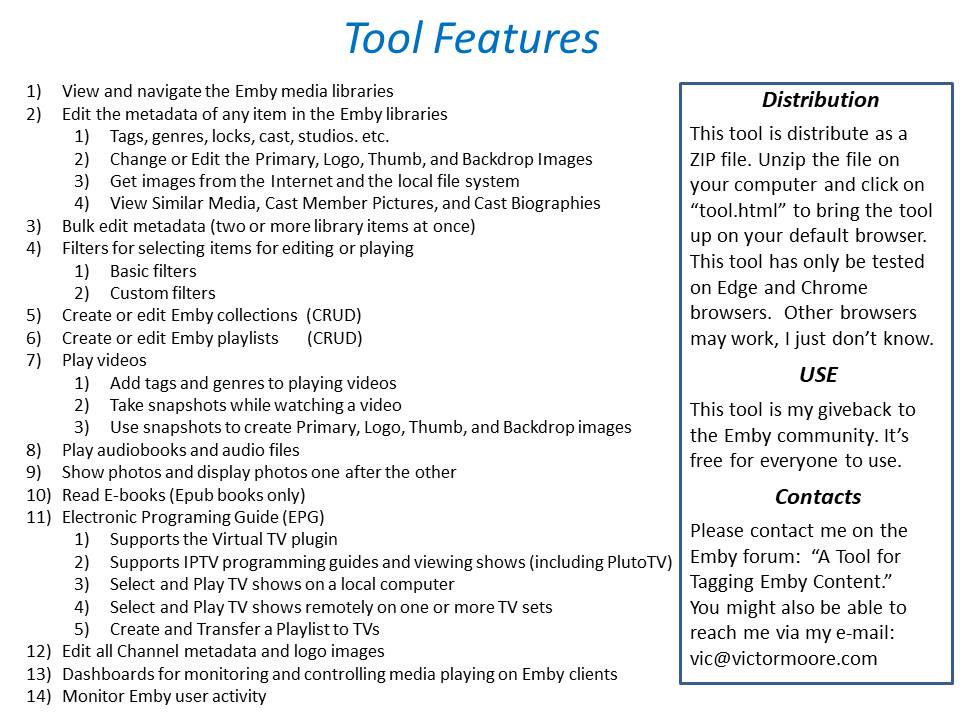
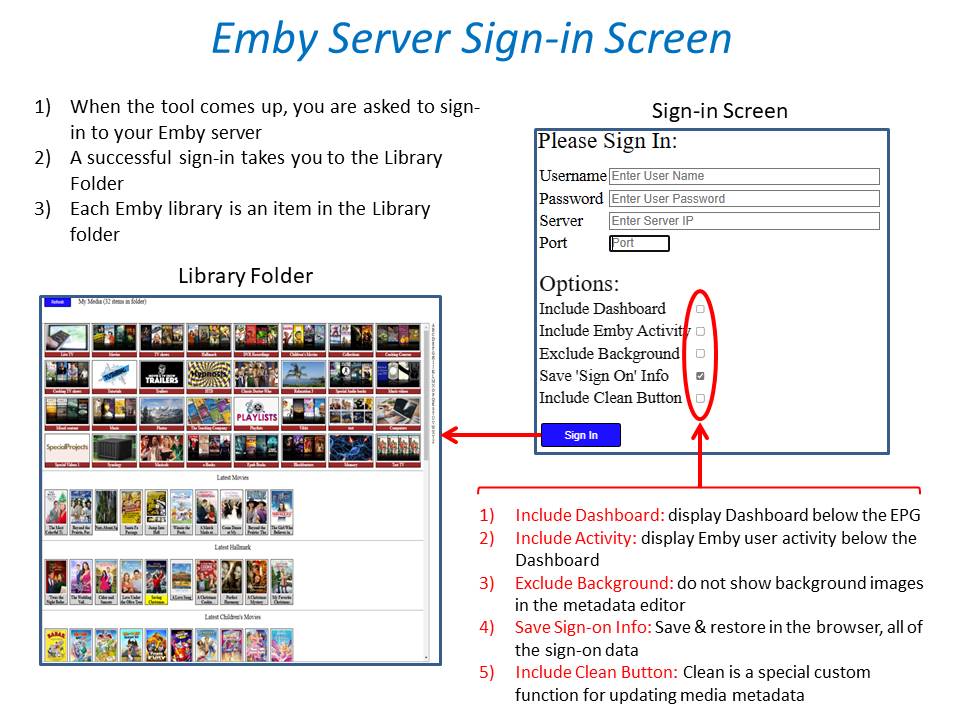
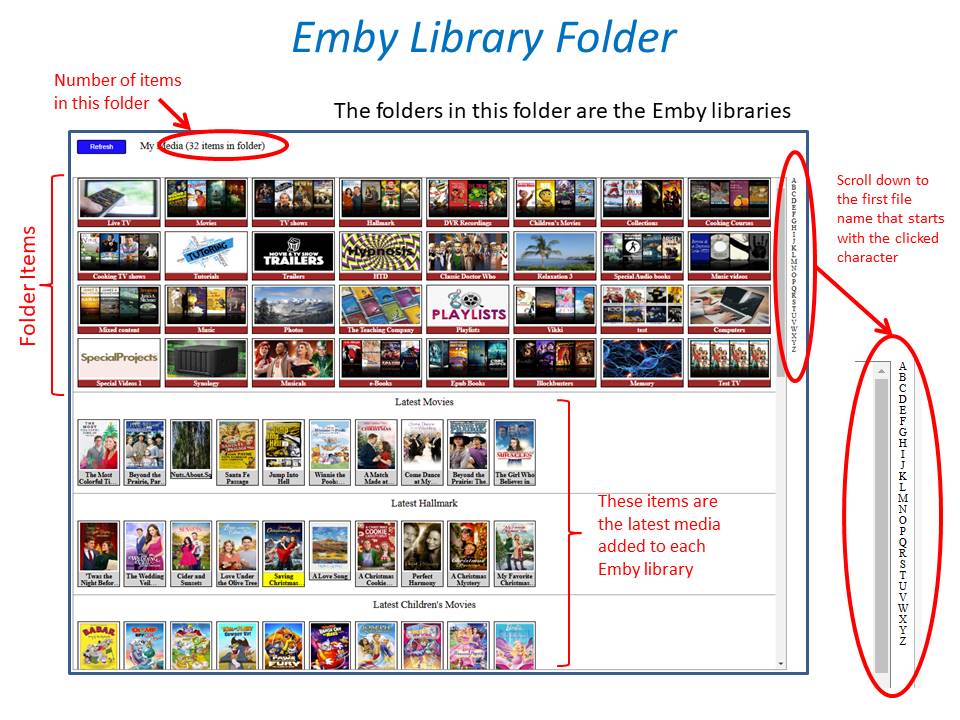
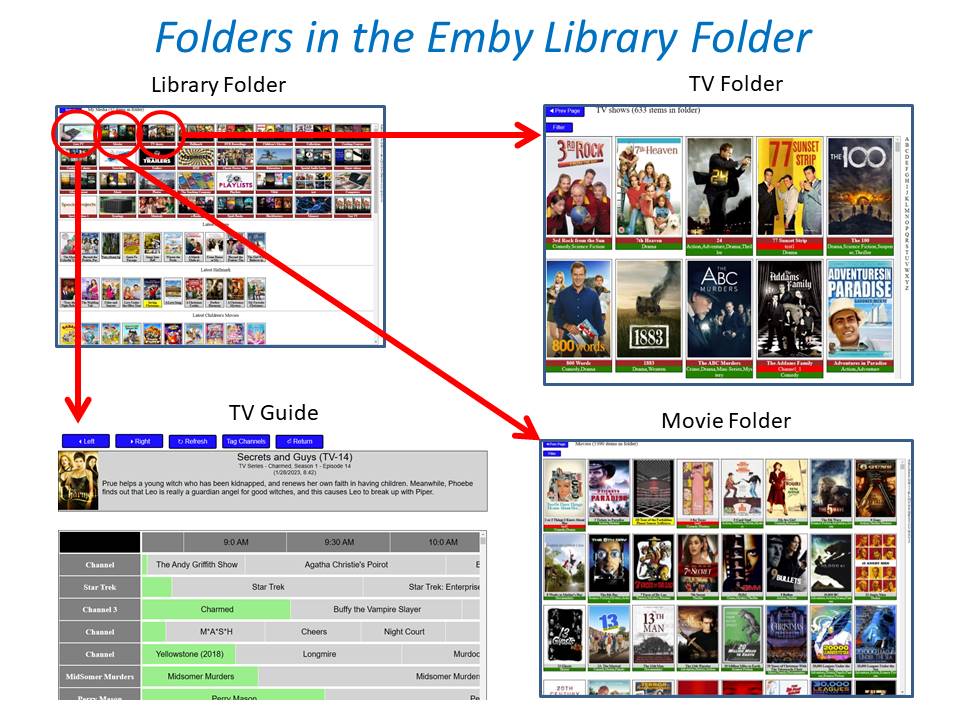
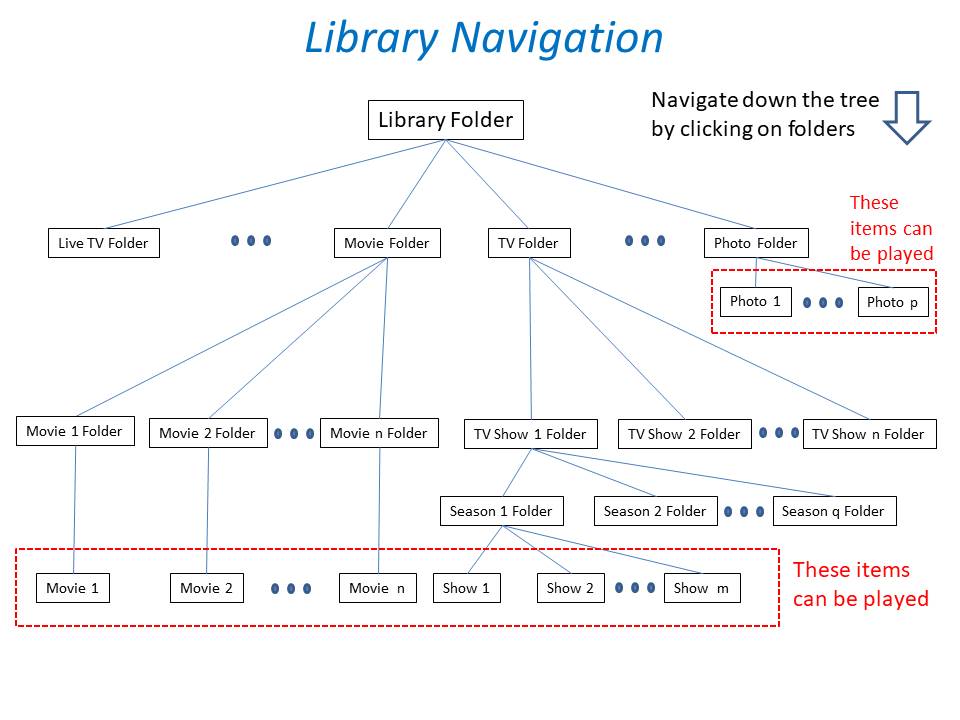
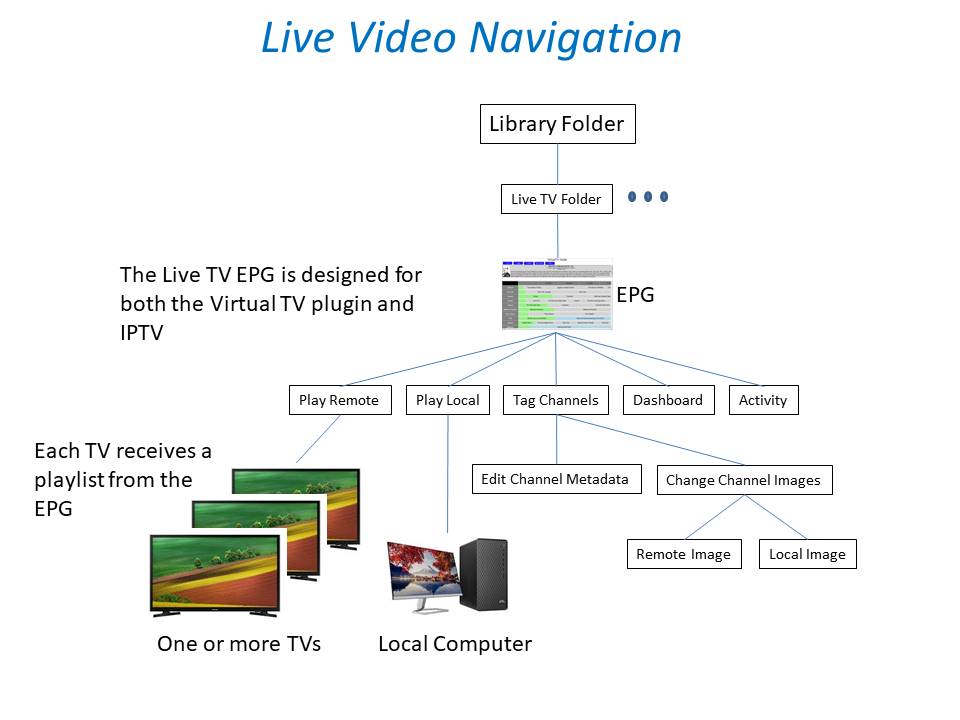
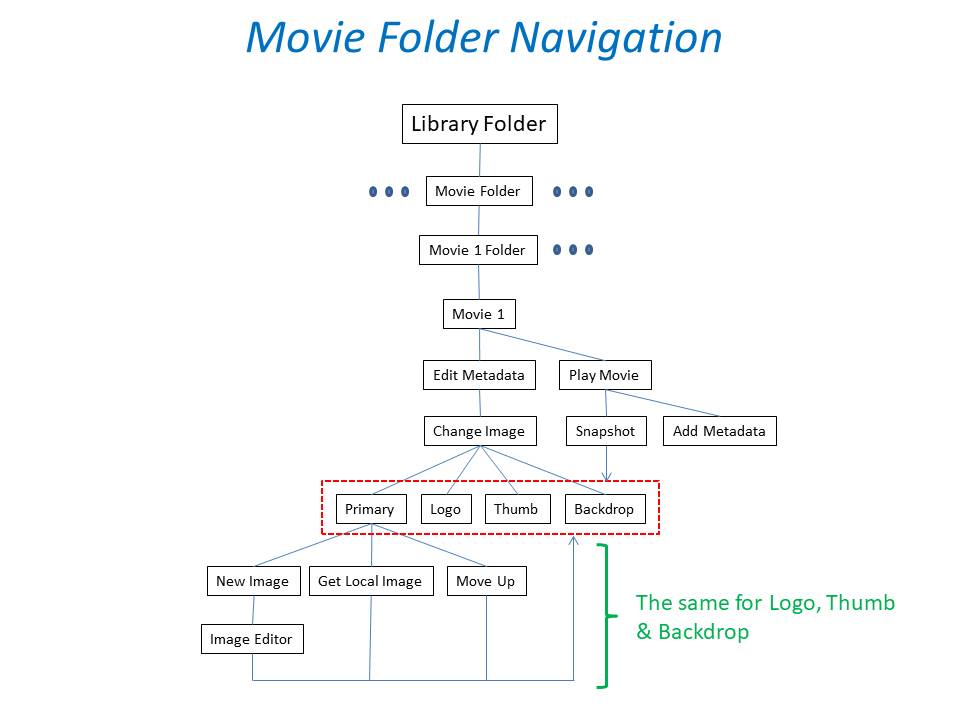
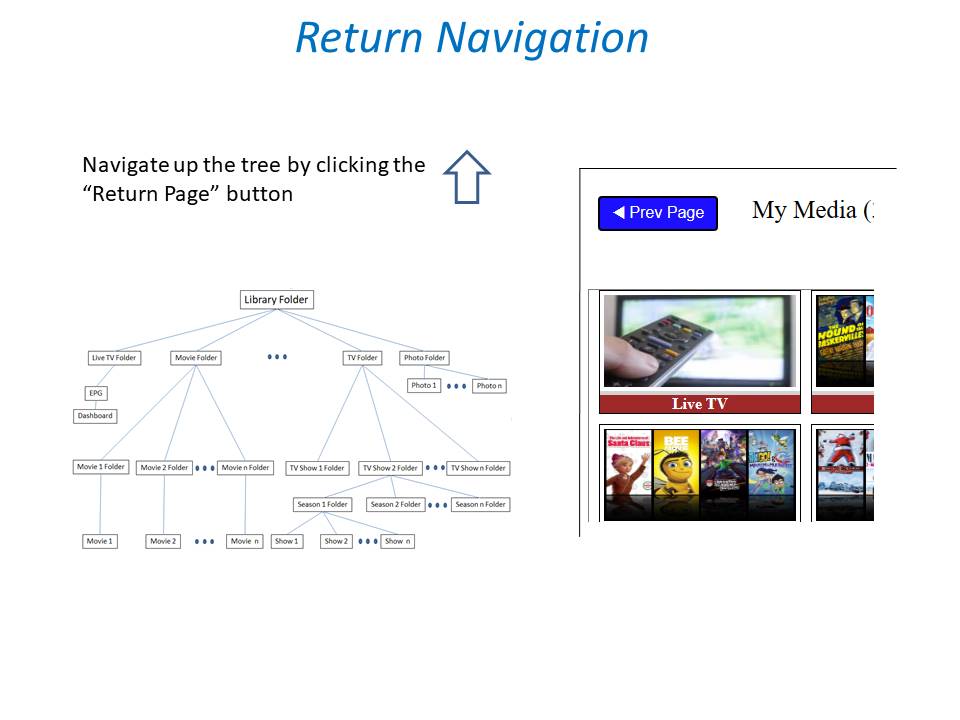
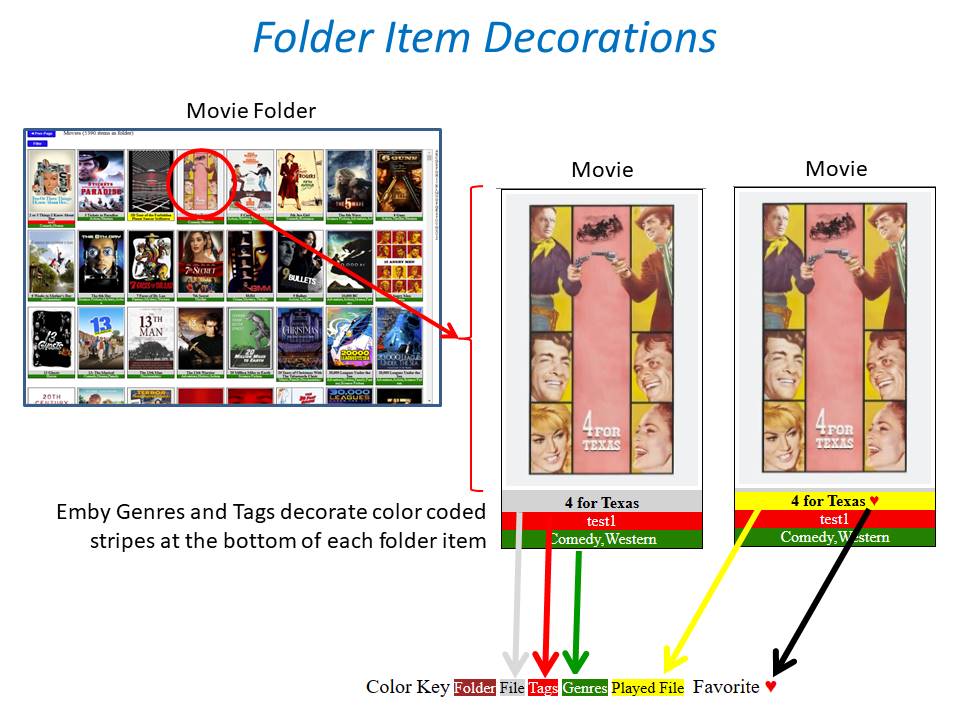
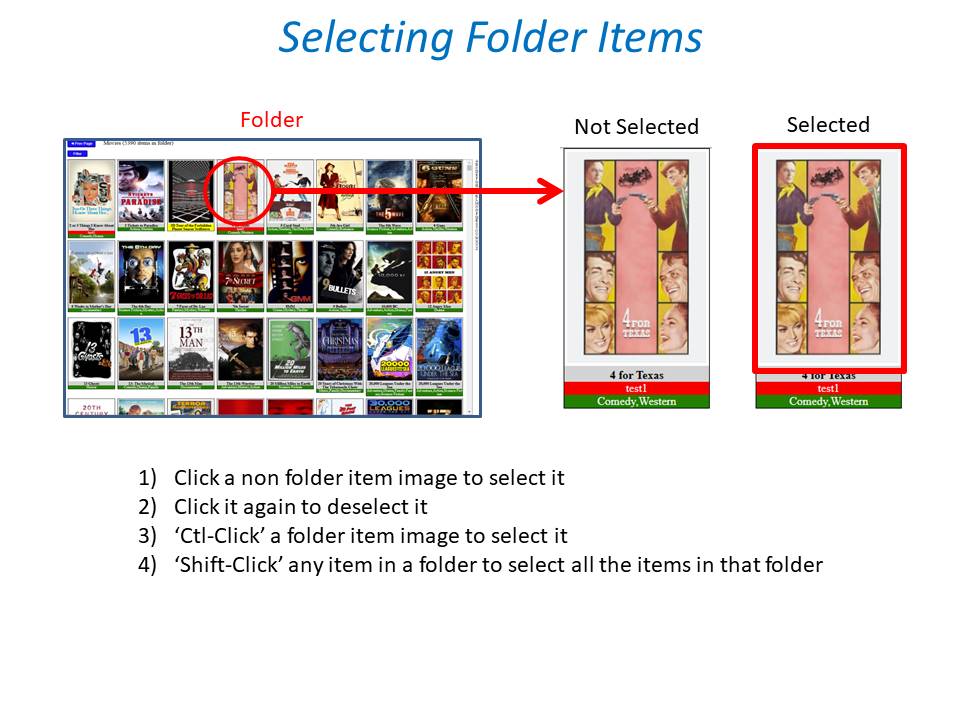
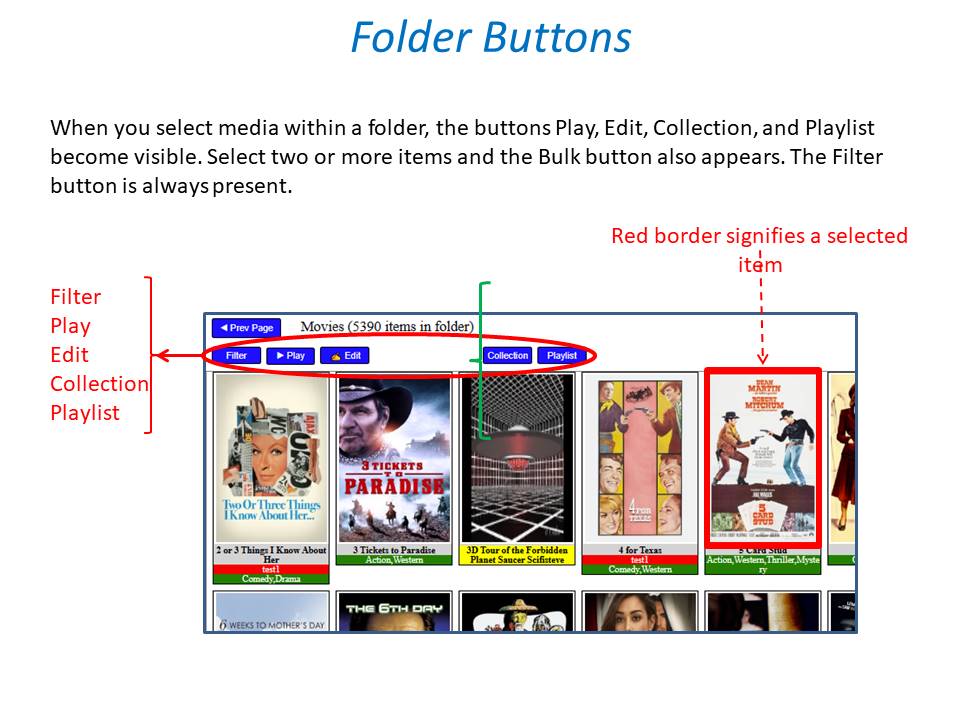
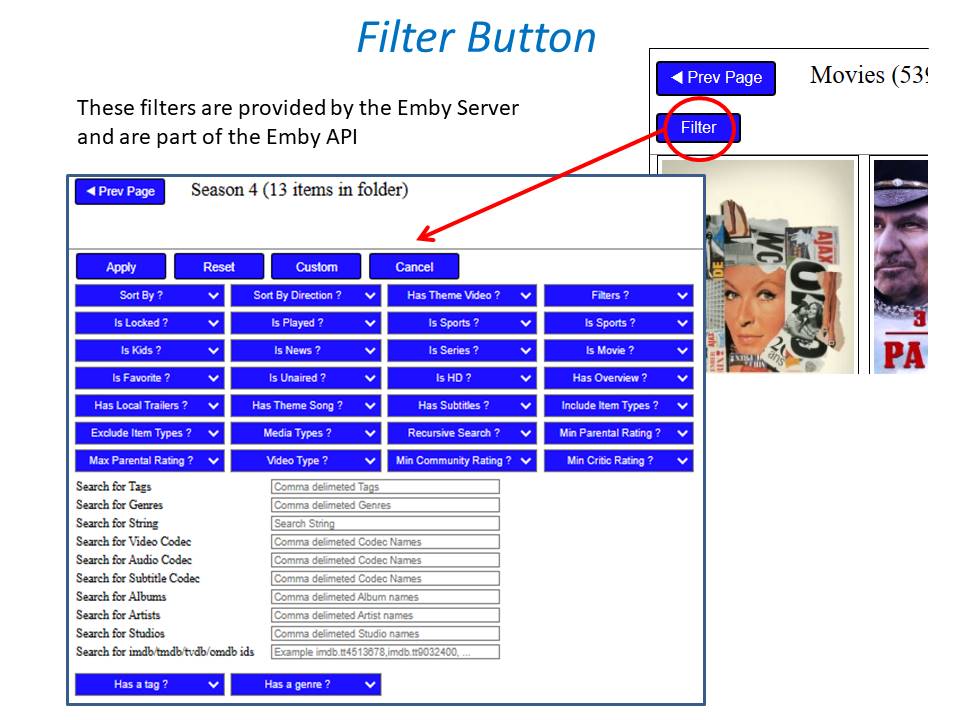
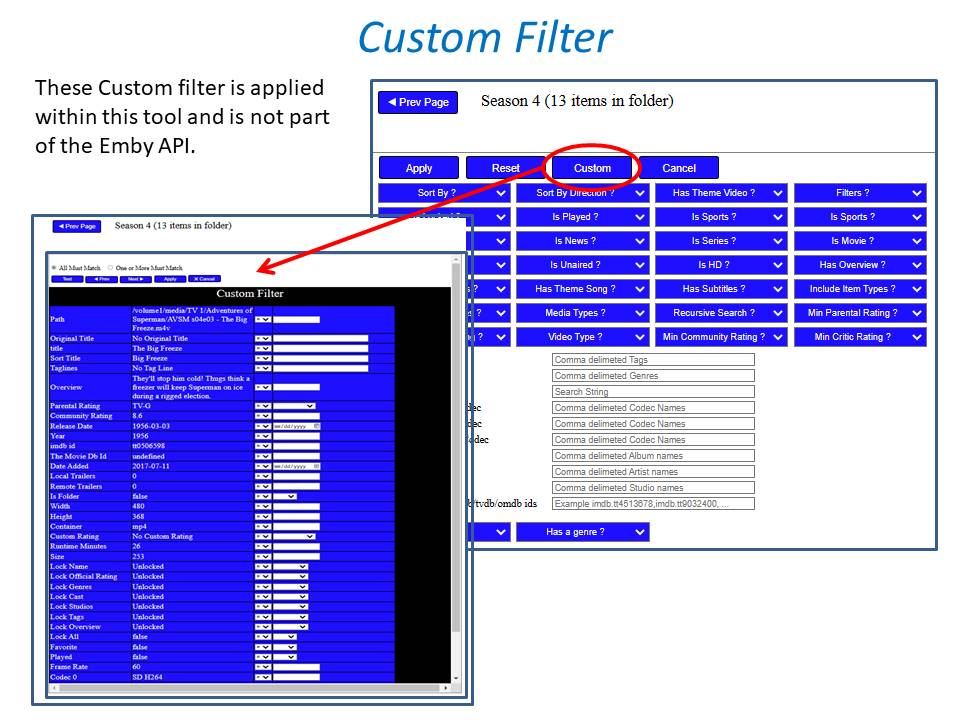
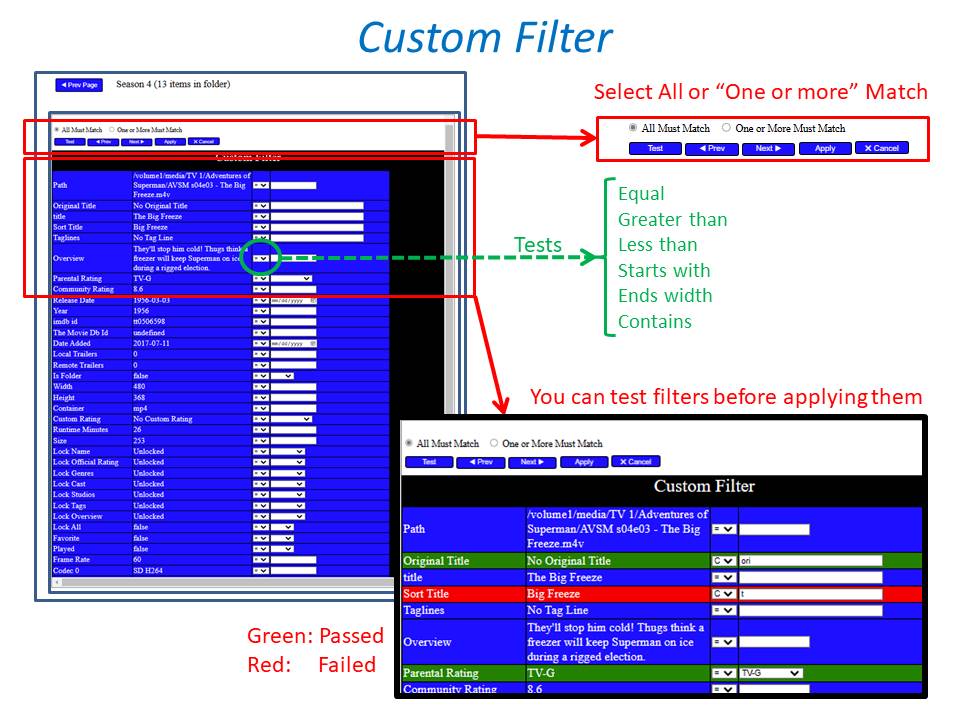
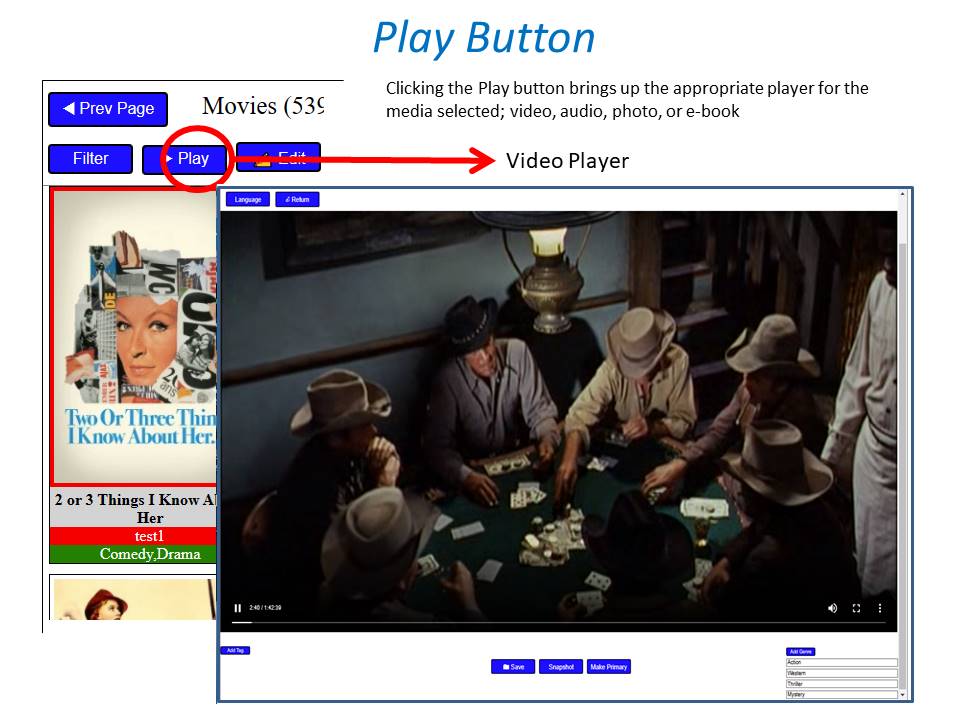
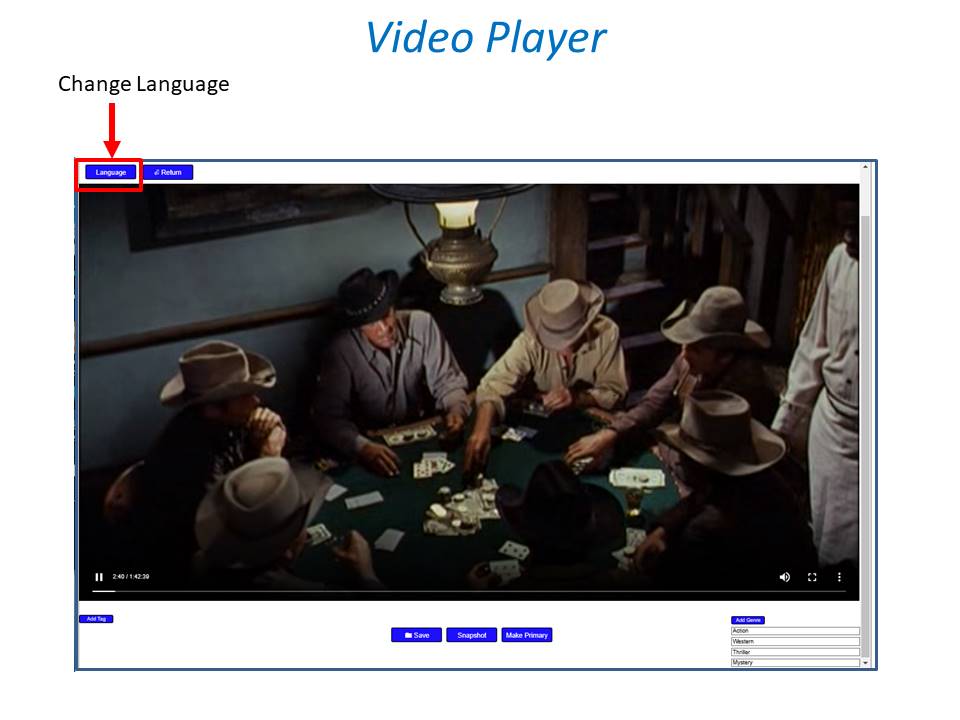
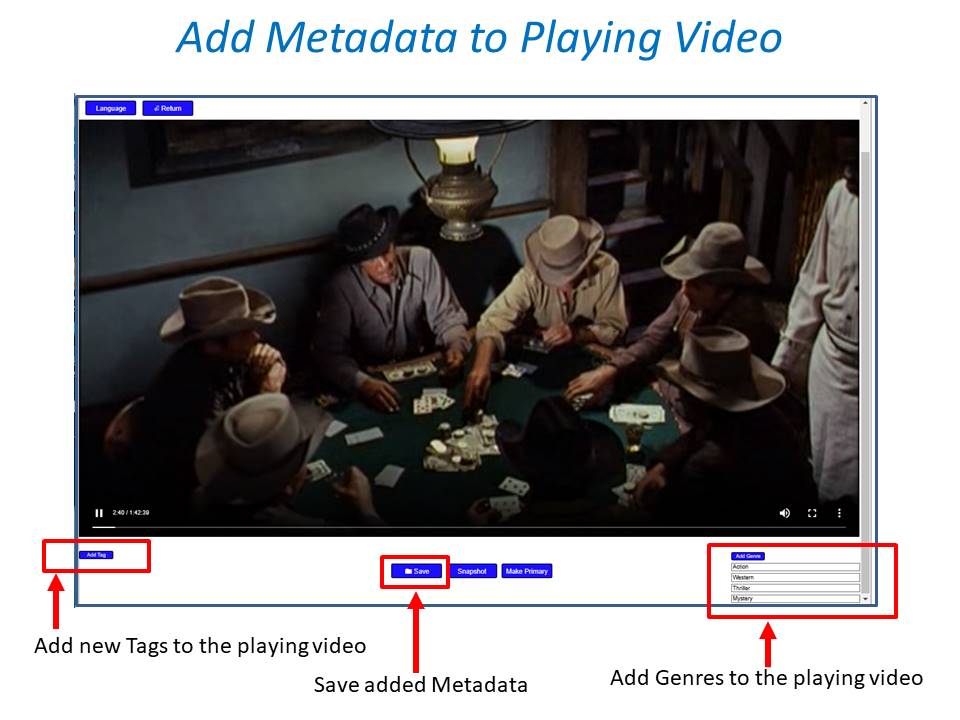
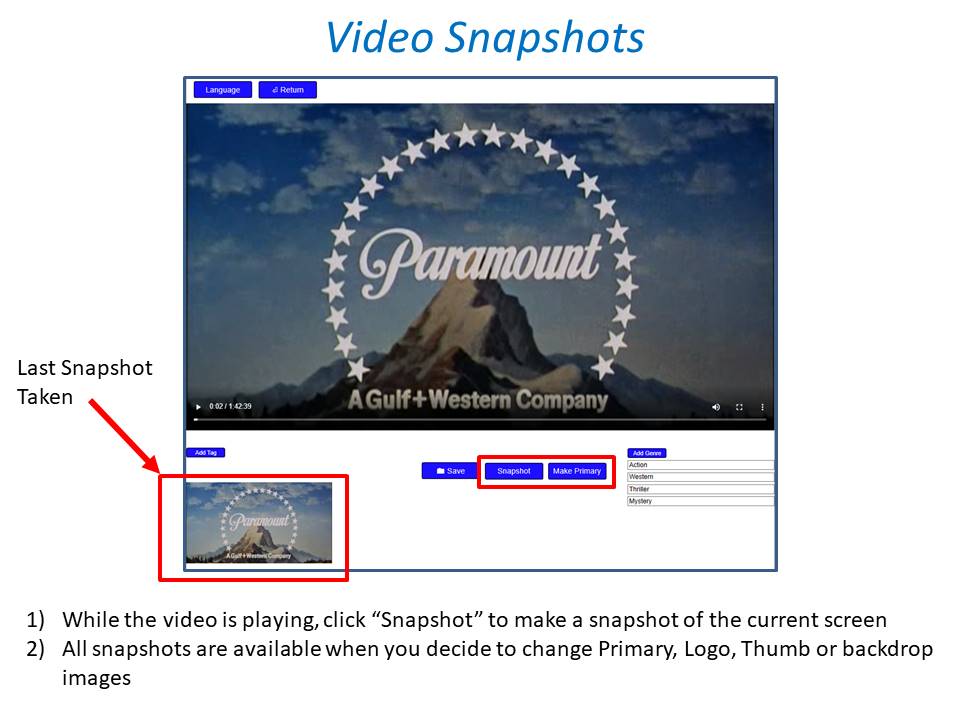
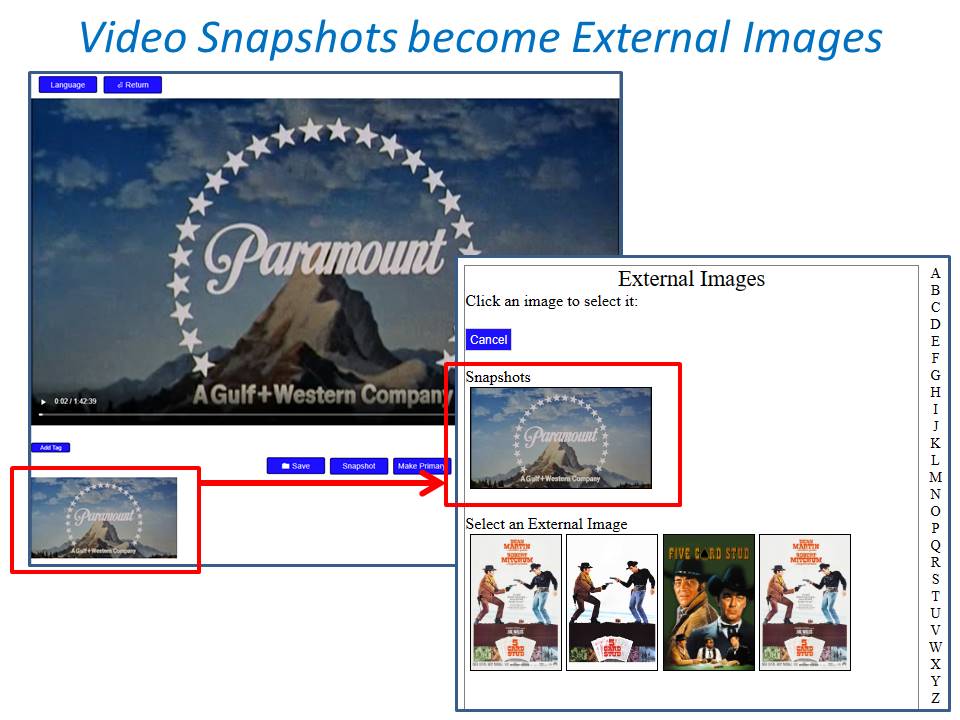
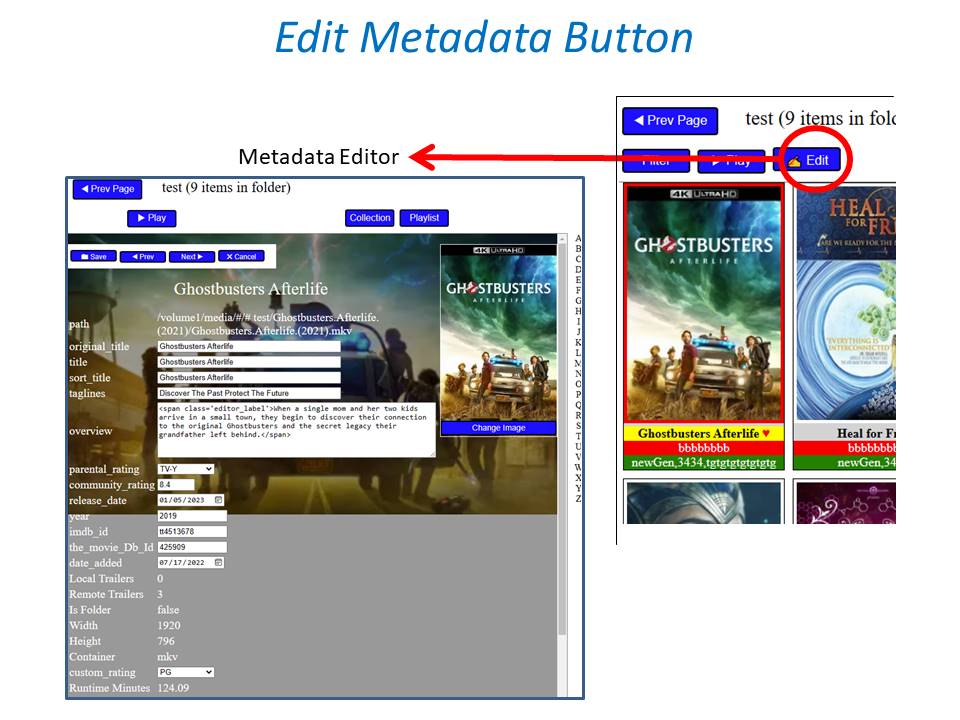
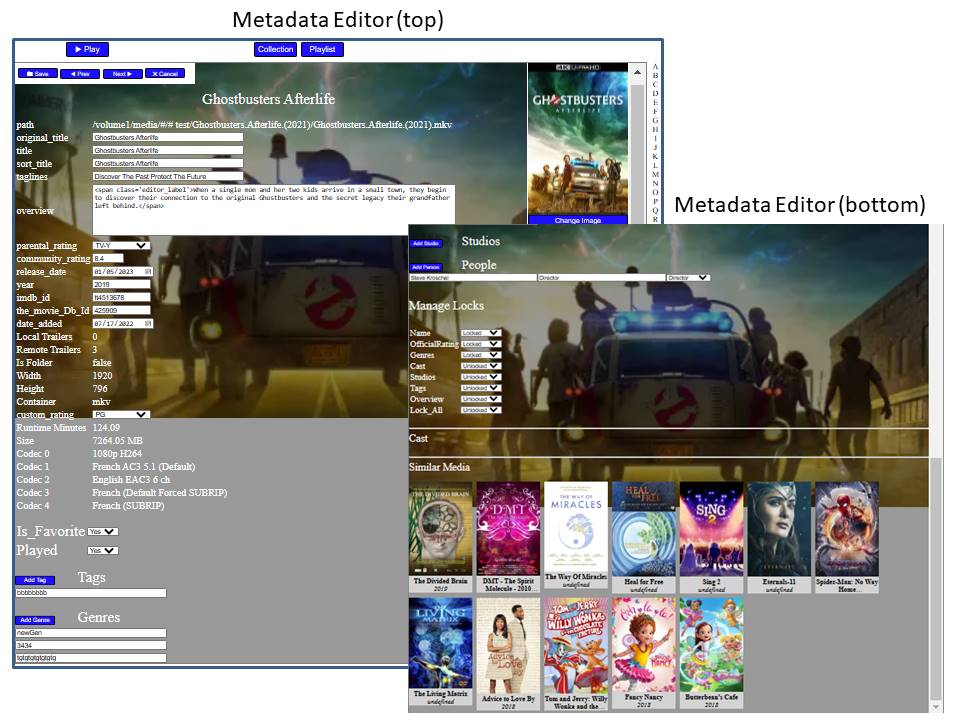
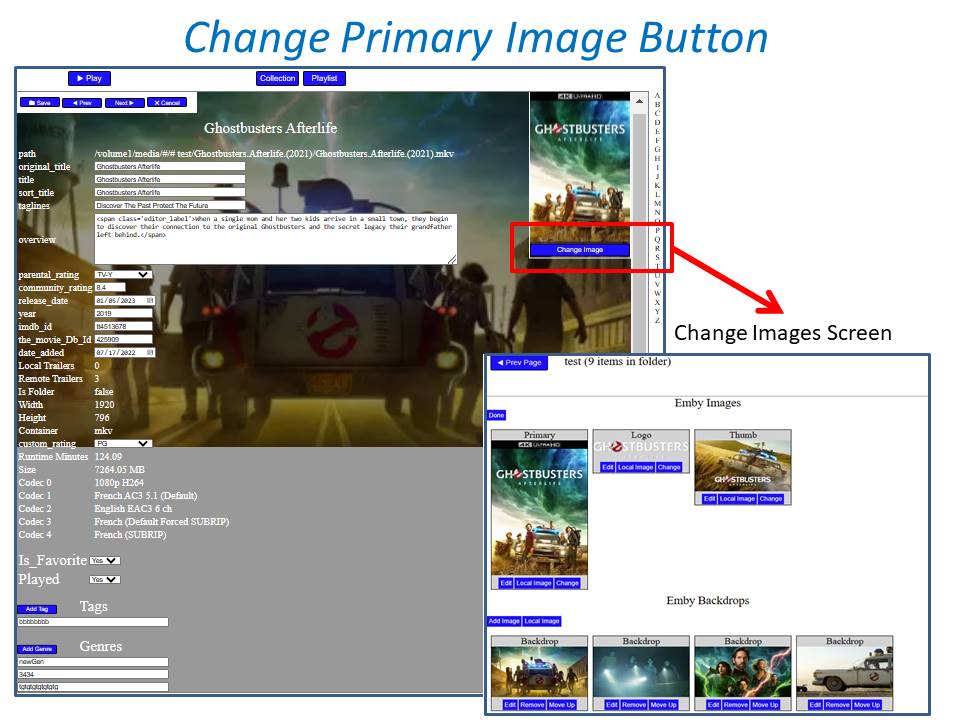
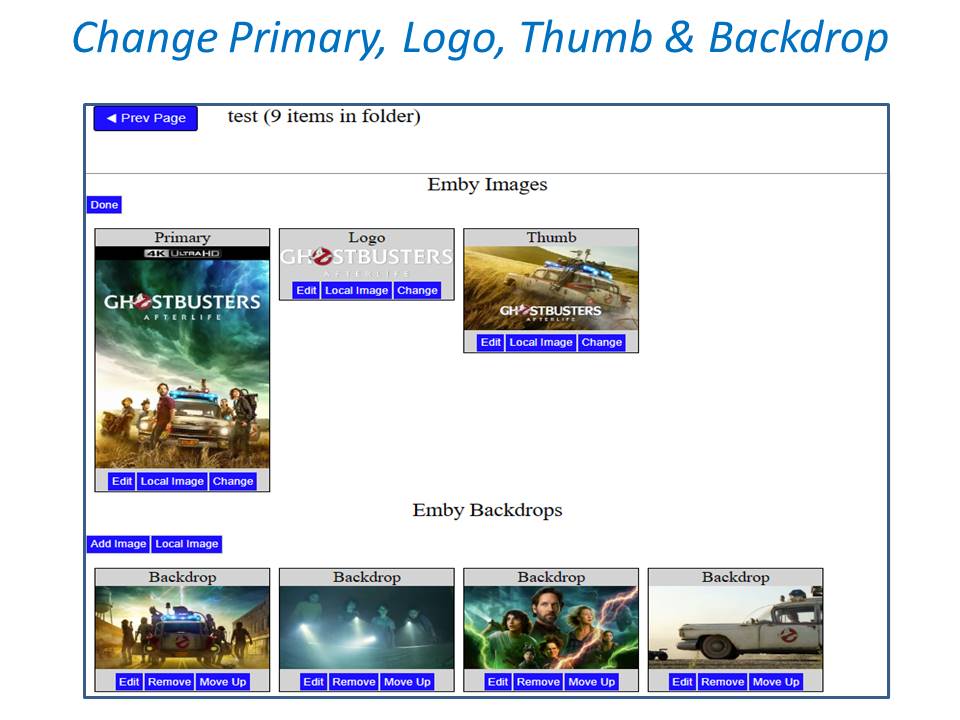
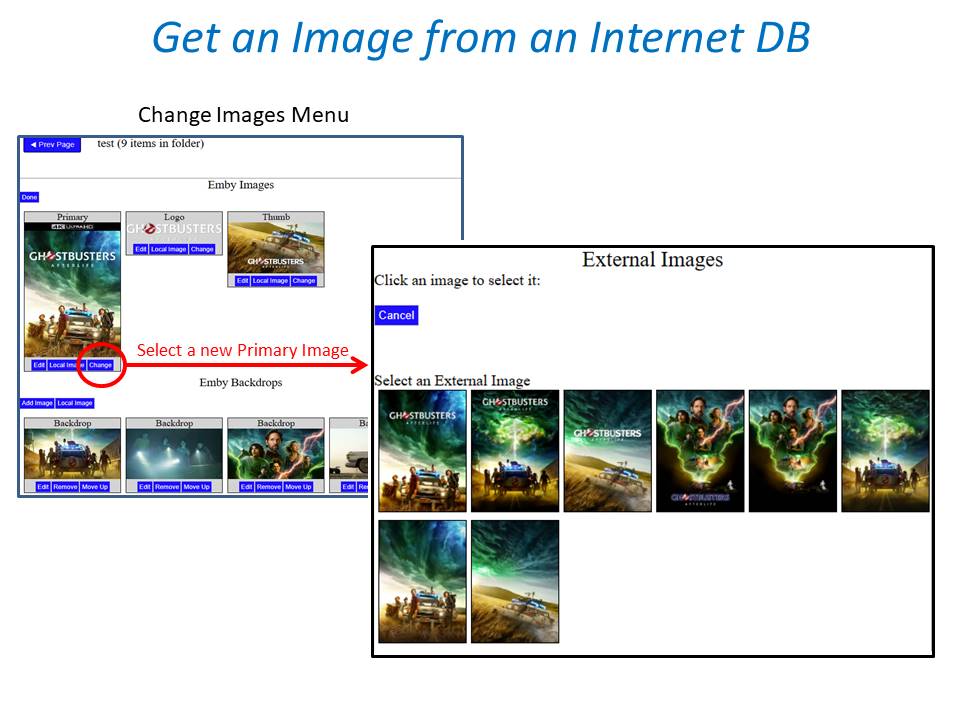
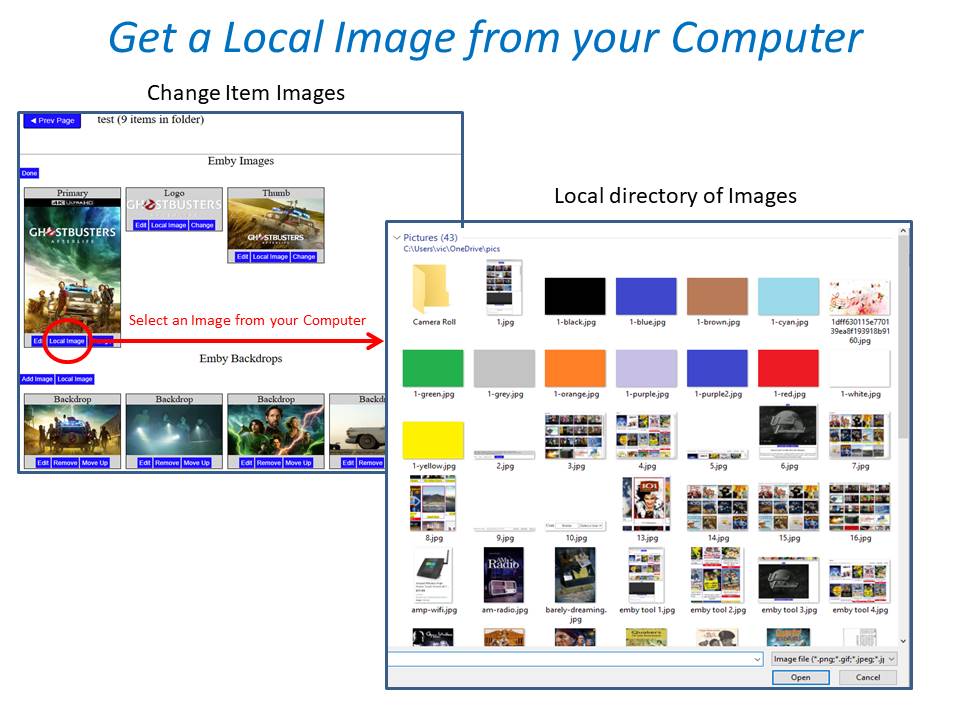
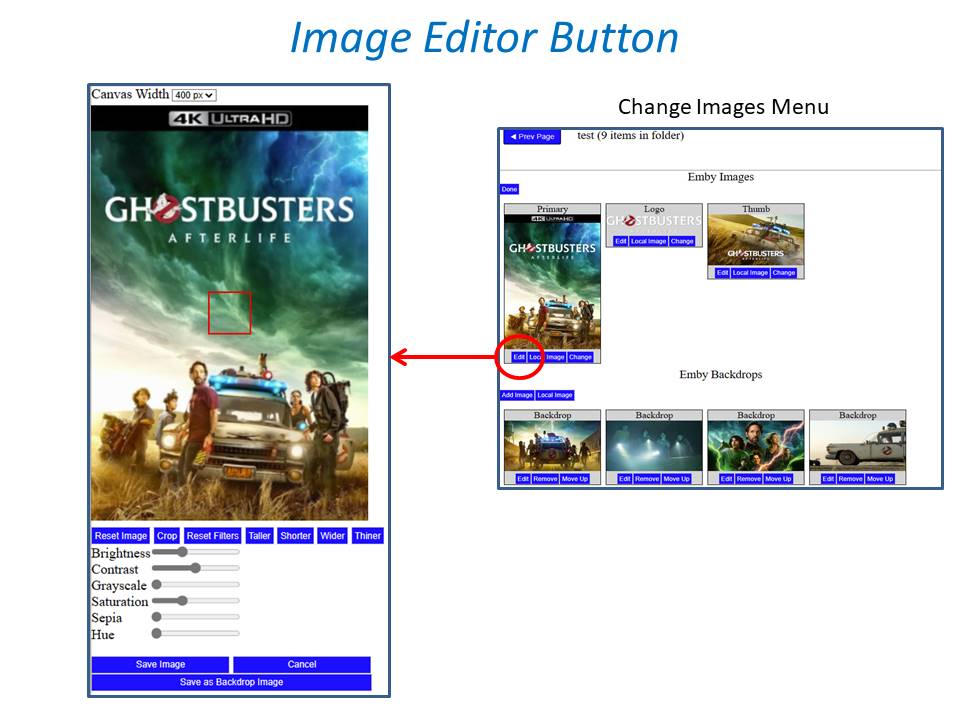
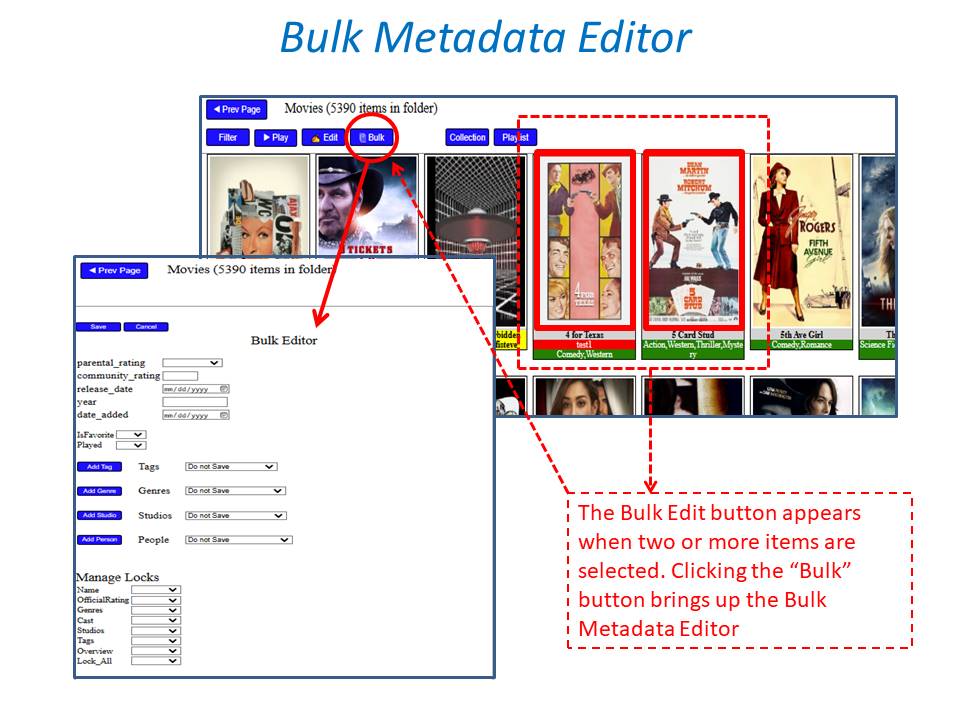
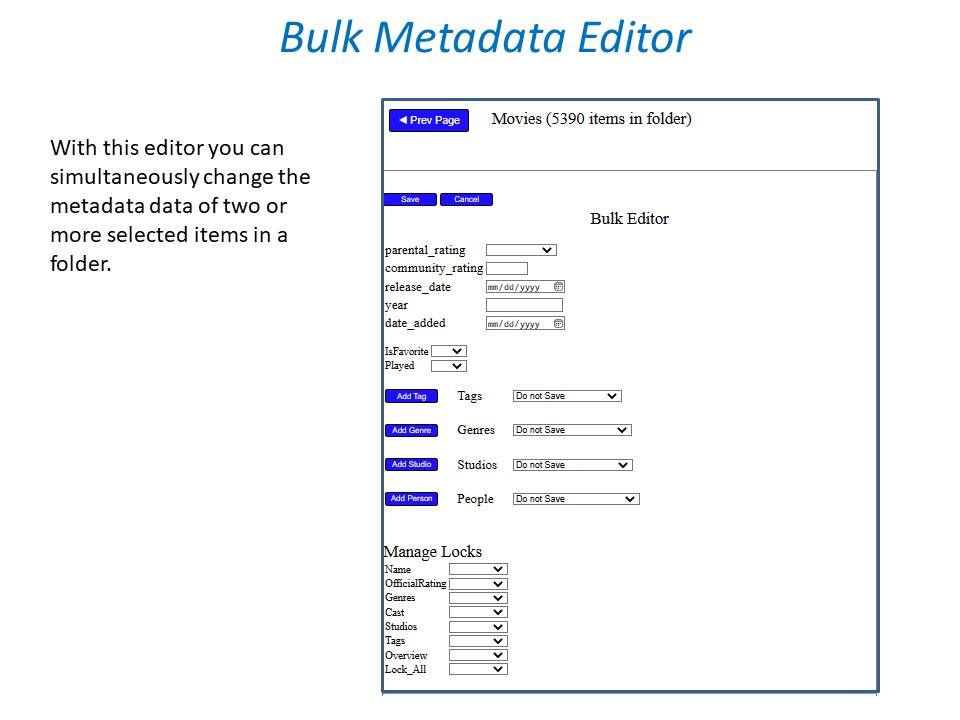
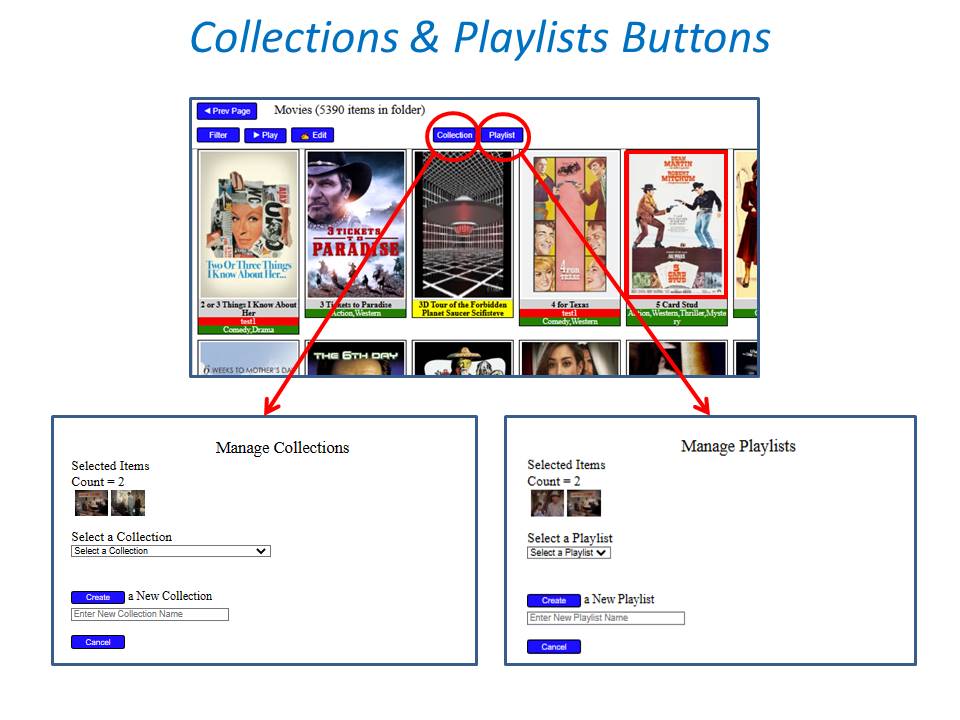
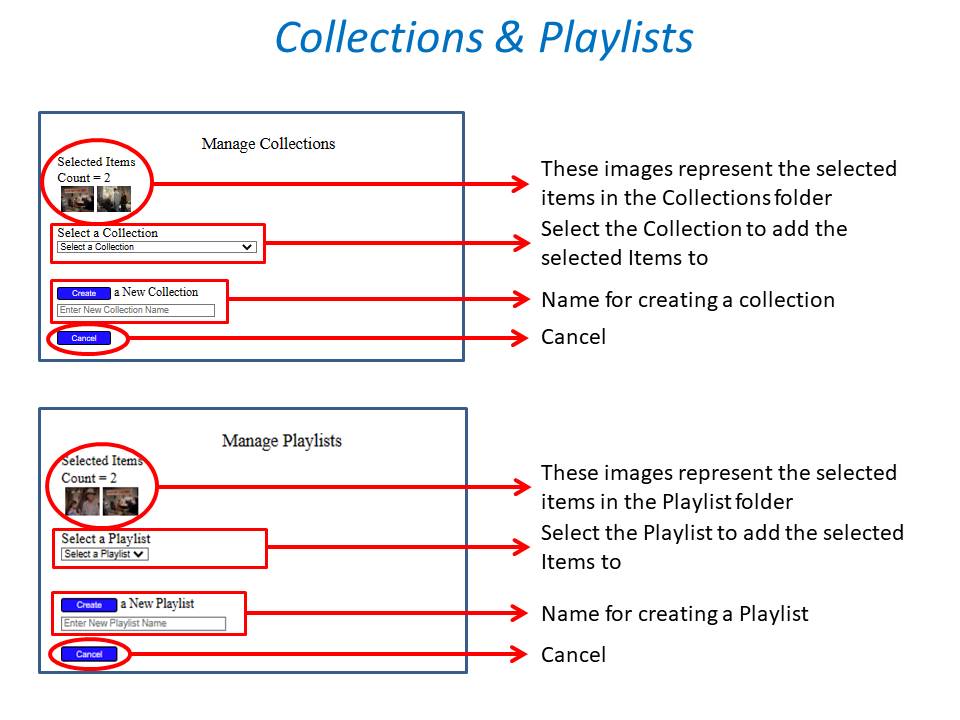
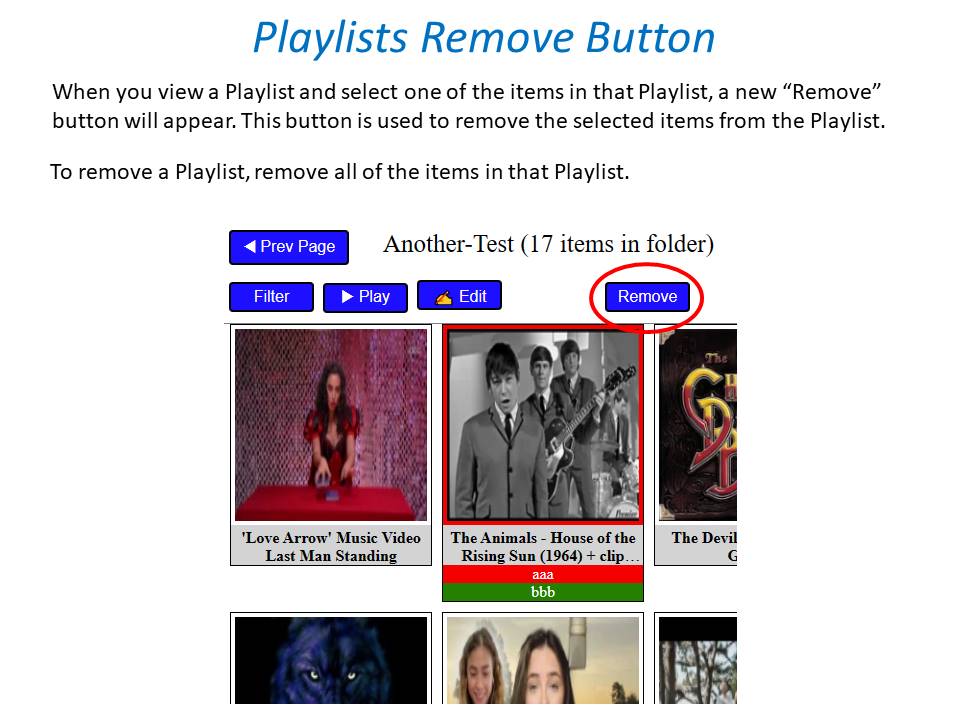
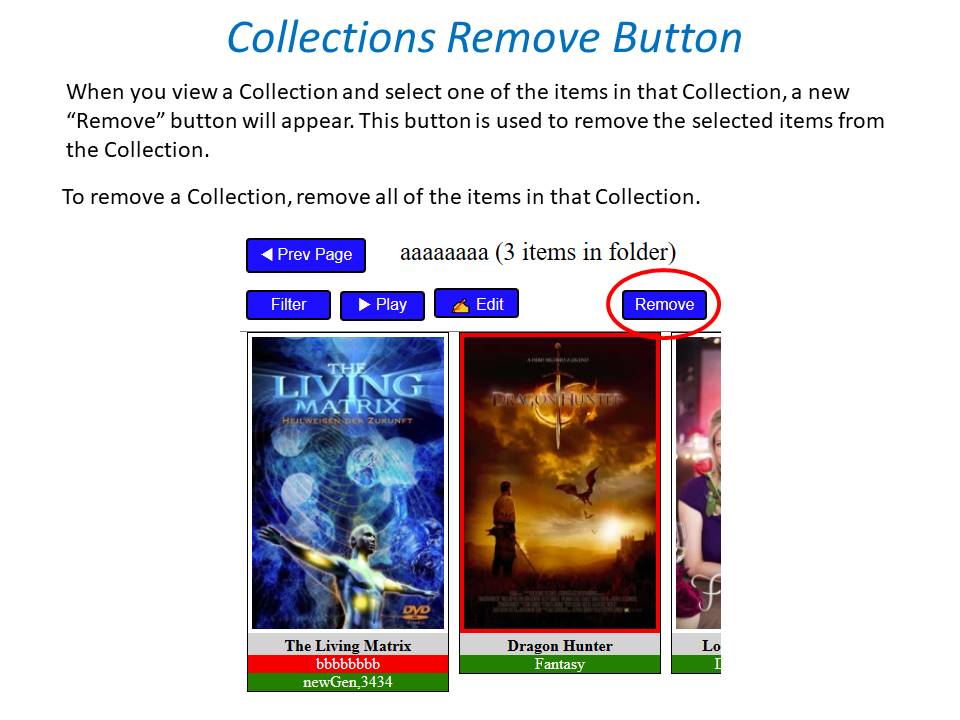
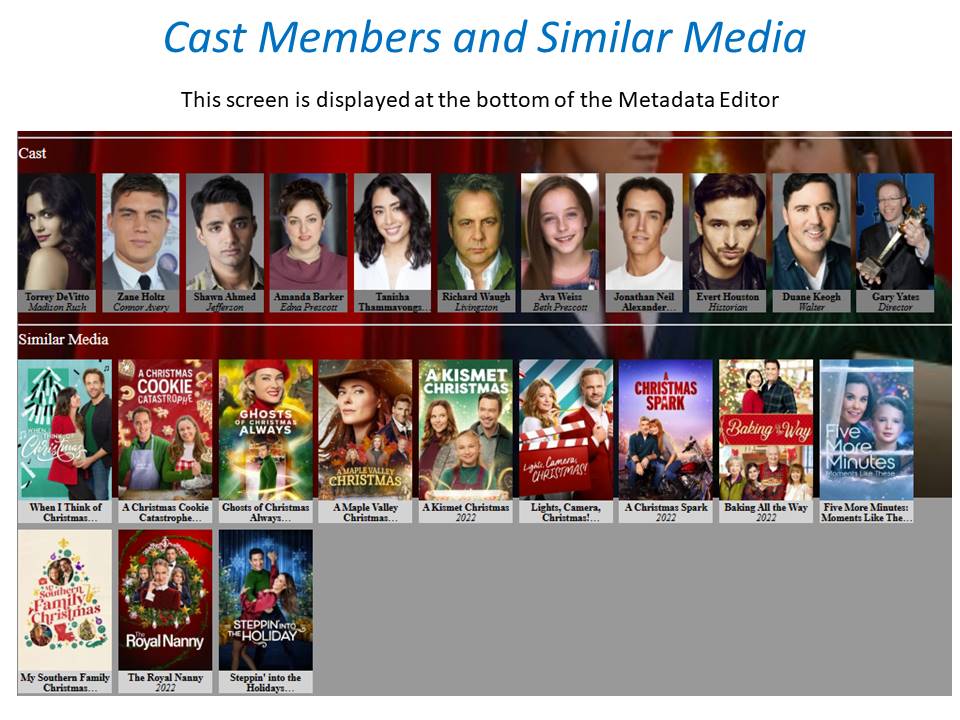
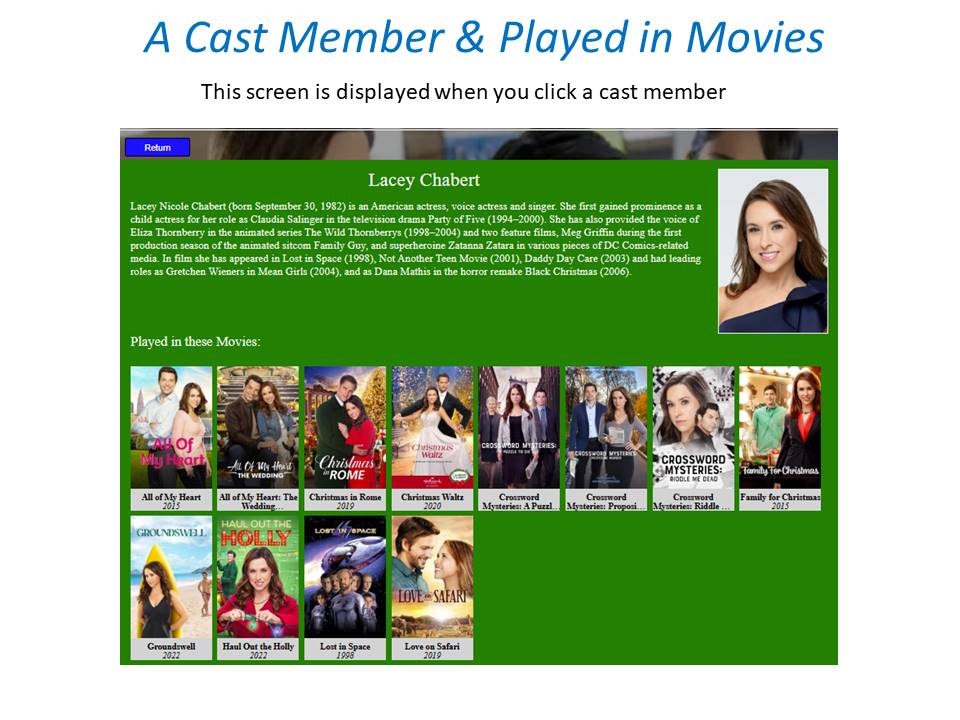
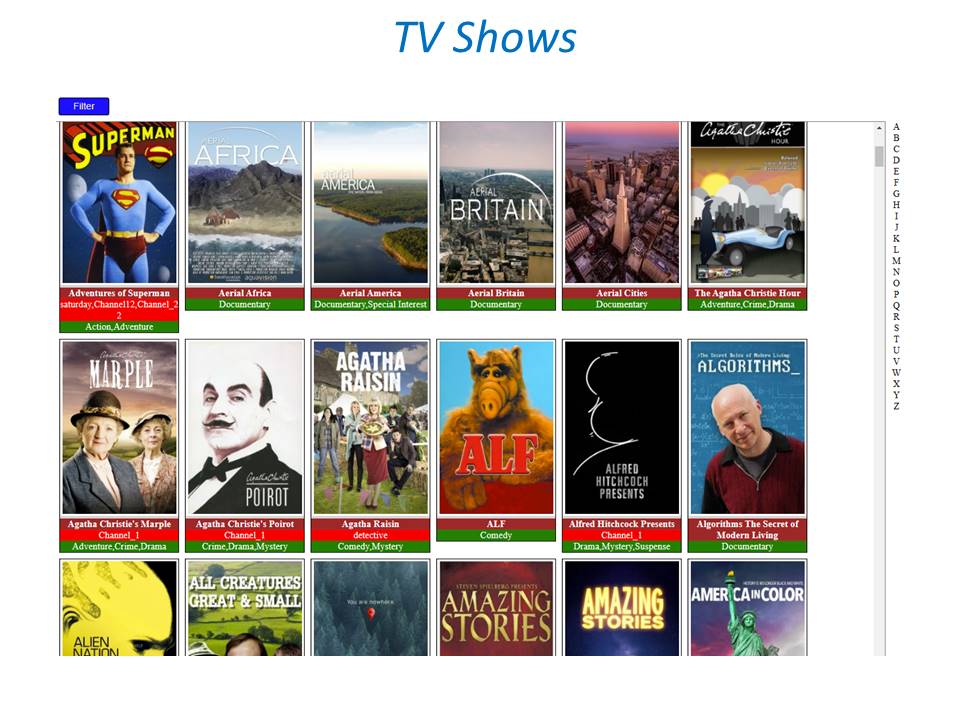
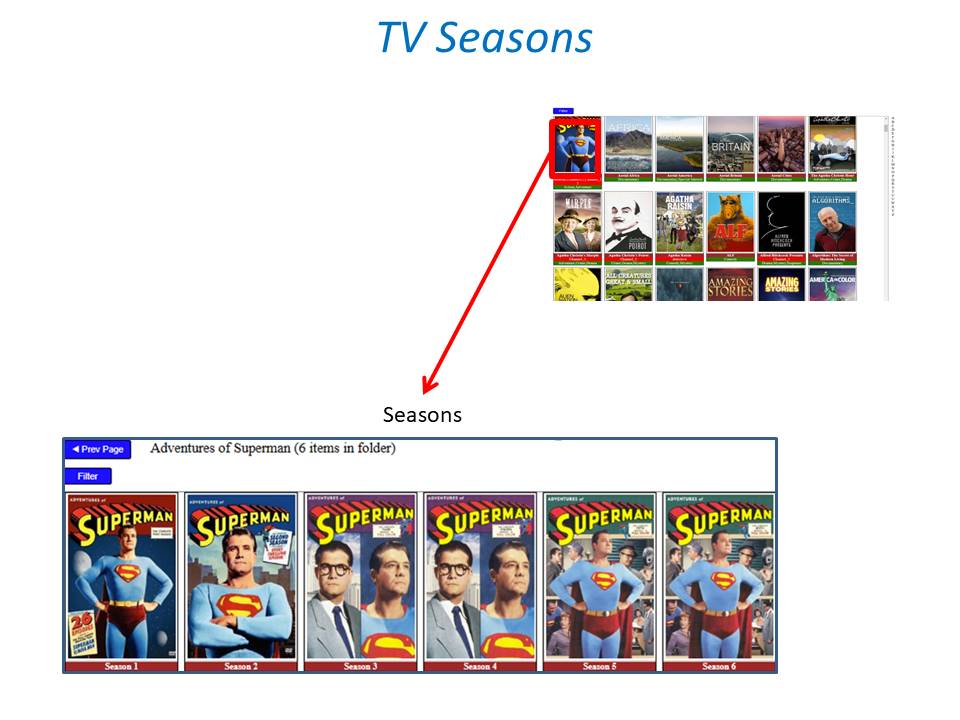
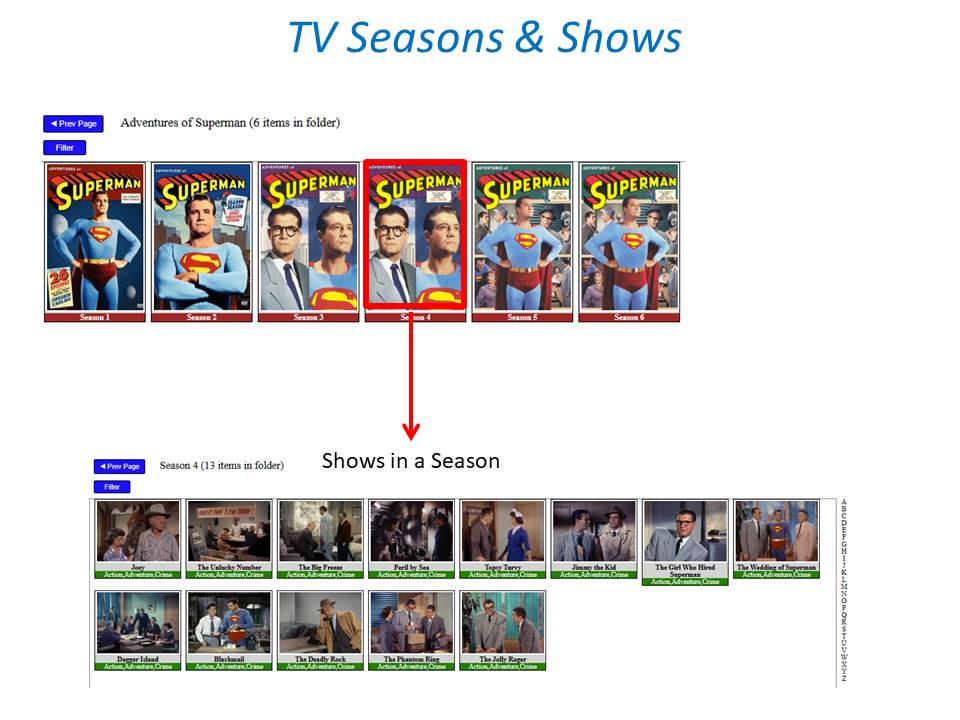
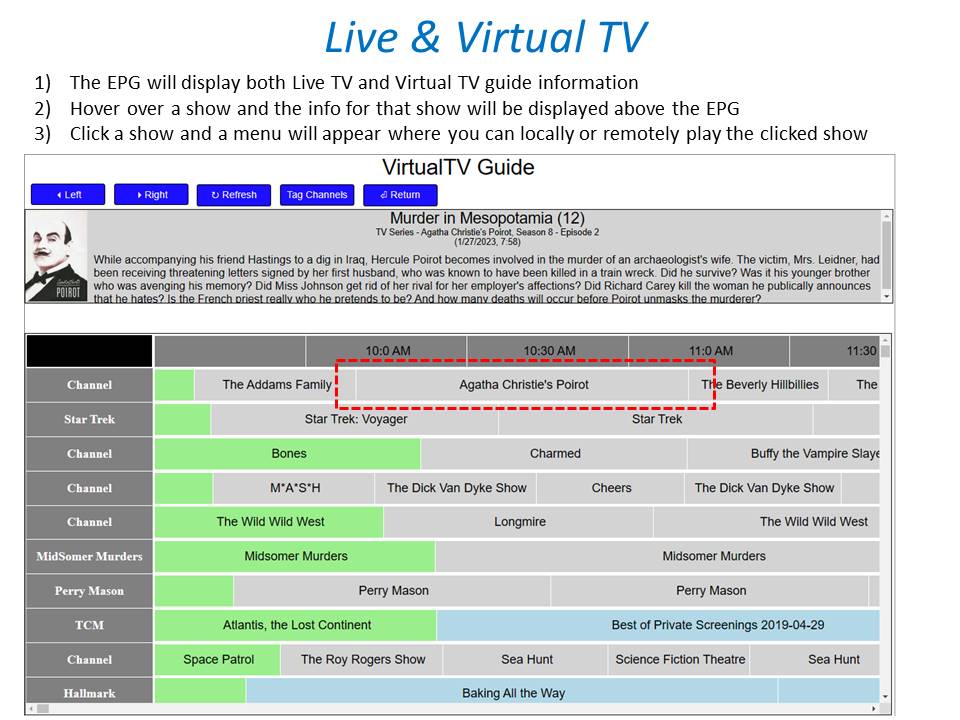
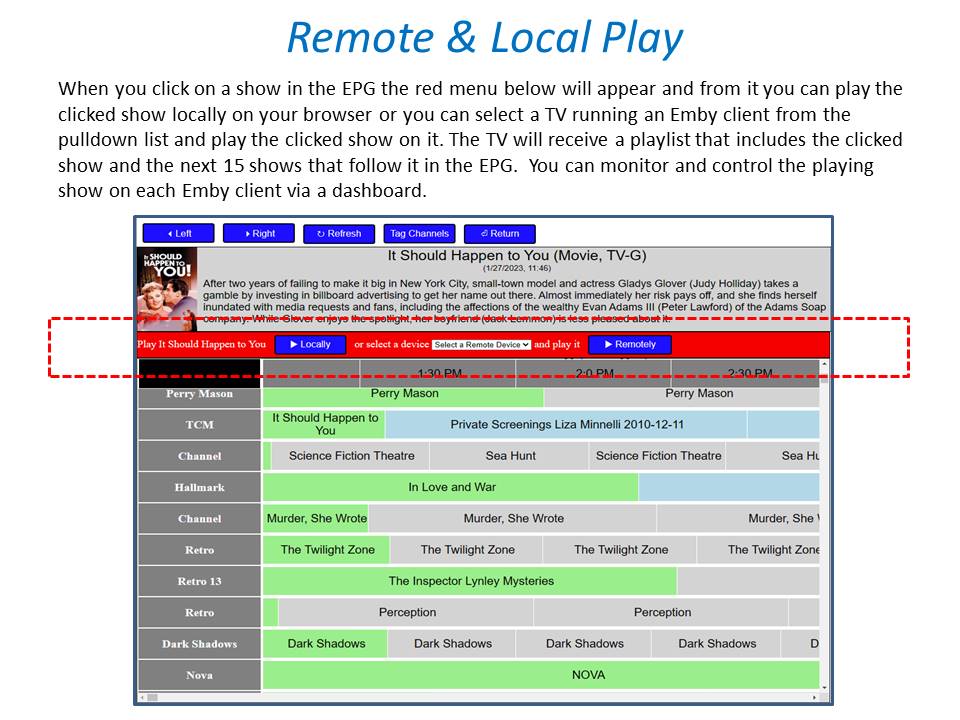
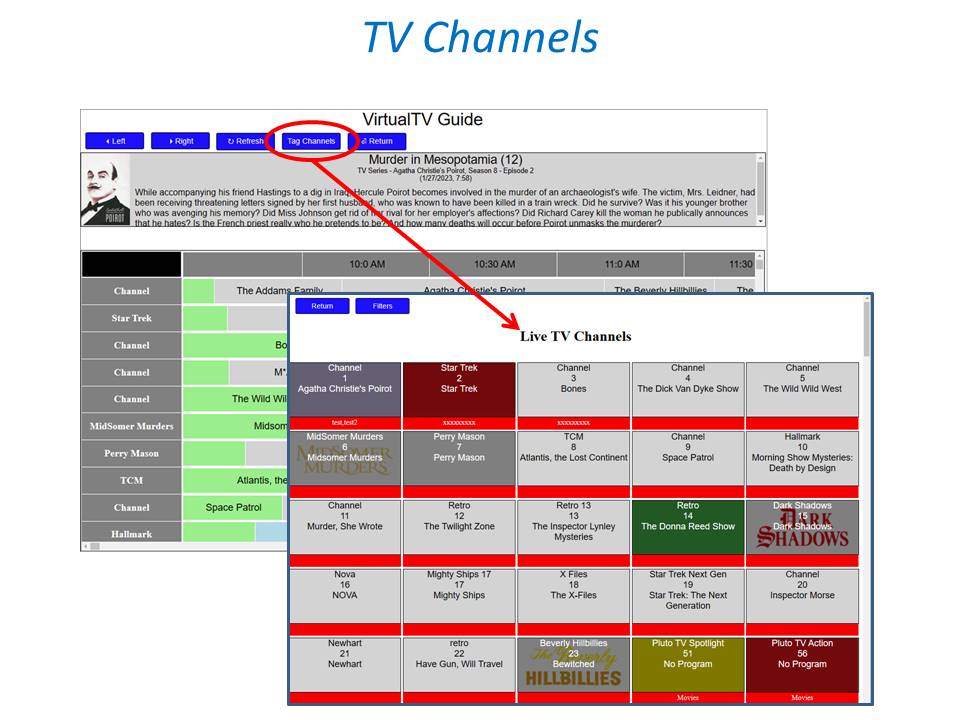
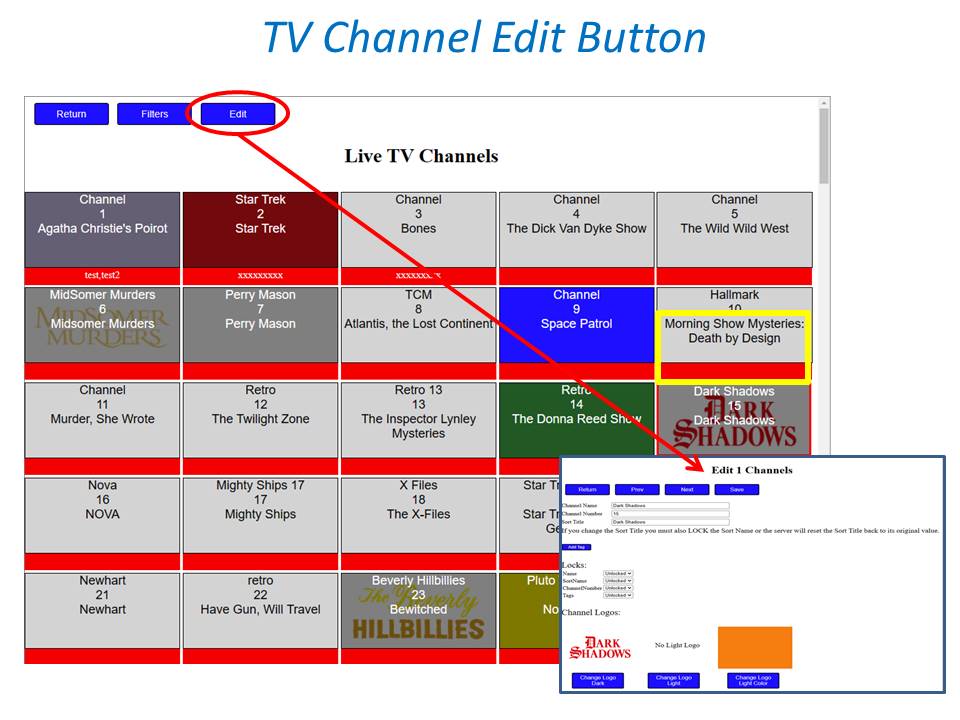
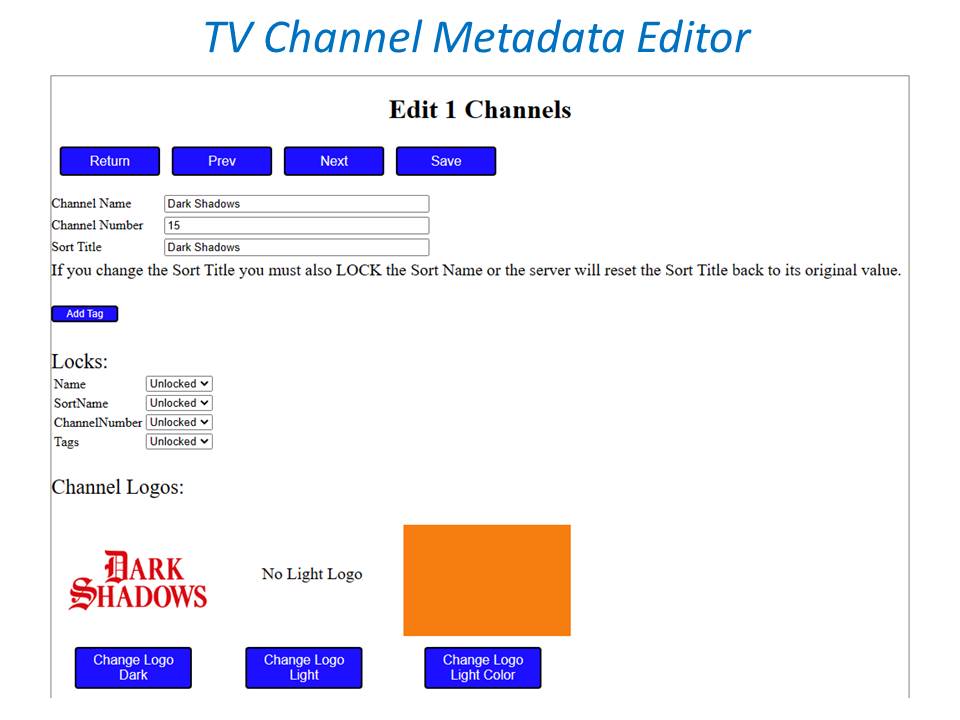
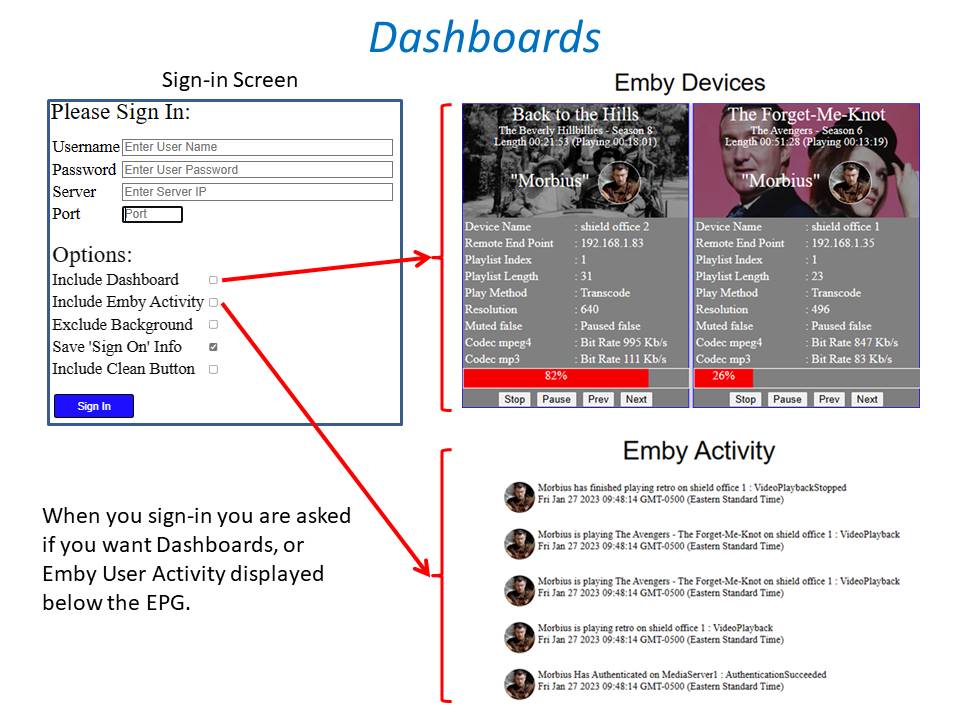
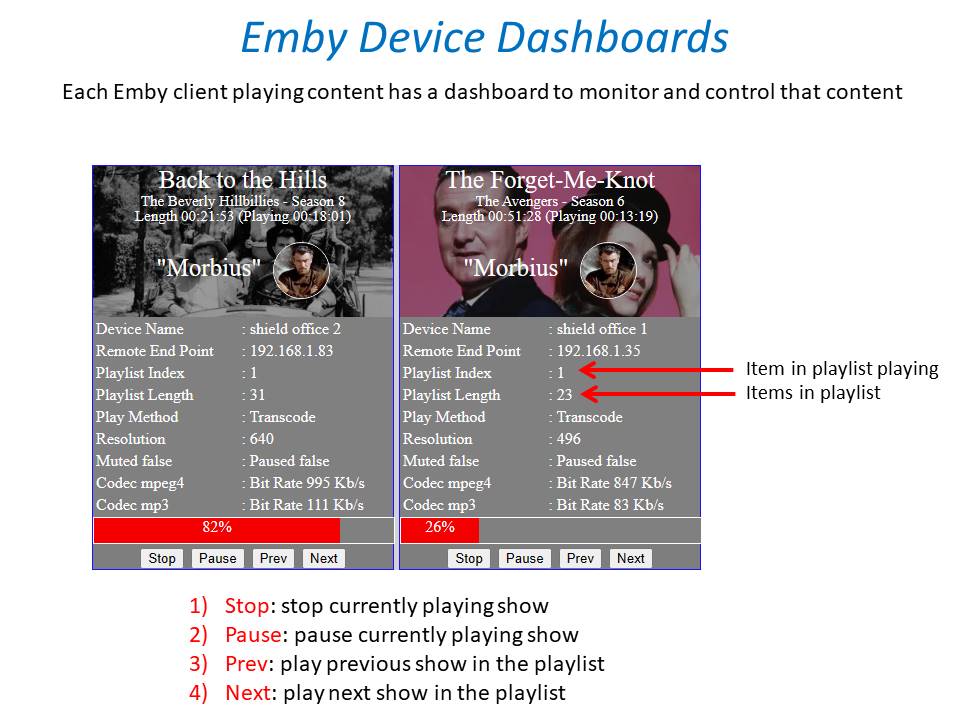
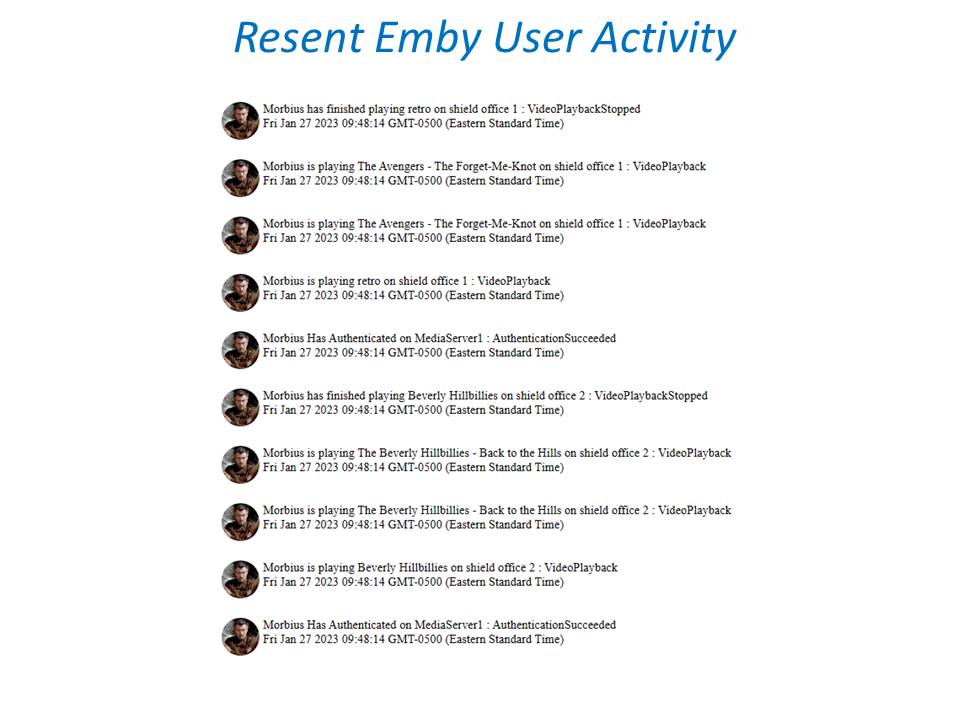
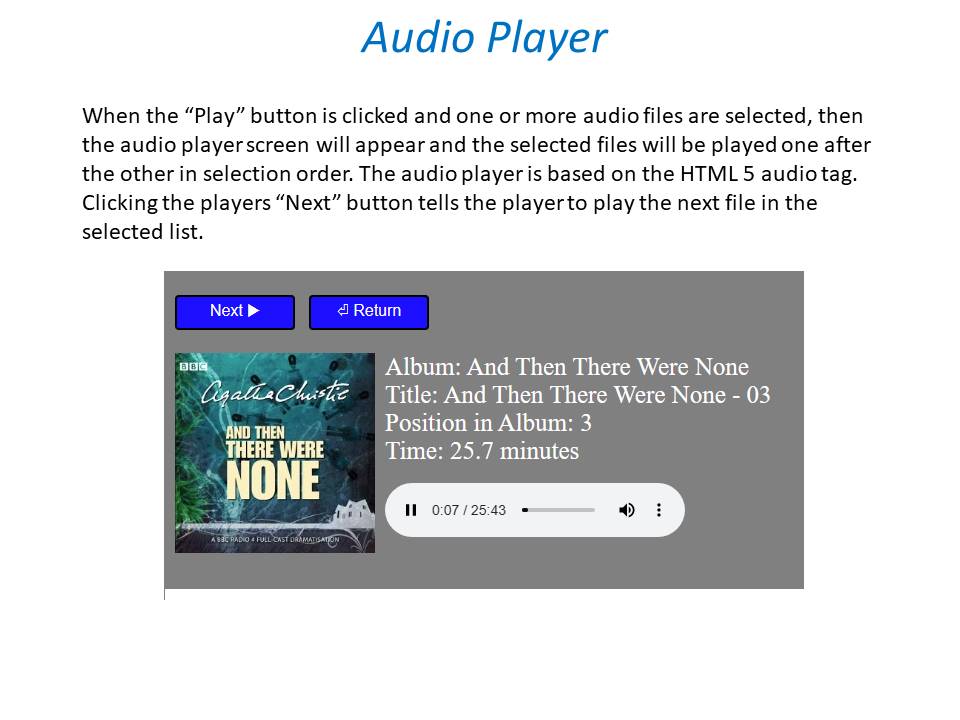
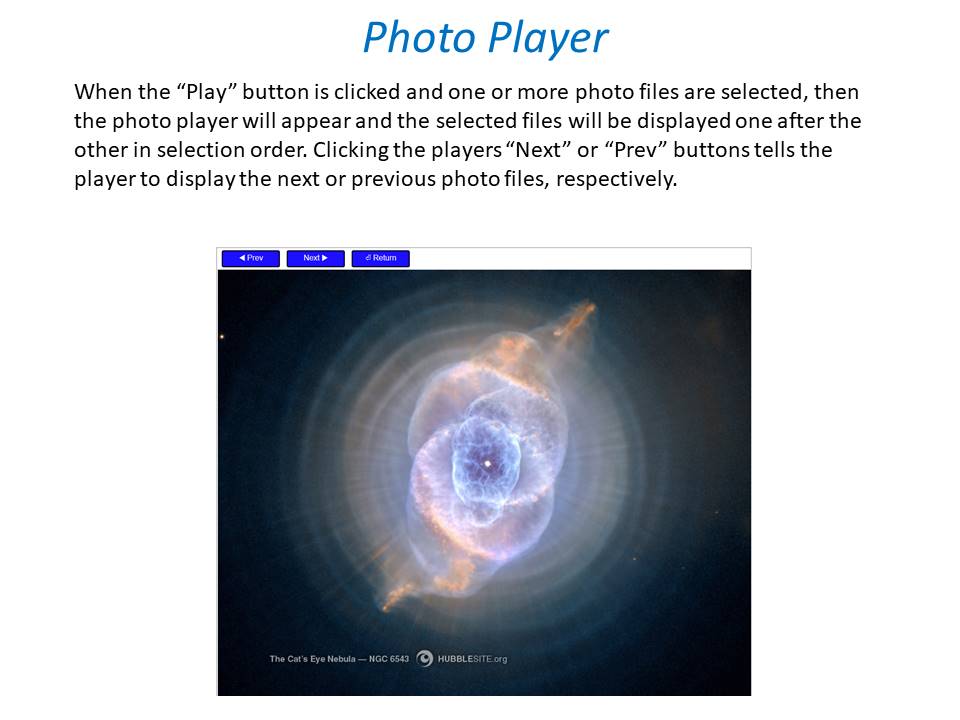
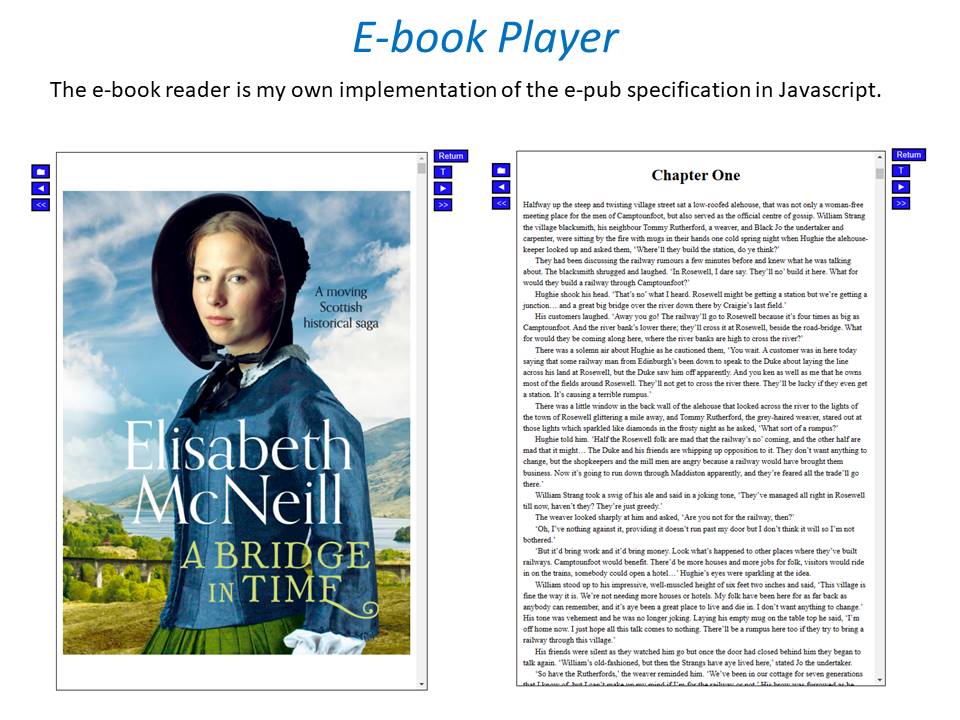 2 points
 -
log just shows ES could be another frosty format lol2 points
-
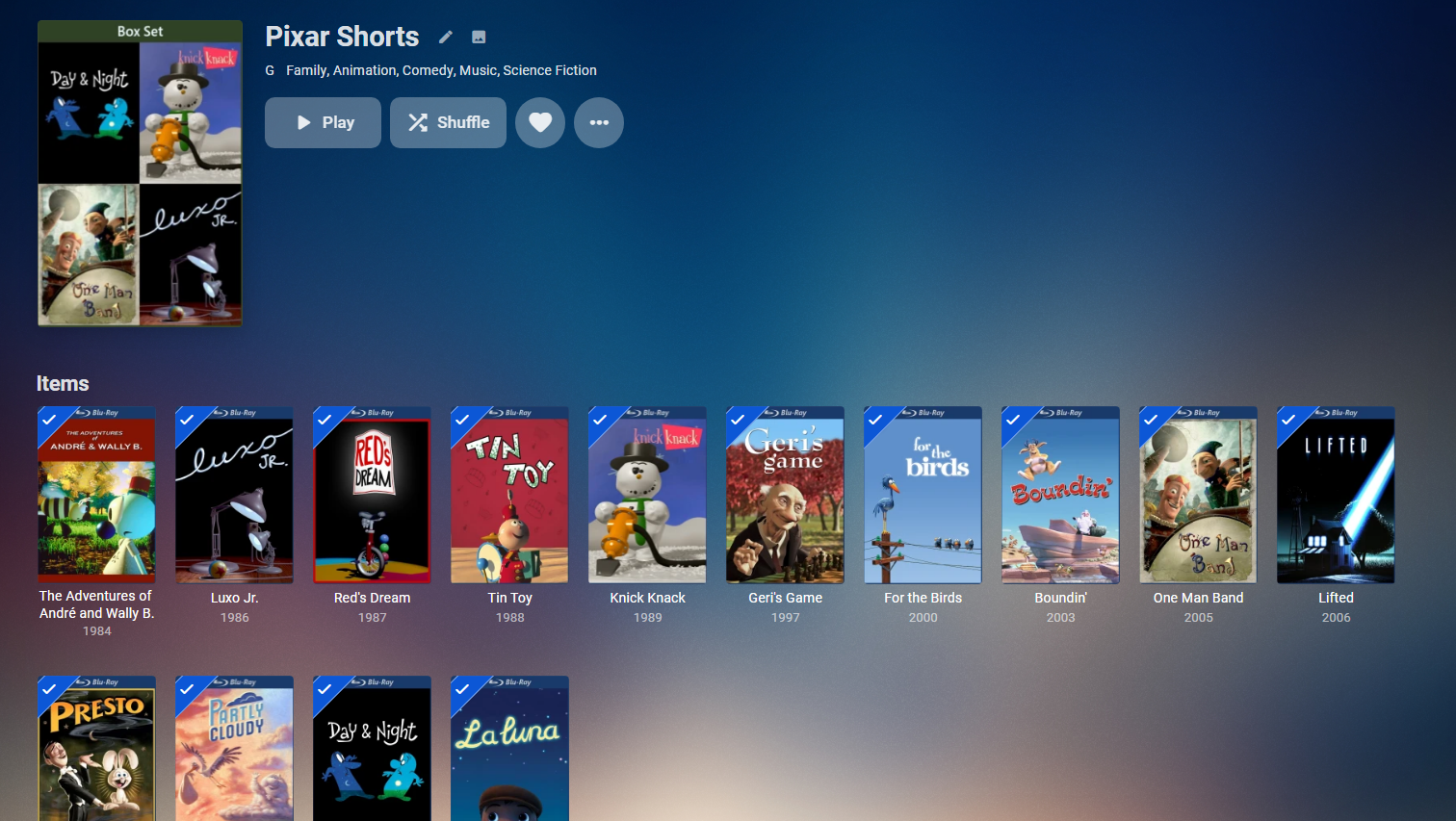
You are confusing multi-version with collection. a As you are using the same name before hyphen for all the shorts emby group it as same movie. If you are setting it on a movie library you need to use each individual short name (no common name), then you can add it as a collection. The other method is adding it as a tvshow and using something like thetvdb episode ordering for the shorts.2 points
-
I have signed to upgrade to beta firmware. I will try it again when it is updated.2 points
-
Most definitely. Applying the May ‘22 9.1.0 hotfix will fix that. Both my shields were doing what you discribe. I would try the latest hotfix as now both my shields no longer have this issue. https://docs.google.com/forms/d/e/1FAIpQLSc1W4XHQOnYrdY7_W6PVfw_OrnwA5gr9FHeB4Ij-nuYxjvNDg/viewform2 points
-
Can we get the option to change the up next and continue watching to show the tv show poster not the card (whatever it’s called)?1 point
-
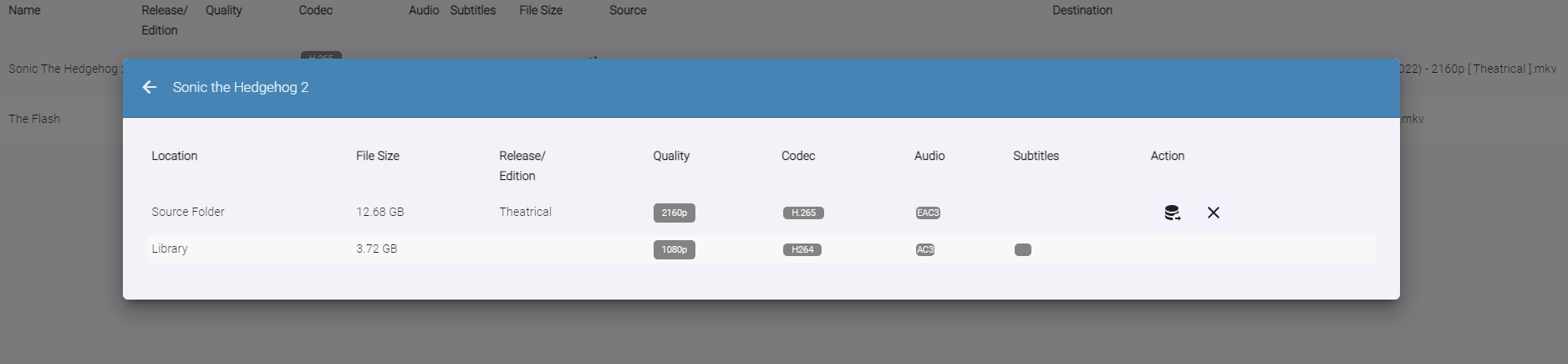
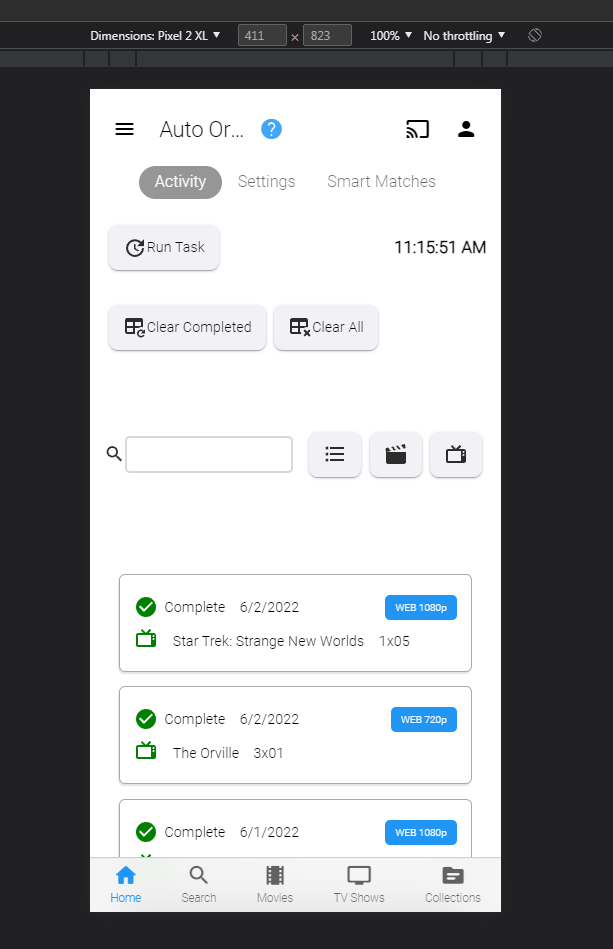
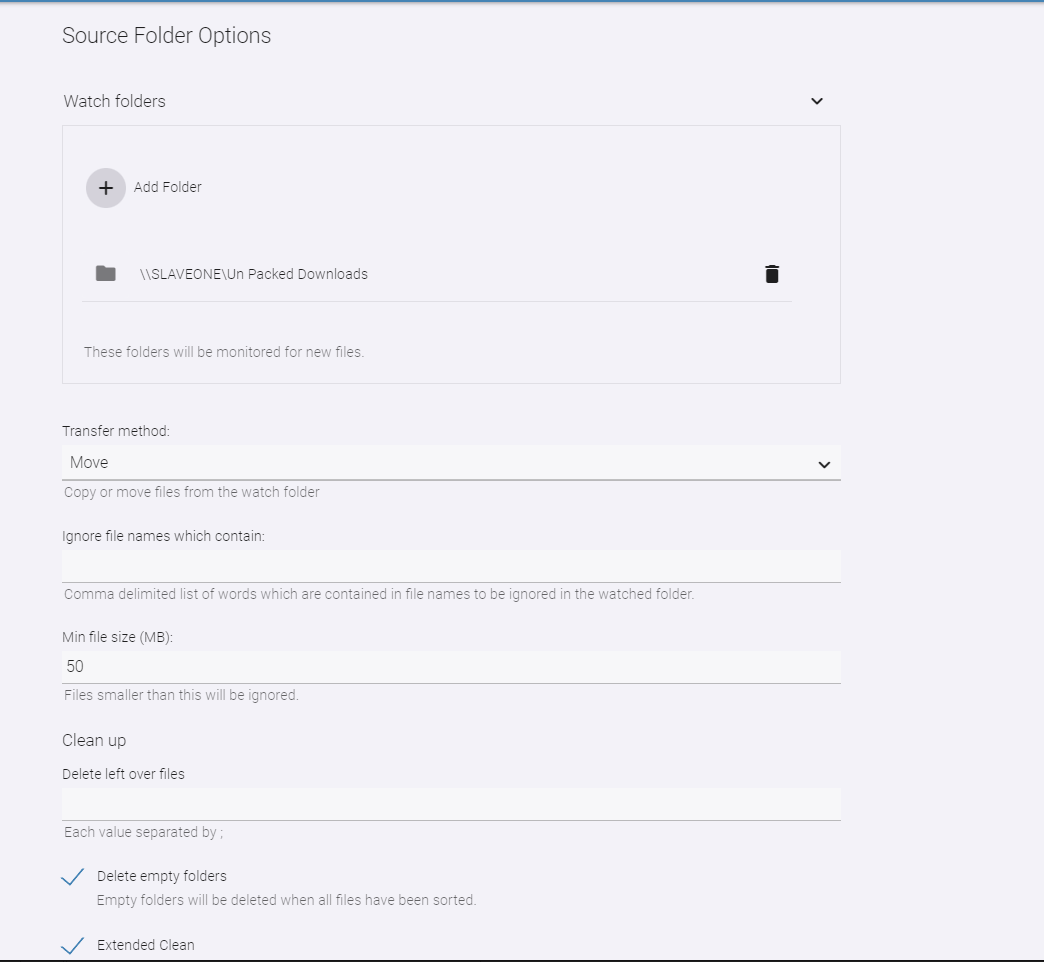
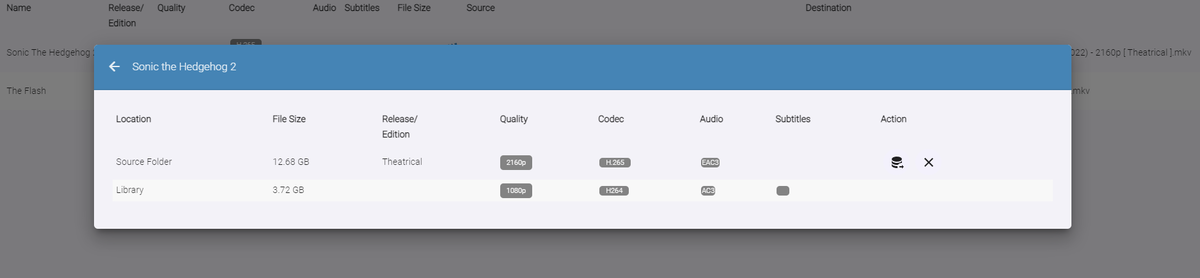
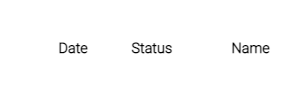
Auto-Organize PLUS - public beta Built upon the Original Auto Organize plugin, Auto-Organize PLUS is a new version which has some enhancements to help sort new media files into the Emby library. Mobile View: Enhanced Table Layout: with Media Info about the files in the watch folder. Multiple Watch Folder Settings: Existing Library Item/Watch Folder Item Media Info Comparisons: File Status/States: Files in the Watched folder can be in several states depending on user settings. Existing Item Existing Items are items that exist both in the watched folder, and also already exist in the Emby library. Users can click the existing item icon to compare the two items, and help decide if the file should copy over into the library folder, or not. New Resolution New resolutions are items that exist in the library, but may not have the same quality as the item in the watched folder. For example: 1080p, and 2160p. The "New Resolution" status will happen, when "Smart Auto Detection" is turned off for a certain media type. Processing The Processing status will happen when a file is being copied, or moved into the library folder. Success Success happens when a file has completely moved into the library folder with it's new name Failure Failure happens when a file name can not be fully parsed, and the media can not be understood by Auto Organize 2.0 User Input Required (Pending...) If a particular TV Show spans multiple folders within the Emby library, Auto Organize 2.0 will wait for user input to decide where to place the file. This state will may happen with "Smart Auto Detection" turned off, or on. Not Enough Disk Space If a file hasn't enough room to copy into the library folder, because it is full. In Use When a file is being copied into the monitored folder from another source, or is being used by another process. When the file becomes available the status will change. New Media When a file has been added to the monitored folder, and it doesn't exist in the Emby library, but "Smart Auto Detection" has been turned off. The file will enter the "New Item" state if all applicable metadata can be obtained to name it. This will allow the user to sort it when they are ready to. New Edition New Edition will happen if the media item in the watched folder has a different release parsed in it's name. For example: "Theatrical", and "UnCut". Table Sorting: Sort the files by stripping out certain types of media, and only showing others. Also, filter the current displayed items by "Name", "Date", and "Status" Current Issues, and on-going development Plugin configuration Page Headers are currently having issues in Emby. Options are not hidden behind the Header on scroll. This is a core issue that is currently being fixed Smart Matches are currently being enhanced, and the experience with smart matches is currently not what the end result will be. Installation notes: Please shut down the server Remove the "fileorganizer.db" file found in Emby's data folder. Place the plugin DLL in the plugins folder Re-start the server. Clear browsing data DOWNLOAD (stable server only): Emby.AutoOrganize_v1.6.41.43.zip Beta server: Emby.AutoOrganize_v1.6.41.23b.zip (Not updated recently)




 1 point
 -
Here are 4 pre-rolls I created using Motion Array templates. (I have a subscription.) Emby-Dark-Tear.mp4 Emby-Explosion.mp4 Emby-Fire-Explosion.mp4 Emby-Space-Trails.mp41 point
-
It's in the video OSD.1 point
-
I'd like in!1 point
-
As we discussed on Teams…. this needs some serious thought.1 point
-
Actually - I think I've got the error in my own script (that you used as the rules..) lol I'll check this tomorrow on the file themselves - but I think - ES = DTS ES ES XLL = DTS-HD ES the XLL part is 'HD MA' - so that make sense ...1 point
-
Hiya Dave - just to say that some Emby Apps only work with MP4's and certain Codecs such as Dolby Vision (LG App for example). Samsungs may be the same. MKV has only recently got support for remuxing DV successfully - so I would be very cautious about this conversion - especially if you are then deleting the MP4 source file .. My 2p1 point
-
I believe it's been fixed ? @MagicDoubleM - Can you kindly confirm ? https://emby.media/community/index.php?/topic/108984-mediainfo-for-emby-pluginhdr-vision-atmos-dtsx/&do=findComment&comment=11523111 point
-
The Plugin is a bit of a hybrid currently - in order to get the 'button' we write exactly the same 'hidden' markers as the Core does - but the main data is written to a separate dB as Painkiller has correctly said - thus the plugin can view and edit the data independently. I believe the Core will soon be getting an editor - so Intro functionality will soon be on par with the Plugin. I'm not 100% sure what is happening with the End Credit detection yet in the Core - as currently, only the Plugin is providing this information to accurately bring up the 'Next Up' OSD - so if using the Core Introskip, for now, you will just see the normal 'Next Up' OSD pop up 30/40 seconds before the end of the episode as normal.1 point
-
Just tested. Seems to be working right now, took me awhile to migrate the configuration. Need to do a little more testing tonight.1 point
-
It is if you are running the chapters task (it will add the CreditStart marker too) - otherwise no. Both the Plugin and Core are working in harmony (as I use them to get the Button.. ) but stopping half way though any scan/process is going to throw a spanner into the works..1 point
-
Looks like it worked! Thanks @Painkiller8818 and @ebr!1 point
-
The Plugin does not modify the files, it is all in the plugins DB and a scheduled task is setting the chapters, so if there are no more Files and no scheduled task from the plugin everything is gone after a metadata refresh1 point
-
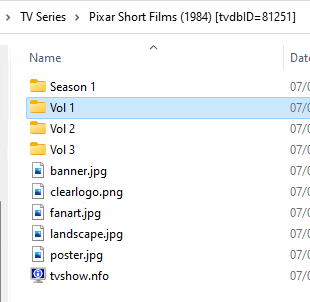
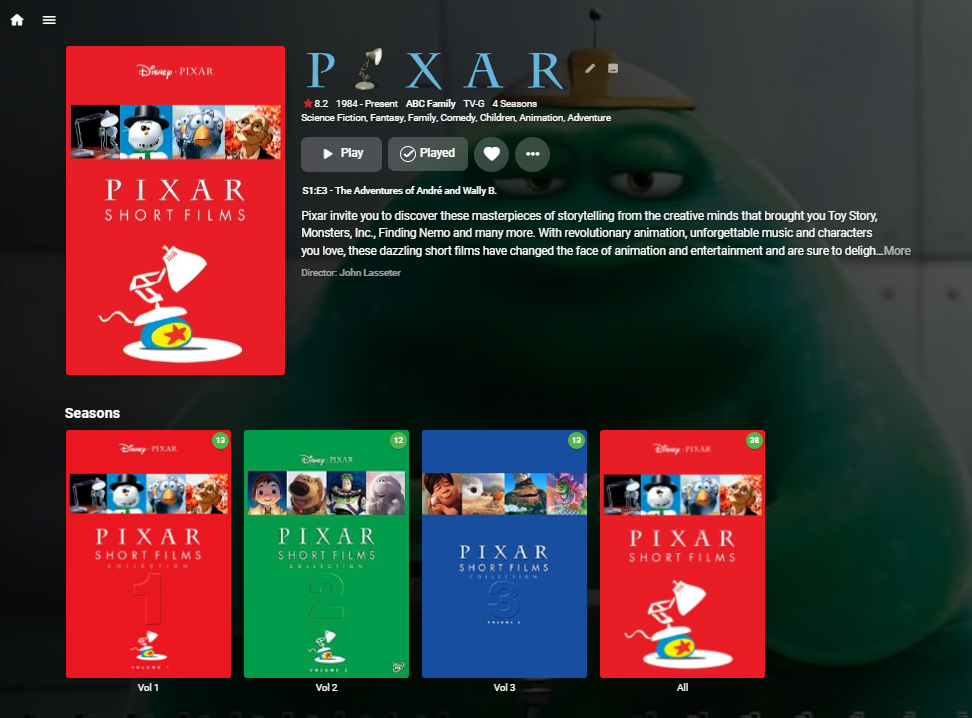
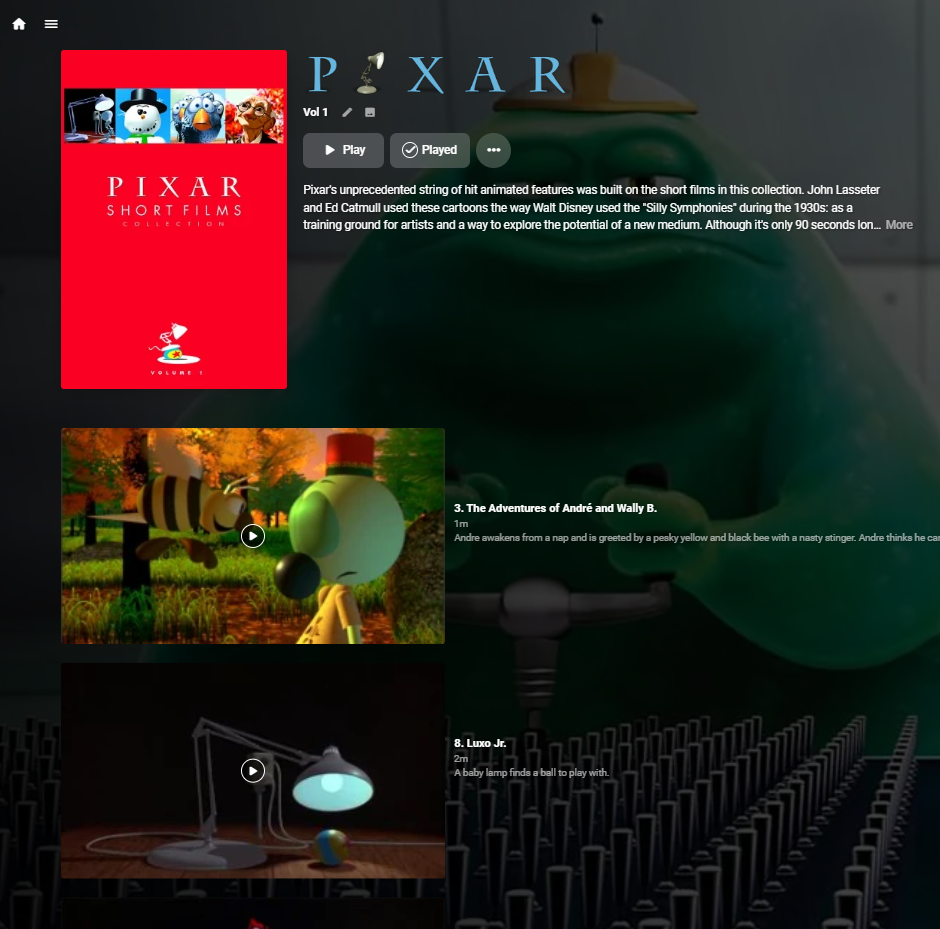
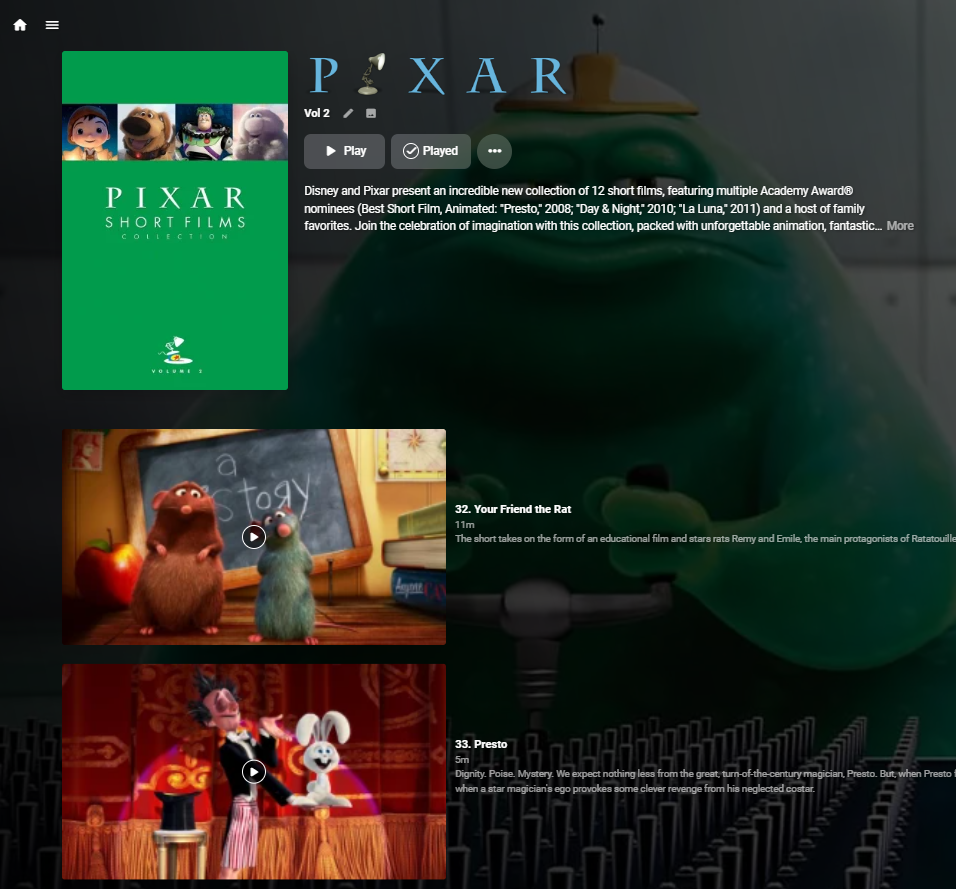
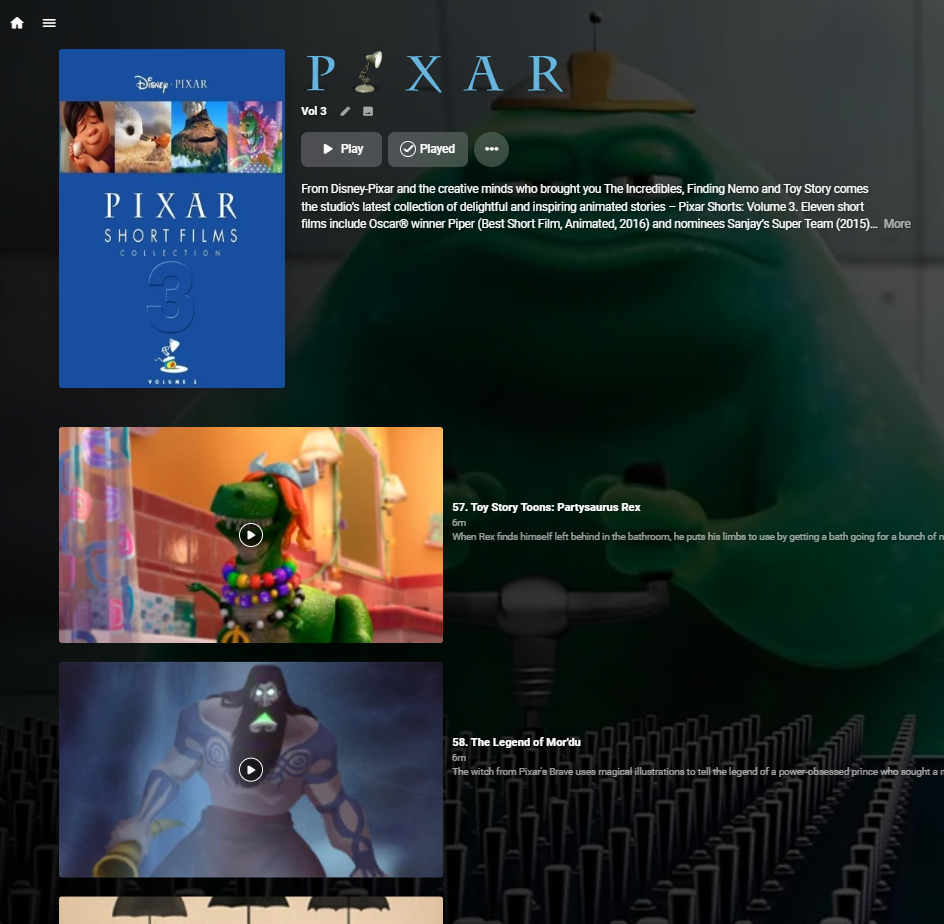
Just add as a TV Series (tvdb) and use the absolute order (set in emby metadata) - you'll need to name the files correctly (absolute order naming) and put them in volume sub-folders but then you'll get the three volumes listed as they should be .. Individual season per film looks horrid imho .. https://thetvdb.com/series/pixar-shorts/seasons/absolute/1 'All' is actually Season 1 (empty) - otherwise emby thinks they are all Season 1 and lists ALL the missing items .. ie
 1 point
 -
refresh metadata, this will reset the markers from the plugin, thats all you have to do when you removed everything from the plugin.1 point
-
reinstall the plugin, go to the plugins settings, select the problematic show and season and clear all data for the season or the whole show. Uninstall the Plugin and there is nothing left from the plugin. If you want you can remove all data from all shows you have just to make sure, there is nothing left that could make problems.1 point
-
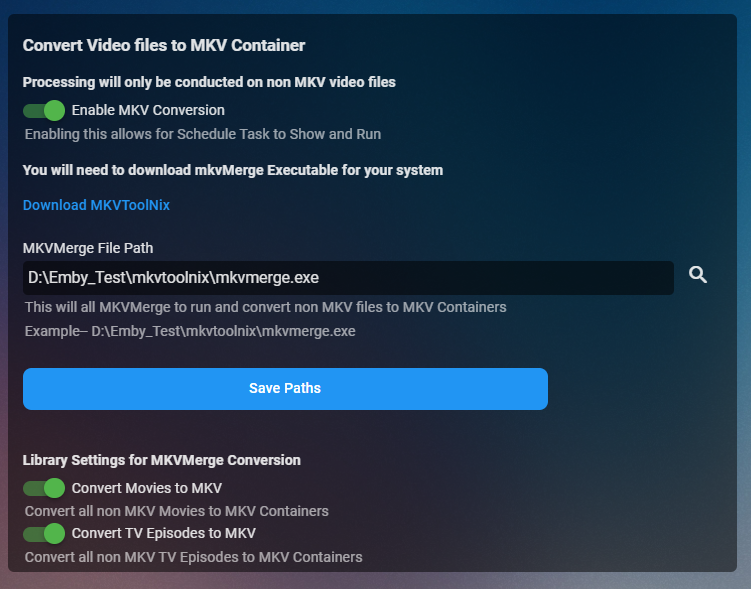
I’m gonna put this out there but is anyone interested in this feature @chef could you include this in AO2.0. I can chuck you the code if you do!!
 1 point
 -
I don't particularly like the look of having artwork showing for each individual audio track. Additionally, the artwork showing for each individual track is the art that is embedded in it, meaning if I choose to change the album artwork, the art for each track remains the same unless I also manually change each one of them. The UI would look more professional if it showed artwork for the album, not for each track. This request applies to various apps, including the Web App, and the Android TV and Android Mobile apps (which are the ones I use).1 point
-
I just installed Emby server yesterday version 4.7.2.0. The watched episodes are showing up in unwatched filter on mine as well. Unwatched badges are incorrect as well. The badge shows total number of shows, not remaining unwatched episodes.1 point
-
OK I've got an update for this so that plugin pages using the window scroll will always have the header background applied. Thanks.1 point
-
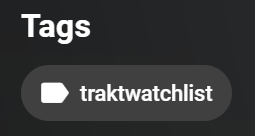
It's about those tags in emby, not the about updating the mkv. All those with that tag, don't get any tags from the plugin added. As soon as I remove it, and refresh the lib, things work fine. edit: looks like this has been fixed already, the current update-process populates tags as expected.
 1 point
 -
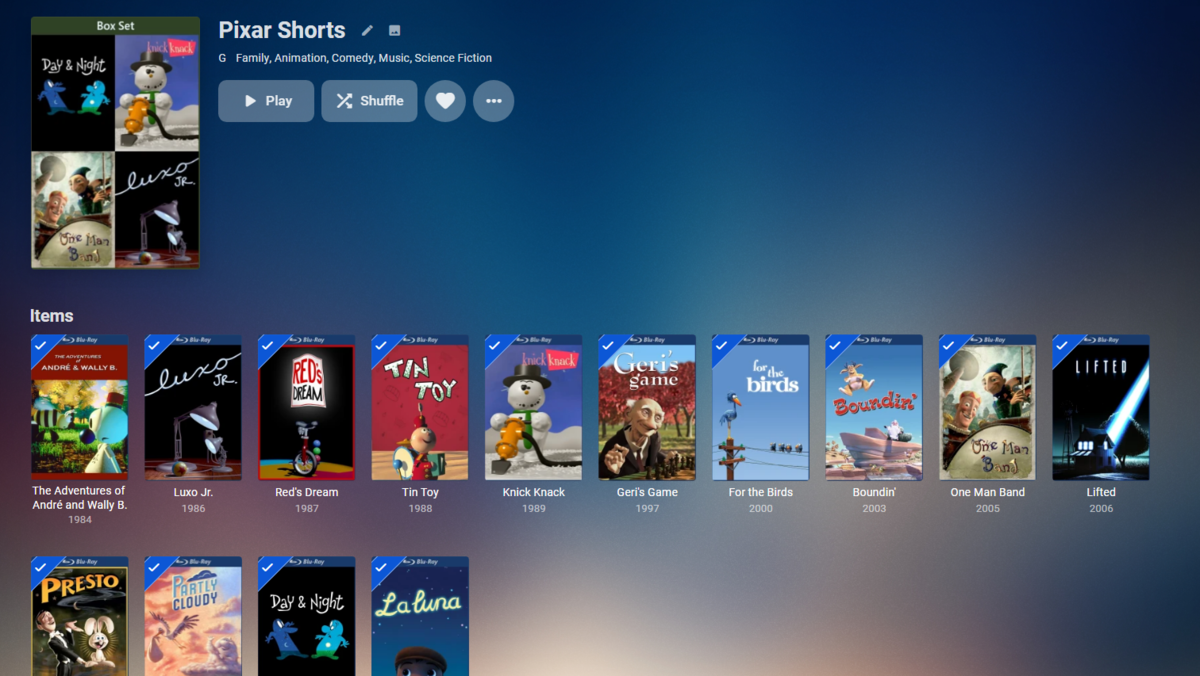
To me those only work as one item not individual items. As individuals they are not Volume 1-3 unless you plan on joining all of them. one collection (group into collection) so displayed as one item.
 1 point
 -
You can check the virtualtv and ffmpeg logs.1 point
-
Hi. If you are still having an issue with this, please send an email to billingsupport@emby.media. Thanks.1 point
-
Very very good I like the "MarkerType". In current e4k version I'm "guessing" what's what. I'll add a proper support in one of the next version.1 point
-
So there are new chapter marker types the core has introduced for chapter points. MarkerType.Chapter - Standard chapter point that you will see in your UI. MarkerType.IntroStart - This is just a trigger for for displaying the Intro Skip UI Button MarkerType.IntroEnd - This is just a trigger for for removeing the Intro Skip UI Button MarkerType.CreditStart - Currently this is being beta tested on Android TV. And it it's ties in the Play Next Episode pop up. however it will be used to skip the credits. Currently the plugin and the core are working together to move the intros across to the core and get the editior in place. Both the Plugin and the core are inserting these markers. So if Kodi supports and can utilise these (available from the api) then sure there is no reason why not. http://${SERVER_ADDRESS}:${SERVER_PORT}/emby/Users/${USERID}/Items?Fields=Chapters&Ids=${ITEMID}&api_key=${APIKEY} You should get a return like this in the JSON Object "Chapters": [ { "StartPositionTicks": 0, "Name": "Title Sequence", "ImageTag": "b039ed5e7c607008c8e0143c570c9272", "MarkerType": "Chapter", "ChapterIndex": 0 }, { "StartPositionTicks": 0, "ImageTag": "b039ed5e7c607008c8e0143c570c9272", "MarkerType": "IntroStart", "ChapterIndex": 1 }, { "StartPositionTicks": 1030000000, "Name": "Chapter 2", "ImageTag": "4a5faab240e1a2cb27c0d586fab45e5a", "MarkerType": "Chapter", "ChapterIndex": 2 }, And for credit start { "StartPositionTicks": 34420420000, "ImageTag": "5aae54464c751c737d53b331cfcb58e4", "MarkerType": "CreditsStart", "ChapterIndex": 15 }1 point
-
Hi, there currently is no way to do this, but the idea has come up before and is possible for the future. Thanks.1 point
-
Based on the current detected type based on the library, yes.1 point
-
Right now there probably isn't a whole lot of difference since the new beta cycle just started. Over time the beta will be much further ahead as more new features are tested. If you don't like the idea of frequent updates and the possibly falling back or reloading server because of problems then you might want to stay on the stable track and wait to upgrade to 4.8 until it becomes stable.1 point
-
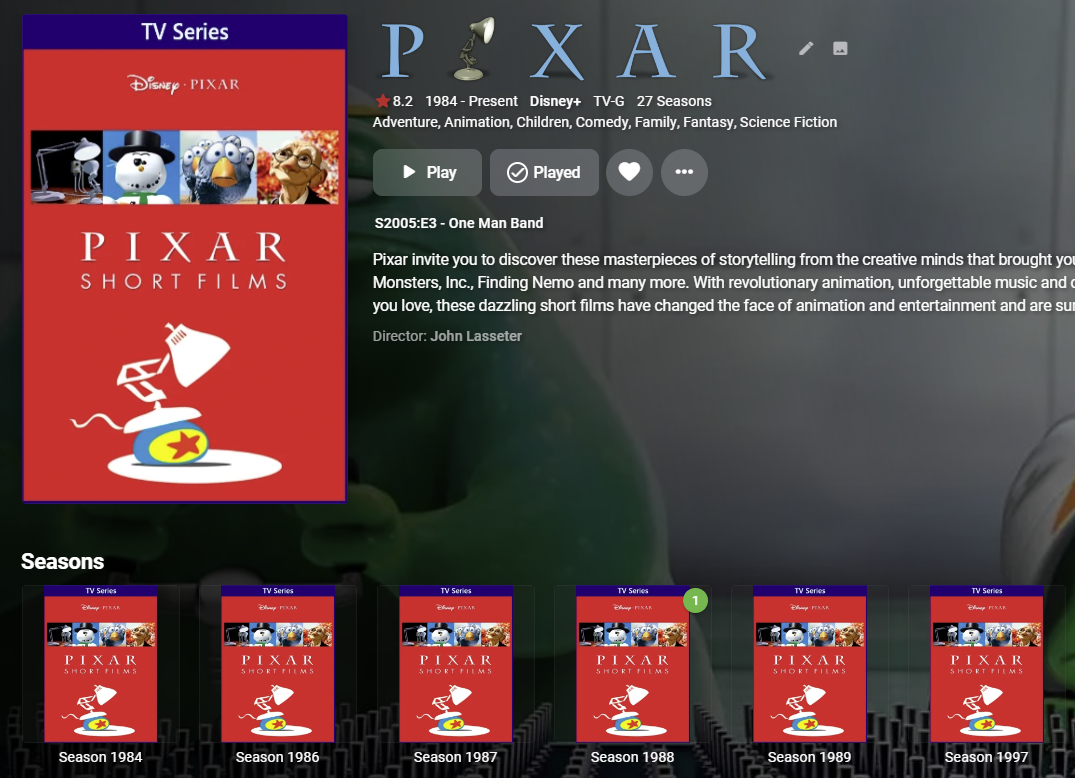
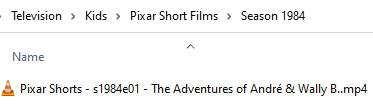
As an alternative you could set it up as a tv show. That's how I've got the Pixar shorts collection in my library. To do this I labeled them with year and episode number (2nd image). And luckily this one is still available in TheTVDB (Pixar Short Films - TheTVDB.com).
 1 point
 -
Hi, not yet but it's planned for future updates. Thanks.1 point
-
Umlaute are no longer a problem. But now after a long time without problems, a different problem showed up1 point
-
Hi softworkz, indeed, that did the trick. After remuxing and deleting the dvd_sub streams, all media is recognized and plays well via „playto“ feauture. Many thanks for great support and pointing this out! Only last question: Is it normal that the timeline on ipad-emby App sometimes not shows correct while playing the movie via „playto“? Thanks + BR Peter1 point
-
Try it on a usb drive on the TV with the internal player1 point
-
I think what we're going to do is introduce a legacy package for older versions of the OS.1 point
-
This part has been covered pretty detailed in the following topic, starting from the referenced comment to the end: You might also find this recent conversation of interest:1 point
-
Hi, try setting the playback quality setting in the app. This will help determine which version is selected.1 point
-
I was wondering if someone would be willing to create a new guide and recorded tv category images? I currently have the attached but would like something to match for Guide and Recorded TV. Category Images.zip1 point
-
I used some of shaefurr's Disparity images for my user view and collection folder primary images, but they needed some separation from the background: So I added this snippet to the custom css, matching the blue to some of the blue in the Disparity collection: /*Blue border and glow for userview cards */ div[data-itemtype="CollectionFolder"] .cardContent, div[data-itemtype="UserView"] .cardContent, div[data-itemtype="PlaylistsFolder"] .cardContent{ border: 1px solid rgba(0,94,243,.5); -webkit-box-shadow: inset 0 1px 1px rgba(0,0,0,.075),0 0 8px rgba(0,94,243,.6); box-shadow: inset 0 1px 1px rgba(0,0,0,.075),0 0 8px rgba(0,94,243,.6); } Which results in this:1 point