Leaderboard




Popular Content
Showing content with the highest reputation on 05/01/22 in all areas
-
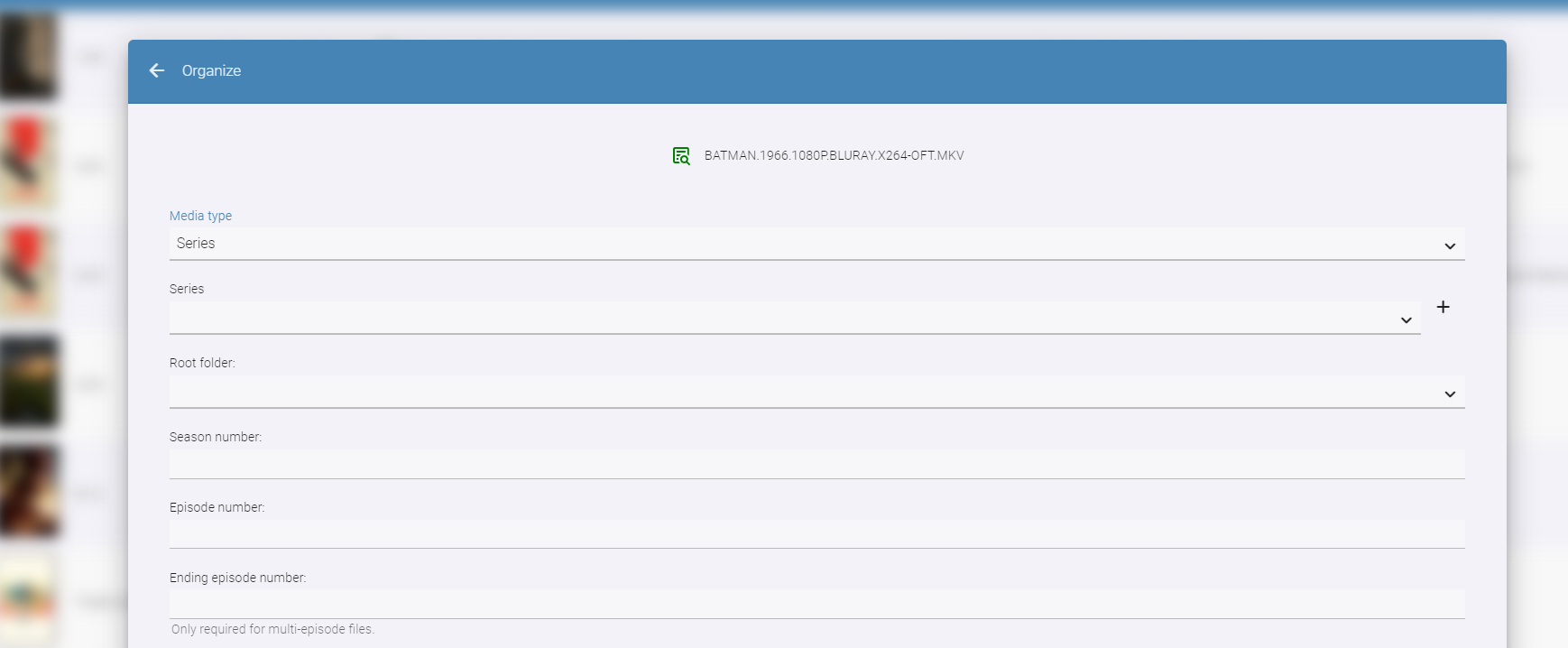
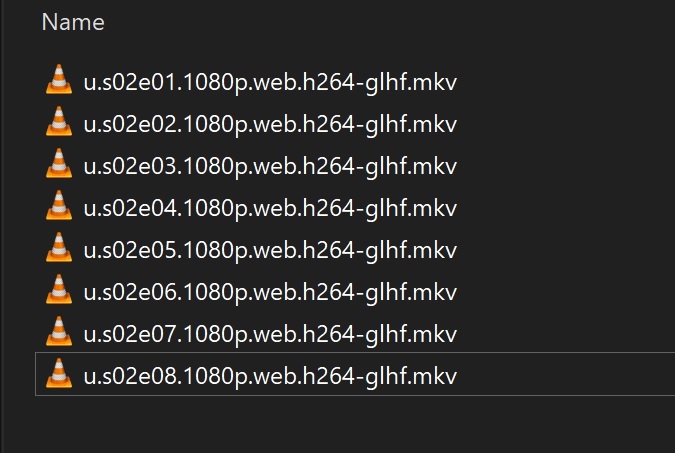
Well, I think I solved it...and could've identified a crack in the armor that is Auto-Organize. It's the 3-letter name limitation. As an average user, I had no idea about this limitation. I have been wondering why this "broke" all of a sudden and after reading the earlier response by @chef I remember the show "Undone" that I am trying to Auto-Organize, only had a single letter "U" in this version. I changed the name in my watched folder to make it longer than 3 letters and the "remember" box showed up. This doesn't happen often, but from time to time, it does and I never put 2 and 2 together until just now. My suggestion: Either place a short set of instructions in the smart match window or change the limit down to a single digit/letter (I realize that may cause other issues, so it may not be feasible). Or, just leave that "Remember" box there all the time. No idea why it has to be hidden.
 3 points
 -
You can already achieve something similar by installing the 'CoverArt' plugin via the official Plugins Catalogue.3 points
-
The SE 9.02 hotfix cycle started up. If you signed up for hofixes before 9.02 you will have to sign up again as it resets after each public release. 9.02+ HotFix (33.1.0.329) : Resolves network crash with some Asus router models when using Wifi on 2019 SHIELDs Resolves issue connecting to GeForce NOW 3080 sku servers while capturing video (Twitch streaming or NVIDIA Share). SHIELD Experience Upgrade 9.0.2+ Hot | NVIDIA GeForce Forums2 points
-
@@Luke stated in a previous post (https://emby.media/community/index.php?/topic/49933-replaygain-music-support/) adding support for this could easily be done for at least the theater client seeing as the player used already supports replaygain. I'm making this feature request in hopes that this support is added, as I have no dev experience myself1 point
-
Matrix Notifications Plugin for Emby Based on my Telegram Notifications Plugin i build a Plugin suitable for the Matrix Messaging Protocol. the simple advantage is that you can host your own server for it which does not rely on other people. Nope it is not in the Plugin catalog, because there are only plugins by developers which are "willing to fully support it. That means keep it up to date with server versions as well as fix any issues and respond to user help requests." Because of the closed source code of Emby and the lack of Plugin development documentation that is something i cannot ensure. What it does? It simply forwards the Messages of the Emby Notification Framework to a Matrix Room. Not more, not less. Sorry no fancy posters etc. because the Standard Notifications of Emby dont support it. That could be hacked into, but those things can break easily on every update. Install Install the Plugin by downloading the DLL (or build it yourself using VS2017/VS2019) and putting it into your Emby Plugin folder Restart your Emby Server Grab yourself the Element Messenger and curl (of something similier to talk with the API) Your server needs a user account on the matrix instance to use, so register on for it Start Element with your own account and create a room, deactive encryption (important), i made mine invite only. Invite your Emby Server to the room Head to the room settings you will find the internal Room ID, something like: !klblablabla:matrix.org an note it Now it is time to start playing with curl to get Access Token of your Emby user and join the room Mind changing the TLD etc accoring to your needs. Start with getting your Access Token curl -XPOST -d '{"type":"m.login.password", "user":"EMBYSERVERUSER", "password":"EMBYSERVERPASSWORD"}' "https://matrix.org/_matrix/client/r0/login" Join the room (the ! in the room ID must be exchanged with ah %21) curl -XPOST -d '{}' "https://matrix.org/_matrix/client/r0/rooms/%21klblablabla:matrix.org/join?access_token=ACCESSTOKEN" Test the connection curl -XPOST -d '{"msgtype":"m.text", "body":"hello"}' "https://matrix.org/_matrix/client/r0/rooms/%21klblablabla:matrix.org/send/m.room.message?access_token=ACCESSTOKEN" Go to the Plugin settings page and fill in the Access Token, Room ID (like you copied it from Element aka with the ! at front), and the Server TLD (dont forget the / at the back) Send a Test Notification Activate the Matrix Notifications Plugin in the desired Server notifications Known Issues? It does not support E-2-EE because there is no SDK for it. Of course TLS will be used. Where to get it? You can download the Source and DLL on Github or attached to this thread. https://github.com/bjoerns1983/Emby.Plugin.MatrixNotification/releases Have fun with it. If you have a cool idea simply open a Github Issue. Would be cool to have this registration process handled on the settings page, but thats beyond my Scope. PR welcome! Emby.Plugin.MatrixNotification.dll
 1 point
 -
... as I was tired of manually grouping all my movie versions into groups after each recreation of the db, I created a plugin to help with that. The use case is having movies, that belong together spread around and not being able to easily match the emby naming conventions, but still having the desire to present them as one item with multiple versions. The plugin works similar to the auto boxsets, but does the "movie versions grouping" - it will group all movies based on their TMDB id into one item, regardless of where they're placed and how they're named. I made that for myself - however, if anybody is interested, attached is a plugin that solves this issue. Attached version is for current 3.6.0.49 beta Server, do NOT use it with stable release! Plugin is alpha state, you should only use it, if you are willing to backup your db (there is no way to revert the changes otherwise!) and manually put the dll in the server plugin directory. Do not use it in your production environment before having tested in a test environment that you're fine with what it does - seriously! ;-). Note: There is a known bug in the web GUI presentation which is described here, which needs to be fixed on emby side. Edit: the mentioned display bug in BoxSets is fixed in Emby now, thanks Luke. AutoCollections-for3-6-0-49-betaServer.zip AutoCollections-for3-6-0-75-betaServer.zip AutoCollections-for-4.1.0.15-betaServer.zip AutoCollections-for-4.2.0.17-betaServer.zip (4.6.0.10 and before) 4.6.4.0 and above (does not require beta server as version number has been surpassed) AutoCollections-for-4.6.0.22-betaServer.zip Note: Original version will cause issue with other new plugins like Top Picks. Updates by community members: v.1.0.0.4 New update thanks to @Cheesegeezer Looks like we've managed to update the plugin, to be current Emby Server 4.7.7 (minimum). Some Changes to be aware of Automatic Library scan and updates are disabled, too many things are triggering library scans at the moment and entering into an endless loop which will crash the server. Moved to a Scheduled task now. Fully Locked item Metadata can be ignored in the Plugin Settings for grouping. (Partial field may have worked before but you need to Lock the item itself now) ".strm" files are ignored from any processing New plugin Graphics with a big nod to MikePlanet This is always Mikes plugin and the work he has done is fantastic. - We only did essential maintenance to keep this alive for you peeps. AutoCollections_1.0.0.4.zip v1.0.0.5 Removed Top Pick Items from the available item list re introduced the auto scanning... this will take place 1 min after an item event is detected re introduced auto run after a library scan tested against top pick plugin and there is no endless looping... but please test fixed the locked items bug. Good luck and let me know how the testing goes. AutoCollections.v1.0.0.5.zip v.1.0.0.9 New update thanks to @Hoptional Added option whether to Merge items across different libraries Compatible with nested folder structures, the "Top Picks", and the "New Releases" plugin Improved logging AutoCollections_1.0.0.9-libraryoption.dll1 point
-
Could Emby add support for Fan Edits and their associated metadata? The best source on the web for the metadata is: https://ifdb.fanedit.org/ and it would help streamline in the same way the metadata pull does for regular videos. I currently list my fan edits separately from their original movie so that I can have independent metadata and then group them with the original as a collection. I've thought about using the new multi version feature but from what I can see that shares the metadata between all versions so I'm thinking my current method is the best as the metadata can very significantly from the OE movie.1 point
-
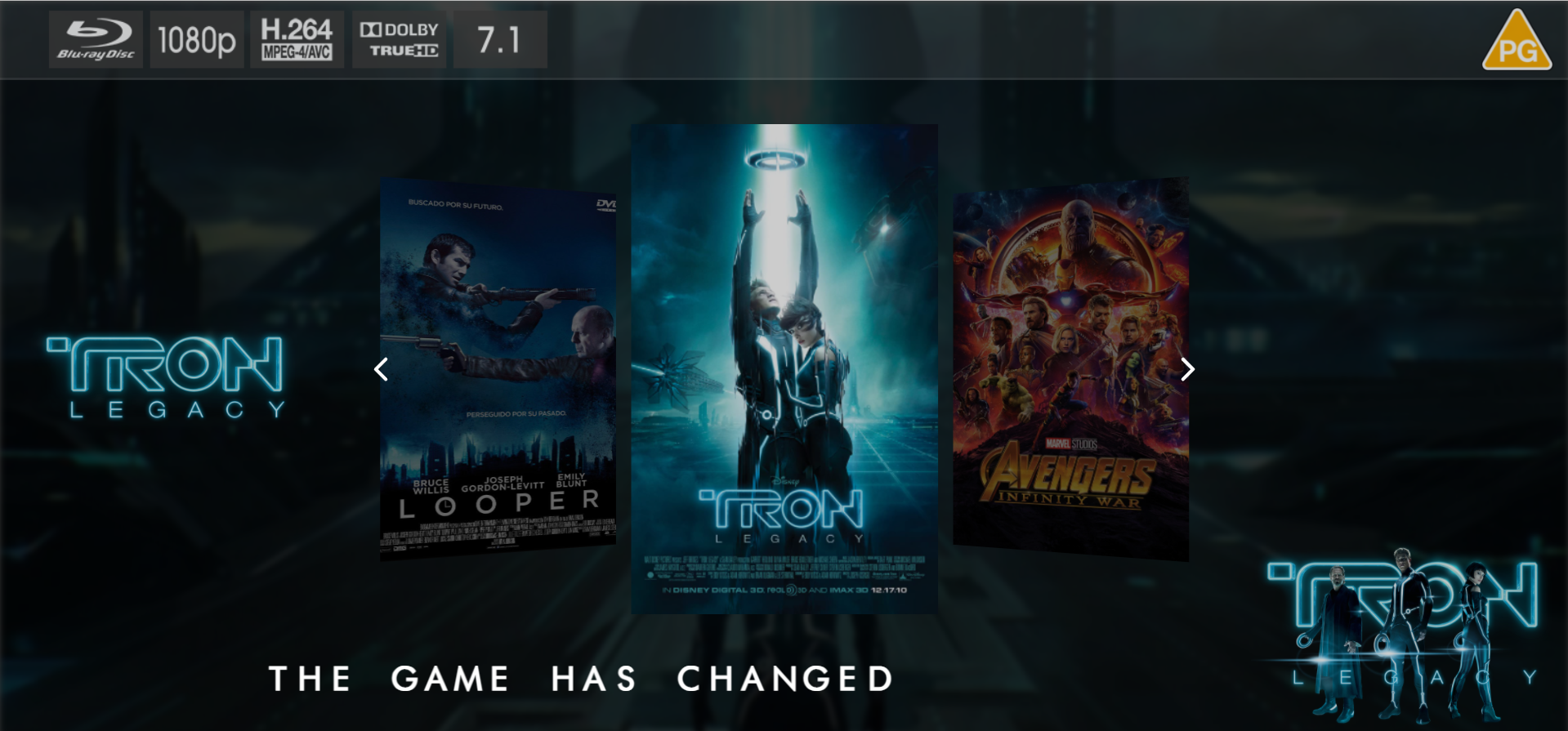
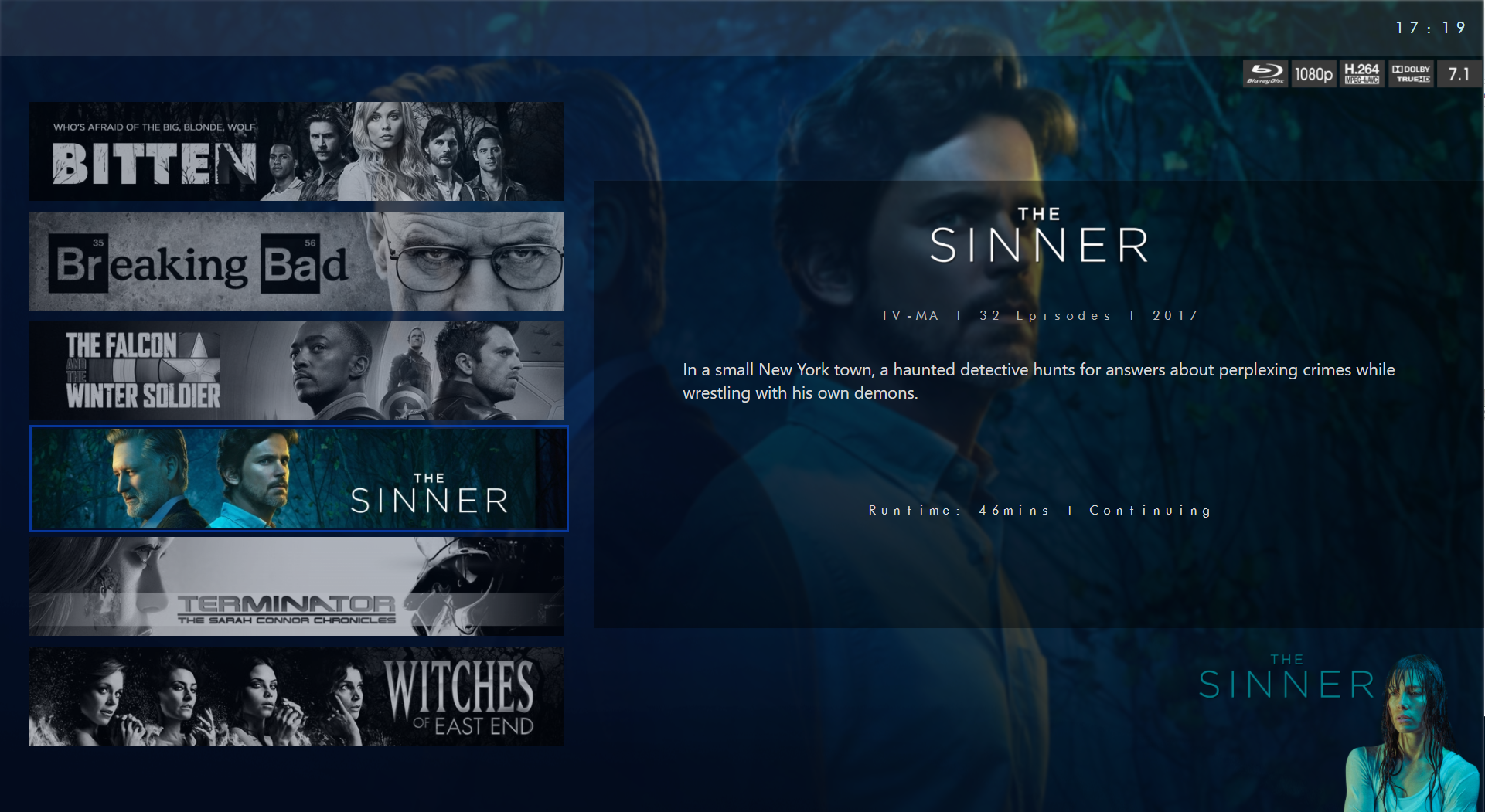
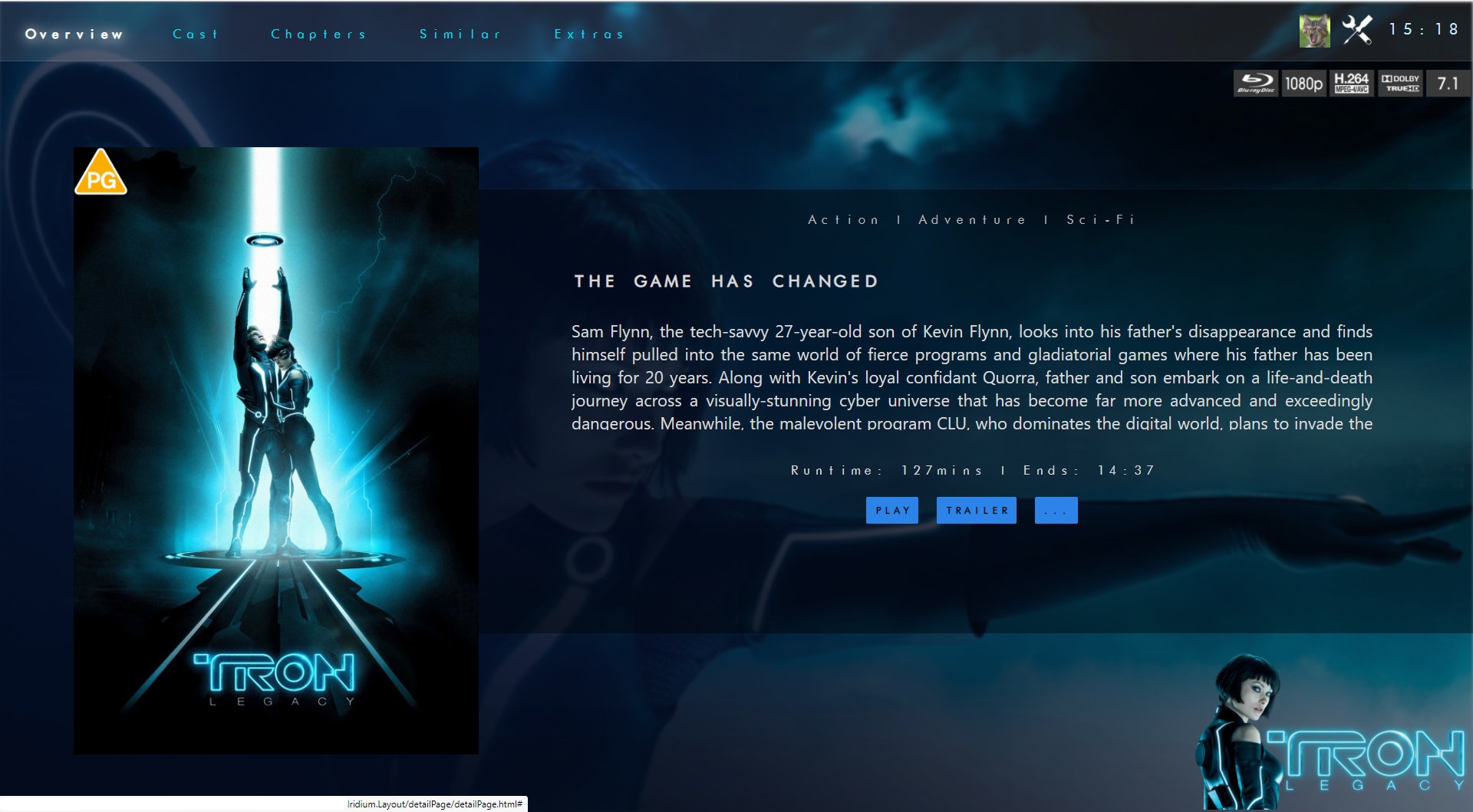
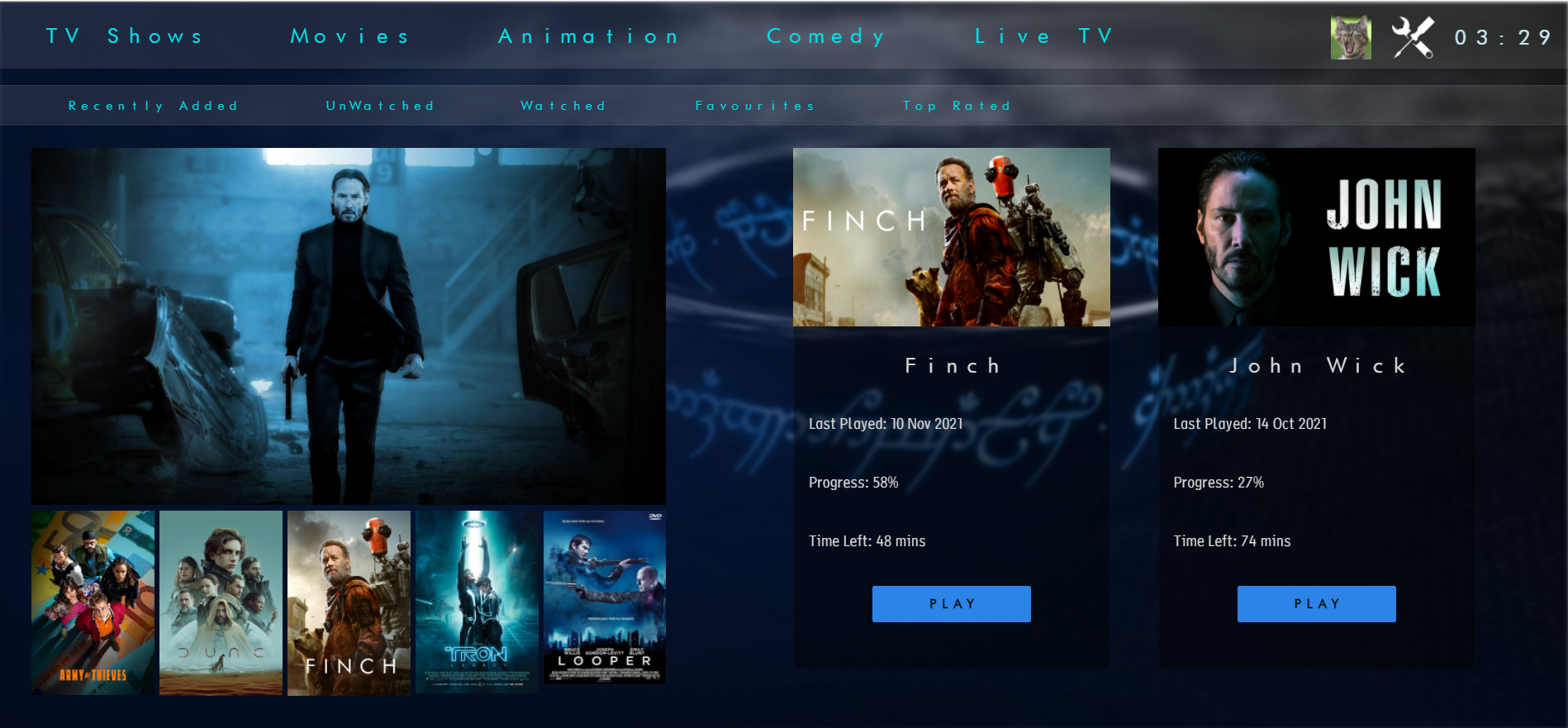
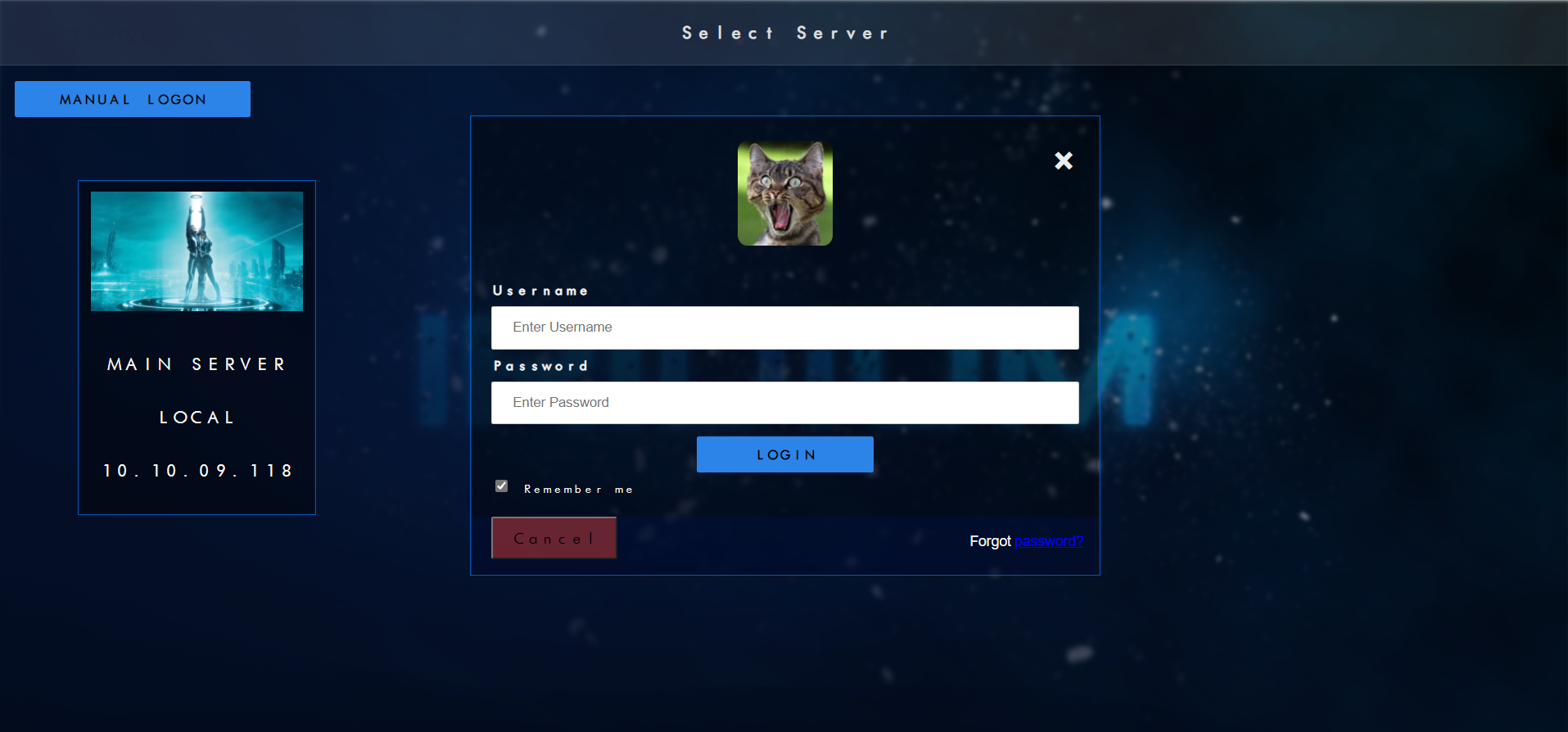
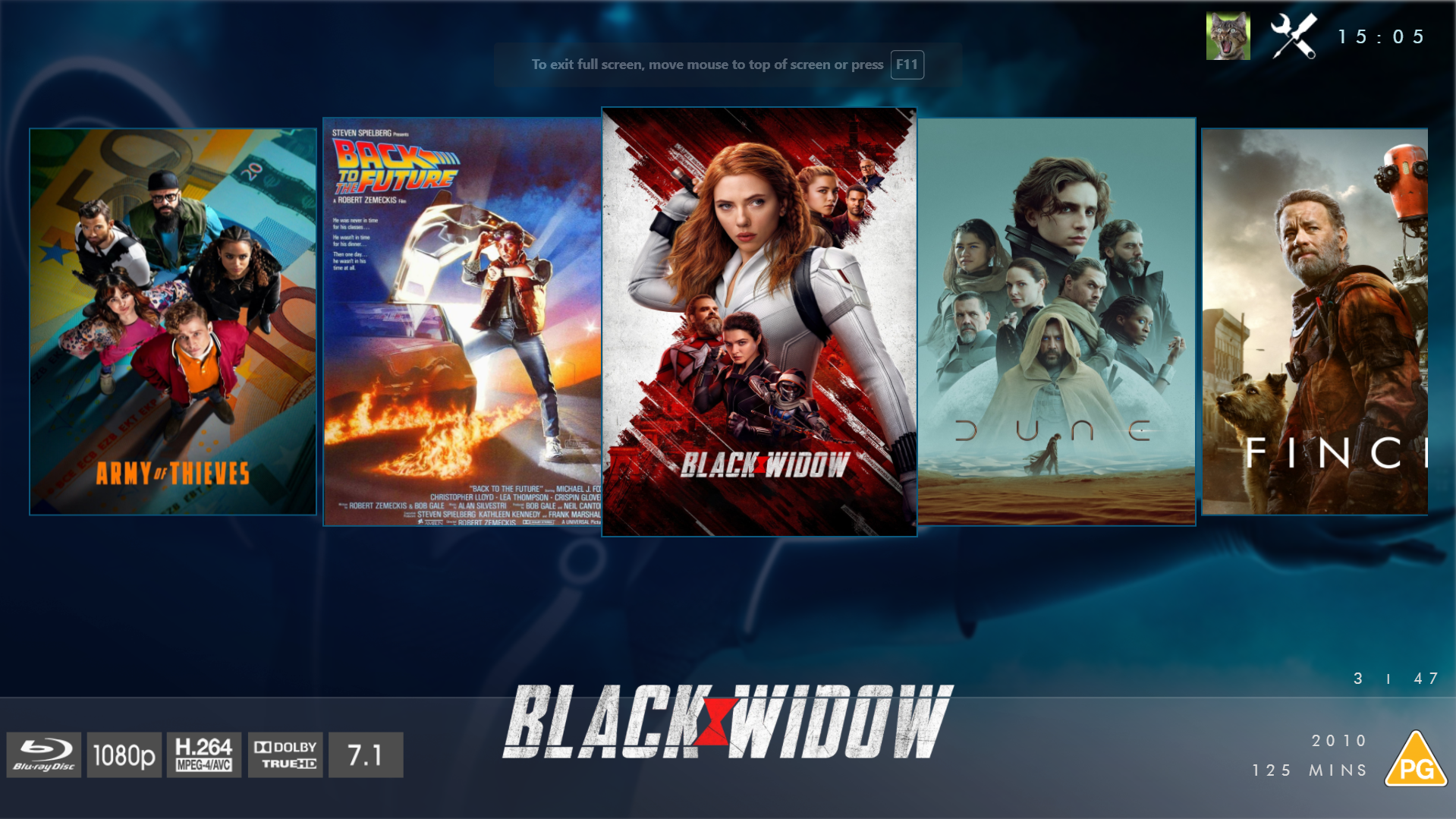
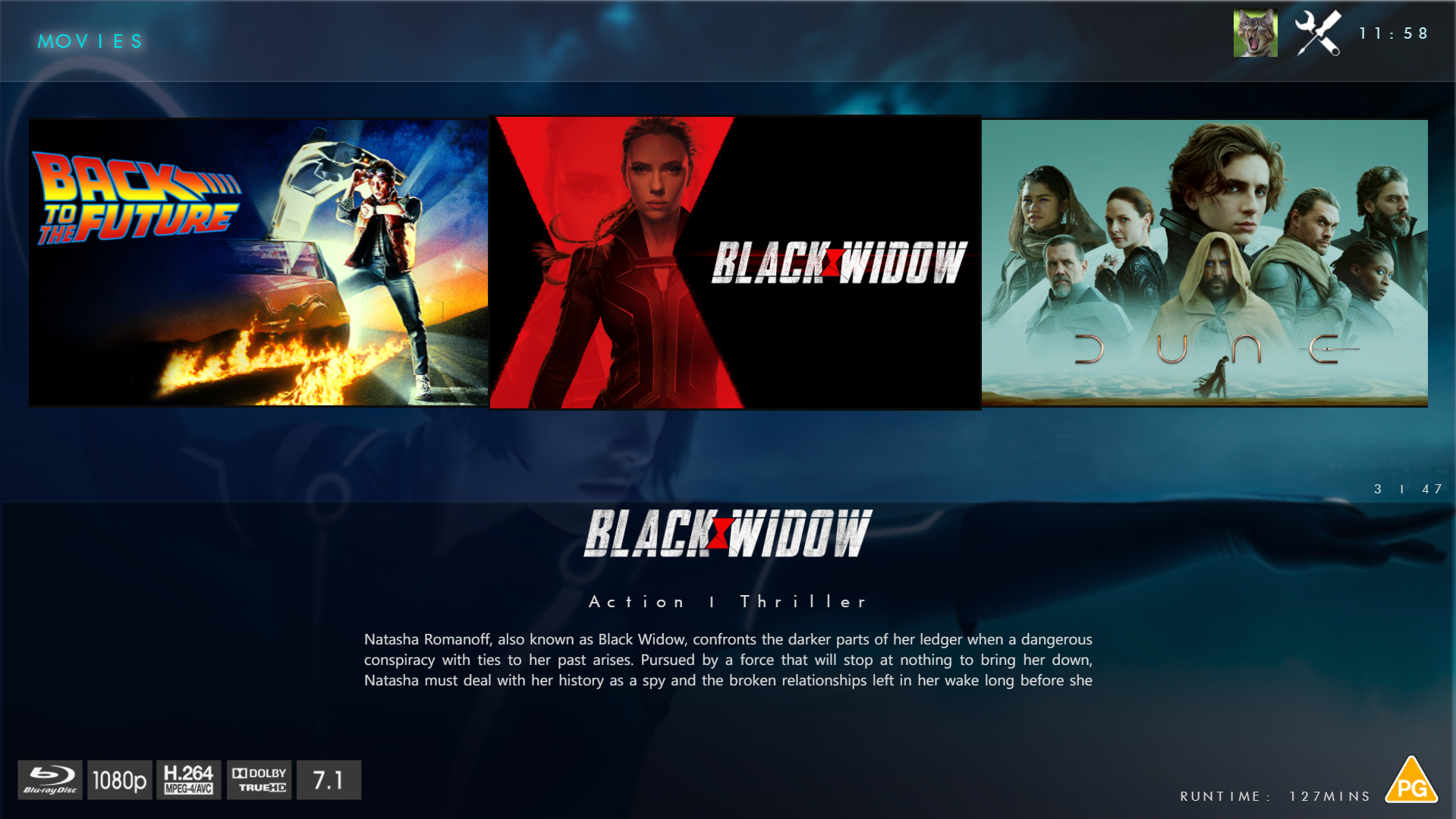
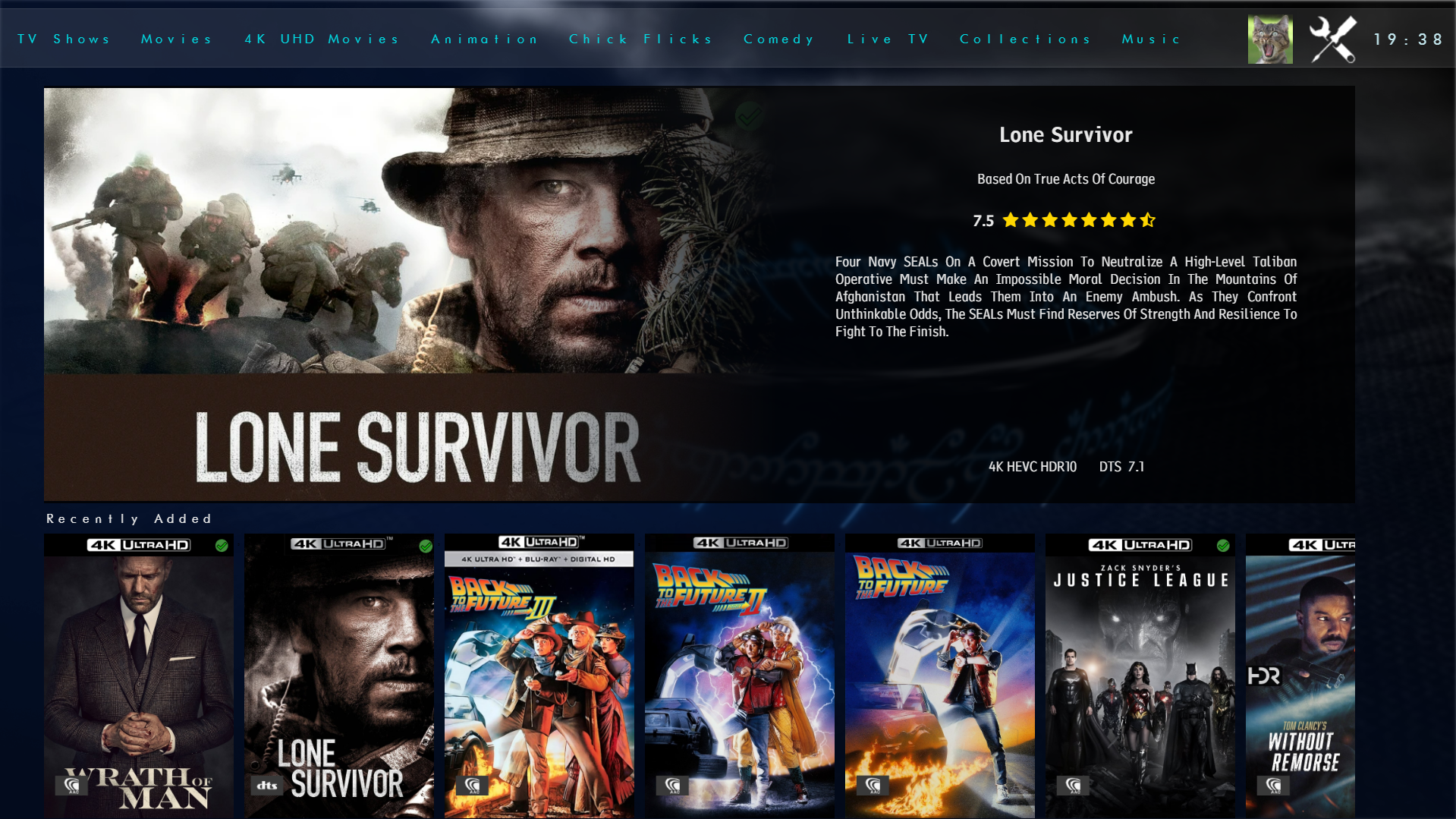
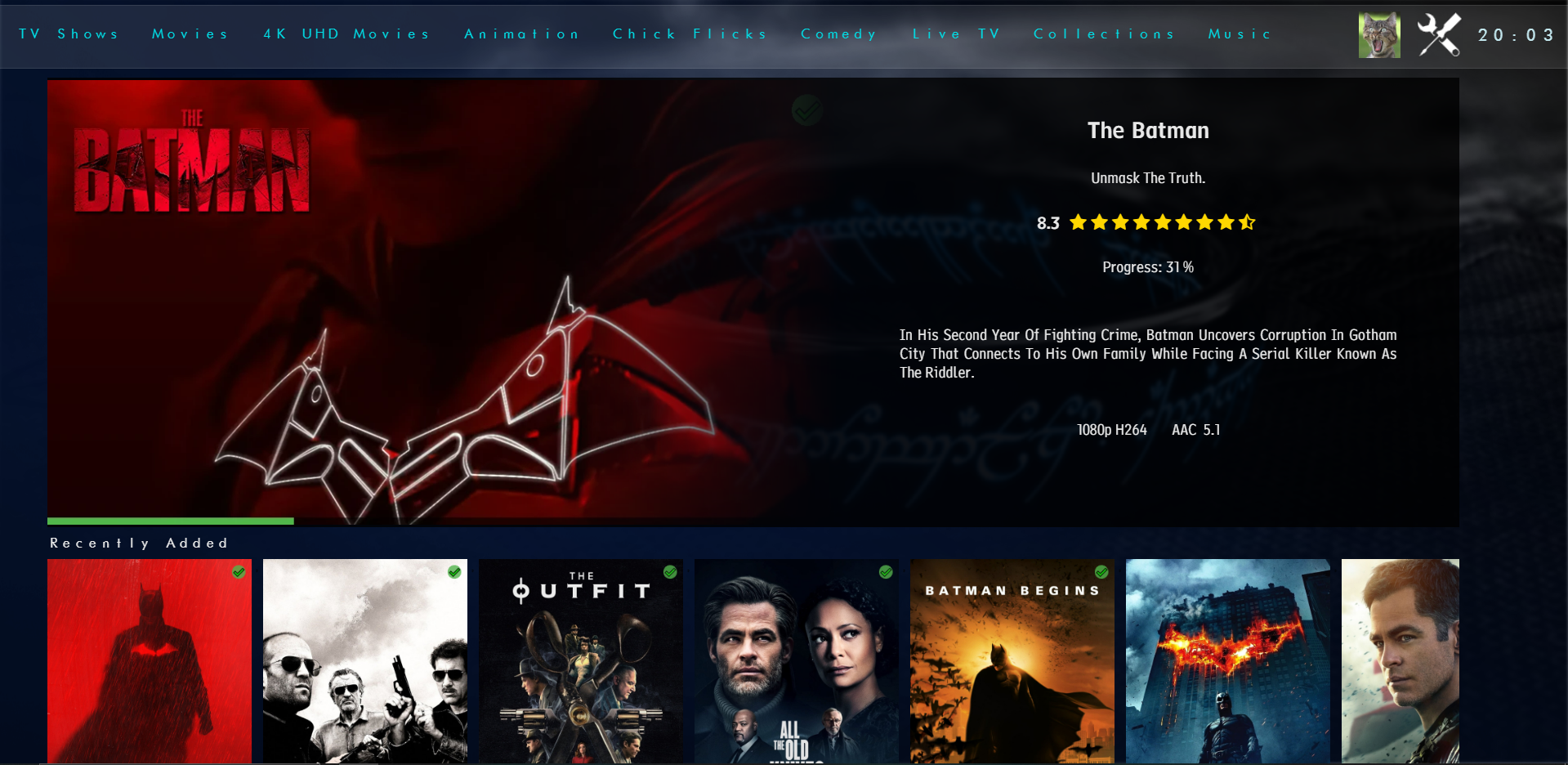
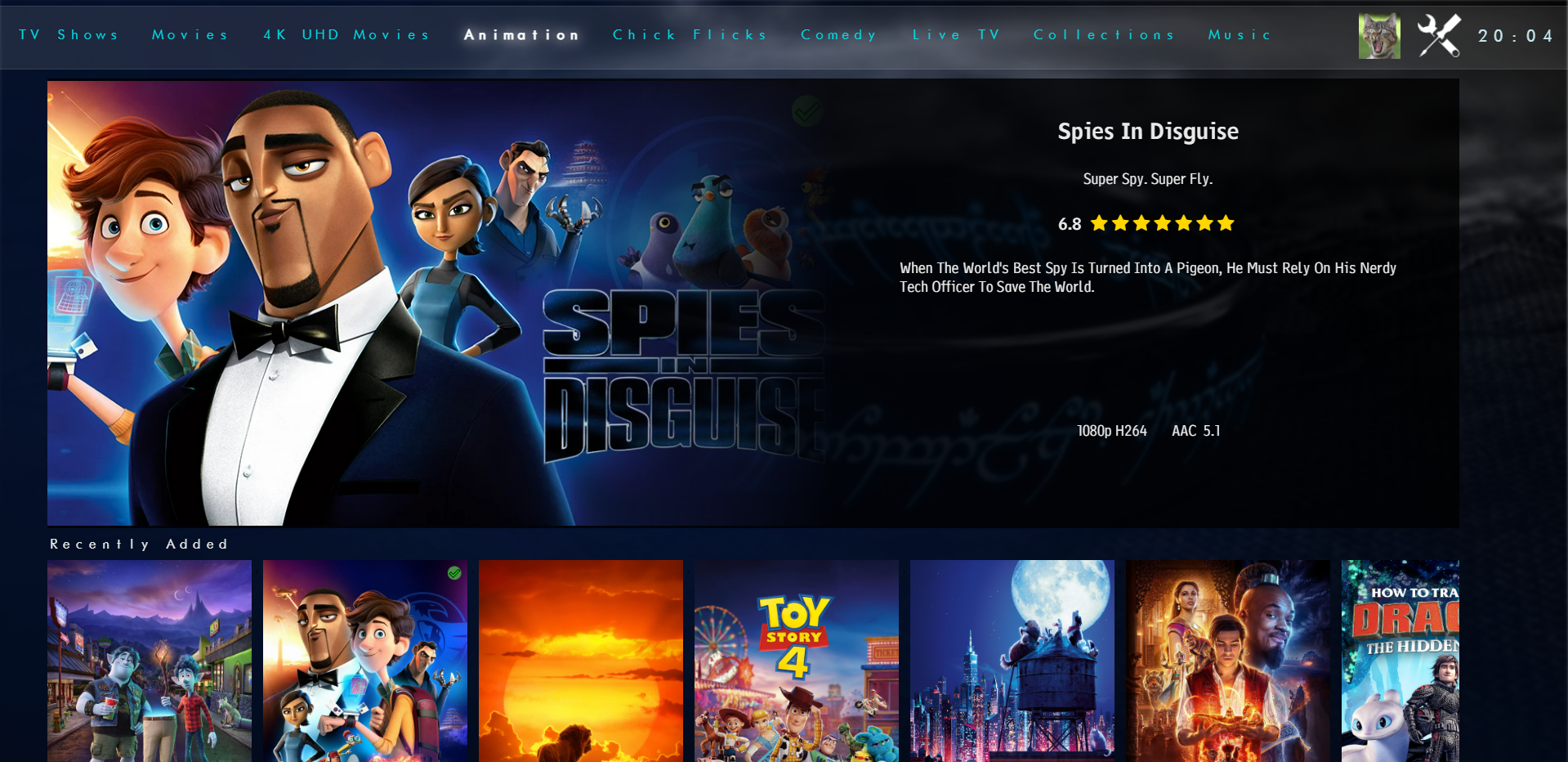
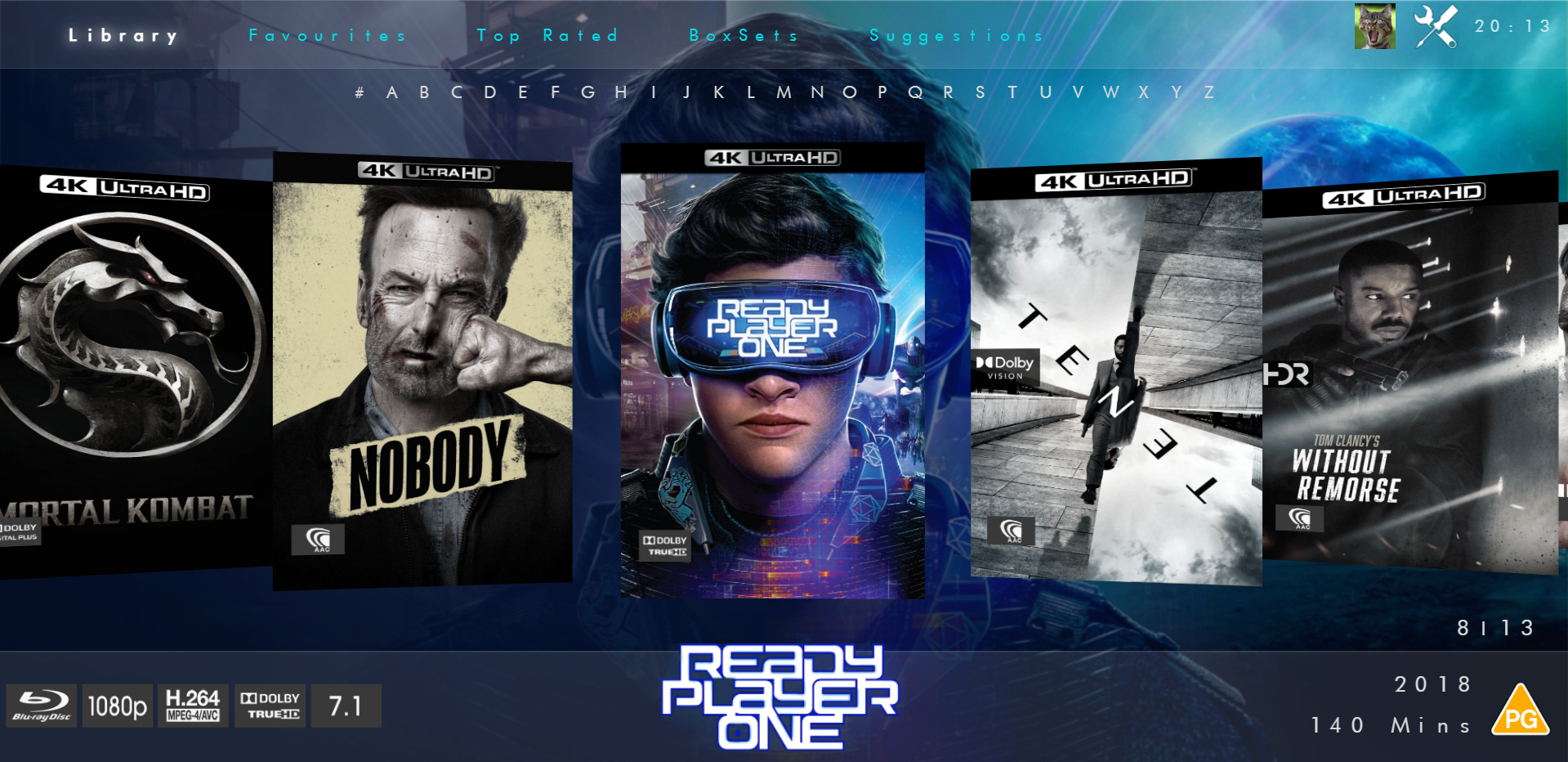
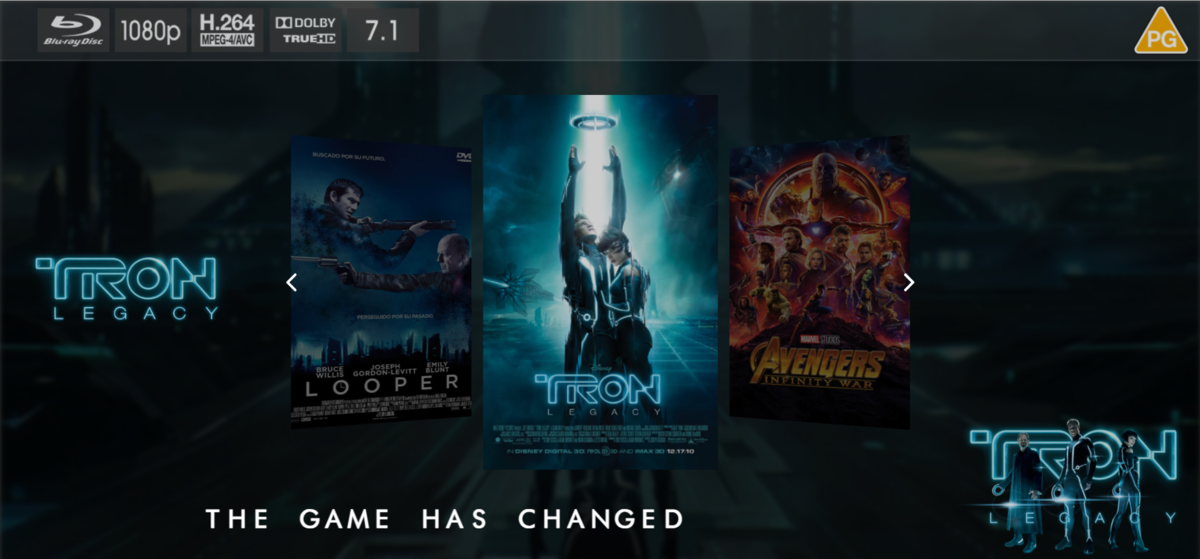
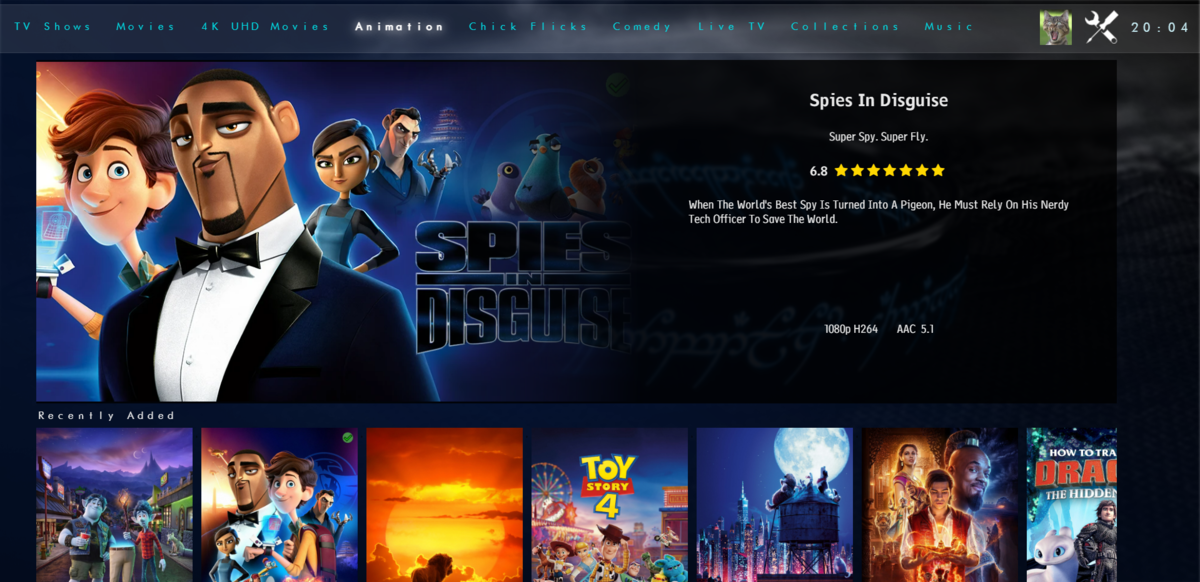
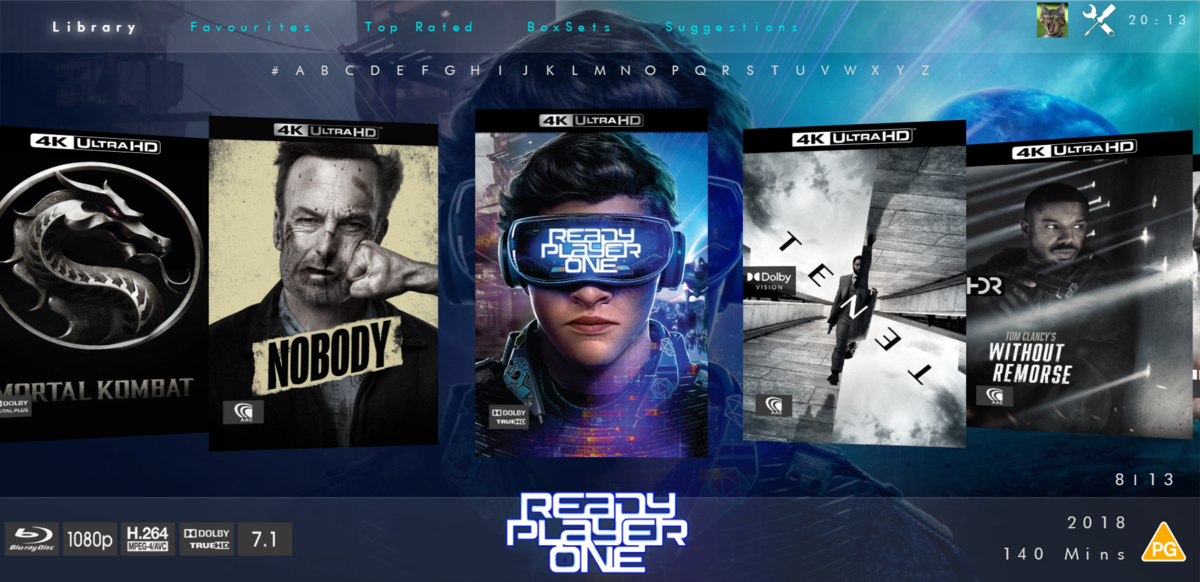
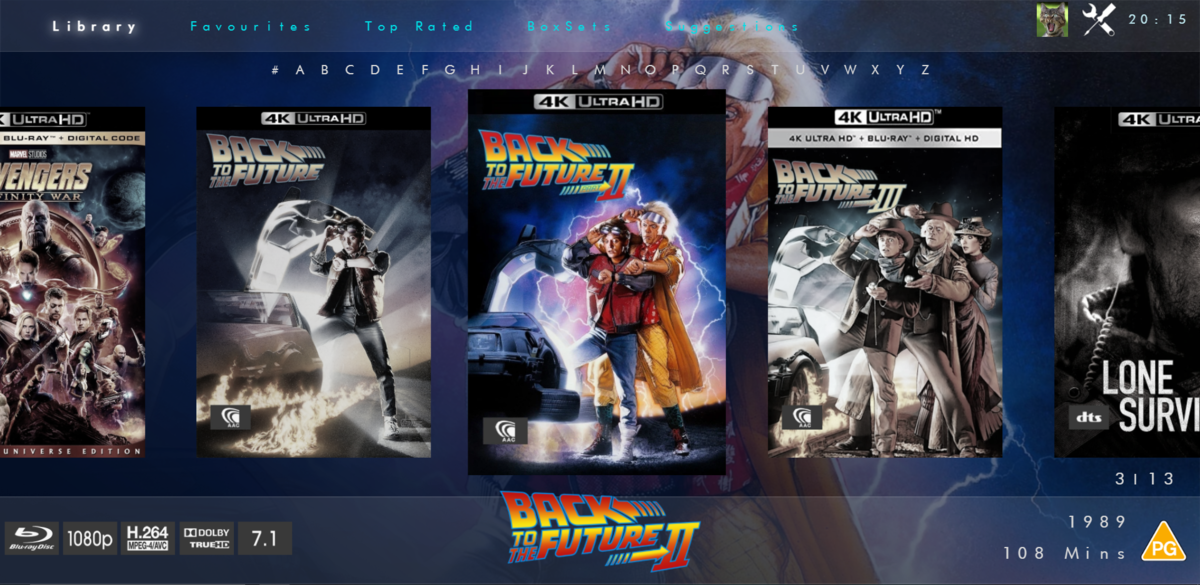
@chef @Cheesegeezer Another amazing production is about to be brought to you from devs - Cheesegeezer - I have started a new theme to bring to the masses. I am a long way off completion however we can continue to update you on the progress. The layouts are about 80% complete and once completed we can start to work on the code behind. We are interested in a closed group of testers when the time comes. I would just like to say that this was originally designed for Emby WMC back in 2014 and was just release there when M$ ditched support for WMC and the project died. @shaefurr did an amazing job with the concept artwork for me to work with back then, and this theme pays homage to him. So with out further ado... here's some of the layouts that are now coded. IRIDIUM - One theme to conquer all LOGON SCREEN HOME PAGE FIRST VIEW TYPE - COVERFLOW COVERFLOW 2 BANNER VIEW FINAL DETAILS PAGE LIST VIEW THUMB VIEW
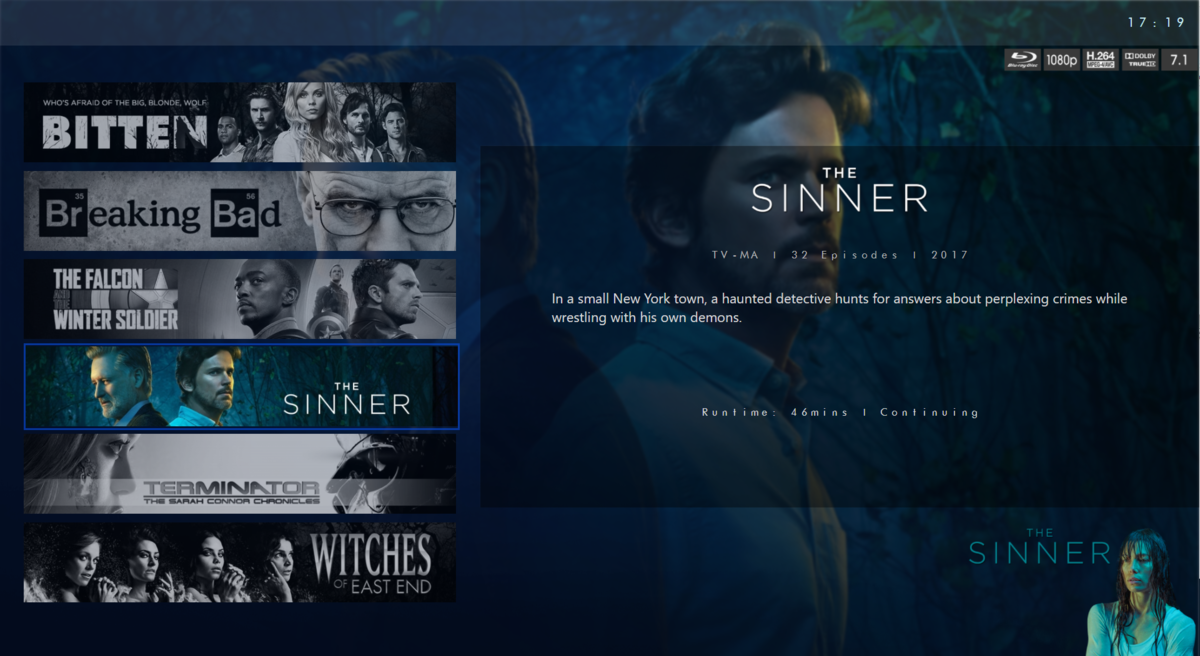
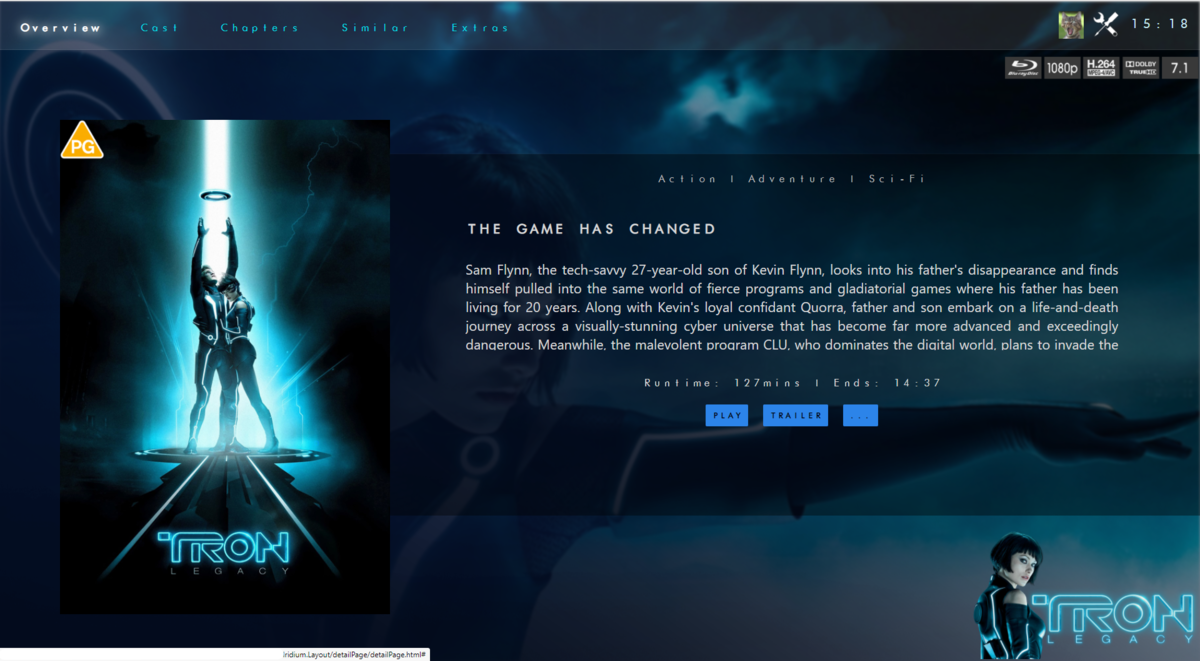
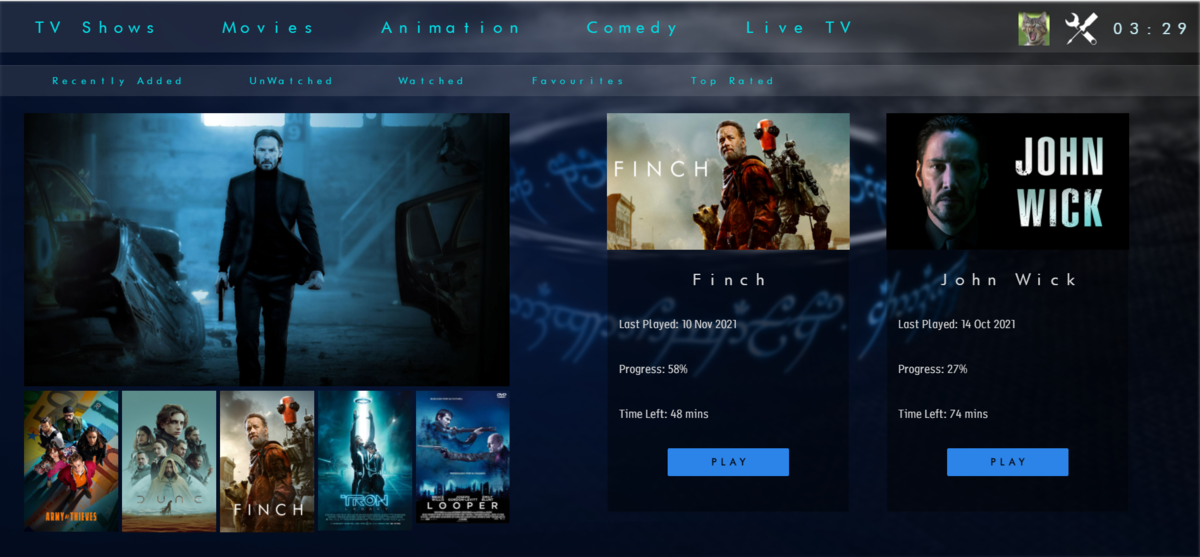
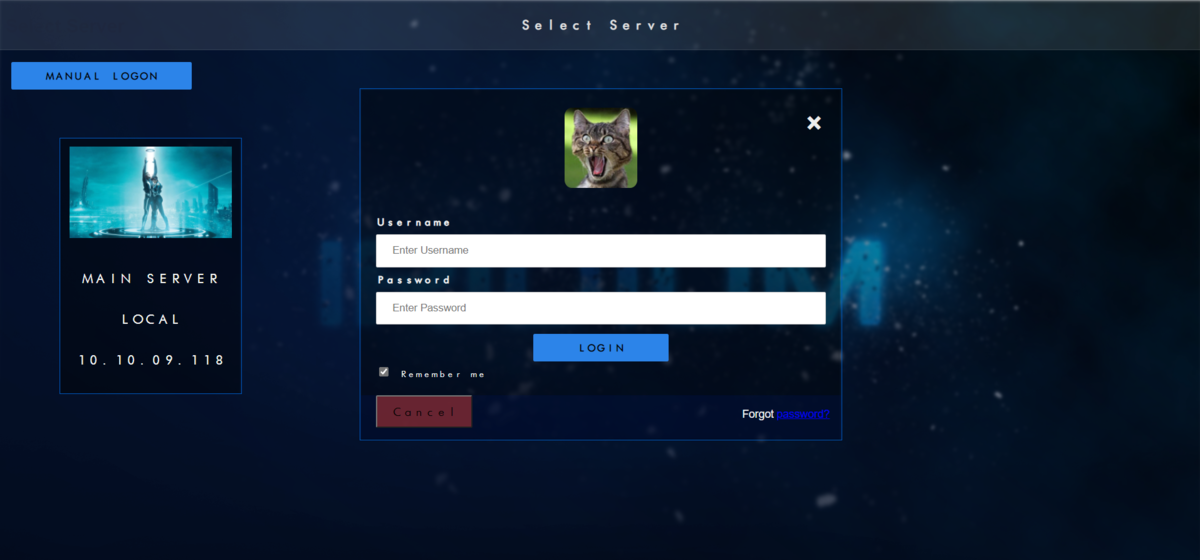
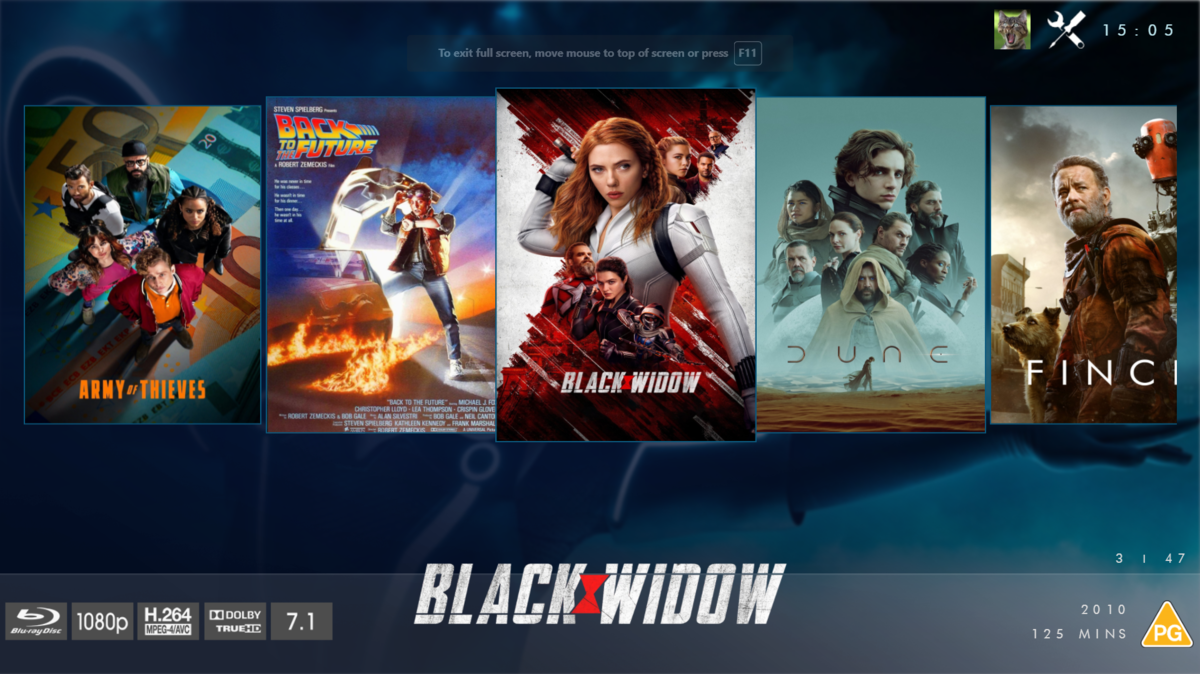
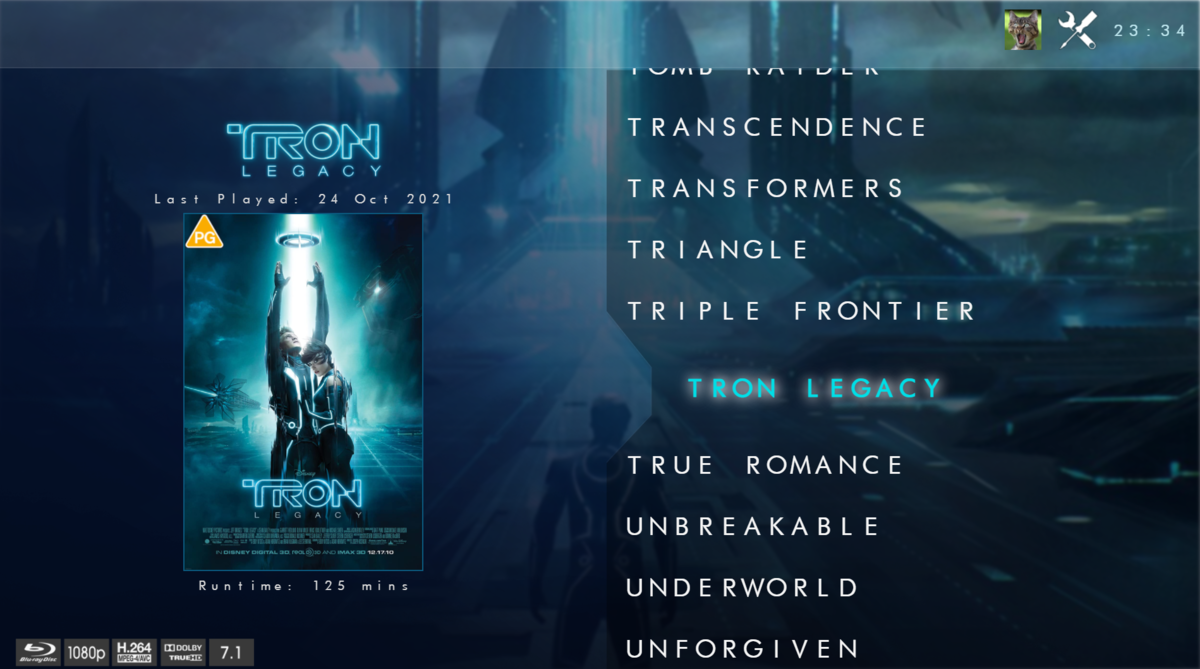
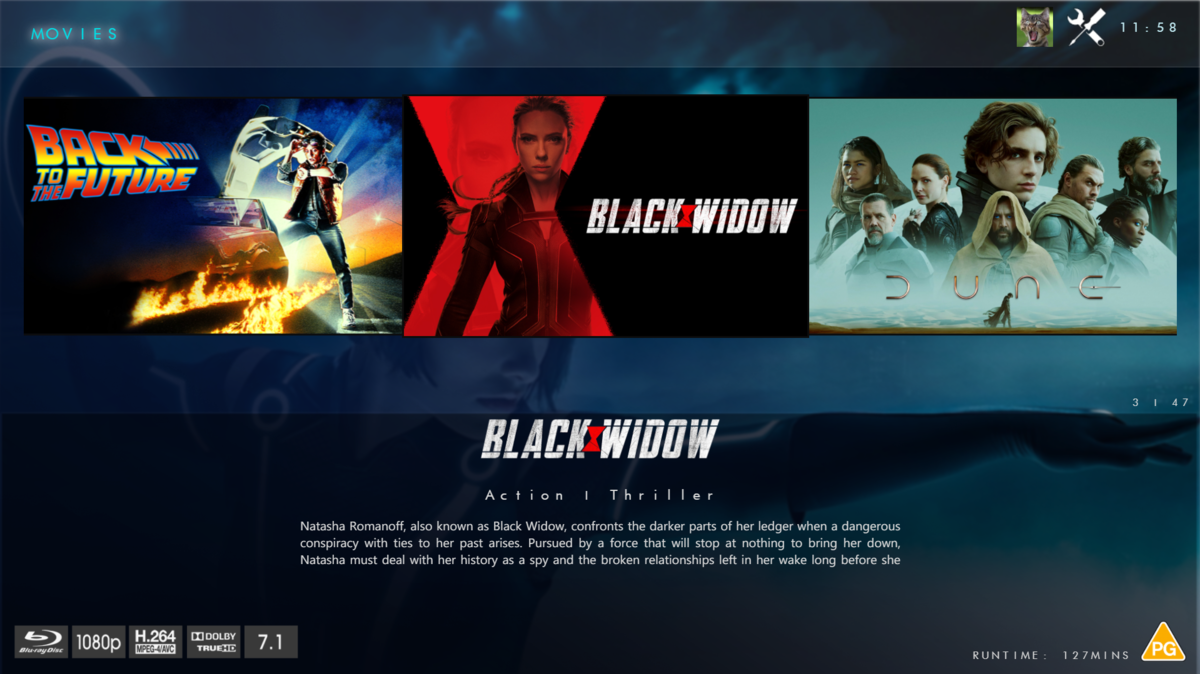
 1 point
 -
LOL possible, but I don't mind, you know how they say: "Repetition is the mother of learning..."1 point
-
Hi, we'll take a look at this. Thanks for reporting.1 point
-
@ebrwould have to comment on this. This plugin will require an active Emby Premiere subscription after the 14 day free trial.1 point
-
thank you, that works !!!1 point
-
Merged to existing request topic. As the dev currently whitelists them. @Luke1 point
-
There is not, Emby will automatically select most appropriate version for each client according client capabilities. Lend your support here: Nope, version must be pre-selected.1 point
-
Incredible, all ok. Thank you very much. One of the best accessories for emby1 point
-
This answers my question.1 point
-
You don't have to configure anything in Simple IPTV (PVR IPTV Simple Client) just install/enable it. Next-gen plugin will configure everything for you. Just install Simple IPTV, then goto next-gen config menu -> sync -> manage libraries -> Sync LiveTV That's it. It will import all Data from Emby server LiveTV to Simple IPTV.1 point
-
Hi, yes those all make sense. Thanks for the feedback.1 point
-
Watch a show yesterday and did not had any error at the sync at the end. Will test build 7.0.1-build 32... Thanks for the nice work1 point
-
It's certainly possible to select by library in future updates. Thanks.1 point
-
Hi, you just configure the settings how you want and then browse around the web app to see how it looks. Please let us know if this helps. Thanks.1 point
-
It will be fixed in the next USB release1 point
-
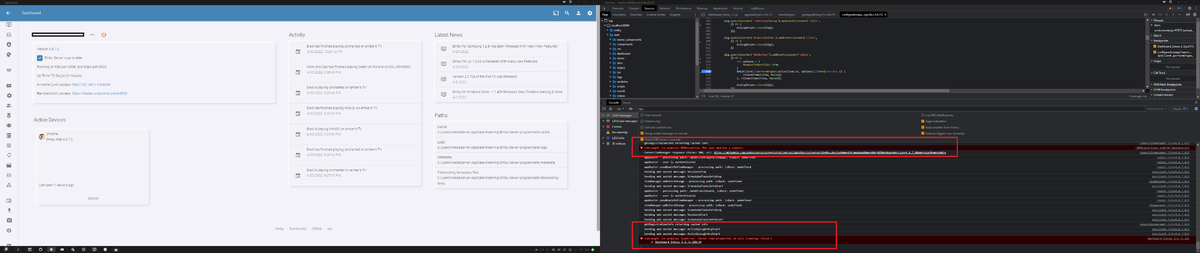
In the original code the remember corrections check-box in the original plugin is hidden by default https://github.com/chefbennyj1/Emby.AutoOrganize/blob/master/Emby.AutoOrganize/Configuration/fileorganizer.template.html#L49 It is then only shown if the result has a "Name" attached to it, and the Name has a length longer then 3 character. https://github.com/chefbennyj1/Emby.AutoOrganize/blob/master/Emby.AutoOrganize/Configuration/fileorganizer.js#L199 Have you identified the item in the UI by either selecting from existing items: Or by Pressing the "+" icon to identify the item through the provider? Once the item has been identified one of these two ways, and a Name is attached. The check box will appear, but from what I can see. It will only appear for TV Shows. The option is not available for Movies.
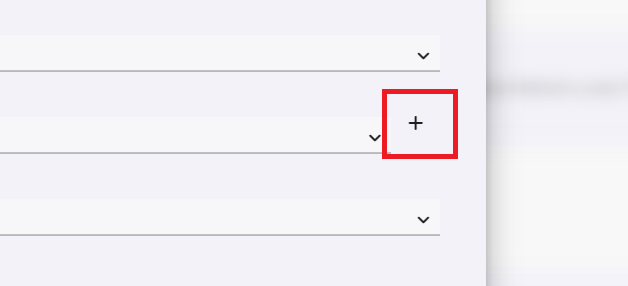
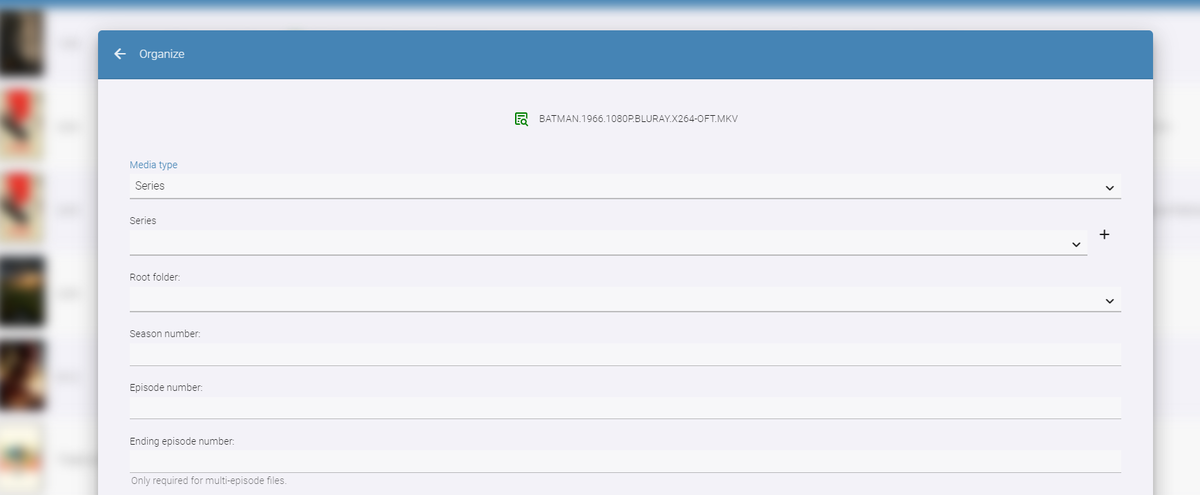
 1 point
 -
Cheers painkiller, it’s MediaBrowser Views which were part of the WMC plugin. I guess all of those media viewers were all similar, mediaportal, XBMC, MB, etc. icons would be great to have, i took the ones i had from Subdued theme, but the plan is to give the user the choice of using text, built in icons, or custom ones from a folder. the icons on the first few screens are just placeholders no coding was done on them they are just images much appreciate the offer and I’ll take you up on it1 point
-
As you can use Iconic plugin for wider range of applications.1 point
-
1 point
-
You need to chill a bit. Your expectations are waayyy tooo high, he is not a paid Emby dev. @chef is doing all this in his free time and doing the best he possibly can to improve the plugin. Give him time, he will do some great stuff - already proofed his capabilities many times.1 point
-
Would need to see logs to determine what is being written. Normally transcode sessions are cleaned up after a properly stop playback session. Do you have any conversions setup? Possibly interval images being created? 4.7 has some changes in reference to low disk space and transcoding cleanup. Clean HLS segments during playback when disk space is low1 point
-
New version available 7.0.1-build 24: Delta changelog wal mode for emby db fix realtime sync issues song update fixes fix db reset change default sync settings to 70 fix tvtunes Comment: This version will force a db reset1 point
-
Yes now ik ok Hispa1 point
-
you can test it - just put http://your-tvh-ip:9981/playlist/channels.m3u in a browser, it should download, the channels.m3u file from your TVH - open that with vlc, or any other m3u capable player, then you can watch tv, change channels etc - its the same as emby does. Then for the whole hog - have a look at this site for the guide data info for your region - https://www.xmltv.net/. Happy to help if you go forward - us aussies have to stick together.1 point
-
Actually our app has built in software decoders for this situation, so it's probably transcoding for another reason.1 point
-
Yesterday, I add an error after playing two show and was stuck updating the db at 0%. I was then on build-700. (I don't recall the exact message) Did update to latest build-716 and this reset the error stuck to 0%. I will double check that today with build-716 if that appear again... If so will let you know!1 point
-
hi @Junglejim I use TVH exactly the same, a docker, with 3 x HDHR Duals - so 6 tuners total. With the multi mux recording, I could record every channel at once from Australia - lets face it, we dont have many here, and most of what we have is average at best so a big overkill. Re your comment, TVH offers the m3u method of accessing the same stuff you can with a plugin, its just the plugins used to be average but now they are not and can give exactly the same result - I guess I am just too lazy to change from what has been working for years. With regards to the Australia FTA guide, that would then be delivered from TVH if I used the plugin - have you noticed that the Aus networks can be nazi's and they mess with the naming of various shows to stop series recording working (as they need the ad revenue) ? The wife use to miss recording of some of her shows as they would change the name to 'xxxxxx with special guest of' or something like that. That is why I first jumped to IceTV and a paid guide, but now I am using a free xml guide. You have better info, more chance of detailed season/episode numbers for Emby to match (so it wont record if it is in your system already), and most importantly, the shows titles are always the same, often with first run and repeat flags also so you can record based of that too. Our FTA guide may have got better in the last 4+ years but the reason I doubt that is that my dad, who has multiple good TV's in his house would prefer to plan and watch TV from my emby system over the NBN - as he says 'My Guide is better'.1 point
-
Well, I just went back and had the episodes auto-organize again and the correct titles are now being used. I wonder if there was some back channel database info that had the incorrect names that took awhile to catch up to what is being seen on the website's frontend. That's probably not how it all works...just my simple brain thinking more than it should. Just glad it works. I like when things work...1 point
-
This is a USB side load correct? If so it has to be loaded every 30 days as Samsung requires this.1 point
-
i've moved to using lytmi. very happy with it1 point
-
Yes it is because their file size output after processing is generally much larger than the originals.1 point
-
This version had the same issue with subtitles not loading without transcoding1 point
-
I just noticed this as well. Episode titles in Emby are different than what is currently on TVDB for all seven of the episodes that were released yesterday. But refreshing metadata results in titles being refreshed to match those on TVDB. I think (but I'm not 100% certain) the wrong titles were initially entered at TVDB, and then someone corrected them.1 point
-
For others with the same issue, on my side, re login wasn't working, and neither reset local database process (in the emby plugin config.) The solution was to: - Perform local database reset - Reset all emby addon settings --> yes (if saying no the issue will stay after reconfiguring) Then the "Emby Access Restricted" will disapear and all will be working as it should.1 point
-
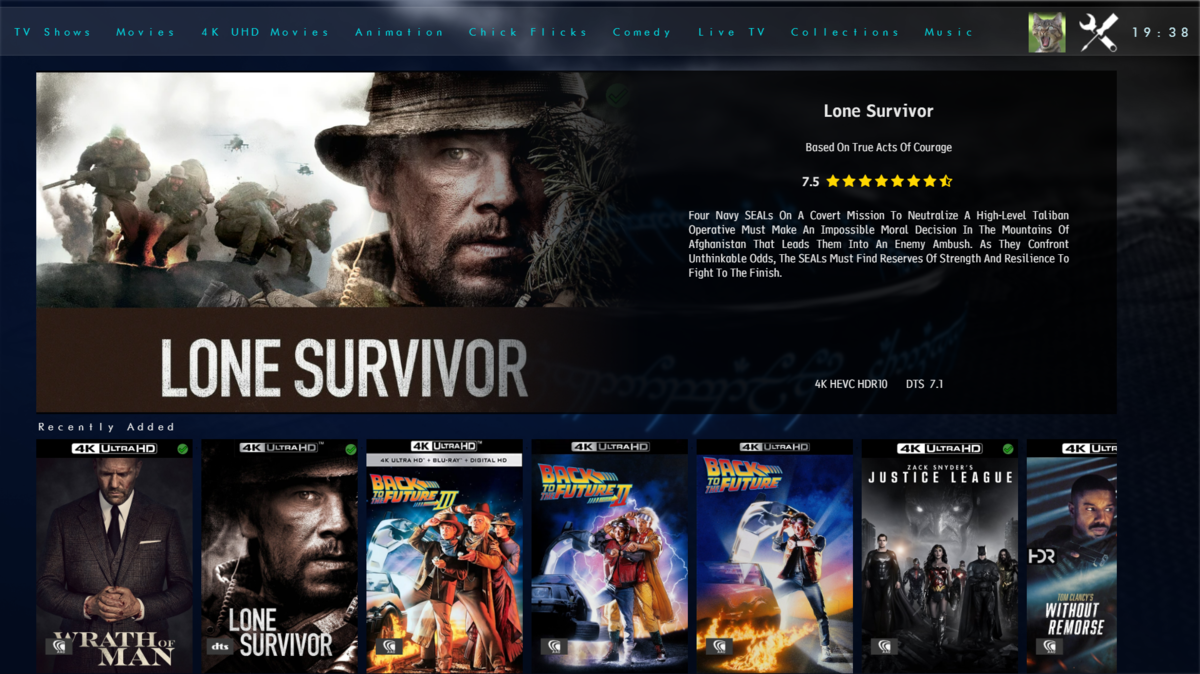
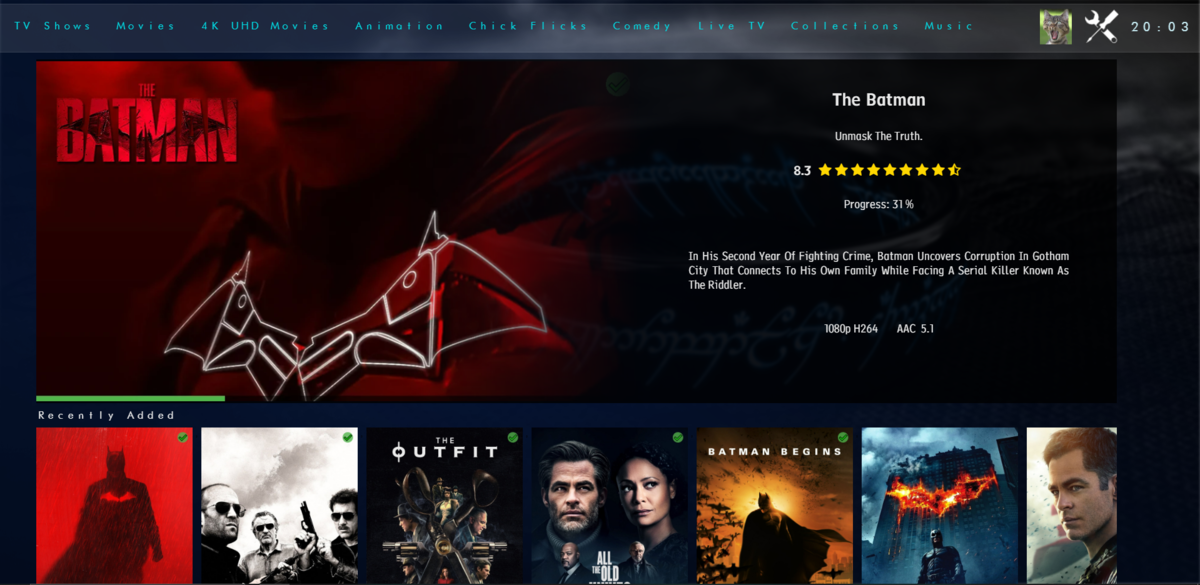
Not had much time to play but here is the new modern layout. Spotlight - chooses a random recently added item then a series of scrollers will go underneath for Recently Added Continue Watching Top Rated (this will be items over a certain community rating) Favourties Boxsets Now Playing - this will be whats showing in Cinemas/Digital Streaming Services (taken from TMDB) iHome Flat Coverflow View Coverflow View And you've seen the full details screen. Anyways... Hope you like it
 1 point
 -
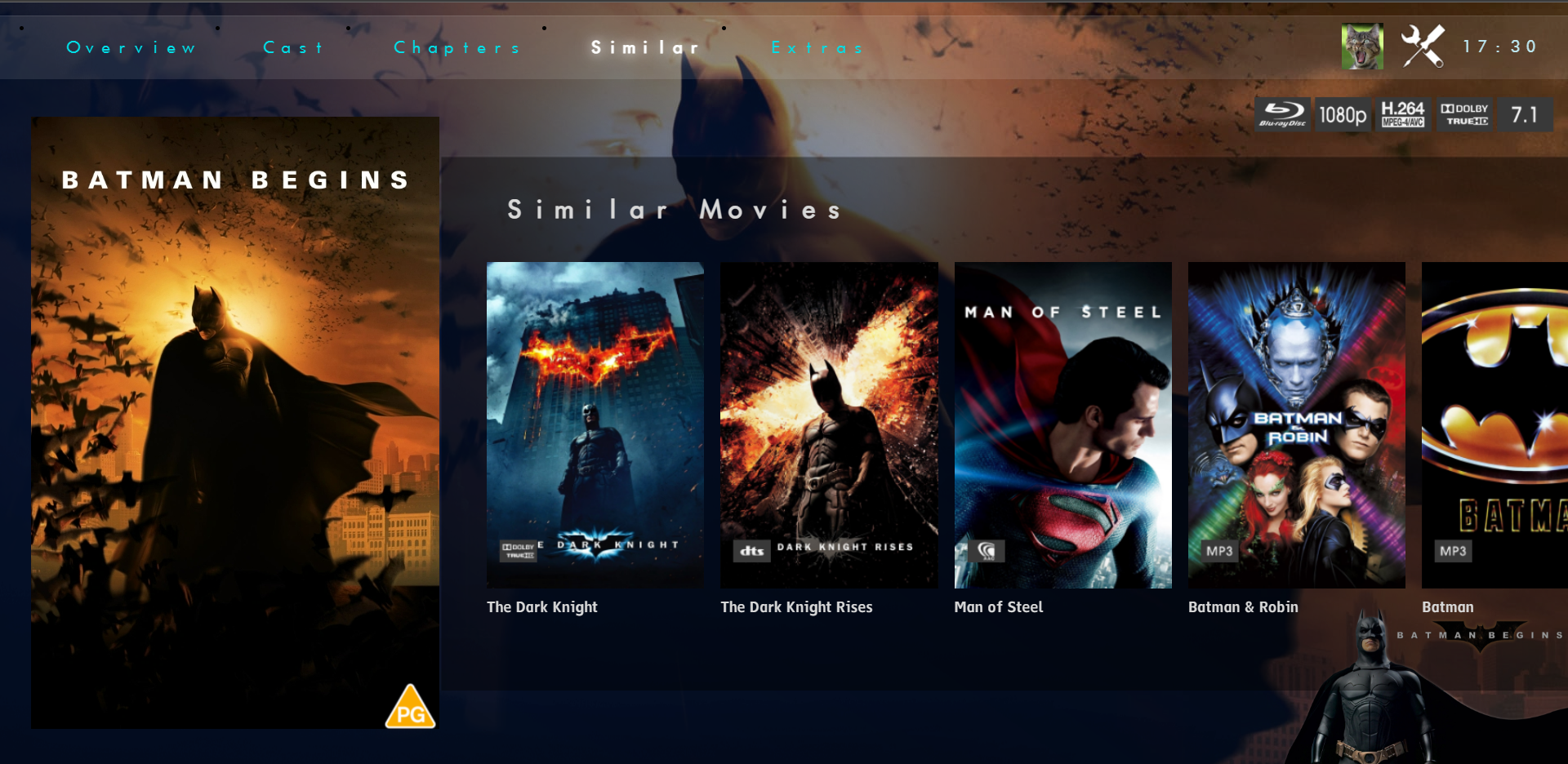
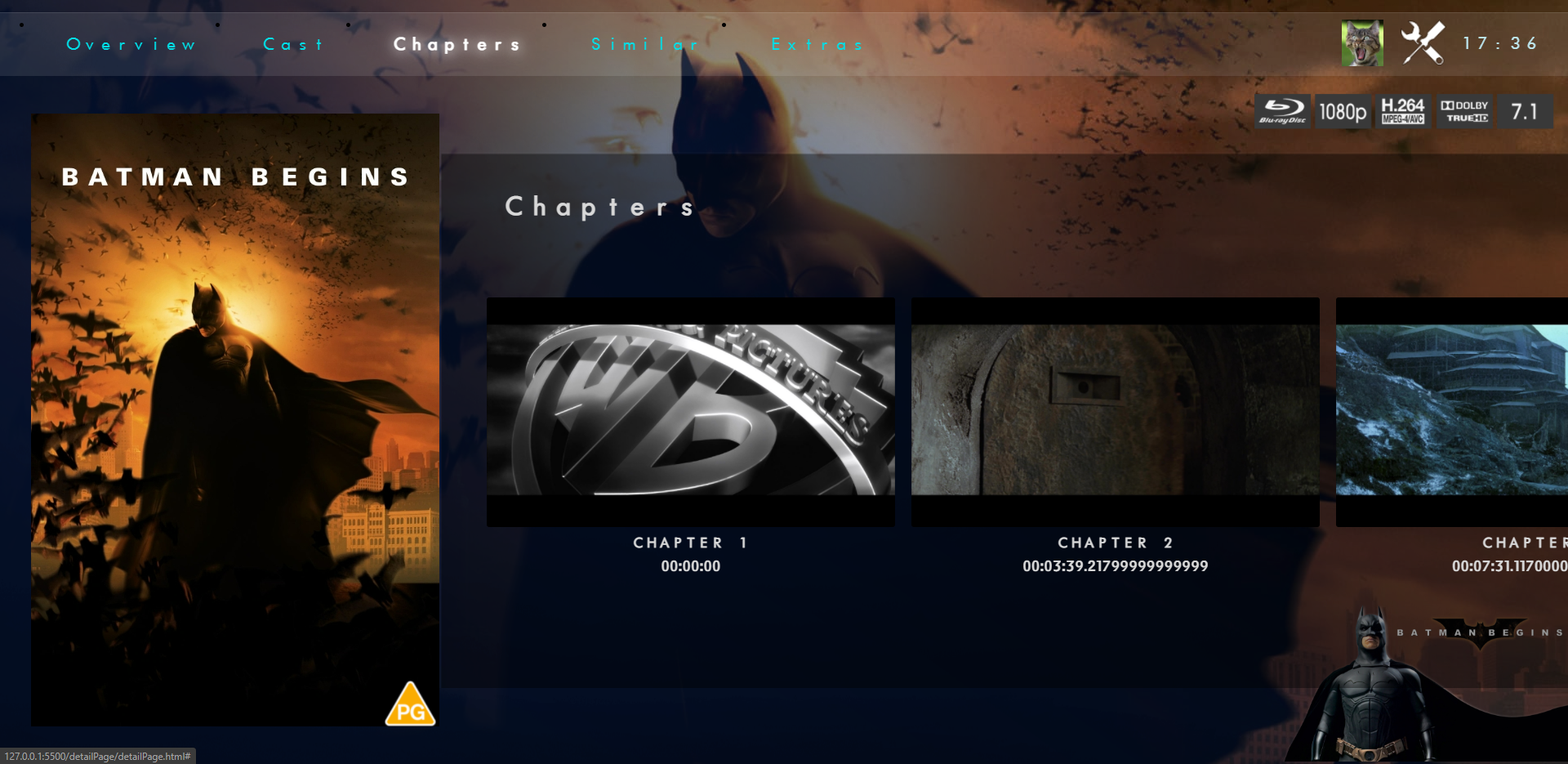
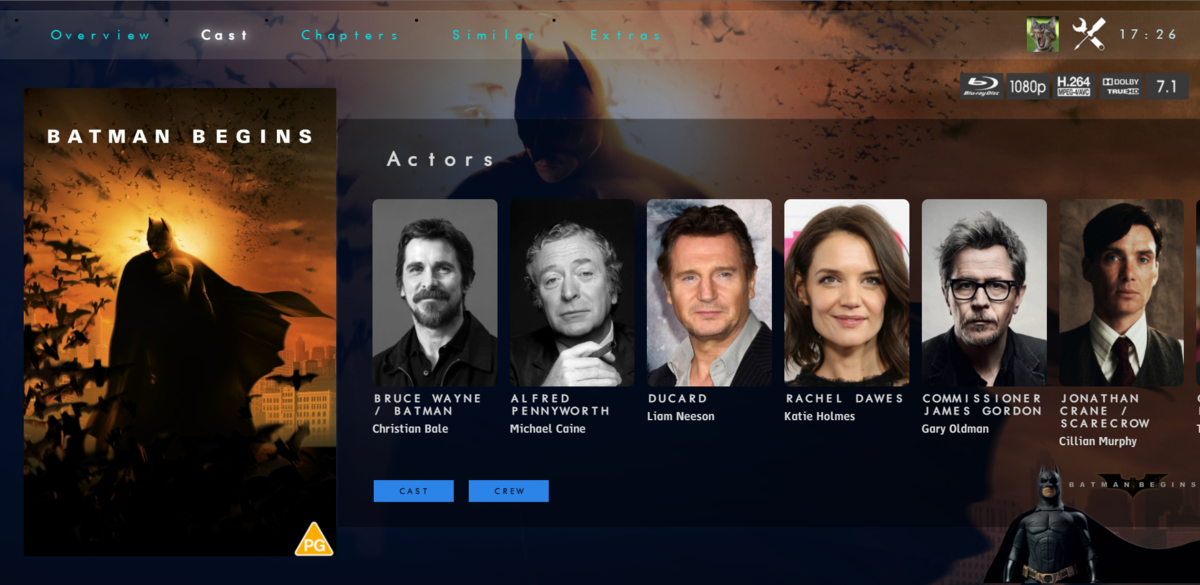
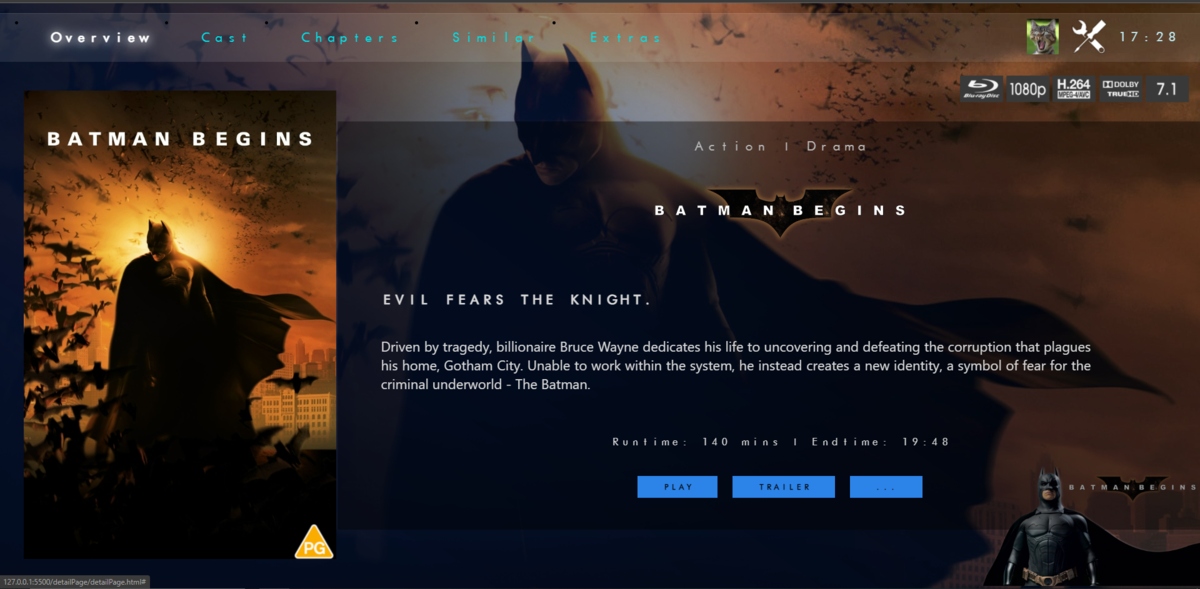
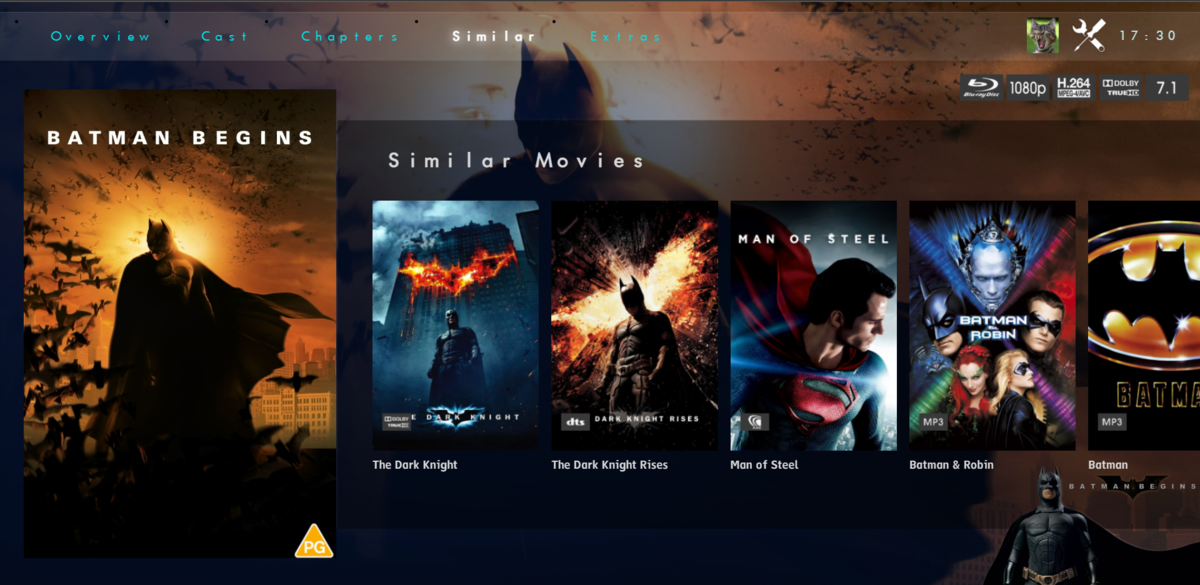
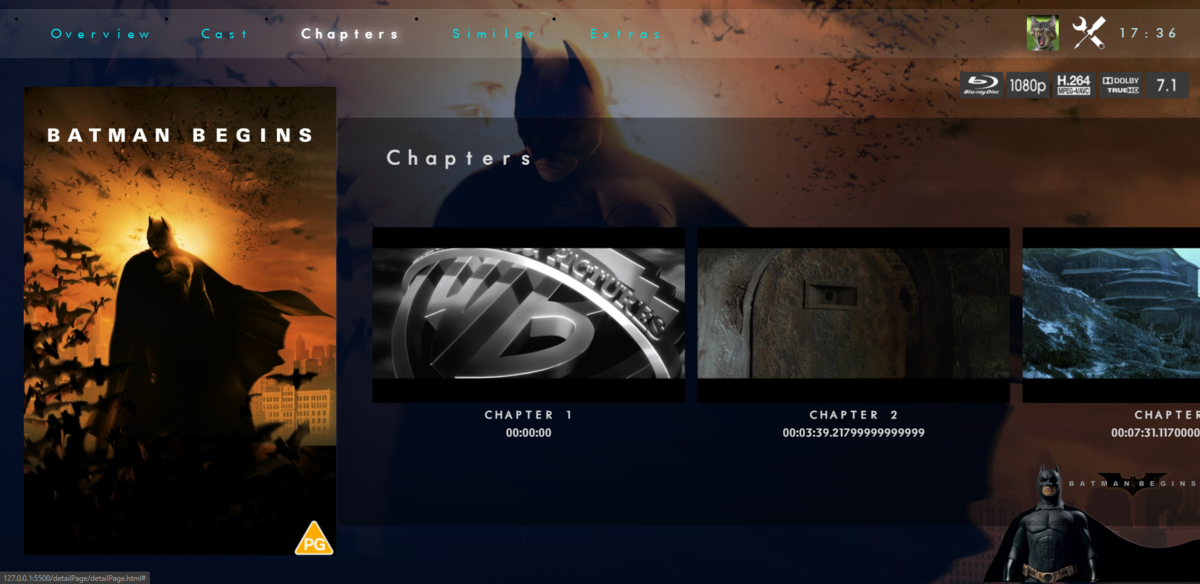
managed a bit more on the Details page. Pretty happy with it so far OVERVIEW CAST CHAPTERS - need to sort the times but nearly there SIMILAR MOVIES
 1 point
 -
made a start on coding Iridium, lots to do still but thought i'd share a wee teaser with you all (short video). For the home screen and the details page. Not much time to myself at the moment. iridium_details.mp41 point
-
I have noticed the Emby Server has "Camera Upload" feature in place but I can't find where to disable it. To me, this is dangerous to enable the Camera Upload feature by default without proper controls. For example, I am hosting my own Emby Server at home (premiere already), and I like to share my Emby Media with my friend. I have my router port opened for my Emby server and configured a DDNS for it, so my friend can logon and access my Emby media from his own place via remote access. But I just realized that on Android device, I can turn on the Camera Upload feature from my mobile and upload image/video files to Emby hosting server without user-based restrictions. That means my friend can easily trigger a large amount of files to be uploaded from his android mobile to my home Emby server machine. Just to be clear, I trust my friend or anyone I shared my Emby media with, but that does not mean I automatically grant them the permission to upload their personal mobile device camera media files to my Emby server without a control. Emby Server has no control on Camera Upload: On the camera upload configuration page, there is a path we can customize, but if we leave it blank it will use default internal storage folder (accroding to this support page). I installed Emby on a Windows machine at C drive folder. There is no button or toggle control that can disable the Camera Upload feature from the Emby server side. Thus, even I haven't touched this area since the installation, the Camera Upload feature is already on and its default upload path is somewhere on my Windows machine C drive. When I configure a user account for my friend, he can potentially turn on the Camera Upload feature from his android app and start uploading over 10GB size media files to my Emby server without a permission control. It is very dangerous that uploading tons of files to my Emby server internal storage when I didn't customize the upload path for it. My Emby server machine C drive will be flooded. Shouldn't the Camera Upload feature be disabled by default on Emby server? Shouldn't we have a checkbox on the Camera Upload configuration page so we can manually turn on/off this? Camera Upload permission is not configured per user account: Even if I wanted to enable the Camera Upload feature, I want to grant the permission for each individual user account, instead of leaving this open to all the users by default. I have been searching for the options under User Account configuration section, there is no place that enables/disables the Camera Upload per user account. Shouldn't the user-based permission control be on Emby server side, rather than on the Android Client App? In summary: The Camera Upload feature should be disabled by default on Emby Server side until the administrator manually turns on this feature. Camera Upload feature should not have a default path out-of-box. Especially for using the internal storage, uploading camera media files will have the great chance to flood the server. It is better to always force the administrator to assign an external storage before enabling the feature. When the Camera Upload feature is enabled on Emby server side, we should always grant the feature for each user account. Each user's camera upload path should be defined under the user profile. For example, the Emby server side defines the storage parent folder, whereas each user account can define a subfolder.1 point
-
I wish this was a feature. Hopefully soon.1 point
-
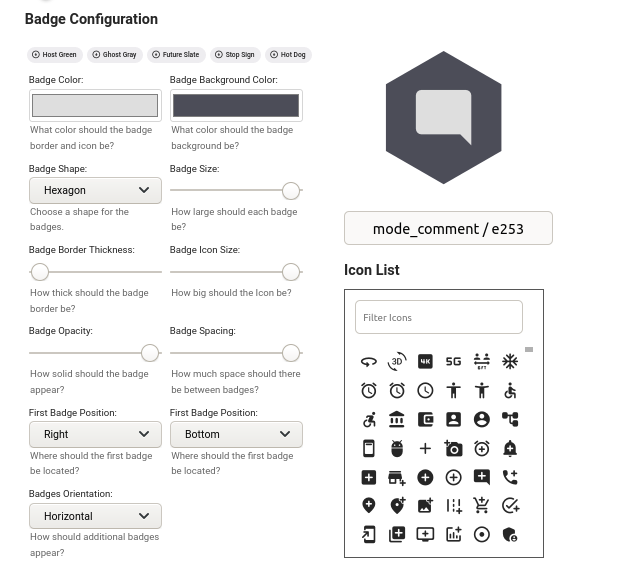
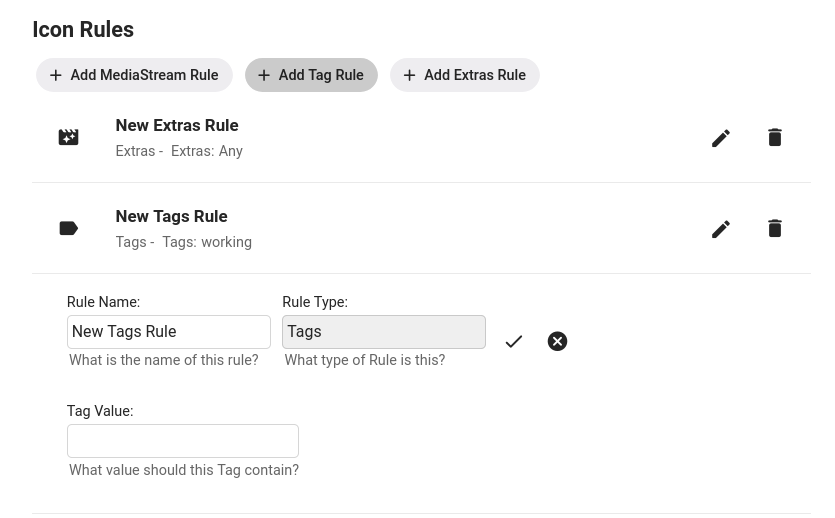
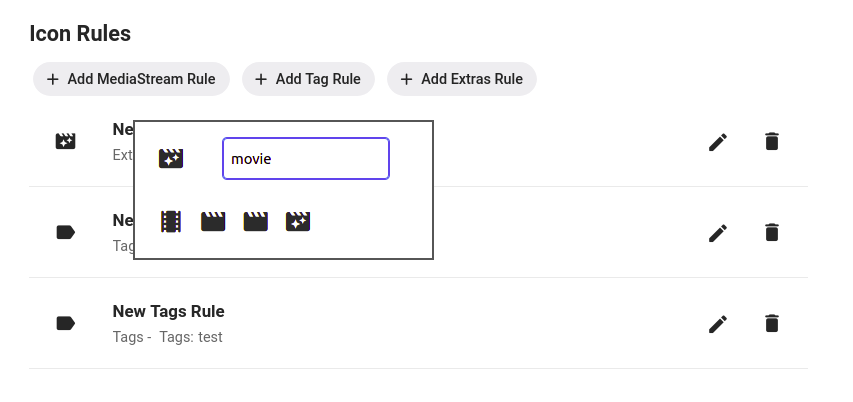
Using Iconic Configuration Badges: Rules: Selecting a Rule Icon: Rules Adding a MediaStream Rule Adding an Extras Rule Tags Rules are case sensitive and will check each Tag on a movie to see if it *contains* the text you put in the Tag Value field. This means a movie with the tag 'My Great Tag' will match a rule that has a Tag Value of 'Great', but not one that has a value of 'great'. Adding a Filename Rule Filename Rules will check the path+filename for each version file associated with a Movie to see if it *contains* the text you put in the FileName Value field. This is useful for cases where you have metadata about your movies incorporated into your filenames. Adding a MultiVersion Rule The MultiVersion rule will match when a movie item contains multiple versions. Adding a Collection Rule Collection Rules will match a movie if it is part of the Collection or Playlist you provide in the Collection Name field. Image Caching For image caching, Iconic will generate an item's badge-ed image once, then let Emby serve up cached versions after that...until you either save the configuration again...or something on the item changes that causes one or more of the rules results to flip for that image. So, if you need to regenerate your badges you can just re-save your configuration. That will signal to Iconic to regenerate any movie image the next time it's requested. And, If you want to get back to your non Iconic enhanced images, you can set Active to off in the configuration and save. I have noticed some of the apps have their own local caching mechanisms, and may hang on to an enhanced image longer than the web app will. The best approach for me when testing is to use the browser and have developer tools open/caching turned off.
 1 point
 -
Quick question: Is there a way to send a message to all users who are logged in/watching something? Occasionally I need to reboot the Emby server machine and would like to send out a message to all logged in that it will be down for about 5 minutes. I couldn't find any information on this with a quick forum search.1 point
-
The message plugin has a beta currently posted which handles this now.1 point
-
I'm trying to build a plugin that sends messages easily to user sessions. Right now I can send messages when a user logs on from a client. It's still in production but I am working on it. Eariler in this thread it was mentioned that you can only send one message at a time. I have been able to broadcast to all clients that can accept messages. So I guess we'll have to see how it goes1 point