Leaderboard




Popular Content
Showing content with the highest reputation on 04/03/22 in all areas
-
Hmmm... I wonder if I'm supposed to do this... I maybe breaking some top secret stuff here... I hope everyone is sitting down for this...
 3 points
 -
in the ATV client go to Playback Settings..."Match Video Resolution"2 points
-
Once we see how the final integrated version looks, there will most likely be opportunities to recreate the editor with some functionalities like this. It's the request for the stream that is the problem. It definitely needs some work. Sounds like perhaps it was a browser cache issue actually... Maybe...2 points
-
It would be useful if the server (or perhaps clients) could cache most (if not all) content images (posters, backdrops, logos, etc) for movies, TV series and seasons. This would mainly be of benefit when a portion of someone's content is offline but the users would still like to view the content to know what exists. I think caching on the server would be preferable, then all clients could make use of the same cached images. if you think this would be a useful feature, please click the "Like This" button on this post.1 point
-
Hi guys, Can you guys implement an option that we, admin, can clear the logs such as activities from the Admin Dashboard? I would like to clear out some logs sometimes. Thanks.1 point
-
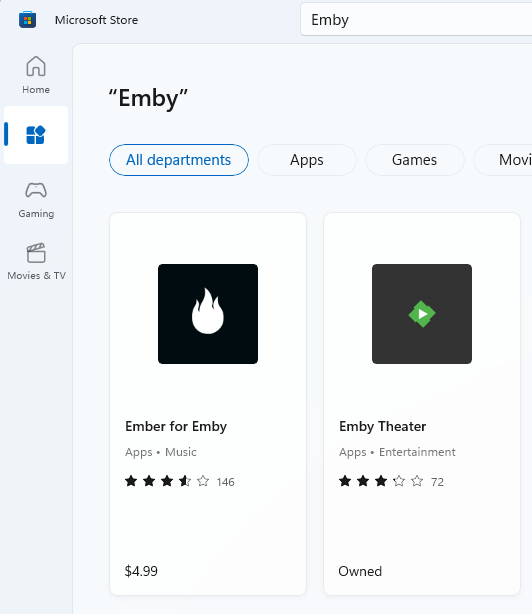
Emby Theater is the one you want.
 1 point
 -
Thanks @luke, I'm running ET on a 3b which works and uses hw acceleration, but the picture actually looks better without hwa. So I'll hope the updates will fix that.1 point
-
It depends on what your server is doing to have 29 files. If I process 100 episodes then I can expect 100 image extraction logs for that day. If there are 10 items transcoded one day then there are 10 files. So number of logs in your log folder will be dependent on your server activity. And can be tweaked if it that much of a issue. But as mentioned you could have hundreds of logs pending on your server activity and I believe set logging level (debug). <LogFileRetentionDays>3</LogFileRetentionDays>1 point
-
Do you see PowerShell in your apps? Right click on PowerShell in your apps and choose Run as administrator1 point
-
Or Start PS Set-ExecutionPolicy -Scope CurrentUser then type "ByPass"1 point
-
It could be. You'd see provider errors just before that. It could also be due to not having any enabled on the library you're organizing into.1 point
-
In PS type Set-ExecutionPolicy Bypass1 point
-
Ya, the other script is using PowerShell which you didn't give yourself permissions to do1 point
-
Did you read the referenced Microsoft link in the error message?1 point
-
version 1.6.1.5 Fix - Monitored folder options not saving/updating properly Fix - Year in identify page showed undefined if it wasn't available for the layout DOWNLOAD: Emby.AutoOrganize_v1.6.1.5.zip TODO: There is still an issue with Emby's ProviderManager when attempting to do a RemoteSearch on an item. There has to be some more investigation as to why data is not returned. In the follow log snippet we can see things seemingly work from inside the plugin: Auto Organize successfully monitors more then one location: 2022-04-03 16:15:57.475 Info App: Auto Organize Watched Locations: 2 folder(s) Auto Organize successfully locates a new file to sort: 2022-04-03 16:15:57.537 Info App: Eligible file count 1 Auto Organize successfully requests metadata from Providers using it's built in ProviderManager: First from TVDB: 2022-04-03 16:15:58.442 Info HttpClient: GET https://www.thetvdb.com/api/GetSeries.php?seriesname=Selling.the.Big.Easy&language=en 2022-04-03 16:15:58.547 Info HttpClient: GET https://www.thetvdb.com/api/GetSeries.php?seriesname=Selling+the+Big+Easy&language=en Then from MovieDb: 2022-04-03 16:15:58.620 Info HttpClient: GET https://api.themoviedb.org/3/configuration?api_key=f6bd687ffa63cd282b6ff2c6877f2669 2022-04-03 16:15:58.699 Info App: MovieDb settings: {"images":{"base_url":"http://image.tmdb.org/t/p/","secure_base_url":"https://image.tmdb.org/t/p/","backdrop_sizes":["w300","w780","w1280","original"],"logo_sizes":["w45","w92","w154","w185","w300","w500","original"],"poster_sizes":["w92","w154","w185","w342","w500","w780","original"],"profile_sizes":["w45","w185","h632","original"],"still_sizes":["w92","w185","w300","original"]},"change_keys":["adult","air_date","also_known_as","alternative_titles","biography","birthday","budget","cast","certifications","character_names","created_by","crew","deathday","episode","episode_number","episode_run_time","freebase_id","freebase_mid","general","genres","guest_stars","homepage","images","imdb_id","languages","name","network","origin_country","original_name","original_title","overview","parts","place_of_birth","plot_keywords","production_code","production_companies","production_countries","releases","revenue","runtime","season","season_number","season_regular","spoken_languages","status","tagline","title","translations","tvdb_id","tvrage_id","type","video","videos"]} 2022-04-03 16:15:58.707 Info App: MovieDbProvider: Finding id for item: Selling.the.Big.Easy 2022-04-03 16:15:58.912 Info HttpClient: GET https://api.themoviedb.org/3/search/tv?api_key=f6bd687ffa63cd282b6ff2c6877f2669&query=Selling.the.Big.Easy&language=en 2022-04-03 16:15:59.208 Info HttpClient: GET https://api.themoviedb.org/3/search/tv?api_key=f6bd687ffa63cd282b6ff2c6877f2669&query=Selling+the+Big+Easy&language=en 2022-04-03 16:15:59.265 Info HttpClient: GET https://private.omdbapi.com?apikey=fe53f97e&plot=full&r=json&s=Selling.the.Big.Easy&type=series 2022-04-03 16:15:59.604 Info HttpClient: GET https://private.omdbapi.com?apikey=fe53f97e&plot=full&r=json&i=&Episode=10&Season=2 However neither Providers return data, and the plugin fails to sort the new item: 2022-04-03 16:15:59.782 Warn App: No provider metadata found for Selling the Big Easy Season 2 Episode 10 2022-04-03 16:15:59.788 Error App: Error organizing file *** Error Report *** Version: 4.6.7.0 Command line: C:\Users\MediaServer\AppData\Roaming\Emby-Server\system\EmbyServer.dll -noautorunwebapp Operating system: Microsoft Windows 6.1.7601 Service Pack 1 Framework: .NET Core 3.1.21 OS/Process: x64/x64 Runtime: C:/Users/MediaServer/AppData/Roaming/Emby-Server/system/System.Private.CoreLib.dll Processor count: 8 Data path: C:\Users\MediaServer\AppData\Roaming\Emby-Server\programdata Application path: C:\Users\MediaServer\AppData\Roaming\Emby-Server\system Emby.AutoOrganize.Core.OrganizationException: Emby.AutoOrganize.Core.OrganizationException: No provider metadata found for Selling the Big Easy Season 2 Episode 10 ... .... .... This leads me to believe that there is something else happening in the ProviderManager, and it could be broken. No series get returned data from the API.1 point
-
Got another one for you chef Now I have a version of this in one directory (one of my online drives), however I want a version stored locally, when I press the identify button and search for the program and then select the root folder I want it to go in, it returns the below, which is what it did as when it initally identified it (please note this is a different server running v 1.6.1.0 of Auto Organize)
 1 point
 -
@Luke OK thanks for the feedback, it's good to have a bit of reassurance from the experts, sure I understand about the possible playback transcoding Cheers PS Any other feedback from anyone else who's actually done the same would be very welcome.1 point
-
Along the lines of what Bill is suggesting, if you are able to find a theme you like on Youtube, you can use yt-dlp (command-line only) to grab the audio track using a command-line such as this: yt-dlp -f 'ba' https://www.youtube.com/watch?v=dQw4w9WgXcQ -o 'theme.%(ext)s'1 point
-
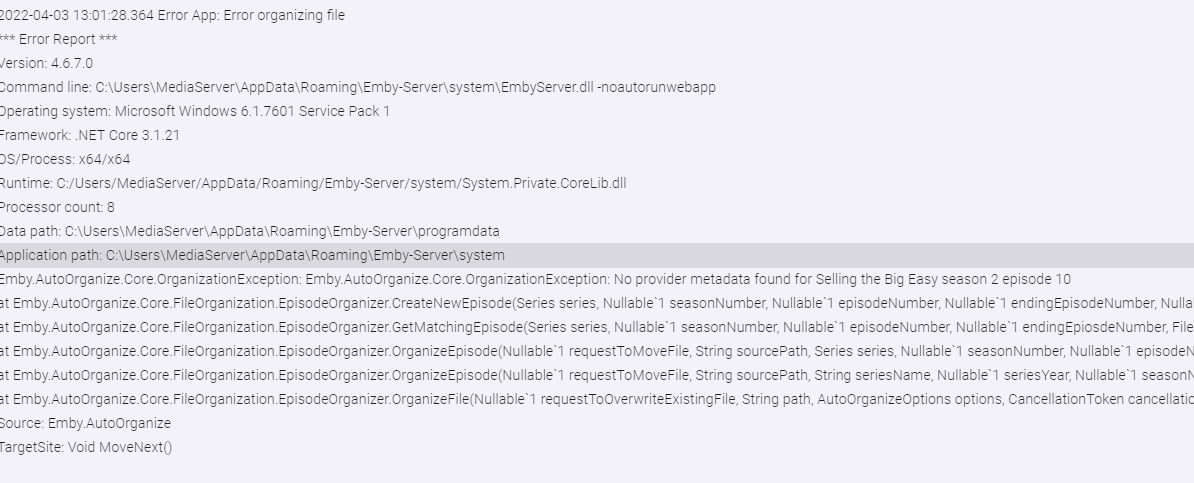
I have also reproduced this error now. I will fix this.
 1 point
 -
Yeah and 3/4 might be lower depending upon what you have in your library. Auto grabbing of the movie ones is tricky, and the web site that has tv themes doesn't currently do streaming service ones like Apple and paramount etc. What I do when not found, or even before if I know its from Apple and won't be found, is go to youtube and search for the title music. Select a good one (this is what the auto movie downloader does, and sometimes fails or gets a bad one) and rip it's audio and save to a file called theme.mp3 in the tv series directory (don't know where for movies because I don't bother with themes for those).1 point
-
These questions are for your Debian host, not the container. What user and group correspond to UID and GID 1000? What is the ownership of /dev/dri? (ls -l /dev/dri) What are the GIDs for the video group and the render group if also shown in the output? One more - what are the supplementary groups for UID 1000? (id 1000)1 point
-
Hmmm... It would seem that the MovieDb doesn't have any data for Robot Wars. I'm going to double check that by looking at their site. What would be interesting to know is: Was Robot Wars the only series that was unable to be sorted properly? Was Robot Wars an existing series in your library, or was it a new series you were going to added to your library? Judging by the logs, it would seem that it was a new series. The plugin then attempted to match the name with the provider to try and create the new series, but the MovieDb wasn't able to provide the necessary data to identify the series. I did add some code which tried to request provider data using localization info. This may have indirectly caused issues. It is these log entries that explain the problem: 2022-04-03 07:33:22.637 Error ProviderManager: Error searching *** Error Report *** Version: 4.7.0.32 Command line: C:\Users\giles\AppData\Roaming\Emby-Server\system\EmbyServer.dll -noautorunwebapp Operating system: Microsoft Windows 10.0.19043 Framework: .NET 6.0.2 OS/Process: x64/x64 Runtime: C:/Users/giles/AppData/Roaming/Emby-Server/system/System.Private.CoreLib.dll Processor count: 4 Data path: C:\Users\giles\AppData\Roaming\Emby-Server\programdata Application path: C:\Users\giles\AppData\Roaming\Emby-Server\system System.NotImplementedException: System.NotImplementedException: The method or operation is not implemented. at MovieDb.MovieDbEpisodeProvider.GetMetadata(EpisodeInfo info, CancellationToken cancellationToken) at MovieDb.MovieDbEpisodeProvider.GetSearchResults(EpisodeInfo searchInfo, CancellationToken cancellationToken) at MediaBrowser.Providers.Manager.ProviderManager.GetSearchResults[TLookupType](IRemoteSearchProvider`1 provider, TLookupType searchInfo, CancellationToken cancellationToken) at MediaBrowser.Providers.Manager.ProviderManager.GetRemoteSearchResults[TItemType,TLookupType](RemoteSearchQuery`1 searchInfo, BaseItem referenceItem, CancellationToken cancellationToken) Source: MovieDb TargetSite: System.Threading.Tasks.Task`1[MediaBrowser.Controller.Providers.MetadataResult`1[MediaBrowser.Controller.Entities.TV.Episode]] GetMetadata(MediaBrowser.Controller.Providers.EpisodeInfo, System.Threading.CancellationToken) There is something strange happening there. I'm not sure if it is unavailable series data, or if it is how the series data is being requested. I'll be back!1 point
-
It's just meant for temporary testing and should be totally separate from your Docker installation - just a blank Emby Server installation to which you add a library folder with some files for testing - that's it.1 point
-
Do you use a compose file for the container and can you post it?1 point
-
This is a bit weird. Your name resolution is sending your connection to an IP (92.240.234.122) that has an expired cert: Issuer: C=BE, O=GlobalSign nv-sa, CN=AlphaSSL CA - SHA256 - G2 Validity Not Before: Feb 24 06:06:06 2020 GMT Not After : Feb 24 06:06:06 2022 GMT Subject: OU=Domain Control Validated, CN=*.opensubtitles.org Even though the current DNS should resolve to Cloudflare: Non-authoritative answer: Name: opensubtitles.org Address: 172.64.131.37 Name: opensubtitles.org Address: 172.64.130.37 Name: opensubtitles.org Address: 2606:4700:e2::ac40:8325 Name: opensubtitles.org Address: 2606:4700:e2::ac40:8225 Do you have a hard coded hosts entry for opensubtitles on your machine that resolves to the old IP? ping api.opensubtitles.org nslookup api.opensubtitles.org1 point
-
@embylad892746 - Could you please install Emby Server directly on the machine (without Docker)? Thanks, sw1 point
-
You can ignore all of it. For once - you don't have Emby Premiere, so you can't use HW acceleration anyway Secondly, graphics drivers have nothing to do with the .NET Core runtime. Third: Emby is based on .NET, but the .NET runtime version is fixed and cannot be changed by installing a different runtime. Security updates for a certain .NET runtime version are automatically installed via Windows update.1 point
-
Because most of the language information of audio tracks and subtitles in m2fs files is not stored in m2ts, but in the corresponding clpi files in the CLIPINF folder. And the structure of the clpi file is quite simple. BDMV ├── AUXDATA │ └── info.txt ├── CLIPINF │ ├── 00000.clpi │ ├── 00019.clpi │ ├── 00025.clpi │ ├── 00026.clpi │ ├── 00028.clpi │ ├── 00031.clpi │ ├── 00032.clpi │ ├── 00037.clpi │ ├── 00038.clpi │ ├── 00039.clpi │ ├── 00040.clpi │ └── 00041.clpi ├── MovieObject.bdmv ├── PLAYLIST │ ├── 00000.mpls │ ├── 00020.mpls │ ├── 00021.mpls │ ├── 00022.mpls │ ├── 00023.mpls │ ├── 00027.mpls │ ├── 00028.mpls │ ├── 00029.mpls │ ├── 00030.mpls │ ├── 00031.mpls │ └── 00032.mpls ├── STREAM │ ├── 00000.m2ts │ ├── 00019.m2ts │ ├── 00025.m2ts │ ├── 00026.m2ts │ ├── 00028.m2ts │ ├── 00031.m2ts │ ├── 00032.m2ts │ ├── 00037.m2ts │ ├── 00038.m2ts │ ├── 00039.m2ts │ ├── 00040.m2ts │ └── 00041.m2ts ├── index.bdmv └── index.nfo 9 directories, 69 files1 point
-
i have had to turn off rtm on all my libraries apart from recorded tv, else i never get to see recently recorded programs added to that library which is my priority. i have quite alot of stuff added to my library on a daily basis (partly media and seperately subtitles) and it just seemed that emby was performing constant scans of those libraries and actually not really picking up anything. part of the issue is the lack of visibility of what rtm or library scanning is actually doing to be able to narrow down what the problem is. I've now just set it up so i have one daily addition of media, followed by tiny media manager adding the metadata, followed by emby doing a full library scan. it works well enough1 point
-
Thanks for the reply (though my original post seems to have disappeared!). Turns out my issue was that Emby did not like the "lost+found" folder that was within the Movies folder. I removed that folder and it scanned and added everything perfectly first time. Evidently Emby is not as tolerant of anything it doesn't understand, so hopefully no further issues now (unless the lost & found is auto-recreated by the OS!).1 point
-
Was it a restart or a stop/start? Log from container shutdown and container start = Container stop, then container start. I tried again and the behavior and log is the same. Emby container stopped around 09:14:57 so the socket fails after 15s as per your timeout settings. Restart of container is quick, I'd say ~20s, it's long enough that I get websocket reconnecting notifications in the log. FYI, after the websocket reconnecting entries into the log there's no more communication with the server visible in the log. On the Emby server I can see that the client is connected, but messages can't be sent. For clarification regarding In progress. I meant for episodes and movies, not tv shows since that's a whole category. My main use (assume like many others) is to use this as a widget so if it's just set like type video and ideally linked to where "Emby favourite xyz" are located then it wouldn't end up in the shows or movies section. Would that be an option? In progress Tv shows is ok after the latest update with: fix next episode1 point
-
+1 for this please!1 point
-
yeah old Emby was disabled, removed it now. I use Trakt in Kodi, not in Emby - had issues previously. Plexkodiconnect also disabled, and now removed. I tried changing skins and disabling language preference manager and it still did it (and the logs still show "EXCEPTION: XBMC is not playing any file" heh). Although haven't disabled every other addon yet, as there are quite a lot that Aeon Nox Silvo uses, and others. FYI when enabling sync during playback in 6.2.15, it syncs new episodes fine when streaming with NBA addon.1 point
-
Not sure whats going on TBH, seems to be taking AGES to do a scan and looking at the log there seems to be lots of errors that I have no understanding off! Log attached. Restarted the server before uploading so should make it easier to read. embyserver.txt1 point
-
Hard reset: It doesn't work as it should, updates aren't received and I can't send messages to the client. In order to get a proper connection I need to restart kodi, then it syncs and I can send messages. It's still an improvement from before, the previous 7.x version seems to corrupt the db when the server was restarted. Log from container shutdown and container start. Log from container restart fix next episode: Working 5 minutes delay: I wondered what the delay was when I checked the log, since it's intentional it's working. Does this mean that there will be a 5 minutes delay after an episode is imported in the future? Question 1: I have an awful lot of music library references in my log, I don't use the music feature at all. Is this something that will potentially affect me (mislabeling of content in the future?), or is it just "highlighting" potential updates flagged as music content on the Emby server and it can be considered harmless? Question 2: There's no combined In progress node available. The In progress section on the server contains both movies and tv shows, but as nodes I have to select both tv shows and movies. If you want them displayed on one row as a widget we need to use a smart playlist making this complicated. Could you add a node to sync the combined In progress from the server?1 point
-
I always have a compatible audio track when using Emby on the Samsung. I get the same thing converting HD audio on mine and have seen several other posts saying the same. Usually what happens that I will get a spinning circle and a pause while it buffers a chunk and then it plays for a while before it repeats the cycle over. siddhartha posted a ffmpeg script that will add a DD+ track if needed.1 point
-
Aside from the storage space issue, there are lots of comments about this same issue in this forum. DTS is not supported in these models, the audio must be converted. The issues you are experiencing are common when converting the audio of high bitrate 4K hevc files. The same issue occurs on LG, it is not unique to Samsung. It’s not related to server, gpu or network performance. The TV does not have a high performance cpu and cannot request and process these formats when delivered in fragments via hls streaming methods. The recommended action is to play an alternate track that is supported such as AC3. You will lose nothing from a quality perspective as that is what the server is trying to convert to anyway. if it doesn’t have an AC3 track then it is easy to add one using ffmpeg. You should be able to find a reference in here on how to add one, or I can find the link for you later1 point
-
hey @quickmic running 6.2.15 (sync during playback not enabled) Streamed NBA via addon -> added 2 new episodes to Emby -> stopped NBA -> 1 hour later, episodes not in kodi -> Rebooted -> Both episodes now added (EMBY.core.tvshows: ADD episode [54/123/1470/1499] 17032: Episode #2.5 and EMBY.core.tvshows: ADD episode [54/123/1471/1500] 17033: Episode #2.4) hopefully this helps get it fixed kodi.old.log kodi.log1 point
-
Thank you for sharing! Compiled easily with VS2022 and works great and better the Xtream-Downloader, which is now defunct.1 point
-
Can you try a few things from Windows PowerShell? Do these on the same machine running Emby server. In PowerShell wget and curl are aliases for iwr, they do the same thing so try: iwr https://api.opensubtitles.org/xml-rpc It also looks like curl.exe is now built-in to Windows 10? Not the same as the PS alias for iwr and it also works in the CMD window. So you can try: curl.exe -v https://api.opensubtitles.org/xml-rpc There should be more verbose output from the last command.1 point
-
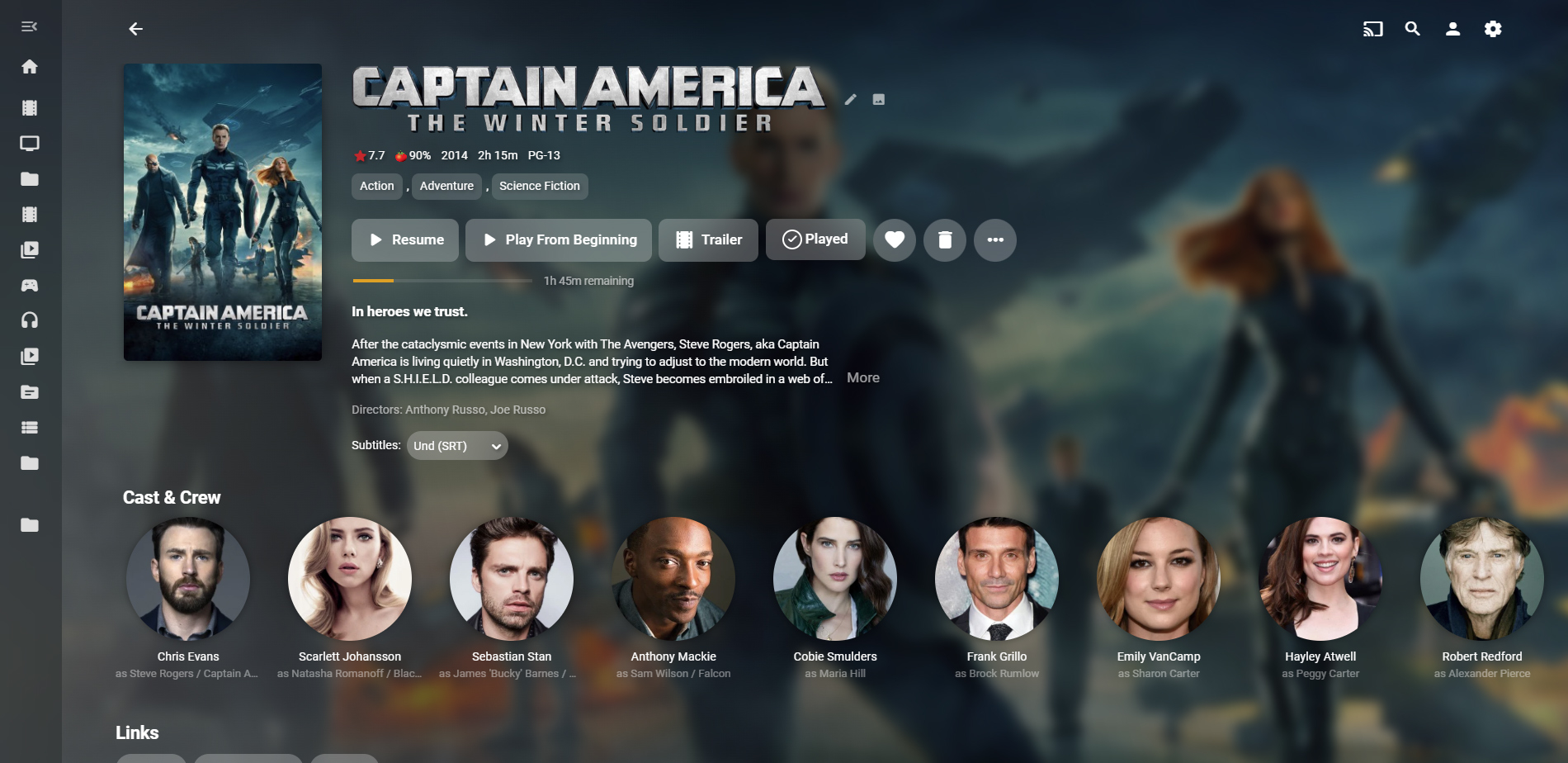
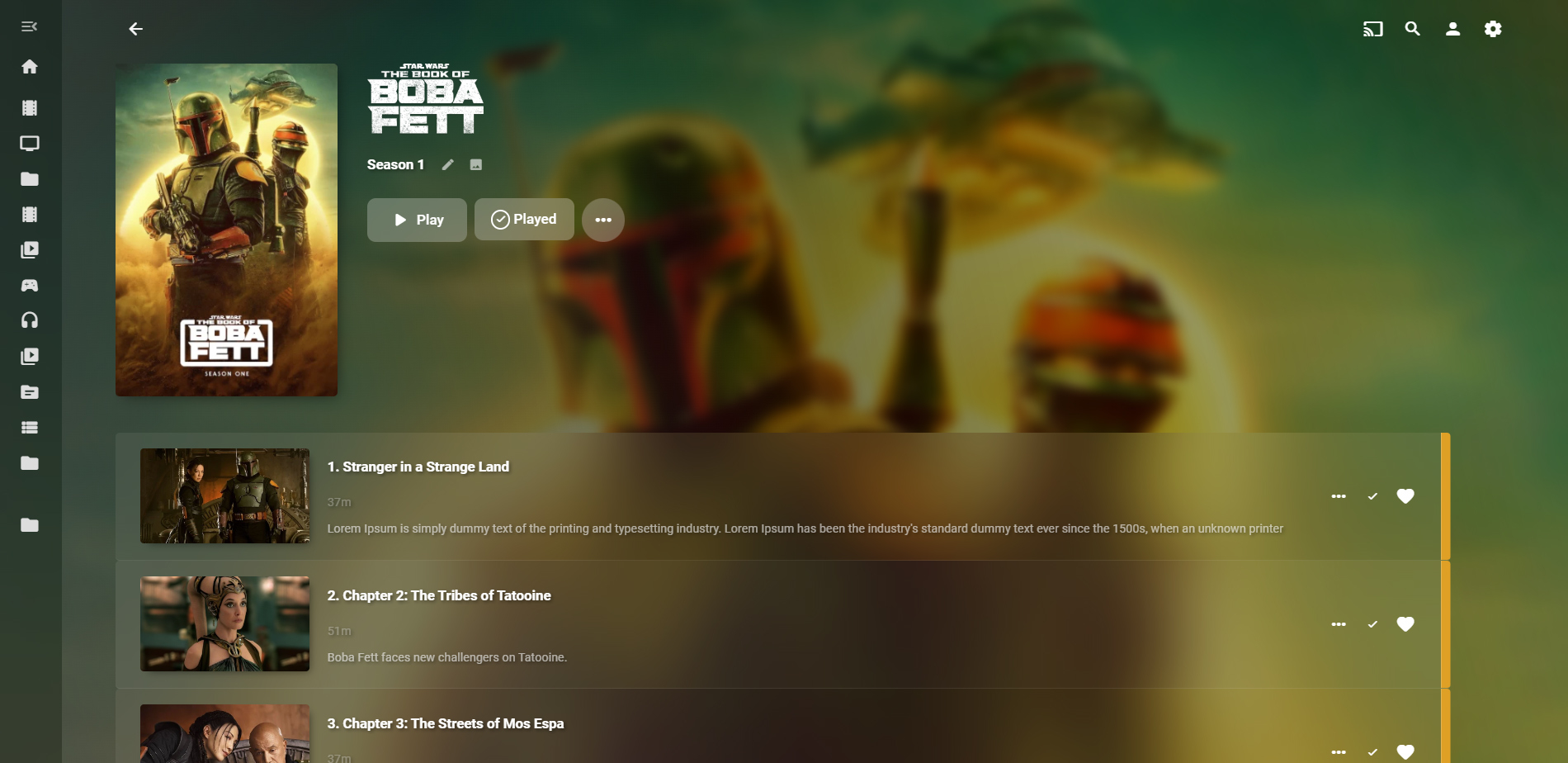
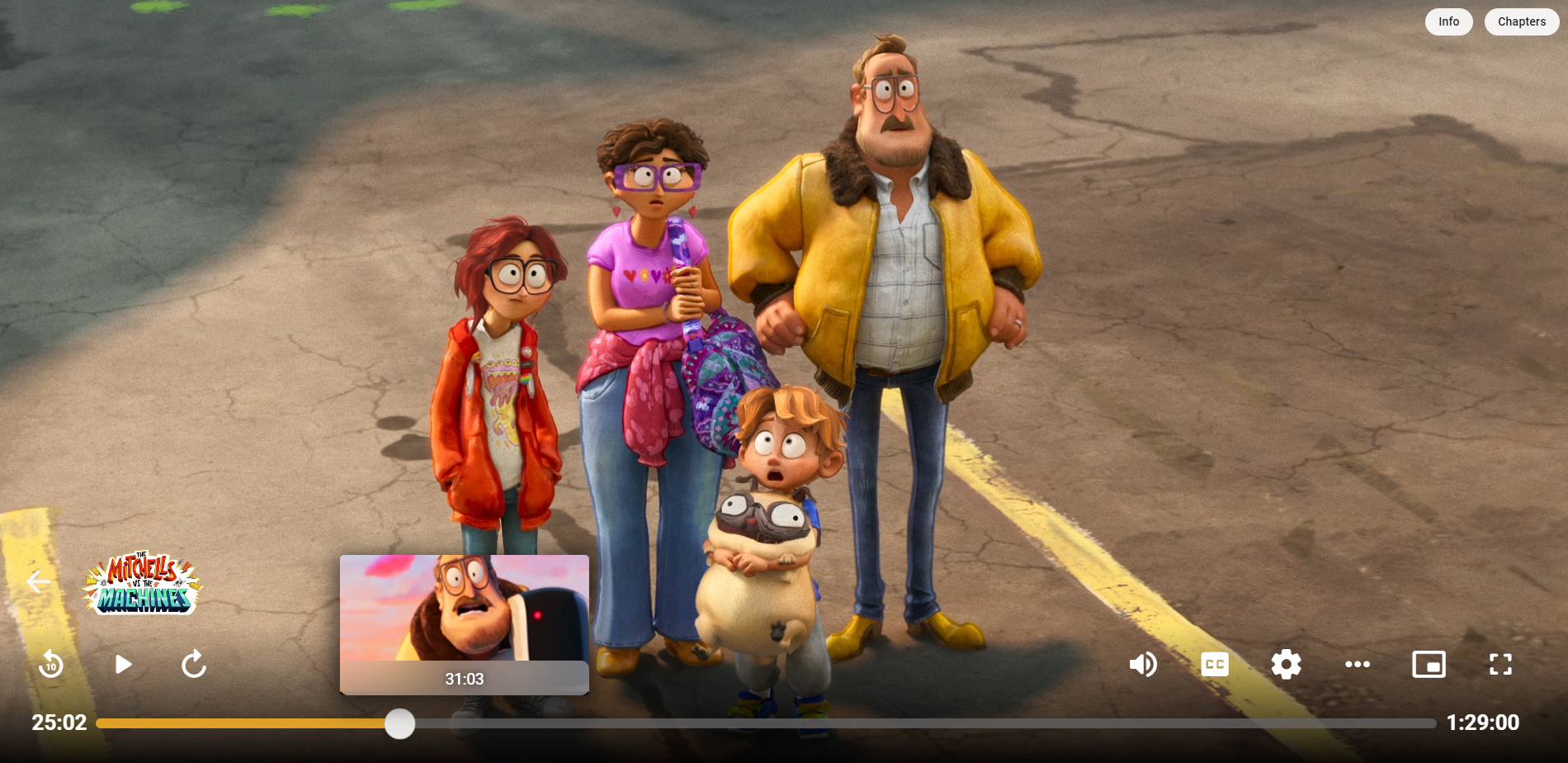
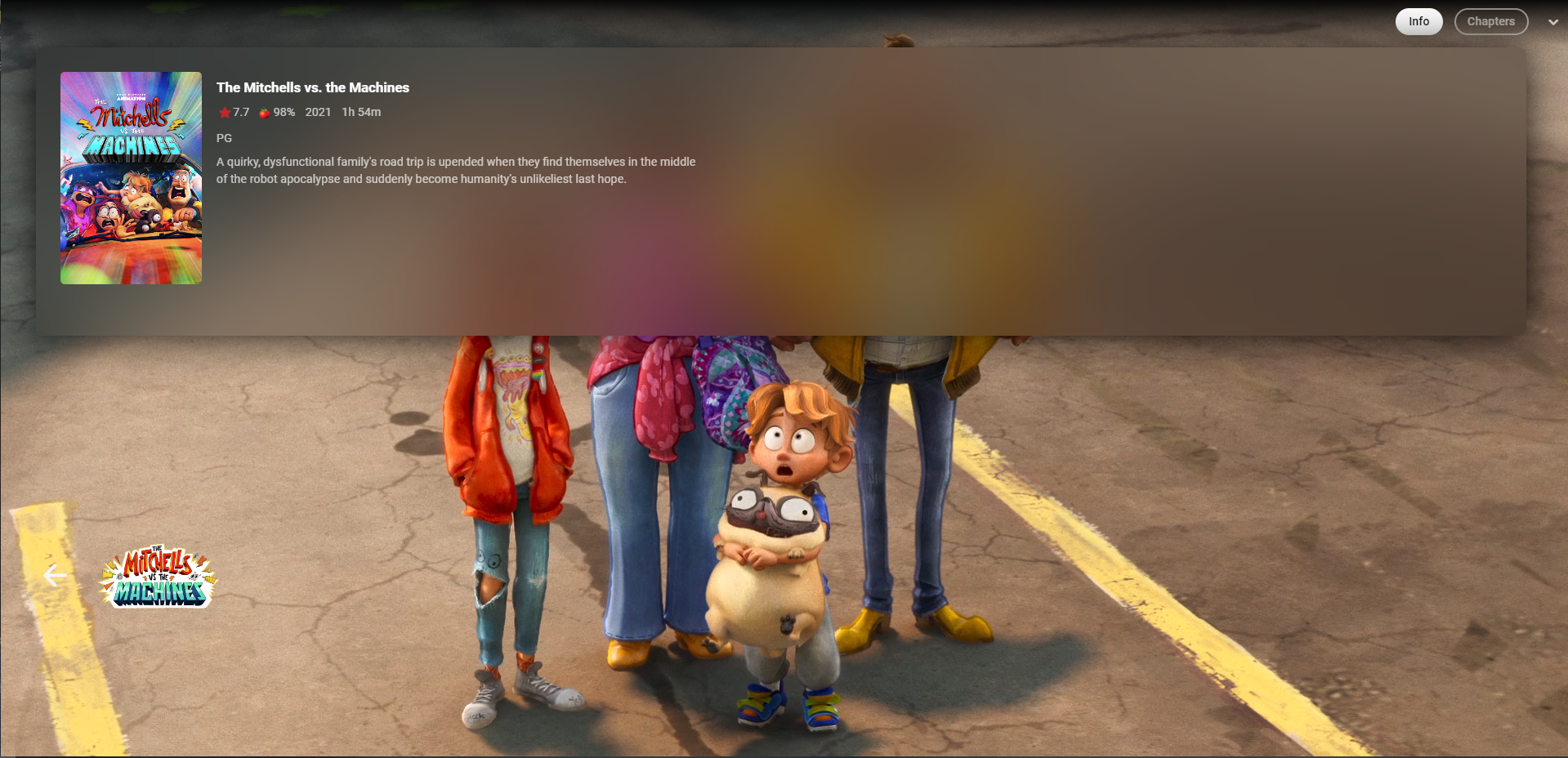
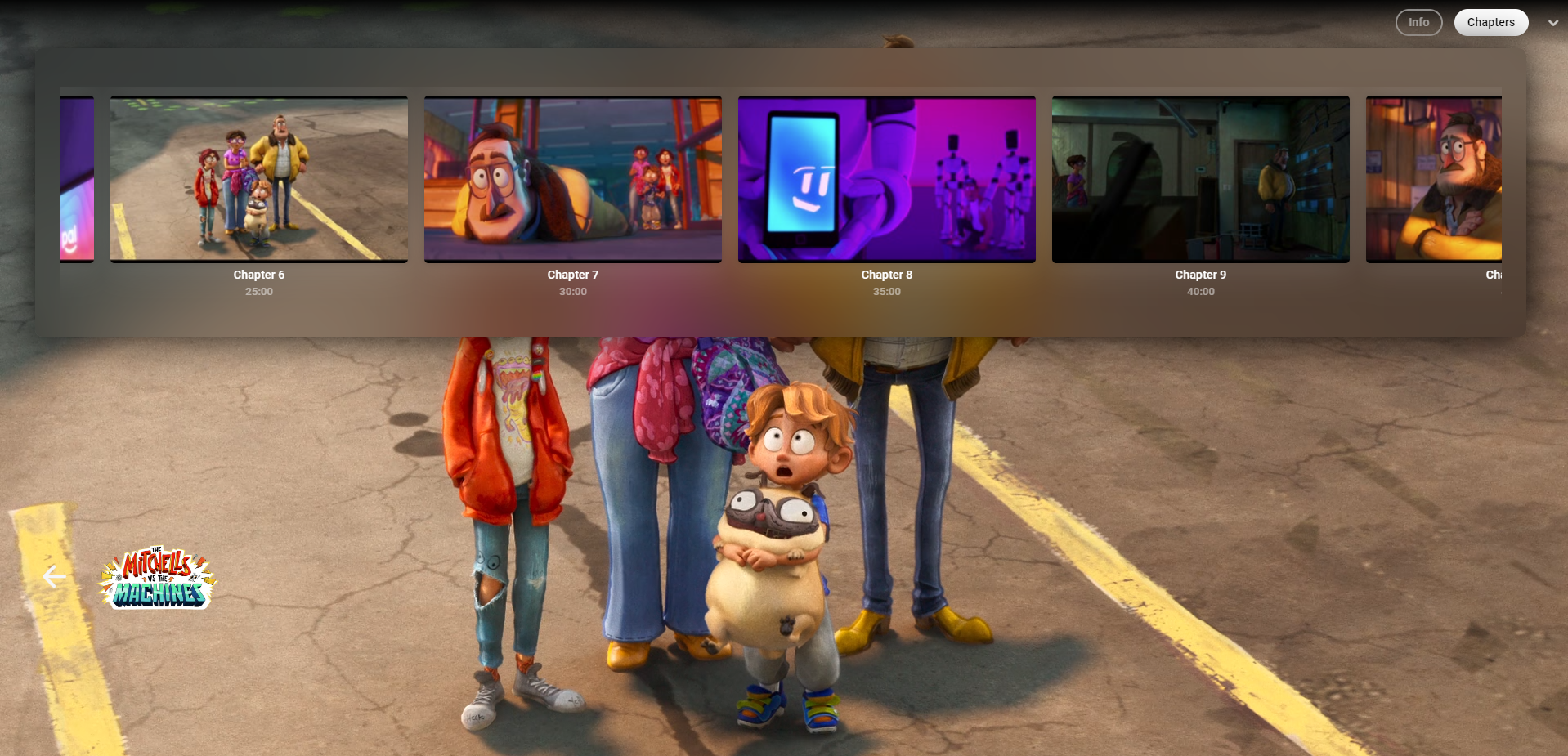
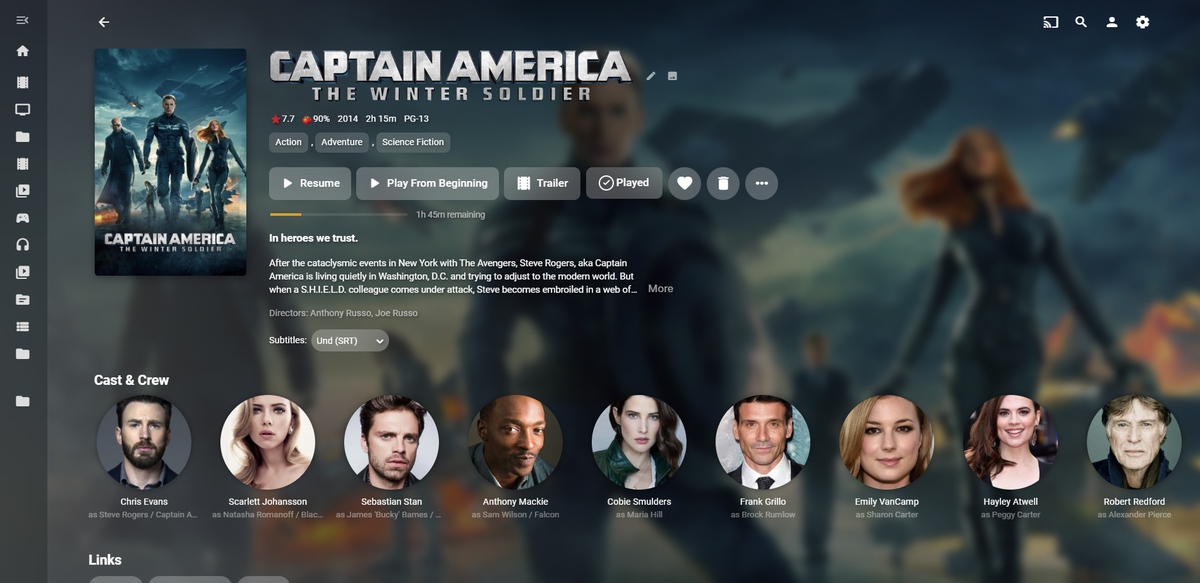
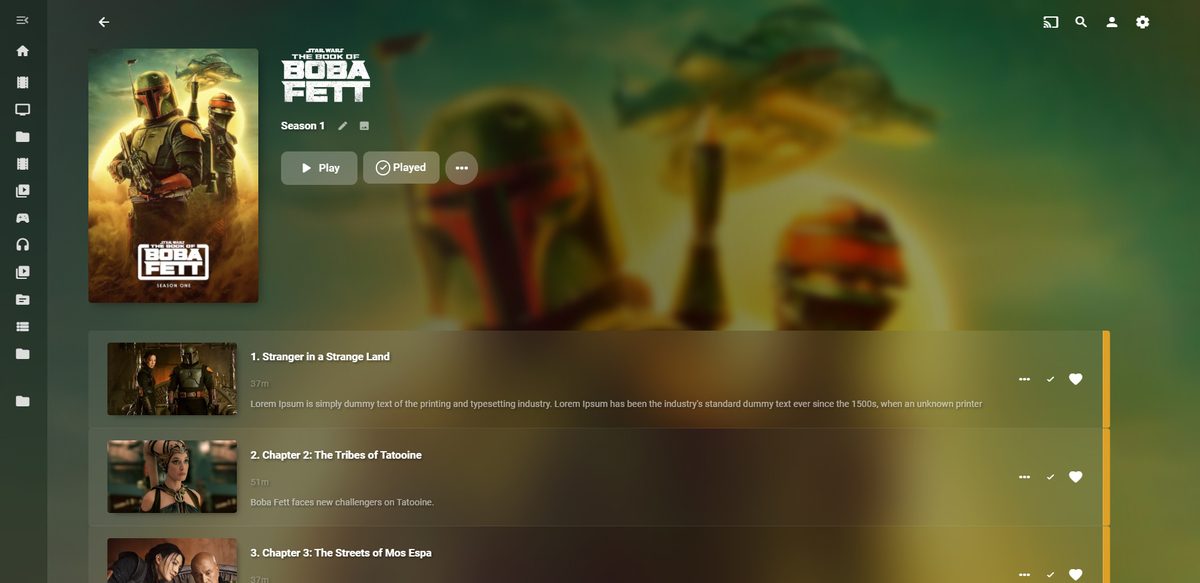
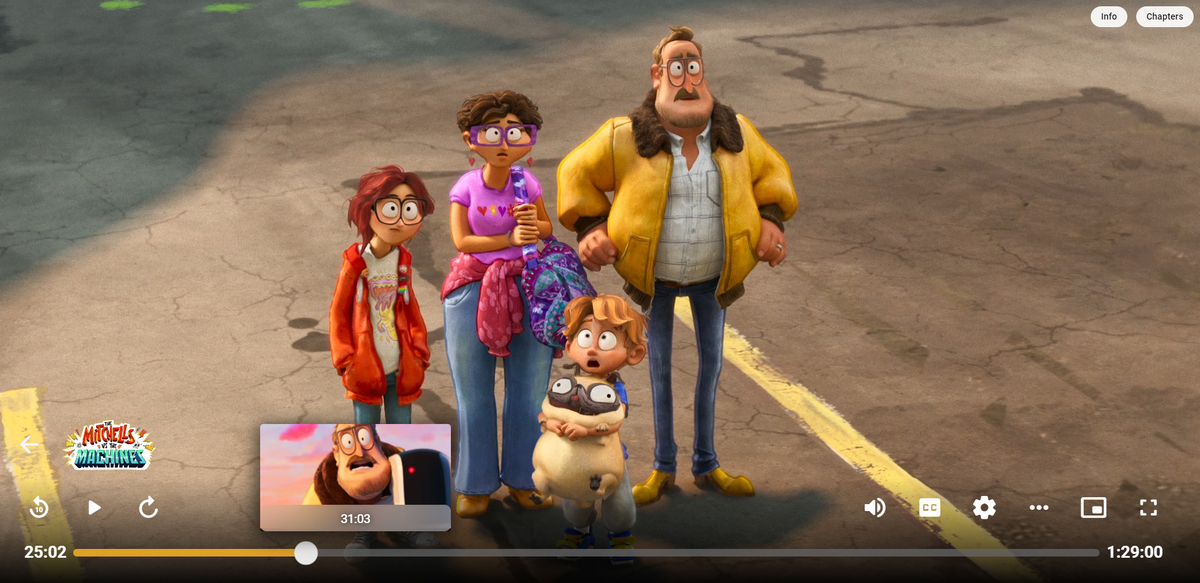
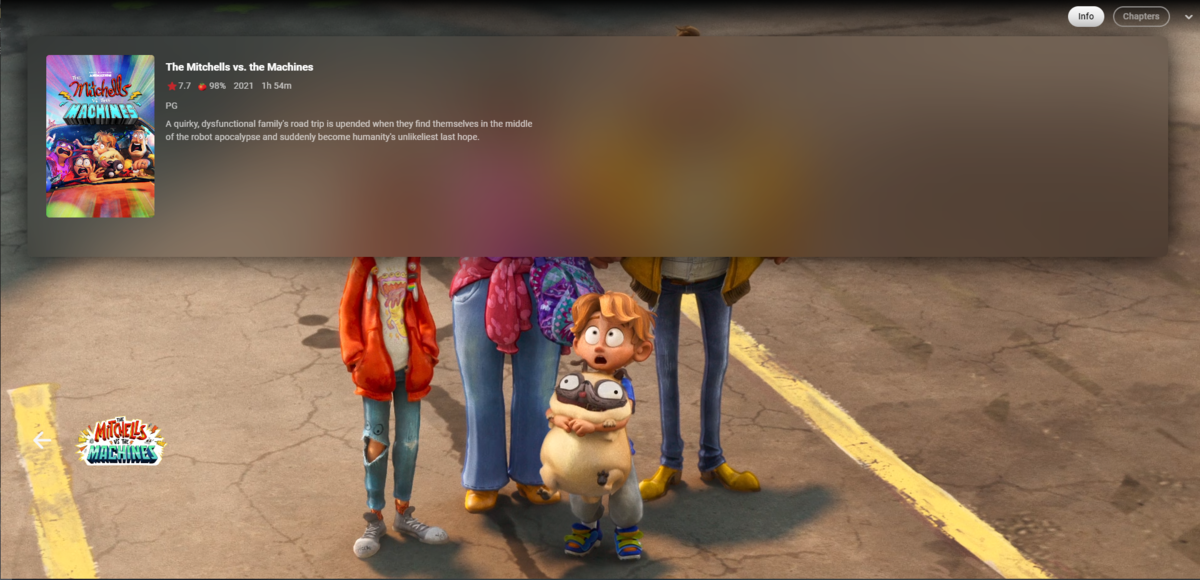
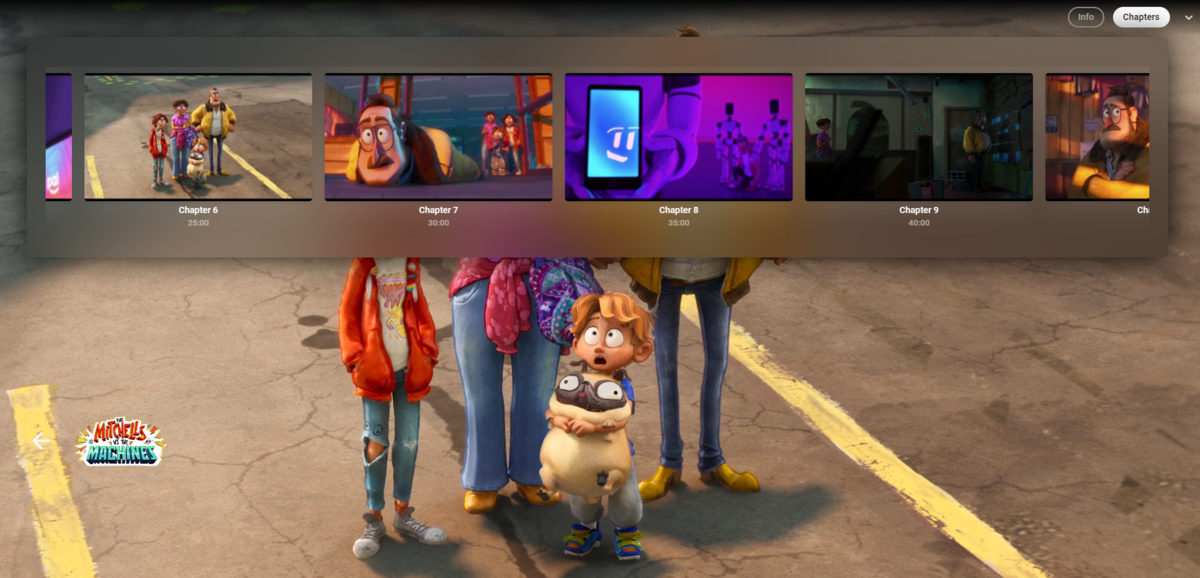
Hi guys and thanks for your kind feedback Back again with a new update for the latest beta with new stuff and fixes for problem like with the OSD chapter thumbnail and things I didn't even know about (thanks @CassTG). I've also added support for the buttons for Info and Chapters, see screens. The new css can be found in the main post and it is called "style-EmbyBeta-v2.txt" Here are som random images showing it off in action:
 1 point
 -
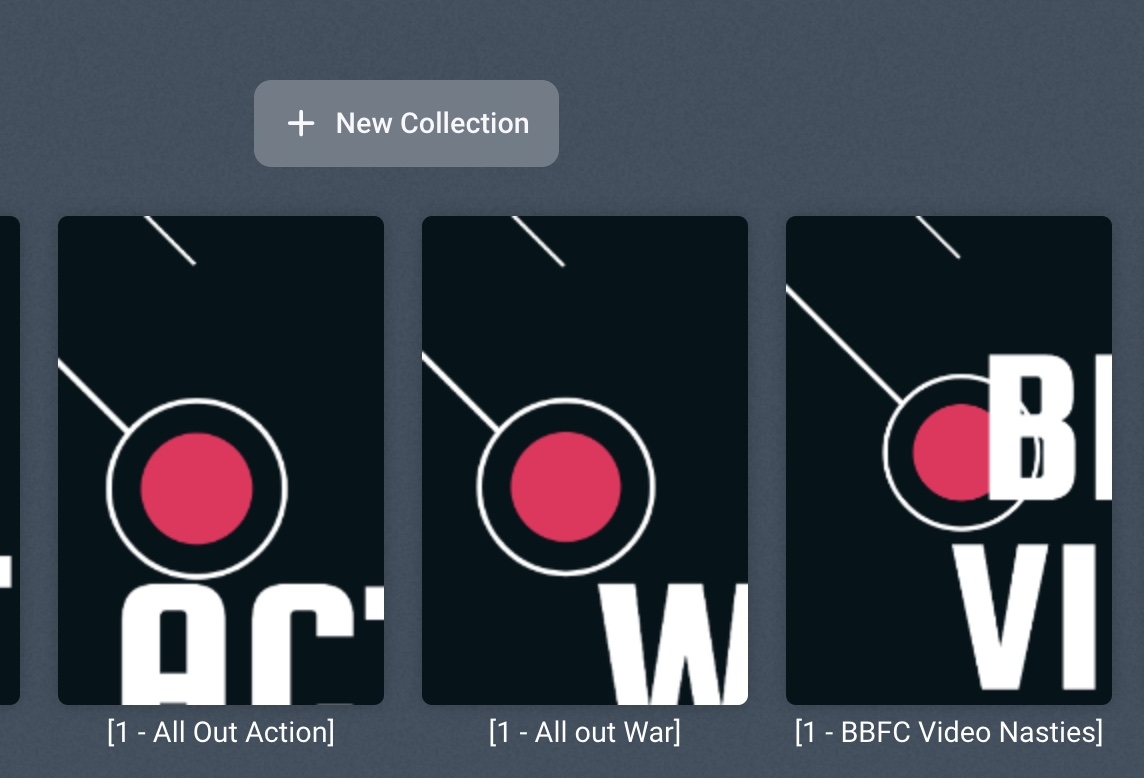
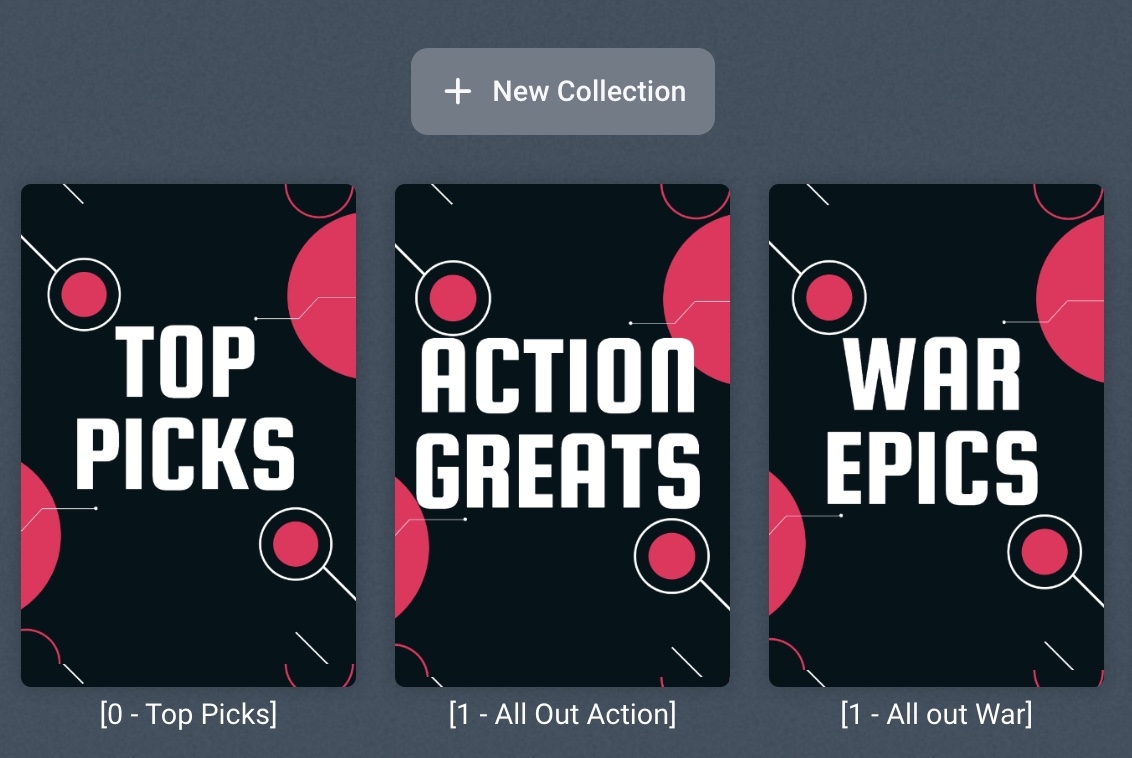
Just another tweak that was needed for adding items to a collection (in beta css version). When the pop up box appeared the poster covers were not set so looked ugly Added this to resolve: /*add to collection popster size*/ .cardScalable.cardPadder-portrait { background-size: contain !important; }
 1 point
 -
Amazing!
 1 point
 -
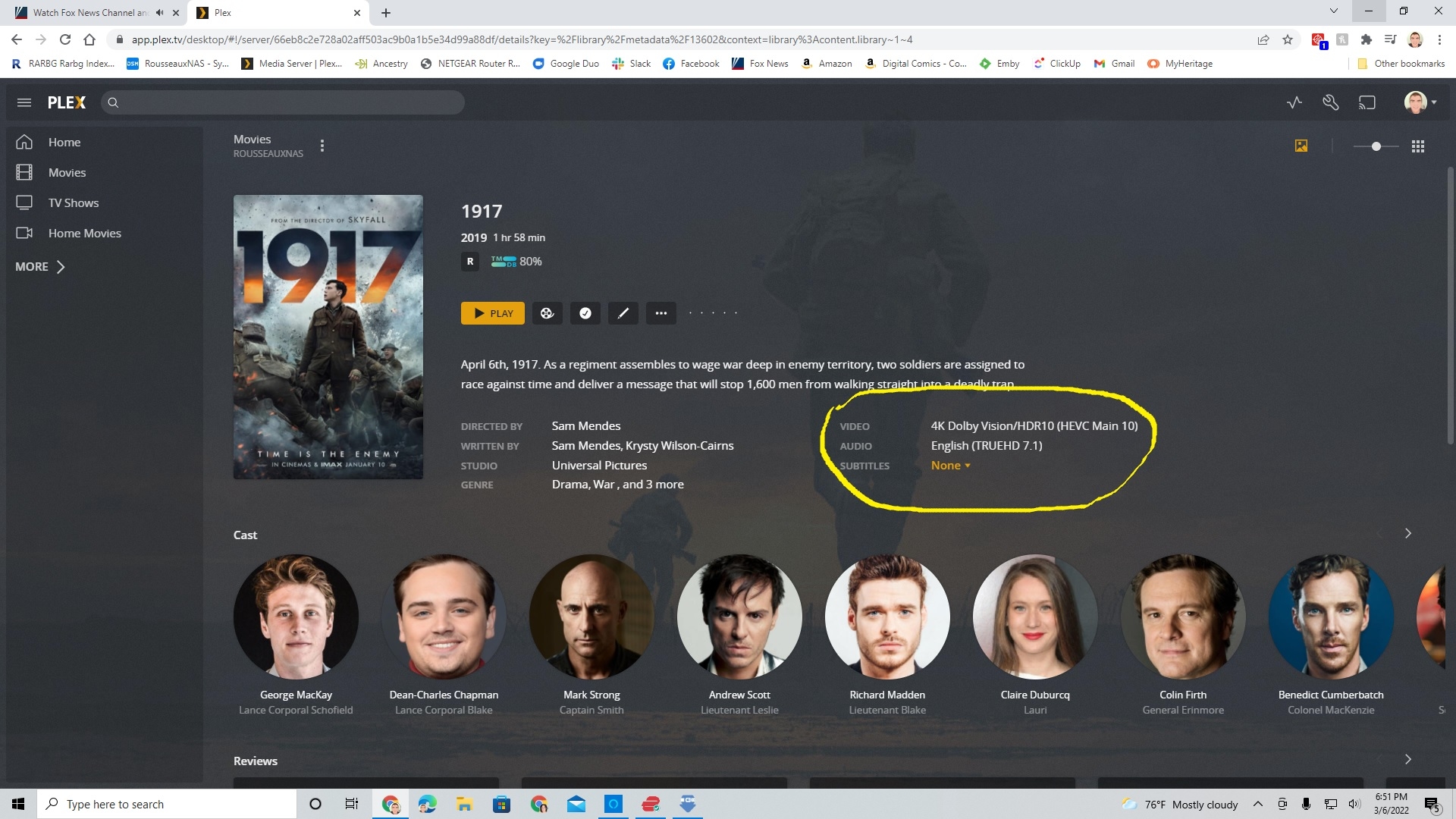
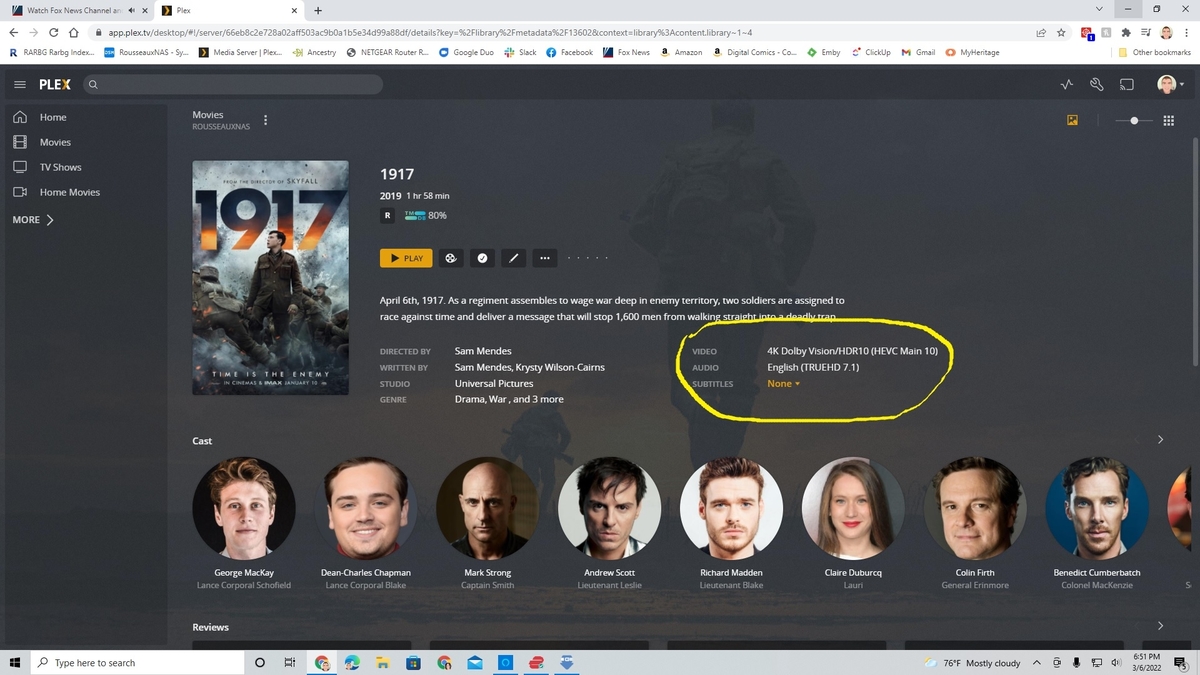
Plex has finally been able to identify movies with Dolby Vision, so hopefully Emby can now do the same. This is currently working on the web version of Plex and has not yet been pushed to clients. See example screenshot.
 1 point
 -
Agreed, would be very useful.1 point