Leaderboard




Popular Content
Showing content with the highest reputation on 02/14/22 in all areas
-
Installed beta and tested a few runs so far. Haven’t reproduced the problem on beta. It was happening more than 75% on the non-beta version - feels like the beta fix has corrected it.3 points
-
Okay, good. I think I have finally chased this down...3 points
-
Go to emby.media/pin in your browser (desktop or mobile), enter credentials and PIN there.2 points
-
We are sorry you are having an issue here (and we are still actively working with you on it) but this is simply not a fair statement. We understand you are having trouble but most users are not having any trouble playing this type of content. Issues that only occur for certain content or environments are the hardest to track down.2 points
-
2 points
-
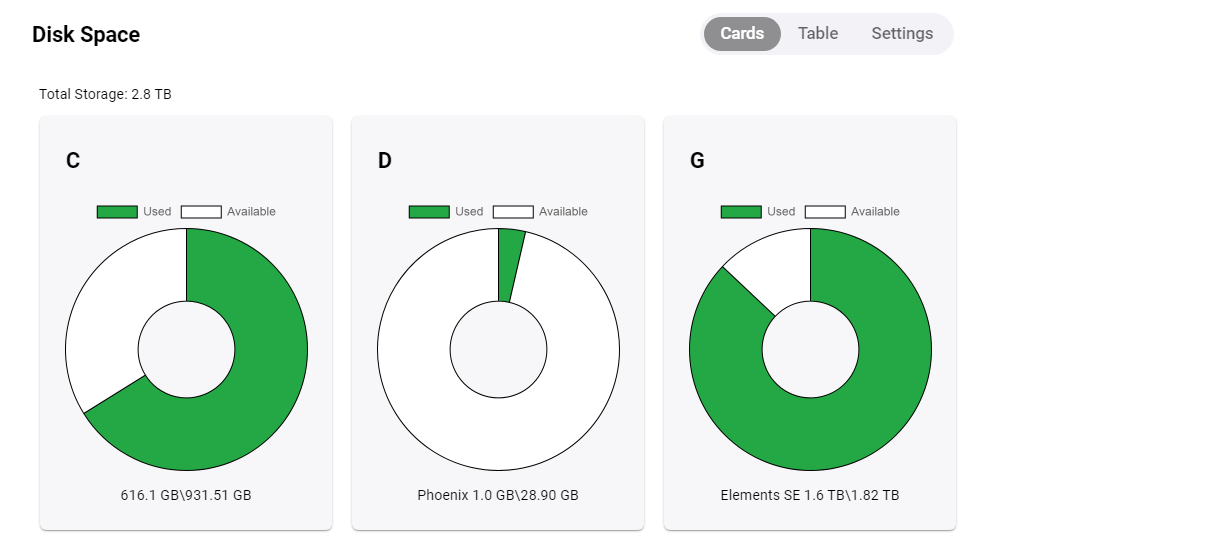
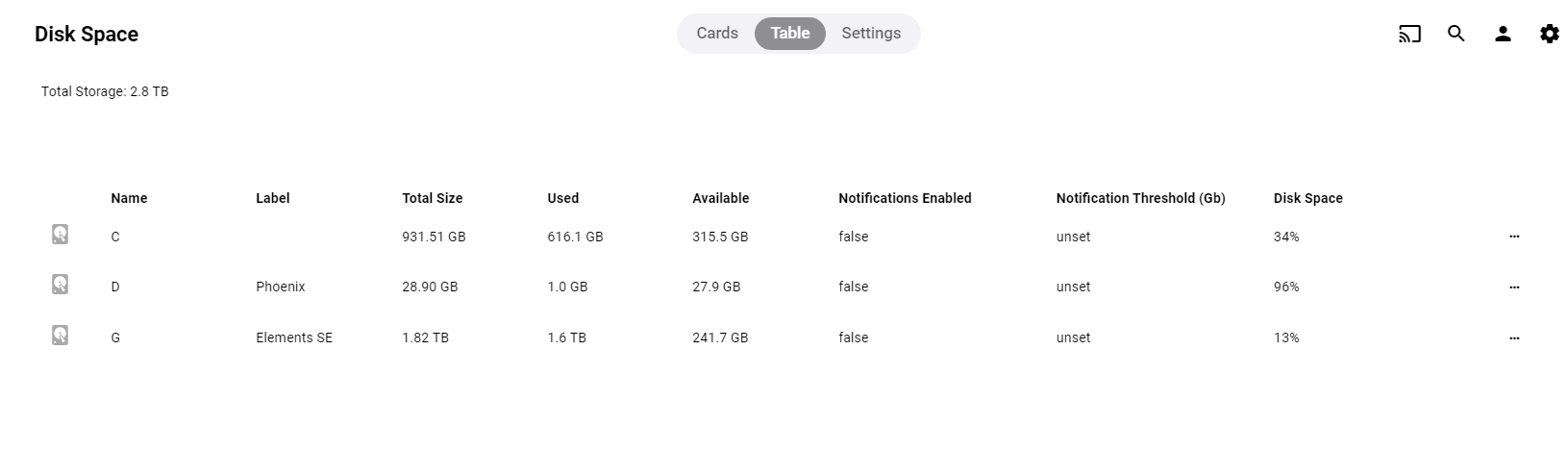
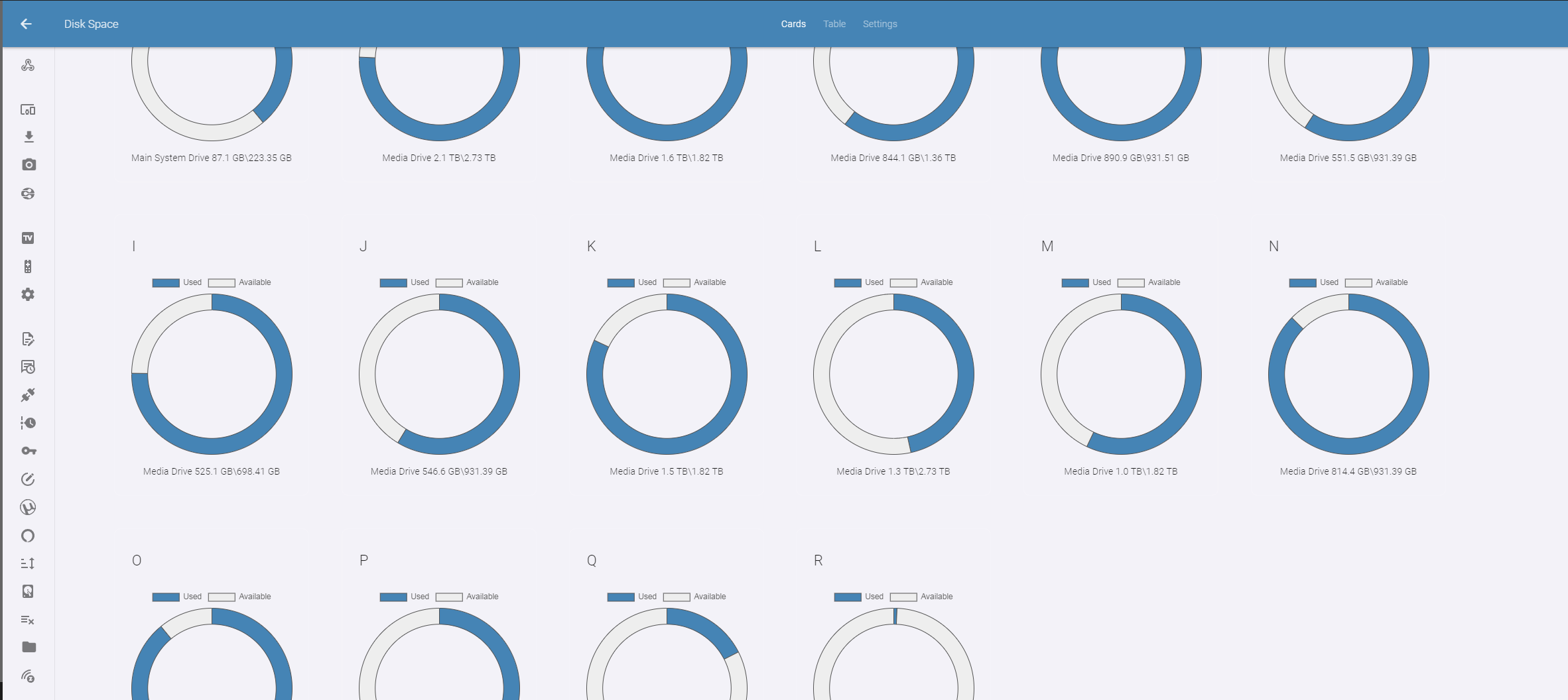
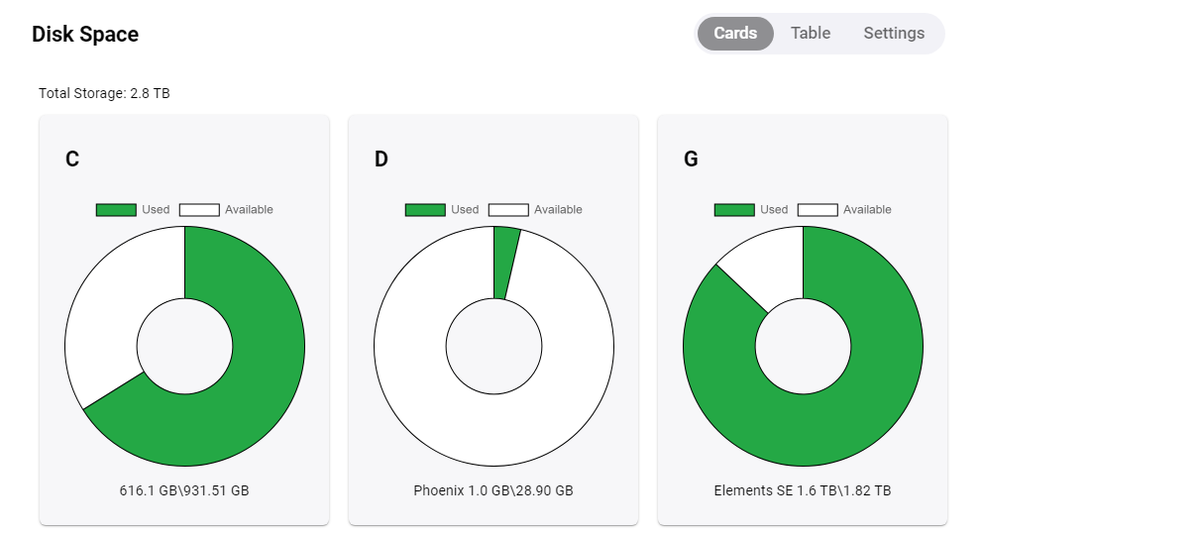
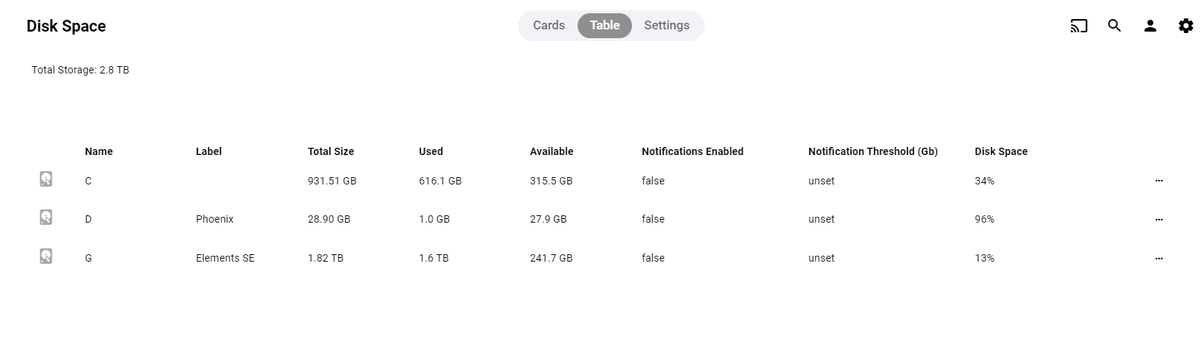
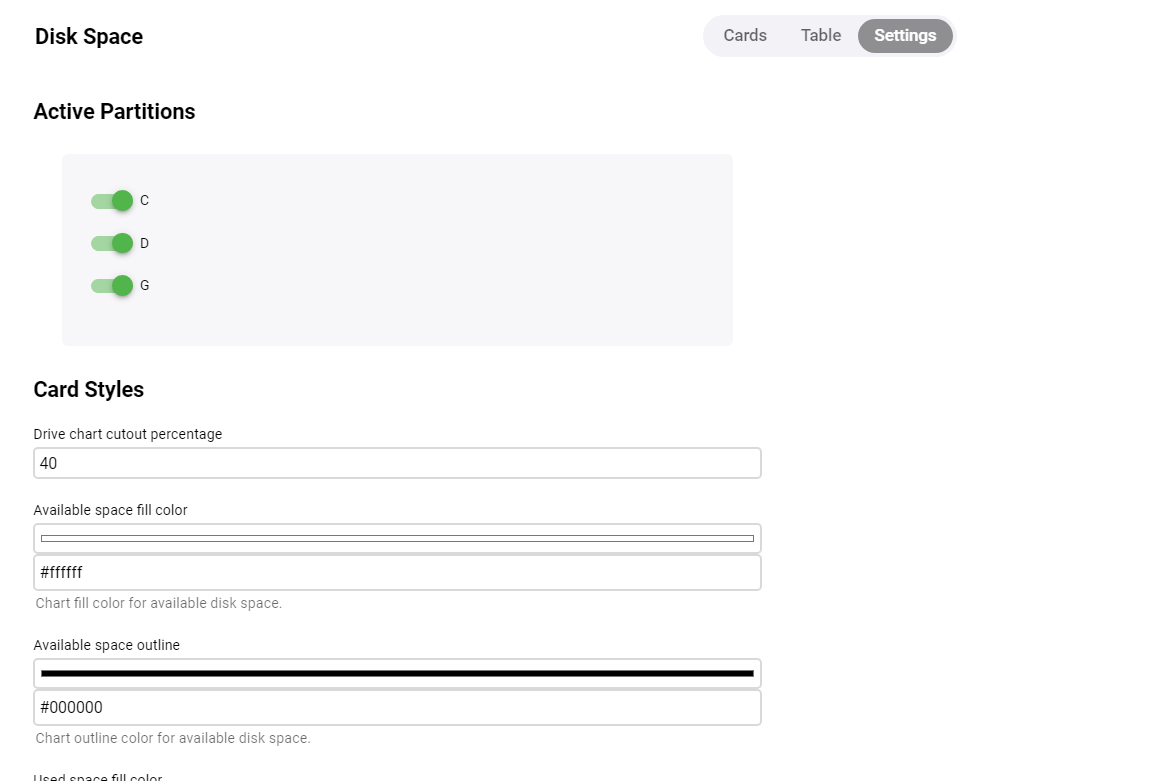
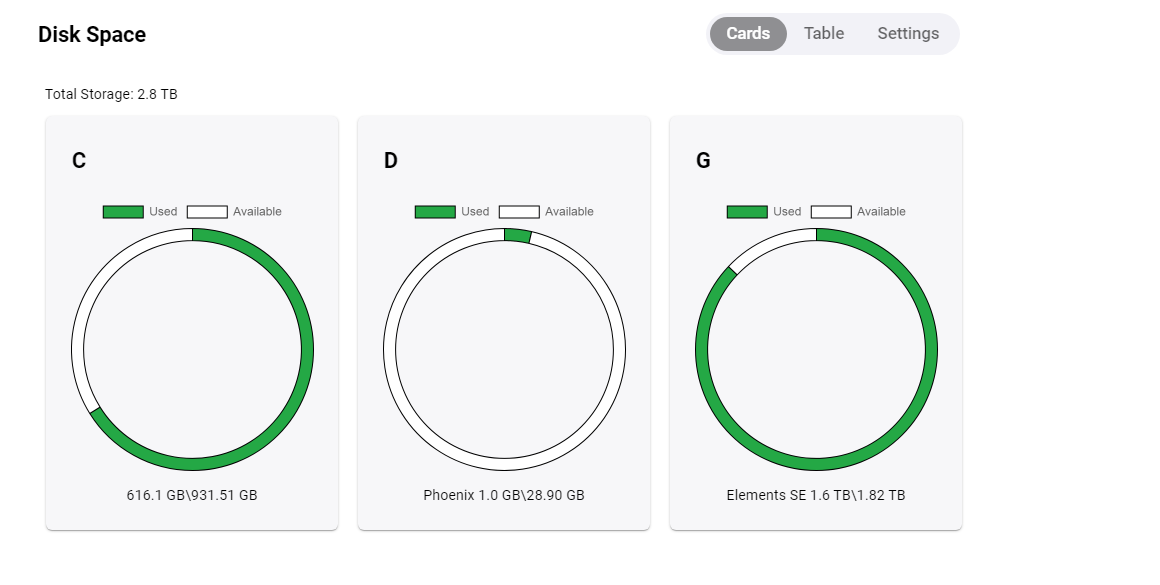
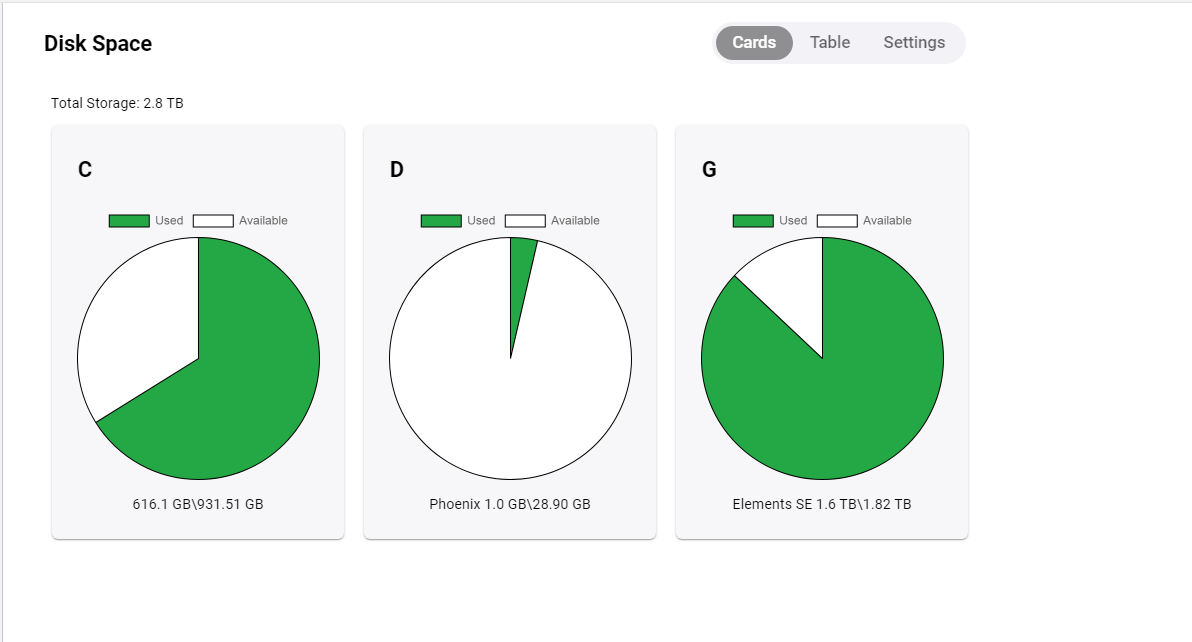
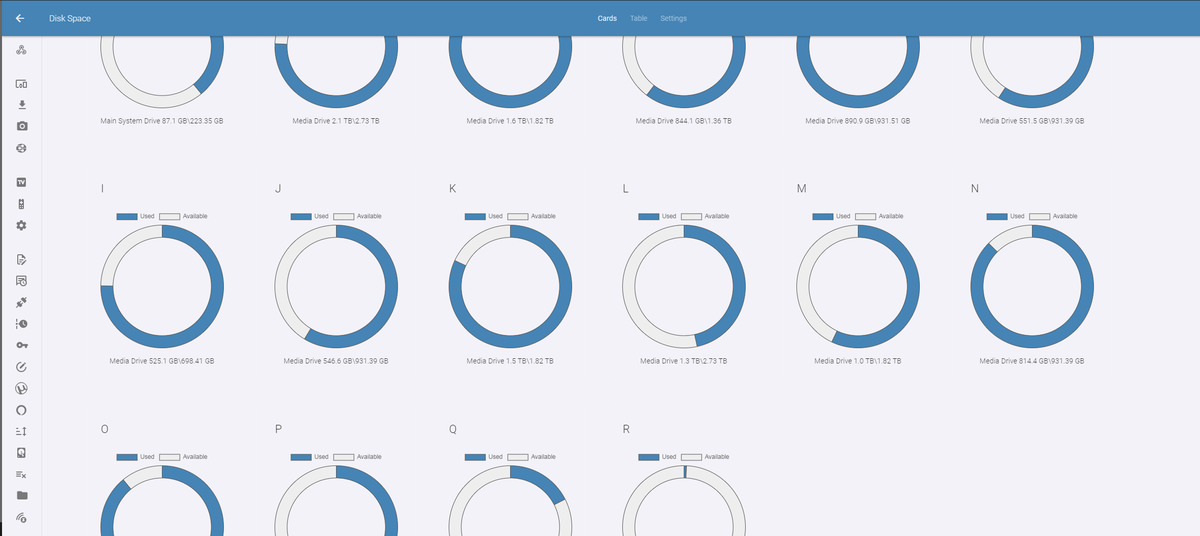
Hi! I did some updates on this plugin. The plugin uses tabs now. There is a separate page for the table. You can open the settings page, and you will see some new options. If you choose the Drive Card cutout percentage, you can customize the drive circle a little bit more then before. The drive cutout is set to 40 by default, but you can choose something else if you want. Like 90... ]\ Or Zero gives you PIE! Looks good on my production server.

 2 points
 -
.srt files aren't handled yet. I put some code in place, but it isn't ready. It's tricky.2 points
-
Vic, user was talking about local trailers, which can be found in two places: either in movie folder named <moviename>-trailer.ext or within \trailers subfolder in movie folder.2 points
-
When you're not sure which drive to choose when auto organizing your rips, you can quickly choose 'Disk Space' From the dashboard menu and visualize the space left on your drives. Good for Remote access to see which drives to choose when Organizing media titles. DOWNLOAD: we're in the catalogue!! Notes: 1. Added color picker to the plugin. 1.0.0.2 1. Scheduled Task Added to monitor Disk Space (will run every hour) - this task is hidden by default 2. Notifications Added when a drive has surpassed 90% of it's space Note: Windows decides 90% is the threshold to alert the user of an almost full hard drive. 3. Removed chartJS drive donuts tool-tips. TODO: Add custom tool-tips - https://www.chartjs.org/docs/latest/configuration/tooltip.html#external-custom-tooltips I'd be great to get some feedback on the notifications.1 point
-
I like listening to my music through my roku/emby setup. However, I don't need to know how the artist is while listening. I was wondering if there is some way to set up a virtualization like on windows media player? I can wait and my roku will go to it's screen saver, but I would like to make a choice. Or even display the lyrics on screen, all of my music files have the lyrics embedded.1 point
-
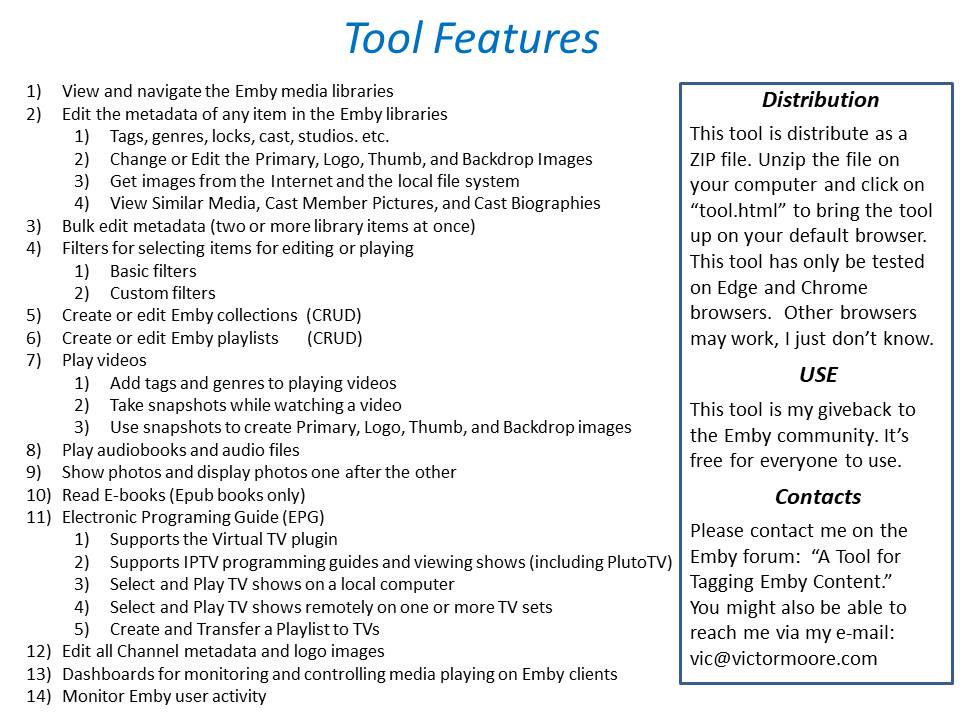
New_GUI_2.zip
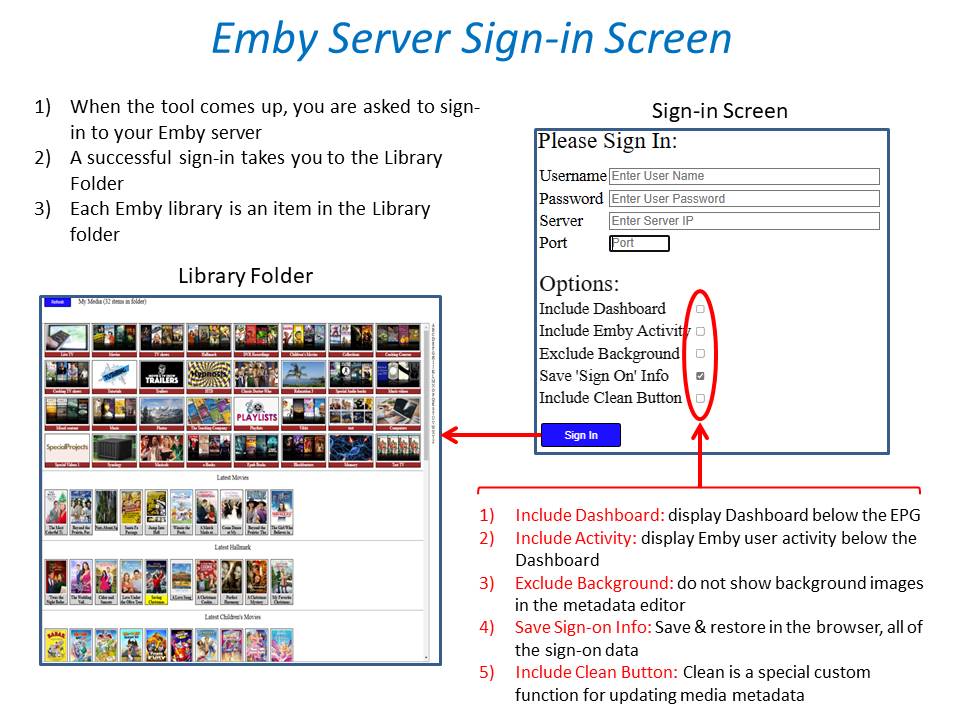
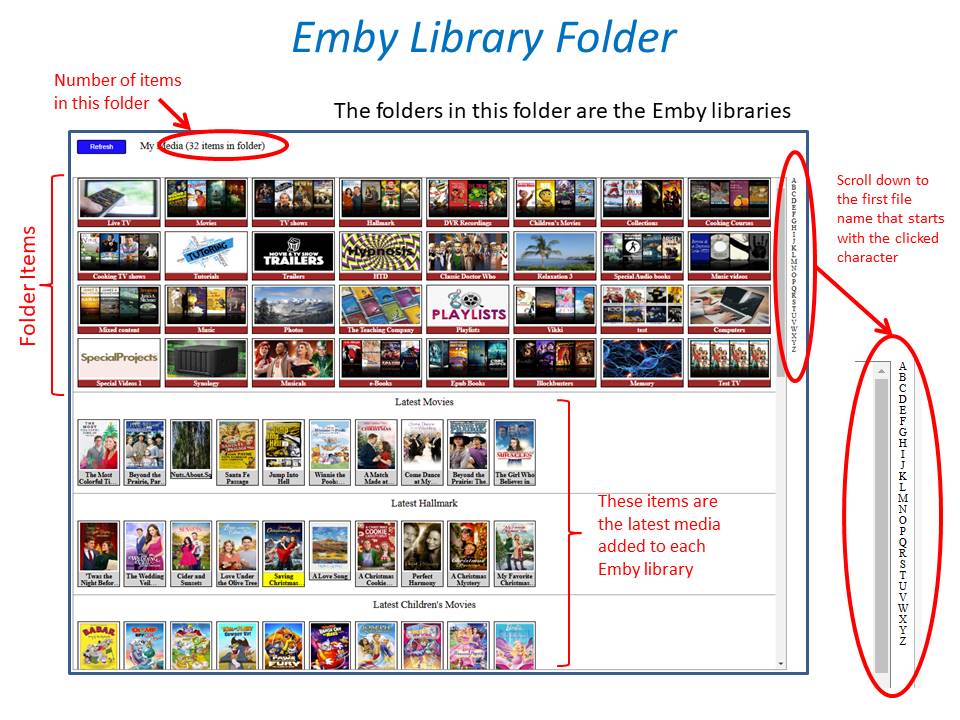
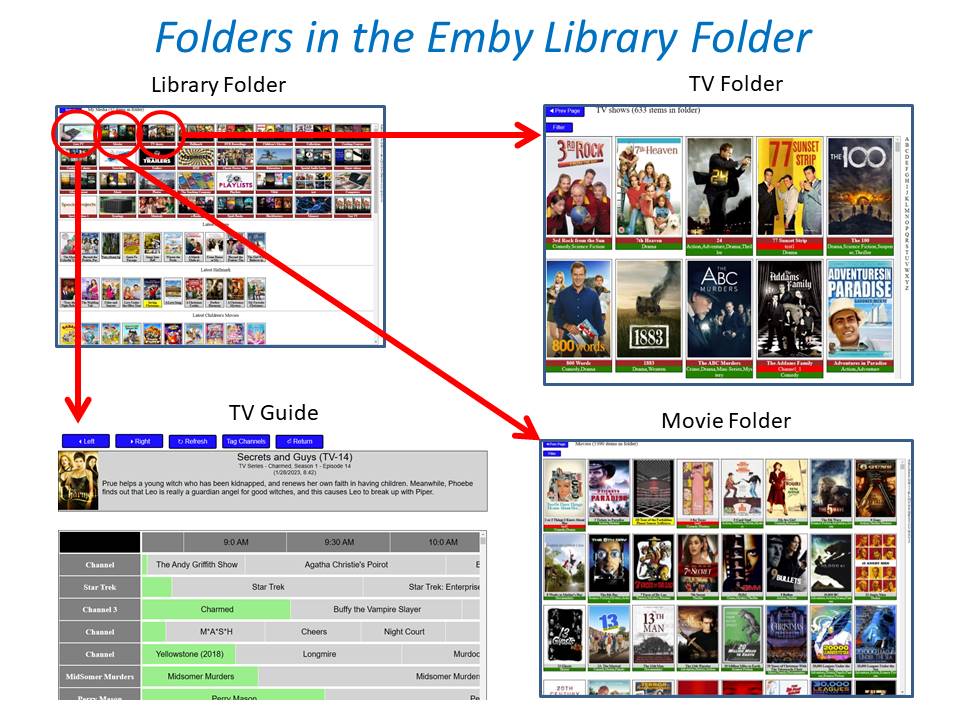
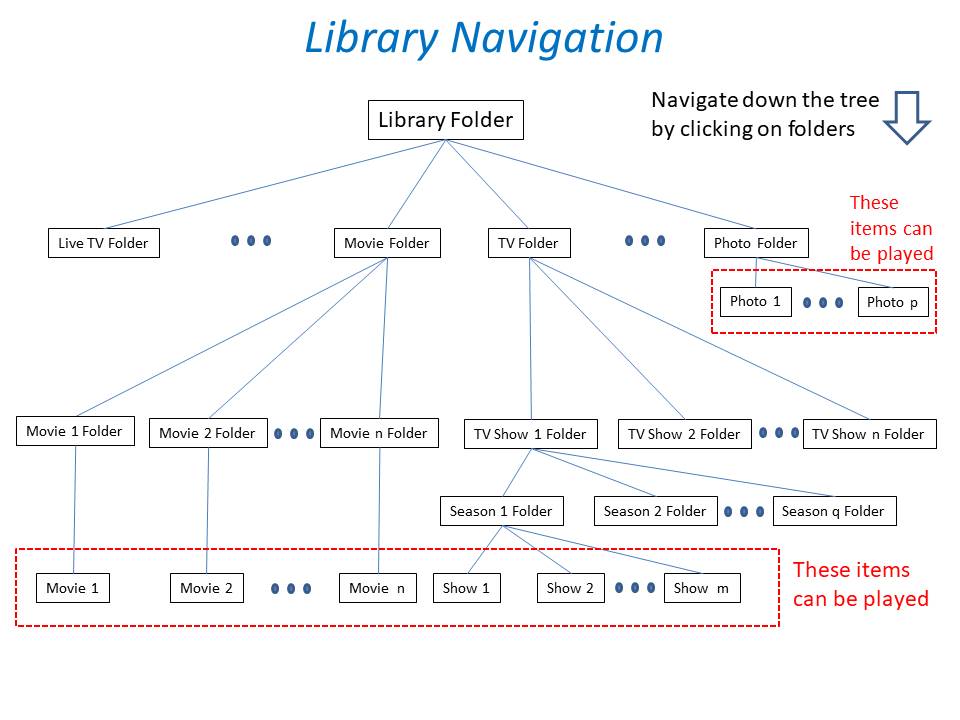
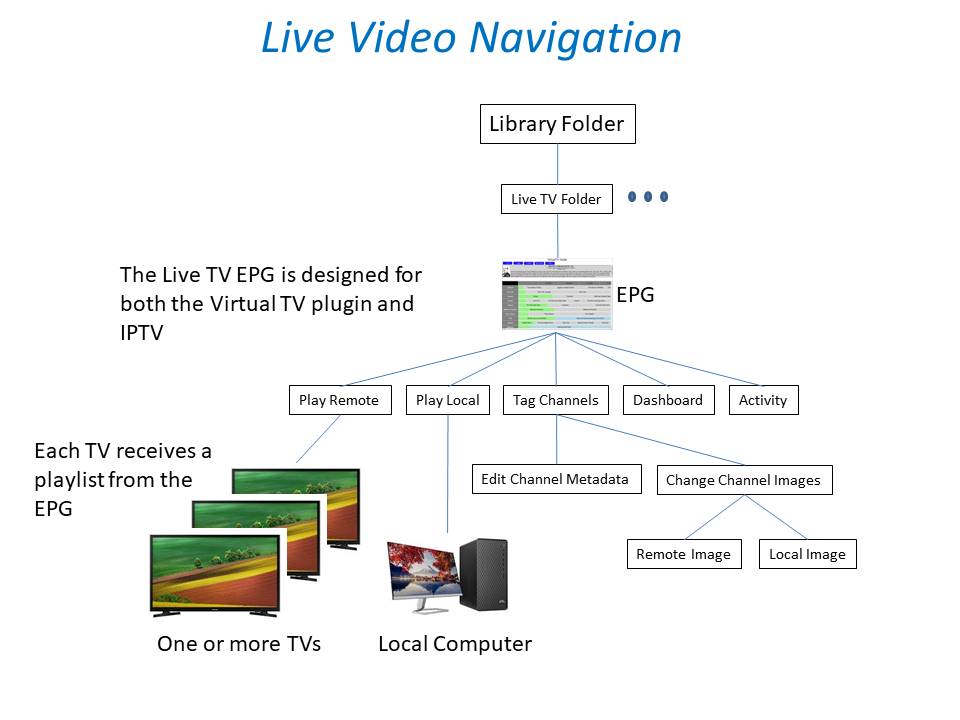
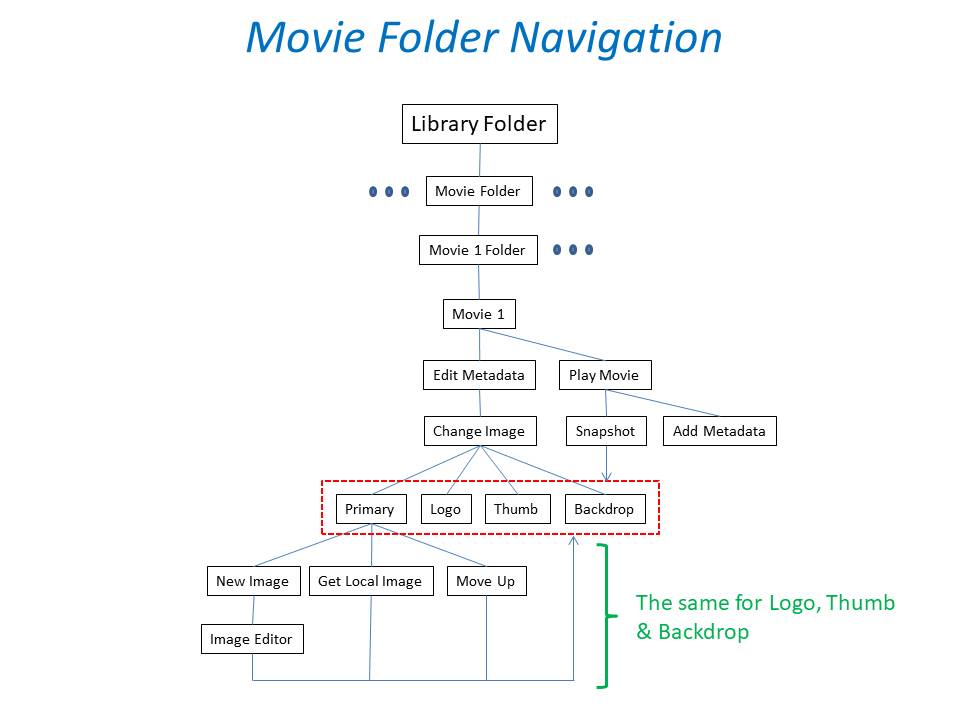
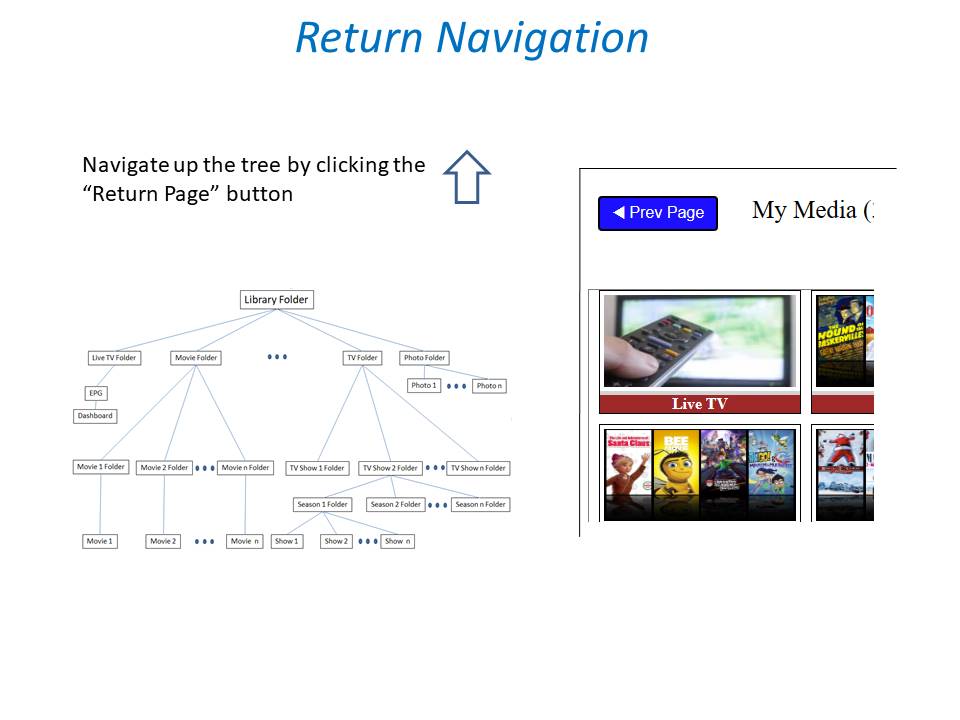
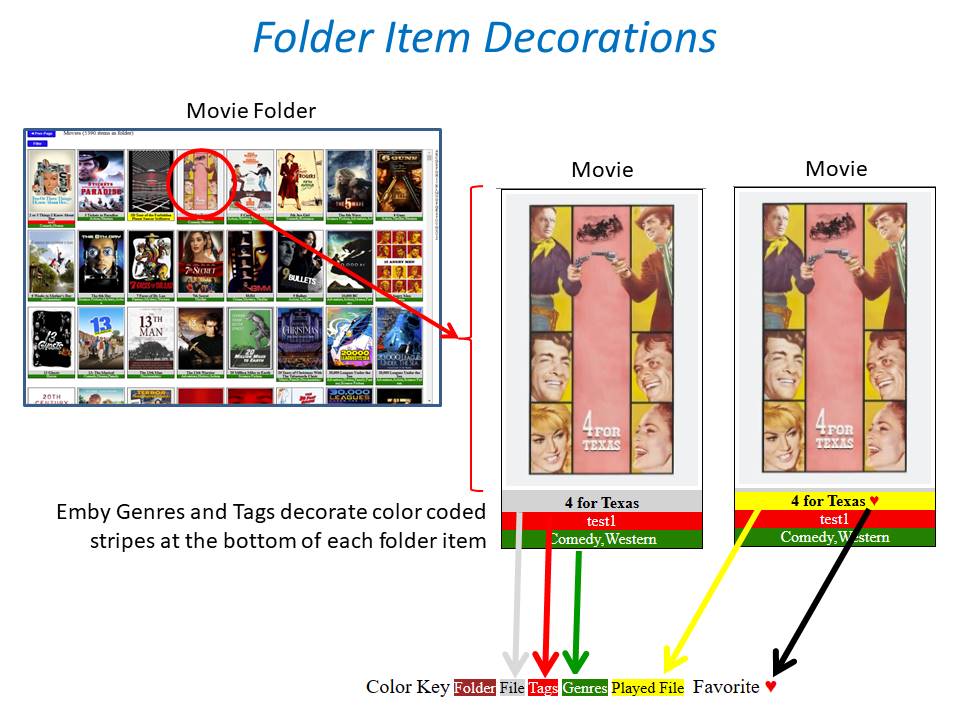
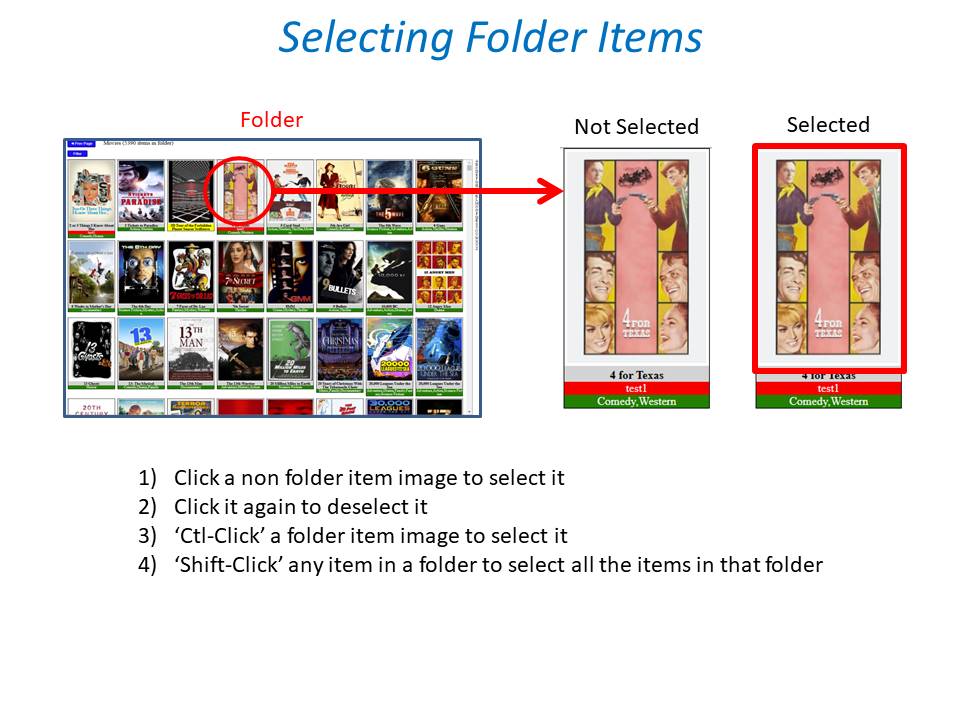
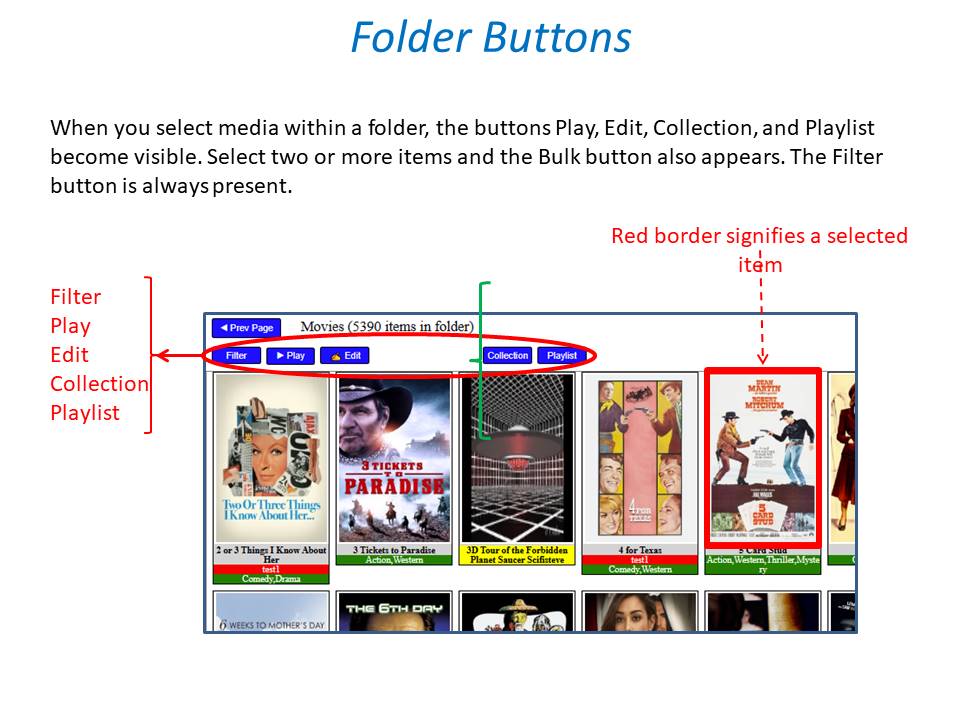
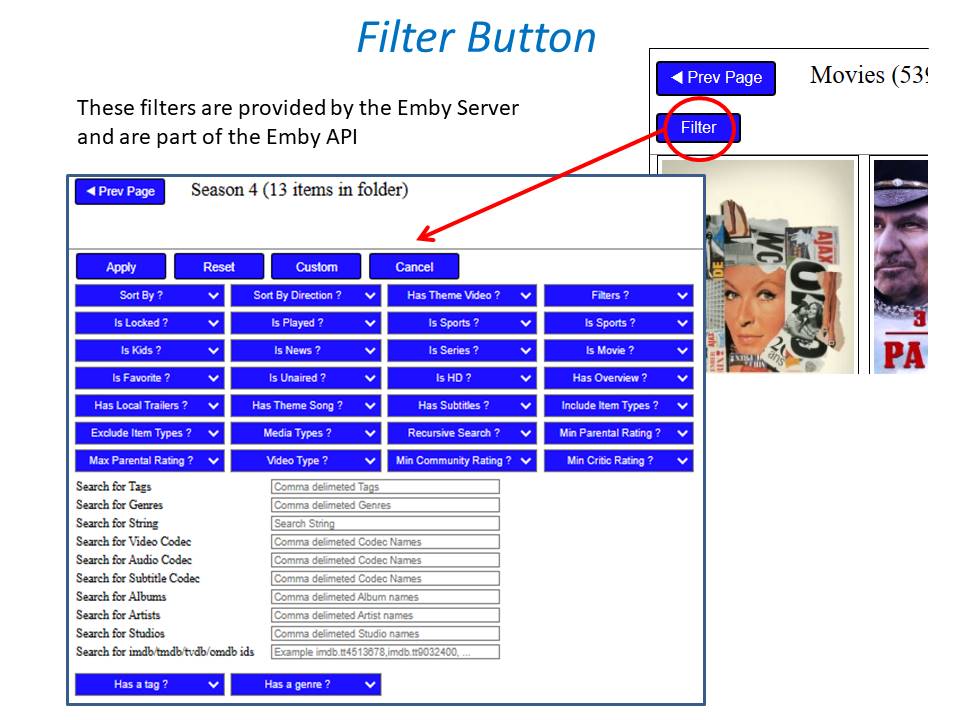
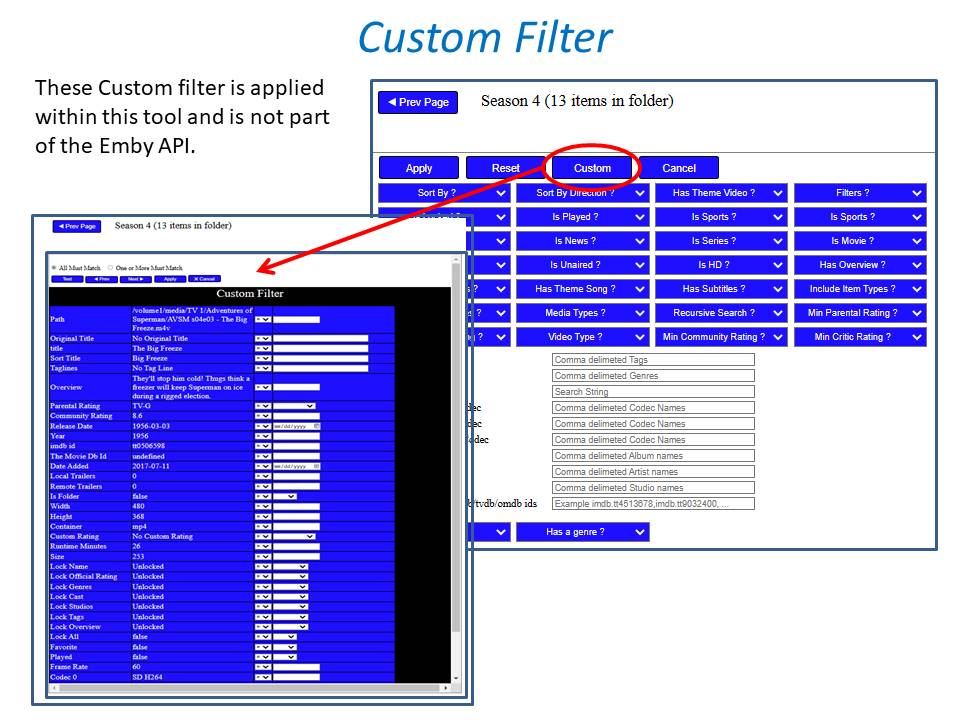
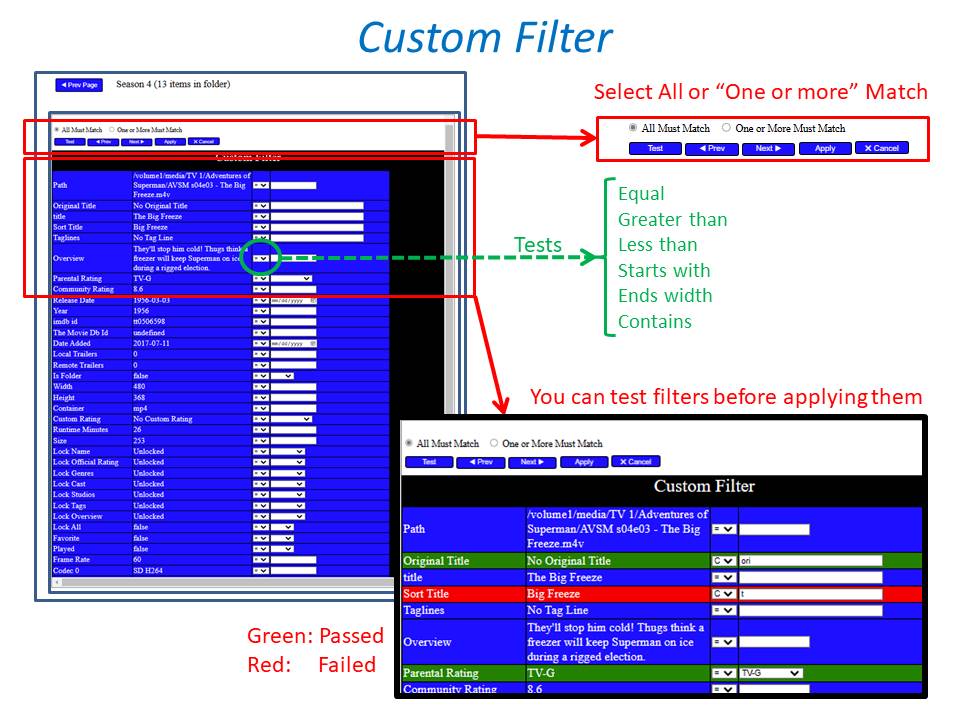
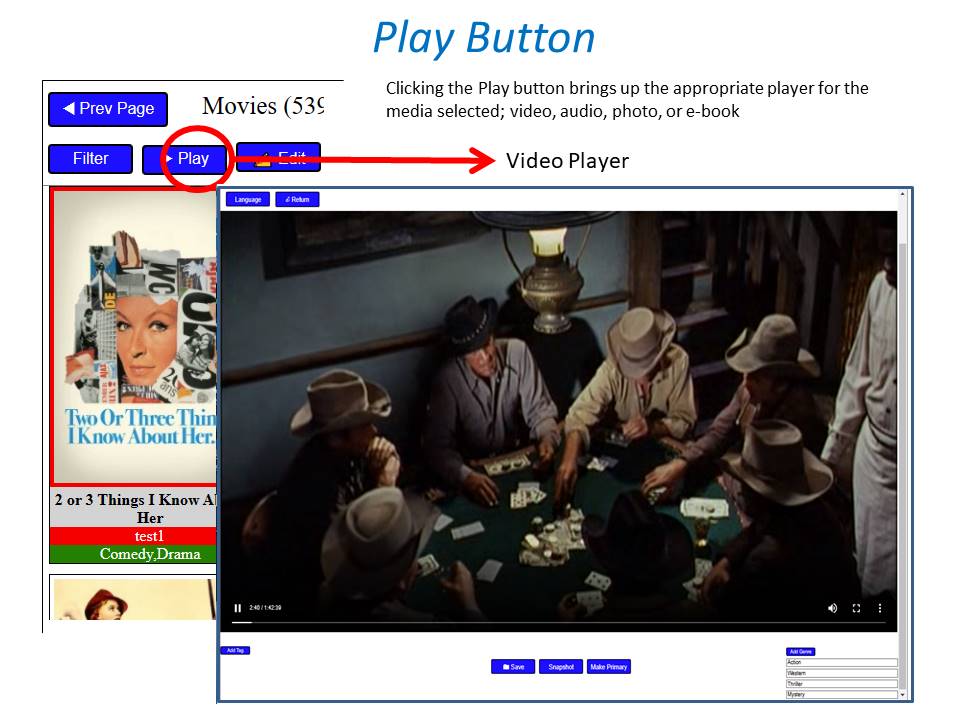
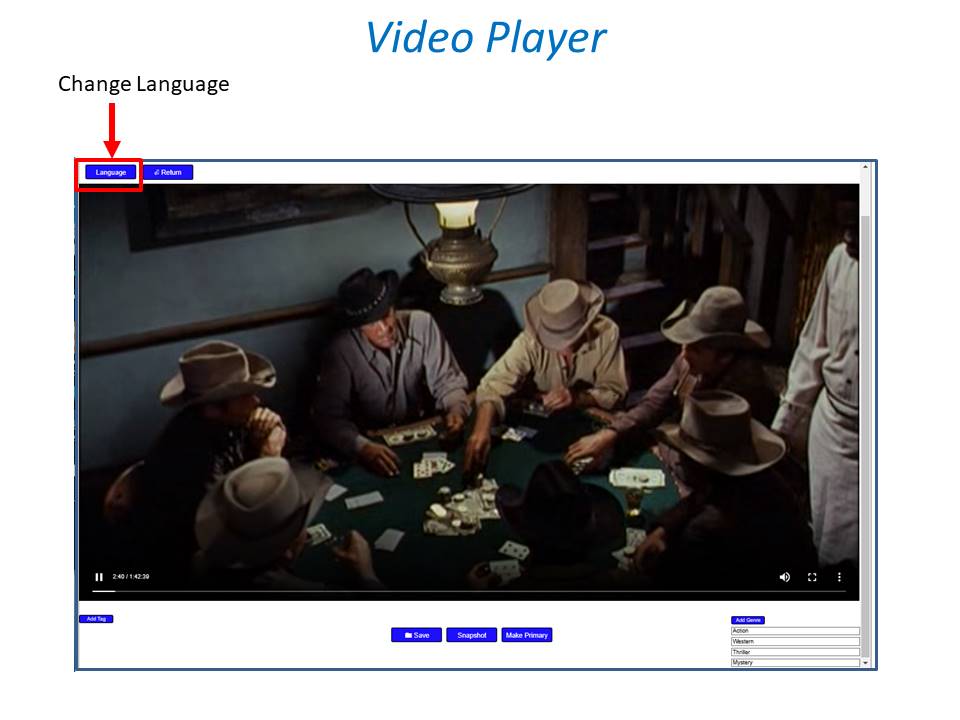
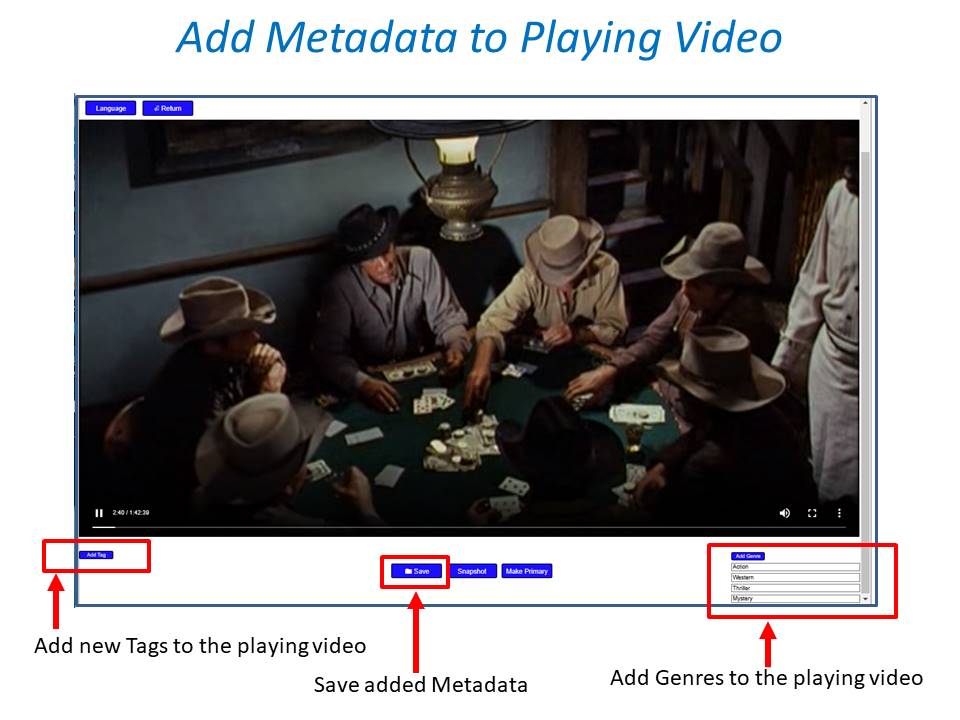
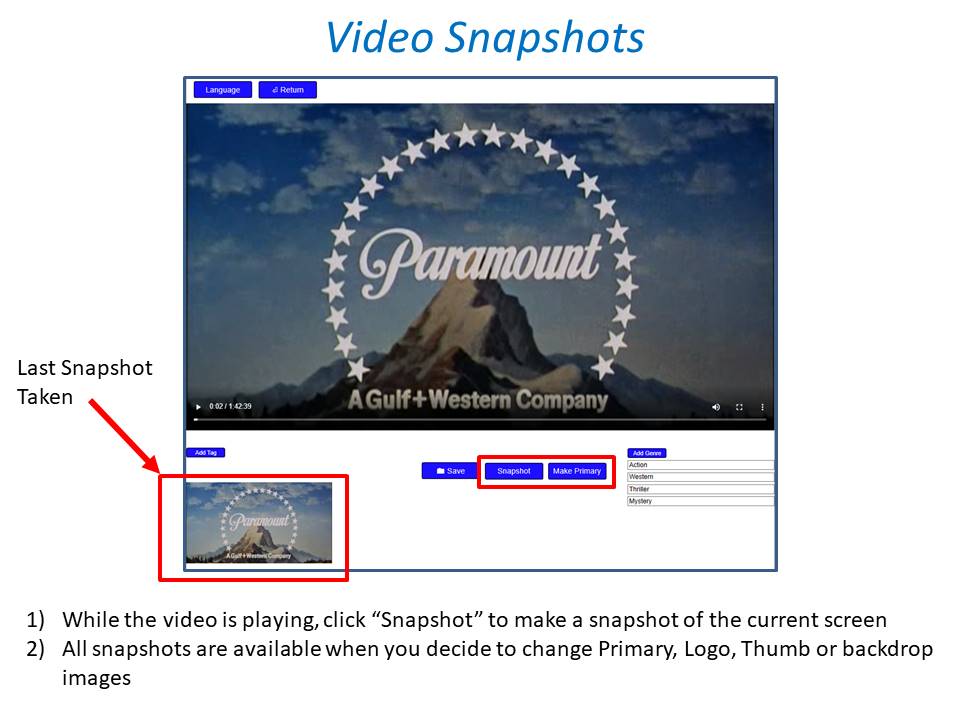
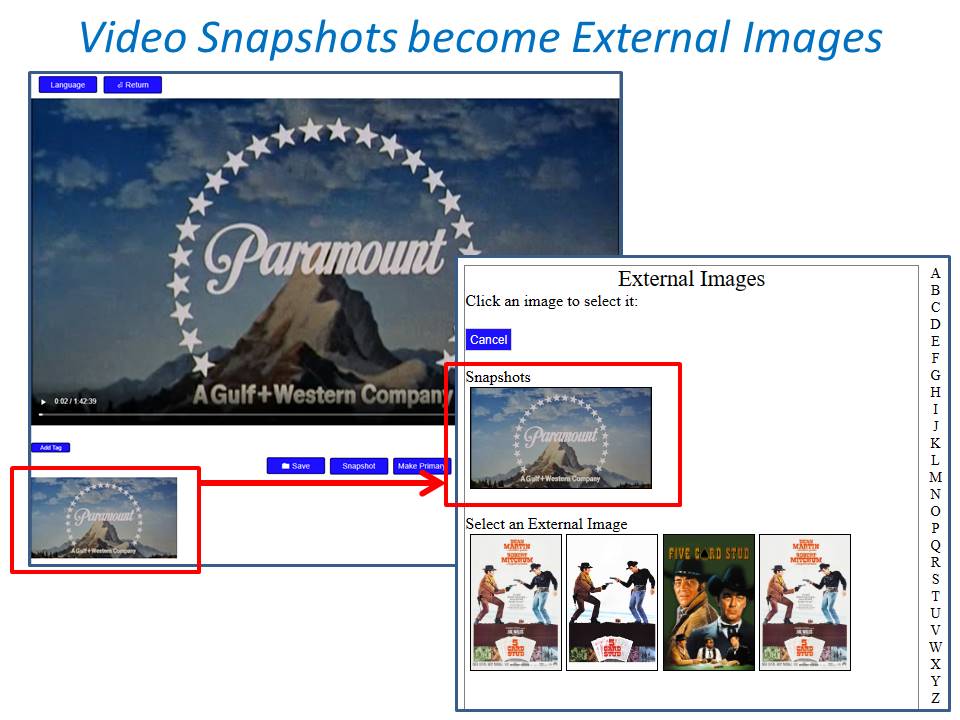
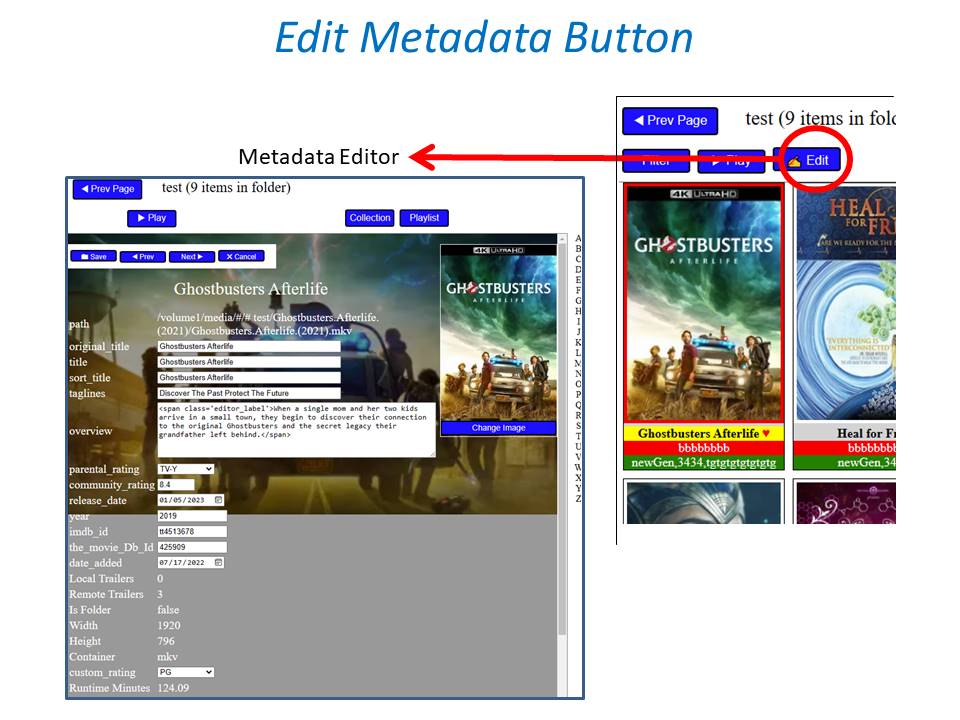
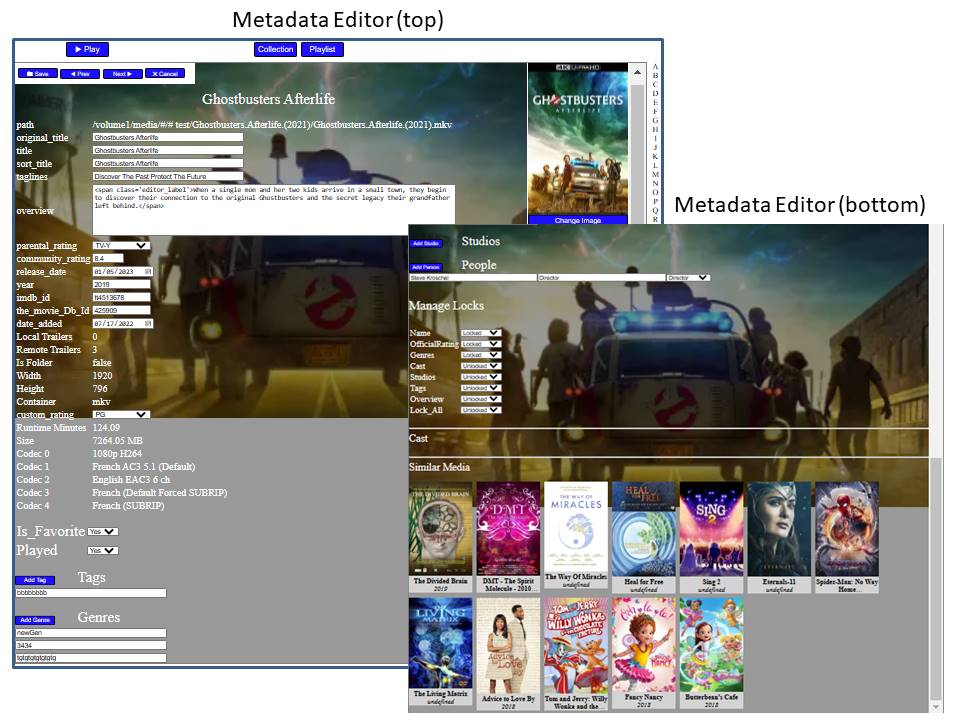
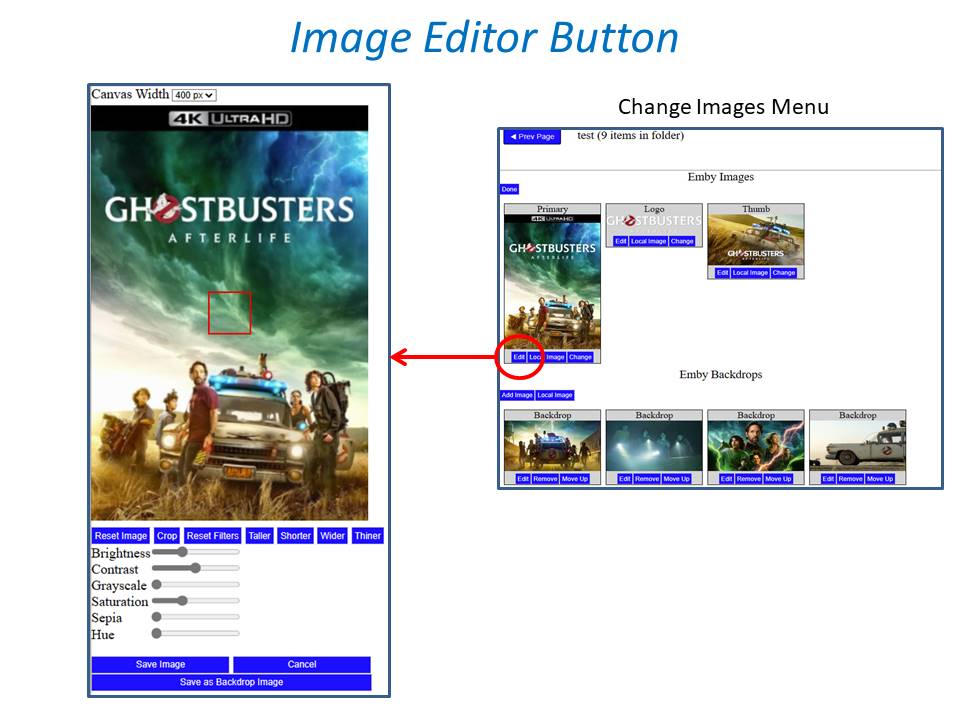
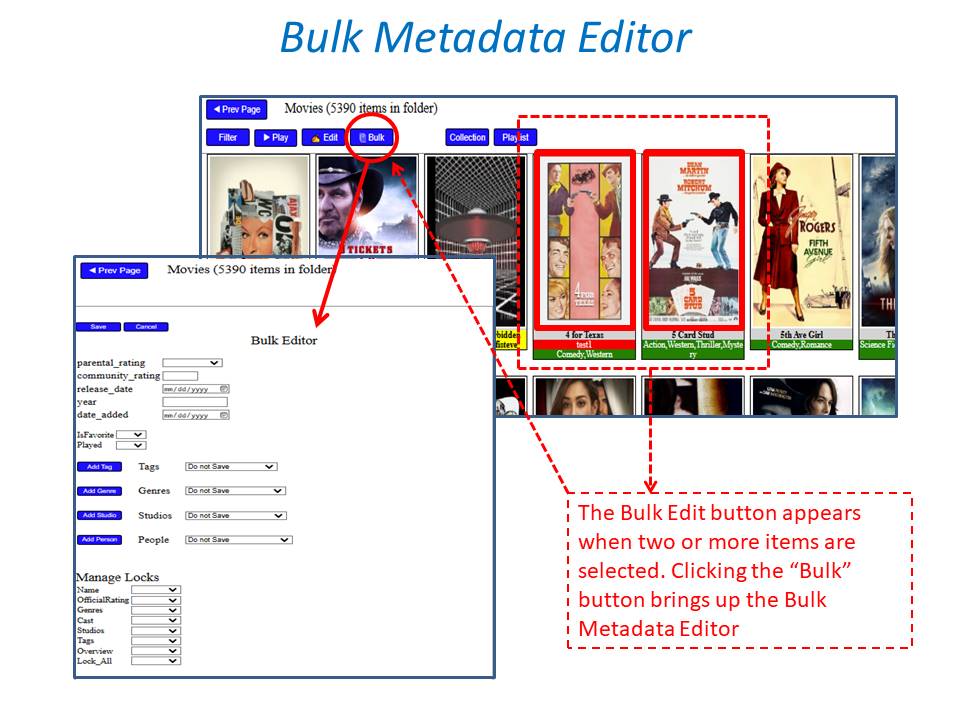
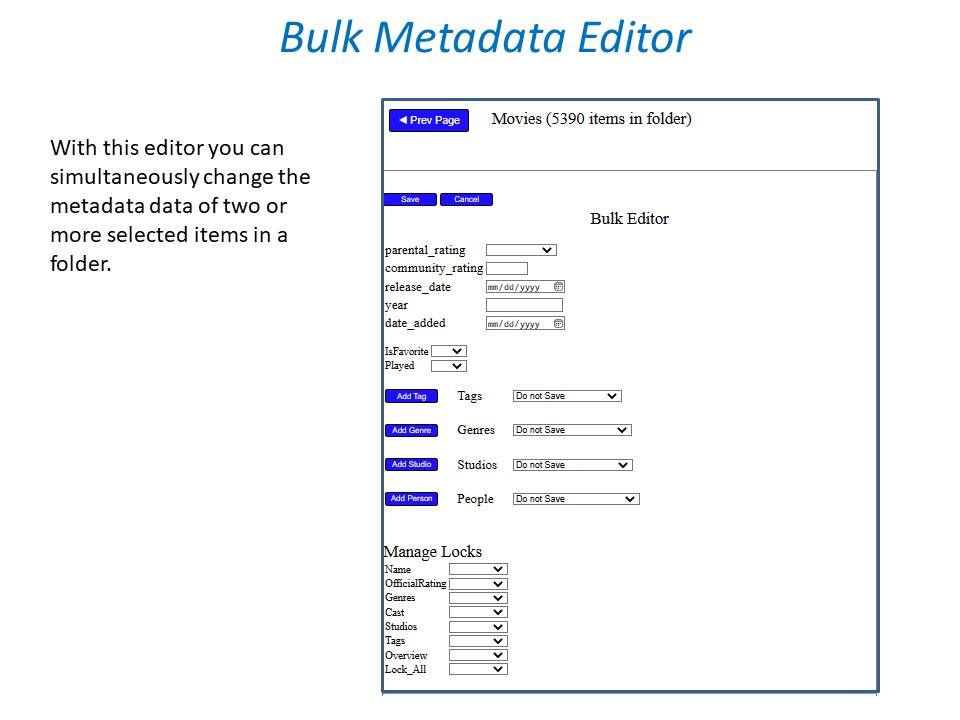
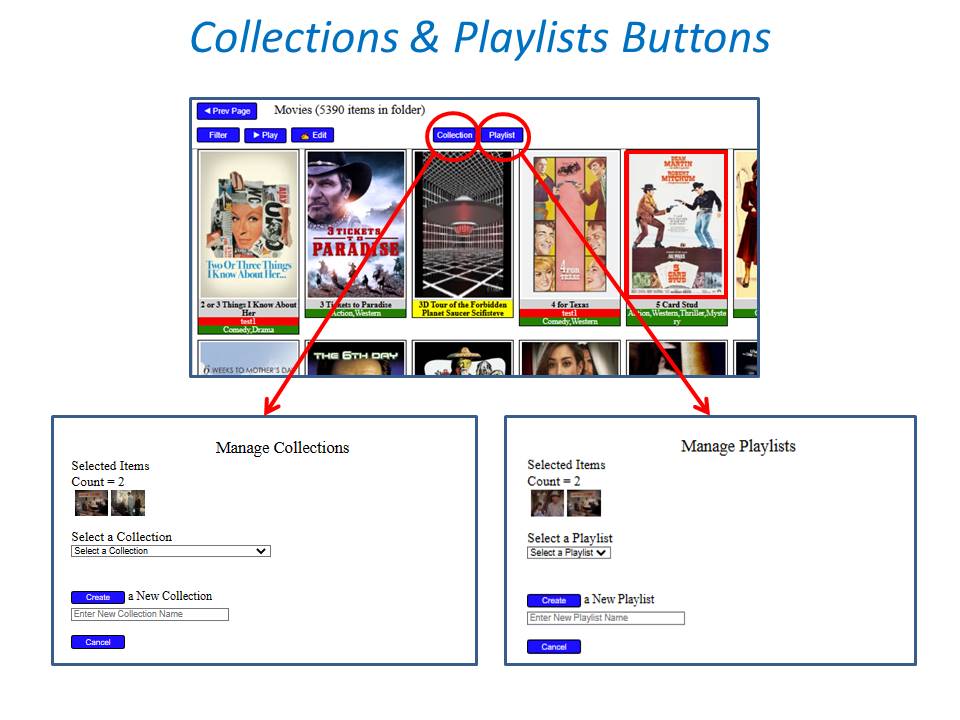
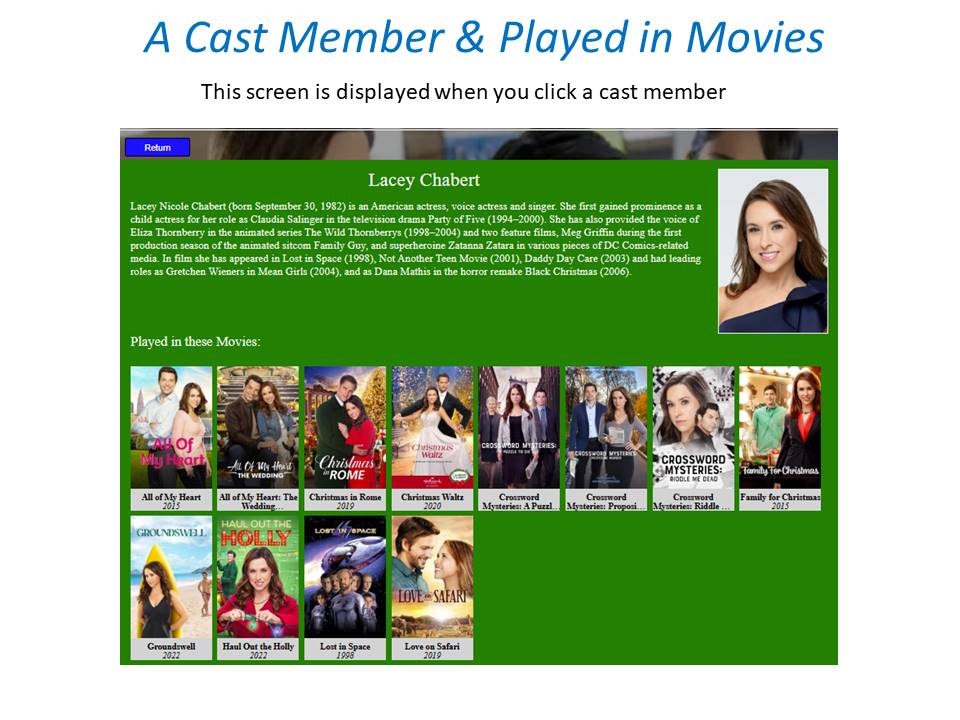
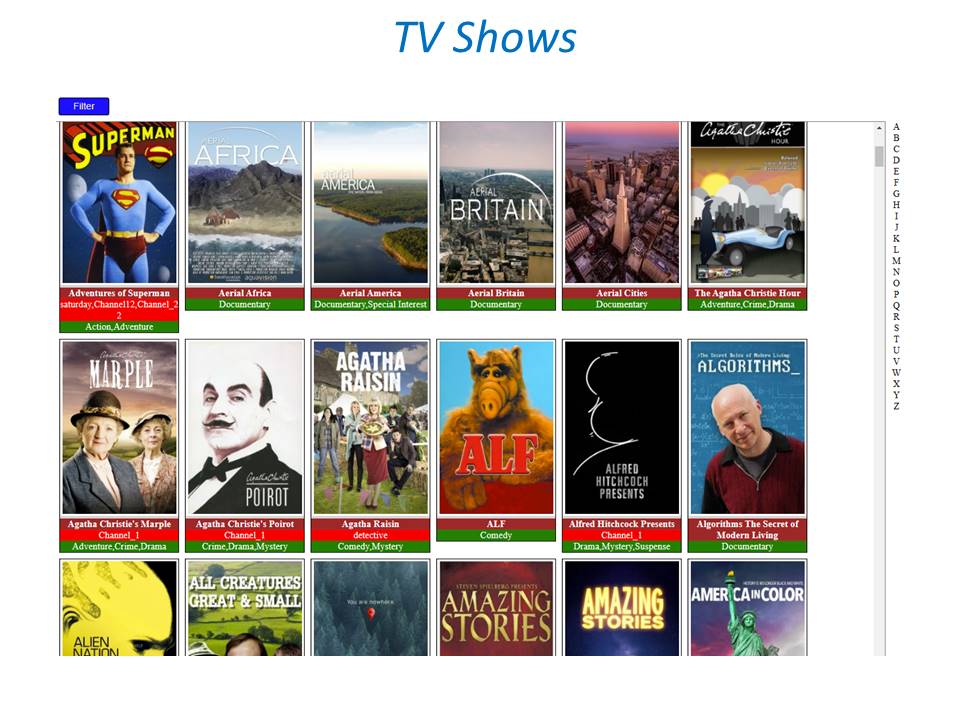
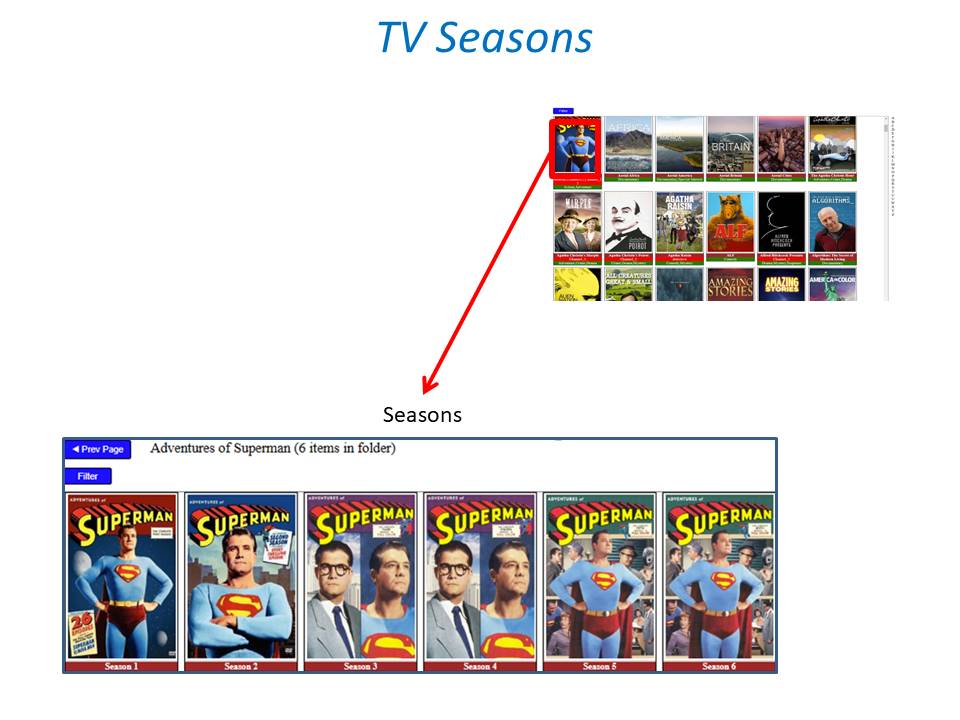
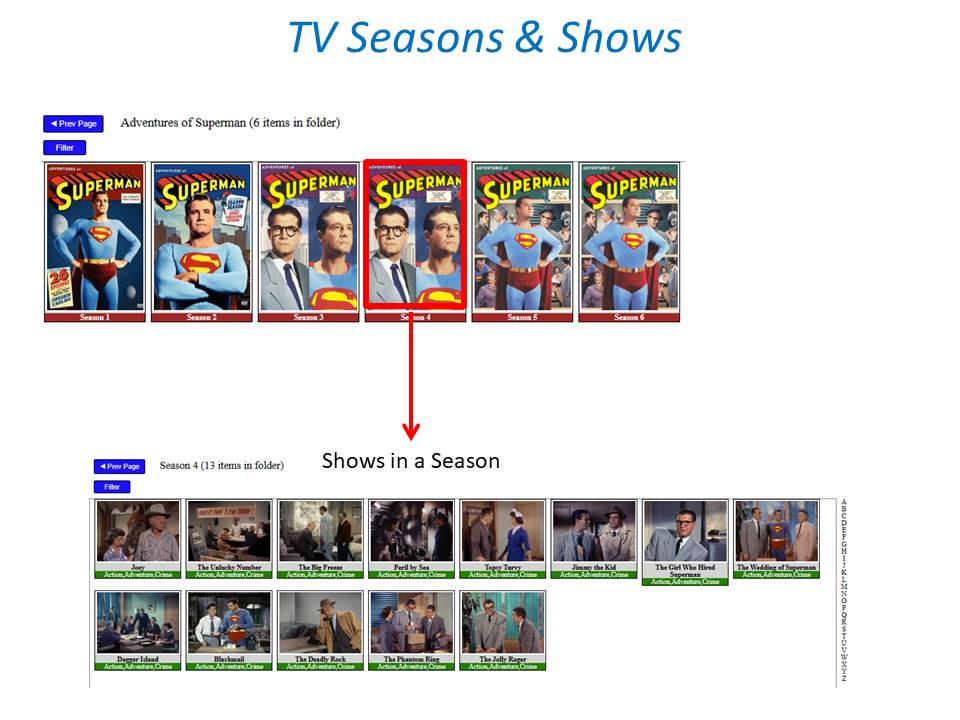
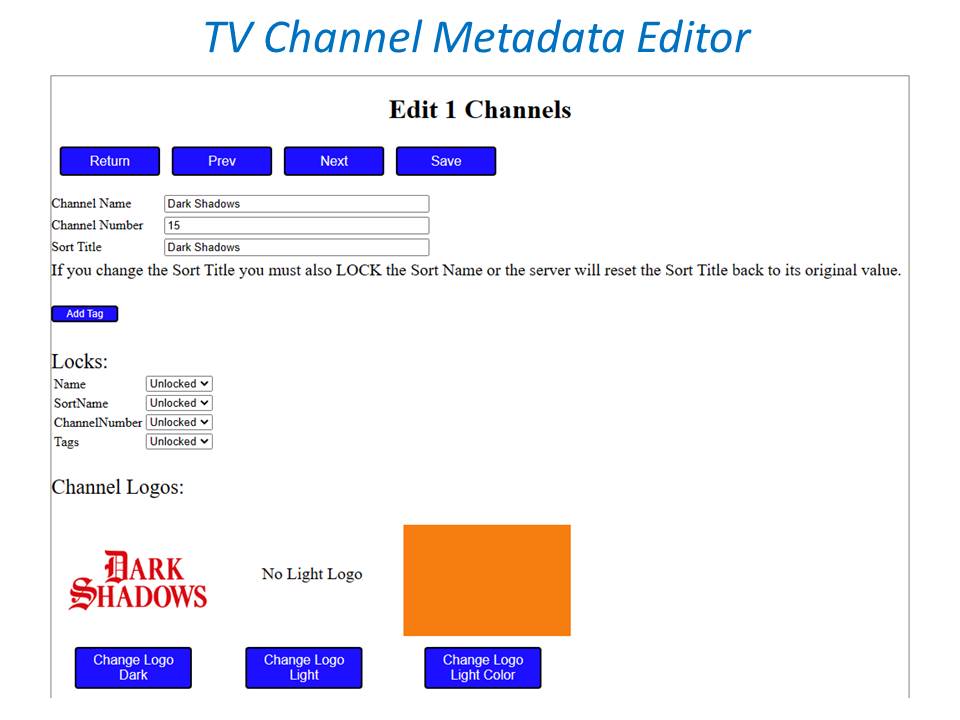
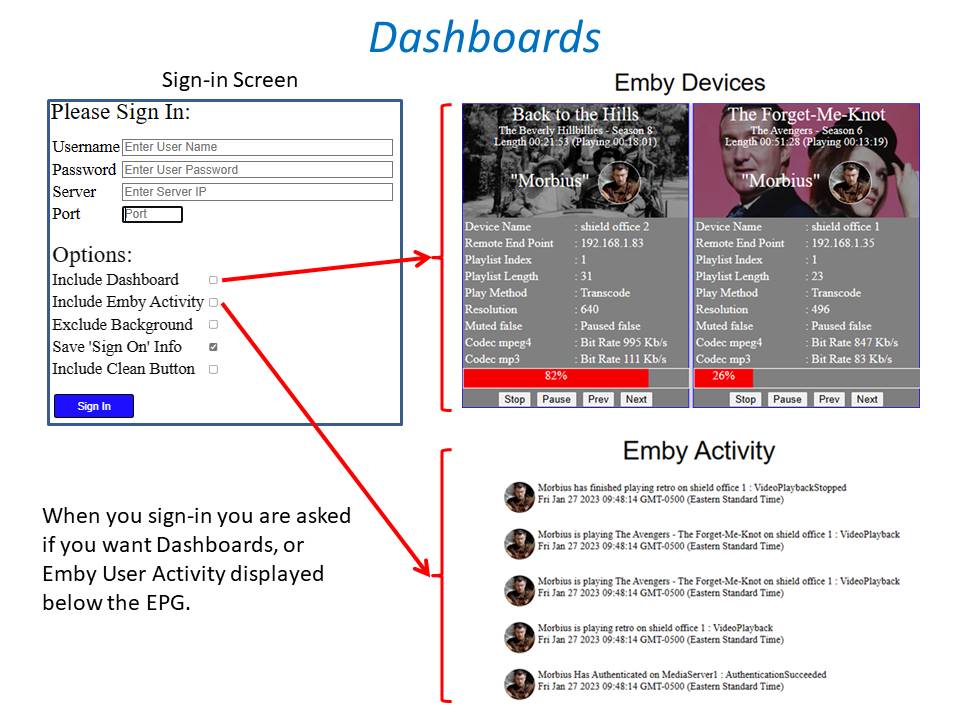
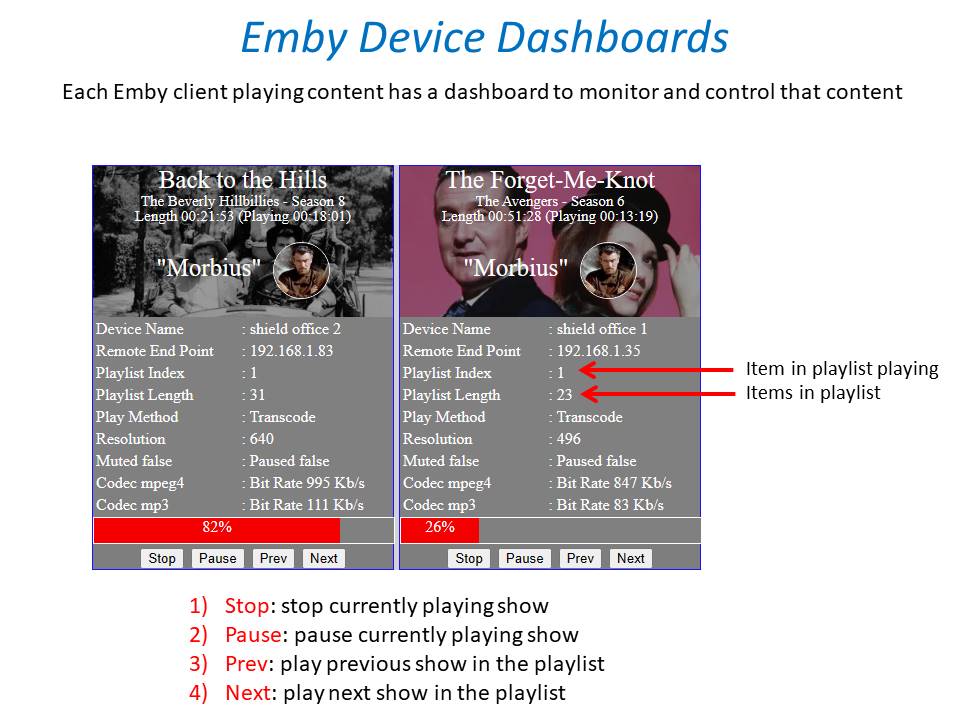
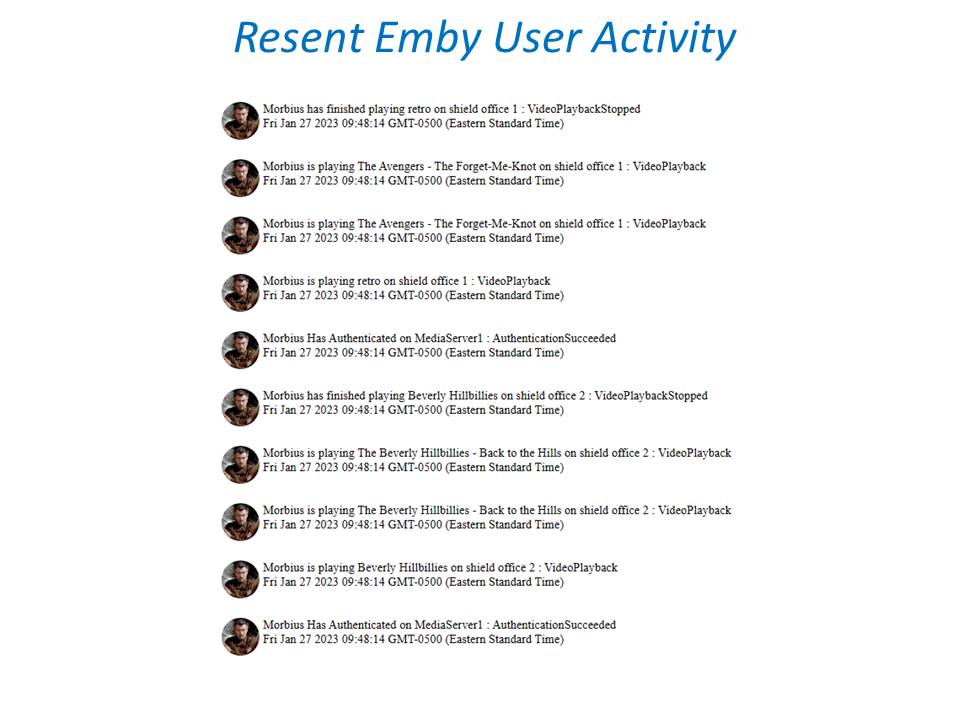
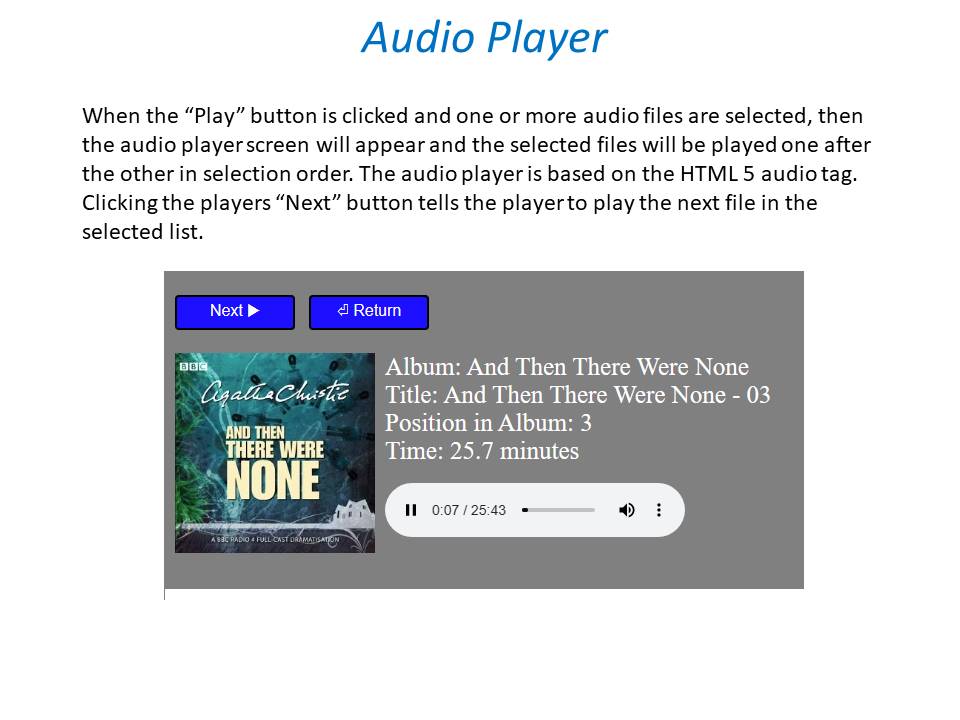
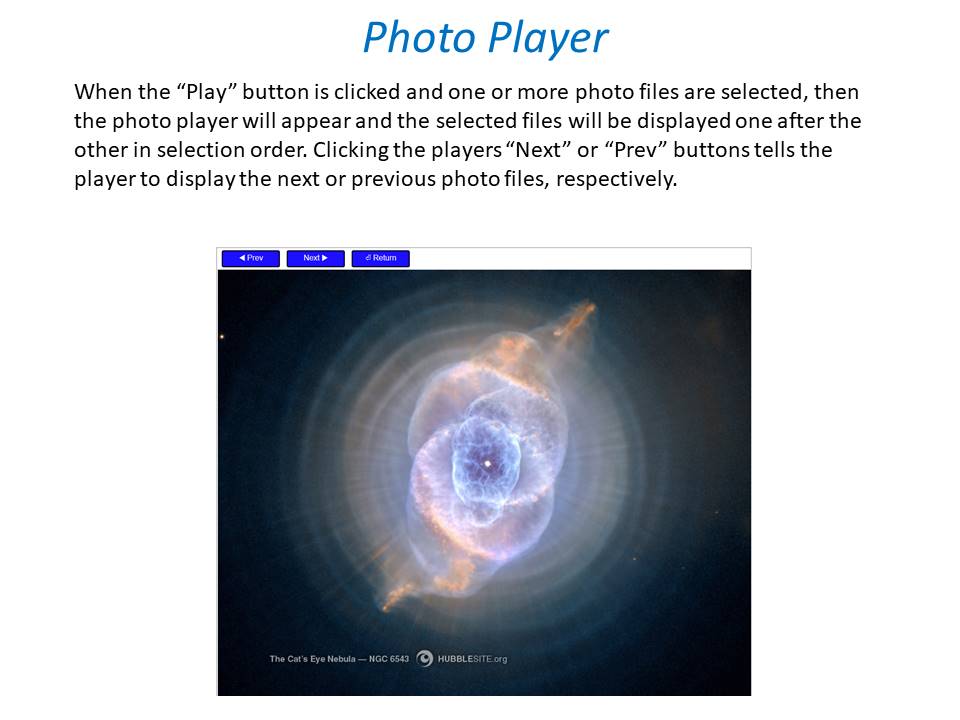
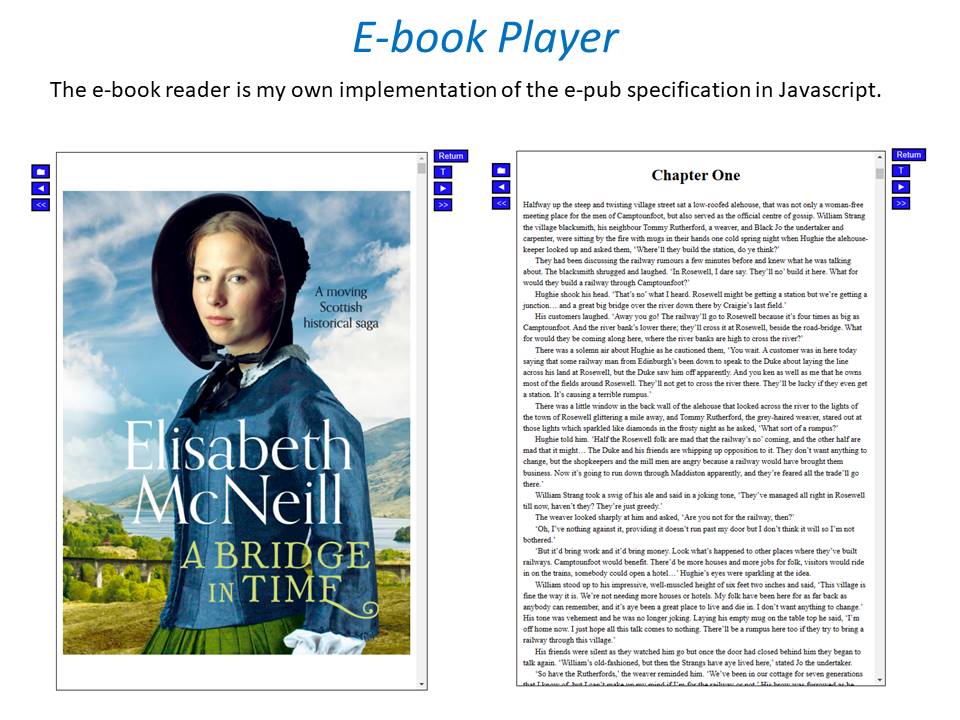 1 point
 -
My ability to create youtube videos has much to be desired. Putting my terrible video production abilities aside, I am putting together some tutorials on how to setup a development environment to create plugins for emby, on youtube. This is video 1. Like I say, I'm not very good at video creation, but since the world still doesn't seem to need to employ chefs full time, this seemed like a fun time to try it out.1 point
-
Nope, only live through scripterx1 point
-
At the risk of becoming a pest, any updates?1 point
-
Will try that tomorrow.1 point
-
Every other app that is working though connects to my NAS and opens a smb connection. I can see in my logs every time these apps connect. ATV is not opening an smb connection, but somehow connecting anyway. This what I see from VLC and MX player when I start playing media. I get nothing from ATV. This is why I think it takes so long to start, because it's not opening up smb User [Rick] from [(10.0.0.7)] via [CIFS(SMB3)] accessed shared folder [MyEmbyMedia]1 point
-
I can confirm that neither adding or removing genres with TagApp (ver. 29) does not lock Genres section, just tested. So the assumption was wrong. @JulesC, have you ever manually appended those particular movies at some point in the past? And on some other random movies you removed Genres via TagApp, are the genres locked?1 point
-
Thank you for your help All fixed1 point
-
I will look at the code in the tool ASAP and figure out what happened. I will determine if the tool could have locked the genres. Vic1 point
-
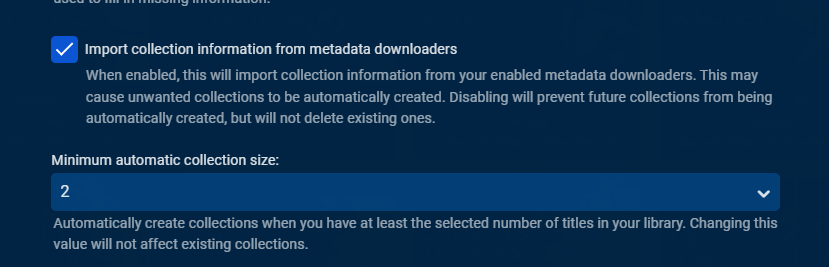
Collections are now created from item metadata, so if your item metadata was never updated collections will not be made. First verify your Movie library option is enabled Then take two items that you know belong to a collection and refresh their metadata, is a Collection created? If not, can you go over a specific example. For Emby server to automatically group the rule is " - " spaces around the hyphen but what you describe would the plugin method that will automatically group by providerid not naming scheme. https://support.emby.media/support/solutions/articles/44001159102-movie-naming#:~:text=Each version must begin with the folder name%2C followed by " - ". Automatic version grouping for movies
 1 point
 -
All reports indicate that it will be. Unfortunately, I cannot tell you exactly when Roku will get that out but hopefully soon.1 point
-
Well, I am special you know.1 point
-
I don't have a password on mine (just the boss and I with no external access), but CBers suggestion is probably the best answer.1 point
-
Yes this is correct, and the reason is that not all specials should be blended into the episode list, which is what would happen if it was based on air date.1 point
-
Unfortunately, unless something changes with the Shield firmware that doesn't require these unnecessary permissions (such as write or manage storage access) this option will have to be removed. I was apprehensive about adding such permissions to the app but I decided to try it just to see if it would actually solve the problem. However, upon uploading that package to the Play Store, it was then required that we mark the app in the store as having "Extremely sensitive permissions" and having "All File Access". I'm simply not going to do that. Those two warnings would certainly keep me from installing an app that is supposed to just be playing my media.1 point
-
Thanks Q-Droid, i didn't check that and yes that's what it was.. I was pulling the certs from my proxy and forgot to change. Duhh.. Appreciate the help!1 point
-
Leave a password on the account, but use the "Don't require a password on the local network" option.
 1 point
 -
Don't bust a gut, I rarely go into the settings page.1 point
-
If it is possible to get Netflix data for your system via API, I think go for it. For the time being, I think we'll stick to calculating intro times using ffmpeg. But thanks for the info.1 point
-
@Spaceboyis the real time person.1 point
-
Hi. I'm afraid I don't know how that is at all. Can you please point me to where this is reported so we can take a look? Thanks.1 point
-
Thanks Luke. I hade some issues getting ffmpeg to work, but for the time being my problem is happily solved with Handbrake.1 point
-
I was having some issues as well with Emby 4.3 ish that I had installed on my QNAP. I upgraded the firmware from QNAP QTS 4 something or other to QTS 5.0.0.1932 for security purposes. QNAP kept stopping Emby server every hour or so, because it didn't have a valid digital certificate. Also I wasn't able to install the latest Emby package 4.6.7.0 as it gave similar errors to what others got on page 1 of this topic. What I found is QTS 5 must turn off "Allow installation of applications without a valid digital signature" when QTS 5 is updated and first run. I suppose I could have just done the following and ran the older Emby package still, but it's been a while since Emby was updated anyway. Under - App Centre/Settings/General (first tab) - click the box "Allow installation of applications without a valid digital signature". - Then click apply. Then do your normal manual install for Emby. i.e. - Stop the Emby service first - In App Centre - click on the + in the top right corner (install manually) - Browse to the Emby package you downloaded and hit install. Check the "I understand the risks" checkbox Installs no worries and everything's happy in the world again.1 point
-
Understood. Is it possible to just automatically split recordings scheduled longer than 3 hours into multiple recordings (or give the user the option to do that for all recordings)? I am thinking this could be done real-time or after the recording has been made. I realize this might not be the kind of solution you wish to make, but with this having been around causing problems for emby users for years, perhaps a stop gap fix like this should be considered now. I still have my original long recordings so if there is anything I can do or try to help then please let me know.1 point
-
It's fixed. I have a 8tb external usb3 to the pie and a windows drive i wanted to attach from a shared drive on a separate pc (Win10). I tried everything but I could not get the line right in fstab. I ran into a couple of posts on linux boards saying to replace username and password in the string with a credentials file. Followed the steps on creating a credentials file and boom. Ran mount -a and it attached first try.1 point
-
Carried out the requested steps and........... Hondo appears to finally be gone!1 point
-
oooooh... 1.0.6.8 I can't wait!!!!!! Thanks so much! -g1 point
-
That's it there. If this is the first time you are running this expanded version, you'll have to delete the fileorganizer.db @neik any way you can post the file path to the db that has to be removed?1 point
-
If you give it to me I'll add it to the first post and git repo, and thanks!1 point
-
Thanks, I thought I had already attached it to the first post but I had not. It is now!1 point
-
Find enclosed my comskip.ini file, work well in Montreal Canada, with all TV station. I use this one in postprocessing. set live_tv=1 if you want to use it in parallelprocessing. I do with the news broadcast and it find and skip advertisement. (with Scripter-X extension onLiveTVRecordingStart) I did extensive testing, and this is the best compromise for general use. You can tune for a specific show, but will break for another. Hope this help. comskip.ini1 point
-
If you are expecting a button. It is in the works. Currently we do offer an auto skip feature, which you can enable per user. This will auto skip intros. Flagging the media has been a huge first step on the road to an integrated intro skip feature in emby1 point
-
Ok thanks for all your quick reply Emby is so fantastic (I tested : Plex, video station, ...) Many thanks1 point
-
Could you please install it and confirm for us? Thanks.1 point
-
Just for info, incase you haved never heard of it, for me the best OS on PI's is DietPi os based on debian avaliable in 64bit. They have a very responsive dev team and they have a built in wizard which you can pick what software you would like to install (i.e emby, nextcloud, pihole etc) and it handles it all for you. It's my Pi software goto. It's all done via a cli wizard and also included smb and nfs mounting setups built in. Great thing is you can invoke the wizard at any point for easy software install overclocking etc1 point
-
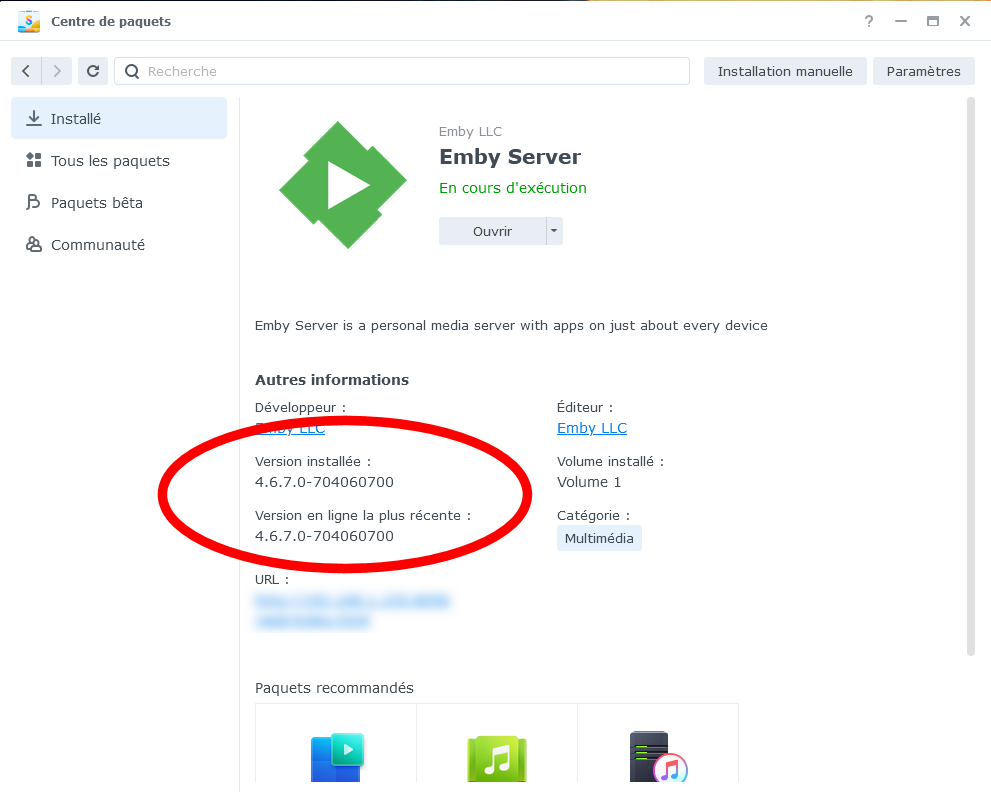
We had to change our version numbering slightly for Synology which we've done so it will take one new install (webpage or package store) and then package store updates should be smooth from that point on. So if it were me I'd pull down the latest release version from our website and manually install that. At this point you should be all set moving forward installing from our website or the store. Our website will almost always have the version available before it shows up in the Synology store so it will be perfectly fine to download and install from our site one release and use the store for another so you aren't locked in to one way or the other! Carlo1 point
-
Please test with the current beta of the Roku app and see if this issue is solved.1 point
-
I took all the Xzener icons I had an made them 16:9 ratio. These will make the library icons appear better on some apps. There are 272 of them in this ZIP file. Zxener-16x9.zip1 point