Leaderboard




Popular Content
Showing content with the highest reputation on 02/04/22 in all areas
-
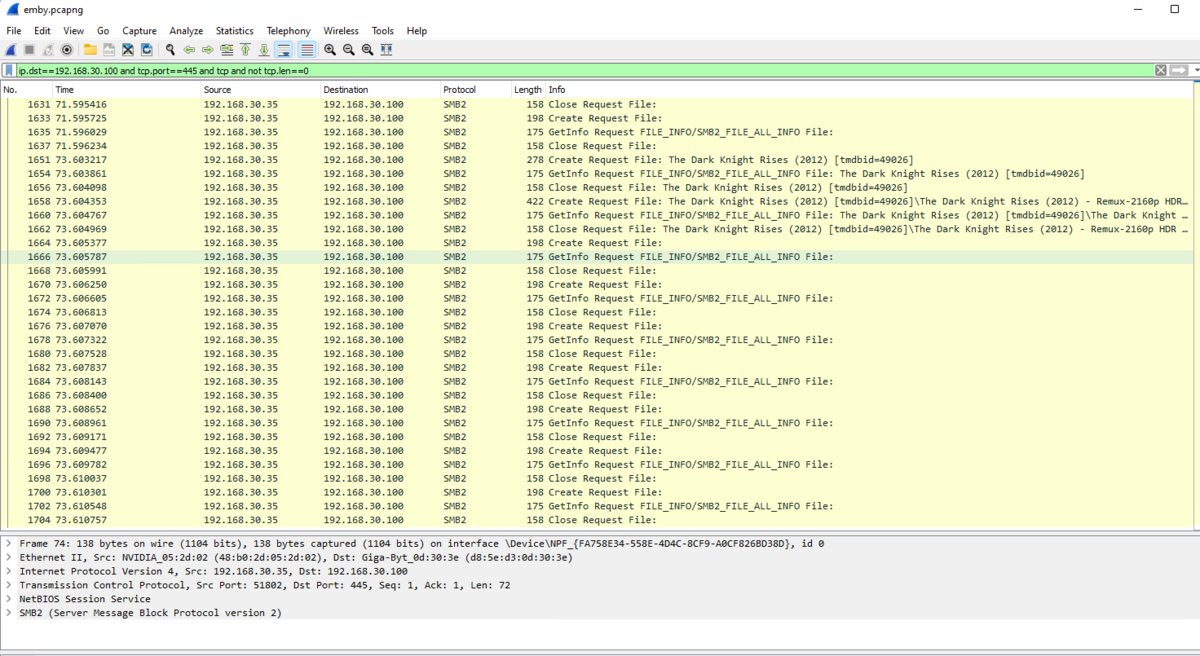
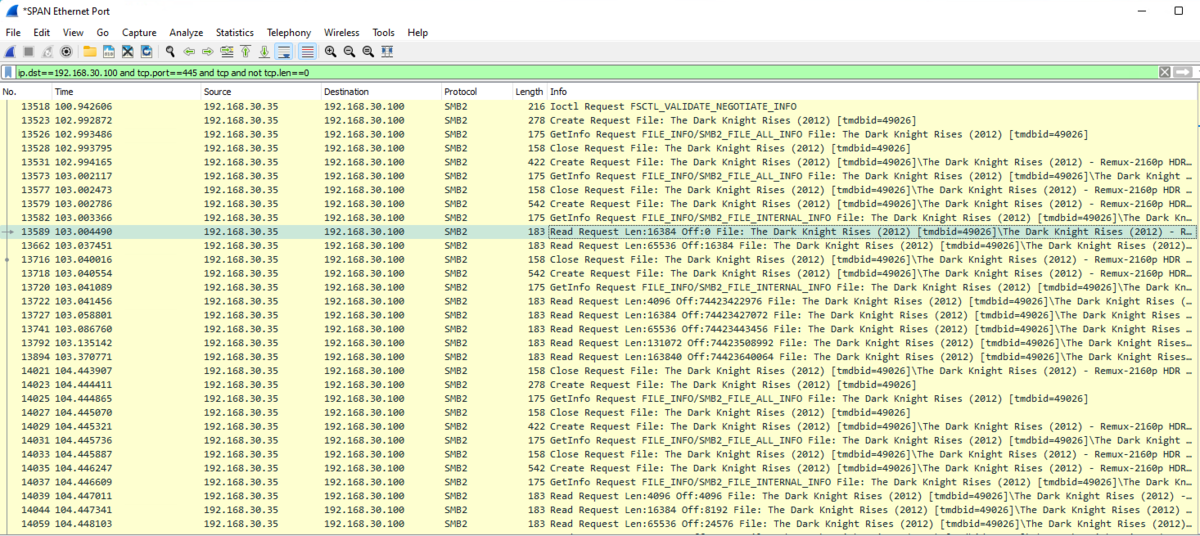
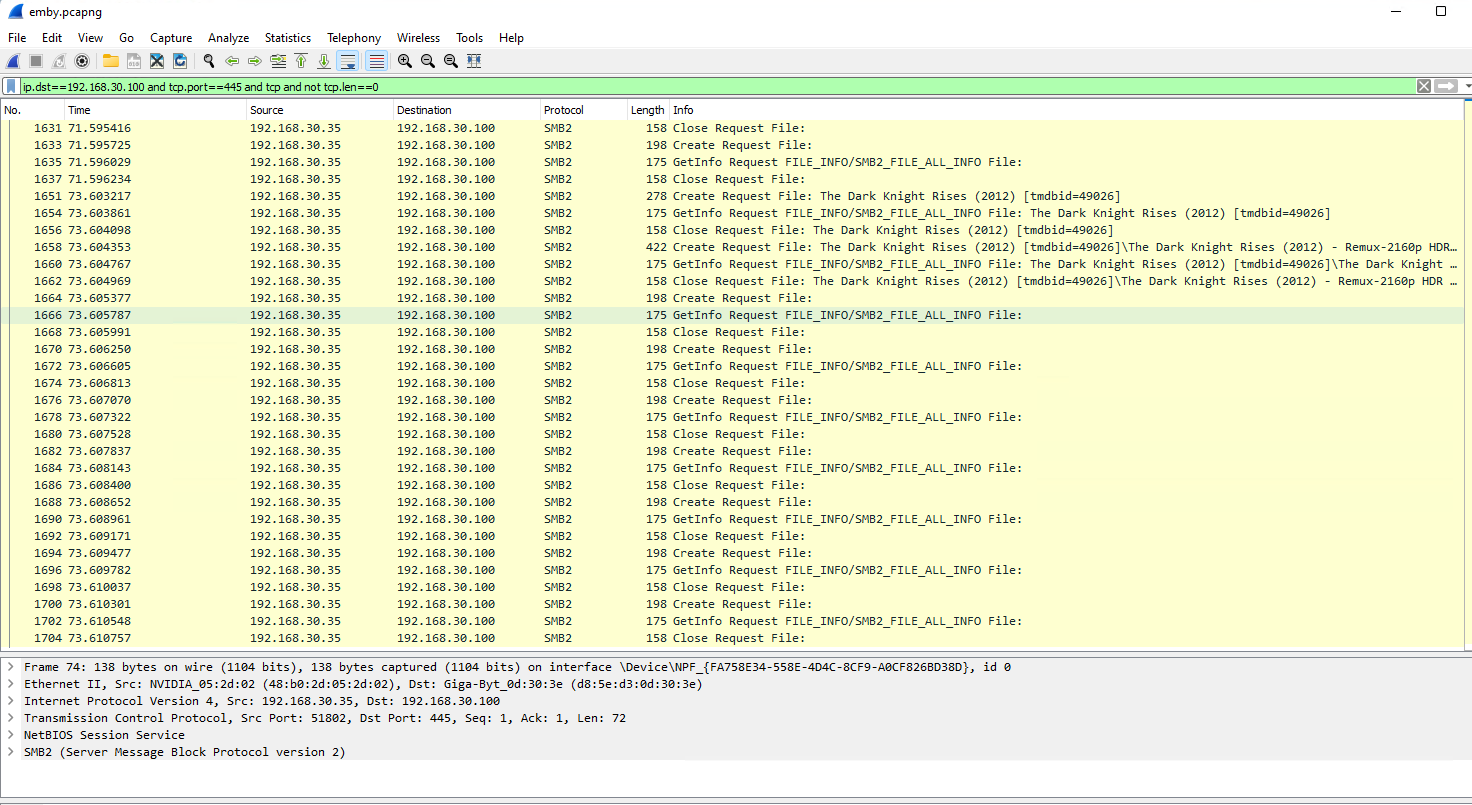
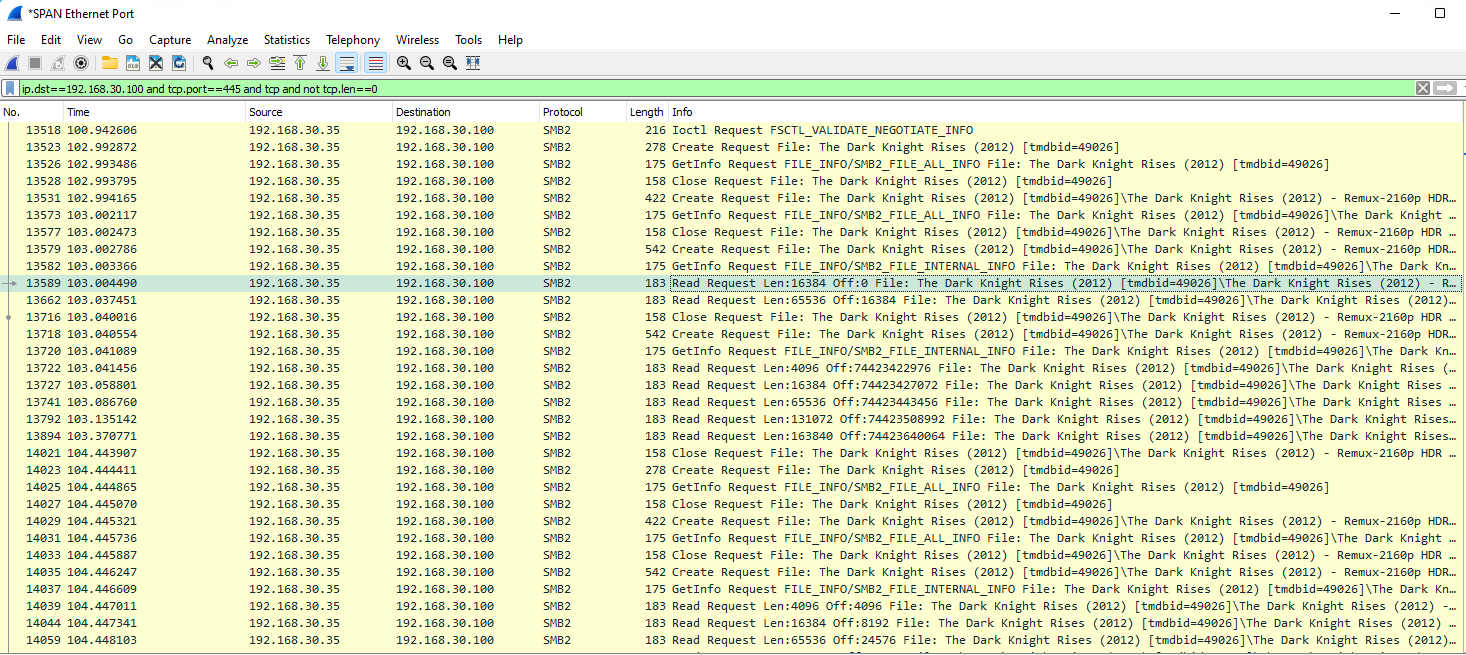
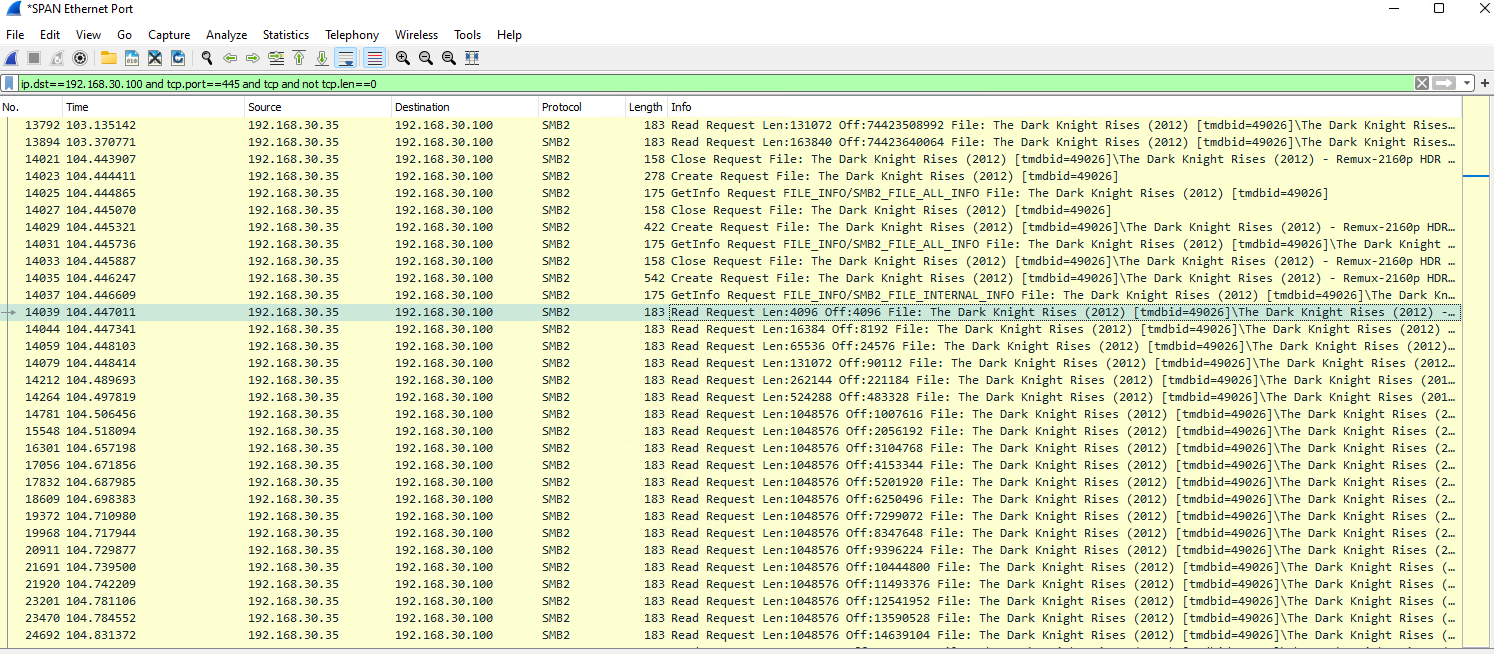
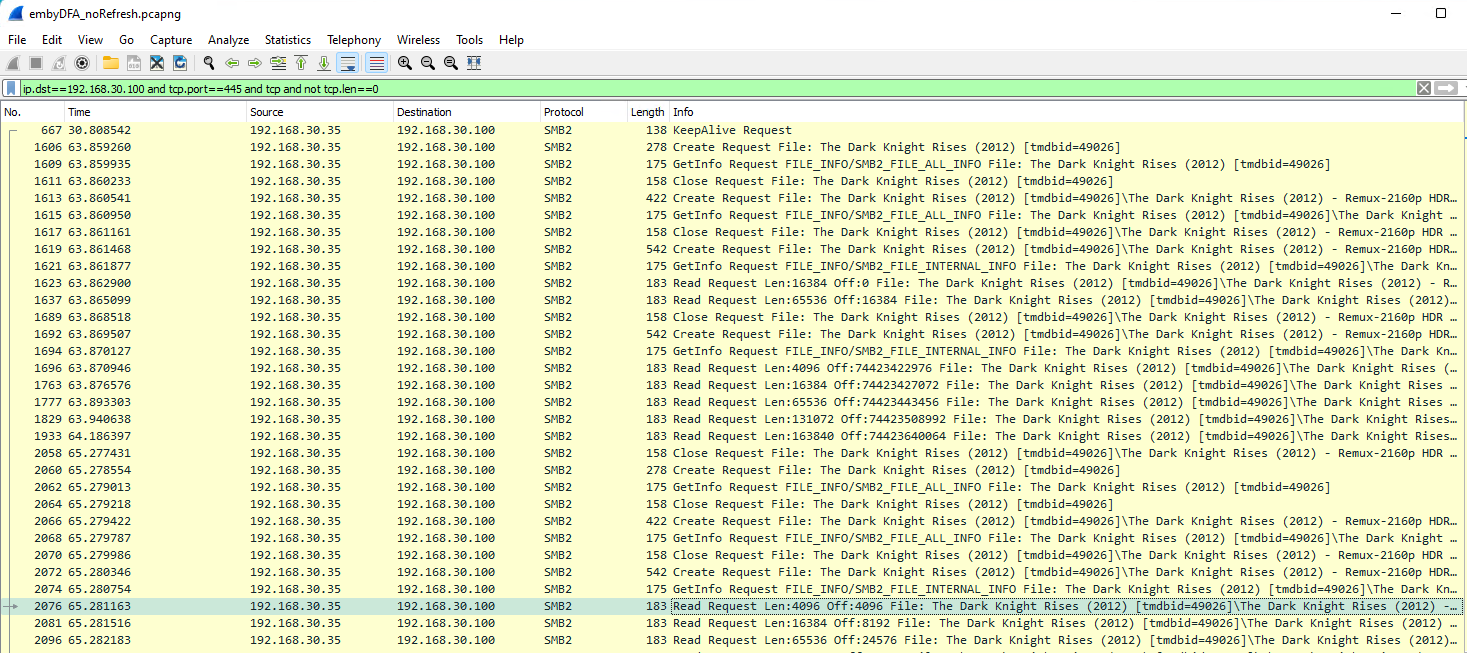
I'll get to the SMB vs HTTP testing later on - but this is a packet capture I saved on Android 11 when DFA was not working. It repeats the SMB Create Request 3 times - below is the 3rd time and after the last Close Request, Emby falls back to HTTP. This is the packet capture from today - with Android 9 and DFA Working - exactly the same hardware with the same file. This is from the very first create Request File - we get an immediate (102.993 secs > 103.004 secs) response with data. tbh, I'm not sure what it is doing here - possibly probing the file to get the playback data, refresh rate etc ? the 2nd screenshot is the actual stream @ 104.45 secs This is where the stream starts. To note this includes a Refresh Rate switch on my TV. So in summary initial request - 102.993 playback starts - 104.447 DFA = 1.454 seconds Let me turn off Refresh rate switching to see if that makes any difference or adds a delay ... request - 63.859 playback starts - 65.281 DFA = 1.422 seconds So it appears Refresh rate switching does not make any difference to the background task (both are 1.4 seconds) Next I'll do the same with HTTP - I expect it in this scenario to be pretty identical, it may even be faster - the emby server doing the HTTP conversion is on a i7 12700K with Direct Attached Storage .. the real test will be on much lower powered hardware via NAS (and indirect SMB connection). That will take a little while to setup.
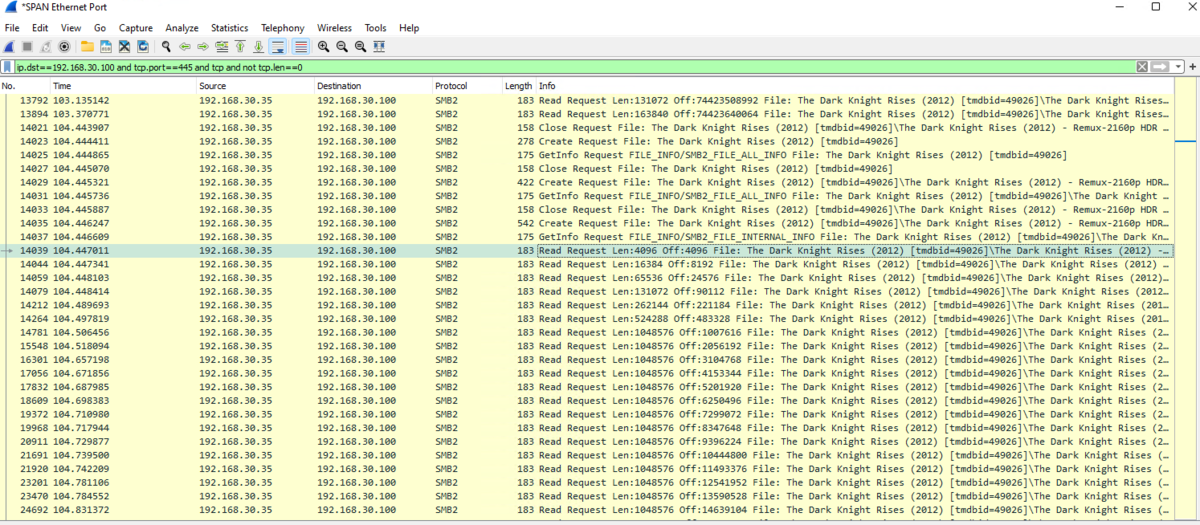
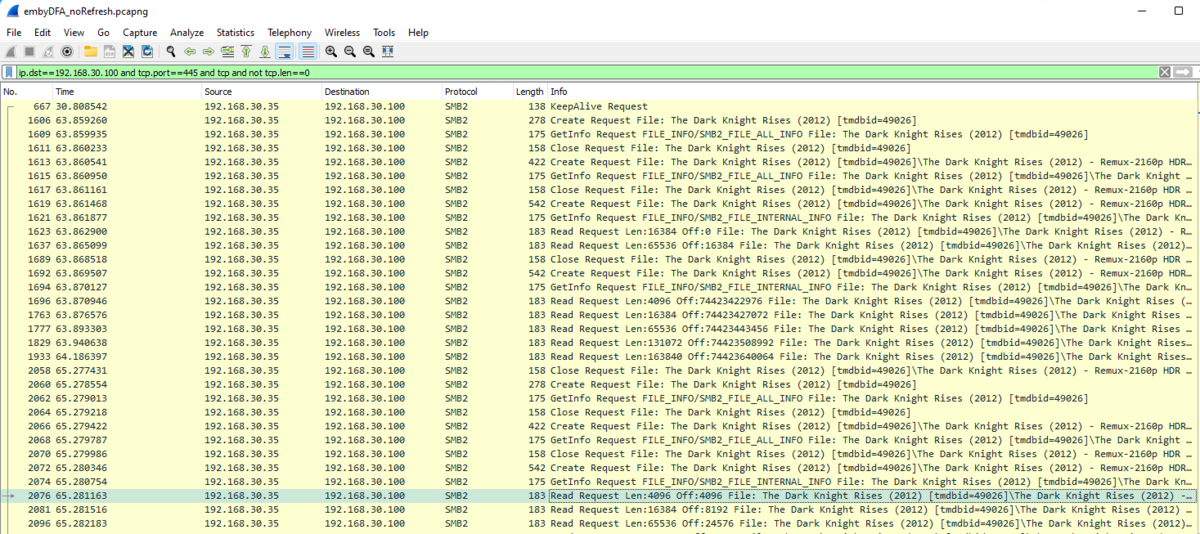 3 points
 -
Hey @richardyu301, I haven't branched for 4.7 yet, I have this on the list of 'to dos' I'll post in here when I have a branch and beta out. Hey @Tangsgod So basically what the smart playlist/collection does is build or update Emby playlists and collections based on certain criteria that you set up. For example, you want to create/maintain a collection for all marvel movies, one could just added 'Studio' to the criteria with the value of Marvel. So not sure how Plex works, never used it, but you have multiple different modes you can run the playlist in, Manual -> Updates when saving the playlist. Live -> When new content is added. (But not very optimal) and ShuffleDay/Week/Month -> Would rebuild the playlist/collection daily/weekly/monthly and shuffle the items. (New function coming out in the next version is the ability to sort this shuffle) It can be added to the homescreen via it's parent playlist/collection (Standard Emby functionality), hope this helps.2 points
-
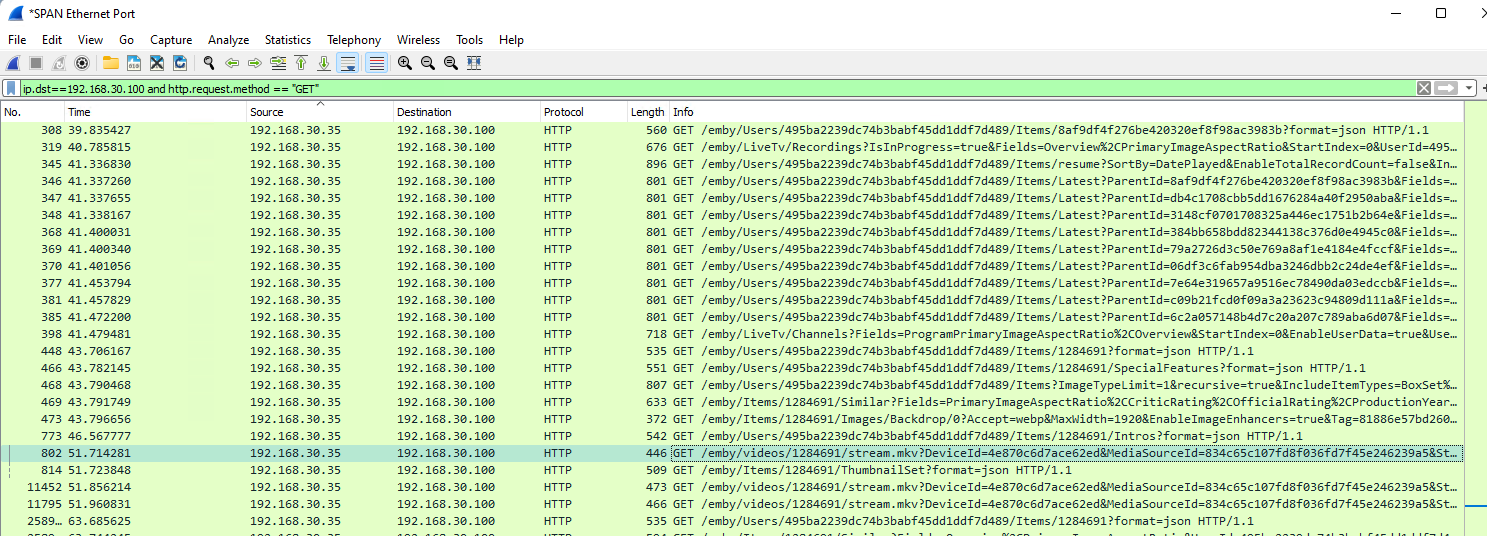
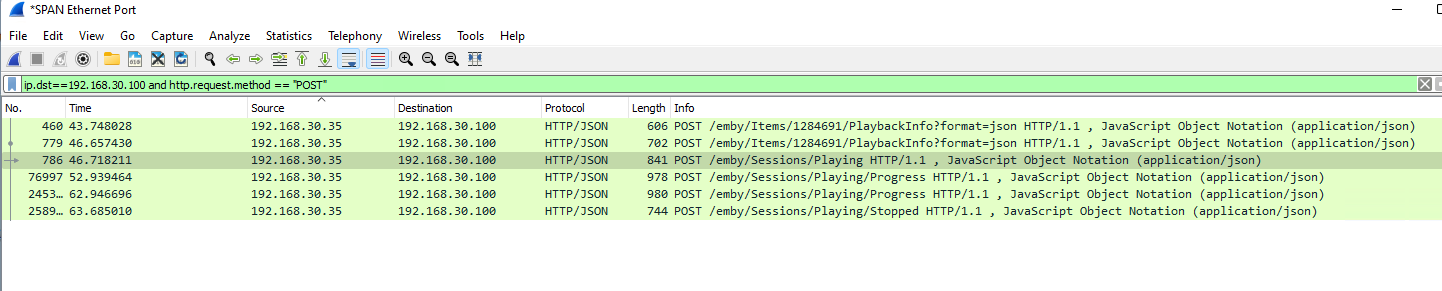
so the HTTP is a little bit more difficult to decipher what's going on .. This appears to be the stream GET (51.714) - 1284691 is the correct ItemId.. and this is the Session POST in the log - the first POST doesn't make a lot of sense, as that is before the GET ? the second POST is probably the actual playback (being written to the log - SessionManager) ? (52.939) That is 1.2 Seconds from the GET - which seems 'about right' - but I'm not sure if I'm reading the pcap correctly .. hmmm ....
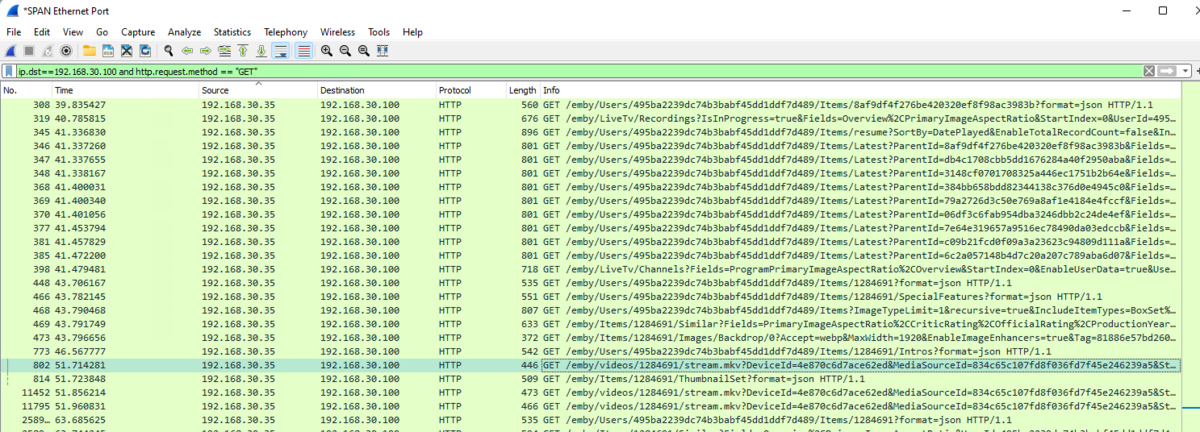
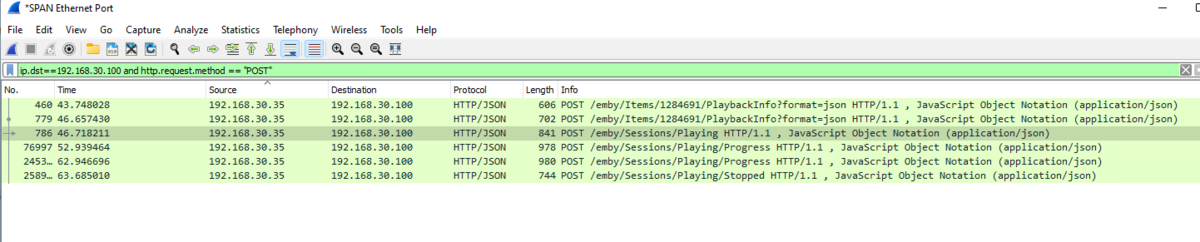 2 points
 -
Well, the only way to prove it I suppose is to get DFA working and then see. If that isn't going to happen then everything anyone says is just a guess.2 points
-
Hi there A couple things I have found when dealing with file paths, is to always try to use the Path.Combine method when creating paths. Linux and windows do different separators / \ so Path.Combine takes care of it quite well. The last error mentions an denial of access to the folder. Have those paths had access permissions for the current user? I really like the look if this plugin. It is huge! I can see a lot of work has gone into it. If I can help please let me know.2 points
-
Hi all, I'm the proud owner of a new LG OLED which looks asbolutely stunning. Since I do plan to keep using it for quite long I am quite concerned about burn-in. I have all the built-in protection enabled but when watching HDR content on emby the subtitles are always blinding me at full brightness. The OLED of my friend already had burn-in there after two years. Therefore it would be pretty cool if I could sett the subtiltes to be a bit dimmer when watching HDR content. Thanks for the awesome app!1 point
-
Pretty simple suggestion. I have multiple users for my Emby server. If I want to do continuous maintenance on the media, I have to tell everyone. some of them are harder to reach than others ( i.e. no Facebook or Skype chat etc. ) It would be great if say... on the admin panel, I could hit a check box that enables 'maintenance mode', where the server still runs does everything as normal, but instead of the login screen it displays a maintenance page saying the server is unavailable. Even better if I were able to directly put a reason in a text box that would then display on the login screen as well. Not really sure what others would think of this, but for me it would be quite helpful. mostly if I want to make sure no one is trying to access content I know won't work until I've done a full library scan again. Thanks for reading. -Kyle1 point
-
With College Football and NFL seasons starting up in the States, a multi-screen option for Live TV would be a nice addition to the Emby feature set. I am thinking of what the WatchESPN app offers thru their Web Browser access. The ability to open a multi-screen window that breaks into four (4) screens that allows you to select streams (Live or Replay) for each and then go full screen. Audio is from whichever of the four screens you have as active. I can accomplish the same right now with the HDHomeRun Quick View TV app. I open multiple instances of the Windows app and then snap them to each corner on my 110" projector screen. Equivalent of four (4) 55" screens. Would be nice if this were a remote friendly option from within Emby Theater and the WebUI clients. I have only seen it in Web Browsers at the moment and not any of the Win10 UWP apps (FS GO, NBCSn, WatchESPN). But, Fox Sports Go just released a multi-screen solution for their Apple TV app. https://techcrunch.com/2016/08/26/fox-sports-go-hits-apple-tv-allows-viewing-of-four-games-at-once/1 point
-
Hi everyone! I have added my own custom library icons with the names of the different libraries. Therefore, the default title for each of the libraries seems unnecessary and looks redundant. Is there a way to optionally hide these titles from the library categories? If this is not possible, I would like that as a feature request.1 point
-
Here are 4 pre-rolls I created using Motion Array templates. (I have a subscription.) Emby-Dark-Tear.mp4 Emby-Explosion.mp4 Emby-Fire-Explosion.mp4 Emby-Space-Trails.mp41 point
-
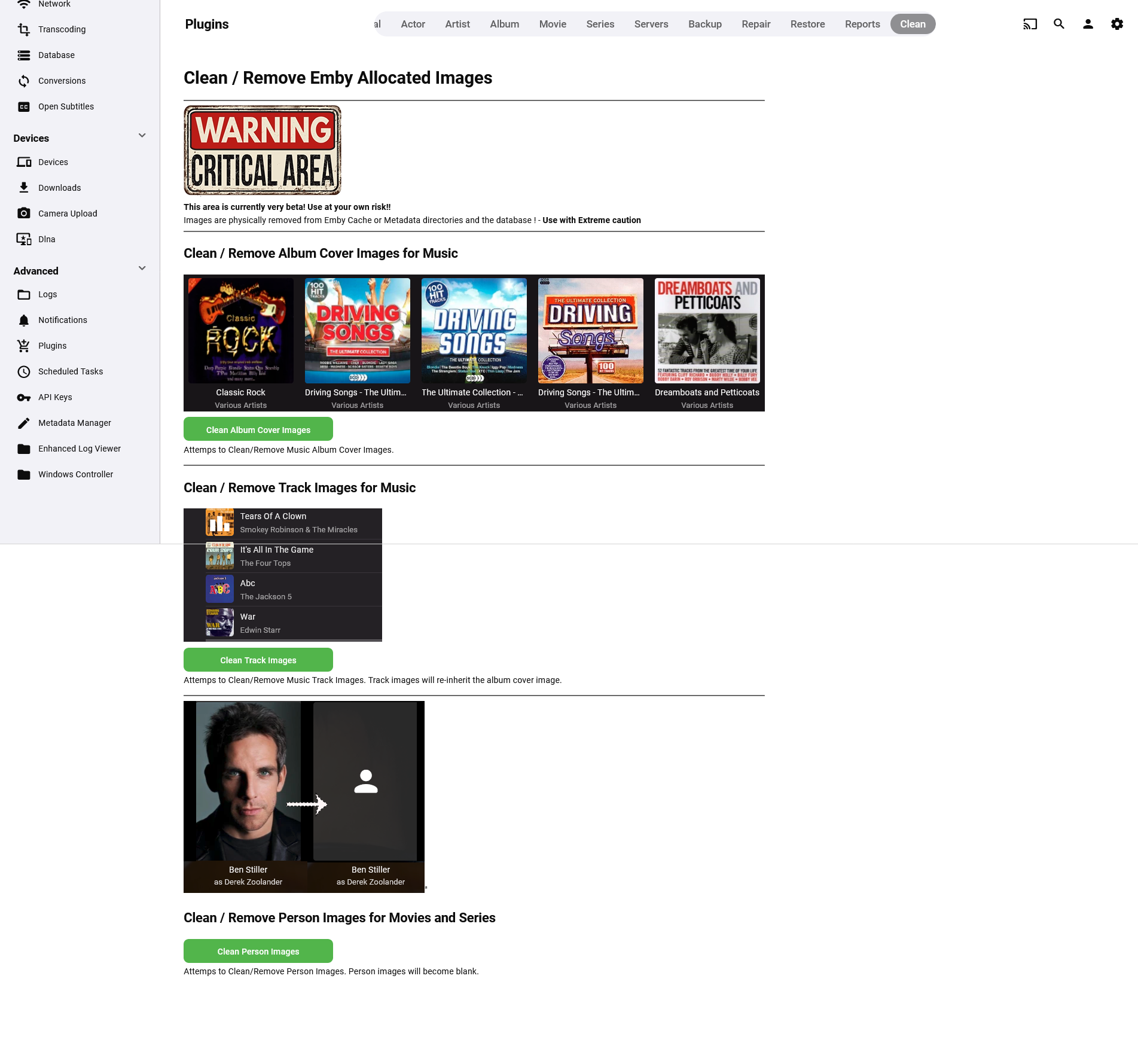
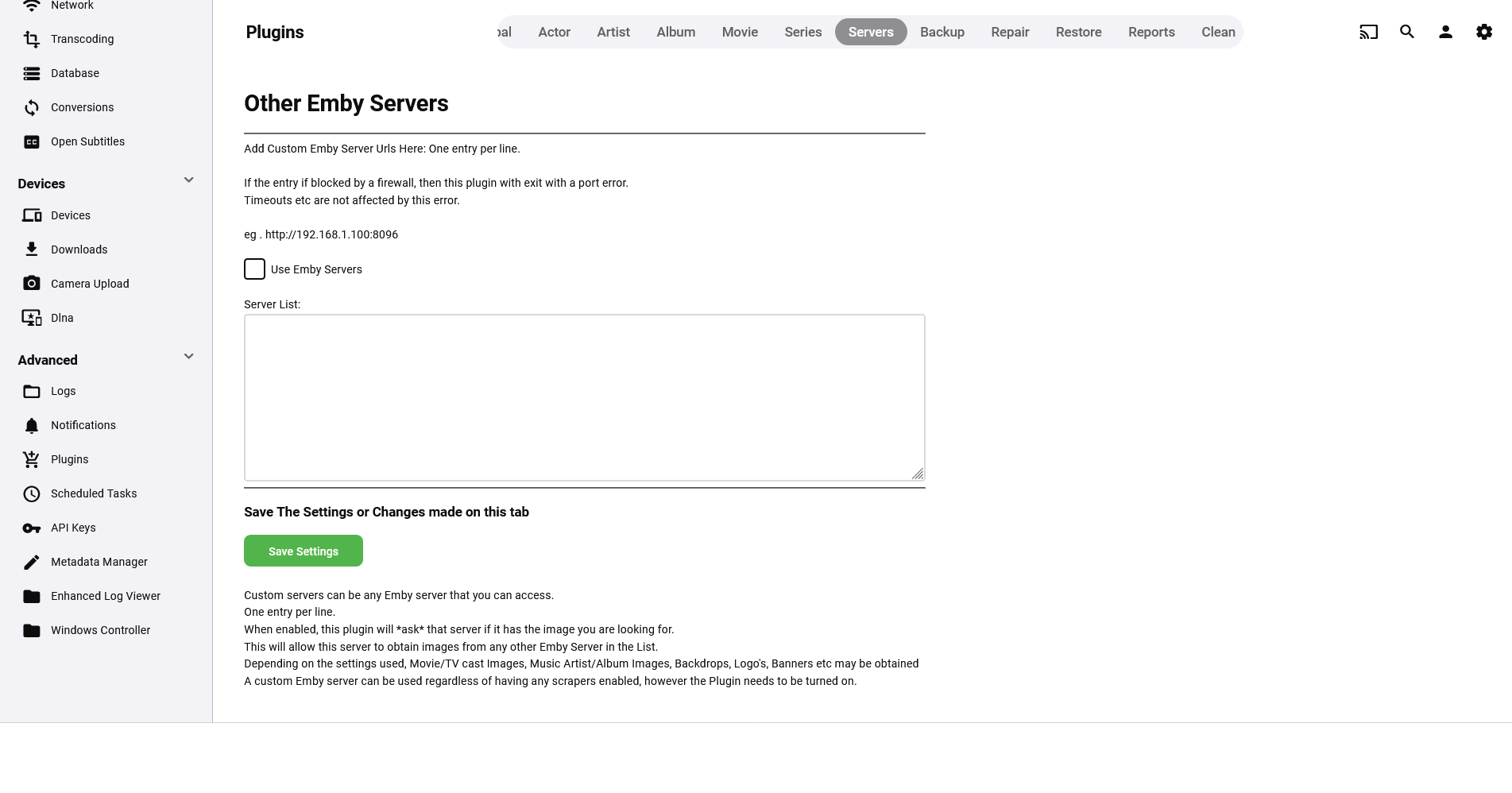
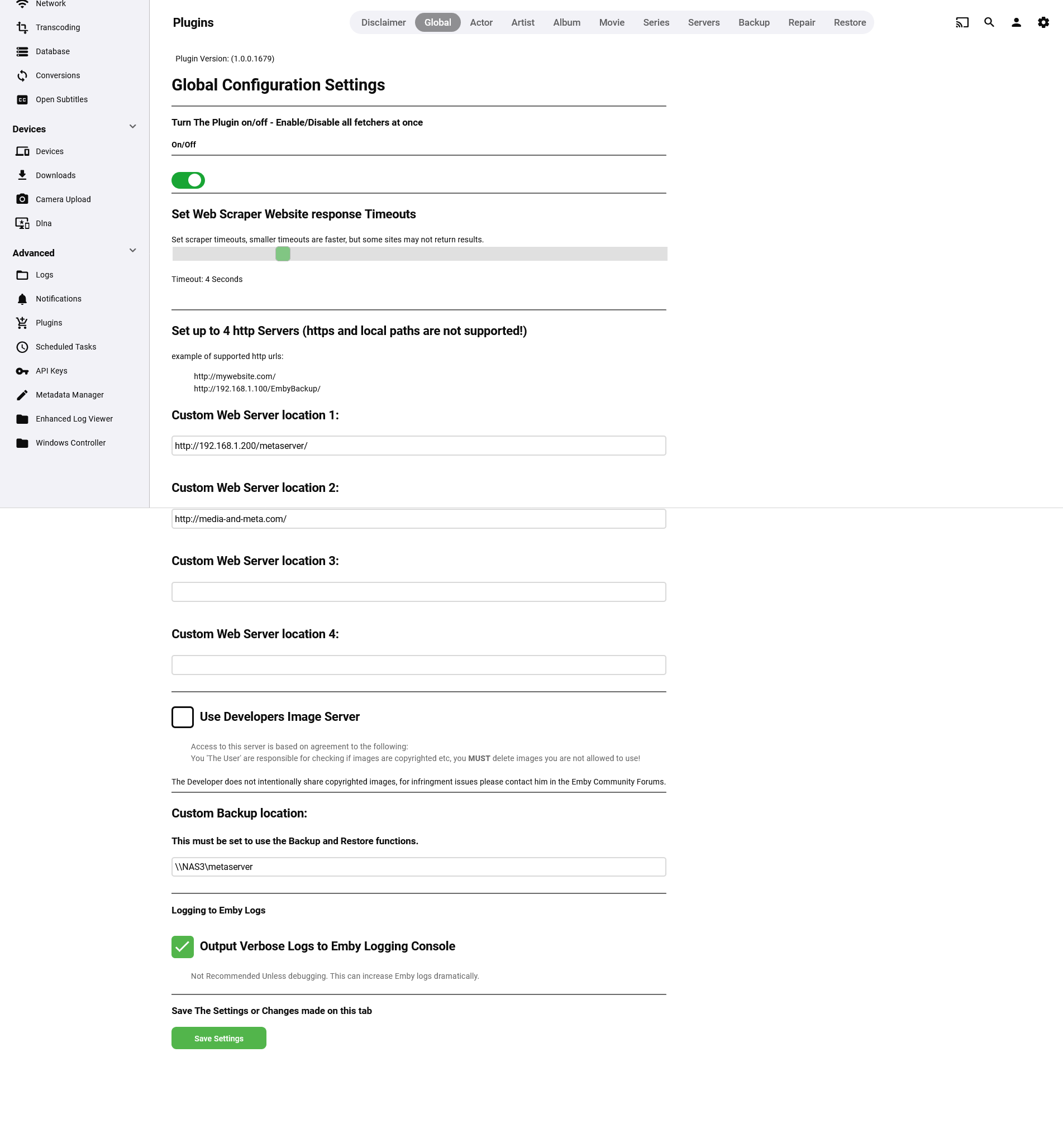
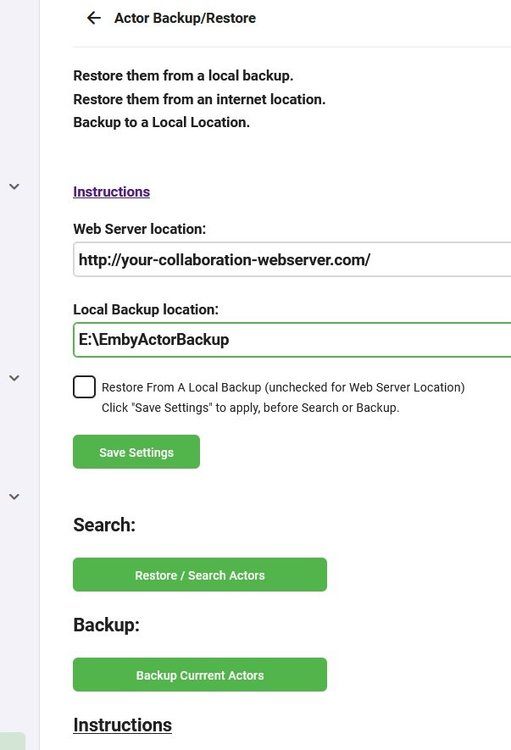
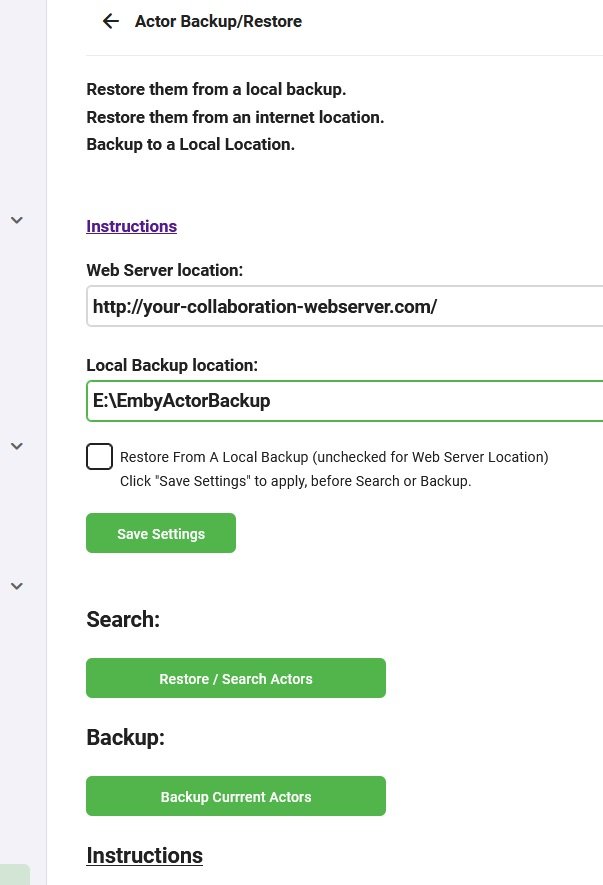
The original plugin has ceased development, a new plugin is in development futher on in this thread. (re-using the thread as the plugin now does this and much more) Please go to the latest post for the newest updates Backup / Restore Actors - Beta with local or web based restore. This is by no means meant to replace the other addon for backing up Actors, it is simply an alternative with a different goal. I'm looking for a couple of testers (up to 50), I can supply my web based restore url for my actor database, so you can try restoring from mine and see if it adds any people to you collection. IT IS NOT A WEB SCRAPER!! It is ideally suited for an online collaboration, backup to your hdd/ssd drive , ftp them folder structure online some where, add to it via other peoples backups use a single url for downloads between the collaborators. You can use either a local disk to restore from, a web based server or a NAS. With a NAS you have more than 1 option. You can use it as a local backup/restore server. You can enable http services in your NAS, open the ports and allow others to restore their images directly from your NAS via your ip address. http://<yourip>:port/ , http://<your noip/dyndns>/, http://<your noip/dyndns>:port/ Backup to Local Drive (any that your machine can write to including smb) Restore from Local Backup Location Restore from Internet Location , ie a http:// location. The restore function will check your file/actor integrity and delete/repair corrupt files and associations even if it doesn't replace the image. if you use the restore function with a valid path but no backup, the app will run the integrity check and fix corrupt actors and placeholders, without restoring any images. Use / Share backups online to increase your Actors via collaboration Extracts into an IMDB structured folder Extracts into an TMDB structured folder Extracts unknowns in to Actors Folder Extracts Movie Titles into Folders with Actor Names Extracts TV Shows into folders with Actor Names Currently there is no stop button, or progress indicator other than minimal log output. However if you do NOT navigate away from the page it will update when its done. You must click "Save Settings" after changing anything to update the server. There is no liability offered or accepted, use completely at your own risk. Built with netstandard2.0 Its not been tested in any other environment than win 10 x64, but: It should be Linux compatible and It should work on all systems Emby runs on, linux or windows based. Still in development. Currently has not tested on any other machine than mine. Open to suggestions.
 1 point
 -
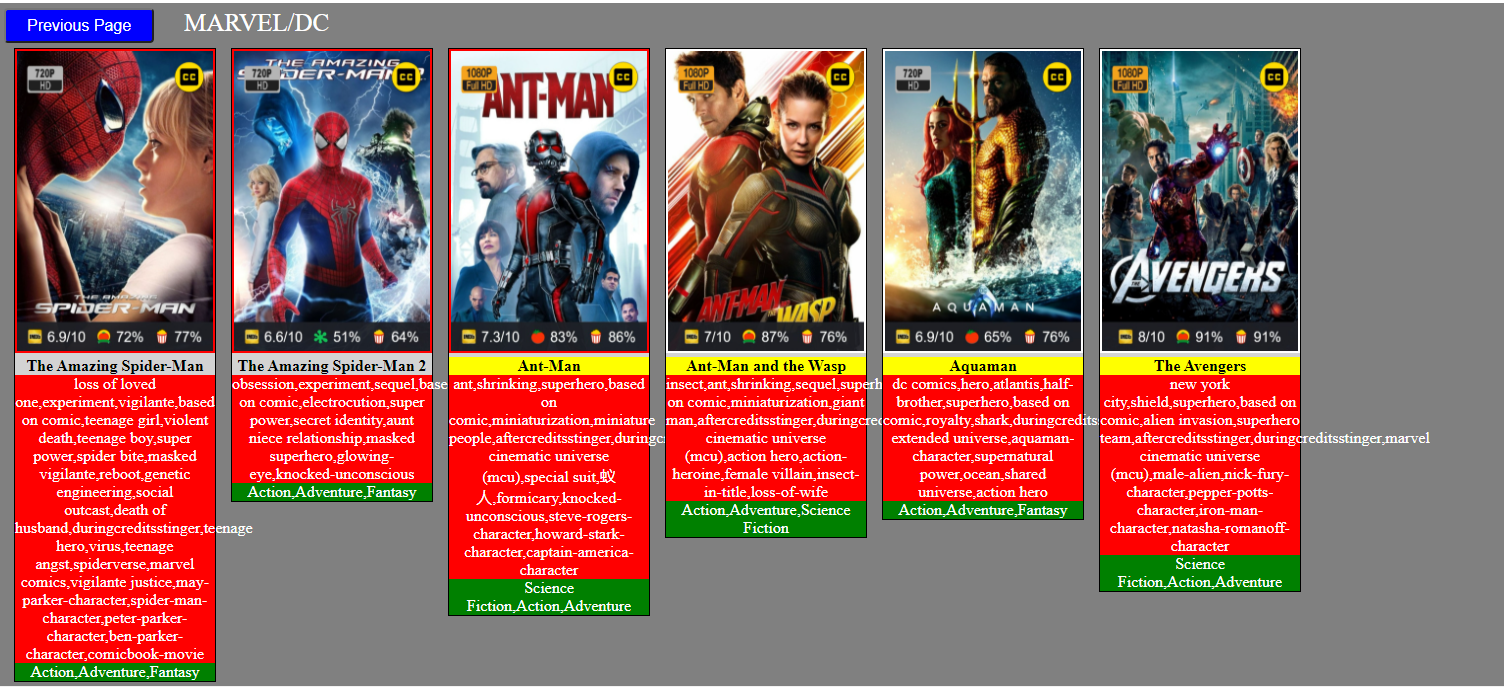
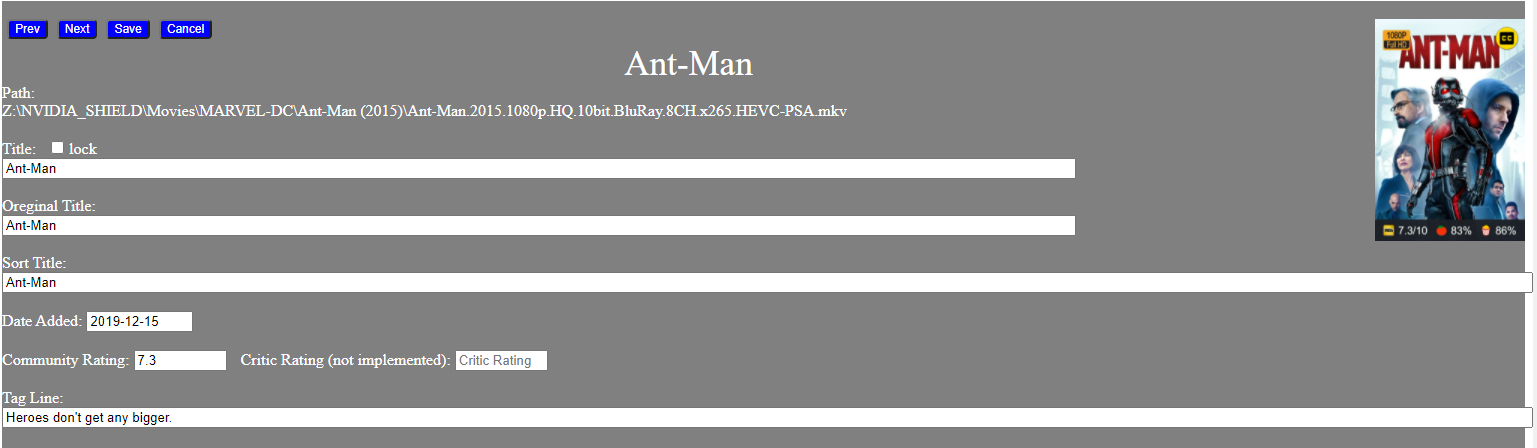
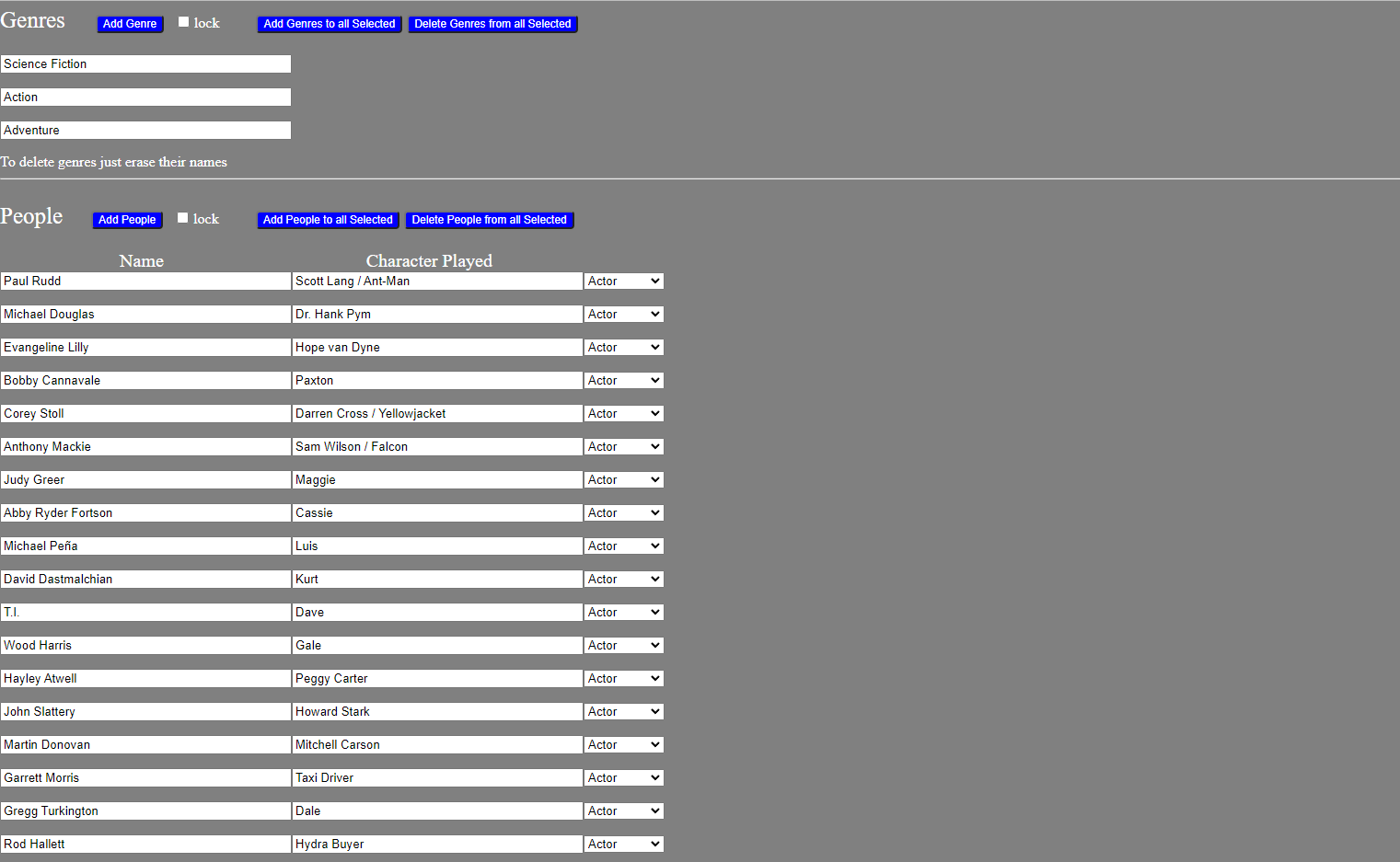
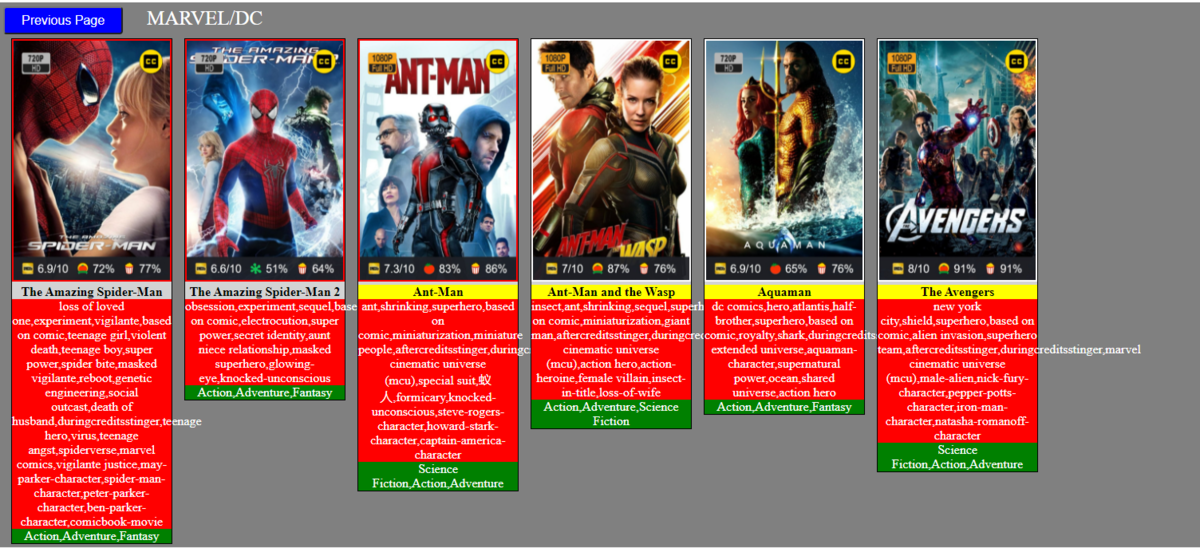
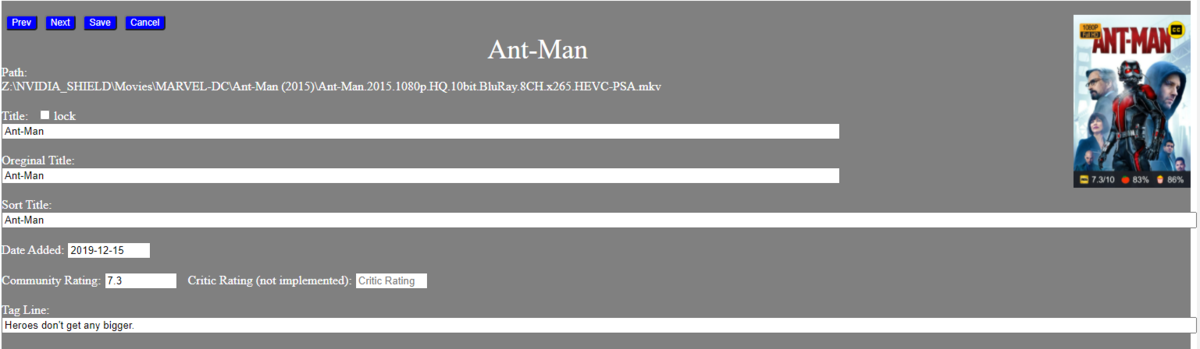
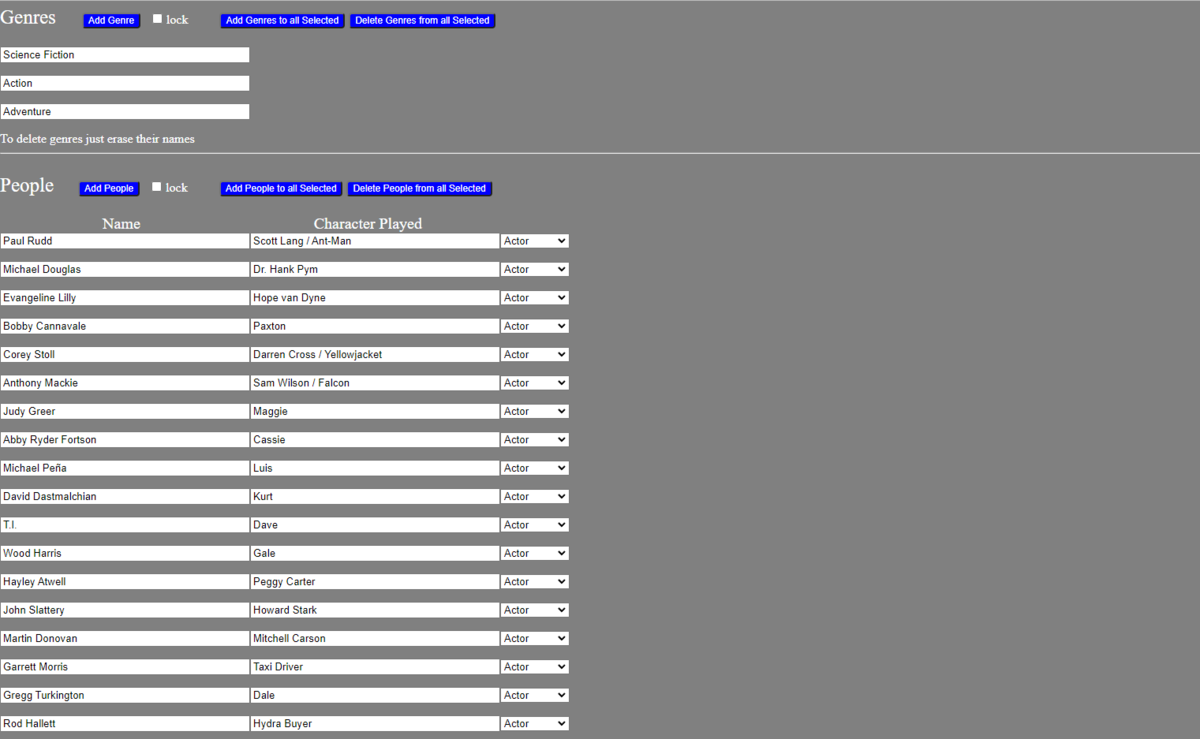
SOMETHING NEW ! I decided to try and make a metadata editor like the one in Emby but capable of bulk editing. The attached code is my first attempt. Some of the ideas are old but the code is new. This is not a replacement for the tag tool, but an adventure into building a tool similar to the metadata editor in Emby. I would like comments on how to improve the GUI. Vic emby_new_tool_23.html1 point
-
Hi Team, By itself, from one day to another my Emby for samsung app (newest 1.1.1) went wrong, saying "No compatible streams are...." so I tried to debug, - installed the Diagnostic plugin, enabled FULL TRACE... tried to look for ERROR, EXCEPT etc general bad looking lines but found nothing --- see attached log file - restarted emby server, reinstalled emby app 1.1.1 Do you have any idea what happened ? I tried from PC and LG TV as well and its working fine .... so only samsung app does something wierd ?!?!?! thanks Levente embyserver.txt1 point
-
In Emby Theater for Windows 3.15.0 the Thumbail images in all menus partially overlap header text when "highlighted". See screenshot: Cast & Crew is half hidden. This doesn't look right to my eyes.
.thumb.png.440ce24bda07a04632a0e64b6329ae09.png) 1 point
1 point -
There would still be a fairly significant slowdown. The api calls the scrips uses don’t necessarily use a lot of bandwidth. It’s more about latency. How long does it take to initiate the connection. That will always be much faster in a local network.1 point
-
Plex evolved from an XBMC fork, completely unrelated to Emby code base.1 point
-
Fair enough. Disabled notifications it is! For now at least lol1 point
-
but things like this should never default to a destructive action. what happens if you drop the remote or a cat steps on it1 point
-
Hi @Tangsgod. In regards to automated collections, you may want to explore Emby's AutoBoxSet feature. AutoBoxSet was previously a plugin but has since been integrated into the main Emby server starting in version 4.6. It automatically creates collections based on tags from The Movie Database. I believe this is the way Plex was doing smart collections, but it has been some time since I used that software. You can find more about it here: https://support.emby.media/support/solutions/articles/44001162222-autoboxsets. However, Smart Playlists will give you much more control over automating your own playlists and collections.1 point
-
@OasisCurator it sounds like we have pretty much the same use case, consolidating all our media to one place for playback in the home. I've been using Emby for that for many years now and I'm quite happy with it. It's free to setup and try and doesn't conflict with Plex so I'd say give it a go. The Android TV app is $5 to unlock playback or you can spend $5 on a month of premiere access that would allow playback on all the official client apps for testing, so the investment of money is pretty low to find out if you like the tool.1 point
-
Hey @Tangsgod, Not no beta version yet, so supports latest release. If all goes according to plan, new version should be out in a day or two (of the smartplaylist that is). Beta version next on the list.1 point
-
Hey up, Vic, gave a quick spin, few observations: 1) Number of tags are bleeding off on item windows 2) On the same view, RED as selected color might not be the most obvious solution as it gets kinda lost between other colors; maybe something more prominent (or invert all fields or shade) so selection is more clearly visible? 3) Title, Original Title and Sort Title fields are unnecessary wide there; btw Original Title has a typo 4) (Relating to 3) as well) There should be some left-padding in Metadata window there (or center-aligned) so everything is more centered, it would make it a bit easier on the eyes, left -aligning makes it feel somewhat unproportionate. Overall, nice concept, do continue. Cheers
 1 point
 -
Storage access has been given to the emby server app. And i tested on android 9 as well with the same result. Maybe the plugin is not detecting ffmpeg executable filepath? Here are the logs. embyserver.txt1 point
-
I've updated the wiki to include the easy version https://github.com/chefbennyj1/Emby.IntroSkip.Release/wiki/6.-FAQ1 point
-
You can force each directory to be identified correctly by adding "[tvdbid=nnnnn]" with the appropriate id number (276498 or 368643) to the directory names. Paul1 point
-
Pretty sure you will have to manually update to get the current server version. But in DSM 7 there were changes and you have to apply "internal user" to your shares.1 point
-
It clearly is - it's a shame I don't have a 2nd Shield (with the upgrade) to do a side by side comparison using exactly the same network/emby server/disk etc but I do have the pcap's I did previously, so I can compare those. I'll do that tomorrow.. edit - For those that want to attempt the 'downgrade' - the online guides are a bit 'sketchy' to say these least - so I'm happy to post how I did this this (via PM) but with the full understanding that this is entirely at your own risk.1 point
-
Hi, this is not yet supported in our Apple TV app but is planned for the future. Thanks.1 point
-
Thank you so much for chiming in, I really appreciate it. So far it seems to being doing great.1 point
-
I think there is a short time delay between things being shown in Emby and actually being fully 'ready' to be further processed. If you have thumbnails on for chapters for example - these can happen in the background and take a few minutes, same with subtitles etc. Anyway - looks like it has now picked them up - let us know how it goes.1 point
-
Or simply run Thumbnail image extraction task manually immediately upon Scan while having Library Thumbnails Generation as a scheduled task only, not when media is added as well?1 point
-
Hi, and third language if is possible , i have content in english ,spanish and romanian and doesn't auto find images for spanish and english without manual search ! The same for the subtitles ,if i choose 3 subtitles languages i need them first on the list of languages when i try to find a subtitle from the player !1 point
-
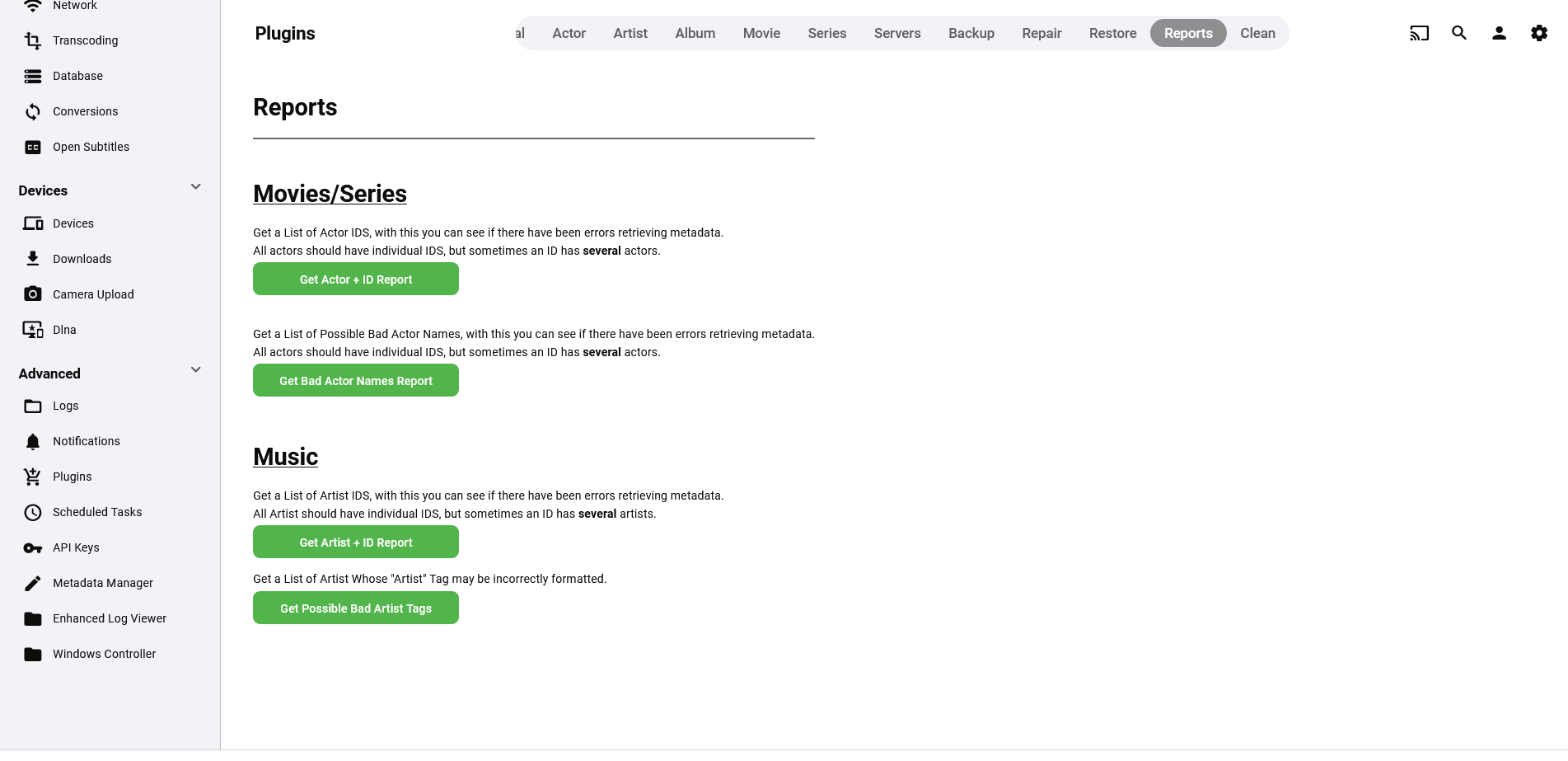
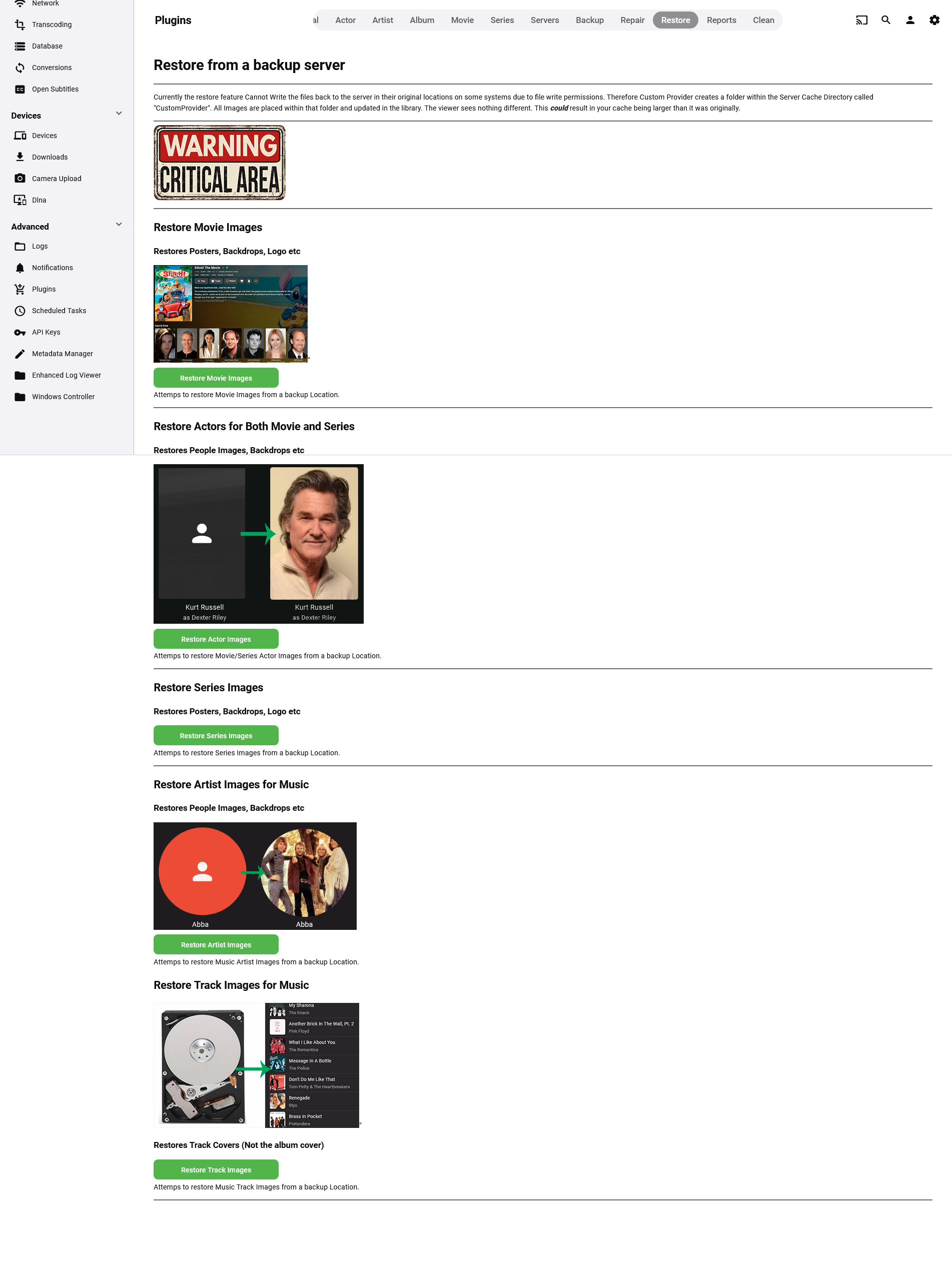
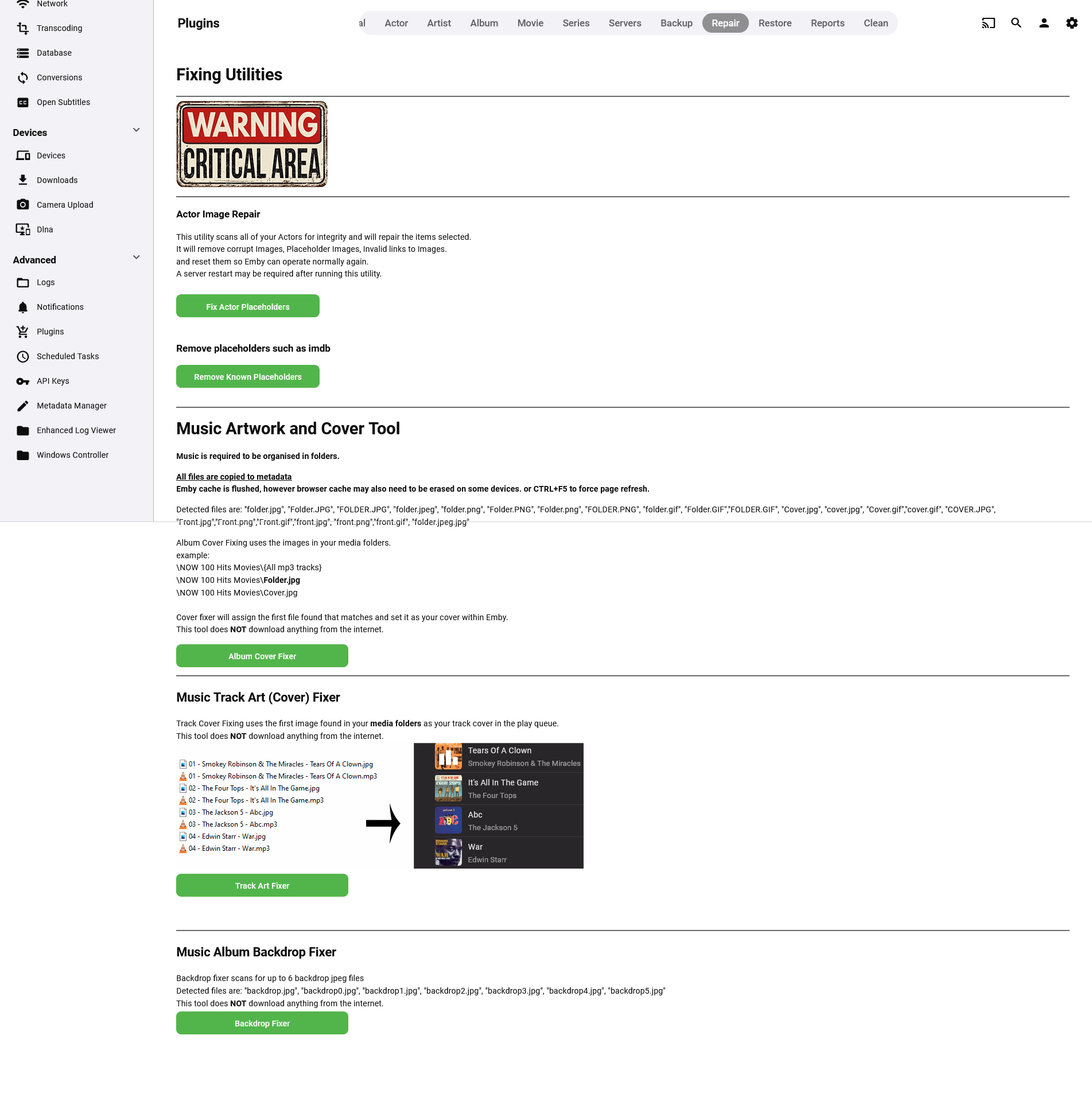
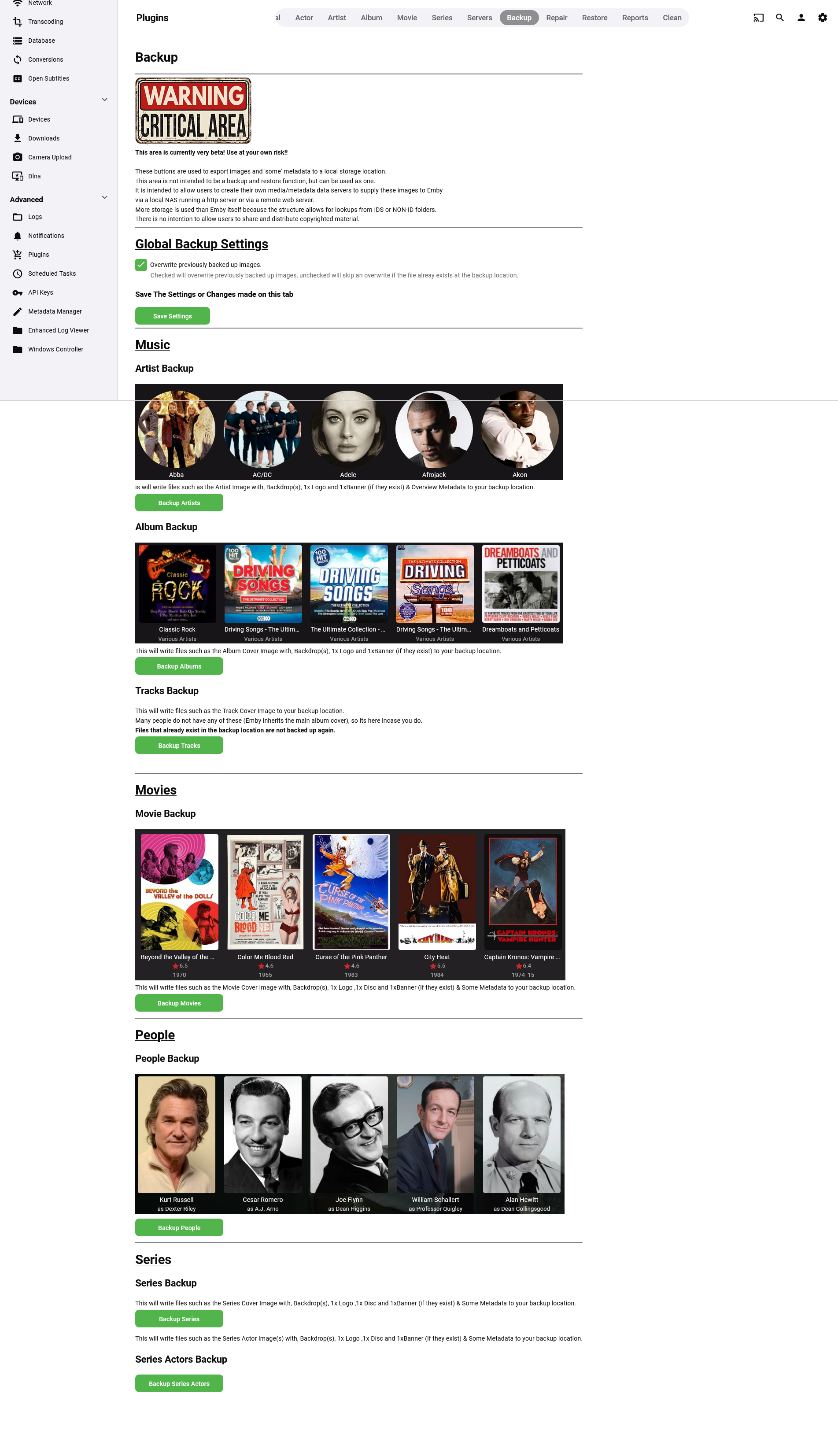
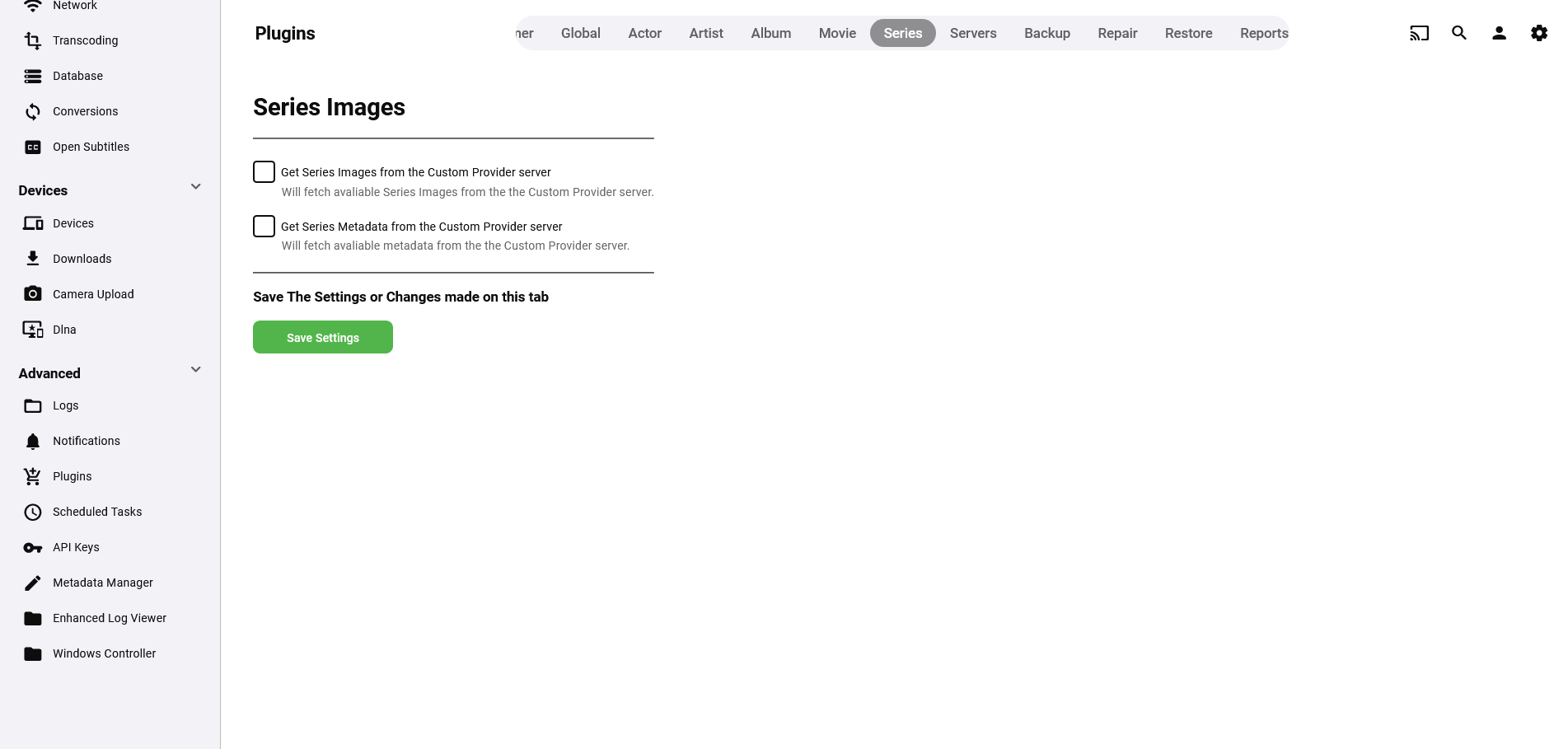
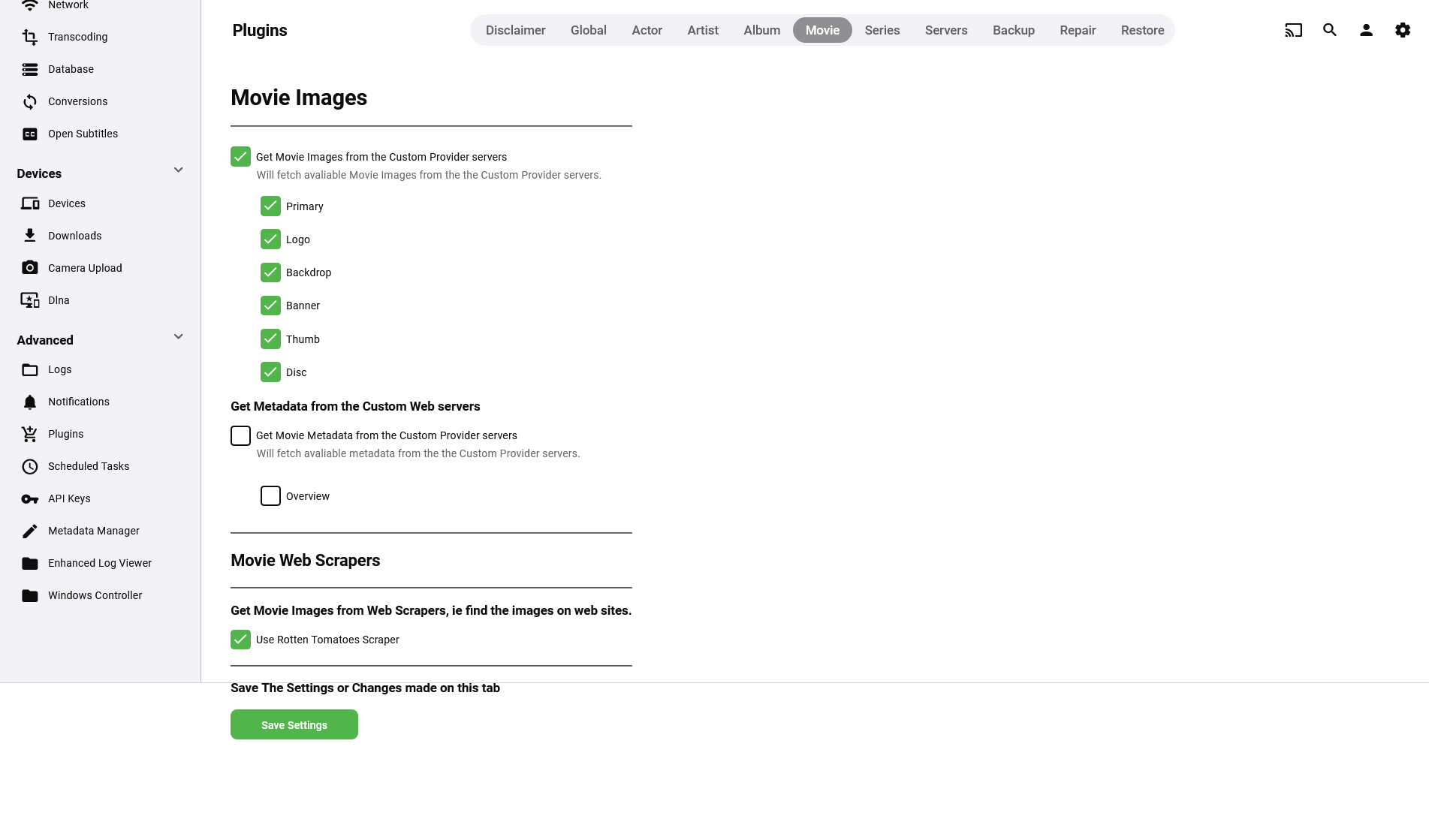
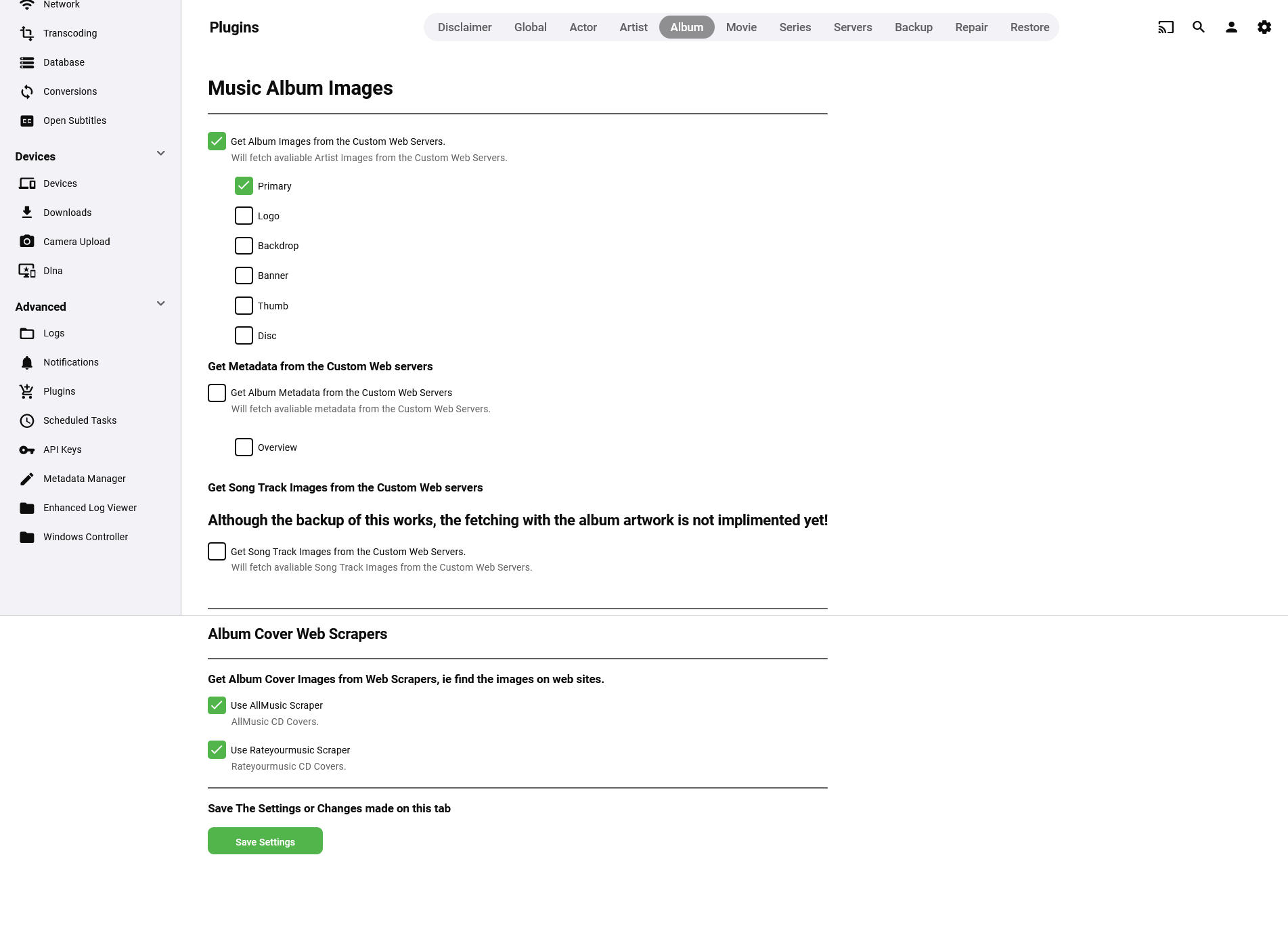
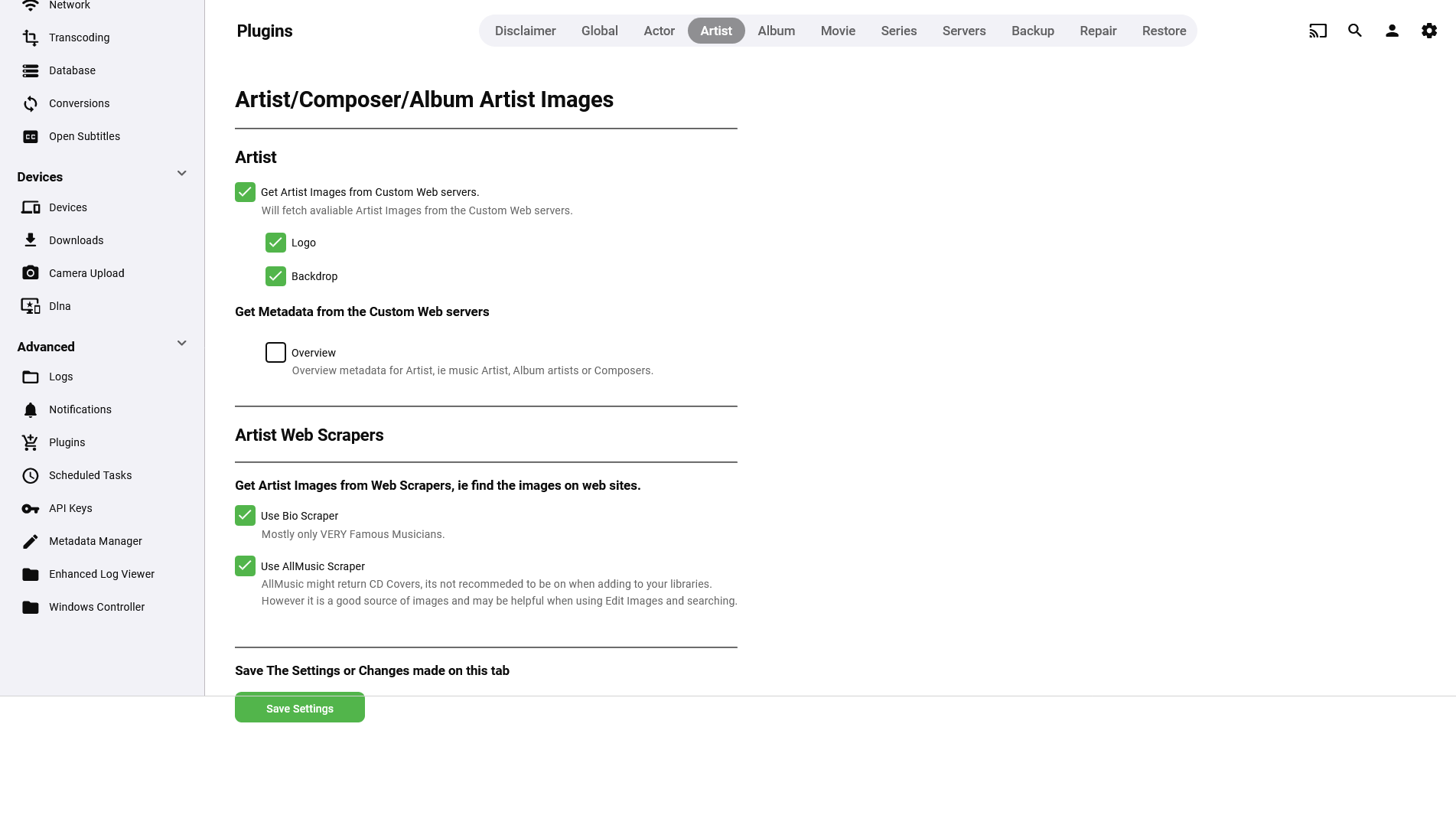
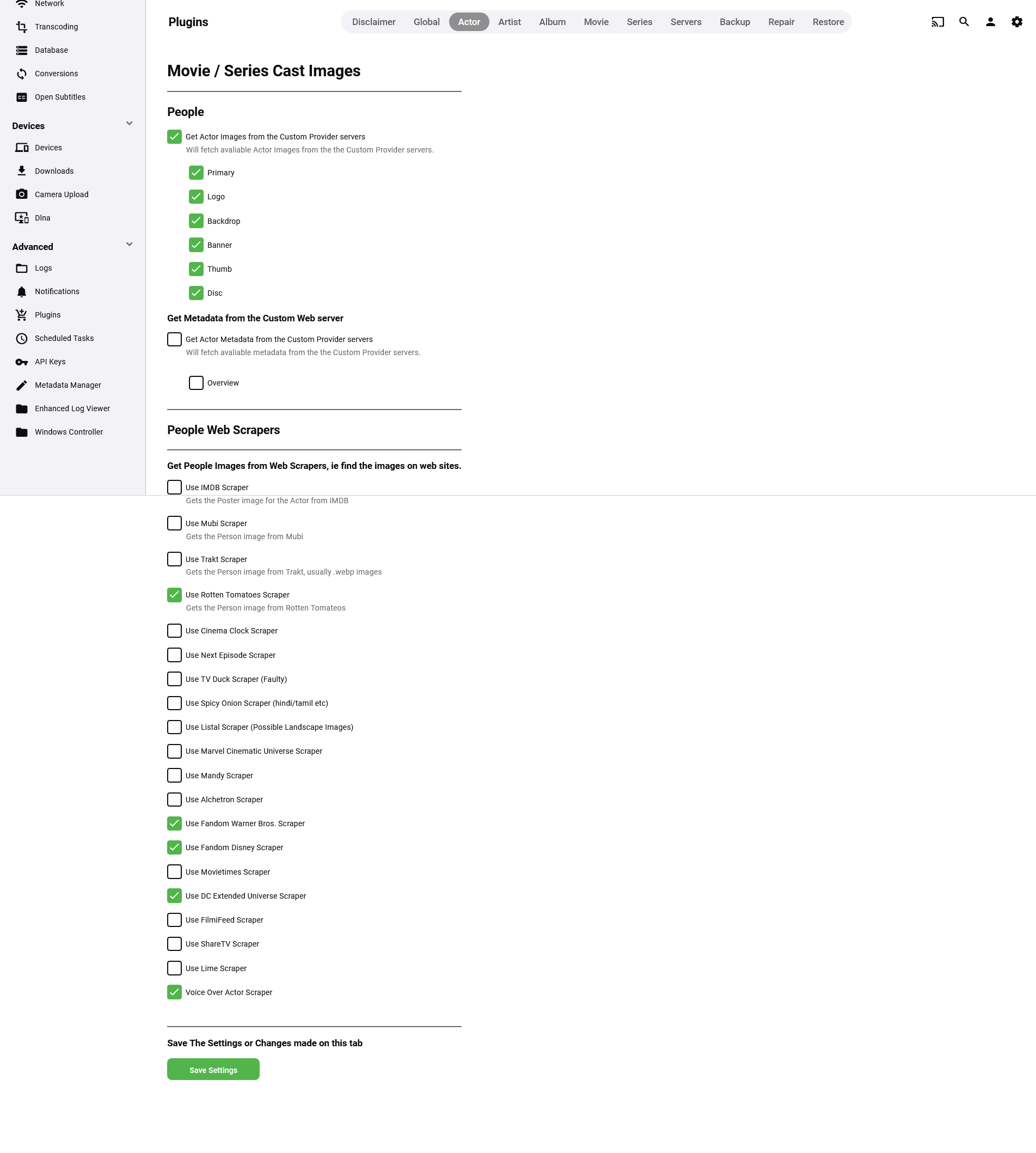
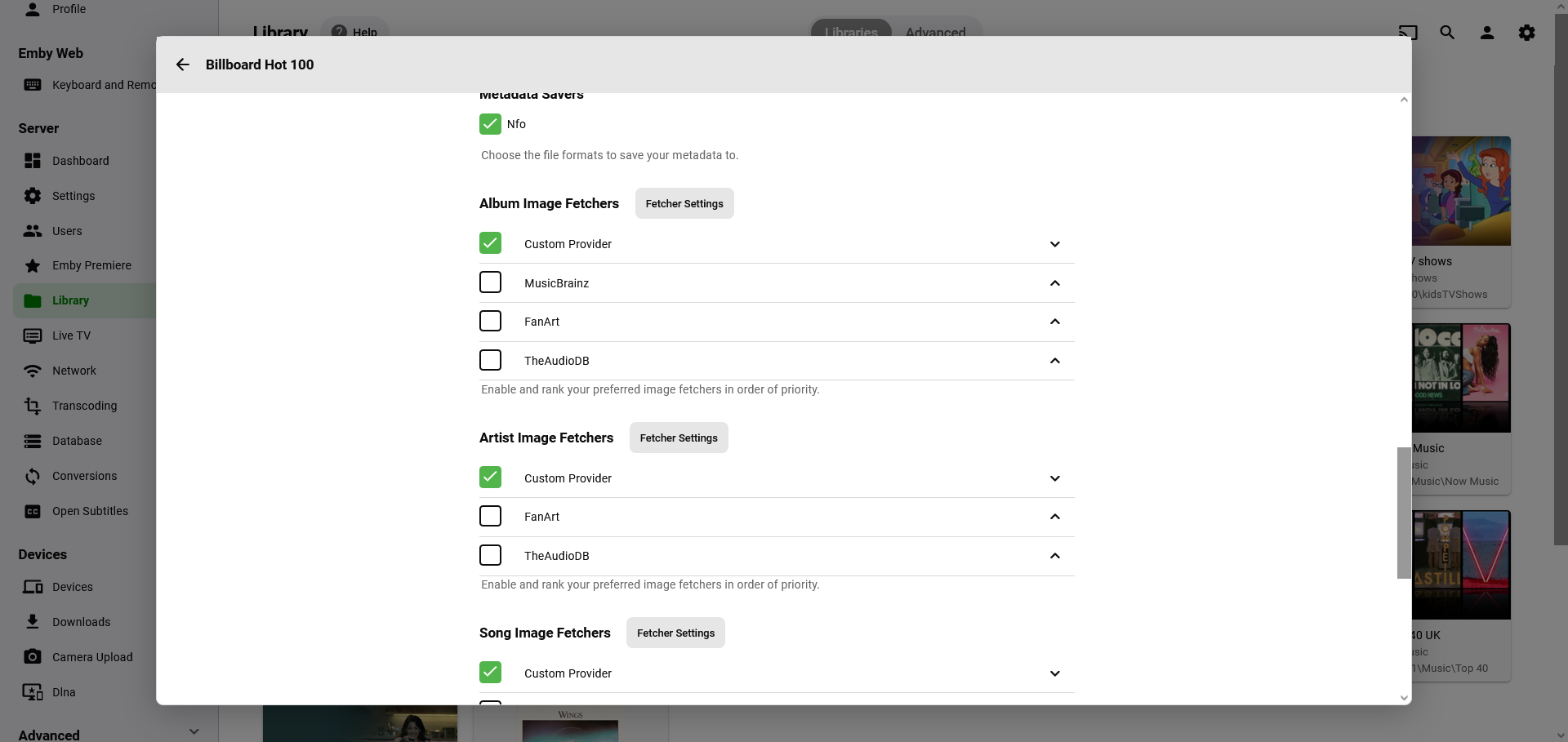
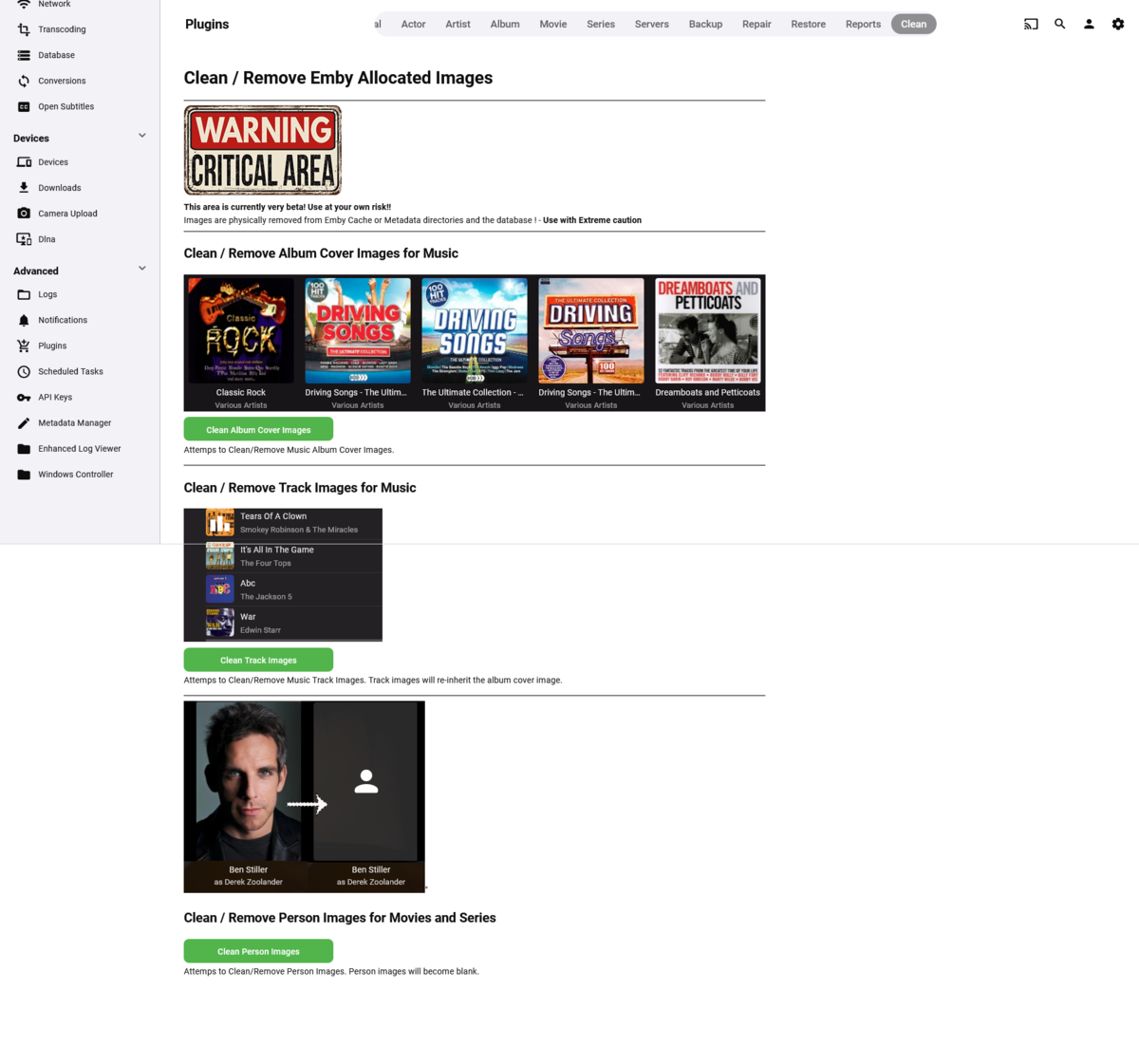
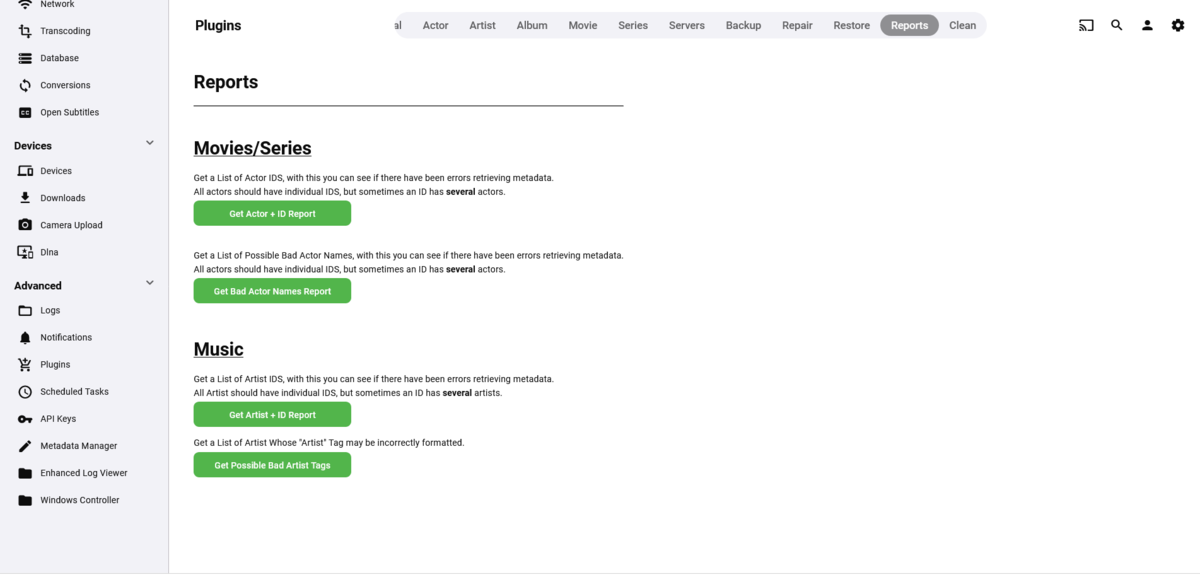
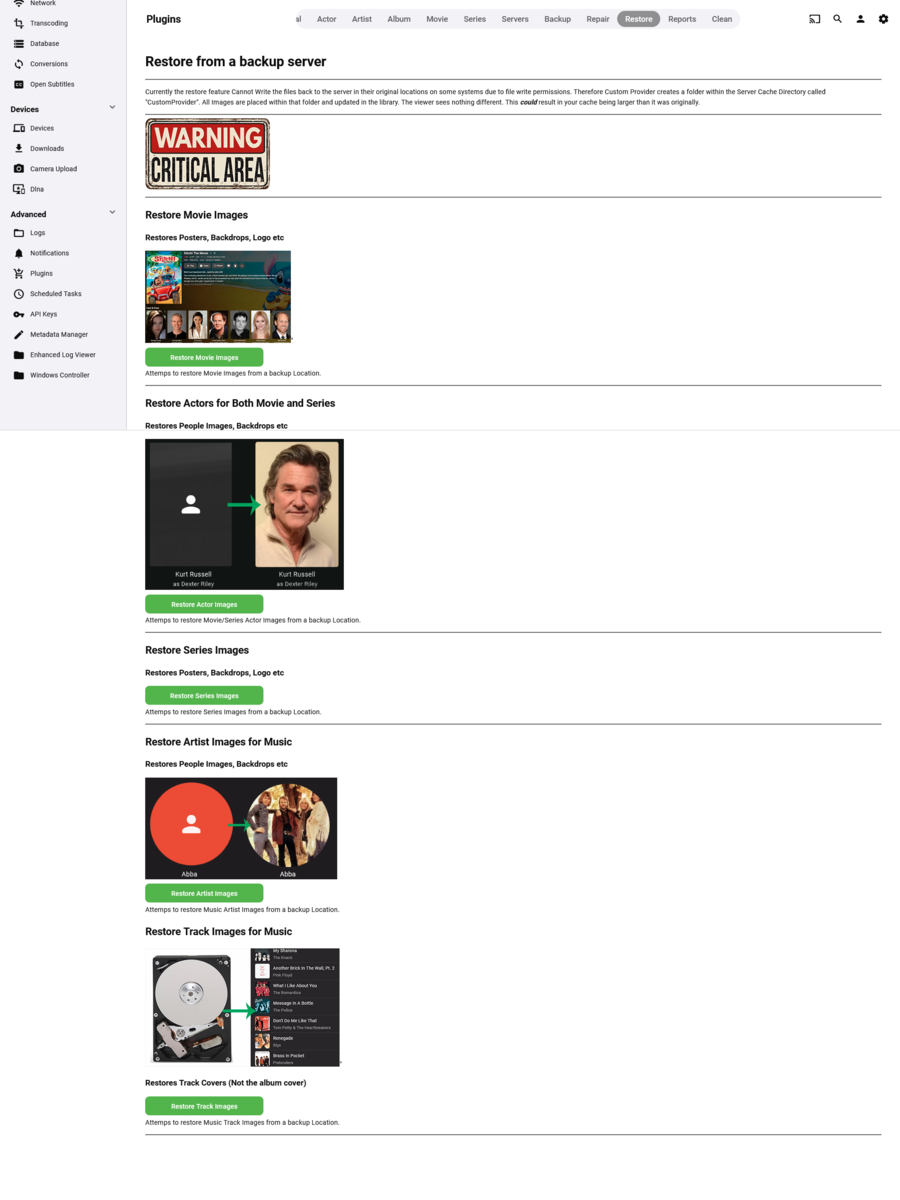
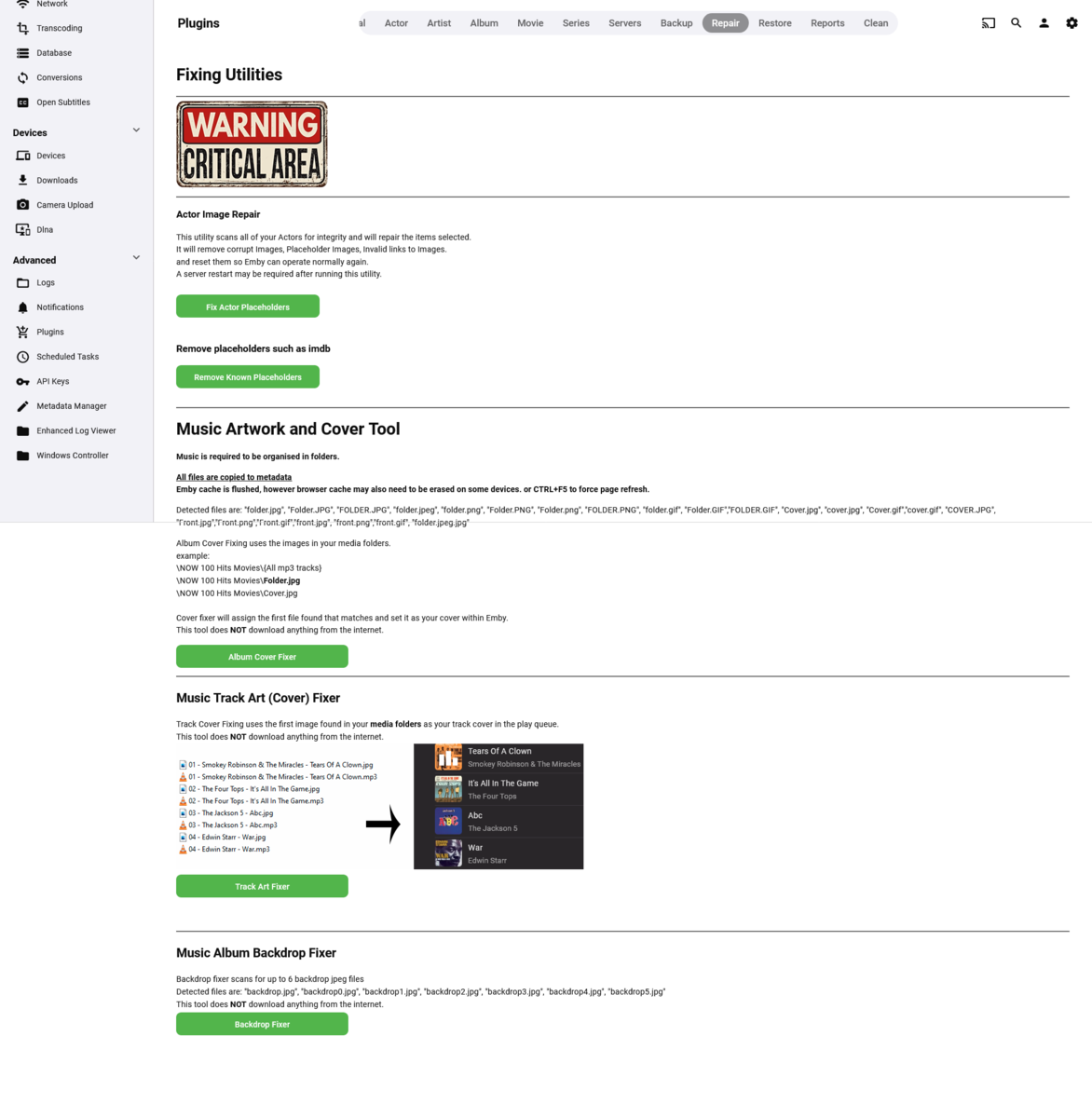
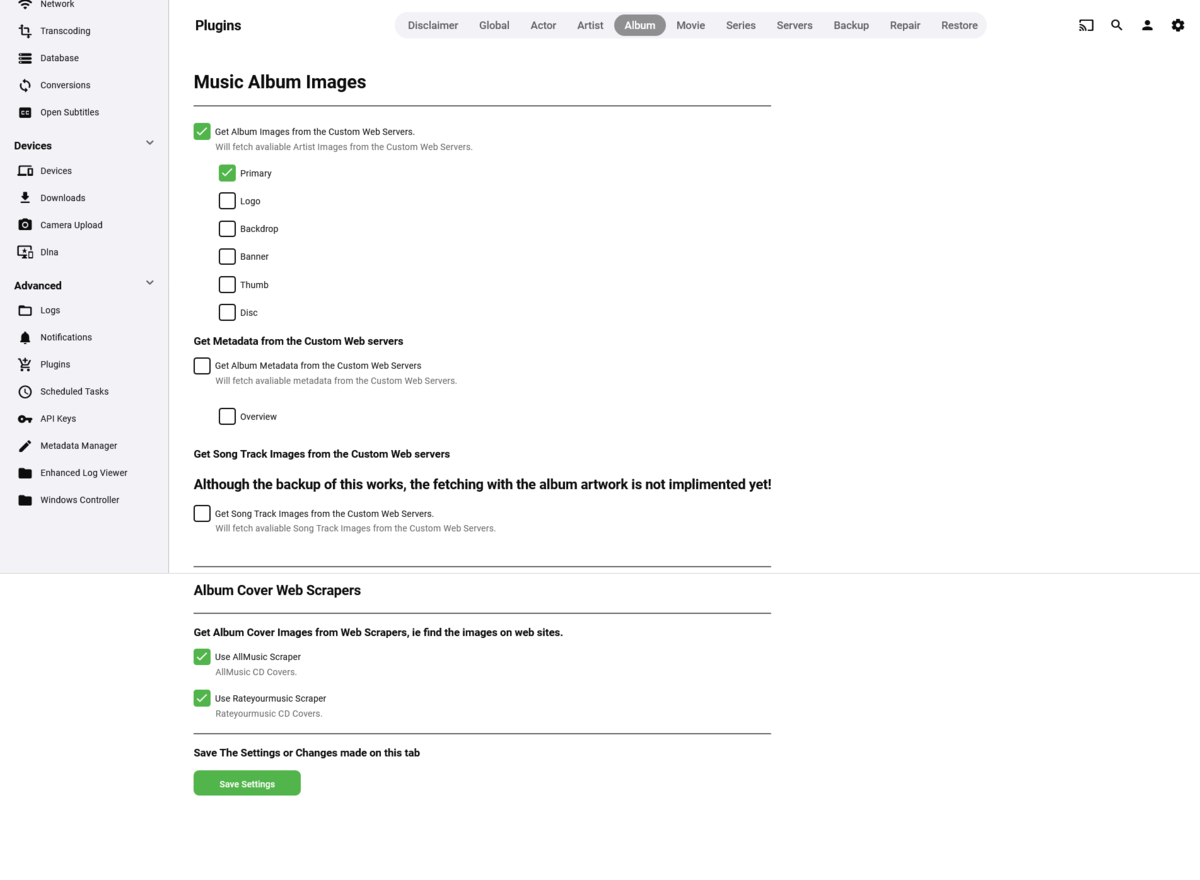
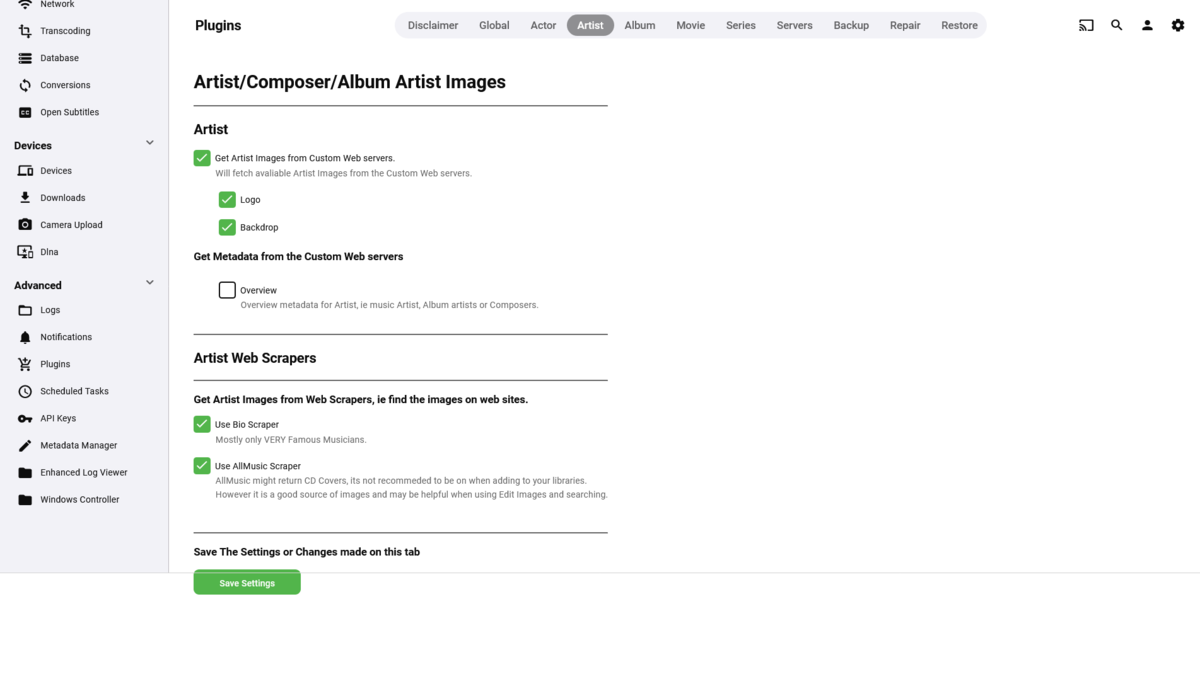
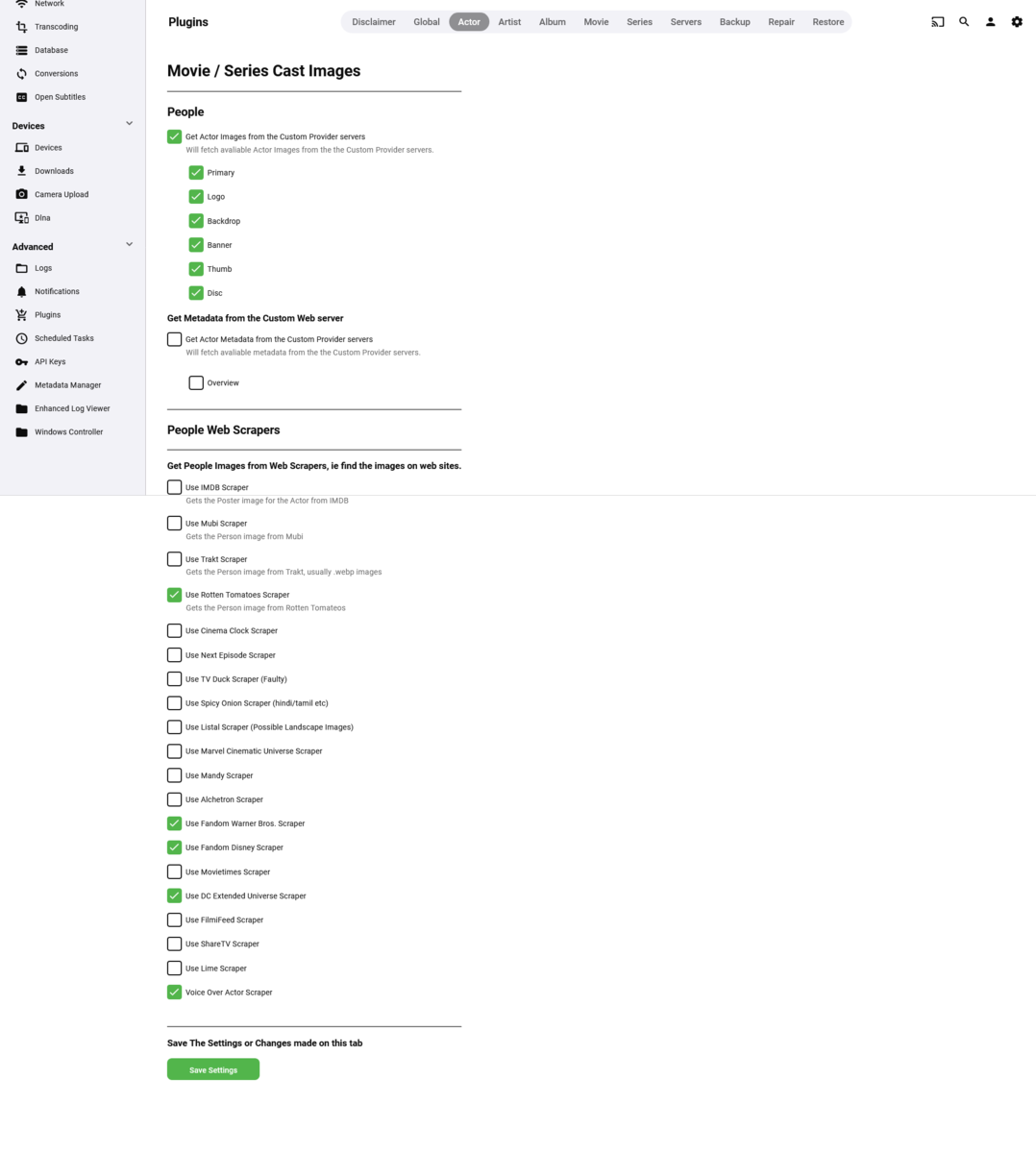
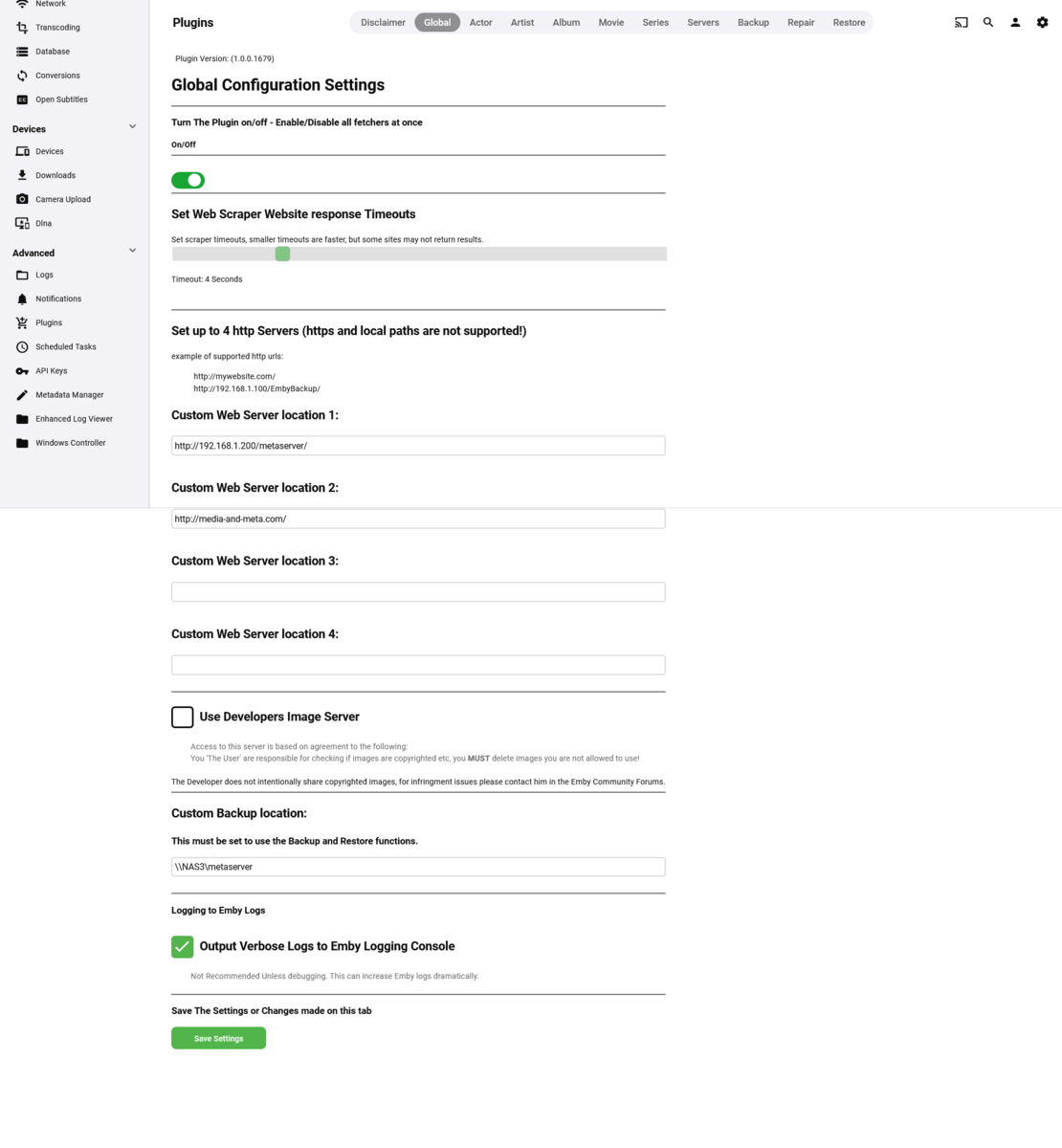
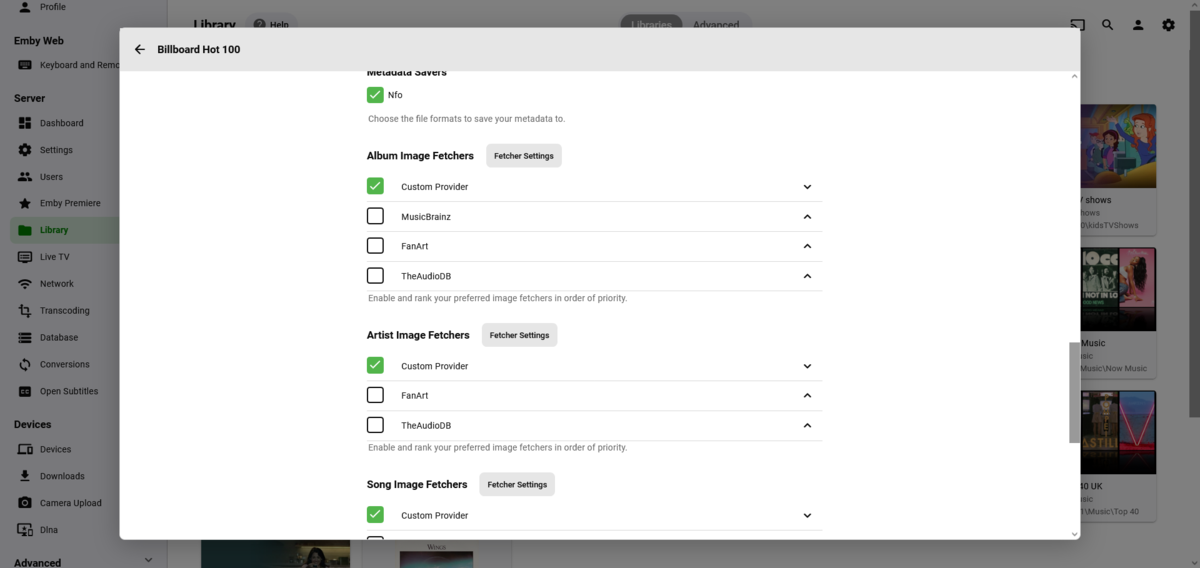
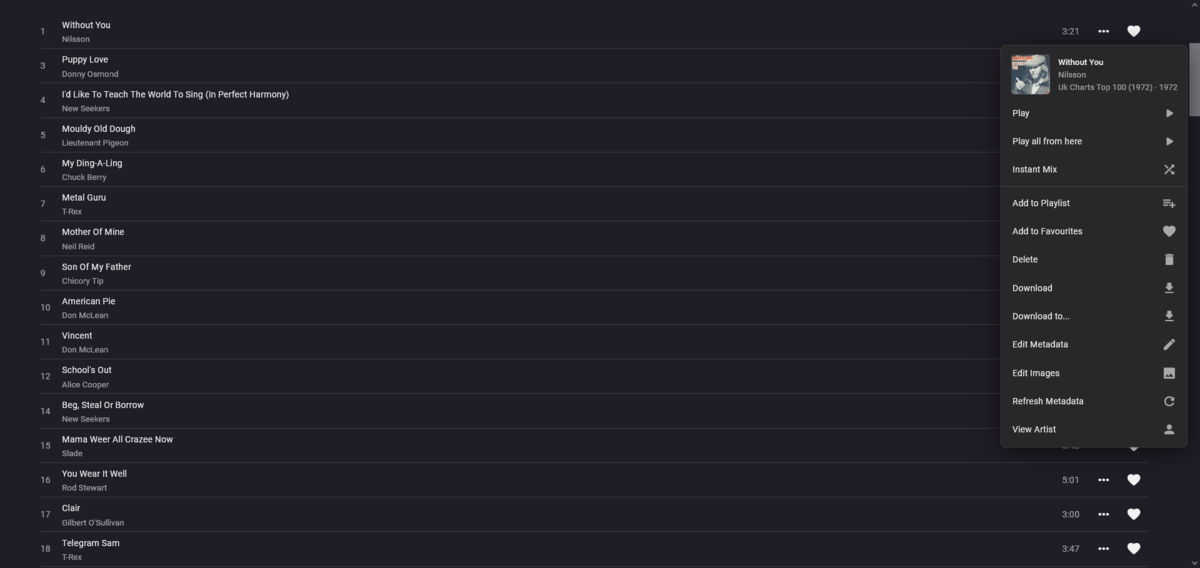
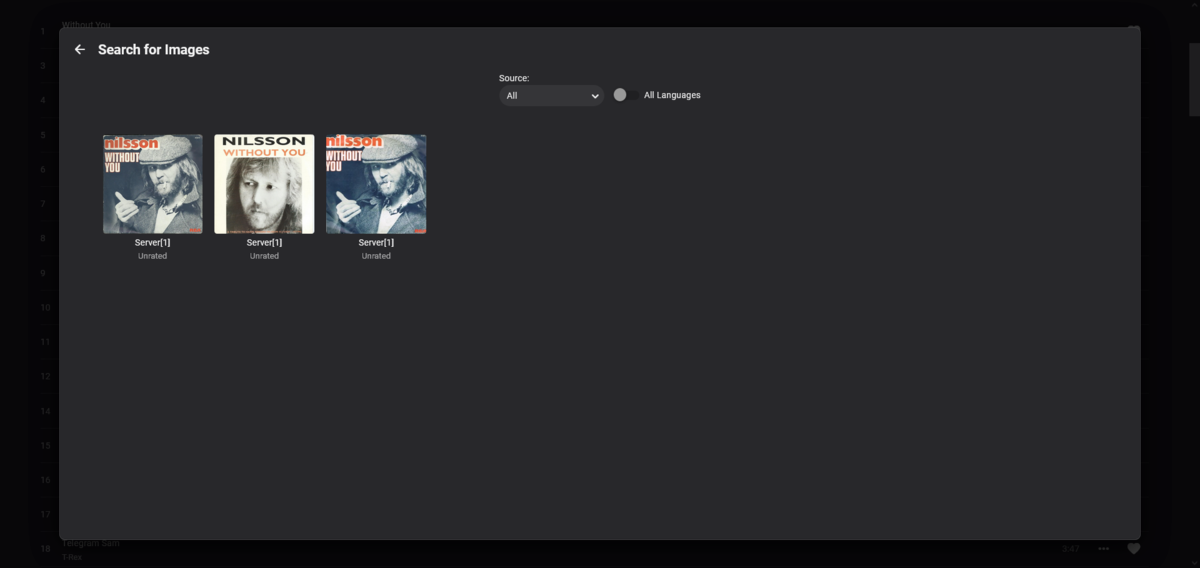
Hi, Yes its currently much more than it was. It will change still further, but this is where I am at. Some MAJOR changes and additions - Fetchers fetch: People (Actors) Artists/Album Artists/Backdrops/Logos Movie Covers/Logos/Backdrops etc Album Covers/Logos/Backdrops etc Track(Song) Covers (Backdrops to be added) Backup / Restore Movies Series People Artists Albums Fix Allocates items named the same as the media to covers/backdrops etc that are in your media folders Restore Assigns from backups
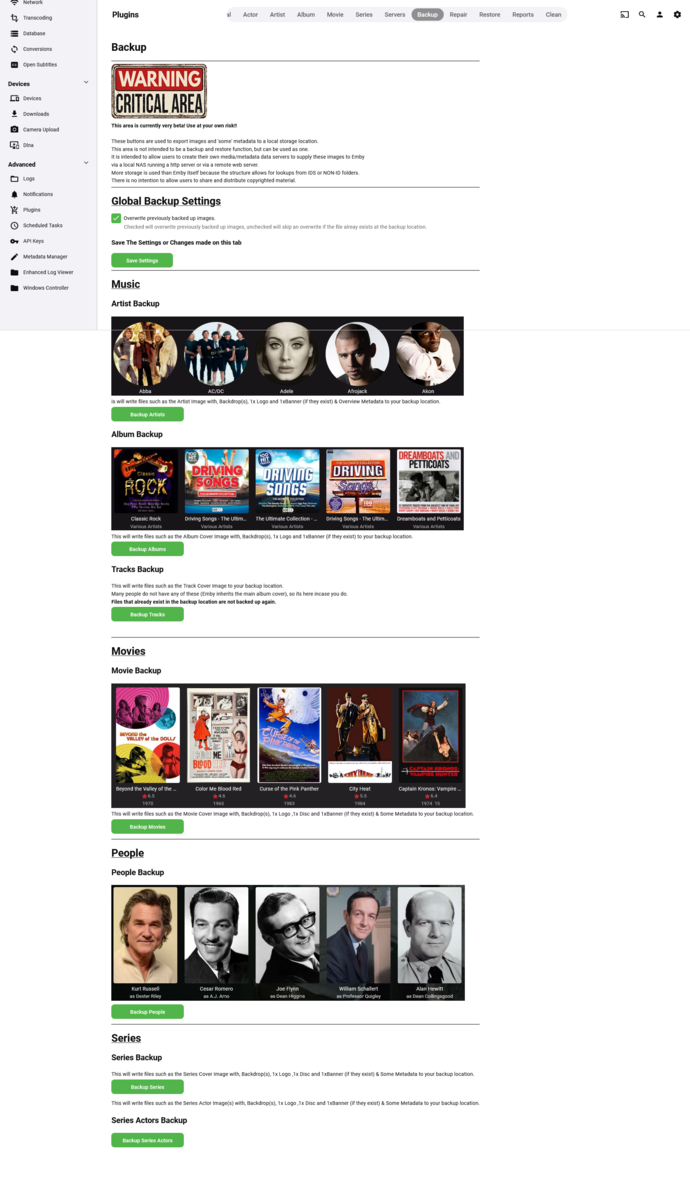
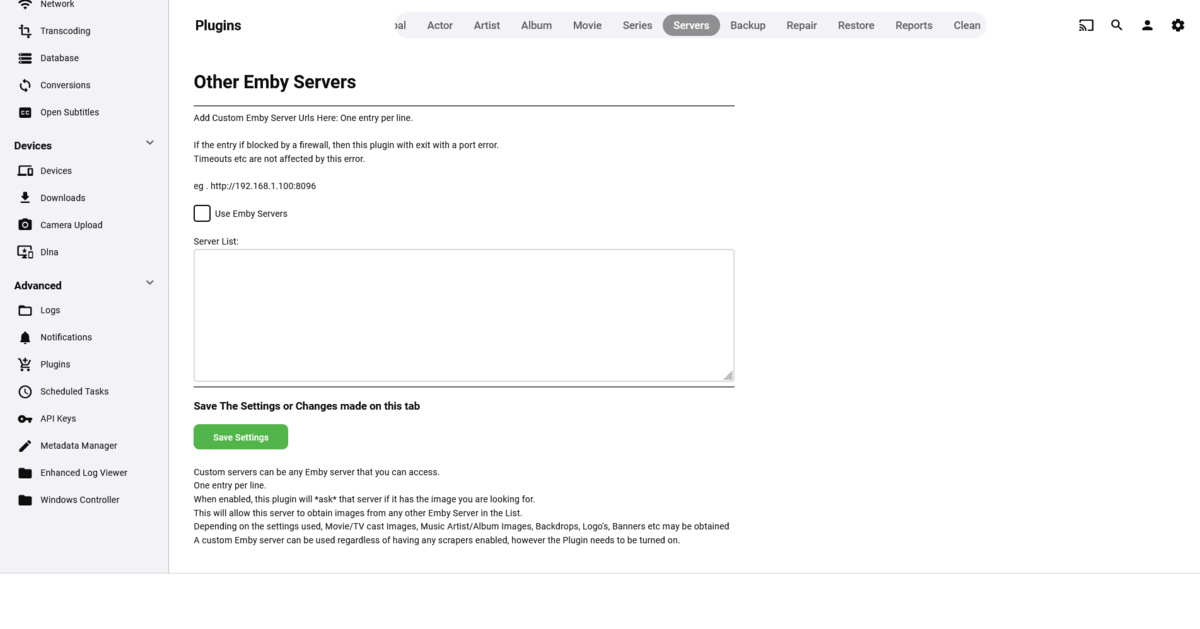
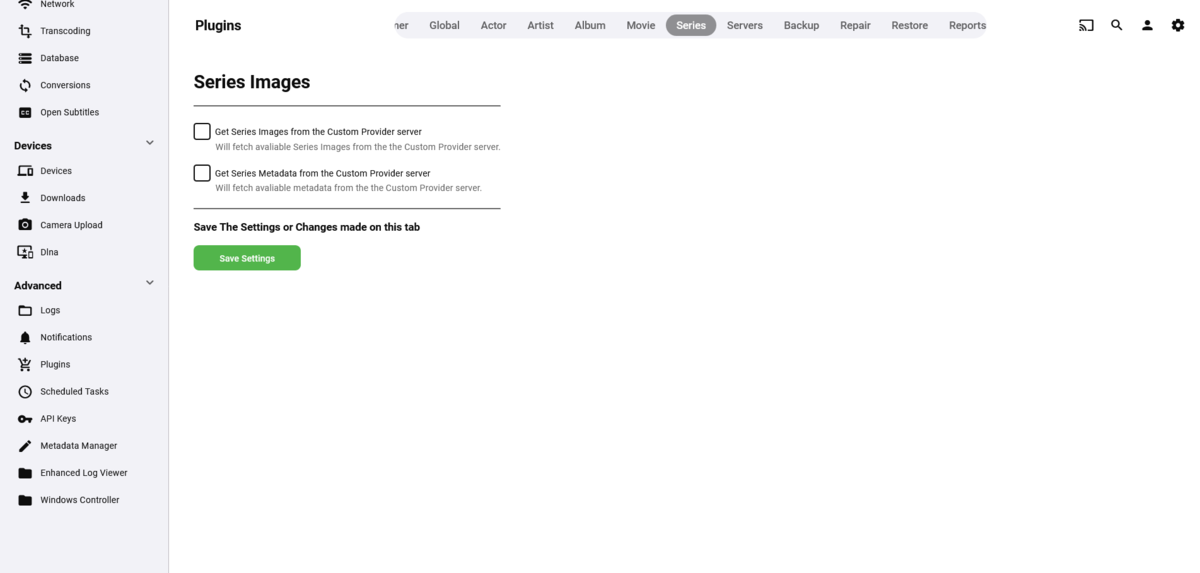
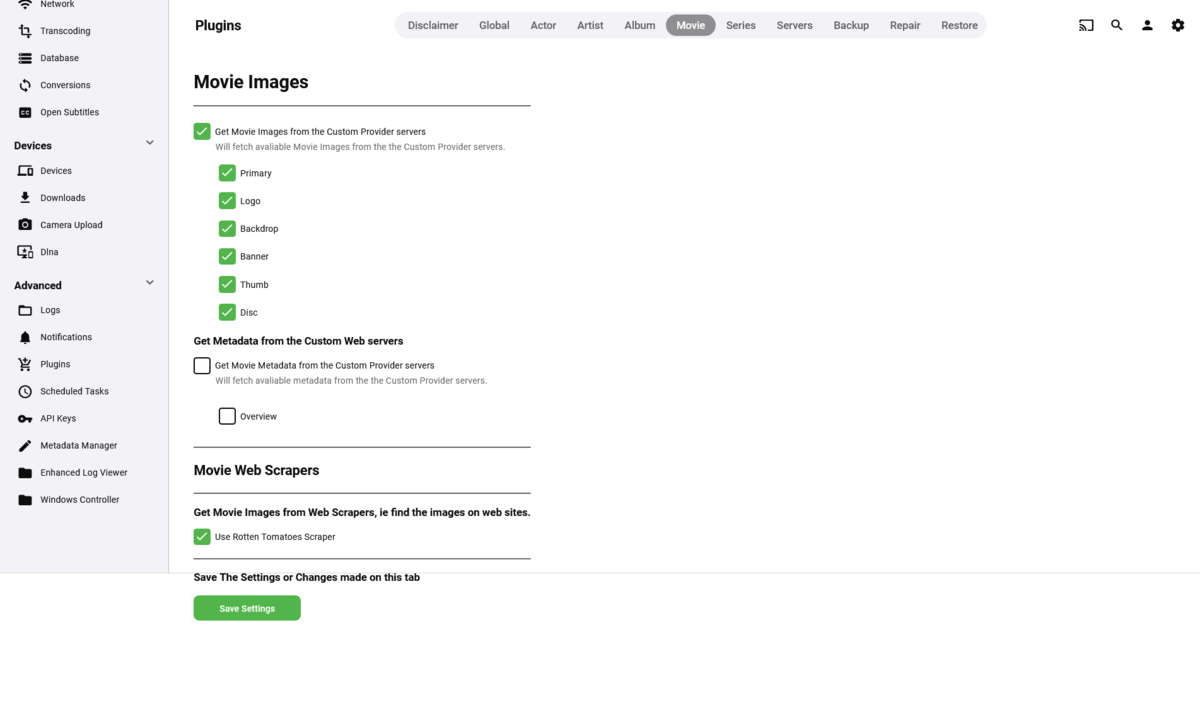
 1 point
 -
I don't see a separate FR for SSO, did that not ever get created?1 point
-
Thanks for the chapter skip/info screen in version 1.1.0. Looks excellent. Also, looking forward to the timeline slider using bifs you mentioned will come eventually1 point
-
I got it figured out. Turns out I wasn't adding https:// in front of the address. Problem solved. I honestly can't believe I didn't think of that.1 point








.png.837c5c9743222a015401533d1c5d43dc.png)