Leaderboard




Popular Content
Showing content with the highest reputation on 02/03/22 in all areas
-
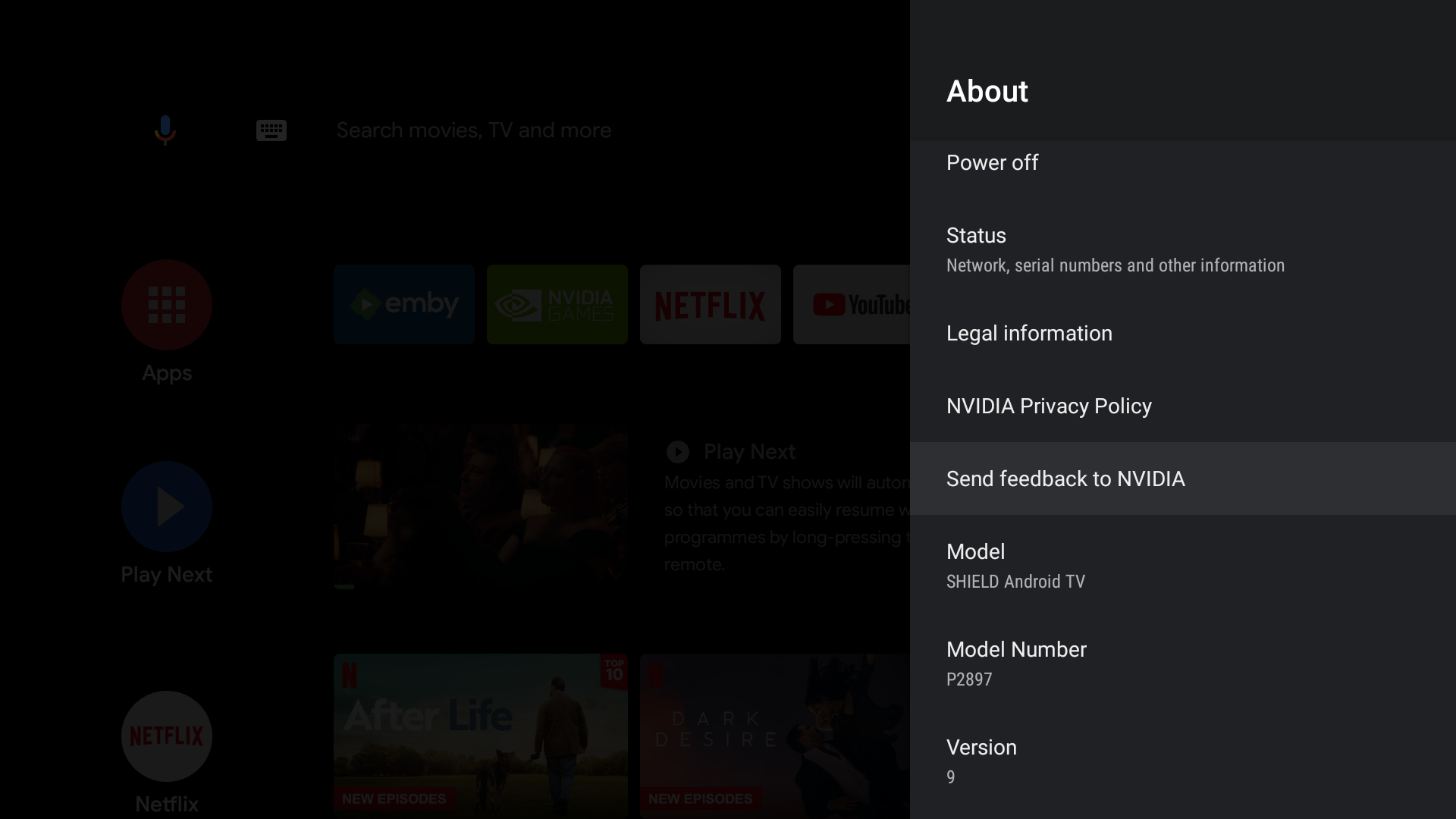
There is a 'difference of opinion' - Nvidia state and many testers (myself included) have shown that the Emby App needs 'Full Access' for SMB to work properly (actually read the contents of the file, it currently only attempts the file 'listing' - proven with network packet traces). This has also been the case for other Apps that need DFA - such as VLC, X-Plore etc - without the said Permission, they do not work either and only 'list' the file system. They have however corrected their Apps to give said permission - thus, they now fully work. Emby has not, thus it does not ... The one 'oddity' is on @FrostByte setup - he IS using SMB and it eventually 'works' after a long delay - but nobody can advise how or why, for everybody else, SMB does not work and it falls back to HTTP.4 points
-
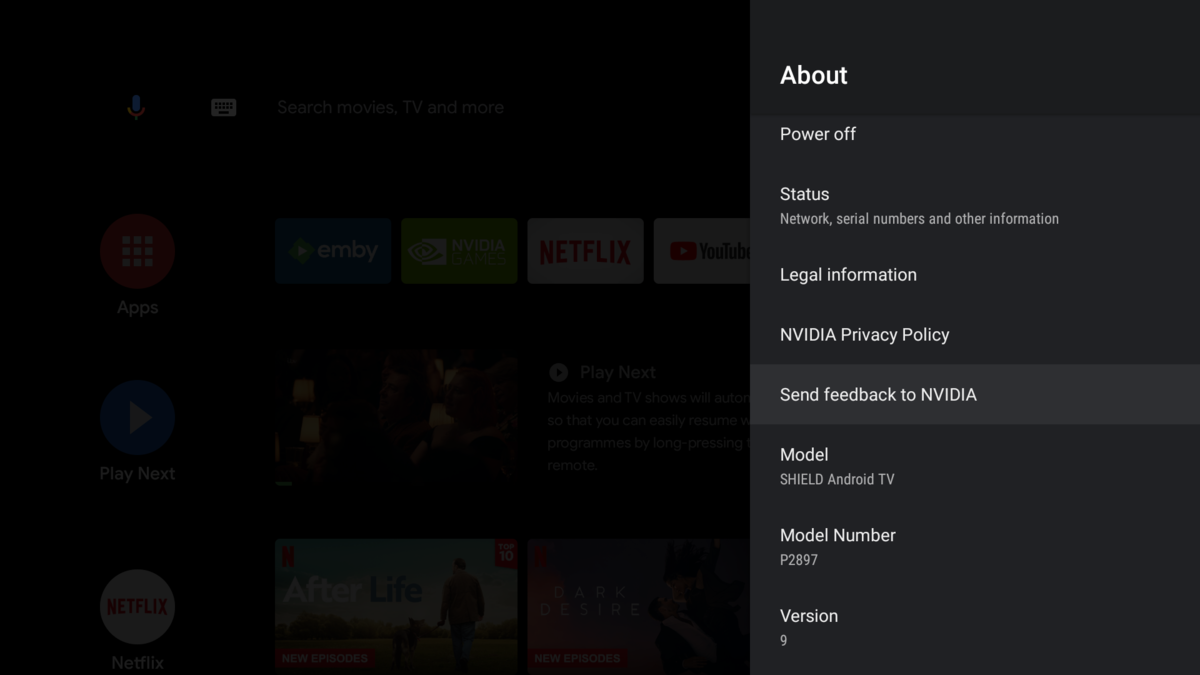
Yay ! I reverted back to Android 9 on my Shield ... A couple of 'oh crap' moments - but it's all back - with the Upgrade button firmly switched to OFF ! Playback, FF, RWD, Chapter selection is now instant - on a 90Mbit/sec 4K Remux, as it was before ... not a 'buffering/loading' circle in sight ..

 2 points
 -
So is HTTP the way forward @ebr, is DFA blocked now with Android 11?2 points
-
I moved from Plex to Emby and even though I think Emby is superior in its flexibility there are some things I like better with Plex, especially in terms of its looks. This theme is trying to fix that by making it a bit more similar to Plex but with some, in my opinion, improvements. The CSS is attached to this post for anyone interested and below are some screens to show it off Good to know I only use Chrome so I can't guarantee this CSS works as expected in other browsers. If you want the sidebar menu to look like in the screens, make sure to pin the sidebar. Watched badge/banderoll is inverted which means that the badge will not be shown if media have been watched, like in Plex. For desired look, please use the "Dark" theme for both Theme & Settings theme in the display settings. Emby-Stable-style-v3.6.txt





 1 point
 -
Hey guys! I just wanted to share some library icons that I created, which work very well for me, in case other members are interested.
.jpg.8a5be7eae21c775cfc19cf05a7cecf73.jpg)
.jpg.d464f081546a05d58f73f1d3b81fb649.jpg)

.jpg.b4278fd00623700b3cbbe124e6c51de3.jpg)

 1 point
 -
It appears that any playlist that any user creates is public--all other users can see it. I can appreciate the benefit of a public playlist. I could create a playlist called "Harv's Favorite Horror Films" for example, in case other users are interested in checking out what I like. However, the way most of my users are using playlists is to keep track of things they want to watch in the future. They are typically things that the user has not watched yet, so it's not meant as a recommendation to others, just as a way of them personally keeping track of what they want to watch. Having that kind of playlist be public is of questionable benefit to other users. Additionally, it is not clear when you create a playlist that other users will be able to see it. That has the potential to cause some embarrassment. He hasn't created one yet, but I wouldn't want to see my nephew's "movies to fap to" playlist, for example. If I could make a suggestion, I would suggest associating each playlist with the user who created it, and giving that user the ability to make the playlist private or public. For example, the following two checkboxes could be shown when creating or editing a playlist: Allow other users to see this playlist Allow other users to edit this playlist Initially, both checkboxes would be unchecked. Since another user cannot edit a playlist they cannot see, the second would be allowed to be checked only if the first were also checked. (You could grey it out to make that clear.) Depending on your UI preference, it could also be a drop-down menu. Playlist visibility: (Only me | all users can view | all users can view and edit) Thanks for considering this.1 point
-
I did a search, and the only request that I saw similar was included here: https://emby.media/community/index.php?/topic/76011-music-queue-list-improvements/?hl=%2Bshuffle+%2Bmusic That discussion seemed to be more focused on lyrics rather than the shuffle piece, so I figured I would create a separate FR. One of my biggest pet peeves with using the web interface (when listening to music at my desk) and the android app is my inability to to select a song from a playlist and have emby shuffle the playlist after the current song ends. The current behavior is that after the song I selected finishes, the next song in the playlist is played (which in my case is alphabetical order). The native android music players (the app retro player in my case) allow me to select a song from my playlist, and then click on the shuffle button on the now playing screen and my playlist queue is automatically shuffled. I realize that the simple answer is to just use the shuffle button to randomly start a playlist and shuffle the songs, but sometimes I just want to start listening to one song, and then listen to the rest of my playlist at random. Additionally, when listening to music with my kids, they ALWAYS want to start with a specific song, and then don't really care what happens after that. This causes me to have to select the song they want to listen to, then when that song is over, go back and hit the shuffle button, which is annoying to have to do. Hopefully my ramblings made sense - and thanks for your consideration.1 point
-
OK, major embarrassment. I typo-ed my email address. I'm so sorry for the time you spent luke, it was fresh eyes that spotted it. Do you have a "buy me a coffee" link I can apologise for your wasted time?1 point
-
okay ill give that a shot, the problem files did all come from the same source so it is possible that the file is messy1 point
-
Hi, can you say an approximate time until a new stable will be released? I see a lot new features in the beta and just wonder when the stable will be available. thanks1 point
-
Agree, clicking Play on continue watching with the remote does NOT work on Xbox 1.1.400 like it does on other apps. It does nothing and there is no Play equivalent on the controller. Hopefully, this can be added either in this app or the new Xbox app which is coming soon hopefully1 point
-
I see the error. Its a linux error in my app. For whatever reason its not putting slashes in your directory path. System.UnauthorizedAccessException: System.UnauthorizedAccessException: Access to the path '/run/s6/services/emby/mntshare2Emby FilesActor BackupPersonDBPersonByNameMarlee Matlin' is denied. Should look like this. /run/s6/services/emby/mnt/share2/Emby Files/Actor Backup/PersonDB/PersonByName/Marlee Matlin' I dont have linux so I cannot test this. But i'll investigate & fix. This might be a pain for you but it actually helps me. Im at work soon so wont be tonight. Thanks1 point
-
ah, so should i try just removing the delay from the secondary audio track? ill give it a try and let you know how it goes1 point
-
This is also fixed with the latest version.1 point
-
It looks like it may not currently, but we should probably adjust that.1 point
-
Client update to version 1.1.399.0 - Years show again... The speed and volume of builds done with Emby is amazing. Thank you!1 point
-
I setup reserved IP addresses in the DHCP tables on the router so the NAS and PC running Emby Server would have fixed IPs and quit changing addresses. We then changed the ports used on the PC to 8097 and 8921 so the two servers had unique ports to use for port forwarding which was then setup. So now both Emby Servers are available remotely.1 point
-
I'm a lifetime subscriber to both Plex and Emby . I stream to two Shield Pro devices (2015 + 2019) and two Apple TV 4K (old and new models) as well as a Roku 3, various tablets and mobiles. I was previously using Linux for hosting, but when Ubuntu started updating it kept updating the gfx card drivers so hardware transcoding got disabled. I also had HDHomerun DVR and Channels DVR installed (for comparison of TV against all 4 products) I then switched to Windows 10 Pro setup (earlier this week) and not installed Plex as yet, but do have Emby installed and TBH at the moment I'm not really missing Plex. I don't stream from my server outside of the house so have remote networking off. With Plex one of the biggest issues is if your internet goes down you can loose access to your local media, even when on the same local network. Also constantly wants you to reclaim your server or loose it once you loose the connection. So far not had any issues like this while using Emby. Another thing with Plex is they keep removing stuff from premium features, they're not always quick at doing fixes and i don't think their support is on par to Emby (Emby staff active in the forum and do help to diagnose issues) Emby layout is different to Plex but is a lot simpler for users to get up and running and each user can have their own theme layout and settings. Overall, give Emby a go, if you don't like it then try another product or go back to Plex, but for me I am probably sticking to Emby now and started removing plex from my devices.1 point
-
On web app, i can go directly to playlist from sidebar. Can this behavior be replicated on android client? Or even make it part of home screen?1 point
-
Thanks for all the replys. I made the change suggested by FrostByte and now everything is working!!!!!!!!!!!! Thanks so much for all those that replied. I will add that to get to the screenshot that FrostByte shows you go to control pannel and select "Shared Folder". In the Shared Folder screen you select "EmbyMedia" and then click on Edit. On the page that then shows up "Edit Shared Folder EmbyMedia" you select "Permissions" and change the default "Local users" to "system internal user" as FrostByte directs which will give you the same display in his snapshot where the change must be made. I mention this as it took me a while to figure out and maybe it will save others some time. After this was done in Emby I ran scan media library and thumbnail image extraction and scan metadata folder (under manage emby server/advanced/scheduled tasks). After running the scans my tv shows showed up and the thumbnail images showed their images. There is one thing that does not seem to be "back to the way it was". I have a library of old time radio shows which I put into a library which I called "Music" because that was the closest of the available options (there is no video just audio like music would be). I also selected that the arrangement is that all the content is arranged with album in the music folder and the content of each album in the album directories The files are mp3 files. The majority of these files do not have embedded images and after doing some searching I found a post that said emby will take use an image if placed in the directory with the audio files and name it "folder name".jpg. "folder name" is the name of the folder the audio files are in. So, for example, if you have a show "Sherlock Holmes" and put them in a folder named "Sherlock Holmes" you name the file "Sherlock Holmes.jpg". Emby then uses that image as the thumbnail for the folder the shows are located in. In the last version of emby all of the images were displayed when I selected the music library and then "Folders" view. However, currently 2 of the 9 shows show the "generic" thumbnail. I have included a screenshot of this. It turns out that the 2 missing thumbnails are the only ones that had embedded images (i.e. there is no "folder name.jpg" in the directory. For some reason emby doesn't get the embedded images like it used to. Any suggestions on this would be appreciated.
 1 point
 -
I did lol at the duck metaphor .. The only way I can think to stop users creating new playlists, is to write protect the ..programdata/data/playlists area - as that's where emby creates the folder and XML file..1 point
-
Unfortunately that won't prevent them from either creating Playlists or accessing any Playlist either, from any Playlist item Detail view "Included in" row.1 point
-
Yep they are XML files - but even so, there is nothing to suggest an owner/permissions cannot just be added to the XML file instead. Only the Admin will have direct access to them.1 point
-
Unfortunately from my undestanding that‘s not true as currently Playlists are organized within xml files and not in a database.1 point
-
I think you over estimate how much work is required for some features. In this case it essentially is: - Add "Owner" and "isPublic" fields to "Playlist" table - Add a bit of code to set owner when creating a playlist - Add a gui option to toggle the "isPublic" field - Tweak the bit that shows Playlists to "SELECT * FROM Playlists WHERE User='CURRENTUSER' or isPublic=true" Probably less than an hours work for a junior developer, let alone a team of professional developers. Instead we seem to constant GUI redesigns and minor visual tweaks, rather than any meaningful functionality improvements. Better to just implement a basic version of a feature, and then let people suggest improvements rather than be paralysed by indecision as seems to happen at the moment.1 point
-
Agree with Grim - this is exactly what we do for the IntroSkip Plugin as well (to generate the new Intro thumbnails) - the 'Thumbnail Image Extraction' task is run automatically after the 'IntroSkip' tasks.1 point
-
Or simply run Thumbnail image extraction task manually immediately upon Scan while having Library Thumbnails Generation as a scheduled task only, not when media is added as well?1 point
-
Thanks, I will give it a shot this evening.1 point
-
https://kodi.wiki/view/Add-on:Log_Viewer_for_Kodi1 point
-
Thank you for the very speedy replies! So glad I made the switch from Plex!1 point
-
It's resolved itself and seems to somehow be connected to my internet having gone out, which doesn't make any sense as I was running things over a LAN. I'll PM a log anyway.1 point
-
Hoss, I use h.264 MPEG-4 AVC (part 10) avc1 video AAC mp4a stereo audio 32 Bits per sample 32 AAC extensions SBR in .mp4 Fixed bit rates. That plays on any browser without transcoding. You do have to match the bandwidth. I would guess if your bit rate is above around 2800 kbps, the mobile connection might stutter and request a transcode from the server. Also if you use variable rates, the media might run up to a high enough rate to kick in transcoding. I avoid variable bit rates as well. I believe your android app can perhaps handle the HEVC h.265. My use is to browsers only and no phone apps. As far as I know, I do not have a way to play HEVC h.265 direct with browser only.1 point
-
For Chrome in Android, HEVC, I don't believe will play back with audio. Playback might work if another player app is on the phone. I think if users' just try to run the HEVC media in the Chrome browser it will not work with audio. My setup immediately wants to encode to h.264 mp4 and AAC audio. All of my use is browser or browser cast to TV, I encode everything to h.264 up from 900 kbps to 2500 kbps for 480P to 1080P and audio AAC Stereo remixed with the highest audio bit rate available. This seems to play back fine on outbound 10 Mbps host speed for about 3 or 4 media at the same time. Although I have not really tested it. I would have liked to use HEVC. I like the look of it better, but I think users have to install additional players on their hardware. I have not gotten HEVC to playback just to browsers. The exception was on older Safari and MS Edge browsers. Does someone know a method to play back HEVC inside browsers without an add on 3rd party player? Everything on my server never requires transcoding. Hope that helps.1 point
-
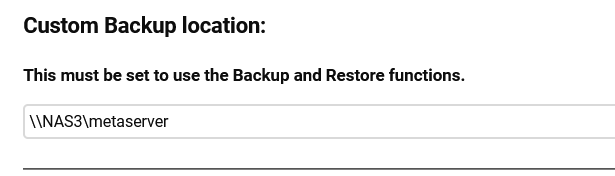
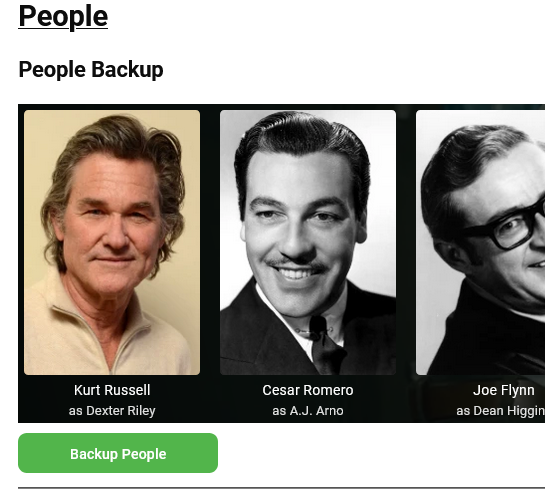
Yes. Set that in Global Tab. Then in Backup Use Backup People It will output a directory like this PersonDB/ The primary folder contains the images, they do not have the presons name with them, The Image names are in IMDB, TMBD key folders and PersonByName with reference files to the images in the PRIMARY folder. The image info stored in IMDB/nm000xxxx/Primary0.nfo So People can have the same names and exist multiple times. The Plugin reads these files to restore or lookup if you configure it as a fetcher in library settings.
 1 point
 -
Maybe movie collections if possible1 point
-
I watch my content on a 65 inch Sony TV and the quality is actually amazing considering how much I have been able to compress my content....but most of my content is HDTV recordings, mostly cable movies like TCM so. I have done a lot of comparison....like when I have a movie on BR and recorded and I keep switching back and forth to check the quality and I can't find a difference. Then again mostly older movies so even watching them live on the TV isn't always the highest quality. But on quality BR content it even looks better. If you watch anything streaming you are likely watching about a 1, maybe 2 gig HEVC file at best these days. I can tell from the anomalies I see in some of the movies. They are issues I had with HEVC when I started but have since tailored my settings to pretty much eliminate them. I have way too much content to keep 100TB of hard drives around, not feasible when I like mostly classic movies.1 point
-
Hi, yes, small update to the emby guide data plugin needed. Thanks.1 point
-
I like being able to watch solid quality on a large screen so I prefer to invest in the hardware to make that possible while still being able to transcode on the fly for other less capable or over the internet clients. What you're doing is fine if you're not concerned with PQ.1 point
-
It connected very quickly using the IP. I opened it up again just a few minutes ago and it's still connecting just fine. I'll monitor it for a few days but it sounds like this did the trick. Thank you!1 point
-
You are not - DFA is a much more efficient way to deliver video content to the end user client, especially on lower powered server hardware .. but arguing the case seems to be a lost cause.1 point
-
Maybe a feature request: My GPU only has 4GB of VRAM. Sometimes if VRAM is full (cause of encoding multiple streams) emby switches back to software encode.. It would be better emby stays at NVENC and if VRAM is full it should use system RAM1 point
-
I did, that's why I was disparately looking for an alternative. I compared videos and I feel there is a color shift and loss of details in dark scenes when playing direct file vs http...for some videos though, not all my media. After all, Raspberry pi is not suitable for any transcoding.1 point
-
Hi, you can get your path from the top of the emby server log.1 point
-
I'll try to sync recordings again on Kodi startup, no matter if they are already pusblished via realtime updates. I hope this will work/is possible. (this is something for 7.X)1 point
-
Thank you for all the wonderful help!!!!! For others that may be having a similar problem with "Playback Error..." after changing your WD MyCloud from OS 3 to OS 5... WAIT until it finishes INDEXING (WD will look at EVERY file, so this can take some time). It also seems that WD provided an update that lets you see in WD's Dashboard that the drives are indexing, etc (I did not see that before). I also had a couple of other issues that made for a real mess involving ports because of 2 servers & a VPN that I thought was turned off (you also need to exit the app). This process has been worth it as Emby is providing my family with good access to our media. I consider this problem closed. The Emby Support Team has been WONDERFUL!!. Thank you.1 point
-
HI, yes we do plan to get to that.1 point
-
It's a long time since I had something to usefull to post regarding of IPBan. This regex is still working with IPBan 1.5.9 like that rbjtech has posted before: Warn\sServer:\sAUTH-ERROR:\s(?<ipaddress>.+?)?\s-\sInvalid* Now for Cloudflare user's it's possible to ban IP directly by using cloudflares api and IPBan together!! IPBan uses Windows Firewall to block fraffic but Cloudflare users benefits if Cloudflare Firewall does to the job before traffic goes to directly into origin server where emby is running. From ipban.config edit: <add key="ProcessToRunOnBan" value="C:\Program Files\IPBan\IPBan.exe|###IPADDRESS###"/> <add key="ProcessToRunOnUnban" value="C:\Program Files\IPBan\IPUnBan.exe|###IPADDRESS###"/> File called IPBan.exe will Ban blocked IP at using Cloudflares Firewall and IPUnBan.exe deletes the record. Source for IPBan.exe # ScriptPath if ($MyInvocation.MyCommand.CommandType -eq "ExternalScript") { $ScriptPath = Split-Path -Parent -Path $MyInvocation.MyCommand.Definition } else { $ScriptPath = Split-Path -Parent -Path ([Environment]::GetCommandLineArgs()[0]) } $IPBlock = "$args".TrimStart('|') Write-Host "Blocking: $IPBlock" "C:\Program Files\PHP\7.4\php.exe" "$ScriptPath\blockip.php" $IPBlock Source for IPUnBan.exe # ScriptPath if ($MyInvocation.MyCommand.CommandType -eq "ExternalScript") { $ScriptPath = Split-Path -Parent -Path $MyInvocation.MyCommand.Definition } else { $ScriptPath = Split-Path -Parent -Path ([Environment]::GetCommandLineArgs()[0]) } $IPBlock = "$args".TrimStart('|') Write-Host "UnBlocking: $IPBlock" "C:\Program Files\PHP\7.4\php.exe" "$ScriptPath\unblockip.php" $IPBlock I Used Win-PS2EXE.exe to create (compile) these files. Also you will need php.exe to be located in dir "C:\Program Files\PHP\7.4\" And for php blocking code I have used API using php script. In attachments I have source code for this php files. There you need to (only) edit from both files (get details from Cloudflare): $authemail = "--mail--"; $authkey = "--authkey--"; Put these php files in the same directory as IPBan (like C:\Program Files\IPBan). Now if ewerything is ok -> when IPBan blocks IP, then Cloudflare Firewall block same IP also! Less traffick that passes to your origin! php.zip1 point