Leaderboard




Popular Content
Showing content with the highest reputation on 02/02/22 in all areas
-
Hi all, many things have changed and are new. Some of them are around for quite a while in the beta, but have remained widely unnoticed. But another large package of changes is just being added right now. Please wait until the next beta before trying anything as the new things are not consistent in the current beta. There will also be a series of videos, explaining the new features in detail. sw3 points
-
I'd like to request that the Playlist library have a displayed category and, "widget" on the homescreen in the similar fashion that movies, TV shows, music are shown. I create topical/seasonal playlists that I'd like my family members to see displayed from the homescreen with "recently added" carousel style. Currently, to the best of my knowledge, playlists are only accessible via their shortcut in the, "My Media" section. Thanks for your consideration!2 points
-
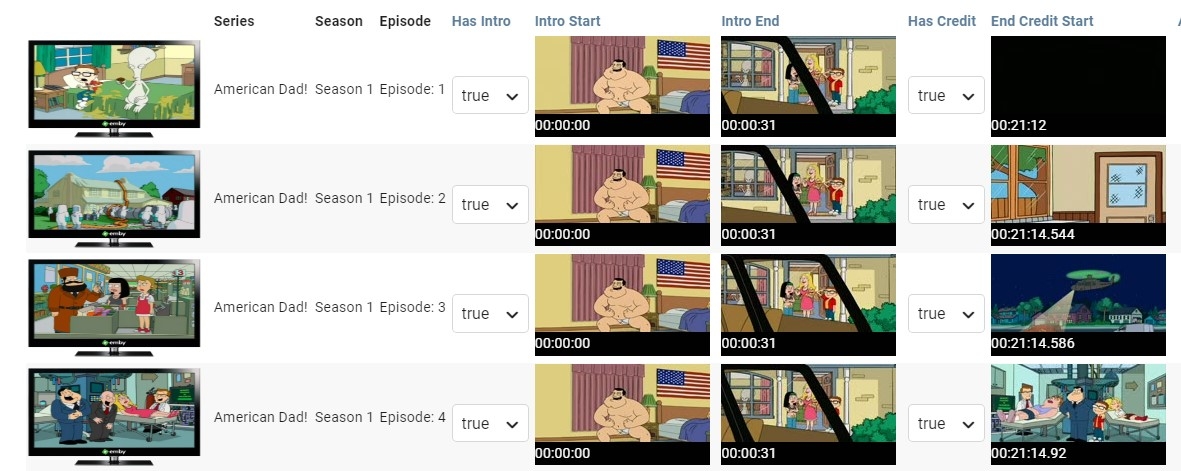
Just wanted to chime in and give an update. Step 2 is taking longer but it seems to be working perfectly so far but I will share complete results when done
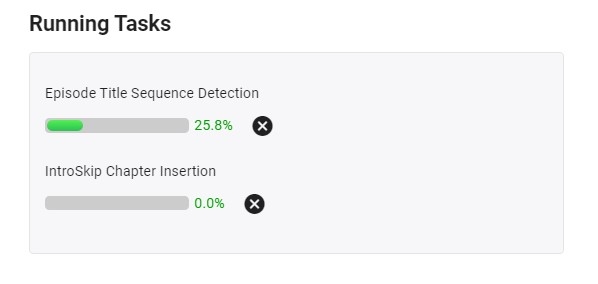
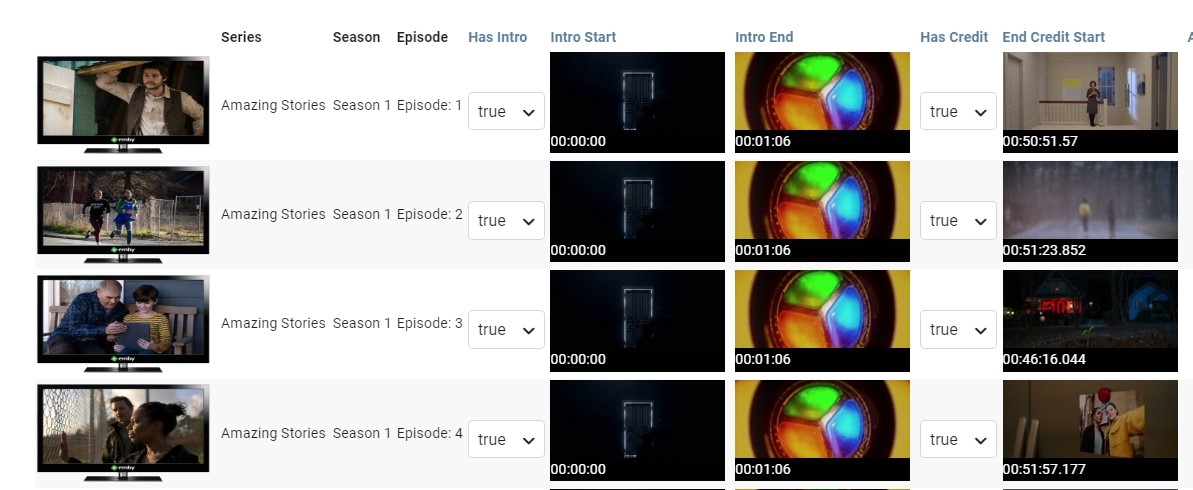
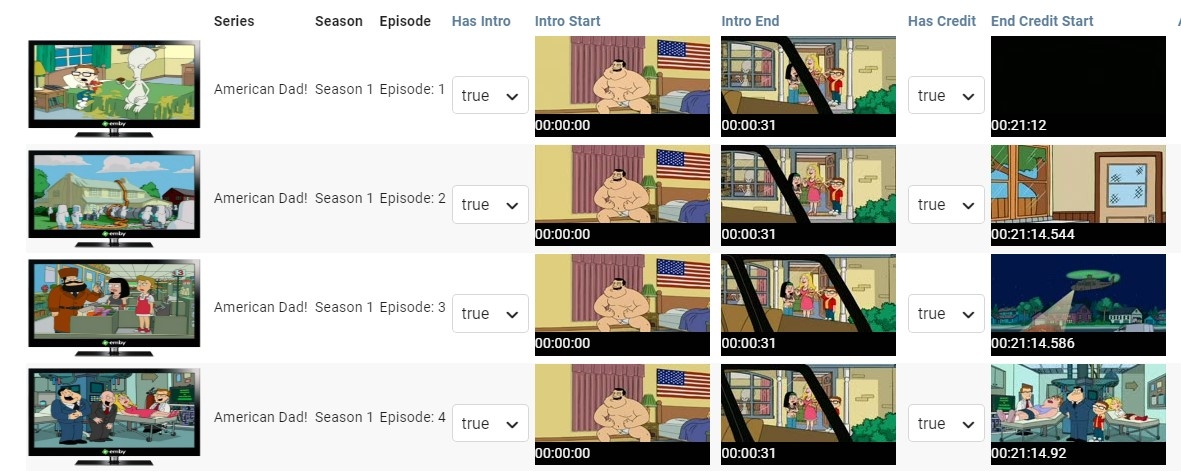
 2 points
 -
It works fine for most people but not for me, I like to fast forward a lot...the most responsive way is to play the file off smb. The second and the main reason is that my files are on a raspberry pi which is a tiny arm PC and it's running over 10 essential services so I don't like to keep the processor busy with playback or transcoding when it's busy serving other stuff to my family...that's all there is.2 points
-
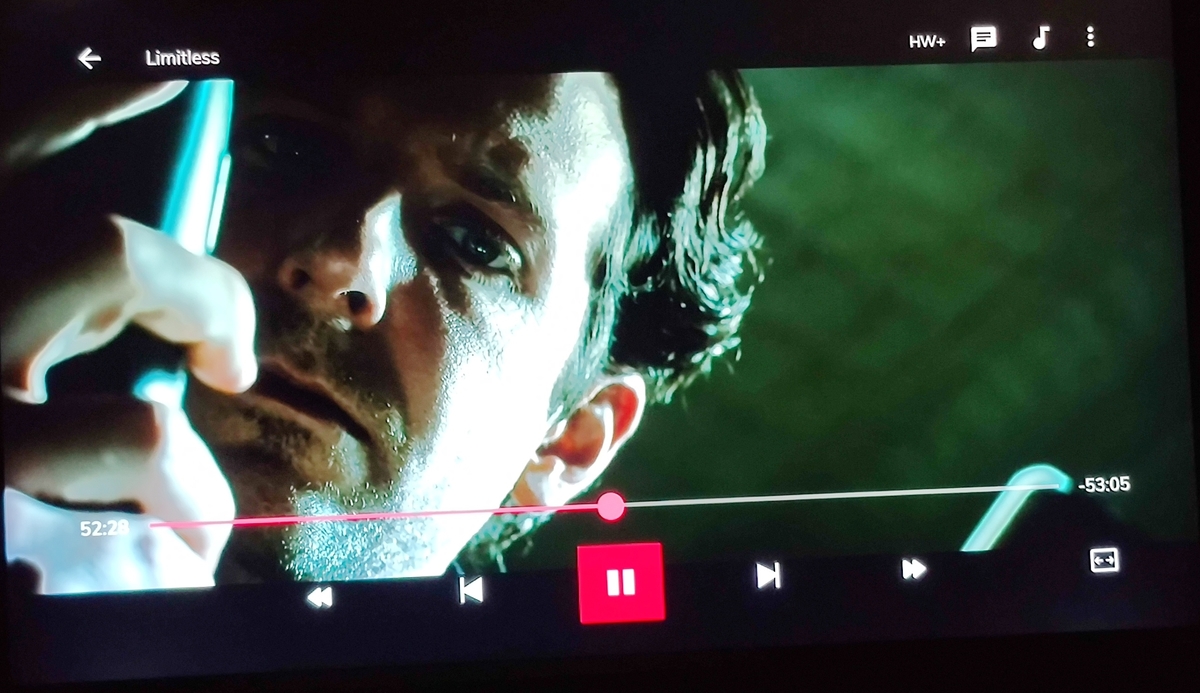
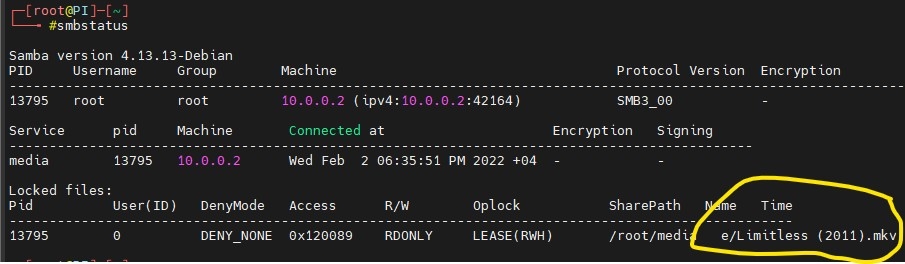
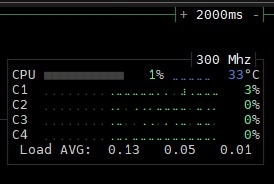
Just sharing my best workaround for the direct file playback. the combination of Emby + MXplayer + adblocker works very well. Emby: playback >> use external player for videos. Set MXplayer as default for all video types. zero overhead on the server and you get direct smb playback, MXplayer's interface is very professional and customizable. player interface: SMB server : CPU:
 2 points
 -
Frostbyte: Brother, THANK YOU, that fixed it. i don't mind telling you, i had not considered an issue of permissions because i had installed both emby and jellyfin on the pc, with library access over smb mounted as a volume, and it had the same problem. i thought i was fundamentally misunderstanding what was being asked of me. well, one way or another, it's sorted. thank you, i wish i could take you out to lunch. all the best neil, london2 points
-
Hi @cayars @Lukei had tested at last night again. Totally agree. The reason its the subs come with graphic . So the emby server transcoding but it is too much workload to the cpu of the nas . Whatever play by web browser or client . it seems the transcode feature will increase workload on cpu of nas when i choose play on emby client such as ios and mac . Therefore. I am using the subs without combine graphic to play the media . Anyway. Thanks for help2 points
-
It could take a refresh or two for Emby to show some of the changes. There also could be some that weren’t matched correctly so they didn’t get marked as played in Emby. The new version of the script spits out a section at the bottom that shows which episodes and movies that didn’t get matched.2 points
-
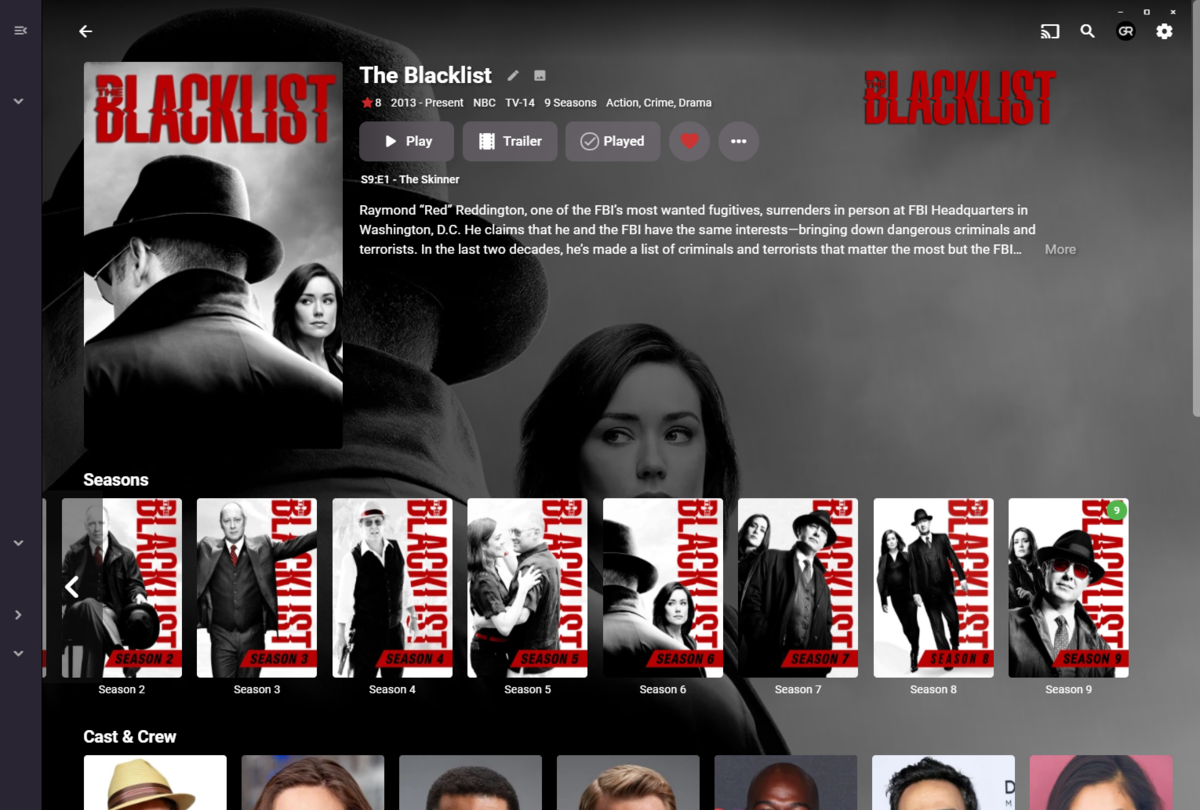
Now with this step I can reproduce ie season under the left arrow. Selecting any other season returns to arrow scroller. Will have to look but this issue sounds familar. @Lukethis is 3.0.15, can reproduce in both server versions. But as Grim mentioned clicking anywhere on the screen brings the scroller arrow back. But appears not limited to this row as I just reproduce on "More Like This" row. But does require pinned drawer.2 points
-
Hi One thing that takes a while in Emby is actually trying goto the media folder of the currently playing media in Emby. I am not talking about using file explorer/manager type thing. This is within Emby. I propose that there should be a way to go to the folder of the currently playing media. For instance, I start playing a video from Latest Video. Now, I want to go to the media folder of that playing video. That is a bit cumbersome, like looking in the info for the path, go back to the home and start recursing into the subfolders. This can be a single click instead like an option like "browse folder" in one of those media's options places. thanks1 point
-
Windows 11 pro for workstation installed on the Emby Server, Installing did not cause any problems. I also have the impression that Emby starts the videos faster both locally and remotely. So for me, this is a successful upgrade from Windows 10 pro for workstation to Windows 11 pro for workstation. Greetings1 point
-
A feature I would like to see is to show local concert information for artists and bands. I was poking around the SeatGeek API (which is free, though I'm not sure what its limits are), and it seems pretty simple and straightforward. You can query for events for a performer and use geolocation to show nearby events for them.1 point
-
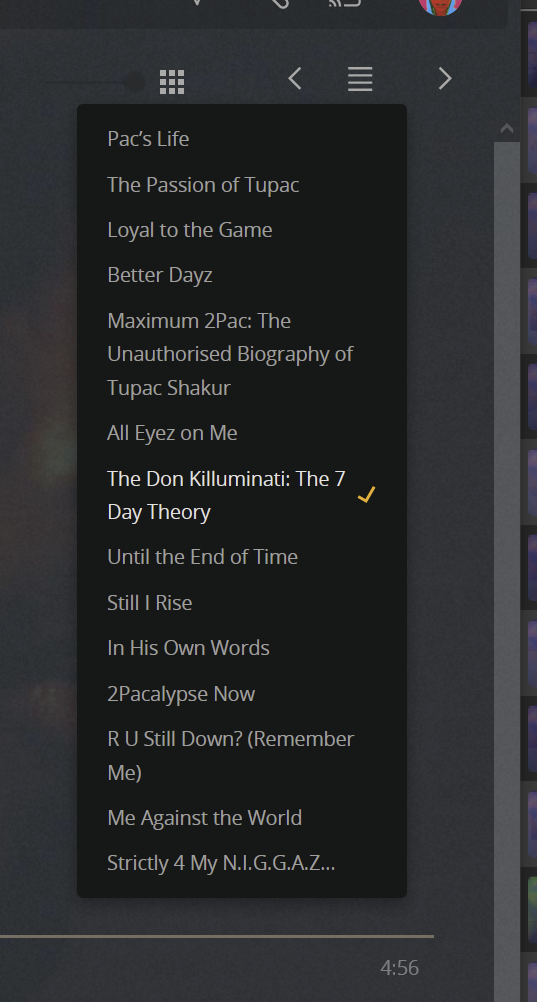
one feature Plex has with regards to music that i really like is the ability to move between the different albums under a single artist. there are two options, left and right arrowns to move forwards and backwards in release year and a button in the middle that brings up the full album list, again in release year order
 1 point
 -
Right OK. I wouldn't say that I love the menu icon in the top right, especially considering there already is one in the top left. But I would think we could probably find a way to incorporate a quick picker like this somewhere, especially since it would also be useful for seasons of a series, or episodes of a season.1 point
-
That I had not done! I'm pretty sure that the New Episodes checkbox was not checked, but checking it then unchecking it looks to have fixed it. Thanks for the tip. I had no idea that those options were there.1 point
-
Try the update Luke made in the link below. It fixed some of the remote-control issues with K series like back, etc1 point
-
I guess you've unchecked it in the Theater LiveTV Guide under the three dots in the top left ?1 point
-
Thank you. The album name was populated but the album artist was blank.1 point
-
You are not - DFA is a much more efficient way to deliver video content to the end user client, especially on lower powered server hardware .. but arguing the case seems to be a lost cause.1 point
-
We'll take a look at it. Thanks.1 point
-
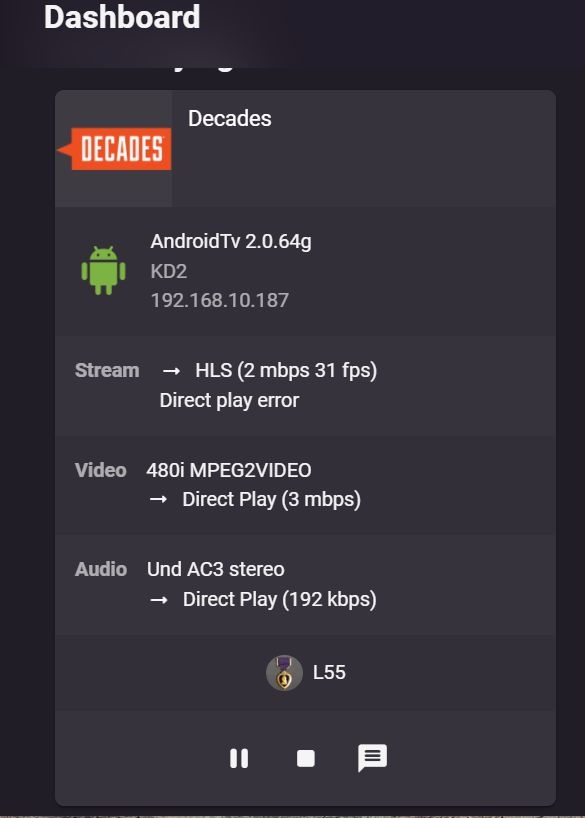
FYI, Live TV does NOT have the audio/video sync issue. Tested on same Android 11 device using Emby server version 4.6.7.0 with Android TV 2.0.64.
 1 point
 -
Hi ! It just come from my experience with Emby since a week that when I update more than one librairie "at once" we just see the first one progress (with pourcentage and circle) but for the other one(s) nothing let is know that our demande has been taken in consideration. It happens to me a few times that after launching two or more librairies updates I didn't know if the update will be done because nothing would let me know that the other librairie are queued. So, I'm coming with the great idea to have written "Being queued" at the place where the progress circle will come later I don't know if thiat would be faisable, but for sure it would be helpfull !1 point
-
Unlimited huh, never heard of that before. Nice provider You might want to verify with them that it truly is unlimited though1 point
-
Library A>Three-dot menu>Scan library files>Library B>Three-dot menu>Scan library files>Library C>Three-dot menu>Scan library files. Library A shows progress circle, while Library B and C show no indication they have been queued until Library A is done and Library B starts scanning upon which progress circle shows on Library B. Library C still doesn't indicate anything.1 point
-
NErdgOd56 You are correct.1 point
-
Two updates on beta version so far and back arrow button not back...1 point
-
Thanks for the feedback.1 point
-
@jan_axhell I just sent you a PM to set up a remote support session with you. Carlo1 point
-
Ok @cayars can jump on with you and take a look. Thanks.1 point
-
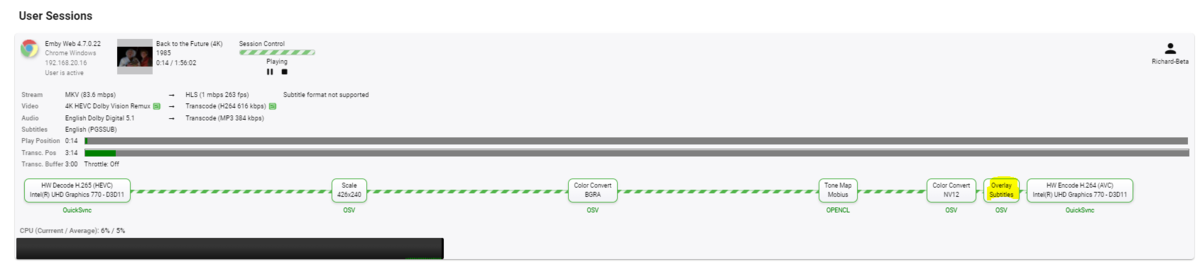
With the latest BETA, it's done in hardware (using QSV) - I'm not 100% sure if using NVENC
 1 point
 -
@rbjtechthanks, worked like a charm1 point
-
Thanks for this awesome guide! Emby is working again I had a small issue with the SSL certificate for Emby. Fixed it with: chown -R emby:emby /usr/syno/etc/certificate/system/default/cert.pfx Maybe someone else has this problem.1 point
-
Sounds like an overscan issue. Most TV's will have overscan or zoom options to adjust the size and positioning of onscreen visuals. I believe Nvidia Shield also has some overscan adjustment options in the HDMI section of the settings1 point
-
What DSM version?1 point
-
This works by creating a custom widget for it. It used to auto display it on the Embruary Favourites, not sure if it will show up again if i re-setup embruary.1 point
-
I can on "More like this" but not "Cast and Crew". Haven't noted it on other rows that I have tested.1 point
-
Ok yes I can reproduce. And you're not able to reproduce with any other section?1 point
-
HI, hopefully with the upcoming 4.7 server release.1 point
-
J’ai désactivé MPV et j’aime beaucoup mieux comme ça. Merci beaucoup.1 point
-
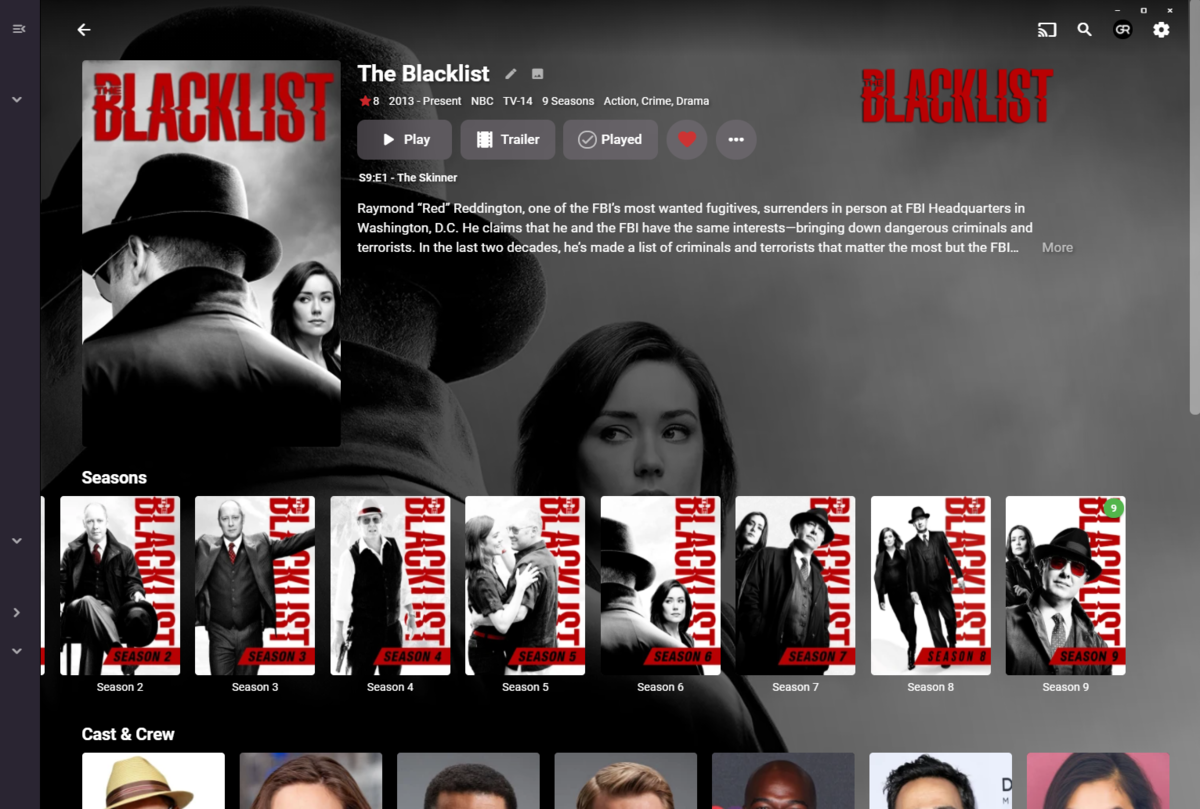
I can. If at this moment Season 2 were entered (scrolled all the way left right) subsequently pressing Back UI button results in no Left-arrow on Seasons strip/row on mouse hover. However, clicking anywhere on blank space (backdrop) brings the arrow back. 3.0.15 on 4.6.7.0 stable. Edit: Same can be observed on mouse Back (thumb) button as well.
 1 point
 -
I corrected some logic in the remote play for videos. It's starting to get firm. I am doing a lot of testing. I put this feature in just to learn how to do it. Vic EmbyTagApp31.html1 point
-
Yes I suppose we could clear out existing images after changing the mapping for a channel, although I'm not sure users will always want this.1 point
-
The display is correct. The direct file access is no longer working for you with the Shield firmware update. Any difference you saw was coincidental and unrelated to the setting since, no matter how you set that setting, it is playing back via http.1 point
-
Yes, it's a Samsung/Tizen thing. I believe Tizen's max is 30 tracks total (video + audio + subs, etc). Remuxing and eliminating the subs you don't need usually fixes it.1 point
-
i just found a workaround without restarting the app. if i change the aspect ratio from auto to something else it gets rid of the frozen sub, if that helps suss out the problem1 point
-
Hi - yes you can't remove the original file until after you have finished reading from it. If you're confident that this is all working for you - then you can add the following inside the FOR loop after the ffmpeg command. del /q "%%~dx%%~px%%~nx.mkv" ren "%%~dx%%~px%%~nx-AC3.mkv" "%%~nx.mkv" The del removes the original file The ren renames the -AC3 file back to the original filename Test on a test file first1 point
-
@pir8radio @cayars Can you guys make new screenshots and/or merge all current settings that are optimal in the first post then keep it up to date going forward so people aren't forced to read the entire thread now and in the future? Just a thought. Thanks for all the hard work!1 point
-
Yes have been running Windows 11 Pro for awhile now on my insider machine when it was pushed back in June.1 point
-
I've installed Win 11 Pro as an upgrade today as well. Everything seems great here too.1 point
-
For a few bucks more you can get a GTX 1650 which has newer architecture. These run $150 & up on Amazon and work like a charm with Emby.1 point