Leaderboard




Popular Content
Showing content with the highest reputation on 01/27/22 in all areas
-
That's not intuitive. Further, for a segment of users it may not be desired. My suggestion would be for a check box next to the search box to limit searches to the current library (only available when you're in that library). IMO, that approach might satisfy everyone's desires.4 points
-
Emby has something called softworkz which Plex doesn't.3 points
-
I just want to add that because it only skips once, this allows you to easily seek back if the auto skip skipped part of the show that it wasn't supposed to.3 points
-
This is the perfect place to discuss opinions so the devs can make an informed decision before acting. If there are enough people who feel strongly about differing ways of doing things, then options are sometimes warranted. A friendly discussion should always be a good thing though2 points
-
If I may, I have a couple remaining questions on my side : Would it be technically possible to have some sort of countdown before auto skipping instead of the message saying that the auto skip just ran ? I assume that would trigger x messages to the client (one per second) starting at a predefined time before the start of the opening titles. Or just a single message moments before the activation. I tested the following behavior of the plugin (is that correct?) Skip intro seems to only work once play session which means : if you go back in time after auto skip, the auto skip is not triggered again if you go back to the previous chapter, auto skip is not triggered again either if you go back in time, stop the episode and resume it (inside the intro), the auto skip kicks in right away Do you have an eta for a public release or when you consider the plugin mature enough ? I'm not sure if I can enable it to all my users or I should keep it to myself for now. Thanks !2 points
-
No need to apologize! That's what beta testing is all about, right? I'll take care of it now and report back if there's any issues. Thank you!2 points
-
@nSGecko and @stevehoffman203 There is no intro skip button at the moment since plugins don’t have the capability of adding these kinds of things. Auto skip is the only way to use detected intros currently. The plugin is also still only a beta, but it already works very well. Make sure you only have a single browser window open and that auto skip is enabled for the user, the plugin will only take the first web session per user for the auto skip.2 points
-
Just my 2 cents about this subject. I modified the css above to better suits my taste and ended up with this: It blinks slowly The text color follows the user theme It is centered /*--- Announcement text at top of home page ---*/ .verticalSection.section0:before { content: "Your text message"; position: relative; white-space: pre-wrap; font-size: 150%; color: var(--theme-accent-text-color); justify-content: center; text-align: center; display: flex; } .verticalSection.section0:before { animation: blinker 3s cubic-bezier(0, 1.12, 0.65, 0.94) infinite; } @keyframes blinker { 50% { opacity: 0; } }2 points
-
Well, FFMPEG had some files locked still in transcoding-temp. I rebooted and then removed the files. Then I restarted Emby and it came up. Sorry for the panic. I've been running it on this machine since it was MediaBrowser3 and I've never had this type of issue. In fact, my server is still installed in the mediabrowser-server directory. Once it came back up, it wanted to update MusicBrainz again so I let it and it worked just fine and properly restarted itself. Sometime this year I'm going to to put together a new Emby machine with an i5-12600k to get better transcoding performance. My media was already moved long ago over to a Synology but that device doesn't have the transcoding horsepower ... especially for mapping HDR to SDR.2 points
-
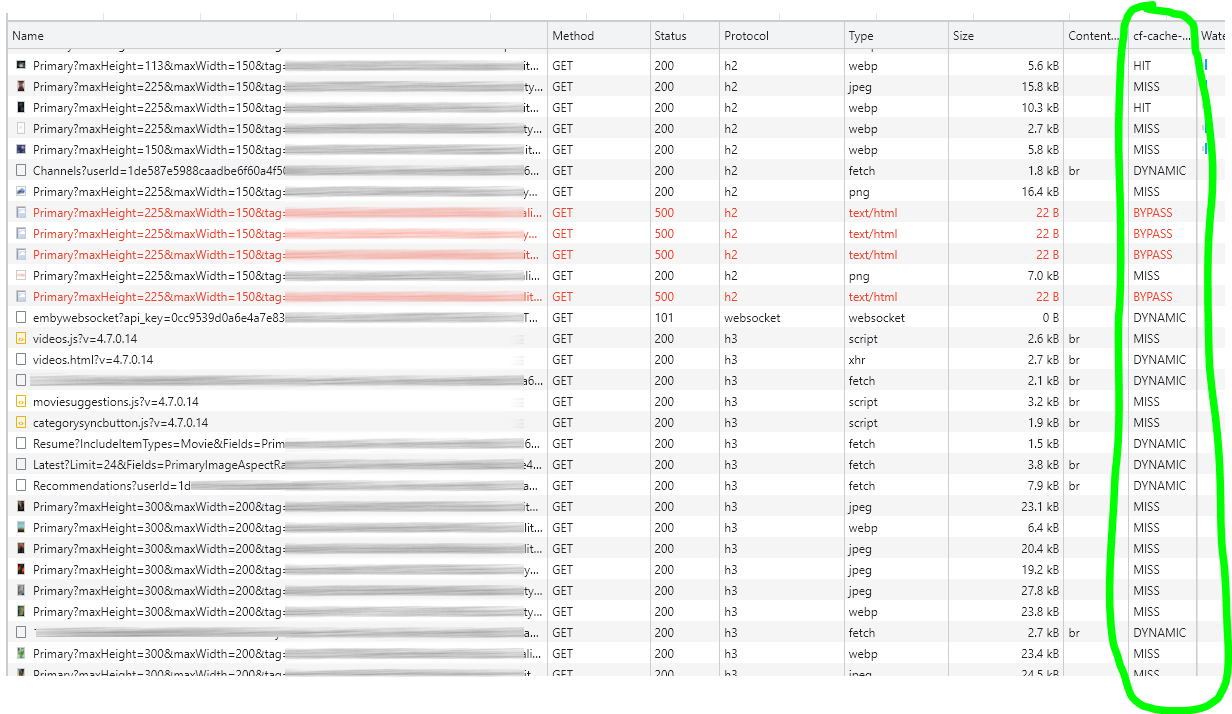
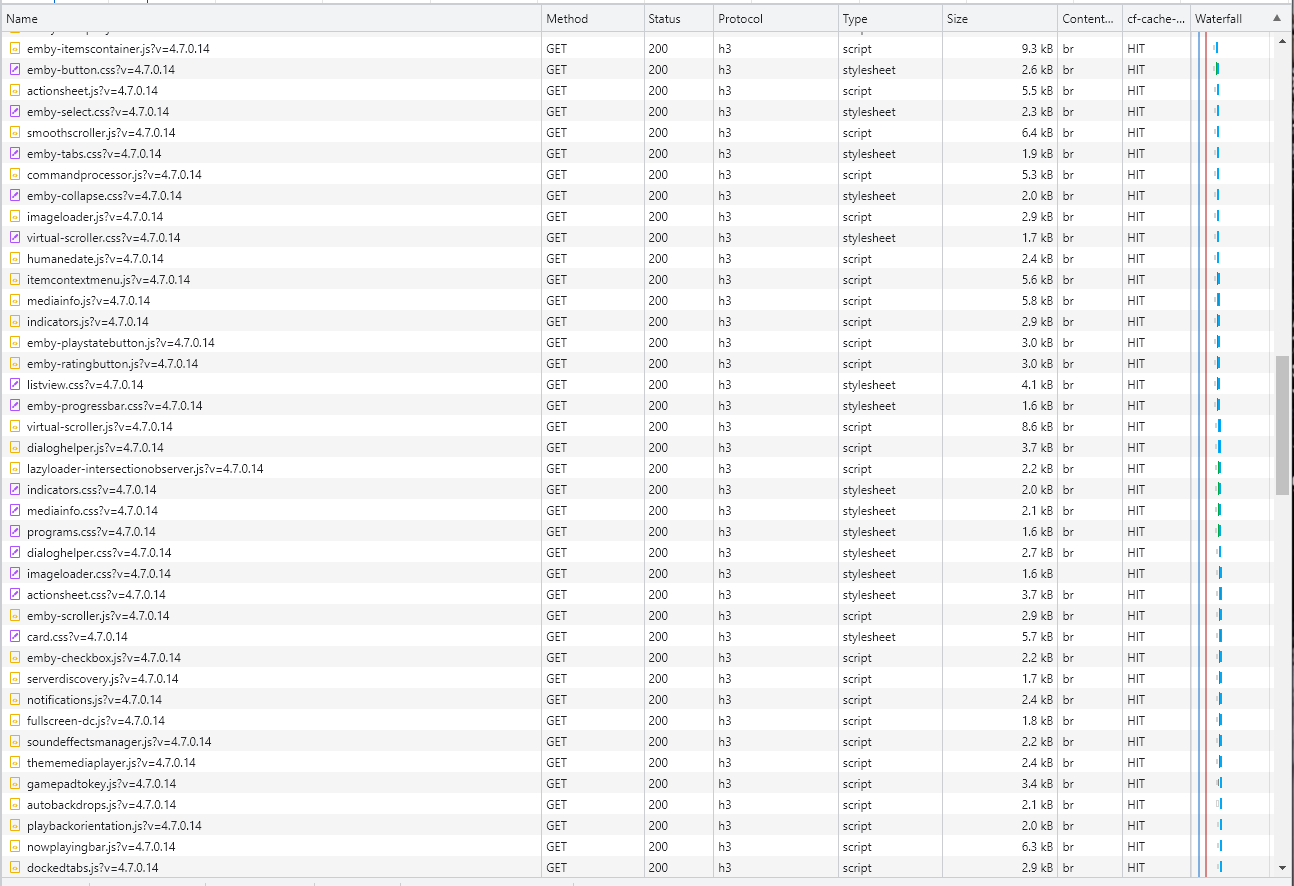
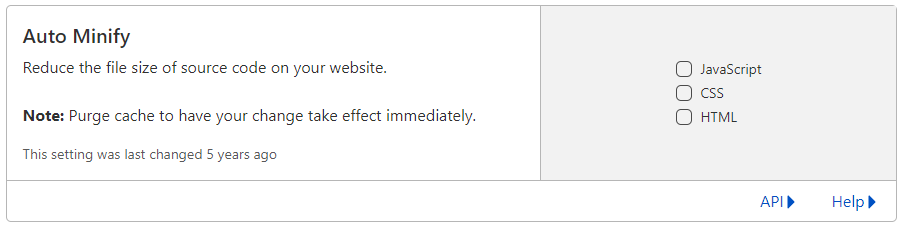
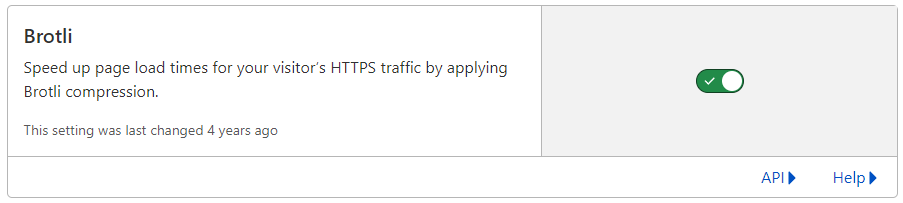
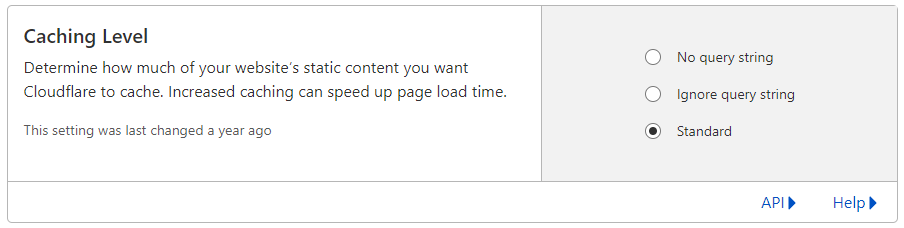
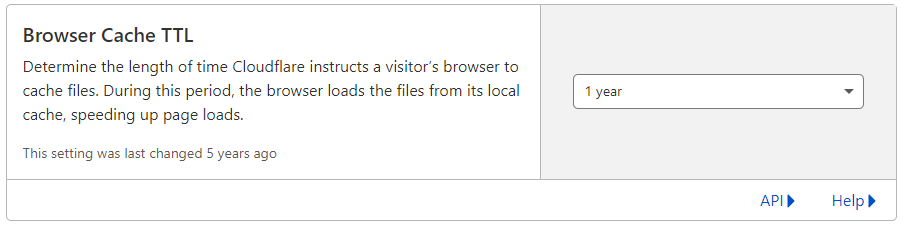
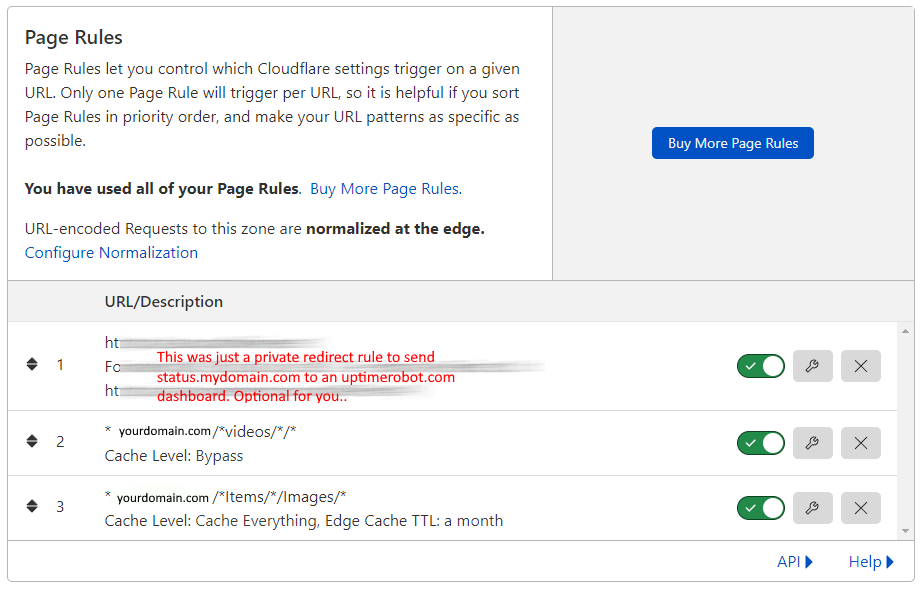
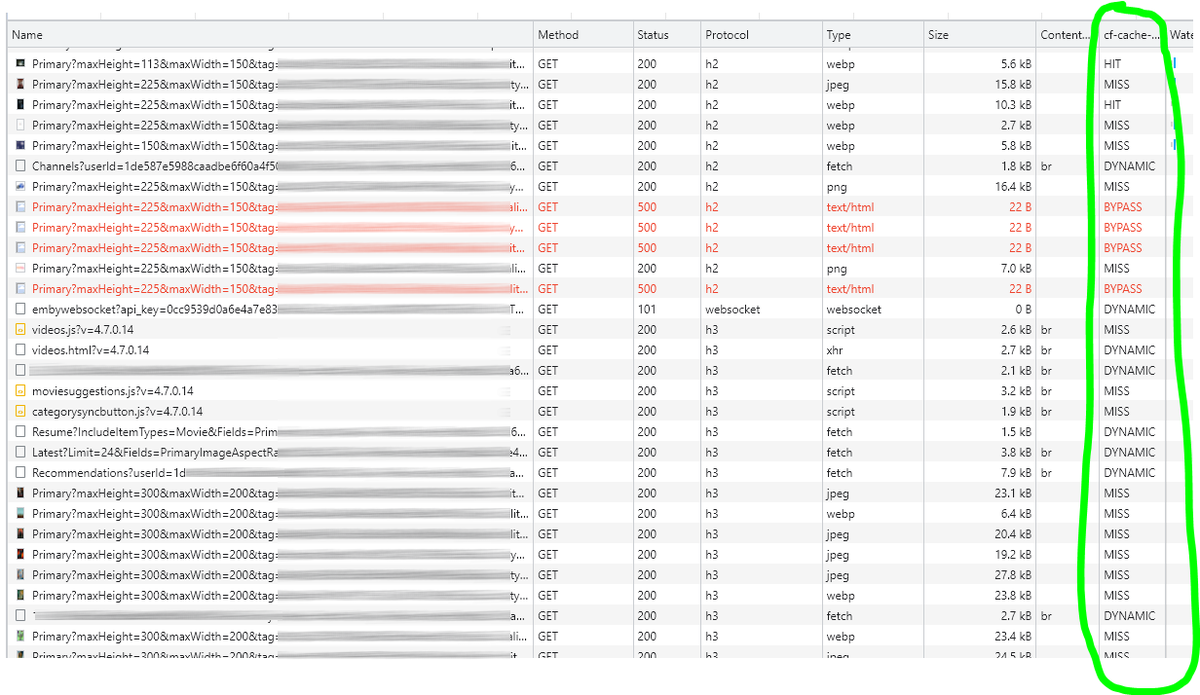
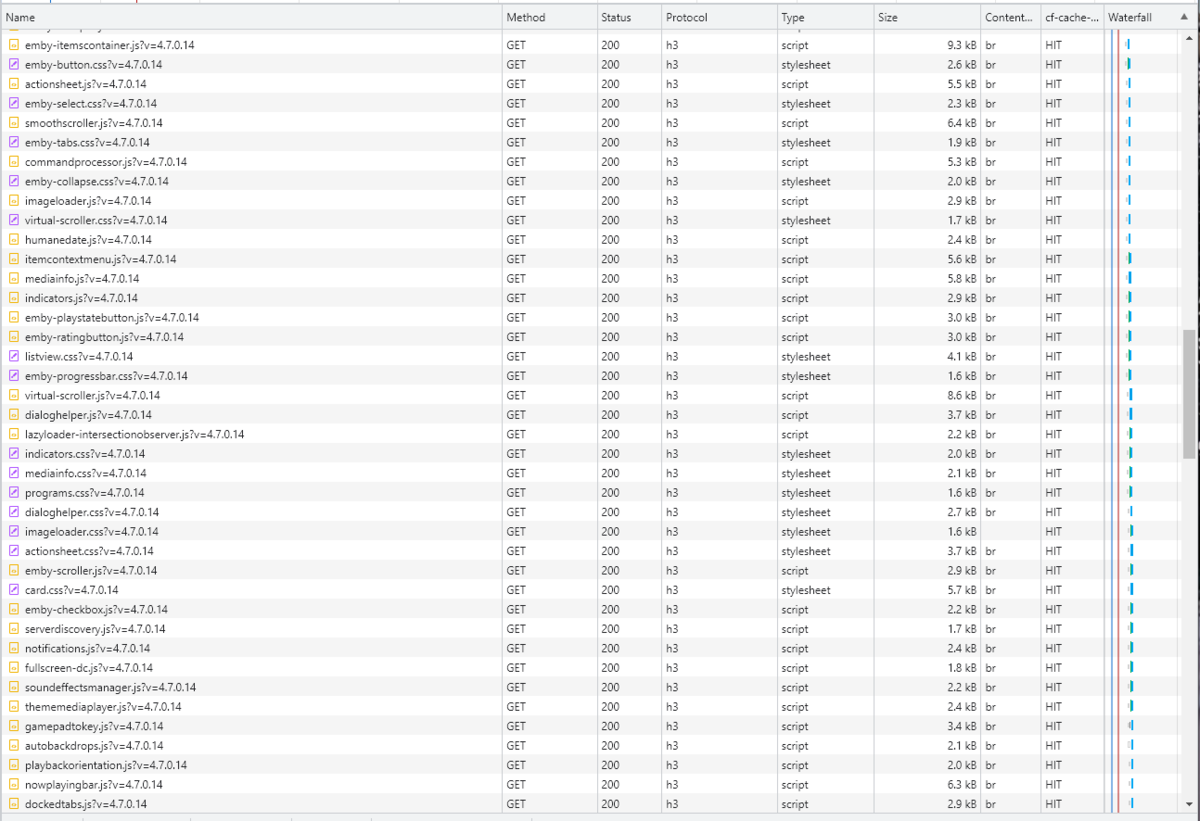
Cloudflare and emby Config Version 1.0.0 Last Update 02-25-2022 Update by Pir8Radio ** UPDATE: I AM HEARING OF EMBY USERS GETTING VIDEO FILES BLOCKED WHEN USING CLOUDFLARE (FREE TIER). IF THIS IS THE CASE, I NO LONGER RECOMMEND USING CLOUDFLARE. Even with the cache bypass rules, your video still passes through their system and is technically against their TOS. Use CloudFlare at your own risk if you choose to continue. I'll update if I get more info. Please post in this thread if you find you have video loading/playing/downloading issues while using cloudflare or have received an email from them about this. MESSAGE FROM CLOUDFLARE: Free, Pro, and Business Plans serving videos or a disproportionate amount of non-HTML content can be in violation of Section 2.8 of the Self-Serve Subscription Agreement (TOS). This will turn into a full Cloudflare how-to. Others are welcome to edit this or PM me with suggestions.. However right now I'm just going to post some recommended settings for people who already have Cloudflare setup. There are a few cloudflare settings that break emby, some break it in obvious ways, some only certain apps in certain situations.. These are the settings I found that work well as of today. I'll try to maintain this post and update the header info should new features come out, or the community discovers better settings than these. As of today, these are the settings available to us in Cloudflare FREE account: First disable the two main things that will break emby, go to the "Speed" tab then "Optimization" sub-tab. DISABLE Auto Minify and Rocket Loader! (screen shots are in the recommended state) Other options on this settings page are optional to enable, I suggest enabling Brotli compression. It's a good thing. Now head over to the "Caching" tab and select the "Configuration" sub-tab. Set your Caching settings as shown below. THIS IS OPTIONAL: Other settings in this settings tab are optional to whatever you like.. I have "Always Online" enabled, its kind of a neat feature that caches as much of your emby server as it can in case your server is down, users will at least see an emby splash screen, that's usually about it.. but its something... kind of useless otherwise.. Handy if you have other websites, it will totally cache normal html websites and users can continue to use your cached site when you have a web server outage. Next head over to the "Rules" tab. Create these two rules: Rule #2 here we will bypass caching 99% of all video. Caching the video will actually slow down the client experience. It screws with the chunks and often times has to fully cache 1 chunk before cloudflare sends it to the client, causing playback delays. Rule #3 here will cache all images on the edge servers for 30 days. We need this rule, because cloudflare only caches known file urls, like picture.jpg or poster.png emby serves up webp images with NO EXTENSION so cloudflare doesn't know to cache these items. But 99% of emby images come from the /items/XXXXXX/images directory so we will just force cache everything that comes from this URL, it should be only images. Keep in mind when you enable this it can take some time to build up cache.. emby serves up different sized images based on browser screen size, apps, etc.. so if you load a page that is minimized to a small window on your desktop emby will serve smaller sized images, if you make your browser full screen, now emby will serve up larger images and those images may load slow the first few times until they get cached too. Go below this screenshot and I'll show you how to check if caching is working. Check to see if Cloudflare Caching is working Well, how do you know Cloudflare is doing its thang'? Use a browser like chrome, or the new Microsoft edge (which is just a rebranded chrome). Open the browser, right click in the browser window and go down to "Inspect" (there is an F key for this too I forget what it is, I should add that here lol). Once the dev window pops up adjust it so you have a good view on the right, click the "Network" tab, hit the reload button on whatever page you are on so some info populates on the right dev screen. You should see something similar to this: Right click on the table header (Name, Method, Status, Protocol) anywhere, just right click the "Name" one. Go down to "Response Headers" then "Manage Header Columns". A little window will pop up hit "Add custom header..." and then add this header: cf-cache-status Now select the little sub tab that says "all" now surf your way to your emby server, and you should see something like the below screenshot. Hit is well..... a hit! this image came from cloudflare and was never requested from your emby server, saving you from sending this image to the client, saving time and bandwidth. MISS is also kind of obvious, it was a miss, either due to never being cached yet (first time Cloudflare has seen this image or document) if you hit refresh a few times, cloudflare will then cache it and it will turn to HIT. BYPASS I'm actually not sure why my server is returning server 500 errors below, this image is being called for by emby clients but the server has no image to serve, but usually you should only see BYPASS on playing video's if your rules above are correct. Or in my case, a server error will not be cached. DYNAMIC this is also a NO HIT response.. this is usually due to Cloudflare knowing this resource changes a lot and doesn't want to cache it so your clients don't get served stale data, or its a video, websocket, or some other format Cloudfare's great automated intelligence deems it should not be cached. That is the basics that will save you a lot of headache and blaming emby for things not working.. There are lots of cool options to enable outside of these basic settings above, ask questions here, send ideas that maybe I have missed that work great for you.. I just wanted to throw this up due to a lot more of you guys using Cloudflare. In the end you should start to see more "HIT" responses... and a noticeably faster loading time for the clients, less bandwidth usage for your emby server, and everyone is happy.. Well..... within reason....




 1 point
 -
Ok so my request is to be able to search each library separate as it stands when you search it searches everything, and if like me you have 30k music tracks 10k books/comics 10k episodes and 10k+ movies, searching is slow so is it possible to have a search section for each library individually1 point
-
New_GUI_2.zip
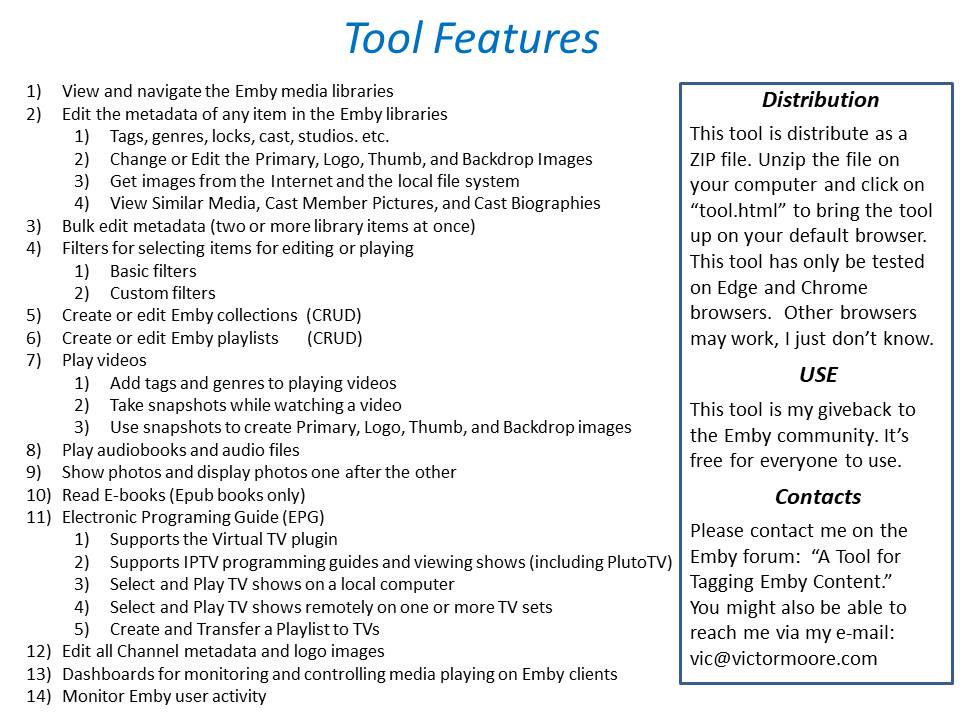
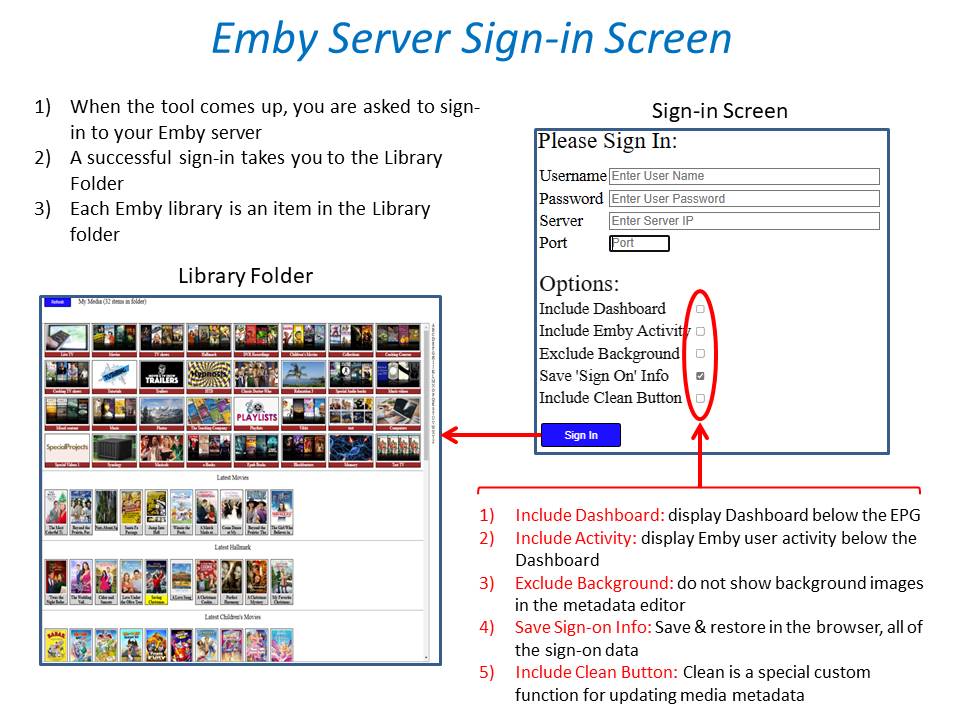
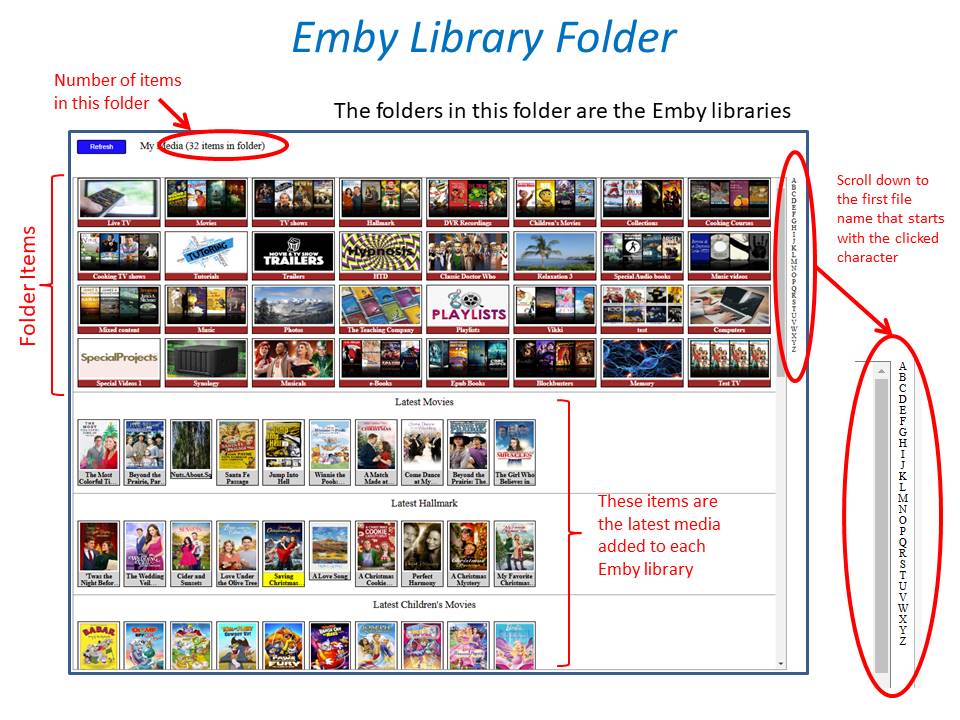
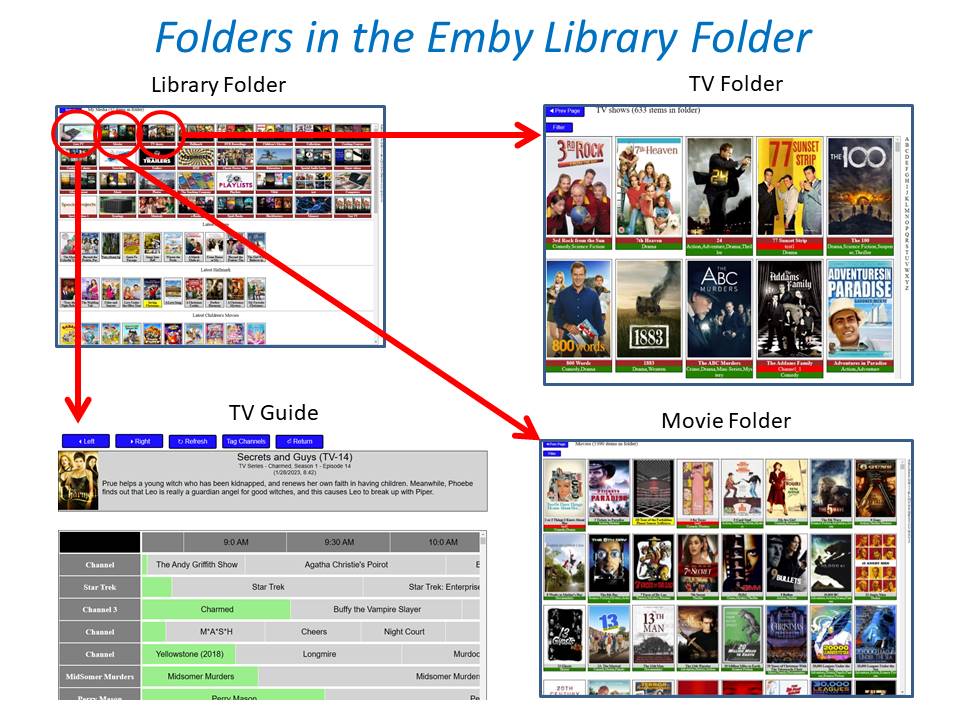
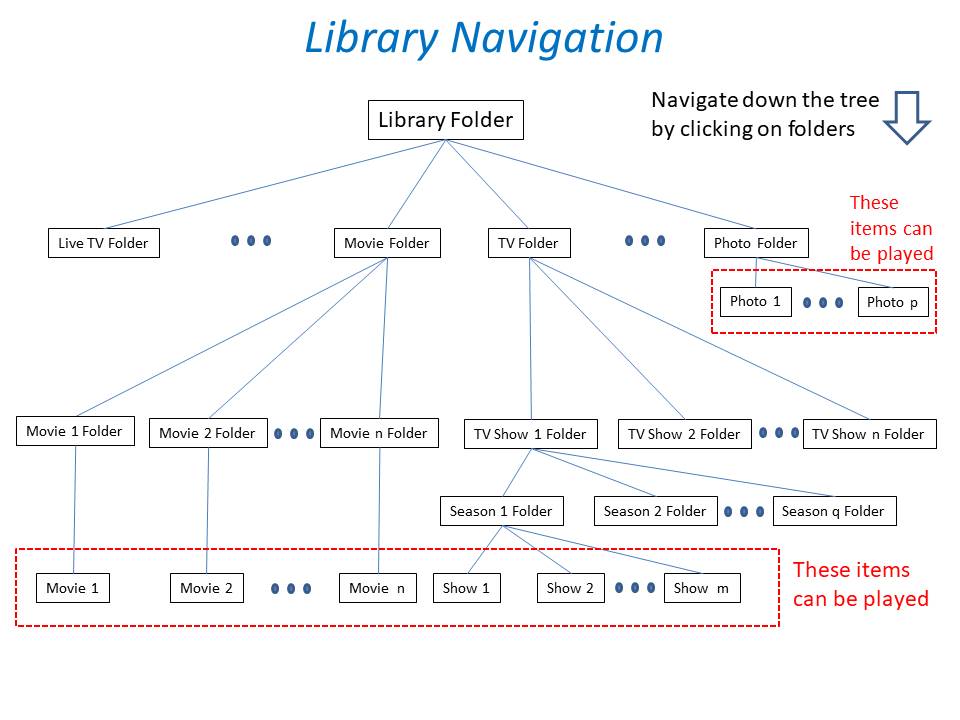
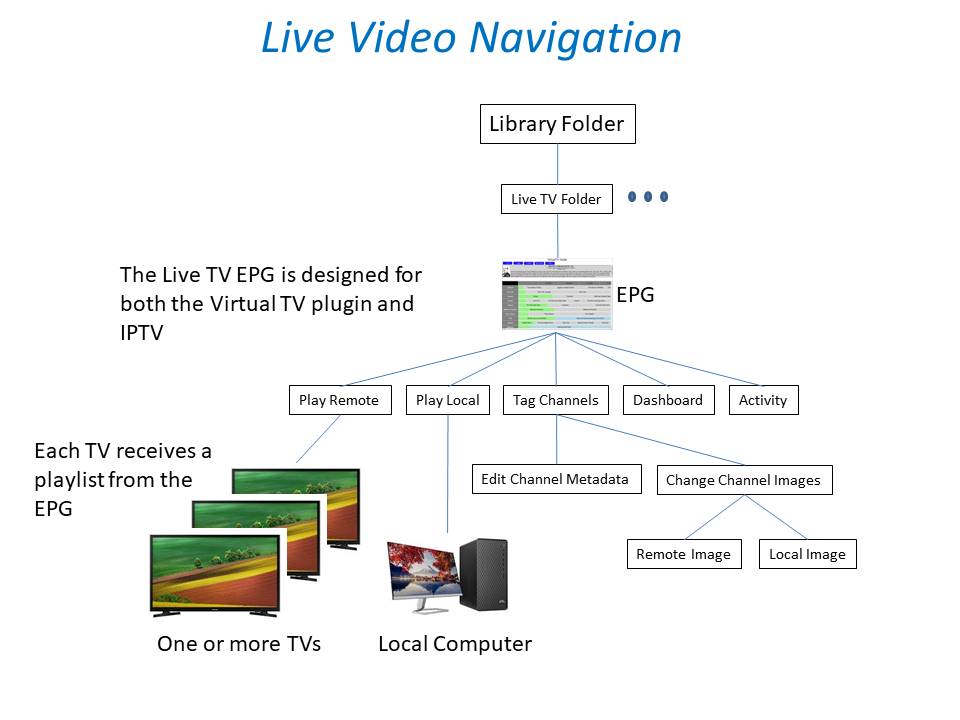
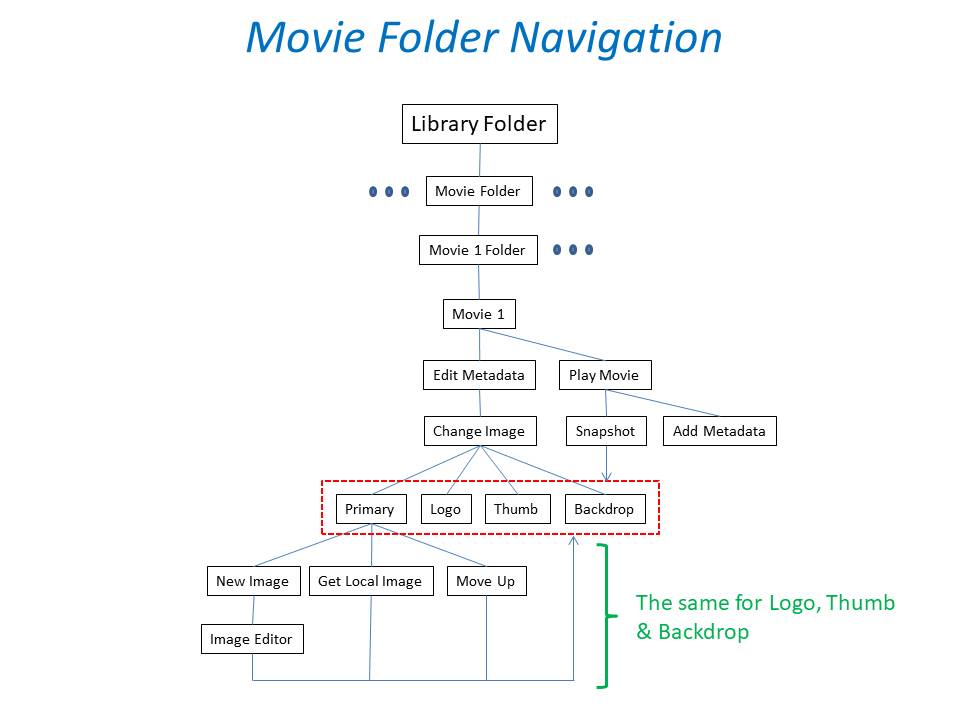
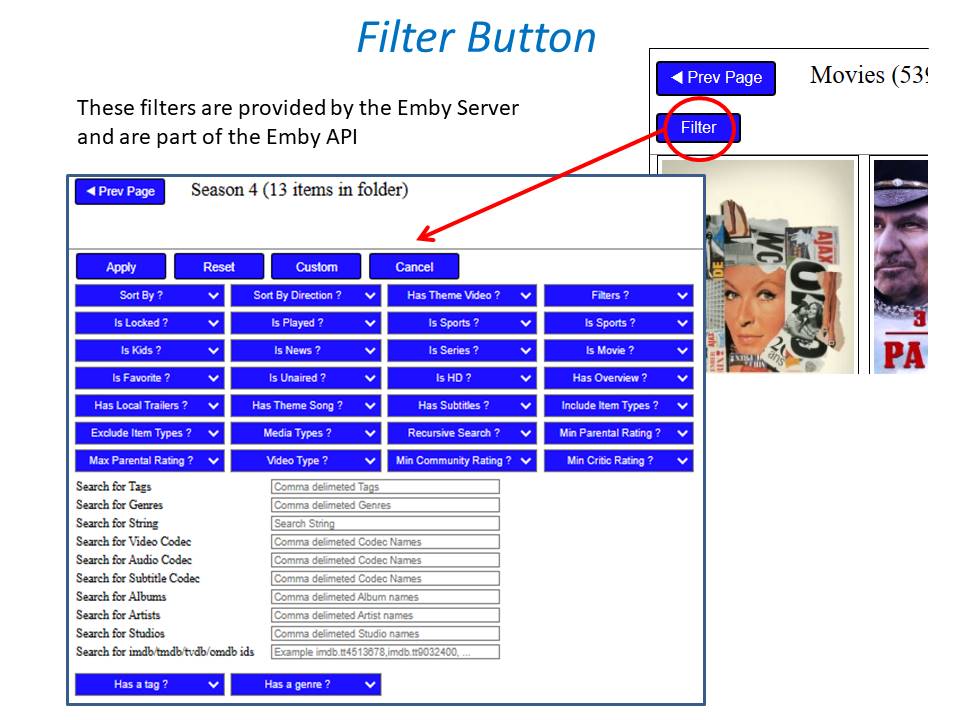
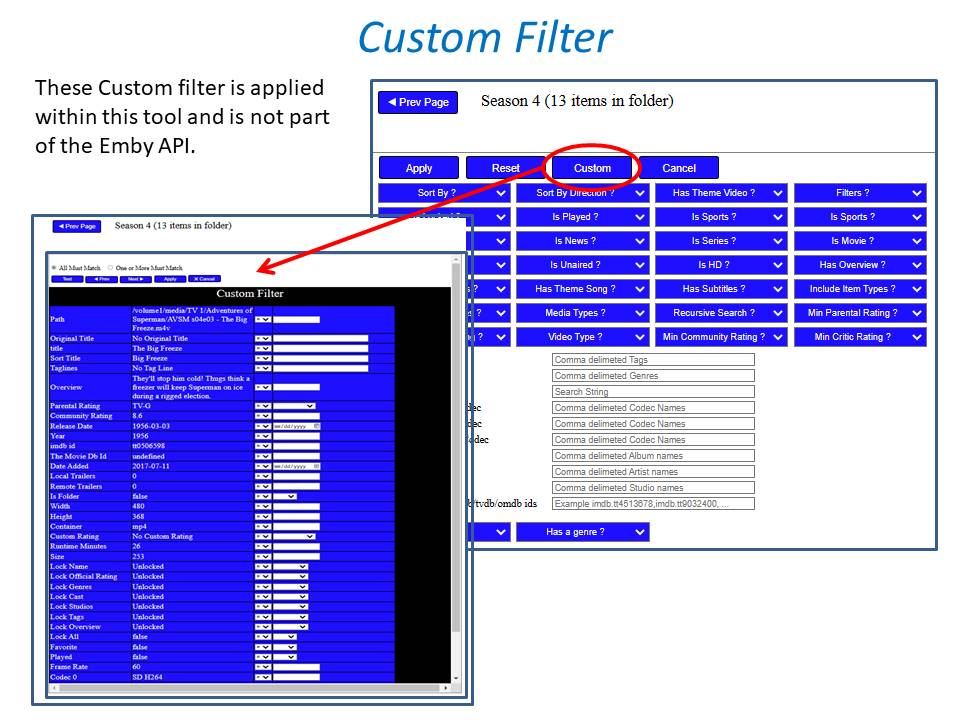
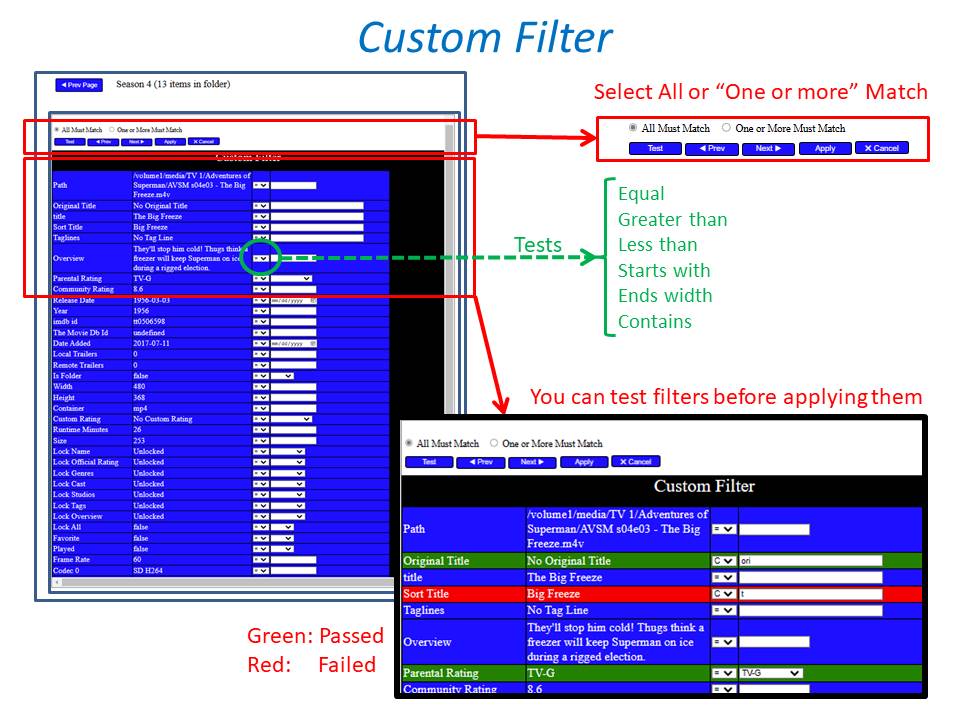
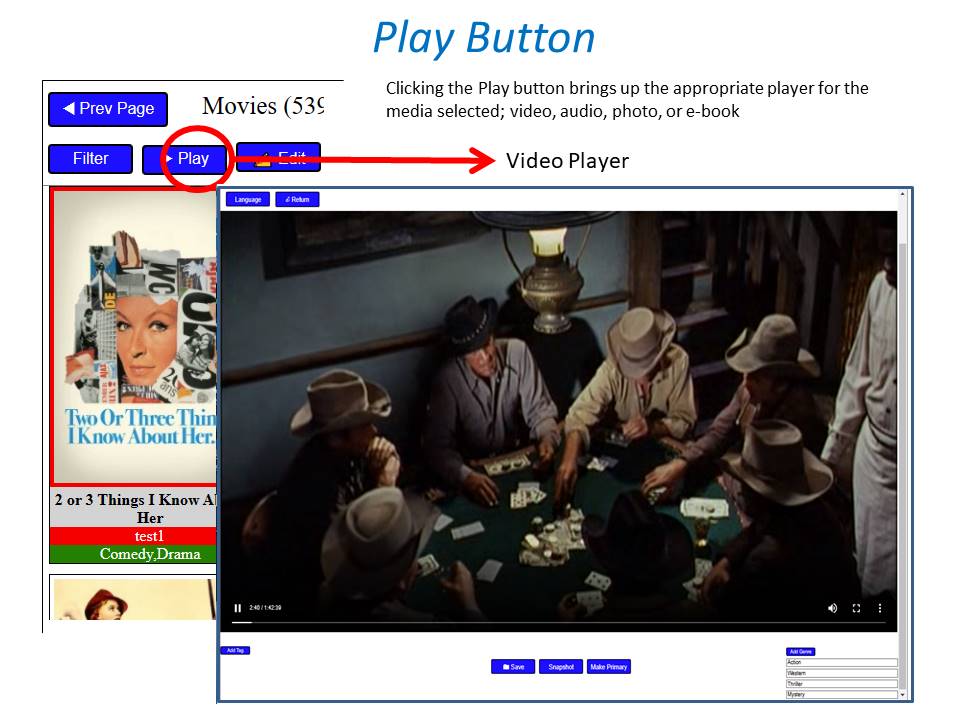
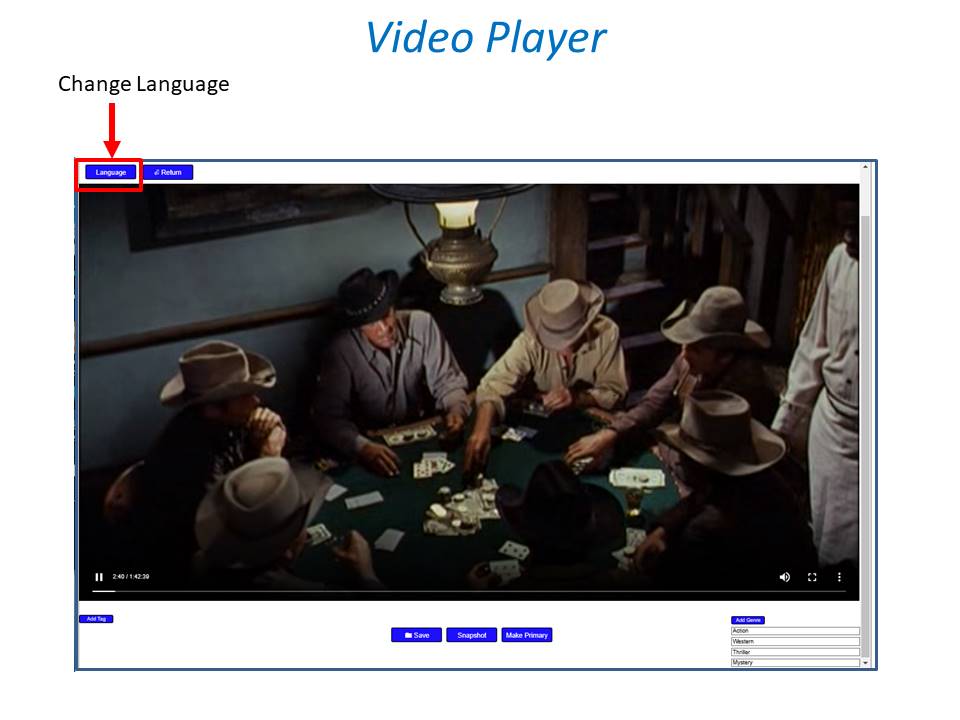
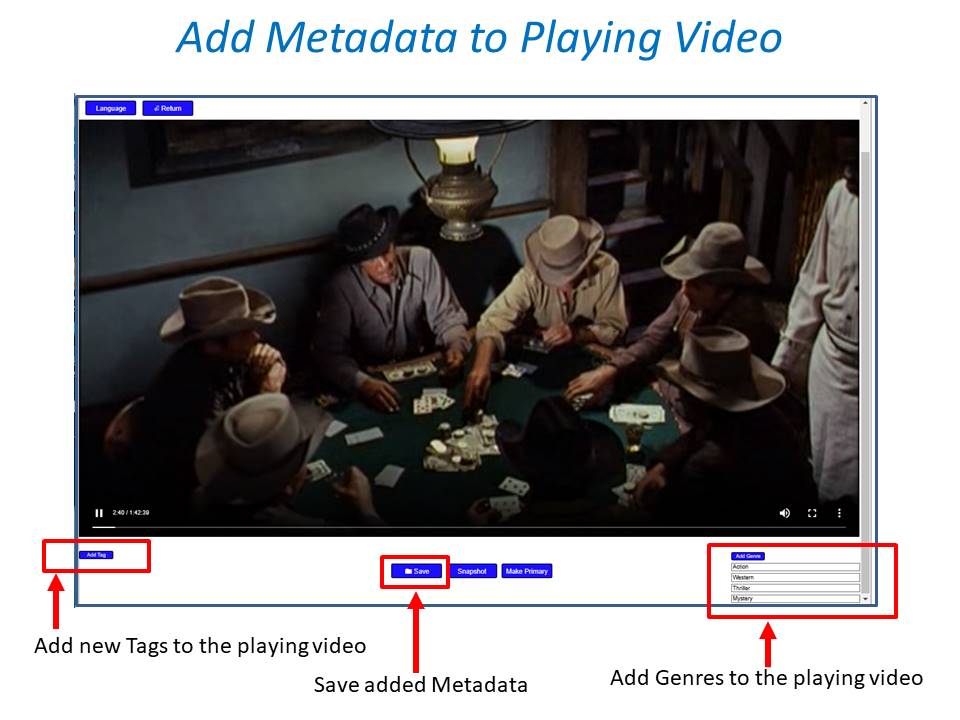
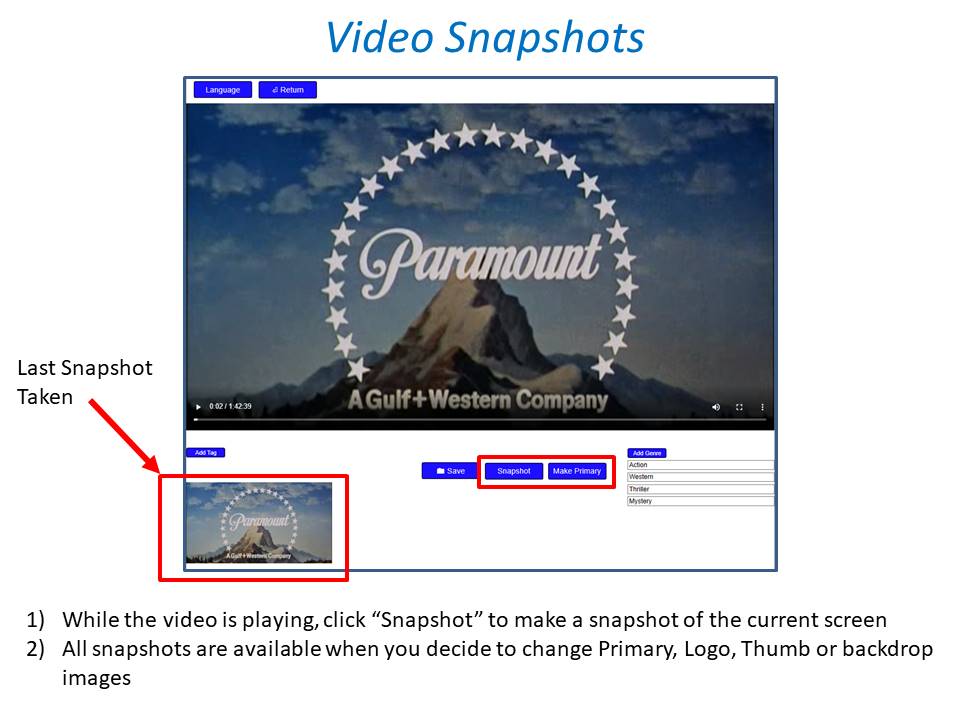
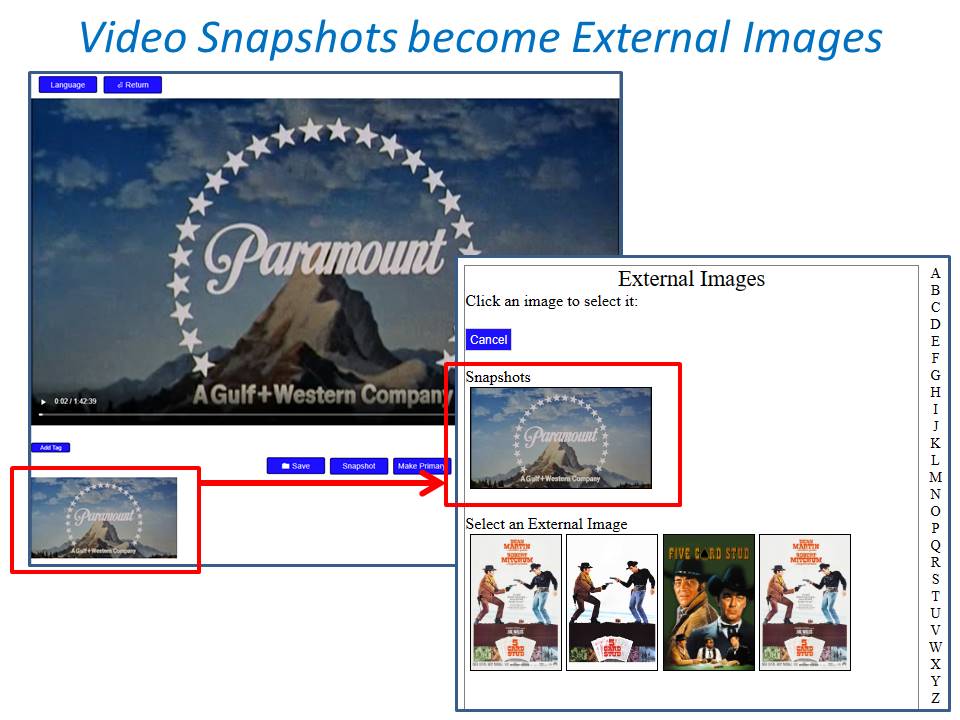
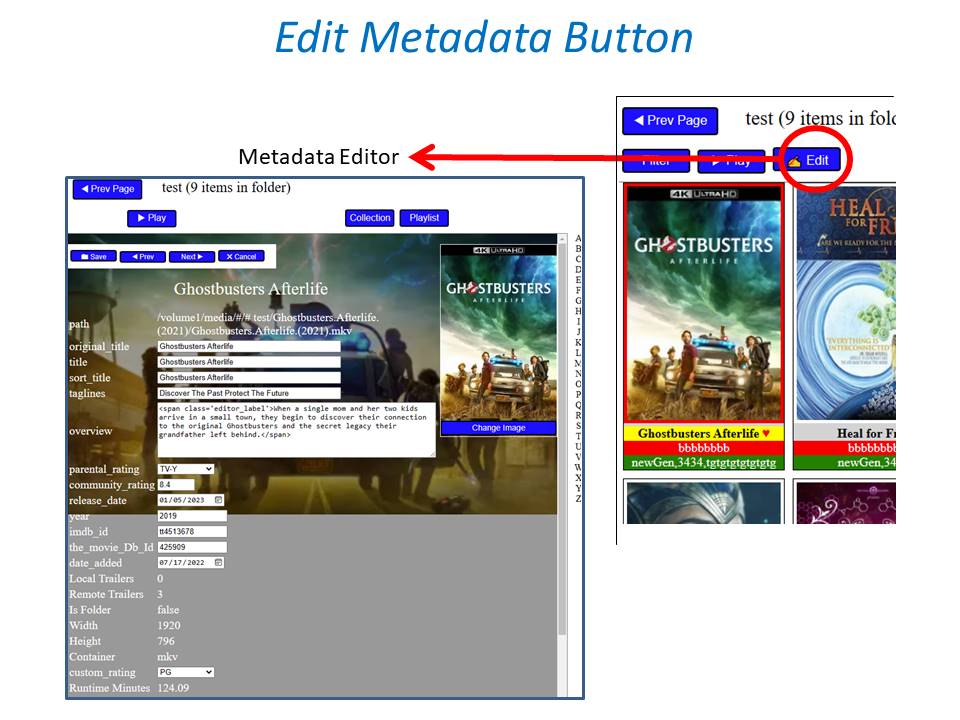
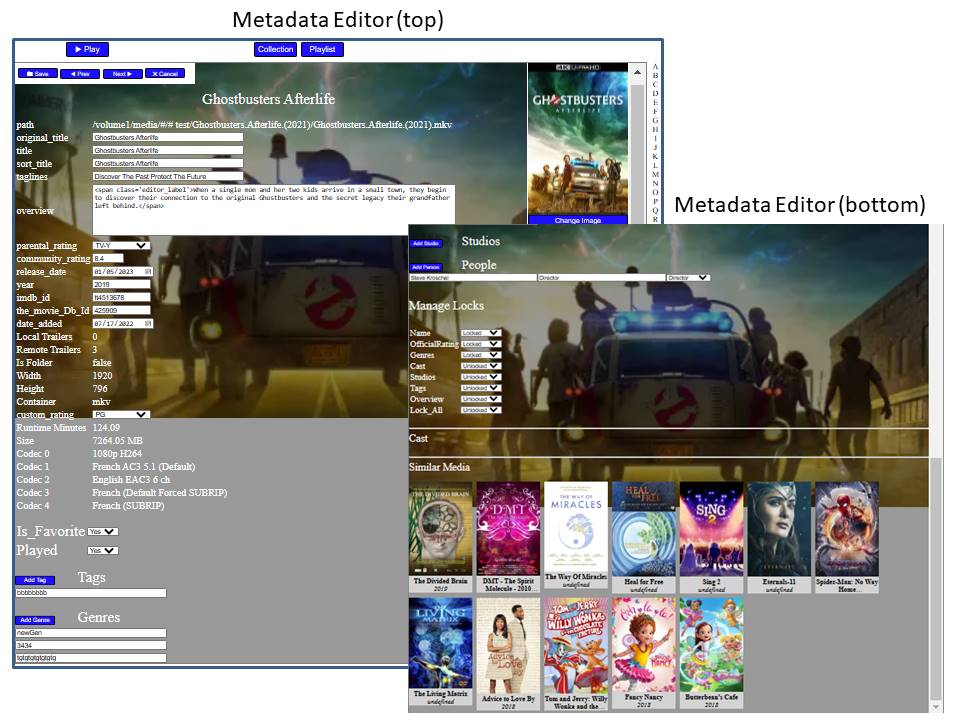
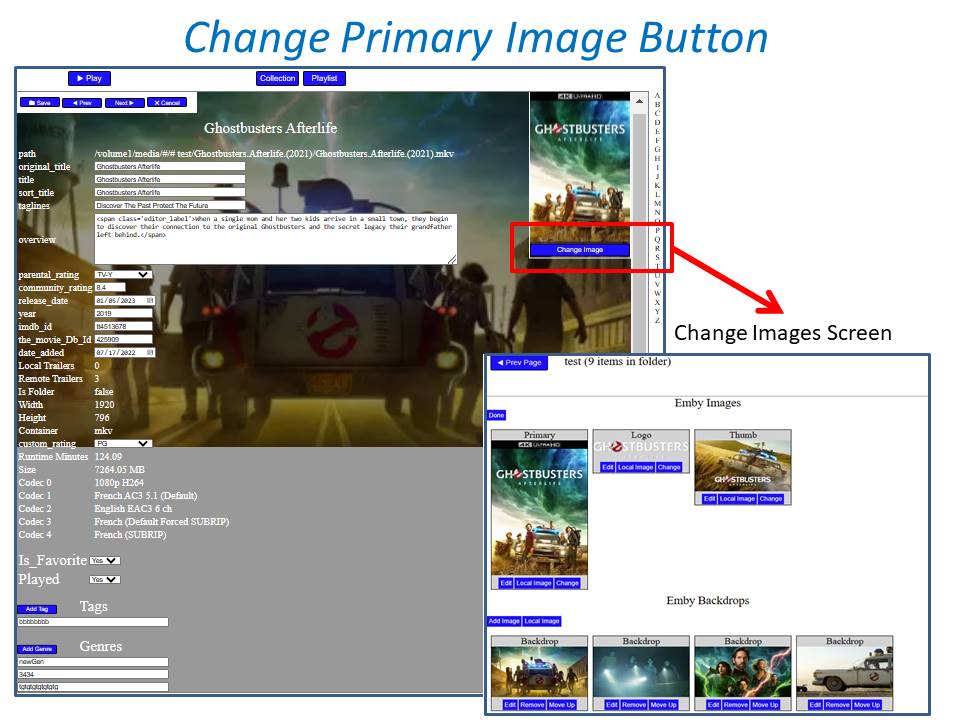
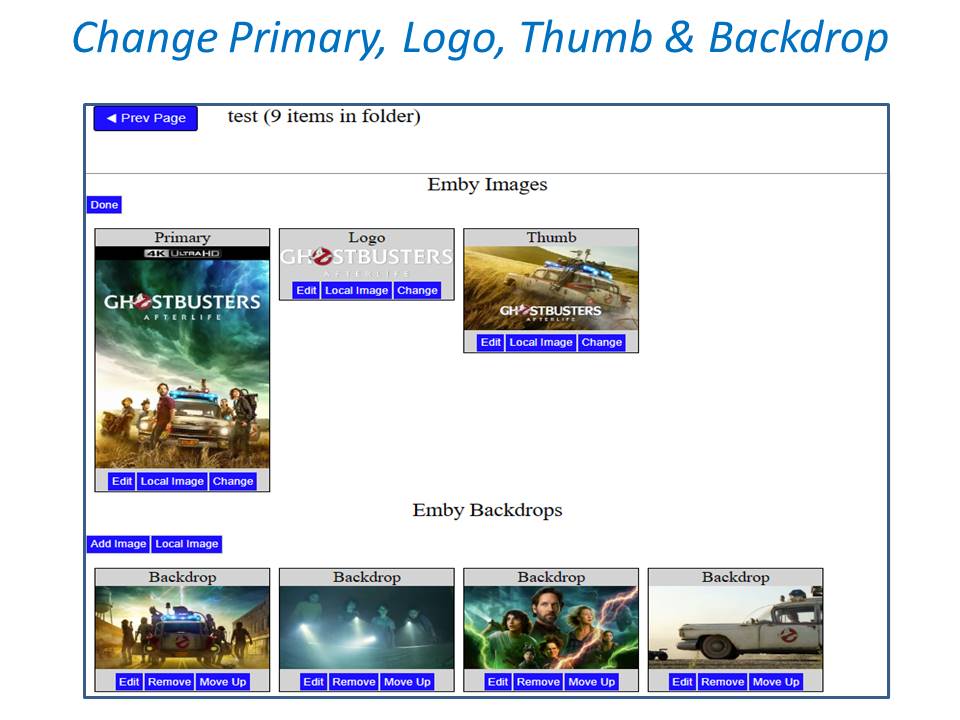
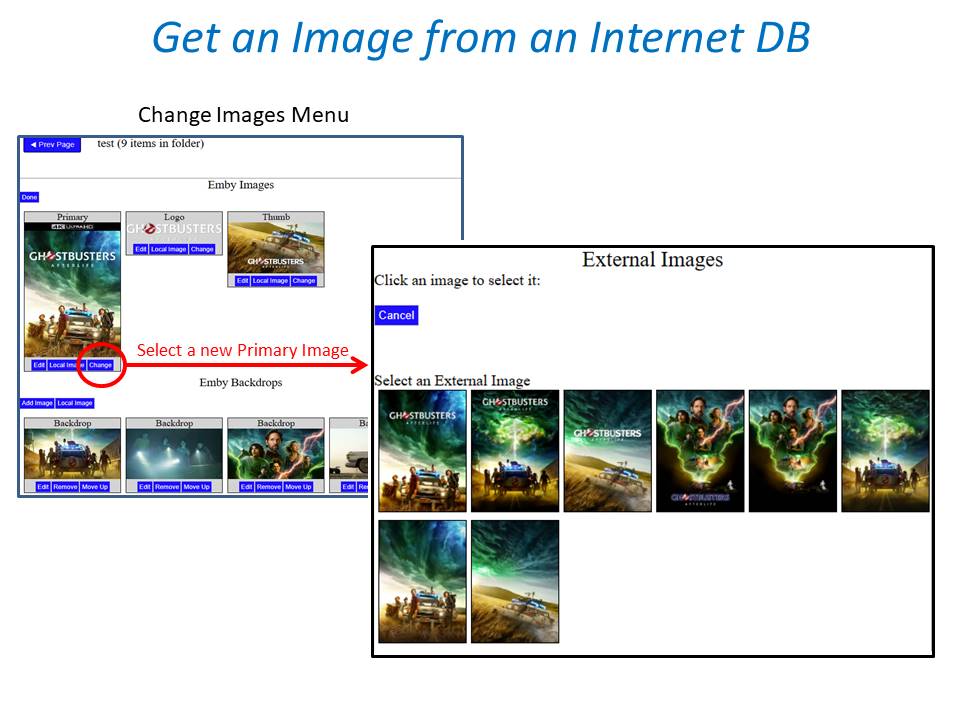
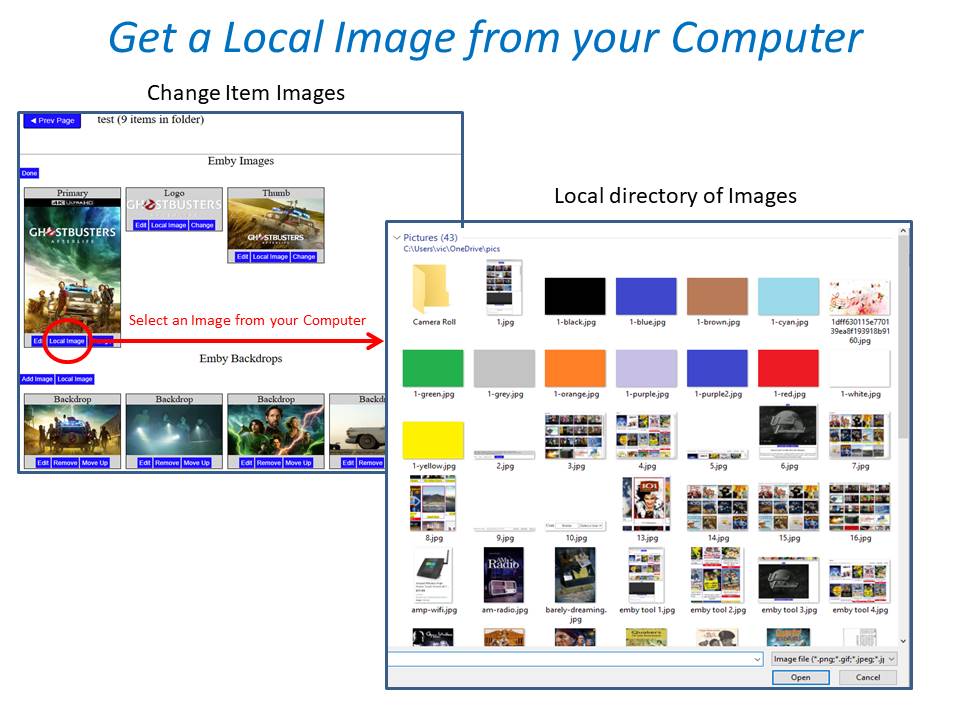
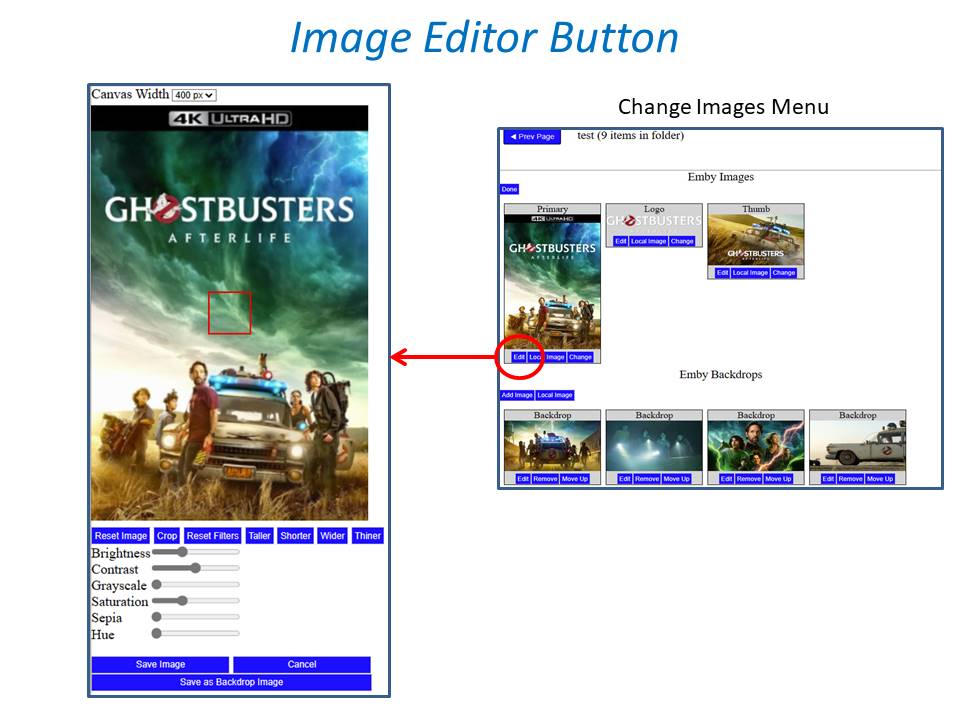
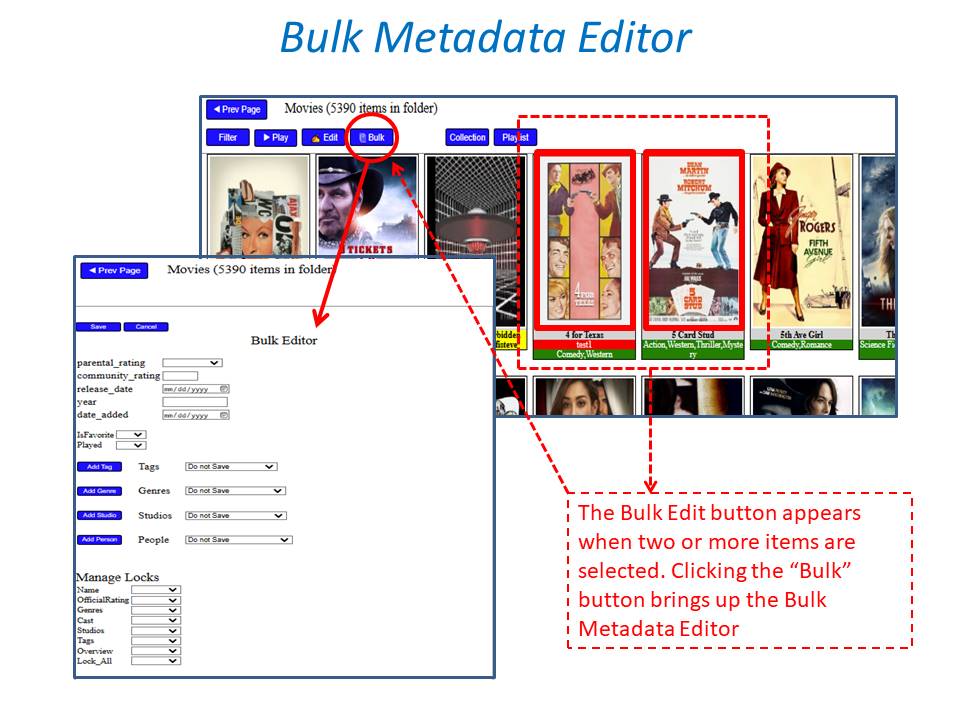
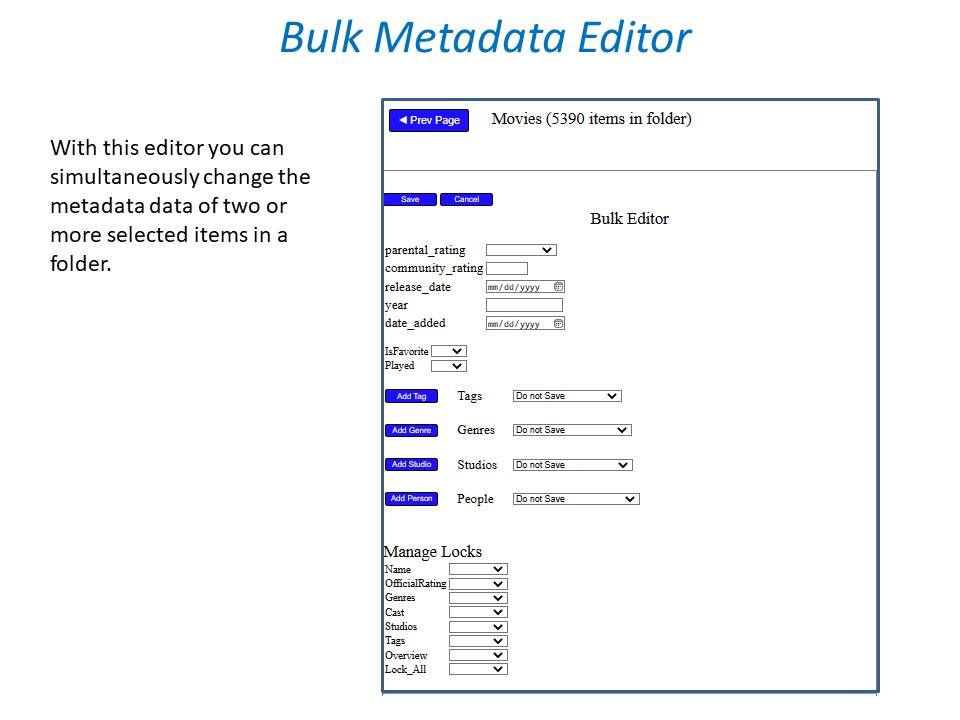
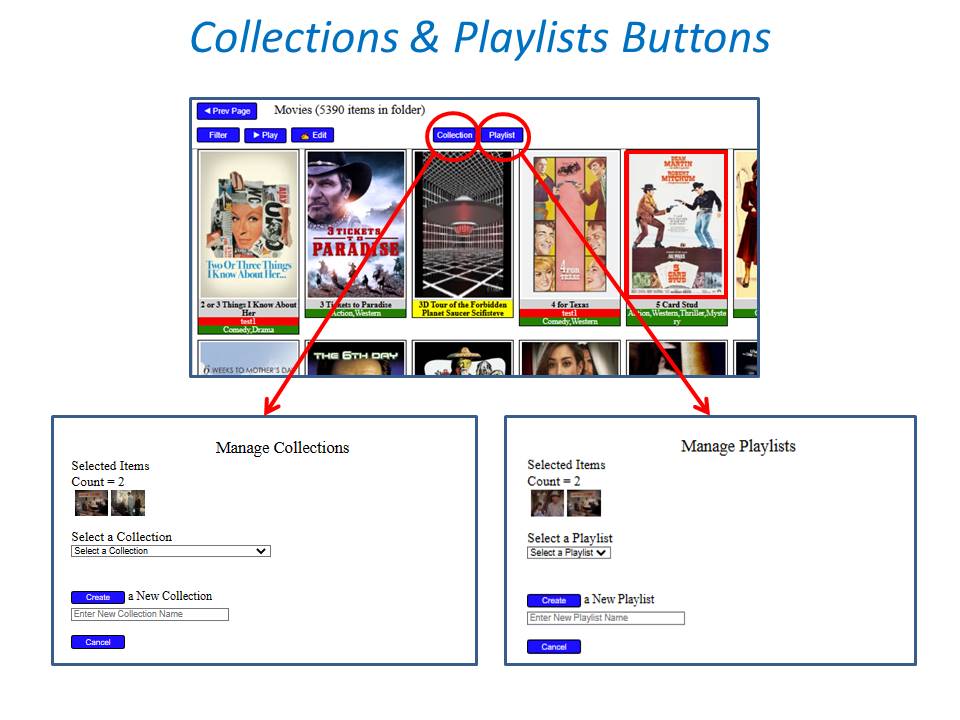
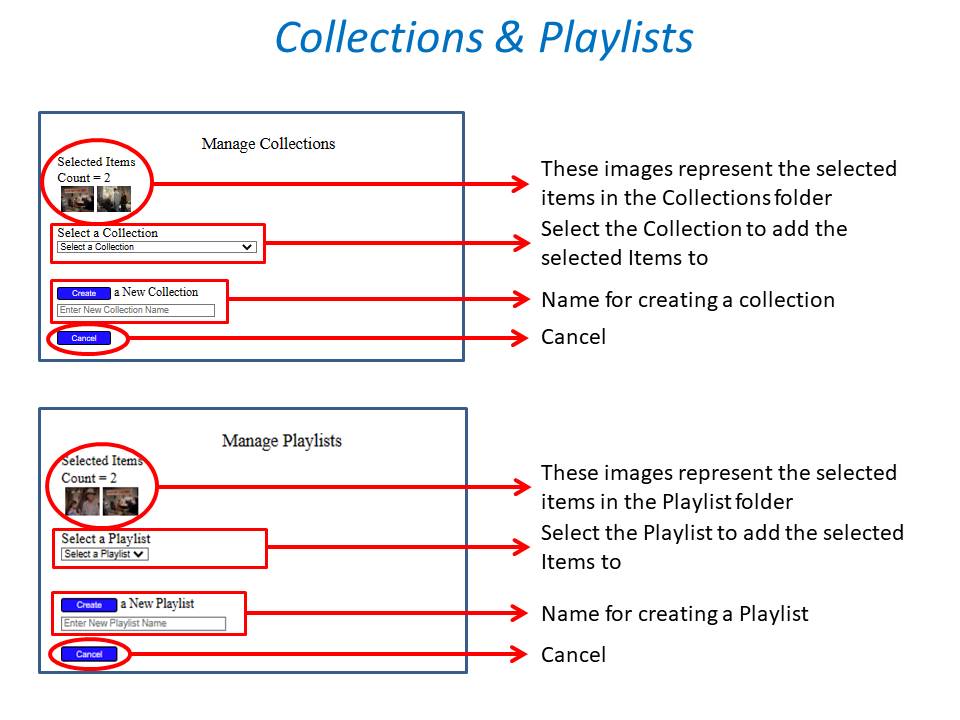
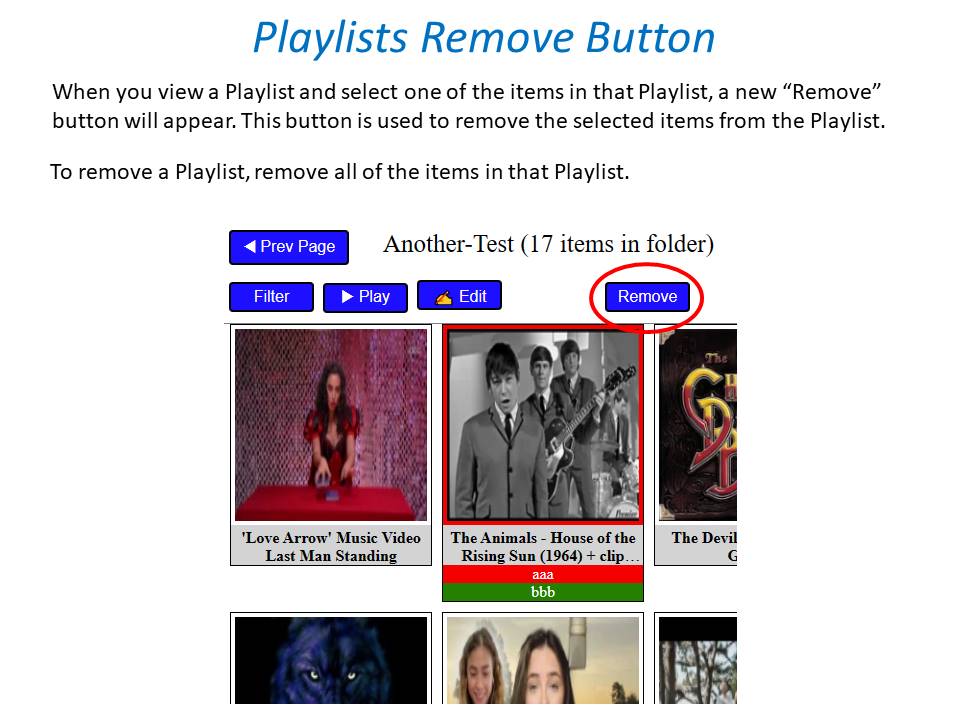
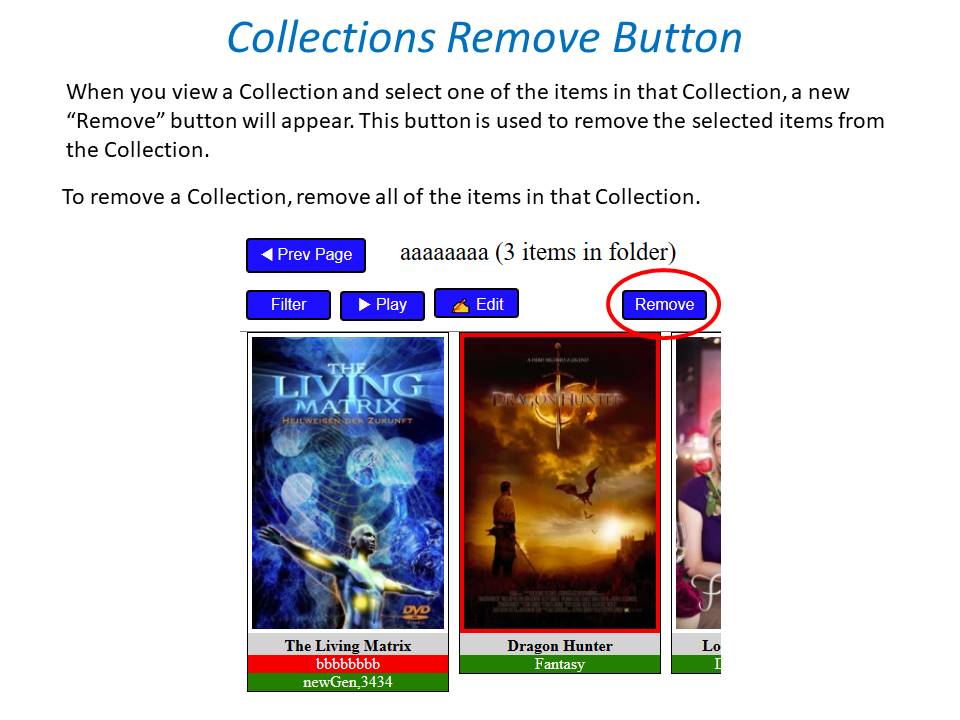
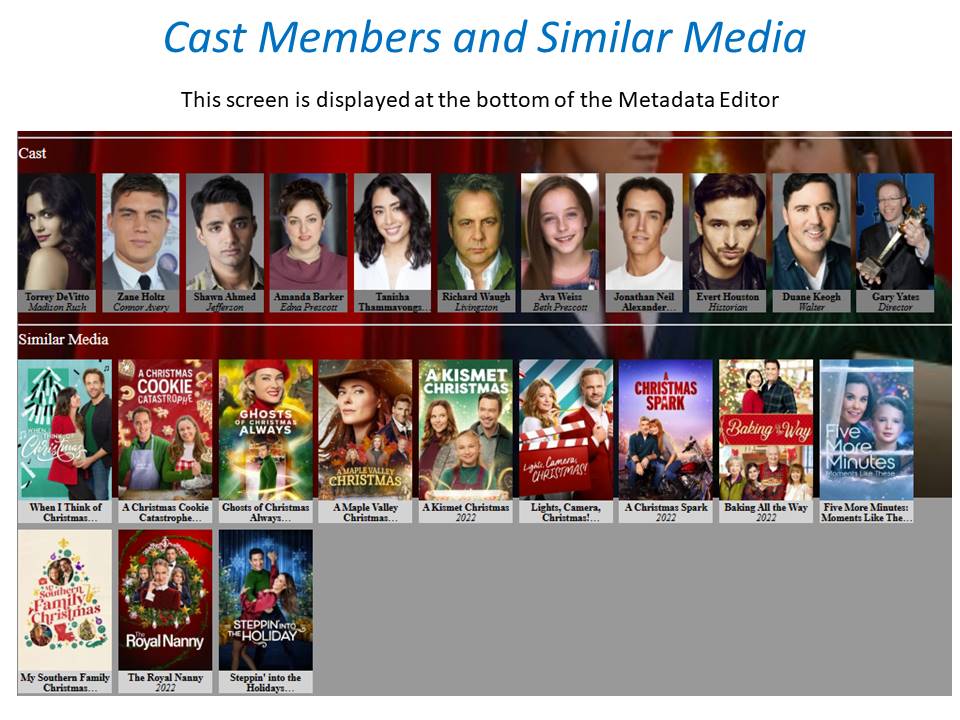
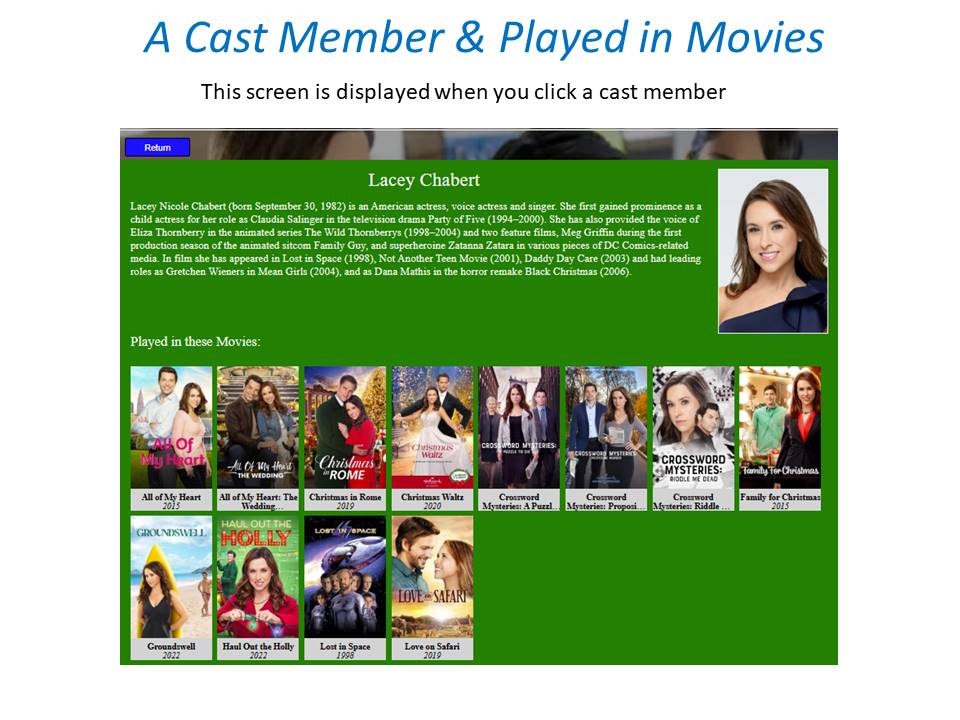
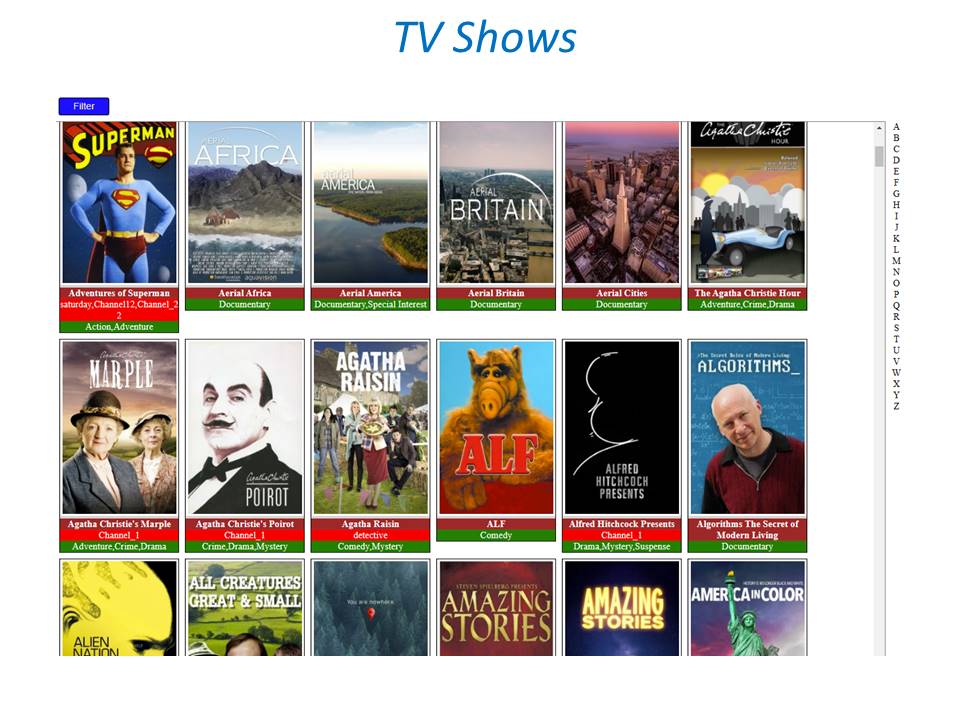
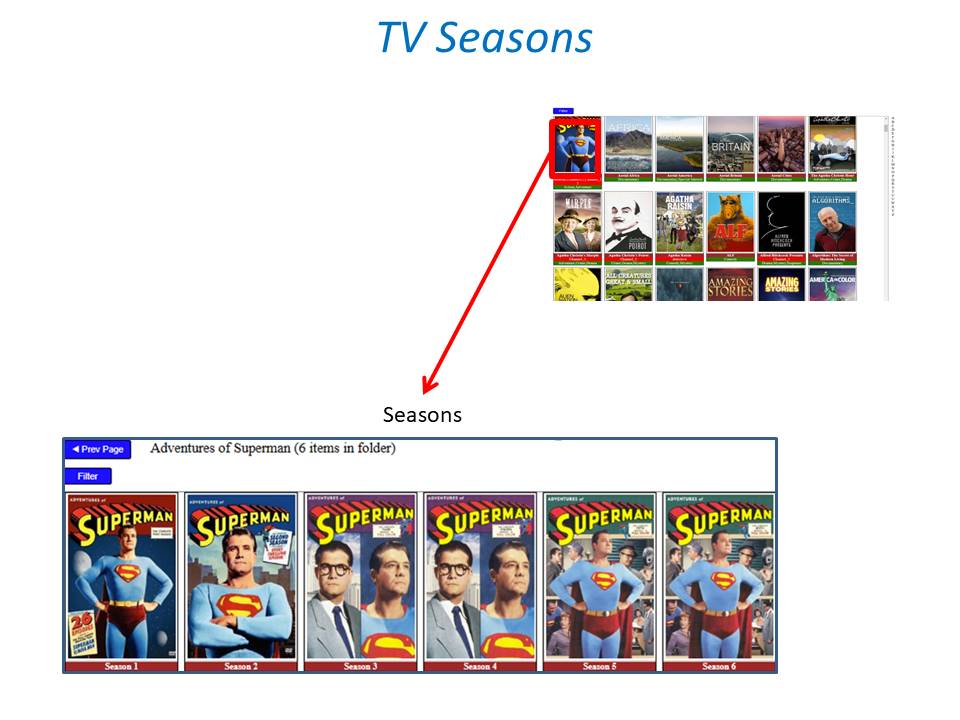
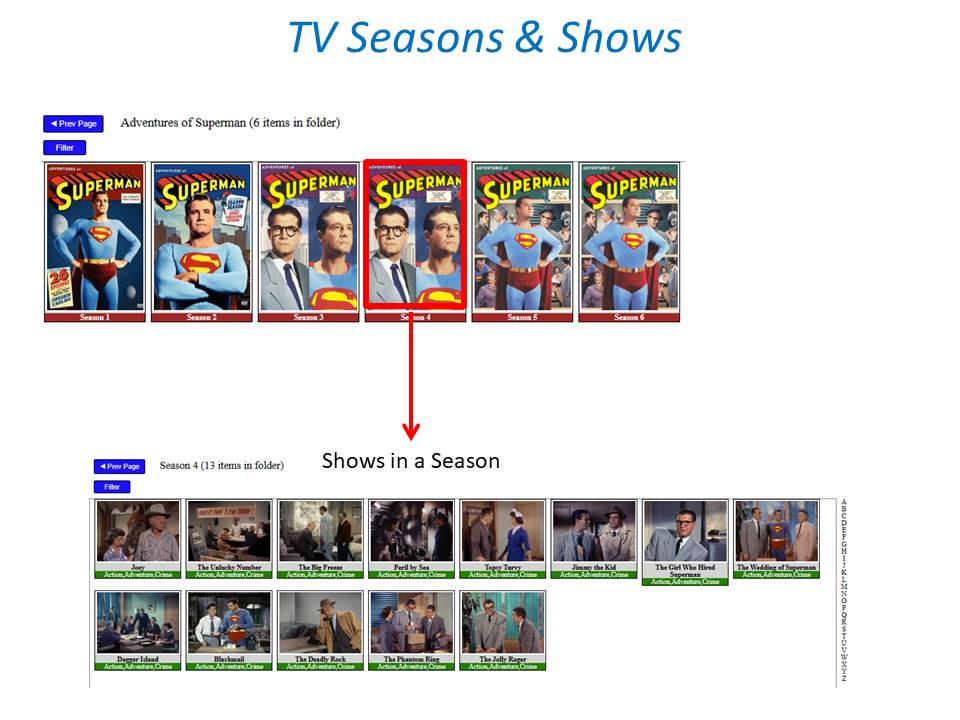
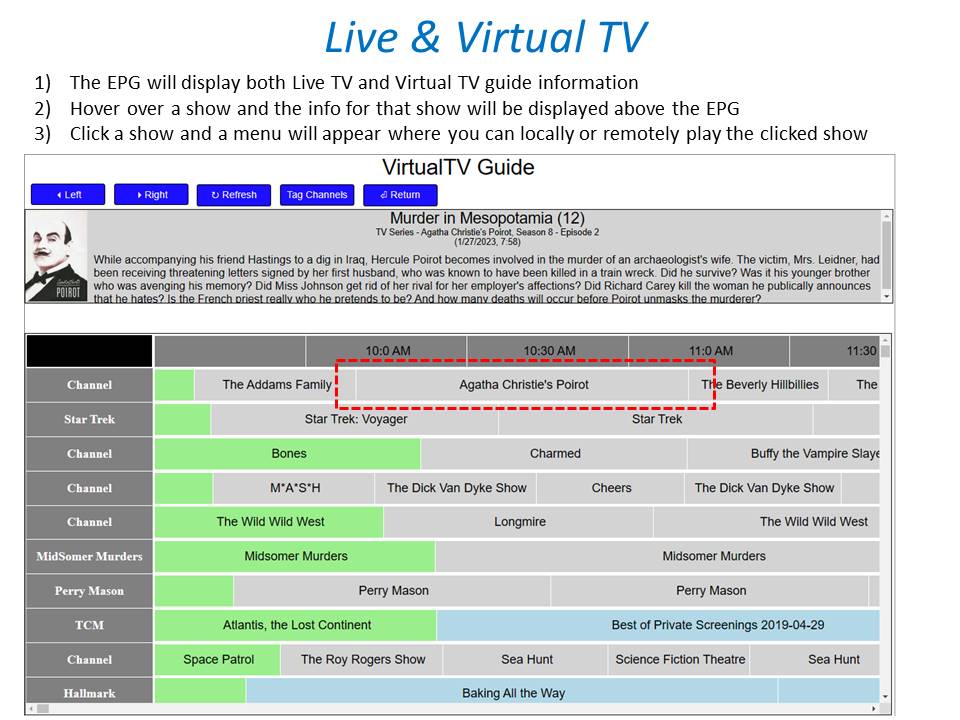
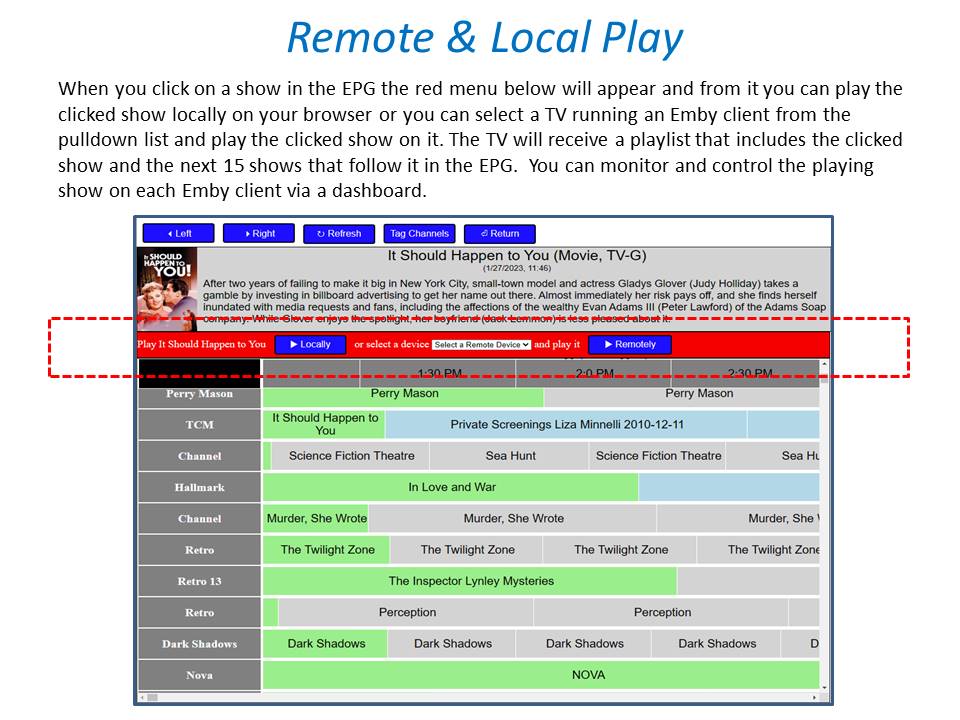
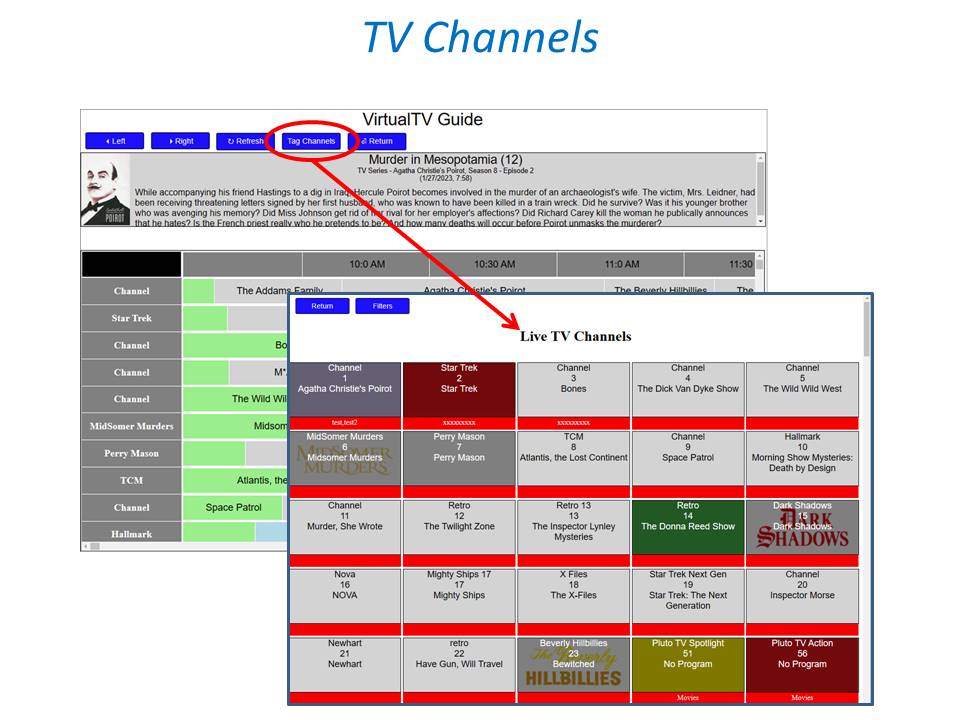
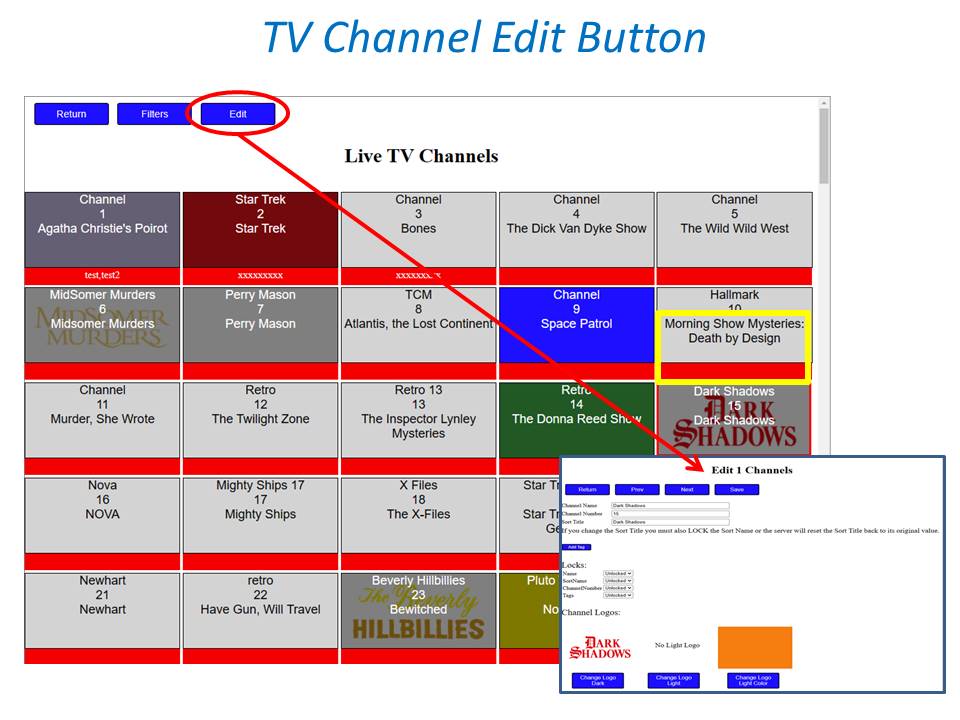
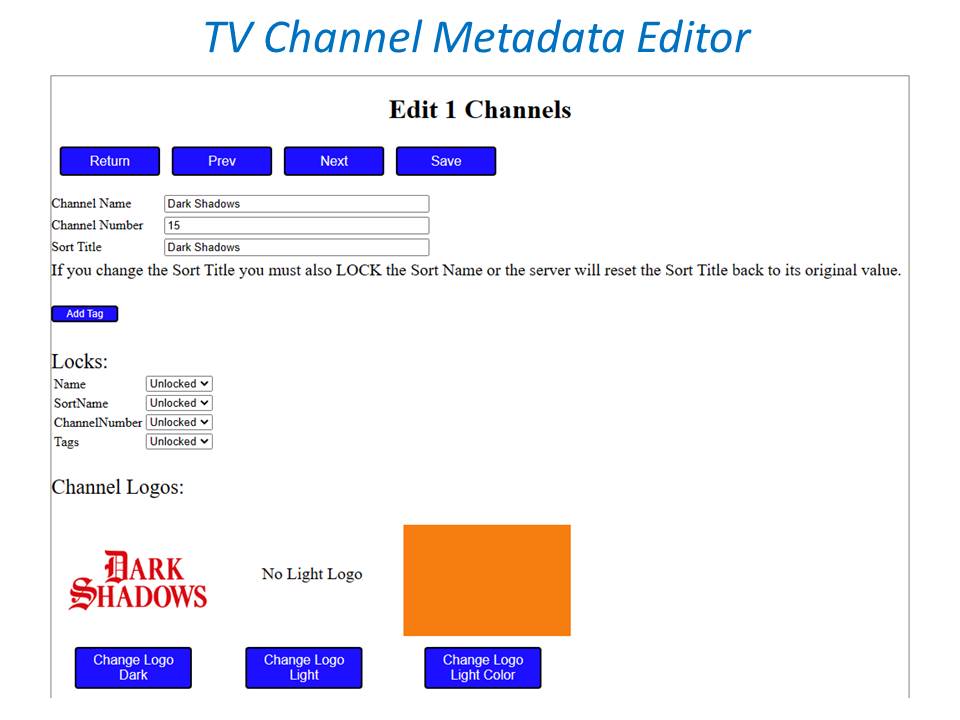
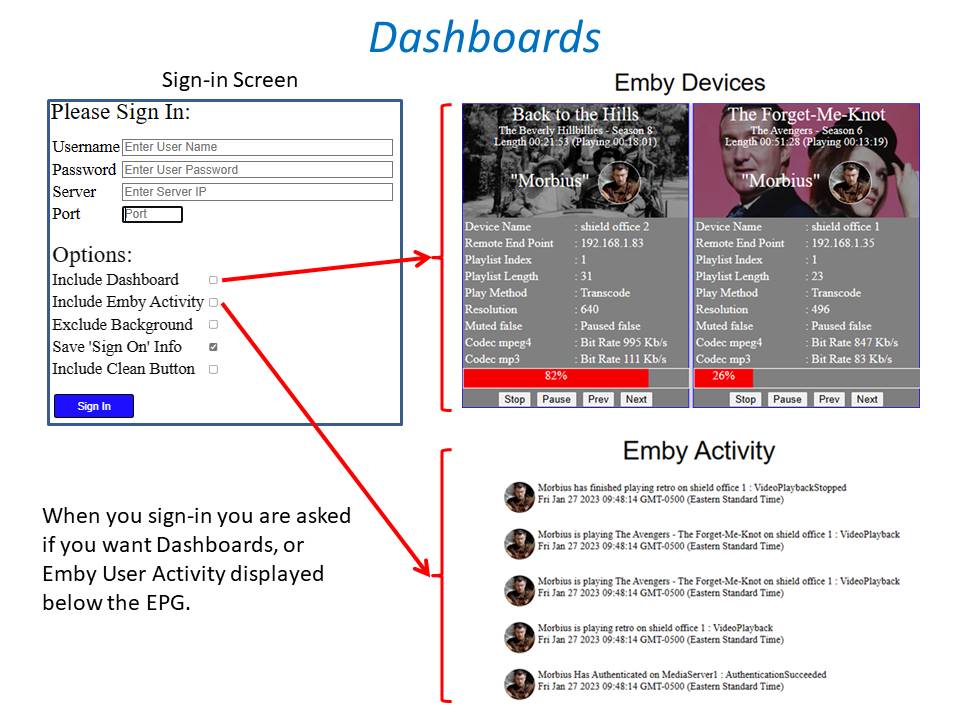
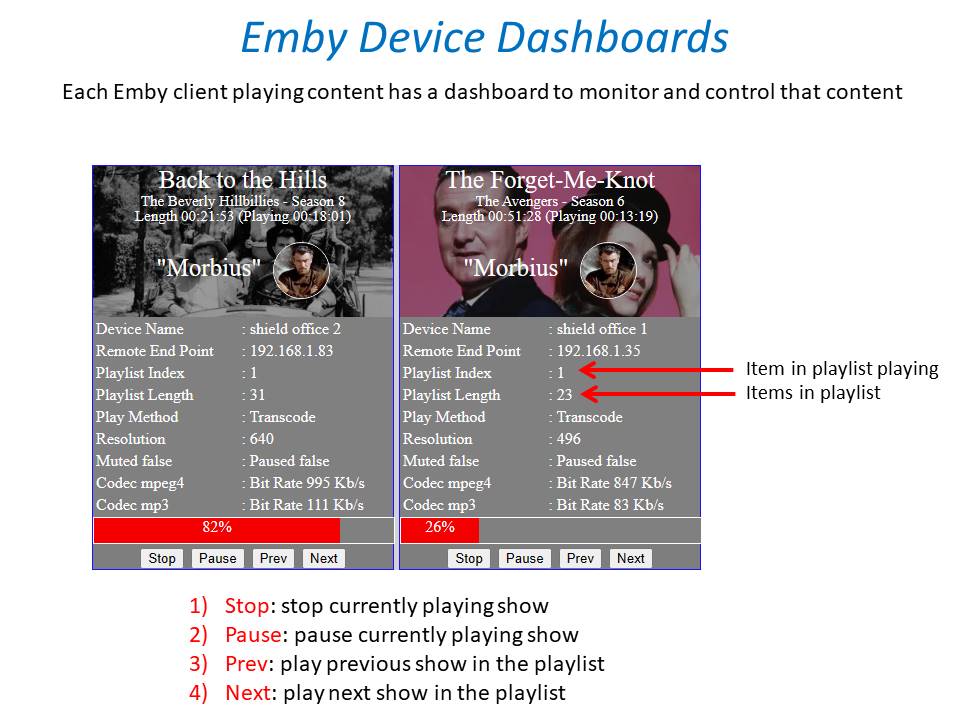
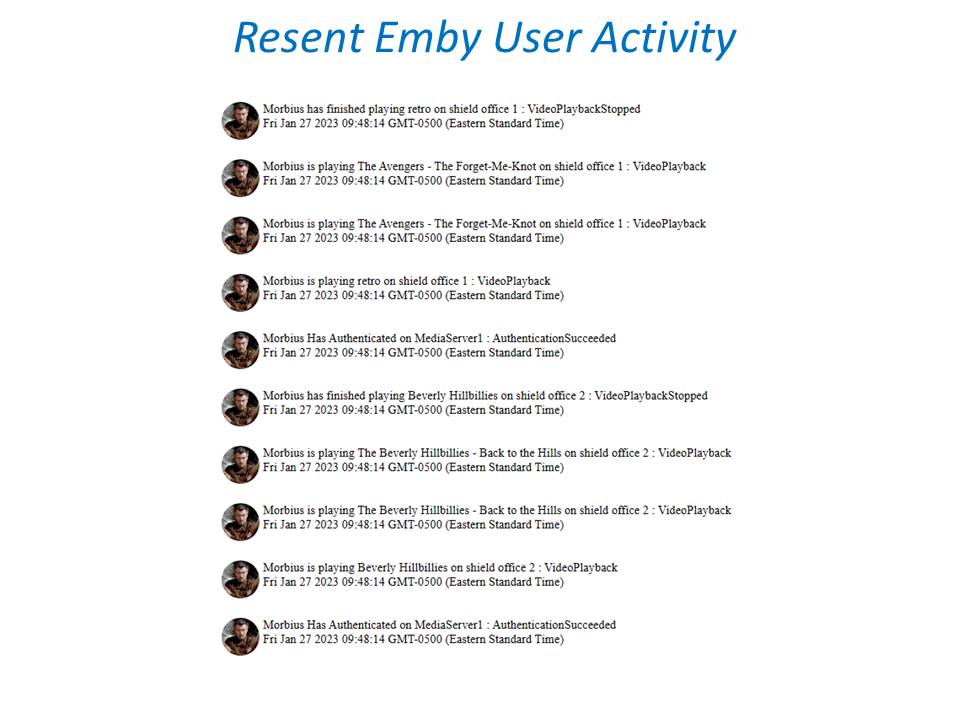
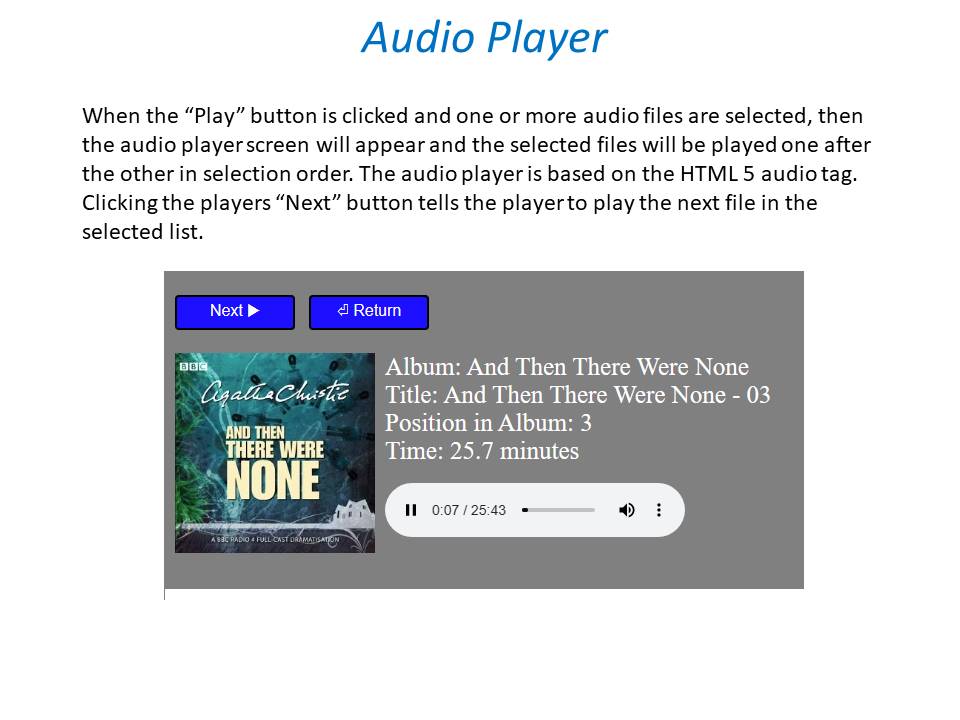
 1 point
 -
I see you had a Let's Encrypt cert. Recently they had a bug in their cert generation, and some issued certificates were not as secure as they should have been. They are in the process right now of revoking these certificates to force people to get them re-issued; maybe this is relevant? Paul1 point
-
OK thanks guys... @Happy2Play: As you suggested it was the certificate. I scrapped the current certificate and re-did it, re-converted it and re-installed it and it now works. File must have gotten corrupted somewhere along the line. Never thought to re-do the cert.1 point
-
Not sure which group or both groups you're aiming that at but the mods need to remove your entire post just for it.1 point
-
As already said way above, such solution already exists in certain client apps and it does not work for all. And not quite clear what do you exactly find toxic since till your post there was no name-calling but two opposing views on usage/functionality with normal-tone discussion.1 point
-
You've made it very clear that you prefer it one way. Others posting here have made it clear that they would prefer it another way. Rather than arguing opinions, I think we should leave it up to the developers to decide if they want to change it.1 point
-
It isn't transcoding anything because you turned those permissions off in the server. EnableVideoPlaybackTranscoding: False EnableAudioPlaybackTranscoding: False Please re-enable those and see if it works as expected.1 point
-
A couple of interesting posts on the nVidia Shield forums in the following link. First one is the known issues which haven't been fixed in hotfixes yet. The other post goes on to talk about a lot of apps (File managers, Plex, etc) which aren't fully Android 11 ready or asking for permissions correctly by using "Allow all the time" and how they need to request "deeper" access. X-plore was mentioned as one that is now 100% ready SHIELD Experience Upgrade 9.0 Known | NVIDIA GeForce Forums1 point
-
We can continue debating with neither of us changing stance. It boils down to: you want it restricted - I don't. As there are others that want it and those that do not. (and tbh honest, given how much support this topic has got, I'd guess there ain't big request for it). Anyway, I've suggested a viable solution to satisfy both sides, if it were to be implemented: dropdown upon press, with Local search and Global search selection.1 point
-
Again, that's not a valid argument. When I search in a table, I don't expect, or want to, see results from every table in the database. If I want to do that, phpMyAdmin has a way to search the entire database.1 point
-
This is a non-issue, IMHO. That's like complaining that when you search for a file in a folder in Windows, that it doesn't find the file in other folders. That's how searches (should) work. If you want to search in all libraries, search from the home page.1 point
-
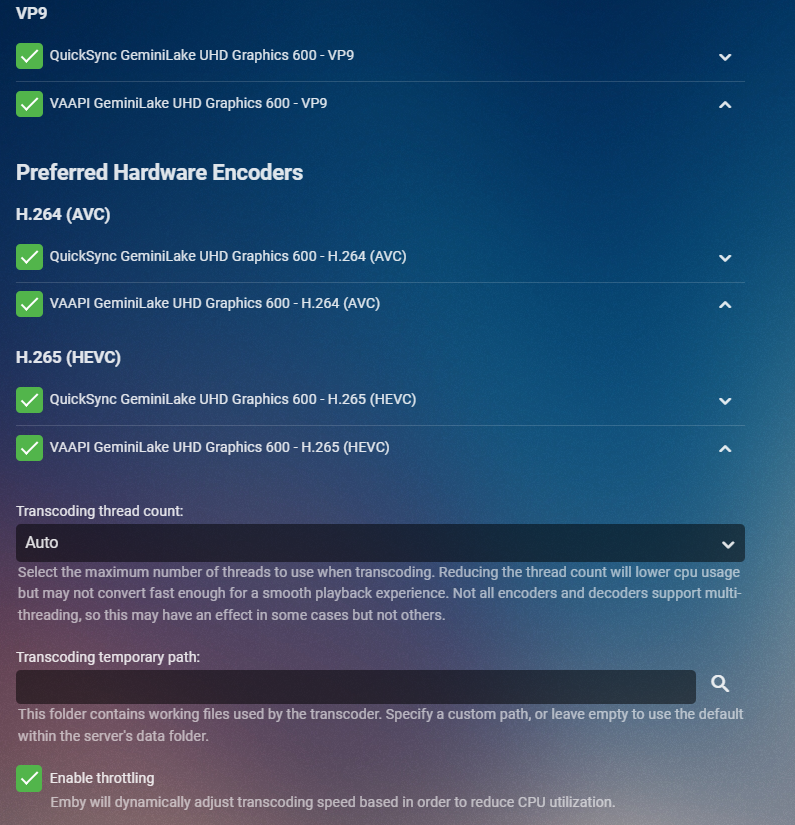
Try this. Switch to Advanced in the transcoding menu. Then Move the QuickSync option above VAAPI. Do that for all decoders and encoders. Here I show only a few but do it for all. Configure the rest of what I show the same including the Enable Throttling. It's possible you don't have throttling on which would make your NAS try to convert the media as fast as possible and use up as much CPU and GPU as it can. With throttling on it stays in front of what the client needs without going full force on CPU & GPU. This also allows a conversion to stop if the user stops playing media. Let us know if this helps
 1 point
 -
So VOBS are not out of date as DVDs are released/sold in their millions/billions across the planet and will be around for years yet. It would likely be decades before MPEG2 codec support was irrelevant due to broadcast TV libraries and use of the codec in DVDs and off air recordings where used. In terms of a file container for purpose of Plex and Emby and such systems then a lot of people would see them as irrelevant as most have a simple container and may not have ripped their library to VOBS when it was preferred to mimic disc support. What concerns me on this forum is soon we'll have people saying "rip to MP4 as MP2 outdated and not supported". That's a worry, because that would mean use of Emby long term would require to always keep up with newest codecs and who has got time or inclination to go back to the original format, if you have it, to avoid inter-codec generation loss. For devices where manufacturer no longer had the codec (normally Apple because they know best), I'd like to think that Emby would transcode on the fly, rather than simply be stripped out with no support. Slightly going off-topic I know1 point
-
It's decoder you should be paying attention primarily: Settings>Transcoding, in "Enable hardware acceleration when available:" select "Advanced", put QuickSync as top decoder and compare results. You can also post ffmpeg log for that session. Wild guess - your media has number of graphical subs that need to be burned-in or large number of internal subrips.1 point
-
Hey! Yeah you are right auto skip will only happen once during the stream. If you stop the stream and start it again, it will work again, but it was by design so we didn't have any accidental seeking during the episodes story line.... Oh an memory consumption... Auto skip does hold some memory. So we want to throw away anything that we don't need. A count down (although possible) may inadvertently swamp the client with messages. So... probabaly can't do that. A major release will most likely happen over the next couple months, as we move towards seeing a button for the intro skip enabled throughout the clients.1 point
-
Since you have a 4K gpu and Premiere is hardware acceleration setup? Either way I believe transcoding will use as much as it can get to get the job done quickly as possible. That's why I don't transcode anything @cayars can probably talk more about the benefits of things like changing the transcoding path to a faster drive, etc1 point
-
Someone mentioned turning on debug logging after I had deleted the db and rescanned. I found in the debug log that it was an issue with the encoding. It was a crap series anyway, so I just deleted the whole thing and everything scanned OK after that.1 point
-
EDIT: rbjtech beat me to it I think it's going to be a bit more involved then that. I apologize. Please find this file: "Emby-Server/programdata/data/titlesequence.db" Delete it! Restart the server with the latest release plugin installed. Clear browsing data Re-run fingerprinting. This way you have the latest update, and we'll know for sure that you won't run into any issues with the current methods looking for specific files which don't exist. Again I apologize. I have removed links in the thread to old versions. I believe we will be posting releases on the Github releases page moving forward. Then everyone will have access to the wiki, and the releases page. Github can keep things more organized then this thread.1 point
-
If you only have a few 1000 episodes or less, then I would (delete the titlesequence.db file and restart emby) - but if you have spent days on FP and Detection using the previous version, then we can work around it.1 point
-
It is the "Audio Handling" option in the app. Set it to convert to DD.1 point
-
https://www.freeview.co.uk/help/service-updates/bbc-three-launch Paul1 point
-
The 'Reports' plugin will likely give you what you need. You can export to Excel or CSV.1 point
-
How did Plex do it? or lets say Disney+, Netflix, Amazon? They all have pay plans.1 point
-
I've tried two other SATA connectors with both SDD & HDD with no success.1 point
-
Thanks for elaborating somewhat. But how do your competitors get around this? The main competitor seems to be on all platforms and as far as I know the apps are pretty identical in functions and commercial aspects.1 point
-
@visproduction I don't know how to write a script or run one and I shouldn't have to to keep other users from seeing what I have been watching. I don't want anybody seeing what anybody else is watching. Granted, it's my server so ultimately I can see anything in the dashboard but on the home screen of emby it is inappropriate in my opinion. This should be a part of emby not something I have to figure a work around to correct.1 point
-
Is anything at the top of the 'to do' list at all? Where is the new properly functioning Live TV that I was told was a few months out almost a year and a half ago....which is why I bought Premier...but can't actually use yet. I love emby but I would really like to actually use it for what I purchased it to do.1 point
-
@Abobaderwill take care of the account for you. As for libraries/server that is on you to uninstall from your system.1 point
-
Emby for Android 3.2.36 Emby Server 4.7.0.21 2019 Shield TV Pro -> Atmos AVR (have not upgraded to newest shield experience) ATSC 1 channels: works fine ATSC 3 channels: spinner goes away to blank screen. no audio or video. stats for nerds either blank or indicates direct play with HVEC video and 2 channel AC4 audio. server dashboard indicates direct play audio and video.1 point
-
Sounds like a multi backdrop issue. My tests never addressed multiple fanarts. Thanks, that's a very important information. I'll check, should be easy to fix.1 point
-
@quickmic and @markdj I can confirm the following behavior: If you add more than one fanart for a tv show in emby (for example 3 background fanarts) and than remove two of them so that basically only one should be left, the files will correctly deleted on the storage but in Kodi (good to see if you have installed a skin with rotating background images) it will still make use of the two fanarts which shouldn't exist anymore. If you than look in Kodi (in German) "Mehr / Fanart laden" you could see that fanart / fanart1 / fanart2 are still mapped to the show. Of course there should only be fanart left. But I don't know if this is a Kodi caching bug or if it has something to do with emby-next-gen. @quickmic hope you understand what I mean, if not we can PM in German.1 point
-
@mastrmind11 Good timing...1 point
-
So the only option for HD-Audio is an nvidia Shield with a 4K HDMI 'splitter' - one HDMI to the TV and one to your Receiver. Being honest with you, unless you are throwing in Atmos and/or DTS:X into the HD mix, and you have some speakers worthy of HD Audio, then it's probably not worth the effort over E-AC3 or even high bitrate AC3 imo.1 point
-
Does it have a web browser?1 point
-
I'm currently using aomenc with av1an. I don't have hardware accelerated encoding, but av1an is a tool for chunked encoding which really helps with AV1, since multithreading in both aomenc and rav1e currently doesn't scale very well on its own. As far as performance, at cpu-used=4 I get between 4-7 FPS on 1080p content on my 3700X, depending on content type (animation is faster). cpu-used=6 can go much faster for a ~15% efficiency hit (but still compresses about 25% better than x264 veryslow according to metrics). Some of us in the community have been focusing on getting it to preserve grain and details better, since one of the biggest complaints is that aomenc blurs a bit by default to favor lower filesize. We have a fork in progress for this purpose and a set of preferred settings for high-bitrate encoding. Feel free to join our community Discord and look around or ask questions too.1 point
-
It seems the tuner reboot worked. Have no idea why, but it's working again.1 point
-
sorry for my bad english. i'm new to media server in general and its my first attempt to try the avail options. i found that the free version of emby is way better than the free plex. literally i uninstalled plex after 1 day from installing. so annoying using it. what i want to say is emby is full of powerful features. the free version is more than enough for me i dont need to buy , but i will buy, create an account and post here to thank the devs for the hard work.1 point
-
a way maybe can solve the problem edit /emby-server/system/dashboard-iu/modules/htmlvideoplayer/basehtmlplayer.js add the code maxBufferLength:6 after emeEnabled:!1 var hlsOptions={manifestLoadingTimeOut:2e4,debug:!1,testBandwidth:!1,emeEnabled:!1,maxBufferLength:6};1 point
-
I have, and the only options for playlists I can see are to display them in the "My Media" section, and what order they are displayed. I'm talking more so along the lines of, "Display in home screen sections such as latest media and continue watching" that can be found in the home screen settings. I would like a horizontal section with the latest playlists in the same fashion that latest movies, TV shows, music and similar get a scrollable section.1 point