Leaderboard




Popular Content
Showing content with the highest reputation on 01/05/22 in all areas
-
Hi there, In browsing my collection of movies on my Apple TV, I noticed that if movies are grouped into collections I can’t tell if I’ve watched them without diving in deeper. Would it be possible to have it display the tick in the corner if all movies in the collection are marked as watched? Cheers, Brad2 points
-
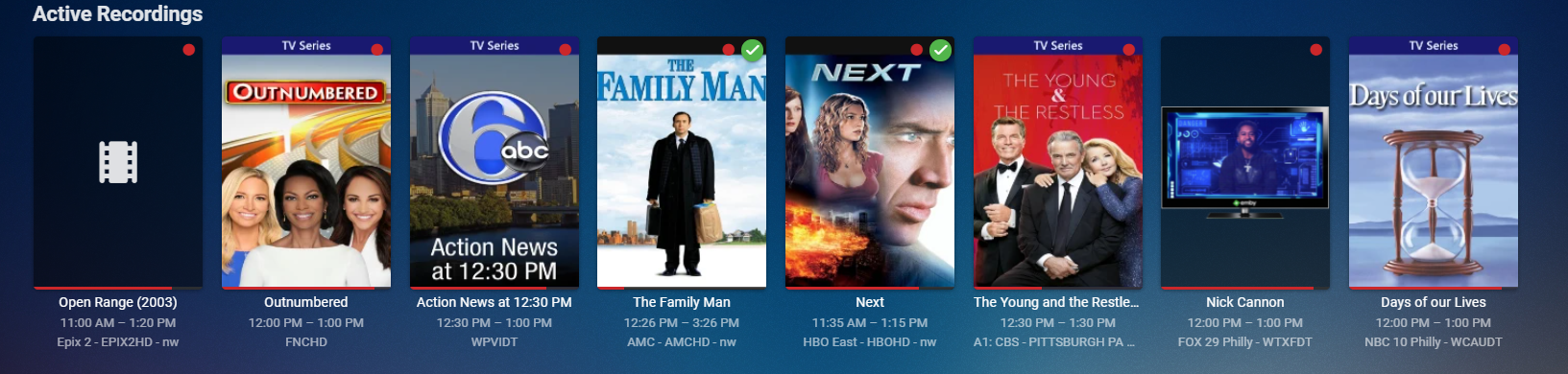
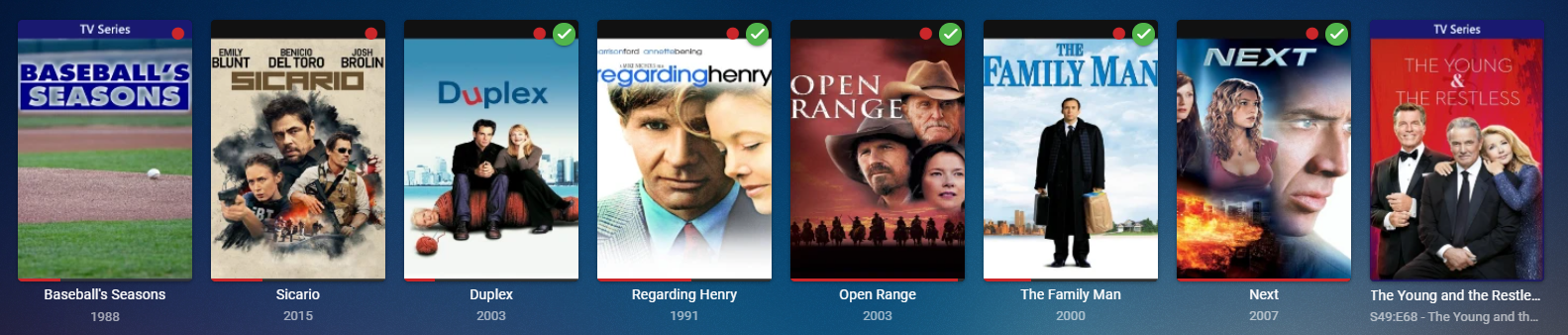
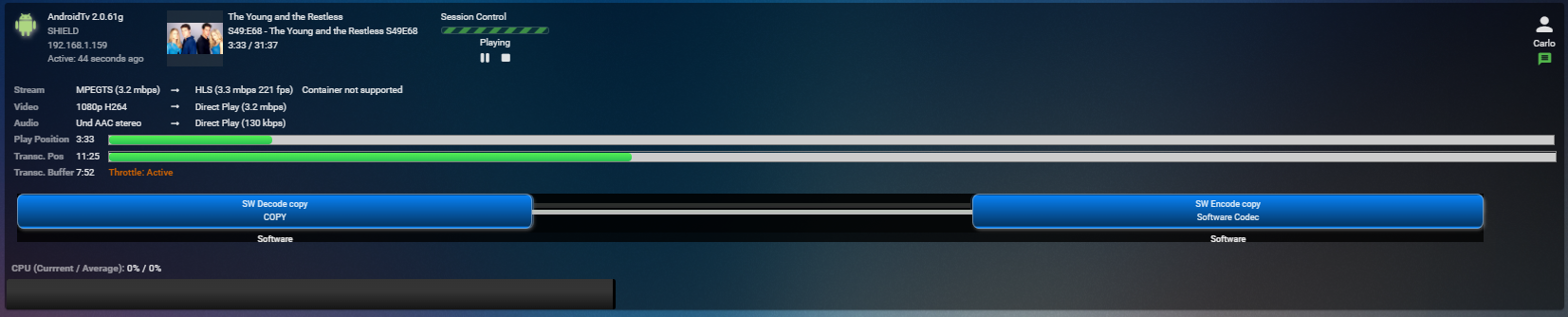
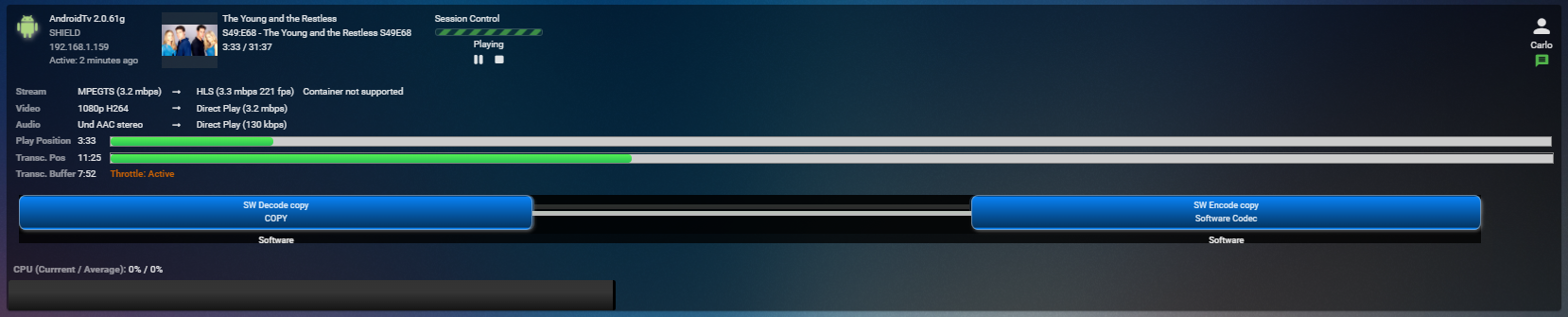
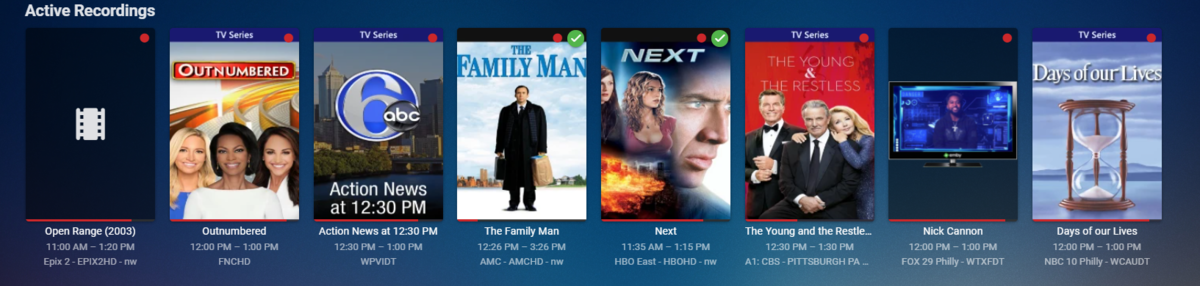
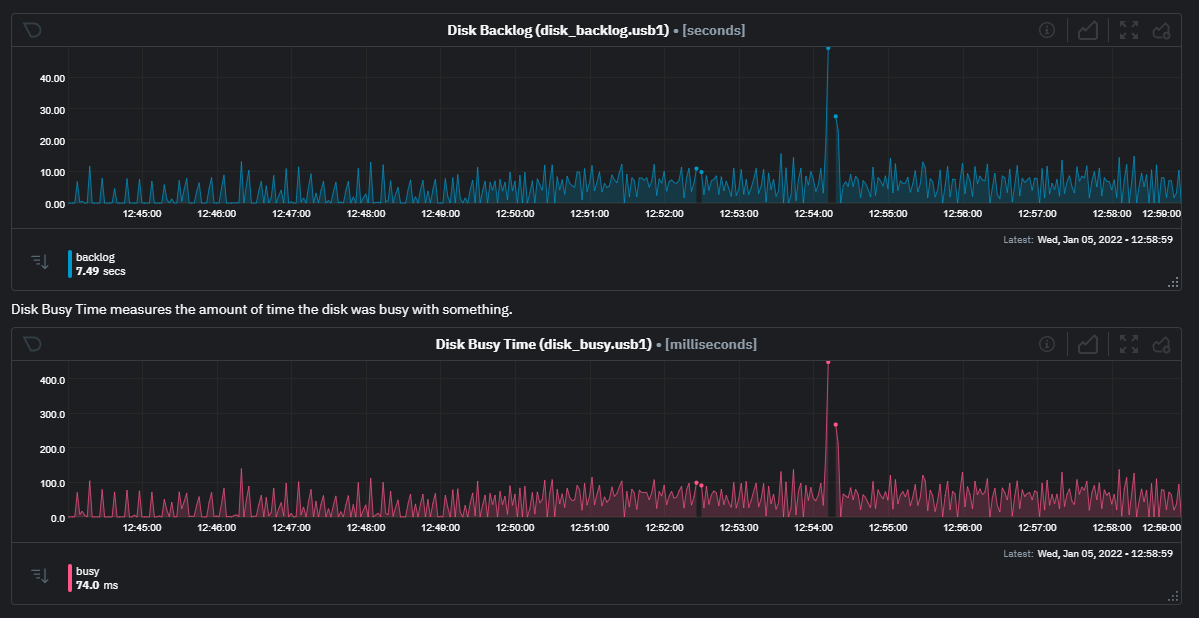
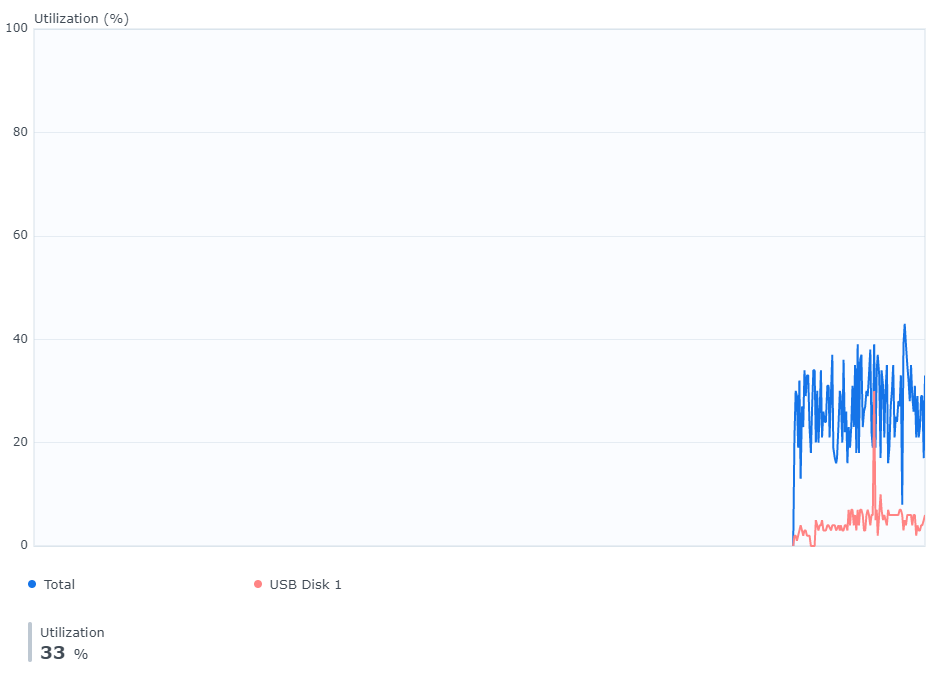
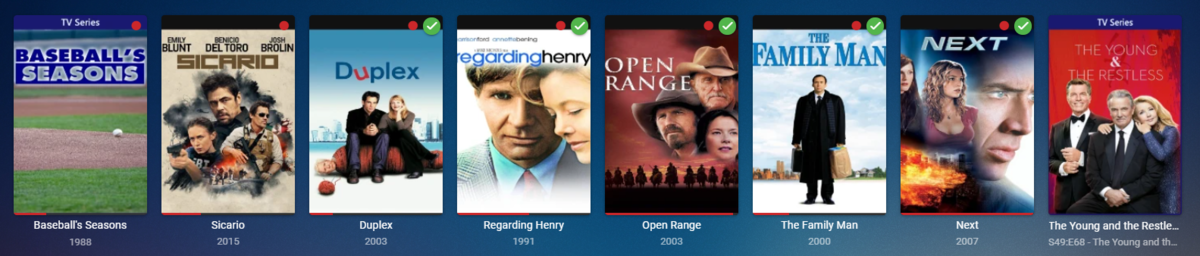
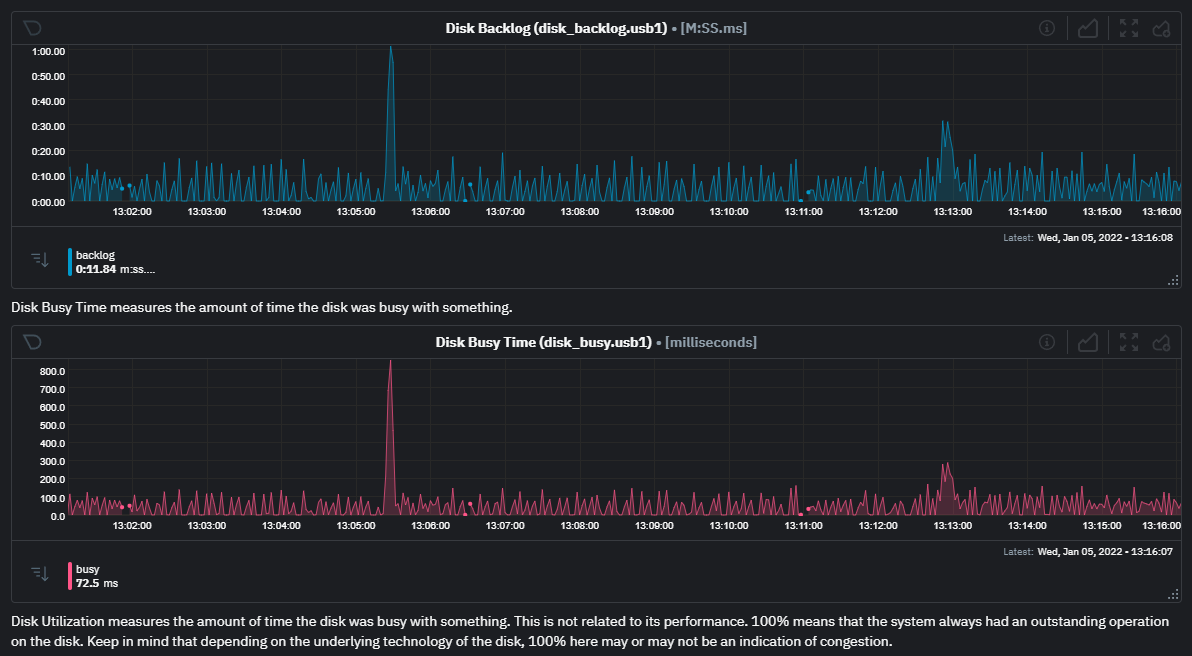
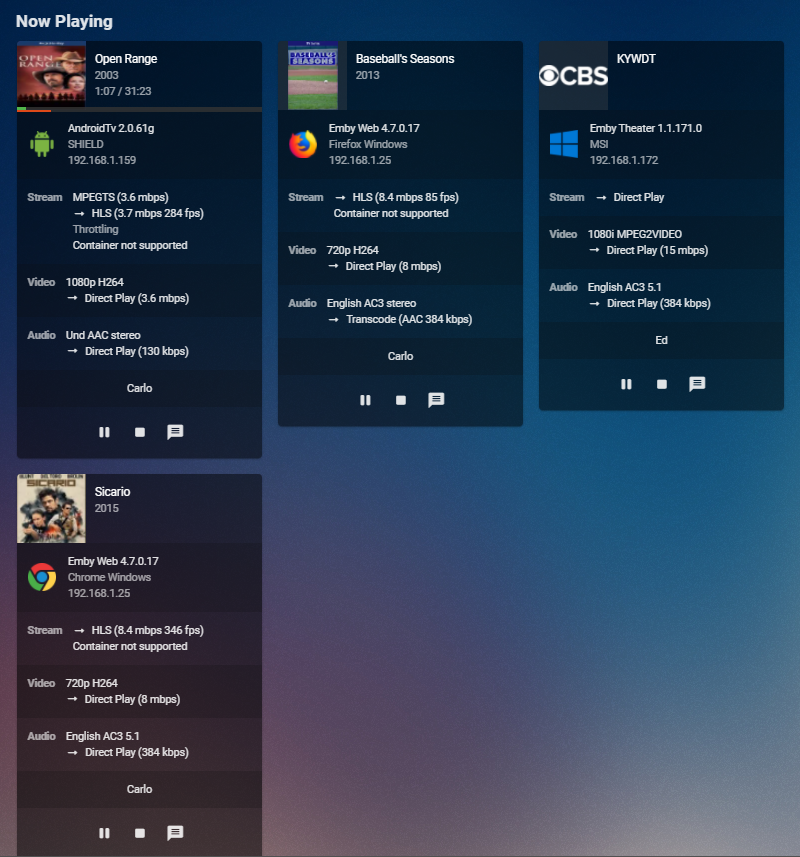
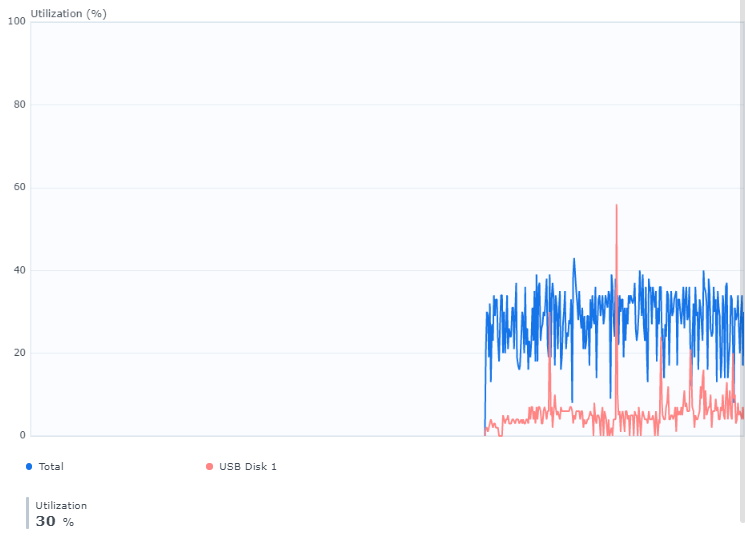
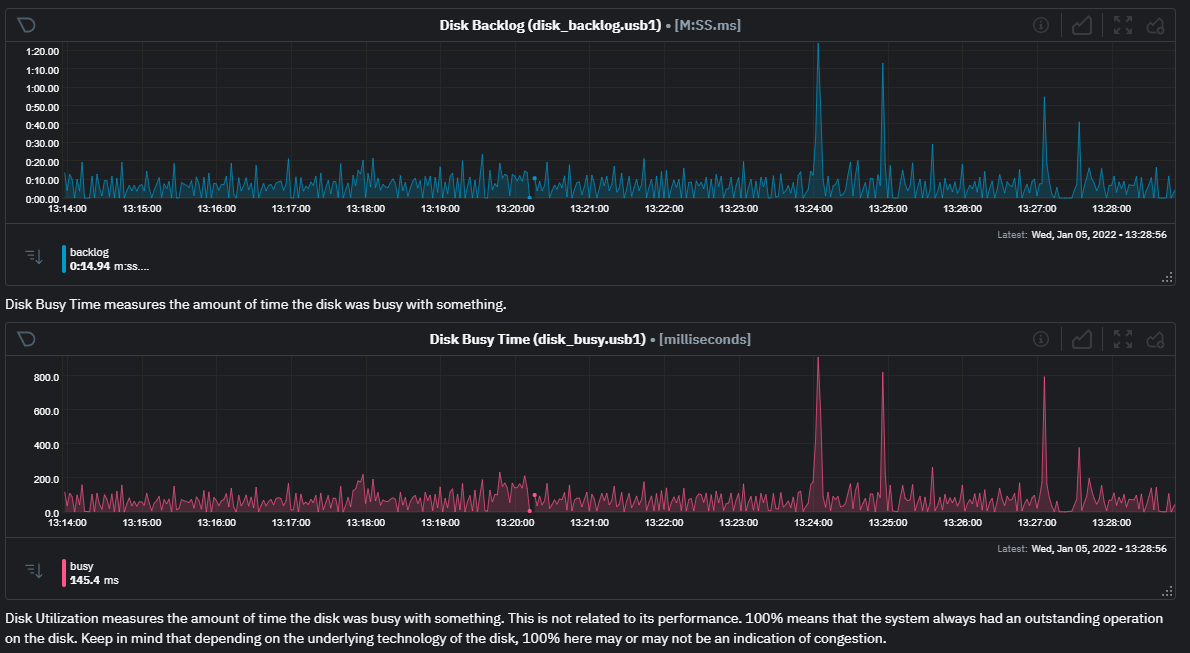
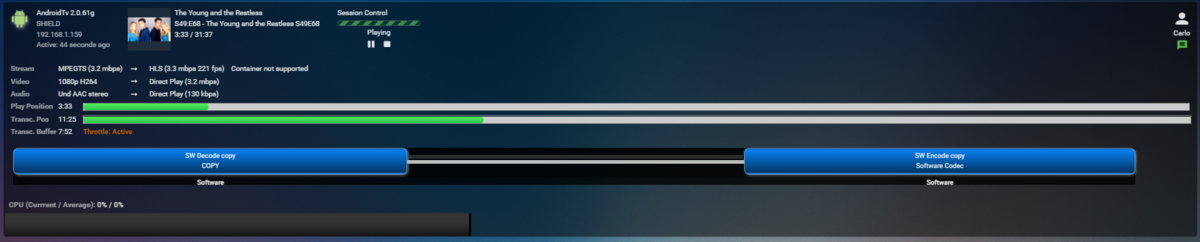
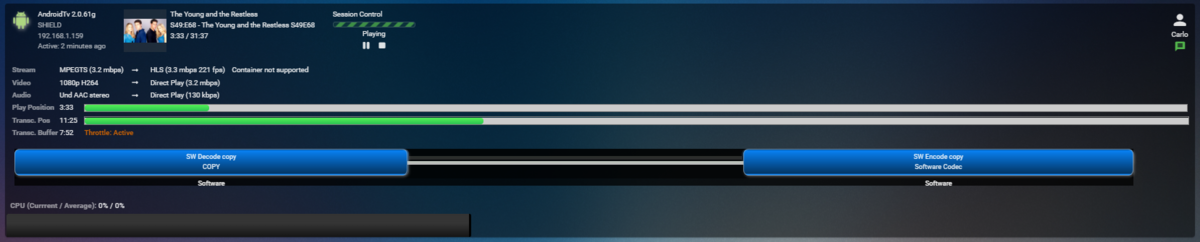
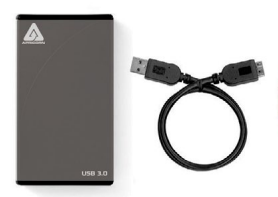
I don't want you guys to think I've forgotten about this as I haven't. It's just turning out exactly how I expected and I'll show you what I mean. First, trying to use built in Synology monitoring tools is hit or miss depending on system load. At a certain CPU load the monitoring doesn't update making it less than useful. I've since tried to make sure nothing was going on in the system to avoid this issue. What I used for this test was an Apricorn EZ Upgrade 3.0 casing with a Samsung SSD 850 Pro 1TB Drive. https://www.samsung.com/us/computing/memory-storage/solid-state-drives/ssd-850-pro-2-5-sata-iii-1tb-mz-7ke1t0bw/ This particular drive will not be a bottleneck as it's a lot faster then what a USB3 connector can handle. Sequential Read Speed: Up to 550MB/s Sequential Write Speed: Up to 520 MB/s Random Read Speed: Up to 100K IOPS Random Write Speed: Up to 90K IOPS This was attached to the front USB3 port on the Synology 920+. I've set Emby to use this drive for DVR recording as well as transcoding. So this drive will handle both of those ops taking the storage array and 2 nvme cache chips out of the picture. Here I have 8 channels being recorded with no playback. DSM Monitoring tool set to real-time utilization of just this USB drive shows: If I look at NetData info for this drive I'm pulling from the Synology 90+ I see these two items which are the most helpful of the stats. These two stats are very respectable. So now I open Firefox and start playing back the MLB recording which plays via Direct Stream so it's being remuxed. I open another tab and start playing back Sicario which also Direct Streams. Using another computer I start playing back the young and the restless. Then another: DSM Resource monitor still shows: Netdata info is still respectable: Busy time went up a bit as well as the backlog but still plenty left. You can see a few spikes in Disk Busy Time when new sessions were started but it quickly recovered. At this point this were straight recording and playing. On the Shield TV if I FF it was pretty responsive if the channel was an IPTV channel already in H.264 but when it was a channel from an HDHomeRun in mpeg2 format the FF with a single click or two was usually OK but if I did any substantial jumps (ie trying to skip half time) it seemed to freeze. The above recording is only 3.2 mbps so it's pretty light for mpeg2. What this tells me is that there is a difference between the codecs and how it affects FF. I think this plays into user issues of not being able to FF during sporting events like NFL games as these will most likely be mpeg2 format on cable and most certainly from OTA tuners. But what this set of tests do show is a single 6 gbps SATA SSD plugged in using a USB3 port at 5 gbps does work and doesn't seem to be a bottleneck. Actually when used through USB3 the throughput limit is probably more like 3.5 gbps. I'm going to try testing a slightly different way by recording some mpeg2 channels and then playing back those recordings to see if the issue is the same from disk or tuner.
 2 points
 -
Thx @FrostByte & @cayars! results are indeed now 204800 and 10000 Now testing if the real time monitoring works ( dont see the errors anymore about the inotify watches. Keep you posted!2 points
-
I wanted to report that I managed to fix this issue by going to my server dashboard and manually deleting the associated device (from the device menu). After deleting the device, I started up Kodi, logged into e4k nex gen, and I am now seeing full remote controls. Interestingly, I tried numerous times to generate a new device ID in the e4k next gen settings menu, but that never seemed to work, and I'm not sure whether it actually did or did not generate a new device ID. Ultimately I had to go into my server dashboard and delete the device.2 points
-
If you selected user's from the setting's menu, select the user, select Profile, and then under Feature Access, you can untick 'Allow Live TV access'2 points
-
Excelente, si ya pude. Muchas gracias por su ayuda!!!!!2 points
-
Does anyone have a good source of Codec Intro files to use in the Emby Server?1 point
-
It would be useful if the server (or perhaps clients) could cache most (if not all) content images (posters, backdrops, logos, etc) for movies, TV series and seasons. This would mainly be of benefit when a portion of someone's content is offline but the users would still like to view the content to know what exists. I think caching on the server would be preferable, then all clients could make use of the same cached images. if you think this would be a useful feature, please click the "Like This" button on this post.1 point
-
Don't know how many of you know what PseudoTV is on Kodi but basically it is a plugin that allows you to create an EPG full of your own custom TV channels using your entire media library into one big channel surfing experience on your library. Emby, I believe, would be amazing for this and really make it stand out if something like this was official supported as the only support for something like this is a little plugin on Kodi. Features: Create custom TV channels using smart filters (e.g. 500 random movies that are from 2010 and newer and genre is Horror, 25 random tv episodes that are from Fox network). Allow creation of an unlimited number of channels using these filters and assign them channel numbers Automatically generate an EPG/TV Guide using all of these custom channels and randomly assign the scheduled program at a specific time Allow sorting of the channel shows (random, in order, asc, desc) Allow channels like FX to play both TV shows from FX but also incorporate movies at specific time periods like primetime movies Allow trailers to play in between shows as well as Channel Bumpers/intro videos Allow integration with Live TV using PVR Allow YouTube channels, USTVNOW, Playon perhaps? Ability to add a logo to your custom channels Background updating that would auto generate / update all the channels and shows after a specific period of time And so on1 point
-
I think it would be useful to be able to add a second language as your preferred setting. I know 2 languages, yet I can only pick one so on Multi files it will end up playing something else as default instead of what would be my preferred secondary language.1 point
-
I regularly watch DV content with the LG app with no problems. It must be MP4 though.1 point
-
Hi, yes I agree that in the places where we have you selected preferred languages, we should allow you to select multiple and prioritize.1 point
-
Then that is most likely the problem as that shows that the device does not trust the cert. The next release of the app (and current beta) should solve this for you.1 point
-
@softworkz The current beta server (.19) fails to transcode a live TV stream to the Android TV app when one is needed. I've seen the error above and some others (in other threads). Has this been addressed for the next beta or is more troubleshooting required?1 point
-
Hi All, In the Emby Library settings, I opt to keep all the artwork etc in the Media folders to keep it all together (and make it all portable) but having all the image and thumbnails bif's on HDD's is not optimal. Has anybody played with the Stablebit Drivepool 'Balancing - File Placement' options to move Emby SRT, NFO, BIF, XML, GIF, PNG etc to a dedicated SSD drive rather than HDD ? If this works as expected, then we get the best of both worlds - SSD storage for all but the actual MKV/MP4 files - but all stored 'together' as far as Emby / the File System is concerned. I know emby also runs it's own image 'cache', so I don't think this will offer a huge improvement for images but for other files types it may help ?1 point
-
This is a great idea! And I don't see it as about solving a problem - it's just tweaking, getting everything running as fast as possible. It's like when I recently started running emby from a ram disk - I just wanted to see if it would work. So I bought a bunch of ram, loaded up a portable installation with all metadata + images (no BIFs), and it works! Did I solve a problem? Absolutely not. But everything seems to work perfectly, and when I open the app the main menu on my android tv loads at least two seconds faster than before. And now I'm putting those BIF files on SSD, which I think means my server is now as fast as it can possibly be (with my current hardware). Zero problems solved. Just successful tweaking. Thanks for the idea!1 point
-
If Kodi can survive in the store, then there's no risk for Emby at all.1 point
-
I exported my Smart Playlists from my former media center (as M3U files), and was able to get them populated into Emby as you suggested. This is a good hack to accomplish my goal, thank you.1 point
-
Hi, yes we're still looking into this. Thanks.1 point
-
Yea either it doesn't have web socket connection support for remote control, or LG closes pretty aggressively in order to conserve resources.1 point
-
I'm have updated to 4.6.7.0 now, and the only change is now, that FireTV app doesn't even display "failed to connect" but just nothing. I am on the screen with emby-connect pin, click on "manually add", type all my info, click okay and just return to the previous screen, no message nothing. I can click on "manually add" again from that page an repeat the cycle. Android App 3.2.32 works well as well, beside the fact that I received a popup on the first try to approve the cert. And of course - changing the port means changing it in the router/port-forwarding only. As I said, even just piping through the 8096 http port (external to internal) doesn't work either, so it is not related to certificates. I only tried manual connection, have not used emby-connect. But sideloading is something I cannot do with my parents/friends FireTv sticks. I can send you the url/port to try with your own device if you would like to check some logs. Send me a PM if you want to know the url/raw-log files, you don't need an user account anyways.1 point
-
There is currently no option to control that but we are constantly working on improving it. Thanks.1 point
-
I would suggest doing this with mkvtoolnix instead.1 point
-
OK. I will try this out. Thanks for the info you all.1 point
-
If it's not working, try changing the task user to 'root'1 point
-
I just tried my G1 one of these days and noticed the same, no DV was triggered "only" HDR. This was with a mkv file, will remux them to mp4 and see how it goes.1 point
-
Looks good. As long as that user has permissions you should be set now. If you want, you could check to see if they took by typing this into terminal or putty cat /proc/sys/fs/inotify/max_user_watches cat /proc/sys/fs/inotify/max_user_instances1 point
-
I kind of tag them by hand:) To get uniformly naming I pay very much attention during ripping to fit my naming scheme. For lack of an "orchestra" and "conductor" field I decided to put orchestra and conductor in the album artist or artist field together. And as visually: SCHWEDISCHE RADIO SYMPHONY ORCHESTER # KALJUSTE, TÕNU looks much nicer than: SCHWEDISCHE RADIO SYMPHONY ORCHESTER;KALJUSTE, TÕNU I decided " # " to be my best delimiter. Would be really great, if this could be supported. Seems iTunes (11.4.0 Windows Version) creates this field. I found it here (ID3v2.2 tag): https://borewit.github.io/music-metadata/doc/common_metadata.html As I tag all files the same way, the only difference can be the original creation of the file: - My CD rips are WAV files (ExactAudioCopy), converted via iTunes to tag-able AIF files. Tagged under iTunes. - My HRES audios are basically vinyl recordings (via Vinylstudio), exported as AIF files - and again tagged via iTunes. Obviously the genre field and the composer field are treated/created different. Thank you so much, if you could implement and support TCM and genre "32"1 point
-
nice idea! or, simpler, switch back to p**x, which is in the european store, and the new version does not require an account anymore ;)1 point
-
I can confirm jonomites experience. And I have recognized that the device was still listed with "Kodi 6.2.5" in the name. After removing it from associated devices and a newly Kodi login, the device is correctly listed as "emby-next-gen 6.2.5". So I think this problem doesn't occur for completely fresh setups but only for setups which are continuously updating emby-next-gen after you have made the change for the correct naming of the plugin itself. EDIT: Also after doing this, now sending a message from the webgui to Kodi is working again. So it wasn't a network or real websocket issue.1 point
-
Just a guess, but only 1 of those files are big enough to be a full movie. your having issues recording, not dupes.1 point
-
latest beta should fix this.1 point
-
It's not great they don't give you a warning up front to check with any 3rd party software vendors before continuing. That one message would save a lot of people grief! The fact they try to do a "repair" makes you think it's going to be fixed but all it did was a new install which starts you out as if it's the first time loaded. At that point you could have followed the migration instructions point for point starting from the DSM upgrade and been just fine. You did a slight improv on it but essentially did what's needed so bravo on that! Glad it all worked out in the end. Minor OS releases like point releases shouldn't be an issue but I'd always check in with vendors in the future before doing a major Synology OS release. If you happen to have a NAS model that does virtualization you can setup Synology running in a VM. Load up a small Emby test install (and any other important software) and do a dry run upgrade of the OS in this test environment. That's what I do for testing to make sure everything works correctly first in the VM.1 point
-
I have not got this to work in docker yet and haven't tried recently. It's a bit tricky. Here's a high level overview in general. You have a single executable to use (Windows or Linux) that you load up with command line switches/options to tell it what to do. The first step is authorization. So you pass in the commands and the executable opens a browser window for you to login to your account and authorize it's use. It also gives you the URL in case you need to copy/paste it and authorize on a machine without a browser. This step downloads certificate information (PEM files) and credentials. Next you create a tunnel name which is pretty easy. After this you create a config.yml file and set this up with the tunnel, the credentials and your cert information. Everything has to be pointed to the proper location it expects to find these files which isn't the easiest thing to do in docker. Next you create a DNS entry in Cloudflare for the tunnel to use. "emby" most likely in this case. Now you modify the config.yml file setting up the ingress rules and how to route the packets. Not hard and has this format: ingress: - service: http://IP:Port (ie http://192.168.1.20:8096) originRequest: originServerName: <hostname>.Your-Domain.Ext (ie emby.carlo.tech) Next we run a command to link the tunnel to the special dns record we created (ie emby) Now we configure Emby networking to match the settings used above. In this case no https (we'll let Cloudflare handle it for us) and just 8096 for external access. We'll tell Emby to use a proxy and (so it can handle https but allow Cloudflare to do the work). At this point a user would use https://emby.domain.ext:443 (basically a secured url). The traffic received through the tunnel is 443 but our ingress rule allows Emby to answer on 8096 making it simpler as you don't have to setup any certs. So up to this point is all setup and really should only need to be done one time. In general use we run one command which starts up the tunnel. On Windows it can be made into a service so it's always active. Same on Linux. In Docker it could fire off on launch. So you can see how this would likely be problematic in docker as your network stack can get in the way. You might have some type of automatic proxy setup for docker which breaks things. Then of course is the setup/config in docker which basically require have an empty docker shell you can SSH into to do the config. I've never really used Unraid so I'm not going to be a big help unless it's like standard Linux. In that case it might be much simpler as you could set this up outside of docker on the host machine and just use the ingress rule to forward to the docker IP. As long as the network is bridged that would work. I've wanted to help a few people set this up on Synology, Qnap and other NAS boxes but there isn't an compatible executable for those platforms yet so that only leaves docker or setting this up on a Linux or Windows PC that's on 24/7. It can route across your network so the tunnel does not need to be setup/installed directly in docker.1 point
-
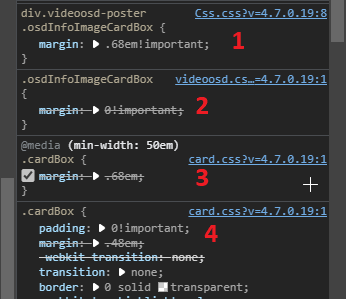
No look at where it is coming from "videoosd.css", so Luke has code set to !important that you need to override. Per the images you see videoosd.css overrides (@media (min-width: 50em) .cardBox) [card.css], and .cardbox [card.css] margin values. So something like this. div.videoosd-poster .osdInfoImageCardBox { margin: .68em!important; }
 1 point
 -
Can I give +1Billion for MakeMKV over DVDFab? +1 BILLION!1 point
-
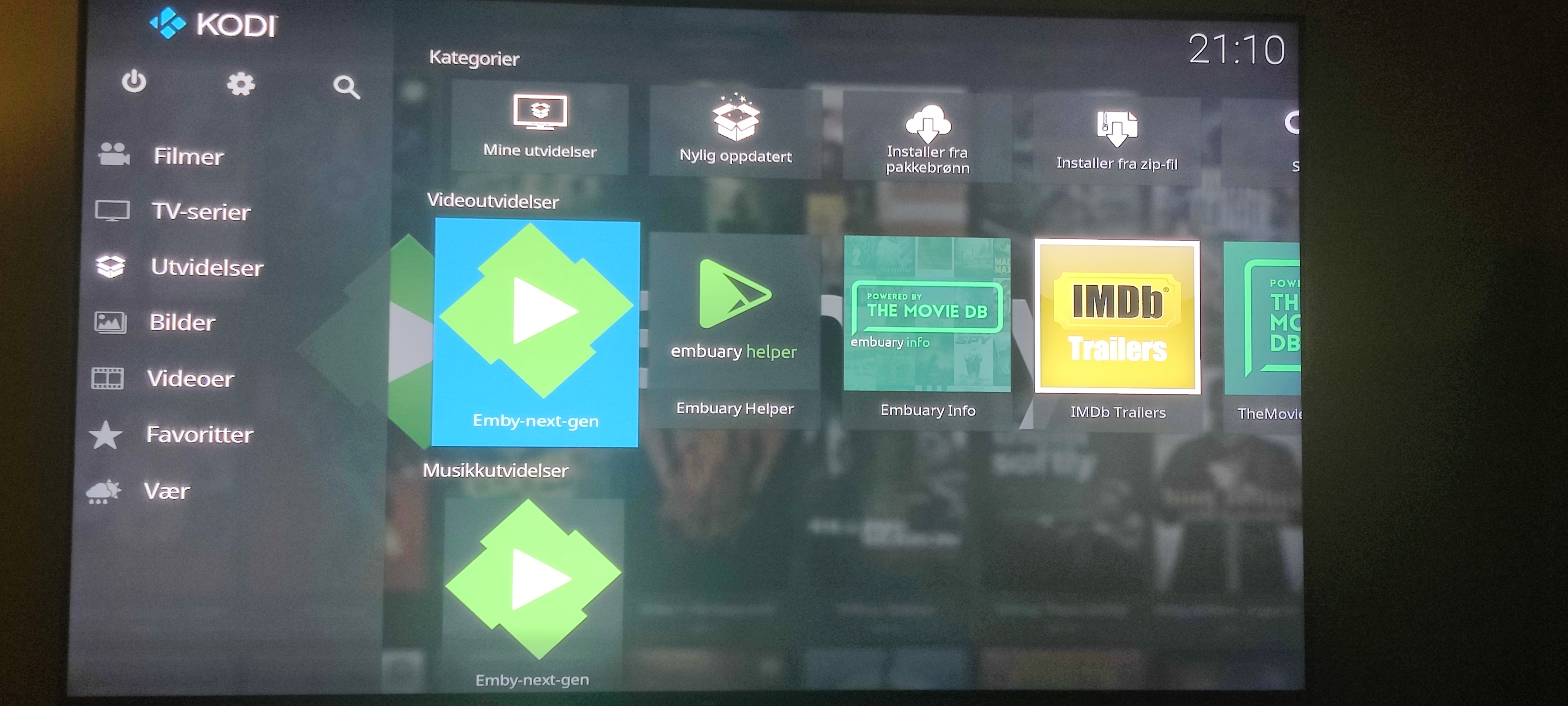
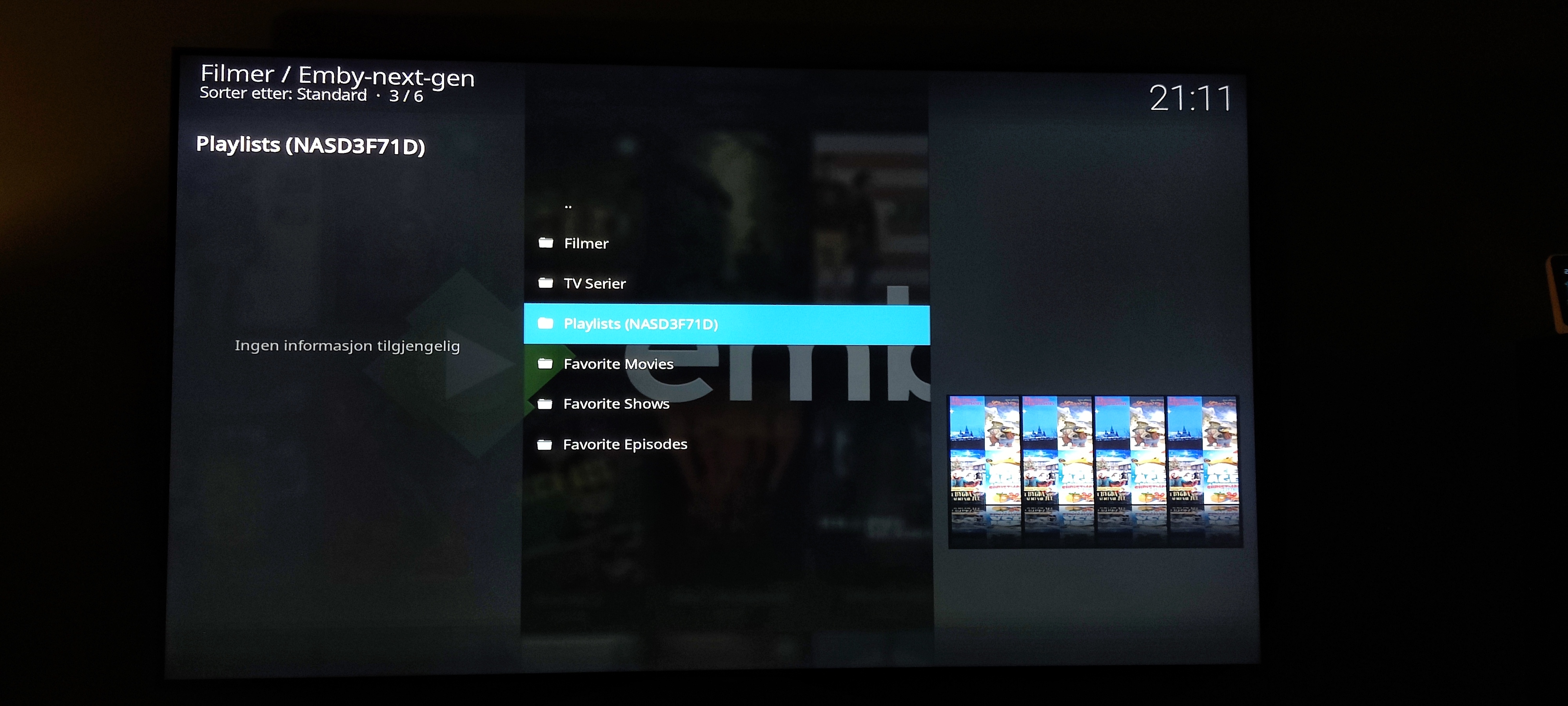
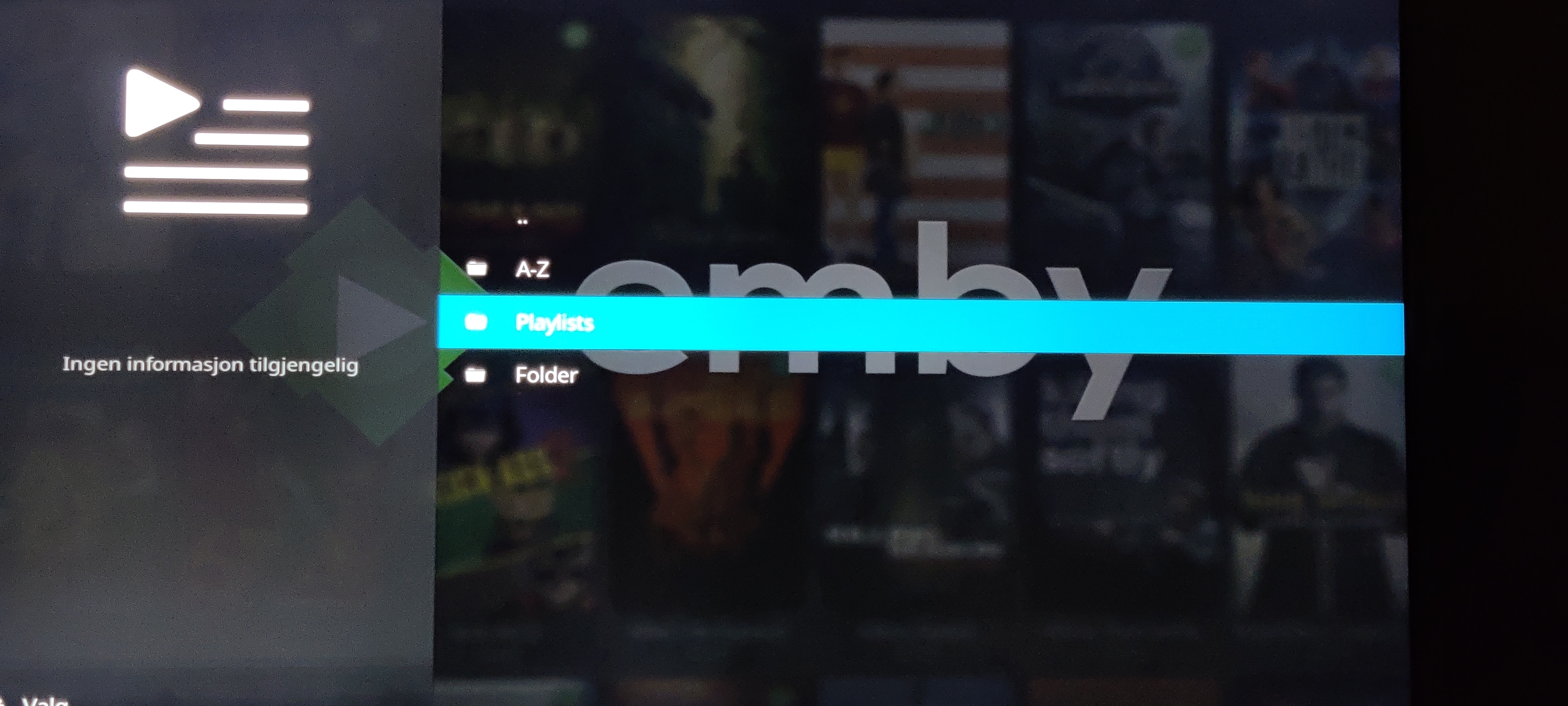
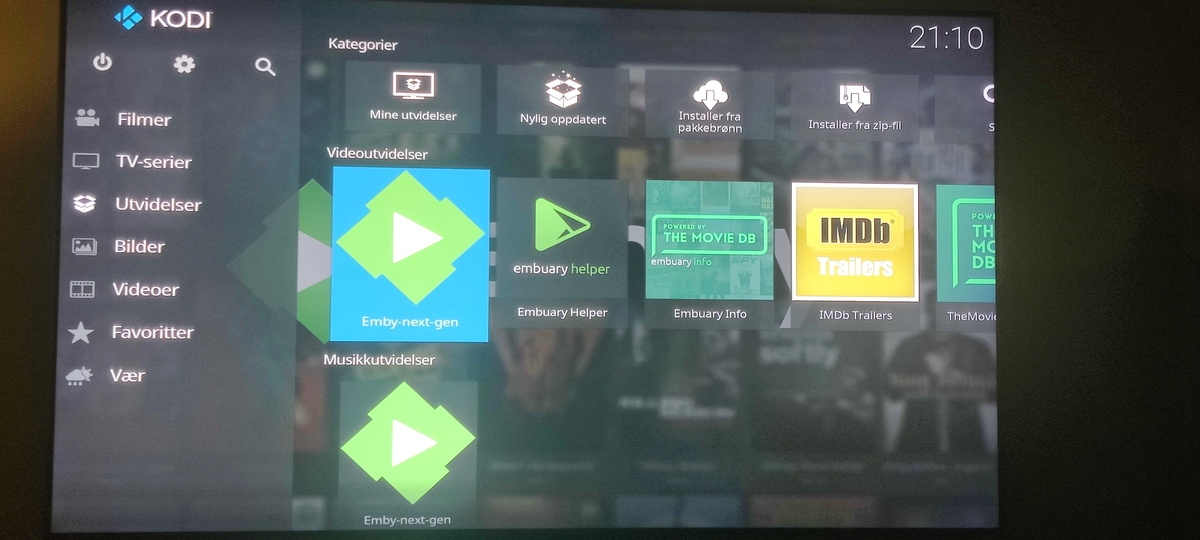
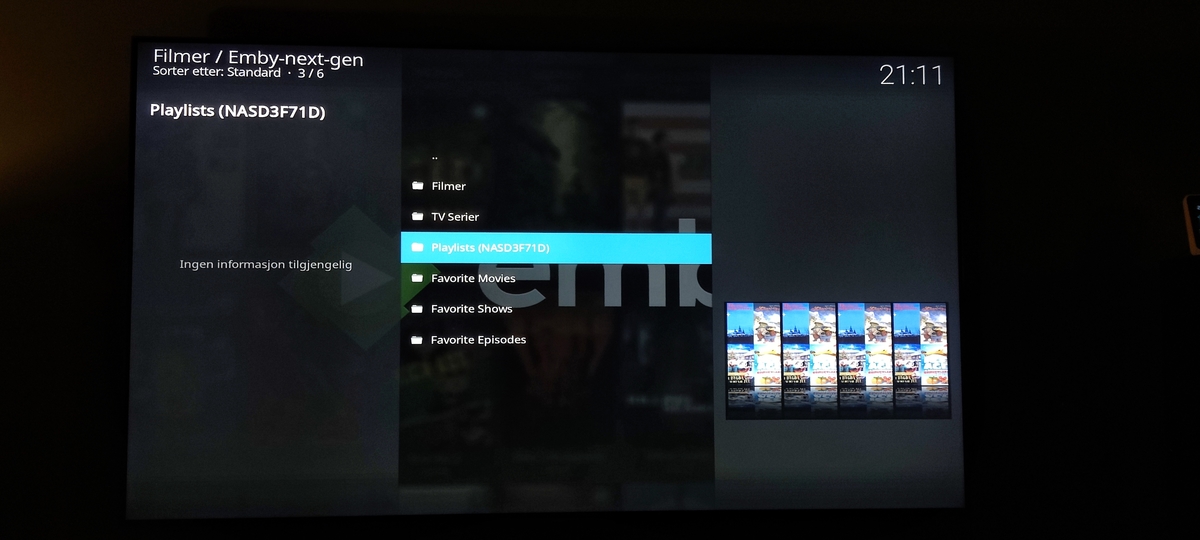
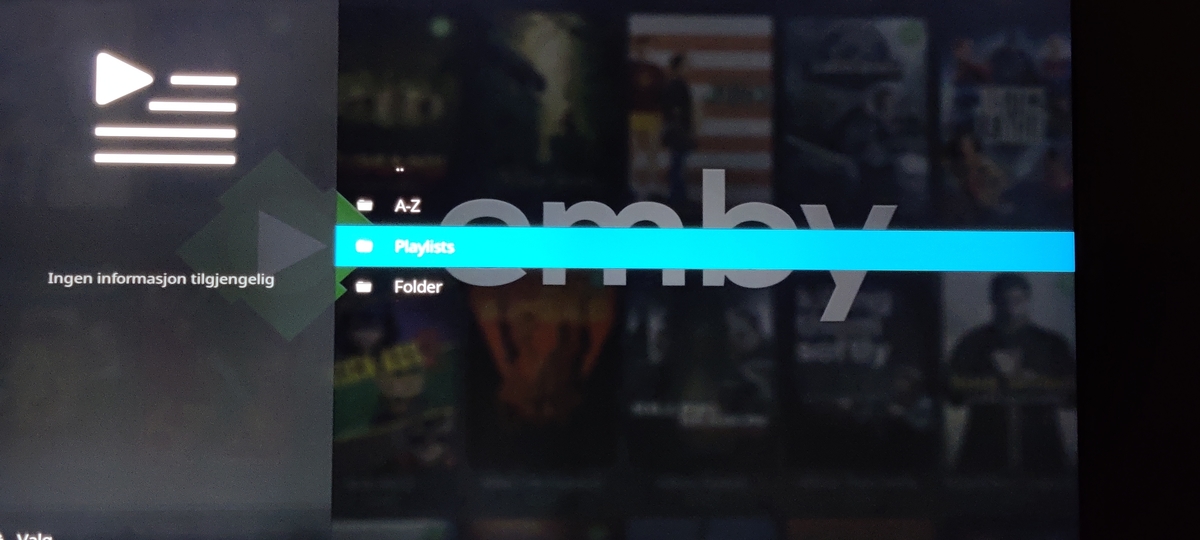
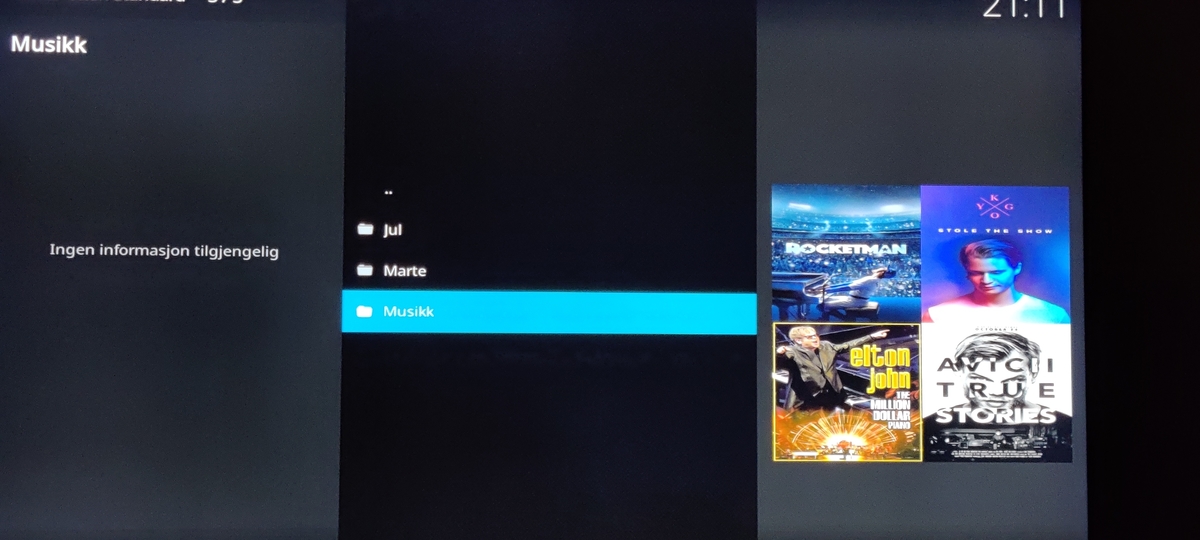
HI, I'll try to explain Yes, I use Emby playlists. Made in Emby web. When I open the playlist I have made widgets in my skin, but its the same as this: Add-ons >Video add-ons > Emby-Next-gen > Playlists (server) > My playlists And if I go that way, it's the same as trough my widgets. Start's loading then jumps back. One of the list's is opening. I can also send log, but there are so much tokens and stuff from Kodi log so I don't know is it safe? But can send it another way than pastebin.
 1 point
 -
I'm sure this won't be the most popular or sought after feature... but I personally use Shuffle all the time with certain TV shows and episodes playlists and one of my biggest complaints with the nature of formulaic "randomness" is that you frequently see the same handful of episodes come up because there's only so many ways to emulate being truly random. I typically have to jump ahead 3-5 episodes in the queue to get something I didn't just watch the last few days or weeks, and it requires me to recognize the episode names to do so efficiently. As such, I propose a server or user-level setting that makes all video-based shuffles exclude items that user has already watched. It'd guarantee no repeats and being a toggleable setting (probably off by default) it wouldn't really hurt anything... and it'd make me very happy.1 point
-
Manipulating the play queue over DLNA has been added to the upcoming Emby Server 4.7 release. Thanks.1 point
-
I have the 4K Bourne Box set which contains the five movies and a bonus disk relating to all the movies. Is there a why of naming the bonus-material file so that it only displays in the collection folder and does not display in the movies folder ? I would to prefer not to place it in anyone of the individual movie folder using Bourne/Jason Bourne (2016) - 4K.mp4/bonus-material.mp4 but in Collections only /Collections/4K Collections/Jason Bourne bonus-material.mp4 second question, although I think I read somewhere this isn’t possible. I’ve added a 4K collection for quick access to my UHD MOVIES. Is it possible to nest another collection folder inside 4k Collections for the 4K movie collections? Collections/4K Collections/The Bourne Collections/4K movies and Bonus file. Having a 4K filter (HEVC) under collections and movies would alleviate all the extra 4K folder structures to see all your 4K choices.1 point
-
Hi @Stephen49, currently you have to assign the extras to the individual movies, but this idea has come up before to be able to assign them to the Collection and it's a likely feature for the future. Thanks.1 point
-
Hi. That would be a different operation than the one currently implemented. That has been requested before though.1 point
-
if you put that link in your browser it should download if you are interested.1 point
-
Good Day and HNY!! Thanks Cayars for the response. I just decided to go with the Emby guide source and tried a few connections ths morning. Surprise, surprise as it seems to be working fantastic and the guide itself is in sync with what is on the screen. I will continue this process and report back the results. Thanks again, cheers and Happy New Year's!!1 point
-
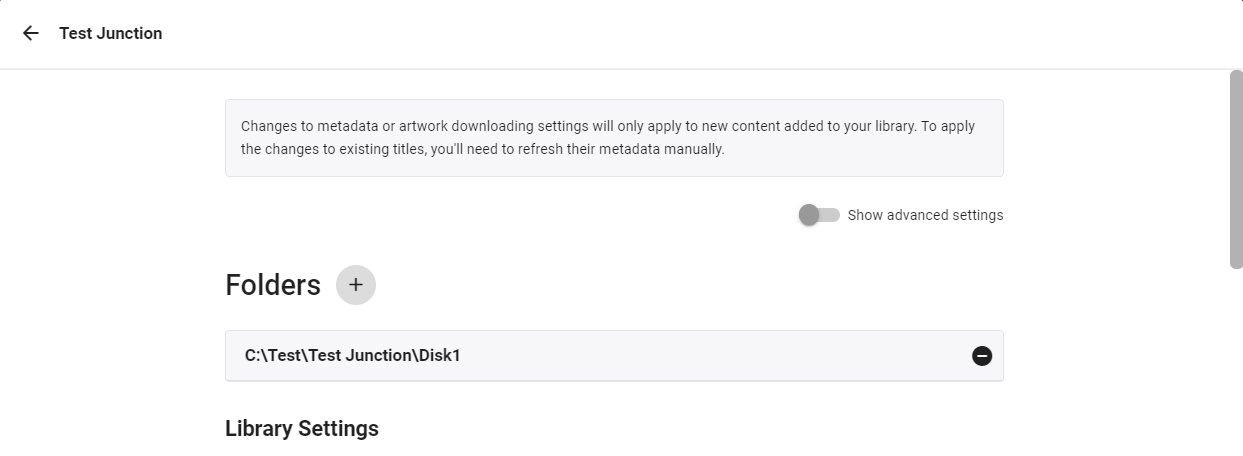
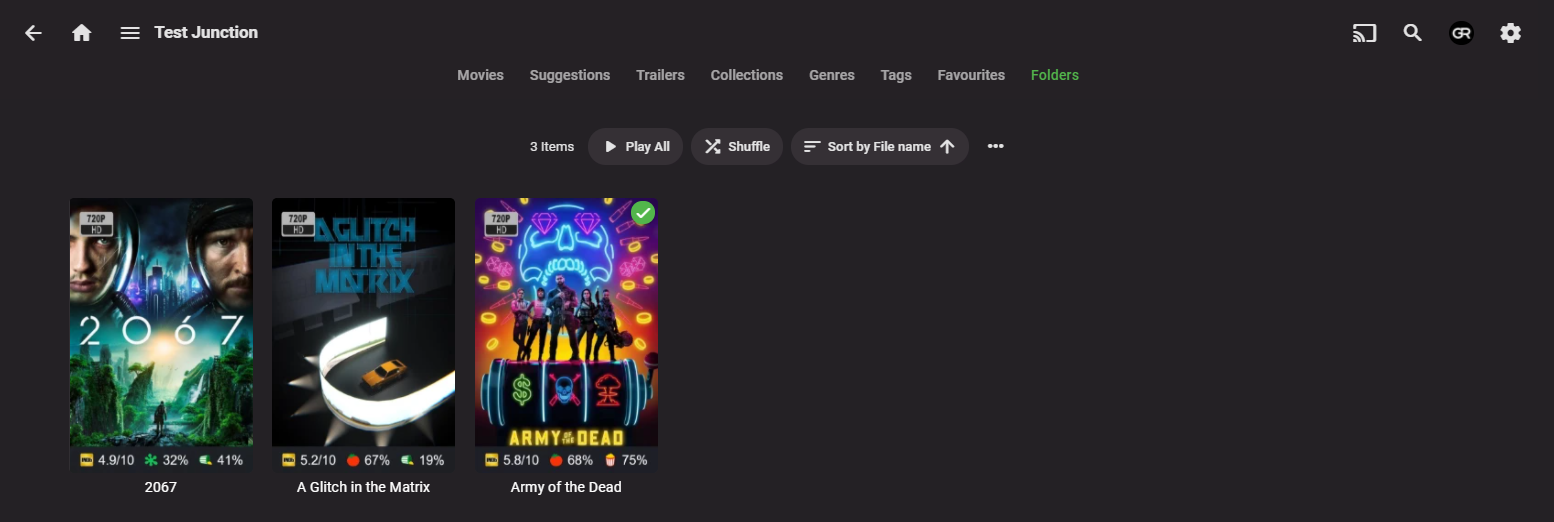
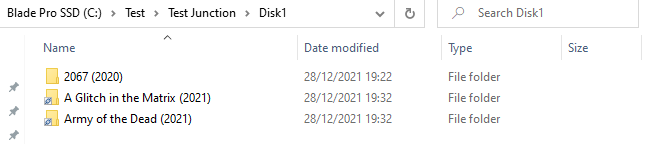
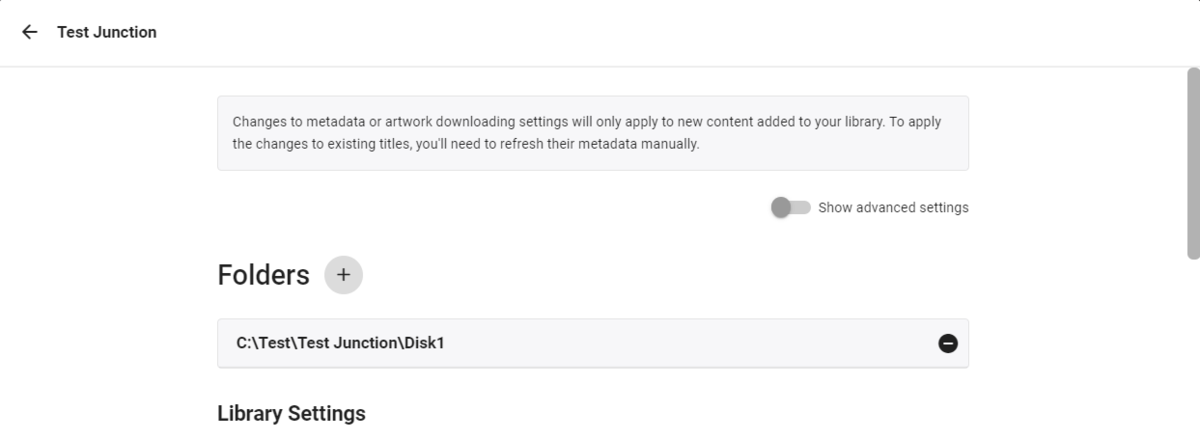
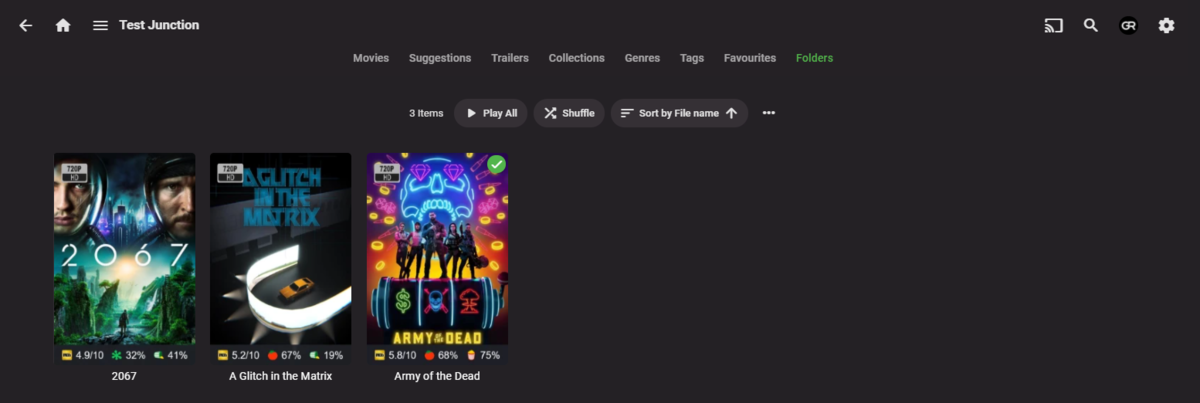
You can junction disk2 movies to disk1 and you'll get 'em all listed in Folder view. @Happy2Play might correct me, but I don't think you can flatten folders when they are on different drives.


 1 point
 -
If you did go the tag route, you could configure Iconic to display an icon on the posters based on the tag name.1 point
-
There's no barrier, it's just a matter of getting to it.1 point
-
Hi, yes at some point I would like to drop our proprietary playlist xml and just have our playlist features generate regular m3u files.1 point
-
¡Buenos días! Como veo al leer el foro, somos muchos los que descubrimos Emby tras pasar un tiempo con Plex. En mi caso lo tengo todo configurado a mi gusto y, de momento, un funcionamiento perfecto. La única duda que me queda es respecto a ciertas películas que en versión extendida ocupan dos archivos mkv. Las tengo en la misma carpeta de la siguiente forma: E:\SAGA\PELICULA\PELICULA -pt1.mkv E:\SAGA\PELICULA\PELICULA -pt2.mkv En la biblioteca Emby las unifica bajo un mismo cartel, pero al entrar a la película no termina de funcionar como esperaba. En lugar de indicar que es una película de 3 horas, pone que es de 1h30 y, más abajo (junto a la sinopsis) sale la segunda parte. ¿Es así como las unifica Emby? ¿O puedo conseguir tenerlas realmente unificadas y que reproduzca las partes del tirón? ¡Muchas gracias!1 point
-
Okay. I'll take a gander but putting this in the WiKi would be nice.1 point