Leaderboard




Popular Content
Showing content with the highest reputation on 11/17/21 in all areas
-
Thanks, Abo. Guess Missus is gonna go nuts now.4 points
-
After refreshing the metadata on foundation, and turning fast detect off. My results were absolutely perfect. You can see the importance of utilizing black frame detection here in the log. So fast detect being turned off. The audio fingerprint was unable to detect where the credit sequence start time was for this episode. It was in fact the black frame detection encoding which was able to pinpoint the position of the end credits stating 2021-11-17 10:36:24.806 Debug Intro Skip: DETECTION Adjusting black frame detection for Foundation Season 1 Episode 3 2021-11-17 10:36:38.700 Debug Intro Skip: Foundation Season 1 Episode 3: Credit sequence audio detection start: 00:00:00. Black frame detected within contiguous regions: 00:48:35.1210000. Moving sequence start to: 00:48:35.1210000. 2021-11-17 10:36:38.700 Debug Intro Skip: DETECTION processed 8 compared items for Foundation Season 1 Episode 3. Best result: Foundation - Season 1 Episode 3 TITLE SEQUENCE START: 00:00:00 TITLE SEQUENCE END: 00:01:23 CREDIT START: 00:48:35.1210000 CREDIT END: 00:49:39.5200000 CREDIT CONFIDENCE: 0.46 TITLE SEQUENCE CONFIDENCE: 1 Audio found the credits at 00:00:00. Black detection sees this as the "impossible situation", and takes over the detection to calculate the proper start time. And succeeds .2 points
-
Noticed this the other day it is now Dexter New Blood Season 1 not Dexter Season 9. Dexter: New Blood - Aired Order - Season 1 - TheTVDB.com Dexter: New Blood: Season 1 (2021) — The Movie Database (TMDB) (themoviedb.org)2 points
-
It won't. I believe auto updates are only for Synology apps and not for 3rd party. You can see for yourself what packages will auto update by going to package center. Click the settings button top right. Then look at the auto update column.2 points
-
@fanuser79 It's up there now in case you didn't know it yet.2 points
-
I'd really like to have 2 Factor Authentication added to the login screen. It's just this (optional) extra layer of security to help secure the server (which, especially if people use camera uploads) contains pretty private data. There are for every type of programming language quite a few libraries available, so implementation on a server shouldn't be too hard to realise1 point
-
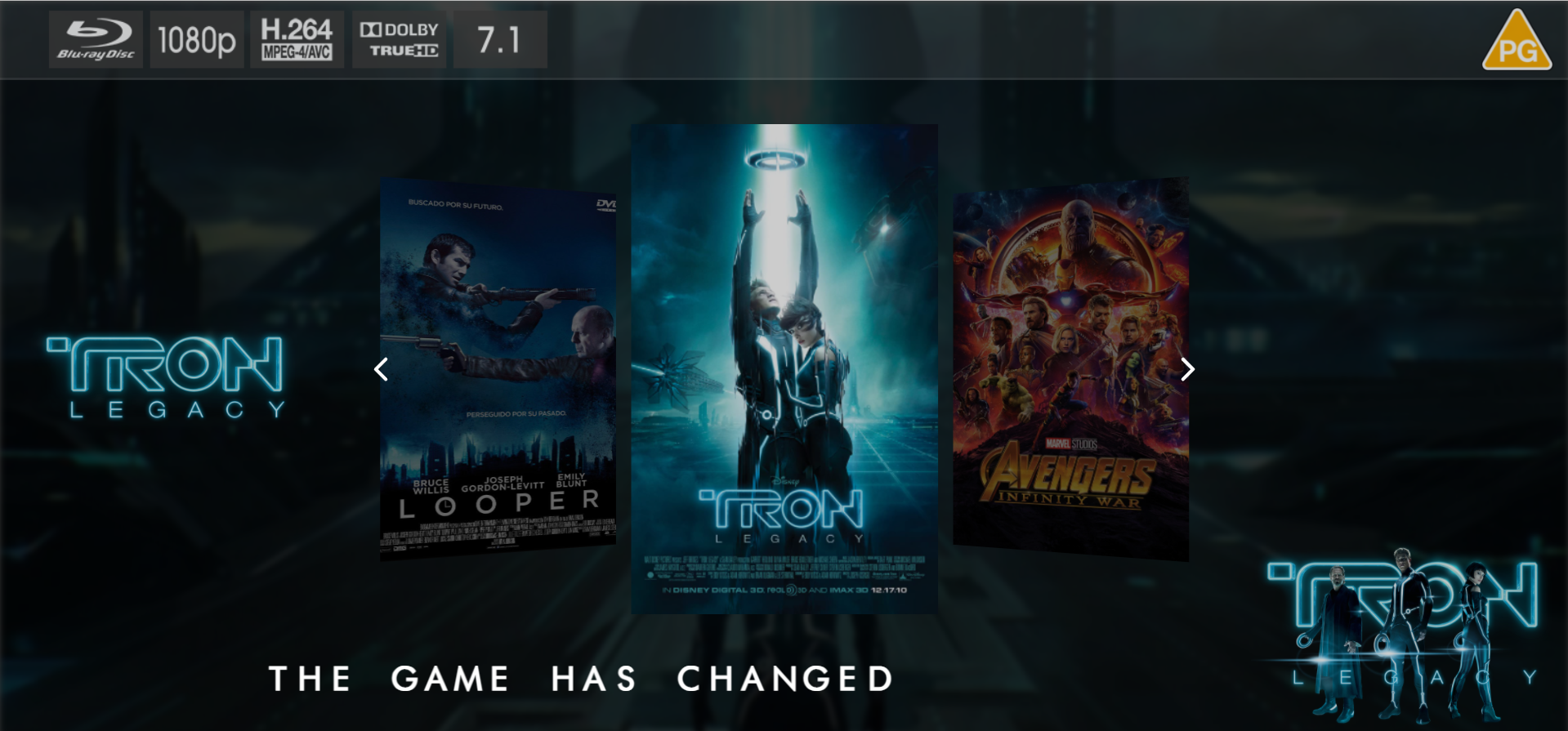
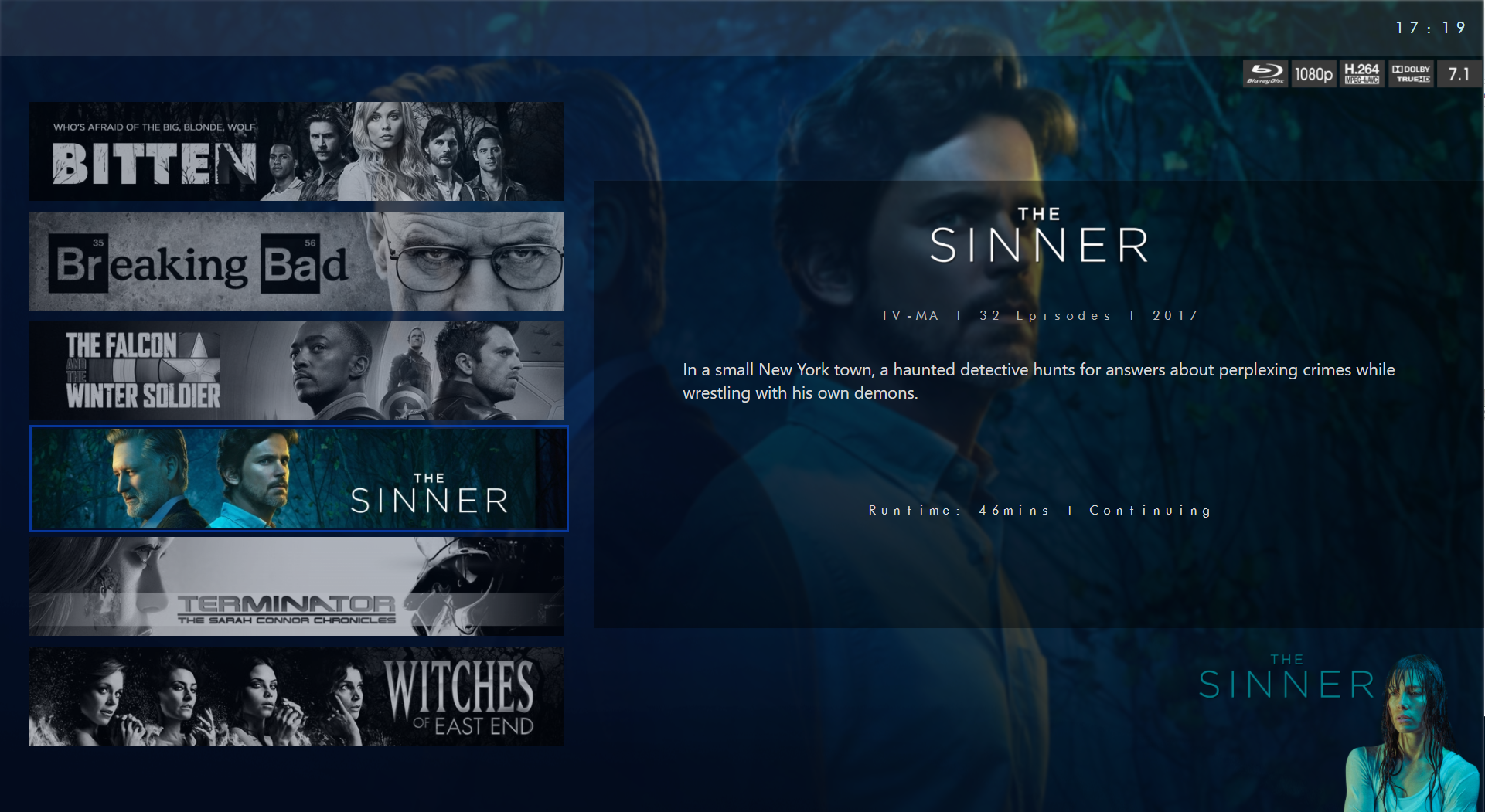
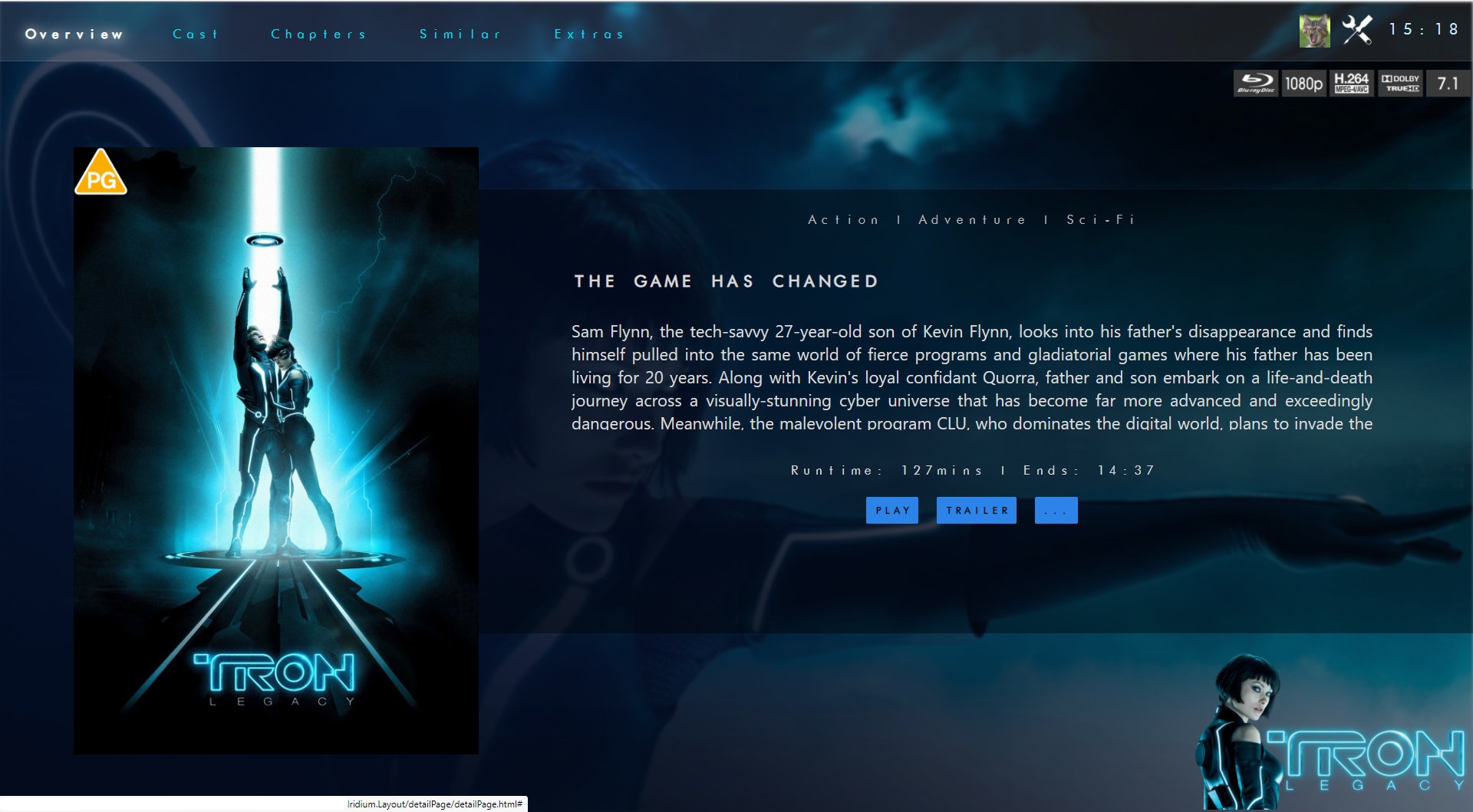
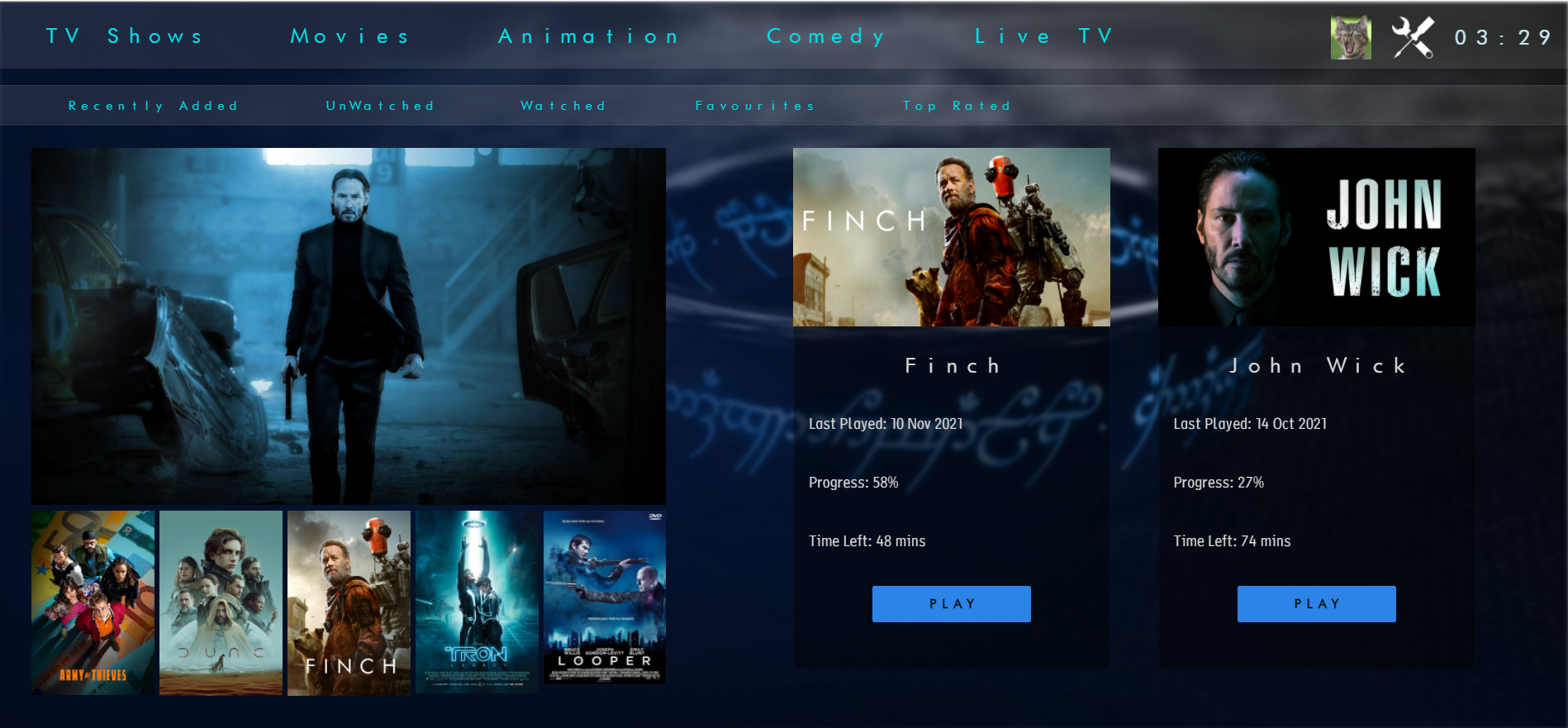
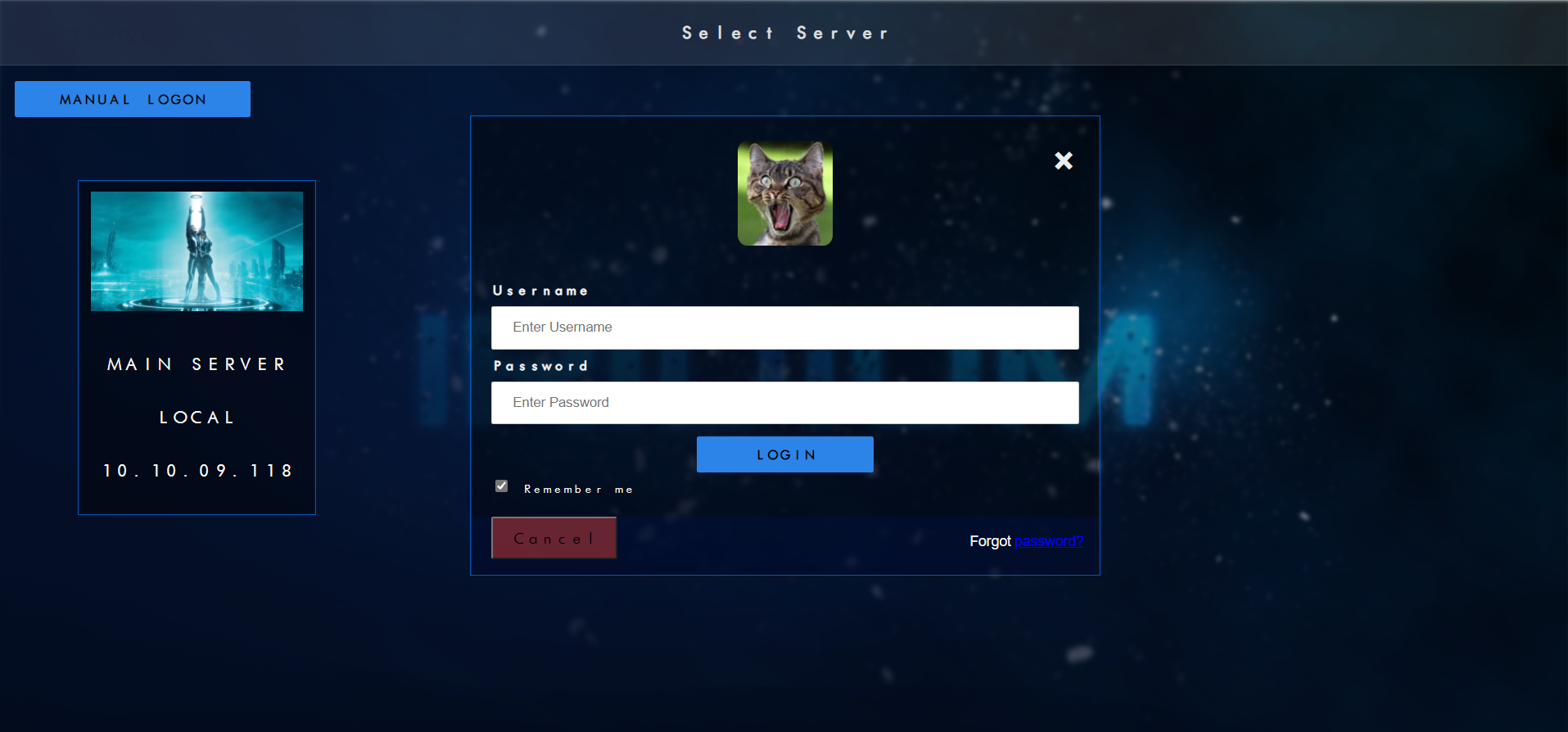
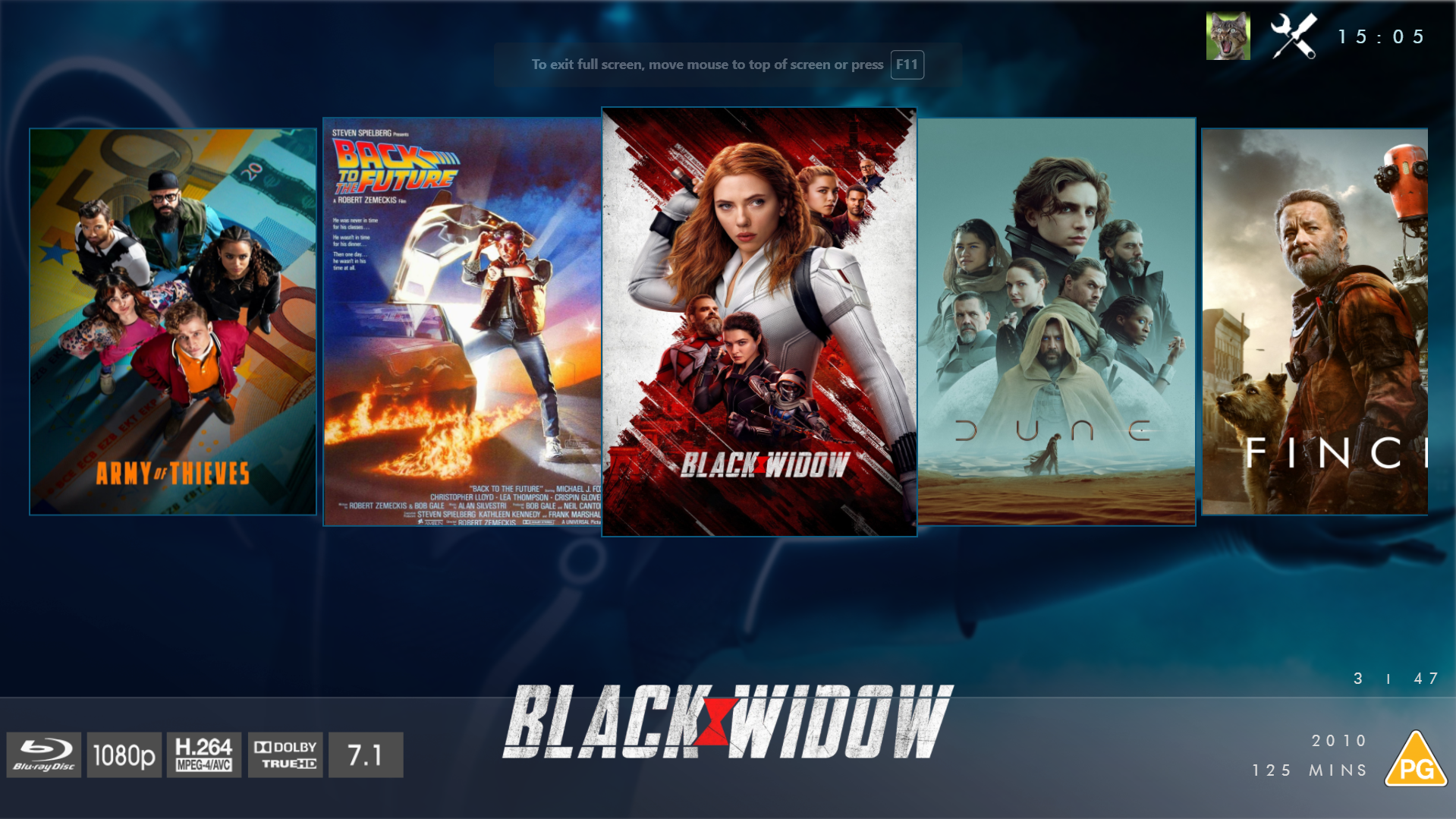
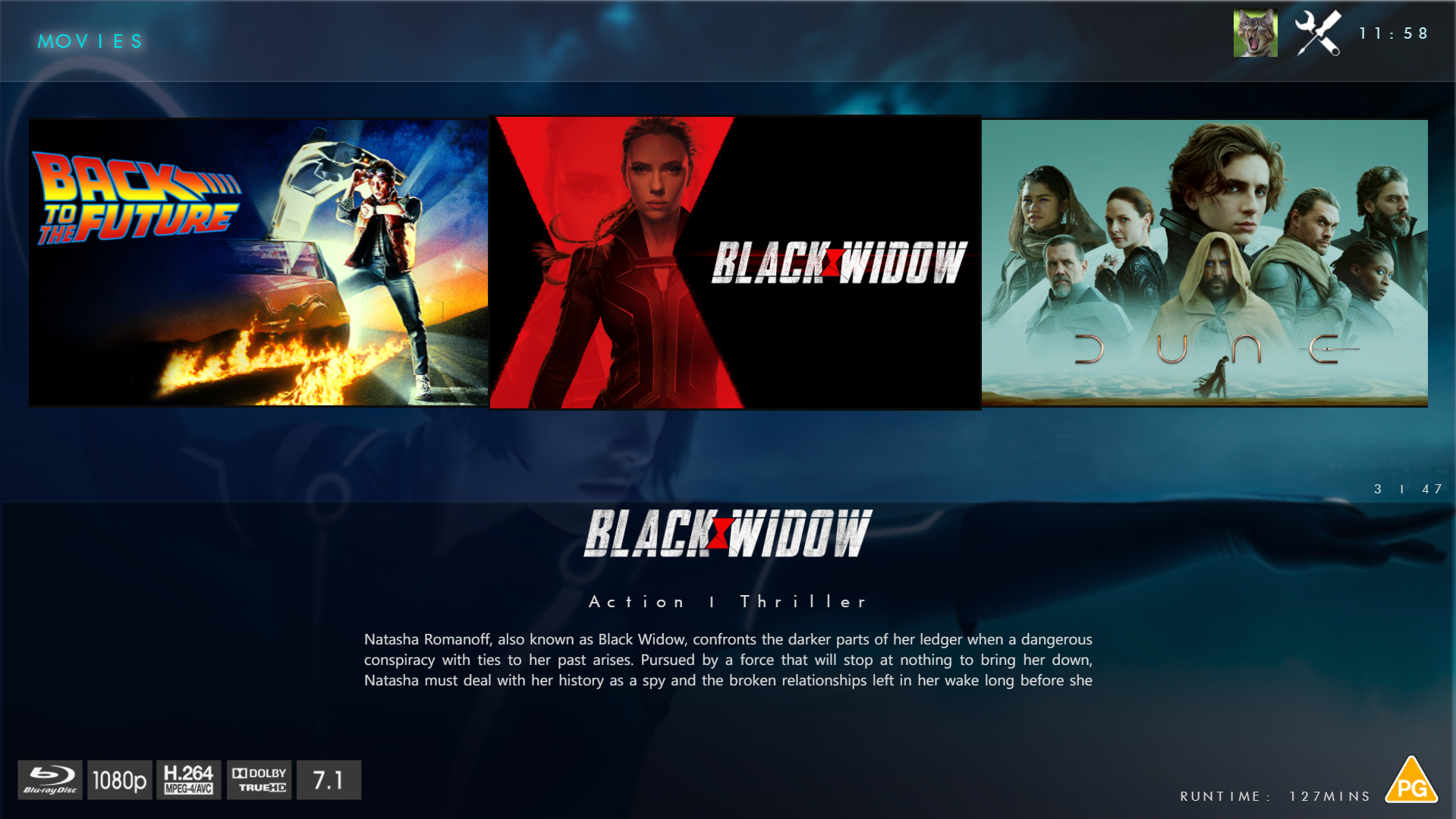
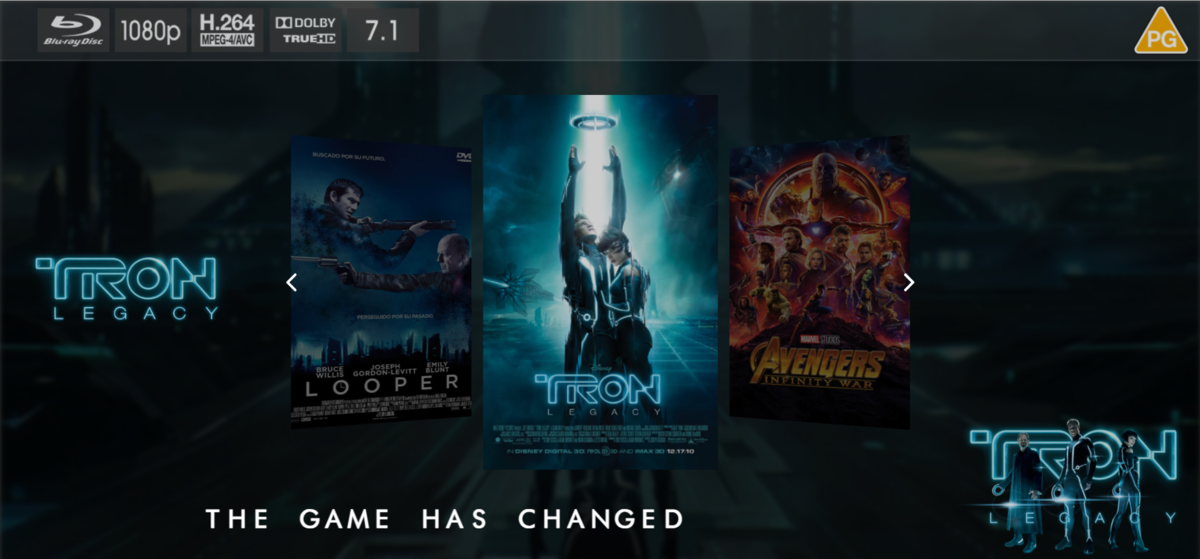
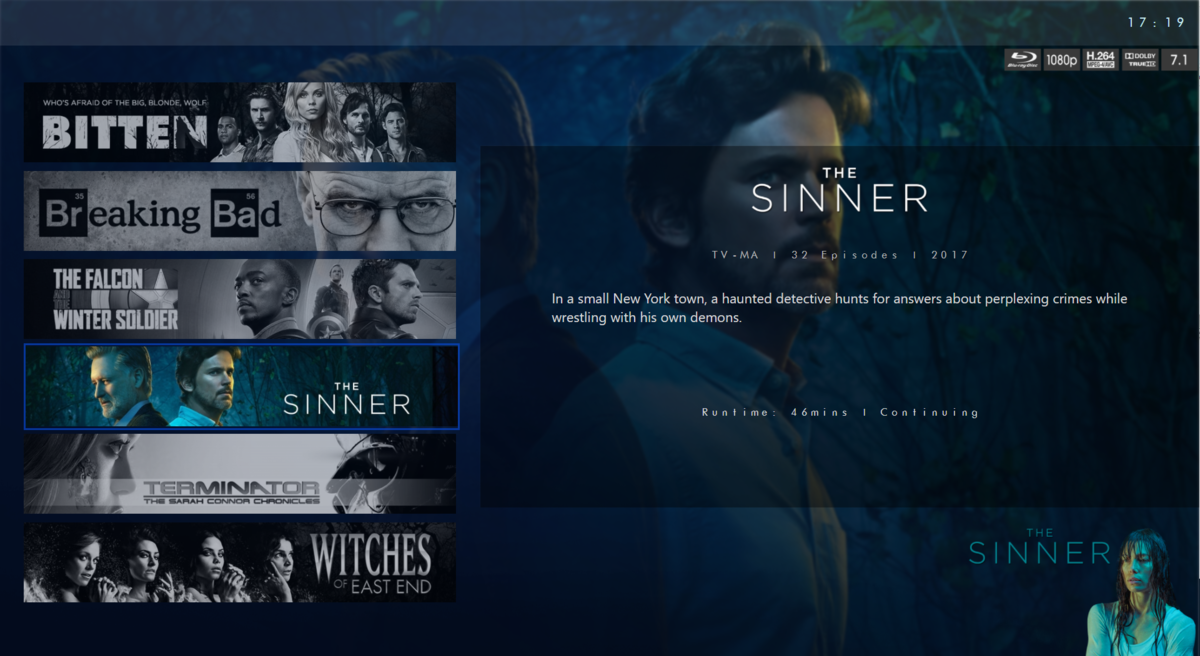
@chef @Cheesegeezer Another amazing production is about to be brought to you from devs - Cheesegeezer - I have started a new theme to bring to the masses. I am a long way off completion however we can continue to update you on the progress. The layouts are about 80% complete and once completed we can start to work on the code behind. We are interested in a closed group of testers when the time comes. I would just like to say that this was originally designed for Emby WMC back in 2014 and was just release there when M$ ditched support for WMC and the project died. @shaefurr did an amazing job with the concept artwork for me to work with back then, and this theme pays homage to him. So with out further ado... here's some of the layouts that are now coded. IRIDIUM - One theme to conquer all LOGON SCREEN HOME PAGE FIRST VIEW TYPE - COVERFLOW COVERFLOW 2 BANNER VIEW FINAL DETAILS PAGE LIST VIEW THUMB VIEW
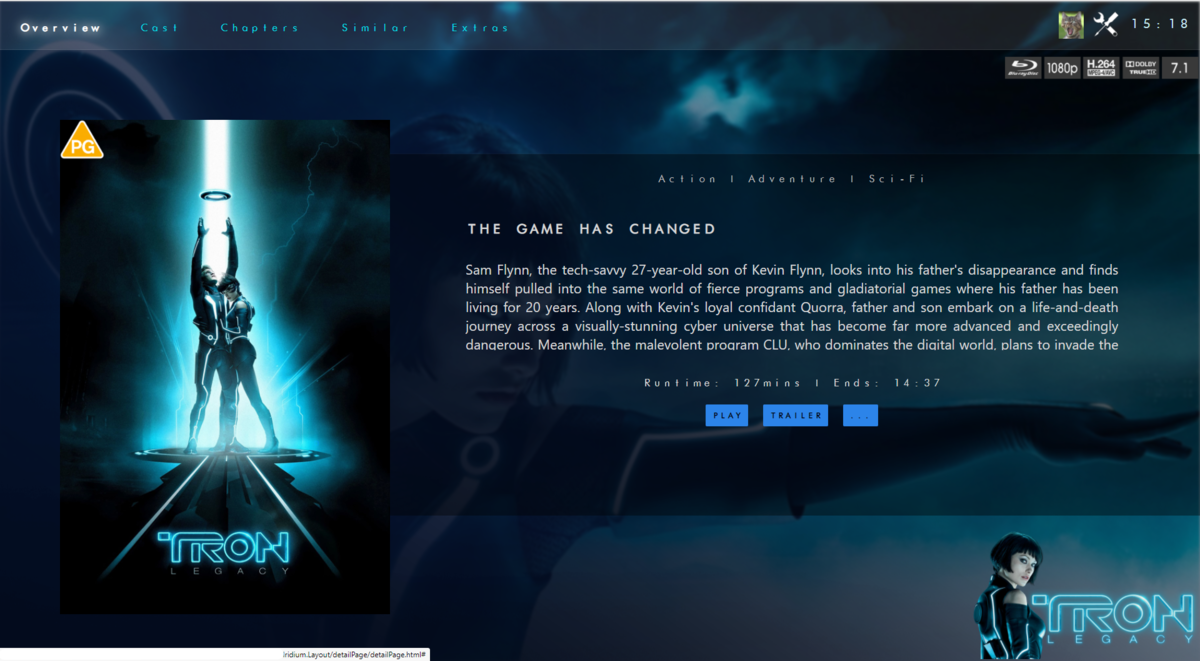
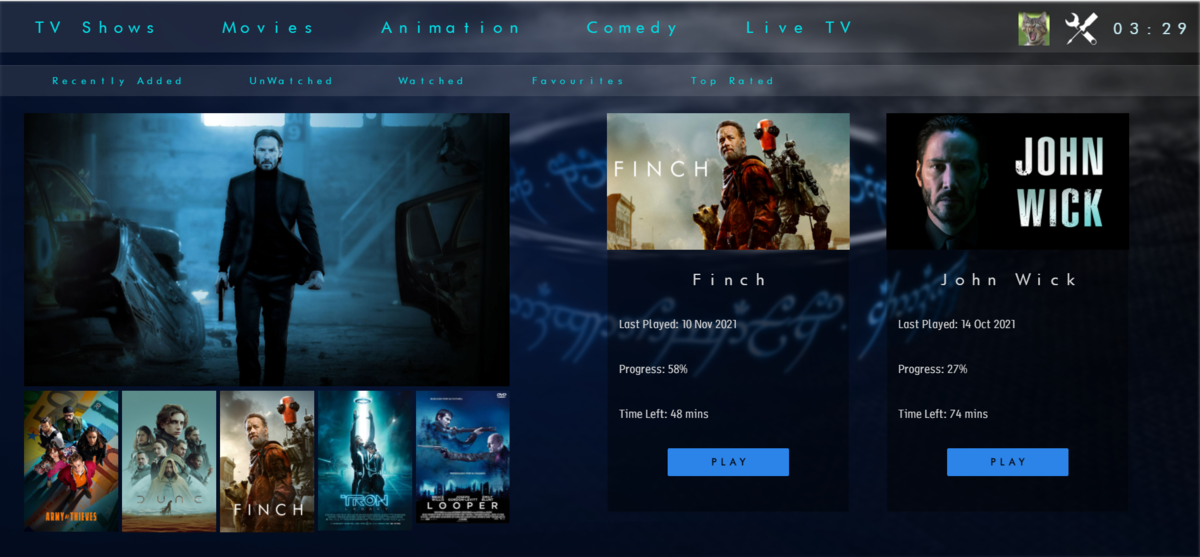
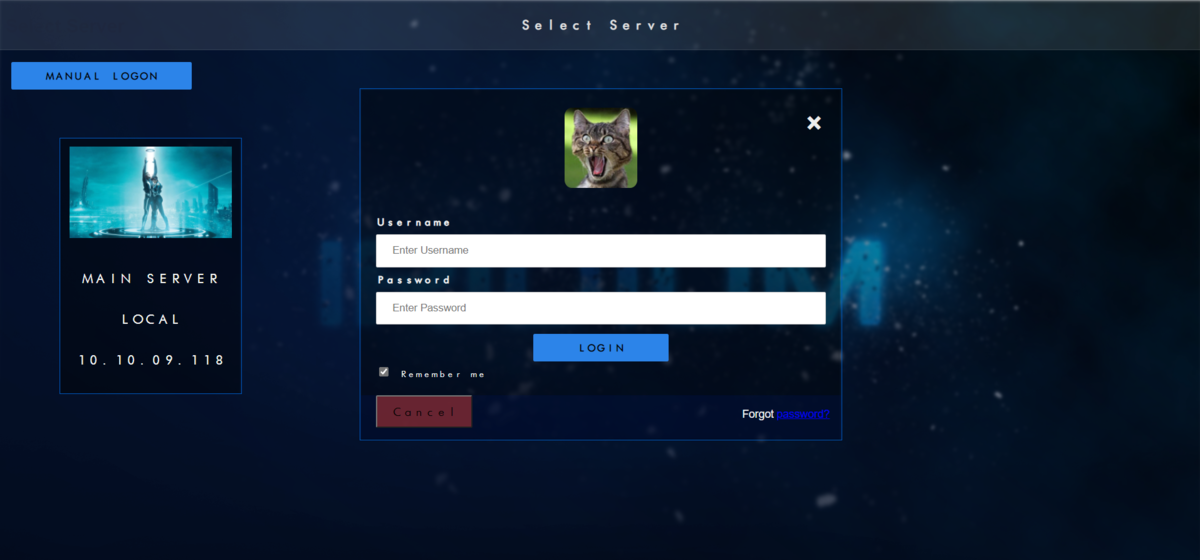
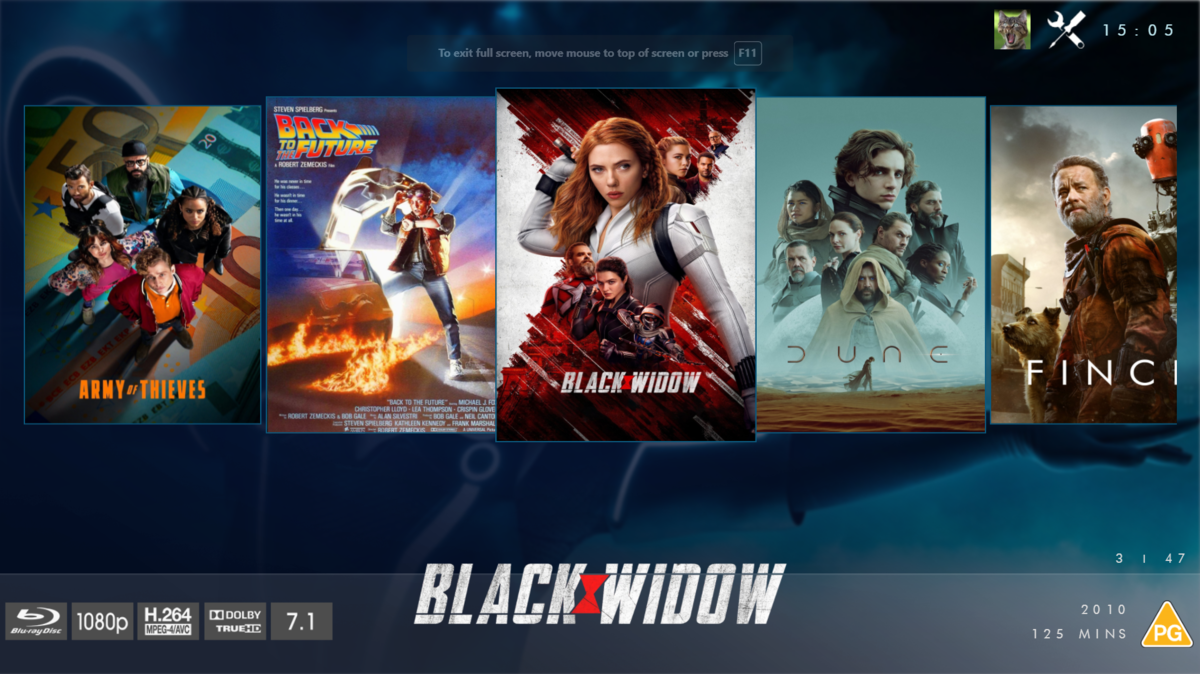
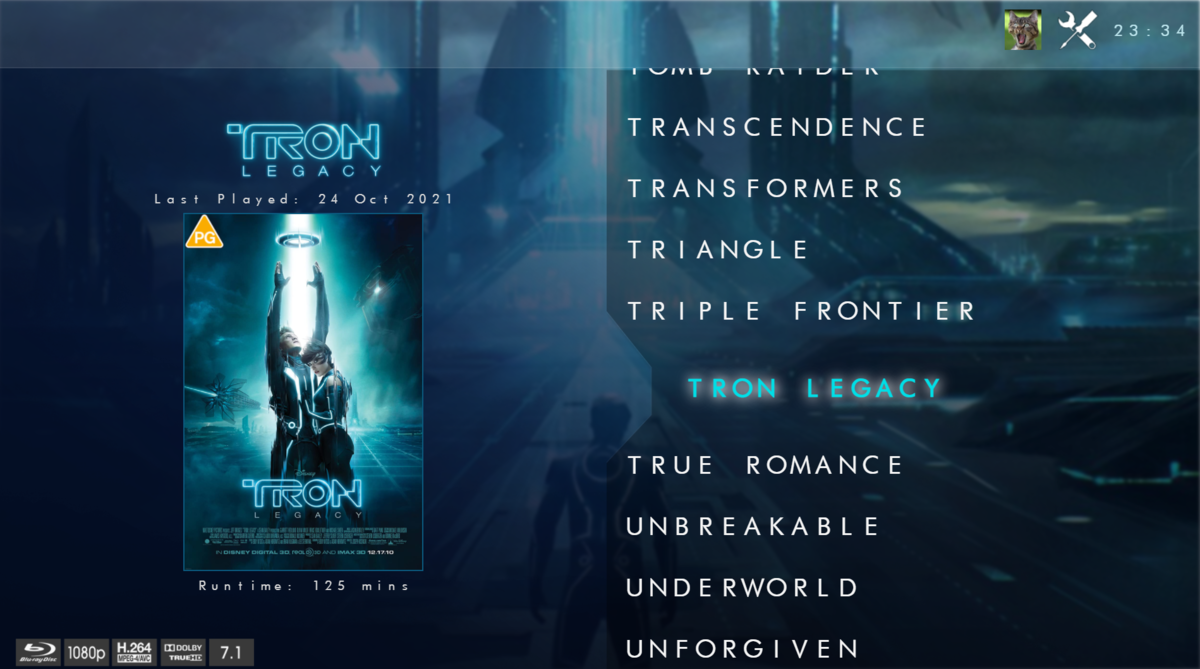
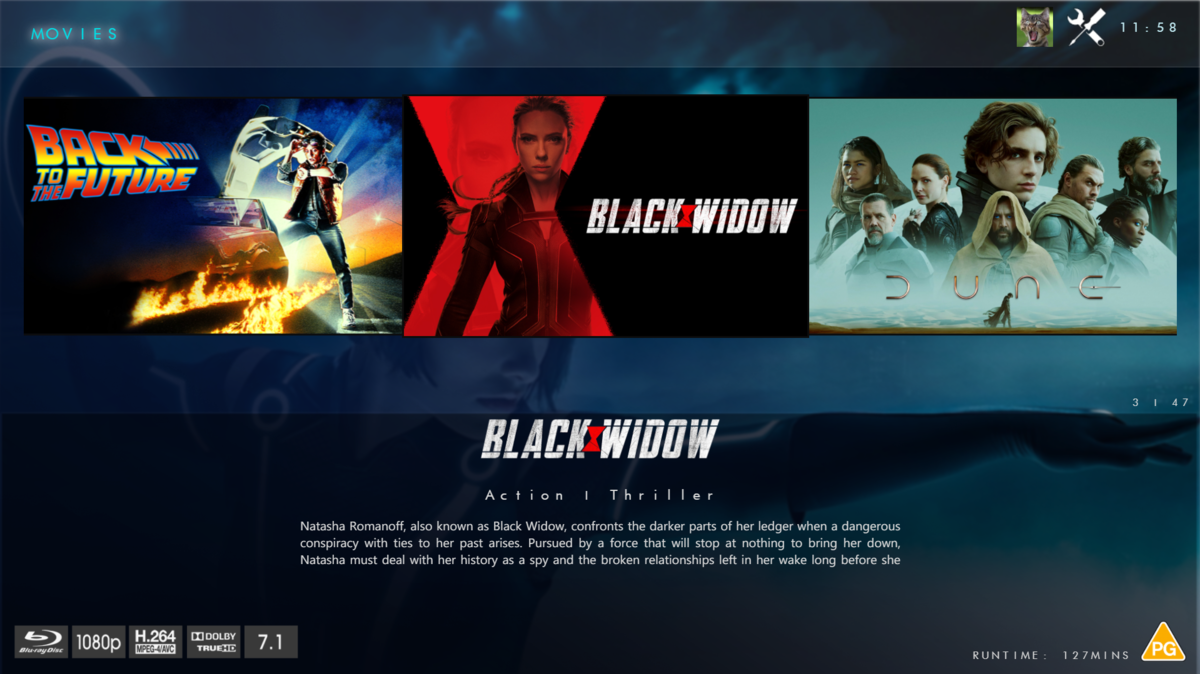
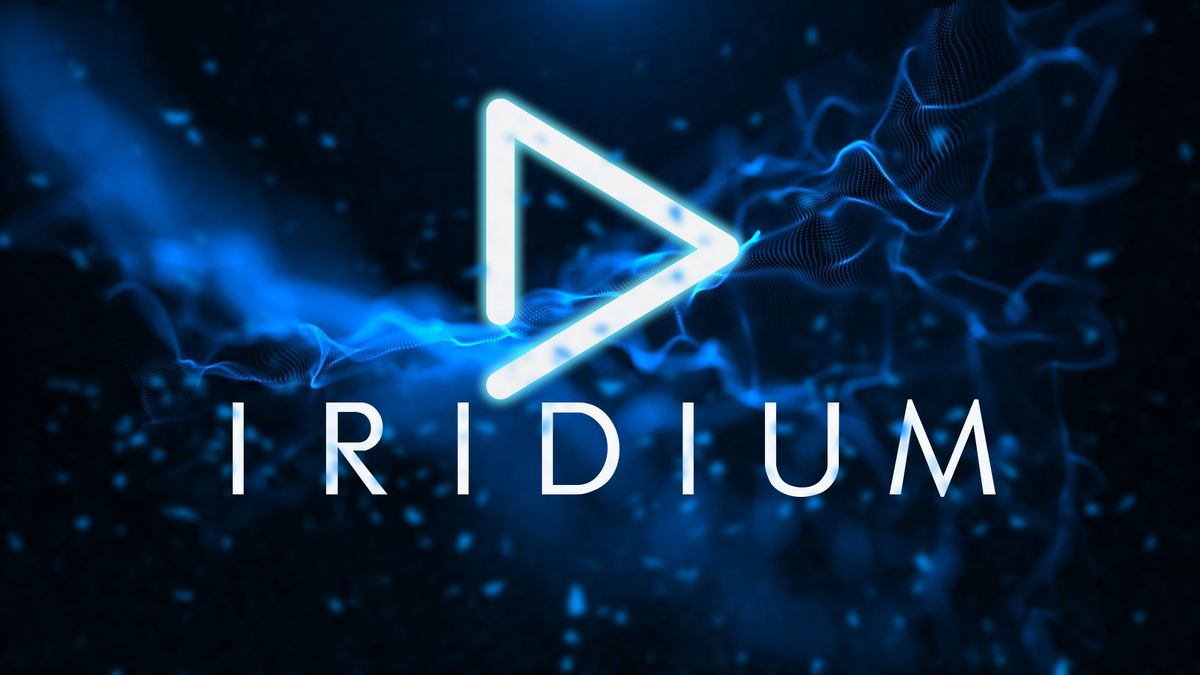 1 point
 -
I've sent a message to a couple of them so we'll see what they say. Thanks.1 point
-
Love this! I would be great if this could be applied on a user rather than system basis.1 point
-
Hi, yes we are working on improving it. Thanks.1 point
-
Funny you say that I actually thought the same thing and made a personal change a while back that I didn't share, to make it much more minimalistic. I have uploaded a new version to the main post (v2.2) if you want to try it out. Here is a screen of it. Regarding the weird background bug, maybe this change fixes that?
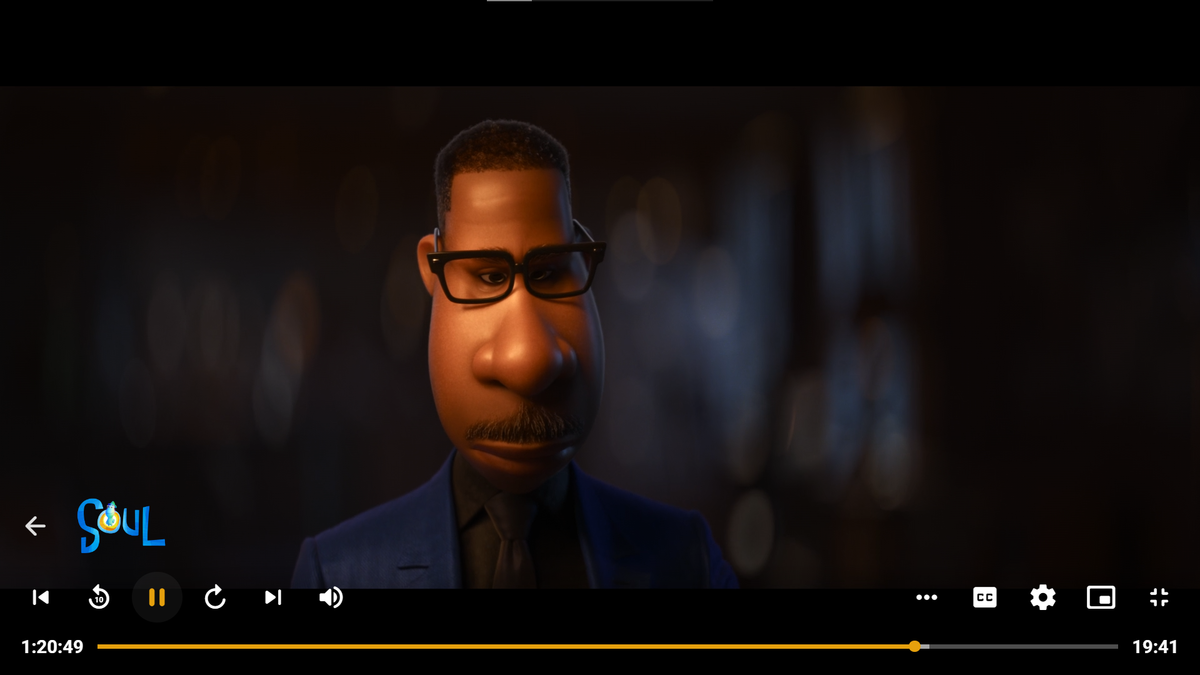 1 point
 -
I ended up starting the process of re-ripping them all. Rather than scrubbing thru every single movie, or wasting the time trying to fix them. It sucks since it's time consuming, but at least I can do other things or walk away while it's in the background.1 point
-
Our CoverArt plug-in can also do some of this for you.1 point
-
Hi, yes we can make these filters more robust in future updates. Thanks.1 point
-
Just sent you embyserver log in PM1 point
-
This will be easy enough. the query is running anyway so it's nothing extra for the stats taske. the stats are based on what id's we have in our database and forms the query. we can add a counter to say how many episodes in a season don't have runtimes or have a percentage, if this correlates to the percentage of episodes with an issue.... we know what the problem is.1 point
-
You might want to check your Emby settings in the Network section - specifically the setting for 'Secure connection mode'. I had issues similar to yours until I changed it from 'Required' to 'Handled by reverse proxy'.1 point
-
wow, i was busy at work and you guys have solved world peace and the climate issues. Awesome1 point
-
Thank you very much for the excellent post. Thank you so much for helping with your knowledge!1 point
-
Sí, a menos que ya los tenga en sus carpetas multimedia.1 point
-
Hi, yes apologies for the disruption. This is due to an outgoing SSL problem. We'll be getting a 4.6.6 update out today to resolve it. Thanks.1 point
-
Hi, yes apologies for the disruption. This is due to an outgoing SSL problem. We'll be getting a 4.6.6 update out today to resolve it. Thanks.1 point
-
Attached below is the latest code. I corrected several bugs and cleaned up the HTML5 HLS streaming code for videos. The new code is much more reliable and easier to debug than the previous code. I also cleaned up the code that plays consecutive selected media. Yon can even mix media and it will play properly. You can now select and tag individual TV episodes and pictures. Soon I will rewrite the liveTV code. I am now working on sorting and filters. Vic EmbyTagApp01.html1 point
-
Upon further examination of that code, specifically dealing with nullable runtime tick values. I believe it is really important to ask users to make sure they have their metadata refreshed, and totally scanned before attempting sequence detection. We can handle null exceptions from missing metadata, however there won't be results for end credit data without a runtime value for the episode. Unless we ignore credit sequences end times, all together. Which could also be a possibility.1 point
-
Hi, they're coming, thanks.1 point
-
I was able to get data on foundation: However, I did find an error happening, when calculating the end credits. It happens when the emby base Item doesn't have runtime tick values in the metedata. I'm going to see if we can calculate the runtime ourselves if it doesn't exist yet, using ffmpeg. this is why the data posted in the picture doesn't have a completed set of credit data.1 point
-
Yes, we got it fixed up doing a remote support session. His ISP's DNS server was not responding back with his domain info. I queried it directly and nada. So we switched his computer to using Google DNS for now and will check back in a day or two and see if the ISP is returning correct records yet. If not we can likely change the DNS servers on his router. That will work for him, but could be a problem for other people using the same ISP unless they too change DNS servers. @mattykellyuk and I have a private communication going in PM for this.1 point
-
If you installed from Package Center, yes. If you installed manually, we're not sure yet if it will auto-update on top of that. 4.6.4 is the first package. 4.6.5 will be the second. We're going to wait and see just like you will.1 point
-
I don't recall anyone saying it would auto update. Luke did mention he wasn't sure and we would have to wait and see, so some of us were hoping.1 point
-
It's not in Package Center yet because it generally takes a few weeks to get through the Synology review process. So you have the option of waiting for that or installing manually if you want it right away.1 point
-
Glad I don't stream from you. LOL1 point
-
Stay tuned. Improvements to this are closer than you think.1 point
-
Welcome to our new mod's team: @GrimReaper & @FrostByte Good luck guys and well done.1 point
-
Yes, that is what I'll do.1 point
-
Ah. Got it! Thanks @Luke1 point
-
I disagree with both of you. NVME setup as R/W caching helps for display as the graphics will be in the cache and won't need to get read off disk. If setup for write caching then transcoding will likely never get written to disk (depends on cache size). Of course this is all generally speaking as size of cache and what you having running on the NAS does matter to what stays in the cache.1 point
-
No, not yet, but hopefully they'll add it at some point. I believe it's in their plans, but no ETA.1 point
-
Sorry for the delayed response. I've been out of town. I double-checked the connection to be working, and it looks like it is updating (based off of last modification time), but just not anything regarding the set information. Thanks for the suggestion. Oddly enough the error stopped beforehand, but I turned it off anyways since I don't use that feature.1 point
-
Alright thanks for reviewing! Guess I have to try to make my hard drive more silent1 point
-
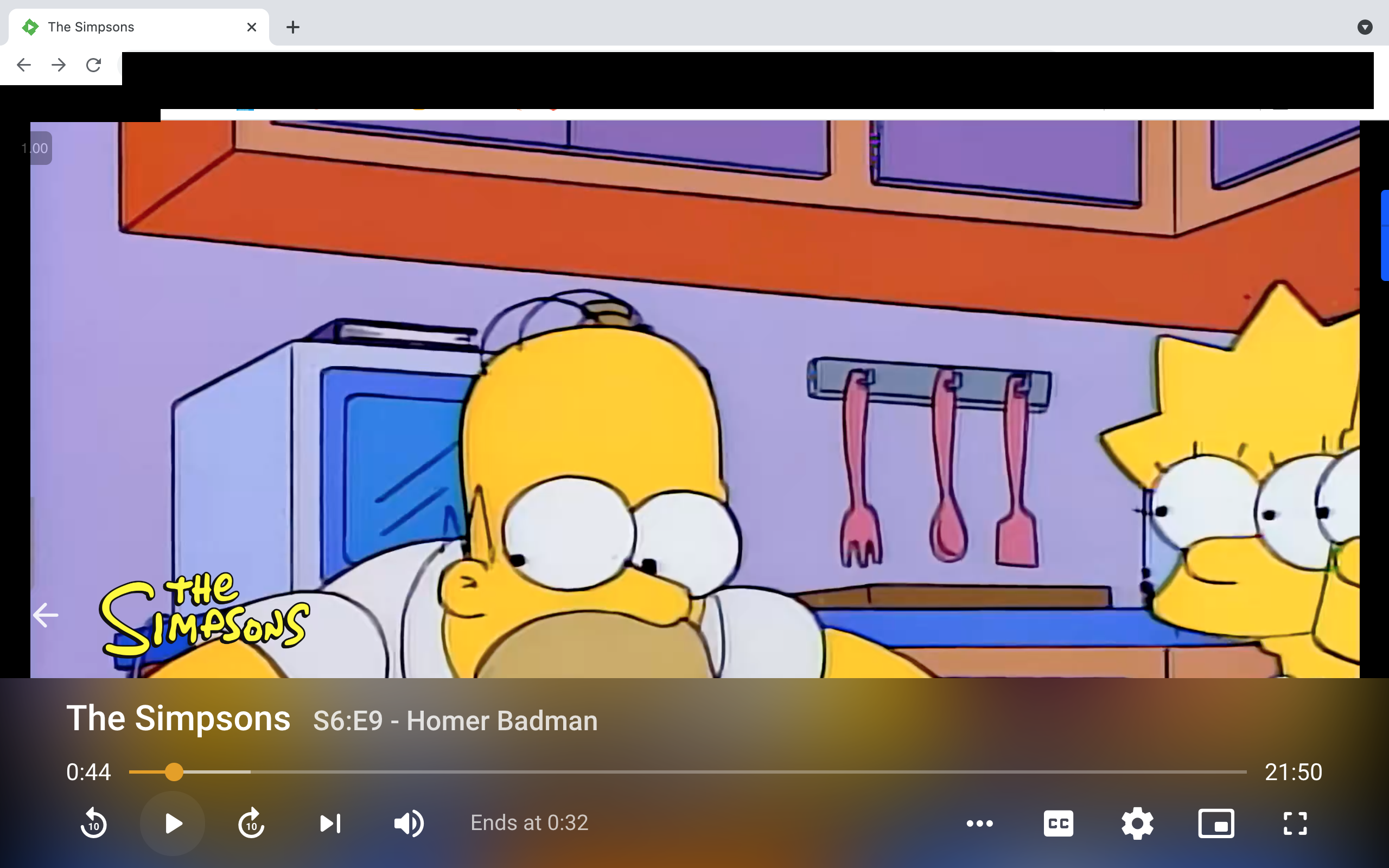
Absolutely love the theme! But on my screen (macbook 2560x1600) the playback bar is huge. Anyway to size that down? I'd also like to move the back button back to the top left corner but I'm really not familiar with CSS. It also seems that subtitles now have a bar instead of fully transparant background
 1 point
 -
After the Update the correct external IP is back again. Thanks a lot!1 point
-
At a minimum it needs to be default collapsed.1 point
-
4.6.5.0 was just pushed out and this issue appears to be fixed finally. Sweet!1 point
-
this one is 5 years old. there should have been some progress since then. but i look into it, although i am persimistic.1 point
-
That change was completely uncalled for. Say you're playing next/resuming S5E20 - in order to check episode overview, is it now required to scroll down to Seasons, go to Season 5, scroll down again to E20 and select it? For something that was one click away? I just hope that ain't coming system-wide.1 point
-
Hi, yes it is coming. Thanks.1 point
-
1 point
-
My bad. My DC (domain controller) was acting up and my Emby server uses it for dns. All good now.1 point
-
Technically over 500 Mb throughput on this NAS isn't going to perform better as you've hit the IO bus limit. However, it may still be a better NVRM and faster in general. Typically the higher the throughput the faster it is. Not sure how much difference it will make in real-life. A top of the line module like a Samsung Pro is going to be overkill and that I'm quite confident in as well as the extra money spent on it. I have only tested with the two 1 TB m.2 cards in read/write RAID 1 mode against 35 TB volume on the 4 Internal drives. So I can't really comment how much better it will be then two 512 GB m.2 configured the same. Being that it can help with both read and write ops I wanted the largest cache I could get for reasonable money and 2 TB m.2 are just to expensive and would cost as much as the NAS itself. LOL 512 to 1 TB seems the sweat spot to me for money spent vs bang for the buck. If I were guessing I'd think 2 512 GB m.2 would work really well and maybe the 2 1TB cards would be maybe 5 to 10% better if that. Diminishing returns on bigger caches. I'd say this is especially true if you're not adding lots of new content where the larger write cache could have benefit without removing the cache and meta data entries. But even so that would be a lot of writing at one time! 512s should easily handle the typical Emby cache and metadata content (keeping them cached) while providing the cached writes of the transcode engine (really speeding this up) as well as recording/DVR. That saves a lot IO which can cause some people issues when watching live tv and recording at the same time. Strictly on the NAS with the 2 m.2 and not doing anything special or tricky I can be recording 4 NFL football games and play a couple of them back at the same time with no issues. These playbacks can even be from Chrome browser which requires transcoding. So that says a lot I think to me for what it does for the IO bottleneck that would have been there without the m.2s Your mileage may vary but that's what I've found from personal experience.1 point
-
I'm very curious to see what you come up with1 point