Leaderboard




Popular Content
Showing content with the highest reputation on 10/09/21 in all areas
-
You guys are gonna love this next release..... @chef has really out done himself on the detection, which has been a hell of a lot of work for him!! But the rewards and accuracy you guys will benefit from is 100 fold. The UI is gonna be way more visual and beneficial for confirming your intros. We are literally just finishing off some bits and bobs. So stay tuned. Big huge thanks to @rbjtech and @CBers for testing during this.7 points
-
I have several test systems on my Insider dev Windows 11 pro that have not noticed any issues. But note this was not a clean install.3 points
-
What made it "unclean." Was it a less than a clean install because of "X" rated content. Them dirty pictures would corrupt the morals of even the cleanest install.2 points
-
New version available: 6.1.3 beta delta changelog: fix sync updates unify musicvideo artists disable music scan in native mode fix Apple TV issue2 points
-
You just want to search for a JBOD chassis - I was on the look out for ojne of those before - I was thinking along the same lines as you - I already had my server set up in my Fractal case - why not just add a JBOD chassis for loads of disk storage...answer, because they are really expensive - at least the ones I could find - hence I went the whole hog and did the big server case2 points
-
Hey Everyone, My journey from Plex to Emby has been pretty smooth with the exception of setting up SSL encryption. There are lots of great posts on this forum and elsewhere on how to do this, and I consider myself pretty computer literate. But I'll be honest, this was a bit overwhelming for me as I have no experience at all in hosting web servers, DNS, or encryption certificates. After many hours, I've got it all working, so I thought I'd share what I've learned. I'm going to try to write this for the newbie, so don't be offended if it seems like I'm explaining lots of simple stuff. That's really what I needed a week ago, so maybe it'll help someone else in my shoes. Also, this is for Windows, although most of it applies to any OS. There's lots of text, but it's really very easy. Let me also say, I understand that a reverse proxy gives you lots of benefits and flexibility for securing your server. But that was a step too far for me. If you want a reverse proxy this post is not for you, but there are many posts in this forum to help you. If you want to access your Emby server from outside your home network you will want to require secure connection mode for all remote connections (see "Network" tab in Emby server configuration). To do this you need an SSL certificate. To get an SSL certificate you must have your own registered domain name. Here's a step-by-step. Domain Name Registration A domain name is the readable text part of a web address. So emby.media, or google.com, or media.yourdomain.net. Most home users don't have one, but you need one to get an encryption certificate. While (Edit:)There are many options for purchasing a domain (godaddy.com being very popular), I chose to buy my domain from domains.google. It cost me $12/year, and this is the only cost to getting your Emby server working with encryption. Go to https://domains.google, pick a domain, pay your money, and you're ready to go. For the rest of this discussion let's say you registered the domain name yourdomain.net. Now you need to associate your new domain with your home IP address. Most home users get their IP address assigned to them by their internet provider and it is "dynamic," meaning it can change. So you need to be able to tell your domain provider what your address is and update it when it changes. This can be done automatically, and is called dynamic DNS (DDNS). (Edit:) Before obtaining a domain, ensure the provider supports Dynamic DNS. Google domains supports this easily, here is the help page explaining how to set it up. Fortunately, my ASUS router has this capability built in so it was easy, but it's easy even if your router doesn't (follow google's directions). (Edit:) In case you have a static IP (obtained from your ISP), DDNS support is not mandatory. That's it for domain name registration. Now yourdomain.net points to your home network IP address. SSL Certificate Now you need to get an SSL certificate. This has the encryption keys you need, and must be issued by a recognized certificate authority or it gets blocked by your browser. Lets Encrypt will give you a free SSL certificate but it has to be renewed every 90 days. This was the part I was most confused by, but it's actually really easy. The part to understand is that Lets Encrypt must have some way of proving you own your domain name before they can issue you a certificate. There are two options, 1) they give you a little text file to place on your web server in a certain location. I don't have a web server so this is a no-go. 2) They give you a text string to add to your DNS registration in what is called a "TXT Record." You do this with google domains, it's very easy. To get a certificate you need an ACME client program that knows how to talk to the lets encrypt server. They recommend certbot, but it doesn't work in windows. Dig enough and you'll find ZeroSSL, they have a nice downloadable program that does it all and is really easy. Download here. Make a directory on your computer (I used c:\ZeroSSL). Put the le64 (or 32) exe in this directory. A single command will create your certificate. I think the easiest way to do this is create a text file in the same folder as the program, call it "get_cert.bat" and put the following three lines of text in the file. Edit the second line to have your actual domain name (instead of "yourdomain.net"), and to have your actual password for your PFX file (whatever you want it to be, just replace "yourpasswordhere" in the code below. @[member="Echo"] off le64 --key account.key --csr domain.csr --csr-key domain.key --crt certificate.csr --domains "yourdomain.net" --generate-missing --handle-as dns --export-pfx “yourpasswordhere” --live pause Save the text file as get_cert.BAT and then double click it to run. This runs the le64 program, creates the public/private key pair, asks lets encrypt to generate a certificate, saves that certificate, and converts it to a PFX file format that Emby requires. All in one command! When you run this, a command window will appear and you can see what it's doing. After a few seconds it'll pause and ask you to place the TXT record in your domain. It gives you a name and value, the name will be something like _acme-challenge.yourdomain.net, and the value will be a bunch of random letters and numbers. The program pauses here for you to put this into your domain. So now you just log in to your google domain again, go to "DNS" on the left menu, scroll all the way down and enter a "Custom Resource Record." The type is TXT, the name and value are what le64 gave you. Put them in, wait a few minutes for the change to take effect (took just a couple of minutes for me). Then go back to the command window where le64 is running and press enter to continue. It'll then verify your TXT record is there and issue your certificate. You'll find a file certificate.pfx in the le64 directory, that's it! Emby Setup Now log in to your Emby server setup. Go to "Network," in the field "External Domain" you put your domain name, so yourdomain.net or whatever you chose. For "Custom SSL certificate path," browse to the .pfx file that was created by the le64 program. In the "Certificate Password" field put whatever password you used in the .BAT file above when you created your certificate. Then for "Secure Connection Mode" I recommend you choose "Required for all remote connections." You also have to log in to your home router and forward port 8920 to the computer running your Emby server. I'm not going to give directions on how to do this, it depends on your router, but it's super easy. That's it. You need to restart your Emby Server, and then you're done! You can now access your server remotely and securely at https://yourdomain.net:8920. Certificate Renewal Now, I mentioned before that the Lets Encrypt certificates are only good for 90 days. So every 90 days you have to renew the certificate. Take that "get_cert.bat" file you made earlier and make a copy of it called renew_cert.bat. At the end of the second line, just add the text "--renew 20" (without the double quotes). When you are within 20 days of your expiration date run this file, it'll renew your certificate. I believe it'll ask you to place a new TXT record in your domain, so certificate renewal cannot be made fully automatic. You'll have to run it manually and add this TXT record into your google domain just like when you created the certificate in the first place. But it takes just a few minutes and then your certificate is renewed. You'll have to restart your Emby server for it to take. The file locations all stay the same, so you don't have to update anything in the Emby setup, just restart Emby. That's it! Well, I hope this helps someone. Sorry for the long post. I would have benefited from this level of detail a week ago, so maybe it'll be good for someone. If anyone sees something wrong here, feel free to correct me.1 point
-
In my house, I would like to see a User Profile selection similar to Netflix. Using my single logon, I would like my family to choose between who is watching. That way each of us can watch shows without marking it watched for someone else. In this scenario, I would have a 4 users in a Family Group using the same username/password.1 point
-
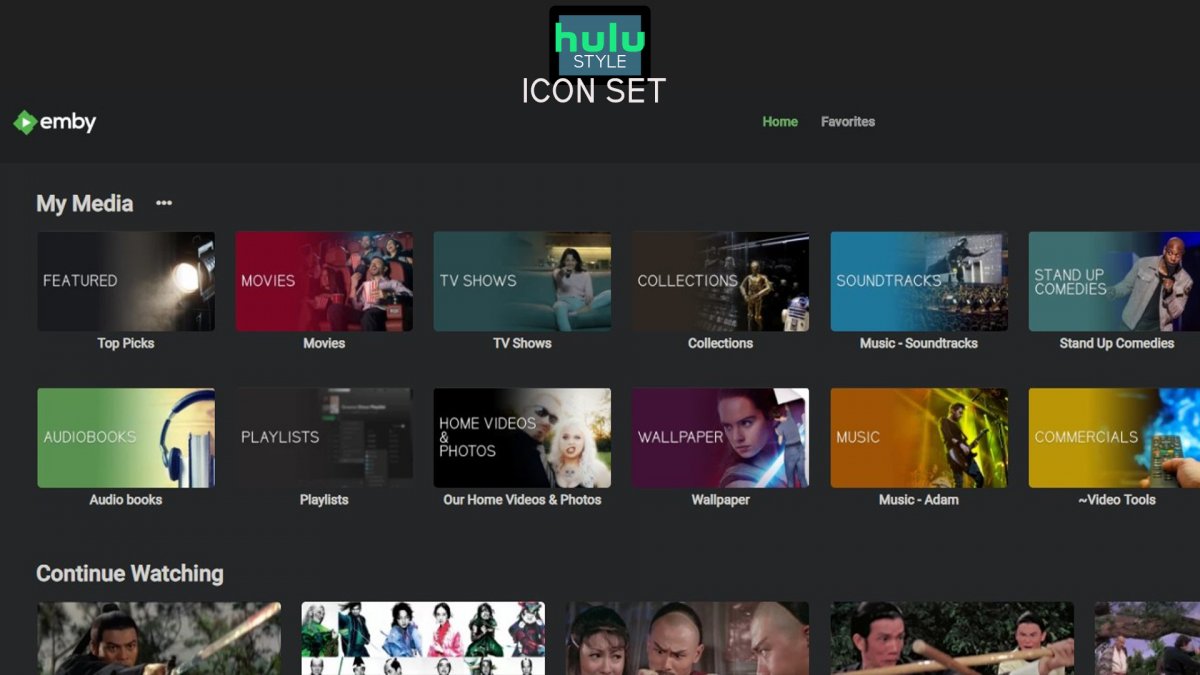
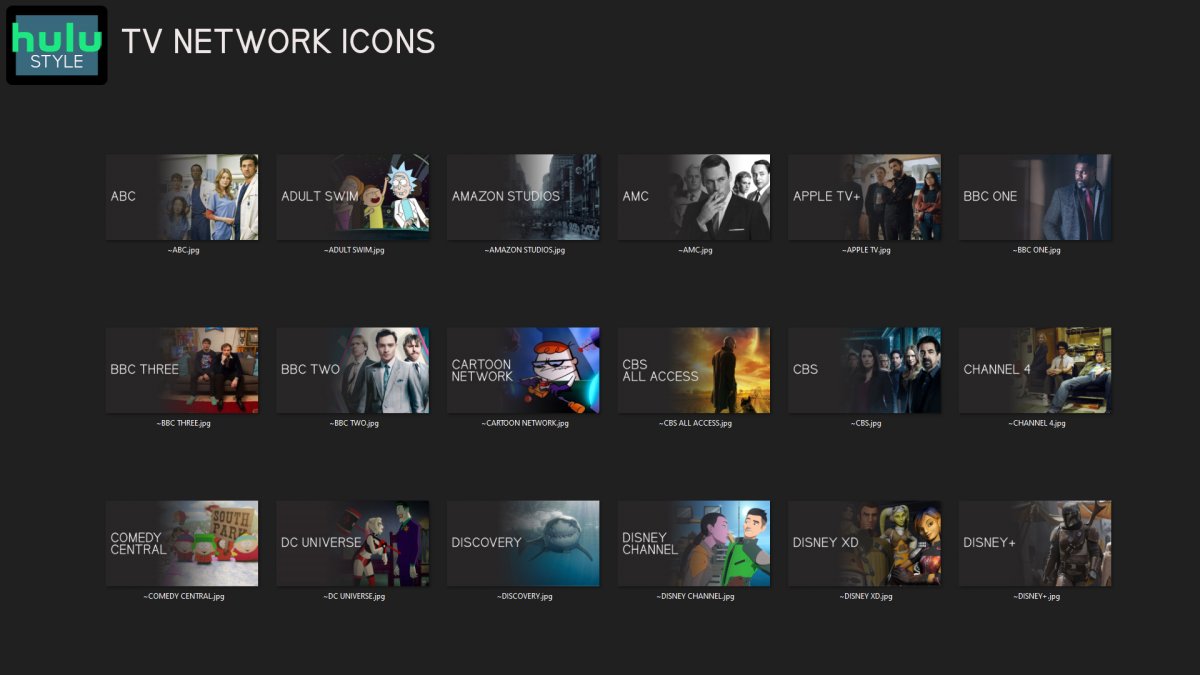
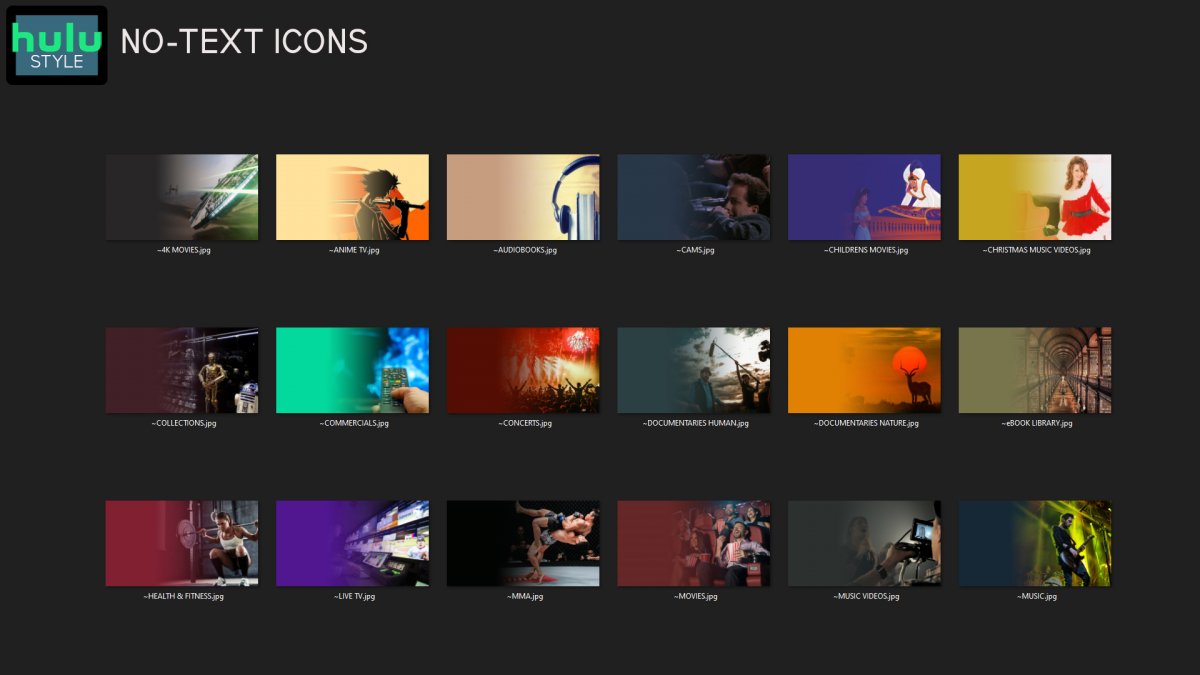
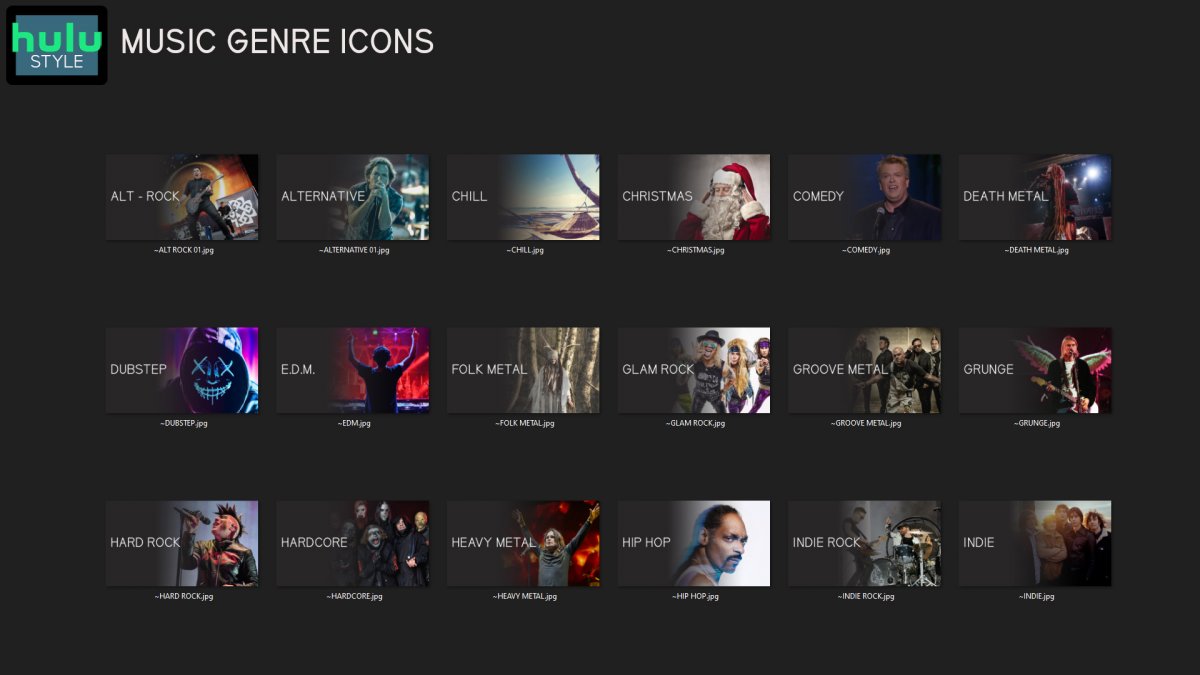
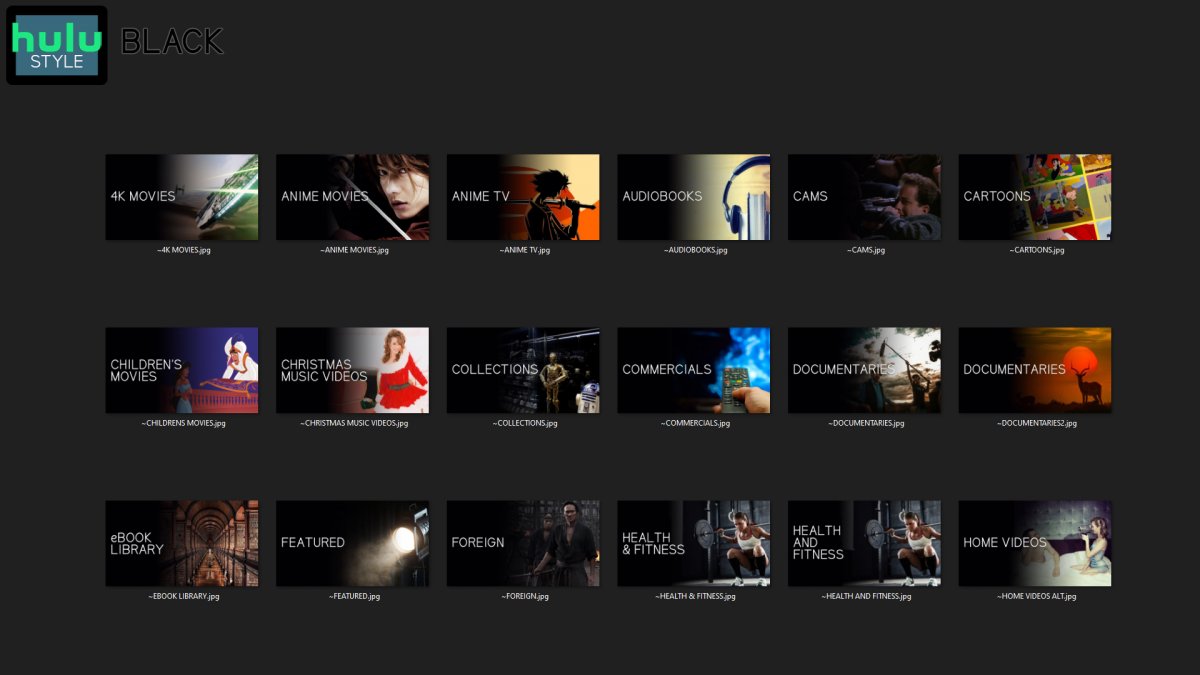
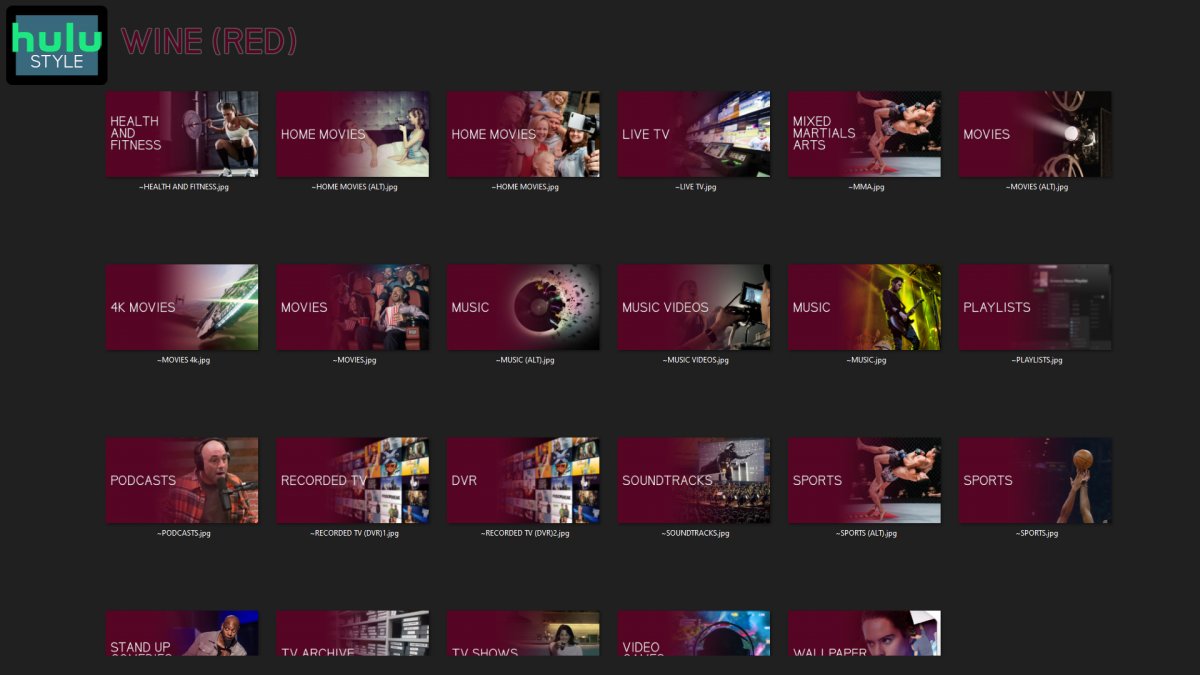
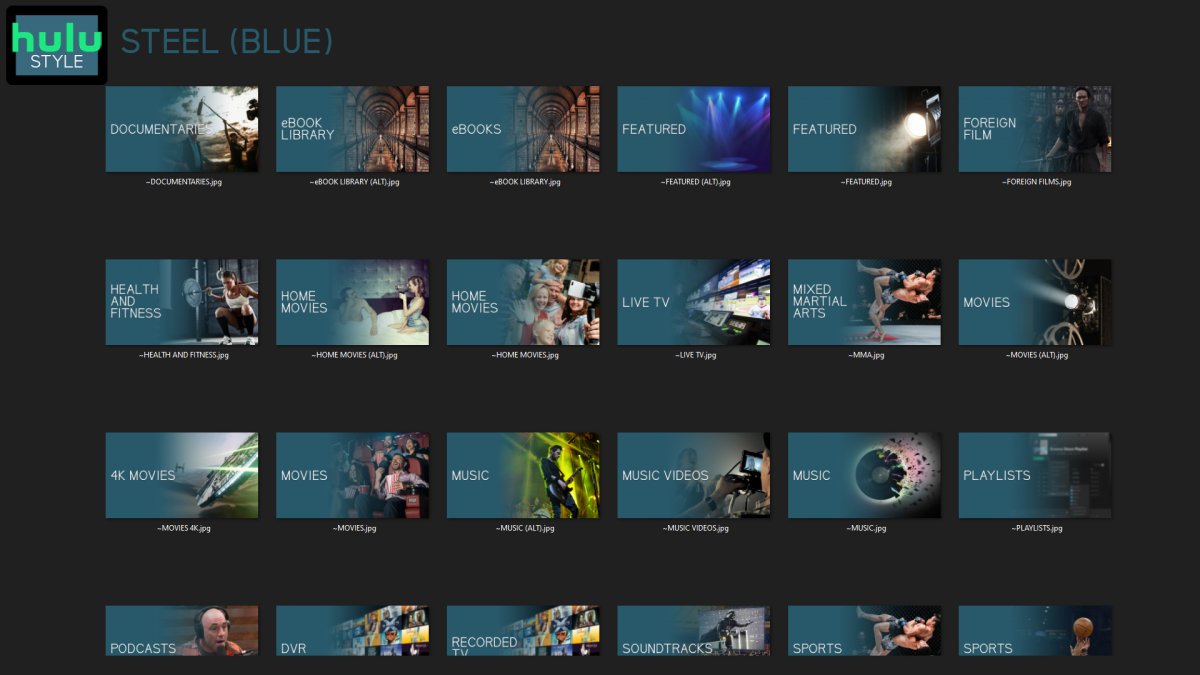
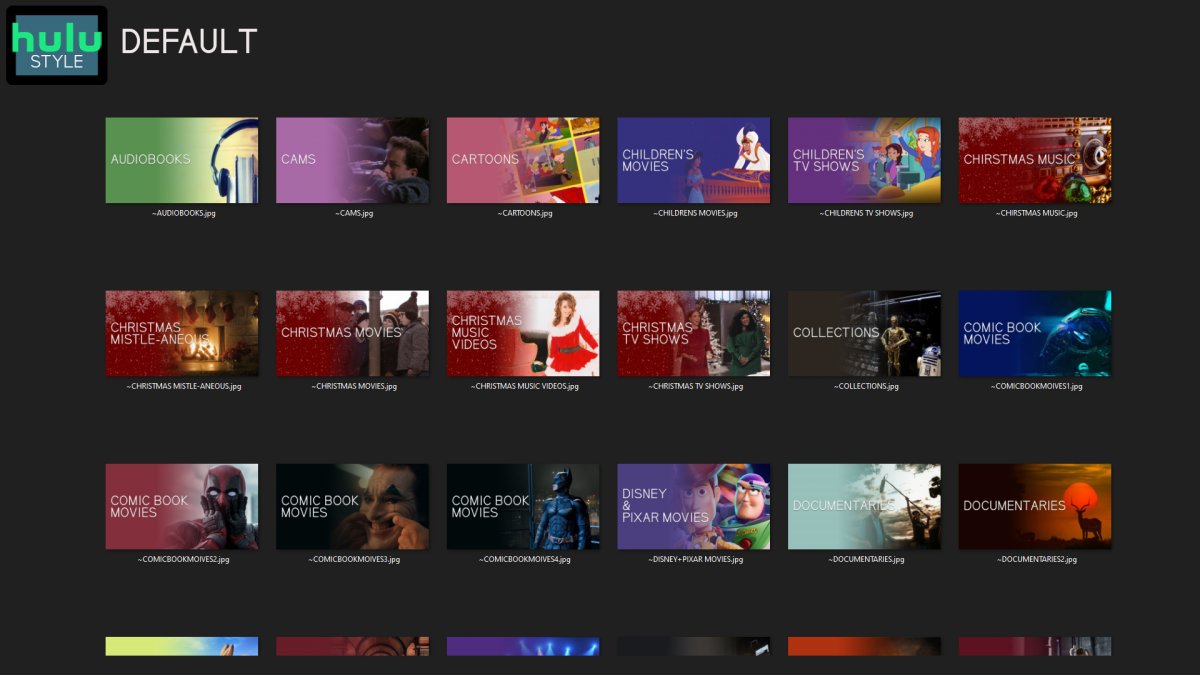
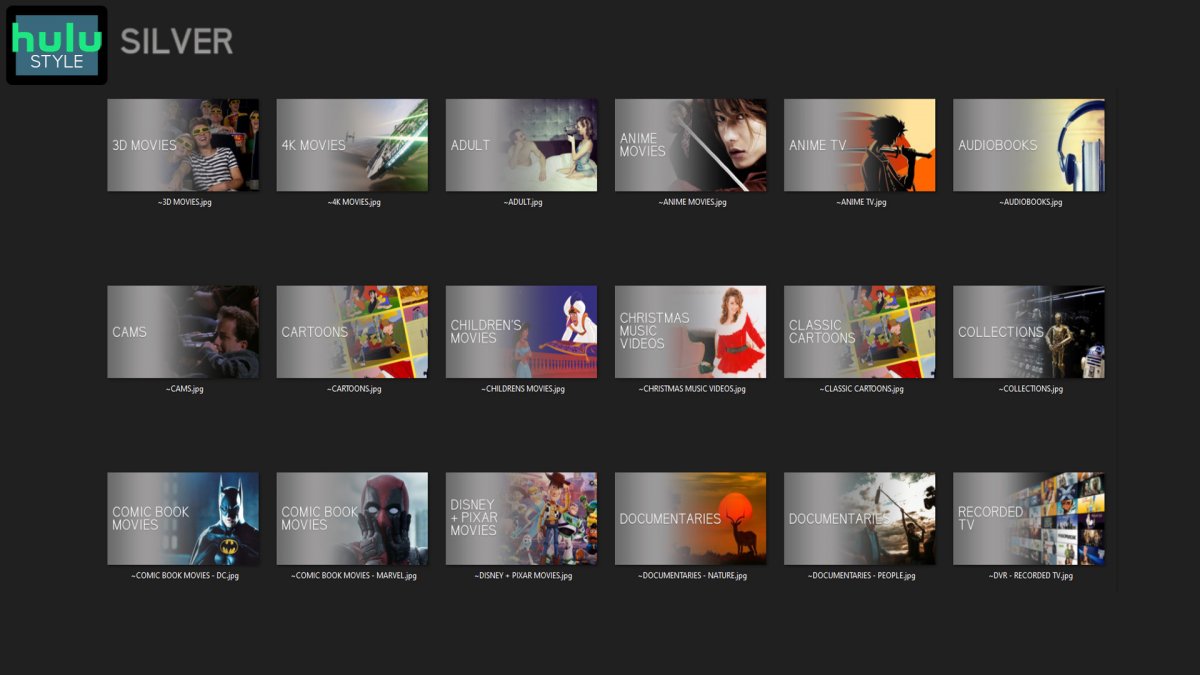
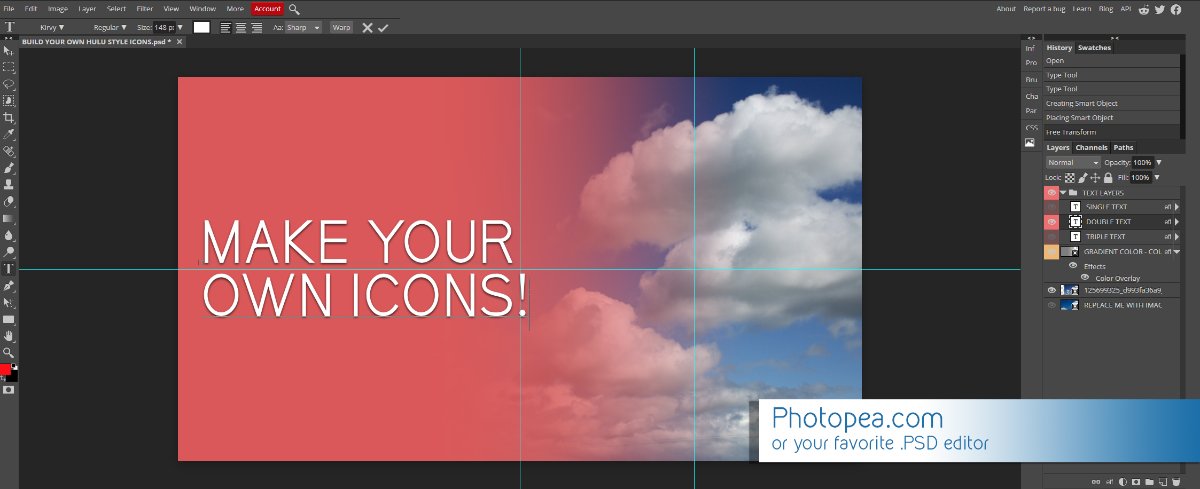
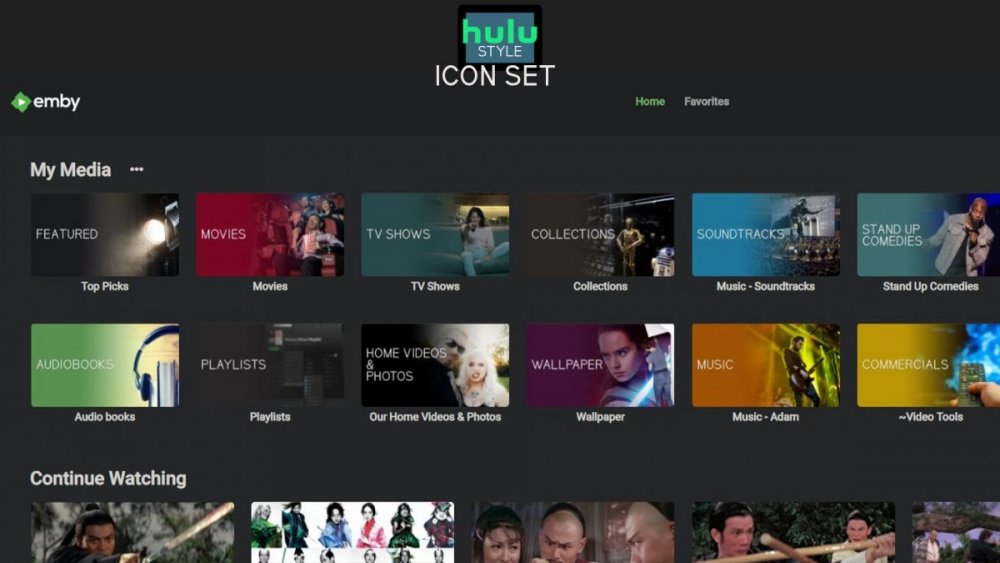
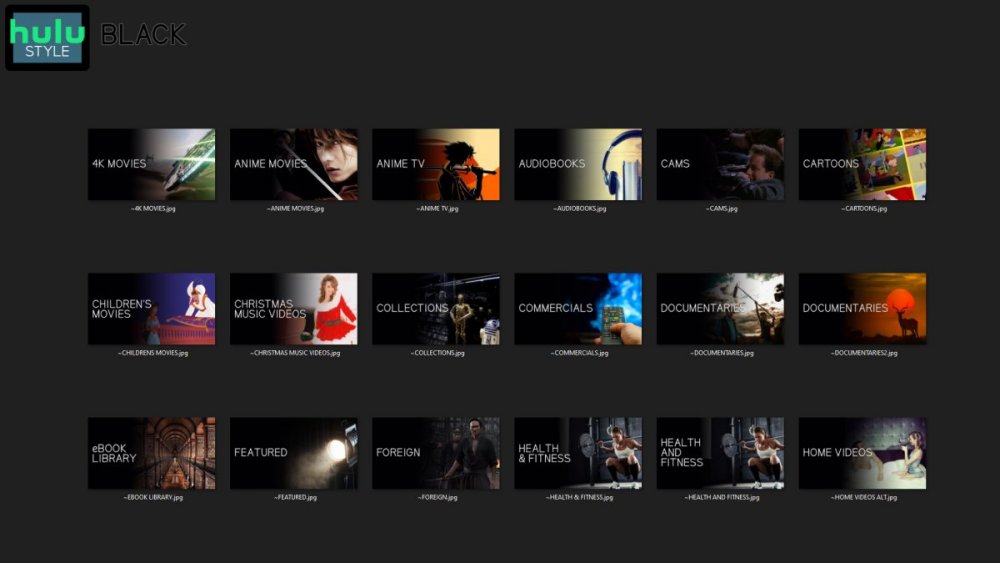
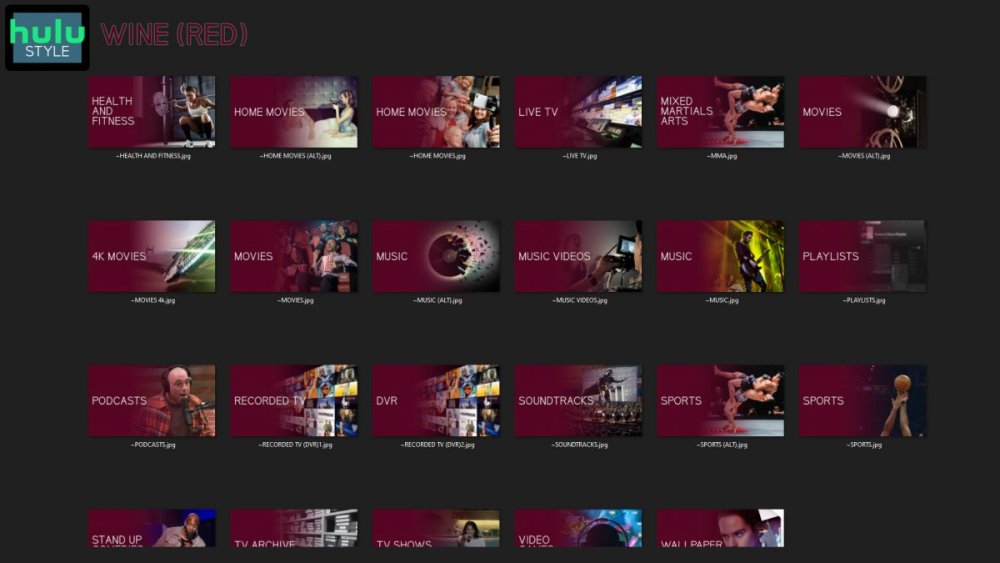
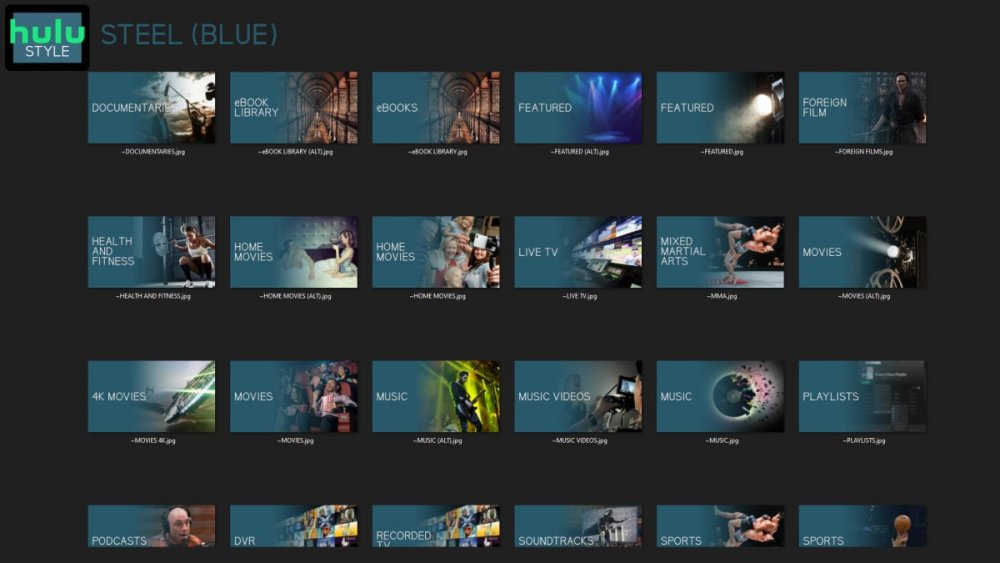
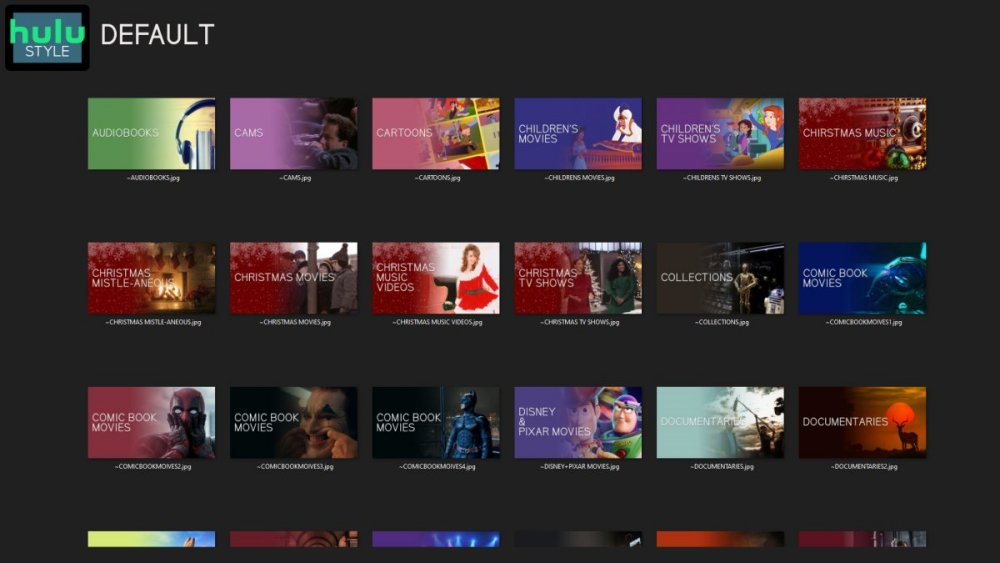
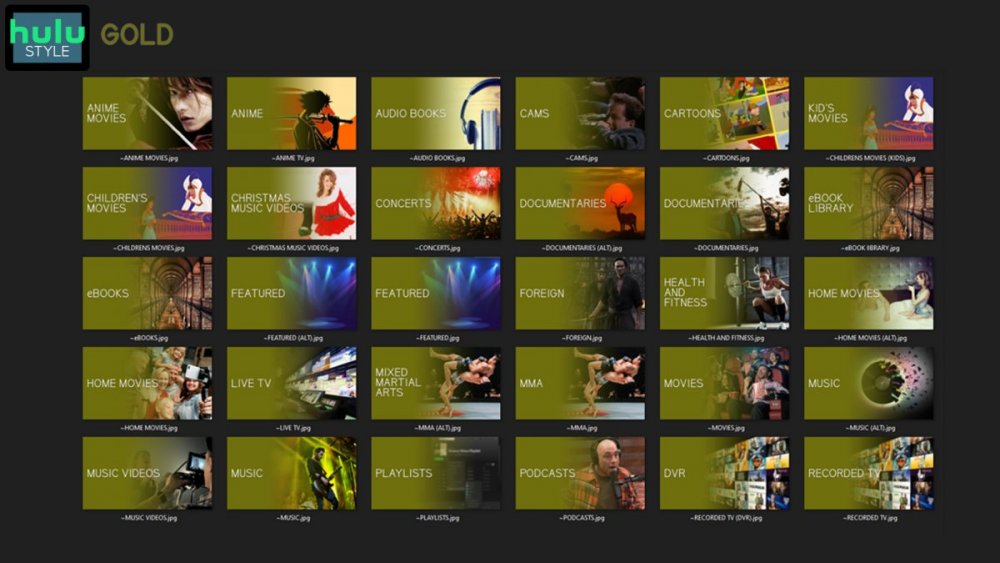
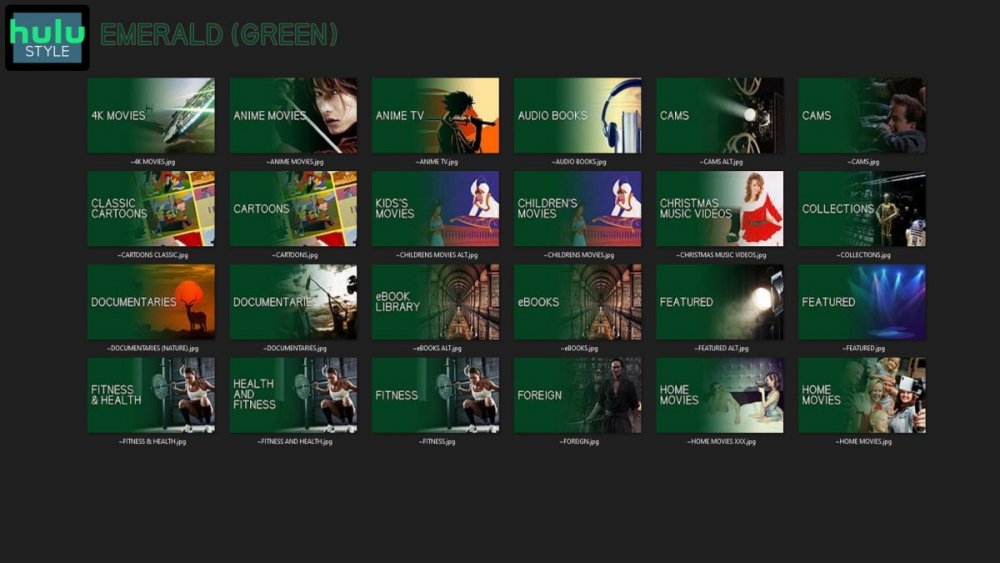
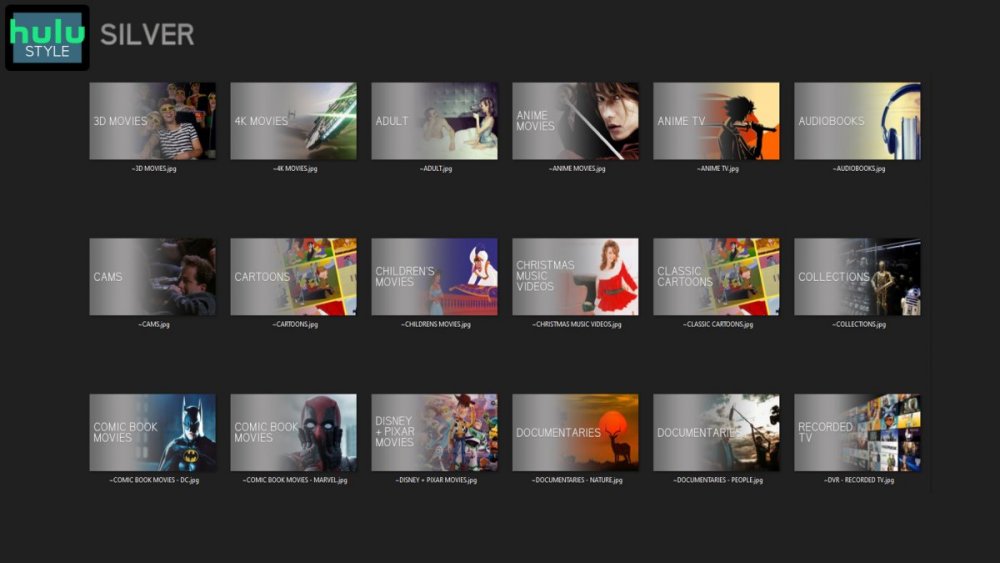
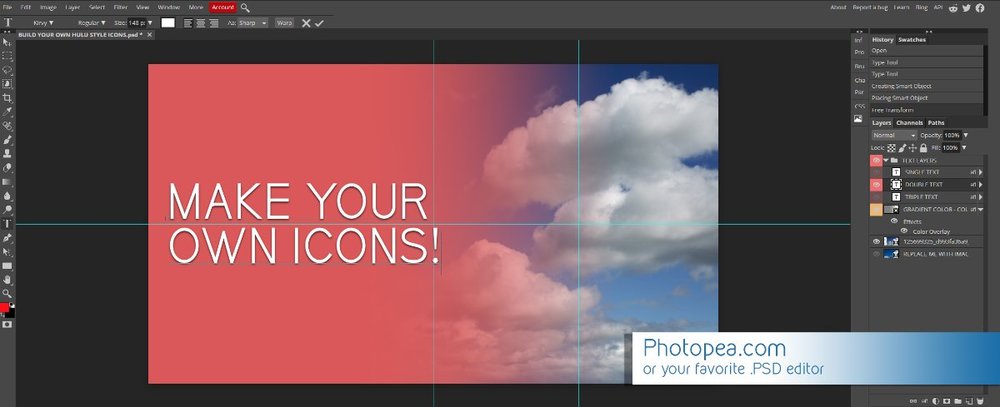
Media Library Icons for Emby Updated: 07/10/2021 I've always had a thing for the simple gradient style Hulu overlays on their library images. I'm not that great at graphic design, but I can mimic some things pretty decent. I hope! It's very simple, and clean and something I've been wanting to attempt for a while. I've never done anything like this, so constructive criticism is appreciated! More color options for media libraries coming soon!!! Also included to make your icons match across the platform, are video genre, music genre and TV network icons: I've hosted this only my Google Drive, so if if the link is not working please, reach out to me and let me know and I will do what I can to resolve! The font (Kirvy), and PSD's are located in the \~TOOLS\ sub-folder Media Library Icons - DOWNLOAD HERE Feel free to create your own to fit your needs! Photoshop Template - DOWNLOAD HERE Gimp Template - DOWNLOAD HERE (ALL credit for creation of Gimp template are thanks to, Mibok, who took the time to recreate the Photoshop template in Gimp!) Many have asked for a smaller and easier version of the .PSD file to create their own custom icons. I have simplified the .PSD and it is now compatible with, Photopea.com photo editor so no need to own Photoshop to make your own icons! Download the new .PSD HERE Thanks for giving me so many hours of entertainment, this was something fun to try and give something back! (If any of the above images are not allowed, please inform me ASAP and I will correct it) *** Change Log*** 07/10/2021 Added GIMP template, created by, Mibok to allow users alternate means to create their own icons 01/25/2021 Added lighter .psd file for easier custom icons 10/04/2020 Added "Silver" Media Library Icon Set and all remaining requests and missing items in each set 08/15/2020 Added some requests and "Emerald" (green) Media Library Icons Set 07/06/2020 Added "Gold" (yellow) Media Library Icons Set 06/29/2020 Added "Wine" and "Steel" (red and blue) Media Library Icons Set 06/29/2020 Updated sample images 06/22/2020 Added "Black" Media Library Icons Set 02/27/2020 Added TV Network Icons for 49 U.S. networks 02/27/2020 Added ~MEDIA LIBRARIES sub-folder to help keep the folder organized 02/24/2020 Added Phase One of Music Genres to Google Drive 01/25/2020 Added requested images to Google Drive 12/21/2019 LITE - Hulu Style Library Icons PSD Added (Uploaded PSD with no graphics for a faster, lighter PSD option) 12/21/2019 Media Library - No Text Icons Added 12/17/2019 Generic Movie Genre Icons Added To Do: Update preview post with images Continue color sets: Black - Maroon - Navy - Emerald- Gold - Silver Update No Text Icons Downgrade PSD for compatibility for older versions of GIMP/Photoshop TV Networks - USA Optimize PSD for simplicity
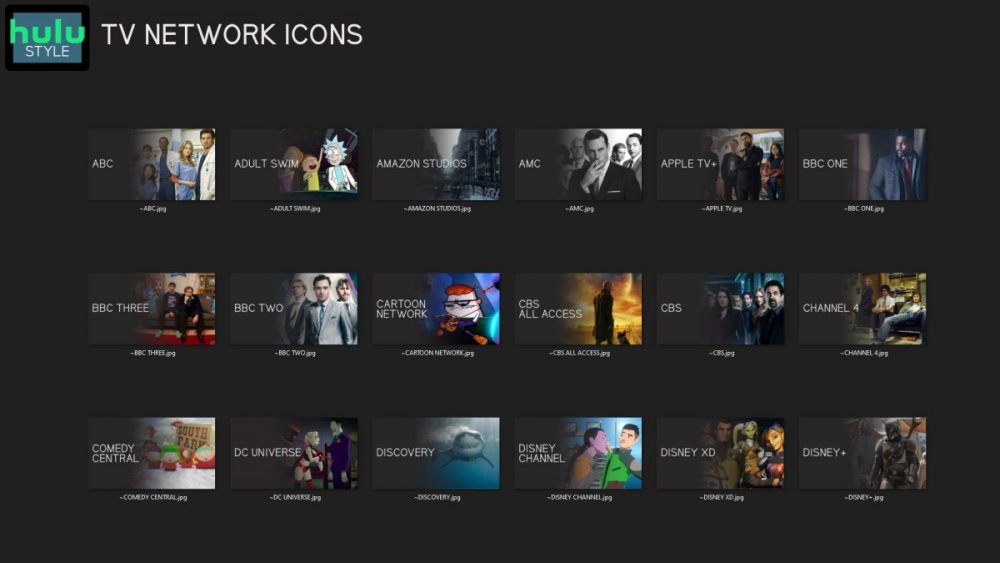
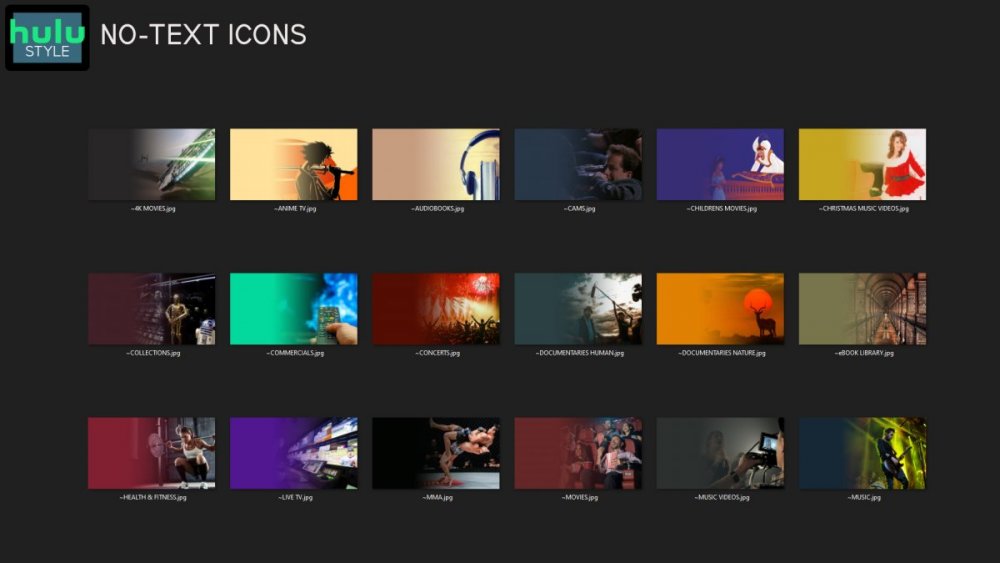
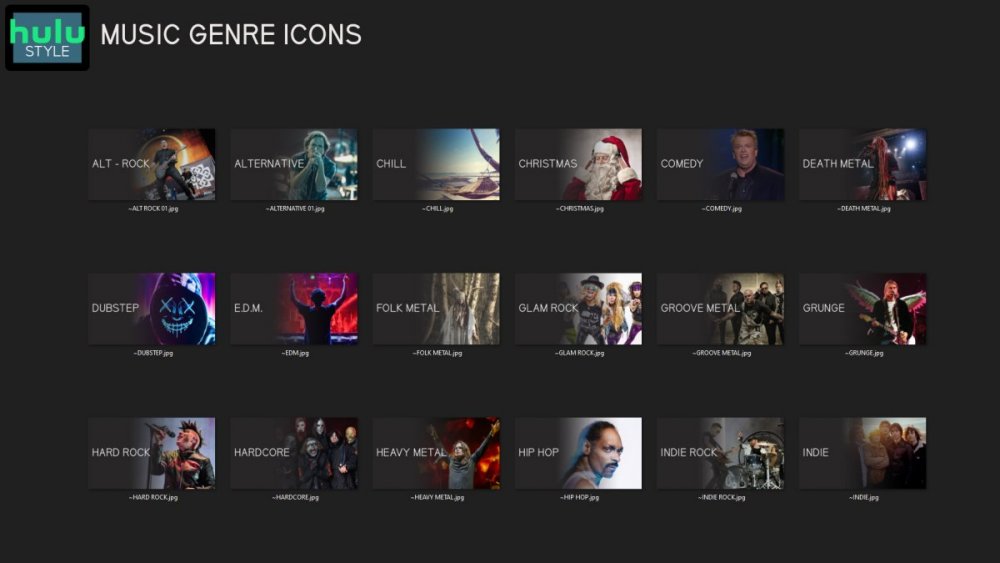
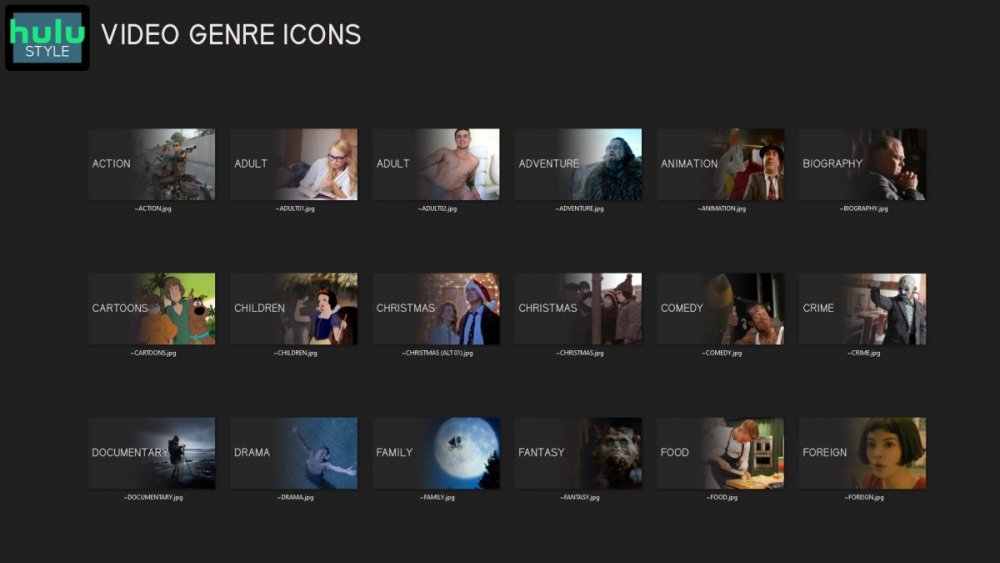
 1 point
 -
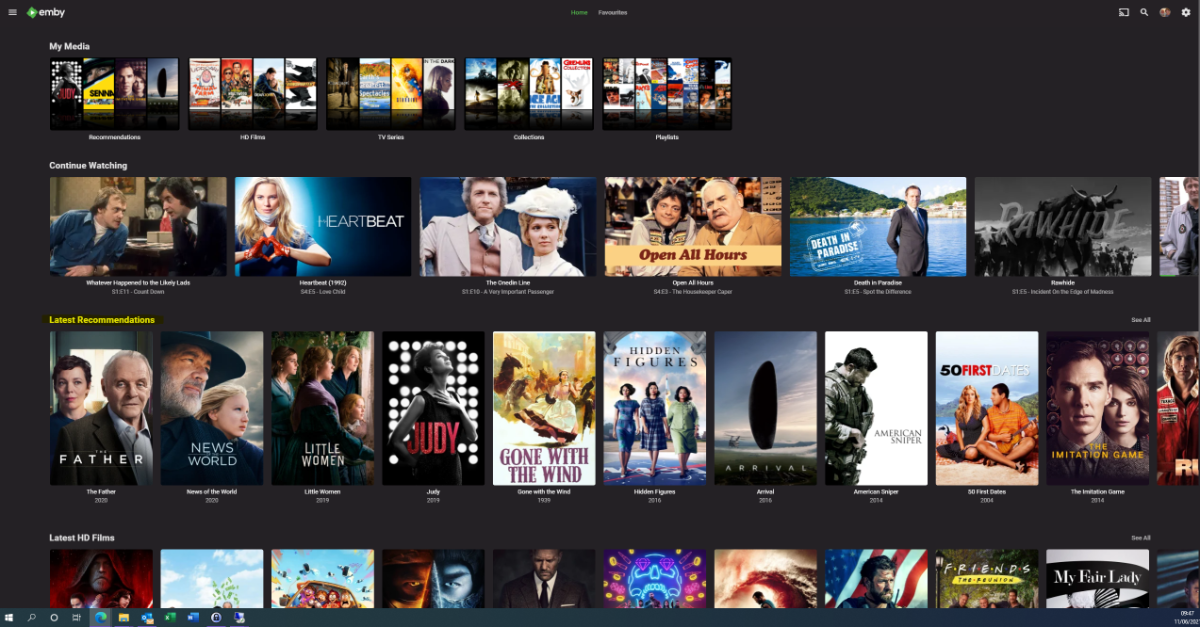
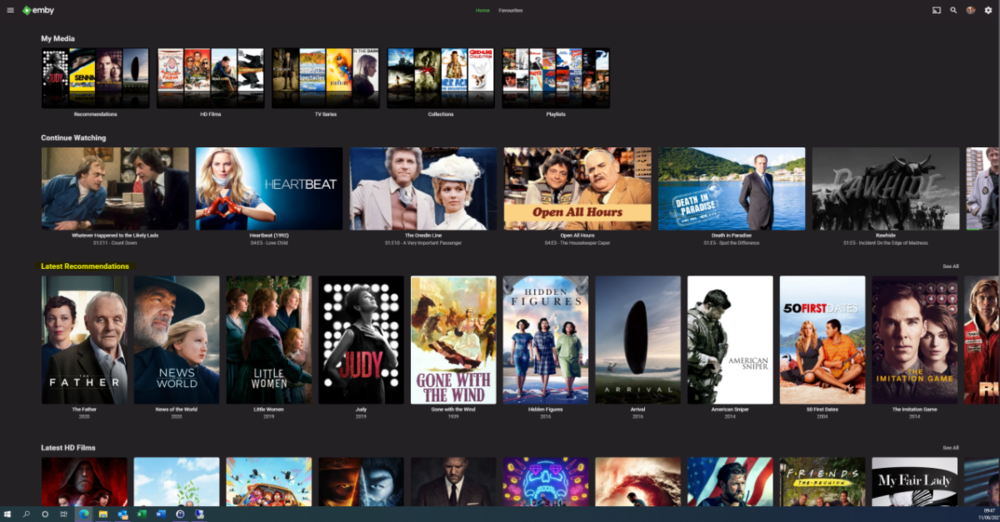
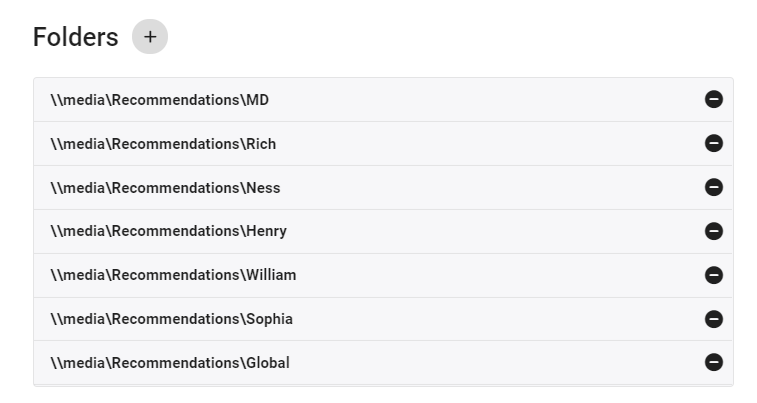
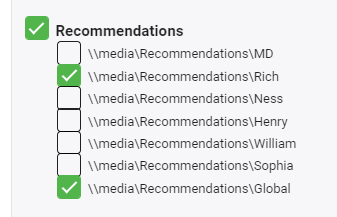
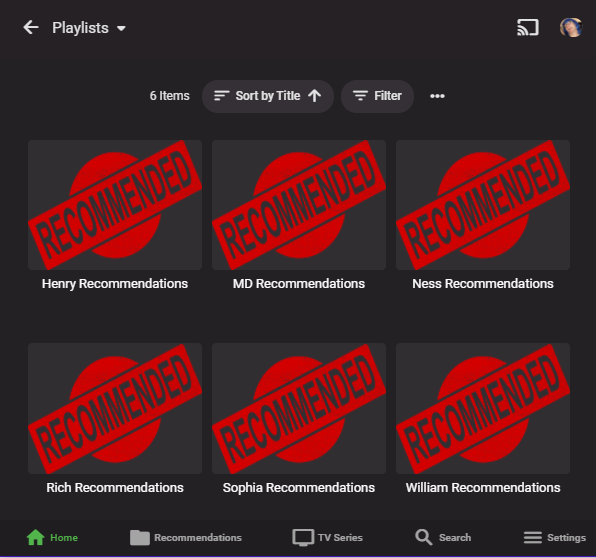
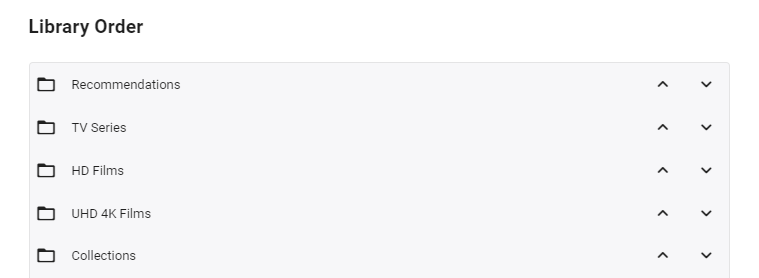
I'm posting here to gauge interest in this potential tool/utility - I use it for my parents and it works really well - but to be useful for the masses, it will need some more time spent on developing the code to make it more universal. However, before doing that, I wanted to see if this is useful as I don't want to waste my time.. What does it do ? It creates a 'Recommendations' library for each user based on items added to a Recommendations playlist. This library is then displayed in the usual 'Latest' list. As items are watched, they disappear off the list. Example (Actual) screen grab - (note 'Recommendations Row') How does it work ? A new library is setup and each user plus a global entry is given their own folder :- In these folders will be links (STRM files) to the real media. These are automatically created on a schedule via a standard playlist file (see below). Individual user based permissions can be applied to these folders - therefore, personalised recommendation lists can be created or globally set if added to the global recommendation playlist. So for this user - they will just see Recommendations for Rich and Global. The Recommendations 'library' needs to go to the top of the list for it to be easily visible :- Note - if there is nothing in the Recommendation library for that user (ie it is empty) - then the Row will not be shown. How do I flag an item as a Recommendation and to whom ? The script pulls the recommendation file locations from the XML playlist - thus you can just use the normal emby playlist functions to add or remove recommendations and add them to the relevant playlist. Anybody can add any entry to any playlist (as playlists are not permissioned), so be wary of that.. If you want everybody to see the Recommendation - then just add it to the Global Recommendation playlist. How often does it update ? Currently my script just runs every night and automatically creates any new entries added to the playlists. Now the initial library and playlist setup is done, this is now fully automated for me - I just add recommendations to the playlist and the following day it appears on those users screens. ... Of course, if emby allowed a playlist to have permissions and allowed it to be shown on the main screen in a row, then there would be no need for these scripts to hack a 'virtual' library... Any thoughts ? Is this worth progressing to make the initial setup more automated ?
 1 point
 -
Right now there is no scraping for Audiobook content. If a user adds a book to their library, the have to fill out metadata by hand. With that said, it is possible to scrape Audible.com for most types of metadata that are relevant to Audiobooks. This is already implemented by the community for Plex: https://github.com/macr0dev/Audiobooks.bundle Since Emby will officially support Audiobooks, it would be nice to see that implemented here as well.1 point
-
Can the auto-organize plug-in be expanded to cover external subtitle files? I use MCEbuddy in conjunction with Emby and NextPVR, and it’s configured to extract the closed captioning data from the video stream and generate an SRT file from it. This SRT file is then identically named to the video file and placed in a watch folder where Emby’s auto-organize plugin grabs it, renames it and places it into the library. Is there a way that the auto-organize plugin can also rename and organize the subtitle files alongside the video files? basically what I’d like to have happen is that when there’s a pair of files named something like “Series Name (YYYY)-S01E02-Episode Title.mkv” and “Series Name (YYYY)-S01E02-Episode Title.srt” in the watch folder, both the SRT and MKV files get moved.1 point
-
Honestly if you plan on needing more than the 8 bays that is a better way to go. SAS over USB3 any day of the week.1 point
-
@cayars I have a portable wireless hard drive that will work on a iPad. It is like wireless local storage! It is almost guaranteed to work. Plus no one would be able to see it. Not that it really matters.1 point
-
Ideally for me, 20+, but I could get 2 or 3 8-bays and just get more as I need them.1 point
-
When my dad fell and broke his him Christmas day 2019 he was taken to Temple University for surgery. He was there about 2 weeks in total. He was able to stream at most 3 Mb. From there he was transported to our new local hospital. The Wifi there was great and they even had Ethernet ports in each room. I took in a stick and hooked it to the TV so he could use a remote. At this hospital he could stream 4K rips with no transcoding From there he moved across the street to a rehab facility for 3 weeks. The WIFI here was not as good and he could only stream initially at about 5Mb. I found the signal week as he was in the last room down the hall. I asked if they could move his room and 2 days later then did after releasing another person. In the new room he could stream at about 15Mb which was a lot better. So it's all a pot shot as to what will and won't work. Interesting he never got the TV service from the hospitals but each and every TV allowed switching the HDMI port used so the stick always worked. Another possibility if the TV has a USB3 port is to load up a USB3 stick with content and just play it back that way directly attached to the TV.1 point
-
The buffering may have nothing to do with the bandwidth available but the QOS they have setup on the WIFI. They could see your data usage much higher than other connections and simply "hold" packets so other traffic is given a fair amount. This of course causes latency which is a killer for video. This type of thing is completely out of your control and nothing at all you can do about it. Using a lower amount of bandwidth may help but in itself is not a cure.1 point
-
On DSM go to control panel, networks. Highlight the network interface used for AT&T and edit it. You will see a couple of tags including IPv6. Try turning that off. Let us know if this helps.1 point
-
Ah yes of course - sorry, they will need Mac equivalents. Your best bet is to wait a couple of weeks - If I can get @chef onboard (he's a busy guy!) then compared to what we have been working on with Introskip - this is an extremely simple setup so it would only take a couple of days at most to get into a Plugin I would have thought. So watch this space - this hasn't been abandoned, it's just we all have limited time and are already juggling multiple emby 'projects' plus we all have day jobs! Thanks for your interest !1 point
-
This is because the conversion uses the same logic as for playback: for playback, we have the bandwidth as input parameter (either auto-detected or set by the user). Going from there, we need to find the best way to present a video, and with a given bandwidth, there are certain steps where the overall result will be better at a lower resolution instead of keeping the resolution and reducing the bitrate only.1 point
-
so you are still getting an nginx error? have you tried running a legit stand alone version of nginx?1 point
-
I'm very interested as well, I'm sure that there will lots of great data from that as well as some things that might not be as effective as they would seem.1 point
-
Someone else will have to comment then as I ran the Stable and Beta installers and maintained configured server options.1 point
-
Resolvido1 point
-
Piggybacking onto this topic from similar, strictly access-related, thread, and, quite frankly, find it embarrassing that this is still being discussed and sought-after at this point in time. Off the top of my head, I could count 10 or 20 enhancements that have found their way as server improvements over the past few years, and that in no way should've had before current playlist management (access/ownership) has been revamped. Although likely in vain, I'll voice my support, but from where I'm standing, it certainly doesn't look like that anyone should get their hopes up particularly high.1 point
-
I'm running latest CE nightly which is Kodi 19 and it's works great with the latest beta version, thanks @quickmic!1 point
-
Você pode revisar um exemplo específico com logs de servidor e ffmpeg. Can you go over a specific example with server and ffmpeg logs.1 point
-
If you're not in a hurry and can wait a couple of weeks I'm going to do some testing again of various setups using the 2 TB NVMe I have in the Synology 920+. This test will use the conventional Synology setups which can include 1TB read/write cache 2 TB read only cache I'm also going to retest mounting the NVMe(s) as storage volumes instead of cache using SSH and the command line as Synology DSM is built on Linux Then I'm also going to try something a bit different and take a 2.5 Samsung Pro SATA drive and attach it to the Synology 920+ by SATA and by USB3. For the last two configurations mentioned (being their own volume) I'll manually configure different Emby features to store content on the mounted volume. This could include: Cache Folder Meta-Data Transcoding Conversions Path Depending on how that goes I could possibly add in using Symbolic links to actually move the whole Emby Server folder to the NVMe/SDD volume. I can already do all the above but what I'm trying to think of is how to test/measure performance for real-world Emby use to see how much each of these helps. I have a few ideas for some tests but I'd like to hear other's feedback on what to test. Some things could be subjective like how fast graphics load so while that will be observed it would be nice to be able to time this in some fashion (maybe using API). With the different caching methods it would be interesting to see how each would do for transcoding. Would one method support more transcodes? Another test might be to see how many DVR recordings can be done simultaneously maybe with one or two live viewing going on as well. So if you have any ideas let me know.1 point
-
I just finished adding lyrics to my rather large music library (took about 30 mins) using the freeware program called MediaHuman Lyrics Finder which embeds the lyrics directly into the music file itself (very handy) and was hoping Emby would display lyrics in the "More" (3 dots) menu option but alas, not to be. So, I am adding my voice in the hopes that this is something that will be included in future. BTW, iTunes displays lyrics in song info, as does PotPlayer (displays them as subtitle file) so I can't see this being a difficult option to implement either with embedded lyrics or an external lyrics file. I am also hoping that the Emby Metadata editor will allow me to edit the lyrics (for correcting spelling mistakes etc.) by simply editing the embedded MP3 tag directly or editing the external flat file directly.1 point
-
Right, the browsers want everyone switching over to https at this point.1 point
-
Very nice tutorial I don't my self use IISCrypto. I use more powerfull poweshell script from this website. With a little modifications you get TLS 1.3 security protocol enabled on Windows IIS. I now this latest protocol isn't recommend for production use as yet. But for testing purposes I tested my self.. Remember take backup before if you are going try this.. I have tested this on Windows 10, version 21H1 Enterprice (preview) with IIS. First I run Version 3.0.1, SetupIISForSSLPerfectForwardSecrecy.ps1 (Recommended) and then Save text below like IIS-TLS-1.3.ps1 and run it as admin. Reboot after. <# ============================== Enable TLS 1.3 ================================ #> # Add and Enable TLS 1.3 for client and server SCHANNEL communications New-Item 'HKLM:\SYSTEM\CurrentControlSet\Control\SecurityProviders\SCHANNEL\Protocols\TLS 1.3\Server' -Force | Out-Null New-ItemProperty -path 'HKLM:\SYSTEM\CurrentControlSet\Control\SecurityProviders\SCHANNEL\Protocols\TLS 1.3\Server' -name 'Enabled' -value '0xffffffff' -PropertyType 'DWord' -Force | Out-Null New-ItemProperty -path 'HKLM:\SYSTEM\CurrentControlSet\Control\SecurityProviders\SCHANNEL\Protocols\TLS 1.3\Server' -name 'DisabledByDefault' -value 0 -PropertyType 'DWord' -Force | Out-Null New-Item 'HKLM:\SYSTEM\CurrentControlSet\Control\SecurityProviders\SCHANNEL\Protocols\TLS 1.3\Client' -Force | Out-Null New-ItemProperty -path 'HKLM:\SYSTEM\CurrentControlSet\Control\SecurityProviders\SCHANNEL\Protocols\TLS 1.3\Client' -name 'Enabled' -value '0xffffffff' -PropertyType 'DWord' -Force | Out-Null New-ItemProperty -path 'HKLM:\SYSTEM\CurrentControlSet\Control\SecurityProviders\SCHANNEL\Protocols\TLS 1.3\Client' -name 'DisabledByDefault' -value 0 -PropertyType 'DWord' -Force | Out-Null Write-Host 'TLS 1.3 has been enabled.' # Set cipher suites order as secure as possible (Enables Perfect Forward Secrecy). Write-Host 'Use cipher suites order for Windows 10/2016 and later.' $cipherSuitesOrder = @( 'TLS_CHACHA20_POLY1305_SHA256', 'TLS_AES_256_GCM_SHA384', 'TLS_AES_128_GCM_SHA256', 'TLS_ECDHE_RSA_WITH_AES_256_GCM_SHA384', 'TLS_ECDHE_RSA_WITH_AES_128_GCM_SHA256', 'TLS_ECDHE_RSA_WITH_AES_256_CBC_SHA384', 'TLS_ECDHE_RSA_WITH_AES_128_CBC_SHA256', 'TLS_ECDHE_RSA_WITH_AES_256_CBC_SHA', 'TLS_ECDHE_RSA_WITH_AES_128_CBC_SHA', 'TLS_ECDHE_ECDSA_WITH_AES_256_GCM_SHA384', 'TLS_ECDHE_ECDSA_WITH_AES_128_GCM_SHA256', 'TLS_ECDHE_ECDSA_WITH_AES_256_CBC_SHA384', 'TLS_ECDHE_ECDSA_WITH_AES_128_CBC_SHA256', 'TLS_ECDHE_ECDSA_WITH_AES_256_CBC_SHA', 'TLS_ECDHE_ECDSA_WITH_AES_128_CBC_SHA' ) $cipherSuitesAsString = [string]::join(',', $cipherSuitesOrder) New-Item 'HKLM:\SOFTWARE\Policies\Microsoft\Cryptography\Configuration\SSL\00010002' -ErrorAction SilentlyContinue New-ItemProperty -path 'HKLM:\SOFTWARE\Policies\Microsoft\Cryptography\Configuration\SSL\00010002' -name 'Functions' -value $cipherSuitesAsString -PropertyType 'String' -Force | Out-Null # Reboot Write-Host -ForegroundColor Red 'A computer restart is required to apply settings. Restart computer now?' Restart-Computer -Force -Confirm I think Emby feels little faster too1 point
-
I understand why you wouldn't want to do it but what we have now is lacking. Quick change to other users only works in house right now and is only for one group of people. It's not like Netflix where you can change users for others outside your home. I get crap from my X all the time because she doesn't know how to switch their Rokus back from my son or daughters account to her own. Probably once a week I get "the call" and have the same conversation with her how to logout and log back in again (feels like Groundhog Day movie). I get the same crap every time "Why can't we login like on Netflix and pick...". Some people are just technology illiterate with some things and she's one of them! Having some ability to do this using groups would solve this problem and wouldn't require caching multiple logins on a device. But caching multiple logins on the device would be better than nothing. At least I'd only have to set them up a few times (multiple devices) and would hopefully be done with Groundhog Day. But one way or another it would be great to support multiple quick logins on devices outside your own LAN environment and for multiple groups of people.1 point