Leaderboard




Popular Content
Showing content with the highest reputation on 10/04/21 in all areas
-
Yes, I would suggest this is the issue (@FrostByte, good guess without seeing all the media info!). More than 30 may work in some cases, but it's more luck than anything else. I would try and strip out any subs you don't need. MkvToolNix will help you do this easily for mkv files2 points
-
Here is the latest list of versions for Emby software across the server and clients. Emby Server Stable: v4.9.5.0 (2026/05/18) Release Notes Beta: v4.10.0.14 (2026/06/04) Release Notes For other platforms, please refer to the download page. Emby for Android TV Google Devices Stable: v2.1.23 (2025/12/27) Beta: v2.1.46 (2026/04/15) Amazon Devices Stable: v2.1.23 (2025/12/27) Beta: v2.1.46 (2026/04/15) Stable Release Notes Beta Release Notes Universal Android app Stable: v3.5.16 (2026/01/26) Beta: v3.5.36 (2026/05/10) Release Notes Download the latest Beta here. Emby for Kodi See here for the latest information. Emby for Roku Stable: v4.1.63 (2026/05/04) Release Notes Beta: v4.1.64 (2026/05/13) Release Notes Emby for Windows (Windows Store for PC & Xbox One) Stable Release Notes Beta release notes Emby for Linux Beta Release Notes Emby for Samsung Smart TV (Orsay) E-series to H-series TVs only Release Notes Emby Theatre for Samsung Smart TV (Tizen) Release Notes Emby Theatre for LG Smart TV Stable: 1.0.50 (2026/01/19) Emby for iOS Stable: v2.2.53 (2026/05/16) Stable Release Notes Beta: v2.2.52 (2025/04/11) Beta Release Notes Emby for Apple TV Stable: v2.0.3 (2025/12/26) Announcement Beta: v2.0.6 (2026/04/11) Release Notes Emby for tvOS (Apple TV) Stable: 2.1.6 (2022/12/23) Release Notes - TBA Beta: 1.5.1 (10) (2021/03/02) Beta Release Notes Emby For MacOS Stable: 2.1.6 (2022/05/09) Details here. I will keep this post up-to-date as much as possible, but please send me a PM about anything I haven't updated, or is missing. Special thanks to @Borskfor supplying a lot of the updated information. Thanks.1 point
-
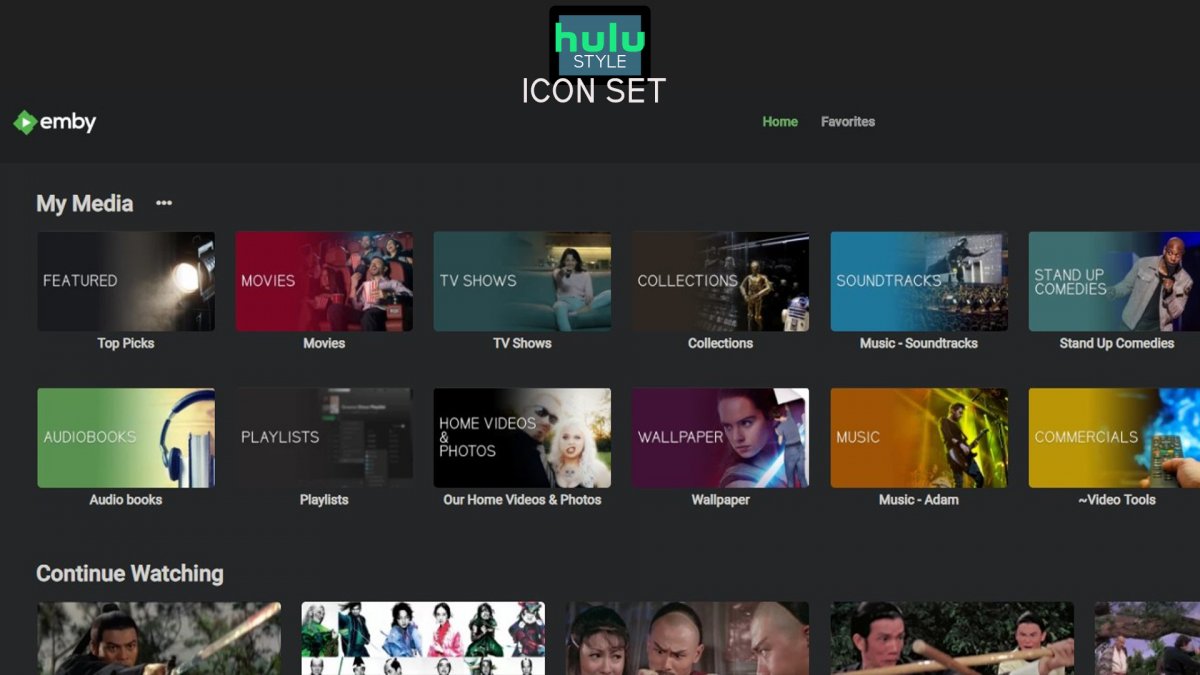
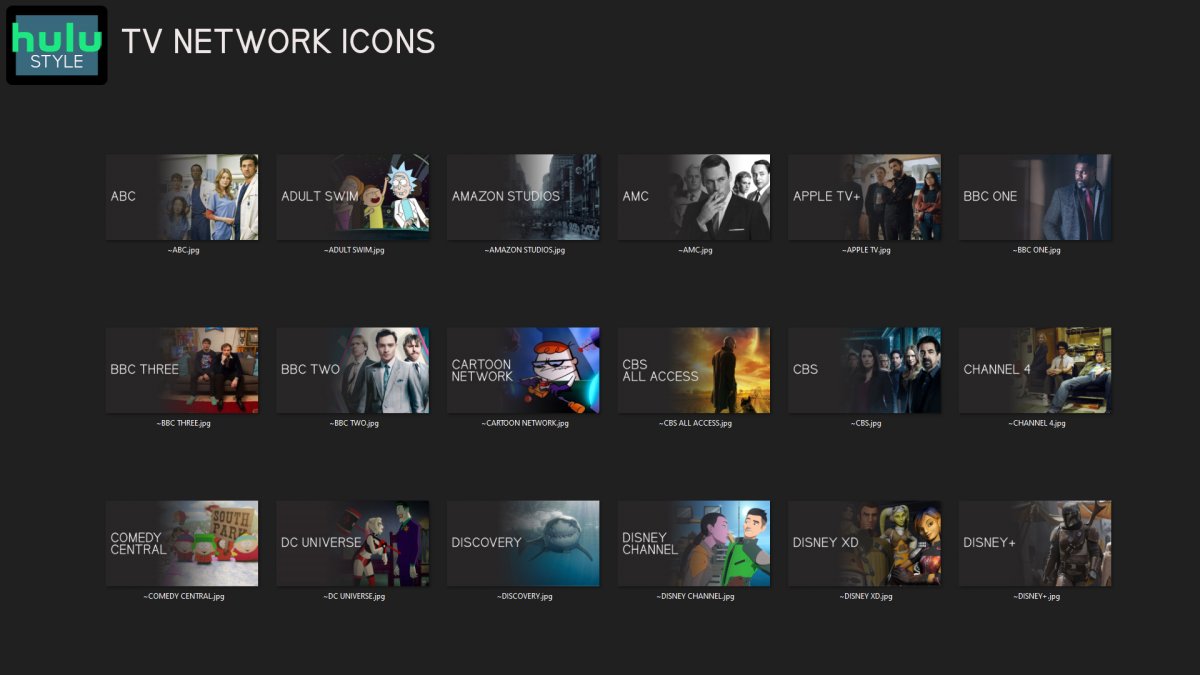
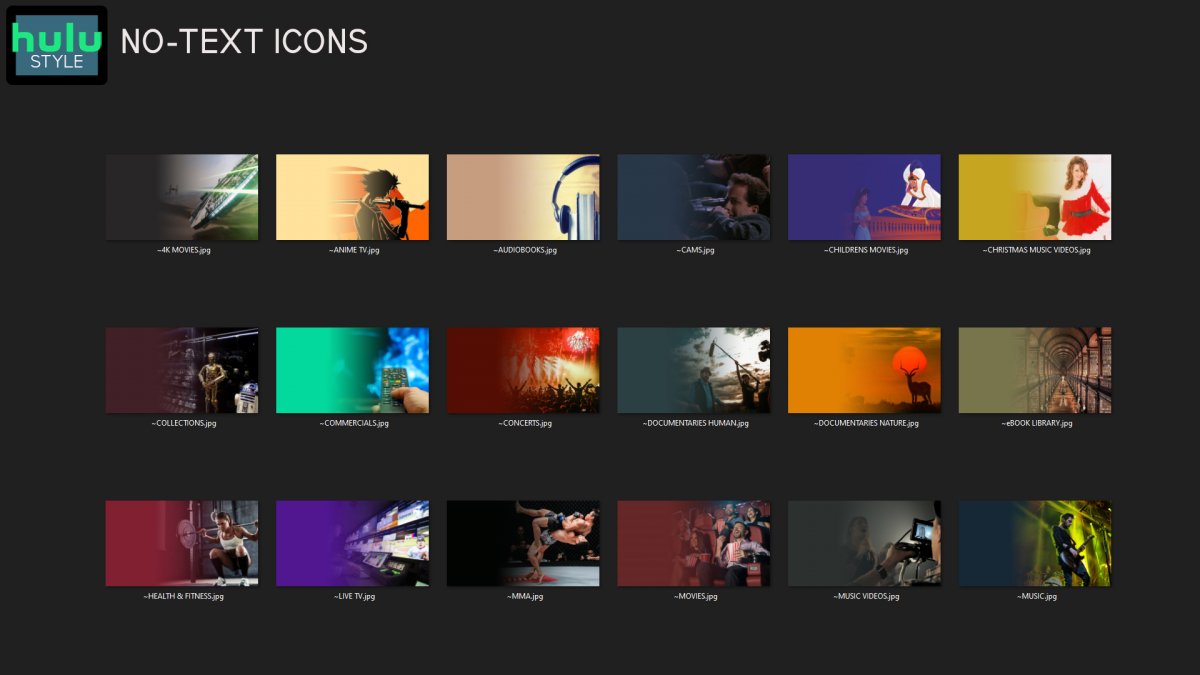
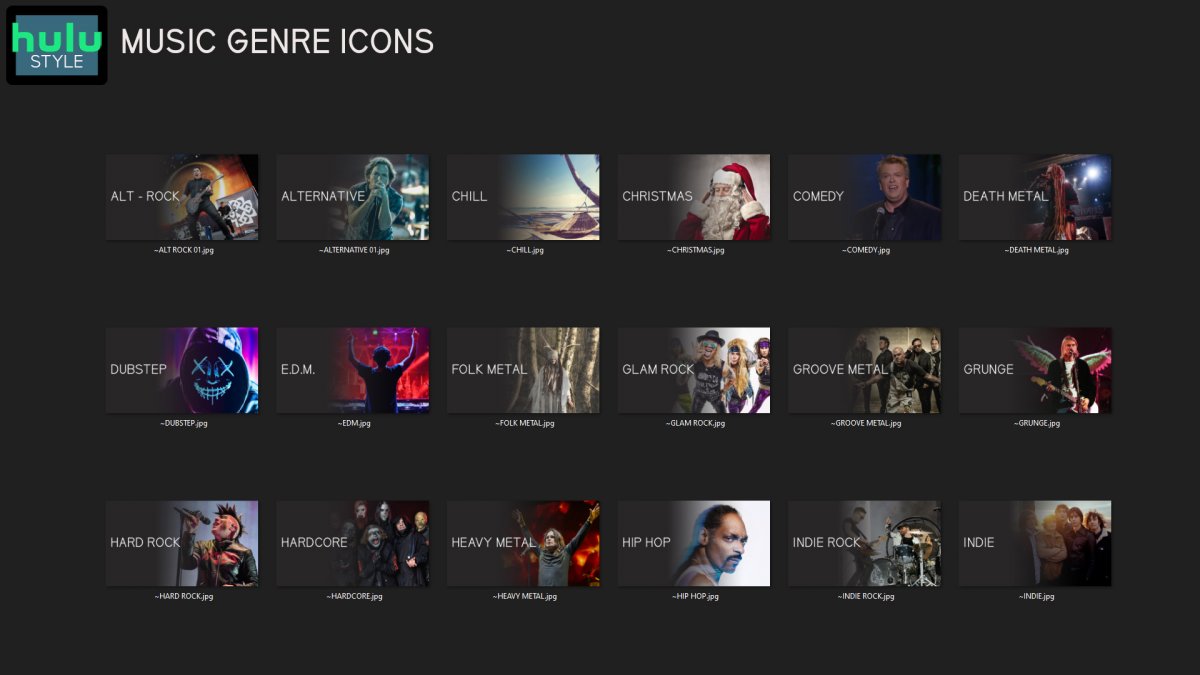
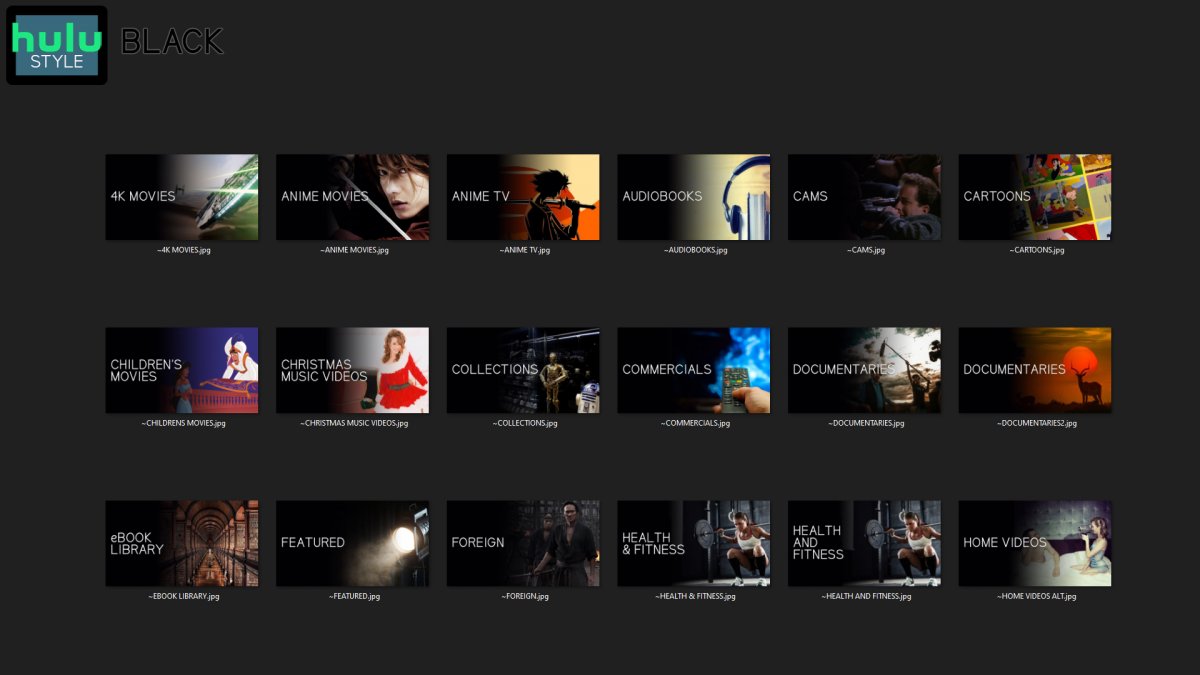
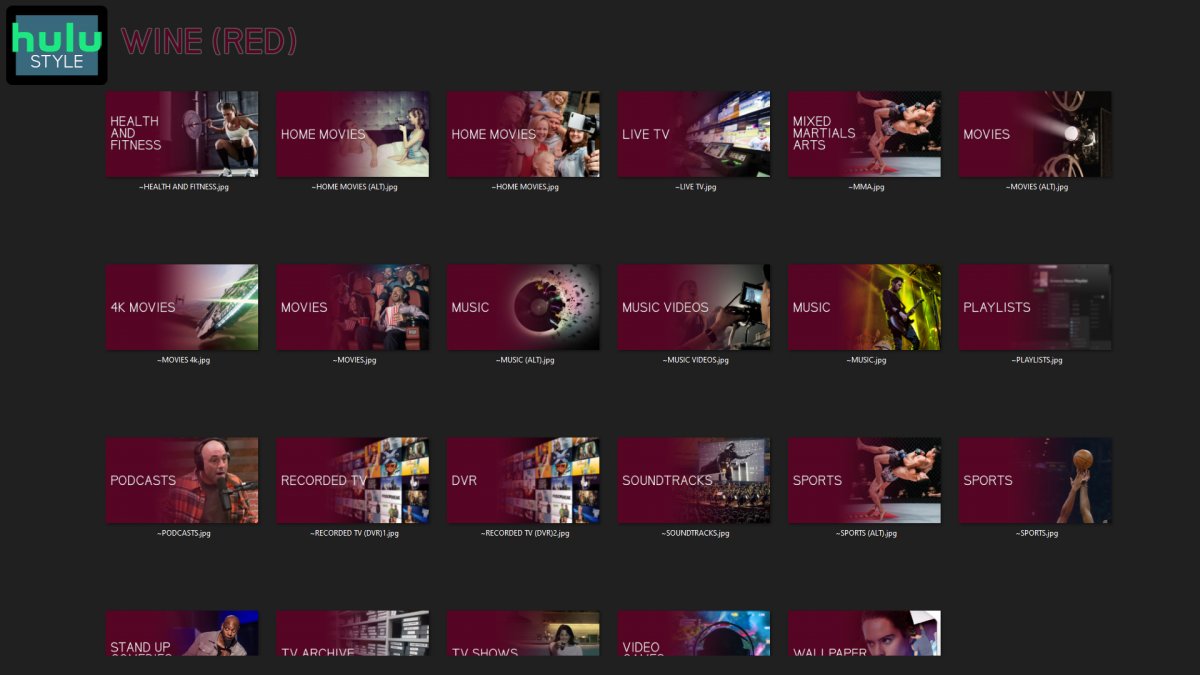
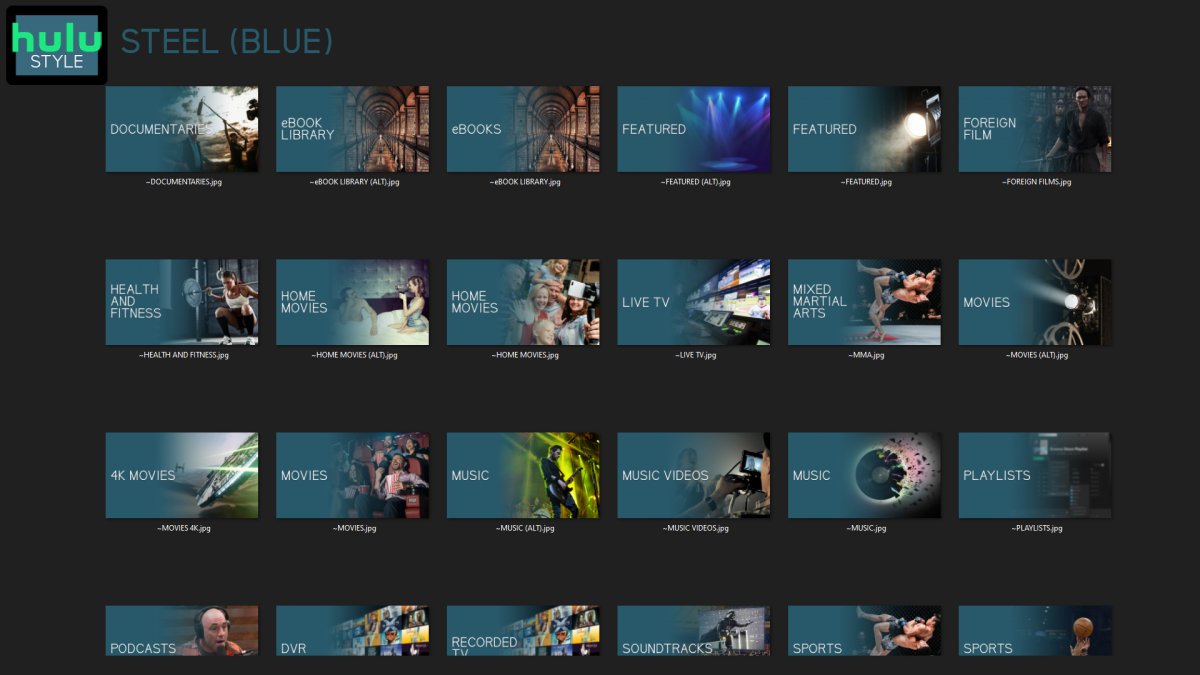
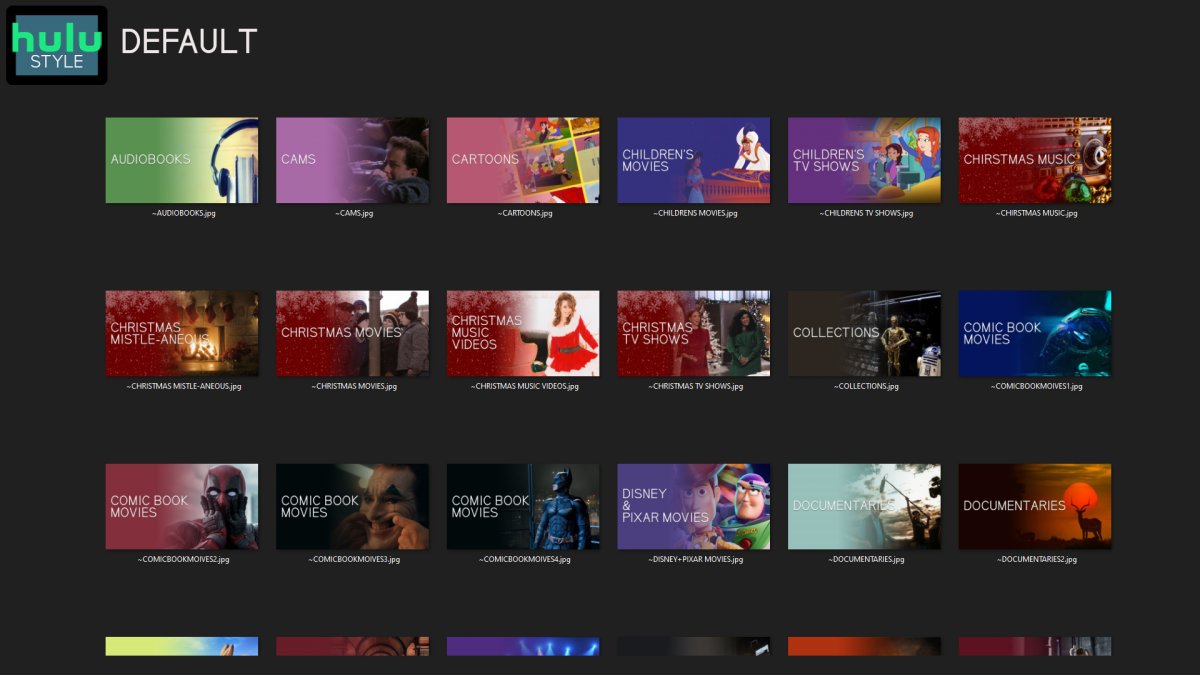
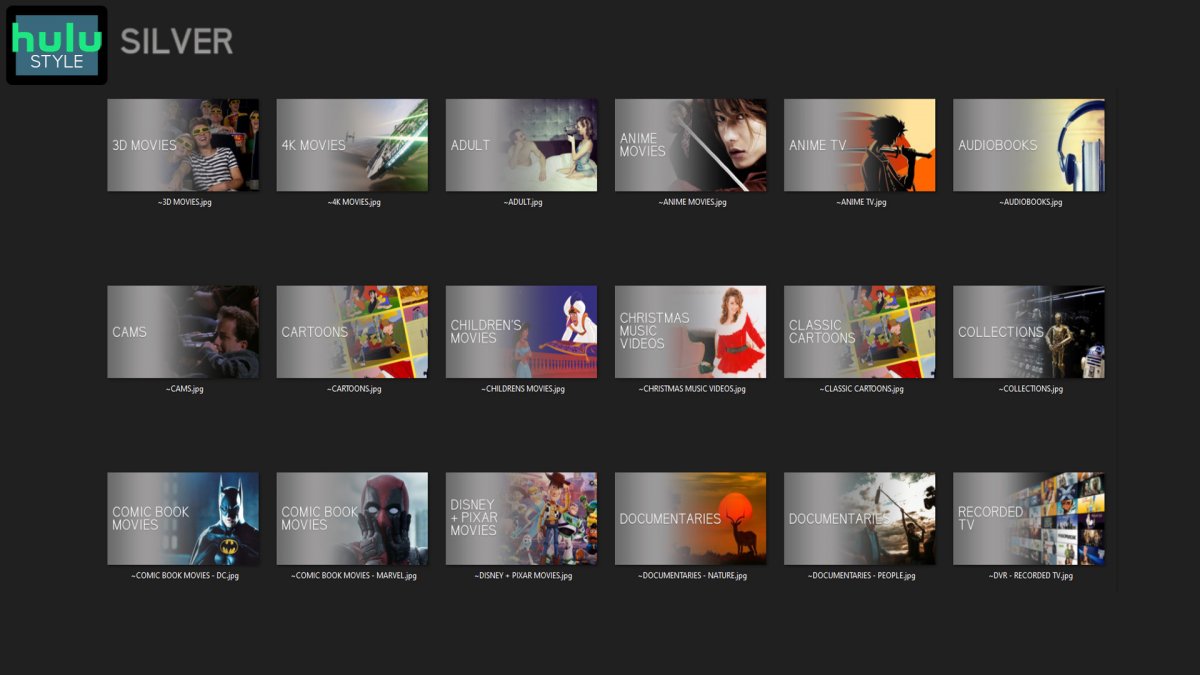
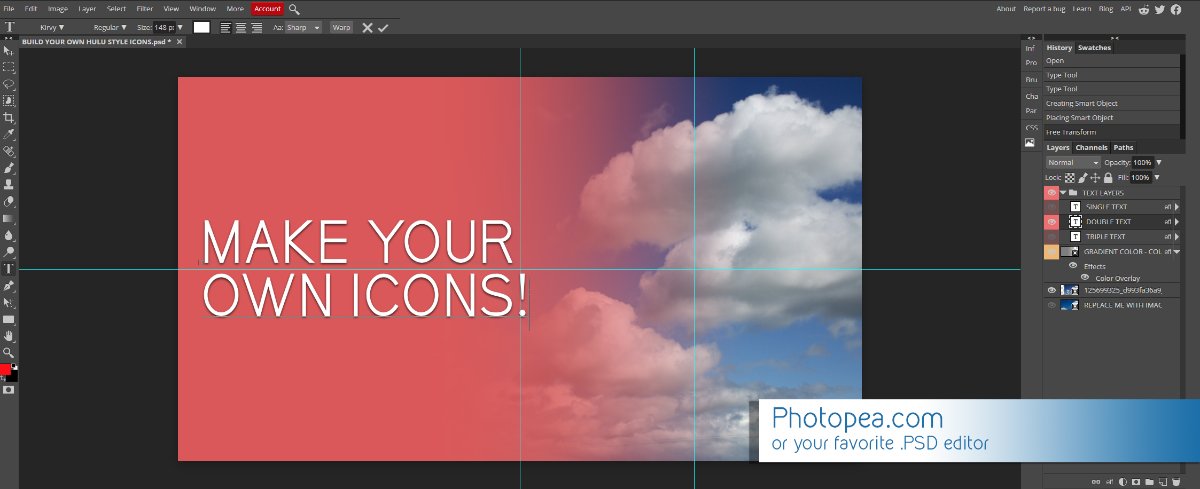
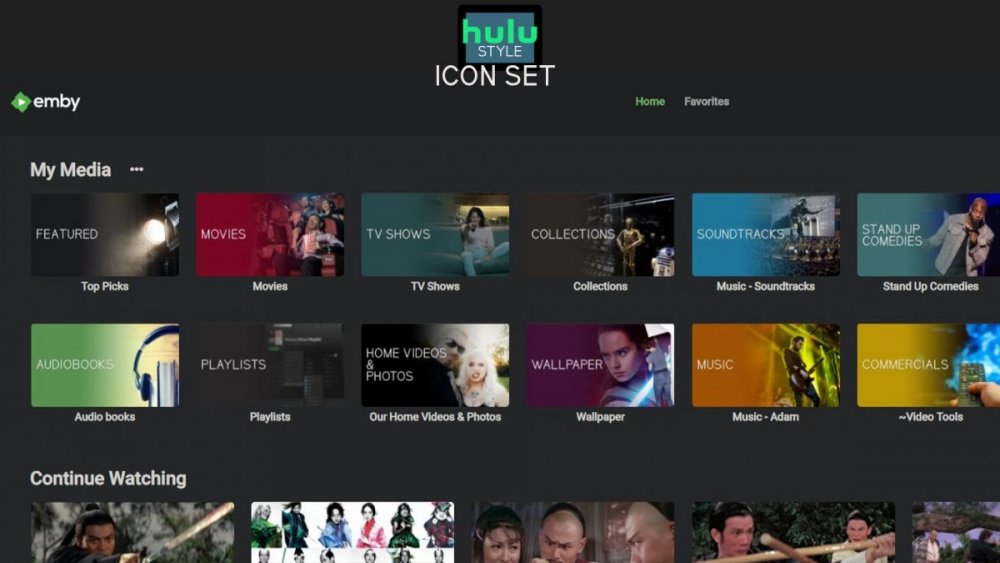
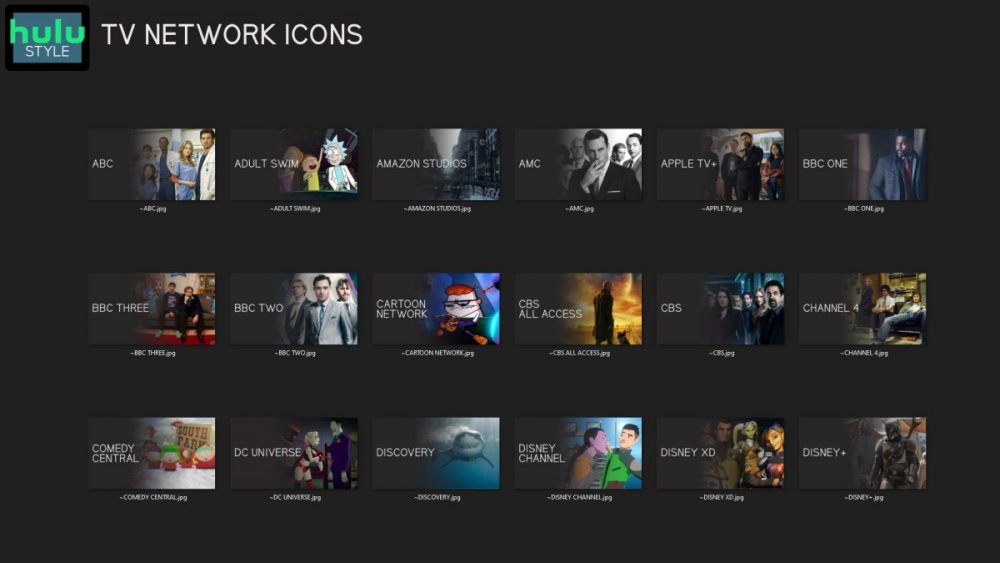
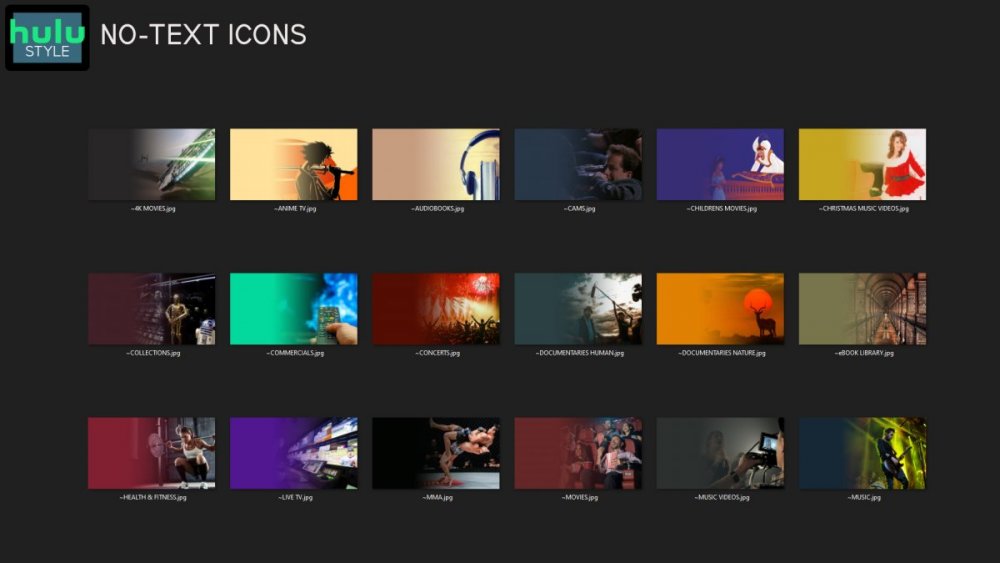
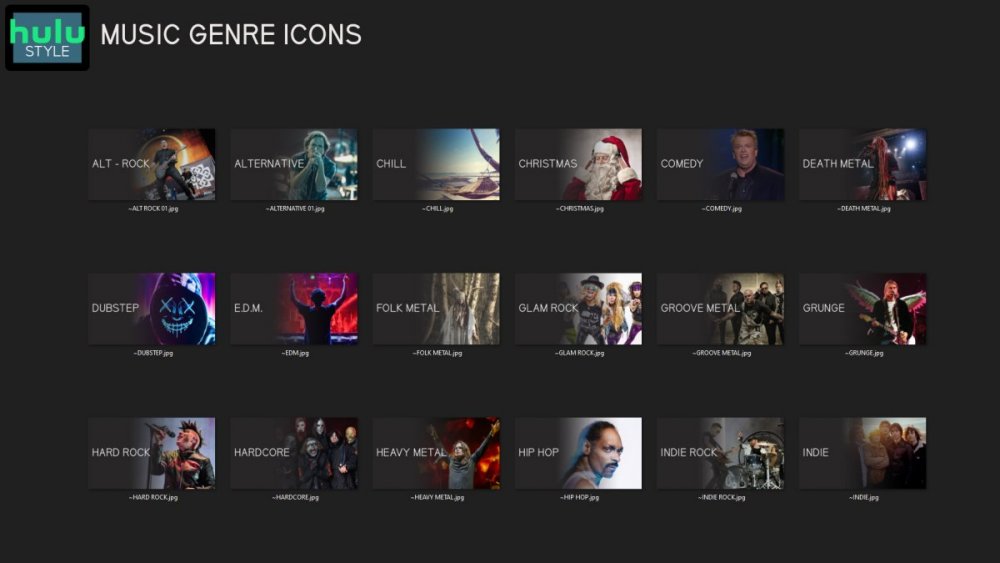
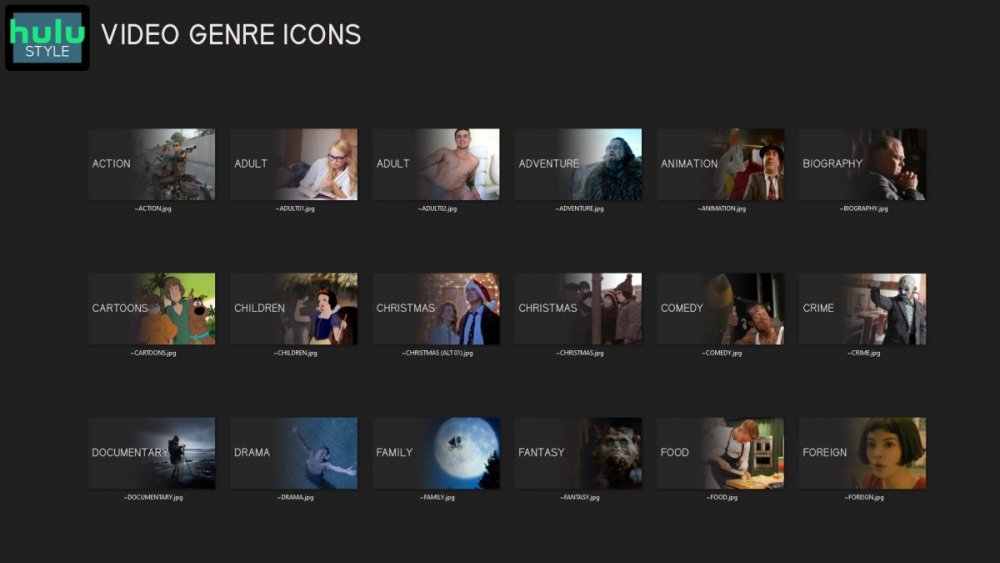
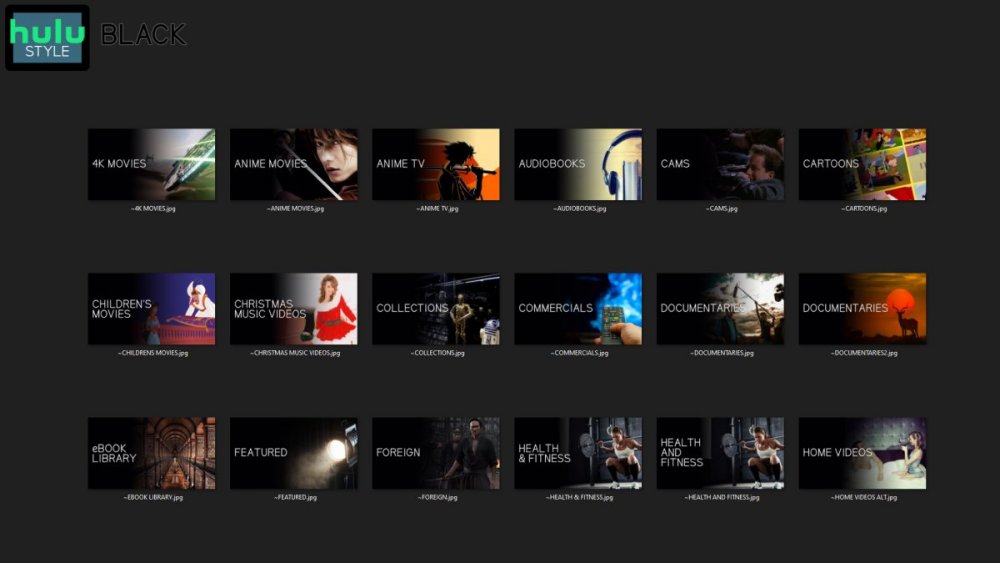
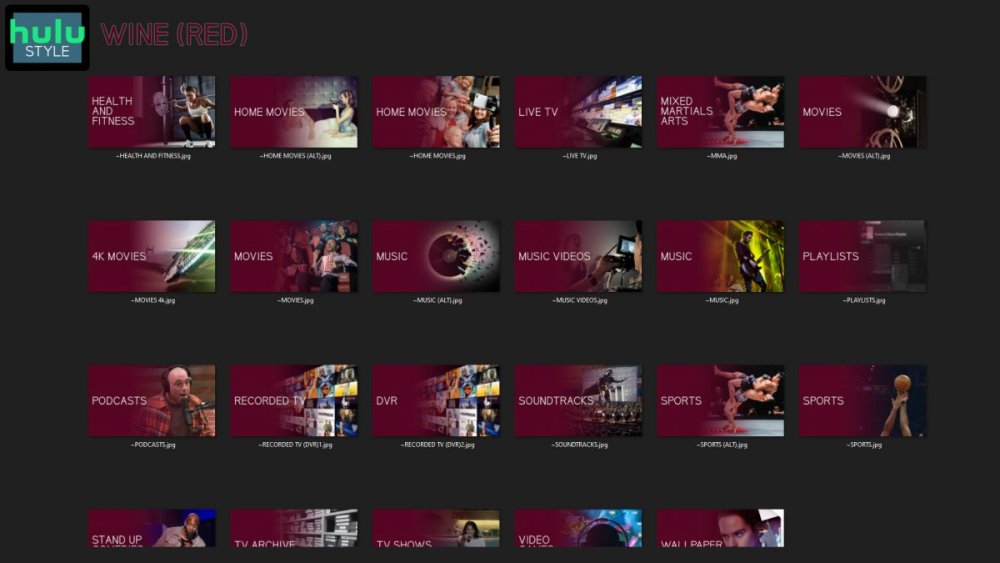
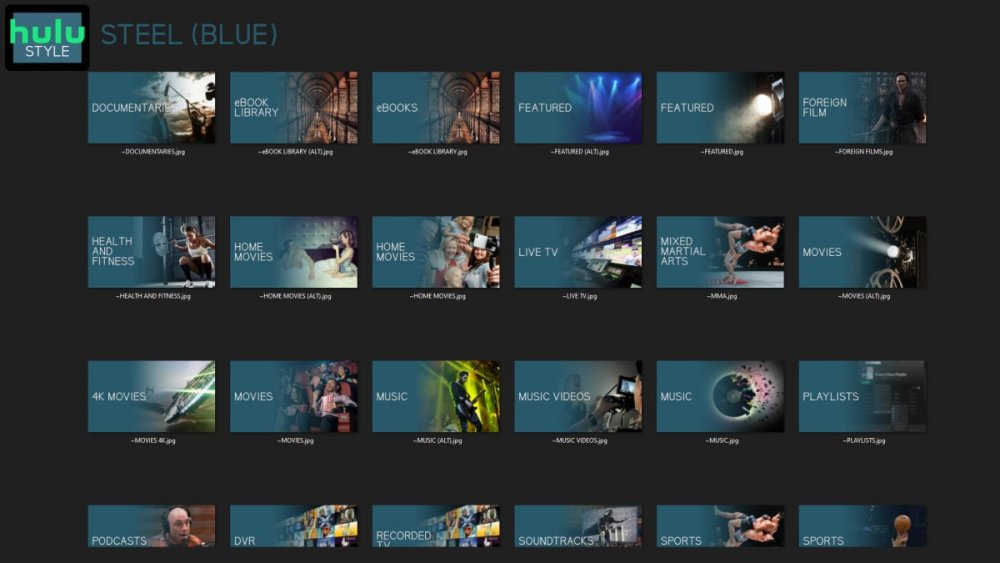
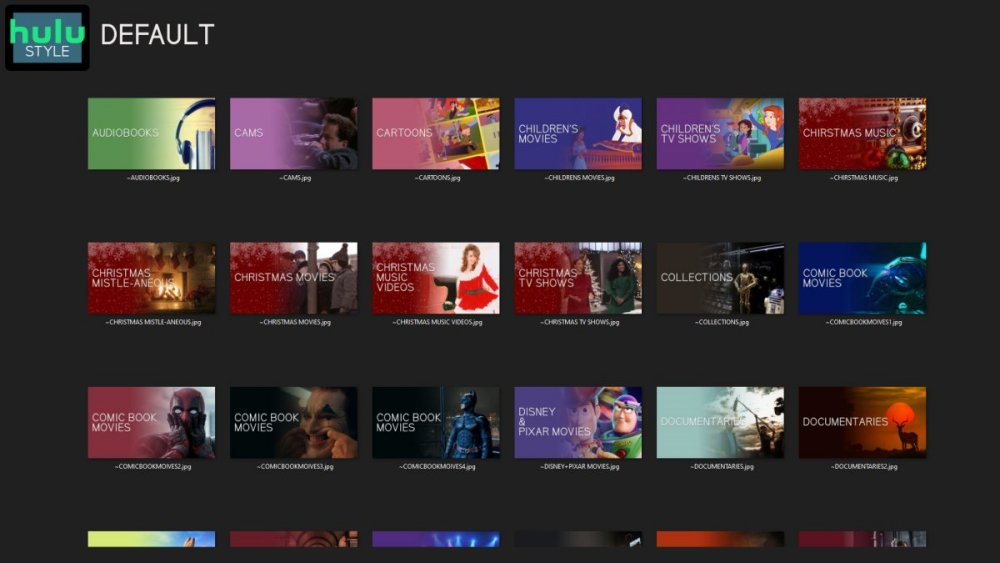
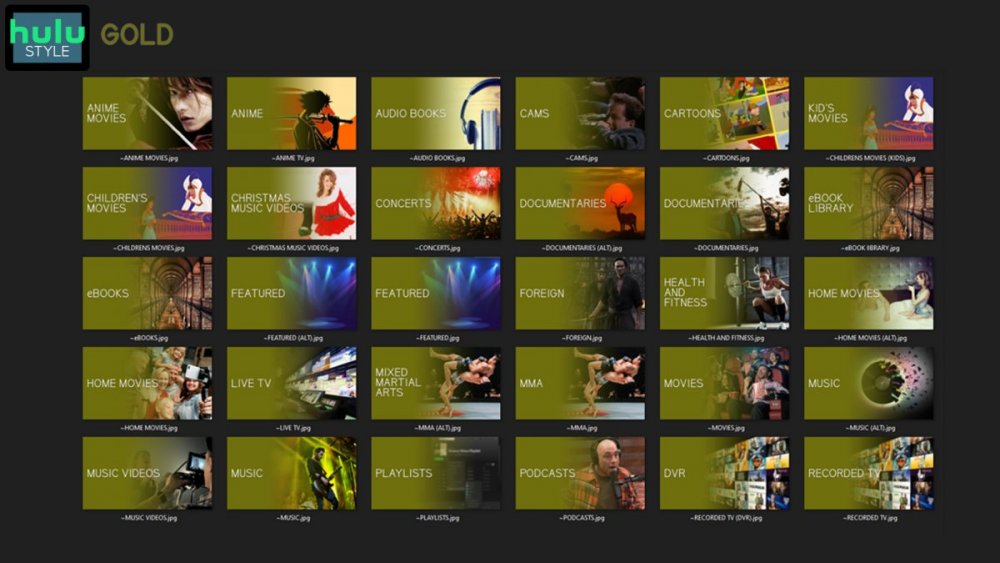
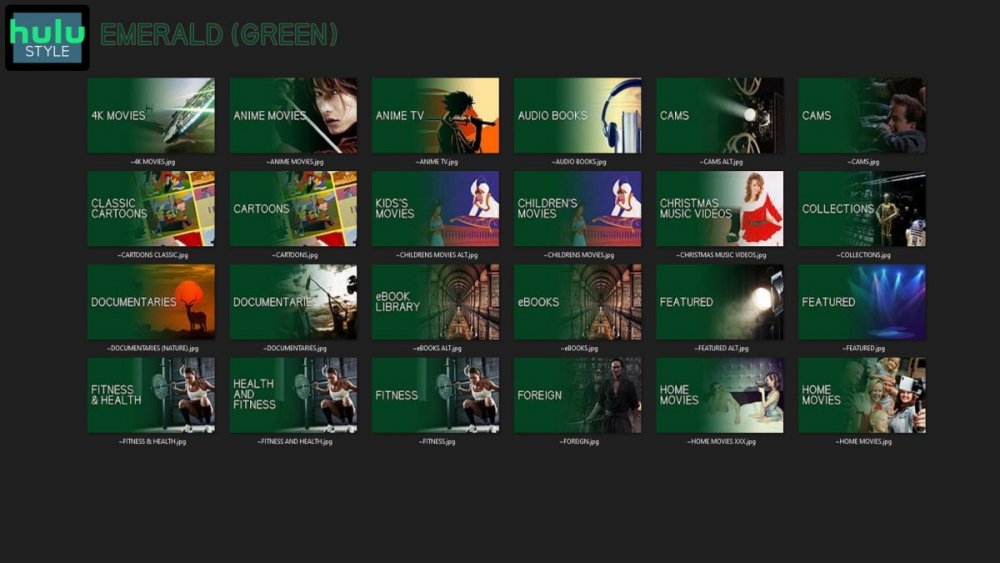
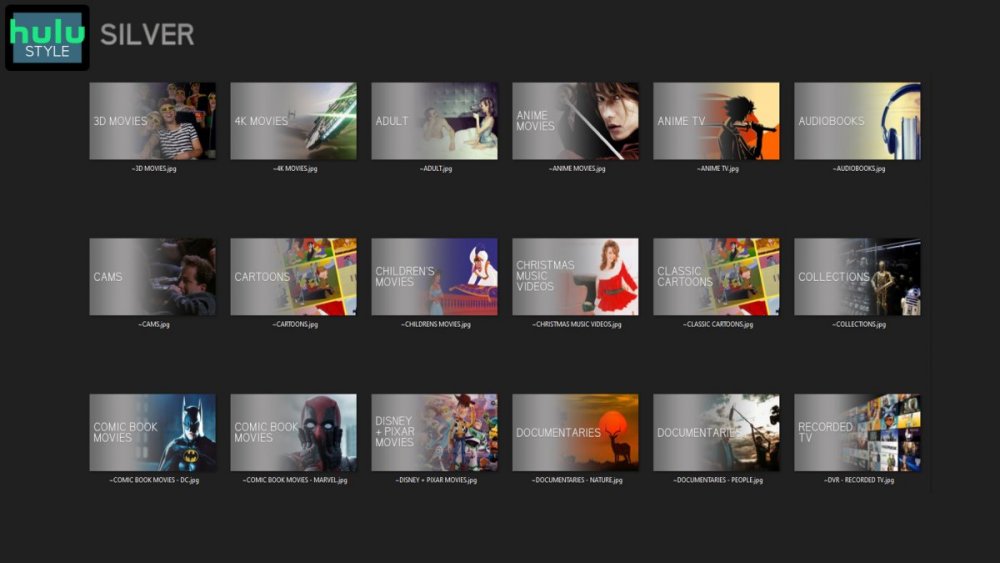
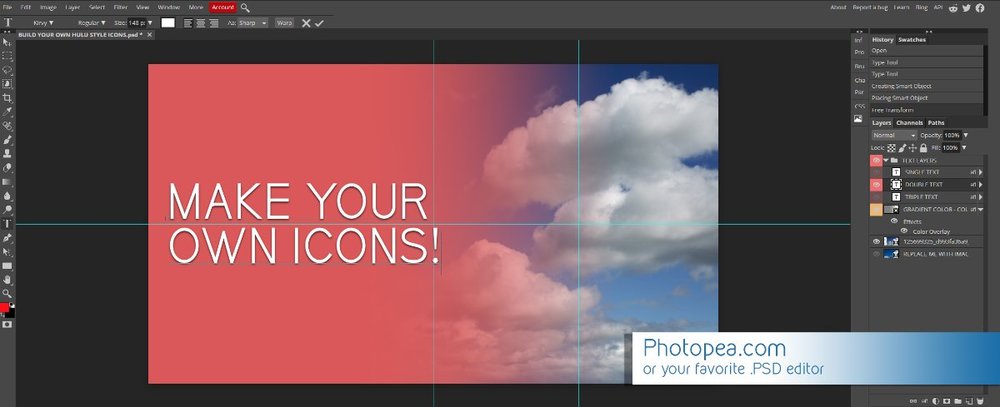
Media Library Icons for Emby Updated: 07/10/2021 I've always had a thing for the simple gradient style Hulu overlays on their library images. I'm not that great at graphic design, but I can mimic some things pretty decent. I hope! It's very simple, and clean and something I've been wanting to attempt for a while. I've never done anything like this, so constructive criticism is appreciated! More color options for media libraries coming soon!!! Also included to make your icons match across the platform, are video genre, music genre and TV network icons: I've hosted this only my Google Drive, so if if the link is not working please, reach out to me and let me know and I will do what I can to resolve! The font (Kirvy), and PSD's are located in the \~TOOLS\ sub-folder Media Library Icons - DOWNLOAD HERE Feel free to create your own to fit your needs! Photoshop Template - DOWNLOAD HERE Gimp Template - DOWNLOAD HERE (ALL credit for creation of Gimp template are thanks to, Mibok, who took the time to recreate the Photoshop template in Gimp!) Many have asked for a smaller and easier version of the .PSD file to create their own custom icons. I have simplified the .PSD and it is now compatible with, Photopea.com photo editor so no need to own Photoshop to make your own icons! Download the new .PSD HERE Thanks for giving me so many hours of entertainment, this was something fun to try and give something back! (If any of the above images are not allowed, please inform me ASAP and I will correct it) *** Change Log*** 07/10/2021 Added GIMP template, created by, Mibok to allow users alternate means to create their own icons 01/25/2021 Added lighter .psd file for easier custom icons 10/04/2020 Added "Silver" Media Library Icon Set and all remaining requests and missing items in each set 08/15/2020 Added some requests and "Emerald" (green) Media Library Icons Set 07/06/2020 Added "Gold" (yellow) Media Library Icons Set 06/29/2020 Added "Wine" and "Steel" (red and blue) Media Library Icons Set 06/29/2020 Updated sample images 06/22/2020 Added "Black" Media Library Icons Set 02/27/2020 Added TV Network Icons for 49 U.S. networks 02/27/2020 Added ~MEDIA LIBRARIES sub-folder to help keep the folder organized 02/24/2020 Added Phase One of Music Genres to Google Drive 01/25/2020 Added requested images to Google Drive 12/21/2019 LITE - Hulu Style Library Icons PSD Added (Uploaded PSD with no graphics for a faster, lighter PSD option) 12/21/2019 Media Library - No Text Icons Added 12/17/2019 Generic Movie Genre Icons Added To Do: Update preview post with images Continue color sets: Black - Maroon - Navy - Emerald- Gold - Silver Update No Text Icons Downgrade PSD for compatibility for older versions of GIMP/Photoshop TV Networks - USA Optimize PSD for simplicity

 1 point
 -
Will have to look as a subtitle script has come up before and users have posted in random topics. But a quick google would be something like this. Remove all tracks except for "und" and "eng" : mkvtoolnix (reddit.com) **Only thing with that script is it remuxs to a different folder.1 point
-
Hi. There is an option in the server to generate images for your chapters if you would like that.1 point
-
Just be aware that LG users have their own issues. They have no side-loading/USB install ability at all and haven't had an update in their store for a year. Current (2021) LG models have no way of installing the app. To be honest, I've not really seen anything that a K series model can't play that a newer model can. Actually K-series (2016) can DirectPlay DTS, but not models from 2018 onwards, so in some ways K-series is more capable. I can't see why you would want to switch from Samsung to LG. USB updates can be annoying, but at least you can have the latest version always (and newer than the store version). If you want to spend money and have current/easy updates and support as many formats as possible then most would recommend you buy an Nvidia Shield Pro and keep your current TV. As far as I can see, you haven't provided the media info or any logs for your issue, so we might be jumping ahead here as we could quickly determine your issue based on the logs. Can you please provide any log files and the media information for an example?1 point
-
I'm not sure if it's sporadic or not as I no longer auto feed my libraries and curate everything before adding it. I do remember reading an article on the Samsung developers page awhile back about the issue and the fix I saw was to remux the file. @SamES has helped a few people with the problem recently also so I know it's still an issue with newer models. As a test I would remux one to see if it helps. If I remember correctly 30 was the total of all tracks (video + audio + subtitles) so I would just get rid of whatever you don't need and retry.1 point
-
Since the image shows as a Serie I am guessing a TV Show library. Identify is content type specific, so media needs to be in a Movie or Mixed content type library to Identify as Movie.1 point
-
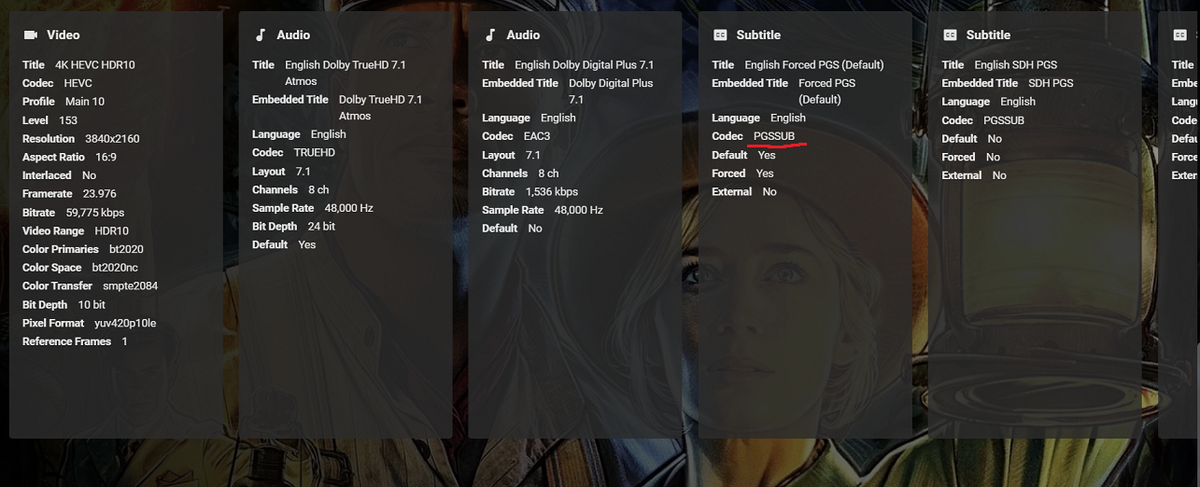
Is the pic of your mediainfo the complete pic? Reason being Samsung TVs have an issue playing video with numerous tracks (something like 30). You will get choppy playback even when the file direct plays. Fix is to remux taking out the tracks you don't need like subtitles for other languages.1 point
-
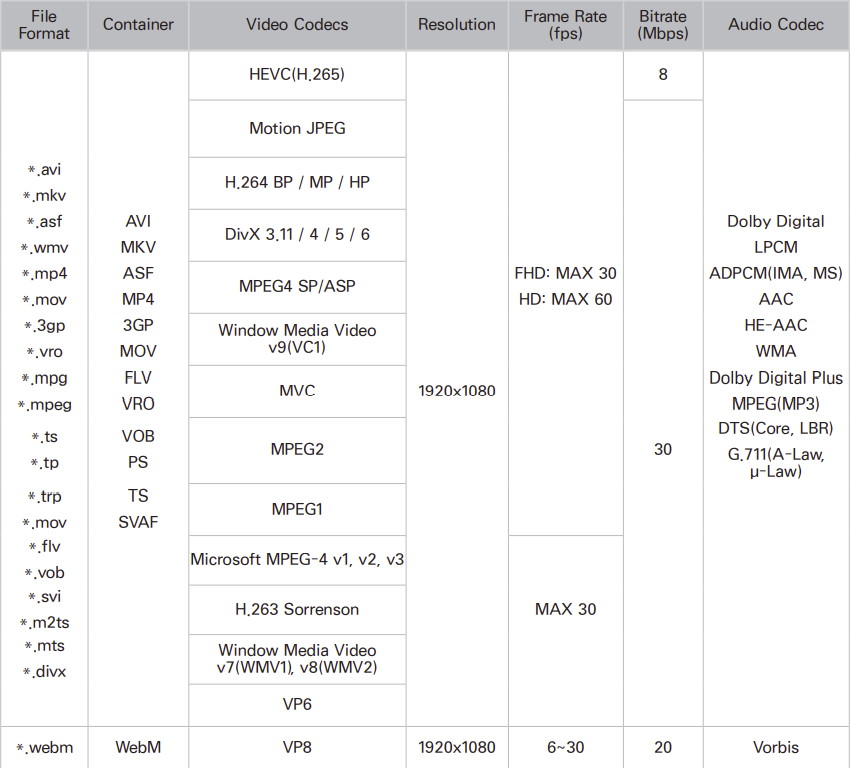
That is a pic from my old 1080P Samsung user manual Just used it as an example of what to look for in users manual1 point
-
Without know OP media info it is hard to say but seeing this stat almost all HEVC would transcode.
 1 point
 -
For the tagging route you would have to split media apart, tag the correct media, then manually group them back together. You could use the auto grouping plugin and just add a 4K folder to your existing movie library and remove access to that folder.1 point
-
Great. Thanks.1 point
-
Correct - as long as you are connecting to that server with Premiere.1 point
-
@FrostByte yes I sent him a PM to check with him. @Luke I'm sure it has something to do with the migration from DSM6 to 7.1 point
-
Да, очень доволен качеством софта)1 point
-
Looks like you called it but at the top it reverts back to collection and you have to reselect the correct library and then create the rule. Now have two movies in Fantastic Four Series that have the Icon as it should. Thanks for the plugin suggestion and thanks for all the help.1 point
-
lol - been there, done that - it didn't end well ..1 point
-
My guess is errors pointing to old data\collections in the server log.1 point
-
Well, that's good progress. For the second rule, is it possible that you accidentally clicked on the *Extras* 'Add Collections Rule' instead of the *Movies* 'Add Collections Rule'? Also, it can take up to a minute before Iconic detects that a movie has been added to a collection.1 point
-
Hi, yes, it took a few hours and now it’s working perfectly.1 point
-
I pretty much use Kodi for all the services I pay for that have an addon. It's a long list LOL. I only use addon mode. I had tried Native for quite a while but had issues with it in previous Kodi versions. Only time I need addon mode is sometimes with Embycon when I have a movie in a DVD format but that's not your addon.1 point
-
Of course we'd like a better install method, and we are pursuing that. We're doing the best we can given the cards that have been dealt to us.1 point
-
In the store it's 1.0.97, but 1.1.03 has been approved and is waiting for Samsung to launch it. The USB install is also available for manual install.1 point
-
According to our Samsung developer console, the only models still on 1.0.94 are 2016's and we can no longer submit updates for them. So for those, you'll need to embrace the USB install method in order to get the latest version of the app.1 point
-
I think I know what you mean. I'll add another TV Shows specific mapping table. Emby (thumb) as Kodi (landscape) for TV-Shows. As this is really a mess, I'll go check all sorts of artwork content on Emby for all categories.1 point
-
Ok. I see how that is happening. Let's see if I can fix that.1 point
-
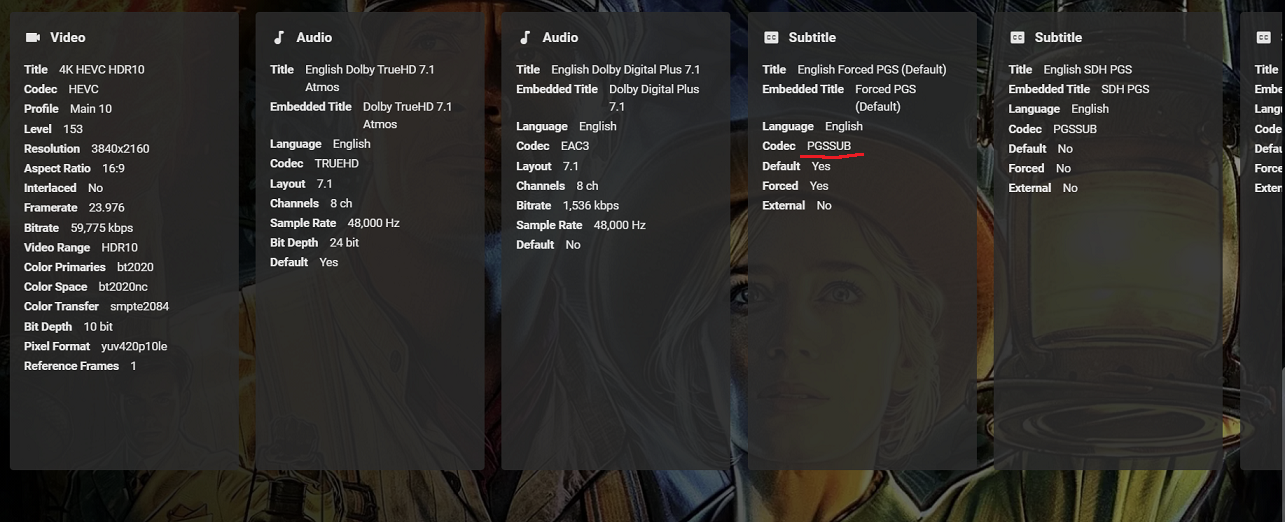
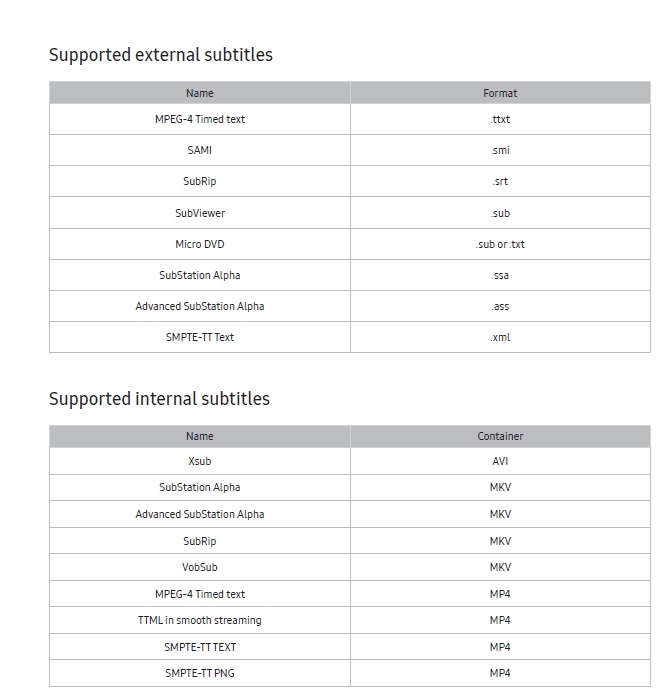
PGS subs are a graphical (bitmap) type subtitle which Samsung TVs don't support and thus the server must burn them in during playback in order for you to see them. This process is very cpu intensive. Samsung does support text type subtitles like SRT, etc. Most movies from disc are PGS so you need to make or acquire text versions in order to play on a Samsung if your movie doesn't already have them In your users manual you should see a supported subtitle chart like the one below. Anything not on the list will require conversion. The higher the bitrate of the movie the slower things become Though not as bad on cpu resources modifying audio on the fly can also cause what looks like a buffering issue with high bitrate movies. You should also see a chart like this in your manual for supported audio formats For best result always use the drop down box for audio and subtitles and change them to a supported format before clicking Play so you movie Direct Plays. You can see if it's direct playing or transcoding by choosing Stats for Nerds during playback. Luckily, the server can remember your choices if you don't set the correct defaults yourself before playing I think it's more of a money issue myself. They want you to buy a new TV every 5 years and they charge apps developers to review their apps and upload to the store. Just my guess though
 1 point
 -
You can check all Emby supported image naming conventions and the order they're checked for here (scroll down to Images section): https://support.emby.media/support/solutions/articles/44001159102-movie-naming https://support.emby.media/support/solutions/articles/44001159110 Fanart is backdrop, fanart, background... Thumb is thumb, landscape...1 point
-
Agreed, I'll change it. Also there are some other artwork mapping issues. (Kodi) thumbnail is actually a (Emby) primary and (Kodi) landscape is (Emby) thumb. Correct would be: 1. (Emby) primary is (Kodi) poster EXCEPT for episodes. Here is (Emby) primary (Kodi) thumbnail 2. (Emby) backdrop is (Kodi) landscape. btw, Not sure why Emby server lists an episode thumbnail as "primary".1 point
-
Existing git ticket for same: https://github.com/MediaBrowser/Emby/issues/3691 I think that over there, I have explained quite well why this doesn't work out. We can't mix functional and display-related information. The media info fields that you can see for media items in Emby Server - e.g. Audio Codec - are serving a functional purpose and we're displaying them just for reference and troubleshooting. The lists of possible values that we use internally - like for codecs - are identical to those from ffmpeg, which is in turn the same that ffprobe knows, and that's in turn the same list that we are using in Emby Server everywhere - also for negotiating formats with clients. Allowing to enter custom values in those fields would cause a bunch of errors and wouldn't provide the slightest benefit. Anybody who thinks that he would know better: go ahead, edit the database directly and see what you'll get! (but please don't come and post issues about it then) Dolby Standards are a pest. Especially their latest ones, "Dolby Vision" and "Dolby Atmos". Those standards are ridiculously and unnecessarily complex and wide-spread, that we'll have to accommodate with the situation that in the near future the questions about whether these would be supported by Emby, ffmpeg (and others that do not buy and use Dolby's own implementation), will not have answers of the "yes/no" kind. => it will be about 'partial support' instead: which of the many variations, flavors and feature-sets from their spec will work and which won't. It's an unfortunate and sad situation, and progress will be at small steps only - at best.1 point
-
I used to use my old fractal design define xl case with icydock 5,25" drive enclosures, but that got too restrictive so I bought a rackmount case with 24 bay hot swappable drives from servercase uk - best solution for me https://www.servercase.co.uk/shop/server-cases/rackmount/4u-chassis/4u-server-case-w-24x-35-hot-swappable-satasas-drive-bays-12gbs-hd-minisas-sc-4824/1 point
-
My Emby is running normal again all thanks to @cayars for the help + tips. To be honest, Putty can get pretty complex if you don't know what you're doing. I can understand simple commands, but anything beyond that, you will need the help from the pros. During the migration process, I didn't have a lot storage in my Synology, I accidentally duplicated my content to /volume1/@appdata/EmbyServer by using the following command below: cp -rv /volume1/Emby/* /volume1/@appdata/EmbyServer I couldn't figure out how to delete the duplicated files in Putty, but thanks to @cayars Ghost In The Shell (see what i did there ) coding technique, everything was back to normal operation. Emby not only the best media streaming platform, but the support you're getting in the community is beyond my expectation Thank you and happy streaming everyone!1 point
-
I'm not sure what you mean: async protocol or -async global option? If you could you provide an example command line and a short sample file where playback gets fixed by the command line, I'd be able to better understand the problem and figure something out. BTW: You can install the Diagnostics Plugin. This will allow to do a find/replace for modifying ffmpeg command lines. It's not meant for regular use and doesn't persist reboots. But it would allow you to test your modifications in the context of Emby.1 point
-
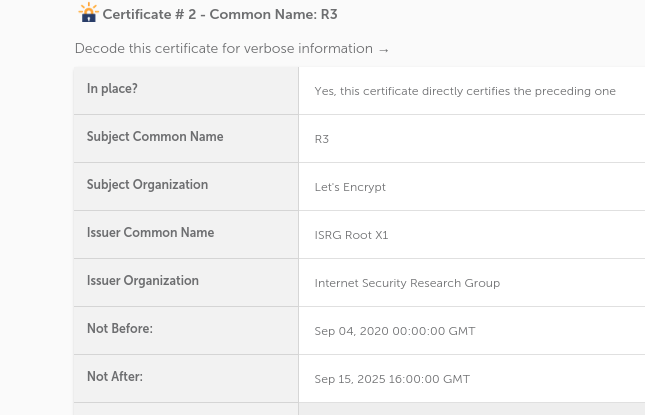
Now when to run SSL checker https://decoder.link/sslchecker/ the updated ISRG Root X1 cert is now being used by server Subject Organization Let's Encrypt Issuer Common Name ISRG Root X1 Issuer Organization Internet Security Research Group Not Before: Sep 04, 2020 00:00:00 GMT Not After: Sep 15, 2025 16:00:00 GMT
 1 point
 -
yes, the 2x drive enclosures fit in the 3x 5.25 bays on either side of the case. they have SATA for connectivity and have a built in fan for air flow.1 point
-
Isn't that like 10 versions behind the current version 1.1.04? Emby for Samsung Smart TV - Emby But a Samsung user would have to comment more. You will probably need to go over a specific example to include server and ffmpeg logs if present for your example.1 point
-
Yes it's possible for the future. Thanks.1 point
-
okay a simple chmod 644 made it work lol1 point
-
It still hasn't made me a coffee or even sent a random thank you email for all the TLC I provide but, yes it's all good now. Thank you!1 point
-
Emby, Plex and Schedules direct all use the same guide provider. I took a look at xmltv.ch and pulled down an XML file and looked at several images. They are using landscape or 16:9 images. So what you see above is this landscape poster being forced to a vertical format. That is why they look like that.1 point
-
That is perfectly OK. In some ways @cayarsis a bit of a risk taker but, mostly, he is a belt and suspenders type of risk taker. I would not be surprised to find out that he also has supplies for a few years stocked away. But, by having a variety he keeps his life interesting and his mind fresh. There are those that say my mind is fresh as well, freshly dead. (see "Young Frankenstein" for the oblique reference.)1 point
-
If it makes you feel any better I've helped two other people remotely since you with the same issue! Deja Vu for me.1 point
-
The trailer url comes from TMDB that other users applied to that media. And if you write nfo files you can edit the url in that nfo file. But yes it has been asked that the trailer url be exposed in the UI.1 point
-
You can extract/convert extras too and create a folder within the movie folder called extras for example, that will show up on emby.1 point
-
I know it stinks. Unfortunately Kodi offers no (disclaimer) functionality BEFORE upgrading a plugin. After upgrade it's too late. Currently I have no better alternative. If you have a solution, I'll add it right away. I'll add some sort of warning, but if you decline, a MANUAL ROLLBACK to previous version will be required. Also you can disable auto updates. btw, there is a reason why it's called BETA repo or even EXPERIMENAL also, 3rd party addons ARE NOT AFFECTED. Only the DBs1 point
-
If you are using acme.sh for your certificates, you have two options: * Use a different preferred chain for letsencrypt i.e. "ISRG Root X1": Changing acme.sh Preferred Chain * Use zerossl (an alternative free Acme Certificate Provider) for your certificates: acme.sh ZeroSSL CA1 point
-
Any news on this? it's been almost two months?1 point
-
It's been many years since I had a TiVo, but one feature that I recall was quite handy, and that was WishList Searches. Say for example I want to record any and all shows staring a particular actor/actress or genre -- or indeed keyword -- you could enter your terms and save them. Then, whenever the Guide is updated, your scheduler automatically records matching WishList programming, assuming it doesn't conflict with your existing recording schedule. Possible?1 point
-
Hi there, yes this is something we'd like to add in future updates. thanks for the feedback !1 point