Leaderboard




Popular Content
Showing content with the highest reputation on 07/23/21 in all areas
-
It works with each user on a server (invisible option should standard be disabled), in your situation your father watches on his Android tablet, mother on her iphone, and you at home via your browser. I post a example video below. With connect we connect this dashboard user_id and emby user_id's. We have not yet decided. Whether it will be an online service (one hosting) or a service that you have to install on your own server. Yes! TLvnB3PRlf.mp44 points
-
With the old trakt plugin we had the option of rating something after it was over, it would be nice to see that brought back. Something very simple and maybe as easy as selecting the rating by hitting the number on the remote.2 points
-
This is very cool stuff. Be proud!2 points
-
User Manual for 2019 Shield Pro is available here.2 points
-
Enabling DMZ is really not recommended as you'll be completely exposed. If you don't wanna go SSL route, at least go Port Forwarding one.2 points
-
Say I have a custom collection of 56 Christmas movies. During the Holiday Season, I would like to show this on the main page as a Library. Now, I could make a drive folder called "Christmas" and put these movies in that folder. However, now we're getting away from using metadata for organization and moving back to using folders for organization. Something you've spent the last few years trying to get away from. So each collection should have a toggle to show it as a library on the Home Page. Then people can make collections for Christmas, Halloween, Summer Romance, Summer Slasher Films, whatever and show them on the front page where they are easily accessible. Don't want to show it anymore, switch the toggle off.1 point
-
A small update to our 4.6 release is currently rolling out to address a few minor issues that came up. Here are the highlights: Resolve cause of sporadic database locked errors Fix graphic subs burn-in with tone mapping on qsv You can learn about the original 4.6 release here:1 point
-
Hi there, I have one feature request for emyb which I didn´t find in the forums. Im missing the feature to toggle on/off "Suffle" in the current queue. Yes, I can shuffle a whole album or playlist, but I think thats not enough. My use-case (and I think many would agree with me) is building a queue (not a playlist!) from many different albums/locations/playlists, and then I sometimes want to toggle shuffle on and off. I would be very happy, if someone could implement this (basic - in my opinien) feature Thanks, Junias1 point
-
I'm thinking about maybe adding some handling subrip text files. It looks like we could handle .srt if they exist in the original media folder, as well as .sub files too. Perhaps first and foremost having some kind of indicator in the activity log that signals the fact that the media item has a subtitle file in the folder. Dunno.1 point
-
@ebr @cayars interesting. so the xml doesn't specify if they are HD or SD. changing to ANY on the web interface did the trick (like I said duh). close/delete thread shame me. thanks all1 point
-
Sorry @Luke it’s true. I read better the guide.1 point
-
Awesome! Great work!1 point
-
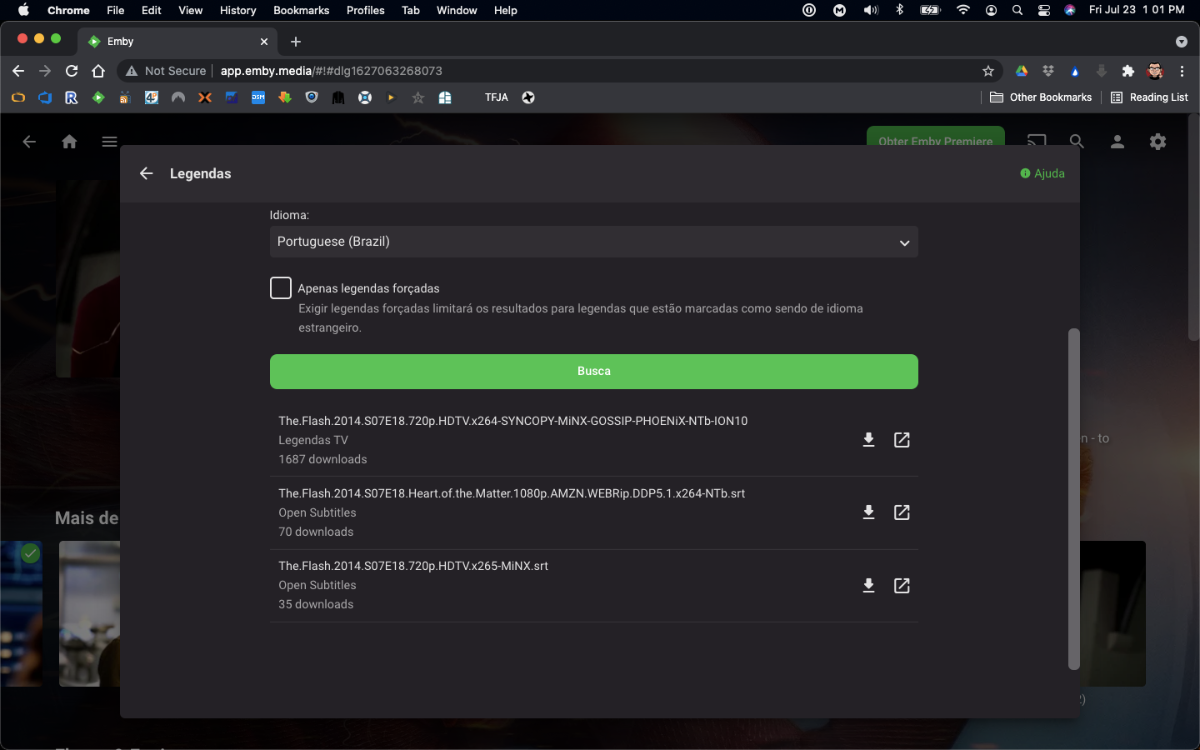
I took the liberty to update the plugin to latest MediaBrowser.Server.Core version, which was the one causing the issue. As it seems the original author is not maintaining the plugin anymore, I've forked the solution and made available for download @ https://github.com/denis-ali/LegendasTV-Emby. Attached a screenshot of v0.2.0-beta working, although (as the previous version) for me it does not bring results from Legendas.TV on first try (but no errors on log either). No promises from my part to fix it or keep it updated, but I'll try if life allows it
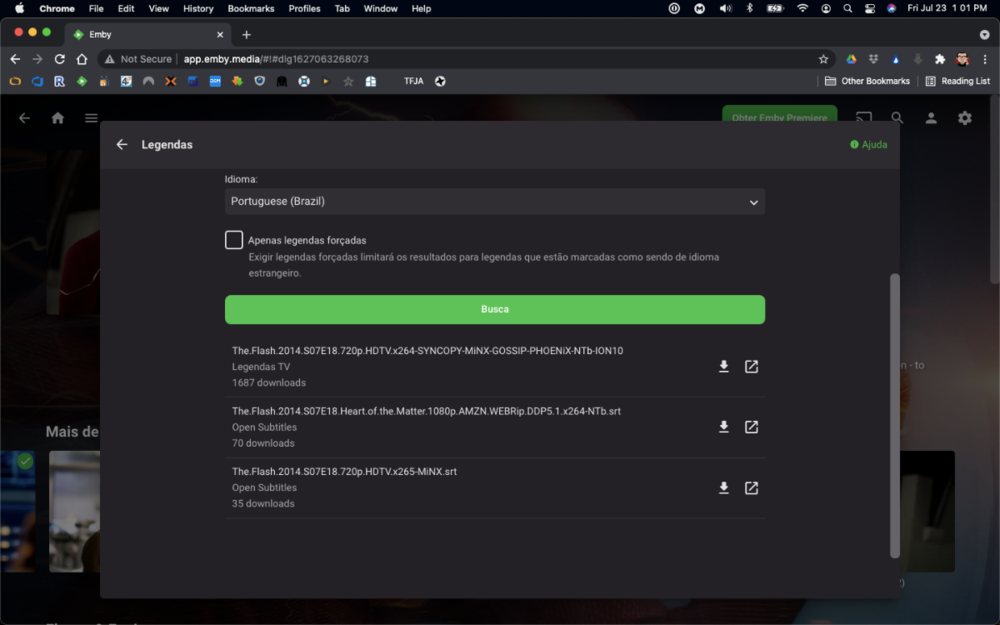 1 point
 -
Ok thanks. I'm in the process of migrating all cloud media to local storage. I'll try 4.6.4 again once that's complete.1 point
-
Looks like you removed "My Media" from your home screen sections. Try adding that back.1 point
-
We found when he connects to my server using port 443 it does work. So it looks like they may be filtering non standard ports. We're going to do a remote session sometime Saturday or Sunday to make a quick change over and test on his system.1 point
-
The problem is the public IP changed so the ISP must reassign the port to that new IP on their side, the thing is they must send a technician which is something unnecessary but it's their rules. It's not the first time it happens though I'll reply back as soon as I'm able to test this out.1 point
-
I tested the Google TV, in addition to not supporting HDR tone mapping, with the latest updates is not possible to view HDR content in monitors that do not support it. When trying to play HDR video the Emby application stops working. I tried Mibox S. I can say that I am satisfied with the HDR tone mapping option. But it's not great. Both in HDR to SDR conversion and non-HDR video playback, color management is not as good as in other devices. Sure, nVidia shield should be better in terms of performance, but at a much higher price.1 point
-
Enviei para você no privado!1 point
-
Many thanks. Because this option is placed under "Recordings" I did not check it.1 point
-
Got it, thanks!1 point
-
Yes in short SBS = side by side TAB = top and bottom1 point
-
Thanks for the log. I think I can investigate now.1 point
-
Thanks for pointing this out to use. @Luke I can reproduce this as well.1 point
-
May I suggest you split this thread into multiple threads in the correct forums - then it should get individual attention for your issues. ie put your Emby Theatre issue here - https://emby.media/community/index.php?/forum/54-emby-theater/ put your Android App issue here - https://emby.media/community/index.php?/forum/93-android-mobile/1 point
-
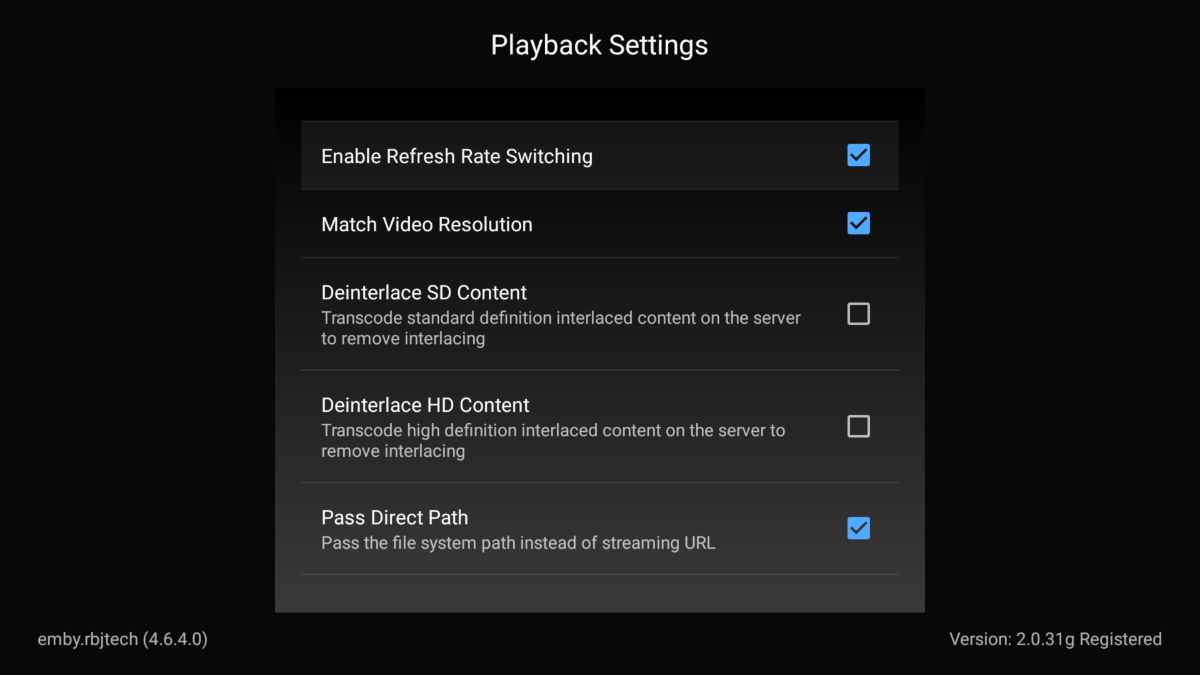
Are you referring to the settings in the Emby Client ? if yes, most have a short description of what they do. The two that don't (not sure why..) are as follows :- Enable Refresh Rate Switching - On playback, emby will try and force your TV's Refresh to match the media - resulting in smoother playback. This is only supported on TV's that allow this - most modern TV's do. Match Video resolution - On playback, emby will try and utilise an external TV scaler if it can. So on a 4K TV, all HD and SD content will be 'scaled' to fit - the best scaler is likely the Shield scaler (if you have it turned on) but the TV scaler is also likely very good. Probably worth experimenting with this option to see what looks better for HD/SD content. I hope this helps - if you meant your own TV settings, then your best bet is the online manuals for that TV.
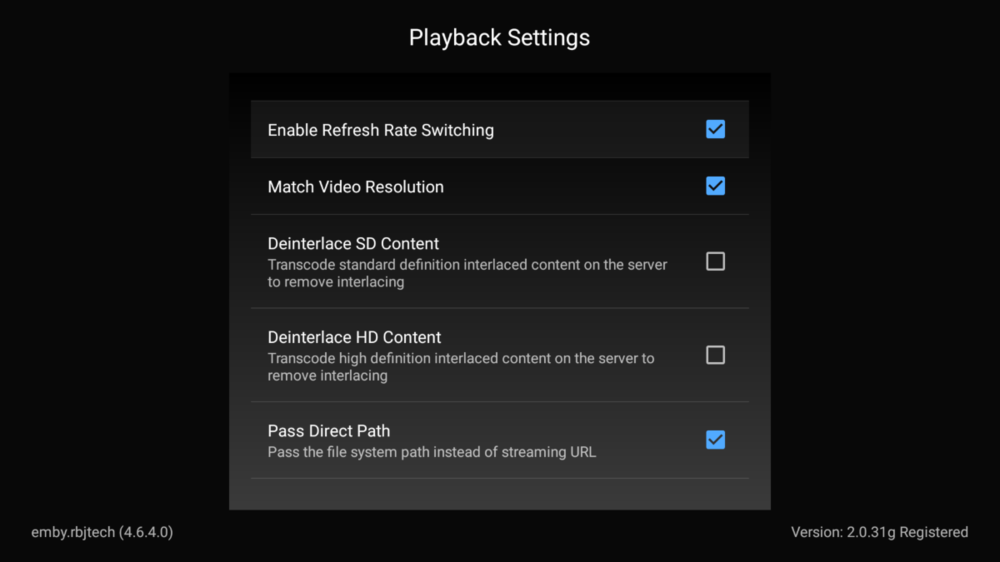 1 point
 -
@pwhodges thanks for reply. So, if i use only folder navigation i can keep my structure otherwise is better change my folder structure. The name of folder help Emby to identify the album but tags inside each track are crucial.1 point
-
If the router has a programmable firewall built in (as mine does), then sure. But many simpler routers rely on NAT as a pseudo-firewall, and a DMZ setting will bypass that, requiring you to ensure that the machines in the DMZ have well set up firewalls themselves. Paul1 point
-
@Luke thanks for reply. I will wait and after i will upgrade my Emby server with a "superior" release.1 point
-
First take a look at this guide: https://support.emby.media/support/solutions/articles/44001849007-connectivity If you have problems you can open a new topic in the forum General/Windows. It depens on the media and the concurrent sessions. If you don't use 4K Remuxes 100/100 may be fine.1 point
-
I've never been a fan of zombie movies, been way over done, but the two movies that Woody Harrelson made are outrageous! Very funny. Zombieland (2009) Zombieland Double Tap (2019) The sequel is actually funnier than the first one, but both are great. You should watch them in order, since the second one picks up after the first, with same cast. Some other stars in them too, but I won't spoil it. Worth a watch.1 point
-
thanks for the help with changing the folder. i changed it using the guidelines above and now everything is showing again.1 point
-
It means to add ISO language name or two- or three-letter code at the end of your subtitle name: List of ISO 639-1 codes - Wikipedia So, for example, for english subtitle it would look like <movie name>.en.srt, <movie name>.eng.srt or <movie name>.english.srt. Ditto for other languages.1 point
-
I am so sorry I forgot to respond to this sooner, but deleting and restarting fixed the problem and it has not returned since doing so.1 point
-
Muy probablemente se deba a las Cookies, la manera que tiene el servidor de saber si ya has iniciado sesión desde un dispositivo es dejando una Cookie en el cliente la cual es única para el servidor. Aunque tengas las mismas configuraciones, la cookie no corresponde al mismo servidor por lo que al no encontrarla pide de nuevo que inicies sesión.1 point
-
Not yet, it's something we'll need to add.1 point
-
Don't use Aptoide as they often modify apk. Download it from our our website or forum and only use sourced files directly from Emby!1 point
-
Can you please send a log from the app right after that happens?1 point
-
Hi @chef It would work - but imo it's of limited use. For a personal media server - then imho I don't think this is required - just message your users as has been said before. That being said, Emby also has the ability to message the client - so if a message once they login with ADVANCED notice of maintenance may be useful - but how many home users would plan to do that lol ? If however you are using emby as a more professional' service', then you should be running it with resilience in mind and thus re-directing at a network layer before emby to a backup server (or emby 'stub') should not be difficult via a reverse proxy etc. Even changing the port forward to another server and/or port would work. On a personal note - I'm lucky enough to have a full offline copy of my emby setup and all it's storage - it's my backup - so when I do rarely take down my entire server - I simply startup emby up the 'backup' server and re-direct both my internal and external users to that instead (via DNS, no need to update the clients). If down for a reasonable period, then I may have to restore the users playback status too via the backup/restore plugin.1 point
-
He's referring to TMDB links on episode level, which atm are not scraped (or, at least, not displayed).1 point
-
It usually gets most updates to the video player a little earlier, so if the issue is resolved in that app, then it's a good sign that the fix will be coming to the android tv app as well. Thanks.1 point
-
Episode groups are possible for the future Thanks.1 point
-
OK yes a horizontal home screen option is always possible for the future. thanks.1 point
-
I don't really know what you are trying to tell me with your last answer. But just so we're clear, I have the latest Emby version installed on a Samsung Tizen TV and this is what it looks like now: I would much prefer to get such a view on the Apple Tv as well. On the MacOS app it already works...1 point
-
Cool! Will this eventually work on other client devices such as AndroidTV and AppleTV?1 point
-
Looks very nice, I have been looking for something like this Have a few questions: Will this be open source in the future? What tech stack are you using for building it?1 point
-
I found out about these guys the other day, the site says they are based off of the Tmdb API, but they didn't seem to have an API of there own yet. Seem like they have a fairly large collection like fanart does. Some of the posters are unique to the site.1 point
-
Didn't record as I already had the episode. Made a change and have 3 episodes scheduled to record tomorrow, so I'll check back then.1 point
-
they are the only one supported.1 point
-
This is all I do (it's just my parents mind you). I let them know ahead of time if there are any important messages. Additionally, maybe it's possible to set this to play in Cinema Mode prior to them watching anything? I also have simple instructions for them on how to use playlists etc. Of course, this doesn't work on sudden problems that don't work if Emby is down altogether. This was just my simple workaround for it.1 point