Leaderboard




Popular Content
Showing content with the highest reputation on 07/18/21 in all areas
-
I did a factory reset on the Shield tube and then set the buffer size to small. Now works perfectly on all HEVC material and the interface is very responsive. With hindsight I should have tried clearing the Emby cache/data or doing an Emby reinstall but like any Android device a full reset at least once a year sems to bring performance improvements. Worth a go as reloading a few apps is a small price to pay for not being driven mad!2 points
-
I am looking to see if a SAML2/OAuth plugin is something others would use. I myself would love this feature to share Emby publicly with family members and friend and worry a little less about insecure passwords that some may use. I personally am a big advocate for security as I work in IT and see how a lack of good security can cause havoc. I love Okta and what it offers. Anyone can sign up and use it for free under 1000 users if you sign up as a Developer. That is just plain awesome. Let's see who else is interested. I am excited to find out! Thanks1 point
-
I would love the option to store Emby's database in MySQL - I have a setup that serves around 30 people and I feel that there would be real performance gains by using a proper relational backend over SQLite (I'm presuming). On top of this it would make life easier for me when reporting on watched status a cross users.1 point
-
New_GUI_2.zip
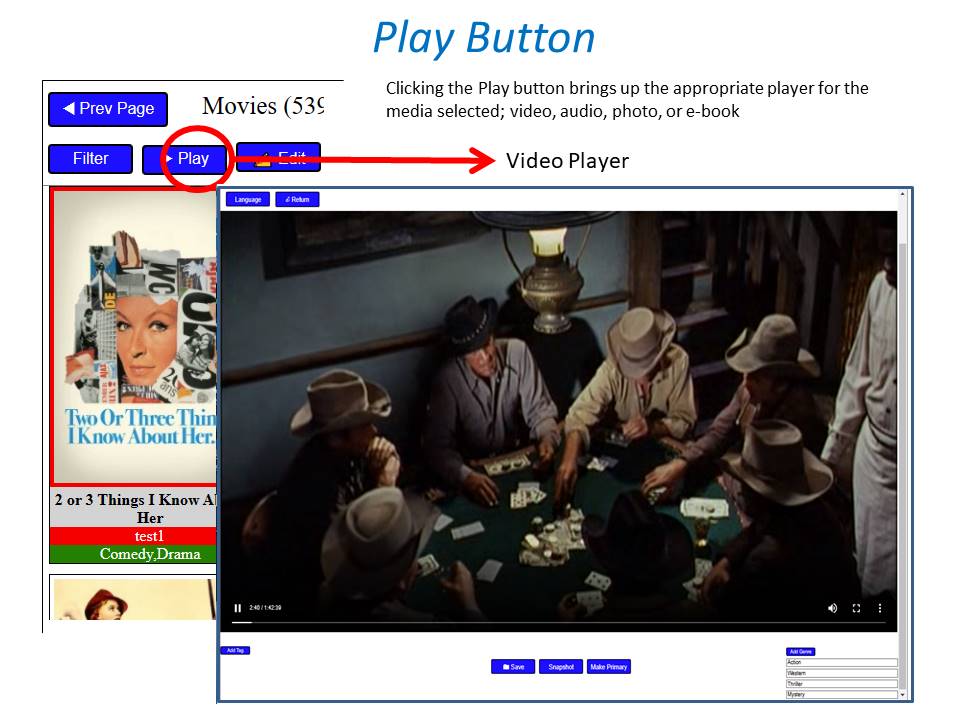
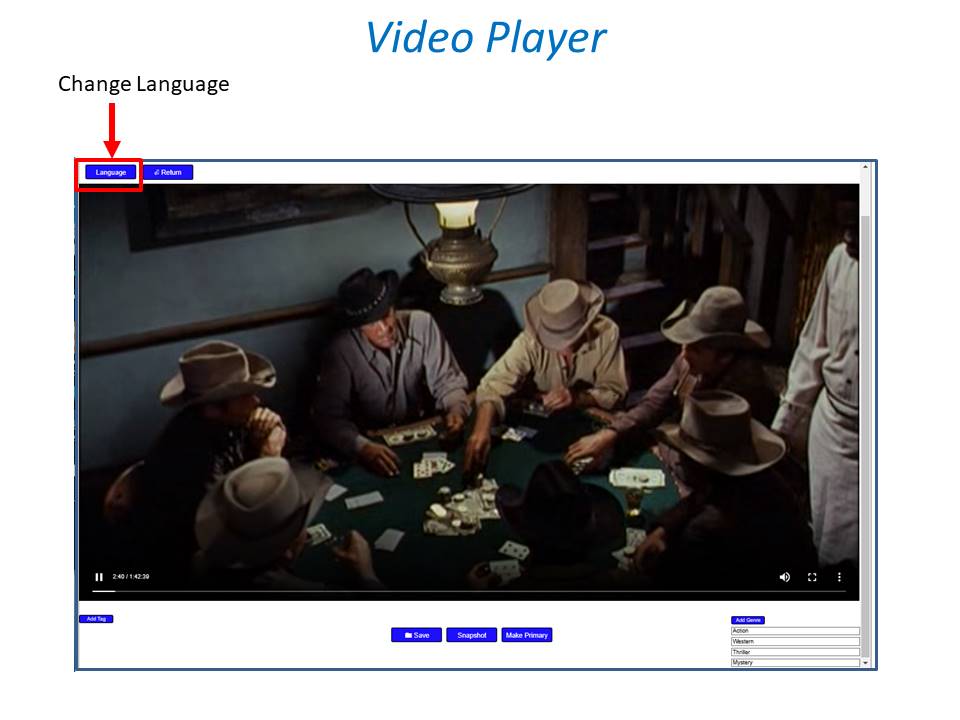
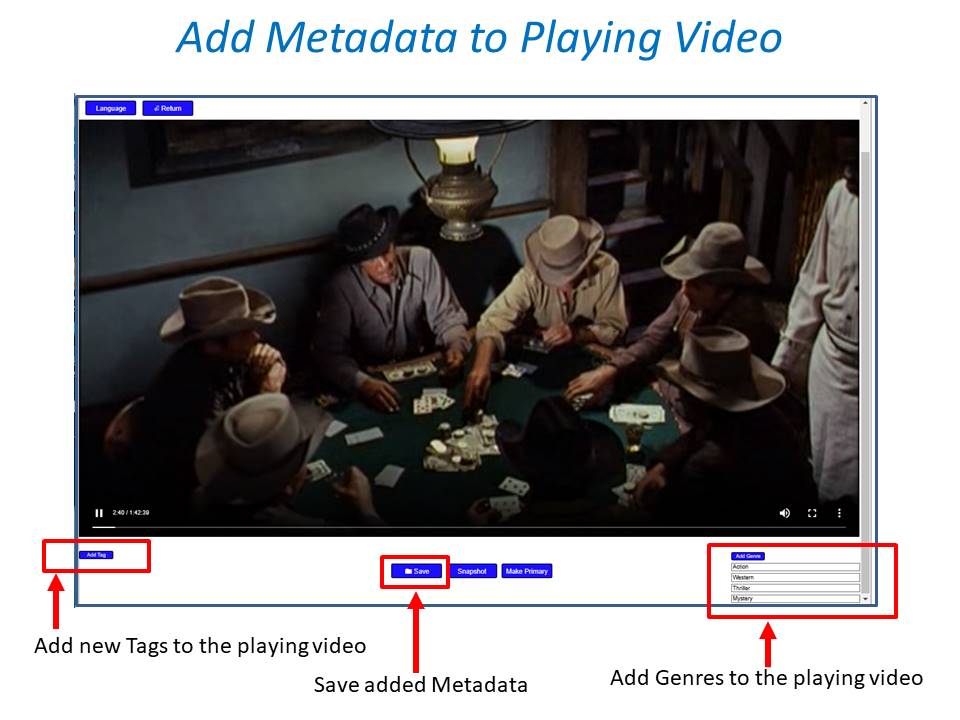
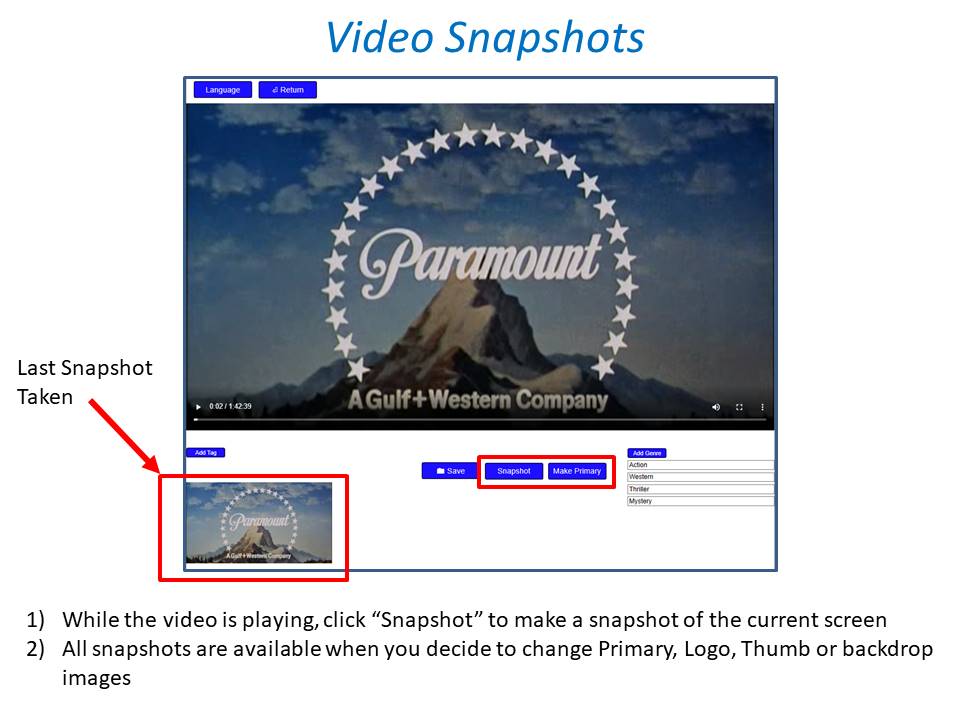
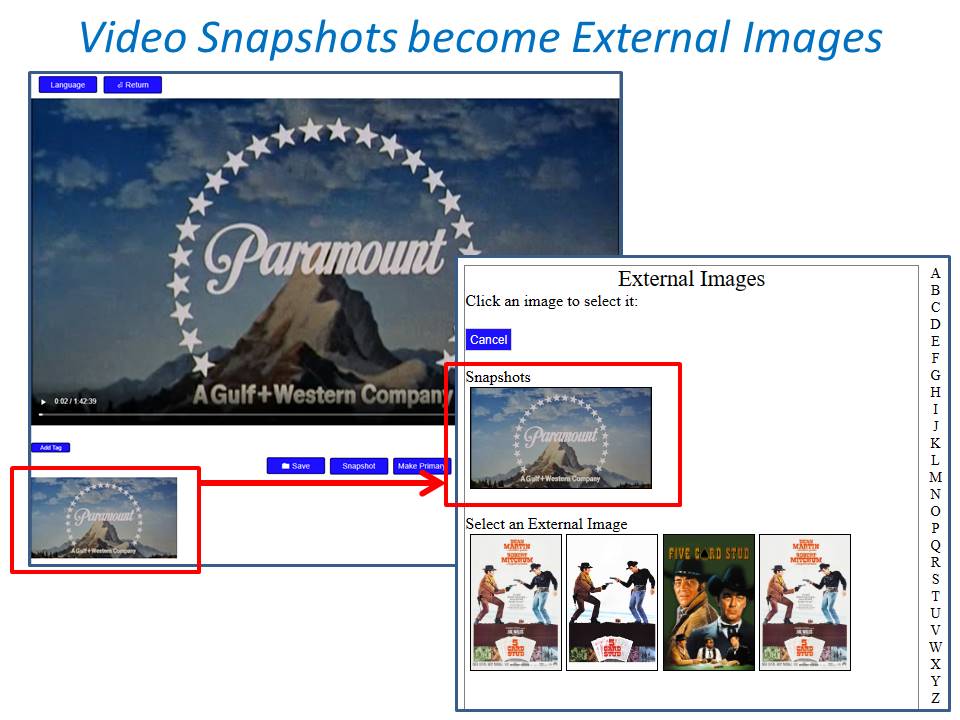
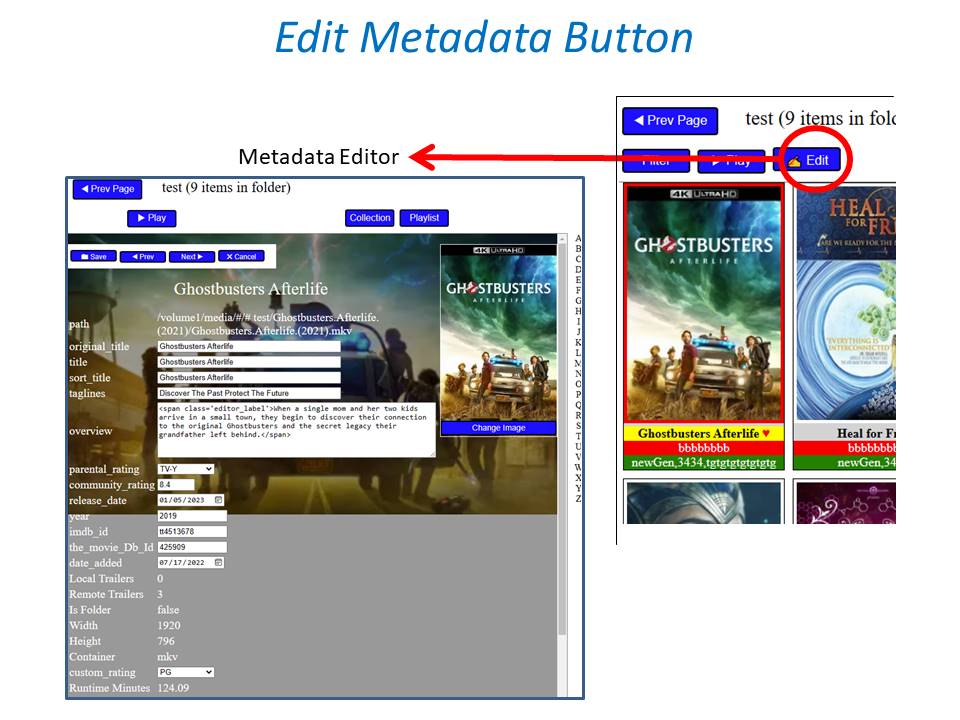
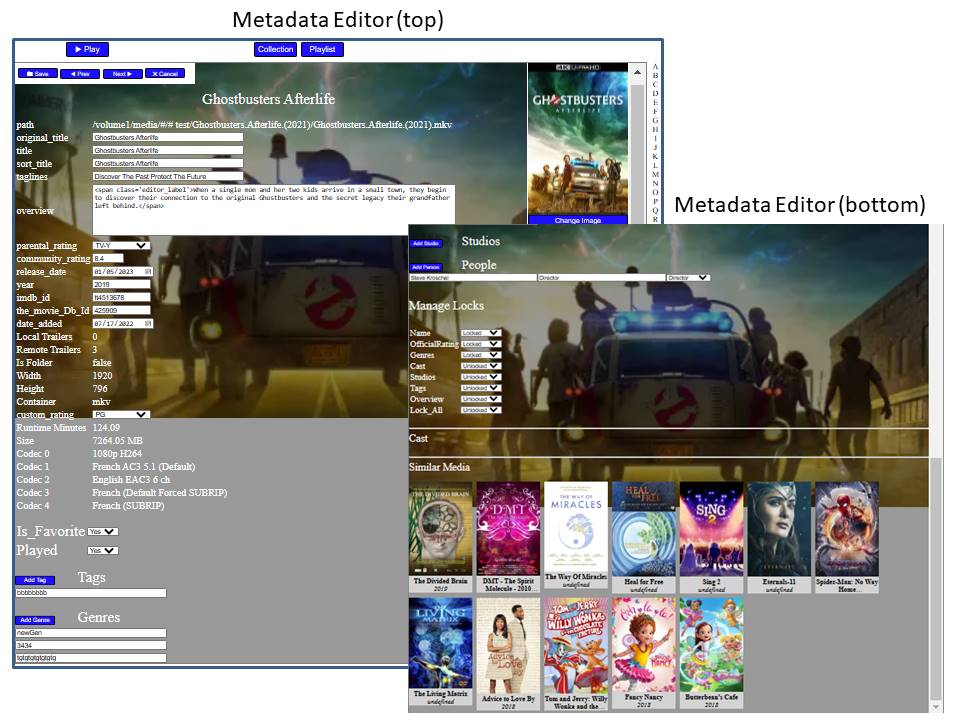
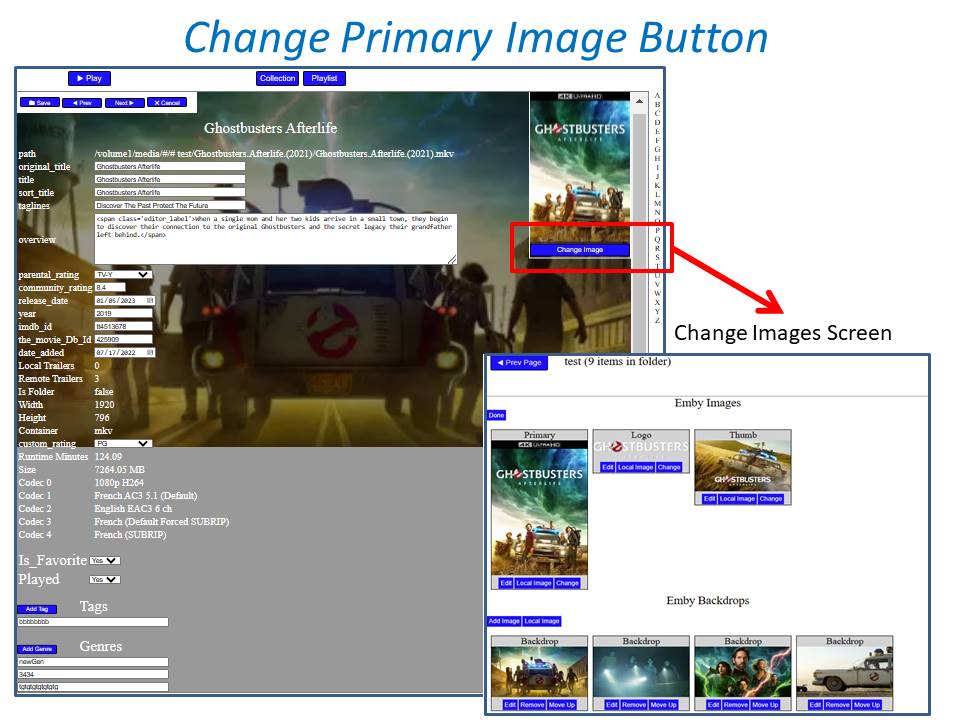
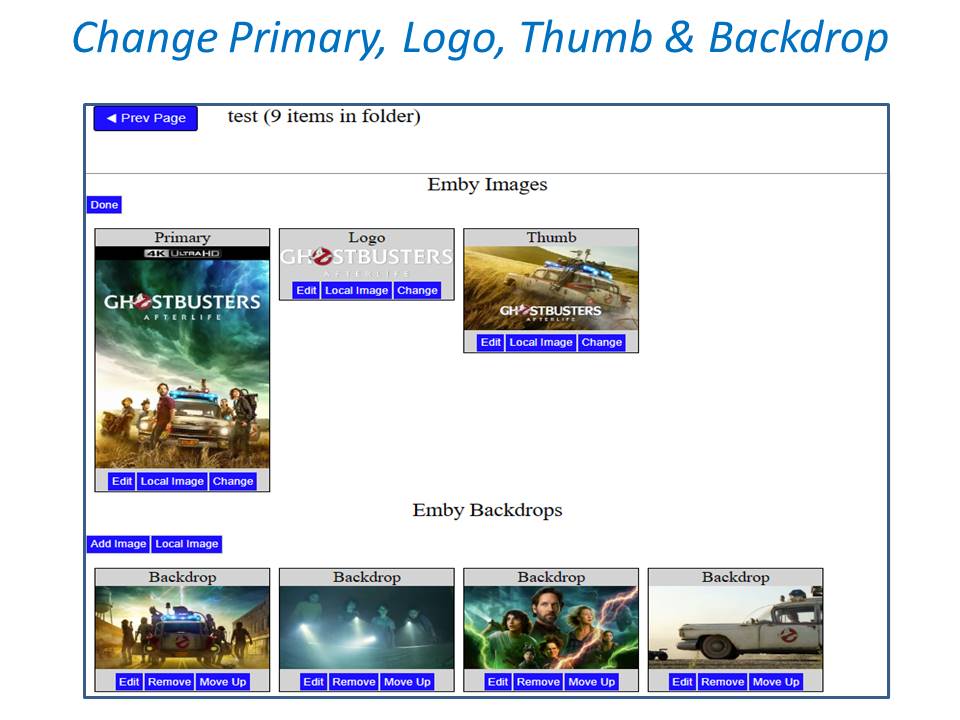
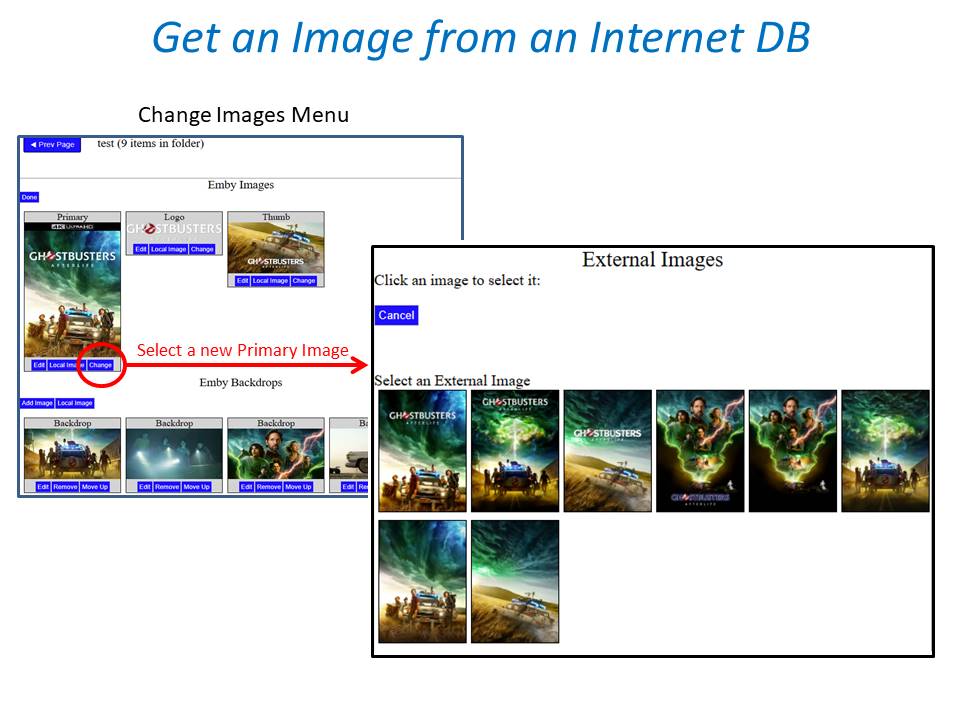
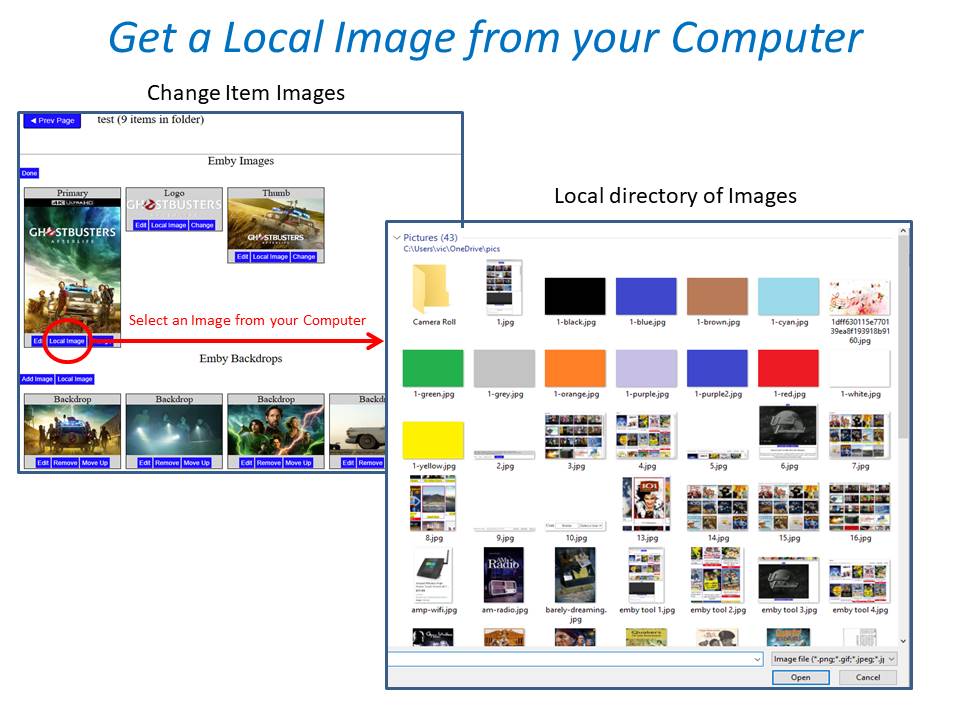
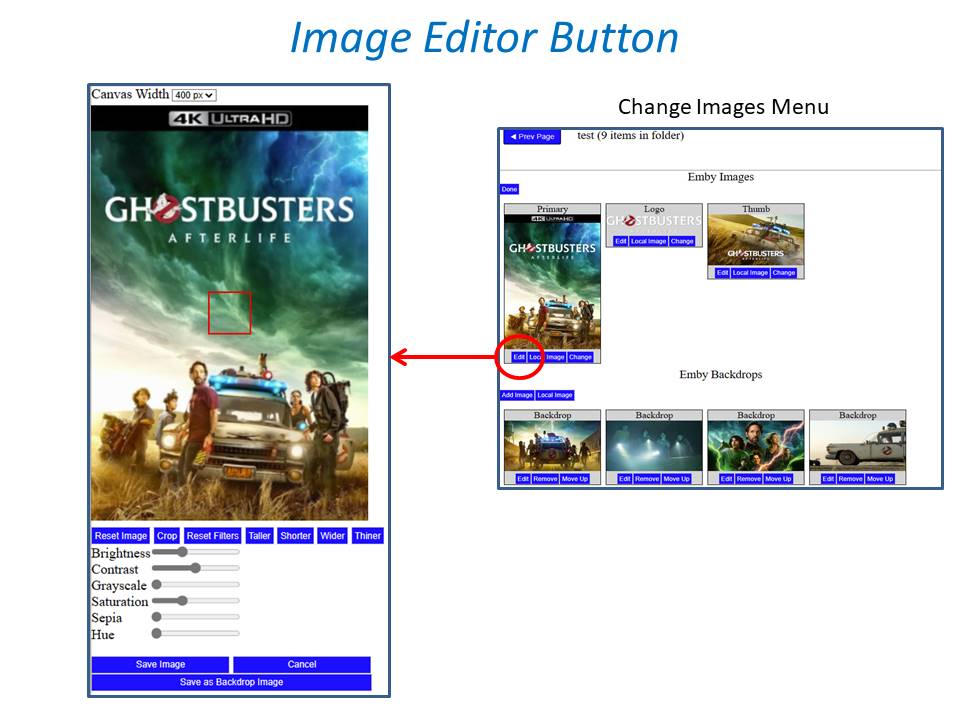
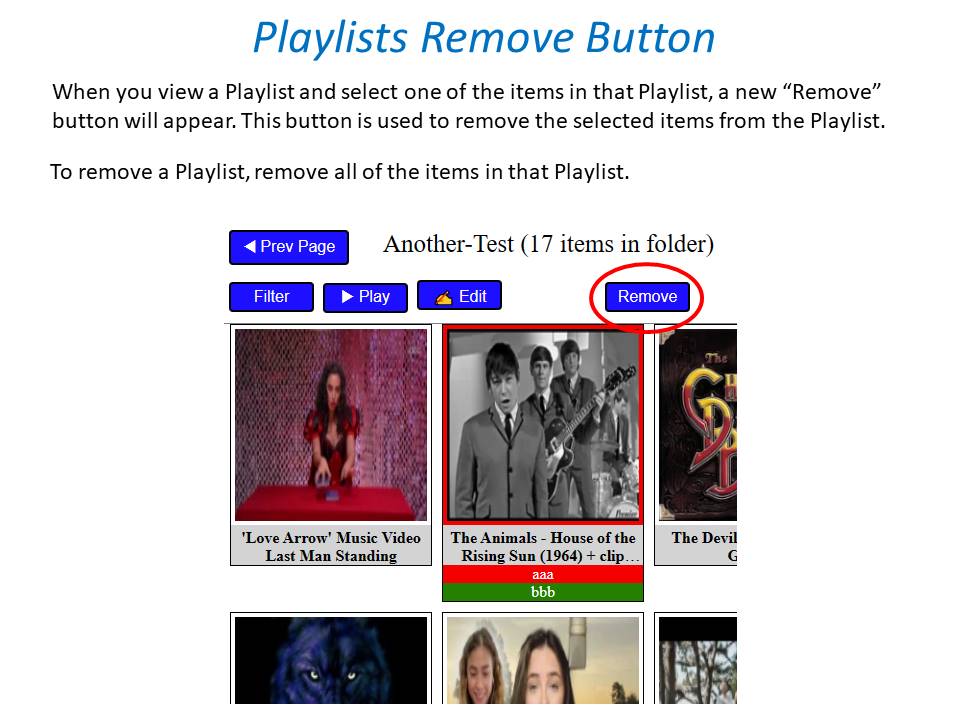
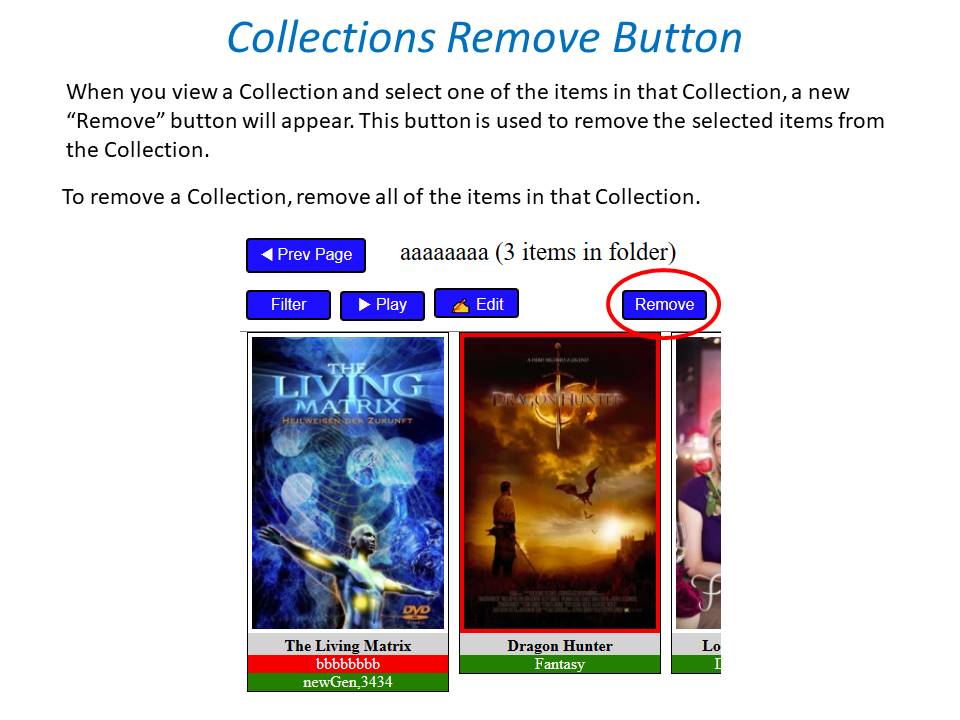
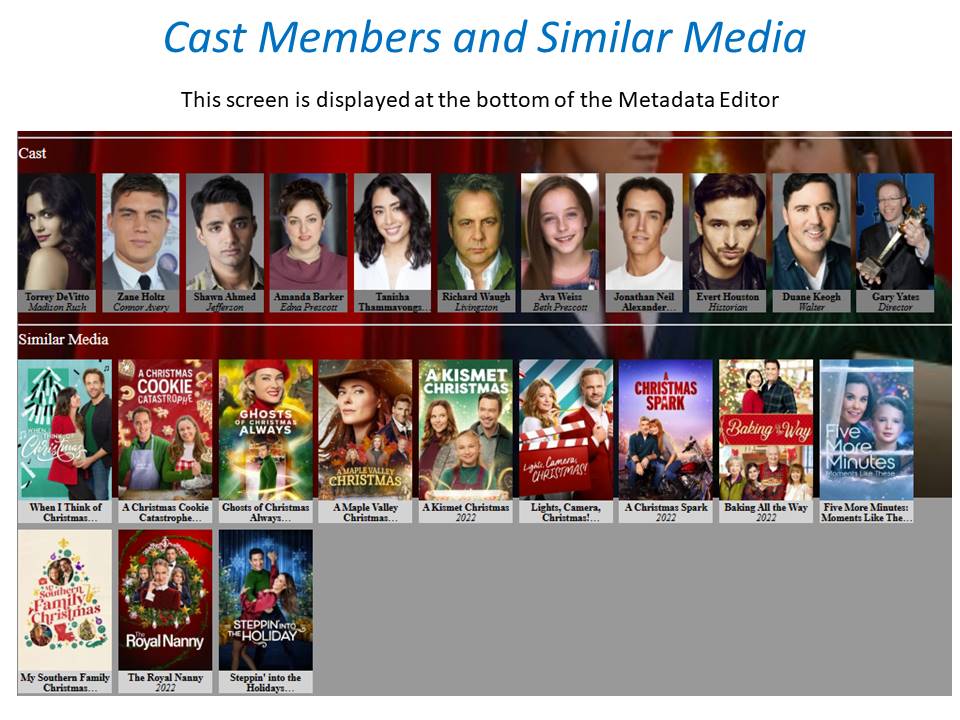
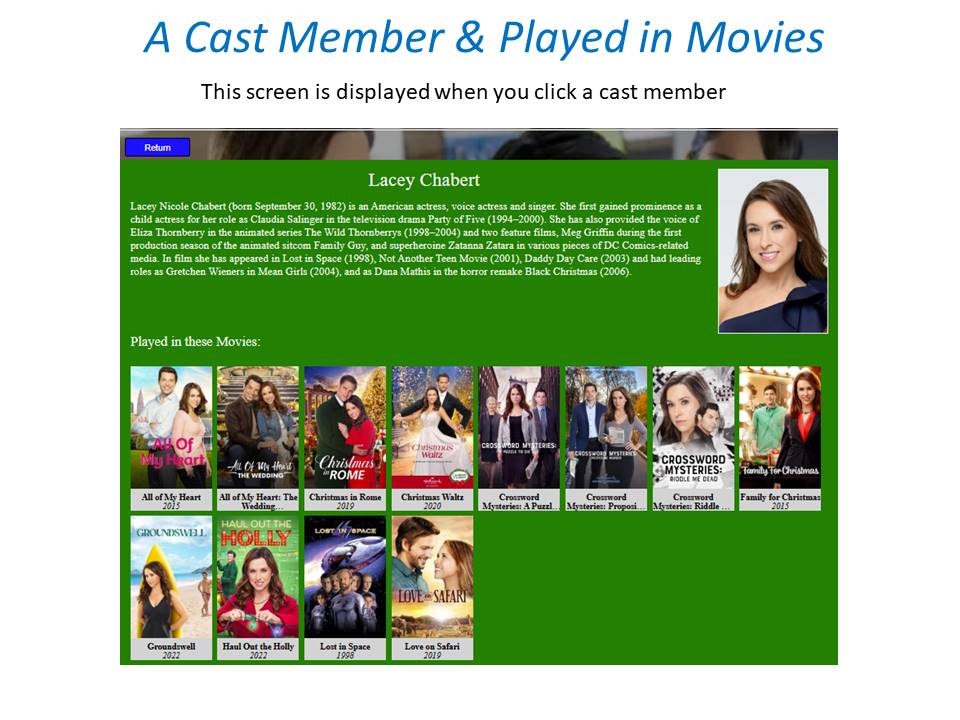
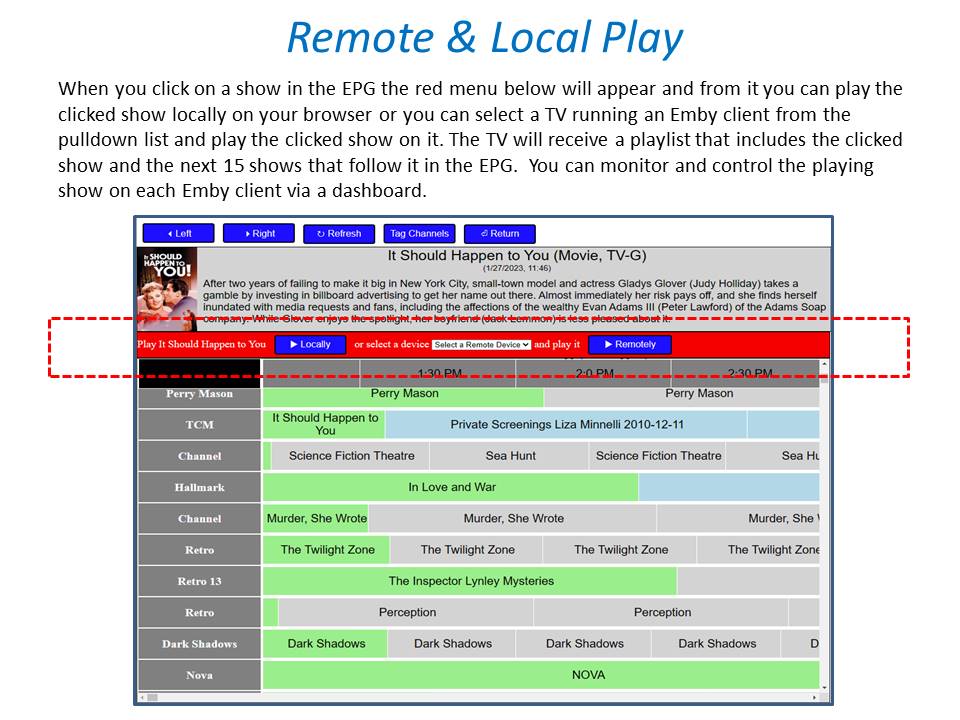
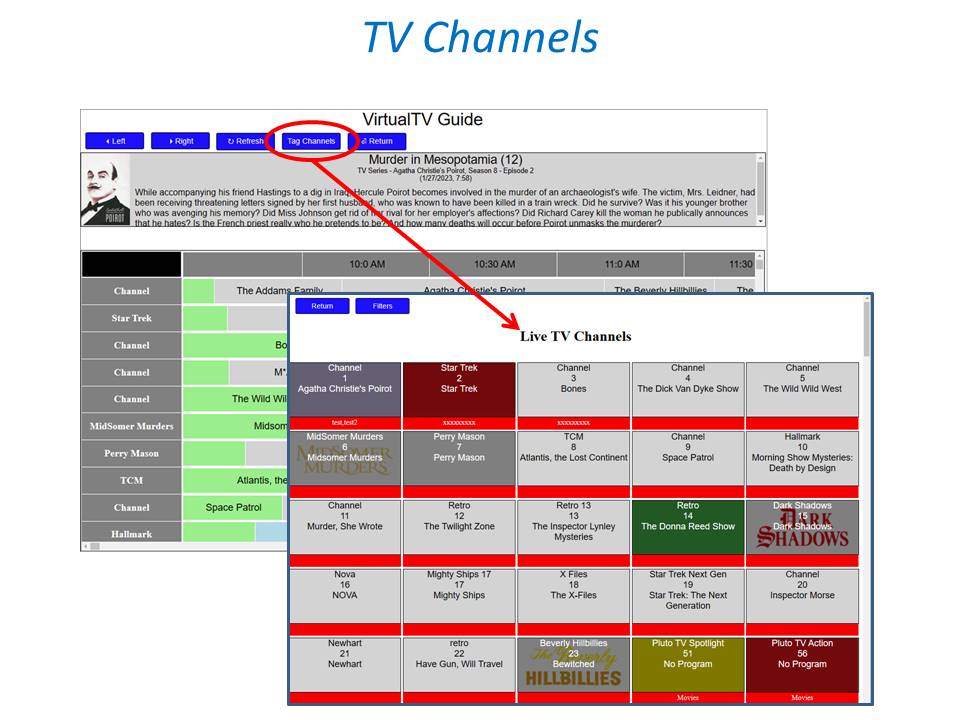
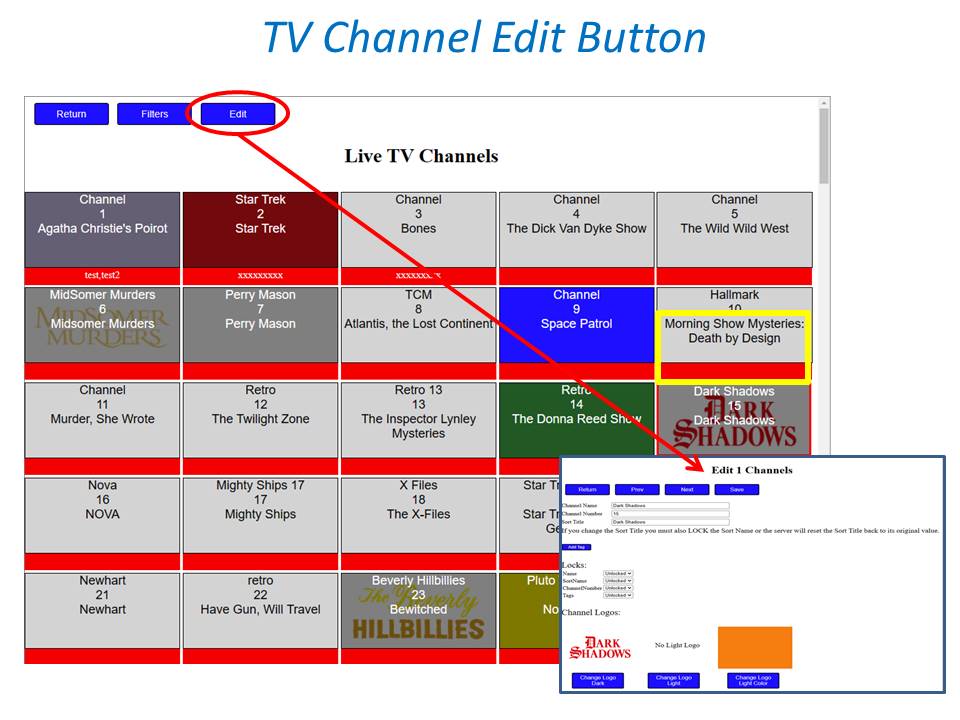
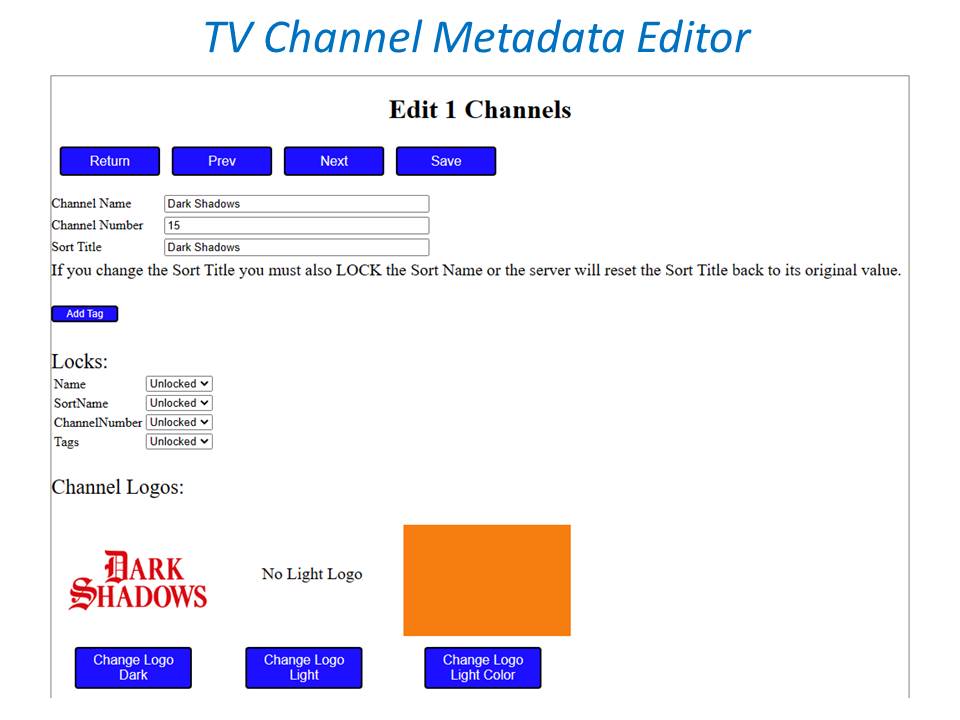
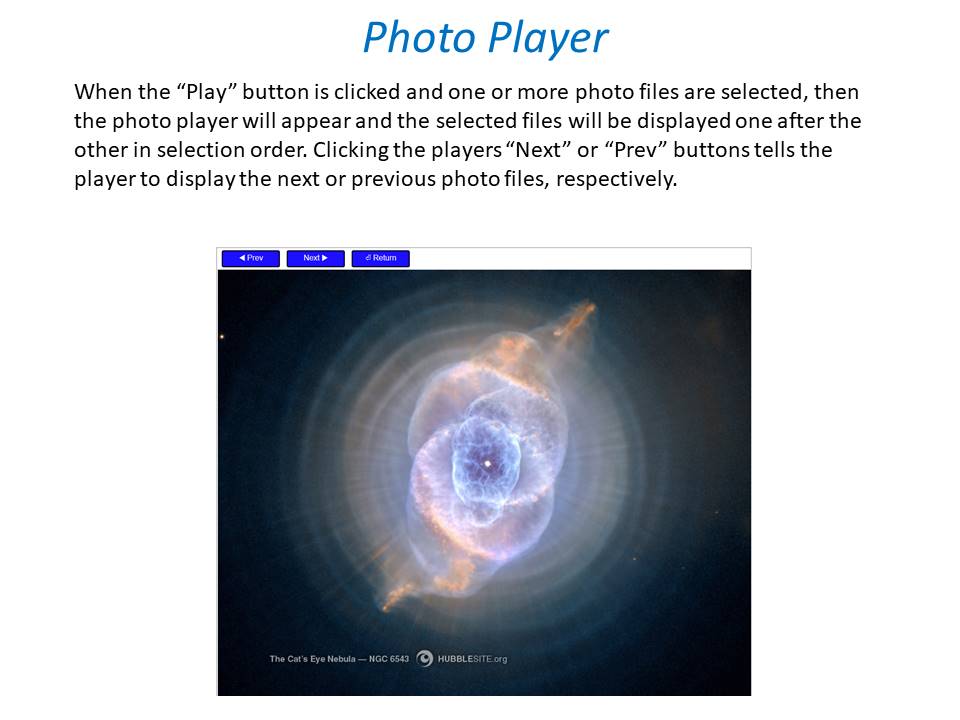
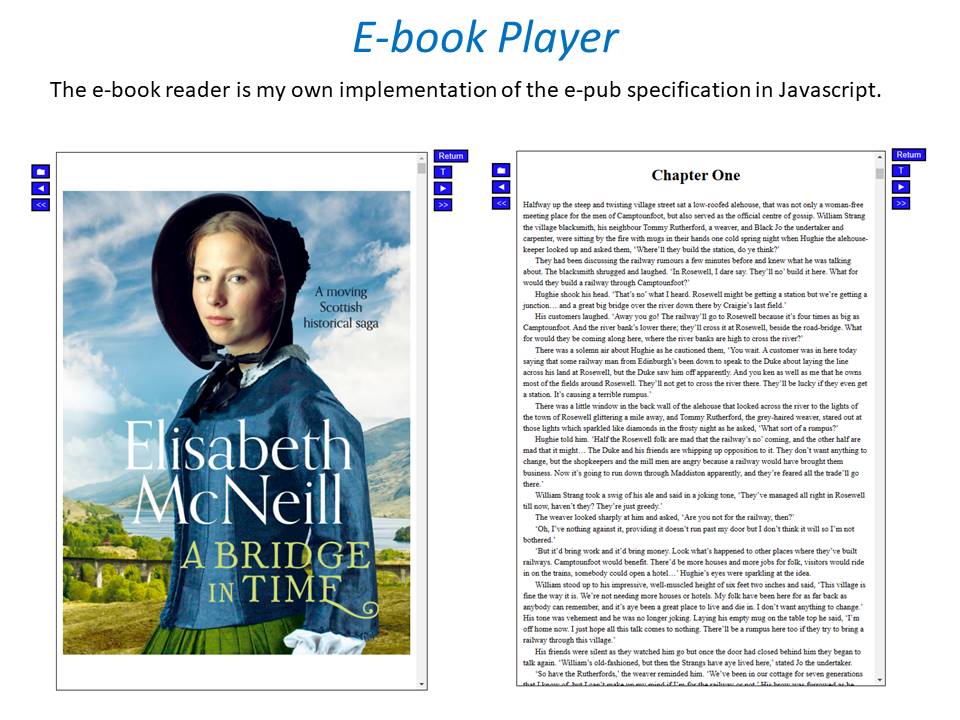 1 point
 -
Please read this post first. I was wondering if it would be possible to add something that would allow you to skip the intro to shows automatically while binge watching. When watching Netflix it does this for some shows, and im not sure if thats a feature of Netflix itself or a Chrome extension i use called "Flix Assist" but it would be a nice feature to have within Emby as well. and possibly even create a custom timed skip for specific shows1 point
-
With 1GB upload, sure you could try setting each client at max settings. (this is my setup). Then if any particular friend or device can't handle the max settings try each lower setting until you find the proper "max" for that person/device. This to me is the optimal method to use Emby. Basically tune each client setting to your server.1 point
-
All you can do is try but sustain high bitrate items were never meant for network they were designed for HDMI. So the odd of High bitrate items transmitted across the internet will be questionable. I will not say not possible as ever route can be different with every connection.1 point
-
I tried clearing the Emby cache, no improvement. But after a factory reset and setting buffer to small, it works perfectly.1 point
-
Glad you were able to resolve the network issue.1 point
-
SRT subs do not exhibit the same problem but my goal is to get PGS working smoothly again for this particular device. The simple workflow of buy, rip, scan library, play is ideal compared to going and looking for the right subtitle file that matches up to the retail versions of what I buy, testing it, naming it, etc. Unfortunately it's way too much overhead. For others reading this thread and may view using SRT as a workaround to the issue, I can confirm in my limited testing that I cannot reproduce the issue when using subtitle files of that type.1 point
-
@katiekat641The log is full of "The network path was not found". LibraryMonitor is skipping all libraries do to this also. So the server can no longer see your media via the path given properly. 2021-07-18 09:39:39.720 Info LibraryMonitor: Skipping realtime monitor for \\CAD-ENT\Media\Audiobooks because the path does not exist 2021-07-18 09:39:39.720 Info LibraryMonitor: Skipping realtime monitor for \\CAD-ENT\Media\EMBY because the path does not exist 2021-07-18 09:39:39.721 Info LibraryMonitor: Skipping realtime monitor for \\Cad-Ent\Media\Movies because the path does not exist 2021-07-18 09:39:39.722 Info LibraryMonitor: Skipping realtime monitor for \\Cad-Ent\Media\Photos\PETS because the path does not exist 2021-07-18 09:39:39.722 Info LibraryMonitor: Skipping realtime monitor for \\Cad-Ent\Media\Photos\Plex Photos because the path does not exist 2021-07-18 09:39:39.723 Info LibraryMonitor: Skipping realtime monitor for \\CAD-ENT\Media\Secret\Video because the path does not exist 2021-07-18 09:39:39.724 Info LibraryMonitor: Skipping realtime monitor for \\Cad-Ent\Media\TV because the path does not exist1 point
-
Thanks all. I give it a try. Thanks for all help.1 point
-
Yes custom css is limited to the web client. But you could do something like this as the code keeps changing and getting harder to target in areas. div.mainAnimatedPages.skinBody div div div.vertical-wrap.centered.itemsContainer.padded-top.padded-bottom.padded-left.padded-right div:nth-last-child(-n+2) {display: none;}1 point
-
What version of the server are you on? I had this issue but 4.6 fixed it for me.1 point
-
It was only a few series transferring from my home network PC 's. Just replaced them and it was okay again.1 point
-
Yes Direct Play confirmed, also found out it not just 4k ; Noticed the same on some other files that are 1080p but HEVC/H265 with AC3 or EAC3. That 4k demo file has Vorbis audio.1 point
-
Ok one thing to test, to see the tv can handle the file at all. Copy a 4K movie on a stick or external HDD and try to start it directly on your TV. Lets see if this works and how it runs. If you don't have ffmpeg log at all on your tries till now, the playback/transcoding process never started and the client never grabbed the movie.1 point
-
@GrimReaper76 "stole" my idea. I would think downloading and renaming trailers to look like the movie would be the ideal way to handle this for a coming soon library.1 point
-
Oh, sorry, you are talking about creating a plug-in. I read too fast. The public plug-ins are the best source of examples there. Thanks.1 point
-
Hi for the web app you may be able to use CSS to remove those but you will not be able to remove those options in any of the apps (ie Android, Roku, etc). If I were you I would give this a try and see if your autistic child has any issue with this. My son is autistic but Emby never caused him any issues. He actually could fly around the menus like a wizard as it just "clicked" for him. Everyone is different of course but I would give it a try.1 point
-
Can you please try with this app and see if it has the same issue?1 point
-
Hmmm, that's an interesting project, however I don't see it being feasible in the way you desire, without some sort of media file (either dummy or real). My suggestion would be to attach a trailer to it (download and rename it as a movie, not trailer), make a Mixed content type library and scrape as a regular movie (or provide nfo); that way users could check the item description, cast etc. and upon pressing Play would play the trailer, complete package. A bit of manual labor, though.1 point
-
@crusher11 your issue to me sounds media related vs hardware related unless you've turned on some special processing on the amp or TV. I'd go back to square one and if needed try a few tests such as plug the Shield TV directly to the TV even if you can only play 2 channel audio through the TV (good enough for this). Setup the sync using the bouncing ball. Now anything you play that has been authored correctly should be in sync and shouldn't matter if it's from Emby, Netflix, Hulu or Youtube. If you still see some sync issue then reset your TV at this point to factory settings and try again without the amp inline. Once you have that working re-introduce the amp and check your sync. If it's off more than a couple of milliseconds you have a different issue than audio sync and might want to factory reset the amp. The thing to keep in mind is audio sync adjustment does not change based on media played or source of media. It's only adjusting a timing difference in the hardware setup which doesn't change once setup. If Netflix/Hulu/Youtube vids play ok when adjusted correctly using the bouncing ball sync but your media doesn't then you have a media authoring issue or a setup issue maybe with the wrong refresh rates set on the Shield TV itself. If you playback your media on a PC with it's internal sound system (not plugged into anything) using Theater Desktop that is direct playing (check this) your media do you have any sync issues? If not and it's a notebook try plugging the notebook into your amp or TV and see if you now have a delay that's changing. Process of elimination and testing like this will help show where the issue is at.1 point
-
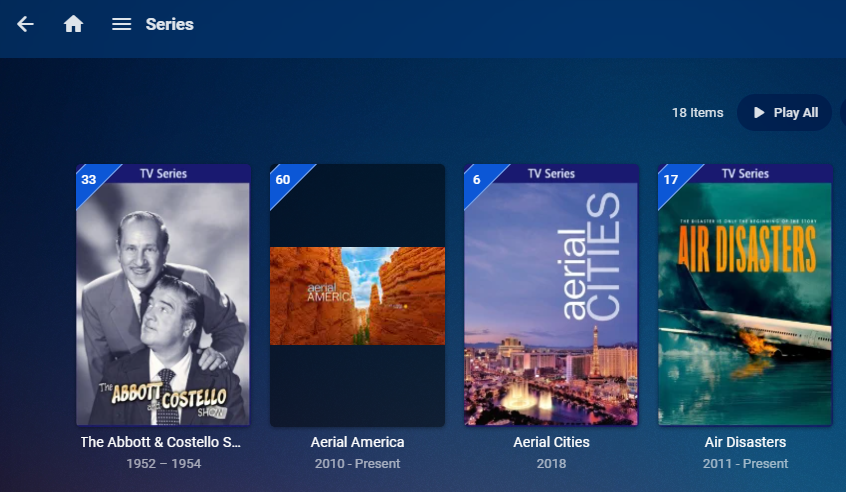
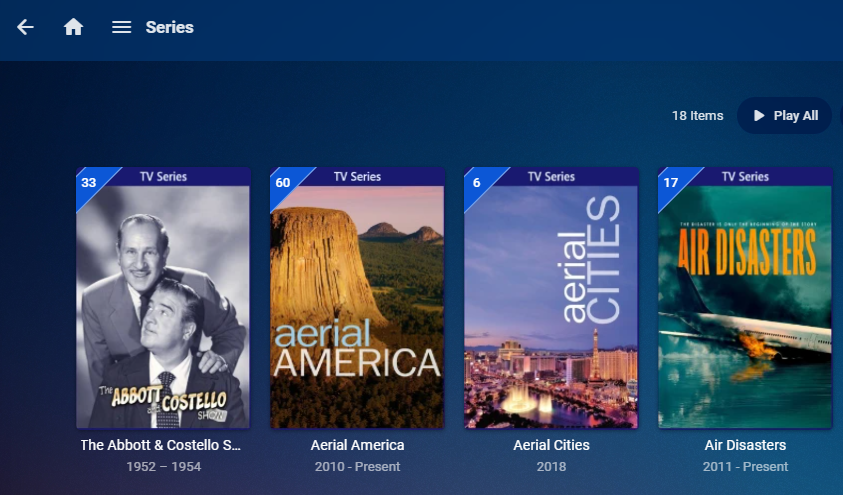
@Luke I've had this issue in the past as well but haven't tested on 4.6+. I'm setting up a test right now. I have: e I just changed Aerial America so it looks like I have an episode set to record at 9am so once finished I'll check to see what happened to the poster.
 1 point
 -
That should be feasible via custom CSS, @Happy2Play might lend you a hand there.1 point
-
this make sense that server info is masked, I have experience where one of client share the info with other friends not releasing that I have control access at the server level, and other option which are moved also make sense like cache all, manage media. Let me know when you have resolved the fanart rotational interval on the titan skin, and the "Set" then I can move to testing 6 series sole without changing between 5 and 6. Thanks1 point
-
A mi me pasó una vez, marca ocultar el usuario y guarda, después desmarca y vuelve a guardar ¿El usuario aparece en la pantalla de login?1 point
-
The skin is Titan, I used confluence for troubleshooting as its convenient, what I send you through private is Titan yes it's Kodi 9.1 and Titan Skin Matrix1 point
-
I'm unfamiliar with the Yamaha - but if it's anything like my Denon, then the ONLY reason to add delay to the AV output is if the processing on the VIDEO (by the AVR AND the TV) is slightly delayed. I have it set mine zero delay with the built in AVR function (with an LG TV) - but I could see why you 'may' need this as you are 'repeating' the VIDEO HDMI signal via the AVR - thus could be introducing latency and you need to then delay the AUDIO to keep it in sync. Once set - this should never change (as @cayars has explained) because this is the HDMI packet /hardware layer - it has nothing to do with the fps of the video for example. Ensure the Shield app is set to auto-switch video fps (so a 23.976 video plays with a 23.976 refresh on the tv) and as long as your rip was properly synced in the first place - then you should be good. Remember, 24 fps is NOT 23.976 fps, 30fps is NOT 29.97 (for NTSC video) - so always check this - some rip programs get this wrong - and thus your sync will slowly go out regardless of what you set.1 point
-
@cayars are you able to reproduce?1 point
-
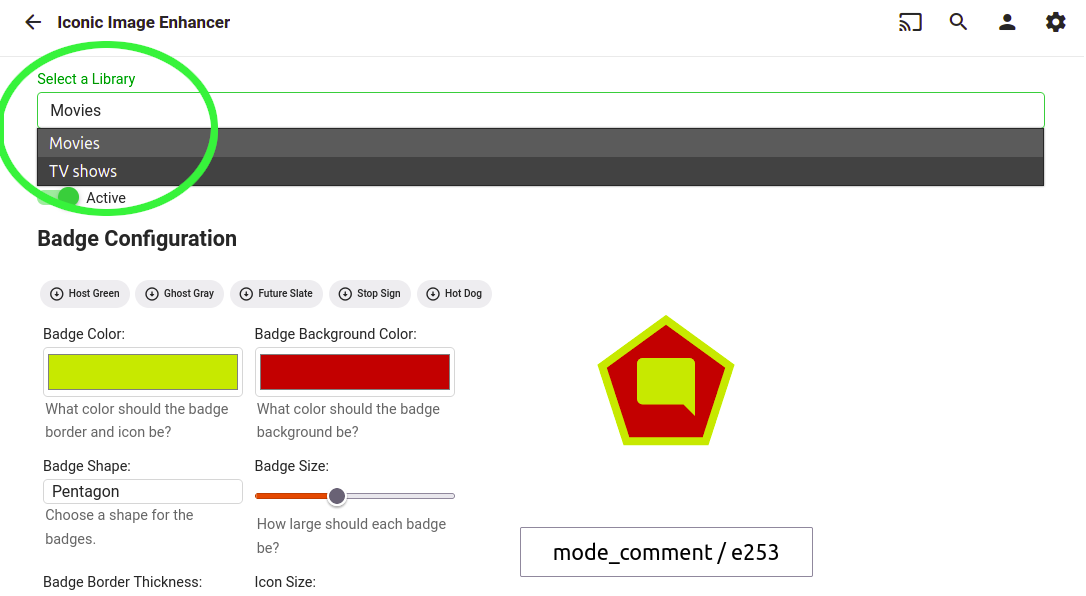
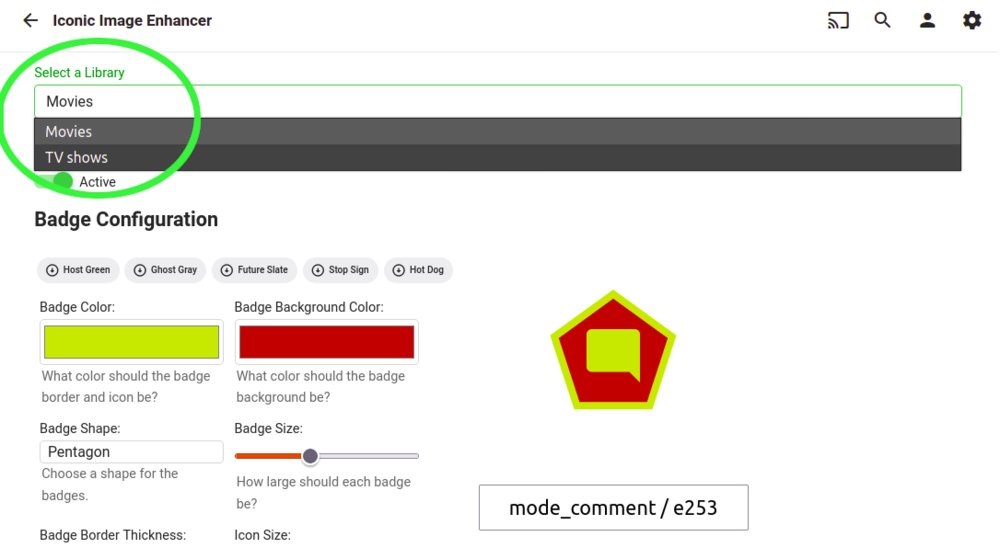
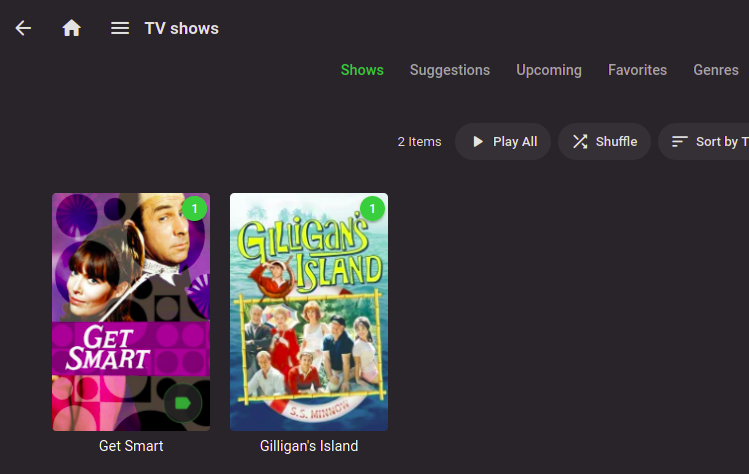
An update on the current state of Iconic development: I've been working on making the configuration Library driven. That means the ability to have different badge styling and rules per library and the ability to activate/deactivate per library. Right now, movie and TV Show type libraries are functional. Speaking of TV shows, initial support for Show level icons is functional. I still need to build a UI mechanism to filter the New Rule list based on type. Once that's in place, I'll be working on adding support for Collections, TV Seasons, and TV Episodes: As soon as all that's finished and mostly bug free, I'll package these features up as a new release. After that, there will be a sincere attempt to implement the custom font set idea. I can't offer any specific time frame for delivering any of this, but it is happening.
 1 point
 -
Indeed. Chrome just doesn't have the built-in hevc or ac3 support, so if you're on Windows, that's what makes Edge very desirable.1 point
-
Hi, yes all of our apps will be getting updated to match. Thanks for the feedback.1 point
-
I'm actually struggling to understand how you would even be able to adjust sync app by app or file by file. To me this sounds like you were making changes in MultiCast for your Yamaha AX and changed it's settings from LipSync which can do exactly what you describe but isn't a Shield TV issue but a Yamaha issue as you switched it's sync functionality. If changed in MultiCast it can't be adjusted other than from MultiCast (known issue). Here is a small thread on that. https://www.avforums.com/threads/yamaha-rx-a670-audio-sync-issue.2169862/ Besides that you can go into you Yamaha and set it to manual from auto sync to fine tune it per HDMI port. With good HDMI cables typical 2ms is all that's needed in the amp settings. Of course you can leave it manual at 0 ms delay and adjust strictly from the device such as Shield TV but you don't want multiple things all trying to change the delay. Same with TV, check it's settings as well. If you want to find out for sure if it's the amp plug the Shield TV directly into the TV and set the delay using the bouncing ball and it should be accurate for every app that plays on the Shield.1 point
-
Okay, thanks. It helps a lot that the files are basically OK. Then I'll keep looking for why it doesn't work in the car.1 point
-
I use a reverse proxy (nginx) to fix that issue. This way I have my "emby.x.com" hostname pointing to localhost:8096, my "librenms.x.com' to localhost:xxxx and so on. This way you have one "webserver" which acts as a reverse proxy, listening on 80,443 and guiding you to the correct daemon that listens on different ports using hostnames. If really want emby-server to listen on that port you have to run the emby-server daemon as root. This is needed because port 80 and anything below 1023 are privileged port numbers and require root privileges to be opened. Put this in rc.conf and restart the daemon. emby_server_user="root" emby_server_group="wheel" # not sure if this is needed, try with only the above line first Although this is not a good practice or good advise. Best is to either use a reverse proxy or @MRobi's suggestion.1 point
-
There's an easy way to do this without having to mess with any settings within emby pkg install socat sysrc "socat_enable=YES" sysrc "socat_flags=TCP-LISTEN:80,fork TCP:127.0.0.1:8096" Now anytime you hit the jail on port 80 it will forward the traffic to port 8096.1 point
-
Here is an emby bumper i made. If you wish to download it. Link is here. https://www.dropbox.com/s/din88rsm70487ha/Emby_Intro_AACv2_5_1.mp4?dl=0 Cheers1 point
-
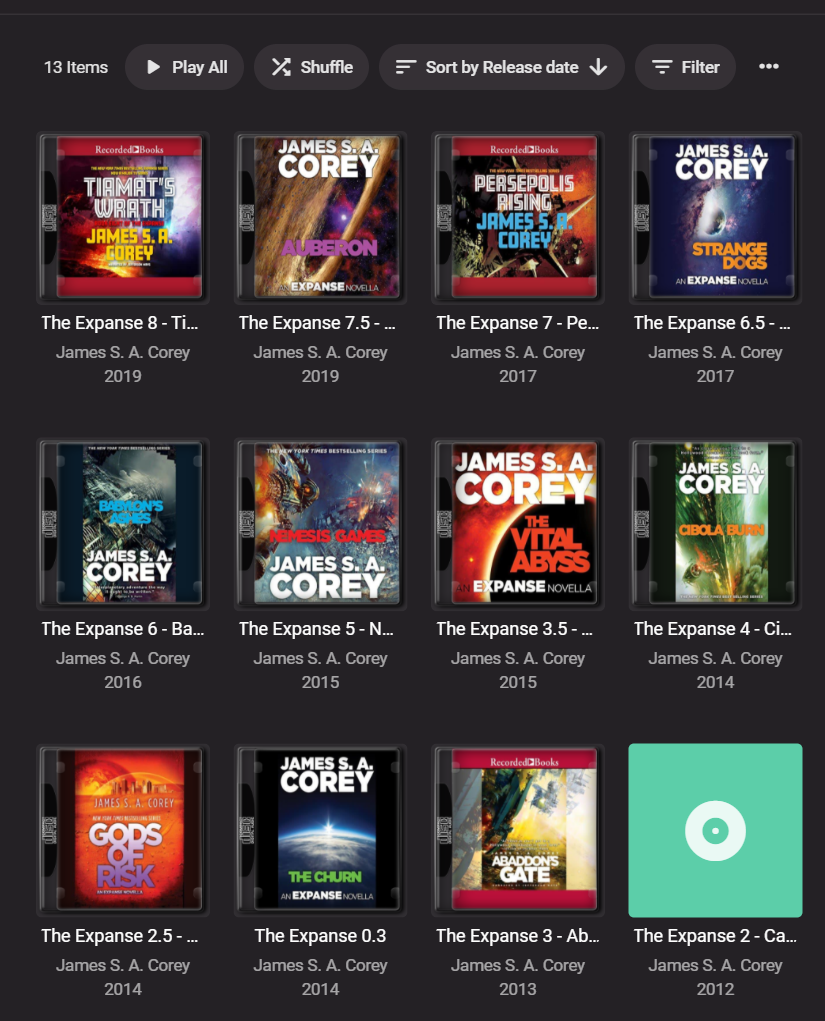
I'd love this feature -- would be much more elegant to have "collections" of books My current janky workarounds are some combination of: include the series as the "album" tag "[Series Name] [Number in Series] - [Actual Title]" have the correct publication date as the "year" tag & consistently spelled Author as the "artist" tag naming my folders in a similar fashion as the "album" tag "[Author] - [Year] - [Series Name] [Number in Series] - [Actual Title]" Obviously this has lots of limitations, esp if there are different authors across different books in the same series/collection Pic below is a current "best case scenario" for a series of audiobooks when I navigate to the "Author" --> "Albums" page
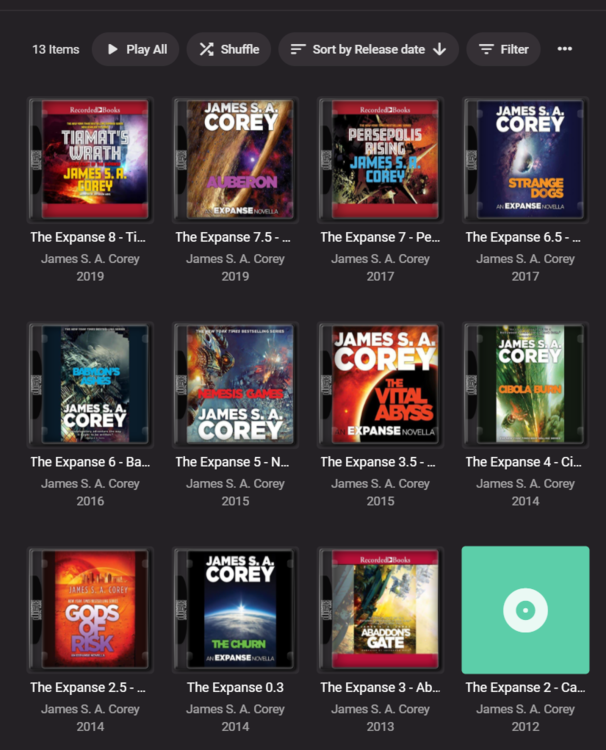 1 point
 -
Hi, this is not correct. Emby still uses embedded tags no matter which option you select. The structured options are there to help Emby locate local artwork files if you intend to use them. They do not impact tag reading, although they might in future updates to try and make the scanning more tolerant of poorly tagged files if you have a perfect folder structure. So the problems you'll run into by configuring this incorrectly would be things like seeing the wrong artwork attached to albums, songs or artists, things like that. This was already a problem in 4.5, the difference is that 4.5 didn't allow you to control it, and it assumed you had perfect artist/album folders.1 point
-
HI, hopefully soon. We are working on it.1 point
-
Hi, yes, hopefully soon.1 point
-
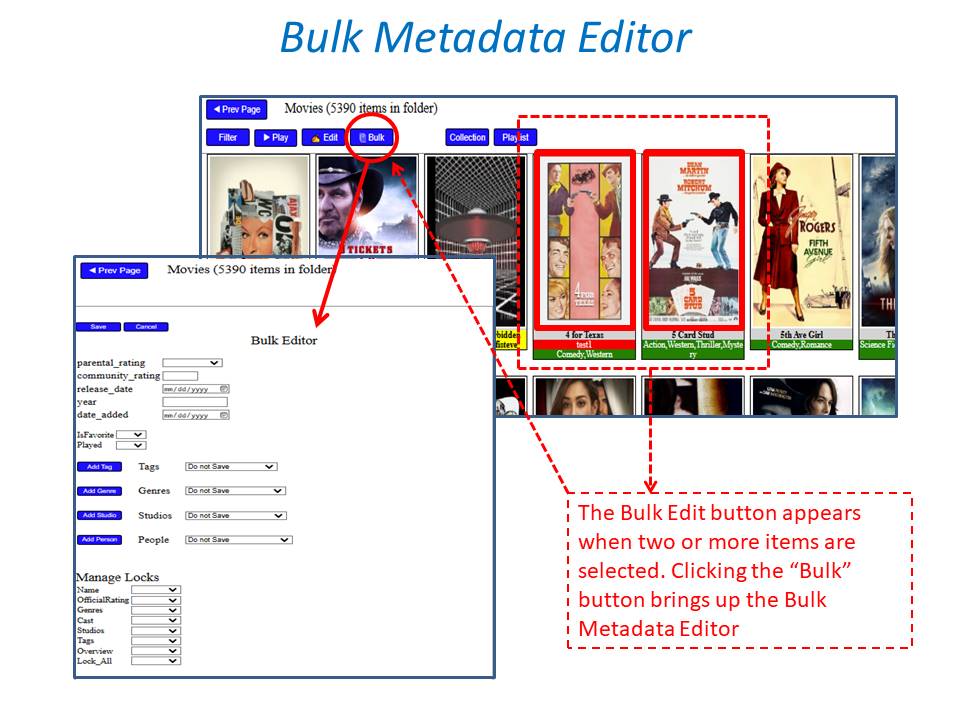
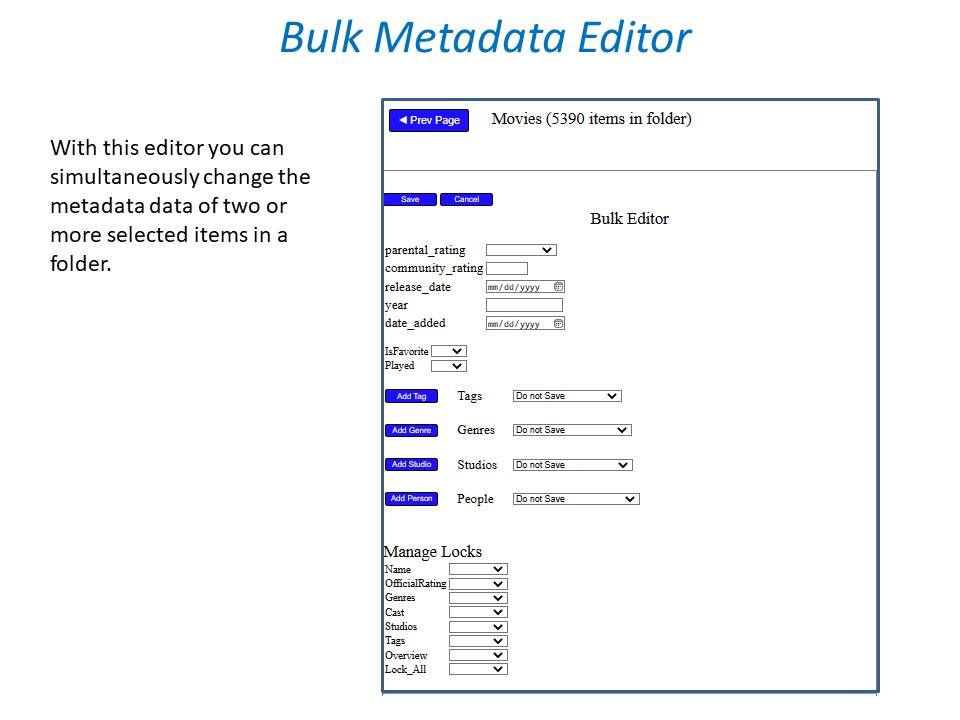
With the increase in tag use in the latest stable version, can we now get bulk editing for metadata? I'd like to tag channels, but I have no interest in individually setting tags for 30+ channels.1 point
-
Probably the same person who decided that something that's on the back of the tv needed to come in different colors....1 point
-
Sounds like a good solution for you, but many fanedits are not based off of a single movie, but rather pull elements together from two or more movies to create something entirely unique and different. Would “In the Mouth of Event Horizon” be an extra of “In the Mouth of Madness” or “Event Horizon”? What if I have neither of those? In any case, I would find it difficult to describe the intent of a fan edit with just a file name. By creating a separate listing, I have the flexibility of more fully describing the edits made and for what purpose. I can also give fanedits a “FanEdit” genre tag, and use sub-genres that they use at fanedit.org such as “FanFix”, “FanMix”, or “TV-to-Movie”, and give the fanedit its own poster/artwork1 point
-
Luke, you said you wanted to get a sense of how popular fan edits are. I have an entire Emby library dedicated to fan edits. (I find it useful to keep them separate from mainstream movie releases.) I would LOVE to be able to use fanedit.org as a metadata source for that library. Right now, for any fan edits I add I have to manually copy the info from fanedit.org into the metadata editor in Emby. It's quite time consuming. Thanks for your consideration!1 point