Leaderboard




Popular Content
Showing content with the highest reputation on 07/05/21 in all areas
-
Before the new update I just go to (control panel) then (user & Group) then choose the user (emby) - (EDIT) - (Permissions) and mark read/write for the the folder I want emby to share. But this is not working any more still can't add the folder to the library it will stop at /volume1 You need to give the permission in the shared folder it self for each share you want emby to access. here is what you need to do: 1- Go to Control Panel and select shared folder. 2- Select the share which contains your media and click Edit 3- Click the Permission tab. 4- Change the dropdown from Local Users to System internal user. 5- Check the read/write checkbox for the Emby user. 6- Click save to confirm the new permission. Don't forget this must be done for each share folder you wanted to be added. This is really annoying if you got many folders but you will do it one time any way. Hopefully this will be helpful2 points
-
I learned long ago, don't give hand me downs to parents or people who are not technical. Give them "top of the line" for reasonable price equipment and save yourself grief.2 points
-
Hi. Yes, there are a couple of topics on this. We believe this is an issue in the player that we are trying to track down. Thanks.2 points
-
I'd assume quite a lot of users do use custom graphics - and can hardly imagine anyone not replacing an artwork or two every now and then. What exactly was your issue? Do you store images with media files or your setup is db only? Either way, they should not be overwritten by Library scan in any scenario, only Refresh metadata with deliberately selecting "Replace existing images" would.1 point
-
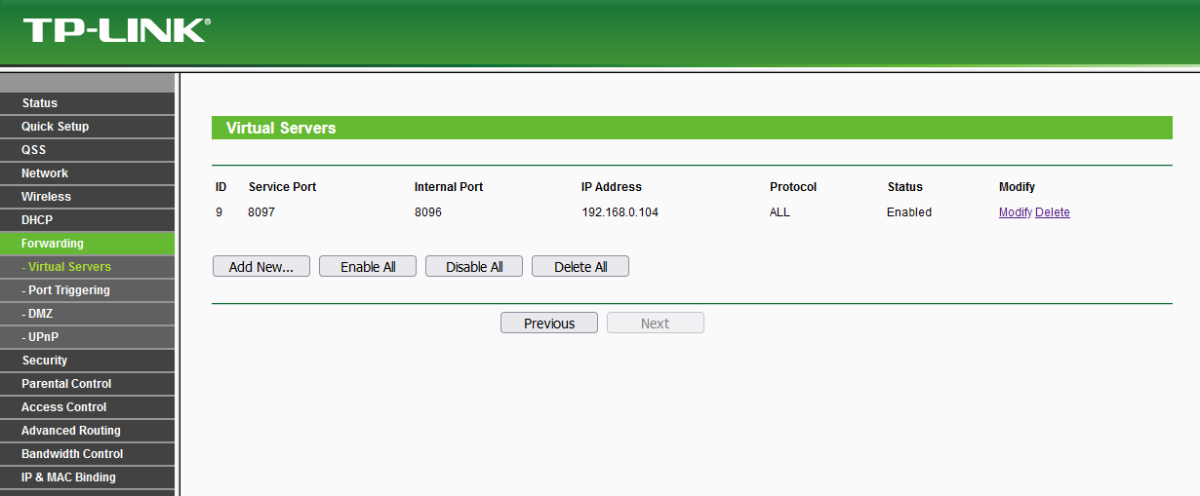
Thanks guys. Looks like my port forwarding was reset somehow at the router level. I re-added it and all is good. Thanks again.1 point
-
Note Emby has to be shutdown in order to open the library.db properly. I would suggest ensuring you have a backup of your library.db before doing anything.1 point
-
IMHO it would be good on a PC if Shift could be enabled to select multiple Movies.1 point
-
Thank you Cayars and DJX!!!!! It works !!!!!!!!!!!!
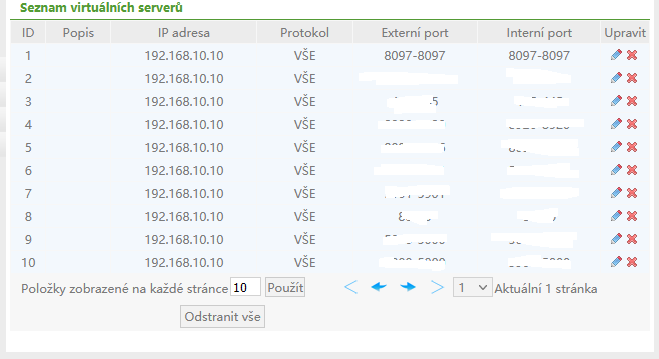
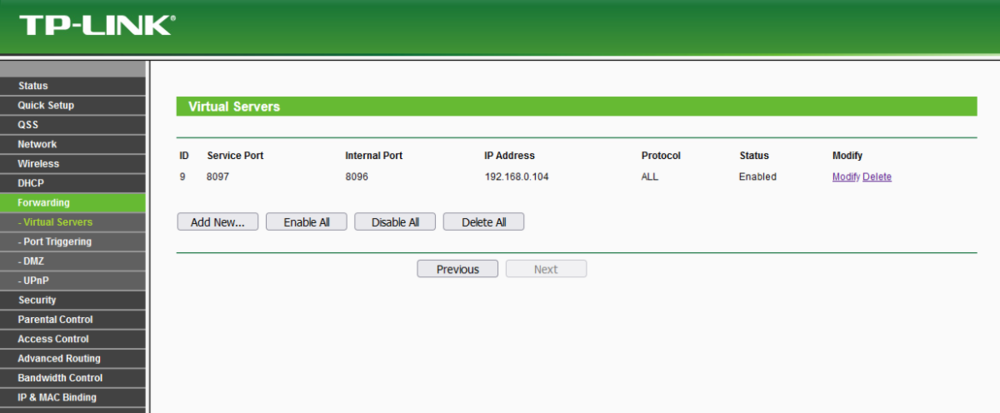 1 point
 -
If you can't figure this out send me a PM and I can do a remote session with you help you get this done rather quickly.1 point
-
One server goes from outside 8097 to inside 8096 (set 8097 in network remote port) One server goes from outside 8096 to inside 8096 (set 8096 in network remote port).1 point
-
Interni Port : 8096-80961 point
-
There are not tvdb IDs and he's moving an episode between "shows". As Cayars pointed out, for TV the watched status is kept based on show/season/episode so, if you move a file from one show to another it is now a different episode because it is now a different show.1 point
-
Okay, it looks like they are trying to play an HEVC Hi20 item on a legacy Fire Stick. The device doesn't support it and the app is trying to software decode it but the stick just isn't powerful enough to do it. If they use playback correction twice, or maybe 3 times, it will probably play for them (by transcoding on the server). I believe the beta of the app will not try to software decode this any longer and always force a transcode.1 point
-
its not the shield, i just confirmed by my other users calling me saying it is down... and i just checked systemctl and emby was running ... i just restarted it and its working again... so strange1 point
-
Ok , So have tried 1.0.97, with the same results. I also have copied the same file (4k HDR10,EAC3, Mkv) to a usb and it played perfect and smooth. I also want to mention I have an HU8550 with oneconnect box wired ethernet , plays this just fine, also the previous tv, TU8000 (2020) also wired, played it just fine also. Its only present in 4k HDR10 EAC3/AC3 Direct play, anytime a 4K HDR10 MKV with TrueHD or DTS is direct streamed(audio transcode), its also plays smooth.1 point
-
Problem gelöst. Die Endpointcontrol blockierte klugerweise den internen Server...1 point
-
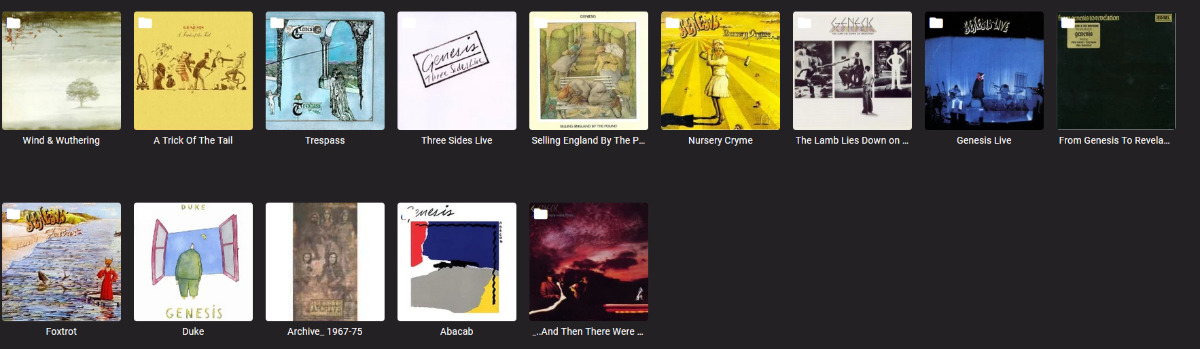
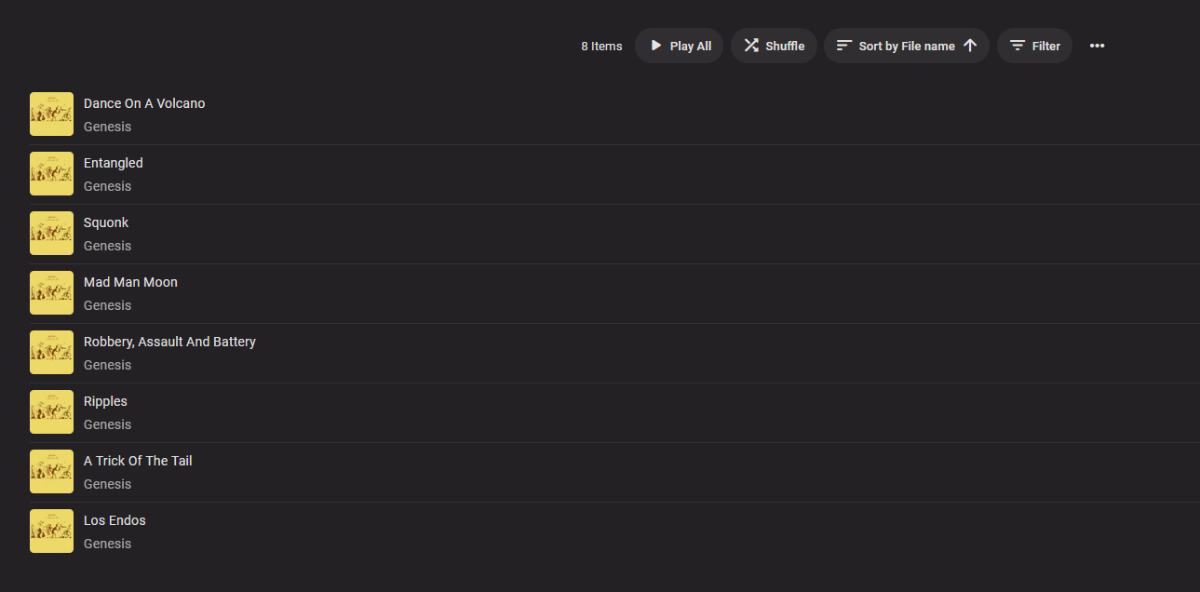
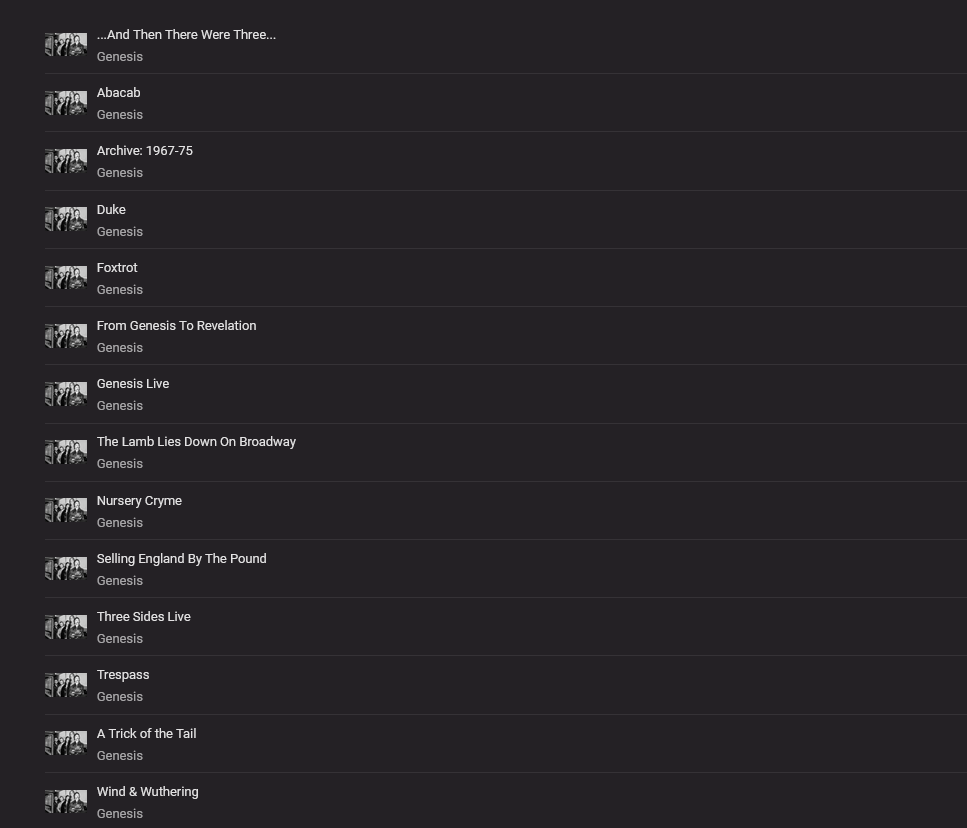
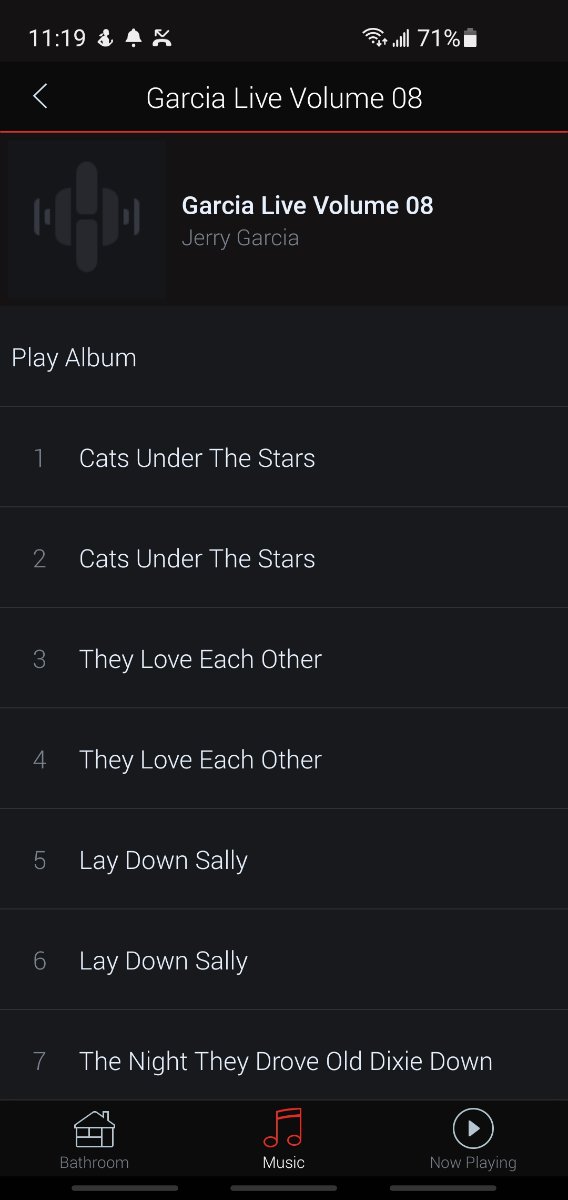
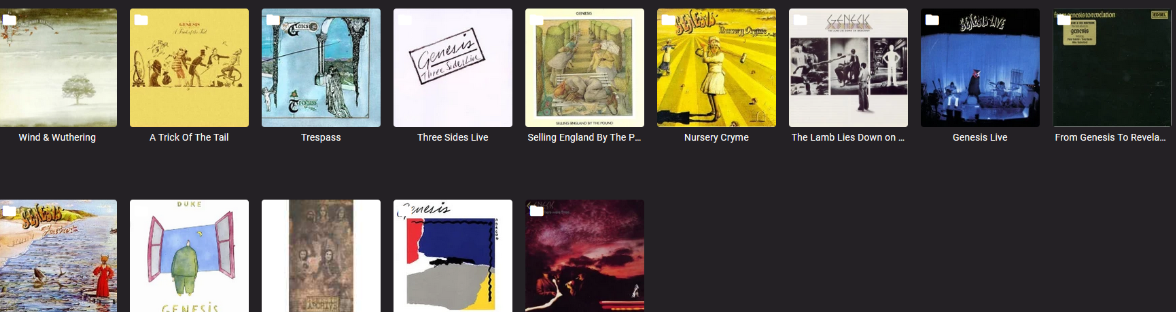
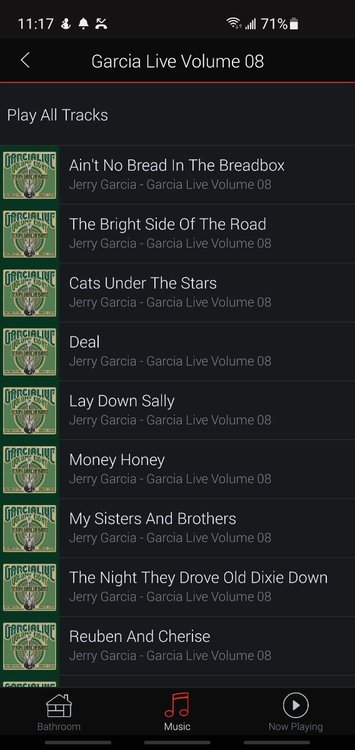
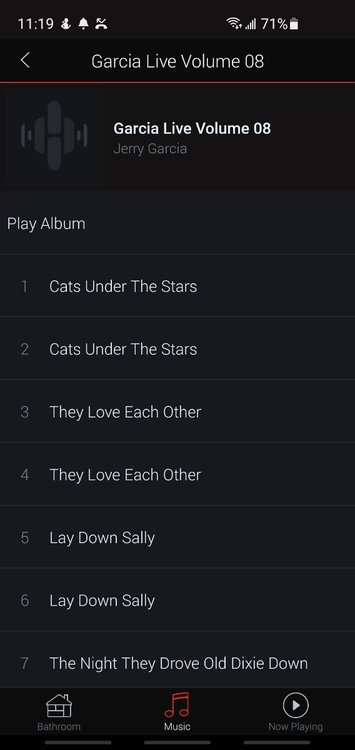
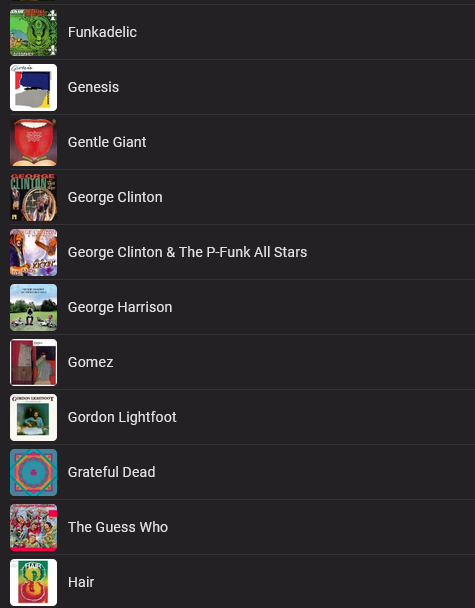
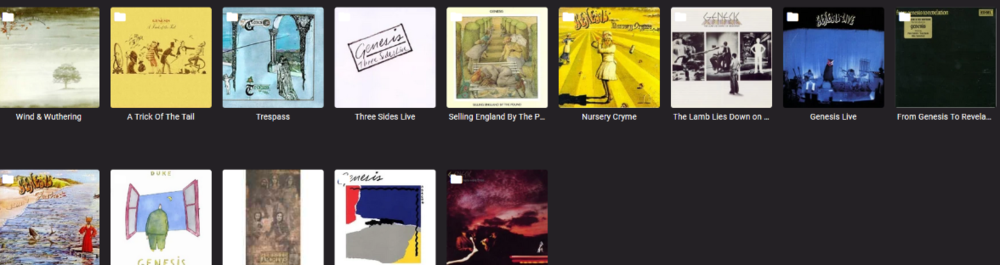
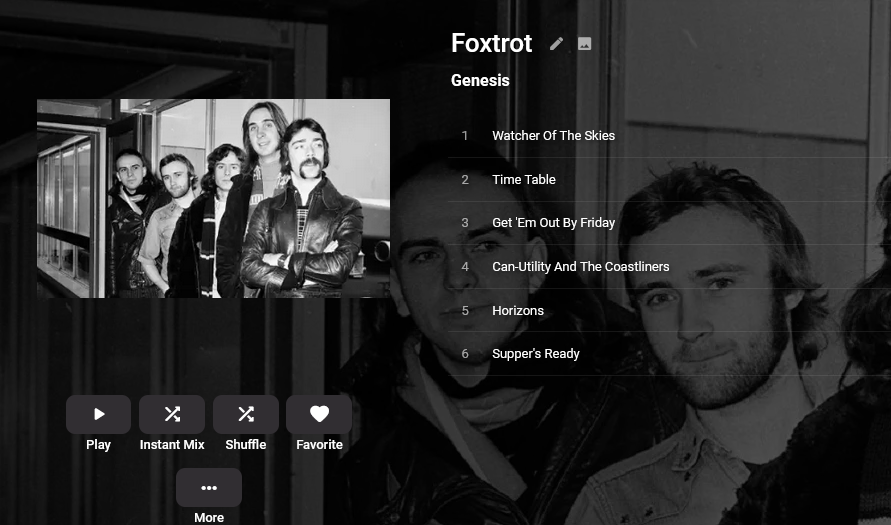
I realize the title to this is a bit silly, but I have updated to 4.6.4.0 on my Synology NAS and music support seems to be basically gone. Yes I can access my music but the experience is just awful. Do not get me wrong, I have been using Emby for years and I like it a lot, and I am also a software engineer so I get it when customers are not happy. Anyways...I am basically dead in the water as it stands now. I have a large music library that is in a folder structure of artist/album/songs and they are tagged. I will try and explain what I am experiencing. First off I will start with the web interface. If I access the library with folder view which I prefer the experience is a bit better. I will see something like this Now if I click into a folder it is pretty good also...I actually see album covers If I click on an album it is not so bad but I do not see an "album view"...no name of the album or year or anything like that...I see this If I try to sort the albums be release date it is simply an alphabetical sort and remember...these are all properly tagged. Now if I view the library by Artist (which I do not prefer) it gets worse... It can take a minute or more for really anything to show up and I am presented with first random songs at the top (why???). These actually have the proper album art. Below that I get albums (why would this not be the first thing listed and can I change that?), but no album art at all just the same picture for every single one and they are not even all from the same library If I click see all I get something like this...no album art at all, but clearly it is there somewhere If I click on an album I get what I would call an "album view" which is what I want but now I have no album art So with the web interface I seem to have 2 options...see album art but no album view or see album view but have no album art. This is the case for the whole library. Now I also have a modern Denon receiver which supports DLNA and gapless flac playback. Emby's DLNA supports is completely unusable at all. If I view my library by folder then every single album is only allowed to be playable with the songs in alphabetical order...who would want to listen to an album with the songs not in the order they appear on the album, but instead in alphabetical order by title. Can I change this??? If I try artist mode and then click through I get the tracks in the proper order but they are all duplicated so I have to listen to every track twice, but in the correct order So basically DLNA support does not exist in any reasonable way which is a huge bummer. None of these things were the case before I upgraded to 4.6.4. I realize making software is work...and I do the same thing. And I do not want to sounds like an ass, but at this point the music support no longer seems to exist in any way that could be considered OK. The saddest part is that all this behavior is part of an "upgrade" Anyways...maybe I could be filled in on why I am experiencing this and what I should expect. It does still seem to be good for video which I also use. I appreciate all the work and everything. Thanks
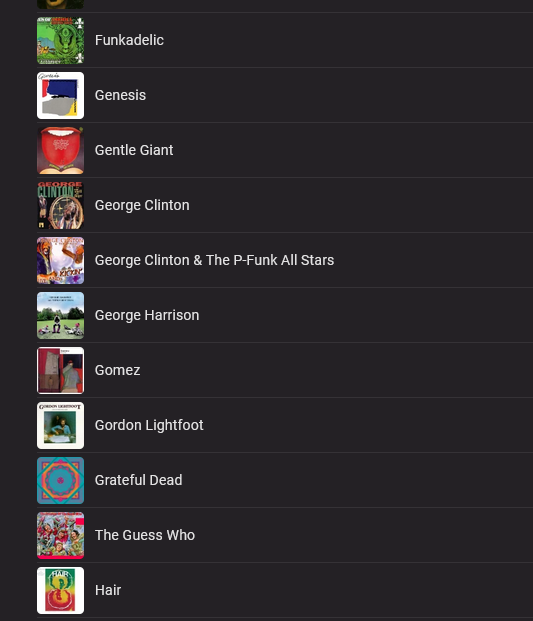
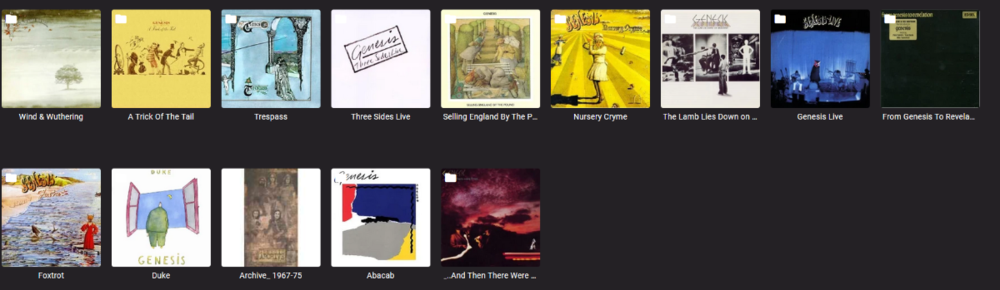
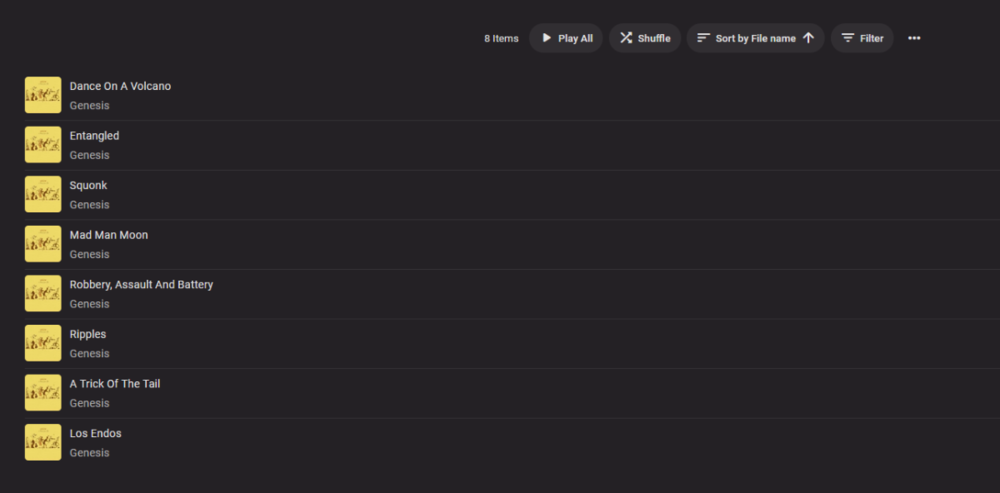
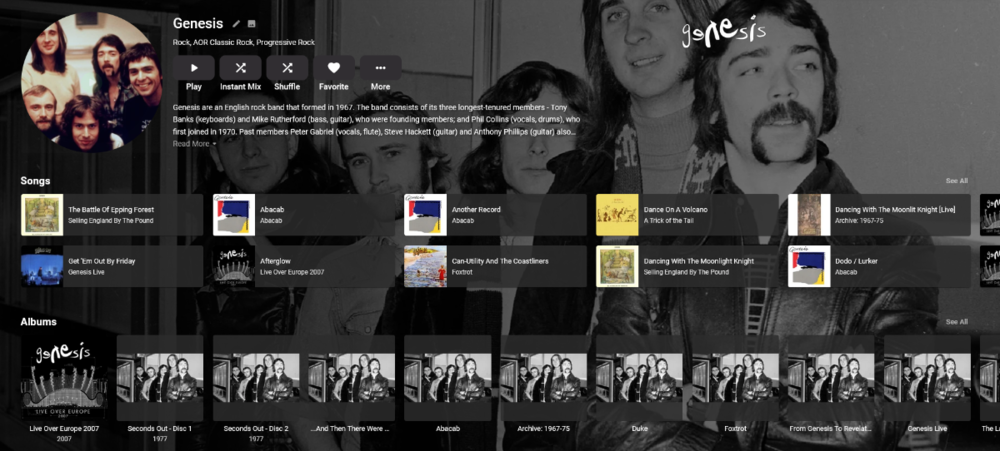
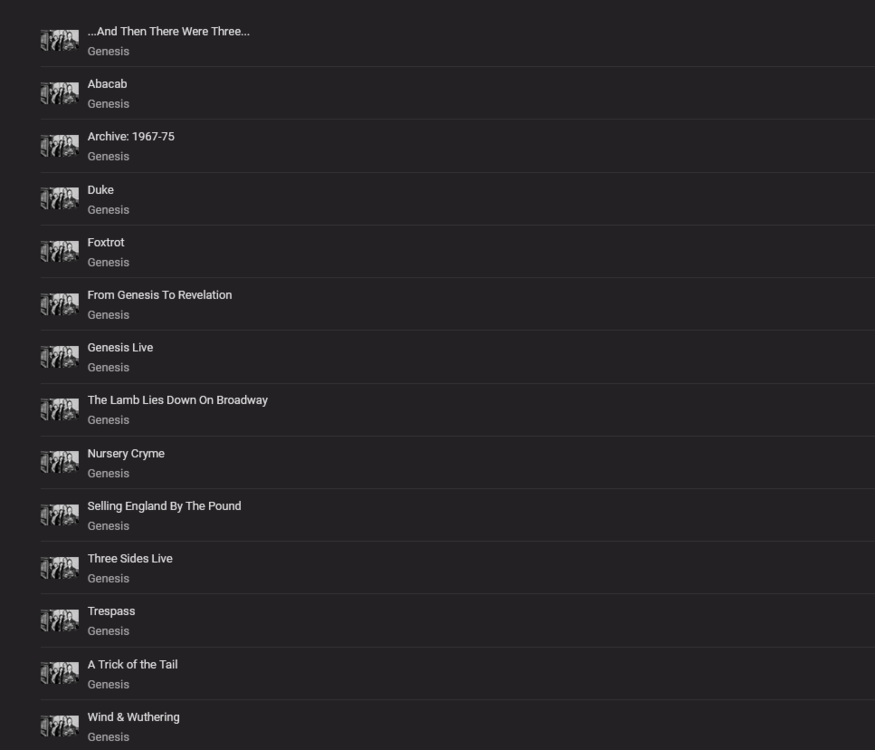
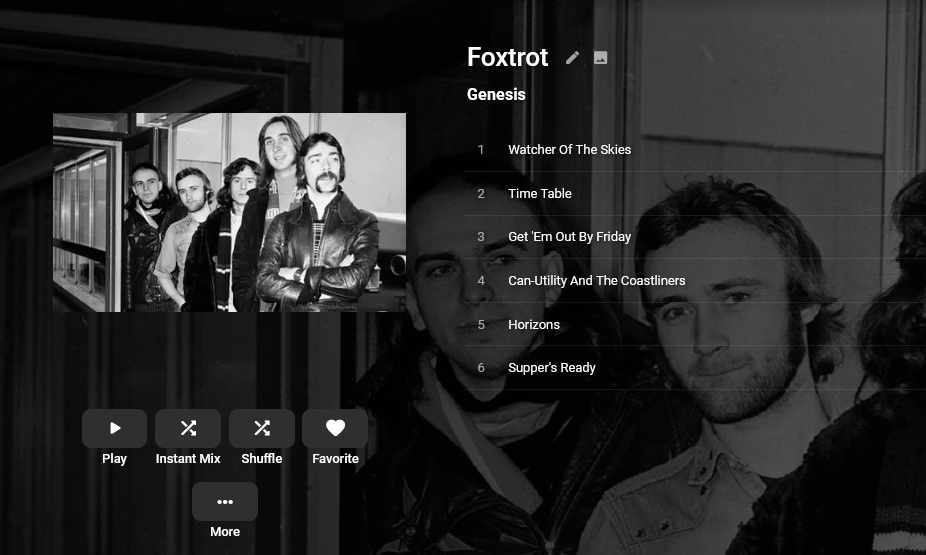
 1 point
 -
Thanks Cayars! Problem solved! The only difference with what I was doing was the "*" after the original folder location for the Copy command. - update Emby Server to 4.6.3 (or latest release) - restart Emby Server and verify your on 4.6.3 - uninstall Emby - update DSM to v7 - install Emby 4.6.3 (or same version that was running above (dsm7 version) - stop Emby - remove emby_pkg user and video group - enable admin account if needed - give read/write permissions to your login ID and add Emby - enable ssh in Synology settings (Terminal & SNMP menu) - connect with Putty to Synology, login with admin user and get root rights with: sudo -i - copy files from old Emby share to new data location: cp -r /volume1/Emby/* /volume1/@appdata/EmbyServer - adjust owner from copied files: chown -R emby:emby /volume1/@appdata/EmbyServer - close putty - From Control Panel go to Shared Folder and edit each share that is used by Emby Server. Click the share, then EDIT, go to permission tab, select internal system user from drop down, grant emby user read/write access. - add emby user and emby group to your shared media folder in Synology - start Emby1 point
-
Sorry i typed it wrong, it is a KD-55x7500H, link here to it As i have said before, these all worked before, it only started like a month ago. I tested with a the file on a USB and play direct from the TV and same problem. It plays but as soon as you seek it freezes. Then the TV cant play any media, emby, chomecast, cast from FB or twich. The only way to play media again is to reboot the TV. So must be an update to the TV that started the problem . I will try and message sony but dont think i will get far1 point
-
Awesome thanks!, would have thought its still possible as im not sure which is better for me personally but helps me now thanks so much!1 point
-
Good luck! But keep in mind that Jellyfin's Android TV app is a far cry from Emby's. In fact, it's Emby's 5 years ago.1 point
-
Album and Artist are virtual items made from the songs embedded metadata so you can not delete them. You could delete from folder tab though.1 point
-
It is not about the nfo in the collections folder it is about the nfo with each movie. And deleting them will not clear what is already in the database. So Media has to be removed, library scan to remove items from database, the nfo for the items that make up the collection need to have there nfo cleared of set node or deleted completely, then re-added to Emby. Or manually delete each collection via the UI.1 point
-
Il n'y a plus qu'à supprimer le vieux répertoire /volume1/emby/1 point
-
Hi quickmic, I can make a clean reinstall with 6.0.0 and check again if you want. Sry, I meaned the in progress state isn't refreshed in Kodi and not synced to emby server. I'm using native mode. I'm not using .iso but maybe it was a .m2ts file. That would I have to check again. For the "connection state" I only have checked the overview tab in the emby app on android. (Where you can see who is logged in and watching.) But the info in the app is the same as in the webui, just checked it to confirm.1 point
-
Yes been reading it and I can reproduce the issue. This can happen with TV Shows as well. @Luke1 point
-
In Albums view there isn't any problem, but for me (and I suspect very many others) Albums view isn't a viable option because of the size of their collections. I have over 3000 albums and others have more. However, as I said in an earlier message, for me the problem no longer exists. I just deleted all the m3u files and all fixed. I think, out of 3000 albums, I only found 4 .m3u files. So this isn't a problem that's going to arise very often. A bit tricky to find, but now you guys have the answer for the next time. Tks for the help. If you need me to do anything else let me know.1 point
-
Frankly, I haven't tested that functions with 6.x. I'll fix it in next version. Strange, but I'll check that too. The nodes are in charge for sorting (for synced libs), maybe there is an mistake. You mean in the Emby server WebUI and emby app or just emby app? Do you use native or addon mode? btw, for iso and bdmv the progress it not probably not synced. I'm working on that, I hope I find a good solution.1 point
-
Problem is solved. Thank youuuu :))))) you guys are the best1 point
-
All sorted now. I hadnt given Emby the proper permissions in Synology's Shared Folders.1 point
-
He is logged in now, and it is working. Thanks to you for your help.1 point
-
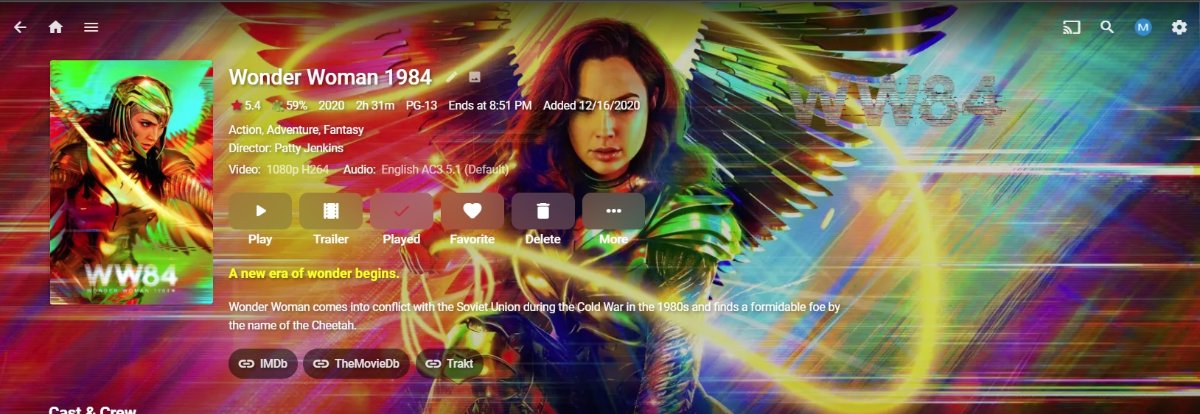
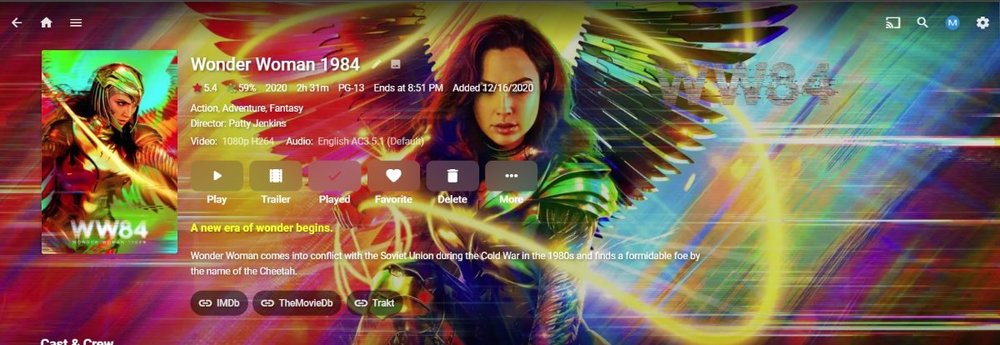
Will do some testing adding media but am not seeing any taglines issues with my xml metadata on 4.6.4.0 or 4.7.0.3 on new or old imports. From a movie just added, Moved media with xml metadata to a test server. <Tagline>A new era of wonder begins.</Tagline> <Taglines> <Tagline>A new era of wonder begins.</Tagline> </Taglines> But your tags are a little different but believe the code was changed to accommodate "TagLine" also with the case difference. @Theodoredo you have a server log for that imported media? What are your Library metadata reader order?
 1 point
 -
Hi, can you please PM me the log file? Thanks.1 point
-
Mission accomplished. I added a password to my account, so not one can access. I added a new user and he has successfully logged in under his account....... Everything is good now... Thanks as usual. We are almost there, Happy2Play has been very helpfull........ Friend still has not been able to login with his new user setting.1 point
-
As soon as it gets through Synology review.1 point
-
Hi quickmic, First let me thank you again for your great effort. Now well let's start with the issues.. I can confirm that delete after play and the emby context menu isn't working. Also the widgets for 'new movies' and 'new series' are showing different results after syncing than with 5.3.4. The sort order with 6.0.0 is completely wrong. The in progress state doesn't get synced and on the overview tab in the original emby app the connection to the server get closed after about 3-4 minutes and you can't follow what you or a user is about to watch. I followed your instructions and deleted all folders manually and started from scratch. FIre TV Cube, emby-next-gen 6.0.0 For now back on 5.3.4 and all smooth again.1 point
-
This probably a better option as it adds an AC3 track to the start of the track list as the default but preserves the DTS track for manual selection on supported devices. This will allow DirectPlay without the need to convert the audio. Even when the next version of the app is eventually released, this is still a better option than having it convert on every playback and which may cause playback issues on some high bitrate content.1 point
-
A bit late now but DS418Play . Oh well - its working after a fresh install. Luckily my metadata is saved in with the media so redoing the library was quicker than it would have been.1 point
-
Nothing to do with the plugin as the Server changed and is stripping all like characters. Now Movies are doing the exact same as TV episodes. Previous discussion https://emby.media/community/index.php?/topic/98332-change-to-version-naming-for-movies1 point
-
So, you want us to push them hard enough for them to come to that same conclusion? We don't.1 point
-
Lol. I've followed both projects, and I can say with 100% certainty that Jellyfin development, on the whole, is far quicker than Emby. Jellyfin has come so far in just 12 months I am actually quite shocked. As a past premium user of Emby, I can say the two aren't even comparable in that sense. Jellyfin has a long way to go yet though. The Android app is a bit buggy and crashes a bit, not to mention its a bit slow to load, whereas the Emby android app is sleek and speedy at startup. Both operate shit the same speed once loaded. Limited support and no Emby connect is true though. But then it's a free product so what do you expect.1 point
-
5 years and nothing?1 point
-
As of right now they are all manual. After the first manual install you will get update notifications in the dashboard, but that's about it. However, they are working with Synology to add the package to the official store. Once it's in the store it should update like any other store app. I haven't seen when they expect that to happen.1 point
-
What, you don't want to take one for the team? LOL1 point
-
There's a bug in your apps row.1 point
-
The user account is an internal account now. For each Shared Folder you're using with Emby click...Edit...Permissions. Then change the drop down to "System internal user" and give read/write permissions to "emby" there.1 point
-
@eatmykeyboard thanks for creating the feature request. I will let you know when I start developing on support for other library types. I might need you as a test server since I don't have any home made video's :-) @julianb and @Sammy I still didn't find any good way to detect duplicate movies. Some people convert them to a lower bit stream and then I don't have to flag it as duplicate for example. There are some more edge cases that needs to be analysed before I can enable the duplicate check again. I'm currently moving between two places but I'm planning to start working next week.1 point
-
@Alex3111, yes I am. It has been very silent on this project from my side. Sorry for that! I have been very busy with 2 bigger projects at the same time so time for EmbyStat is very limited. I was creating the show table again when I realised that the table I'm using is not really that good so I created my own table so it will be beter customisable in the future (also for shows). But I'm really not yet ready to release a next beta because it's still full of bugs. Sorry for the delay!! I hope I will get the missing episode list back asap. (I also didn't figure out how to work with the new thdb v2 API, so that might be tricky as well)
 1 point
 -
I think extras should be displayed ABOVE the cast and crew. Usually extras contain content about the movie and is more important than knowing the casts.1 point
-
1 point