Leaderboard




Popular Content
Showing content with the highest reputation on 06/23/21 in all areas
-
That functionality is not available in Emby currently. You could raise a Feature Request to see if the developers can add it, but until then, the only way to do what you want is as people have suggested. Thanks.4 points
-
It's bad enough seeing the recommendations (ads) for content from the apps you have installed, but it's even worse having the recommendations for apps that you don't have installed. I have Apple TV recommendations on my screen but I don't, and never will, have the app installed4 points
-
True but at the rate they are making changes to improve the core code and clients they are more like 5 to 6 years behind at least.3 points
-
Again, no helpful information given for what was asked. At this point no one can help you as you won't go over anything specific other than your "wish" request. The sad part of this is likely that Emby already has the needed functionality to solve the root of your issue, but without giving us the information we keep asking you for we can't help you solve your issue. There should be no reason to manually adjust 4000 media items for every single person on your system which would be nearly impossible to do or a complete waste of time if the issue can be solved a different way which is what we are trying to get at.3 points
-
Please add this function to change audio/subtitles track at item card with no start playing. Following thread:2 points
-
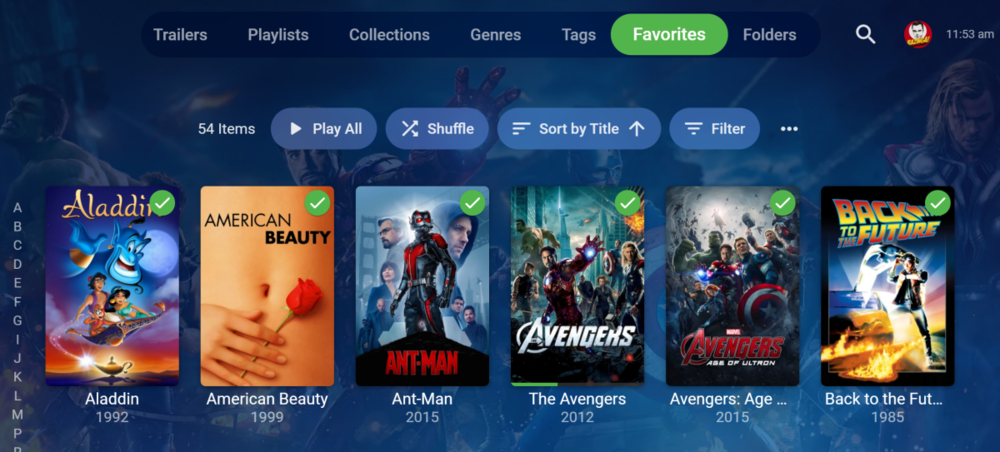
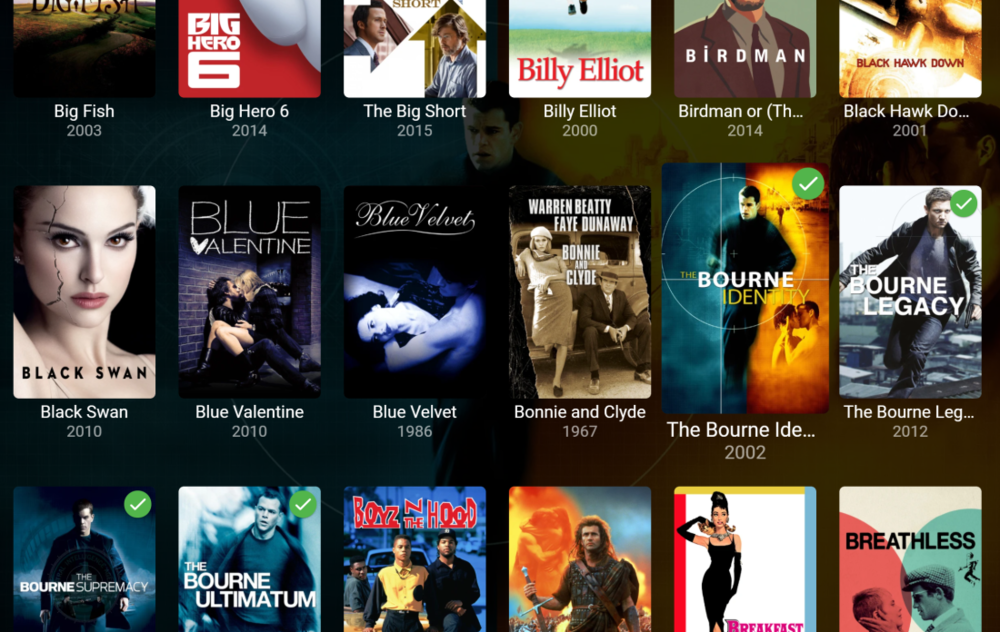
These are rolling out to the desktop app now and will be in the next Windows store update. New Tab Style A new design was needed in order to be able to remove the seven tab limit. Now you can scroll through all available tabs. Backdrops On Selection If you enable the backdrops display option, this is now supported on more screens as you select items. Enjoy.
 2 points
 -
I guess that is a matter of opinion but jellyfin is just a fork of Emby 3 years ago.2 points
-
Some nice ideas STRM's are very useful - I've used that feature multiple times in a few utilities in the tools section. I also used the 'library' idea for the 'Recommendations' virtual library The only downside to STRM's is you don't get the metadata (unless you copy it yourself) and emby won't scan it for Media Info until played.2 points
-
Hi, Installed and it works like a dream! Thanks ebr, Luke and cayars for all your help with this, I really appreciate it!! Pete2 points
-
Again, not my business.2 points
-
I would think auto update is tied more to getting Emby added to the Synology store2 points
-
And the OP poster last visit was March 5, 2018. He did not respond to what was asked. Even 3 years later, there are people willing to help. This tech support is great!2 points
-
@Luke I can confirm the above happens 4.7.0.3 for both the initial and add to queue functionality.2 points
-
To set it up for 4000 movies why did you not use the "Default" flag and assign that to the subtitle you want to play? That will be the selected choice before Emby begins to play. But you must prepare your media to contain one "Default" flag on a subtitle. If there are many set as default the first default applies. So just set one default. This will become inherited before any playback. Is this what you expect? To choose which subtitle will play for your media all the time? If so use "Default". Once you change these defaults they will apply to ALL media players. You will not have to fiddle inside each application for the settings. You just use your media to tell the player how to play your media. Emby will play your media your way. https://forum.selur.net/Thread-HELP-How-to-set-a-subtitle-as-the-default-track2 points
-
To add to the customization options above, the order they appear is based off of which ones are turned on in order. Meaning that if you turn everything off, then go through and turn them on again one at a time, the one you select first will appear below play next then below that etc.2 points
-
If you're like me and Emby is the only thing you use your Shield for then get the new remote and remap the Netflix button to start Emby. The only time I see the Shield home is when I'm installing new versions of Emby
 2 points
 -
Okay. There is an option to turn off the labels but, in the Android TV app this does currently show an overlay of the title on the bottom of the image. I think it is probably time to remove that since we have the other option. Thanks.2 points
-
I have used this tutorial and everything works fine with wolf launcher: https://troypoint.com/wolf-launcher/2 points
-
Looks like another issue with using SMB paths. smb://atc/Data/Multimedia/Movies Pulled from another topic.2 points
-
Here is an emby bumper i made. If you wish to download it. Link is here. https://www.dropbox.com/s/din88rsm70487ha/Emby_Intro_AACv2_5_1.mp4?dl=0 Cheers2 points
-
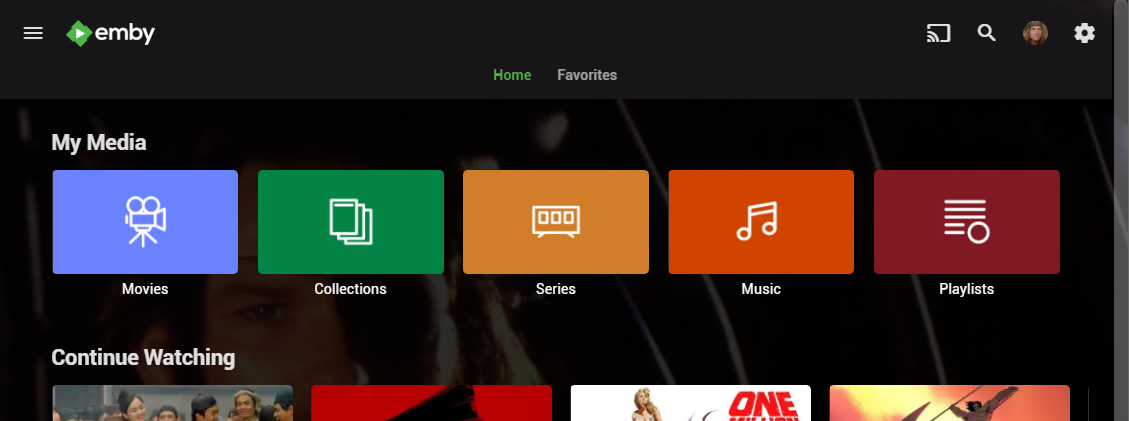
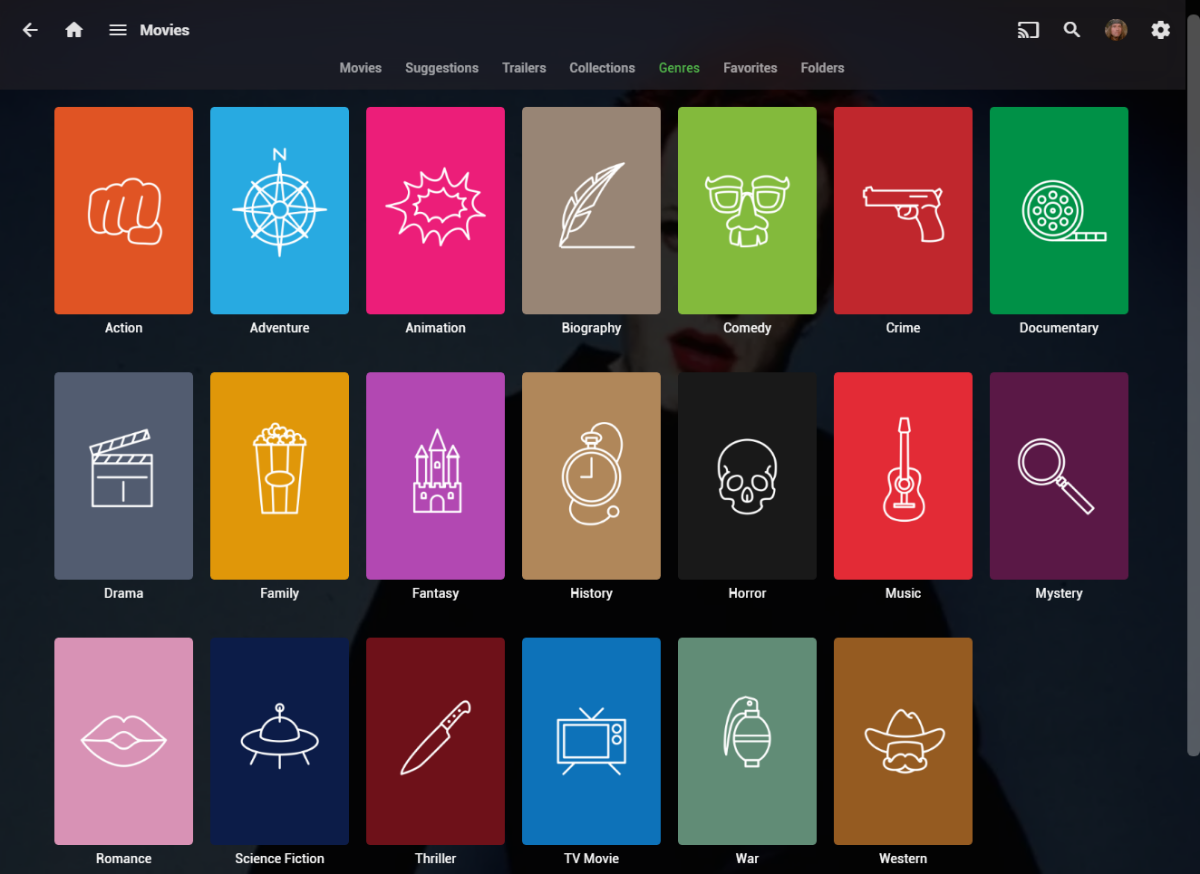
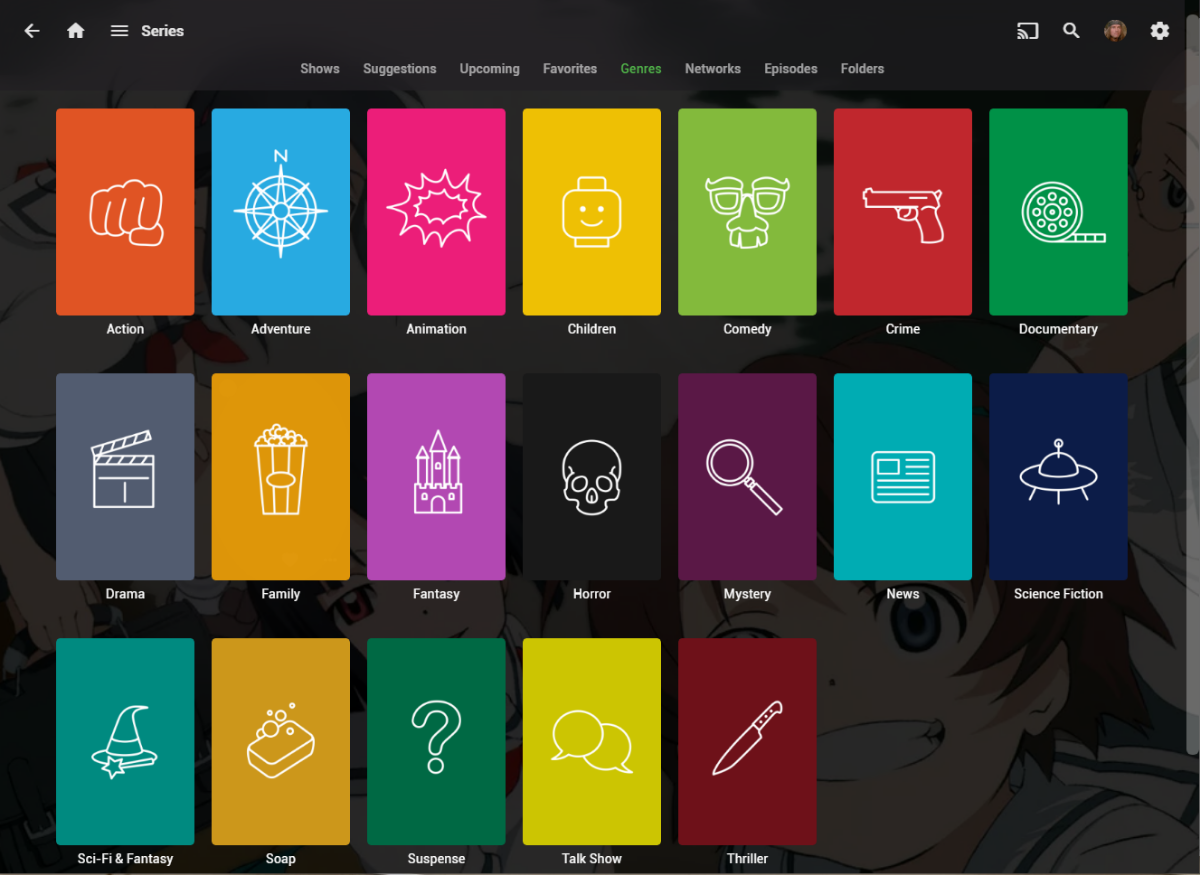
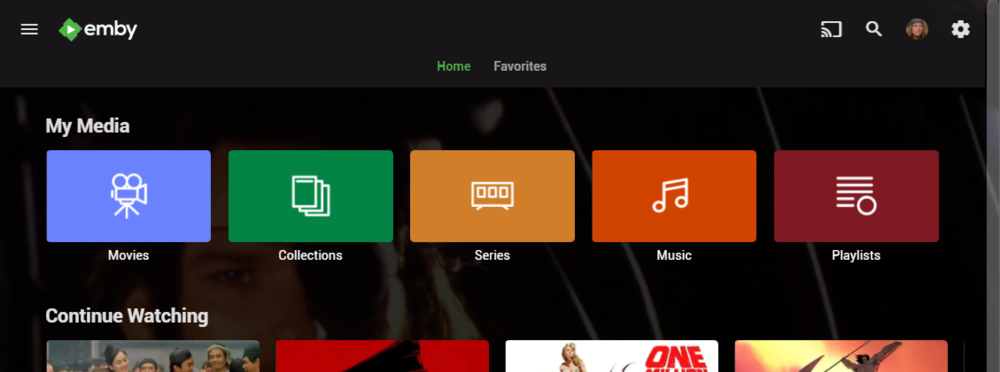
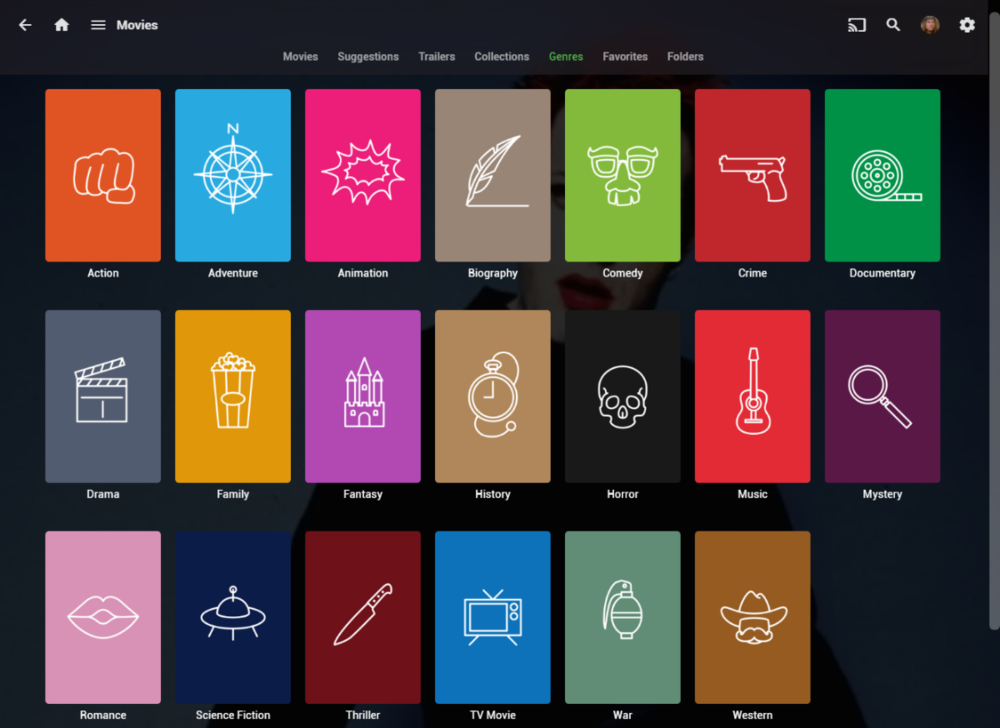
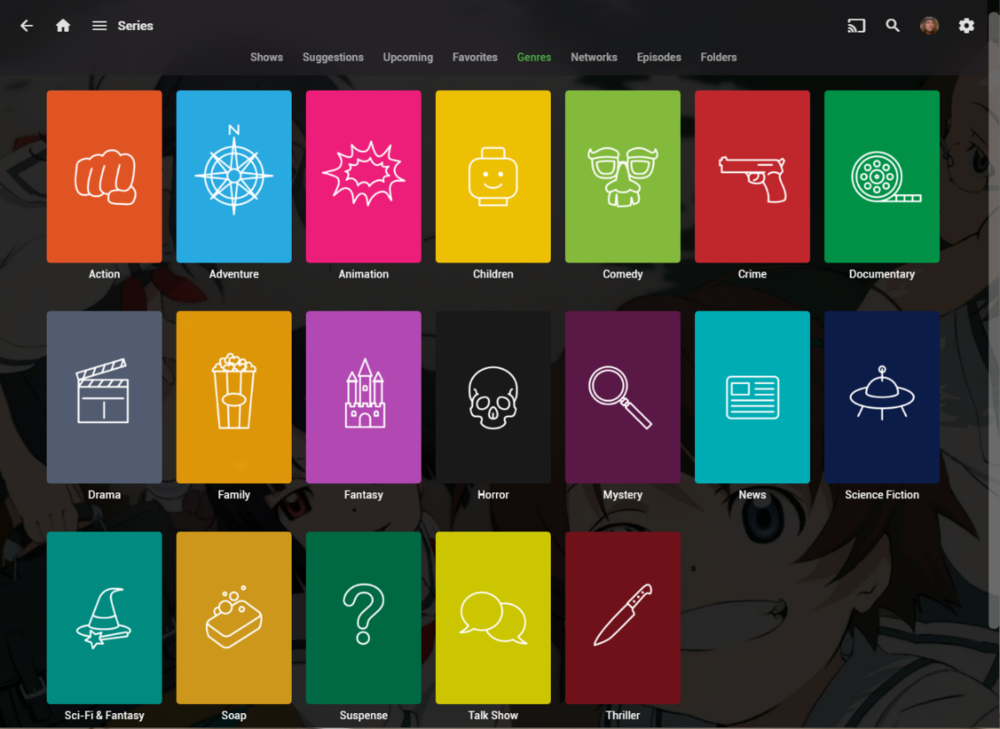
I wanted a colorful, but minimalist set of Library and Genre icons for when I'm using Emby on Roku, and something that stood out dramatically from the movie posters and thumbs. Here's what I did for the My Media set. Here's my Movie Genres: And the Series Genres RAR file attached with the full set as PNGs, and there is some in the archive not shown above (like Sports and Adult). Enjoy! -Mickey EmbyIcons_v4.rar
 1 point
 -
-= PLEASE UP VOTE & PROMOTE THIS REQUEST IF YOU WOULD LIKE THIS FEATURE =- DO THIS BY CLICKING THE "LIKE" BUTTON ON THIS POST REQUEST: Properly pool multiple M3u IPTV sources, so when adding more than one with the exact same M3u emby treats them as one source with however many "Concurrent Streams" you set for each. https://emby.media/community/index.php?/topic/63725-multiple-iptv-tuners-double-channels/?p=636718 https://emby.media/community/index.php?/topic/59607-duplicate-channels-one-tuner/?p=607031 https://emby.media/community/index.php?/topic/57420-multiple-identical-m3u-tuners-without-duplicate-channels/?p=560949 Basically once M3u #1 has used all 5 of its tuners, I then need to start using the login info that is within M3u #2... once those 5 tuners are used (now all 10 tuners), then emby issues "no tuners available". This is how emby treats HDhomeruns today, so it can't be to difficult. @@snodrog742 @@manolodf @@robrhedrick @@cayars1 point
-
Feature Request: Have User Groups and all settings applied at the Group Level That way you can just assign users to the appropriate Group and all settings will be inheritated.1 point
-
As suggested by @ebr I have split my original request to allow better monitoring of interest and progress. The original request is here https://emby.media/c...brary-overhaul/ If you are interested please like the post. I always wanted to have this feature! This is something that was offered by Flickr. It would use the coordinates where the picture was taken stored in the EXIF and display the picture in the world map. I think that this was a bit specific in the past because we needed to have a GPS module tied to the camera but now every smartphone does this out of the box (without even asking your permission). Here is an example from Flickr where each point is a picture that you can display when clicking on the point:1 point
-
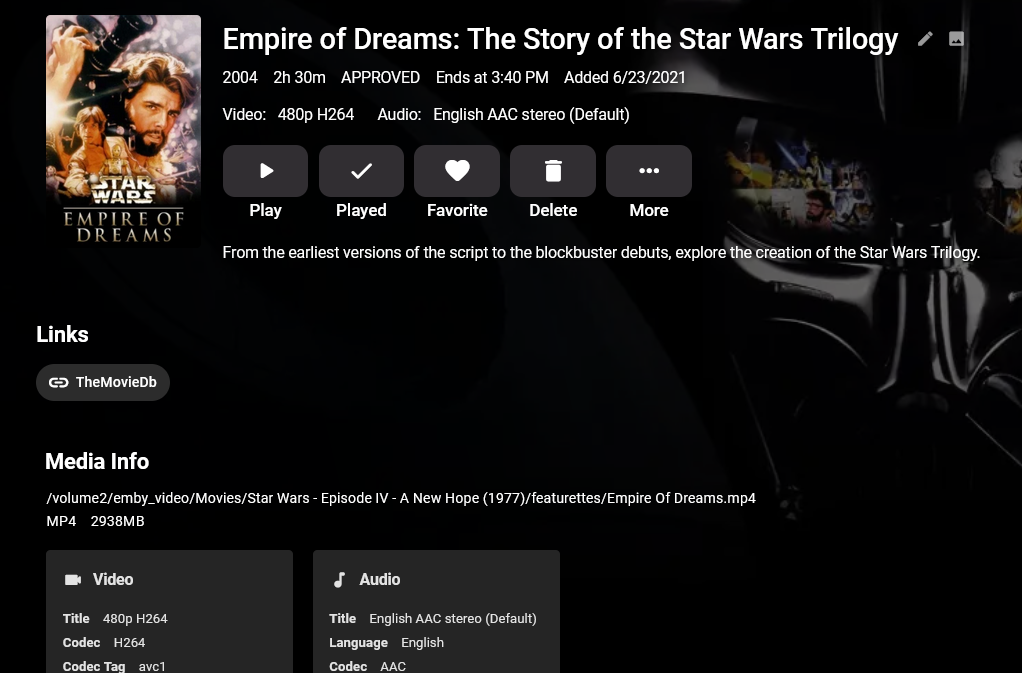
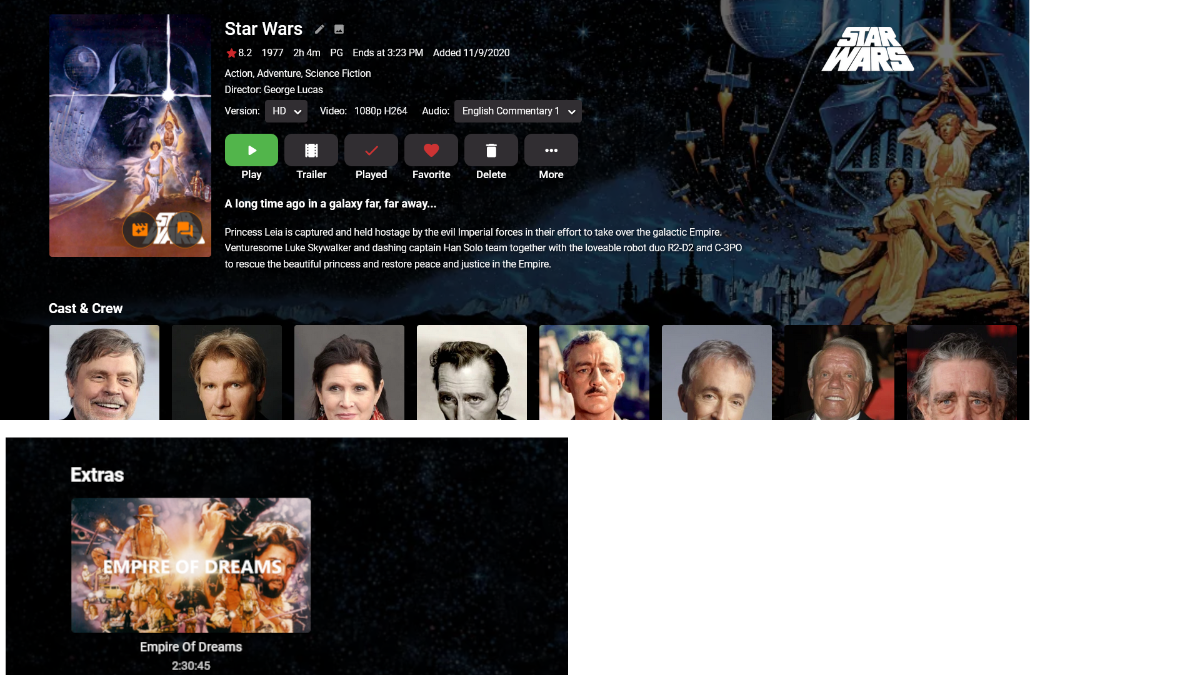
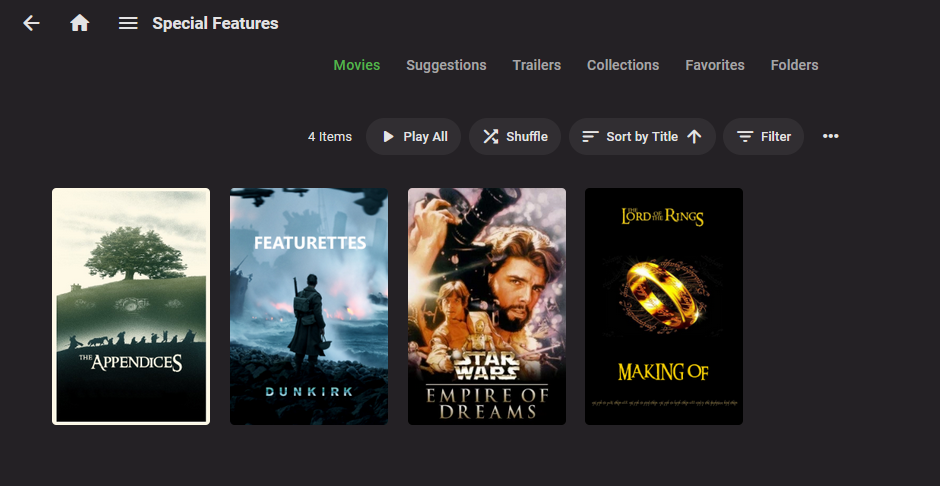
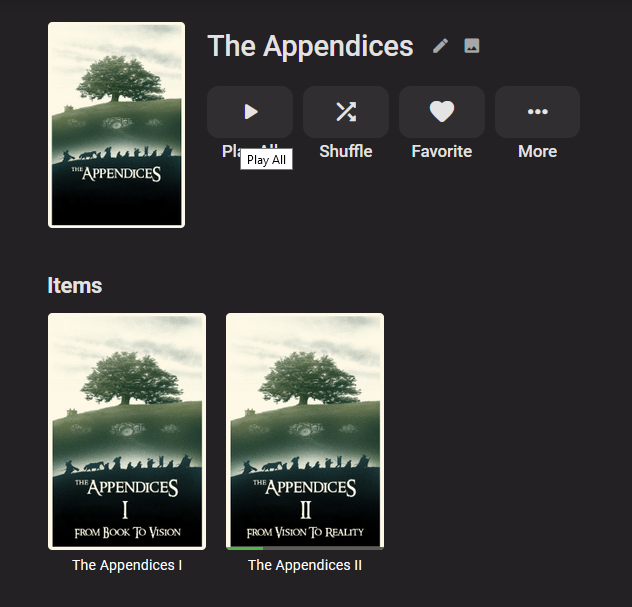
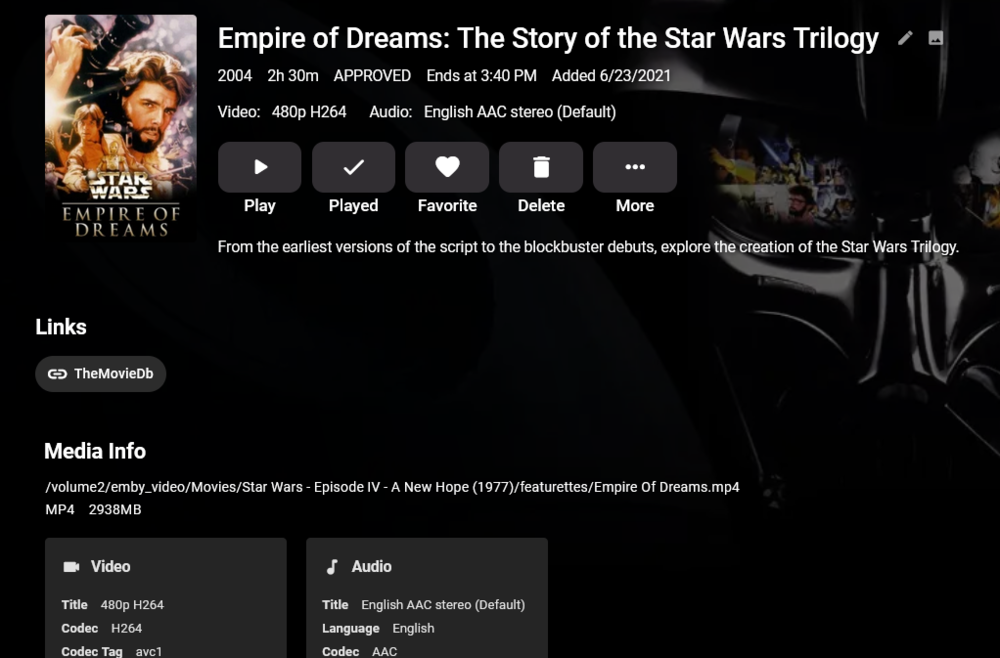
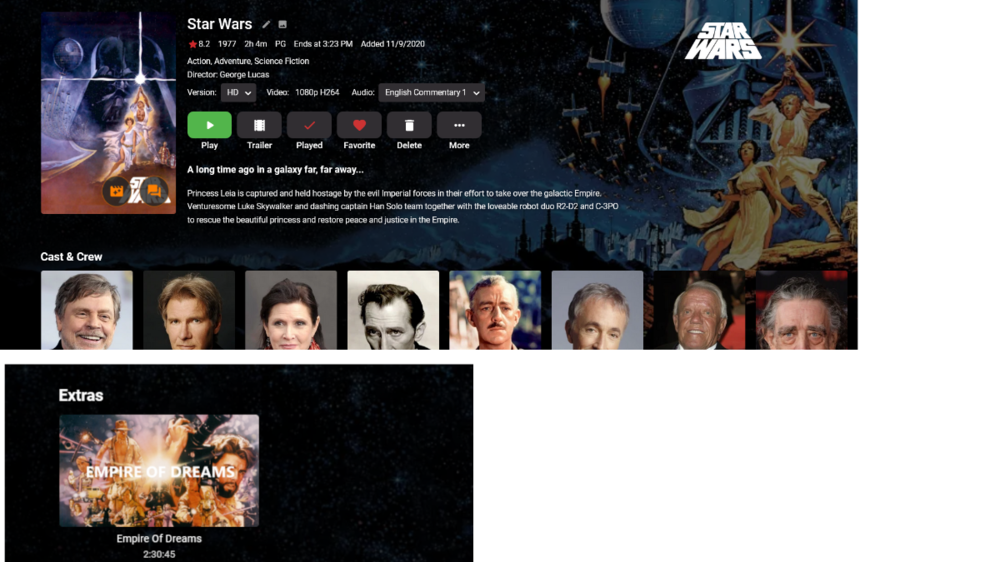
A while back, I requested that special features under movies be enhanced to give each supported extras folder name its own listing. But, since it looks like further extras development is a very long way off or never going to happen, I spent some time to come up with a workable solution for my needs. My goal was to make the best special features, like documentaries, easily discoverable without losing access to less watchable things like deleted scenes or concept art. My requirements were: 1) Only use officially supported Emby features so I can avoid any future headaches 2) All special features for a movie should continue to exist under that movie 3) Ability to group sets of special features by associated movie or their own siblings (ex. LOTR Appendices). 4) Don't duplicate video files. The solution I've come up with (maybe others found it first, but it's new to me) is to continue curating special features normally and placing them under the corresponding movie using the various extras folders Emby supports. What's new is that I've created an additional library I call 'Special Features'. I've made it a movie library, but turned off all external metadata sources. Instead of actual video files, though, this library only contains STRMS pointing back to the extras from my Movie library that I consider to be worthy of standing on their own. I manually curate the images and metadata for these STRMS and group them into standard collections in ways that makes sense. Now, users can find the special features under the movie they're interested in, or they can just browse a curated set of the best special features available on my server. The drawbacks I've found so far is that I can't stop special feature collections from contaminating the main 'Collections' grid view. I'd prefer that this view contain only movies. The other is that because the video file and STRM entries are independent, I need to maintain two separate nfos and image sets for each special feature. I hope this helps anyone who likes special features as much as my house does. Some of my libraries, including my new 'Special Features' library: The grid view of my curated special features 'movie' library: The collection view for a grouping of related special features (I'm still curating the rest of the Appendices): A single item view for the special feature library. The key here is that this is just a STRM pointing to the real file which lives in my Movie library under A New Hope. Here's that same Empire of Dreams special feature under its true location under A New Hope:

 1 point
 -
For every version of your emby server, just one key per server.1 point
-
Emby Premiere is not limited to any particular version of the server or apps. Is My Emby Premiere Key Still Valid with Emby 4.0 : Emby1 point
-
If that was in reply to me, then it just shows that many hands make light work. They have a TEAM of developers working on JF, whereas Emby has Luke and Eric, each specialising in their own areas. There may be a few other devs on the Emby team, but they aren't the core developers (no disrespect). JF just get things done, quicker. I still much prefer Emby, but JF is now a solid alternative to both Plex and Emby. Thanks.1 point
-
And yet they have a few things that Emby hasn't got yet, even though they have been requested for many years by Emby users.1 point
-
Probably because they want to keep certain things independent of each other. There are tradeoffs to consider either way.1 point
-
Not in Playlist playback mode, only with Continous playback.1 point
-
Hi, plex splits their server into multiple processes whereas emby does not, so you have to make sure to add up all of the usage of all of the processes.1 point
-
The 25 limit is for premiere features, only 25 devices at the same time can use those features, the rest of devices can connect but without premiere features. That lists resets from time to time as I understand. Check here https://support.emby.media/support/solutions/articles/44001173135-is-there-a-limit-to-emby-premiere1 point
-
Hi if you're talking about: D:\UTORRENT\MOVIES\Fatherhood.2021.1080p.WEBRip.x264.AAC5.1-[YTS.MX].mp4: Permission denied Then it would appear to be a permission problem.1 point
-
well the app is treating the media as live tv through Virtual TV and chapters are not shown for live tv1 point
-
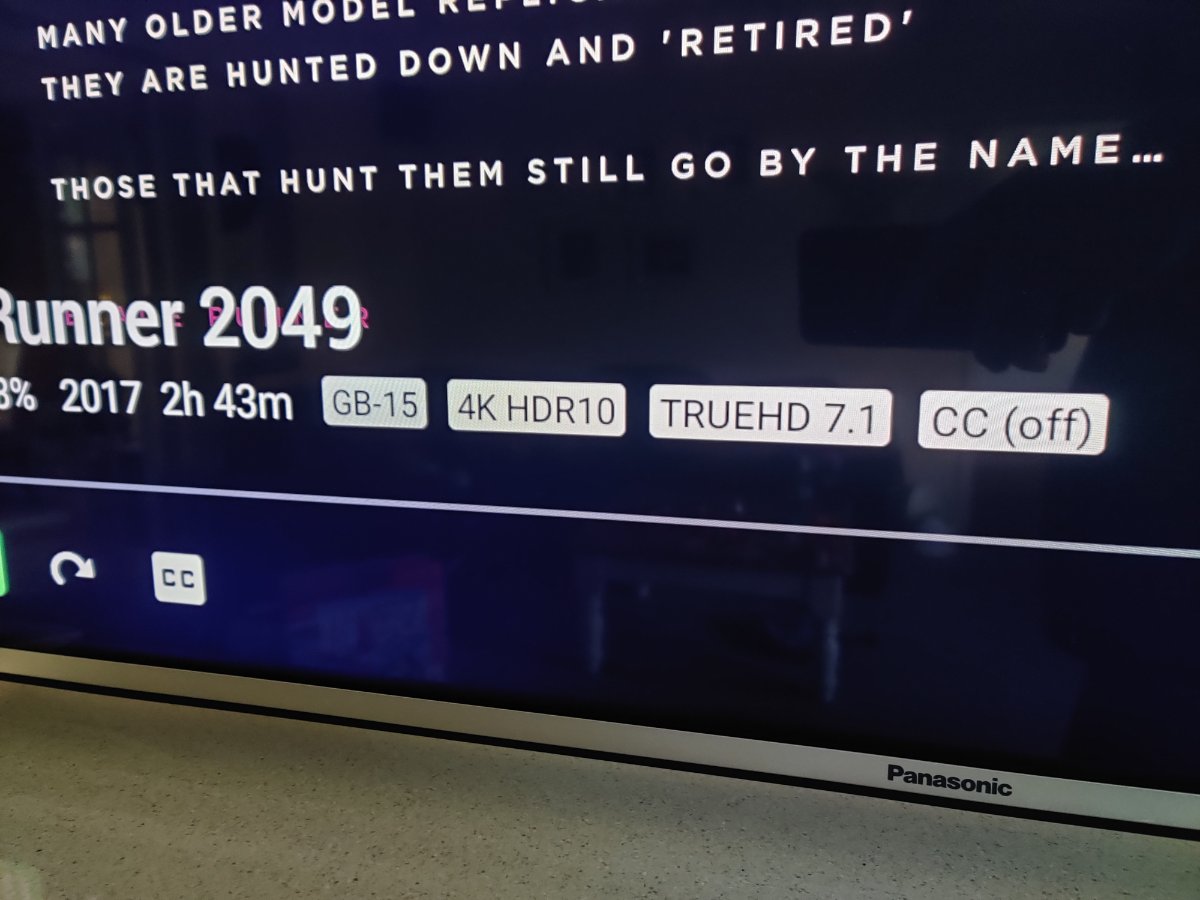
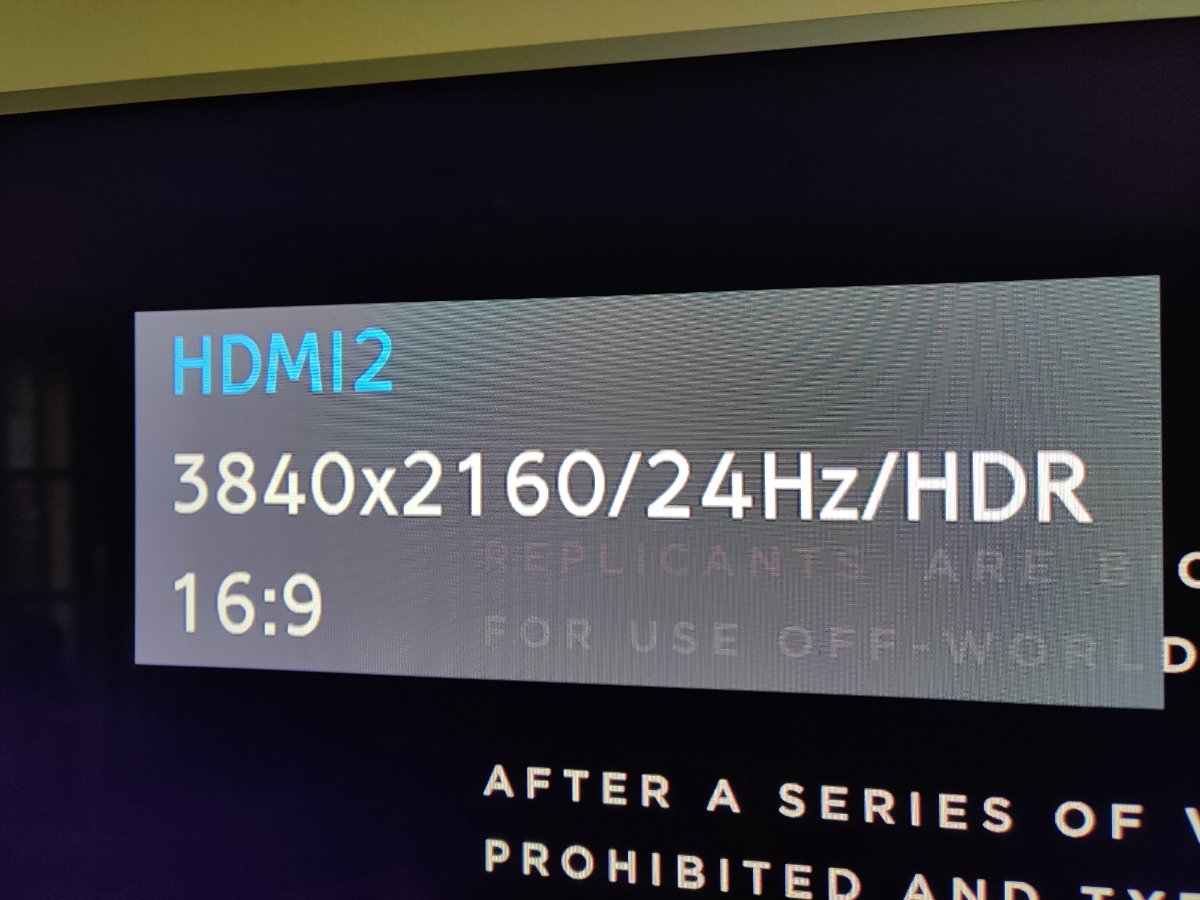
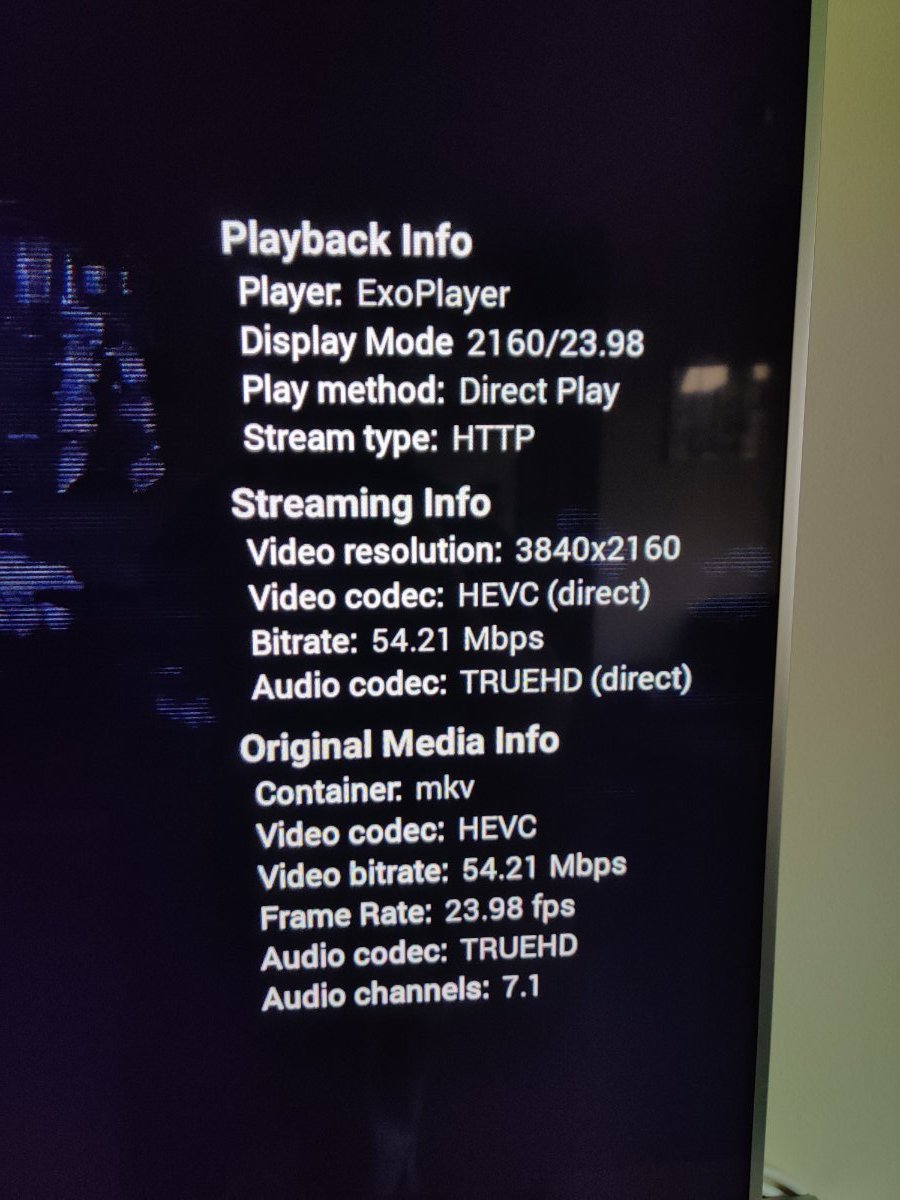
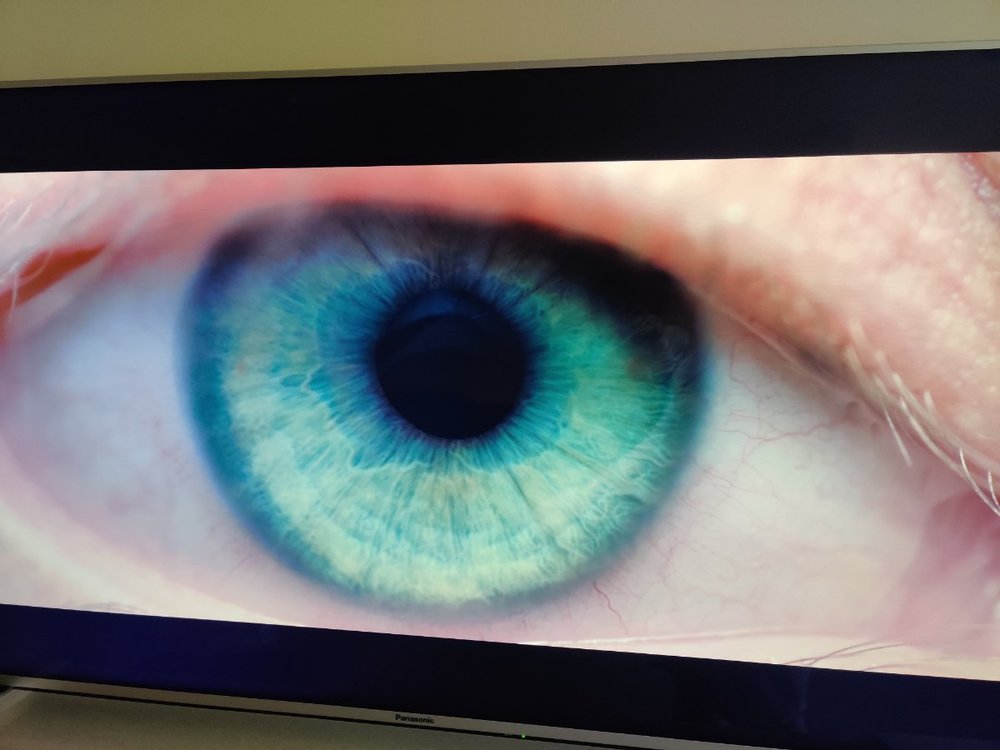
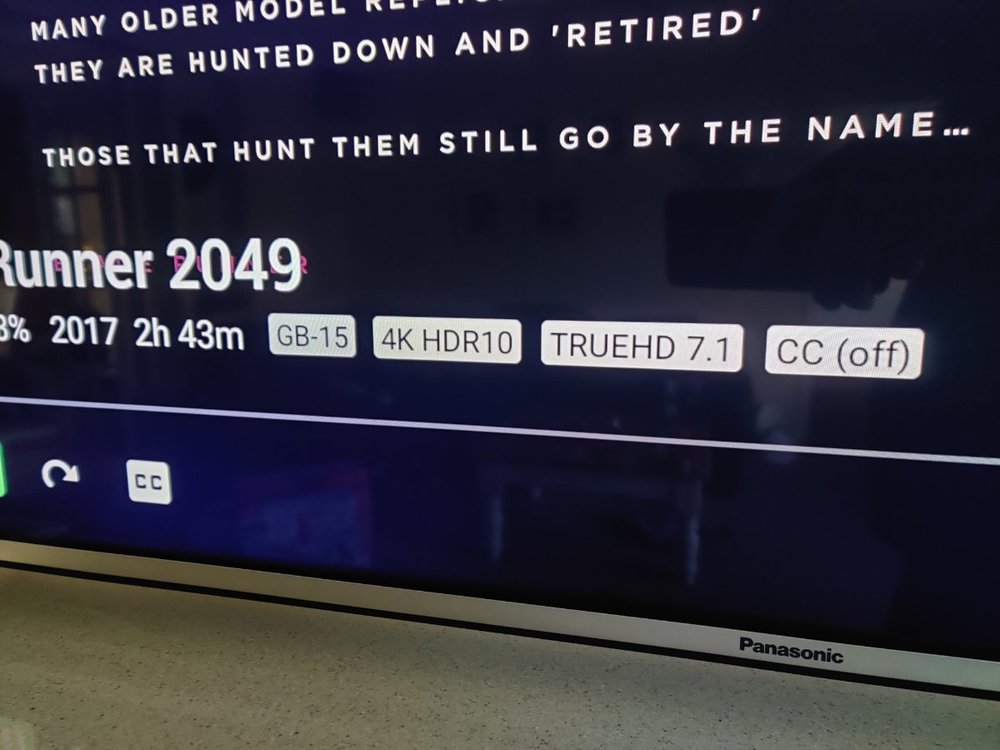
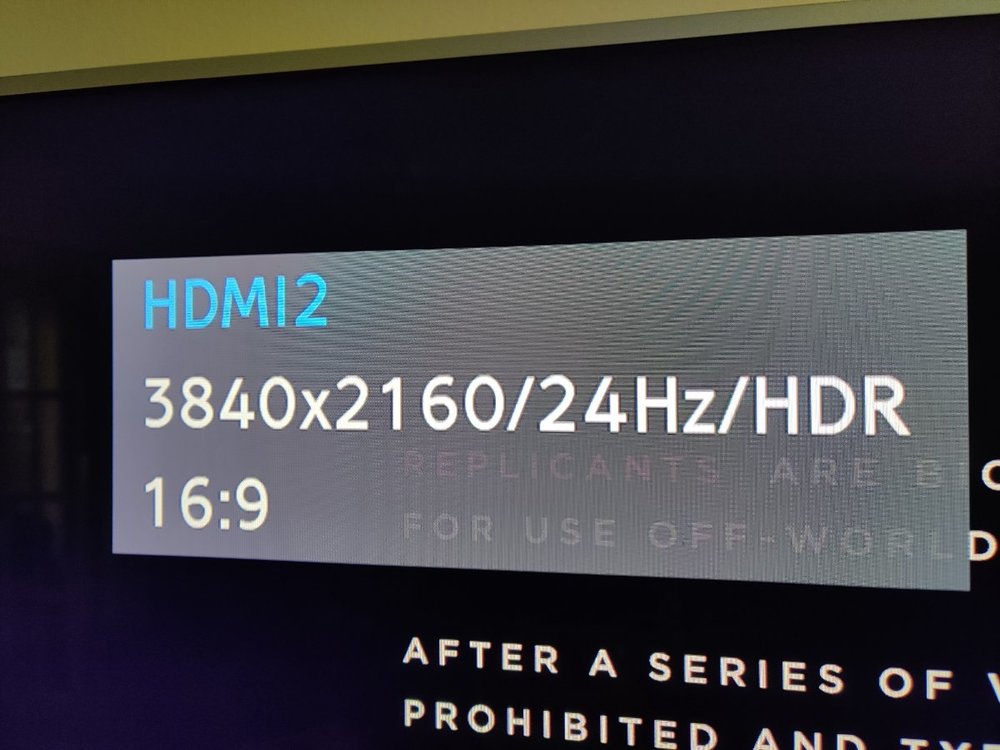
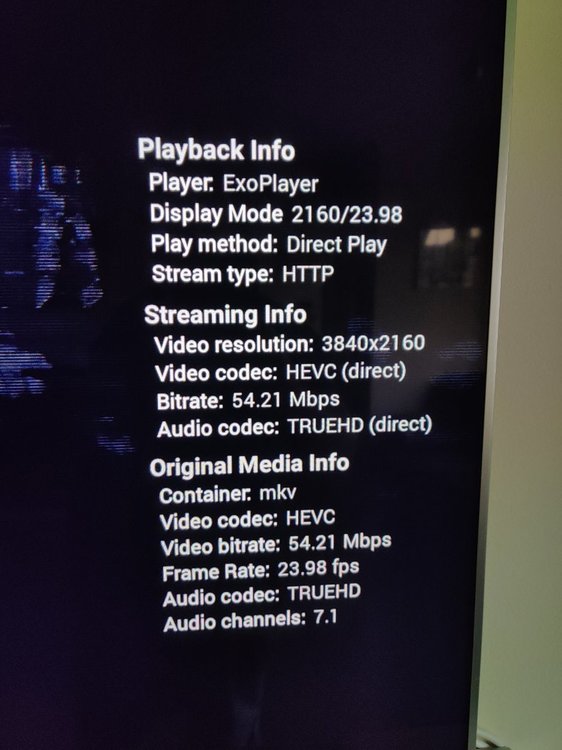
Nope it doesn't have it but the TV definitely switches to HDR and the picture is correct. I wonder why it doesn't display that? But! The audio is perfect again so thanks to everyone for reaching out.
 1 point
 -
Thanks for reporting back.1 point
-
Just got home and tried it again after switching everything of at the mains. Its bloody working.....1 point
-
The audio tracks are likely named for the language even if the metadata is missing. But what I don't get in this discussion is: (1) Why selecting the desired audio/subtitle tracks before pressing play is so hard; (2) Why, if Emby won't start with certain subtitles, the OP doesn't report this with useful information so it can get fixed; and (3) Why, if the OP wants to move to Emby, the repeated assertions that Plex is better! (is this actually trolling on behalf of Plex??) Paul PS - 4000 torrented movies is perhaps not something to crow about in a public forum... PPS: yes, it would be nice if the selections were remembered without playing, but it's not a hill I'd die on.1 point
-
We plan to add this type of option to our android and iOS apps in future updates. For now you'd have to look at one of the server notification plugins or a third party service.1 point
-
I wish this was a feature. Hopefully soon.1 point
-
A simple batch script below in red - just paste into a new notepad file called convert.bat. copy into the folder you wish to run it from - and all subfolders will be processed. if you wish to delete the original file - then just remove the 'rem' from the delete line, otherwise the original will be kept. Remember to change the path to ffmpeg. edit - note the script just uses the first audio track it finds to make the new eac3 audio track (and make it the default) - it does not apply any sort of logic or intelligence. edit 2 - eac3 bitrate is 256k - according to dolby themselves (see below) this is sufficient. (DTS (5.1) > EAC3) https://developer.dolby.com/technology/dolby-audio/dolby-digital-plus/ @echo off FOR /F "delims=" %%x in ('dir /a-s /b /s *.mkv') DO ( "<YOUR_EMBY_PATH_FFMPEG_LOCATION>ffmpeg.exe" -i "%%x" -map 0:v -map 0:a:0 -map 0:a -c:s copy -c:v copy -c:a copy -c:a:0 -b:a 256k eac3 -disposition:a:0 default -disposition:a:1 0 -f matroska "%%~dx%%~px%%~nx-EAC3.mkv" rem del /q "%%~dx%%~px%%~nx.mkv" )1 point
-
Yes only the first album items are play when multi-selected and only the first multi-selected album is added to the queue when adding.1 point
-
Hi, Thanks we'll take a look.1 point
-
Yes we will be adding it.1 point
-
Thanks for your answers. I solved the problem by changing my server.1 point
-
at the moment when scanning a library of home movie/photo collections, any folder that contains media will get a thumbnail image assigned to it, chosen from the media it contains. if a folder only contains other subfolders, and no actual media, then instead it chooses a thumbnail that is already set for one of these subfolders, however it won't do this on the first pass as these subfolders do not yet have thumbnails. the scanner must first scan these subfolders and set thumbnails for them, and be allowed to complete, then you must repeat the entire library scan. this time, these subfolders have thumbnails already set, and so when the scanner scans the parent folder it will see these thumbnails and choose one for the parent folder if you have many layers of nested folders to organise your libraries then you have to repeat the entire library scan again for every additional layer of folders, in order to get thumbnails to appear on every folder that only contains subfolders. on large folder structures and slow network connections this can become very cumbersome just to get a few icons to appear think of a folder structure that looks like this : "travel photos\2020\June\Spain\image0123.jpg" on the first scan, "2020" will not get a thumbnail because "June" does not yet have one, then the scanner goes into "June" and this will not get a thumbnail because "Spain" does not have one, then the scanner goes into "Spain", finds media and sets a thumbnail from the images here, and the scan completes. we still have two folders "June" and "2020" without icons on the second scan, "2020" will still not get a thumbnail, but this time "June" will see that there is now a thumbnail for "Spain" and will use this. now the scan completes and we still do not have a thumbnail for "2020", we must do a third scan and this time "2020" will see that there is a thumbnail for "June" and will use this. so this basic structure needs 3 full library scans just to get icons everywhere. with a bit of tweaking, this could all be achieved in a single library scan I realise that it's important for thumbnails to appear quickly, so having the scanner do a thumbnail check before scanning into subfolders makes sense, as usually there will be media found and the thumbnail can be generated right away. but it's incredibly slow to have to repeat the entire library scan many times because of this. I think the best way to speed this up without affecting anything else would be to do a second, more basic thumbnail check after the scanner has returned from scanning subfolders. at this point, if there's already a thumbnail set then the scanner can move on as normal, if there is still no thumbnail then it can do a second check, but this time only looking for subfolder thumbnails - there is no need to scan for media a second time because we already know there isn't any media here, so this shouldn't slow the scanner down, and there's a good chance that subfolders now have thumbnails set that weren't set before some of my libraries currently need 4 or 5 passes to completely assign all thumbnails, as these are large libraries with large folder structures for organising, and each pass takes many hours. this could be reduced to a single pass with a simple tweak1 point
-
As a consumer, I definitely understand that. The reason you are seeing it though is because it is the only way a software company can hope to survive. Users want constant upgrades, maintenance and support so this is a continuous expense for the software provider. So the only way to provide that is to also have a continuous revenue stream. This isn't just about us but the industry as a whole. In the earlier stages of software, initial purchases were much more expensive than they are now and that, coupled with the companies also selling "commercial" versions to other companies that included yearly (hefty) license fees could sustain the enterprise. We are no longer in that world so the subscription model has been passed on to the end consumer. Just a little insight to the business end of the whole thing . We strive to make Emby the best value in a personal media server solution. Thank you all again for your support.1 point
-
I'd like to request the following improvements for photo library playback.I tried searching for them and couldn't find them already requested, apologies if I missed something: Implement left/right arrow navigation for next/previous photo in the web viewer. Space for pause/playback of the slideshow in the web viewer. Show a current/count - eg 5/299 - view on the overlay to keep track of how many photos are in the folder and when we start from the beginning. Add a fullscreen option for photos in the web viewer Thanks1 point
-
Edit: As suggested by @ebr I have split my original request to allow better monitoring of interest and progress. I have added the link to each topic next to each Feature Request. If you are interested please discuss in each topic instead of this one. Cheers Hi everyone, I know some of the comments here have already been put forward somewhere else in the forum, but I wanted to 1) centralise them and 2) give my vision on how the Photo Library could be improved. I have raised the point on Github as well, but I thought that it would be better the open a discussion here, so everyone could contribute. https://github.com/MediaBrowser/Emby/issues/3436 Just a bit of background before I start; I take a lot of photos with different cameras 1 small digital camera, 1 DSLR, 2 to 3 Smartphones (don’t ask :S ) especially when I travel and sometimes I even collect photos from friends that travel with me. All of this to say that I have a sh**tload of naming conventions for the files and I can’t just put them in a folder and expect these to be organised. This is where Emby takes place as I use it to organise and watch my photos. Everything is stored by Year\Month\Event\ (an event could be one single day or e few weeks trip if I am lucky). Unfortunately, I didn’t manage to display these in an organised manner: when I open the folder then I can’t have all the files sorted by date or anything else regardless of the filename… Hopefully there is a “simple” tool that has been helping photo enthusiasts which bring me to my first point: Make EMBY read and display the EXIF information from the files https://emby.media/community/index.php?/topic/63047-photo-library-make-emby-read-and-display-the-exif-information-from-the-photos/ This is the step one, I don’t know if this is already being used but it would be nice to be able to display the EXIF info on top of the photo being displayed. A bit like for the movies where we could display the data such as transcoding info, video size, framerate, etc. in a transparent box. This could contain Camera Make and model, Date photo taken, aperture, shutter speed, ISO, but also coordinates when available (which is often the case when using a smartphone), etc. Sort by EXIF https://emby.media/community/index.php?/topic/63048-photo-library-sort-photos-by-exif-information/ The next step would be to add the EXIF elements in the sorting options. This would allow us to sort our pictures by date taken (regardless of file name, camera, etc.) or by camera, aperture, etc. Timeline This would also make possible to create a timeline view that would display all the photos regardless of folders by only taking into consideration the date it was taken. This has become the norm for many photo app. In my comment in github I was referring to the standard W10 photo app, but this is also true for any smartphone app, and even Plex has done this now This has been already been suggested before: https://emby.media/community/index.php?/topic/54947-pictures-library-filter-date-taken-timeline/ https://emby.media/community/index.php?/topic/55561-feature-request-for-browsing-photos/ https://emby.media/community/index.php?/topic/55688-timelineview-for-pictures-and-homevideo/ Map https://emby.media/community/index.php?/topic/63049-photo-library-photo-map/ I always wanted to have this feature! This is something that was offered by Flickr. It would use the coordinates where the picture was taken stored in the EXIF and display the picture in the world map. I think that this was a bit specific in the past because we needed to have a GPS module tied to the camera but now every smartphone does this out of the box (without even asking your permission). Here is an example from Flickr where each point is a picture that you can display when clicking on the point: Better video integration https://emby.media/community/index.php?/topic/63050-photo-library-better-video-integration/ I have noted that when I open a video from my picture folder, Emby doesn’t understand that it is part of the photo album and open it as a single file in the video player instead of the slide show. I think this should be seamlessly integrated into the Photo slide show. Face/Place/Scene recognition https://emby.media/community/index.php?/topic/63051-photo-library-faceplacescene-recognition/ Let’s push it further, why not including a face recognition that would allow us to sort our collection by people or by scene (city, sea, mountain, etc.) or by place based on GPS coordinates this could automatically name the place and allow us to search or sort based on this item. Anyway, that’s what have in mind for the Photo library module. I understand that there is so much to do elsewhere but I have always considered the Photo library as a core function of Emby. Right now, it is not really usable, I think the read & display EXIF info and sort by EXIF would be a minimum, the timeline is a nice to have and the map+Face recognition is beyond that. I hope this will get some interest and that it will be considered for the future upgrades. Do not hesitate to like the post to make it more visible in the forum What do you think?1 point