Leaderboard




Popular Content
Showing content with the highest reputation on 04/29/21 in all areas
-
It does work for me thanks to @cayars. But recently had an issue & I knew it was not emby, but my thinking is channels is looking to morph into an emby & plex. I've always been with emby since it was media browser & I would prefer to be able to keep everything in emby.2 points
-
Maybe its because i was using the beta channel, but I've never seen horizontal scrolling for episodes in the Emby Roku client, nor would I want to. I will say that I preferred the old vertical scroll that showed more episodes on screen, but I understand why the episode info was made bigger. After all, while I am young and my eyes are (mostly) fine, many people are not. An option to adjust episode scrolling scale would be nice, as I think that would make it match the other Emby apps better, however I understand why that could potentially cause issues, especially with Roku's extremely limited file size for apps. Lastly I would just like to say that the Roku devs are extremely responsive and in my experience have been extremely professional. I'll admit dev responses on other areas of the forum have frustrated me (though I understand their reasons for giving those responses), but never in the Roku section. If it was me moderating the forum I probably would have blocked op or stopped responding a couple pages ago.2 points
-
Yes, it's been resolved. About the tablet, it's a very good device. I mainly use it to watch tv shows with emby during transit. The only minor thing I would say about it, the display reflects a lot of light and the display could be a little more bright. Most of the time is perfectly fine, inside, no issue. But outside, sometime I would like a brighter screen.2 points
-
Hi, This has been talked about a lot on the Apple TV forums, but there is no formal request for it. So I do it here, please add support for MKV HEVC HDR playback using Apple TV (without tone mapping). I don't care what technique you use. Either adding HLS fPM4 support to the server or improving the MPV player. I anticipate that I am not satisfied with you saying that Apple TV does not support that, since most players on the market support it. Thanks1 point
-
I mentioned it in another thread, but thought I'd put it here since this looks like a new section--just for posterity. Would like to have a bulk meta data editor function. For example, if I have 750 videos whose producing studio is the same, I want to select those videos and apply the name of the studio to those videos. Similarly, if there is a custom tag I want to apply to a subset of those movies, I want to be able to select them in bulk and apply the tag to those videos (instead of selecting them one by one).1 point
-
I am switching over from a Win7 box running MBC to Chromecast dongles. With the Win7 box I had a HDMI to Cat6 setup that allowed me to stream to up to 4 displays/TVs simultaneously. It was great while it lasted, but involved stapling cables to the ceiling to run it from room to room - plus it has borked Can there be an option to multi-cast to several receivers at once? i.e. simultaneously play to Chromecast dongles in my office and living room and kitchen simultaneously so i can walk from room to room without stopping and restarting the movie or show all the time? I realize that bandwidth could POTENTIALLY be an issue, but i have a fill gigabit network and a multi-port NAS so that really is the least of my worries... Thank you!1 point
-
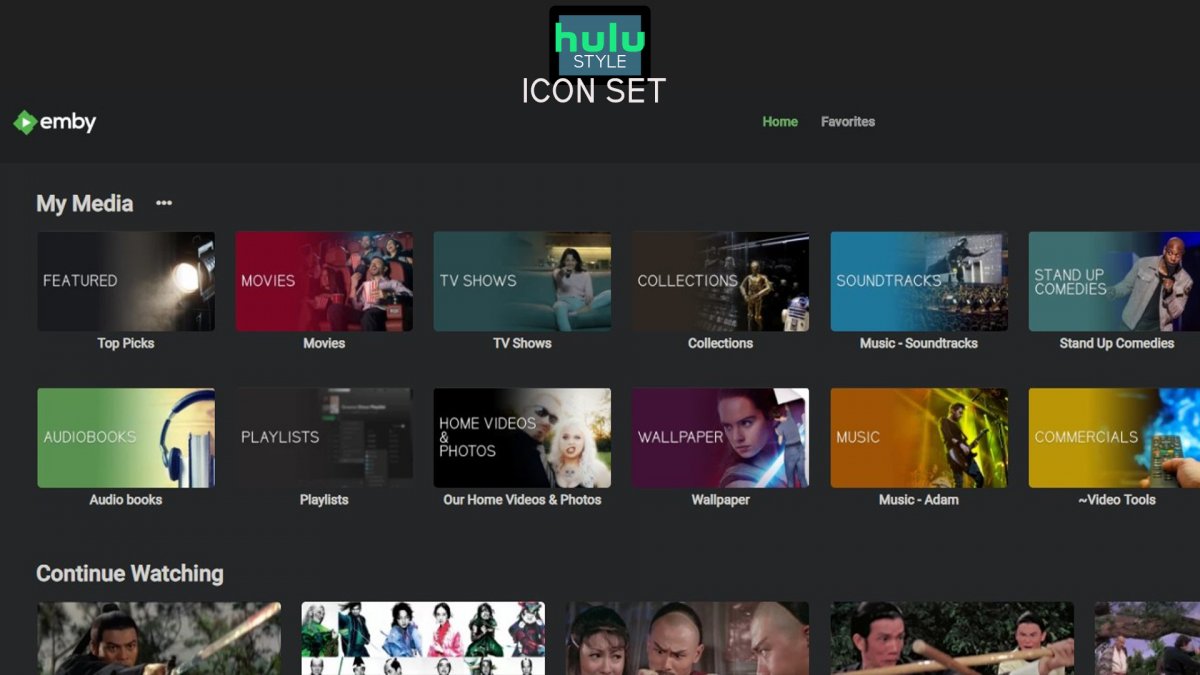
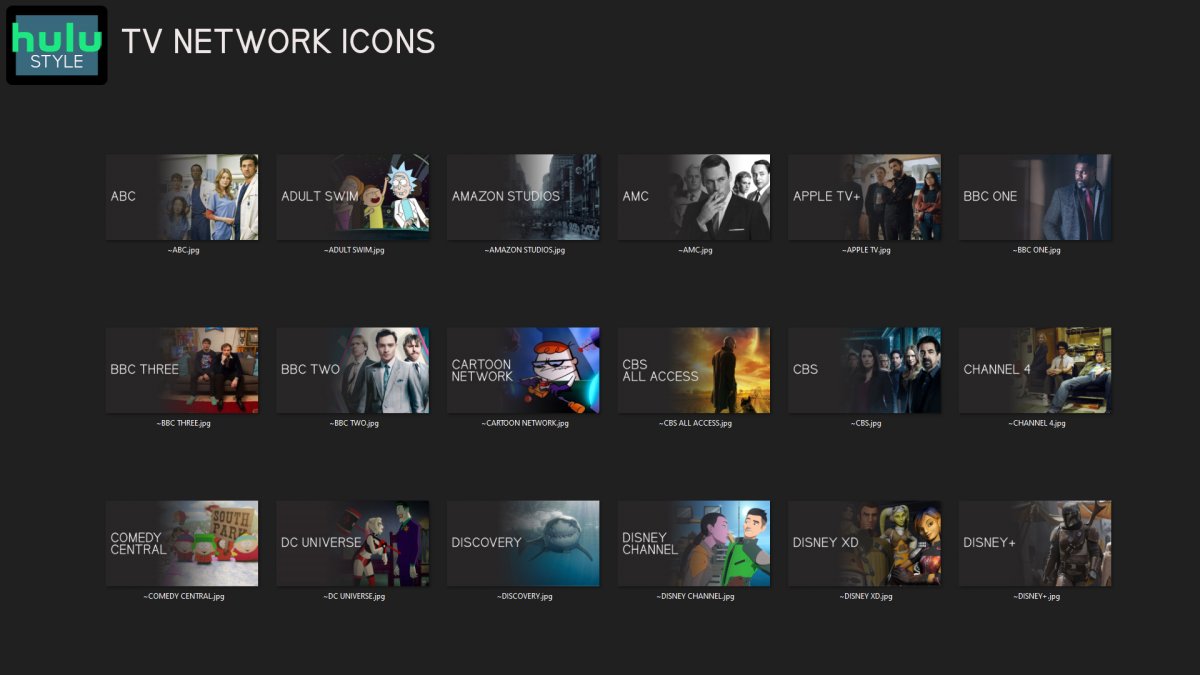
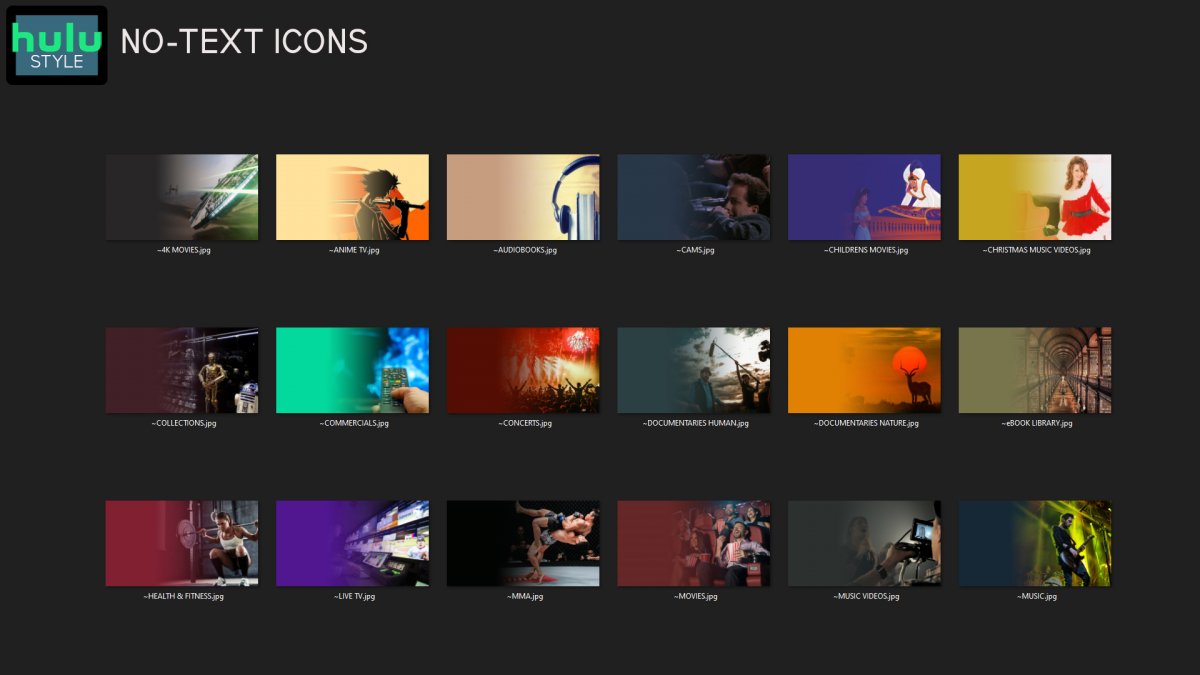
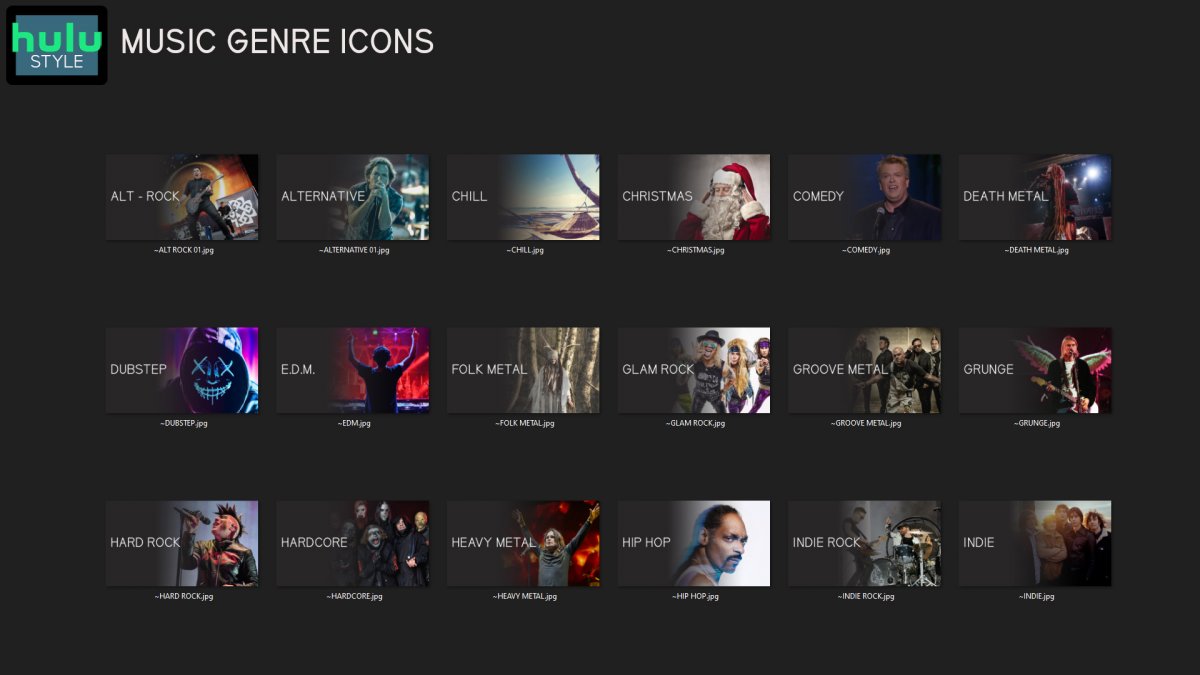
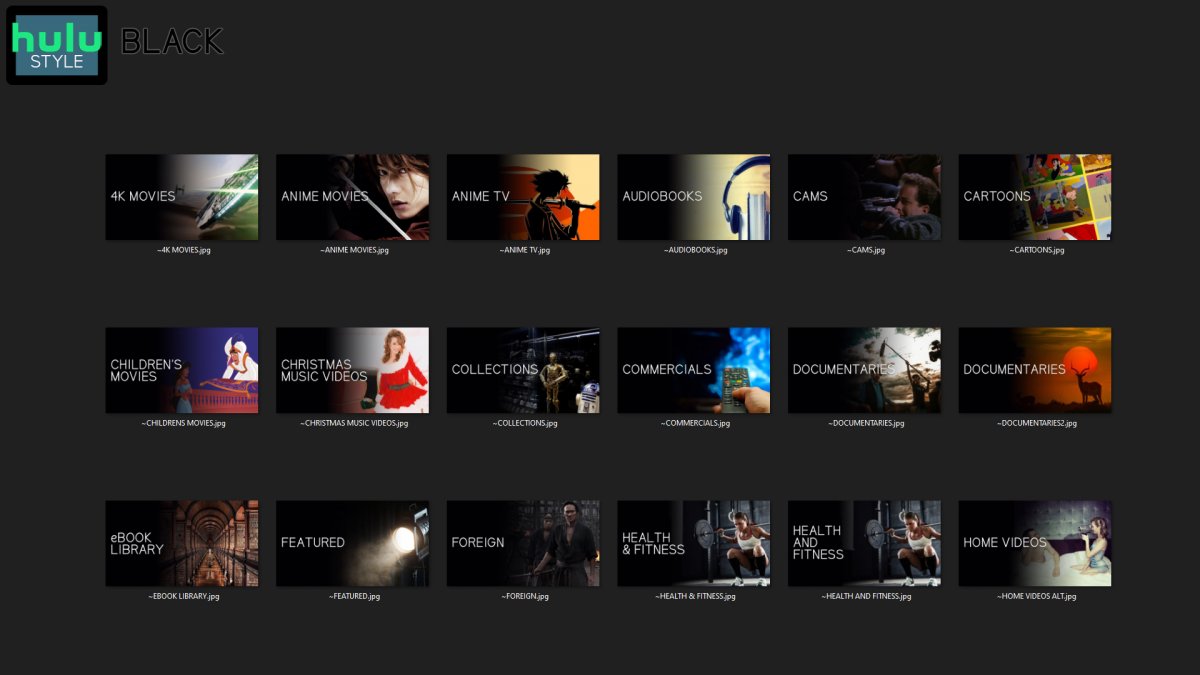
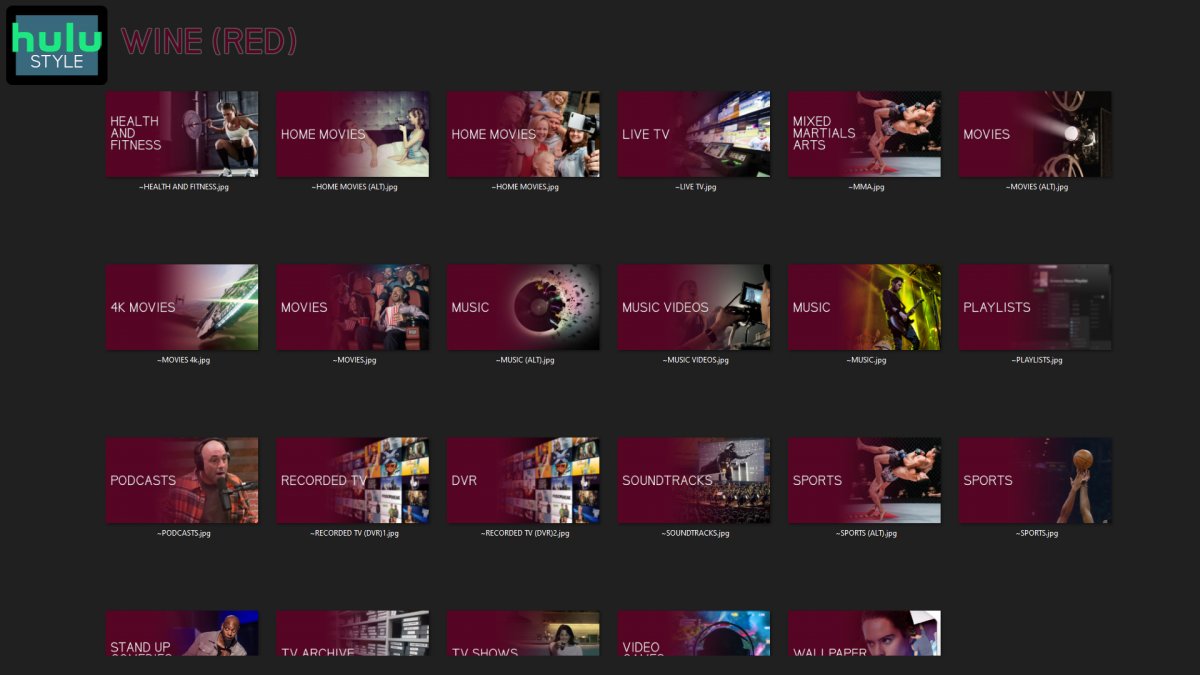
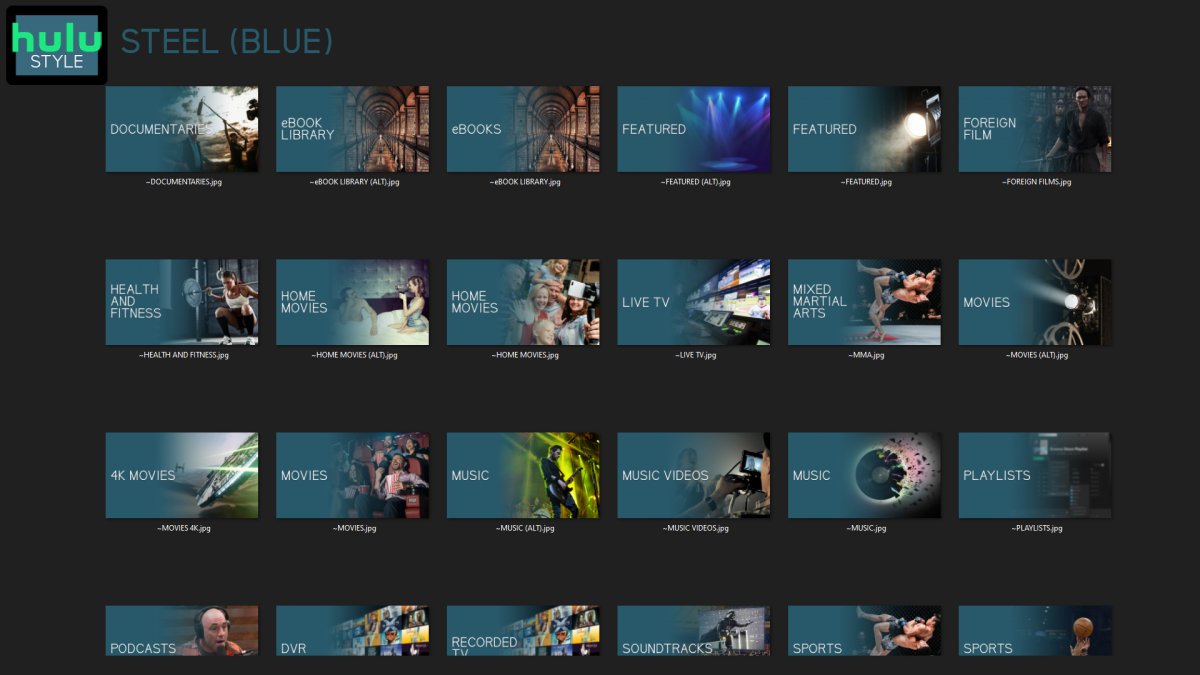
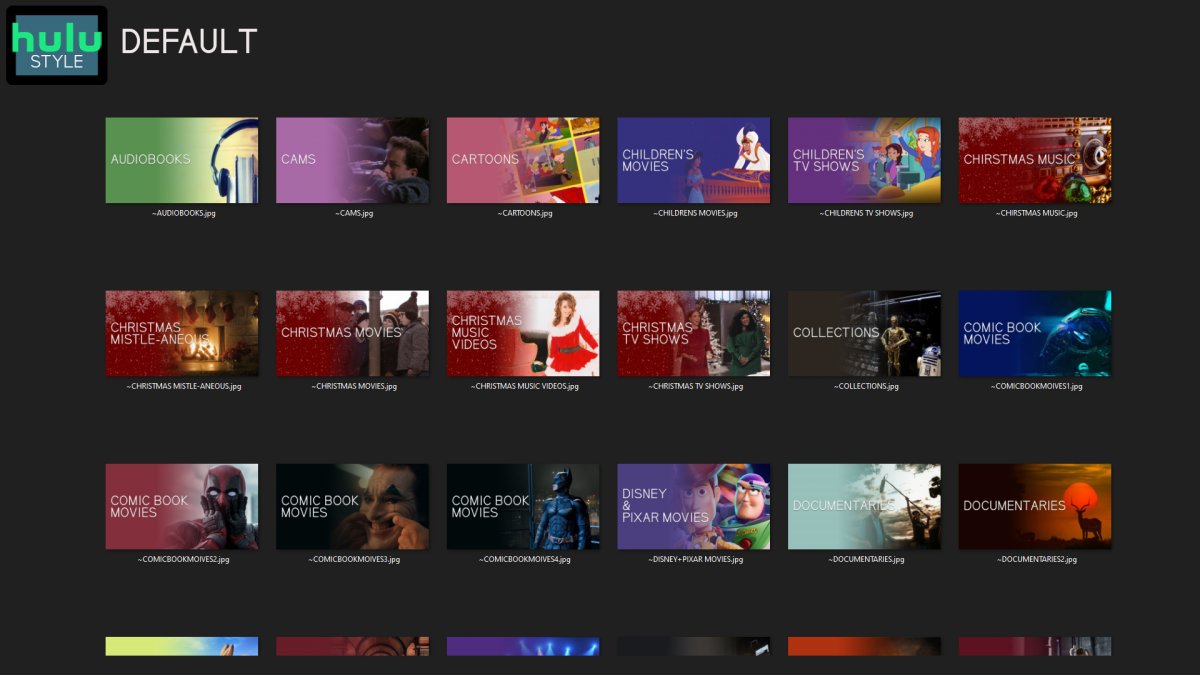
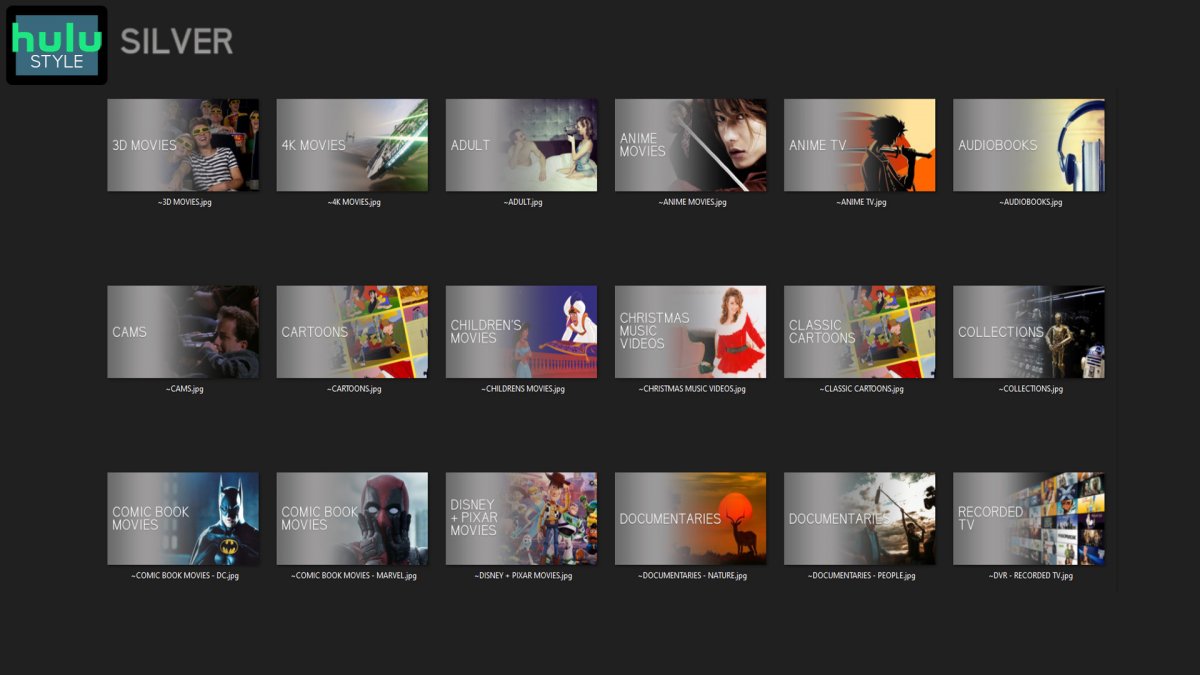
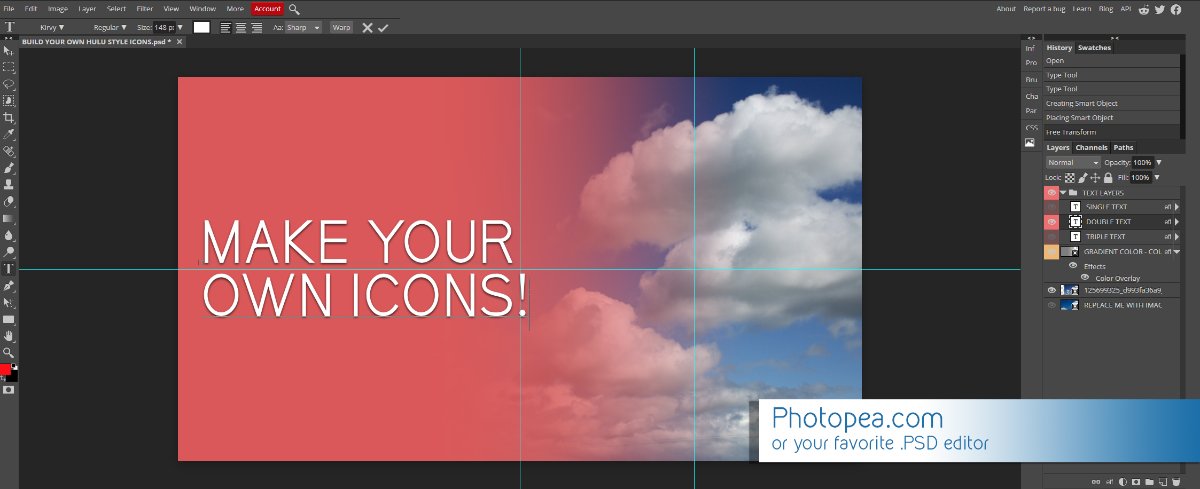
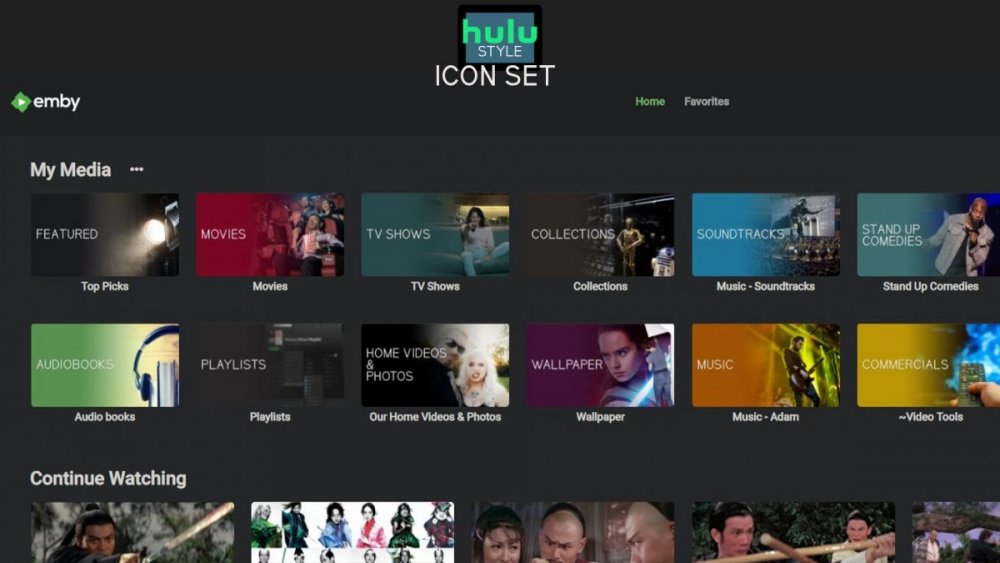
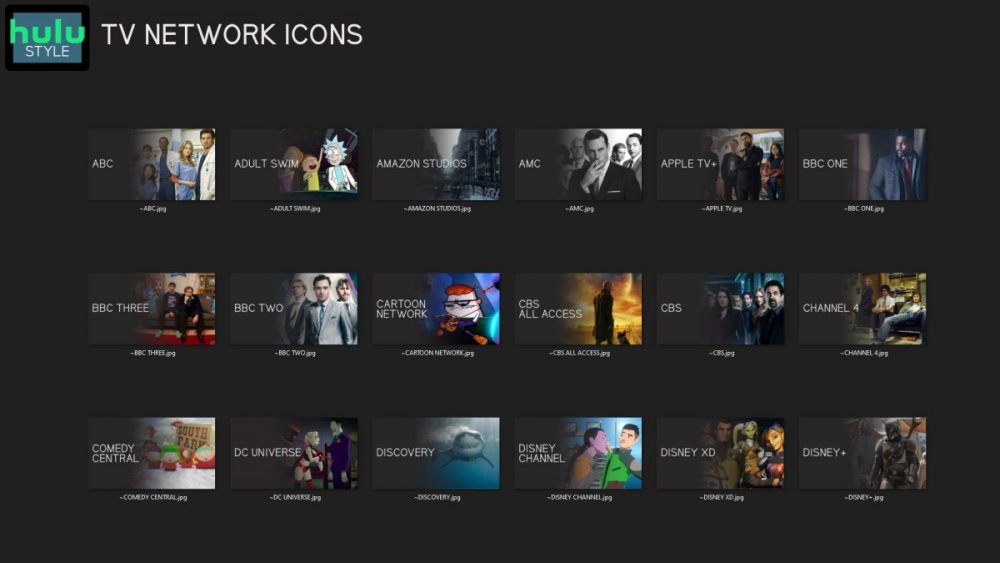
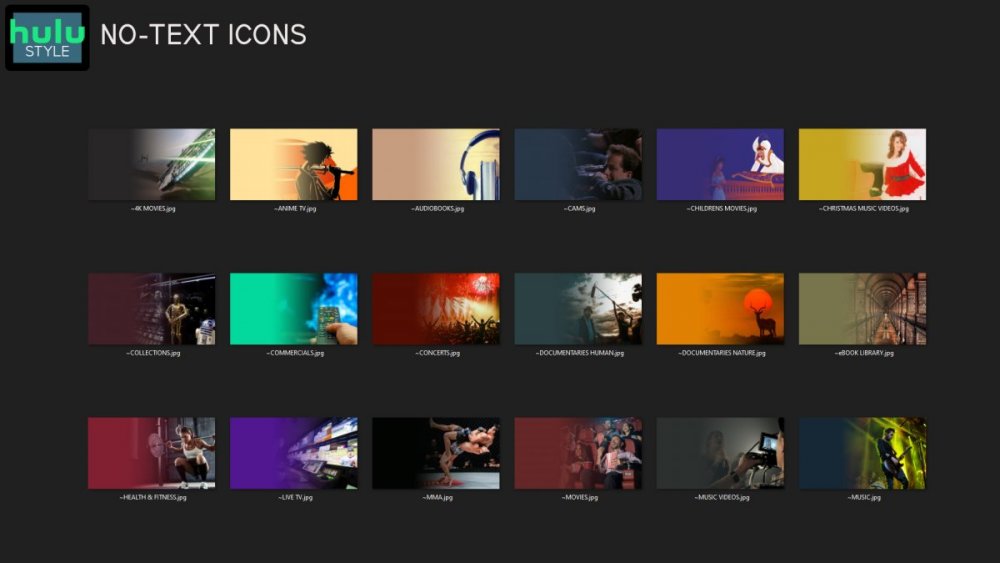
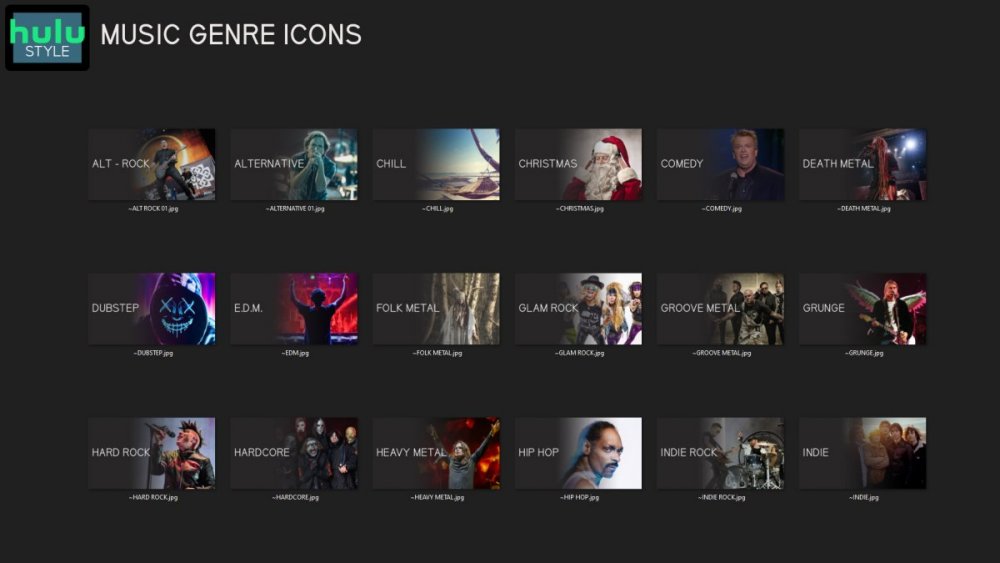
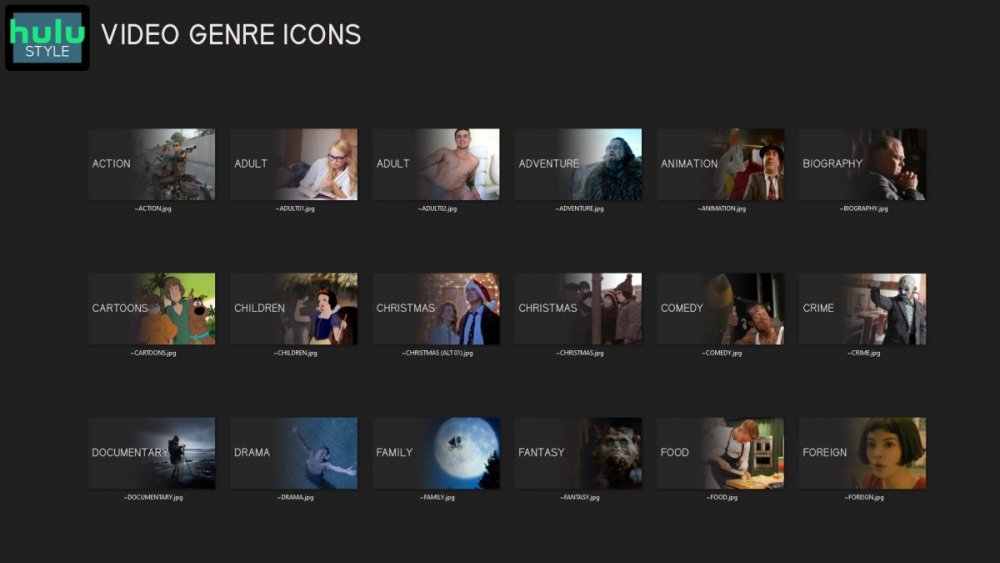
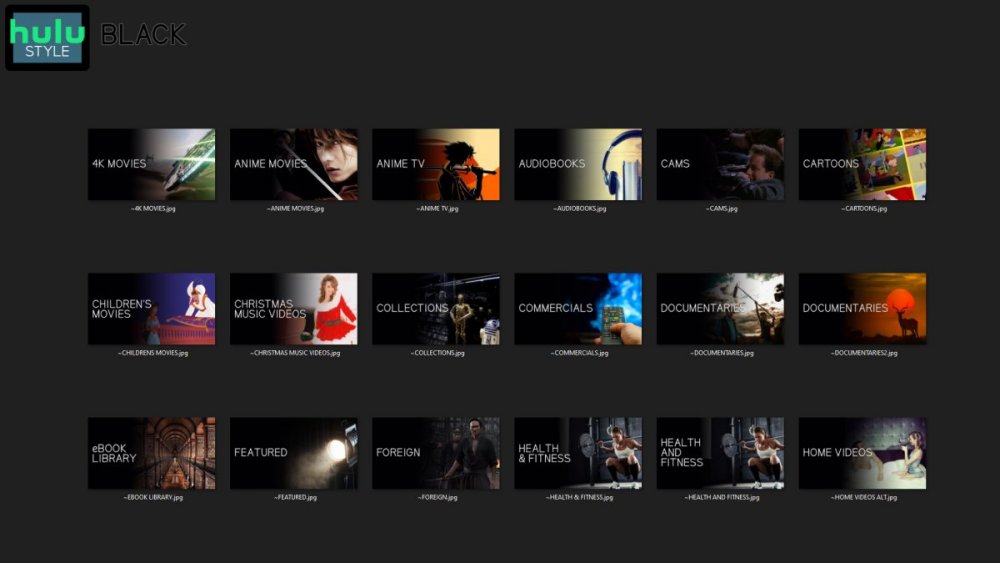
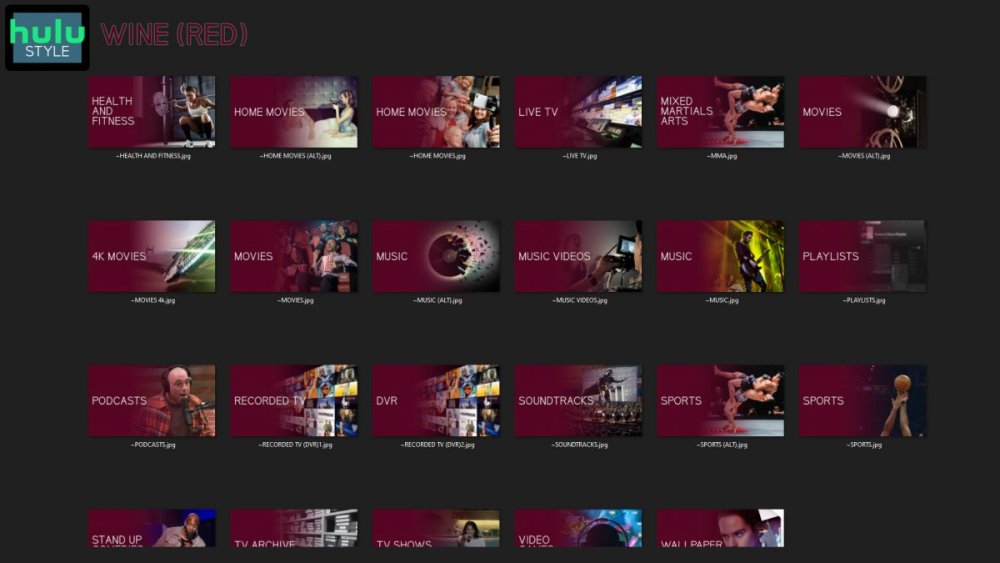
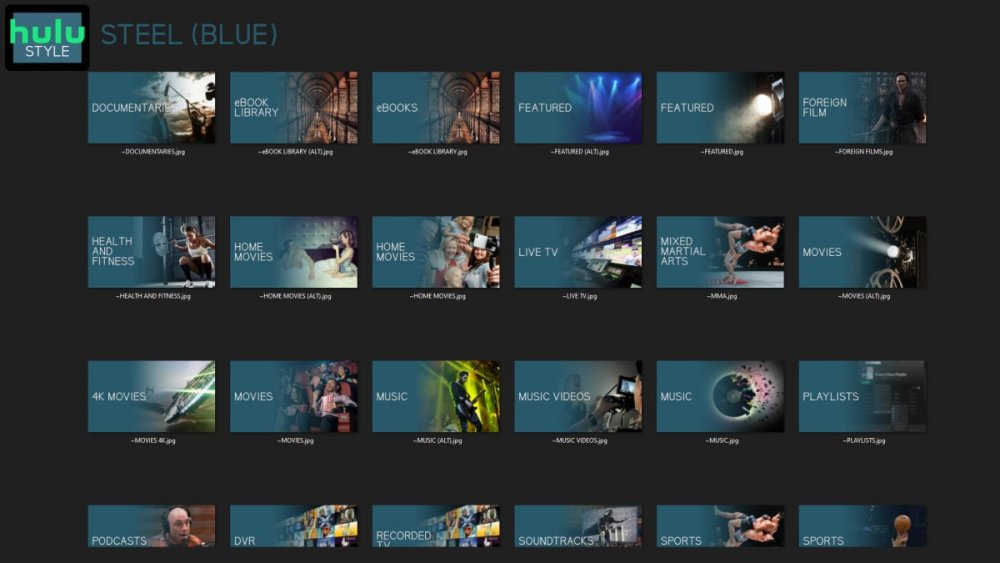
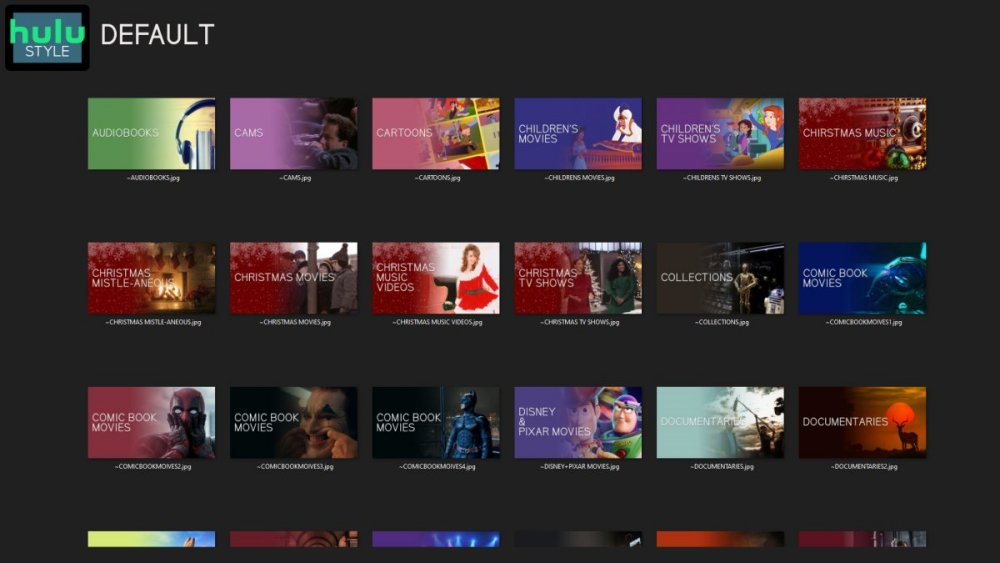
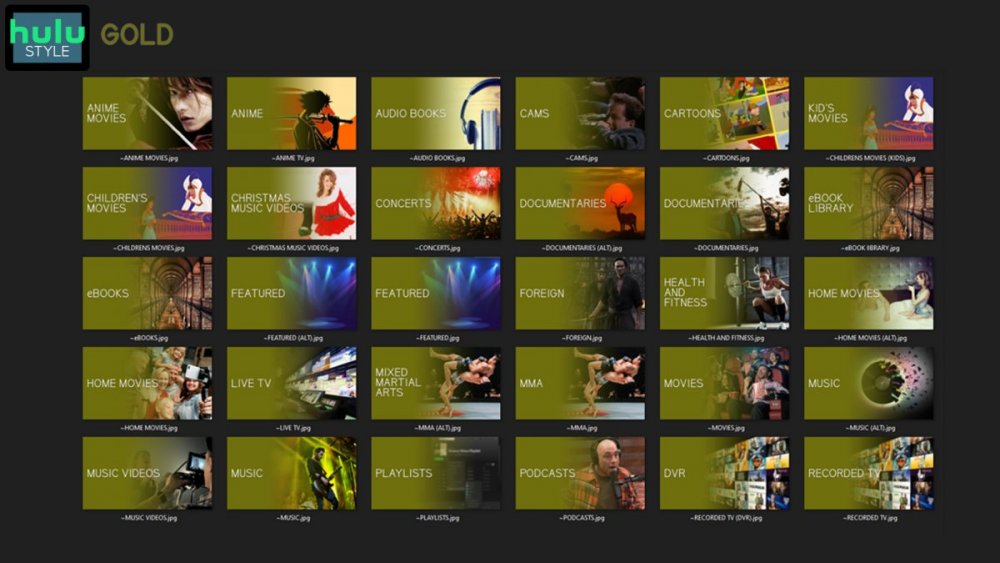
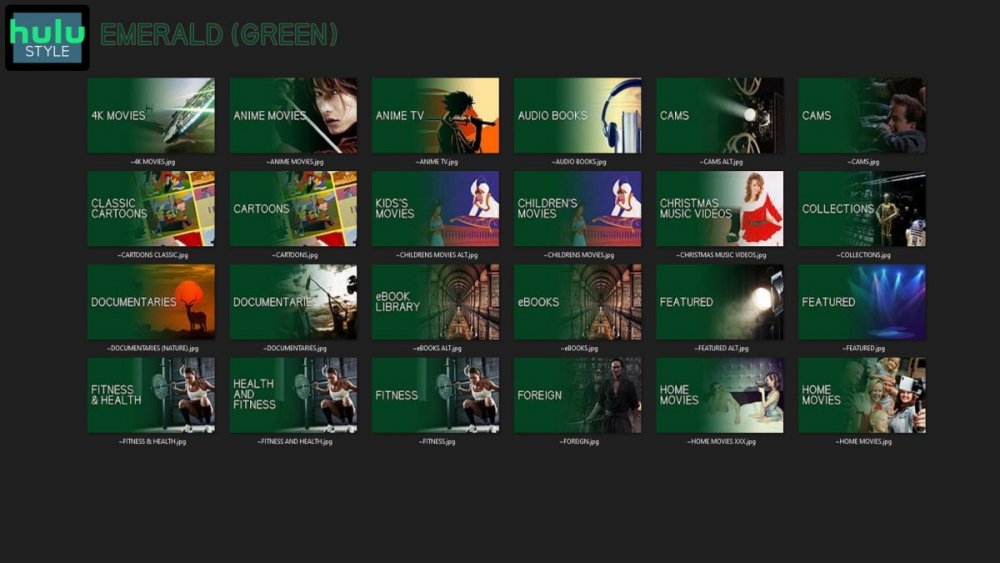
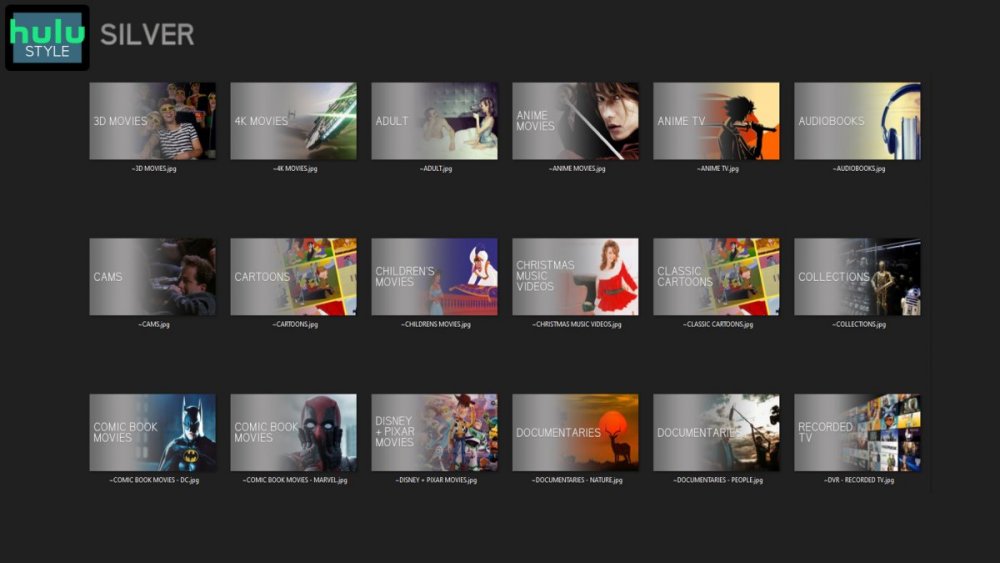
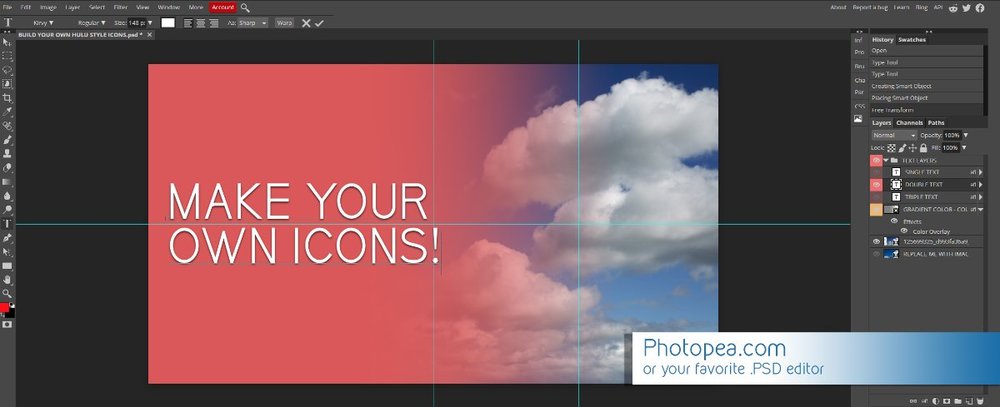
Media Library Icons for Emby Updated: 07/10/2021 I've always had a thing for the simple gradient style Hulu overlays on their library images. I'm not that great at graphic design, but I can mimic some things pretty decent. I hope! It's very simple, and clean and something I've been wanting to attempt for a while. I've never done anything like this, so constructive criticism is appreciated! More color options for media libraries coming soon!!! Also included to make your icons match across the platform, are video genre, music genre and TV network icons: I've hosted this only my Google Drive, so if if the link is not working please, reach out to me and let me know and I will do what I can to resolve! The font (Kirvy), and PSD's are located in the \~TOOLS\ sub-folder Media Library Icons - DOWNLOAD HERE Feel free to create your own to fit your needs! Photoshop Template - DOWNLOAD HERE Gimp Template - DOWNLOAD HERE (ALL credit for creation of Gimp template are thanks to, Mibok, who took the time to recreate the Photoshop template in Gimp!) Many have asked for a smaller and easier version of the .PSD file to create their own custom icons. I have simplified the .PSD and it is now compatible with, Photopea.com photo editor so no need to own Photoshop to make your own icons! Download the new .PSD HERE Thanks for giving me so many hours of entertainment, this was something fun to try and give something back! (If any of the above images are not allowed, please inform me ASAP and I will correct it) *** Change Log*** 07/10/2021 Added GIMP template, created by, Mibok to allow users alternate means to create their own icons 01/25/2021 Added lighter .psd file for easier custom icons 10/04/2020 Added "Silver" Media Library Icon Set and all remaining requests and missing items in each set 08/15/2020 Added some requests and "Emerald" (green) Media Library Icons Set 07/06/2020 Added "Gold" (yellow) Media Library Icons Set 06/29/2020 Added "Wine" and "Steel" (red and blue) Media Library Icons Set 06/29/2020 Updated sample images 06/22/2020 Added "Black" Media Library Icons Set 02/27/2020 Added TV Network Icons for 49 U.S. networks 02/27/2020 Added ~MEDIA LIBRARIES sub-folder to help keep the folder organized 02/24/2020 Added Phase One of Music Genres to Google Drive 01/25/2020 Added requested images to Google Drive 12/21/2019 LITE - Hulu Style Library Icons PSD Added (Uploaded PSD with no graphics for a faster, lighter PSD option) 12/21/2019 Media Library - No Text Icons Added 12/17/2019 Generic Movie Genre Icons Added To Do: Update preview post with images Continue color sets: Black - Maroon - Navy - Emerald- Gold - Silver Update No Text Icons Downgrade PSD for compatibility for older versions of GIMP/Photoshop TV Networks - USA Optimize PSD for simplicity
 1 point
 -
Channels DVR has this in beta right now. Is it something that Emby can do? https://community.getchannels.com/t/new-tv-everywhere-support-beta/17405?fbclid=IwAR0fv2XN-Xrssi5mkLLsye_fwYbX8oT5P7E8pv-fwpsBOIr1W3sXj7iecXQ1 point
-
Here are my library thumbs. Edit: GDrive link to current icon set. More may be added in the future. These are all black and white. Feel free to modify with colors as you so desire. I activate a "Christmas" library during the christmas season, for obvious reasons. I just apply as "Primary" and "Thumb" and they've worked great for me. Blend in nicely with the flat icon style used elsewhere within Emby. And they're attractive across all my devices (Android, iPhone, webUI, and AndroidTV) computerprep library thumbs.zip1 point
-
Please read this post first. I was wondering if it would be possible to add something that would allow you to skip the intro to shows automatically while binge watching. When watching Netflix it does this for some shows, and im not sure if thats a feature of Netflix itself or a Chrome extension i use called "Flix Assist" but it would be a nice feature to have within Emby as well. and possibly even create a custom timed skip for specific shows1 point
-
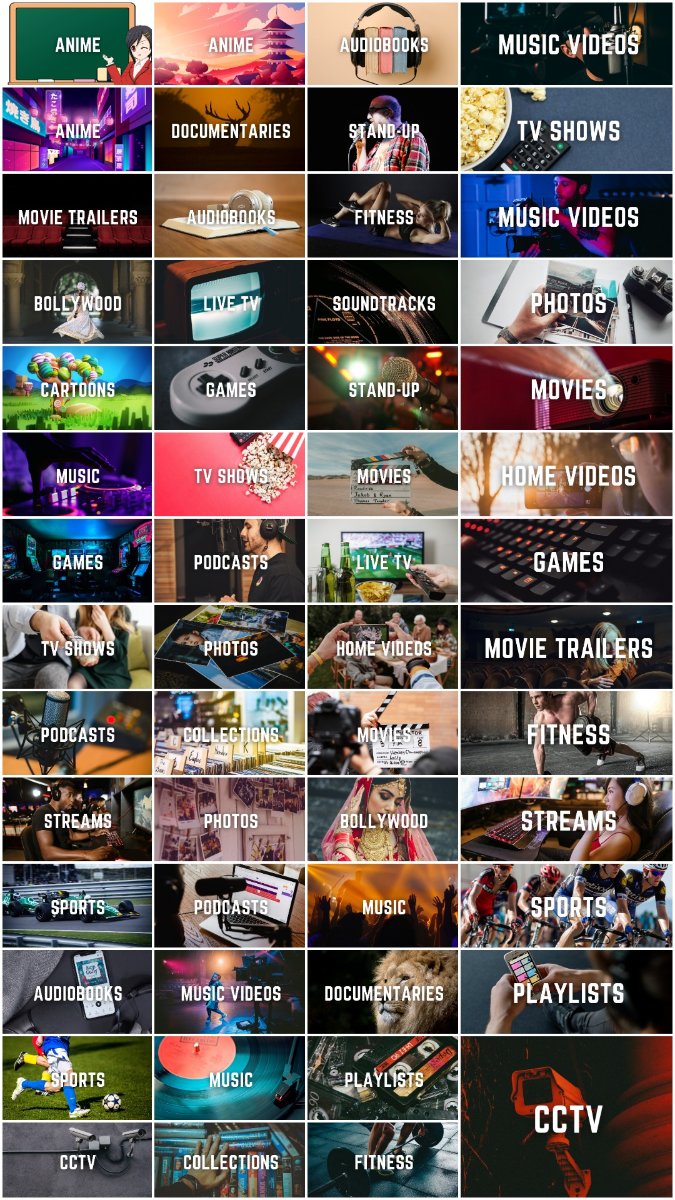
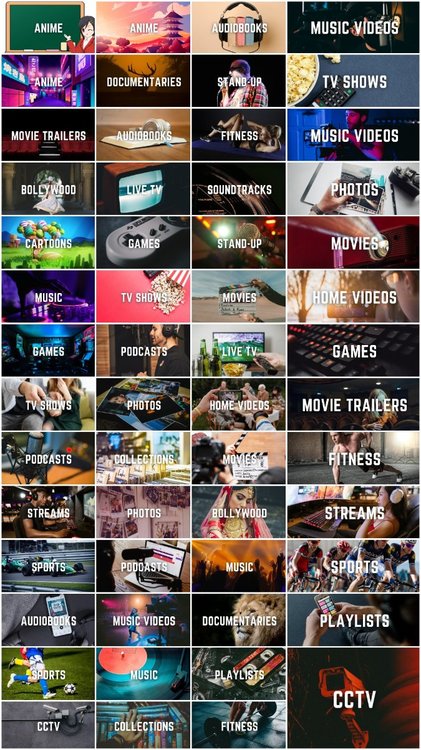
Hi guys, I created those simple library icons for myself but decided to share - maybe someone will find them useful. Every icon is a PNG file in 1280x720 px. Download link: https://drive.google.com/drive/folders/15SGUccIljBZEysLj-cuMzpJ3I3QOVbIB?usp=sharing
 1 point
 -
Hello, When using the guide to view upcoming TV shows, the Emby guide defaults to midnight of each day. Is there a setting or any system change that will have the guide search at the current time of day when viewing future days? Also, the guide is currently limited to one week only, is there an option for two weeks into the future? I am currently using Emby version 1.5.1 (8) but this behavior has been the same for a few months. Should we move this post to the testing forum?1 point
-
It won't cause problems with older servers so yes you could put that out before hand if you want.1 point
-
Please email billingsupport@emby.media1 point
-
Sorry for the delay. Yes I believe we could add subtitles as a criteria. I'll have to take a look and see where the subtitle data is stored, and then add it to the config. I should probably make sure to do some through testing of this plugin. I seem to remember I got caught up trying to remove tags from items. There was definitely a hold up in the code somewhere. I had better take a look, if people are using this.1 point
-
I would love to see this as a paid add on for emby. It would greatly enhance the live tv feature for people like me who cant use an antenna. As I said in another post I am a long time emby user going back to the media browser days & would prefer to keep everything in 1 app. I'm not sure if something like TVE is hard to implement & time consuming but if a lot of people wanted it, maybe it would be worth it. There are lots of users on this forum so I'm hoping to see more likes. Keeping my fingers crossed.1 point
-
Actually you don't have it and don't understand what it's doing. This is real-time transcoding not 2 pass encoding you can set and let do it's thing with a full set of optimizations and big look ahead. This is dynamic and not a conversion but a real-time transcode that has to run fast as multiple transcodes can be in process fighting for the same resources. You're not setting a target but an upper limit for starters, so all you specified is a max resolution of 1080 and max bitrate of 4Mb. Emby still has to figure out what the best resolution it can use for that media based on the bitrate it can use which of course is influenced by the audio, subs and the codecs involved. If you take something that was in HEVC and it's converting to AVC it's going to need 2 to 2.5 times the bitrate of the original file to hold the quality. If it can't do that it will use a smaller resolution which means less overall bits needed so what is available is used for quality at that resolution. etc For software encoding Emby will err on the small side to try and keep as much CPU reserved as possible. If you want it to look better try 1080-6 or 1080-8 and give the real-time transcoder an opportunity to have a higher upper boundary it can use. For GPU encodes it's a bit different and generally better resolution wise as the resources on the CPU and far less important and the transcode processes are offloaded. The bitrate however is still a major factor and if to low will create sort of macro blocking where you typically won't get that with a CPU transcode as the resolution can be smaller giving more of the bitrate to scene changes then just the canvas. BTW, that's an extreme example. This is not a handbrake type conversion where you set target points.1 point
-
Hi. The beta of the app should solve this for you. We shouldn't be too far off from it going release as well. Thanks.1 point
-
@pwhodgesyes it's true! here the problem is other but maybe i have finally solved! I have open all tracks with MusicBrainz Picard and edited the metatag. After i scanned the library and now all work perfectly. With some software, it seem than metatag are not delete or edited correctly. @Luke @cayars Could be very important inform users if Emby is particular compatible with a specific software.1 point
-
Hum it seems it came back to normal now... without having to reboot it1 point
-
Thanks carlo.1 point
-
I think Emby "Title" populates with the Exif field "Title", not the filename. At least that's what it is doing for me. I'm sure, in a previous version, it used to show the filename, so this seems to have changed at some point.1 point
-
In future updates I would expect more options to control the image that is displayed in the list.1 point
-
Hi @Hxemby001 very very thanks for have try! You have "touched with your hands" my problems. I have tried to remove Music library and after create a new one but the issue persist. Now i'm removing Anthology 2015 and i'm trying to follow @cayars advice... I believe than i will remove Emby from my server and i will install 4.6 beta. UPDATE: @cayars nothing is changed the problem is always the same.1 point
-
If your problems only start during heavy action scenes, then it sounds like you have a network bandwidth issue - either on your wifi/lan OR on your WAN connection to your friends server. During scenes with lots of 'change' the bitrate needed goes up vs say a static of low movement scene. So now you just need to determine where the bottleneck is. The issue is more likely to be the WAN - so check that first. You need your average download speed (lets say it's 30Mbit/sec) and your friends upload speed (lets say that is 10Mbit/sec). If you are trying to stream any film which has a average bitrate of 10Mbit/sec - it will likely stream ok UNTIL there is a peak demand (ie big action scene) beyond 10Mbit. The bottleneck is likely to be your friends upload speed, rather than your download speed. If your friend doesn't have the upload speed available, then they need to restrict the streaming bandwidth in emby to something more suitable - say 8Mbit/sec - that way, anything you stream will be transcoded on their server first, then it will be sent to you at 8Mbit/sec only - thus they (and you) can keep up with the demand. As a 2nd example, I have 40Mbit upload, but I restrict any remote users to 10Mbit/sec - because a) I do not want a single user swamping all my upload bandwidth and b) if multiple users need to use my server - then I have the available bandwidth for up to another 3 remote users. I hope this helps.1 point
-
I think it may need re-wording. It could cause confusion, thinking that it will physically delete the file1 point
-
Yes, the same in every client.1 point
-
I have used it and it actually works very well. It doesn’t always find the intro but if it does it displays the skip intro button. I’d say it successfully found the intros of about 95% of the shows that had them. While I was using it before I switched to Emby I never ran into an episode where the detected intro was in the wrong spot.1 point
-
I want to thank Carlo, he was able to remote into my computer and setup the EPG and Tuner, everything is working great thanks again Carlo1 point
-
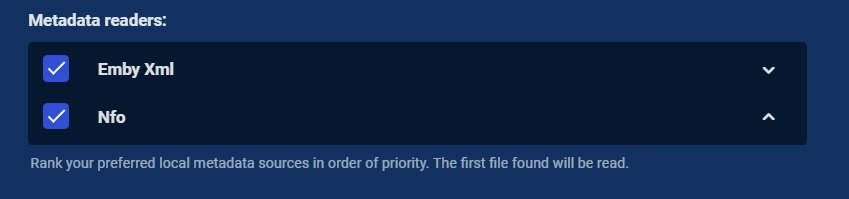
Unless I have totally miss understood, this is about ignoring metadata that is with media and being able to write your own locally (ie metadata with media not overwriting custom local metadata).1 point
-
Isn't this the option you are referring to? So on a new install and libraries you would stop reading nfo with media and only write info to your database.
 1 point
 -
well finally figured it out .... I knew it would be something dumb - it usually is with me. We used to call this and ID 10T or idiot error. Well, what got me thinking was that the Emby app worked when he was at my place - because he was using my wifi which is the same network the server runs on ..... And I never had problems setting up new accounts when at home (or local) - for home users. I also have to give credit to my other son who is a bit more technical than me for clarifying everything. The big difference is that internal to the house, the server runs on local. When you are on remote access users have to use the reverse proxy to access the server. P_O_R_T numbers are different! 8069 for local - which is what the application pre-populates into the app. That port doesn't work anywhare except locally. Here comes the my bad part - remote access through the reverse proxy uses port 443. !#$%!#!! So the process is this: 1. Set up the user on the server with all of the permissons etc. - same as any user. 2. Download and install the Emby app on whatever device you will be running it on such as PC, Fire Stick, mobile phone etc.etc. 3. Go into the app and hit either change server and/or login manually. 4. Enter the address of the reverse proxy (I use "no-ip" for a service to redirect). 5. Drop down to the port # and remove 8069 and replace with 443 or whatever port you have set up and tada! It works!!! Don't even use the Emby connect process ... it is simple and straight forward - unless you are an idiot like me and don't enter the info properly. My apologies to all for this wild goose chase. And certainly thanks for sticking with me as I worked through this ..... Lesson learned! PORT # PORT # PORT# Thanks again to all esp. Luke and cayars toolmanz1 point
-
You should open up the Stats-for-Nerds view and take a look whether the resolution might have changed between 5 and 6. The resolution+Bitrate values that you see in the clients do not always give you exactly the resolution of the item you choose.1 point
-
Probably because of old data in database. I can't say...1 point
-
Hi, it's possible for the future. thanks.1 point
-
I've pushed an update to our chromecast receiver to resolve this. Thanks for reporting.1 point
-
@cayarswas already connected and saw the problem.1 point
-
Hi, it looks like you just answered your own question?1 point
-
Hi, thanks for this. We'll have some additional changes in 3.1.93+ so please report back on that and let us know if it helps. Thanks.1 point
-
Correct me if i am wrong... (i'm having one of those days) With the horizontal scroll wasn't it impossible to actually see the entire episode name without selecting it? There was a limitation to the amount of characters that could be displayed? Making it a horrible view if you wanted more information immediately. I have seasons with 100+ episodes and find the vertical scroll to be much more informative. I wasn't a vertical scroll fan on android originally! The OP most likly has a valid point on the difficulty of how this is displayed on smaller TV's. If a description / episode summery is not important, maybe there is some programmers secret code that could turn off the description (as an option) and greatly increase the font to just display the episode number / name?1 point
-
Keep in mind this was overwhelmingly requested by users. There is a dislike of horizontal scrolling in general in all the apps so we try to accomodate what is being asked for by the users as a whole. The other things is that you're using a 10 foot interface on a small TV so it's likely going to look tiny at a distance. Many people these days use multiple monitor larger than 27" attached to a computer sitting a foot to foot and a half from them. With that said you have the 3 key devs (speechles, ebr, Luke) in this thread corresponding with you to try and learn from you and improve the UI because they CARE a great deal about the clients and want it to be highly functional for large and small monitors alike. It's quite possible for example to keep the vertical scrolling but adjust spacing or size of elements on the screen to make them easier to see and read. This is what they are trying to find out from you what could be done to help.1 point
-
Hi. The feedback we have gotten from most people was that they did not like episodes showing in a horizontal row like that and all of our other apps show them the way this one does now. Options are possible in the future. That is actually a recommended design approach. It makes it obvious that you can scroll further.1 point
-
To simplify things maybe a ChannelsDVR Plugin needs to be developed? That said, if I'm going to pay $8/month for TVE, why not pay it to Emby? This could also be an add-on service in Emby to generate revenue and cover the costs of maintaining it. In other words, I'd gladly pay a small monthly fee for this expanded functionality.1 point