Leaderboard




Popular Content
Showing content with the highest reputation on 02/23/21 in all areas
-
Just wanted to add to this thread in case anyone else finds this while searching since I had the same issue but the solution above didn't work for me. I wanted to use Entity Framework Core in my plugin which unfortunately comes with a lot of dependencies. At first I tried copying the dlls. to the system folders but same as for roaku above that didn't work probably since they were managed assemblies. The solution above didn't work for me since the large number of dlls caused issues with ILMerge and I just got a bunch of different error messages. Instead I found Costura which also merges dependencies but seems to work a lot better with the large number of dependencies than ILMerge. So if anyone else finds this thread with the same issue that might help.2 points
-
Currently, the only certified Android TV device with Dolby TrueHD and DTS-HD Master Audio passtrough support is the Nvidia Shield. However, the original Xiaomi Mi Box was the only affordable device with the same support as far as I know, but it was removed altogether when the Android 9 update arrived recently, it appears it was removed due to licencing restrictions. When we play any video in Emby on any Android TV device without passtrough of the aforementioned codecs, the server transcode the audio stream into Dolby Digital. Why not transcoding those lossless audio codecs into PCM instead to keep the same lossless quality?. Maybe adding an option in the app's settings to turn this ON, because not every user will have their devices connected to a multichannel AVR with HDMI inputs, some still use an SPDIF connection so Dolby Digital is still necessary. I just hope that this is possible to implement for the devs. Thank you.1 point
-
This post contains status info on the 4 Kodi add-ons that support Emby playback in Kodi. Kodi Media Source Info There are two main ways for Kodi to display media items: From its internal database using native c/c++ (Syncing) As a list of ListItems generated by an add-on in Python querying an external server (Dynamic) There are advantages and disadvantages with both of there when dealing with external sources. From the internal DB (Syncing) Pros Uses the native Kodi internal display mechanisums Fast access and display, as fast as it is ever going to get All local data from the local DB Other Kodi add-ons can use the data form the DB Cons Can be problematic to sync data to and from external sources Keeping data in sync, data can get out of sync Large data changes or constantly changing data on the external source will cause lots of sync triggers Getting syncing correct is not trivial As a list of ListItems generated by an add-on (Dynamic) Pros No DB sync task is needed Data is loaded from external source when it is needed (like a web page) Data will always be the latest from the external source Changes on the external source show up immediately on next request Cons Add-on (Python) data processing is not as fast or local DB and c++ code External server query speed becomes part of the delay in displaying items Other add-ons can not access items Add-ons use different approaches: EmbyCon :- uses only dynamic add-on generated views Emby for Kodi :- uses a combination of DB sync and dynamic Emby Next Gen :- uses a combination of DB sync and dynamic Kodi MediaImport :- uses only syncing Add-On status: EmbyCon Status : Maintained by community members (TeamB) Kodi 18 : Stable Kodi 19 : Stable Source : https://github.com/faush01/plugin.video.embycon Emby for Kodi Status : Not supported, end of life Kodi 18 : Stable Kodi 19 : Not Supported Source : https://github.com/MediaBrowser/plugin.video.emby Emby Next Gen Status : Maintained by Team Emby (quickmic) Kodi 18, 19 : Not Supported Kodi 20, 21 : Stable and Beta Source : https://github.com/MediaBrowser/plugin.video.emby/tree/next-gen-dev-python3 Kodi MediaImport Status : Maintained by Kodi team and Emby community (Montellese, LongMan) Kodi 18: Not Supported Kodi 19: Beta, under active development from Kodi team member Source : https://github.com/Montellese/mediaimporter.emby1 point
-
Hi, I have put a lot of work in the lists and mapping to emby guide data. How can I back up my Live TV setup? It doesn't seem that the Configuration Backup plugin does what I need. Thank you!1 point
-
But on LG you can only do this using the pointer on a Magic remote, which Samsung doesn't support. If you were restricted to the same navigation methods as Samsung, you would have the same issue on LG. It is definitely a feature that is needed, and as Luke has claimed it is coming, but it isn't a minor change if it is done properly.1 point
-
Sadly I just see Apple TV being something of high importance for these guys. Maybe I’m wrong but other apps leave them in the dust when it comes to video playback. Sadly Plex is one of them.1 point
-
Hi all, as a final info: I changed my TV to a Samsung and voilà all the issues are gone noy and the stream is smooth and fine. No stoppings anymore, so it was the TV Sony Bravia that caused the issues.1 point
-
Hi. I've just got an Apple4K and have the Emby app working, but the Sort option looks very limited. Using other apps (Emby Theatre, Browser app), I can sort by Title and then quickly jump to a letter via the quick access alphabet on the side. This seems to be missing on the Apple app and it's pretty much unusable to scroll through 1500 titles Hopefully I'm missing something simple??1 point
-
No we have it in our internal tracking system so we should be all set. Thanks!1 point
-
Not sure, currently I'm still working on a proper solution. It has highest priority.1 point
-
You can certainly try it but I'd be surprised if the Fire were better/faster at transcoding than your laptop. There will be no hardware acceleration available. This is why I asked what you hoped to gain moving from a full-blown PC to a streaming device as a server. Please let us know how it goes.1 point
-
The Apple TV app doesn’t support this functionality at the moment. We have it on our backlog to address in the future. Thanks for reporting this!1 point
-
They are both already there.1 point
-
Ok. I think the way we have it now is the way that most users want, but more options are possible for the future. Thanks for the feedback.1 point
-
Ok, how about now?1 point
-
@Mibok you must create a separate "Feature Request" topic for what you're requesting, then wait if enough people agrees to your request so Emby devs take action on that.1 point
-
yup, im looking into this now. currently downloading the latest firmware from the Samsung site to sideload it onto the TV. is going to take 1hr because their servers are apparently located in 20011 point
-
Sorry, I'm not sure.1 point
-
Turns out I am just impatient. It took forever to fully map apparently. The morning after Input thus out there I was able to get it to work. Thanks for the response and help. Your solution is the way I was able to do it.1 point
-
Any chance we can get season, episode and whether it’s new or repeat info in the TV guide grid view like the new Plex feature has? Would help from maki g you have to click on each and every episode to hunt for the specific show you want to record. Right now it has the show name and episode name if applicable..I’d venture to burgess that episode and season number with “new” or “repeat”indicated would be much more useful information to have available directly in the grid view. Having this in searches would be helpful too (previously requested).1 point
-
I also only see the "code" button before the "bold" button. No "source" button here.1 point
-
@VicMoore the tag name already points out where the problem is. It's the "Witch" Honestly, i don't know. Let's wait if more user now have problem with tags. In the meantime i will create you an extra debugging build around the tags and also because you get an error when the config screen tries to get your library folders.1 point
-
Hello quickmic, Thanks, no sorry Amazon FireTV in my case, did I use ATV wrong (German) ? Fresh install on FireTV, Kodi 19 and emby-next-5.1.17 with Estuary MOD V2 Matrix from kodinerds repo.1 point
-
I changed the tag to 'test' and it now works.1 point
-
I add source for mobile, can you please test and see if that what you want, thanks.1 point
-
It is five years old and still an issue. Some things are nitpicky (playback speed) but some things are relatively breaking. To this day if I download an audiobook offline it starts over every single time, only streaming through the library (the online version) saves progress. Like OK so I guess I will use emby to download the book offline and play it in a different player that is actually functional because my choice is either use my data or start my book over every time I play it. Try listening to Wheel of Time offline see how well that works for you.1 point
-
This should be fixed with version 1.0.1, which has been released through the catalog. Since there's a javascript change, you may need to clear your browser cache before you see the corrected behavior.1 point
-
Yes it is, but I wanna fix the core issue. I don't like workarounds.1 point
-
I was a long time paid plex user until they switched up to trying very very hard to force you to use their dumb@$$ plextv login and hide local login capability. Being locked out of your own server when the interwebs goes down is incredibly frustrating. I was not a fan of where they were heading on the privacy and security front either. The lifetime membership to Emby has been totally worth the expense, WAF is high, kids can easily use it, management is darn easy and uses higher quality images than plex. Fulfill that feature request for bulk editing metadata and it might be pretty perfect. Good luck OP, there are other free ones I would jump on first before ever moving back to plex.1 point
-
Thank you very much this feature is very useful for me (and for others I think)1 point
-
Any way to not display the channel number in Emby Live TV? M3U file doesn't have any info on channel number. Thanks, anthonws.1 point
-
I was not thinking about that feature. I can add it in one of the next releases. For the moment you can only delete items via context menu.1 point
-
@quickmic tanks a lot for your efforts for developping this plugin. Do you planed to add the ability to delete tvshow and movies at the end of play-back like old plugin ?1 point
-
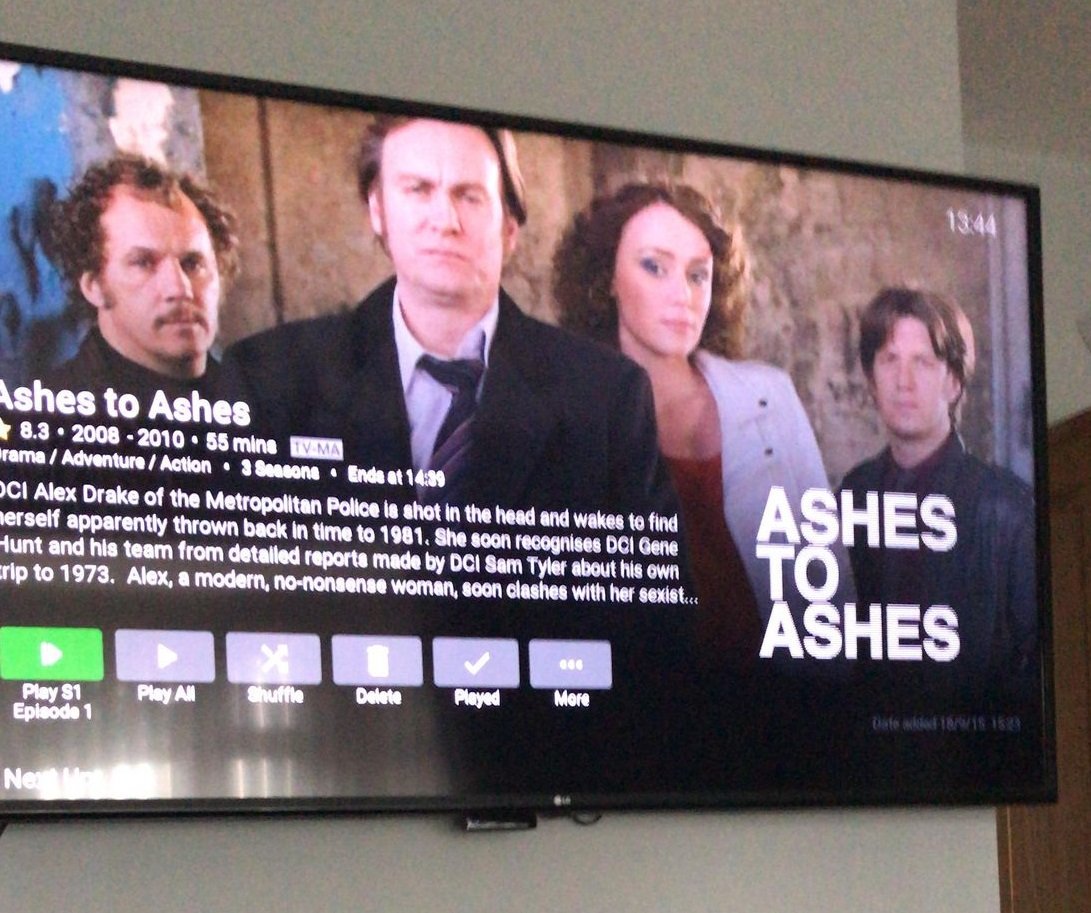
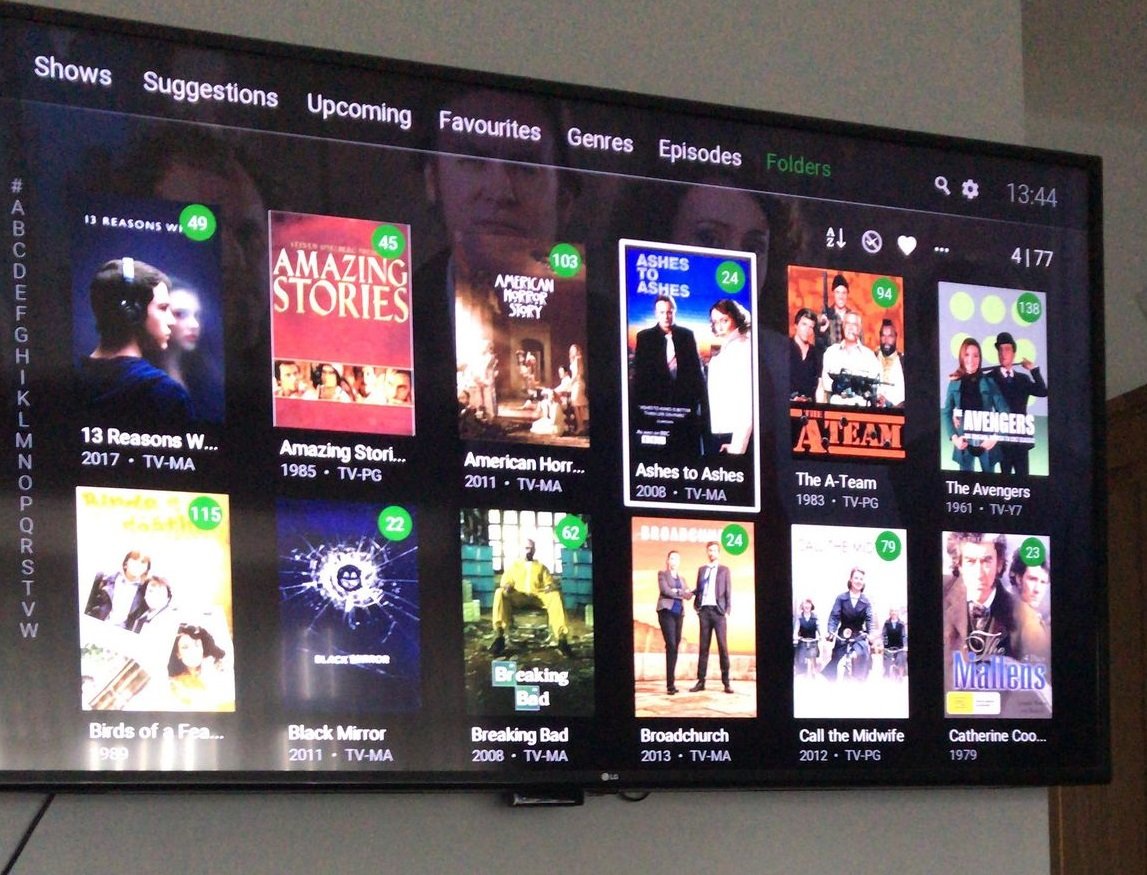
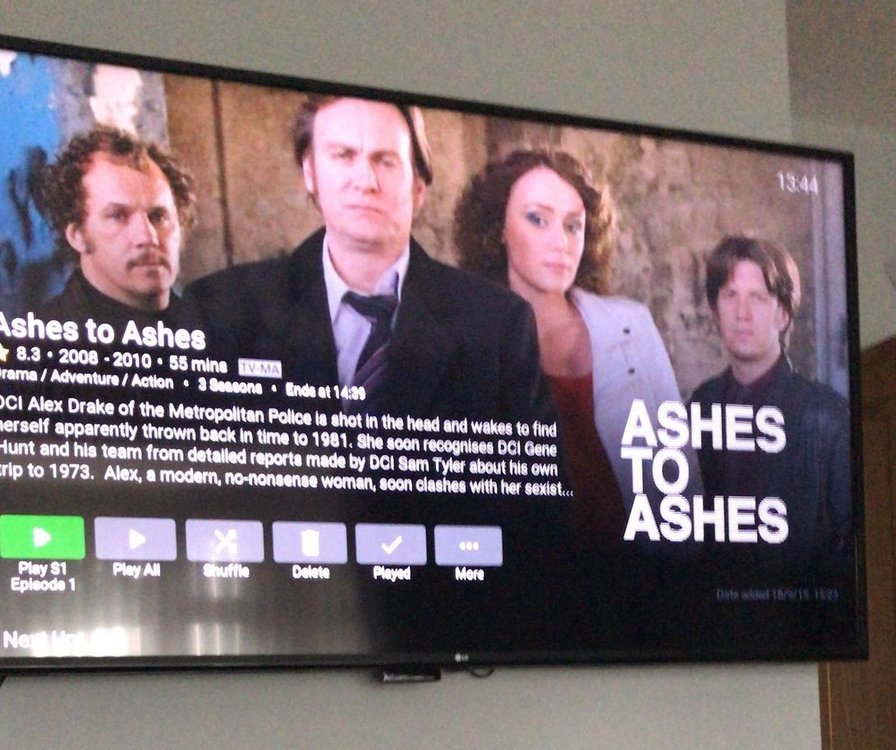
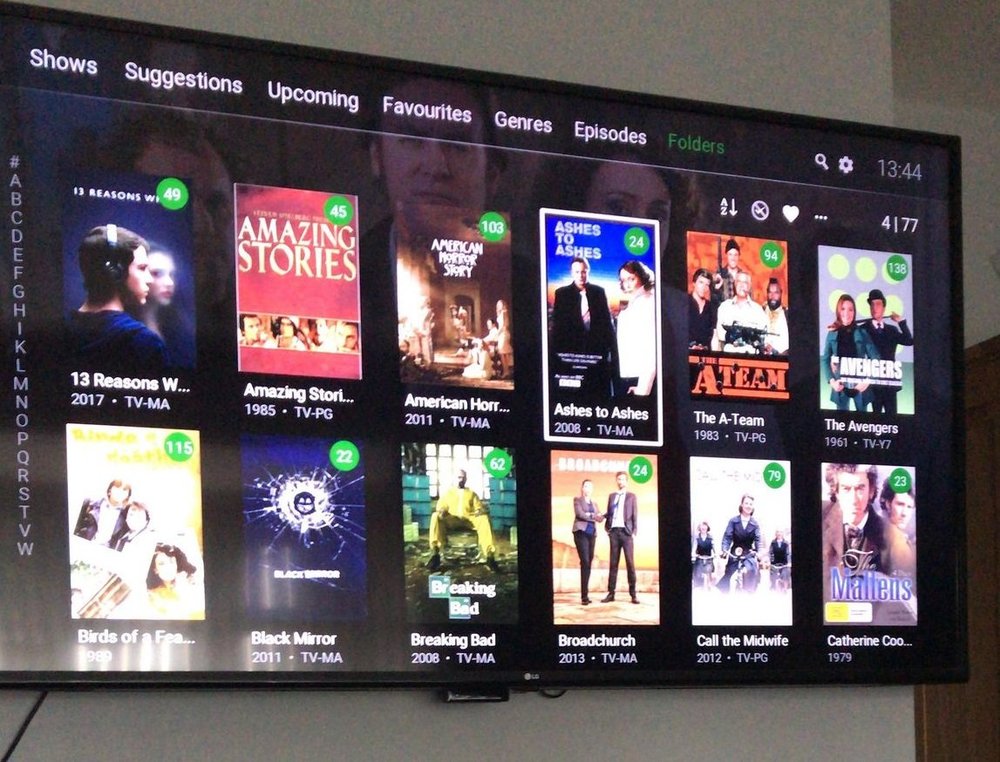
New Member here, First post Firstly thank you to the creators of EMBY, in my view the only way to go for me now. Its like having your own Netflix in your living room but better. Wife said that not me. I've been into media as a hobby for a very very long time, & I think it was around 2003 i started playing with my first HTPC media players. could have been before that though, as i was into my avi's going way back to windows 95. xvid dvix ect ect I really cant remember the years of what when how, but used something called media portal for a while, & Windows media centre edition, there was another i think it was early mame type thing xmb, been too many years, anyway, i ended up with MCE for years i mean years, i just left it, it was wife friendly and just worked, it must have been 2011 it failed. lucky never lost the media drives, so with a break and usb media players used for a few years, around 2014 picked up a couple of 3TB nas drives, and just used it as a DLNA server as the tv supported it no bells and whistles but worked, i have tried kodi on a firestick, which worked fine tbh, then something changed messed everything up & i was like i aint setting that all up again to much effort, anyway i liked it as a media player. that must have been 2017, 2018 just used tv media player, and playing our stuff has become very stale now, so 2019 picked up a Roku plus stick, was very impressed, used there media player with all my mp4 tagged files with embedded artwork, started to feel the HTC love again, 2020, lockdowns here, now the media is really being checked and worked, something we have not down since the early years, ps i spent 2 months converting naming id tags tidying my rather messy collection. to work with the Roku media player, and although it works well its bland. so I started the search. nope cant use this on Roku cant use that on Roku, so it turned out basically I had 2 choices, Plex or emby, so i went reading, plex plex plex was shouted, so I gave it a go, honestly within an hour i had had enough. right lets look at emby, OMG set server up, pointed to media & off it went, i left it for the night come back in the morning, set up the Roku app, signed into the server, & the shock i could not believe it had sorted 95% of collection few faults, but easy to figure out why, couple named wrong and 2 series in a folder, anyway. how impressed was I, should i say we, phoned my lad up said you seen this, he is a smitten as me. anyway what a great little system it is, im early days tbh & at the using it stage now. with such a user friendly GUI & fantastic backgrounds and cast all there, it looked amazing with very littler effort, now tying to get head round it all in a bit more depth now, where's this how's that, and yet to rollout to the other TVs in the home. looking forward to that part. Now just to make sure when i upgrade my NAS i get a emby friendly one oh and its working in tandem with my Roku media player so while testing setting up can still carry on as normal. what a fantastic little set up it is. EMBY "its wife friendly (Happy wife happy life)" EMBY "out of the box is something else" EMBY "Brings your media to life" EMBY " It's Like Having your very own Netflix server" Hello Jake if you read this hope yours is going well too DISCLAIMER I OWN ALL MY OWN MEDIA ON DVD AND BLURAY. hence I have an extensive library.
 1 point
 -
There is a bug that I noticed for a long time (>1 year) so I might as well report it - the sort criteria for shows and movies is not preserved ... it always resets to Title - Ascending. Could you please save all the sort settings?1 point