Leaderboard




Popular Content
Showing content with the highest reputation on 01/14/21 in all areas
-
Please read this post first. I was wondering if it would be possible to add something that would allow you to skip the intro to shows automatically while binge watching. When watching Netflix it does this for some shows, and im not sure if thats a feature of Netflix itself or a Chrome extension i use called "Flix Assist" but it would be a nice feature to have within Emby as well. and possibly even create a custom timed skip for specific shows2 points
-
Okay, thanks for that. I think I understand what's happening. Lets see if we can fix all of this inside this plugin while we're creating the editor. Maybe.2 points
-
The issue is the user has left the Roku app while playing Live TV using the "HOME" button or are using a Roku TV and turned off the TV during Live TV playback. The application on their Roku is no longer running. The server has mechanics to detect the keep-alive heartbeat has stopped on the Roku. The server is supposed to go end this stream. There was a problem with this happening in some conditions. Those conditions were mainly with Roku users. This affected primarily Roku users. The problem has been identified and will be corrected in the server. There was never a problem with this in the Roku application as it was always sending heartbeats. The server was fail to terminate ffmpeg and release the tuner. This will be corrected.2 points
-
I love the additional subfolders for Movie Extras (eg, Shorts, Scenes, Interviews, etc.)! I would like to propose an additional folder: "Galleries". Within the Galleries folder the user would place subfolders (only one level of nesting) and each subfolder could contain any images the user chooses. Then, Emby would display the subfolder name as an Extra (in Emby Theater) and opening that extra would launch an image gallery of the containing images. For example: Movies\Disney\The Sword In The Stone (1963)\Galleries\Scrapbook Movies\Disney\The Sword In The Stone (1963)\Galleries\Film Facts "Scrapbook" is what would be listed among other Extras in Emby Theater, and the Scrapbook folder contains various images to be displayed in a slideshow that the user can navigate with their left/right arrows. This feature request is motivated by the following related post: https://emby.media/community/index.php?/topic/55912-video-ts-folder-no-longer-recognized-in-movie-extras-folder/ Basically, sometimes there are extras such as image galleries and text content which are only available via the DVD menu. I have found that I can use FFMPEG to extract all the frames from a video file, and so use that on the appropriate VOB file from the original DVD. Then I can use VisiPics to delete all the duplicates, resulting in content I can then sort into folders (eg, Concept Art, Storyboards, etc.). All I need is for there to be the above support for a Galleries extras folder, which could contain multiple subfolders (only one level deep), each containing images to be displayed as image galleries in Emby Theater, etc. Thanks for your consideration! PS - If this is something you might like to see implemented, be sure to "Like" this top/first post (as well as any subsequent posts in this thread that highlight particular aspects of what you are interested in) -- "Liking" the top/first post helps the Devs to know how much interest there is in a given Feature Request.1 point
-
For clients that can use 3rd party remotes (ie Android TV) I'd like the ability to use a remote of my choosing and be able to map my remote to functions in Emby. We should be able to keymap all important functions such as EPG popup in video, stats for nerds, RW, FF, jump back 10, 30, 60 seconds, jump forward 10, 30, 60 seconds, etc. We should be able to use the number keys to enter 3 or 4 digit channels for TV channel changes. Basically any function available in the UI should have a key mapping associated with it so we can use it with advanced remotes. The remote is our gateway to using Emby and the more functionality we have to customize this for our use the better and easier it is for us to use. Being able to map your own remote is a long standing tradition with many other system and is a long overdue addition needed in Emby. If you agree, don't forget to like this post.1 point
-
Maybe there could be an option to show only unwatched media in the "Because you watched..." and "Because you liked..." sections of the Suggestions Tab? Or is there already? Anyway, I'm using the web client via Firefox on a Windows 7 Ultimate machine...1 point
-
Am wondering if anyone knows how to add a border around just the thumbs and posters on the home page, with a possible alternative to add them everywhere, like actors, more like this etc. It might look terrible would would like to try. I tried this but that makes the border too big and includes the text underneath - div.card { background: transparent; border-style: solid; border-width: 4px 4px 4px 4px; border-color: white; border-radius: 0.3rem; } am hoping to get it strictly round just the image.1 point
-
I'd rather Emby didn't mess with my files ever (that's my job...) - but as an option I can see the utility of it. Paul1 point
-
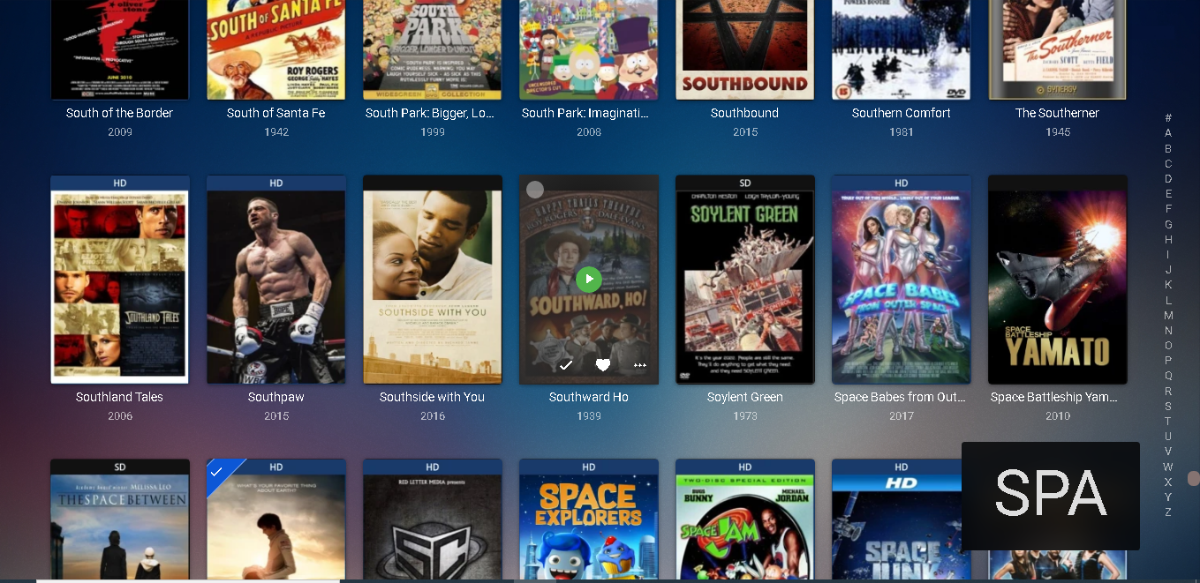
Genre's dont, but Album and Folder view definitely have the alphapicker already. It's probably your sort order, it needs to be 'Sort by Title' for this to appear.1 point
-
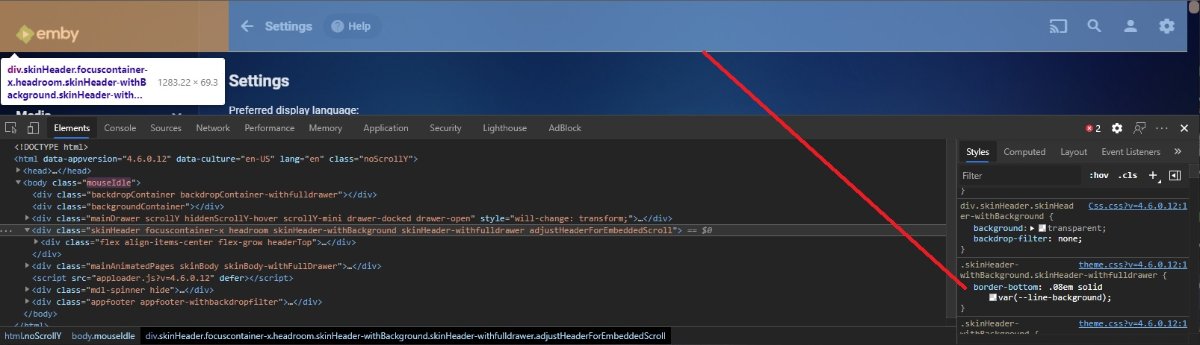
Here you go div.skinHeader-withBackground.skinHeader-withfulldrawer { border-bottom: none; }
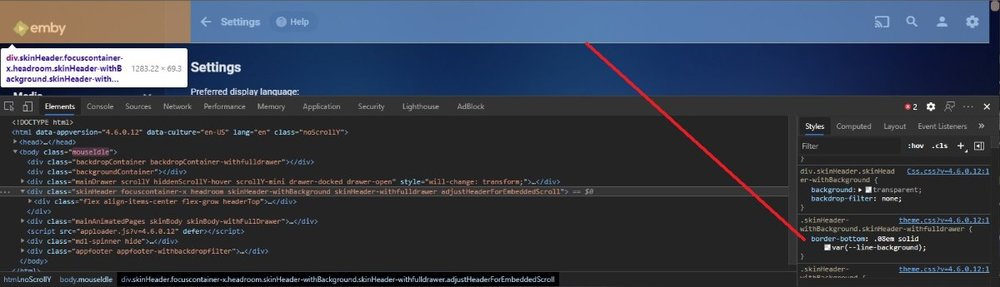 1 point
 -
Sorry yes I miss read that. So this would almost guarantee inotify errors in the log.1 point
-
edit them with Musicbrainz picard - much simpler and permanent - future can be 3 1/2 yrs or more in emby time1 point
-
That's not at all how I would go about doing a manual install, especially the whole part of compiling your own ffmpeg version with your own settings. Sounds like a troubleshooting nightmare waiting to happen unless you really know what you're doing. Also, it's still using the pkg version which may not necessarily be up to date with the current version of emby (sometimes can be a few weeks before the pkg gets updated). A proper manual install would be pulling the latest version directly from Emby's github page. No matter your installation method, it's up to you to monitor for future updates. The server itself will tell you when a new version is available. If you're upgrading in an existing jail, you won't lose any settings or viewing history. If you're creating a new jail, then you can always use the backup/restore function and then allow your library to rescan.1 point
-
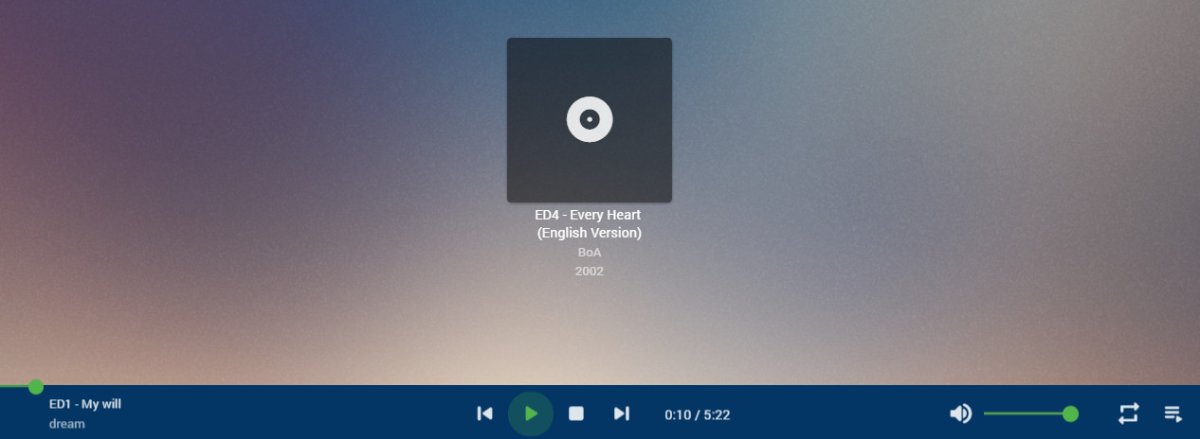
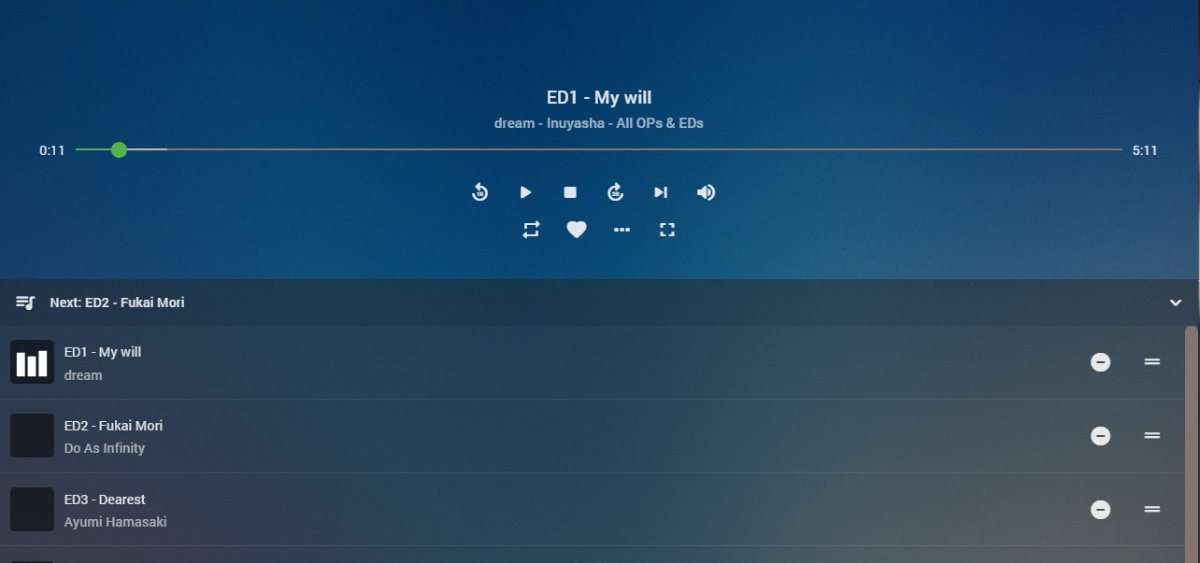
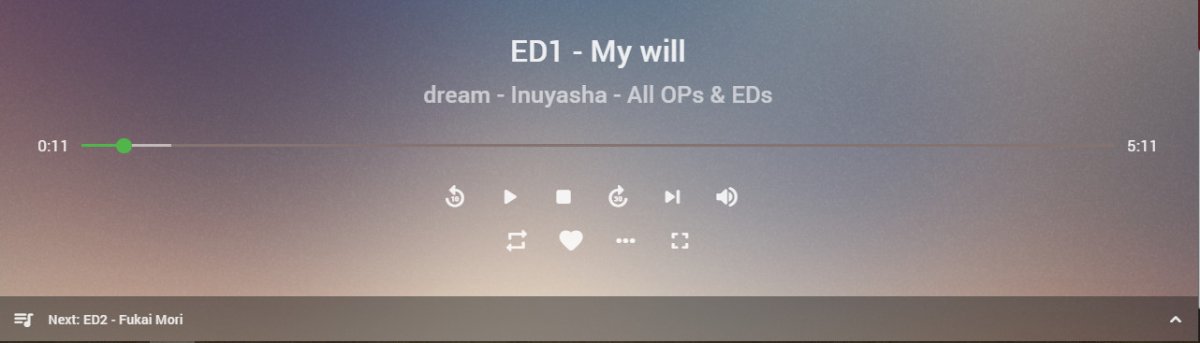
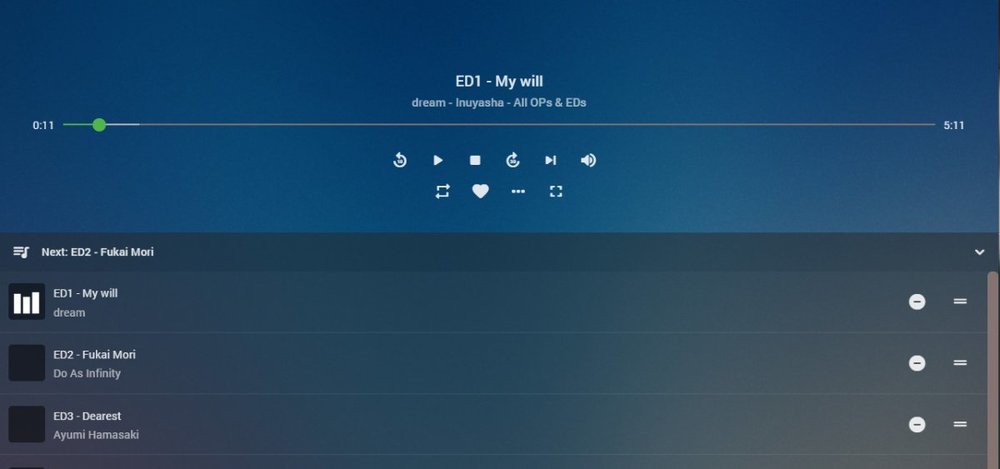
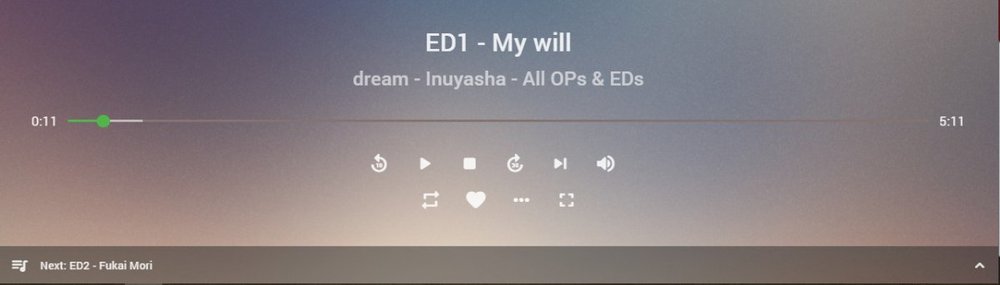
You can already see what's playing in the browser, but little detail: When you start playing, click the icon at the right-hand end of the while-playing bar, and you get the while-playing screen: Still a bit light on info, for sure, so try the caret at the right-hand bottom, and suddenly more appears: (disclaimer - the images are from the current beta, and some things have changed in this area - but the expansion I described is just the same) Paul
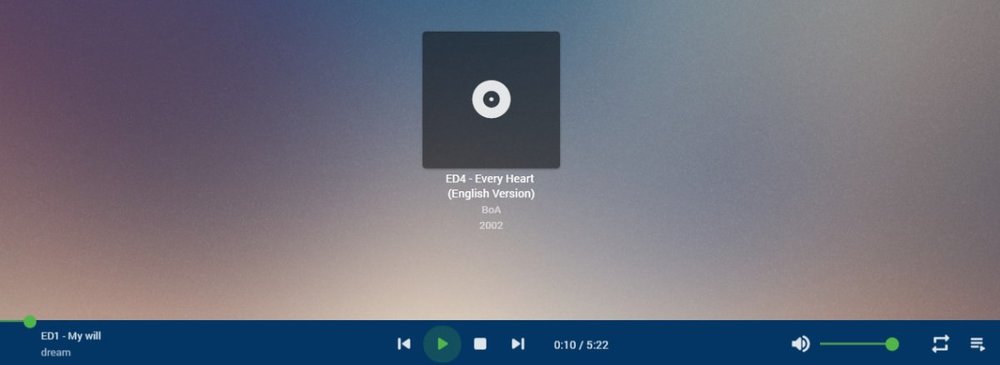
 1 point
 -
I don't seem to be getting any new TV episodes to sync to Kodi unless I quit Kodi and restart. Im using the dev build you posted a few days ago and the most recent Matrix nightly. Known issue or should I get you some logs? Emby or Kodi logs or both? Thanks1 point
-
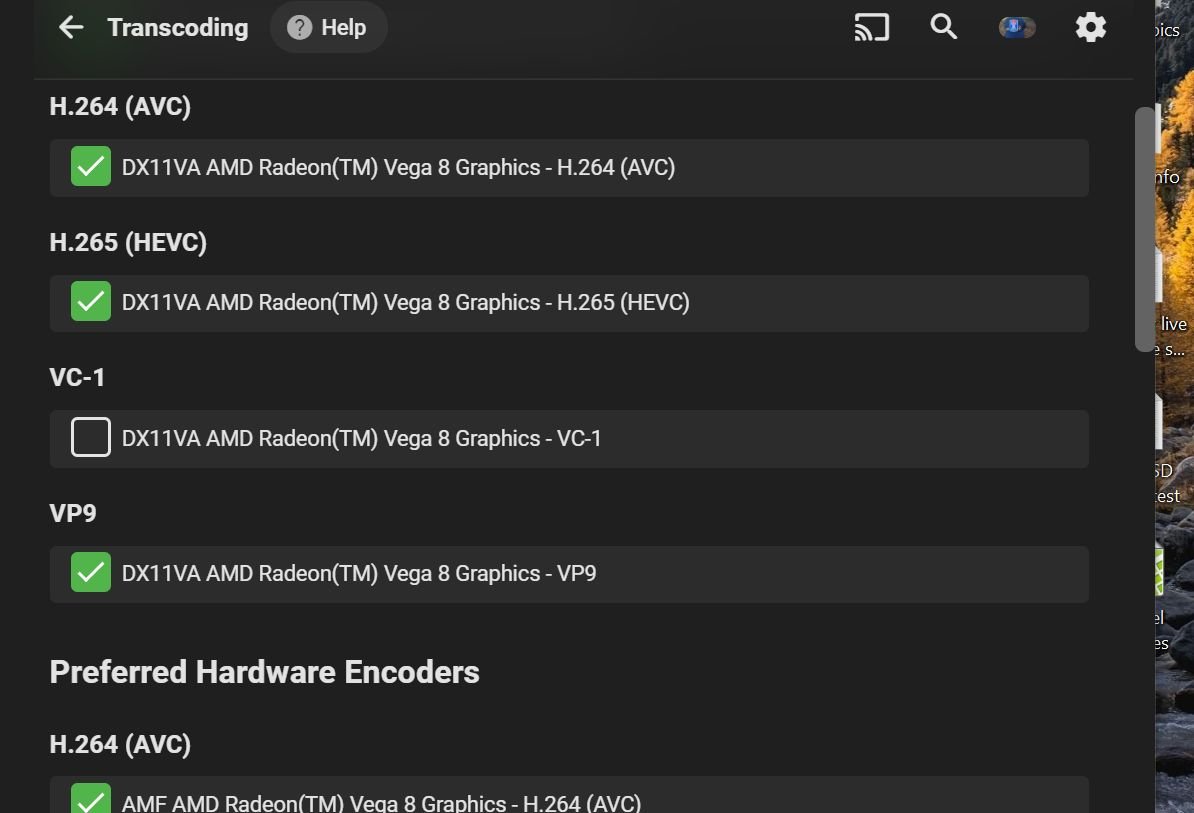
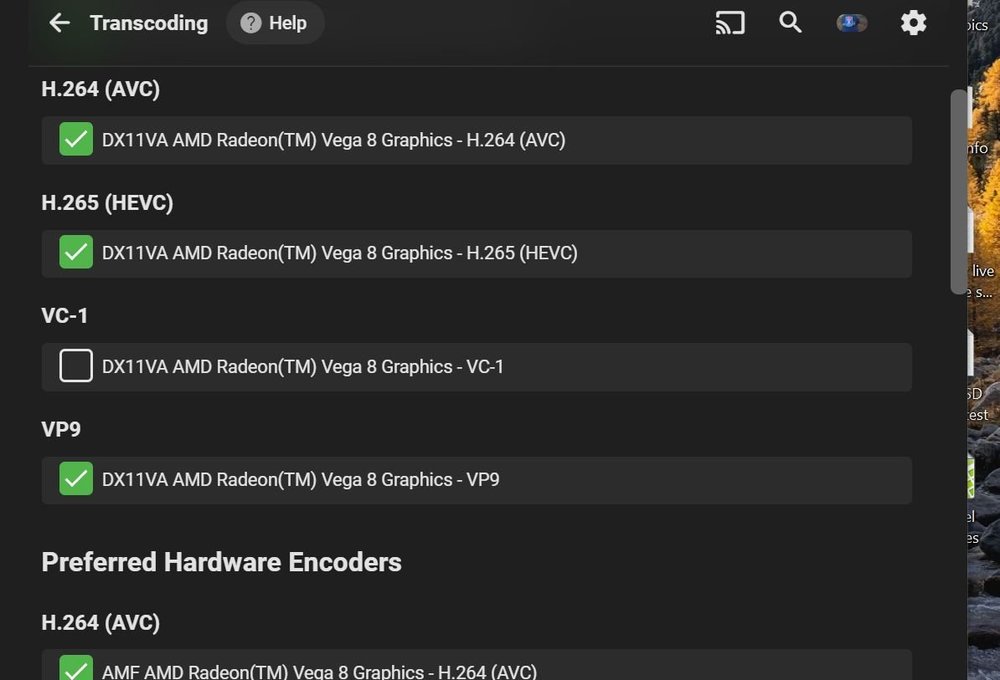
By comparing the playback of a VC-1 video codec on a device that does NOT natively support that codec using Emby vs Plex, Plex is NOT fluid, compared to the Emby playback. However, with the hardware decoding enabled on the Emby server, the video plays for a few minutes, then crashes to the desktop....... With hardware decoded disabled, the video plays perfectly............ I tried to disable just the VC-1 hardware decoding, but that did not seem to work, it still used transcoding. Bottom line, if I did not have access to this transcoding information, I would be happy as a lark. Ignorance is truly bliss. If the video plays perfectly, does it really matter if it is software or hardware decoded???
 1 point
 -
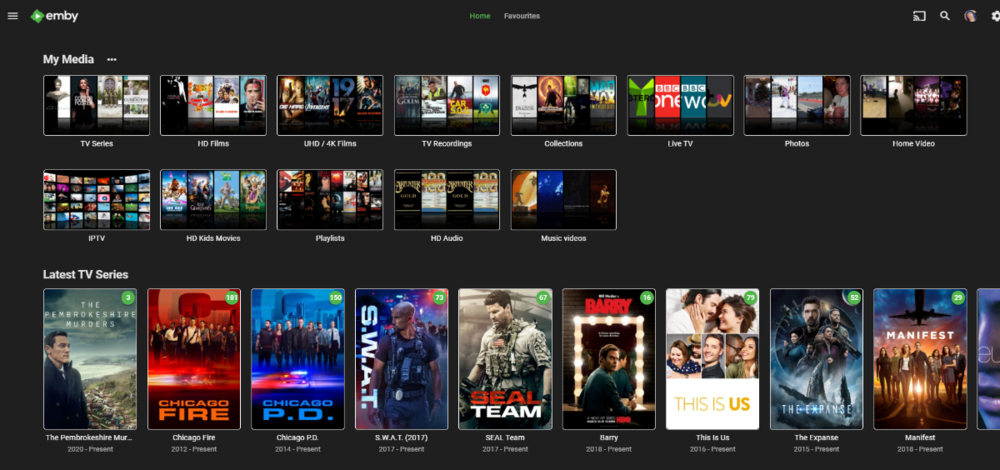
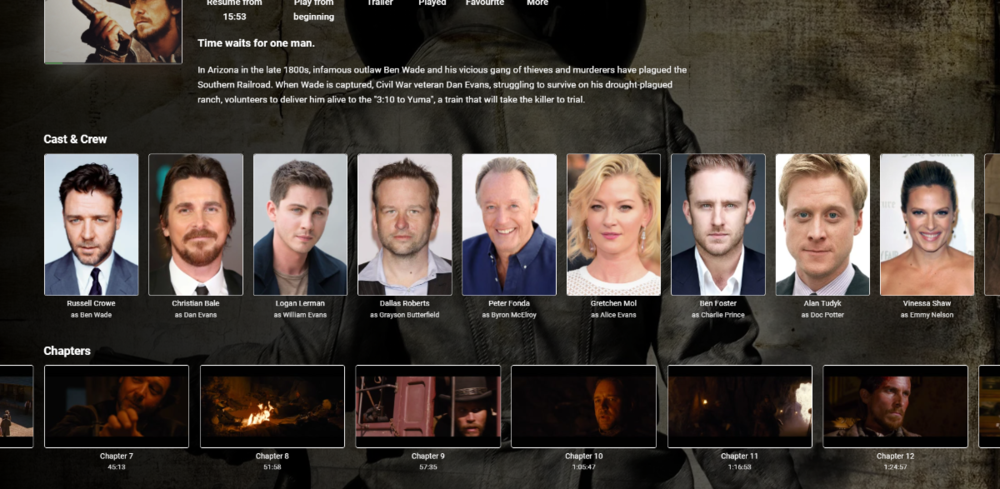
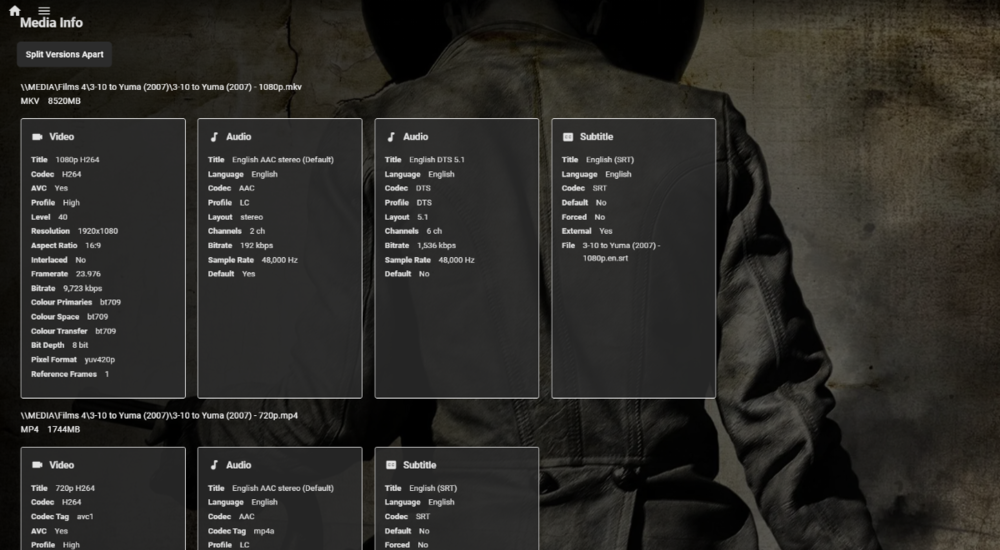
Thanks @Happy2Play & @arrbee99 My first play with CSS and tbh I like a single pixel border on all the screens. I think it looks much more polished than having no border - but each to their own I guess. Just a shame this does not extend to the other clients ....
 1 point
 -
Must be nice. Anyway, between my 2nd prime and some small changes in operation - I think I'm good. Thanks again for the assistance.1 point
-
Several parts to a complete answer here: If you use the most easily processed naming format this almost never happens. If not for what I judge to be an error in the TMDB data, it wouldn't happen here. The simplest naming convention in my experience is to have a movies type library, not mixed content, with each movie in a separate folder. The naming pattern is \\SHARE\MOVIE_TITLE (RELEASE_YEAR)\MOVIE_TITLE (RELEASE_YEAR).EXT In this case that would be \\SHARE\Gold (2016)\Gold (2016).mkv. That isn't working here because a search for that title doesn't even return this movie, but that's the TMDB issue I noted above. You don't need to refresh metadata when this happens if you're following standard naming to begin with. You just need to use the identify function and then I suggest locking the metadata as another poster noted. If you do refresh metadata you do not need to do so for the entire library. You can refresh the metadata on a a single title under the ... context menu. I've been running Emby since it was a Windows Media Center extension called media browser. I've gone through several servers, reinstalled the app, deleted and recreated the database a few times, etc. I did do a library metadata refresh once as a troubleshooting step but it's a pretty uncommon thing to do in my experience.1 point
-
1 point
-
@chef its been a while so might have this backwards but what i found that works is delete any tagitems - just return the Tags (comma separated) and emby will update the tagitems for you as it imports the whole record etc complete hollicks of a situation1 point
-
one thing to remeber is that tags and tagitems are different Tags are just a string of comma separated items but tagitems also have an ID assigned via the http api its a mess i have reported a couple of time to Luke as some parts of the api dont work as you would expect so i would check that via a plugin that its actually doing what you think it should as easy to lose all tags on an edited item1 point
-
Thought you meant you had installed the Google TV OS onto your Shield1 point
-
Hi. If you are using a remote control, you can use the play button on the remote.1 point
-
A Metadata refresh yes, this will re-identify (incorrectly) the item - if you have manually identified an item, then a normal 'scan media library' will pick up the changes or simply wait for the scheduled change to be picked up assuming your system supports this (~5 minutes). Locking the metadata is fine - but I have found it is much more reliable to get the item identified correctly in the first place - thus I always now use the metadata provider in the directory filename as this works 100% - no need to put it in the media filename itself. Works for both TV [tvdbID=] and Film [tmdbID=]. I think imdb may also work but I've not tried this.1 point
-
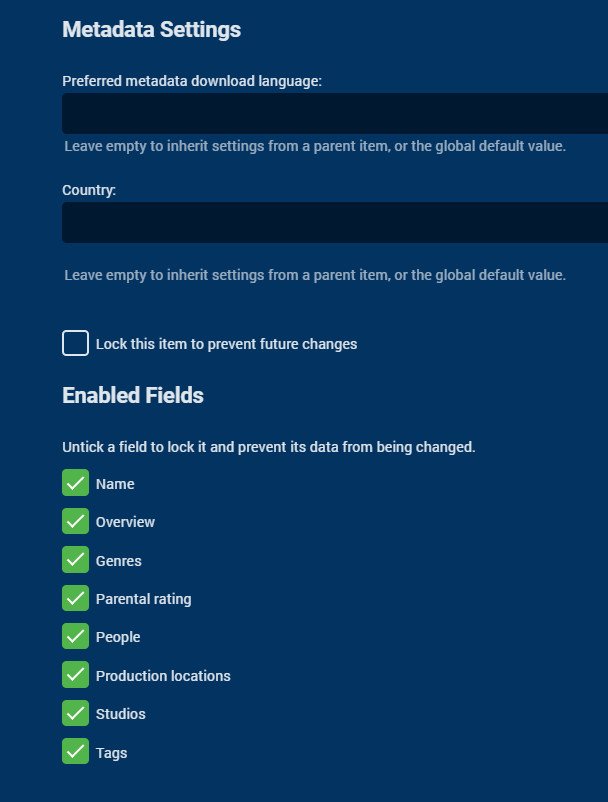
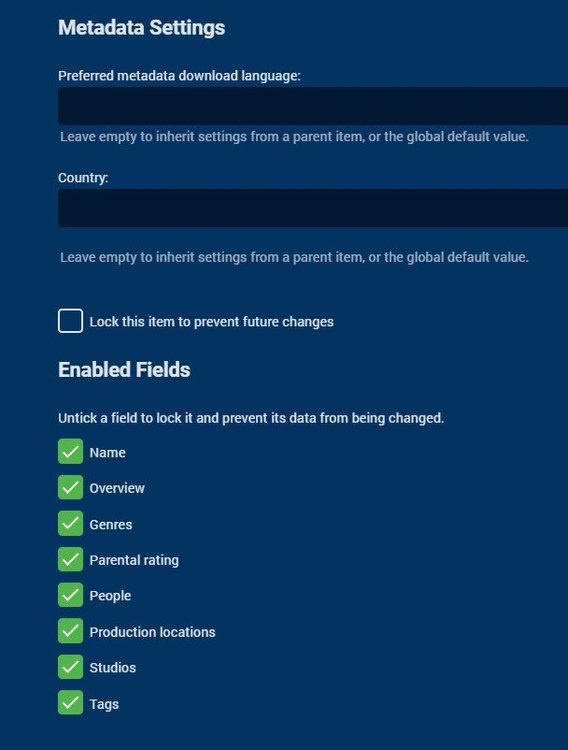
You can lock the metadata after a successful identify. Paul
 1 point
 -
thanks for all the help guys. I ordered a shield and it is finally something I was hoping for, it just gets the job done and has more gadgets then FireTV, so I am happy. All whats left now is to get the opus bug fixed in emby and I am a happy panda!1 point
-
@Quickmic, is it possible to mod the files be compatible e4k 4xxx & 5xxx that will be great if its possible, thanks for the efforts backgrounds_updater.py extrafanart.py favourites.py smartshortcuts.py1 point
-
I looked in Vewd before I posted the question No Emby visible, or should I search for some other name?1 point
-
@Tandhruil this is resolved in our DSM 7 package that we're currently testing. Thanks.1 point
-
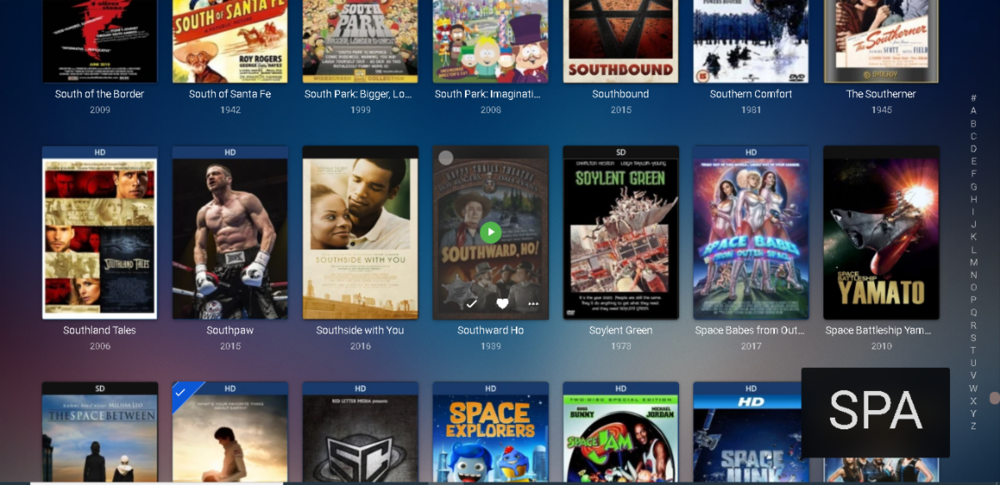
Hey don't worry my dog didn't know about this either but one of my cat's showed me something cool: If you type quickly a box appears lower right showing you what you typed and what it will seek to. Just goes to show, some cats are smarter than dogs. LOL PS I'm glad you posted about this because I bet a lot of people reading this aren't aware you can do this.
 1 point
 -
I went in the plugin to try & play a recorded show yesterday & it didnt work. It is a nice feature to have but i am unsure how many people use this besides me. If snazzy is unable to upkeep this plug in then maybe the development team could just make it a permanent feature for emby, but if not it should be removed. I dont care about the 5 dollars but it is wrong to maintain it in the plug list allowing people to buy a defective plug in & in the end this reflects poorly on emby as a whole. I have been a user for along time going back to the media browser days with sam so I am not here to make anyone angry but I wanted to share. I would be willing to pay for the plugin again if someone else took it over. I'm not disparaging snazzy or the emby development team in anyway but believe the playon plugin issue should be resolved once & for all.1 point
-
i followed instructions given and completed downgrade. After editing, :wq command will save and restart your synology. you will try to upload old version but it will warn and say please install 7.0 or higher. at this time you will connect telnet again with root username and password , you will see sudo error. after i try shift + insert and started to delete it become writable so i did same editing and with :wq command it started with version 6 installation screen. Luckily it asks whether you want to keep your old system or other datas. For me i didn't lose any data. Thanks for your explanation, it worked for me1 point
-
Hi, not yet, sorry.1 point
-
In Emby Server 4.6, we'll add a library option to allow passing the adult option to MovieDb searches to allow adult metadata to be utilized.1 point
-
Like this limited to portrait and backdrop cards on Home Screen. Every type has its own card. div.homeSectionsContainer .portraitCard .cardScalable, div.homeSectionsContainer .backdropCard .cardScalable { background: transparent; border-style: solid; border-width: 4px 4px 4px 4px; border-color: white; border-radius: 0.3rem; } All cards div.cardScalable { background: transparent; border-style: solid; border-width: 4px 4px 4px 4px; border-color: white; border-radius: 0.3rem; }1 point
-
For those interested in trying out a test build: Please leave feedback in that topic. Thanks. Thanks.1 point
-
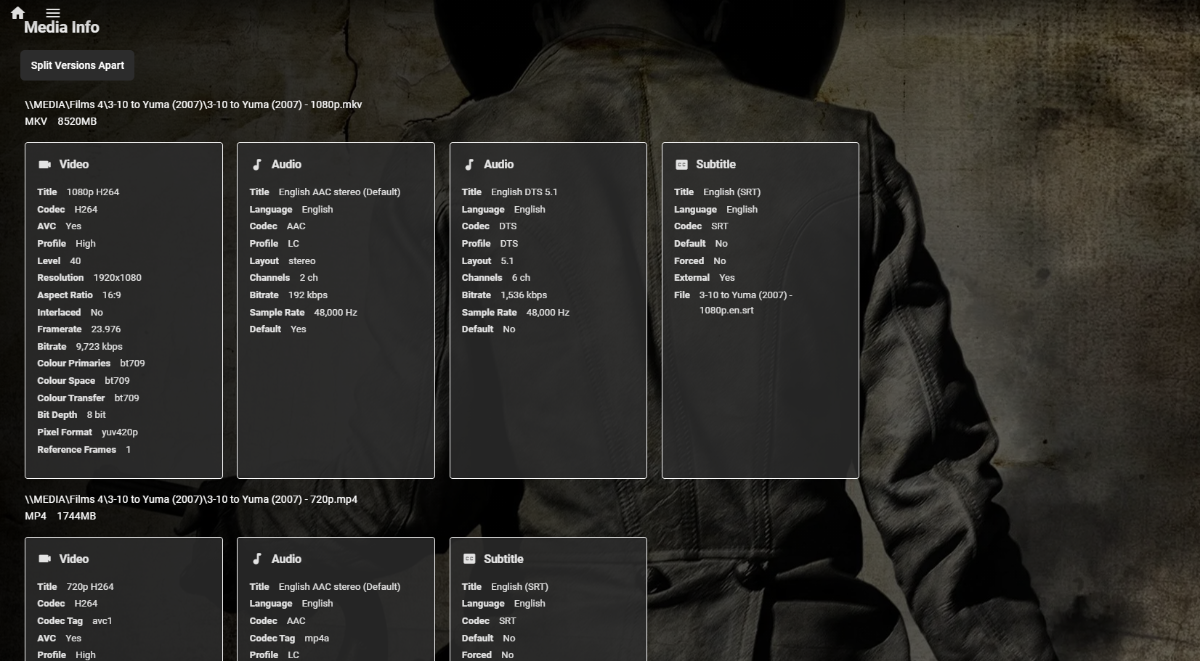
This issue comes up a lot. The ability to group movies together in the folder structures by: Resolution (1080p,720p) Different cuts (Theater,directors,extended,unrated, etc) Different language? Once they are grouped together, it shows 1 movie while searching but when you push the play button it pops open a chooser letting you choose which version you would like to play.... As of right now the system auto chooses between resolutions if there are multiples BUT it would ultimately be better to give that control to the user. That would solve for a bunch of issues that we may not have thought of yet. You may even want to add an option in the metadata manager to let the server auto choose if you don't want to have the manual process....1 point