Leaderboard




Popular Content
Showing content with the highest reputation on 10/02/20 in all areas
-
Got mine. Not the fastest tool in the shed but usable. Very unfortunate that they took away the ability for installed apps to place rows on the home screen. They've basically turned into Amazon now - where you cannot escape the content they are pushing.2 points
-
Solved my problem. My bitrate was set too low on the native app on the new TV. Setting to 100 fixed it. Not sure what the issue was streaming through my roku though.2 points
-
Could we get swipe gesture functionally in the mobile apps that would enable adjustments of audio volume, screen brightness and playback position? I use VLC on android and they've implemented this well, it's simple, intuitive and a joy use. It's explained here, https://www.vlchelp.com/volume-brightness-seek-gestures-android/1 point
-
Hello, It will be great to have the possibility to exclude a library from the global search. For example the Adult content one. Or at least to be able to exclude a tag from the global search and by this I can tag the entire Adult library as Adult and Adult tag to be globally excluded on search. Imagine what happens when you want to search for "Coffee with Ana" movie and you start typing in the search field "Ana" with little kids near you Thanks!1 point
-
I have noticed there is no way to configure the path used by Auto-boxset pliuging to create folders to hold created collections. Given this is, by default, under the Data folder within the install folder of Media Browser server, and the fact this is on my SDD drive, it would be great if this folder may be overriden to a custom path (the way other folders may be configured via the Control Panel).1 point
-
My Samsung TV cannot directly play PGS Sub format subtitles (commonly used in blu-ray media), but it can directly play the video and audio. In this scenario the server re-encodes the video track with hard subs... I might be watching a 4K H265 video and just because the subs aren't compatible, the entire video has to be transcoded. From my point of view, that's a load of unnecessary work that we can potentially avoid. Wouldn't it make a lot more sense to try converting the subtitle track to VobSub format, or at least have an checkbox option in the user profile to "Convert incompatible subtitle track to VobSub" if the incompatible subtitle track is the only reason for transcoding? VobSub has much wider support on devices, as is the case with my particular brand of TV. Implementing this would be great for those of us using who enjoy direct streaming blu-ray content to Samsung TVs and other devices that don't support PGSSub subtitles. There might be other subtitle formats I'm not familiar with that could also be converted with this method. It should be very easy to implement, here's a quick example of an ffmpeg command converting pgssub to vobsub: ffmpeg -fix_sub_duration -i "input.mkv" -c copy -c:s dvd_subtitle out.mkv The '-fix_sub_duration' argument is necessary for some reason. Without it, subtitles don't display at all or they display and never disappear.1 point
-
A new release of Emby Server is currently rolling out to address a few small issues with the 4.5 release. Here are the changes: Resolve install failures on certain Synology NAS models Fix include by tags feature returning incorrect content in certain situations Fix SSL http2 errors on Windows 8 & 2012 Fix connection issues when used with HAProxy Fix local network address detection causing virtual adapters to be preferred Don't try to schedule wakes when running as windows service Fix audio podcast playback on mono-based platforms Update MovieDb plugin to 1.3.71 point
-
Save it with the media. Either way Emby is going to make local copies of that metadata for its cache. If you save it with the media though, it can't be lost if the server were to be rebuilt in the future.1 point
-
This seems to have been addressed with android TV beta 1.8.36g when direct play was allowed for higher bit rate files. So far it’s working well.1 point
-
The server doesn't automatically update on arch linux, rather it just checks for updates to notify you in the server dashboard when one is available. Plugins do automatically update though. As you can see, http requests to both github and our admin domain are coming back "resource temporarily unavailable". As this is happening with more than one domain, this suggests you have something on your system blocking or tampering with those requests, such as firewall, security software, or VPN.1 point
-
Kodi has been doing this for years...Just copy their code....1 point
-
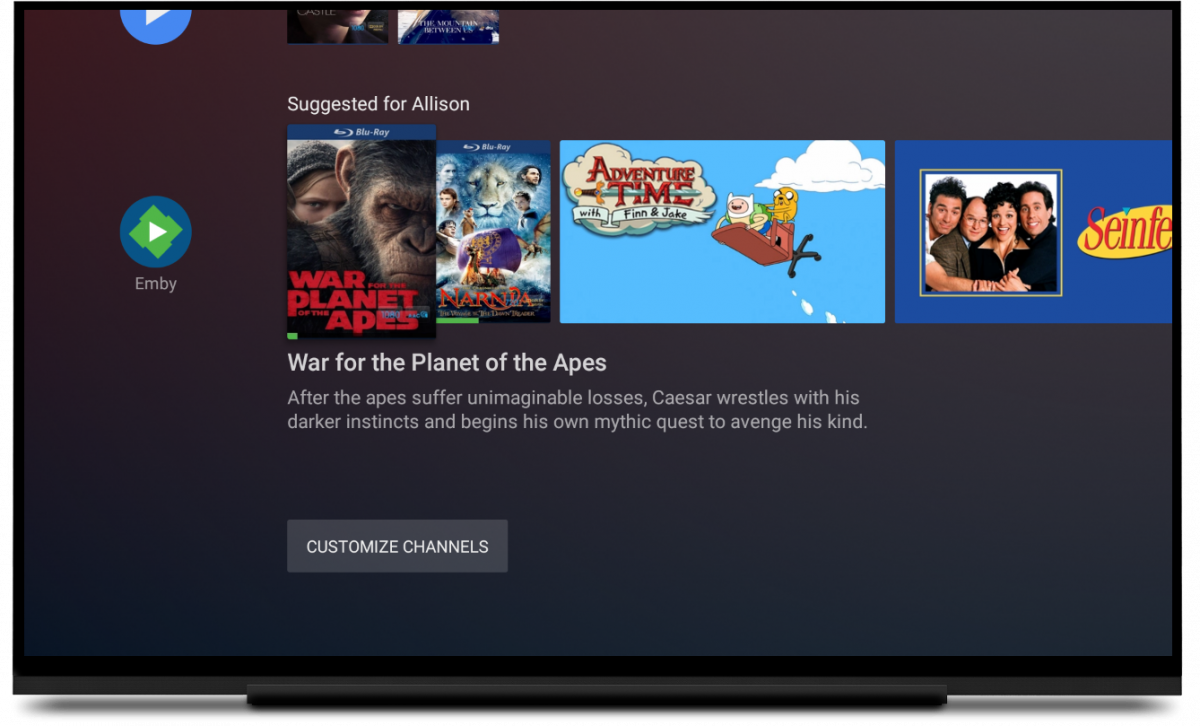
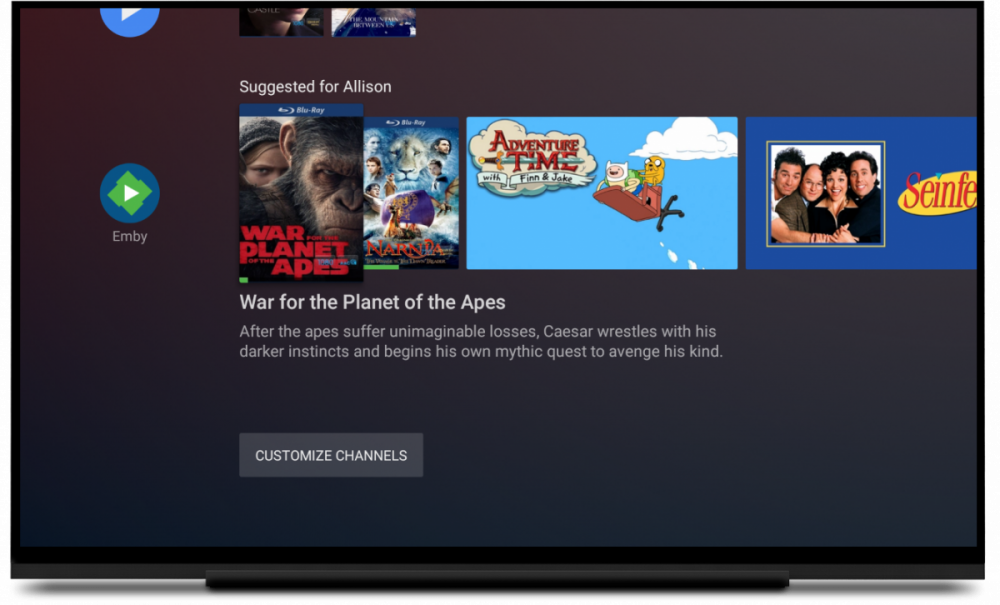
Right, there's an app shortcut, but what I was referring to was showing the content inside your apps, like a regular Android TV device can do. Such as below from the Emby blog post.
 1 point
 -
@Eselter, @DJX Thanks, let me see what I can come up with1 point
-
The sales may come that early, but I know there will be a good discount for Black Friday or whatever those sales look like this year.1 point
-
After watching the memory usage of 5.20 for around two weeks now I can say with certainty that this version fixed the memory leak I was experiencing with 5.10.1 point
-
Ok, thanks guys. I was able to unlock it, using your directions. I guess the fact that I was able to use playback for some time was actually a bug.1 point
-
this feature that we have been looking forward to for a long time, would make emby practically at the forefront, but it must be implemented at the server level. Please, Let you know us where we are in development @Luke @ebr Simple o.t. I have to congratulate you on Emby for Kodi, a really good job1 point
-
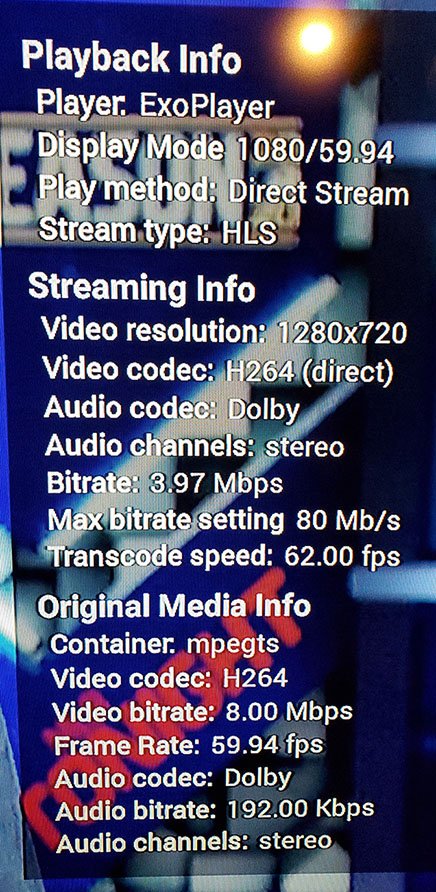
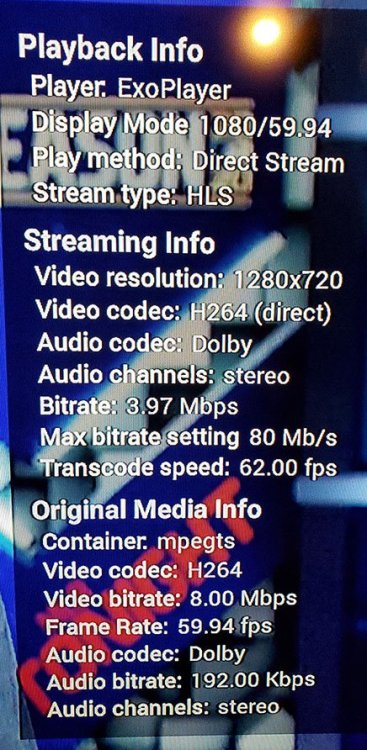
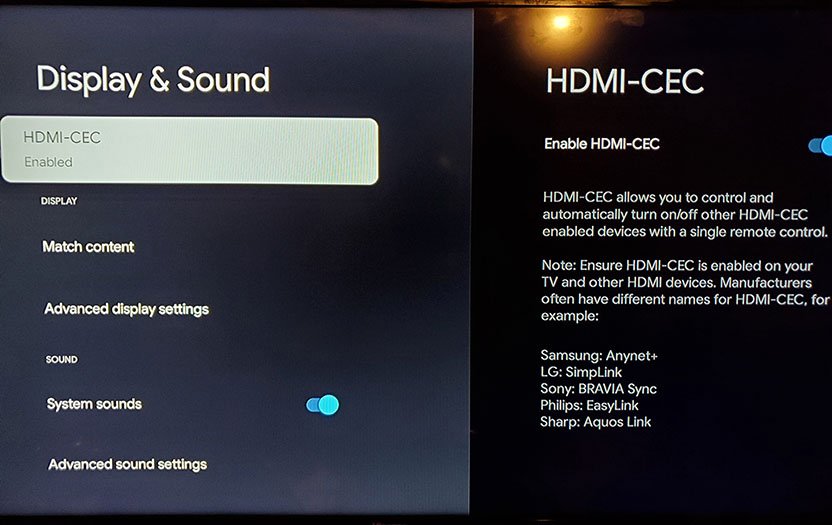
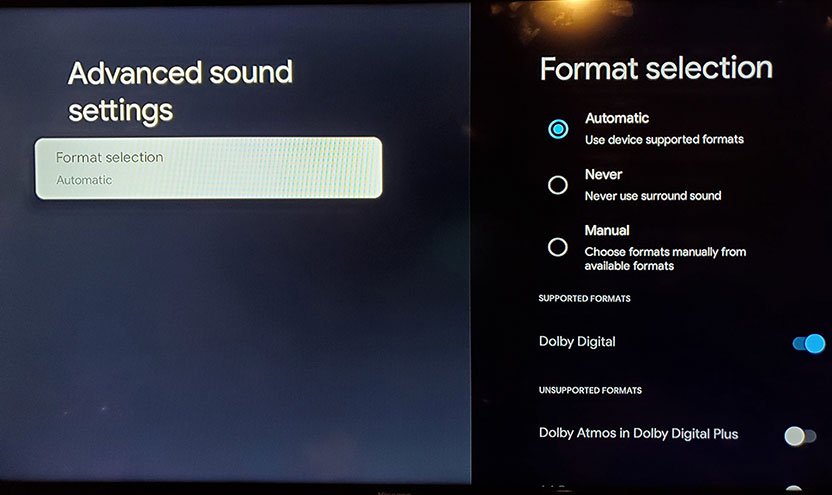
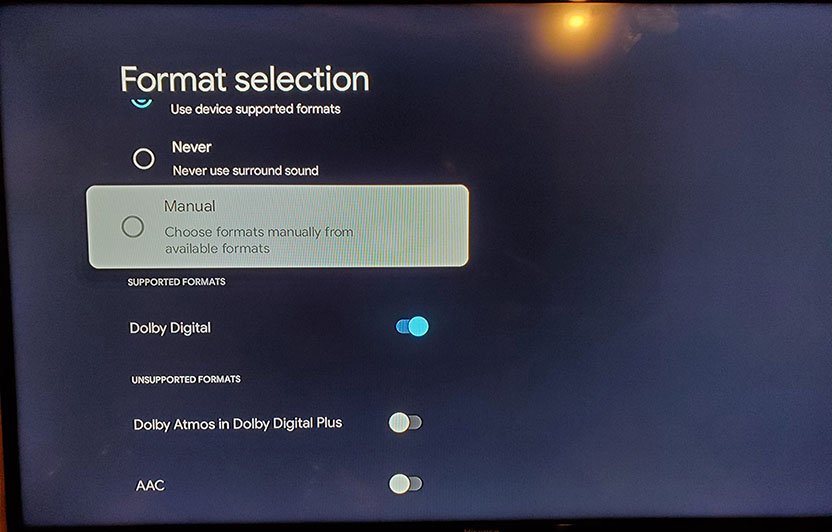
Just for info, here is Live TV HD (MLB Channel) playback info and some other settings.
 1 point
 -
Nope, see my edit. The new homescreen is all Google pushing content and nothing to do with your apps. No Emby possible on the homescreen, for example.1 point
-
The main problem is the new homescreen no longer works the way the old one did. So apps installed on the device can't generate a menu for the homescreen. It's all just Google's recommendations based on services Google connects to. Honestly, give me the Shield's homescreen that I can customize to be what I want it to be over Google trying to advertise content to me any day. Edit: Just to further my point. The top pivot suggests 5 things. 3 of the apps I don't have / subscribe to. "Top picks for you" at least seems to only show Netflix and Amazon which are the two services I use. Then it shows a list of my apps. And then "Trending on Google" shows me another 4 things and 2 of them I don't subscribe to. If you scroll to movies, the top pivot has 2 services out of 3 that I don't have. Popular movies shows 4 out of 5 services I don't have. The shows tab has 2 of 3 I don't have access to. Popular shows has 3 of 5 I don't have access to. The apps tab is basically the play store, so except for one row of my apps, it's all advertising new stuff to me. And library shows the 3 movies and 1 episode I got for free on the Play Store forever ago. On the other hand with my Shield it has my favorite apps, then my Emby/Kodi content in one row, then Netflix in one row, then Amazon in one row, then MLB, then YouTube, then Spotify. All stuff I actually have access to. All stuff I actually want to see there on my homescreen.1 point
-
Hi: I recently got a Tivo Stream and it has been working great with Emby. Last night I tried to watch Live TV on it using Emby for the first time, and every channel immediately came back with Cannot tune this channel at this time (or words to that effect). I can watch the same streams using another app on the Tivo Stream, and I can watch the same streams in Emby on my NVidia Shield. So the issue seems to be Emby on the Tivo Stream. I didn't get a chance last night to look at or get the logs but I should be able to tonight. In the meantime I was wondering if anyone had seen this and figured a way around it, or have used the Tivo Stream with Emby Live TV. I flipped all the Emby settings for Live TV off and on trying to find a winning combination, but no joy. The streams in question were from a provider, not my HDHomerun. Didn't think to try the OTA ones but I will tonight as well. Thanks!1 point
-
You'd have to follow the SSH instructions in the first post. I would just wait until it shows up in the TerraMaster app store.1 point
-
I did last night. So far, works really well. I especially like that it is direct playing HD Live TV without me setting the option in the settings. I will be testing it today with some other files and such to see what I can find. Let me know if there's anything specific I should test for or any info. Just an FYI for everyone, I got mine at my local Target store as they had a few. None at Home Depot or Walmart.1 point
-
Yes try removing our old package repository.1 point
-
Yes, snow. Edit: Well, that was direct from Google. I just canceled that and ordered from Best Buy and it is supposed to be here tomorrow.1 point
-
I have one on order but it is a 3 week backlog right now.1 point
-
Anyone put our app on it yet?1 point
-
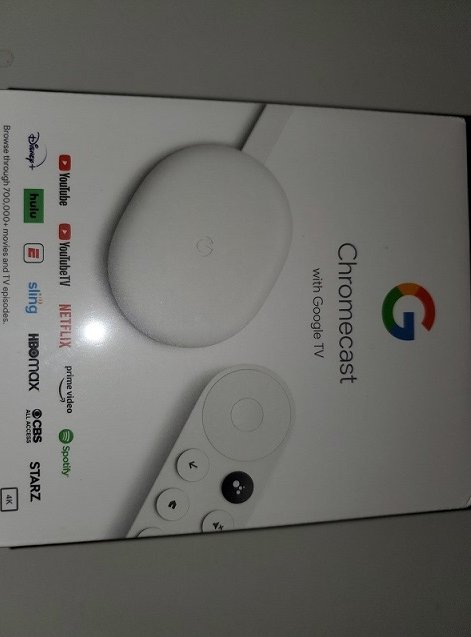
Just got mine.
 1 point
 -
Getting Emby Premiere is the best way to accomplish that!1 point
-
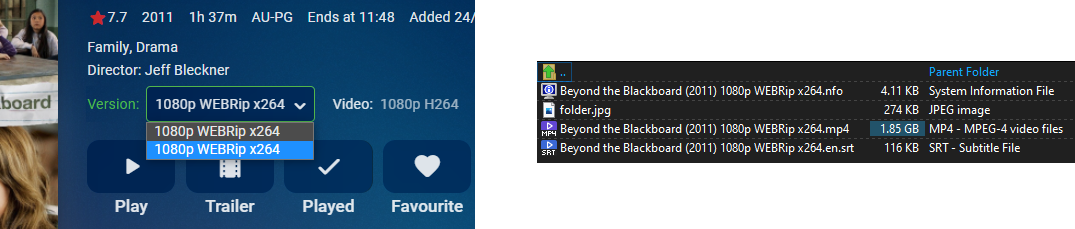
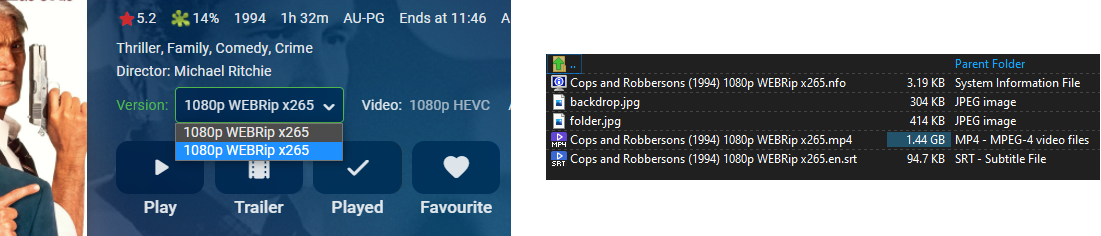
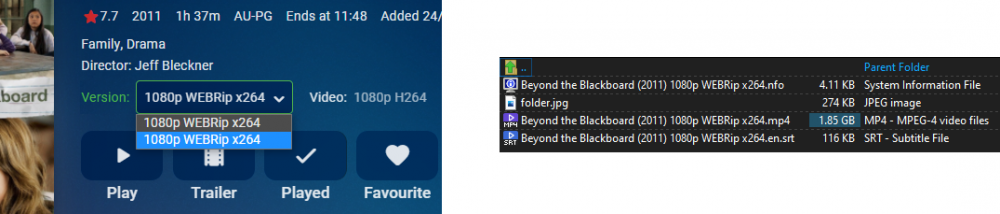
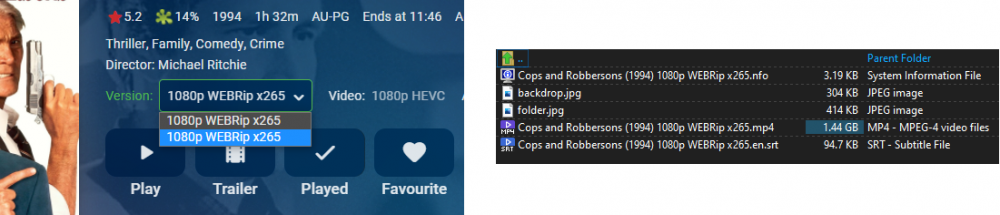
This exact thing also happened to me during one of the beta builds back in July. Happened to about 6 out of 13 items added on a single day. I could not detect a pattern at all, but it never happened again after that day. So i'm guessing it was unique to whichever beta build I was using on that day, and looks like it may have crept into the stable now. @Luke yes there is a 'Split Versions Apart' button - but it does nothing.
 1 point
 -
Thanks for the feedback. Stay tuned for a redesign in upcoming updates. Thanks.1 point
-
I hit this issue within an hour of signing up for the premier membership. @@tvmainia, thanks for outing the config file (programdata/config/livetv.xml), made it easy to unmap a channel. Tip for Emby, if/when you rework this area, the drop-down UI control with hundreds of choices and no channel descriptors is a harsh UX. Side-by-side scroll-able grids would work better. I had to search a bunch of sites and watch some trash tv to figure out the true mapping. But alas you have Plex beat as they only support 1 guide source, it takes 3 sources for me to map my channels.1 point
-
Thanks for the feedback. We are working on it.0 points