All Activity
- Past hour
-
 guasca578 joined the community
 -
 jose-narvaez joined the community
 -
 guatavita356 joined the community
 -
 mosquera456 joined the community
 -
 Austin-001 joined the community
 -
 rubenlopezse joined the community
 -
 47475858 joined the community
 -
 jise@gmail.com joined the community
 -
 Matsarecool joined the community
 -
Televisor Roku
-
I would recommend Zootopia 2 (2025) at minimum - others like putting the tmdb id in the folder name for easier identification as well.
-

Hide Top Navigation Items (customize tabs)
8ManAfter replied to bigembyfan's topic in Feature Requests
+1 for using css! I still have to test with the app, not sure if css works the same way there. My folders view in Movies was data index 12, and now it is hidden. (You can use F12 in a browser to inspect element and see the html data-index value on the tab.) I also probably need to also ensure that other areas aren't affected, like the music library. But glad to at least have some solution. button[data-index="12"] { display: none; } - Today
-
In my case, is it just a matter of reversing it [2025] Zootopia 2 > Zootopia (2025), and that should solve it?
- Yesterday
-
It sounds like you are paying for an illegal server, which is NOT an Emby problem and is against the TOS. More than likely the admin took your money and deleted your account. No one involved with Emby can or will help you. Take this as an expensive learning experience.
-
Anyone ever get this to work?
-

Launch directly to DOWNLOADS or SELECT SERVER when not local?
siggyt827 replied to roaku's topic in Android
Hello, my apologies for necroing this old thread, but has there been any changes to this behaviour? I'm currently in the same situation where I downloaded my music for when I'm driving or just at work and without access/VPN to my Emby server at home. Right now I have to wait for the timeout to occur. Is there a way to skip directly to the server selection / Download folder screen, without waiting for the timeout to occur/Emby trying to connect to the last server? -
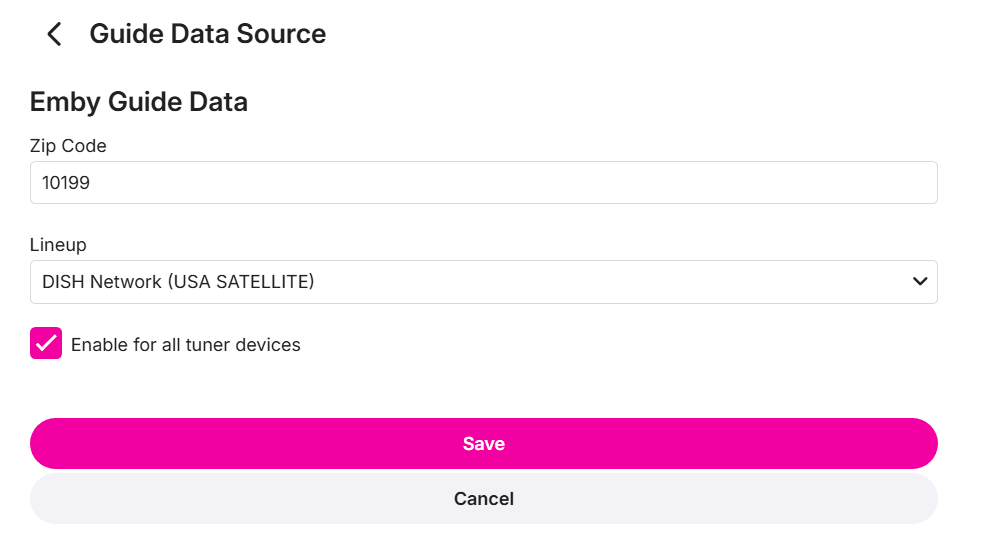
I have quite a few since I have m3u links from many sources. Three are screenshot below. Note that when I turned off my vpn i always got the full 14 days until recently. I sync the guide 3 times per day however the 2AM one is the one where the vpn is turned off to ensure there are no guide issues.
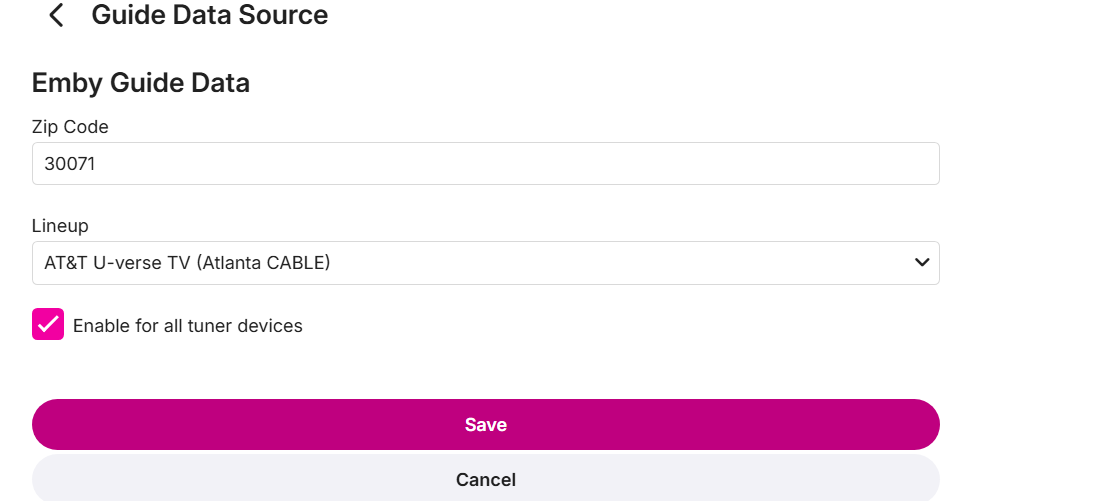
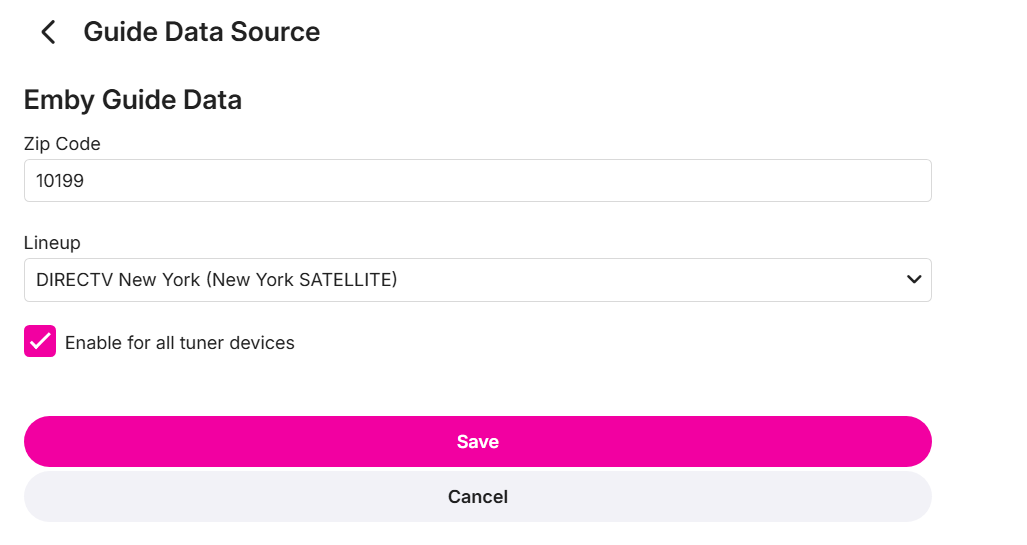
-
On the home screen, when using Poster View, if spoilers are enabled, the thumbnail is displayed in poster format, which doesn’t look very good. Would it be possible to fix this in an upcoming version?
-
It would, yes, but if only blocking certain things vs allowing certain things then you could make it say anything and it would pass. Allowing seems like a pretty big effort to keep up with vs blocking certain things. At the end of the day no one is going to do it anyway, because again it's all secured with user access tokens.
-
Sorry, missed/forgot that. (I'm sick with feber, so go easy on me ) While spoofing is easy (even i can do it) it would require guessing the clients allowed.
-
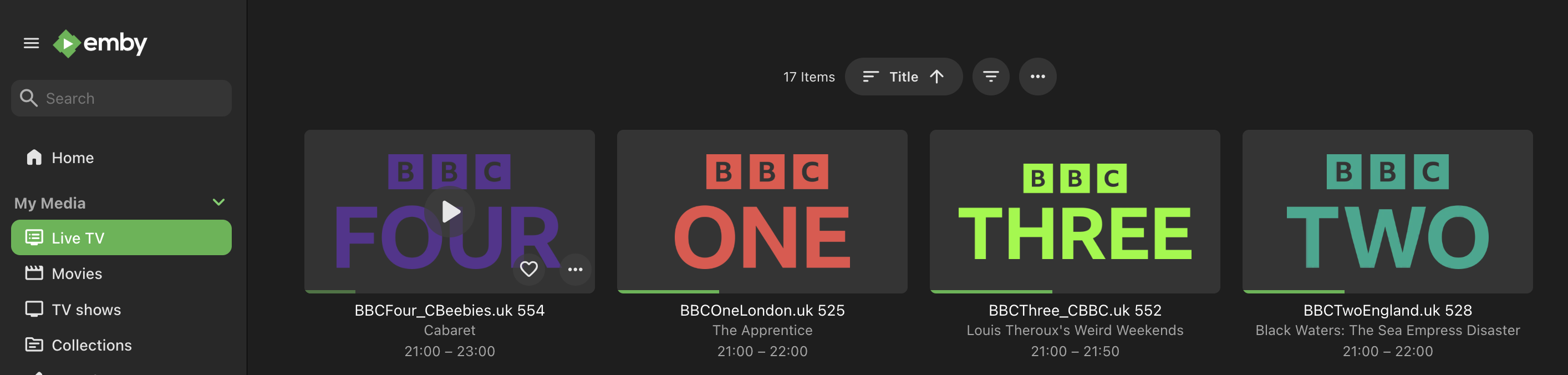
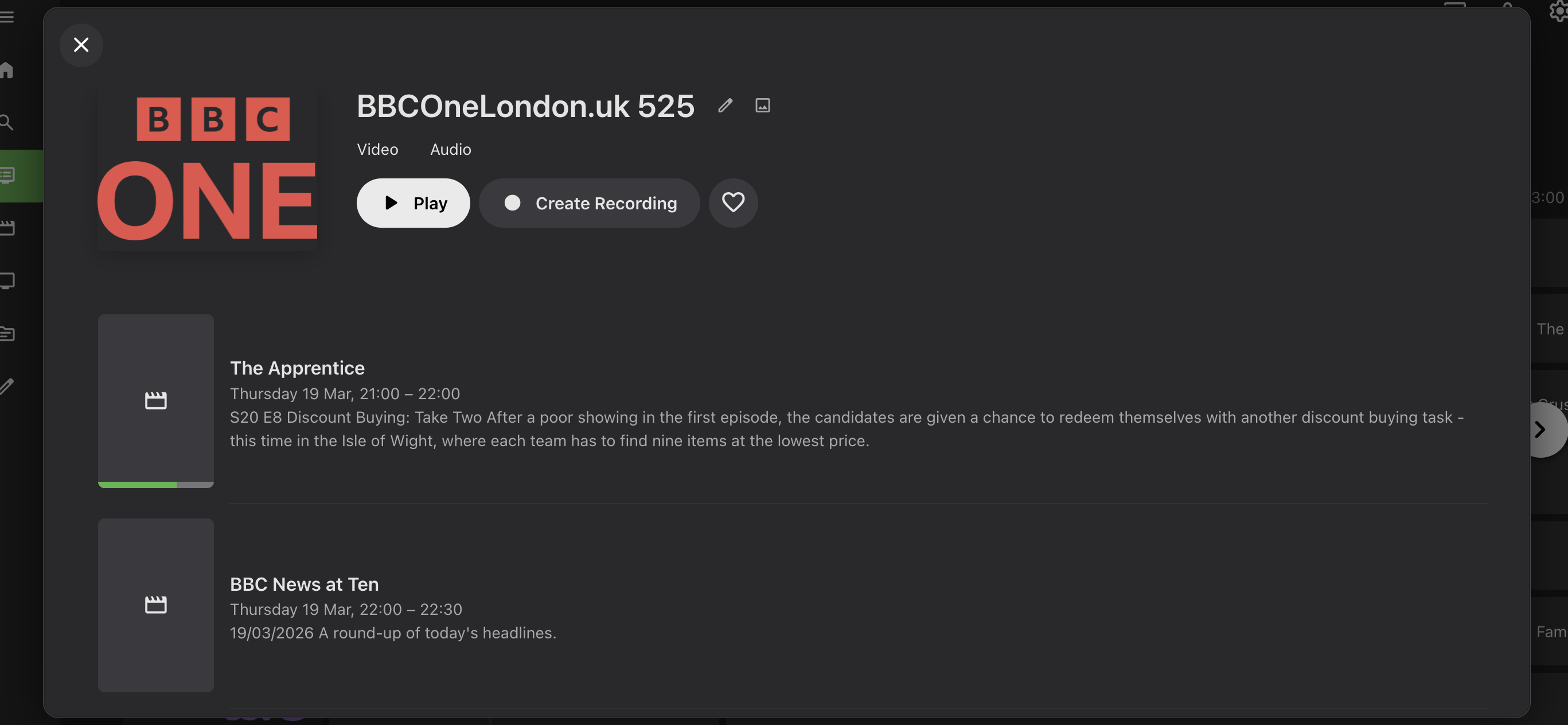
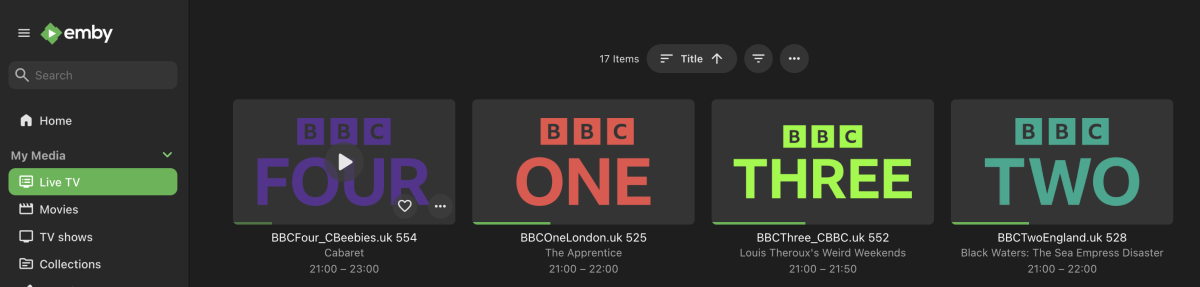
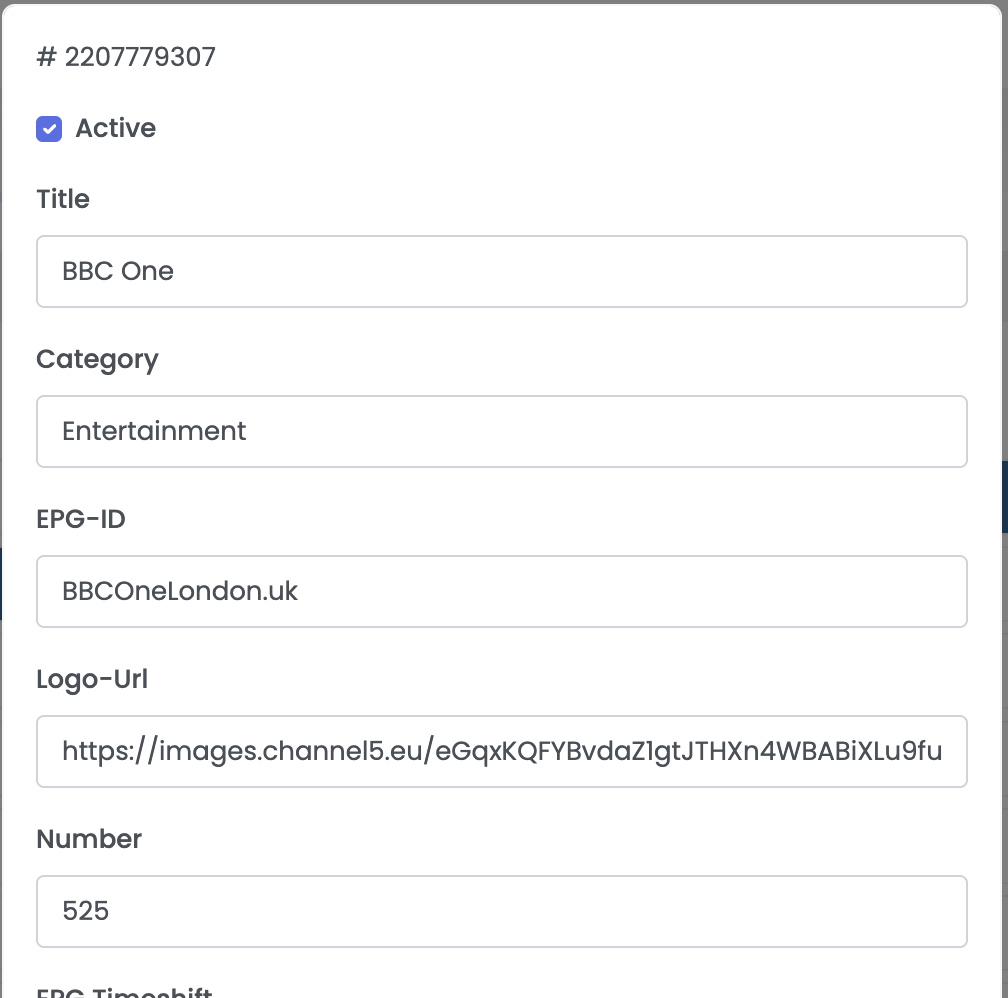
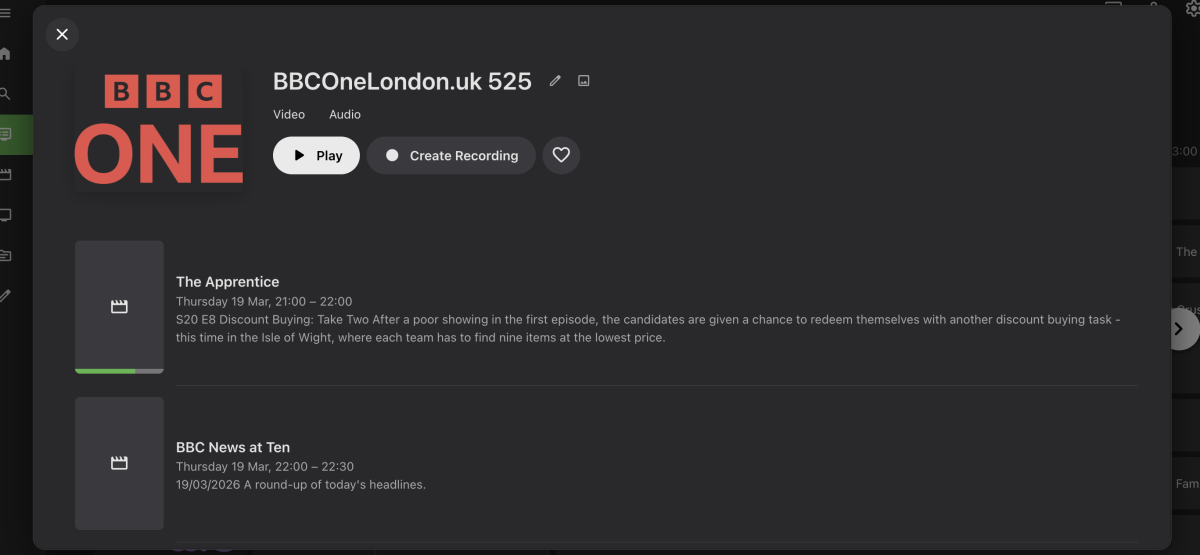
Hello Emby Community, I am using Emby with a Premier Licence and trying to setup some Live TV channels via M3U. The editor I use to create the M3U is Xeev (https://www.xtream-editor.com/). The functionality works great - Two questions I have are: 1) In the Emby Live TV Guide, the Channel Name is always the "EPG-ID" + channel Number from the channel entry in the playlist Is there a way to simply make it use the "Title" of the channel instead? 2) From the Live TV Guide, when I click on a Channel it first takes me to a screen where I can choose Play and also see the program schedule for the channel Is there a way to make it so when I select a Channel in the Guide, it simply plays that Channel? These are little things - I think Emby is amazing. Thank you in advance. MeowMix
-
Okay. Thank you.
-
And ask him to close the app, exit and then login afresh to emby connect in the app
-
Correct. That is what I did. He was out and about, but should be back home in a couple hours. I will ask him to try it again. Then update you.
-
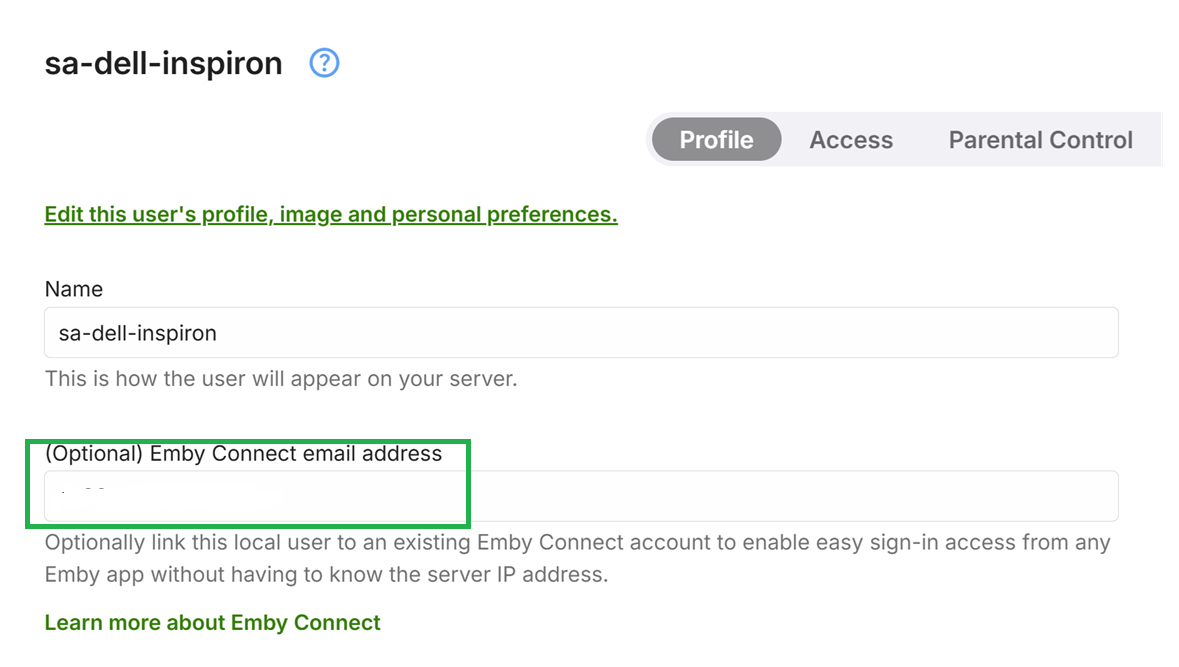
No It depends when you added it. After you succeeded to connect without wifi from phone or before Server settings / select users / select your father's user name and edit it, In The emby connect field for username or email address where it says this is optional, blank it out and click on save at the bottom and acknowledge the prompt The save button is at the bottom of the screen. Scroll down to save Then go back to edit again and now add it in this field and save
-
I'm not understanding. I added his email under his user account under my server. Do I need to go to emby connect? Windows web. 4.9.3.0
-
No Edit the local account on the server. In the Emby Connect email address field - blank it out and save Then add the email address in the emby connect user setting and save So it is unlinking, saving, relinking, saving Which version of emby server are you running?
-
You know what, I'm sorry. I misspoke. In the eero app, I selected the pc to port forward, I went through the deco that it is connected to select the pc then the port forwarding. Okay. Delete his account and create a new one, correct?
-
Why can't you choose the emby server instead of the deco ? Does the eero not give you an option to select it or specify the local IP Address of the emby server computer? For emby connect if it was added to his local user account before you resolved the issue, you need to unlink it save the user setting and then add the emby connect email address again and save. That makes sure the emby connect data is refreshed with lastest server access details
-

Audio transcoding hammering my CPU. Video is on the GPU.
matticas replied to matticas's topic in Linux
I'm not to fluent with linux backends and all that, i only bounce around the edges, but my understanding is Linux and Nvidia generally don't get along? Maybe the drivers are no good? I know on the occasional Ubuntu 24.04 update, the Nvidia drivers all burn to the ground and I have to use potato resolution to restore them.? -
So, there is the main deco that is connected directly into eero 10g. The second deco is connected by ethernet in a different room into my pc, which is where my emby server is on. On the eero app, when you are selecting port forwarding, a choice of device needs to be selected. I chose the main deco that is connected into the eero. That didn't work. I deleted that port forward and selected the deco that is directly connected to the pc with emby server. I then turned my wifi off and it is still connecting to the emby server. For as my dad, he has a profile on my server that he uses when he comes to visit, but is unable to connect remotely. So, I today added his email address in order him to try to connect remotely so one I know that it does work remotely, two so he can access his account. We tried two emails. He has the app downloaded and tried it through it, but it can not access the server. Now, he is trying through emby connect.
-
Please explain to me what you changed to fix it - maybe some screenshots to show what you changed and to tell me which app that was for and which device And please clarify what you meant when you said "main deco (eero app)" - i do not understand How is he connecting ? which app ? is he using Emby Connect ? Is it the emby connect account he cannot access ? or is it the local account on the emby server ? In which case that means he reached the server. And what error does he get
-
Okay. My wifi is still off and I am able to connect to my server. The issue is, I sent my dad an email through his profile to connect remotely, but he is saying that he can not access the account.
-
Hello i schedule everyday a scan of my libraries. My server is not CT Proxmox (Ubuntu). Sometimes after a scan is finished, i face a high RAM & disk swap disk usage. To restore RAM and disk a normal usage, i must restart manually the server. Is there a way to automatise a restart just after the scanning task ended? Thanks