All Activity
- Past hour
-
Nevermind it worked, I updated the wrong field in Emby which is what caused the issue. Port 80 worked thanks!
-
 Fajfer joined the community
 -
 Agent402 joined the community
 -
 Kenneth2011 joined the community
 -
 Kenne292 joined the community
 -
 wamiqrasheed joined the community
 -
 asubah joined the community
 -
 Vilaca6 joined the community
 -
 Boritouno1 joined the community
 -
 morgannorman94 joined the community
 -
 roko123 joined the community
 -
Now both lan and wan don't work. I set the port from 8096 to 80 inside my Emby server http port. In cloudflare I have: - hostname: emby.server.com service: http://192.168.1.xxx:8096
-
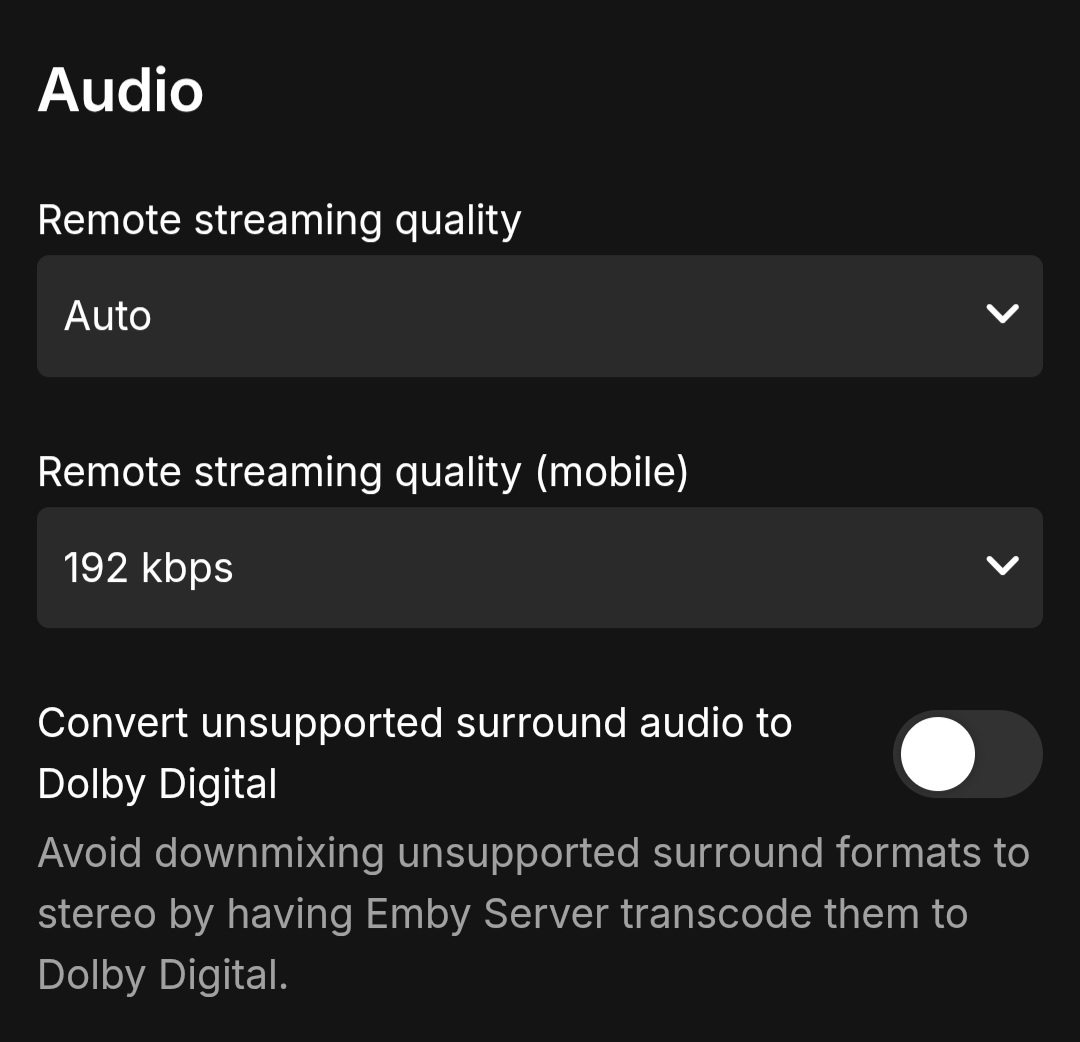
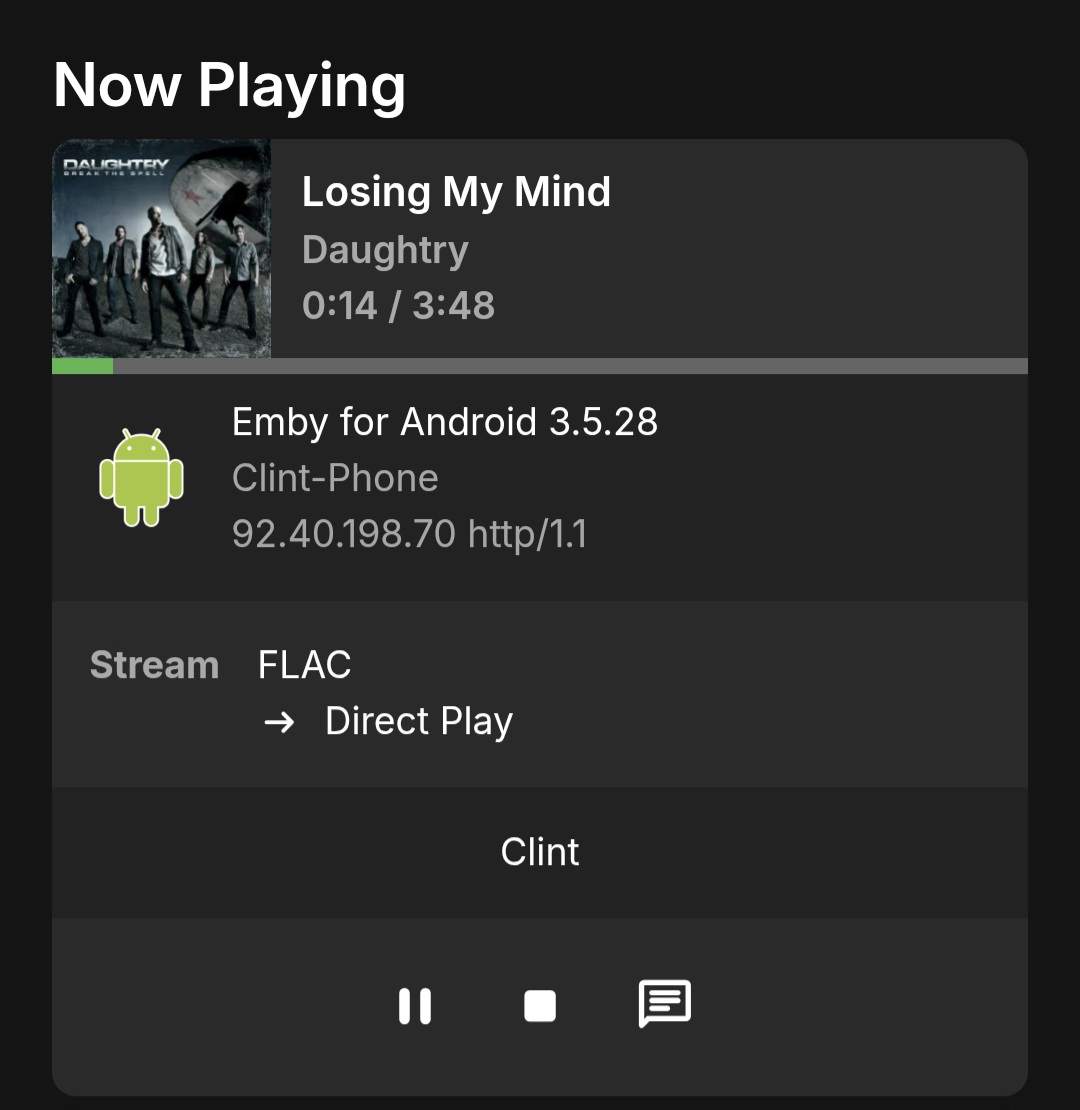
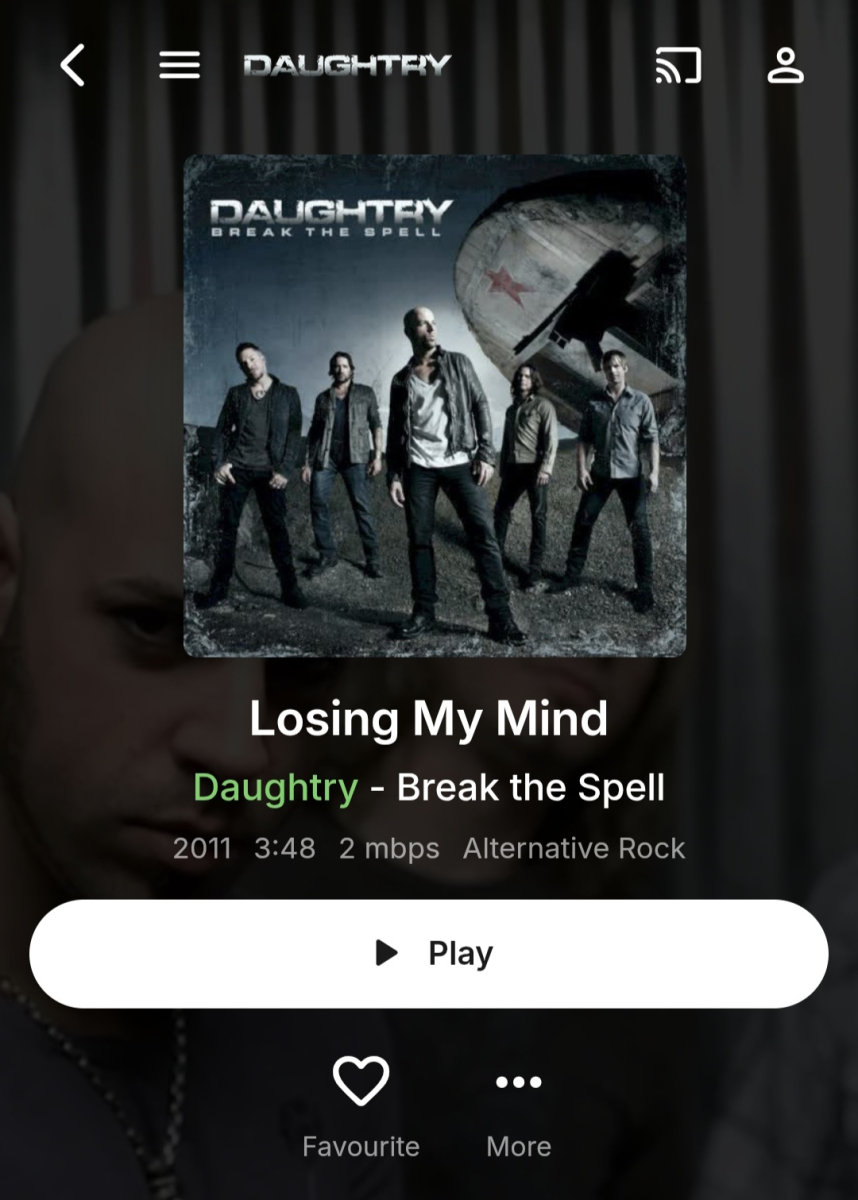
Here's a few screenshots and emby log showing what I mean. embyserver.txt
-
+1 This would be very useful; I'm going to try Vic's tool for now. EDIT: I tried Vic's tool, I do apricate his hard work but it is very hard to use. It shouldn't be a reason not to implement this feature request as native functionality
-
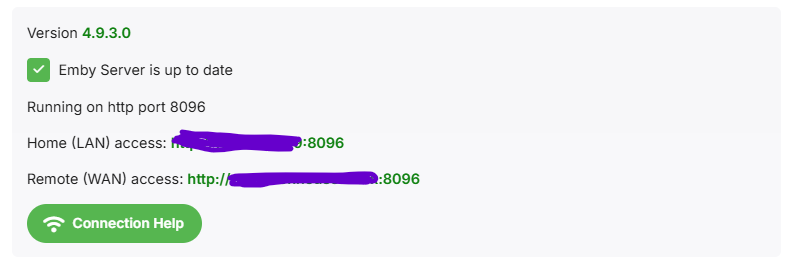
Domains point at IP addresses, NOT port numbers. Your domain only points to 192.168.1.xxx. With http, web browsers will try port 80 unless told otherwise. (https, they'll try 443) Cloudflare however is a proxy that is listening to port 80/443, and proxying to port 8096. Set your 'public http port number' to 80 under 'dashboard'>'network', and the address displayed on the dashboard will work.
-
I have a question relating to this topic. My cloudflare is on my hassio (homeassistant server). The cloudflate domain works but cloudflare already added the 8096 port into it. I noticed when I place this domain under the External domain it add an extra 8096. So lets say my cloudflare domain is: emby.server.com (which is linked to 196.168.1.XXX:8096), Emby makes it emby.server.com:8096 which is basically 196.168.1.XXX:8096:8096 hence it doesn't work when I click on it fromt the emby dashboard but when I use emby.server.com on its own it works but brings me to a login page that doesn't work (no matter what login I use it won't connect me).
-
Hi. If you have a current Jeep Wagoneer/Grand Wagoneer or a BMW i7, then our app should be available. These are the Amazon flavors of AAutomotive only.
- Today
-
Have you tried manually running "Scan metadata folder" scheduled task (which is separate task from all those listed) after replacing image?
-

Multiselect Metadata Editing ("Parental rating" / "Custom rating")
ebr replied to HanSolo's topic in Feature Requests
Hi, there's already an open request for this or something functionally equivalent. Please join in and contribute to the existing discussion at:- 1 reply
-
- 1
-

-
Where exactly: library-level refresh/scan on the library containing the media metadata refresh on the title containing the actor metadata refresh on the person entry itself subsequent scheduled scan behavior None of those caused Emby to adopt the manually placed replacement folder.jpg. In practice, the file was not honored and the result was either no update, a blank image, or removal of the file. If I upload the image through the web UI or API, Emby writes the same folder.jpg itself and it works. So the real question remains: is direct filesystem management of person images in metadata/people still intended to work, or not?
-
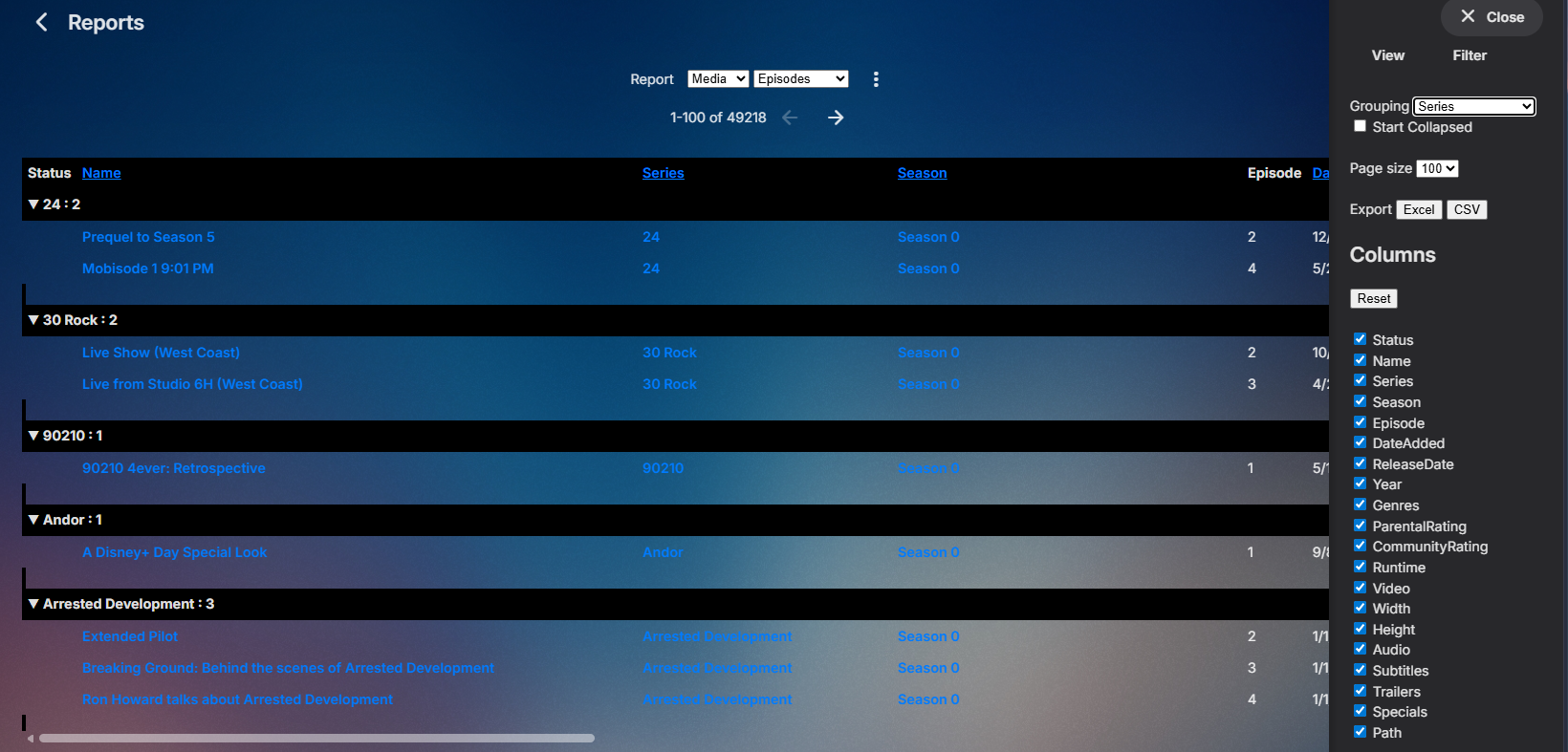
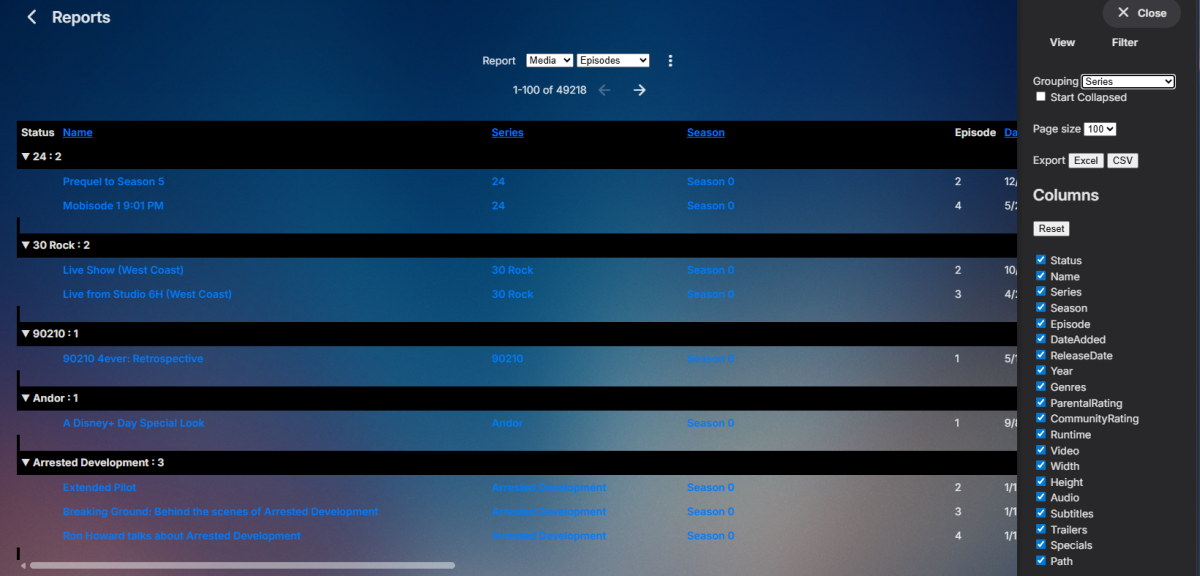
The closest you will get is the Reports plugin (in the plugin catalog) using the Episodes report grouped by Series. But don't believe it shows multiple track or size, but since it is a public/community plugin I wouldn't think it would be that hard for someone to add. MediaBrowser/EmbyReports
-

Subtitle Encoding Issue After Emby Premiere Activation
Andoo replied to Andoo's topic in General/Windows
I didn't want to publish my data, it seems like an absurd solution to me. I chose Jelyfin and I'm happy with it to this day. But thank you for trying to help and good luck to you. -

[URGENT] Large Server (90TB) — Library Scans Stalling on Synology NAS
BaNanaBlocks posted a topic in General/Windows
Running into a persistent issue I haven’t seen in years and could really use an experienced set of eyes. Emby Server: Windows PC Storage: Multiple Synology NAS devices (currently 2, adding a 3rd) Library Size: ~90TB Issue: Two of my largest libraries will not complete a scan. Scans start but never finish Content remains unavailable for playback Metadata is not updating This has been happening consistently for several days now. Impact: This is effectively blocking access to a large portion of my media and breaking normal server operation. What I’ve tried: Re-running scans multiple times Waiting extended periods (no completion) Request: Looking for guidance on: Identifying what’s causing the scan to stall Logs or diagnostics I should pull immediately Known issues with large libraries + Synology setups Happy to provide logs, screenshots, or run targeted tests right away. -

Multiselect Metadata Editing ("Parental rating" / "Custom rating")
HanSolo posted a topic in Feature Requests
Hello. I'd like to request the ability to edit the metadata for multiple files at the same time. It's really just the fields "Parental rating" / "Custom rating" that I'm interested in. Most of the time I can accomplish this using a tag editor but there is one case that I keep running into when editing the "Parental rating" or "Custom rating" that I can't accomplish with a tag editor. It would save me tons of time if I could select a bunch of files and update the "Parental rating" / "Custom rating." As far as I can see the "Parental rating" / "Custom rating" are not written as id3 tags so I can't use a tag editor to accomplish this. I think the info for "Parental rating" / "Custom rating" used to be written to the album folder .nfo files but could not find any evidence of this in my current library. Regardless, it's my understanding that there is no way to read nfo file information currently, so this won't work for me either. Thanks for the consideration -HS -
Haha, yeah thats a bit odd.. But I did use Claude Code to find what it could have been. And I build a function in the last version to make a call within Emby that is not exposed as an API, and this is similar to the same way malware works, and that's probably why the false-positive detection. I remade the function in the plugin to use another method that seems to be working. I have updated the .dll with a fix for this. (Didn't bother to update the version number)
-

Transcoding in Emby Android but not in Emby Android TV
tollgate replied to gnubrew's topic in Android
My understanding is the Shield does not support AV1 so transcoding on the server is always required. -
That's odd, it was flagging as a trojan, but now it's working. so that's good...
-

Unable to play MP3 files / constant crashes during audio playback
hallansen replied to hallansen's topic in Android Server
Yes, because I can't program myself yet. I've now installed beta version 4.10.0.6. The same error persists. New server logs won't help, as the error is exactly the same as described above. -

Transcoding in Emby Android but not in Emby Android TV
GrimReaper replied to gnubrew's topic in Android
Have you checked SFN (or server Dashboard) to see reason for transcoding? -
I'm using Emby Android on a NVidia Shield. Some weeks/months ago ist began to trancode AV1-videos, that were played directly before (with/without subtitles). Emby Android TV on the same Shield plays them directly (with/without subtitles). What could be the reason? I already checked all transcoding an subtitle setting.
-
wtf?? Does it say anything else like why? Using Windows defender myself but its not flagging for me EDIT: And it's only for the latest version? EDIT 2: Most likely it's because it's an unsigned dll without certificate. But then you should have gotten it for all other versions as well.
-

Unable to play MP3 files / constant crashes during audio playback
Luke replied to hallansen's topic in Android Server
Hi, are you still having an issue with this? -
Hi, was there an ffmpeg log? Please attach that as well. Thanks.
-
OK we'll take a look at it. Thanks.
-

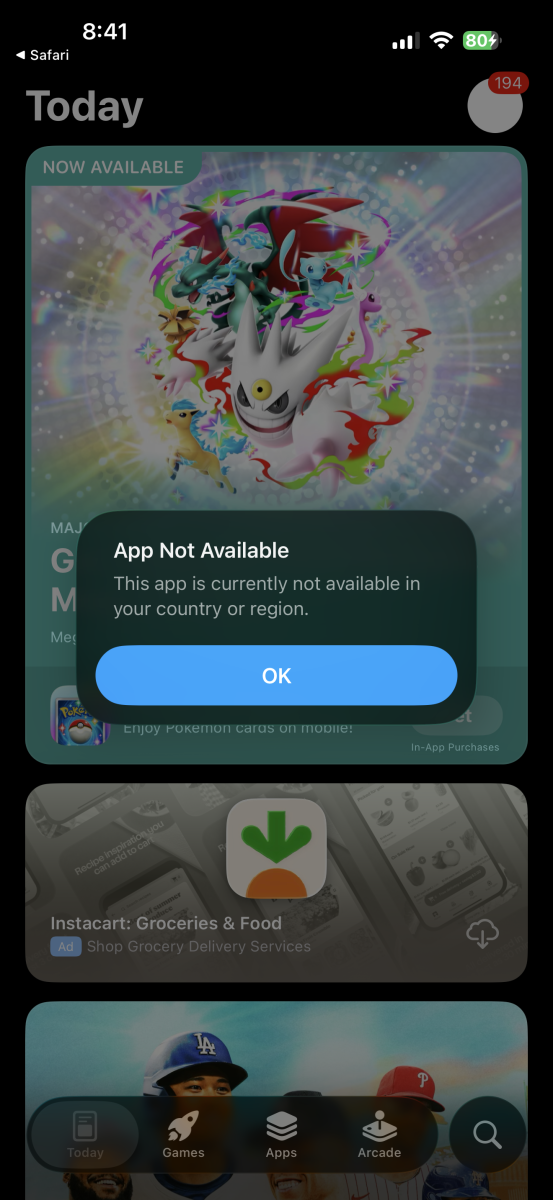
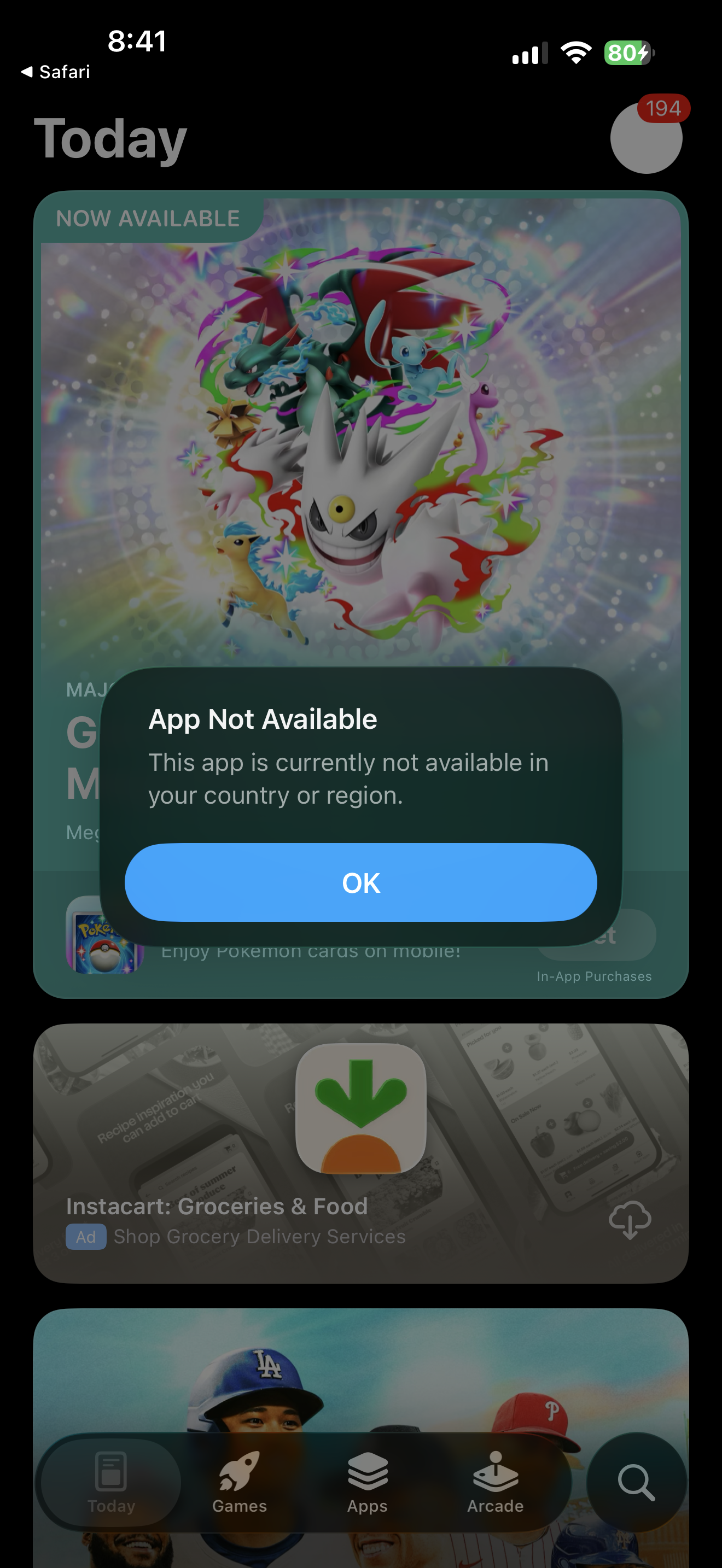
Emby app missing from apple appstore on both iphone and apple tv. As of march 26 830am
cul8rmom1 replied to G3rmanaviator's topic in Apple iOS / macOS
its back here as well. Thanks! Clicking on link on emby website to get app on iphone shows not avail in region. in texas.