All Activity
- Past hour
-
It's not a stupid question. But I can't help you there. You could read through this Emby Documentation Home | Emby Documentation There might also be something in here. Tutorials and Guides - Emby Community
-
 cor21pw joined the community
 -
 Cheezgr8r joined the community
 -
 yahiir10fuentes joined the community
 -
 Indiaa joined the community
 -
 TanyaRose81 joined the community
 -
 The_Gills joined the community
 -

Premiere subscription request for already paid lifetime subscription
ebr replied to WingDog's topic in General/Windows
Hi. Purchasing again isn't going to help you. Something has to be blocking the TV's access to our servers. Do you have the ability to sniff the network when the TV is giving this error? -
 HollyMcG joined the community
 -
 nikaka joined the community
 -
 fahadhasan16 joined the community
 -
 Robton joined the community
 -
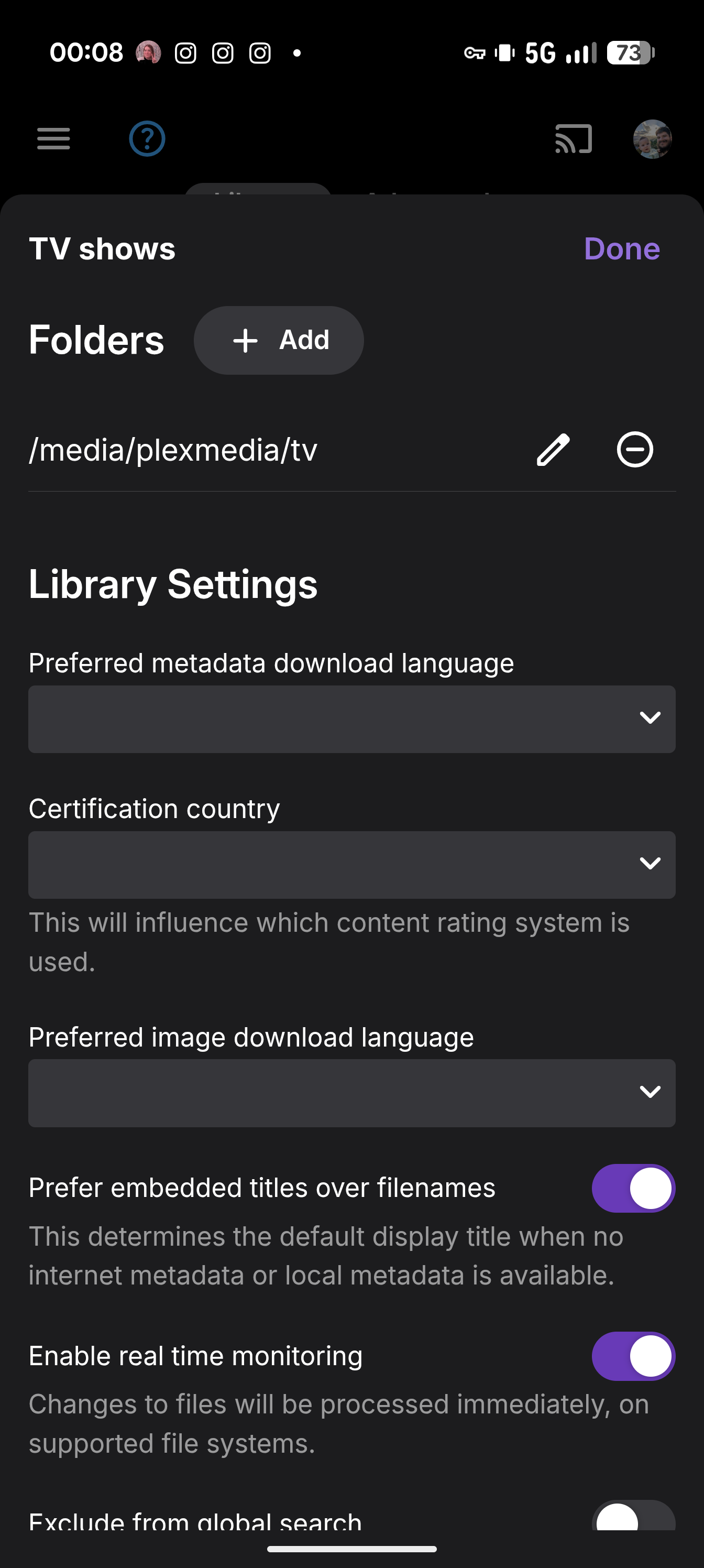
Stupid question, how would I fix a permission issue?
-
I kinda found out what the problem is. If i use external player feature and chose mpv then everyting is working as expected. It seems like something is broken for external monitors with emby media player because those glasses are in fact external monitors over USB-C
-
It looks like permission issues, that you need to fix. 2026-02-26 05:00:24.638 Error App: Error in GetFileSystemEntries for /media/plexmedia/tv/Metalocalypse *** Error Report *** Version: 4.9.3.0 Command line: /usr/lib/emby-server/EmbyServer.dll -programdata /config -ffdetect /usr/bin/ffdetect-emby -ffmpeg /usr/bin/ffmpeg-emby -ffprobe /usr/bin/ffprobe-emby -restartexitcode 3 Operating system: Linux version 6.1.106-Unraid (root@Develop-612) (gcc (GCC) 12.2.0, GNU ld version 2.40-slack151) #1 SMP PREEMPT_DYNAMIC Wed Aug 21 23:36:07 PDT 2024 OS/Process: x64/x64 Framework: .NET 8.0.23 Runtime: usr/share/dotnet/shared/Microsoft.NETCore.App/8.0.23/System.Private.CoreLib.dll Processor count: 16 Data path: /config Application path: /usr/lib/emby-server System.UnauthorizedAccessException: System.UnauthorizedAccessException: Access to the path '/media/plexmedia/tv/Metalocalypse' is denied. ---> System.IO.IOException: Permission denied --- End of inner exception stack trace --- at System.IO.Enumeration.FileSystemEnumerator`1.Init() at System.IO.Enumeration.FileSystemEnumerable`1..ctor(String directory, FindTransform transform, EnumerationOptions options, Boolean isNormalized) at System.IO.Enumeration.FileSystemEnumerableFactory.FileSystemInfos(String directory, String expression, EnumerationOptions options, Boolean isNormalized) at System.IO.DirectoryInfo.InternalEnumerateInfos(String path, String searchPattern, SearchTarget searchTarget, EnumerationOptions options) at Emby.Server.Implementations.IO.ManagedFileSystem.EnumerateFileSystemInfos(DirectoryInfo dir, Boolean recursive) at Emby.Server.Implementations.IO.ManagedFileSystem.GetFileSystemEntries(String path, Boolean recursive, FileSystemCredentials credentials) at MediaBrowser.Controller.Providers.DirectoryService.GetFileSystemEntriesInternal(String path) at System.Collections.Concurrent.ConcurrentDictionary`2.GetOrAdd(TKey key, Func`2 valueFactory) at MediaBrowser.Controller.Providers.DirectoryService.GetFileSystemEntries(String path, Boolean clearCache) at MediaBrowser.Controller.Providers.DirectoryService.GetFileSystemEntries(String path) at MediaBrowser.Controller.Resolvers.BaseItemResolver`1.GetFileSystemEntries(IDirectoryService directoryService, String path) Source: System.Private.CoreLib TargetSite: Void Init() InnerException: System.IO.IOException: Permission denied Source: TargetSite:
- Today
-
NA, Thanks. Seems like you have pinpointed it correctly. It would be nice to know the cause and fix, when it's resolved. === 'One by one' can be streamlined to potentionally one click to extract, convert and replace all 5000 media files and possibly a few sessions to transcode graphic subs to .srt. Repeating commands one at a time, is not required, once you set up a batch. I am not sure from your post, if you were already aware that was possible. ffmpeg or mkvtools can be scripted to extract all the subtitles, from every media file, all at once and replace the original media with copies that have no embedded subs. (Back all files up first.) - [ One click or Enter key for each directory tree. ] There is also a batch conversion option to change graphic subs to srt. Those could also all be done at once. Example software: https://subtitletools.com/convert-sub-idx-to-srt-online - [ Drag and drop all files to convert. ] An extra plus, after auto extracting and converting, is that the demand on your server will be improved.
-
This!
-

playback is often paused, crashes, freezes but for a specific user (its the wife-BIG problem :))
Zeltak posted a topic in MacOS
Hi all see logs attached, as the title says been running EMBY lifetime for about a week (ditched plex and super happy!) which has been working great for me and the kids... BUT for some reason for my wife weather she tries on the appleTV, her macbook air, tablet anything she watches has often often paused, crashes, freezes every 4-5 minutes I have no clue on how to go and debug this and any help would be greatly appreciated! (before she gets really pissed and forces me to go back to plex noooo thx! Z embyserver-2026-02-25-REDACTED.txt -
If you are connecting to a friend's server... Give them your email address that you used to create your profile on Emby. They will need to add you as an user. Then login to Emby Connect when you login to the app, and you should see their server listed.
-
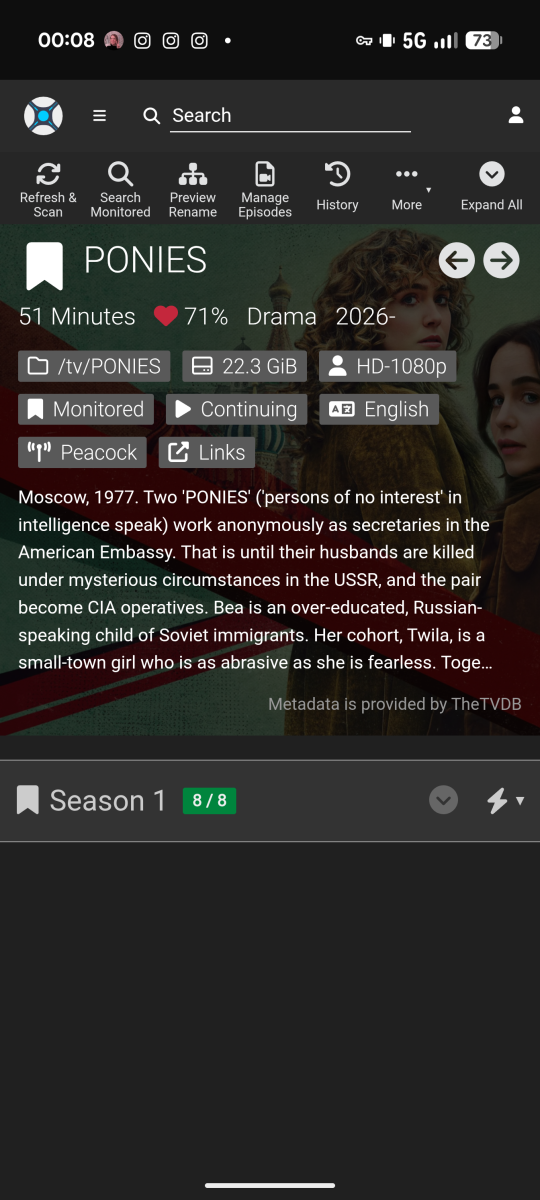
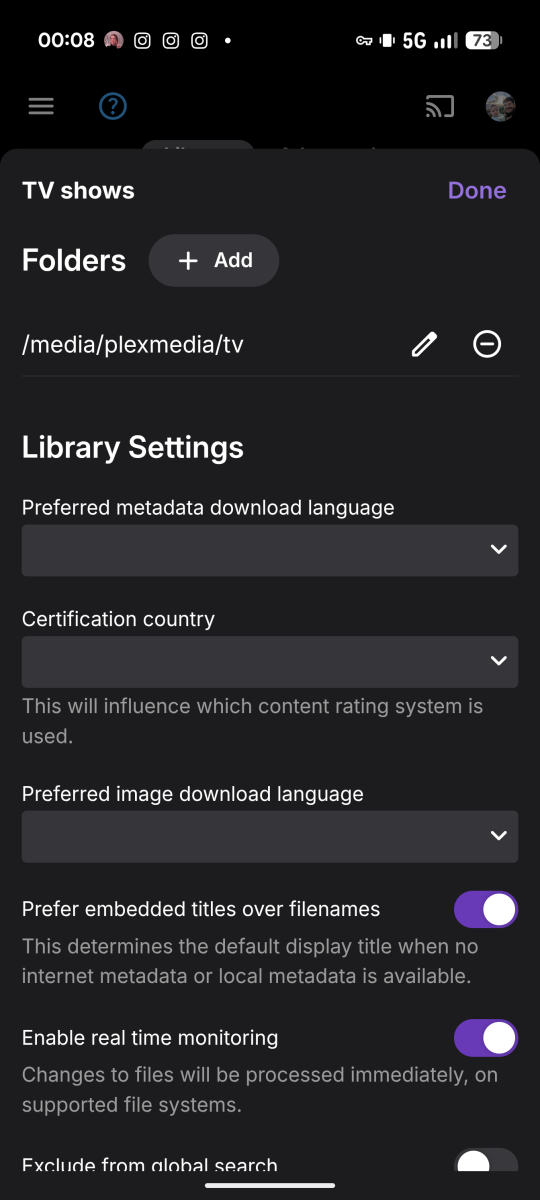
As the title says, my server is currently not pulling a new shows through, it was working fine yesterday but as of today I can get anything new to come through. Attached are screenshots and logs if that's helps embyserver.txt
-
can get subtitle plugins to show after install and restart
Zeltak replied to Zeltak's topic in General/Windows
thx! as instructed attached is the embyserver log (i took out the PUBLIC_IP and SERVER_ID parts) best regards Z embyserver.txt -
@LukeThe full guide updates with the VPN on and the split tunnel set exclude data.tmsapi.com has been back and forth. For reference it is 7:35ET as of the start of this update so will use that for reference. The IPVanish VPN has been on for just over 24 consecutive hours. Thus we will go with just the last 24 hours of with yesterday's and today's log files. We will use Disney Jr SD as the example. This impacts all the channels but easier to focus on 1. 2026-02-25 08:02:48.814 Info LiveTvManager: Refreshing guide with 14 days of guide data (I'm not going to repeat this line for each of the below since they were all successful.) 2026-02-25 08:03:52.163 Info SqliteItemRepository: Saving 822 programs for channel 7164956 Disney Junior SD (worked fine). 2026-02-25 12:23:43.400 Info SqliteItemRepository: Saving 822 programs for channel 7164956 Disney Junior SD (worked fine). 2026-02-25 16:50:13.967 Info SqliteItemRepository: Saving 822 programs for channel 7164956 Disney Junior SD (worked fine). Starting with today's log file 2026-02-26 01:00:14.114 Info LiveTvManager: Refreshing guide with 14 days of guide data 2026-02-26 01:00:35.272 Error LiveTvManager: Error getting programs for channel Disney Junior SD (failure starts and continues through this morning). 2026-02-26 05:00:35.885 Error LiveTvManager: Error getting programs for channel Disney Junior SD Again. I've not touched the VPN or the configuration and this shows that for some reason the guide passes through successfully and at times it fails. It will likely succeed later today but I will have to wait until EOD to review the log file again. embyserver-63907660800.txt embyserver (6).txt
-
Where do i find it at, thats all in asking
-

Suggestion: Built-in Social Media Video Import (Instagram, etc.)
crusher11 replied to jackmoris436's topic in Feature Requests
There's no way this is possible to do without violating Meta TOS. -
Well, for example, all TV shows where the title contains "law & order." Tagging by genre, director, actor, etc. as well. It's November? Spotlight film noir. David Lynch died? Spotlight films he directed. Robert Redford died? Spotlight films he starred in. Release date, too. Films with the genre "film noir" released between 1940 and 1950, to filter out neo-noir. Films celebrating their 100th anniversary this year. There's so much metadata already on the server, it just feels silly that I have to manually curate lists elsewhere. I do love the Trakt integration for Trending and the like though. Can you clarify how I get an API key? You can already Spotlight a collection, but if I could use this to dynamically tag its contents I don't need to go reconfigure the Spotlight once I'm done spotlighting that collection and want to go back to tags.
-
I’m working on the next update that will include an ability to choose an existing collection as source, and then put tags on the items within. Also to include local media information as 4K, 1080p, Dolby Atmos, etc. On my to-do list is also the ability to add a poster for collection and description. That will probably be in another update.
-

Shuffling music is always constrained by the active sort
user24 replied to brothom's topic in General/Windows
@brothom Yeah, the usual expectation (from everyone who has raised this) is that "Shuffle" will automatically shuffle the whole selection and then play it, even if it is then limited to the first 300 from the whole shuffled list. It should be an intuitive one-step process, not the current two-step process. It's easy enough to work around the current limitation, once you know how, but likely most people wouldn't get far enough to figure it out. Hopefully we'll get a fix at some stage...??? -
Not yet - but I guess this could be added in the Filter section for Dynamic Media. A lot of us are using tagging on the collections, so we are doing it that way - but agree, it would be nice to pick a collection and use that instead.
-
Yes, currently it’s only trakt or mdblist. I’m working on an update to also include some local media information as 4K, Dolby digital, exciting collections/playlists, genres, etc. Could you please elaborate what you mean by using “keywords”? Yeah I’m aware of some visual bugs when using a light theme. Thanks for reporting!
-
The scheduling, yes, but it can't use an Emby collection as a source.
-
From 1.4.00 it already has this (scheduler) ?
-

Issue with Emby Videos Not Playing on Apple TV
systemissue replied to systemissue's topic in Apple TV
Any updates ? -
A reverse collection option would be good, too, to tag everything in a given collection (eg setting up a rule to tag everything in my Universal Monsters collection at the start of October, then untag it at the end of October). Also I noticed this:
-

Shuffling music is always constrained by the active sort
brothom replied to brothom's topic in General/Windows
@user24looks like we at least know the underlying cause now. As a workaround we can use "Random" sorting. But what is the use of a Shuffle-button, if the sorting has to be "Random". When sorting by "Random", you could just hit Play anyway, because the contents are then already random. -
Shuffling music is always constrained by the active sort
user24 replied to brothom's topic in General/Windows
Exactly - the same as what I discovered several weeks ago...