All Activity
- Past hour
-
Hi there, please attach the Emby server log from when the problem occurred: How to Report a Problem Thanks!
-
The Refresh Metadata on the TV Show library showed that it reached 100%, so I presume it completed. No shows were moved and the mapped genres did not disappear. I am not sure how you refreshed one genre at a time, but I will try that. I also have not checked whether any were locked. I will do so.
-
 6324leefvck joined the community
 -
 iPerry272 joined the community
 -

Plugin: Home Screen Companion (formerly AutoTag)
soderlund91 replied to soderlund91's topic in Plugins
Just for information, I’ll take a break from this for a few days and just enjoining the weekend. Letting you guys play and test the latest beta. I feel I have reached a milestone with the plugin and all the features I wanted to have (and more thanks to your suggestions) is there. Im gonna focus one or two releases into bug fixes and smaller improvements, then I believe this is ready for the official Emby plugin catalog. If you encounter any bugs, have any suggestions for improvements, or any feature ideas, it would help me if you post them on GitHub. It’s fine posting it here as well, but I might miss it or forget. https://github.com/soderlund91/HomeScreenCompanion/issues Thanks! -
 Peter de la Rue joined the community
 -
 Jackemby joined the community
 -
Plugin: Home Screen Companion (formerly AutoTag)
soderlund91 replied to soderlund91's topic in Plugins
I have it installed but not using it that much. But yeah, I don’t want to create a copy of it but I can certainly get some inspiration from it Nice, thanks for testing! That helps me a lot! Sure think, I’ll look into it but shouldn’t be too hard I have forgotten about it. Will look at it for upcoming releases. I’m thinking I’ll just add a selection for “match exakt” or “partial match”. -

Recording a series identified as something else
Luke replied to atreyu4055's topic in General/Windows
Hi, thanks for following up. If you find this continuing to happen then you may want to consider disabling internet metadata on the recording library. -
What about android inside the home?
-
 LacunzaFerrer joined the community
 -
Hi! I have searched the forum for an answer but no luck. Is there a specific reason that the only option for Opensubtitles is the .com version with download restrictions in time and number of downloads, and not the .org with unlimited downloads? Thanx! N.
-
 SpectralMoo joined the community
 -
 SamanthaB joined the community
 -

Plugin: Home Screen Companion (formerly AutoTag)
crusher11 replied to soderlund91's topic in Plugins
@soderlund91Have you looked at this? I tried an IMDB ID rule and entered nm0001647, just to see what would happen, and it appears that the answer is “nothing.” Which I did kind of expect. EDIT: Also now that we have negative matching and IMDB ID matching, it would appear that the blacklist section is redundant? -
 zachi44 joined the community
 -

SRT subtitles not displaying, other unknown subtitles are displaying
davesurfer replied to davesurfer's topic in Roku
I'm not the expert when it comes to remuxing or whatever the term is, but when I opened that MKV in MKVToolNix I saw several subtitle tracks for other languages and I removed everything, then just added my foreign subtitle track in there and it repackaged the MKV. Like I said, the Emby mobile and web app displayed them without any issues. It was just the Roku Emby app that would refuse to play my subtitle track even though, as I screenshot it above, the Emby app could see it as a selectable subtitle track from the drop down selection, and when selected, it still didn't play them. It was probably just some baked in weirdness that was happening with that video file that was glitching the Roku Emby app playback for whatever reason. - Today
-
Smart Playlists 2.0 allows filtering by playcount. I think its implementation is quite good. It allows you to select which users to use in calculating playcount in the filters. The only improvement I would request is adding All Users so that it is a bit easier to select a server wide filter.
-
Adding tmdbid tags in file name where there are multiple versions of a movie
Luke replied to daleala's topic in General/Windows
You might see better results just by updating the file and folder names. -
Just did a repair sync, but still the same issue.
-
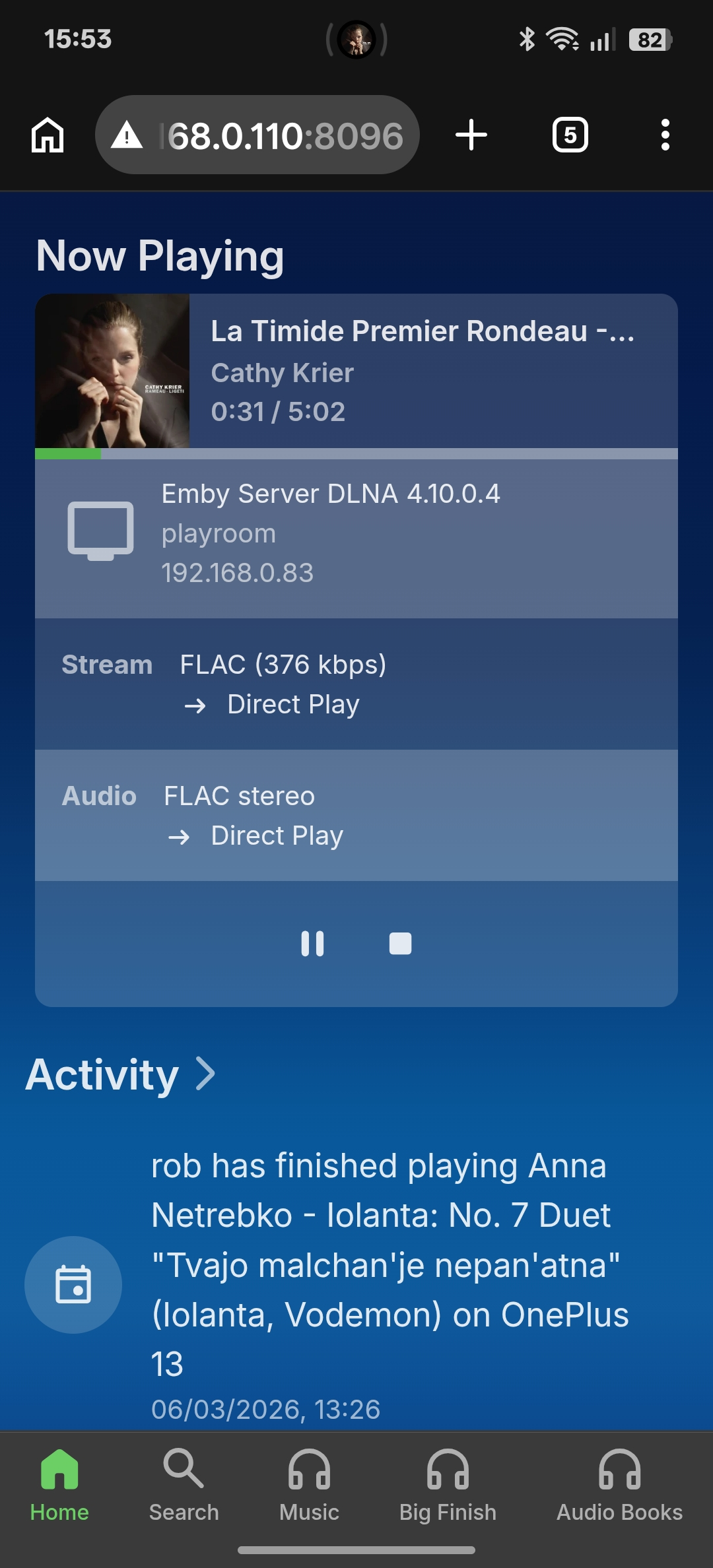
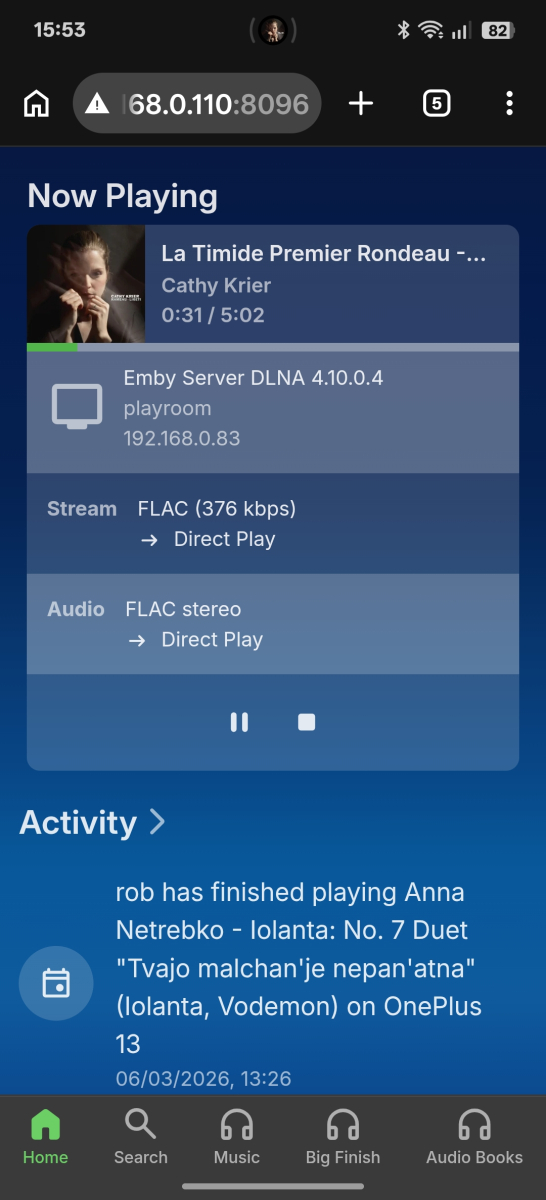
If I browse my collection, using the DLNA server feature, and play some tracks I can see what I'm playing in the Emby dashboard. So presumably Emby knows I've played it. How come the playcount isn't increased and it isn't in the activity section? And it isn't scrobbled via the lastfm or listenbrainz plugins? Thanks
-
Occasionally, some live tv IPTV channels will not play in Emby. One channel will play fine while the other is just a spinning circle. If I restart the Emby server, the channel that would not play, will play fine in Emby. This happens randomly where I am the point if a channel doesnt play I'll restart Emby server to fix it. Attached is a portion of the log trying to play Fox Sports. I can provide full log via direct message if more information is needed. Thank you 026-03-06 10:13:27.443 Info DynamicHlsService-0HNJQ5126RCQC:000000E9: ProcessRun 'StreamTranscode a2bb65' Process exited with code -1 - Failed playbackerror.txt
-

How to toggle individual season as watched or unwatchable?
Robybw replied to Robybw's topic in Android
Thank you! This is what I was looking for. -
@DMazerWhat platform are you using to host your Emby server? Those of us on Synology NAS found that 4.9.3 worked for other platforms (like it worked for my MacOS dev environment) but was still not all the way there for Synology NAS. It wasn't until we installed 4.10.0.1 beta that the rollout for Synology worked as intended.
-

Particular movie file - audio coming from rear speakers
oceanclub posted a topic in Samsung Smart TV
I have the following setup: * Samsung S85F 55 4K OLED QE55S85FAUXXU (with Emby app) * Samsung Q990F Soundbar * XBox One X (with Emby app) Normally when I play movie files using the Samsung Smart TV native Emby app, the sound from the soundbar and rear speakers is fine. It might sometimes need to transcode it, but it sounds "right". However, when I play an audio file with the following audio codec, the audio, especially speech, is weighted towards the rear speakers. I note that the Samsung Emby app does not try to transcode it. Audio ID : 2 Format : AAC LC Format/Info : Advanced Audio Codec Low Complexity Format settings : PNS / PNS Codec ID : A_AAC-2 Duration : 2 h 2 min Channel(s) : 7 channels Channel layout : L R C Cb Lb Rb Cb Sampling rate : 48.0 kHz Frame rate : 46.875 FPS (1024 SPF) Compression mode : Lossy Delay relative to video : -21 ms Title : DTS-HD MA 6.1 Language : English Default : Yes Forced : No The file sounds fine to my ears using the XBox Emby app. This is probably a real edge case as the channel layout seems to be unusual but wonder if there's any workaround or fix. -

How to toggle individual season as watched or unwatchable?
GrimReaper replied to Robybw's topic in Android
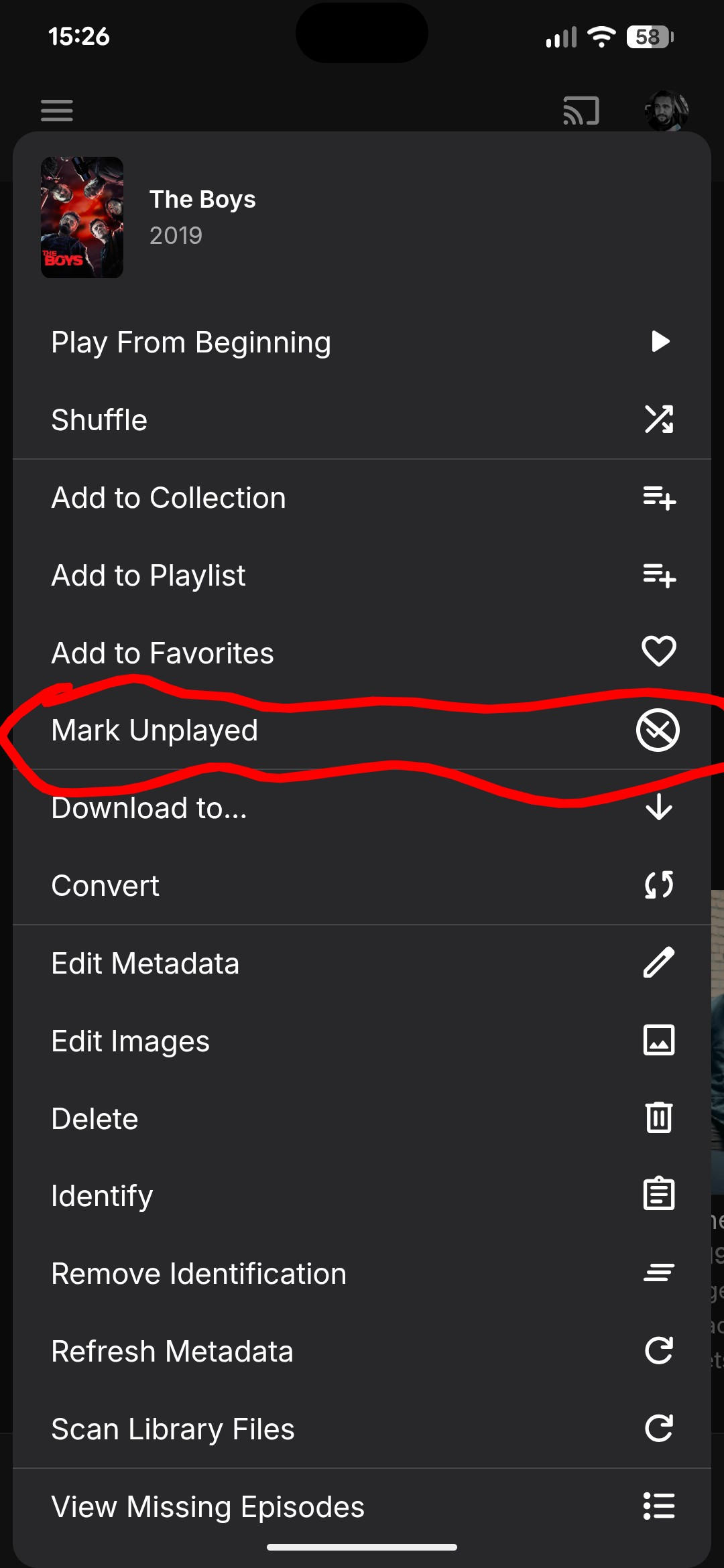
No, you can't mark one particular season Played there, you're on series level - that'll mark whole TV show/all seasons watched, as you've already observed. In that TV show Display view, it ain't one-click operation to mark single season as Played; you can either: 1) Enter any episode details>select "Go to Season" in the three-dot menu dropdown>mark season Played or 2) Change "Preferred TV show display" to " Always show season folders" under your user Display preferences and mark season Played there, after you have individual seasons listed -
LOL. I was looking for this, and looking for this, and I couldn't find it. Thank you so much for pointing it out!
-
How to toggle individual season as watched or unwatchable?
Robybw replied to Robybw's topic in Android
Sure.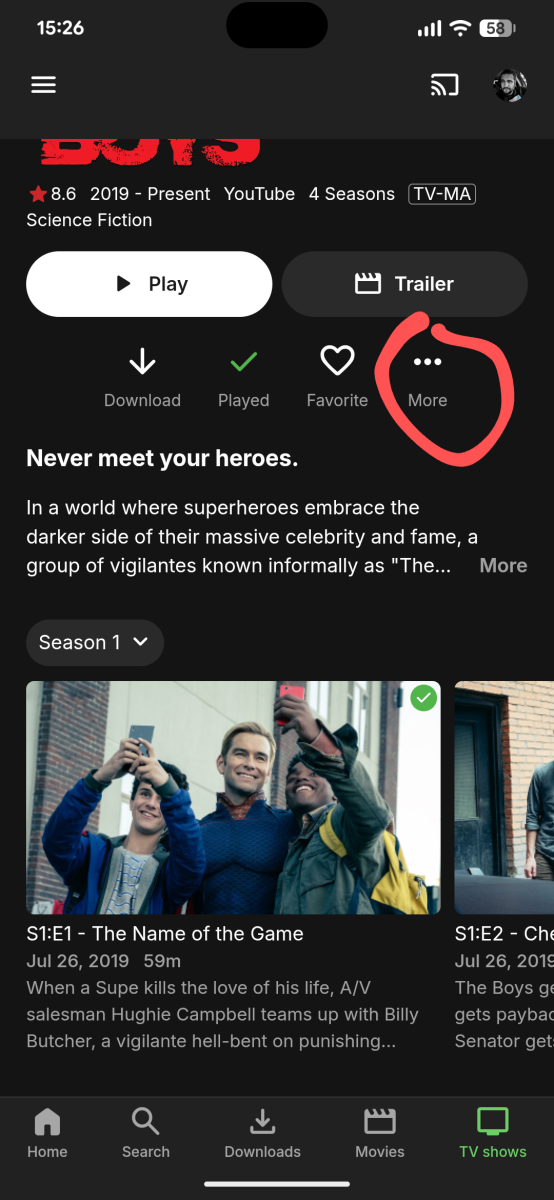
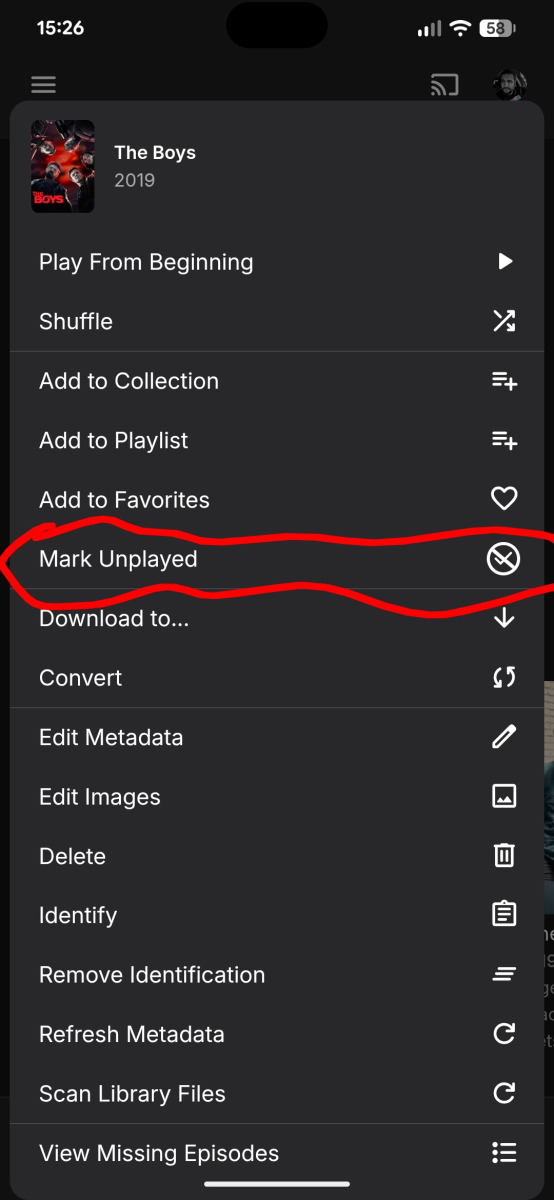
-
How to toggle individual season as watched or unwatchable?
GrimReaper replied to Robybw's topic in Android
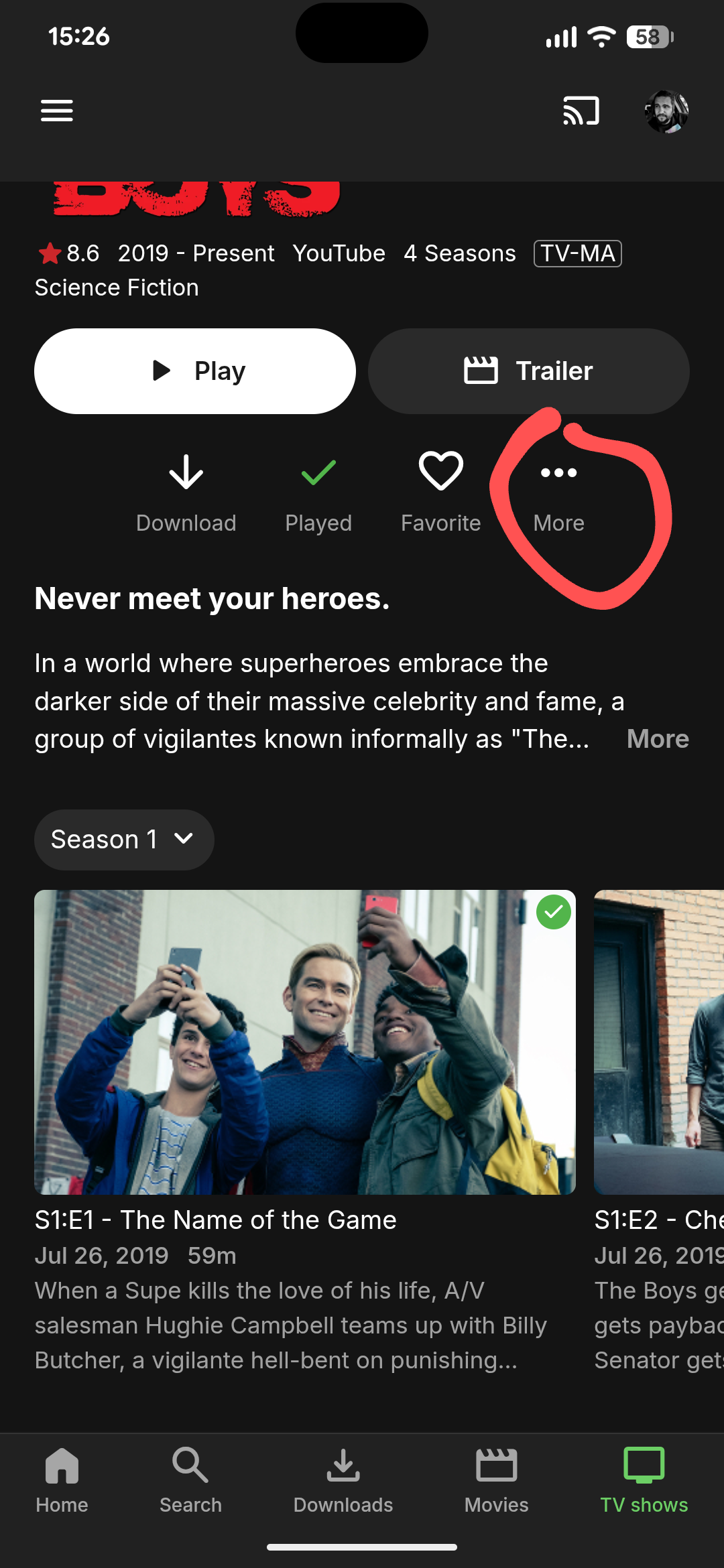
Where are you clicking it? Care to share a screenshot? -

Plugin: Home Screen Companion (formerly AutoTag)
szymonSamsung replied to soderlund91's topic in Plugins
I tried to tinker with it a little everything works without any issues for now, might there also be a possibility to sync library order ? -
I can seem to find a way to only toggle one season as watched or unwatchable. When I select a season, then toggle the "watched" button, all season get toggled watched. Same if I click "unwatched". Am I missing something???
-
Metadata manager>Views>Missing Episodes
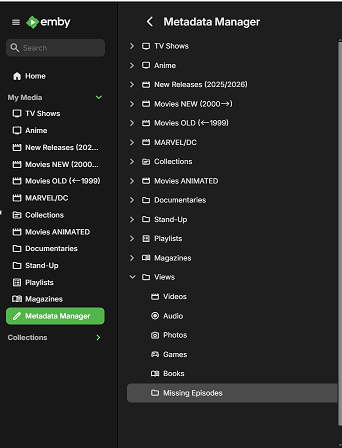
-
Hi, (DAMN - wrong forum and no idea how to move or delete it. SORRY!!!) I have sorted out many genres in my collection. I did this with a tagging tool for every single song. So all my songs are perfectly tagged now. I refreshed the metadata in Emby, but there are still far too many genres. So I inspected some of the genres, I expected to disappear. These genres are associated with albums, not with single songs. I don't know the origin of thes "album genres", and of course I can not edit the tags of an album externally. Is ther a way to get rid of all "album genres"? Thank you, Pete