All Activity
- Past hour
-
Right and I asked you a question earlier, which of those 4 bullet point options do you intend to proceed with? For example, try clicking the link in the first one.
-
OK we are looking into it. Thanks.
-
 AnimeKing98 joined the community
 -
 blueblueye joined the community
 -
-
 Dayaros_26 joined the community
 -
What exactly happens when you try?
-
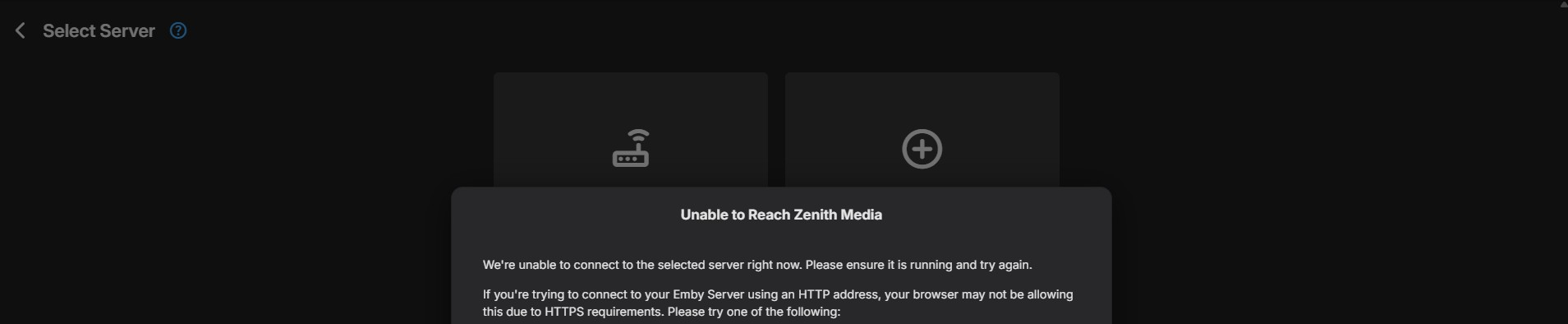
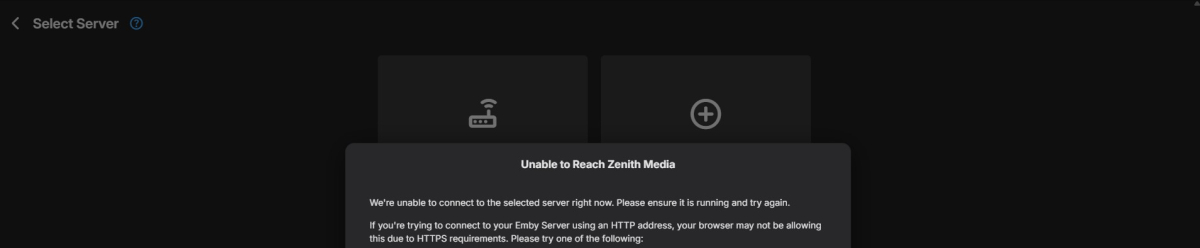
When I try to open a browser with emby, it shows up the same as the screenshots that I posted originally.
-
 Olivamchll joined the community
 -
Yes. I can not login to emby, I restarted it from the hidden icons area of the pc.
-
 saomdc joined the community
 -
@Geophphthere is a server transcoding setting called enable on the fly subtitle extraction. did you disable this? can you please try turning it back on? Thanks.
-
 theman78 joined the community
 -
 Zoou joined the community
 -

Using channel up/down in guide to page up/down goes in reverse
saturnaqua replied to saturnaqua's topic in Android
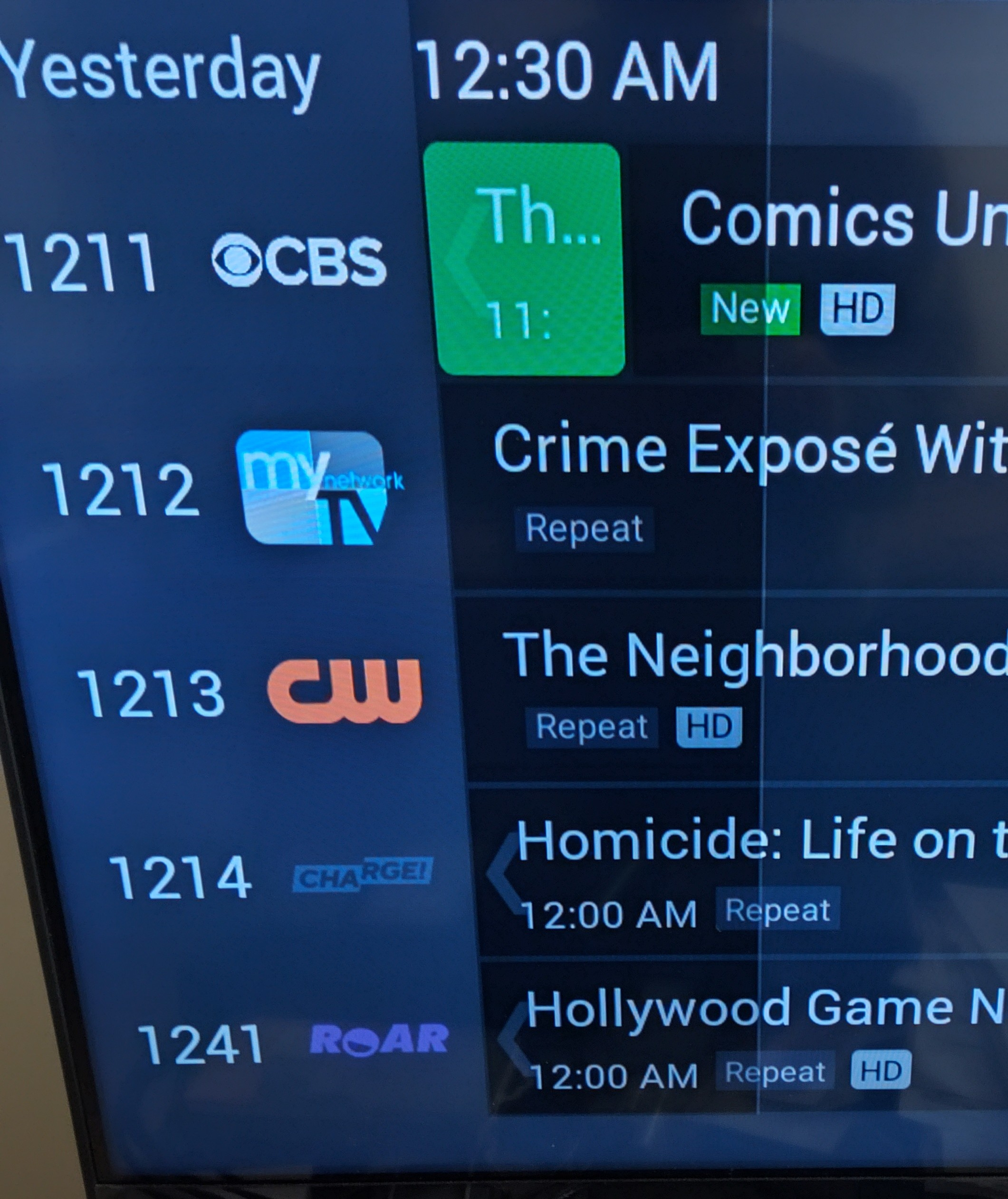
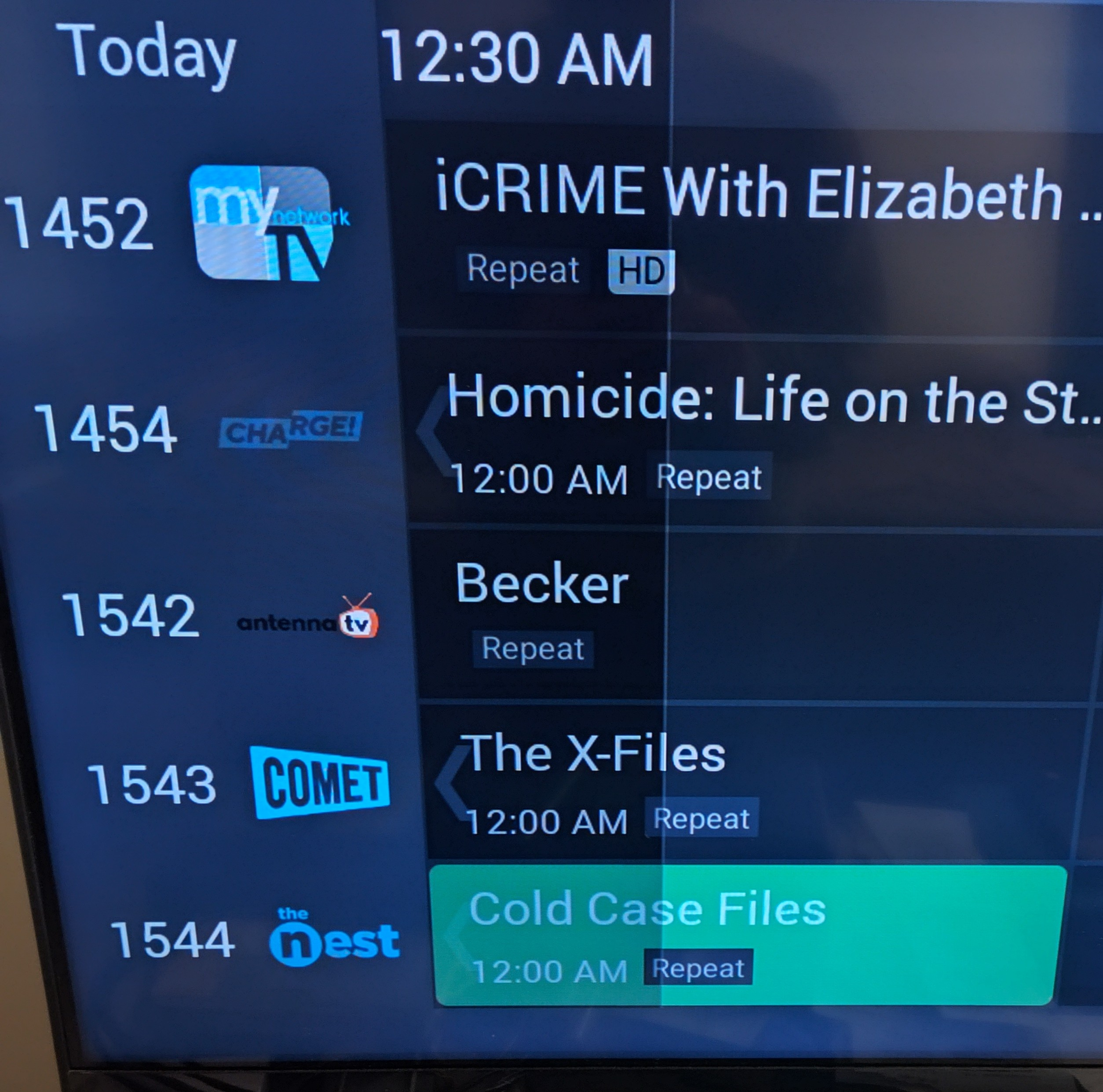
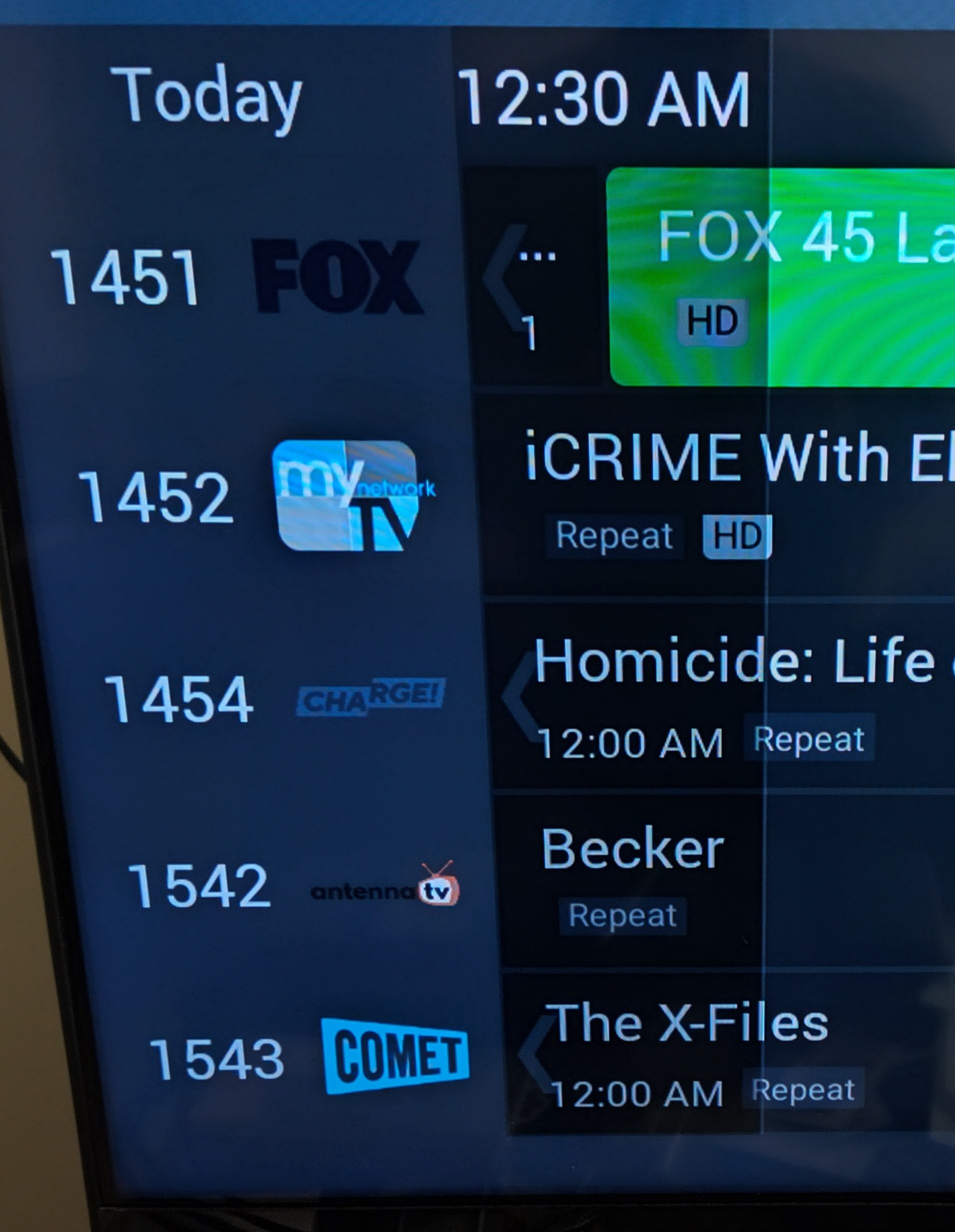
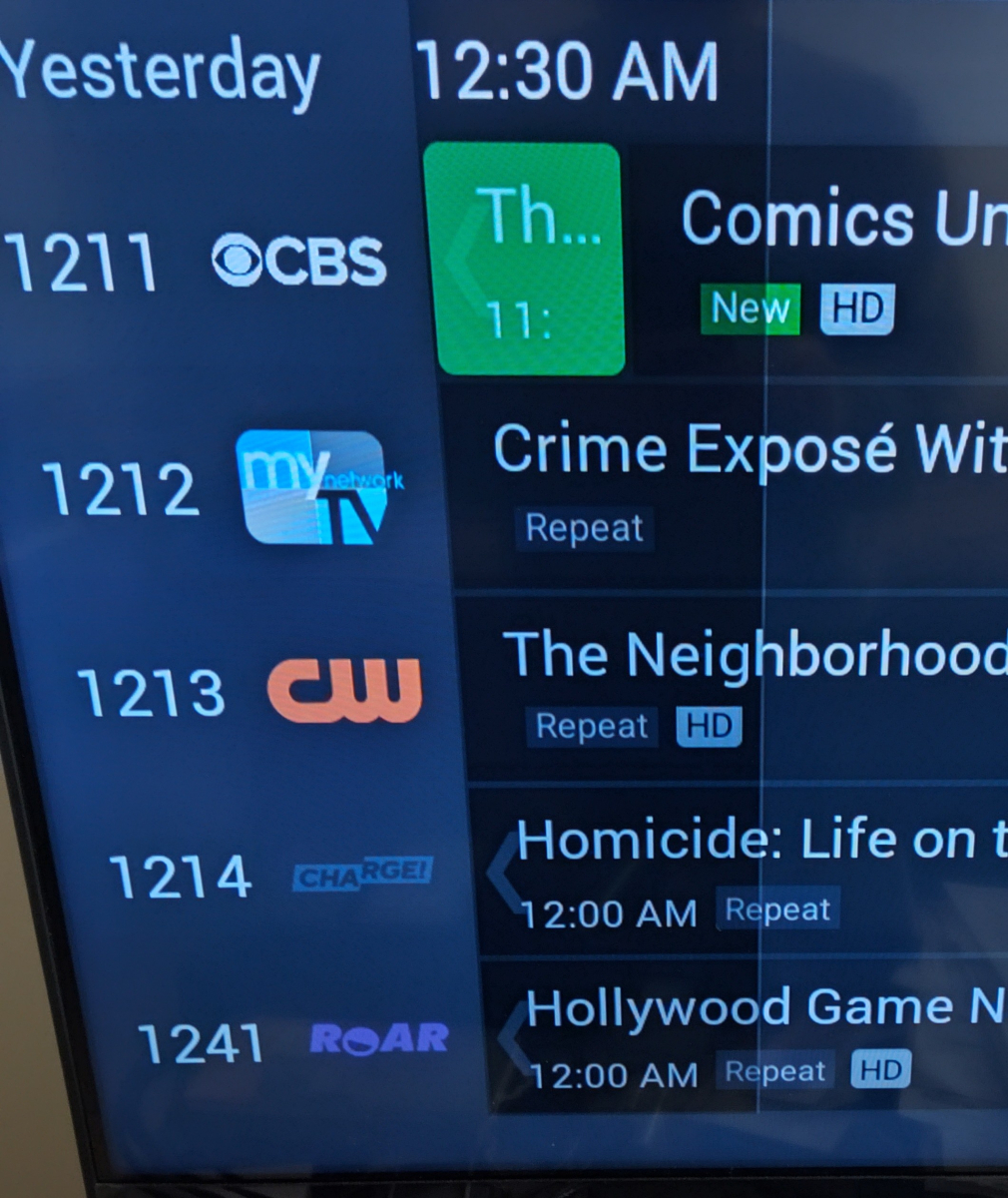
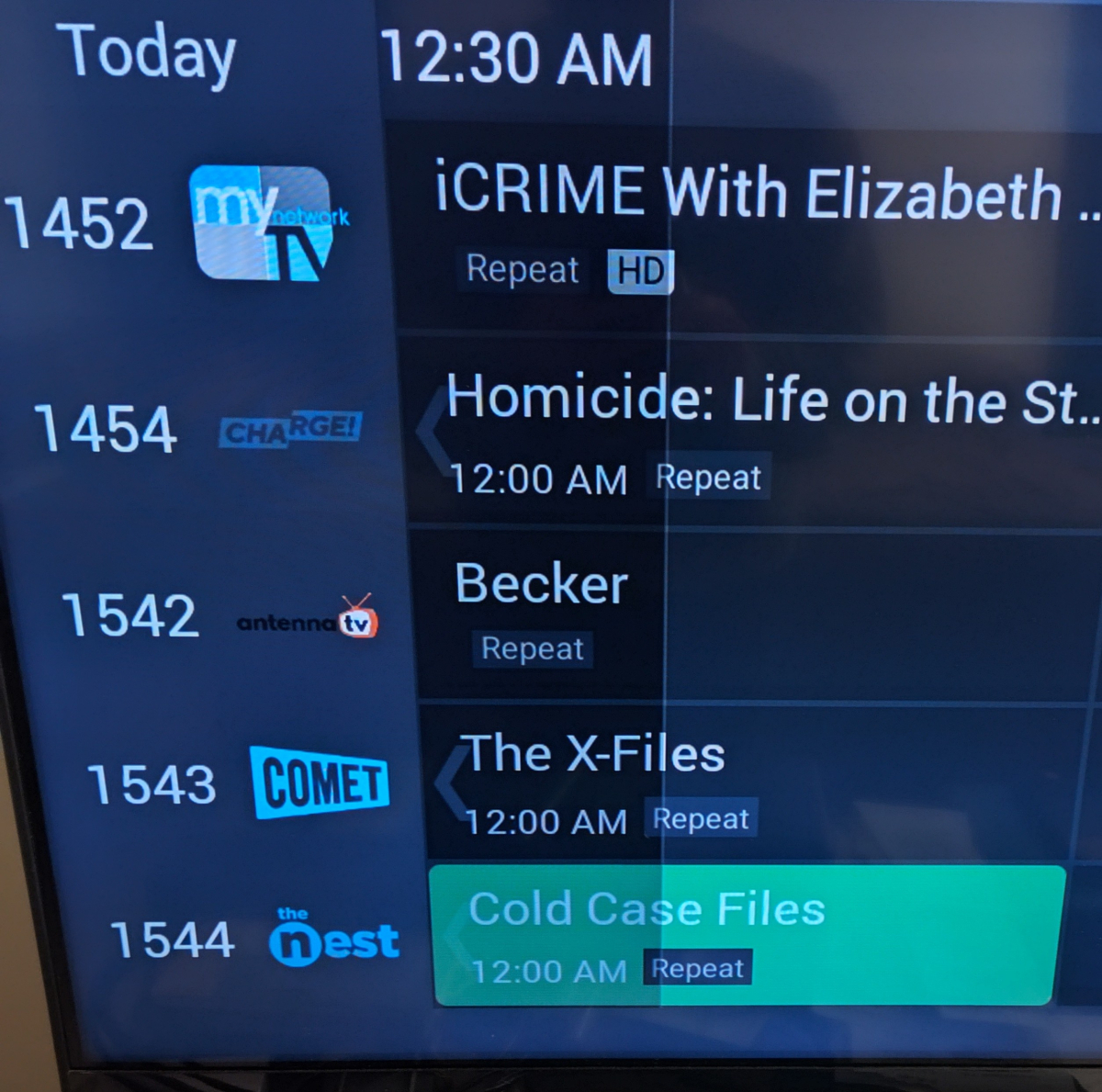
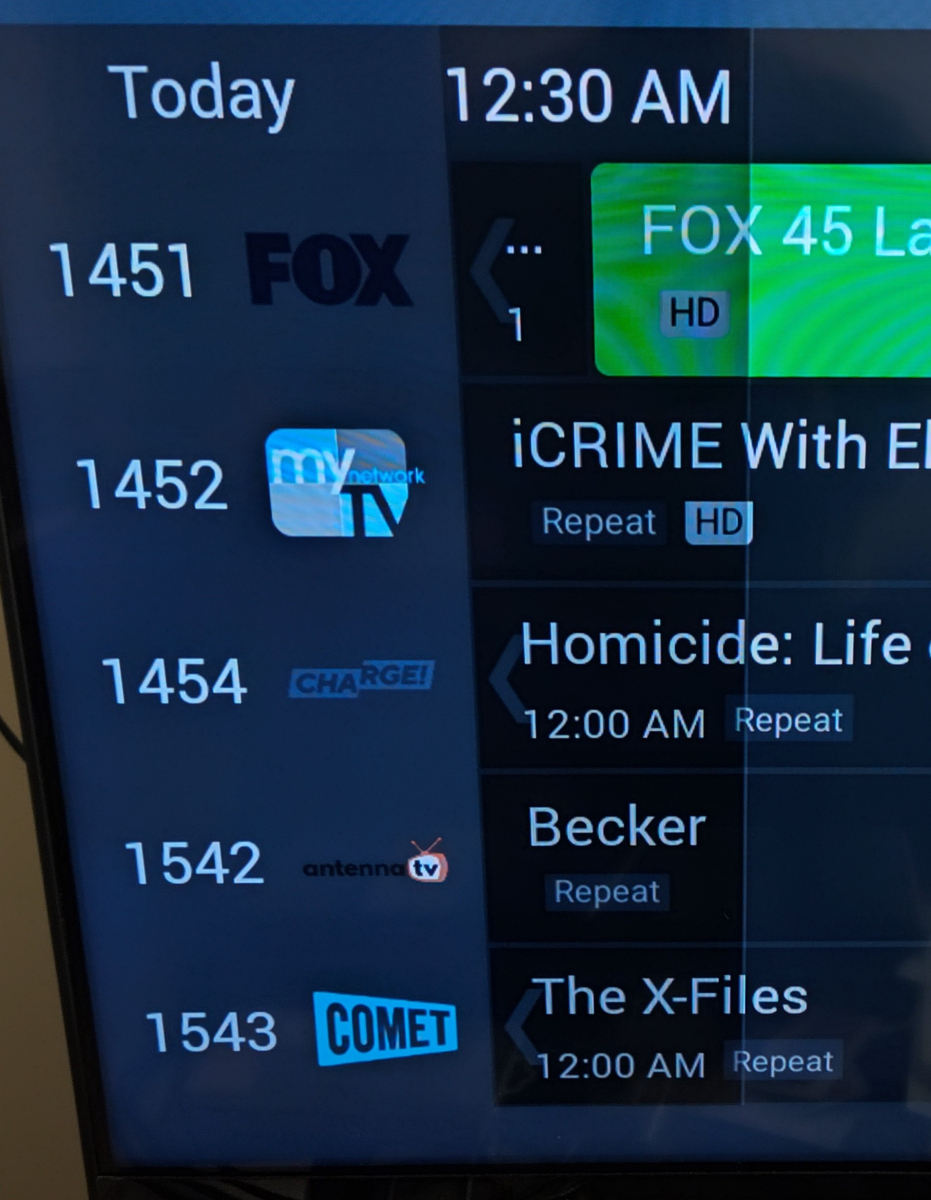
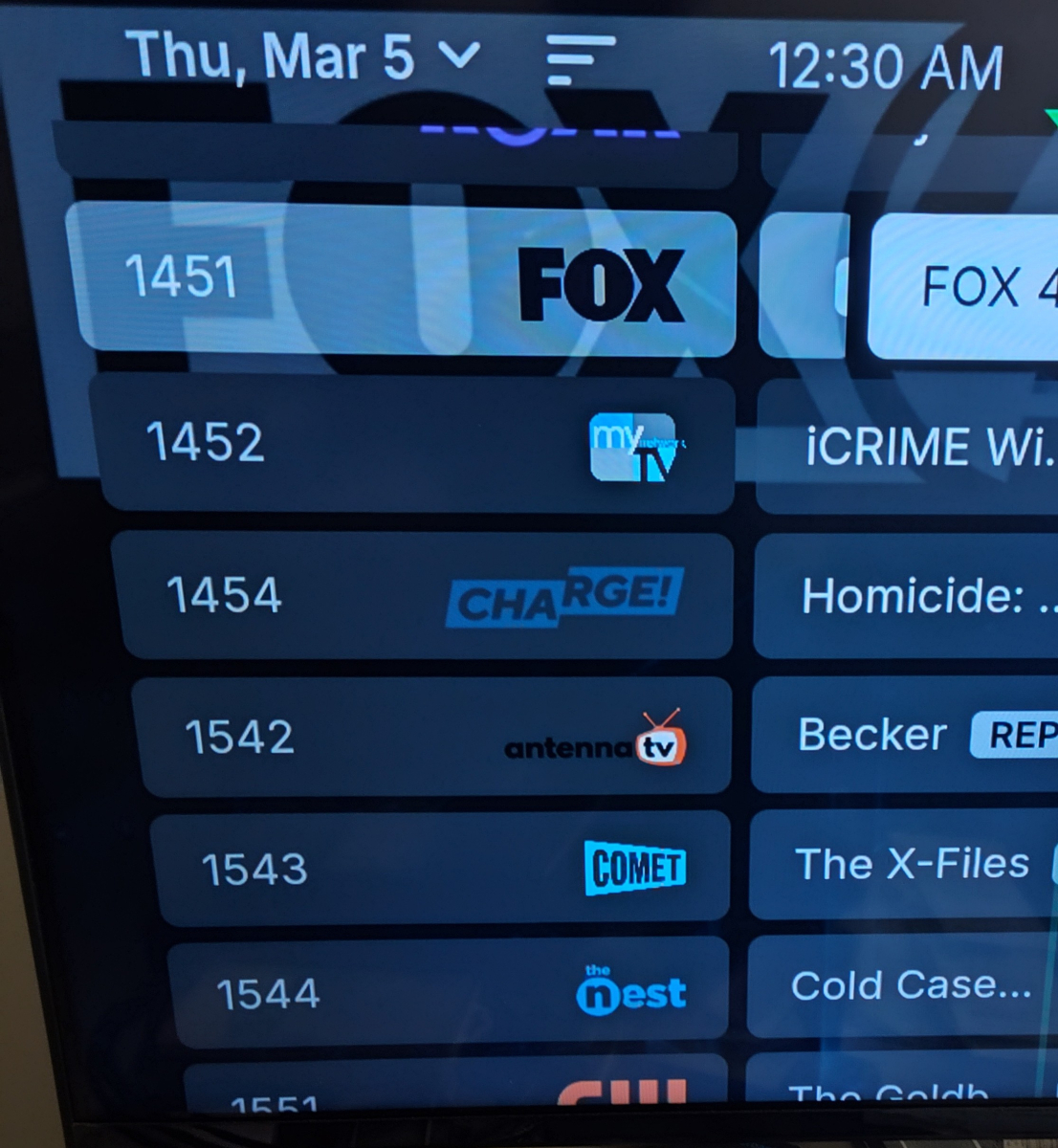
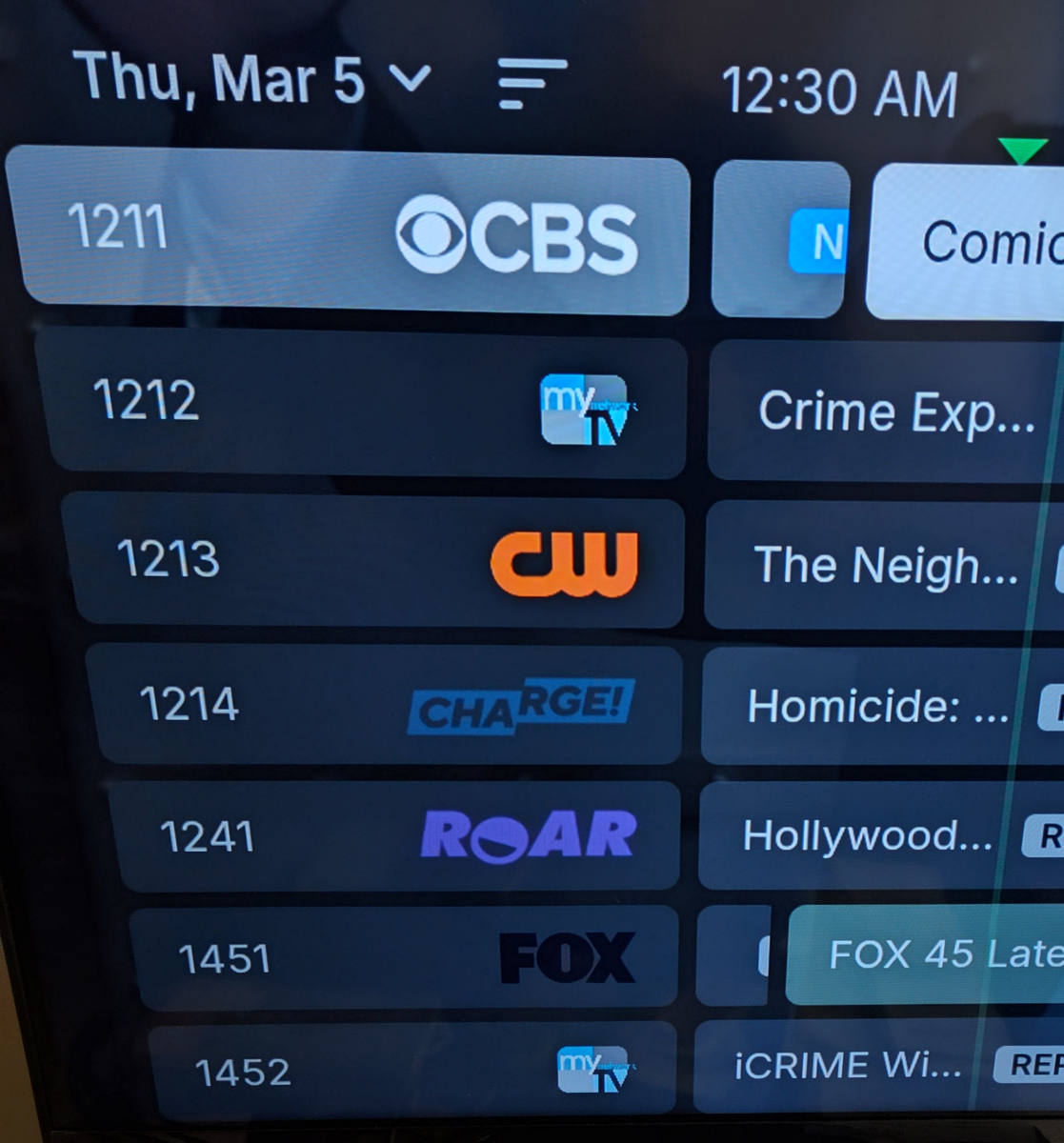
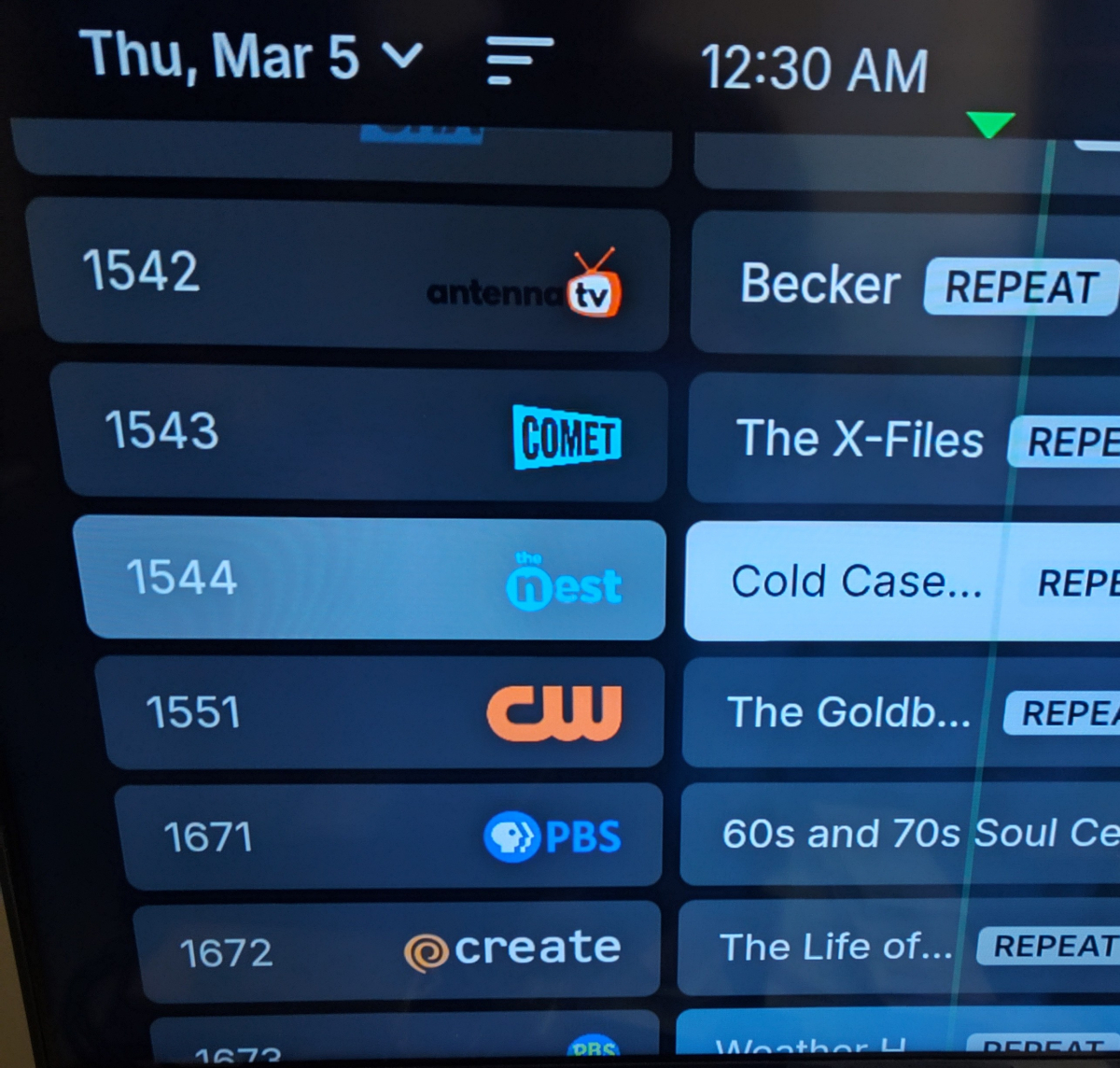
My channel lineup is configured for channel number low to high. So at the very top of my guide is over the air channel 2.1 and the bottom of the list is channel 67.1 The onn remote has some buttons that act differently depending on context. It looks like the following: You'll see there is a volume +/- which obviously only works on the physical TV as well as the mute. To the right is an ^ and v which if used in TV context, is channel up/down. However, in the Onn box apps, it seems like most apps expect the D-pad to do the channel up/down in guides (as tested in free apps like Pluto/Roku channel/Tubi/Xumo). The channel up/down doesn't do anything. When I use Emby, the ^ and v act as page up/down in the guide as expected (android tv version). When I use the universal android app, pressing ^ makes the guide go in the opposite direction. This means, if I am on say, channel 45.1, pressing ^ moves me down to like channel 54.4 down the list, when the android tv Emby goes up the list to channel 21.1 in the EPG. Here are some pics: Android TV starting at channel 45.1 Press v (page down): go back to 45.1 and press ^ (page up): Now on the universal Emby for Android app, again starting at 45.1: Press v (page down) I end up on channel 21.1 which is further up: Return to 45.1 and then press ^ (page up): The android tv version acts like expect a page up/down same as like the old windows media center or tivo style guides, while the universal app acts the opposite way I would expect. I'm not sure how much the universal app was tested against tv boxes and remotes, but I suspect it's just in the code the mapped buttons are reversed for the function calls. I don't think this is specific to Onn boxes either as someone I know has a FireTV box and I believe the newest remote has a channel or page up/down button and they verified the same behavior as I'm seeing.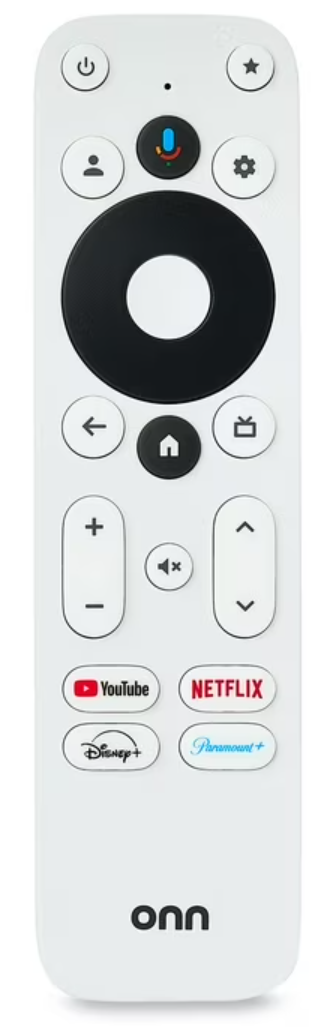
-

Plugin / feature to limit access to episodes to mimic weekly release of new episodes?
Luke replied to johyphenel's topic in Plugins
@johyphenel Hi, currently media is either visible or it isn't. There isn't a mechanism to have visible media that's not playable. At least not currently. If there's enough interest then we could look at adding something like this. -

Emby Theater v3.0.20 (Server v4.9.3.0) Homescreen Horiz. navigation broken
scottpro replied to d00zah's topic in Windows & Xbox
Just tested the following with fresh installs. Version 4.9.3.18 - Scroll arrows work correctly with all sections. Version 4.9.3.19 - Scroll arrows work correctly with all sections. Version 4.9.3.20 - Scroll arrows only work with "My Media" as the section type (1-7). All other sections types fail to scroll. Version 4.9.3.21 - Scroll arrows only work with "My Media" as the section type (1-7). All other sections types fail to scroll. *Note: I have to make the Emby window small to make the "My Media" arrows appear. "My Media" contains 4 items, Movies, Original Movies, Collections and Concerts. - Today
-
Emby Theater v3.0.20 (Server v4.9.3.0) Homescreen Horiz. navigation broken
scottpro replied to d00zah's topic in Windows & Xbox
I just did the same thing. The problem still persists. -
@Jatordid you figure this out? The server is trying to create the recording file but is being denied access to do that by your file system.
-
Using channel up/down in guide to page up/down goes in reverse
Luke replied to saturnaqua's topic in Android
HI, I guess it depends on your thought process about this, and whether channel up/down means up/down visually or in terms of up/down channel numbers. -
@Zenthurst Hi, I don't have a pixel 8 for testing, but on a pixel 6 it seems to be behaving as expected. There is definitely a gradual difference going all the way from 0 to 100.
-
Emby Theater v3.0.20 (Server v4.9.3.0) Homescreen Horiz. navigation broken
Luke replied to d00zah's topic in Windows & Xbox
Testing on a fresh install I'm not having any problems using the on-screen left and right arrow buttons to scroll sections. -
@yockerMovie search is working excellent now mate, I have come across a bug when making a watchparty from admin though, when I click create party, I get this... The default 15 does not seem to work, even if I type it in again. If I put in 1 it worked (I didn't try any others but 15 definitely didn't work for some reason) Can I suggest some improvements on user security, if possible, that is. At the moment I have to give the same admin password to everyone so they can create watch parties, that same password is used to delete them so someone could go rogue and delete everyone's watch parties and plenty of us have that one family member or friend that will bloody do that I would suggest using emby login credentials to create a watch party and deleting a watch party can only be done on the party page by the creator or admin via the admin panel.

-
Hi, I don't have any news, but it is on our to do list to look at. Thanks.
-
If you restarted the server then there would be a new log file. Are you sure that you did that?
-
Hi, how does it compare with Chrome?
-
@edbain Hi there, please attach the Emby server log from when the problem occurred: How to Report a Problem Thanks!
-
Unable to connect to my remote server through Wifi
Luke replied to yodayun's topic in Android TV / Fire TV
@yodayundid you figure anything out? -
Apple TV app needs better user logout / timeout handling
Luke replied to gthrift's topic in Apple TV
HI, this should be improved in the next update to the Emby Apple TV app. Thanks. -
Could her ISP be blocking access to your remote ip address?
-
When listening to music on a mobile app, garbled text appears,
Luke replied to QIQI123456's topic in Android
@QIQI123456please see my explanation here: -
Option to import keywords into tags from providers
Luke replied to JBubba's topic in Feature Requests
It's not currently implemented but more options are possible for the future. Thanks.