All Activity
- Past hour
-
 Lindsay45 joined the community
 -
Just create a group of each source, and set the same "Tag name" and/or "Collection name" to the same and they will merge. If you want them as a home screen section then only enable that option for one of the groups (else you will have multiple rows with the same tag/collection) Like the idea! I'll se what I can do! Currently working on implementing filters for music and music videos, and this goes in line whit that
-
 jorge914 joined the community
 -
 Mystic.1 joined the community
 -

Audio cuts out and loses sync at various parts of file until pause/resume or seek
Luke replied to AsheAshe's topic in Linux
Not currently but that's certainly possible for the future. -
Hello, is the Emby server down? I can't access it, I can't even access the Yellowjacket link that I use to pay my invoice. Please help
-
Hi, are you sure the problem occurred during the time of this log file? Can you please make the issue happen again and then attach a new log? Thanks !
-
 Tinoc joined the community
 -
 jjpik83 joined the community
 -
 Johnpavao01 joined the community
 -
 fdb35 joined the community
 -
 HollyberryPatti joined the community
 -
HI, we are looking into it. Thanks.
-
Hi there, please attach the Emby server log from when the problem occurred: How to Report a Problem Thanks!
-
Hi, it's something we plan to look at in future updates. Thanks.
-
Emby server won't detect new items in TV shows library
Luke replied to xifnitsuj's topic in General/Windows
@xifnitsujTo see if it's being detected as an alternate version of something else, try using the Duplicates filter in your library list. To see if it's being detected as something else, try using table view and enabling the file name column. This will help you find it easily if it's there. Please let us know if this helps. Thanks. -
 AboYyousef3 joined the community
 -
Clicking on the heading for a library at the home page opens "suggestions" and ignores user settings
Luke replied to Nestar's topic in General/Windows
The idea is that clicking the section title should show you more of what that section is showing, so that's why it does not use the default tab settings. -
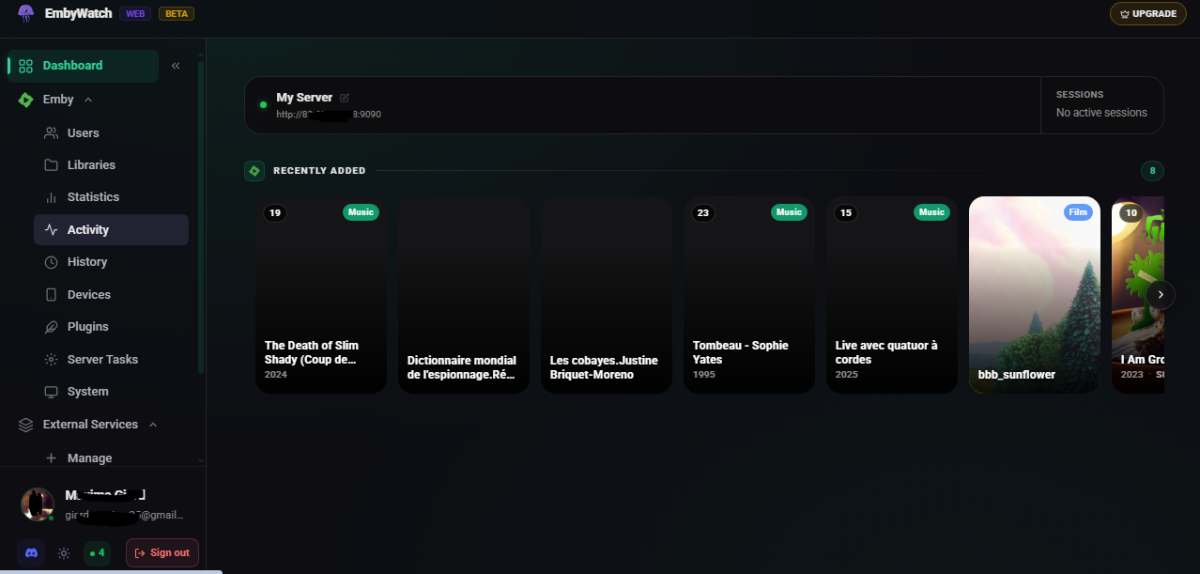
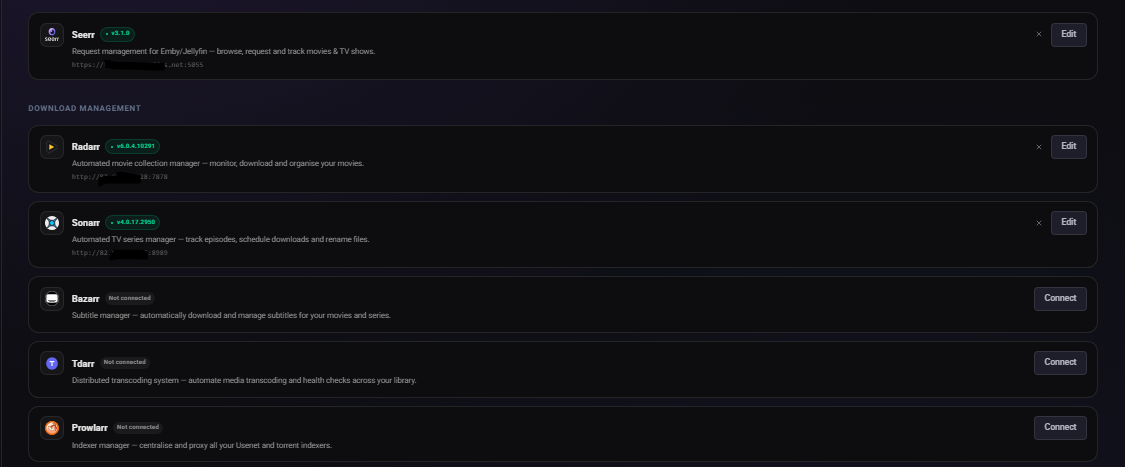
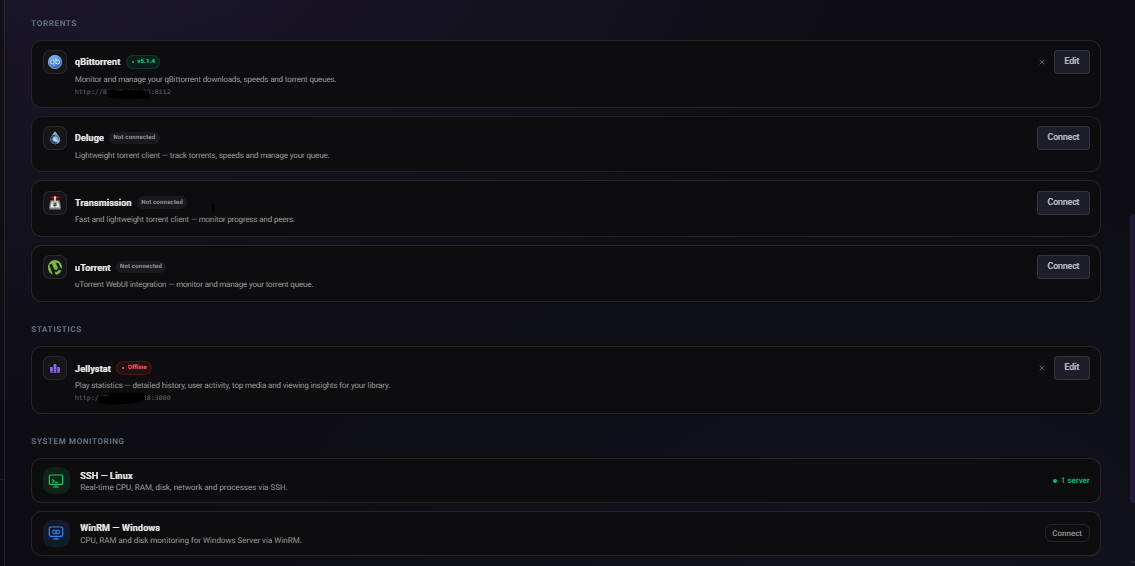
What is EmbyWatch Web? EmbyWatch Web is a browser-based application designed to monitor, manage, and control your Emby Media Server remotely. Unlike the Android version, no installation is required. It runs directly in any modern web browser. Compatible with: Windows / macOS / Linux Android iOS (iPhone / iPad) Tablets Chromebooks Smart TVs with a web browser This means everyone — including iOS users — can access it without platform restrictions. What Does EmbyWatch Web Do? EmbyWatch Web is built for: Real-time session monitoring User and permission management Remote server control Viewing logs, statistics, and scheduled tasks Main Features Category Description Real-time monitoring View active sessions: who is streaming, what media, playback progress, codec, bitrate, and device User management Display users, recent activity, permissions, and send messages Connected devices See all connected clients (TVs, browsers, phones) with device details and connection time Library overview Access all media libraries (movies, shows, music, photos) with item counts and stats Scheduled tasks View and trigger tasks (library scans, cleanups, metadata refresh) Plugins Check installed plugins, versions, and update availability 🖥 System information Server technical details (OS, Emby version, IPs, ports, uptime, CPU load) Logs & history Browse detailed logs with filters (user, event type, time range) ▶ Remote playback control Start or stop playback remotely (if permitted) Highlights Works on any modern browser Fully compatible with iOS devices Fast and responsive interface Available in multiple languages Ideal for administrators managing shared servers Advantages Over the Android Version EmbyWatch Android EmbyWatch Web Requires installation No installation required Android only Works on all platforms Updates via Play Store Instant updates via web Android widgets Accessible from anywhere Limitations Requires web access to your Emby server Some features require administrator permissions Performance depends on browser and network quality Not a full media player — focused on monitoring and administration https://embywatch.app/app
-
- 1
-

- Today
-
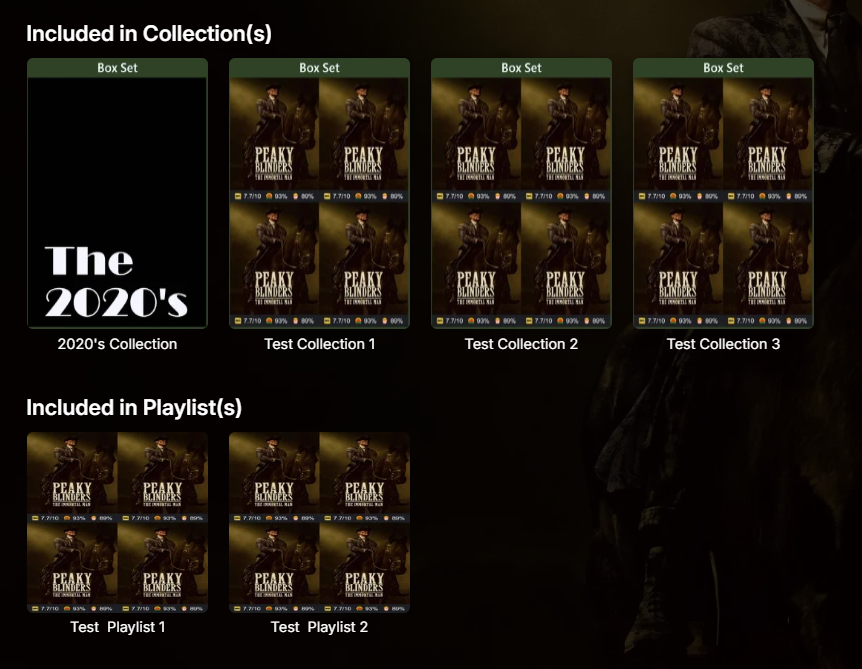
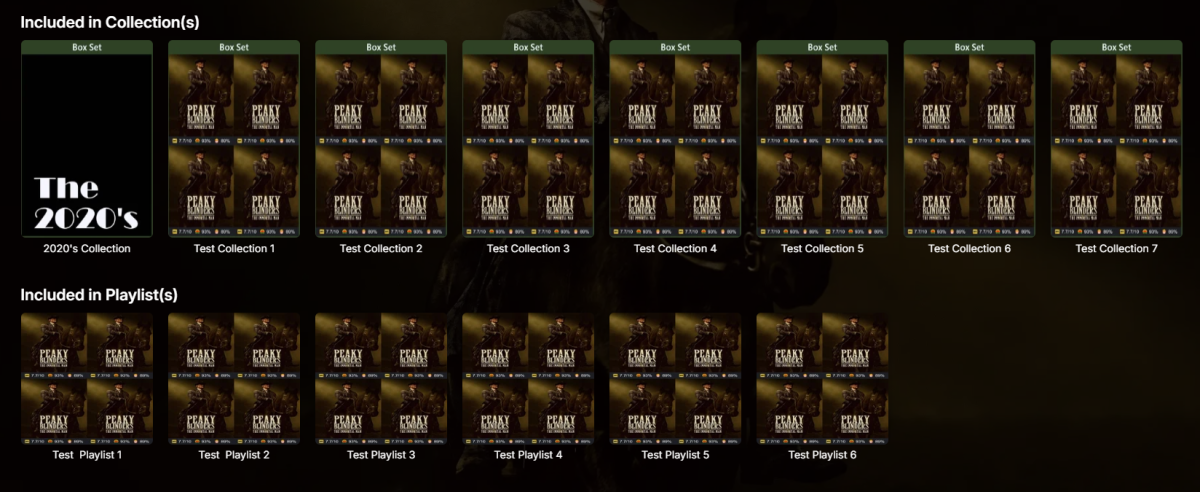
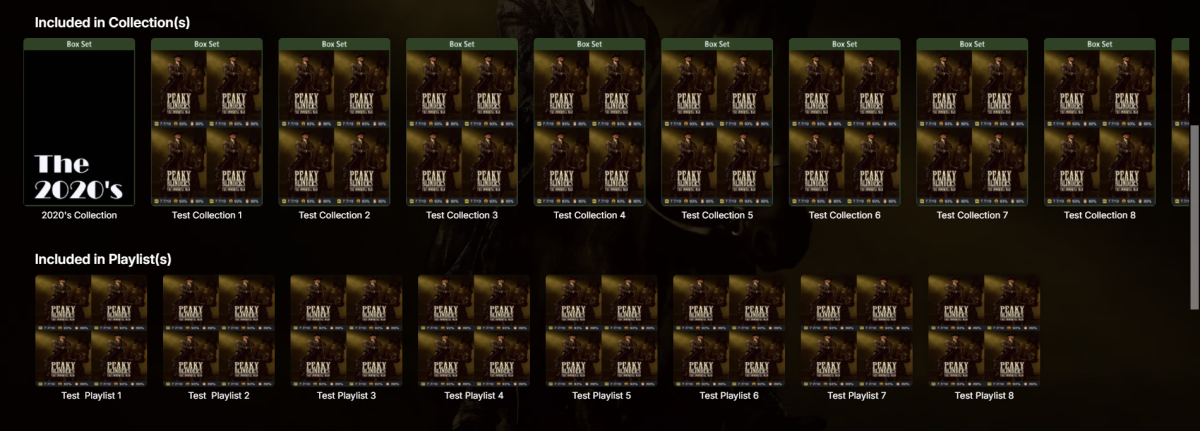
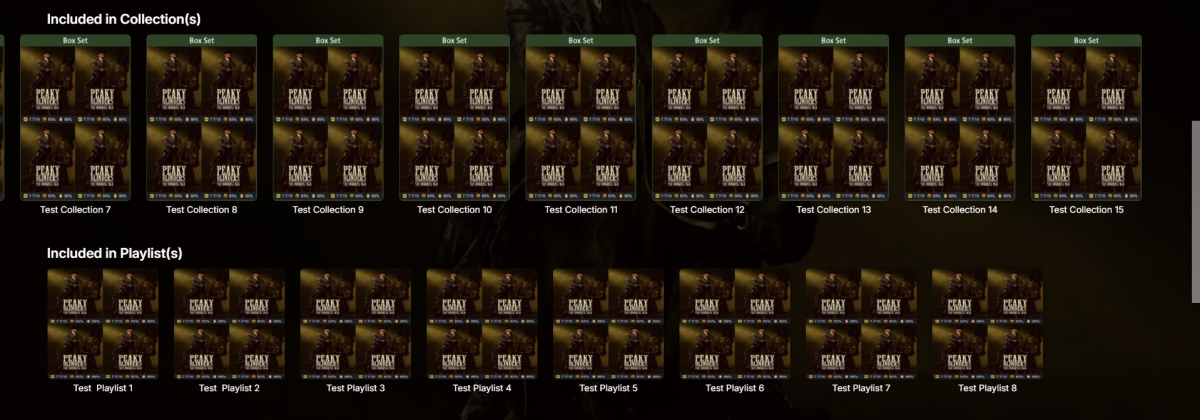
Try this version, it should handle larger number of items better: playlist_row.js
-
Ok, I figured it out, definitely not the fault of the CSS. When a page loads and it detects that some content is http and some content is https, it disallows the http content. When I login from the URL https://app.emby.media, it will disallow all my other content served from http://myipaddress So the JS that enables the disclaimer and the CSS injection via javascript don't work. However, when I load the page from http://myipaddress from the beginning, all the content and the CSS is displayed correctly. Hope this helps someone else.
-

Can't get a certificate via caddy for the life of me
js28194 replied to taunnnt0's topic in General/Windows
I use DDNS client built into my router so couldn't help you there and honestly I don't know all that other stuff you have in there. Below has served me well for years now. You actually don't even need the logging piece, since it's (in my humble opinion) horrible to read, I just never bothered taking it out. This my Caddy file (caddy with no file extension) { email myemail@gmail.com } emby.mydomain.com { log { output file C:\caddy\logs\emby_access.log { roll_size 5MiB # Set max size 5 MB roll_keep 2 # Keep at most 2 log files roll_keep_for 96h # Keep log files for 4 days } } reverse_proxy http://localhost:8096 } Also, delete everything out of C:\\Users\\myusername\\AppData\\Roaming\\Caddy\\locks and C:\\Users\\myusername\\AppData\\Roaming\\Caddy\\Certificates Turn OFF Remote Connections to Emby (as is now handled by reverse proxy) Type Caddy look at all the junk fly by, test from a smart phone NOT on your Wifi, close the caddy box, proceed to creating a window service to run caddy so you it runs in the background without the window, start the service then profit.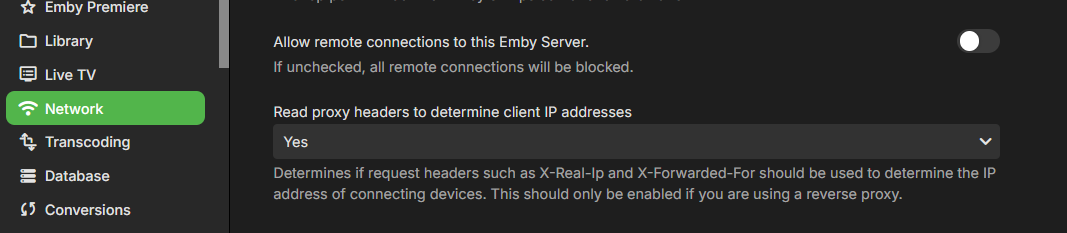
-
Yep. That was done as well. I've inspected the HTML/CSS as well. The code is not making it to the page. I also see that any login disclaimer I enter does not show. Going to have to investigate some more.
-

Android App on NVidia Shield Pro: Music Player Not Opening After Track Select
FrostByte replied to MikeMynis's topic in Android
What format is your music file? Is it transcoding, etc? -
Android App on NVidia Shield Pro: Music Player Not Opening After Track Select
FrostByte replied to MikeMynis's topic in Android
I can't seem to duplicate the problem and followed your steps exactly on my Shield.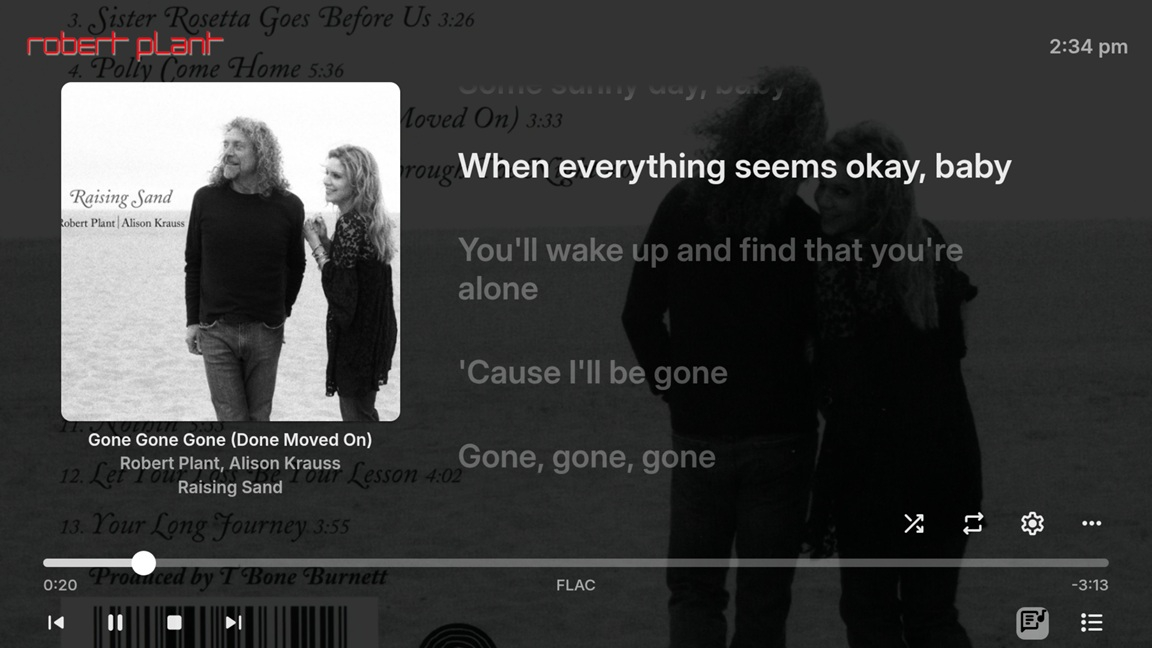
-
I updated my production server and I am loving this plugin. Sweet. A potential feature Best Movies/Best Series/Most Popular based on the if more than a specific number of users have watched it. Here I am not speaking of play count because if a user is interrupted many times while watching a movie, it may have a high play count because of the stop/start. Also, if a movie is draining, it could be watched over multiple sessions, again giving a high play count. What I a looking for is the movies that more than x users have watched. Something like User Watch Count. What are your thoughts? Is it feasible?
-
@Luke anything that holding you up pushing the update to the catalog?
-
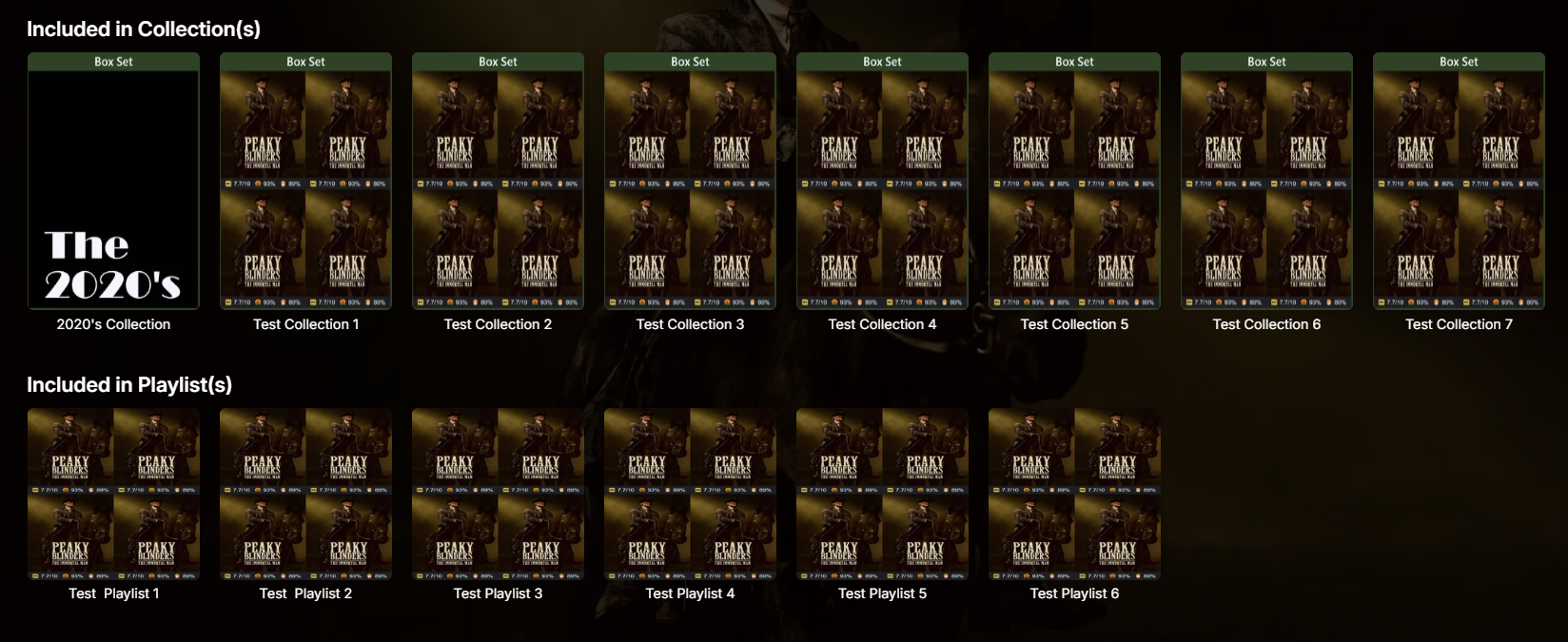
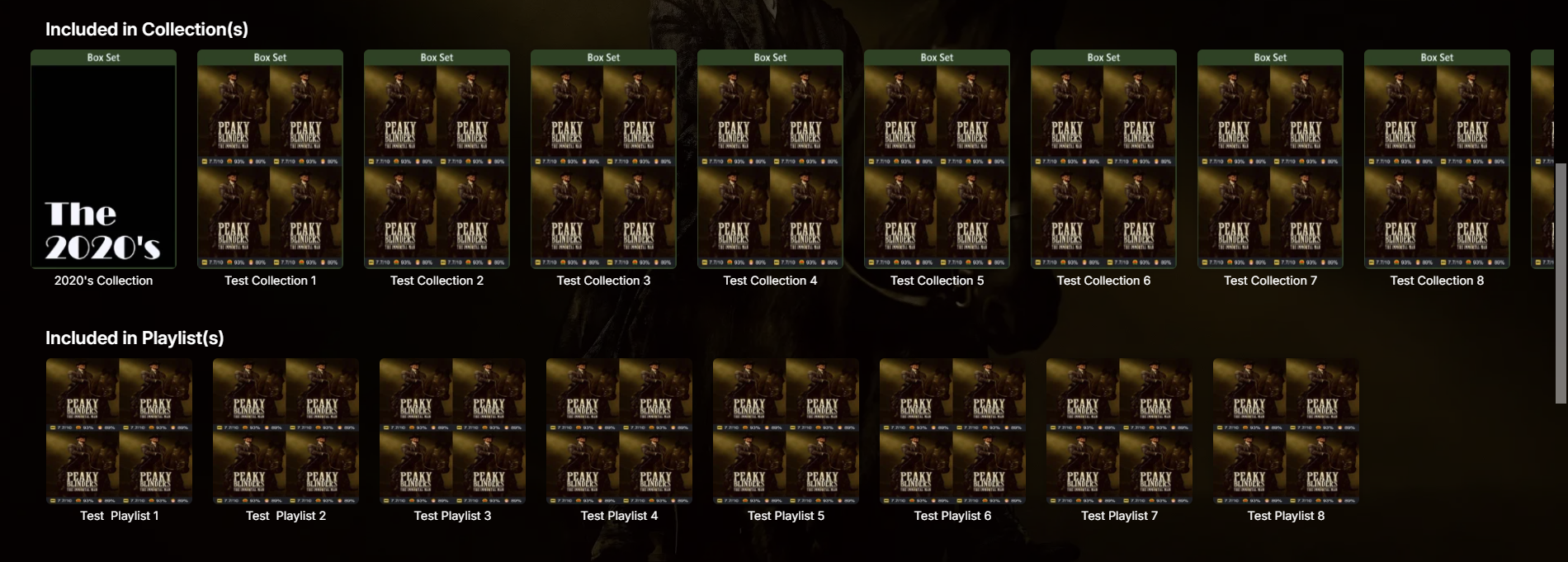
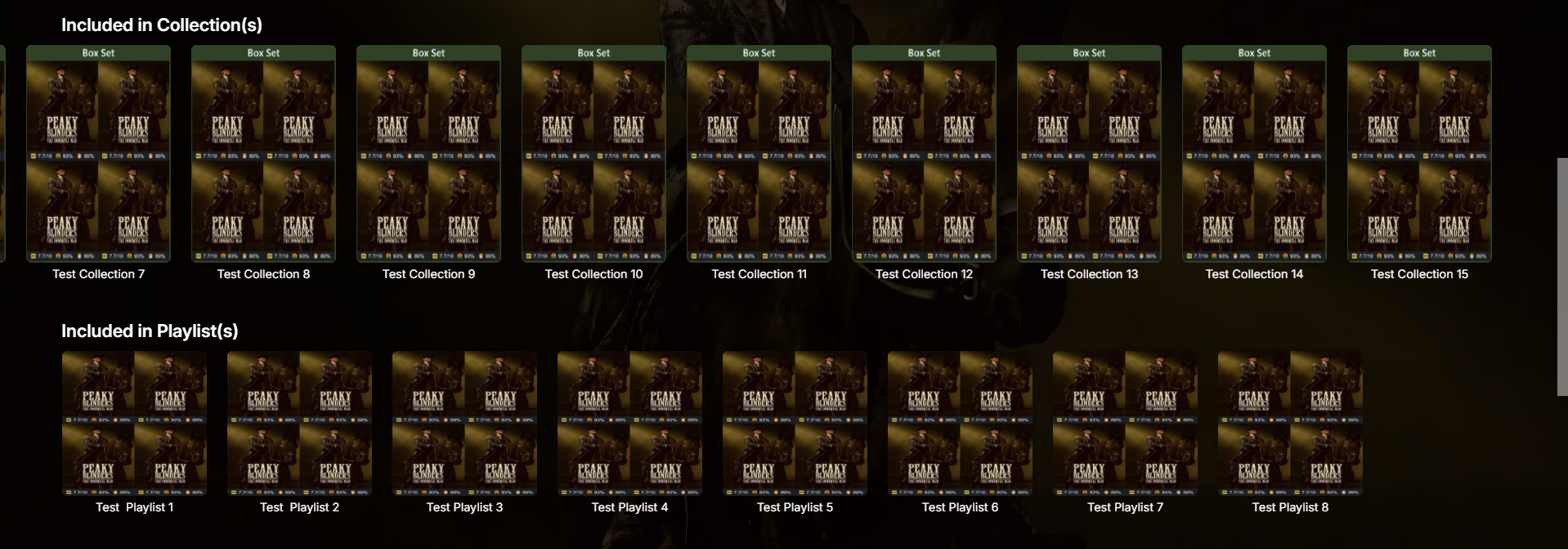
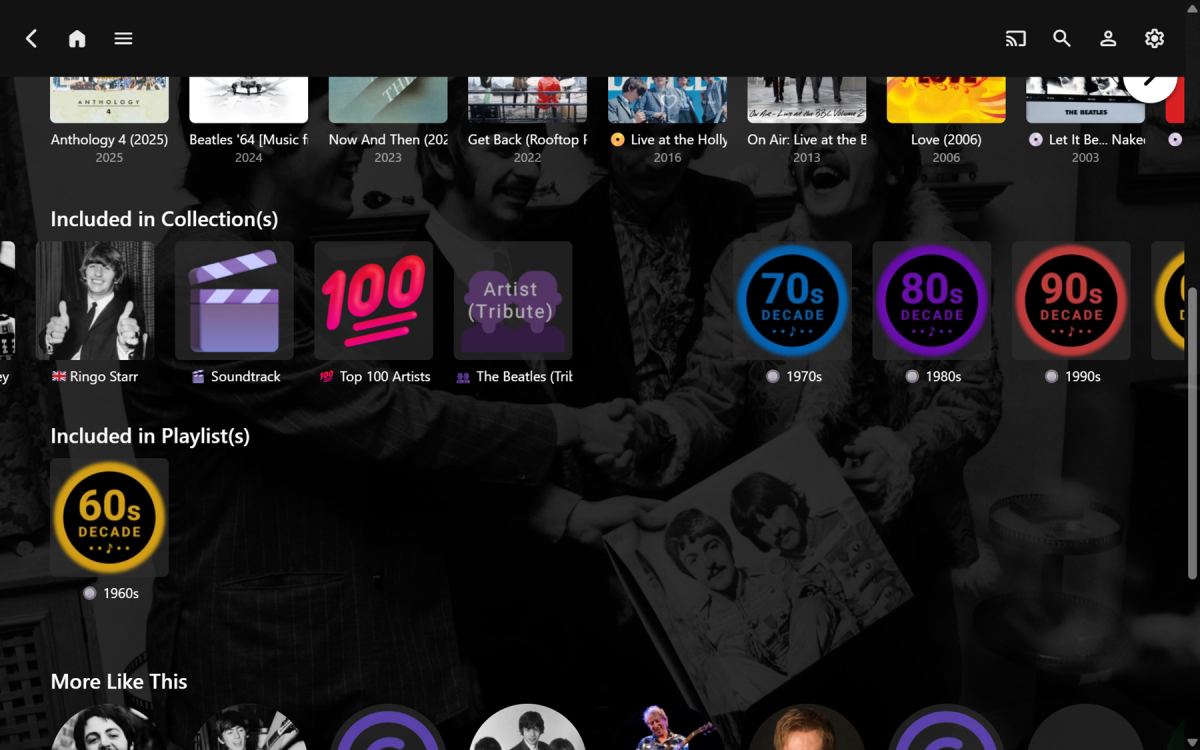
@GrimReaper Thanks for the script... I played around with it for a bit. With a simple 1 Collection, 1 Playlist it works perfectly, but with more Collections there seems to be SPA/DOM timing issues??? Here are some results: C P works well C C C C P P works, though the spacing between all cards, in the new Playlists row only, is much wider than normal C C C C C C C C P P P P P P only the first P appears in the new Playlists row, the rest remain in the new Collections row, with a one card 'missing' gap from C to P (picure below) C C C C C C C C C C C C C C C C P P P P P P P P everything remains in the new Collections row I'm not asking/wanting you to troubleshoot it for me (unless you want to for yourself). Just reporting on what I found and it was worth trying. I also have some additional complications when using this with my unrelated custom CSS that massively rearranges 'everything'. Anyway, this has at least got me started and I now have a couple of new ideas to try next: Hide the 8 playlists, that are annoying me right now, with CSS by targeting their specific IDs (short-term, not scalable) Use API to target Collections and Playlists for separating them (long-term, hopefully a viable solution) Thanks again for your help!
-

Android App on NVidia Shield Pro: Music Player Not Opening After Track Select
MikeMynis replied to MikeMynis's topic in Android
Hi, I updated to the latest version. But as a matter of fact there are more problems now. A. The player issue is the same. However, it does shows up now, but ONLY ONCE on the first track I want to play. B. After that, when I choose another track, the player doesn't show up anymore. C. Then I still must go to home first, click the top bar, THEN the player opens again but everything hangs immediately for 15-20 seconds. In the meantime, while hanging the music keeps playing, but zero control. When the hanging is over, I get the player and I can stop the music. D. But then again clicking a track, it plays it, but again without player. I checked and the version is indeed 3.5.30. Worse than the previous older version 3.4.91. -
Personally I find swearing to myself helps, otherwise maybe/possibly clear browser cache ?
-

Moved media Library to new location. Some media's metadata points to old Paths and won't play.
sa2000 replied to beefsnack's topic in General/Windows
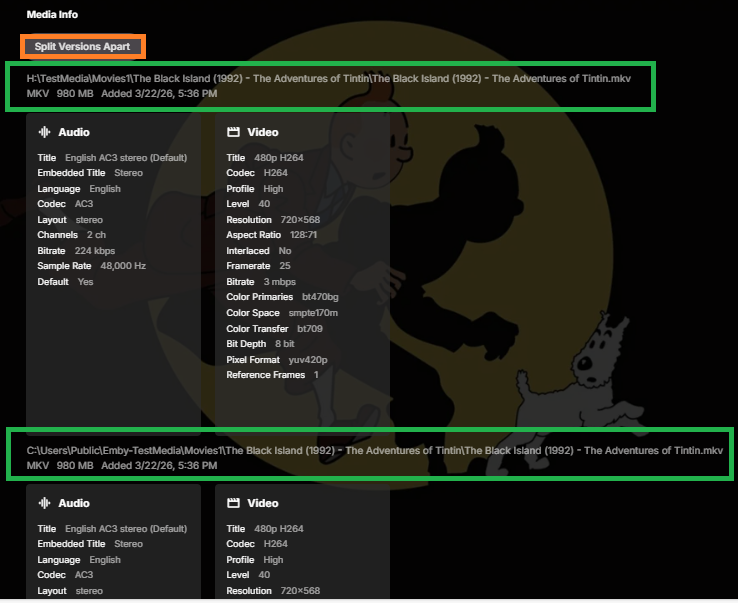
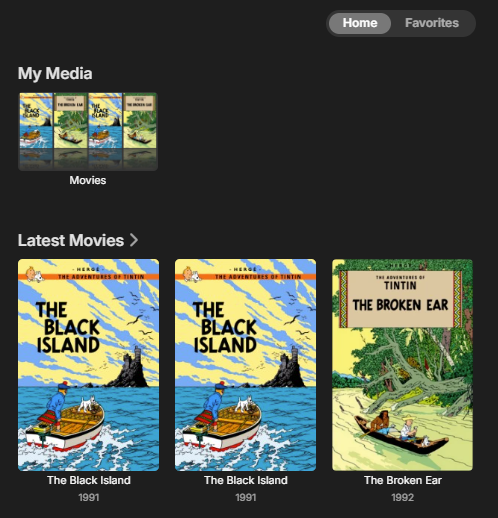
when you have the same movie in two different library folder paths - like the A: Drive for one and another drive path for the other, then they should appear as a multi-version item with a drop down to choose the version and also you have the option to split the two items In my test where I have the same movies folder on a C Drive path and also an H Drive path, the movie shows as having two versions When you scroll down to see the media info details, you will have the two paths shown and also the option to split And if you do the split, you will have two instances of the movie one relating in my case to Drive C and the other to Drive H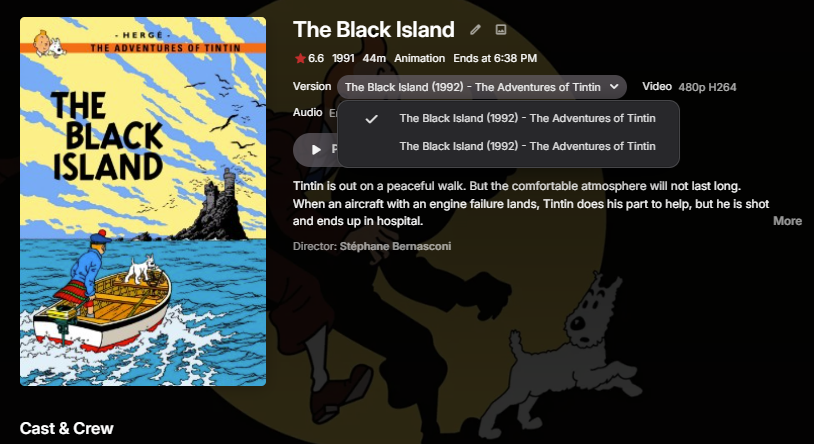
-
So, I've cut and pasted all the contents of the CSS file into the section of the General tab, restarted the server and refreshed the page, but still nothing is showing. Am I missing a step?
-
Thanks! One qusetion: where can I adjust the cast's radius of the oval. I like it to be a bit more rectangle instead of it being an oval.
-
Android App on NVidia Shield Pro: Music Player Not Opening After Track Select
FrostByte replied to MikeMynis's topic in Android
The latest version 3.5.30 is also available on GitHub if you want to sideload. https://github.com/MediaBrowser/Emby.Releases/tree/master/android