All Activity
- Past hour
-
 yesidtejeda joined the community
 -

can get subtitle plugins to show after install and restart
Zeltak replied to Zeltak's topic in General/Windows
thx alot that seems to work! -
 crch76 joined the community
 -
 jcarlosl7396639 joined the community
 -
 nadnan2b joined the community
 -
 DavidFeijoo joined the community
 -
@vdatanetI could not wait any longer for a fix. With Diagnostic Options installed, I got Claude AI to write a script to permanently disable HLS subtitles. Even after an Emby reboot, it still holds the settings. Also, there's an Emby bug where upcoming shows appear a day early with US TV Shows, because "upcoming" doesn't take into consideration whether you live in a European time zone — that too is fixed using Claude AI. Right now Emby is almost perfect. I just wish Emby would add TMDB for thumbnail view with text, and not have to use Jellyfin to do the donkey work.
-
 Soni1904 joined the community
 -
 jean9120 joined the community
 -
Update the H5 variable to this: I kinda prefer the white, so right now that's the default --h5-color: var(--my-gold); /* Setting Titles, Deep Metadata & Plugins */ Also just to be sure you are on the latest version here it is again. And I have not really found everything that's using H5, so you might find gold text where it should not be modifying that. If you find something let me know, I might need to remap additional stuff. Emby Navy and Gold v4.97.css
-
 arboldepina7789 joined the community
 -

Emby Theme: Retro Navy & Gold (W/ Seasonal Themes)
MediaEmby1968 replied to Aleas's topic in Web App CSS
Don't worry, I'm just mentioning it to help, don't rush things. Haste makes waste. The theme you created is very nice, and regardless of personal taste, I have to say I prefer blue to gold, as it gives it a different touch. Besides, the other theme I was using, from here, also has gold tones. Thanks for your help. I installed this latest version 96 and it looks the same; everything is still white in the settings options. I've attached a screenshot.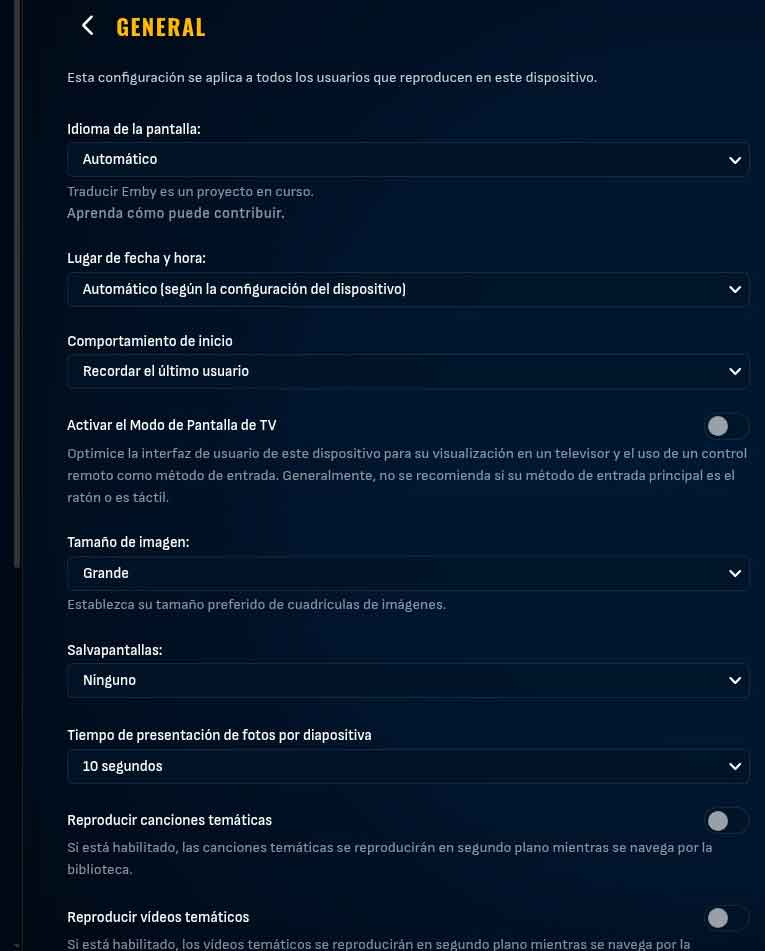
-
I figured it out. The IP address for HD Homerun had changed . I removed it from my TV sources and added it back. Problem solved
-
And s orry, fix to the blue on the backdrop. Sometimes I rush things. Emby Navy and Gold v4.97.css
-
Hello Ajayabb, ** This is an auto reply ** Please wait for someone from staff support or our members to reply to you. It's recommended to provide more info, as it explain in this thread: Thank you. Emby Team
-
Running Emby on Windows with HD Homerun. No VPN. Able to watch live TV on HDHomerun App Playback Error Exception of type 'MediaBrowser.Common.Extensions.RemoteServiceUnavailableException' was thrown. Thanks in advance for any help Logs below embyserver.txt
-
Emby Theme: Retro Navy & Gold (W/ Seasonal Themes)
MediaEmby1968 replied to Aleas's topic in Web App CSS
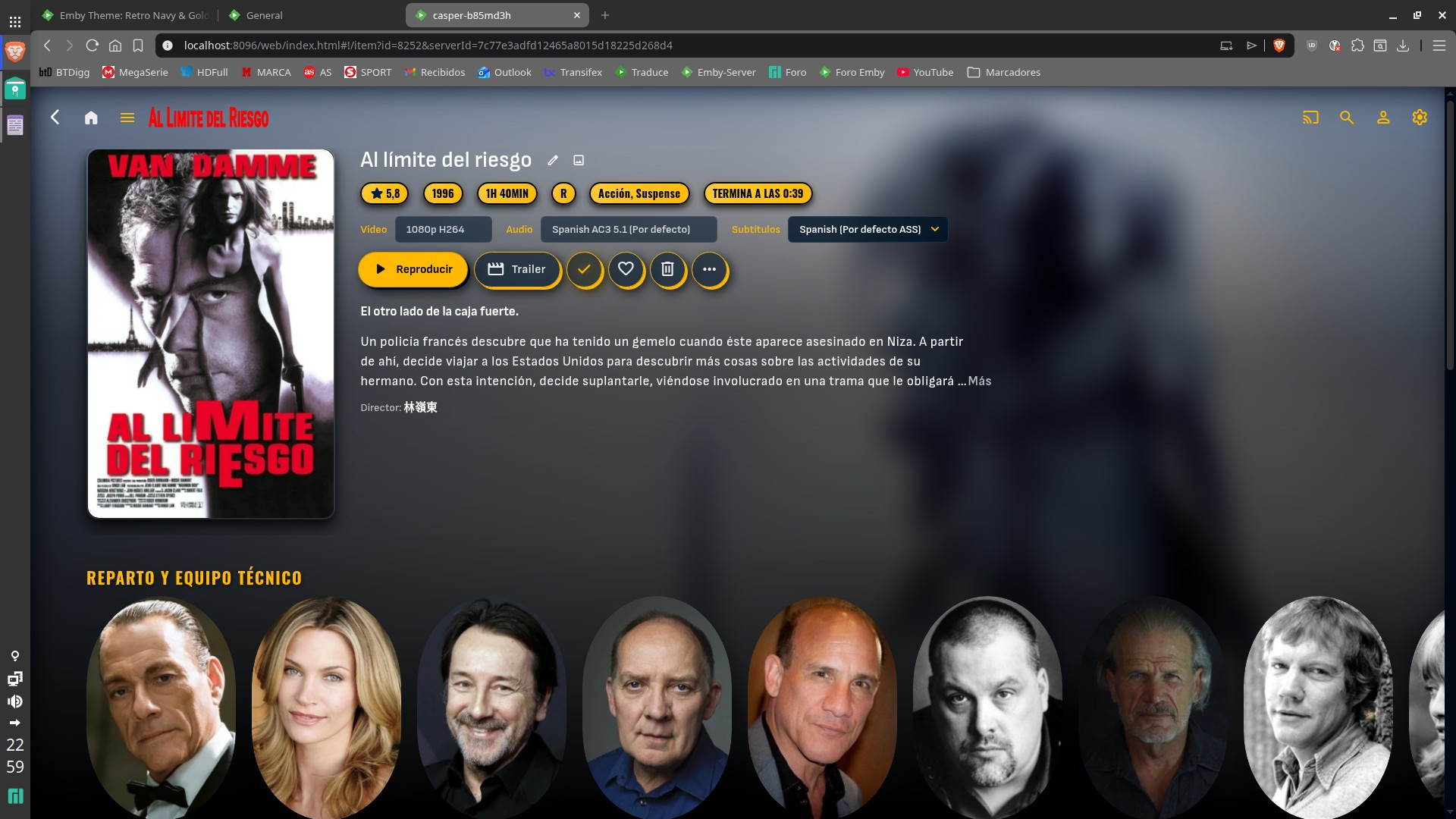
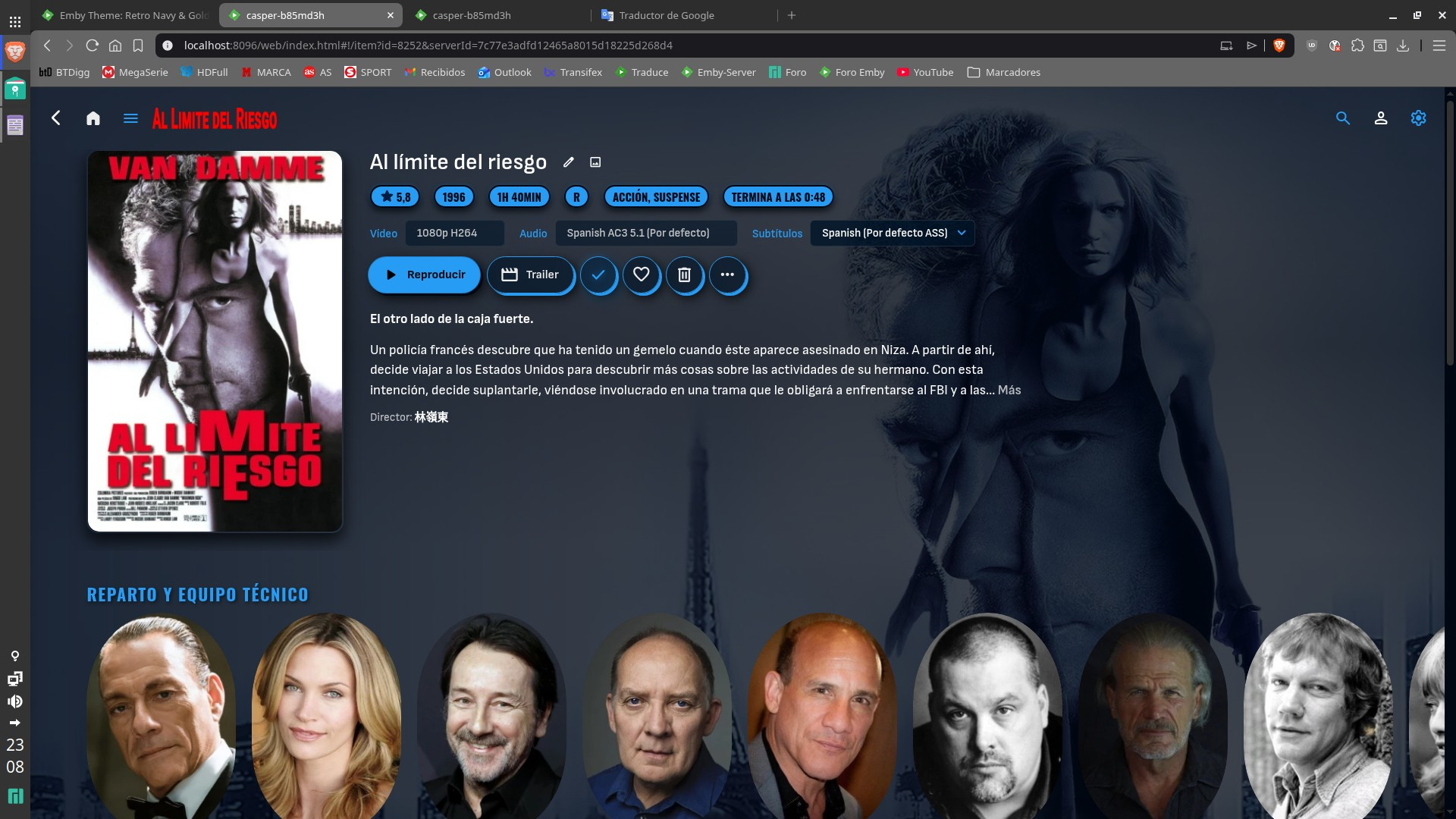
The text headings h1 to h6 are not working now; they all appear blank. The background image is working perfectly now. -
@sa2000
-
Sorry i was editing my post.. here you go this should do it. I still have 1 fix to do there.. so hold off a moment Emby Navy and Gold v4.94.css
-
Excellent! I really appreciate your help on this, @sa2000
- Today
-
Emby Theme: Retro Navy & Gold (W/ Seasonal Themes)
MediaEmby1968 replied to Aleas's topic in Web App CSS
The new version cannot be downloaded -
Emby Theme: Retro Navy & Gold (W/ Seasonal Themes)
MediaEmby1968 replied to Aleas's topic in Web App CSS
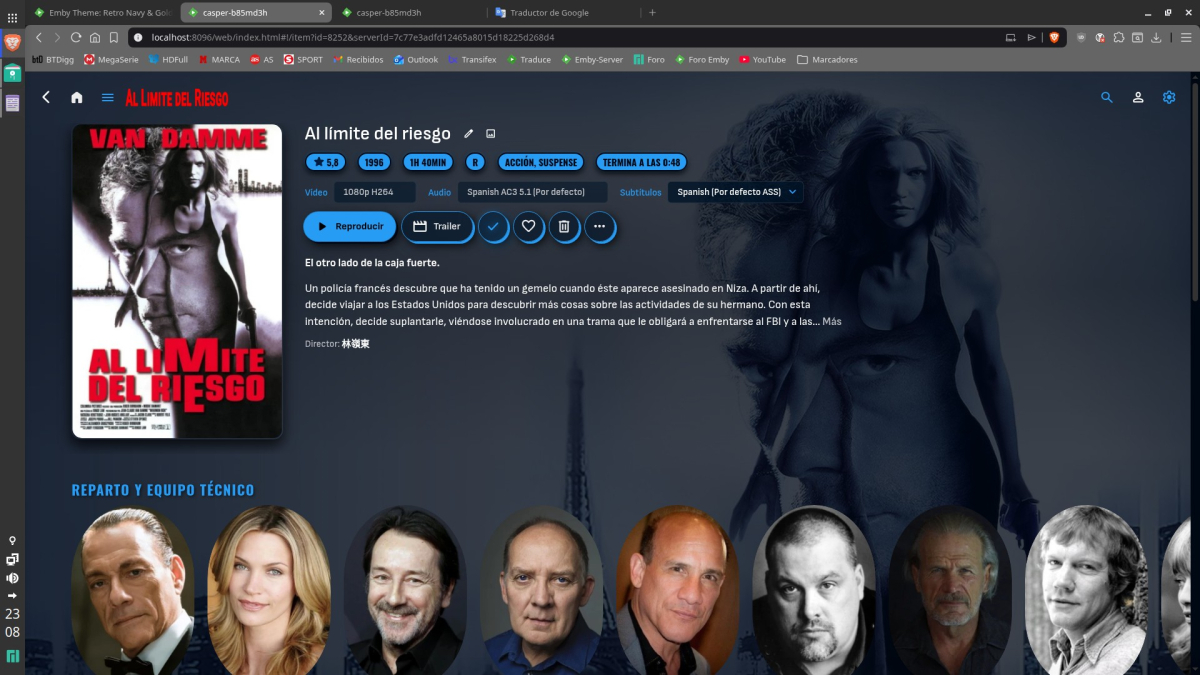
That's not what I meant. As it appears now, the image is blurry, and I was referring to that dark area that appears at the bottom of the image, which used to be the same black tone throughout. Here's how it looks with version 4.91 and version 4.75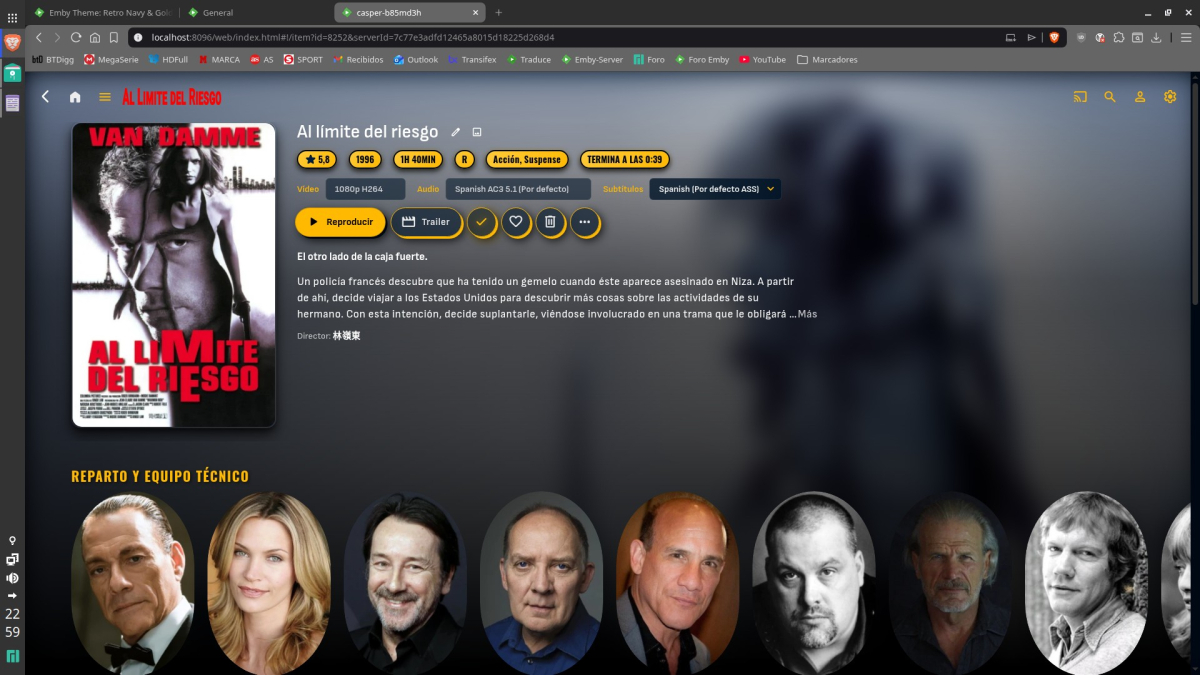
-
Small overhaul on Github. -> auto stop Trailer when scrolling on Homepage -> button to disable Autoplay from inside the widget (option to disable it globally in JS code still present for Admin). More in changelog.
-

Problemas al configurar emby en My cloud ex2 pro
sa2000 replied to Oscar Daniel Tafur Vidarte 's topic in Western Digital
Thank you - I now understand the problem Windows Emby Server generating library composite images ok but the My Cloud EX2 Ultra Emby Server is not Could be some permission issue. But lets get some diagnostics So on the MyCloud EX2 Ultra server, select server settings and then select Logs in left sidebar and click on Logs Settings and enable debug logging restart the My Cloud Ex2 Emby Server (dashboard / restart) When the server is ready, create a new library with some media When the creation completes, take a screenshot of the home screen showing the library in my media Then download the emby server log file embyserver.txt through emby web: settings / logs and select the log file to download Attach the log file here together with the screenshot See How to report a problem -
Updates: Set backdrop gradient to none. Fixed backdrop opacity New backdrop blur variables. (default is none) (Only affects posters and not backdrop videos) Mapped H1-H6 to variables, and some remapping of these. (If anything needs to be adjusted or wrong, please let me know.) some work still needs to be done with this. If you like all the setting titles gold, look into the H5 variable option, default is white. Emby Navy and Gold v4.94.css
-
Not sure, I haven't had the opportunity to sit down and look at it properly yet. However, it is noticeable that I have many genres duplicated in both Dutch and English, so 'actie and action', 'animatie and animation', 'documentaire and documentary', 'familie and family', how to merge these into one?
-
Hi, there's already an open request for this or something functionally equivalent. Please join in and contribute to the existing discussion at:
-

Can't get a certificate via caddy for the life of me
js28194 replied to taunnnt0's topic in General/Windows
I have no idea what you just said, but glad you got it working. Maybe post your caddy file now to assist others in case they are traveling this path that you have? -
It's not possible to implement a `requests`in Emby. It would be very useful. Implementation should be done directly in Emby, not on an external platform. Here's a request I want to make to the creators of Emby.
-
I would like to report I'm experiencing the same issue. I run libreelic on a rpi5 8GB, with my live TV controlled by dispacharr docker container. And when I stop a live TV program in Kodi, the request is not getting to dispacharr, so it still shows the program is playing, even though Kodi is no longer showing anything. I have to disable the live TV option within the emby Kodi add-on for live TV to work accordingly. I am using the latest version of this add-on. I upgraded from 11.4 ( I know very very old) and this issue was not present. Will keep an eye out for updates...
-
There's a good chance you're right, it is an older installation (although running latest version). I just hope it doesn't become a recurring thing. Removing the entire folder, scanning and then re-adding does indeed fix the problem.
-

Webhook Notifications - Test works, but real notifications are never sent
Multitude9588 replied to Multitude9588's topic in Plugins
Hi, I already uploaded the complete logs in the first post. Nevertheless I attached more logs here. embyserver-4.txt -
New minor release - Version 3.3.2.0 Download .dll and full release notes: https://github.com/soderlund91/HomeScreenCompanion/releases/tag/v3.3.2.0 This updates contain some fixes and some requested features. Biggest one is that we are now able to build a home section row of selected collections as image below: IMPORTANT! Minimum required Emby server v4.10.0.8 Note Make sure to back up your settings before updating, just in case. Note Included a .NET V6 release, this is for MacOS or legacy support. This version is NOT tested. Release notes Improvements/updates Added ability to only show selected collections as a Home screen section. This way you can choose one or multiple collections to show on the home screen (no need to display all of them). See below how to set this up Cleanup menu Made the tags and collections clickable links to its own view (open in new tab) Added a filter for Tags Added a small popup/hover over the name that simply explains where the tag originated Fixes Fixed an issue in the cleanup where tags for some media types didn't populate the list. (Extras is now included with an "include extras" option.) Fixed an issue where blacklist didn't get applied when running a single group sync UI Remade the "Update available" to be dismissible. If dismissed a smaller discreet text will still be visible. _____________________________________________ Below is how to set up a home screen section with selected collections: Source = local collection / *Select what collections to include* Tag = *random tag name* (the selections on what level to tag will be ignored by the plugin) Collection tab: leave blank Blasklist tab: will probably not work **Important!** Home screen section tab: set media type to "Collections", you can play around with all other options Special thanks to @Aleasfor helping out with testing! HomeScreenCompanion.dll HomeScreenCompanion_NET6_MacOS.dll