All Activity
- Past hour
-
 HowardYuan1643 joined the community
 -
 HowardYuan joined the community
 -
 Nana_ko joined the community
 -
 Sumsung joined the community
 -
 mandy3434 joined the community
 -
 KyleC89 joined the community
 -

Emby for iOS fails to complete Google Cast connection to Google Home Mini
Robin5446 posted a topic in Apple iOS / macOS
The Google Home Mini is discovered correctly in the Emby iOS app. When I select it, the speaker plays the normal Google Cast connection sound, but Emby does not complete the connection: No checkmark appears next to the Google Home Mini. The active playback device remains the iPhone. Playback stays on the iPhone. The Google Home Mini never starts playing the audio. The result is the same whether I select the Cast device before starting playback or while music is already playing. Environment Emby Server 4.9.5.0 Emby for iOS 2.2.56 with IP 192.168.A.x Emby Server running on a Synology NAS with IP 192.168.C.x Google Home Mini as Cast receiver with IP 192.168.B.x iPhone, Emby server and Google Home Mini are located in separate routed VLANs/subnets Google Cast from the Qobuz app on the same iPhone to the same Google Home Mini works correctly. This confirms that the iPhone, Google Home Mini, Cast discovery and basic inter-VLAN communication are functional. I captured the traffic on the gateway during an Emby Cast attempt. The capture shows: The iPhone successfully establishes a TCP connection to the Google Home Mini on port 8009. The TLS handshake completes successfully. Cast application data is exchanged in both directions. The Emby server can communicate with the Google Home Mini on ports 8008 and 8009. HTTP requests to the Home Mini on port 8008 receive HTTP 200 responses. After the Cast attempt, the Home Mini successfully performs DNS queries and connects to Google services via HTTPS/QUIC. However, I do not see the Google Home Mini subsequently requesting the actual media stream from the Emby server. All relevant local subnets are configured under Emby's LAN Networks setting 192.168.A.0/24 192.168.B.0/24 192.168.C.0/24. The Emby debug log confirms that playback requests are classified as local: isInLocalNetwork: True. I tested both downloaded/offline content and normal server-side content. With an offline item, I saw a separate error where the iOS app requested an item using an ID such as: local:<item-id> and the server returned: System.FormatException: Unrecognized Guid format HTTP 500. However, I then tested a normal music item that had not been downloaded to the iPhone. In that case: Emby used the normal server item ID. PlaybackInfo was generated successfully. Direct Play, Direct Stream and Transcoding were enabled. The request was correctly classified as local. No obvious PlaybackInfo or transcoding error occurred. Despite this, Emby still reported the playback session as running on the iPhone, not on the Google Home Mini. The Home Mini also never appeared as a playback client in the Emby server log and never requested the media stream from the server. Since casting from Qobuz works correctly on the same iPhone and Home Mini, and the packet capture shows that the initial Cast communication succeeds, this appears to be an issue with the Emby iOS Cast session handling rather than general network connectivity. Can anyone help or confirm? -
Robin5446 joined the community
-
 28909 joined the community
 -
 Kumarsabi joined the community
 -
I just need to switch everything over to Emby especially my tv guide which I'm not happy with as it has empty data in the guide I don't like that one bit so I will switch over everything to Emby. This is the guide I don't like with missing data Video.mp4
-
-
 Ammiddai joined the community
 -
Thank you for the detailed info, like hearing other thoughts always smart people with better ideas and knowledge is what I like. Yes I am going to make a site for pictures and yes it's not something I done before so yes I will be asking Q's lol. I just want a picture site for Emby clients what I really want is people to be able to upload to the site under categories like poster, backdrop, logo, thumb. That should be good I think.
-
Yes it is
-
Glad that pointed you somewhere useful. I'm going to pass on working on the site itself, though — I stick to helping out in the threads here, and I don't take logins to anyone's accounts. Nothing personal at all. If you post questions in the forum as you go I'll chime in where I can, and that way other people get the benefit too. One thing I'd flag before you spend the gift card: Wix is the wrong tool for this. It's a page builder for brochure sites, not an asset host. No S3-style API, storage and bandwidth caps, and no sane way to serve thousands of image files to a media server. You'd hit the wall fast and the money's gone. If you do want to spend on hosting, put it into object storage instead — Cloudflare R2, Backblaze B2 or Bunny. That's the same thing Fanart.tv and TMDB are doing under the hood, it's a few dollars a month, and a $100 card would last you years. But honestly, give Posterizarr a week first. It solves the actual problem you showed in that screenshot, on your own library, for free. If you still want a site after that, at least you'll know exactly what you need it to do — and you'll have spent nothing to find out. Good luck with it either way, and post back how it goes.
-
Damn bro you on one, I'm not reading through all this post but if you give me a break down I will help you out if I can.
-
Thanks a lot, Luke! This was the solution.
-
It seems that Emby updates and messes up about20% of my media. Is there a way to lock all metadata at one go? Or am I stuck going through over 200 videos one by one?
-
Thank you, that's what I was looking for and yes I know lock the img all that I know bro. Think I will start a website just for images for Emby you get my drift what I'm saying. If you want to help me with the website I would appreciate it thank you. Next week I will get a $100 gift card and buy a wix account I guess and just go by day I guess. After I get it setup I can give you login it's not a big deal so yeah if you would like to help thanks.
- Today
-
Fair enough — short answer: for just hosting images, under $5 a month. Often $0. Object storage is what you want here (Cloudflare R2, Backblaze B2, or Bunny). Rough numbers: - Under 10 GB: free on R2's free tier - ~20 GB (roughly 50k images): about $0.30/month - ~100 GB: about $1.50/month R2 doesn't charge for bandwidth at all, which matters if you ever open it up — that's the line item that turns a $2 bill into a $200 one on AWS. Add a domain at ~$12/year if you want a nice URL. If you'd rather have an actual site with a browse/search page and uploads instead of just files on a URL, a small VPS (Hetzner, Contabo) is $5-15/month all in. Separately — you mentioned Emby has a hard time with posters like this. If custom art keeps getting replaced when the library refreshes, that's a different problem to hosting: lock the image on the item (or turn off the image fetchers for that library) and it'll stick. Happy to help with that one if it's what you're hitting.
-
I hit enter by mistake Video.mp4
-
Thank you for all that but I was just asking how much a website would cost monthly to host pics. Emby has a hard time with posters like this
-
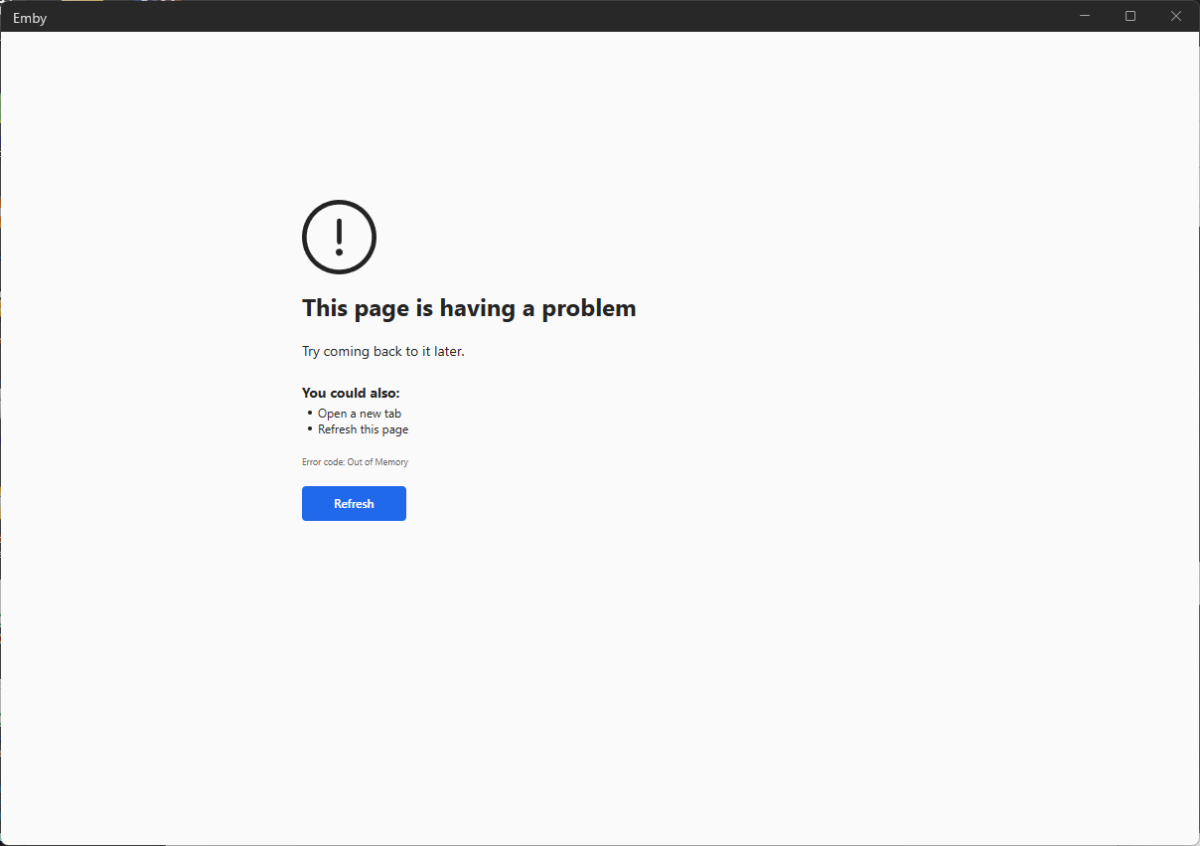
A hard drive crash wiped out my server. I think I figured out my I ran out of memory. The playlist I tried to import had over 1000000 entries plus Live TV entries. I watched the memory on the memory reach 100% utilized. I will try this again with a smaller playlist. Here are the logs of my attempt embyserver-63923306945.txt
-

A new approach to making IPTV behave more like traditional tuners
PowerCC replied to PowerCC's topic in Third Party Apps
I’m getting close to the point where I’d be comfortable putting a prebuilt binary in the hands of a selected few. One of the biggest improvements has been getting the direct pass-through path genuinely solid. It’s not just raw passthrough anymore — the stream is still being normalized, remuxed, buffered, monitored, and recovered when the source misbehaves, just without unnecessary video re-encoding. That path has been performing extremely well in soak testing, even on some pretty ugly upstream feeds, so it’s becoming the preferred default. I want a little more soak time and some more real-world HLS/DASH validation first, but if that continues to look good, I’m hoping to have something ready real soon. -
If I'm reading this right, the end goal is the Hulu-style landscape tiles rather than the website itself — so it might be worth separating the two. For the look: Emby already supports that. Set the library display to "Thumb" and it will use landscape art. The gaps you're seeing are just items missing a Thumb image. Two things usually fix most of it: - Enable Fanart.tv and move it to the top of the Image Fetchers order for that library. It serves moviethumb/tvthumb, which is exactly the image type you want. - For anything still missing, drop a thumb.jpg (or landscape.jpg) in the item's folder. Local images take priority over anything fetched remotely, they survive reinstalls, and they cost nothing. If you want a consistent style across the whole library — same framing, logo overlaid, same treatment — no provider will give you that, since Fanart is user-submitted and all over the place. But that's a job for a script that generates the images and writes them into your folders, not for a website. On the website question: hosting images is genuinely cheap. Static object storage (Cloudflare R2, Backblaze B2, Bunny) runs roughly $1-5/month for a personal-sized set, and R2 has no egress charges plus a 10 GB free tier. Add a domain at ~$12/year. So call it under $5/month if that's all it is. The expensive part isn't the hosting. Emby won't pull from an arbitrary URL on its own — you'd need a C# plugin implementing a remote image provider, and then keep it working across Emby releases. That's real ongoing work for something local files already solve. Two questions that would change my answer: where are the images coming from (making them yourself, or collecting from existing providers?), and is this just for your own server or for other people to use?
-
My Networks tab currently has 416 items. This makes it all but useless. Since studios and networks are intermingled, a simple solution would be to allow us to filter what shows up on the Networks tab so we can limit the list to actual Networks and filter out the studios. I looked into making a plug-in, but the functionality I need does not appear to be available to plug-ins.
-
OK you should be moving the entire backup folder, not just a subfolder within it. So then I would say run the scan metadata folder scheduled task, which will take a long time, but it will make the server aware of all of the image files that are no longer present that used to be. That will make the broken images go away, but then yes, you will have to refresh metadata, but you can do it at a library level if desired.
-
So I am currently using a NUC13i5 with 64GB of DDR4-3200 RAM. A friend has offered me a very nice ASUS NUC 15 Pro 7 255H with 32GB DDR5-5600 RAM. The hard drives will all be the same. Which one would you use for the EMBY server?
-
Thanks for confirming and sending the files. I’ll review and see what else we can do
-
Hi, it is resolved in the upcoming 4.10 server release. Thanks.
-
After installing Emby on the new synology I moved the databases folder "embyserver-backup-full" and the folder from the latest backup folder from the old synology to the new one. /volume1/@appdata/EmbyServer Then I copied all files, same folder structure as before, from the old synology to the new one. >1200 movies, more than 6 TB. Regards, Jens
-

LG G5 dropped DTS again, and Emby didn't work...?
pakichaggi replied to TurkeyMan's topic in LG Smart TV
Hi SamES, I sent you the files directly. Unfortunately, the LG emby app update I installed just now did not fix the issue. Can also confirm, transcoding of TrueHD works. -
I do not want to bug, however i am curious how to get notified of a fix and or where to look for it, or would it just roll out in a future upgrade?