All Activity
- Past hour
-
 Anitafitz joined the community
 -

Multi movie naming - hide part of file name from version drop down
justinrh replied to abuthemagician's topic in General/Windows
I think the only way would be Jaws (1975) (BluRay x265 10bit HDR) - 1080p -
 acharria82 joined the community
 -
 carlos64 joined the community
 -
 Khalid33018 joined the community
 -
 Vinnee20 joined the community
 -
It would be a good idea... Feel free to get input from others though!
-
 Laylasalem joined the community
 -
 lamata_queso joined the community
 -
 Tomer_b joined the community
 -
That would be great. just out of curiosity: is there any reason NFO’s are not used for image files?
-

Check for plugin updates failed and infinite loading of Plugin Catalog
hamish211 replied to hamish211's topic in Synology
No, my DSM doesn't, just router port forwarding. You think the problem is caused by some inaccessible resource? How to find out which definitely? I saw the same thread in russian community: https://emby.media/community/topic/145846-не-открывается-каталог-плагинов/ It seems to me, that there is the same problem, so I have to try with VPN to get inaccessible resource? -
 Sukii joined the community
 -
 Queenbree1978 joined the community
 -
This is from the plex help page and this is how I did it. Thanks for the quick reply. /Movies /Avatar (2009) Avatar (2009).mkv Arrival-scene.mp4 Bar Fight-deleted.mp4 Performance Capture-behindthescenes.mkv Sigourney Weaver-interview.mp4 Stephen Lang-interview.mp4 Teaser Trailer-trailer.mp4 Theatrical Trailer #1-trailer.mp4 Theatrical Trailer #2-trailer.avi
-
For photos, yes. I think ideally we should add support to save it as embedded metadata inside the image file.
-

Check for plugin updates failed and infinite loading of Plugin Catalog
Luke replied to hamish211's topic in Synology
Hi, that's strange. are you using a vpn? -
Hi there, can you please show examples of how your files are named and organized ?Thanks.
-
It's not a bug. It is by design that the automatic grouping is isolated into each library. But an option to make that extend across all libraries is always a possibility.
-
If you see the same playlist in the Emby web app, and you are logged in with alexa as the same user, then it should work. So please try that and let us know how things go.
-
I have had issues with the app just crashing randomly on multiple apple tvs. It runs for a few days most of the time before it does so. Emby server seems to have no issues.
-
Check for plugin updates failed and infinite loading of Plugin Catalog
hamish211 posted a topic in Synology
Hi! Can you help me for this issue? Xpenology DSM 7.2, Emby version 4.9.3.0, fresh Emby reinstall, plugin catalog infinite loading. TMDB/DNS issue was fixed (standart DNS-server doesn't provide me access for this resource). Local request to "http://127.0.0.1:8096/Packages?TargetSystems=Server&IsAdult=false&PackageType=UserInstalled&api_key=null" still hangs indefinitely. Scheduled task "Check for plugin updates" stays running and during shutdown Emby logs: "Check for plugin updates: Timed out waiting for task to stop". All ports are opened, firewall disabled. The same problem was at version 4.8.11 (installed from Synology repositories). embyserver.txt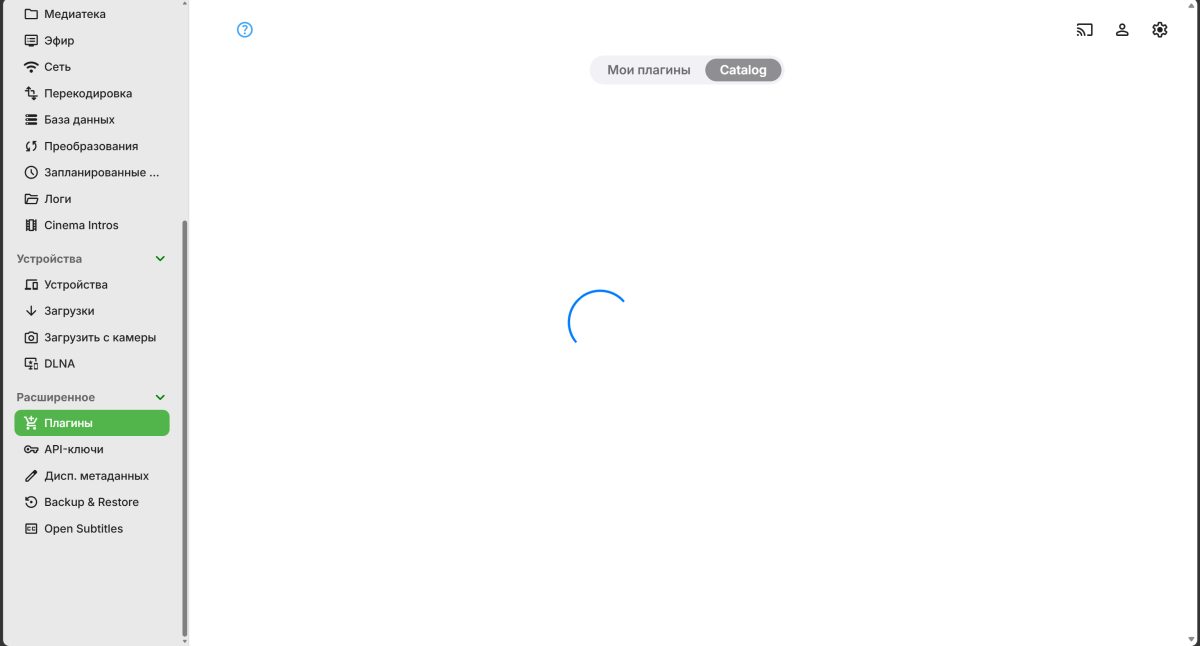
-
This isn't a "problem" with the software, just a request for help. If this is in the wrong forum category please go ahead and move it. To give you a sense of the scale of my problem, I have about 1500 movies and the import says 3157 movies now because the extras aren't classified properly.
-
Hello rweaver7777, ** This is an auto reply ** Please wait for someone from staff support or our members to reply to you. It's recommended to provide more info, as it explain in this thread: Thank you. Emby Team
-
Hello, I want to import my folders from plex and the movie extras have "-featurette", "-interview", etc., added to the name of the extra inside the movie folder. Emby wants those in their own subfolders. Is there a way to import my 1000+ movies without going through them all and creating new folders? I *did* look for this answer in the KB and these forums but didn't find it. Thanks, Rick
- Today
-
For some things that will work but IMO this is a bug that emby should fix. There's a few plug-ins / add-ons where creating a seperate library might make sense. I'm not the only person with this issue. If I recall it took several years before we got the native ability of automatic grouping which was handled by a 3rd party plug-in originally. I don't claim it will be simple but it's certainly possible.
-
I get a reply from Alexa saying the requested media is not in the library. I just thought of something that I will test tomorrow, could this be user permissions related. Public vs Private playlist?
-
I'm tempted to fix everything by hand. But there are over 100 episodes. And yes, the fact that we pay for features and still have basic things missing doesn't seem right. I'd trade that garbage Cinema Trailers for TVDb Orders anytime.
-

Old MediaBrowser references on Emby website
sa2000 replied to user24's topic in Non-Emby General Discussion
Thank you for reporting this. I have updated the Metadata Manager support document. -

Apple TV App cannot connect via DDNS on port 8096, while iOS app and browsers work
cul8rmom1 replied to famarch's topic in Apple TV
i have no problems doing this. My ddns services are provided by my synology account. I am actually routing thru 2 subnets to get to my machine without issue. Yeah so are you adding the connection manually? Are you disabling your wifi on your cell devices when you test? what is the dns server on your devices? (apple can do some weird stuff with their secure dns and icloud relay on non appletv devices.) does it work with the ipaddress and not the name?(if it doesnt work with the resolved ip you have other issues.) -
Primarily “overview” and perhaps a few others. My concern is portability, ie the ability to move media items to different folders. I assume if I do that e.g. data in “overview” would be lost after a metadata refresh? thx
-
If you put them in the same library you'd be able to use the automatic grouping options.
-
That sounds like a lot of work when you're dealing with hundreds of media items.
-

I'm moving and have to give up having a fixed IP - how do I share outside my LAN?
Mendocinotim replied to Mendocinotim's topic in MacOS
I asked Perplexity.ai to help me find an answer to this question. I didn't want to have to pay any money if I could avoid doing so, and it turns out that Cloudflare is the best method. It doesn't cost anything and doesn't have any limits, so I thought I'm going to give that a try. Perplexity found and gave me step-by-step instructions to set this up. I've tested it, it works, and I don't have to worry about it again. The following is the tail end of that conversation with Perplexity. Why free DDNS services like No-IP and Dynu fail users after months of use and which hold up best Here's the report — it covers all the major failure modes and ranks the options head-to-head. The short version of why they fail: - **No-IP Free** is the biggest offender — it silently kills your hostname if you miss a 30-day confirmation email, and then holds it for a ransom payment to get it back[1][2][3] - **DuckDNS** gets blocked wholesale on corporate and school networks because the `.duckdns.org` suffix is flagged as a generic free-hosting domain — and it has documented outages where connections become erratic for hours[4][5] - **Dynu** is much better but has occasional authentication errors where updates silently stop, leaving your hostname pointing at a stale IP[6][7] The **Cloudflare free DNS + ddclient** combo holds up best long-term for your use case with `your site`: no expiration, no suffix blocking, full custom domain support, and enterprise-grade infrastructure — all completely free. You just transfer your domain's DNS to Cloudflare's nameservers, create an API token, and run `ddclient` as a daemon on your always-on Mac Mini. One A record updates dynamically; your other services hang off it as CNAME records.[8][9][10][11][12] -
We are helping you over PM. Thanks.