All Activity
- Past hour
-

Unable to delete a user – RemoteServiceUnavailableException
Luke replied to Juanrendon's topic in General/Windows
Hi there, please attach the Emby server log from when the problem occurred: How to Report a Problem Thanks! -
What makes you think it deleted information? Perhaps it was just never on your server to begin with.
-
 Sadeemmoha joined the community
 -
 MHD. 71 joined the community
 -
 Tmorank joined the community
 -
 gunesli7711 joined the community
 -
 jacek.tessen joined the community
 -
 upewe6870206 joined the community
 -
 Dibujoytextos joined the community
 -
 Milo2026 joined the community
 -
 uang8393838 joined the community
 -
 JodieLeone joined the community
 -

Plugin: EmbyCredits, detect end credits and add auto skip.
yocker replied to yocker's topic in Plugins
It shouldn't do that at all. Failed detections should not add anything. I can't replicate it but I will look into it asap! -

embyforkodi (next-gen) 12.X.X support
quickmic replied to quickmic's topic in Emby For Kodi Next Gen
I didn't test this function for a long time, but Kodi should automatically join the parts into one single movie. -
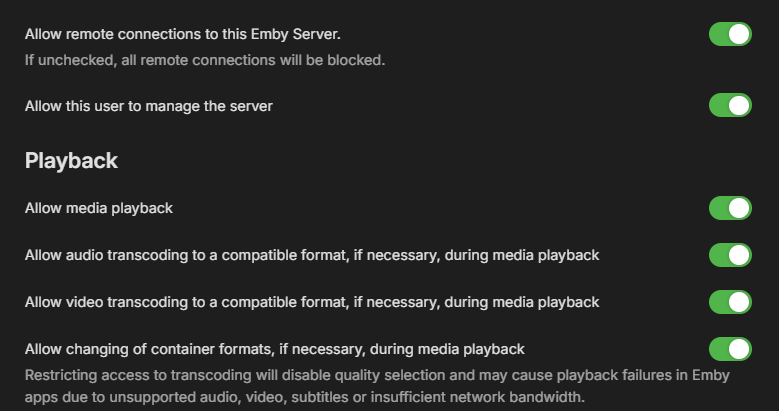
Just a random question, have you looked in your network settings, and taken a look under "Allow remote connections to this Emby Server" and made sure it was checked?
-

JellyWatch for Android TV -- A dedicated Emby & Jellyfin client for the big screen
asgard25 replied to asgard25's topic in Third Party Apps
Yes sure -

Unable to delete a user – RemoteServiceUnavailableException
Juanrendon replied to Juanrendon's topic in General/Windows
Hubo un error al ejecutar la operación solicitada. Su servidor no puede contactar nuestro servidor de Emby Connect en https://connect.emby.media. Por favor asegúrese de que su servidor tiene una conection a internet activa y que el firewall o software de seguridad permita la comunicación. -

Plugin: EmbyCredits, detect end credits and add auto skip.
enterpr1se replied to yocker's topic in Plugins
Thanks so much! When I was on version 2.4.x, although it wasn't perfect, it still worked for over 60% of my videos (mostly anime). So I really hope it can be brought back as an optional setting. I also have another suggestion: when credit detection fails for a video, the credit start time defaults to 0:00. However, some third-party players (like SenPlayer) treat the video as completely watched the moment it starts playing due to this timestamp. Is it possible to add an option that sets the fallback credit start time to the very end of the video when detection fails? -
Unable to delete a user – RemoteServiceUnavailableException
Juanrendon replied to Juanrendon's topic in General/Windows
Disculpe pero como miro los registros? -
-
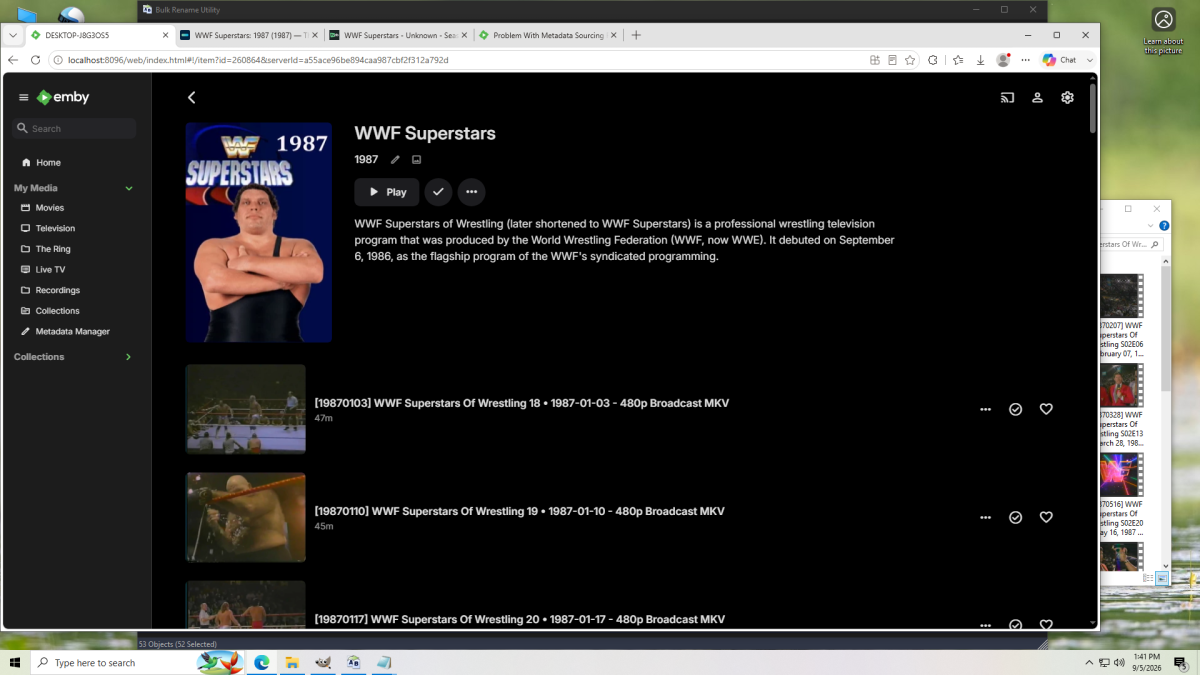
I guess there's another program replacing images with captured images.
-

No Media Info after Import, only shows up after starting playback (Movies only)
Kyouma replied to Kyouma's topic in General/Windows
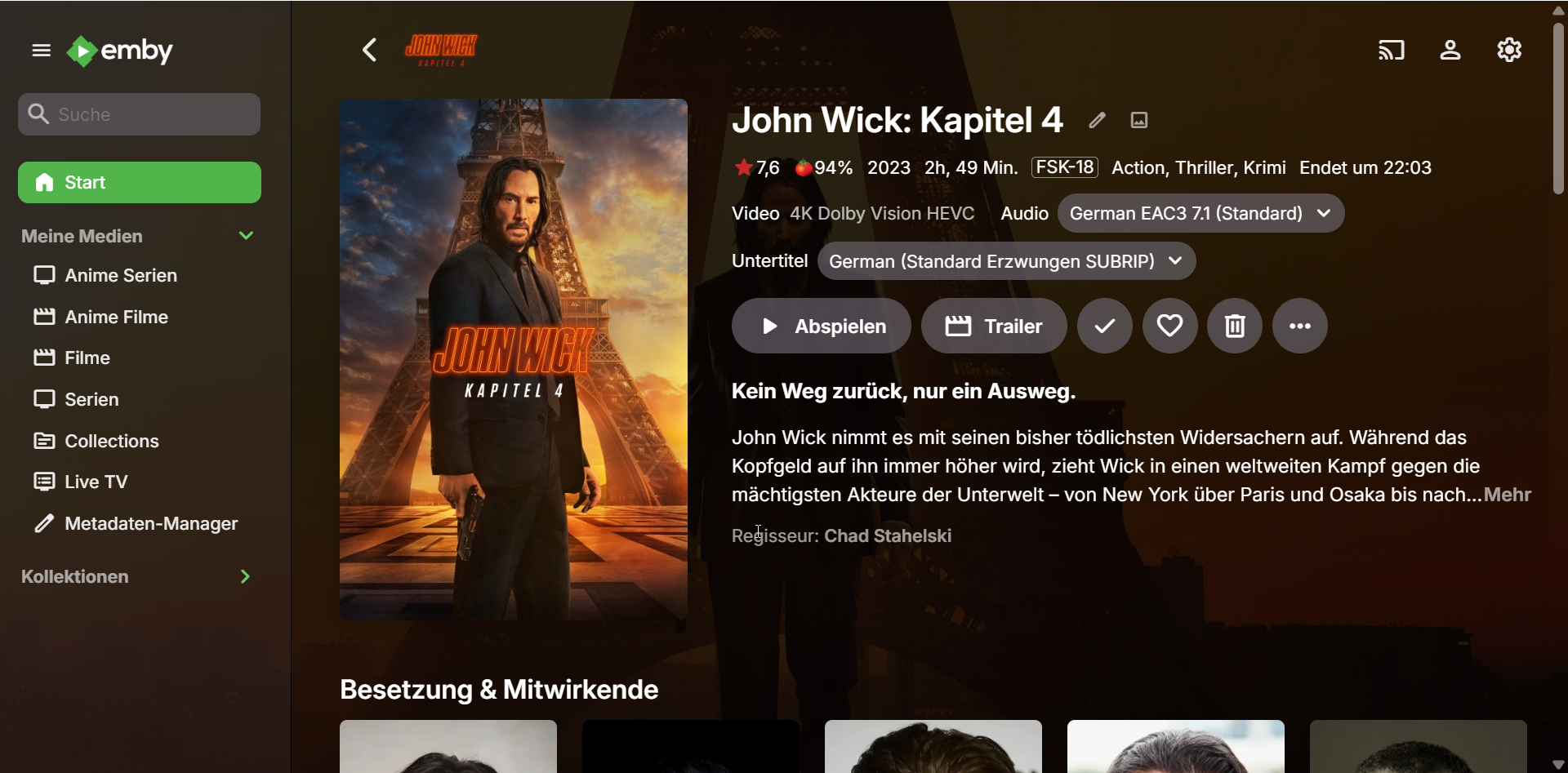
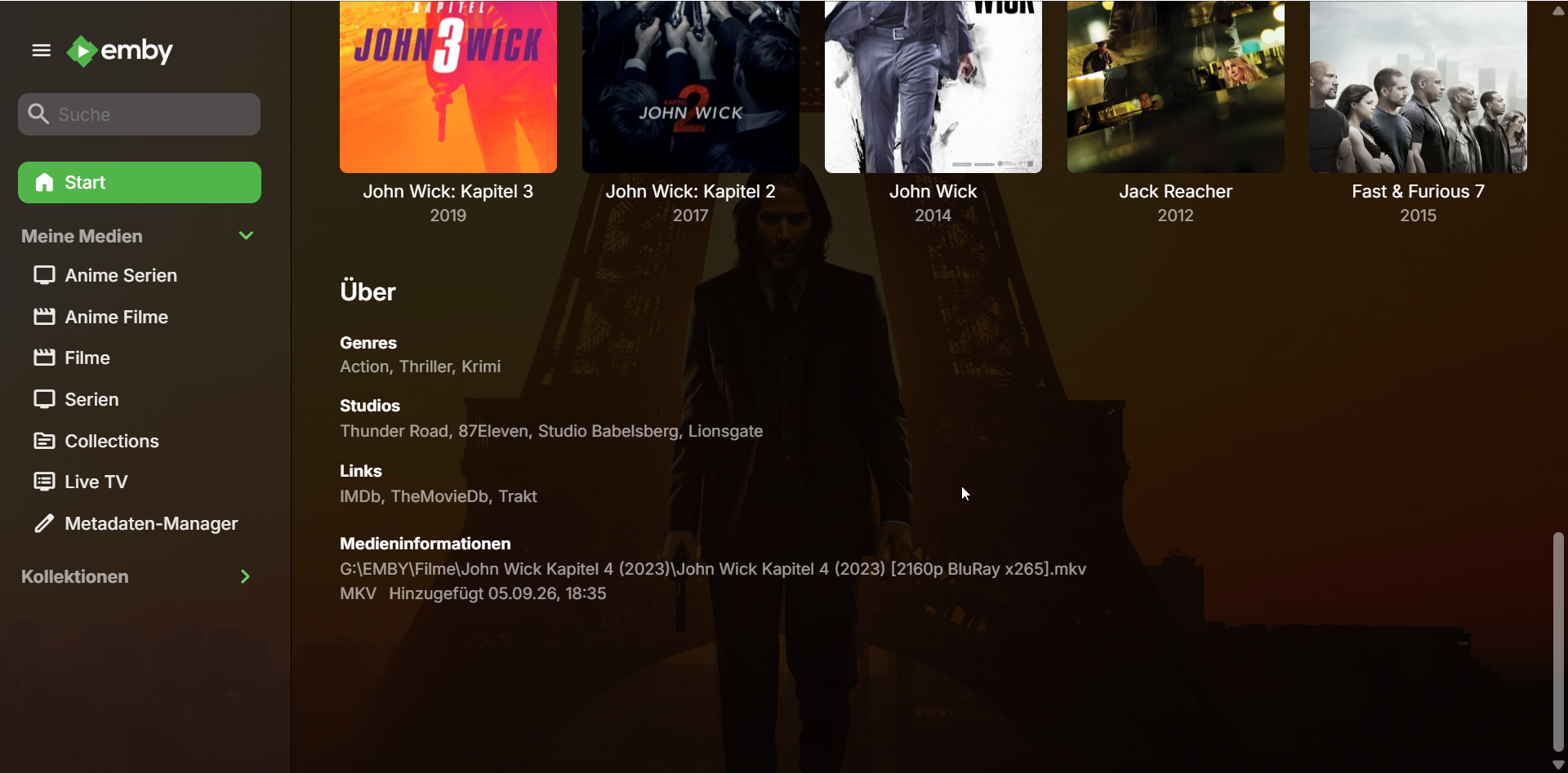
I just found this error in the Log: 2026-09-05 18:35:15.224 Error App: Error in ffprobe *** Error Report *** Version: 4.9.5.0 Command line: C:\Users\emrek\AppData\Roaming\Emby-Server\system\EmbyServer.dll -noautorunwebapp Operating system: Microsoft Windows 10.0.26200 OS/Process: x64/x64 Framework: .NET 8.0.27 Runtime: C:/Users/emrek/AppData/Roaming/Emby-Server/system/System.Private.CoreLib.dll Processor count: 16 Data path: C:\Users\emrek\AppData\Roaming\Emby-Server\programdata Application path: C:\Users\emrek\AppData\Roaming\Emby-Server\system Emby.Server.MediaEncoding.Unified.Ffmpeg.FfRunException: Emby.Server.MediaEncoding.Unified.Ffmpeg.FfRunException: ffprobe failed - streams and format are both null: -i file:"G:\EMBY\Filme\John Wick Kapitel 4 (2023)\John Wick Kapitel 4 (2023) [2160p BluRay x265].mkv" -threads 0 -v info -print_format json -show_streams -show_chapters -show_format -show_data ffprobe version 5.1-emby_2023_06_25_p4 Copyright (c) 2007-2022 the FFmpeg developers and softworkz for Emby LLC built with gcc 12.2.0 (Rev10, Built by MSYS2 project) file:G:\EMBY\Filme\John Wick Kapitel 4 (2023)\John Wick Kapitel 4 (2023) [2160p BluRay x265].mkv: Permission denied { } at Emby.Server.MediaEncoding.Probing.MediaProbeManager.GetMediaInfoInternal(String inputPath, String primaryPath, MediaProtocol protocol, Dictionary`2 requestHeaders, Boolean extractChapters, String probeSizeArgument, Boolean isAudio, Boolean hasMixedProtocols, CancellationToken cancellationToken) at Emby.Providers.MediaInfo.FFProbeVideoInfo.ProbeVideo[T](MetadataResult`1 metadataResult, MetadataRefreshOptions options, BaseItem[] collectionFolders, LibraryOptions libraryOptions, CancellationToken cancellationToken) at Emby.Providers.Manager.MetadataService`2.RunCustomProvider(ICustomMetadataProvider`1 provider, MetadataResult`1 itemResult, String logName, MetadataRefreshOptions options, BaseItem[] collectionFolders, LibraryOptions libraryOptions, RefreshResult refreshResult, CancellationToken cancellationToken) Source: Emby.Server.MediaEncoding TargetSite: Void MoveNext() Could it be because of that? It only happens with Movies like this which have "High Quality" stuff like HDR, DV and such. - Today
-
No Media Info after Import, only shows up after starting playback (Movies only)
Luke replied to Kyouma's topic in General/Windows
Hi, it could be that it was still in progress. Beyond that nothing obvious. You could try removing all third party plugins and see if that helps. -
Plugin: EmbyCredits, detect end credits and add auto skip.
yocker replied to yocker's topic in Plugins
The code is still there but strm files were a mess to work with. I can look into seeing if I can make it better but in the end it's FFMpeg that needs to handle then properly. -
Plugin: EmbyCredits, detect end credits and add auto skip.
yocker replied to yocker's topic in Plugins
Chroma detection is always a little hot and miss. Best you can do is look at an episode and see what words are used in the end credits and then add those words to the keywords lidt for the OCR to look for. -
No Media Info after Import, only shows up after starting playback (Movies only)
Kyouma posted a topic in General/Windows
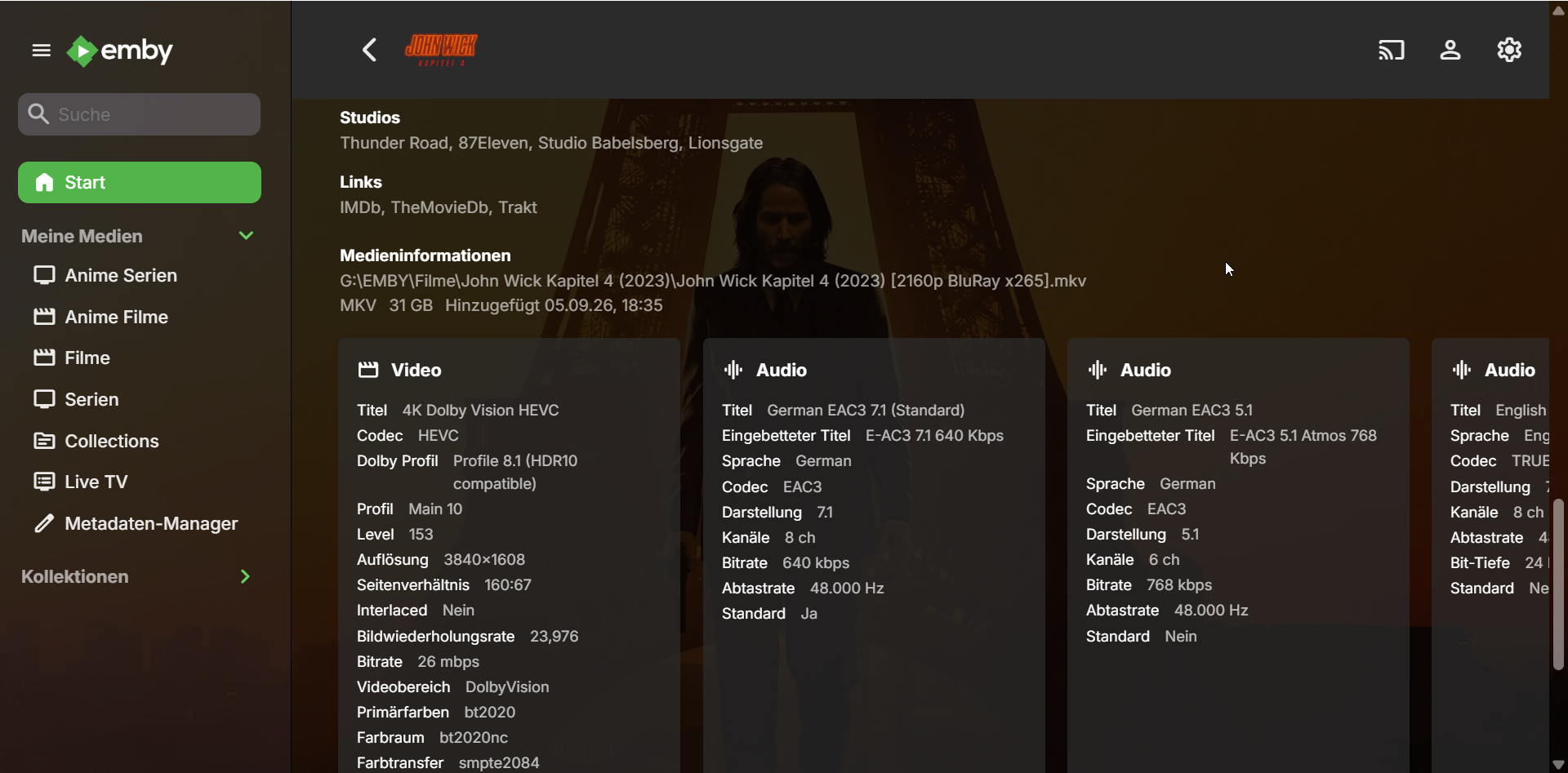
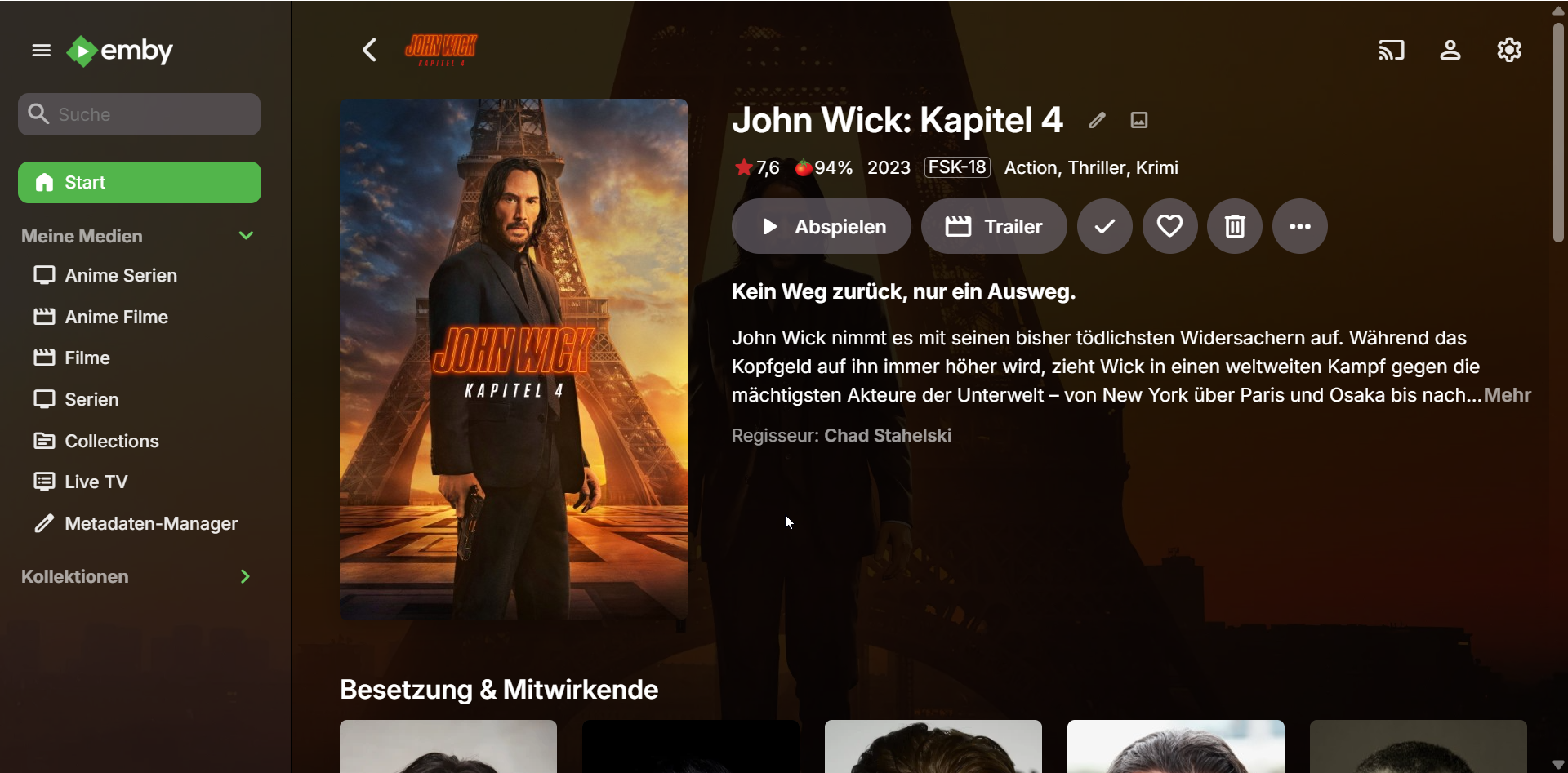
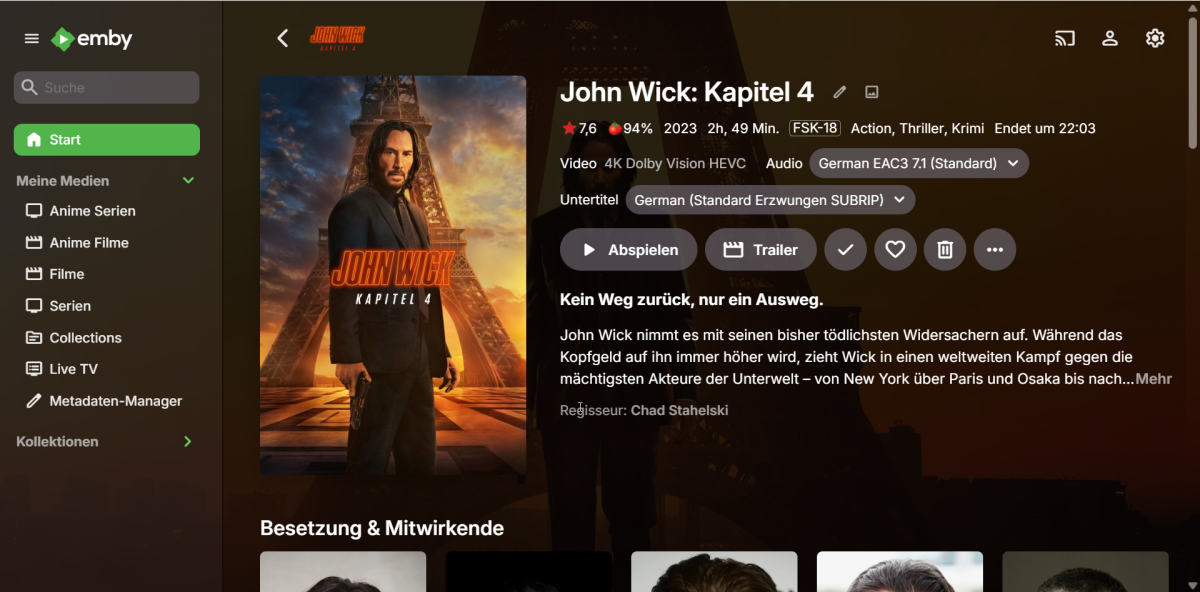
Hello, a lot of times when improting Movies with real time monitoring, the server will not populate any Info about the Media. The Metadata is unaffected. Here is the Media after the import: And here after I have started playback once: How do i get it to populate after the import? This issue does not happen with Series/Episodes and some Movies are also fine. Maybe it's because of Dolby Vision? embyserver.txt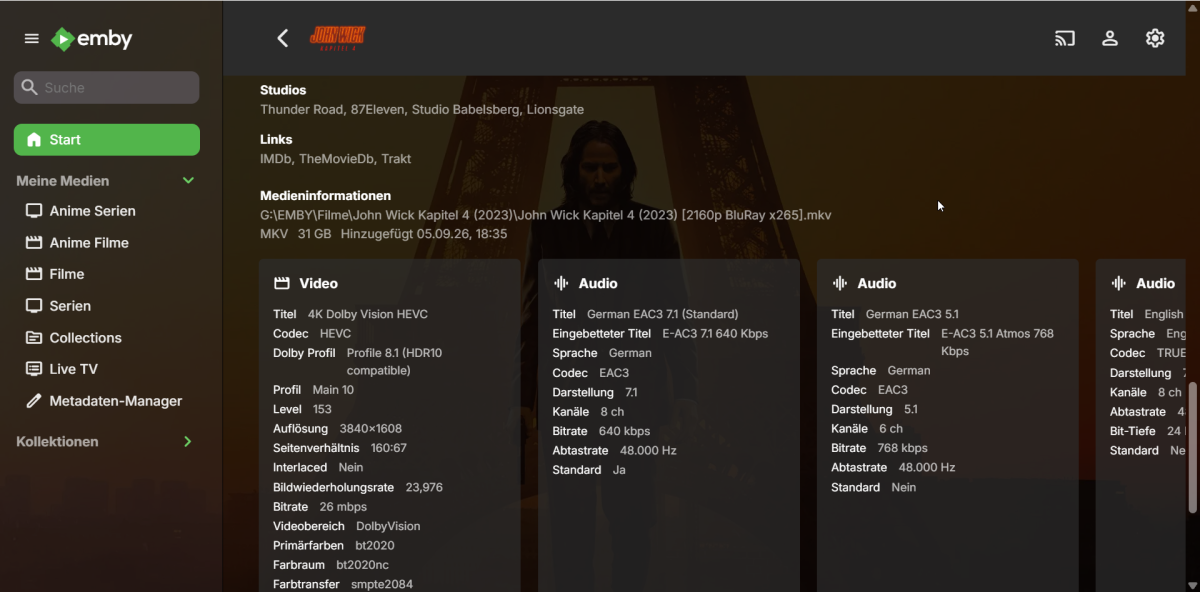
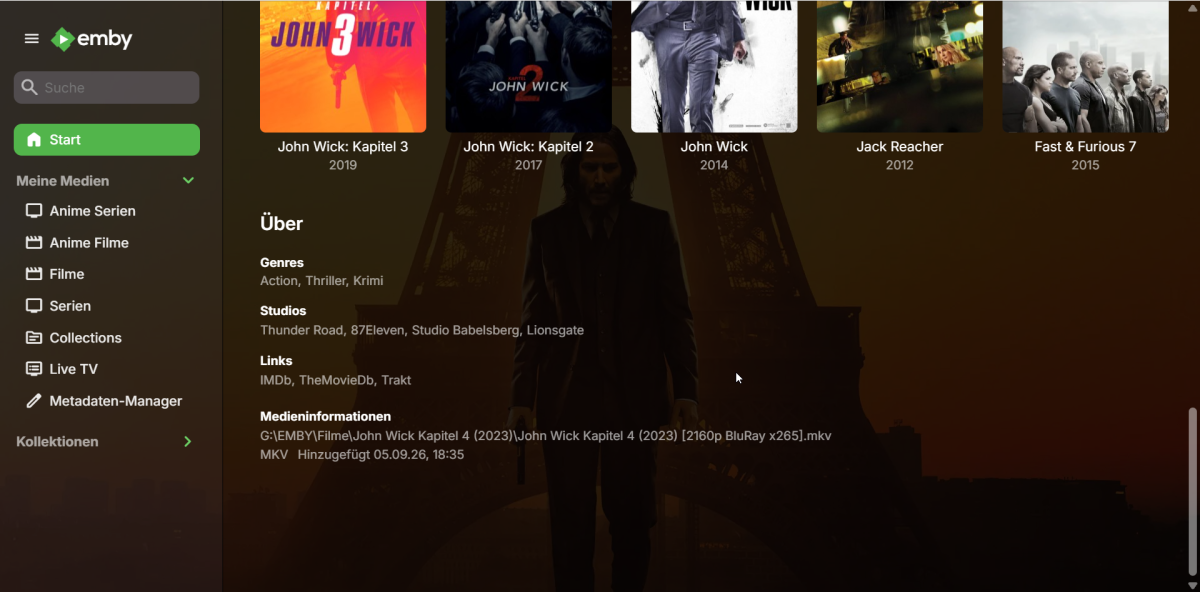
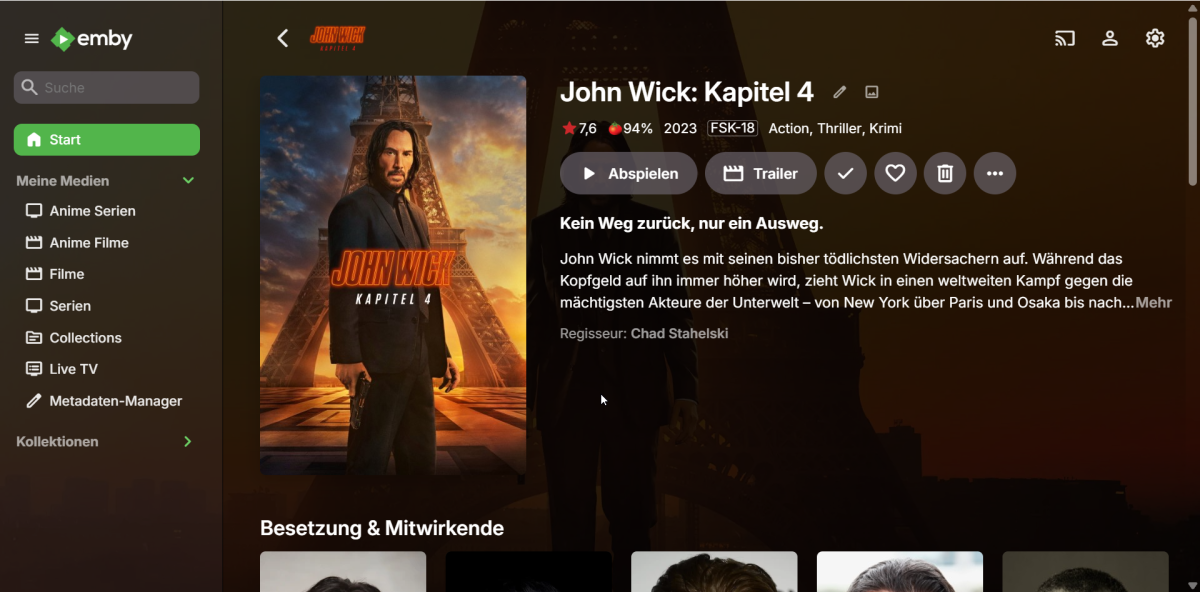
-

Server connects but displays no media files
twofacetoo replied to twofacetoo's topic in General/Windows
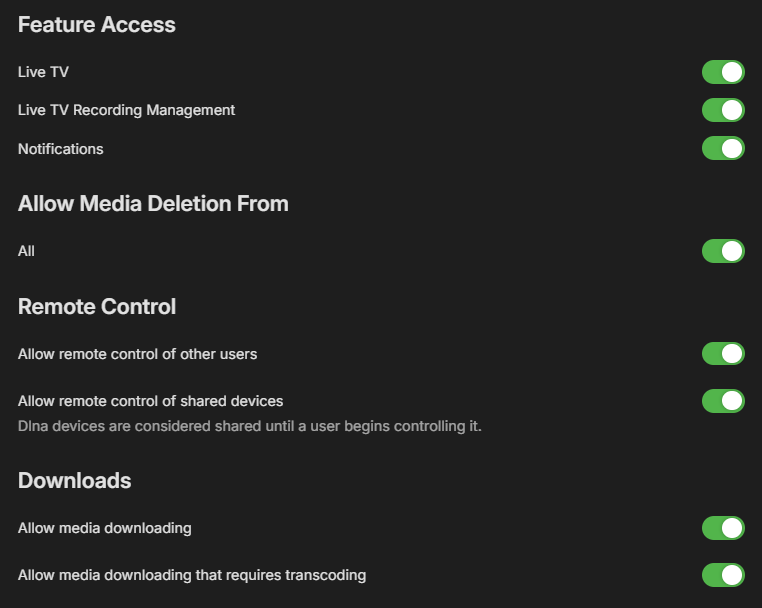
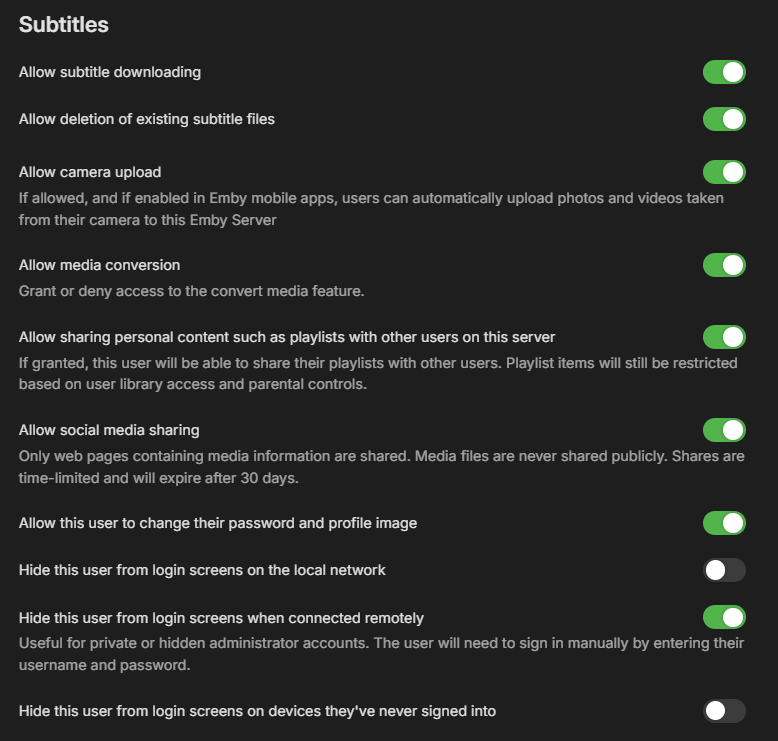
Attached screenshots showing Access and Profile settings for the user account in question. Only thing I didn't include is the section with my email address, for obvious reasons.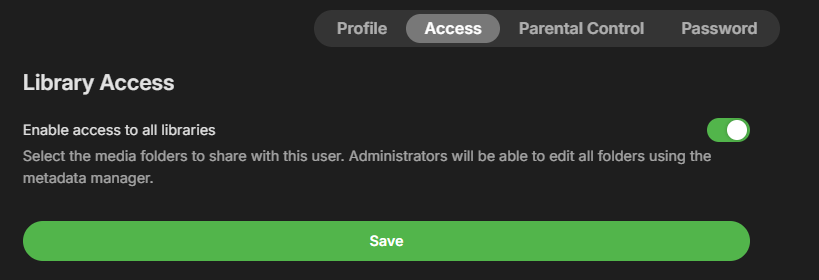
-
What exactly did you check?
-
Plugin: EmbyCredits, detect end credits and add auto skip.
enterpr1se replied to yocker's topic in Plugins
Hi, thanks for your plugin! It seems like .strm support was dropped after version 2.7.0.5. Is there any chance you could add it back? I know .strm files aren't ideal for detection, but could we perhaps have an option to enable it at our own risk? -

Label Atmos & HDR10+ & (remaining) DV profiles
Geordie replied to Geordie's topic in Feature Requests
Thanks for the quick reply! Very happy to hear that. Hopefully this will act as a reference for all the missing ones in one place for when you get to it. -
Server connects but displays no media files
twofacetoo replied to twofacetoo's topic in General/Windows
Hi. This is my own account as the admin of the media server, I just checked and it has full permissions to view and access everything on the server. I confirmed on both the laptop and my desktop PC (no option to check that on the TV app). The only things that aren't ticked are the 'hide user' options, because I have no real need for them. -
Hi, yes we are working on improving this. Thanks.
-
Hi, I would go into user permissions and check what libraries the user is granted access to.
-
Emby server 4.10.0.29 currently only recognises & labels DV 8.1 and HDR10 I did an extensive set of tests with all modern HDR formats using Emby (Web Client running on Safari) and the following is missing: - DV 5, DV 7.6, DV 8.4 (all list as generic HEVC) - DV 10.0, DV 10.1, DV 10.4 (all list as generic AV1) - HDR10+ (all list as HDR10) - Dolby Atmos (lists at generic EAC3) I hope this is something that can be implemented in the future! Thanks for reading! I tried to use the old thread discussing this but it's locked: (feel free to reopen it and move this there) https://emby.media/community/topic/72953-add-dv-atmos-dtsx-hdr10-hlg-information-to-database/page/9/
-

[Help] Official Emby Theater RPi4 Image on Armbian: Choppy H.264, Missing v4l2m2m, Invisible Playback Overlay
Modify3453 replied to Modify3453's topic in Linux & Raspberry Pi
@softworkzHappy to test when a version becomes available - mines waiting for that implementation.