All Activity
- Past hour
-
I rarely have any problems with adding new music, and when I do - it's usually my own stuff-up!!! But, with updating changes, sometimes they just won't take for whatever reason - sometimes (after first processing in Mp3tag) I go through Scan Library Files and Refresh Metadata with Song, Album, Folder, Library...... removing the original item, rescanning, and putting it back is the only method that works. The other day, I got lazy and tried renaming the relevant problem folder and doing a scan at the folder level above - it worked in that instance, but I don't think this would be a good long-term solution.
-
 jrdelamo joined the community
 -
 عواد joined the community
 -
The plugin works by getting it's info from Emby. So if Emby says a frame rate of 90.0000 then that's what the plugin will want. I can look into adding a filter to catch problems like these.
-
 断桥 joined the community
 -
Yep, I manually check each and every item, unless it already looks complete. In the case of The Prodigy I think it's because searching the terms "The+Prodigy" returns both artists and alphabetically "Prodigy" would be first. Oh well. This duplication glitch hasn't happened anymore, probably because I moved "items to sort" to first land outside of Emby's library folders. I did have another similar issue where one song from an album wouldn't be added to the album playlist and would show as a separate entry. Like before; removing the item from the library -> scanning -> adding it back in solved the trick. I personally have a feeling that something weird is going on with the Music indexer, not really looking at the current path or meta data once if it's processed once already.
-
 deanrichardson joined the community
 -
Long Paths are a very common issue for Windows nowadays. I also reconstruct each and every piece of media according to the conventions, but sometimes combining a Show Name - Year - s0xe0x - episodeName results in ridiculously long filenames. The same goes for certain songs, audio books, special editions, etc etc. Using the Long Path Tool might resolve this issue but can also cause duplicate files if the first part of the filename is already very long, so be careful. Personally I do everything manually, but then again, I'm a little bit insane.
-
Yeah, when my music metadata doesn't want to update (for whatever reason) this is a good 'last resort' option. As long as it's the exception rather than the rule, it doesn't bother me too much and I don't really pay too much attention to finding a root cause once it's fixed. I'm sure you're across this already, but using Mp3tag or Picard to check embedded metadata before importing/scanning into Emby is a good way to prevent many issues occurring in the first place. It would probably solve a lot of the problems that tend to get reported by community members. With your "Prodigy" example, discrepancies with embedded "Album Artist" and "AlbumArtist" tags can cause problems like this - again, reasonably easy to check with Mp3tag. At least you have the duplication problem solved, even if you don't know all the causes...? Cheers!
-
 talbrand joined the community
 -
 lwy98 joined the community
 -
 Riju Swarnakar joined the community
 - Today
-
 Reason02 joined the community
 -
Sky one is fixed now. Rather than replacing Showcase in the guide data they added it as a brand new channel
-

STRM files with HLS proxy - Windows app instant start/stop cycle, DirectPlayError fallback fails
Meeko replied to Meeko's topic in Windows & Xbox
Sorry, not all TV APPs is working with STRM: Samsung tizen app the same Problem like Windows app. -
Sorry But not all Samsung Apps does not! and the Windows App had an issue Link: best regards
-
I recommend using the Long Path Tool to resolve this issue.
-

embyforkodi (next-gen) 12.X.X support
geowill76 replied to quickmic's topic in Emby For Kodi Next Gen
Hi Quickmic Not sure if something has changed with plugin but having problems getting Kodi to pick up the fact I have local trailers. I am running the following setup: Kodi Version: 21.3 Skin: Bingie v2.0.2 Emby Server Plugin 12.4.13 The issue I seem to be having is that Bingie won't play any of my local trailers, either on spotlight or widgets, even when I browse my movies by enabling autoplay trailer or going into the information of the movie and pressing the trailer button. I have my trailers named in the same folder as the movie, ie Arrival (2006).mkv + Arrival (2006)-trailer.mp4 This use to work a while ago and only thing that has changed is that I have been updating my Emby plugin to the latest version. Is there anything you can do to help? I opened ticked in the Kodi Bingie forum and local trailers are working for them. Only difference is they have the media local and I am using the Emby plugin to sync the info. -
I recommend using the Long Path Tool to resolve this issue.
-

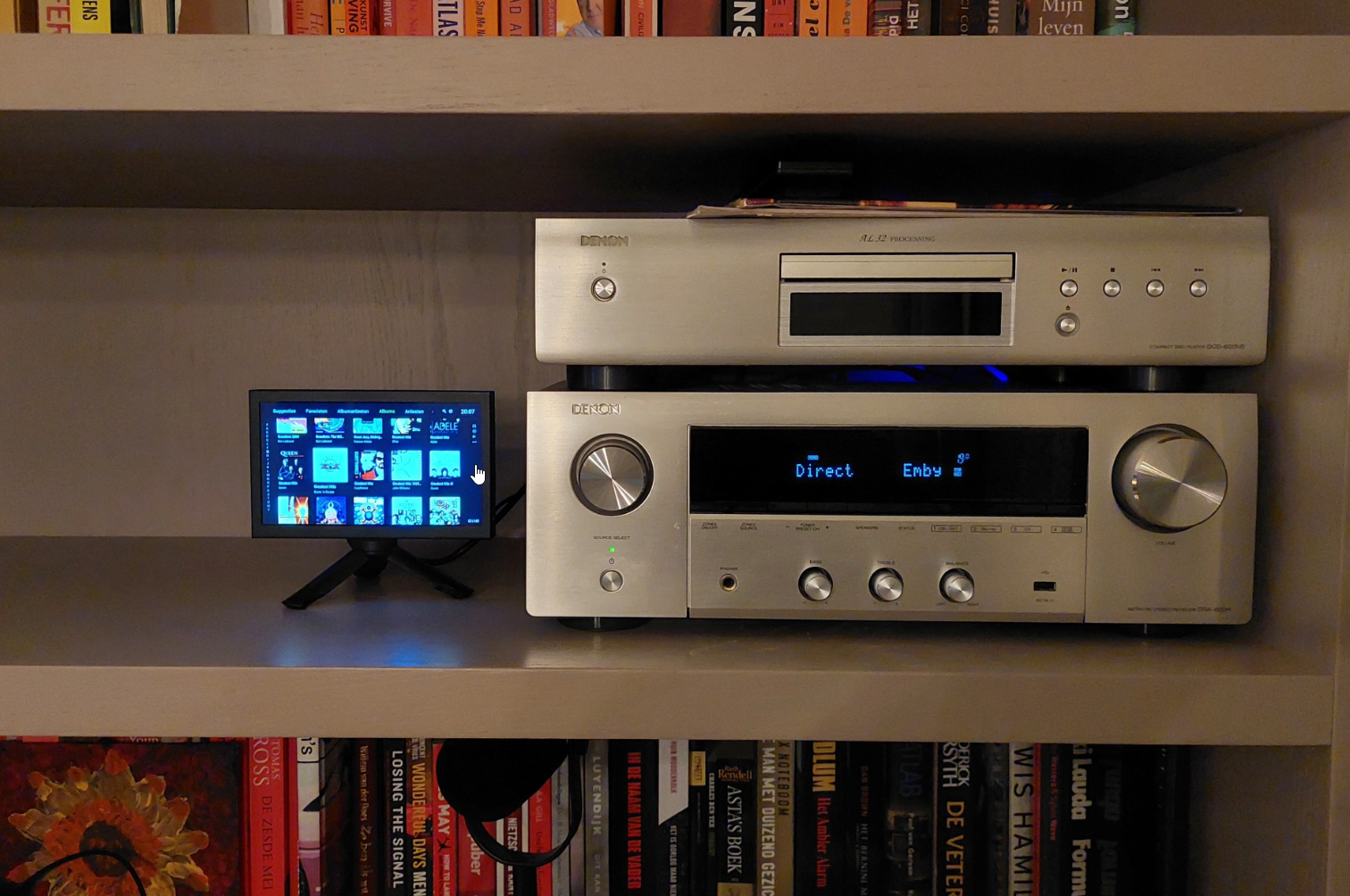
Any good tips? Dedicated device to use Emby with my Denon transceiver?
nlrobert replied to nlrobert's topic in Hardware
I have settled for: Xiaomi TV Box S (3rd Gen) Android TV box Aurevita 7 inch mini-monitor with HDMI The Android TV outputs HDMI to the Denon transceiver. The transceivers HDMI output/monitor is connected to the 7 inch monitor. It works very well. The only thing I'm fiddling with is power/energy/screensaver. I would like to make this as easy as possible for our family. I would like to power on/off the Denon, and it should power on/off the Android TV box with HDMI CEC. But maybe it only works the other way around (power on/of the Android TV, which in turn controls on/of the transceiver). The display itself will go into standby when there is no input, so that's fine. I can not have the Android TV power-off the display (as a screensaver) because that will shut off the Denon.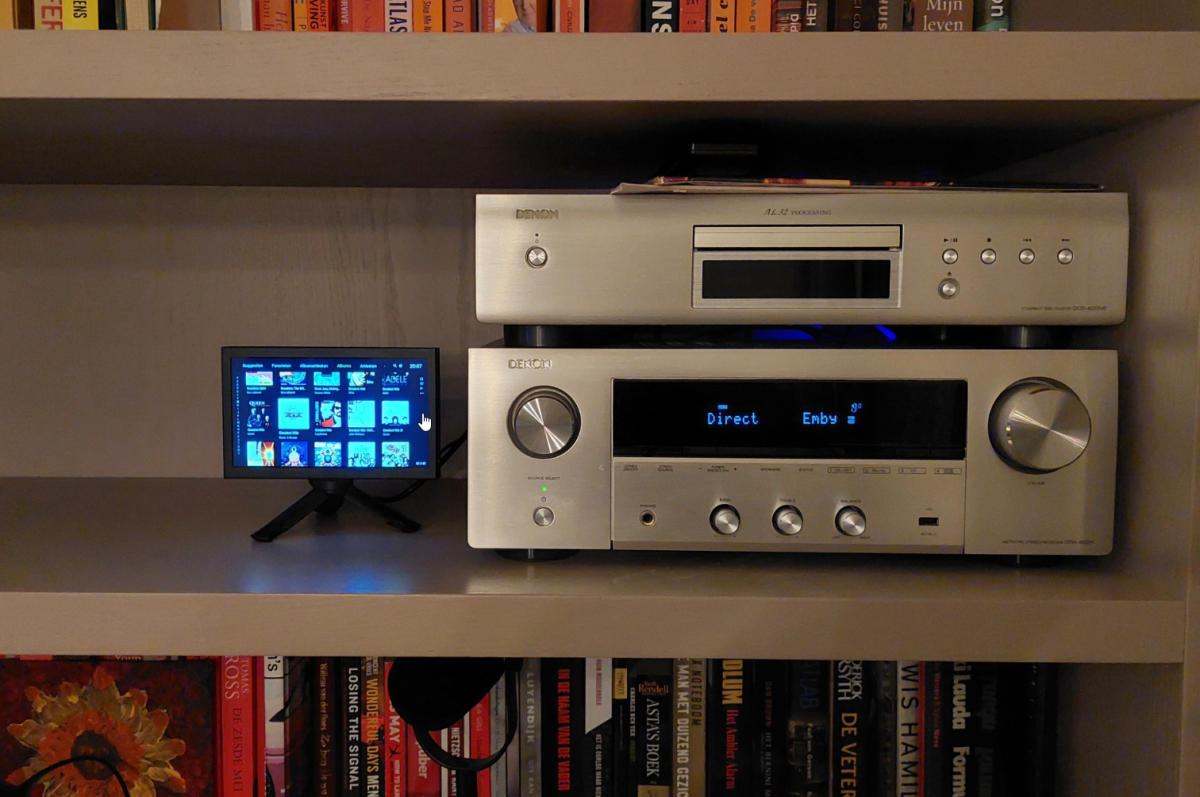
-

Where do I enter my TheAudioDB Patreon API key?
brothom replied to JulesC's topic in General/Windows
No problem. I agree. Separating specific genres/non-general media is the way to go. I've done the same with Anime and Documentary tv shows / series. Makes browsing a little more comfortable as well. -

External SRT subtitle file not showing up!
fabien_m2002 replied to fabien_m2002's topic in General/Windows
Today the FR SRT shows up in the drop down list. I don't know why. Maybe a second scan did it. I tried to put IT SRT file to test again but it did not show up. Is there a way to mount the SRT file without scanning library? It takes 2 hours, too long to enjoy. Thanks -
Hi, i had try to search, but i did't find the difference between synology 72 (the one i use for my ds218+) and synology 7_4 in the beta release. Thanks
-
New Emby server Beta release, v4.10.0.4.
-
External SRT subtitle file not showing up!
fabien_m2002 replied to fabien_m2002's topic in General/Windows
Hello yes i checked, name is same. I even tried a copy-paste to be sure. -
Check the settings in Settings -> LiveTv -> Advanced. Of I understand what you are asking, that says where to put dvr recordings.
-
@jprobins007 HI there, can you please provide a specific example? How to Report a Problem Thanks !
-
Please try uninstalling, then installing the standalone .deb and let us know how that compares. Thanks.
-

Unwanted fanart.jpg files being saved to Movie folders
Happy2Play replied to tanStaafl's topic in General/Windows
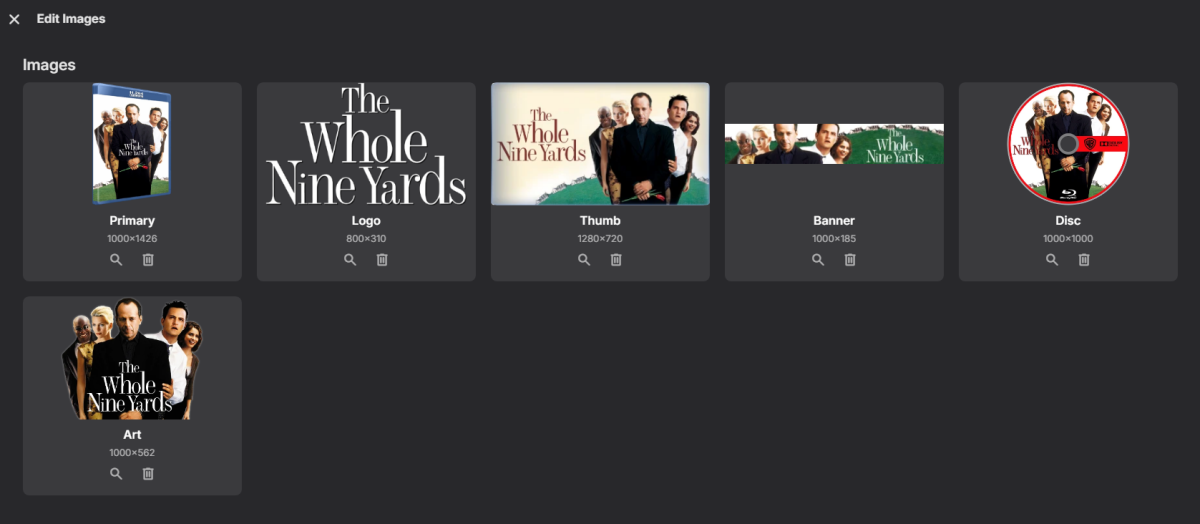
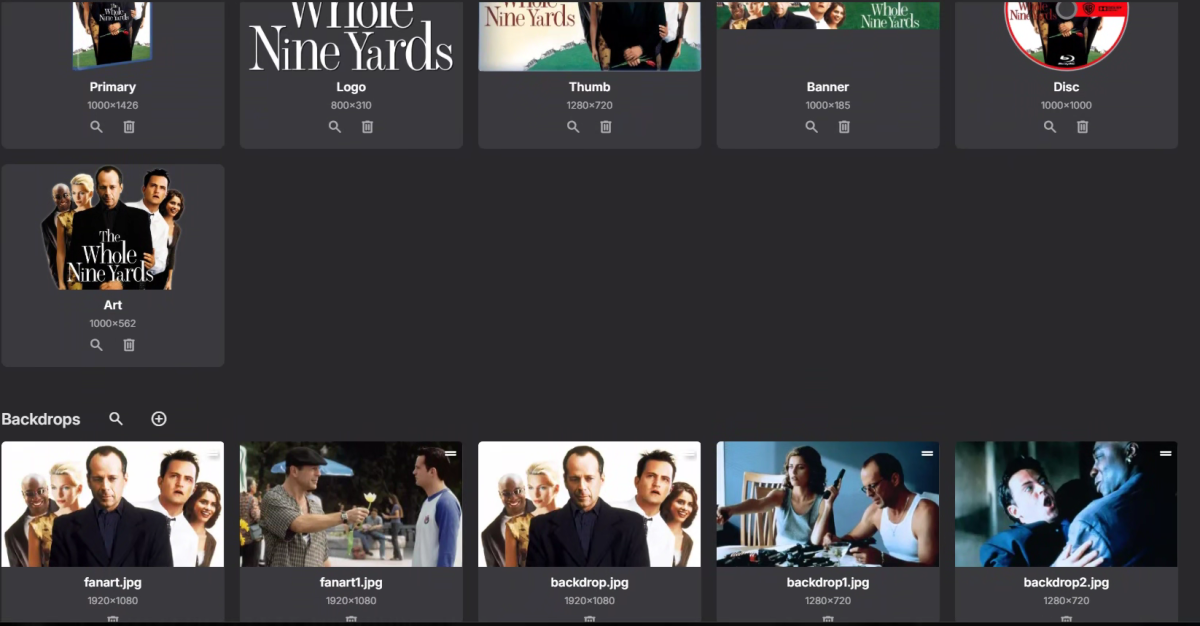
Not sure what is going on as your first two images are I will guess server url images "Fanart/1" then Emby sees your backdrop images. But have no idea how to reproduce this. -
HI, yes some light video editing features I think would be nice.
-
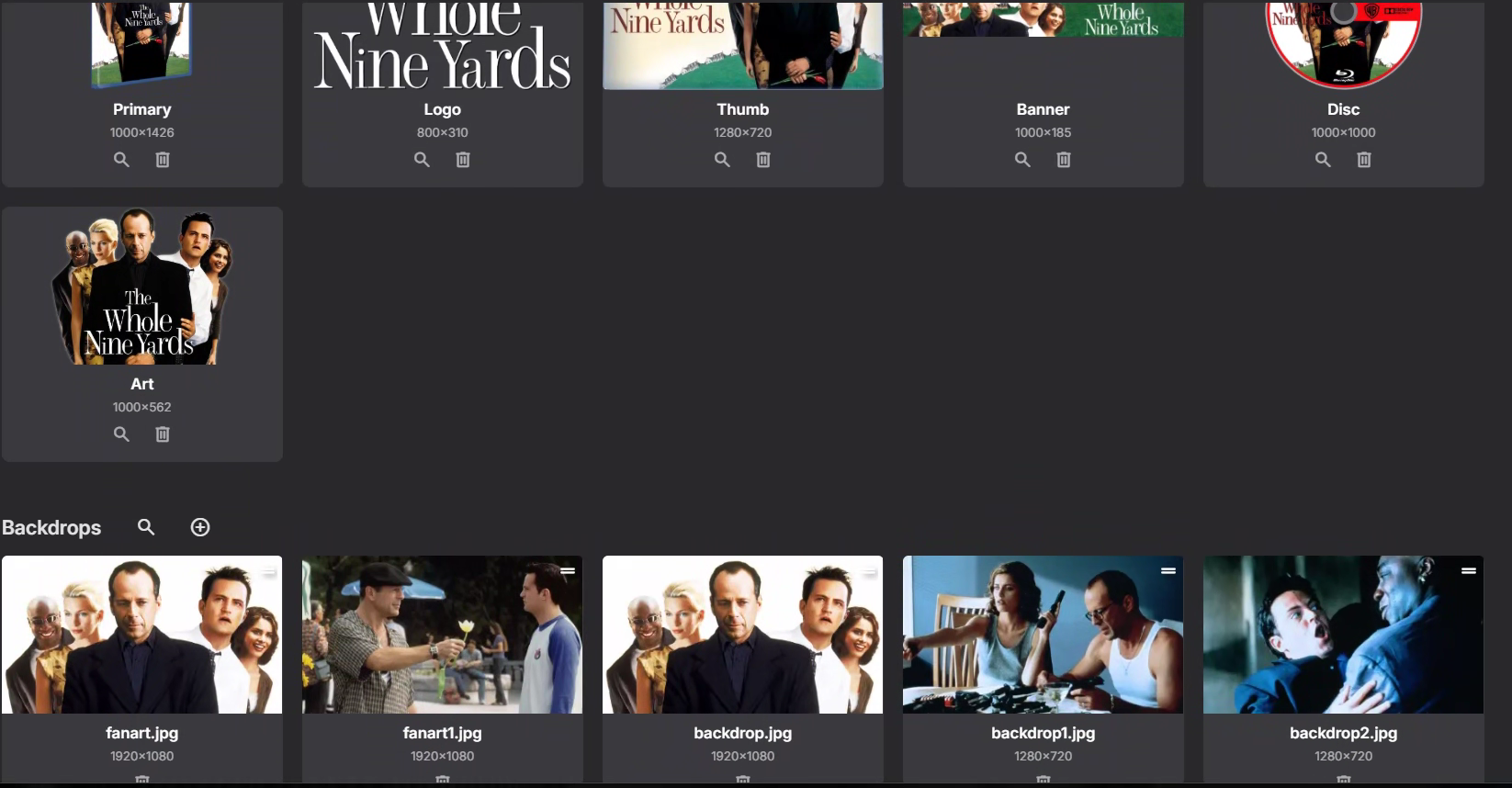
Your screenshot shows just the upper part of the dialog - scroll down, you should see all the Backdrops for the item.
-

Unwanted fanart.jpg files being saved to Movie folders
tanStaafl replied to tanStaafl's topic in General/Windows
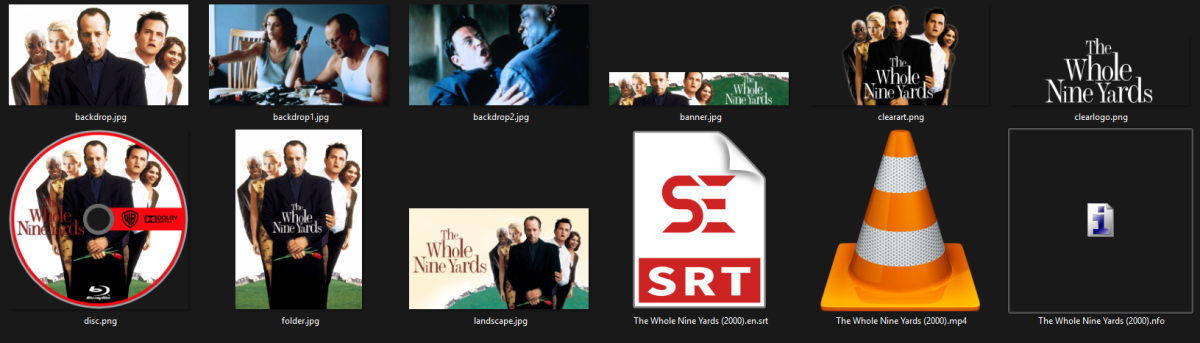
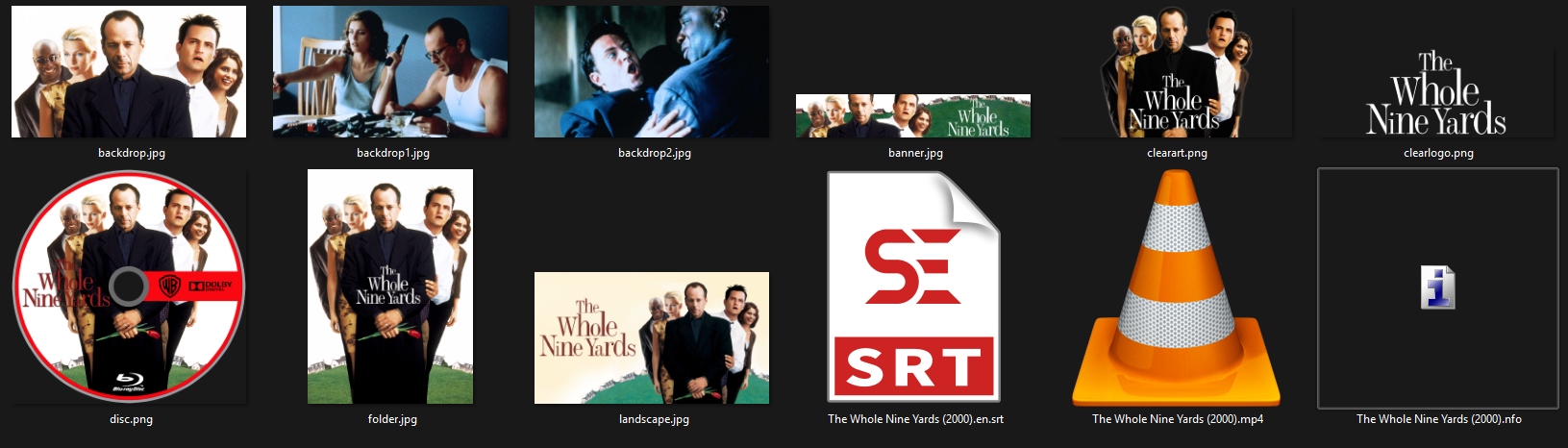
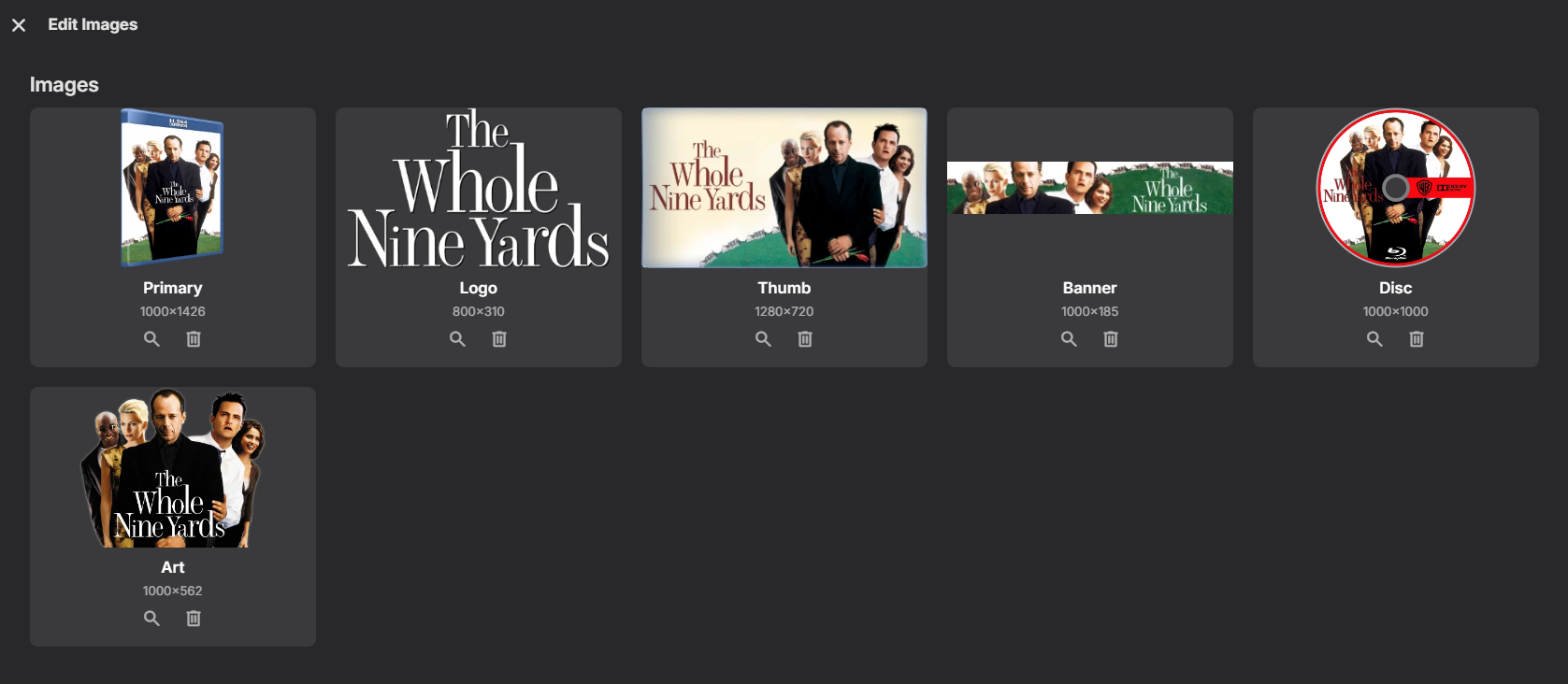
I add movies all the time, and when a new movie is added no fanart is generated, it just generates them randomly? at a later date.. but this one has me curious, here are three images, 1. the actual directory where the files are 2. a snapshot from a computer on the network 3. a snapshot taken from the server I have save to folder toggled on. One of these things is not like the other: