All Activity
- Past hour
-
 Kytao joined the community
 -
 ELBASKENCANAARGA joined the community
 -
 1401080341 joined the community
 -
 Lovelyzixuan joined the community
 -
This!
-
 napoleon.hamlette joined the community
 -
 Jupegies joined the community
 -
 Autziber joined the community
 -
 Johnny9984 joined the community
 -
 Daniel_Portmann joined the community
 -

playback is often paused, crashes, freezes but for a specific user (its the wife-BIG problem :))
Zeltak posted a topic in MacOS
Hi all see logs attached, as the title says been running EMBY lifetime for about a week (ditched plex and super happy!) which has been working great for me and the kids... BUT for some reason for my wife weather she tries on the appleTV, her macbook air, tablet anything she watches has often often paused, crashes, freezes every 4-5 minutes I have no clue on how to go and debug this and any help would be greatly appreciated! (before she gets really pissed and forces me to go back to plex noooo thx! Z embyserver-2026-02-25-REDACTED.txt -
If you are connecting to a friend's server... Give them your email address that you used to create your profile on Emby. They will need to add you as an user. Then login to Emby Connect when you login to the app, and you should see their server listed.
-
As the title says, my server is currently not pulling a new shows through, it was working fine yesterday but as of today I can get anything new to come through. Attached are screenshots and logs if that's helps embyserver.txt
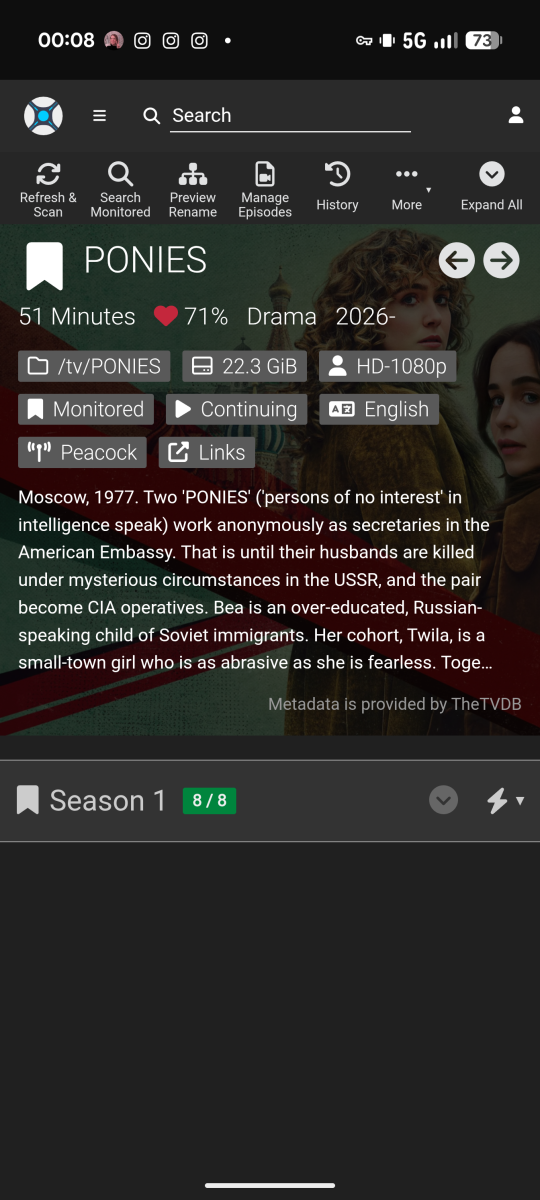
-
can get subtitle plugins to show after install and restart
Zeltak replied to Zeltak's topic in General/Windows
thx! as instructed attached is the embyserver log (i took out the PUBLIC_IP and SERVER_ID parts) best regards Z embyserver.txt -
@LukeThe full guide updates with the VPN on and the split tunnel set exclude data.tmsapi.com has been back and forth. For reference it is 7:35ET as of the start of this update so will use that for reference. The IPVanish VPN has been on for just over 24 consecutive hours. Thus we will go with just the last 24 hours of with yesterday's and today's log files. We will use Disney Jr SD as the example. This impacts all the channels but easier to focus on 1. 2026-02-25 08:02:48.814 Info LiveTvManager: Refreshing guide with 14 days of guide data (I'm not going to repeat this line for each of the below since they were all successful.) 2026-02-25 08:03:52.163 Info SqliteItemRepository: Saving 822 programs for channel 7164956 Disney Junior SD (worked fine). 2026-02-25 12:23:43.400 Info SqliteItemRepository: Saving 822 programs for channel 7164956 Disney Junior SD (worked fine). 2026-02-25 16:50:13.967 Info SqliteItemRepository: Saving 822 programs for channel 7164956 Disney Junior SD (worked fine). Starting with today's log file 2026-02-26 01:00:14.114 Info LiveTvManager: Refreshing guide with 14 days of guide data 2026-02-26 01:00:35.272 Error LiveTvManager: Error getting programs for channel Disney Junior SD (failure starts and continues through this morning). 2026-02-26 05:00:35.885 Error LiveTvManager: Error getting programs for channel Disney Junior SD Again. I've not touched the VPN or the configuration and this shows that for some reason the guide passes through successfully and at times it fails. It will likely succeed later today but I will have to wait until EOD to review the log file again. embyserver-63907660800.txt embyserver (6).txt
- Today
-
Where do i find it at, thats all in asking
-

Suggestion: Built-in Social Media Video Import (Instagram, etc.)
crusher11 replied to jackmoris436's topic in Feature Requests
There's no way this is possible to do without violating Meta TOS. -
Well, for example, all TV shows where the title contains "law & order." Tagging by genre, director, actor, etc. as well. It's November? Spotlight film noir. David Lynch died? Spotlight films he directed. Robert Redford died? Spotlight films he starred in. Release date, too. Films with the genre "film noir" released between 1940 and 1950, to filter out neo-noir. Films celebrating their 100th anniversary this year. There's so much metadata already on the server, it just feels silly that I have to manually curate lists elsewhere. I do love the Trakt integration for Trending and the like though. Can you clarify how I get an API key? You can already Spotlight a collection, but if I could use this to dynamically tag its contents I don't need to go reconfigure the Spotlight once I'm done spotlighting that collection and want to go back to tags.
-
I’m working on the next update that will include an ability to choose an existing collection as source, and then put tags on the items within. Also to include local media information as 4K, 1080p, Dolby Atmos, etc. On my to-do list is also the ability to add a poster for collection and description. That will probably be in another update.
-

Shuffling music is always constrained by the active sort
user24 replied to brothom's topic in General/Windows
@brothom Yeah, the usual expectation (from everyone who has raised this) is that "Shuffle" will automatically shuffle the whole selection and then play it, even if it is then limited to the first 300 from the whole shuffled list. It should be an intuitive one-step process, not the current two-step process. It's easy enough to work around the current limitation, once you know how, but likely most people wouldn't get far enough to figure it out. Hopefully we'll get a fix at some stage...??? -
Not yet - but I guess this could be added in the Filter section for Dynamic Media. A lot of us are using tagging on the collections, so we are doing it that way - but agree, it would be nice to pick a collection and use that instead.
-
Yes, currently it’s only trakt or mdblist. I’m working on an update to also include some local media information as 4K, Dolby digital, exciting collections/playlists, genres, etc. Could you please elaborate what you mean by using “keywords”? Yeah I’m aware of some visual bugs when using a light theme. Thanks for reporting!
-
The scheduling, yes, but it can't use an Emby collection as a source.
-
From 1.4.00 it already has this (scheduler) ?
-

Issue with Emby Videos Not Playing on Apple TV
systemissue replied to systemissue's topic in Apple TV
Any updates ? -
A reverse collection option would be good, too, to tag everything in a given collection (eg setting up a rule to tag everything in my Universal Monsters collection at the start of October, then untag it at the end of October). Also I noticed this:
-

Shuffling music is always constrained by the active sort
brothom replied to brothom's topic in General/Windows
@user24looks like we at least know the underlying cause now. As a workaround we can use "Random" sorting. But what is the use of a Shuffle-button, if the sorting has to be "Random". When sorting by "Random", you could just hit Play anyway, because the contents are then already random. -
Shuffling music is always constrained by the active sort
user24 replied to brothom's topic in General/Windows
Exactly - the same as what I discovered several weeks ago... -
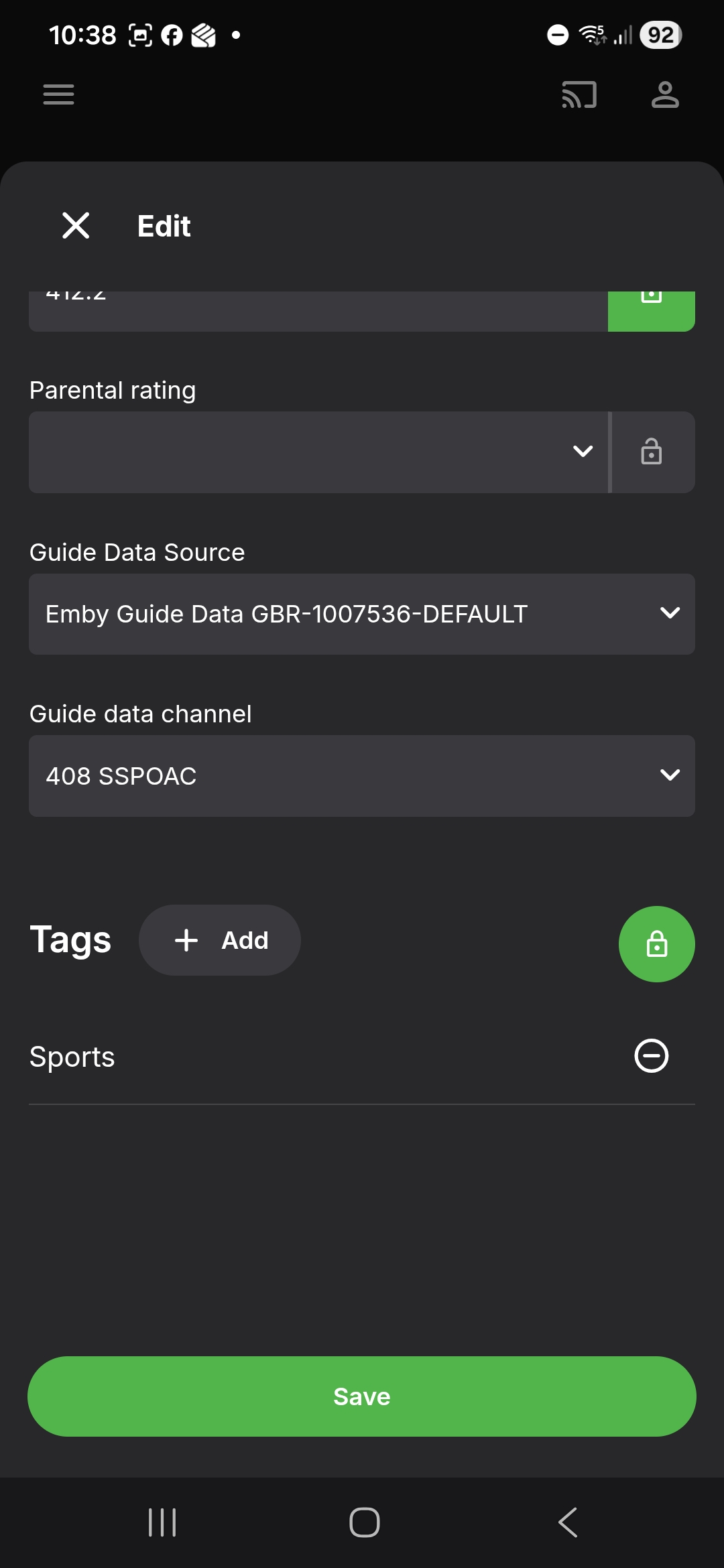
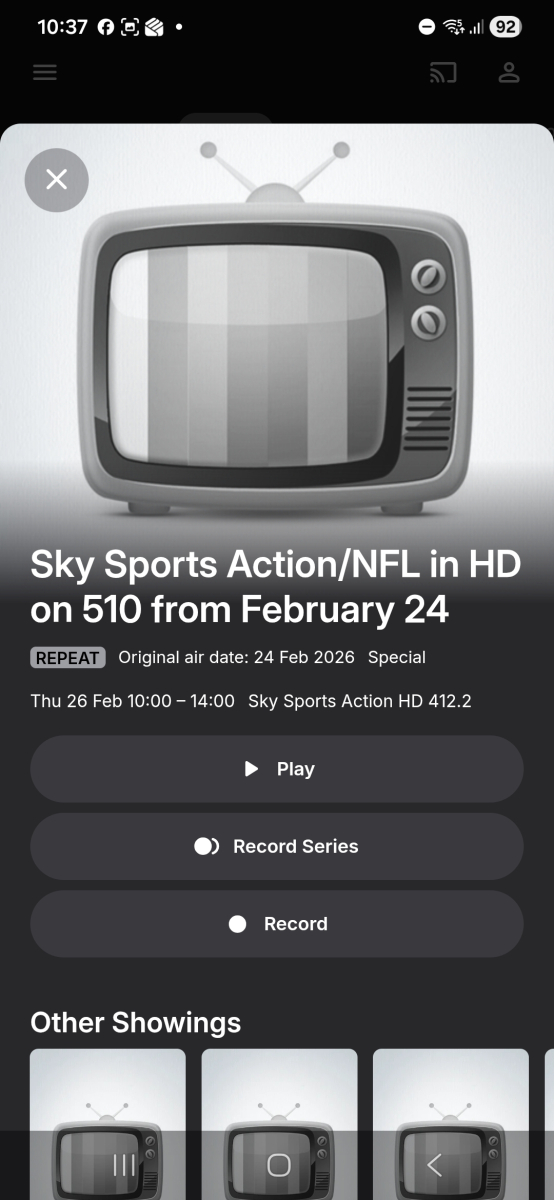
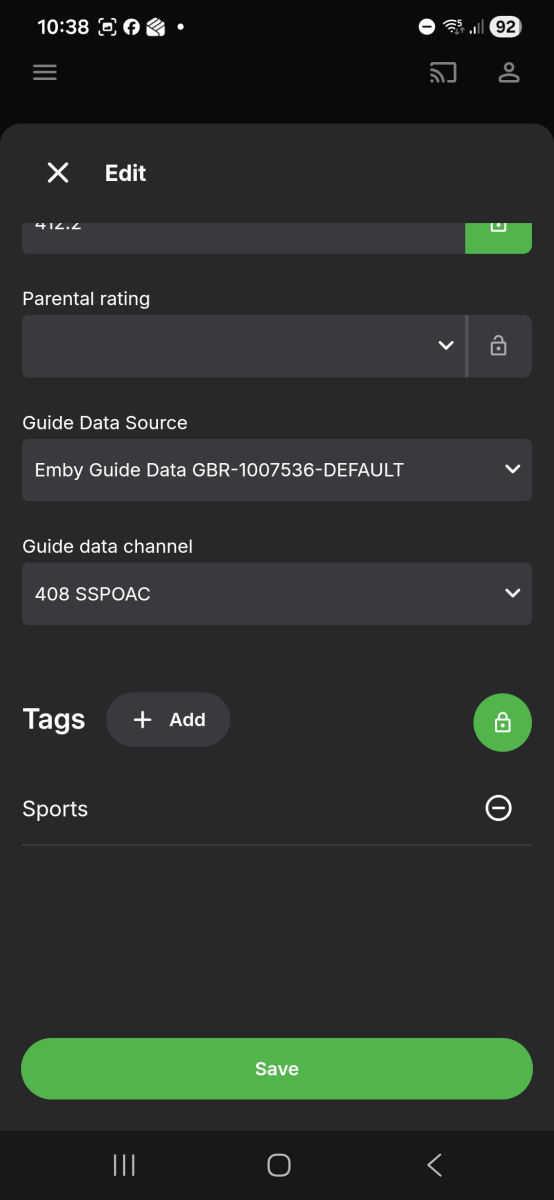
Thank you - list becomes 402 - SSPOPL - Sky Sports Premiere League (schedule references 502) 404 - SSPOCR - Sky Sports Cricket (schedule references 505) 406 - SSPOF1 - Sky Sports F1 (schedule references 507) 408 - SSPOAC - Sky Sports Action/NFL (schedule references 510) 417 - TNTSP3VM - BT Sports 3 (schedule references 529) The channel numbers issue I think is less important as users can match them manually. So I will refer the issue with the schedules for these first
-
Suggestion: Built-in Social Media Video Import (Instagram, etc.)
jackmoris436 posted a topic in Feature Requests
Hello Emby Team and Community, First of all, thank you for such a powerful and flexible media server. Emby has become an important part of how many of us manage and stream our personal content. I wanted to suggest a possible future feature that could make Emby even more useful for some users: This could work like a simple instagram downloader for public videos, focused only on personal and offline use. Many users discover short videos, reels, or clips on Instagram that they would like to keep for personal offline viewing or add to their local media collection (for example, educational clips, travel videos, or creative content). Currently, this usually requires third-party tools and manual steps. It would be great if Emby could offer something like: an optional tool or plugin to import public Instagram videos simple URL-based importing saved videos appearing directly in the media library full respect for platform rules and personal use only This would not be for redistribution, but only for private libraries and offline viewing, similar to how people already manage downloaded media files. I understand there may be technical and policy challenges, but I wanted to share the idea and see what others think. Maybe this could be implemented as a plugin rather than a core feature. Thanks for your time and for all the great work on Emby. Best regards, Jack Moris -
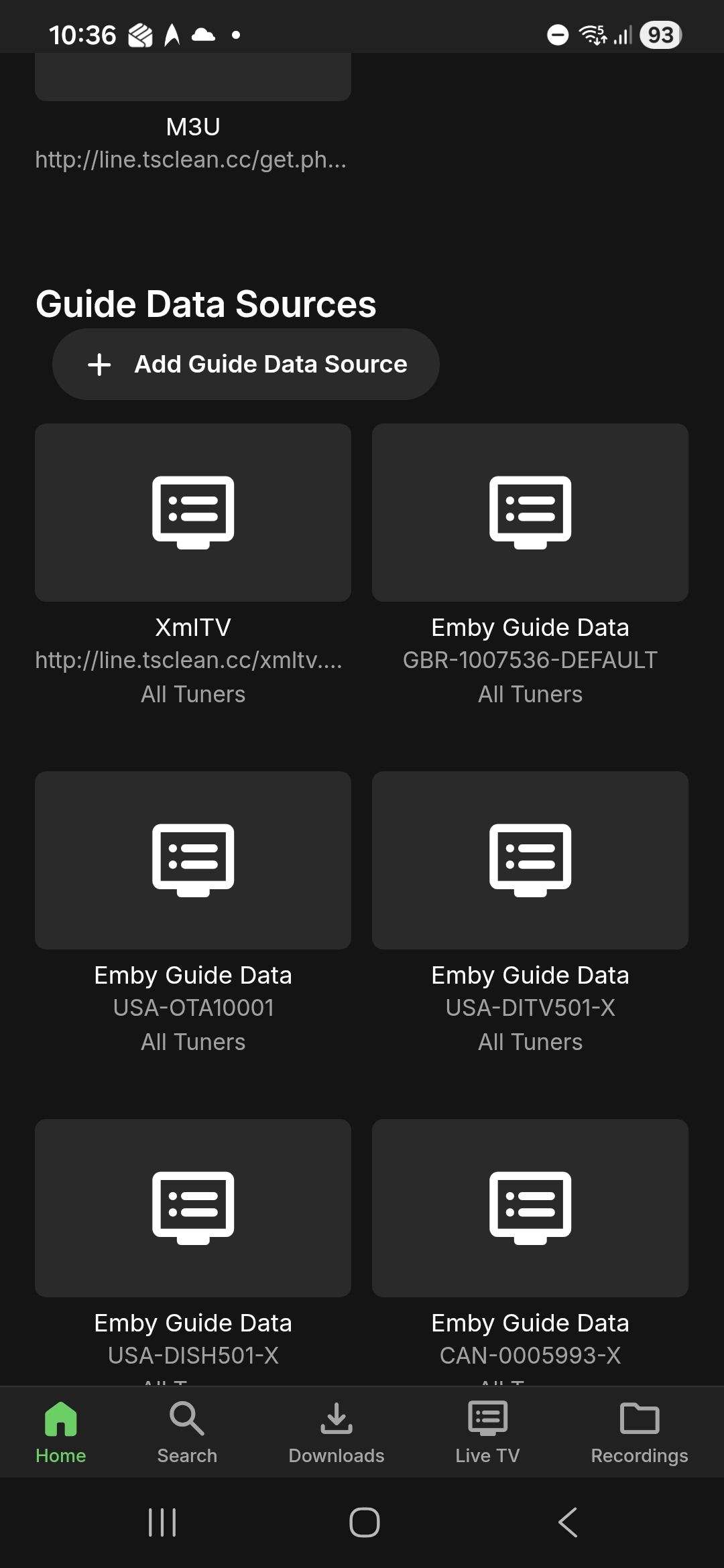
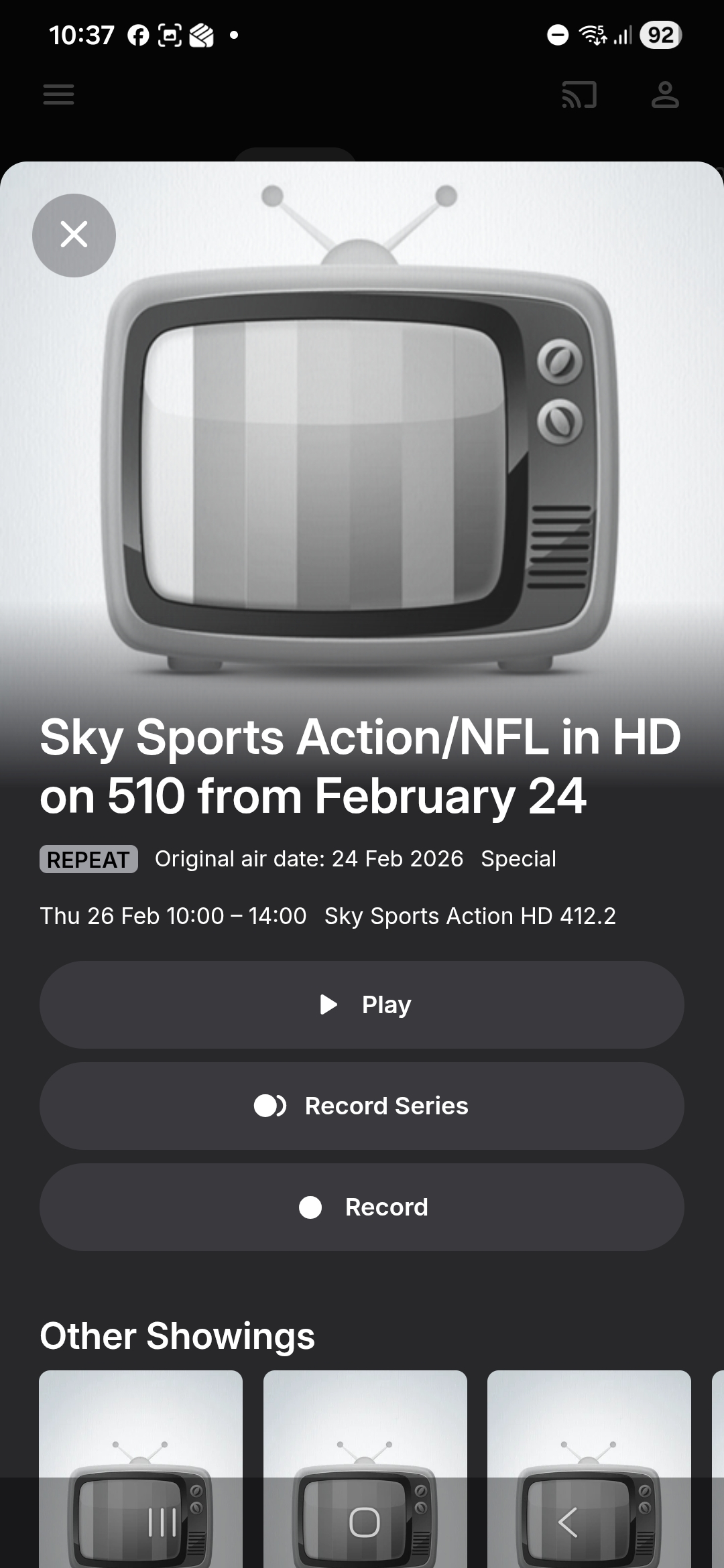
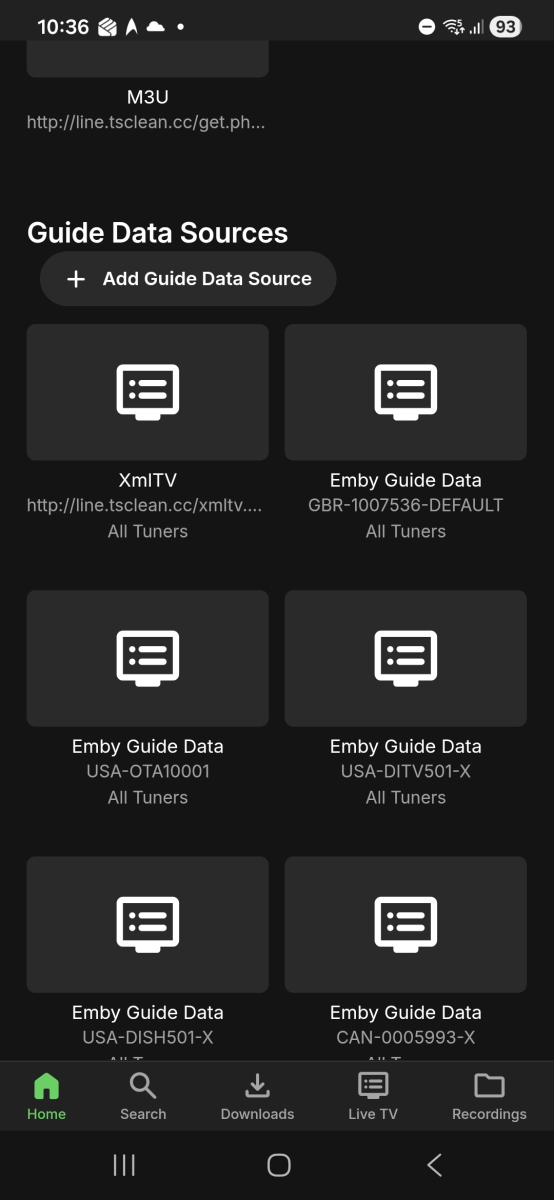
1st screenshot of tuner page 2nd screenshot of programme info 3rd screenshot: mapping
-
Hi @visproductionI have no idea if my family's Chromebook was recently updated. It is an Acer Chromebook bought from 3 years or so ago. The Emby app on Chromebook is the issue here and not Chrome browser. It plays fine in Chrome browser (MP3 or AAC). It is the Emby for Android app that is having audio issues for certain audio codecs. It does not convert it to a compatible audio codec when playing media in Emby app. I will check the troubleshooting guide when I have the time. Thanks for the info.
-
Because of the issues with channel numbers, I need to know the channel number for this in the lineup that you are using. So check your channel mapping and you can give me the channel number and how it appears on the screen when you map Also I need confirmation that your Sky Q lineup is the lineup with this ID: GBR-1007536-DEFAULT You can find the ID on the Server Settings for Live TV Setup tab screen So far I found these 402 - Sky Sports Premiere League (schedule references 502) 404 - Sky Sports Cricket (schedule references 505) 406 - Sky Sports F1 (schedule references 507) 417 - BT Sports 3 (schedule references 529)
-
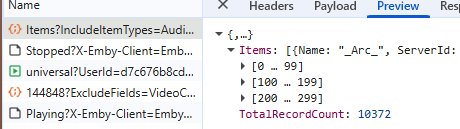
This one's a little difficult to explain. I have a library of 10k+ songs and when shuffling, only a portion of the items (given it's sorting) are played. My goal is to press shuffle, and have my complete library be shuffled, without the shuffled playlist being restricted by the current sorting. Reproduction is easy: 1. Go to Songs tab 2. Set sorting to title (arrow up) 3. Press shuffle Expected result Items are shuffled regardless of their title. Actual result Only items that have a higher sorting results (starting with numbers, special characters, etc) will be played. This can also be reproduced by sorting by year. 1. Go to Songs tab 2. Set sorting to year (most recent first) 3. Press shuffle Expected result Items are shuffled regardless of their year. Actual result Only items that have a "higher" year are played, older entries are completely skipped. --- Update Looking at the request, it seems like Emby filters the first 300 items when shuffling: XXXXX/emby/Users/XXXXX/Items?IncludeItemTypes=Audio&Fields=BasicSyncInfo%2CCanDelete%2CCanDownload%2CPrimaryImageAspectRatio%2CProductionYear%2CStatus%2CEndDate%2CCommunityRating%2COfficialRating%2CCriticRating&StartIndex=0&SortBy=SortName&SortOrder=Ascending&ParentId=109144&EnableImageTypes=Primary%2CBackdrop%2CThumb&ImageTypeLimit=1&Recursive=true&Limit=300&X-Emby-Client=Emby+Web&X-Emby-Device-Name=Google+Chrome+Windows&X-Emby-Device-Id=60ceb367-6fcb-4be3-bbea-025a12a39fc6&X-Emby-Client-Version=4.9.3.18&X-Emby-Token=XXXXX&X-Emby-Language=en Where "&SortBy=SortName&SortOrder=Ascending" seems to be the culprit. Replacing it with SortBy with "SortBy=Random&SortOrder=Ascending" or just simply selecting the Random sort, seems to resolve the issue. Conclusion Why has been decided to use the current sorting when pressing the Shuffle button. Shouldn't this ALWAYS SortBy=Random? What's the point of sorting at all when shuffling?