All Activity
- Past hour
-
There's a new plug in for Emby that's a game changer for live TV that renewed my interest.
-
 TomWaldron joined the community
 -
 Omarmla joined the community
 -
Yea, one of them was @Luke
-
 RobertWaller joined the community
 -
 franciscavalleg joined the community
 -
 Al3qrab2 joined the community
 -
 Yummah joined the community
 -
 yzg197381@163. com joined the community
 -
 Zoey888 joined the community
 -
 IshrukhM joined the community
 -
I'm creating a plugin with 2 pages, a config page and a report page and trying to use PluginUI (no embedded html/js) I can't get the config page to appear when you click on the plugin in the catalog (or select settings from the context menu), instead it just displays the report page This is what I'm setting in the controller public PluginConfigPageController(string pluginId) { PluginId = pluginId; PageInfo = new PluginPageInfo { Name = "Configuration", DisplayName = "Settings", MenuIcon = "settings", EnableInMainMenu = false, IsMainConfigPage = true, EnableInUserMenu = false, }; } For the report page I have IsMainConfigPage = false If I don't include the report page at all (remove it from the list of UIPageControllers) then the settings page is shown when clicking on the plugin, so it seems like it just picks one from that list to display and ignores IsMainConfigPage?
- Today
-

All types of Movie extras are incorrectly categorized as "Extras".
pwhodges replied to LZSYSTEM's topic in General/Windows
To enlarge on this a little: the way to get separate folders to remain visible as such in Emby is to specifically avoid using the names it recognises - precisely because those get combined! However, if these "unrecognised" folders contain names which Emby recognises as being specials (e.g. with s00e0n in the name) these may appear in the Specials folder as well - care and experimentation is required to get a tidy result, and future versions of Emby may break it again, because it's not supported. Paul -
Having this issue on the Emby App as well as the browser(s) and was able to reproduce it every time when I went for a run yesterday: 1. Open the Emby App 2. Go to an Album 3. Play the album and turn off screen 5. After (almost always, exactly) 2 songs, playback stops Skipping next, picking another song in the playlist does nothing, playlist is unusable now 6. Stop playback using the square button 7. Click the next song in the playlist -> repeat from step 5 It seems to be some sort of sleep mode issue, not disabling the screen has less issues but eventually (after about 10 songs or so, also in Chrome) the same issue will occur. Issue also seems to occur with audiobooks / chapters.
-
I see there is a difference between transcode (working subtitles) and remux (not showing subtitles). This used to work a couple of days ago.
-
Ok Can you guide me more clearly where this option would be in my TV’s app cause I’ve already tried to lower the quality on a movie or serie that I’m watching for example 480p 1mbs and same result I’ve also tried 480p 4mbs and auto and also the same freezing result. It freezes every 3-5 minutes or so :/ Hope to be able to get a solution
-
I had no choice but to make a backup, uninstall Emby, and reinstall it, but with version 4.8.11.0, the subtitles and playback on LG work perfectly. It's a shame; I've had this error for three months now, and they keep saying it will be fixed in the next server update, but it never comes!
-
I suggest changing the password for the username on the server and you try yourself again with the new password and manual login.
-

Plugin: EmbyCredits, detect end credits and add auto skip.
yocker replied to yocker's topic in Plugins
With the beta? -

embyforkodi (next-gen) 12.X.X support
JONNHYDARK replied to quickmic's topic in Emby For Kodi Next Gen
Hi there! First off, I'm a super heavy Emby user and I've been following your work with the latest plugins. I really appreciate what you do. I have a quick question/suggestion. I love customizing my library by replacing actor and crew images in Emby with my own preferred headshots. However, I noticed that when I do this, the changes don't sync over to Kodi via the plugin. It seems like the plugin is always pulling the latest actor images directly from the TMDB API in real-time. Is there a setting in the plugin I'm missing to fix this? If not, would you consider adding a feature in the next update to respect the local artwork changes made in Emby for both movies and TV shows? Thanks for listening! -
Thanks. I just noticed the issue might be coming from the Emby server, since it happens here as well as on iOS and Android.
-

Plugin: EmbyCredits, detect end credits and add auto skip.
rechigo replied to yocker's topic in Plugins
Is mark failed episodes for future skipping known to not work? I just ran the scheduled task once to detect and fail everything, and when I went to run it again it tries detecting all failed credits again -

All types of Movie extras are incorrectly categorized as "Extras".
crusher11 replied to LZSYSTEM's topic in General/Windows
How is this response helpful? It's very obvious from their post what the problem is, and that Emby is behaving as designed. @GrimReaperand @RanmaCanadahave already provided the correct information. It really does seem like you just copy-paste this into threads without reading them, and it becomes very frustrating, especially on the (increasingly frequent) occasions where those instructions are followed and it's then days/weeks before any further response. -
.thumb.jpg.a44951e234bae6ac09f6071c2916c924.jpg)
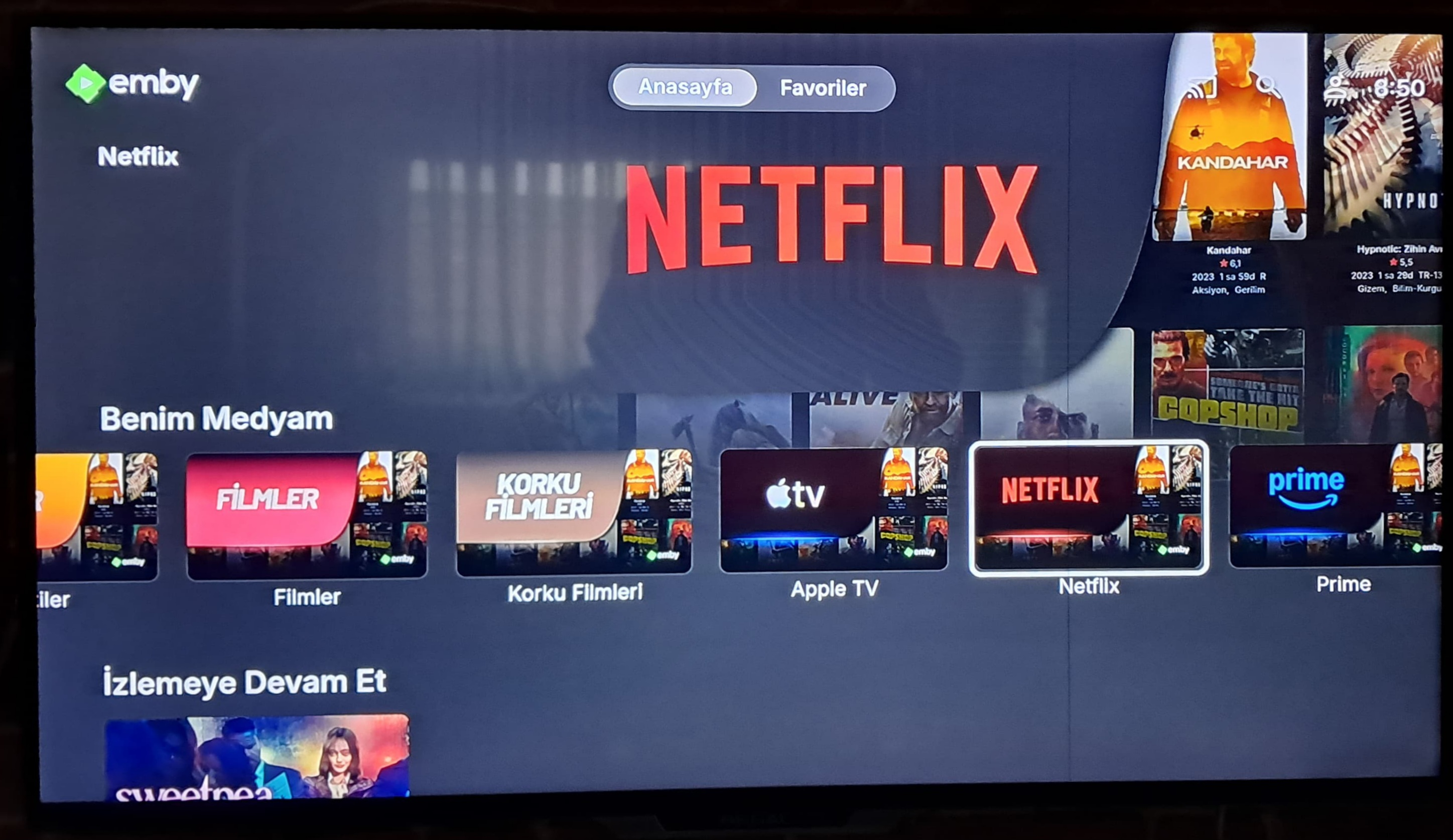
Emby Home – “My Media” Categories Visuals
HakanDemir replied to HakanDemir's topic in Fan Art & Videos
Google Chromecast Tv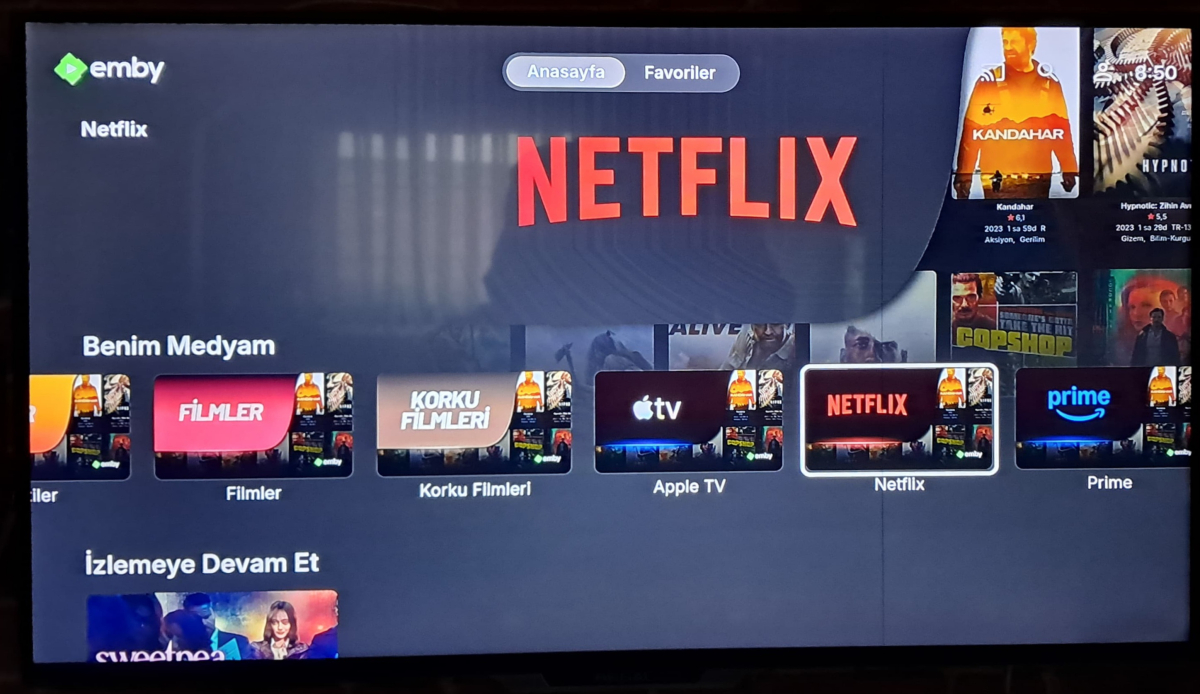
-
Thanks It Worked
-
For as I know, the password was entered correctly. I will give that a try today. Okay, I just tried it myself, it will not allow me to login. It says, "Invalid username or password. Please try again." *I was able to sign into his account remotely. When he tried to sign in, it told him "sign in error, try later.' For him, he says it as is something is blocking him. Once he type in the information, it spins as if trying to login in and comes with the try again message.
-
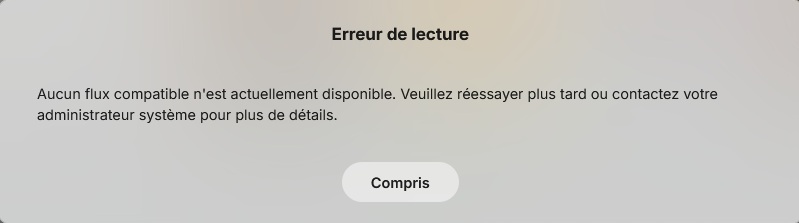
J'ai emby qui fonctionne sur un NAS Synology DS218+ en Docker mais impossible de lancer une chaine TV J'ai HD Home run qui lui fonctionne bien : je viens de vérifier j'arrive à lancer une chaine TV dans VLC Ci-joint le Docker Compose : fichier : Emby Docker 2.txt Et voici les logs : embyserver.txt Le message d'erreur Par avance merci de votre aide Martial Emby Docker 2.txt embyserver.txt
-
Hi there, let's look at an example. Please attach the information requested in how to report a media playback issue. Thanks!
-
Buongiorno Luke, ti ringrazio, ma ho risolto. Ho disinstallato Emby dal Nas ed ho rifatto l'installazione da zero. Ora ho solo un problema che con Apple TV da remoto con protocollo HTTPS, non riesco a vederlo e non capisco il perchè (HTTP non ho provato) Con Firestick invece non ho problemi. Grazie per l'interessamento.
-
Hi, we'll take a look at it. Thanks.
-
OK this screen doesn't have the image size option. You'd have to go into display settings and change the default for the entire app.
-

All types of Movie extras are incorrectly categorized as "Extras".
Luke replied to LZSYSTEM's topic in General/Windows
HI there, can you please provide a specific example? How to Report a Problem Thanks ! -
Hi, I would try lowering the quality setting in the app and see if that helps. When you're on a remote connection it will usually help with something like this.
-
Kein Kompatibler Stream verfügbar wenn Verbindung über NPM hergestellt wird
Luke replied to Brudertac's topic in German
@Brudertachave you compared your reverse proxy settings to this?