All Activity
- Past hour
-

Unable to connect using Emby on VegaOS
stevied421 replied to Wonderstuf's topic in Android TV / Fire TV
@SamESany update or progress just wondering -
 Mikegambi joined the community
 -
 Mimi-2a2aaa joined the community
 -
 fletchmini joined the community
 -
 twoins4me joined the community
 -
 Karol bastidas joined the community
 -
 Lukestergtfc joined the community
 -
 Lambmeister joined the community
 -
 jadestar3823 joined the community
 -

Home Screen Favorites Tab Remains Selected After Home Navigation
scottpro replied to scottpro's topic in Web App
It is very simple to reproduce the issue. If using a mouse: Start from the Home screen. Click on the Favorites tab at the top/middle. The Favorites screen is displayed. Do not click on any movies. Now press the Home key on the keyboard. The Home screen now appears but the Favorites tab is still selected. If using a keyboard: Start from the Home screen. Use the direction arrows and highlight the Favorites tab. The Favorites screen is displayed. Do not use the direction keys while in the Favorites screen. Now press the Home key on the keyboard. The Home screen now appears but the Favorites tab is still selected. This is not a big issue, but just wanted to report it to the dev team. Correction: The Home icon is not present on the Favorites screen so only the keyboard Home key or Remote Home button are used in this case. -
 Saudalrashidi joined the community
 -
 Moazzam fayyaz joined the community
 -

Emby Upgrade from 4.9.5.0 --> 4.10.0.40 Album/Song Parental Ratings Missing
HanSolo replied to HanSolo's topic in Linux
I'm not sure what you mean by "removal of the media" as I didn't remove any media. Should I have not restarted the machine after the upgrade and just let it be for a while? I mainly use my Emby server for music with some TV Shows and Movies. I have a user where the maximum allowed parental rating is "TV-Y/APPROVED/G/E/EC/TV-G" and "Block items with no or unrecognized rating information" is enabled in all libraries for that user. This means no music shows up because I've never seen any that the rating field is auto populated, I then go and change the parental rating in the meta data to "APPROVED." I do this for the Artist, Album, or/and Tracks depending on what I want. There is another thread where I reported that under the restricted user the albums are not showing up under the Music section in the UI, to work around this I've been using playlists which isn't ideal. Here is a link to the thread I looked through the logs, seems they're gone. I should have thought to save them on the day I upgraded, I'll try to do so in future. Thanks, HS -
Not sure if it helps but here's some logs, another freeze happened a few moments ago, it seems when another device comes online and loads the menu page the streams all freeze for all other devices that are playing for a few moments. embyserver (2).txt ffmpeg-directstream-cc11322c-407f-413d-a141-9edfbfc34c60_1.txt ffmpeg-directstream-6bf08e3f-12a7-4624-8cb1-c7b7e7d0dfe0_1.txt ffmpeg-directstream-70311b96-7a23-40d2-b4bb-55cab7ad0048_1.txt
-
Unable to connect using Emby on VegaOS
stevied421 replied to Wonderstuf's topic in Android TV / Fire TV
@Lukecan you walk me through how to do that or link me to a video that will show me I’ve never done it -

Emby server/client - ReplayGain or R128 volume normalization support for music
ryancey replied to Espen JQ's topic in Feature Requests
Thanks for those users, but why the silence between end of July "I don't have an ETA" and early october with a full blown release of the feature? - Today
-
I am unable to see movies and tv series on my sky glass login on the fire stick. This seems to have been happening since the stick crashed, and hasn’t recovered. Any idea what the issues is?
-
I love the interface but the 30 second skip is very unreliable. The first time I skip it works and shows the timeline photo. If I quickly hit it again the photo doesn’t update and it pauses so I have to hit the play button again. Is that normal?
-
Thanks for quick reply Problem solved. Noticed Permission denied in logs so ran script to give all media files 777 permission and now works. Problem seems to be I somehow lost permissions when coping over files.
-
What you describe, however, is a delay in delivering the file to the player from the server. The 13% is an arbitrary number Roku seems to pick that basically means it is waiting on the first part of the file. Typically, this is due to either network issues or perhaps a delay in accessing the file - like a drive needs to spin up. I don't see any evidence of a delay in the logs you provided though.
-

Nvidia Shield not available for sale - alternatives?
yocker replied to Mister Steve's topic in Hardware
I've never gotten Dolby Vision to work in any great way on my Windows machine with a Nvidia card. I would try Linux but knowing the history Linux has with Nvidia i doubt it will work any better. -
Hi. Are you sure that log had the issue? It looks like from click to playback start is about 2 seconds... 2026-10-07 08:40:04.335 Info MediaInfoService-0HNP3R0G05KCF:00000041: http/1.1 Response 200 to host4. Time: 3ms. POST http://192.168.40.157:8096/emby/Items/394519/PlaybackInfo?UserId=x_secret5_x&mediasourceid=mediasource_394519&starttimeticks=00000000&audiostreamindex=1&isplayback=true&autoopenlivestream=true&maxstreamingbitrate=80000000&subtitlestreamindex=-1. 2026-10-07 08:40:06.430 Info VideoService-0HNP3R0G05KDF:00000001: http/1.1 GET http://192.168.40.157:8096/emby/videos/394519/original.mkv?DeviceId=09509377-910a-5c8e-9e82-60bb0d8821cc&MediaSourceId=mediasource_394519&PlaySessionId=b55674b5e9ca4126a9541e9287489831&api_key=x_secret6_x. Source Ip: host4, Accept=*/*, Host=192.168.40.157:8096, User-Agent=Roku/DVP-16.0 (16.0.4.821-30) 2026-10-07 08:40:06.701 Info PlaystateService-0HNP3R0G05KCF:00000043: http/1.1 POST http://192.168.40.157:8096/emby/Sessions/Playing. Source Ip: host4, UserAgent: Roku/DVP-16.0 (16.0.4.821-30) 2026-10-07 08:40:06.703 Info SessionManager: Playback start reported by app Roku SG 4.1.70 on Trevor's TV playing 28 Days Later. And from the app side, from the first buffer to playback starting is less than a second.
-

RTM (inotify) doesn't seem to be working on Diskstation 7.1
Manp82 replied to Manp82's topic in Synology
Yes, that’s the first thing i checked even tho i have no inotify related errors in the logs. i had that script running on startup for god knows how long, I don’t even remember why i added it but it was already there when i noticed RTM wasn’t working. thanks for your reply. -

Nvidia Shield not available for sale - alternatives?
RanmaCanada replied to Mister Steve's topic in Hardware
DolbyVision works fine in Windows 11 with the right hardware. No issues on my 3080 or my i5-1235u when hooked up to my TV. They will correctly play every profile my TV's support. It's when you get to the FEL profiles that almost zero hardware supports, that you run into issues, as every TV these days pretty much only supports streaming profiles of DV, and not UHD profiles. It also doesn't help that TV manufacturers don't explicitly list what profiles their TV's support. They just say DV.. -
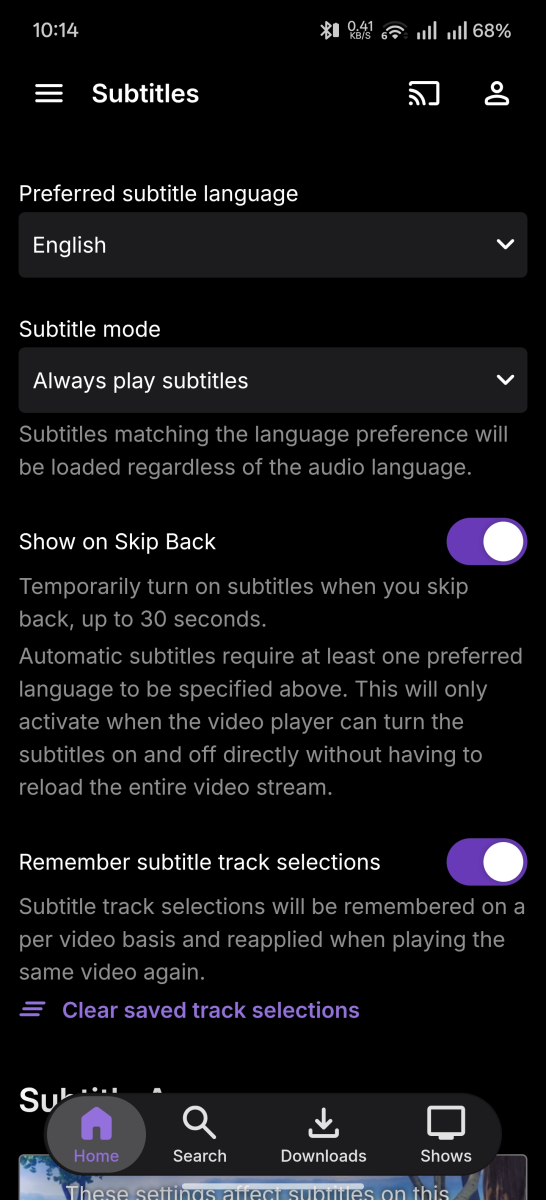
I managed to replicate the bug with logs turned on. Around 10:06 or 10:07, shortly after starting the player, subtitles were running normal, I pressed pause/play and the subtitles switched off. I have the lookback feature on so it might be related to that? emby_android_1791376599352.txt
-

RTM (inotify) doesn't seem to be working on Diskstation 7.1
Tremas replied to Manp82's topic in Synology
Perhaps nevermind... you did mention you had a script running. -
No, this is a local connection. It is set to Auto
-
Https does work but it needs to be a certificate that the device accepts.
-
Hi, is this on a remote connection? What is the quality setting in the app set to?
-

Emby server/client - ReplayGain or R128 volume normalization support for music
Luke replied to Espen JQ's topic in Feature Requests
In theory that might work. Maybe not on every platform but I’m sure some could do that. -
Emby server/client - ReplayGain or R128 volume normalization support for music
Luke replied to Espen JQ's topic in Feature Requests
Windows uses the native audio player which I think will fall into the same bucket, but we intend to switch to mpv, so that will help with this. -
Hi there, please attach the Emby server log from when the problem occurred: How to Report a Problem Thanks!
-
I can create a folder in windows. I can then create a shortcut to a tv show, movie or anything else as its just a url link. I can create as many folders as I want. I could do this but it would be a lot easier just to do it in emby.
-
I've noticed poor playback performance on the Roku apps that has progressively gotten worse. It has recently gotten nearly unusable on Roku for me. When I select a title for playback, the app will sit and buffer on 13% for 30 seconds to a minute before actually starting playback. In some cases it will then be playing with video and audio out of sync, and I'll need to 'Attempt playback correction' 1 or 2 times, which also takes a while to process. In other cases it will look like it has started playback, but it will just be a black screen. These are direct plays on the local network. It seems to be worse for movies than shorter tv episodes. On other client apps (iOS, Chrome Web Browser), playback starts nearly instantly. It only seems to be Roku I'm having issues with. I've attached my embyserver log, and I sent the logs from Roku after triggering the issue. User Trevor attempted to start playback of '28 Days Later' at 11:58 AM ET on 10/7/2026. If any other examples are needed/wanted, I will be happy to provide. Thanks for any help. embyserver (2).txt
-
Unable to connect using Emby on VegaOS
stevied421 replied to Wonderstuf's topic in Android TV / Fire TV
And the https trick doesn’t work