
All Activity
- Past hour
-
 zz2198 joined the community
 -
 Mrcitrouille joined the community
 -

How to remove all fanart, add own and keep new from downloading?
MediaIntelNUC replied to MediaIntelNUC's topic in General/Windows
Im doing EXACTLY that right now, with individual movies aswell as movies in my collection folder with the goal of making it look sweet in Emby on my TV Yeah, i installed it yesterday, will figure it out during the weekend to see in what way i can use it for this project. Thanx 4 your reply! -
 1512353068@qq.com joined the community
 -

LG TV has a problem playing videos with embedded subtitles.
BroserBros replied to trekflix's topic in LG Smart TV
What server version did you back to? -
How to remove all fanart, add own and keep new from downloading?
MediaIntelNUC replied to MediaIntelNUC's topic in General/Windows
@Happy2Play So the Lock prevents both artwork download aswell as changes to the Nfo. info (IMDB ID,TVDB ID, episode titles etc..)? Ill try and change backdrops to 0. Also, does Emby ScreenSaver show files namned fanart and backdrop but just one of those? Thanx! -
 Cezary234 joined the community
 -
 Group_ joined the community
 -
 沈知意 joined the community
 -
 UFOsony joined the community
 -

Adding tmdbid tags in file name where there are multiple versions of a movie
Johnny_B replied to daleala's topic in General/Windows
So if I understand correctly, the only way how to include TMDB ID in the folder name & have a better looking version selection drop down list at the same time, is to set multi-version detection based on files and include [tmdbid=xxxx] also in the filename? -
The thread at the top of this subforum is for version 2.234.0.0, but I'm running 2.234.2.0. Where are the notes for that update? How are updates even handled on Windows? I don't think I've ever seen a notification about an update being available. How much longer until the Windows version supports the new home screen?
-
Hallo, Gibt es eine Möglichkeit den WAN Zugriff vom Smartphone ( bei mir Android ) oder anderen nicht im Heimnetzwerk Geräten ( Freunde / Familie ) so einzustellen dass diese Verbindung dauerhaft existiert? Ich habe das ganze schonmal mit "Plex" gemacht. Dort bezahlt man ein wenig Geld und der Zugriff vom Smartphone ect ist immer möglich. Emby bietet mir aber mehr Möglichkeiten im Abo (später wenn es läuft ). Bis jetzt läuft emby hervorragend im Heimnetzwerk und AUCH über Fernzugriff. Nur dass ich eben täglich oder alle zwei Tage mich mit einer neuen WAN Nummer Beispiel 46.64.109.187:8086 Nächsten Tag 46.64.152.259:8086 ... verbinden muss. Ich bin nicht vom Fach und brauch da wohl Eure Hilfe. Was benötigt ihr für "Daten" und wo finde ich diese? Das ist wichtig Anfänger ... Synology DSM 7.2.2 - 72806 Update 6 Vielen Dank im voraus Alex
-

Subtitle download - Language list - Show only preselected languages (not all), and fast scroll.
JonKanon posted a topic in Feature Requests
When download a subtitle the list of languages to choose from is way to long. I wish there were a setting so we could choose between show only ‘these languages”, or maybe chose favorites that will always be on top in the now LONG list. Takes for ever to scroll within the apps, or a fast scroll (left/right buttons for example). -

Suggestions from emby server not loading in Android tv
Luke replied to buhochileno's topic in Android
Hi there, please attach the Emby server log from when the problem occurred: How to Report a Problem Thanks! -
embyserverffmpeg-remux-cedabe20-9492-4852-8394-dfb30f23bbfb_1.txt.txt Hey There. Sorry for the late response. Between Work, Exams, Licensing, and the ER I've had a hell of a week. Please Let me know if this is the right information. Issue occured again today so I've grabbed those logs. Issue happened at approx 9:32pm. Let me know what else you need, I hope I got everything. Cheers.
- Today
-

Can't set correct metadata for a single anime
Abobader replied to Zibelas's topic in General/Windows
Hello Zibelas, ** This is an auto reply ** Please wait for someone from staff support or our members to reply to you. It's recommended to provide more info, as it explain in this thread: Thank you. Emby Team -
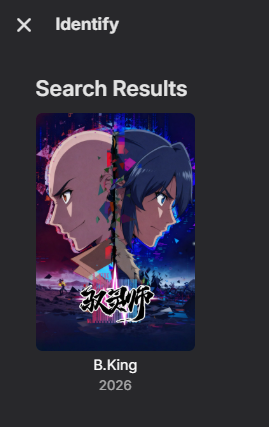
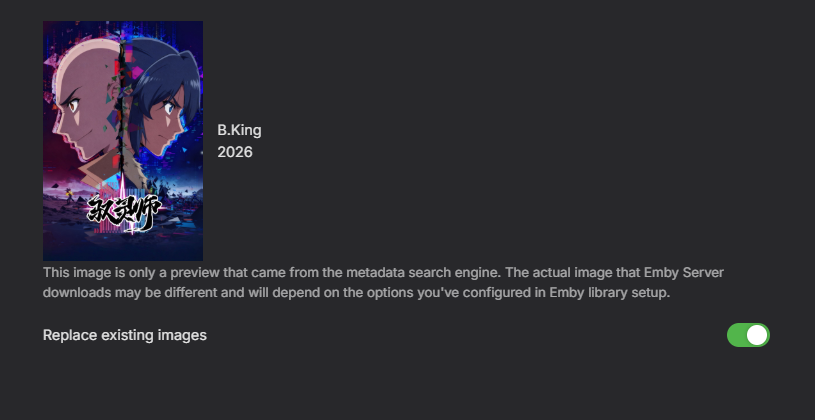
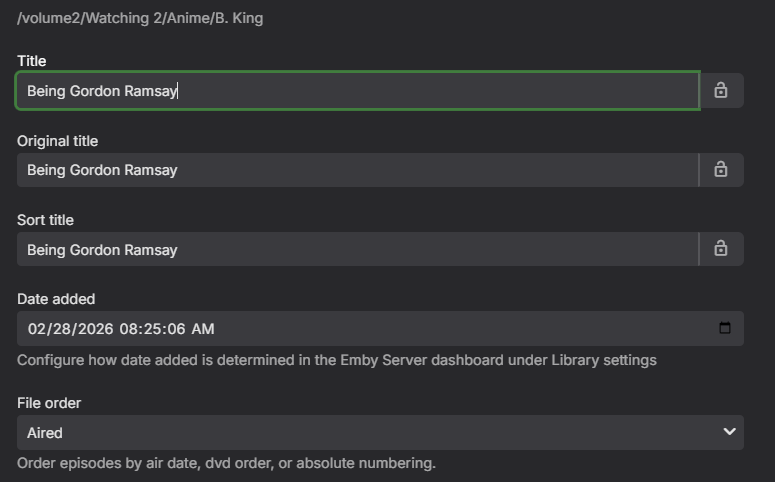
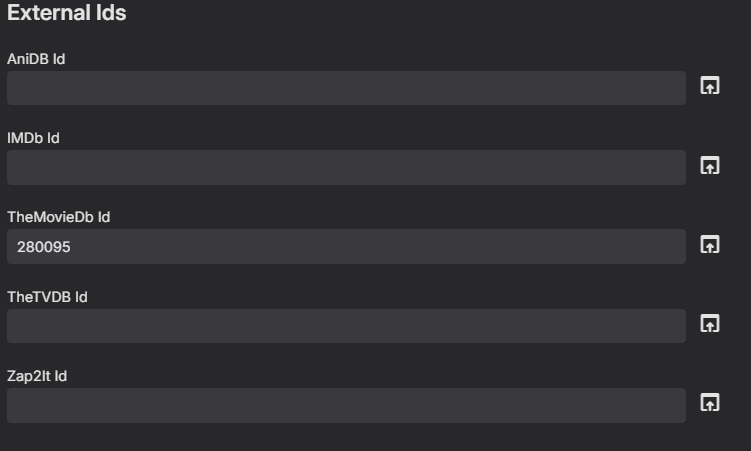
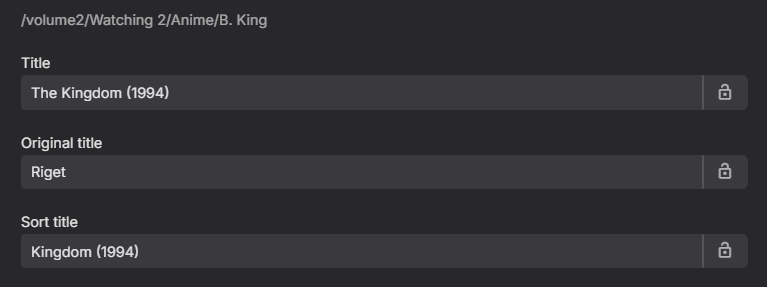
Im running Emby-Client-Version=4.9.1.80. Im having a hard time setting the metadata for this anime: https://www.themoviedb.org/tv/280095 Usually they get picked up automatically, but this one is not in my usual lookup database (TheTVDB). Removed identification. Added the correct id to themoviedb and hit refresh. It added a different series. Removed identification. Went to identity, added the link, it finds the correct one So far so good. But instead of loading the anie that I just specifically picked, it adds Removing all identification and adding just the correct ID to this selection It will find it as well on trakt. But when I hit now refresh meta data (or reselecting either option replace all meta data or search for missing meta data) will add a different series. First I thought the . in the name is the main problem, since in the logs it will throw some errors Data path: /var/packages/EmbyServer/var Application path: /volume1/@appstore/EmbyServer/system System.UnauthorizedAccessException: System.UnauthorizedAccessException: Access to the path '/volume2/Watching 2/Anime/B King/tvshow.nfo' is denied. ---> System.IO.IOException: Permission denied --- End of inner exception stack trace --- at Interop.ThrowExceptionForIoErrno(ErrorInfo errorInfo, String path, Boolean isDirError) at Microsoft.Win32.SafeHandles.SafeFileHandle.Open(String fullPath, FileMode mode, FileAccess access, FileShare share, FileOptions options, Int64 preallocationSize, UnixFileMode openPermissions, Int64& fileLength, UnixFileMode& filePermissions, Boolean failForSymlink, Boolean& wasSymlink, Func`4 createOpenException) at System.IO.Strategies.OSFileStreamStrategy..ctor(String path, FileMode mode, FileAccess access, FileShare share, FileOptions options, Int64 preallocationSize, Nullable`1 unixCreateMode) at System.IO.FileStream..ctor(String path, FileStreamOptions options) at Emby.Server.Implementations.IO.ManagedFileSystem.GetFileStream(String path, FileOpenMode mode, FileAccessMode access, FileShareMode share, Int32 bufferSize, FileOpenOptions fileOpenOptions, Int64 preAllocationSize) at NfoMetadata.Savers.BaseNfoSaver.SaveToFile(Stream stream, String path, LibraryOptions libraryOptions, CancellationToken cancellationToken) at NfoMetadata.Savers.BaseNfoSaver.Save(BaseItem item, LibraryOptions libraryOptions, CancellationToken cancellationToken) at Emby.Providers.Manager.ProviderManager.SaveMetadata(BaseItem item, LibraryOptions libraryOptions, ItemUpdateType updateType, IMetadataSaver[] savers, CancellationToken cancellationToken) Source: System.Private.CoreLib TargetSite: Void ThrowExceptionForIoErrno(ErrorInfo, System.String, Boolean) InnerException: System.IO.IOException: Permission denied Source: TargetSite: It is missing the . in the Access to the path '/volume2/Watching 2/Anime/B King/tvshow.nfo' is denied. But even if I name the folder B King without . it does not find the correct anime with providing correct id's.

-
321 Great Mystery maps but no listing. There were listings prior
-
Looks like they have gone through the entire guide and corrected things - a lot of channels needed remapping. Although one channel is now missing that was there before. Channel 970 - BBC Red Button
-

Suggestions from emby server not loading in Android tv
seanbuff replied to buhochileno's topic in Android
-

Search is returning too many results
Jonathan1683 replied to Jonathan1683's topic in General/Windows
Thanks for the quick responses, this does work on the PC. It doesn't seem to work on the IOS app, but I still dont like how this works by default. Is there a way to change this behavior? I rather it just search like it's using quotes by default. Teaching everyone to use quotes seems like a complicated task lol. I feel like this was not how it use to function. -
I can split it up to independant horizontal and vertical controls somewhat easy. Each corner separately will be harder, will see what i can do.
-
If you add the quotes around the search it should do that. "death proof"
-
death+proof or "death proof" (with quotation marks).
-
Hello, Was there a recent change to the search engine? It seems search by each word separately instead of together. Say I search for "death proof" it shows every movie that has death or proof. This obviously returns 15+ results instead of the 1 result I want. Is there a way to turn exact search back on instead of searching by all words in the search field? Thanks for your help!
-
You would just setup tasks to do that yourself outside of Emby. It would be the same as the optimize media option that is in Plex, but you would handle that manually or use automated tools like tdar, or better yet, just get an intel N100 or N150 machine, or a 12th gen or newer laptop to be your Emby server. They will perform far better, and use minimal power. My i5-1235u server uses 15-20 watts, and mostly sits idle at 8 watts, about the same as a high powered LED light bulb.
-

Clicking on the heading for a library at the home page opens "suggestions" and ignores user settings
GrimReaper replied to Nestar's topic in General/Windows
There are already two entry points to desired landing tab for any library (My Media and sidebar), I prefer header click as-is, linking to Suggestions, mostly for content discovery. -
I don't understand why it can't just be an option. It doesn't have to be the default. I don't even care if it's a hidden option and I have to edit a config file somewhere.
-

Clicking on the heading for a library at the home page opens "suggestions" and ignores user settings
Happy2Play replied to Nestar's topic in General/Windows
They are two separate option per home screen and the latest headers should not just go to the library as the library is usually never sorted that way. My Media options will always be different then Latest Rows options. -

Clicking on the heading for a library at the home page opens "suggestions" and ignores user settings
Nestar replied to Nestar's topic in General/Windows
The suggestions page doesn't make sense as a follow up for that purpose. The home page shows 16 items. Clicking the library takes you to suggestions which also shows those exact same 16 items. If that were the logic it should be going to the full list and enabling sort by added date filtering automatically. As of right now you have to go to suggestions, then click again on the heading to get to the actual list and then manually add those sort options. So it takes several clicks to get to what you originally wanted to do. Rather than following the user settings and doing it in 1 click. -
Clicking on the heading for a library at the home page opens "suggestions" and ignores user settings
Happy2Play replied to Nestar's topic in General/Windows
Well the Latest Rows have always been Suggestions as that is how the page is sorted ie Latest/Release date. And Library entries will be per your home screen landing page setting.







