All Activity
- Past hour
-
I finally got the plugin to do what I need. I have a question, will a future release support imdb ratings?
-
 Abdka joined the community
 -
 Noam koriat1 joined the community
 -
 redfernPixel joined the community
 -
 1nwarrr joined the community
 -
 Begc_99 joined the community
 -
 Backwoodz87 joined the community
 -
 Mickaopazo joined the community
 -
 Rubyuggdrhgv joined the community
 -
I have decided to edit the files by removing ( , ) & [ , ] in order to have them accepted, by the current emby format. So we can close this discusion.
-

[BETA] Ear Wax - NOW AVAILABLE - Testers Wanted
ginjaninja replied to MarvinB's topic in Amazon Alexa
Working for me... - Today
-
they are video files, mainly home movies and ads where my son/grandaughter starred in that were done over the years. The setup in them did work fine along time ago with emby.
-
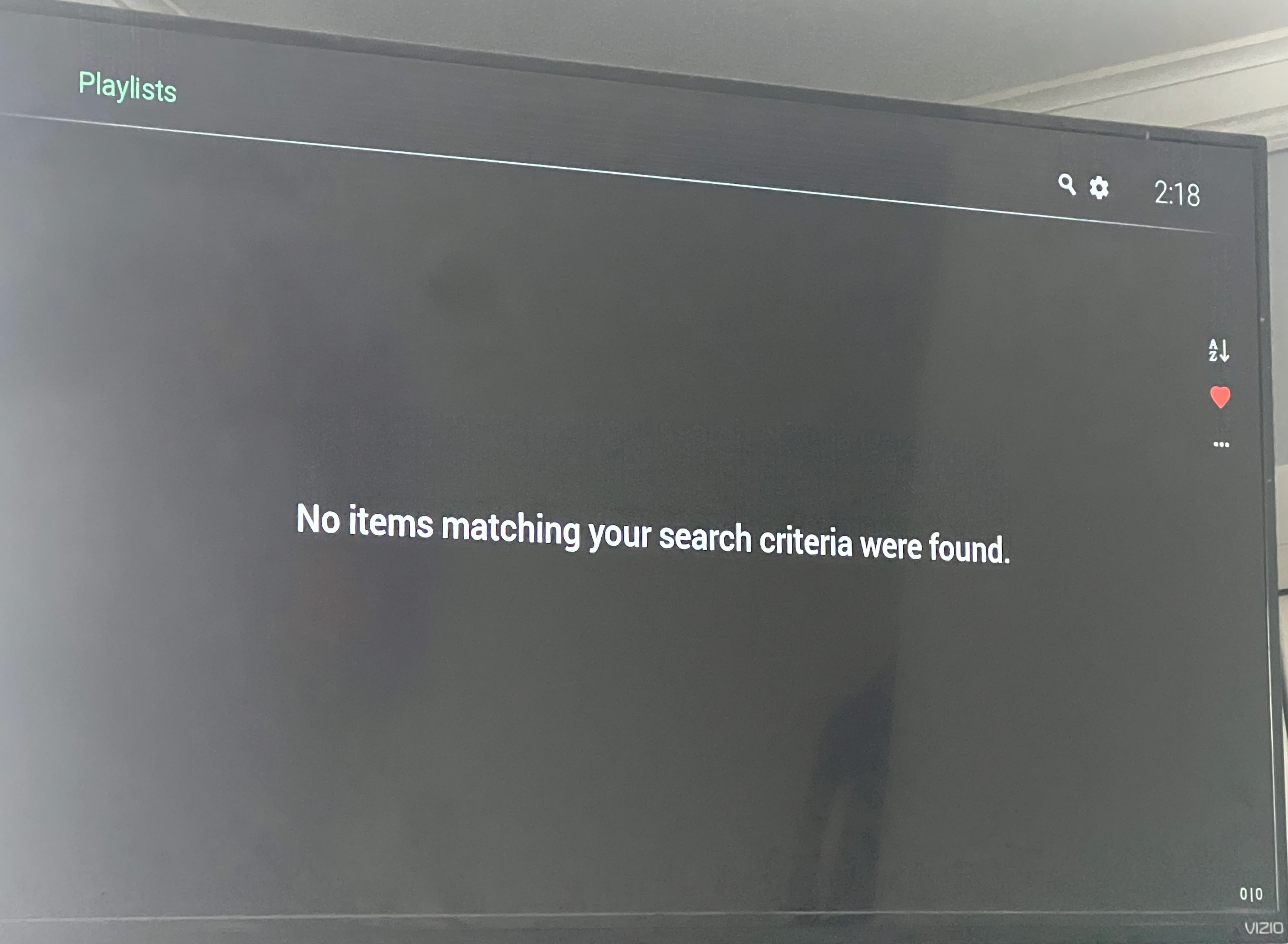
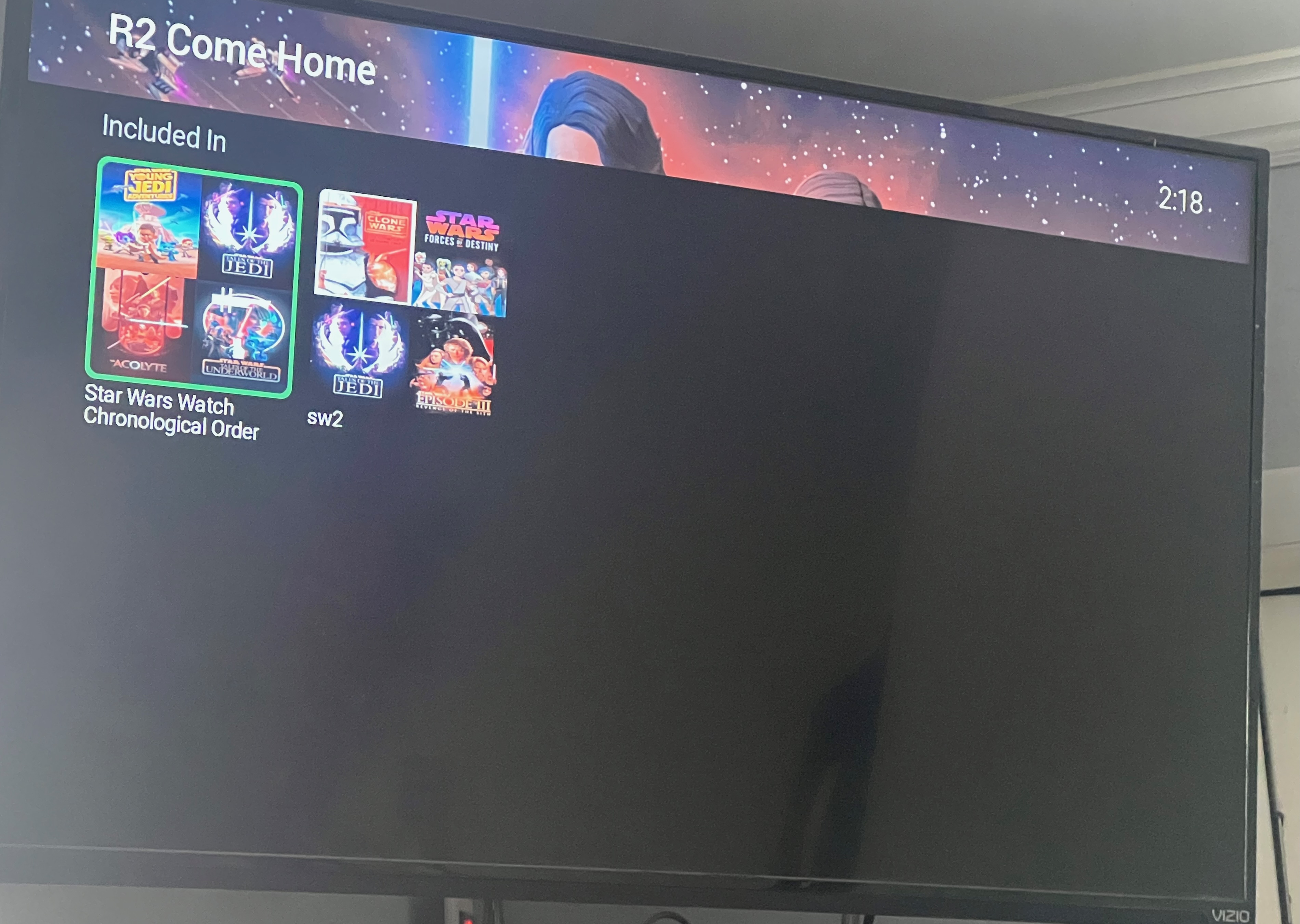
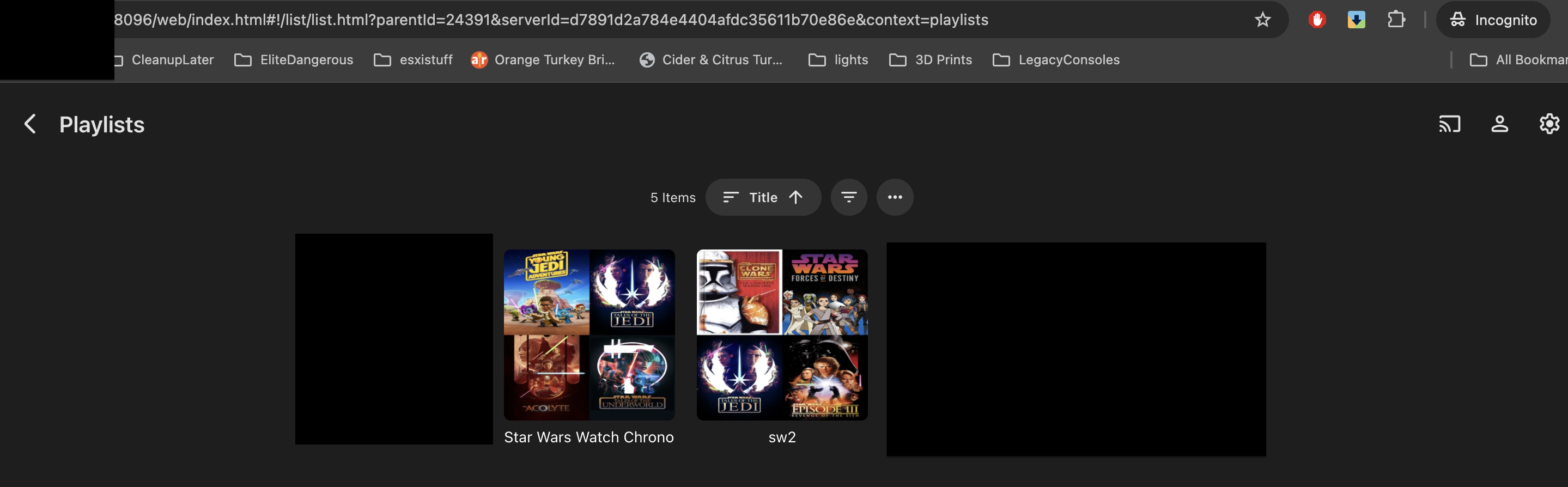
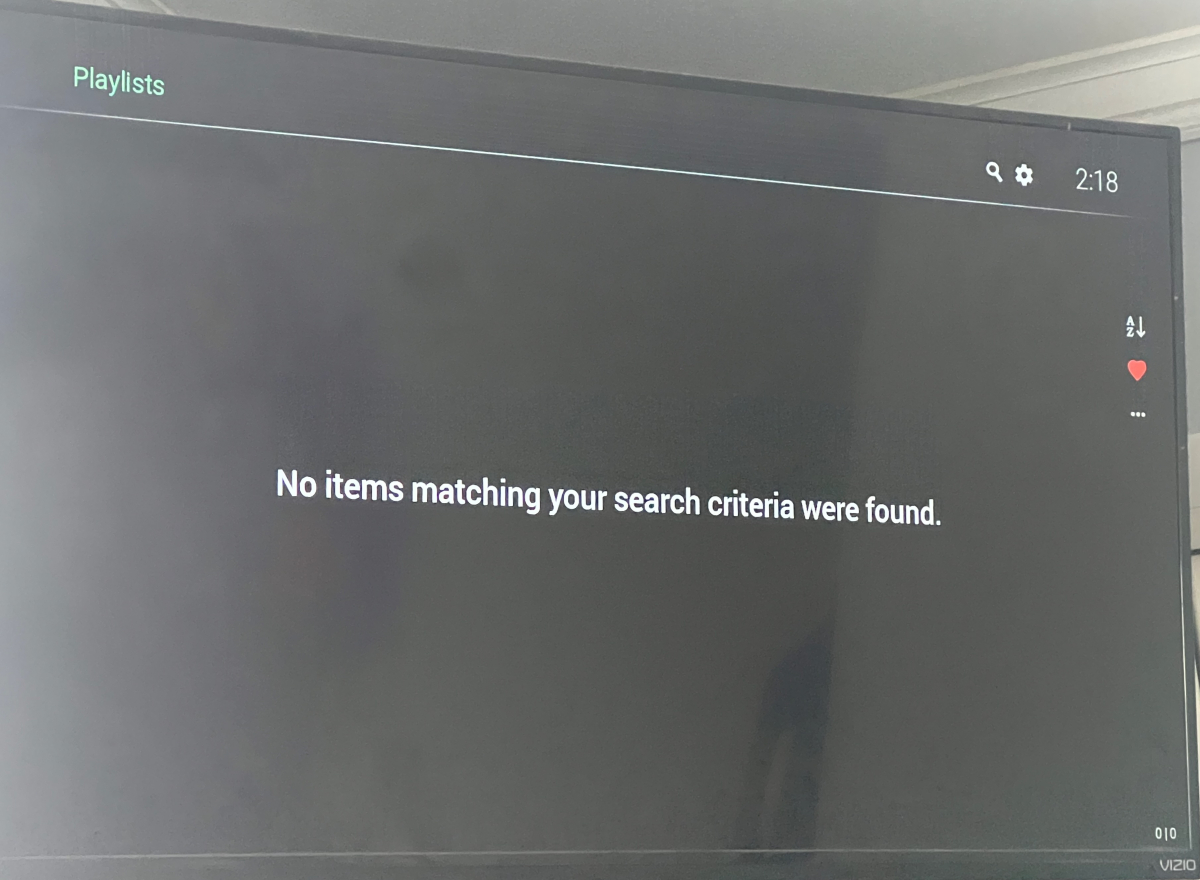
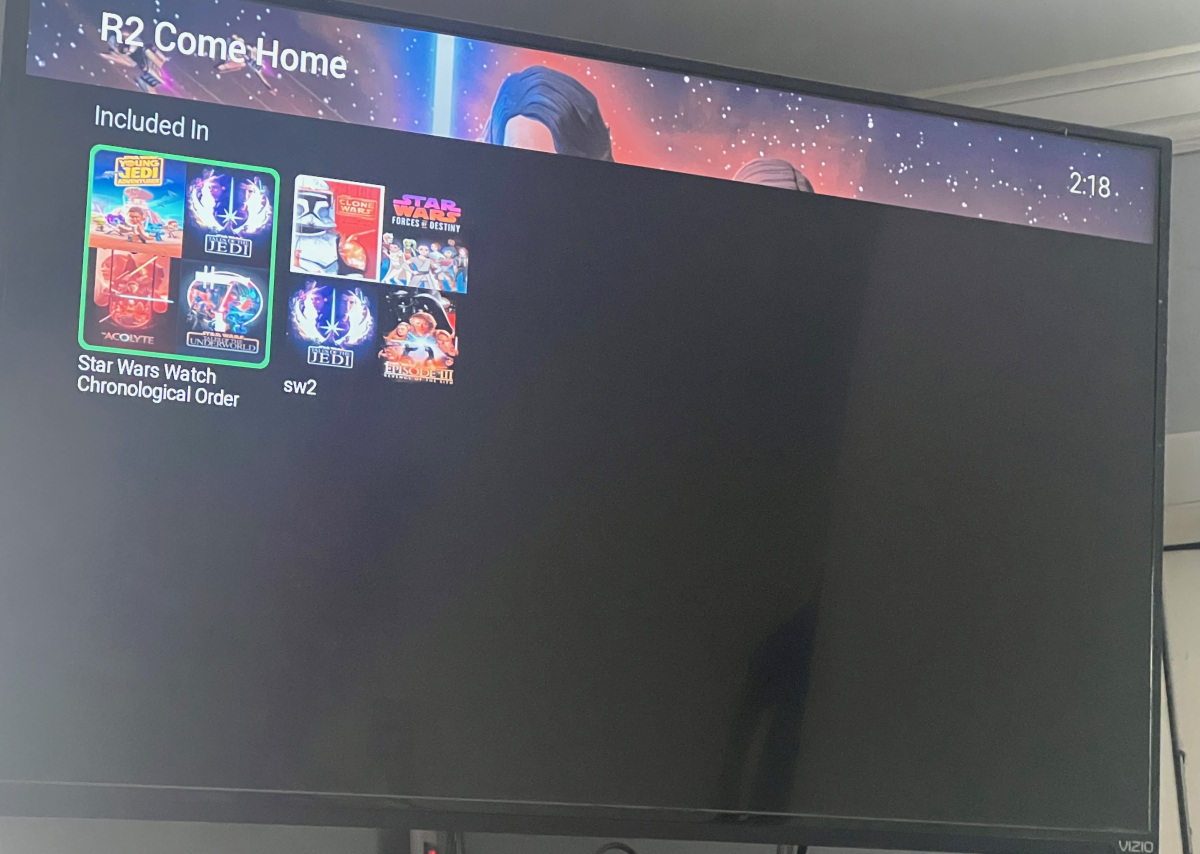
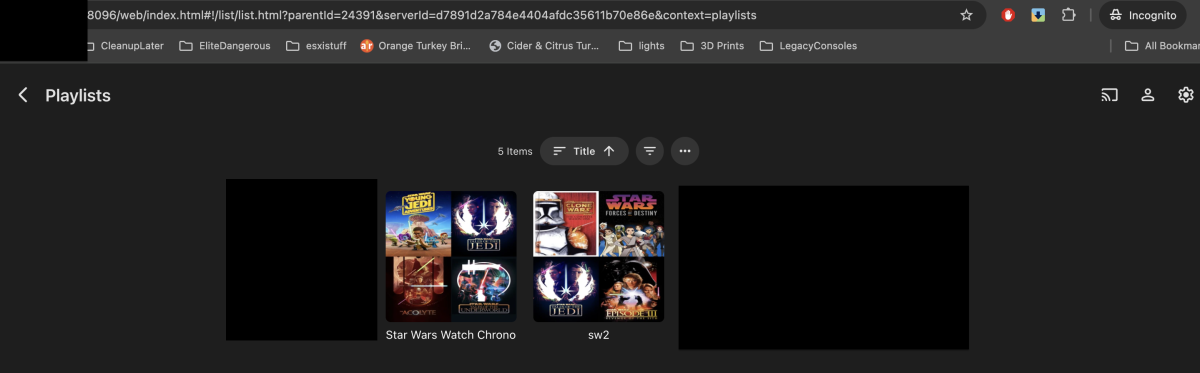
Here are some screenshots first from Roku, for default user, and then from web incognito using same user.
-
Well that was odd, was doing a bit more testing and the old dots were working Whilst the newer dots give the audio not supported error. I tried a reboot to no luck, then one started working and then the other... Either some sort of cache? or emby's awareness of device capabilities was perhaps part of the issue and was fixed whilst i was testing....


-
From the homescreen library row I can click playlist and see all the playlists on my end. Can enter them all. Everything normal. Clicking playlists from which view/screen? If you show a screenshot will understand what you mean and try to reproduce and fix this.
-
Hi there, let's look at an example. Please attach the information requested in how to report a media playback issue. Thanks!
-
OK. The addresses that Emby displays are the actual Emby Server addresses. What you see in the browser address bar in your screenshot is when going through the TOS app.
-
Edit what files exactly?
-

Segment Reporting - Dashboard, bulk editing, and custom queries for your intro/credits markers
Aleas replied to sydlexius's topic in Plugins
Nice plugin I like it.. Any plans to add in an option to force re-detection of intros? There's an option for Detect Credits, but really need something that can force intro re-detection. -
My Roku Ultra 4802X connected via HDMI to a Denon receiver offers Passthrough, and it correctly detects what the receiver can accept. I think this became available with the 4800 series, I had the Custom audio settings configured with my older model Ultra.
-
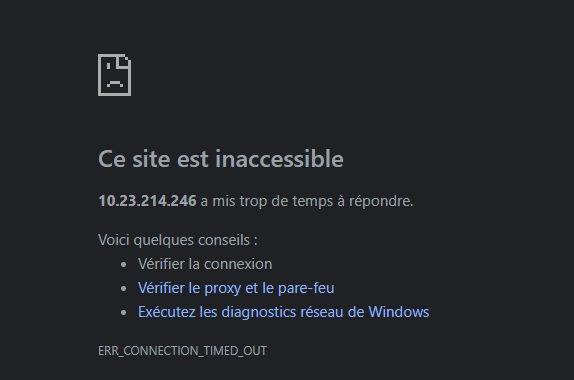
Bon bhe aujourd'hui la conexion par l'ip lan ne fonctionne plus "Accès local (LAN) : http://10.23.214.246:8096" Je ne comprend rien c'est pénible
-
Does you chosen metadata providers, provide Episode genres?
-
Digital output format would be what you want to change. A RokuTV device will show "Passthrough" as an additional option for digital output format. A Roku set-top-box or stick will need to use "Custom" and then enable DTS or not and choose the correct flavor of Dolby Digital either non-plus or plus. The "Passthrough" option of the RokuTV will allow the HDMI(-ARC/eARC) to pass these through. Using Auto it must determine support from the HDMI-CEC chain. If you have an AVR this might cause problems with auto-detection if the AVR is turned off, but the Roku is always on, as the order the devices are turned on matters. Detection is done as the Roku boots up. In order for Auto to work correctly all the time the Roku will need to turn off with the AVR and turn on with it. Using Custom will work correctly all the time without needing to make sure of the order of devices is turned on correctly. Audio mode allows you to quickly enable Stereo without goofing with the other settings. For when you want to do this. Preferred streaming format isn't really used by the Emby app. We aren't providing streams without multiple audio tracks. We don't provide your media. So we don't read this value from the Roku which would tell us how you want your audio packaged from our content delivery network. Since we do not have a CDN serving video this one exists for everything else, but Emby. Those who have content will surely use this to determine how best to handle your audio stream delivery. Since Emby is limited by what your media item has for audio this is why we can never use that field.
-
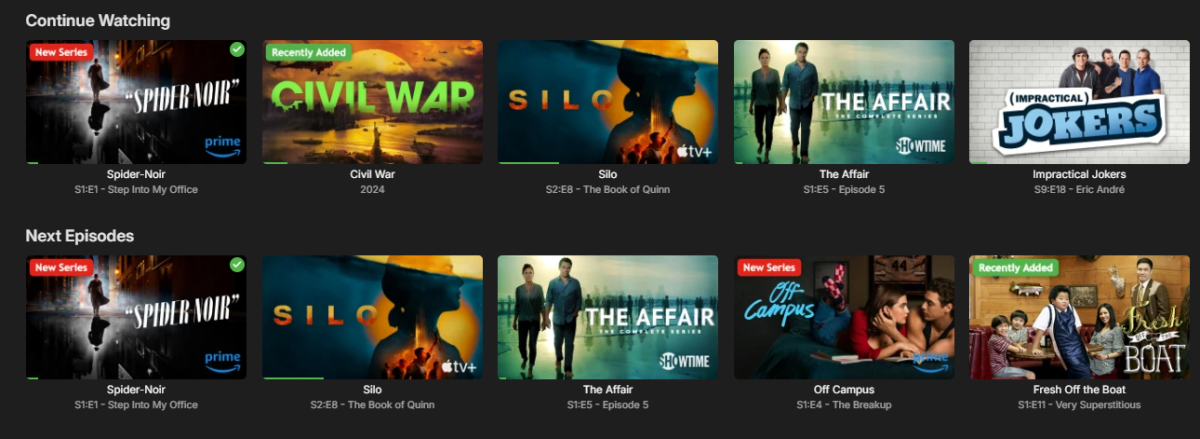
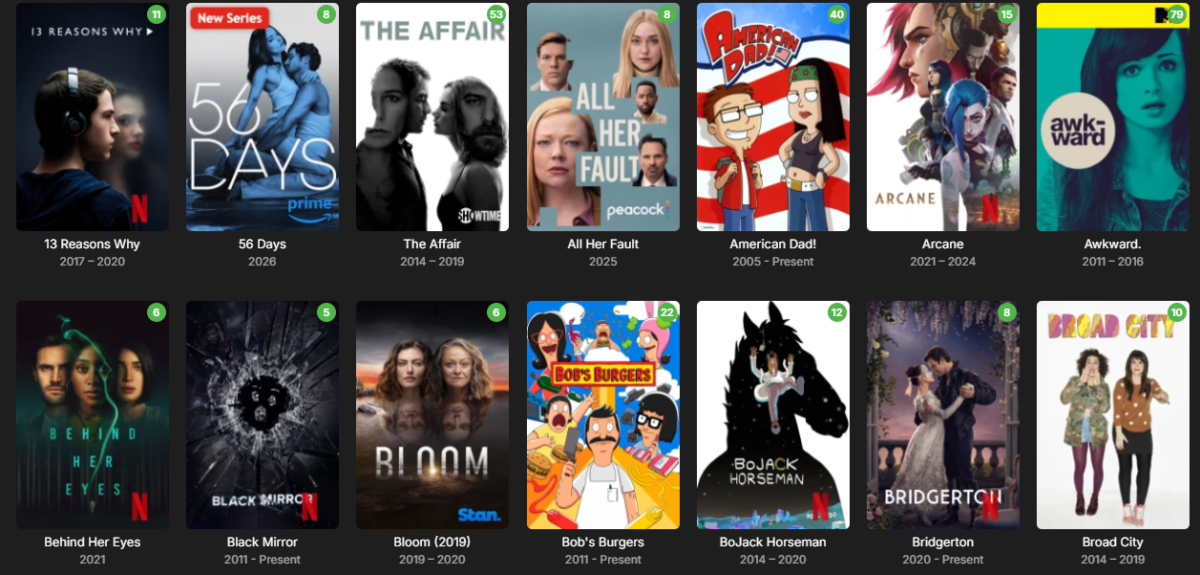
Sneak peek at the next update! Packed with dynamic studio logos (like Netflix and Prime Video), the ability to upload your own custom studio logos, and other new features. Coming soon.
-
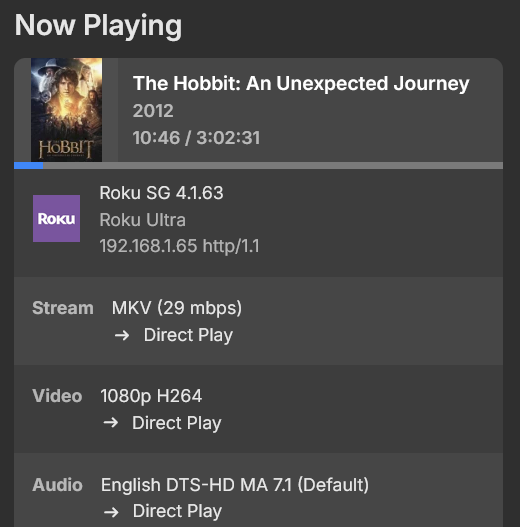
My AVR plays ALL lossy DTS audio tracks thrown at it by the Roku. But just lossy DTS the Roku passes on and the front display of the AVR says DTS and no transcoding takes place. As soon as the Roku plays DTS-HD MA audio, Emby is transcoding it but ONLY when it is 5.1 NO core from the DTS-HD MA. This came only to my attention recently as the 2021 movie black widow also has a DTS-HD MA 7.1 audio track and no problems were detected a few years ago when I played it. The Roku is connected via HDMI to the AVR and the AVR connects directly to the Projector. 2 days ago I connected the 2019 Shield to a separate input and every content that I play displays on the front of the AVR the default audio format DTS-HD MA, Dolby Digital, DTS, TrueHD and whatever else. So all the movies we have listed here play the highest quality of audio when using the 2019 Shield where the Roku screws up. For the Roku's Audio it has 4 entries. 1. Audio Mode: It has 2 entries: Stereo | Auto (DD+, DTS-HD) 2. Preferred Audio Language (English) 3. Preferred Streaming Format it has 3 entries: Auto | Dolby | DTS 4. Digital output and it has 3 entries: Auto | Stereo | Customs. Under customs there is Dolby Digital and DTS. Nowhere is there anything regarding passthrough but I assume the Audio Mode Auto will pass through the audio format. Regardless of the changes in the settings the DTS core is not handed over to the AVR. I am off for the weekend and will not be where the equipment is.
-

2 verschieden Bibliotheken mit gleichen Filmen - in Sammlung alles doppelt?
K1ng_Lear replied to sylvio2000's topic in German
1. Meines Wissens müssen die Files im gleichen Ordner liegen. (Nachtrag: Du kannst auch 10 verschiedene Versionen speichern.) 2. Die Files müssen unterschiedliche Namen haben. z.B. "Star Wars - 1080p 10bit.mkv" und ""Star Wars - 1080p 8bit.mkv" Generell ist es, meiner Erfahrung nach, bei Emby von Vorteil für jeden Film einen Ordner zu haben und dort dann alles zugehörige reinzupacken. Hat generell den Vorteil, dass Du weißt wo was liegt, sonst fängt Emby an Metadaten, Cover usw. in seinen Eingeweiden zu speichern und im Falle eines Umzugs könnte es blöd werden. Hier nochmal der Auszug aus dem Link zum zugehörigen Eintrage in der Hilfe. Multi-version movies Multiple versions of the same content must be stored in a single movie folder. /Movies /300 (2006) /300 (2006)/300 (2006) - 1080p.mkv /300 (2006)/300 (2006) - 4K.mkv /300 (2006)/300 (2006) - 720p.mp4 /300 (2006)/300 (2006) - extended edition.mp4 /300 (2006)/300 (2006) - directors cut.mp4 /300 (2006)/300 (2006) - 3D.hsbs.mp4 Each version must begin with the folder name, followed by " - ". If using the dash method anything following the dash will be what you see in the Emby client app. -
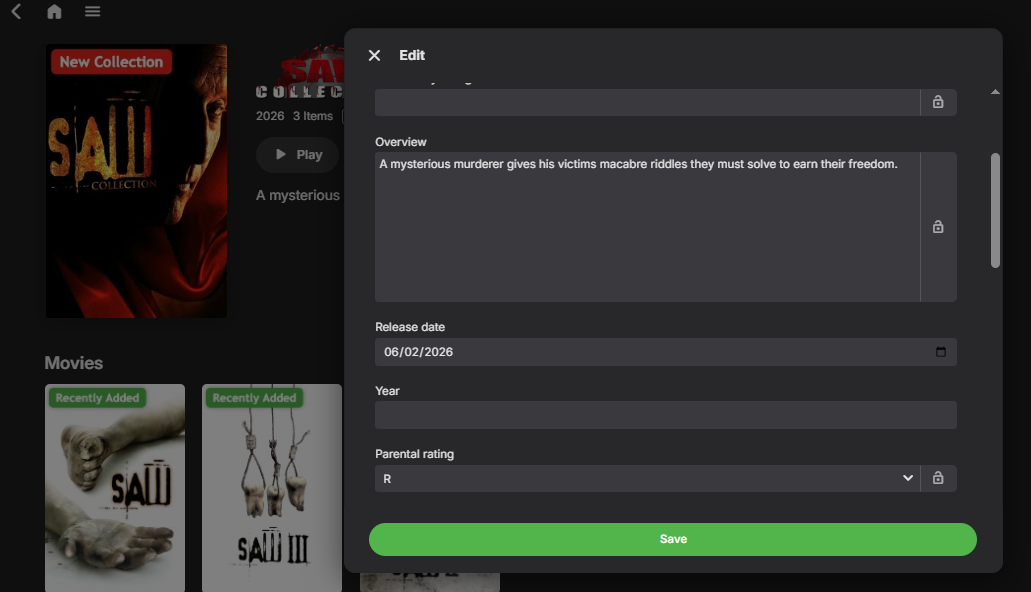
Well I can't help you with that.. may update your emby server, mine has release date.... I'm using a beta Version 4.10.0.8 ..... should be under overview.
-
Recently moved migrated from Truenas Core to Scale, and running Emby under docker. Odd behavior I am seeing is i have a default user when logged into roku and clicking Playlists see nothing. The odd part is If I log into web based portal and click Playlists I see what I am expecting. The other odd thing if I click on an item that is part of the playlist on Roku, I can see the playlist and get to from there... Running Version 4.9.0.5 I can reproduce on more than 1 Roku.
-

Emby Server 4.9.5.0, what is wrong with the search?
Painkiller88 replied to Painkiller88's topic in General/Windows
Please hurry up with an update, this is absolutely bullshit and unusable how the search actually works. Thanks -
embyserver.txt
-
Is the Ear Wax Skill still working and available?
-
Roku does nothing but pass through DTS. It only "plays" Dolby formats. IE: All Roku does is steer the audio stream to a device to decode it. I had issues when I started here and came to understand DTS is a three way negotiation between Emby, the Sink Device (TV) and the AVR and all three must be capable of handling the 7.1 stream or you get 5.1. After updating my Sink device (TV), no problems playing DTS-MA
-
You're correct, my memory is failing me. At some point in the past pre-emby I had some kind of setup that couldn't handle DTS-MA at all, and including the separate DTS track was the workaround. It became part of my standard rip workflow and I forgot why. Testing on my Ultra (Roku OS 15.2 4.3442-C2, latest Emby app, local network) shows expected behavior - it is not passing through DTS-MA, 5.1 or 7.1, but it is passing the DTS core properly for both. Receiver reports standard DTS streams while Emby shows direct play of the DTS-MA streams. On the Roku the Streaming Format is Auto and Digital Output is passthrough.