All Activity
- Past hour
-
 javiercuevas joined the community
 -
 playwithkittyk joined the community
 -
 Tarf joined the community
 -
 jatehortua joined the community
 -
 Ameng11 joined the community
 -
 IdoRaph joined the community
 -
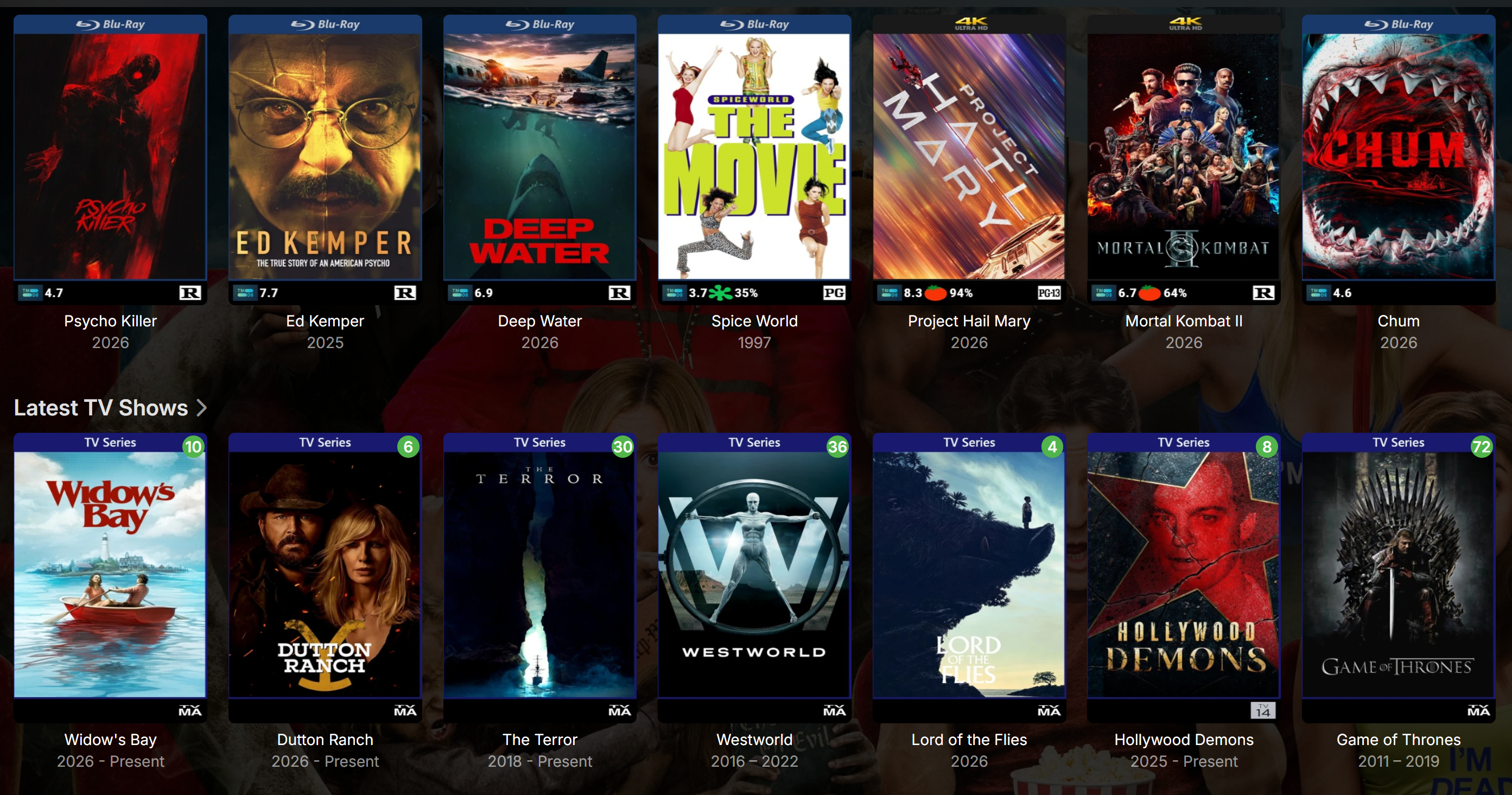
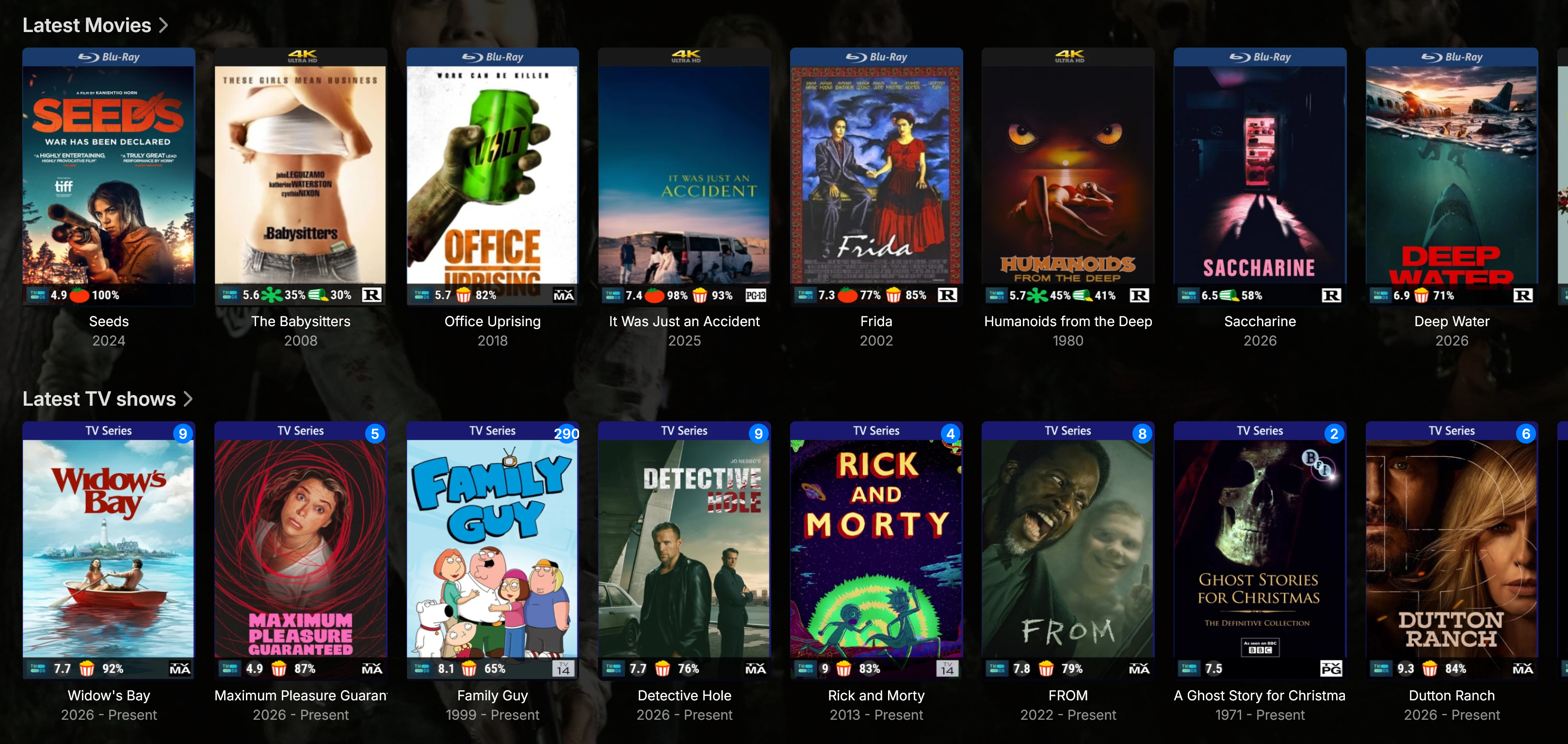
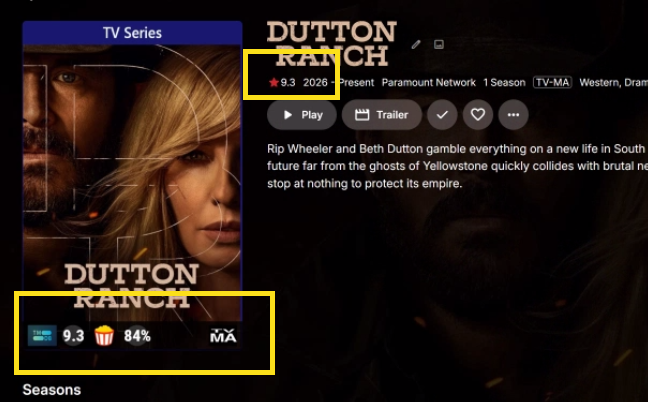
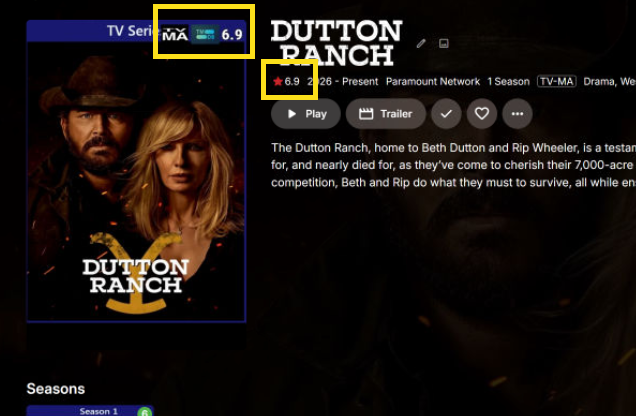
I changed the placement on TV shows to the top right corner. Restarted Emby. Same results. Attaching server log, embyicons configuration file and 2 screen shots comparing the same TV show. One from my PC the other form the NAS / public facing Emby. Personal Emby on PC: Emby installed on NAS for Website: embyserver.txt embyicons.xml
-
 maria3375 joined the community
 -
 juanbolivar50 joined the community
 -
Upon re-reading this, I'm not 100% sure of the workflow or what it actually does. Care to shed some more light? Thanks.
-
 Balsal86x joined the community
 -

Android application cannot playback audiostream (DTS-HD MA Stereo in *.mkv)
voodoo5_6k replied to voodoo5_6k's topic in General/Windows
OK, that's understood. But transcoding in that case would've only hidden the error. That's not what I'm looking for. Everything on my server should work with direct-play, there shouldn't be any transcoding. The audio sink is DTS-HD MA capable, as it plays all other DTS-HD MA tracks. That sort of points to a) the file and/or b) the player. I'll re-do the file to exclude that. -
Okay, i understand now, sorry about the misunderstanding. Please follow these steps. Reset the Emby server, go into EmbyIcons settings, change the icon placement of some icon (doesn't matter witch one). Go to the library that you have problems with and then send me the Emby log. It would help a great deal if you also send the EmbyIcons settings file. That should give me a good start at where to look for the fault. Edit: Forgot to say to enable debug log in both Emby and EmbyIcons.
-
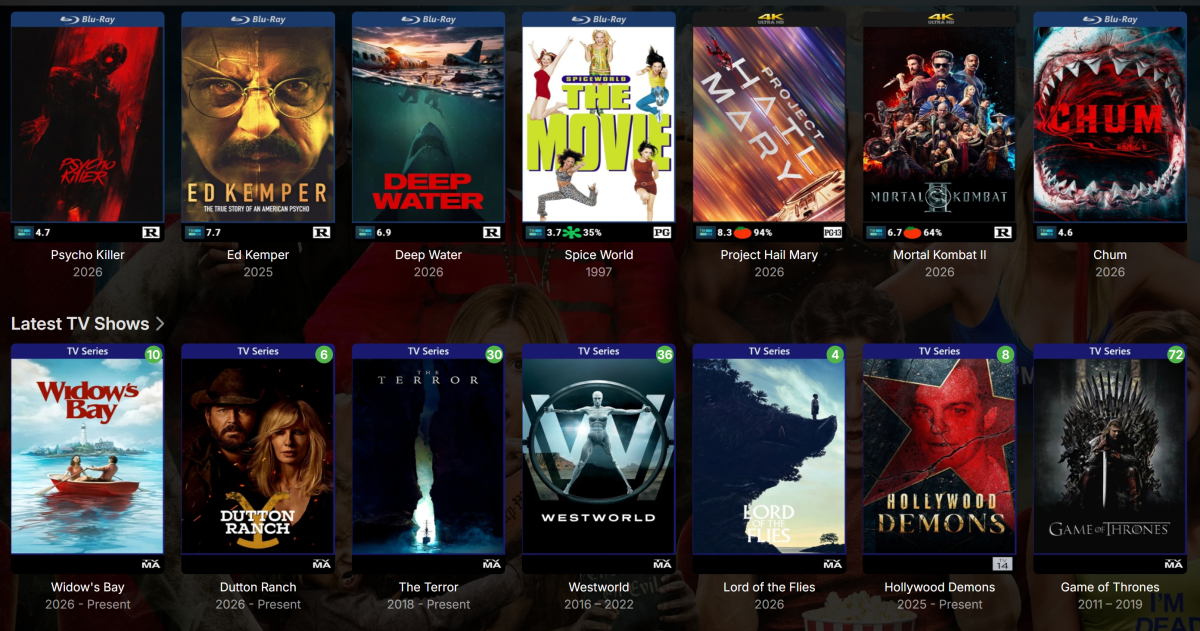
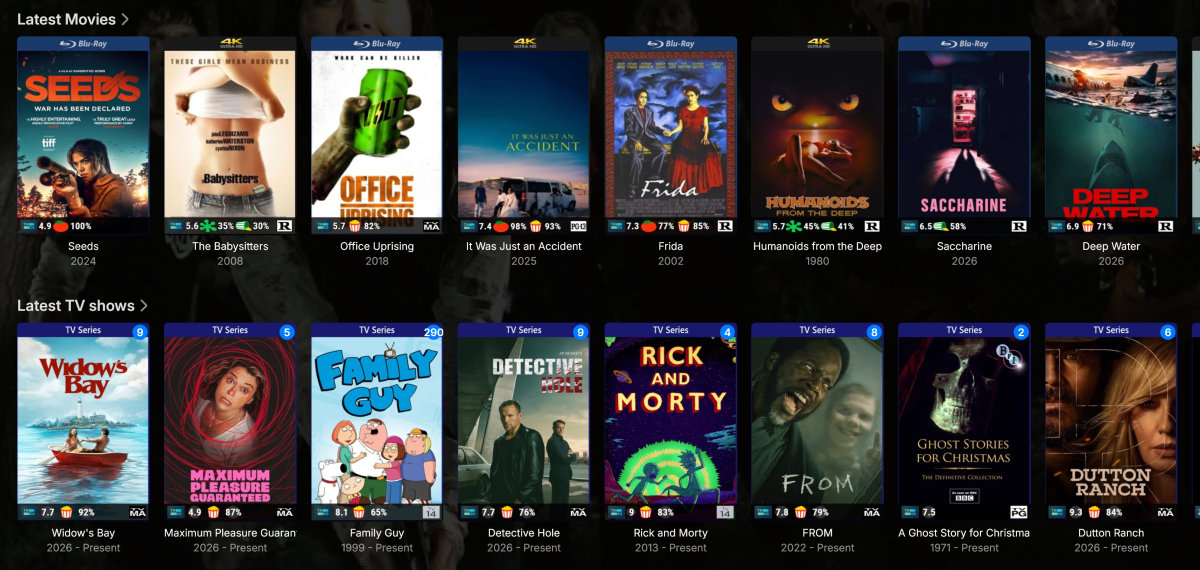
For the TV shows, only the Parental Ratings are showing. Community ratings like imdb, rotten tomatos and tvdb do not show up on my server but the same shows are working properly on my personal PC Emby.
-
@JsinFate Actually looking at your screenshot i think i see a possible problem. Theres no tvdb ratings shown for TV shows, you say they work though. More importantly ratings from mdblists.com are not shown for either movies or TV shows indicating you might have forgotten or entered the wrong API key in the settings. Please check if that is the case.
-
Okay, sorry i misunderstood it as no ratings icons were shown at all. Please follow these steps. Reset the Emby server, go into EmbyIcons settings, change the icon placement of some icon (doesn't matter witch one). Go to the library that you have problems with and then send me the Emby log. It would help a great deal if you also send the EmbyIcons settings file.
-
 mcortt changed their profile photo
 -

About the issue of Emby client's homepage dynamic images on Apple TV
17732 replied to 17732's topic in Apple TV
Title: Animated library section images only show the first frame on Apple TV and Android TV Hello, I am using animated 300×150 images for library sections on the Emby home screen. I tested the same library image across multiple Emby clients: Emby Web: animation plays correctly Emby for Windows: animation plays correctly Emby for macOS: animation plays correctly Emby for Android Mobile: animation plays correctly Emby for iPhone/iPad: animation plays correctly Emby for Apple TV: only a static image is displayed Emby for Android TV: only a static image is displayed I also tested the same image using Fileball on Apple TV connected to the same Emby server, and the animation plays correctly there. To verify this, I created a test image with a unique first frame. On Apple TV and Android TV, only that first frame is shown, while other Emby clients display the full animation. This suggests that the server is delivering the image correctly, but TV clients may only be displaying a static frame. Is this the expected behavior, or could support for animated library section images be considered for Apple TV and Android TV clients in the future? Thank you. 521.mov -
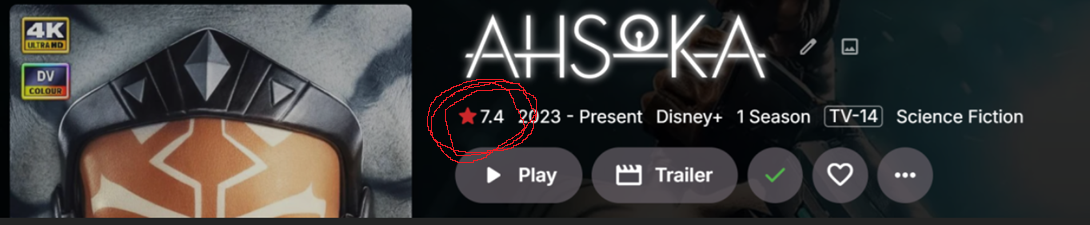
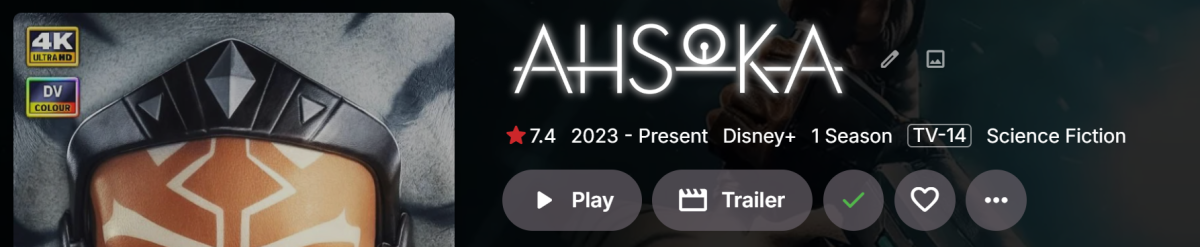
Yes. On the show page like in your screen shot and on the bottom of the poster.
-
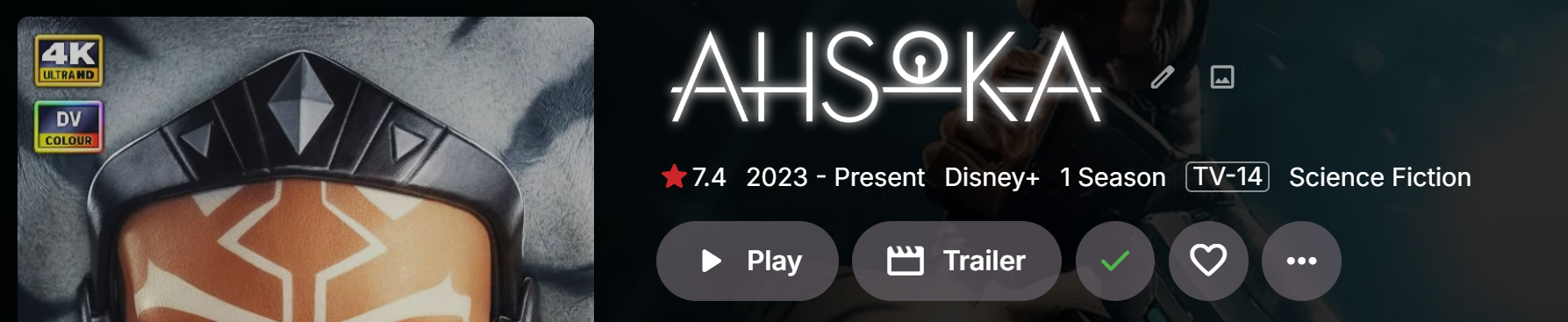
Does that rating appear in the spot shown here?
-
He's on a Roku... We'll take a look at it. Thanks.
-
Thanks for the tests. I believe some of the requests must be timing out and the app is not handling that well.
- Today
-
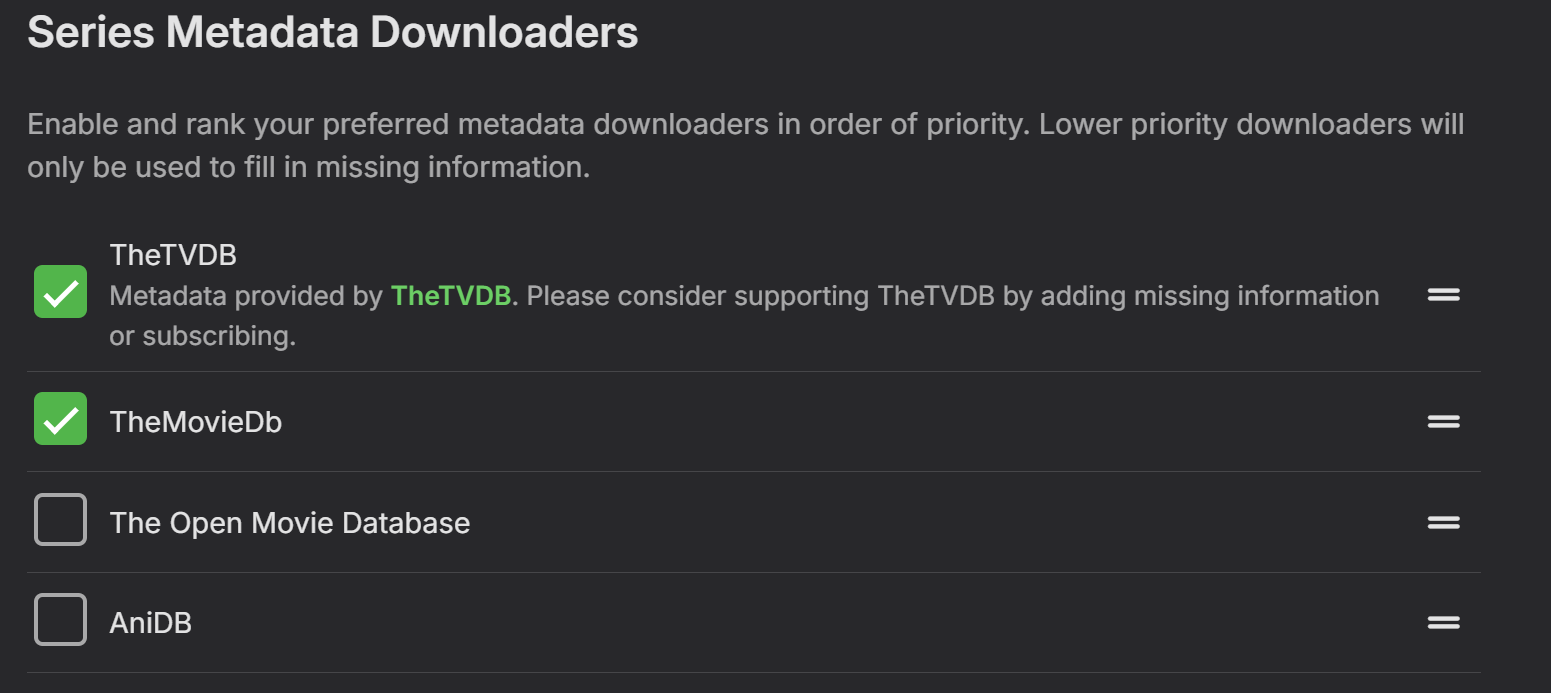
Yes, the parental ratings are working and after changing priority order and doing a full and complete metadata refresh I can only get the TVDB rating to appear on the bottom and now on the TV show page. But none of the others are working and I know they exist because these are popular shows. EDIT: And like I said, all community ratings and parental ratings are working on my personal PC for the exact same shows and movies that are missing on my public facing Emby.
-
Works just fine in the latest version 3.5.36. You're going to have to provide more details.
-
Look in the TV series library and open a TV series. Does it show the rating next to the poster?
-

The Emby Universal Installer does not work with Fedora 43
frankieboy123 replied to fritz.the.cat's topic in Linux & Raspberry Pi
Hi, Regarding the Fedora issues: You have to install libXScrnSaver package and then you can install the rpm. -
And both Emby installations have the identical provider settings selected and identical EmbyIcons selected.
-
Hola @Guderian, ¿reviso usted el control inteligente de aplicaciones?, le adjunto un video para que lo revise, un saludo.
-
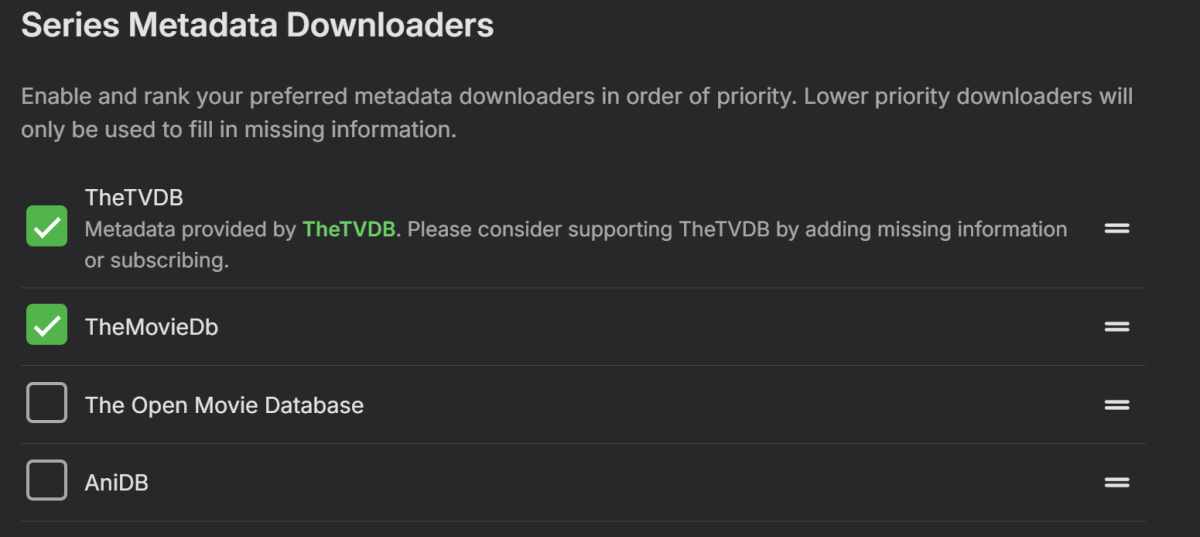
Yes, both settings are identical and all providers are selected and I have TheTVDB set as first in order. I have Movies and TV as profiles in EmbyIcons and both use the same settings. Community ratings beginning on the bottom left and parental ratings on the bottom right.
-
I did that also but did not help I got it installed by going to the url in the error log and it downloaded fine
-
Seems tom be just the ratings that are missing if i understand this correctly. Have you enabled the ratings in the Emby library settings? If you have multiple profiles in EmbyIcons, did you remember to add the ratings to the correct profile?
-
Try running the installer as Admin.
-
Hi again guys. I noticed a weird issue today. EmbyIcons is working for my Movies and TV shows on my local PC Emby installation, but for the version on my NAS that is public, EmbyIcons only works on Movies. The only icon that seems to work is the parental rating. I wanted both Movies and TV shows to have all the community ratings starting on the bottom left horizontally and parental rating on the far right bottom corner. . I'm attaching my Emby log and some image extraction logs that may or may not be helpful as well as 2 screen shots showing EmbyIcons working on my personal Emby and public server not working. extract-multi-image-A8C094BE46CD_1.txt extract-multi-image-8CCF0ECECE5C_1.txt embyserver.txt
-
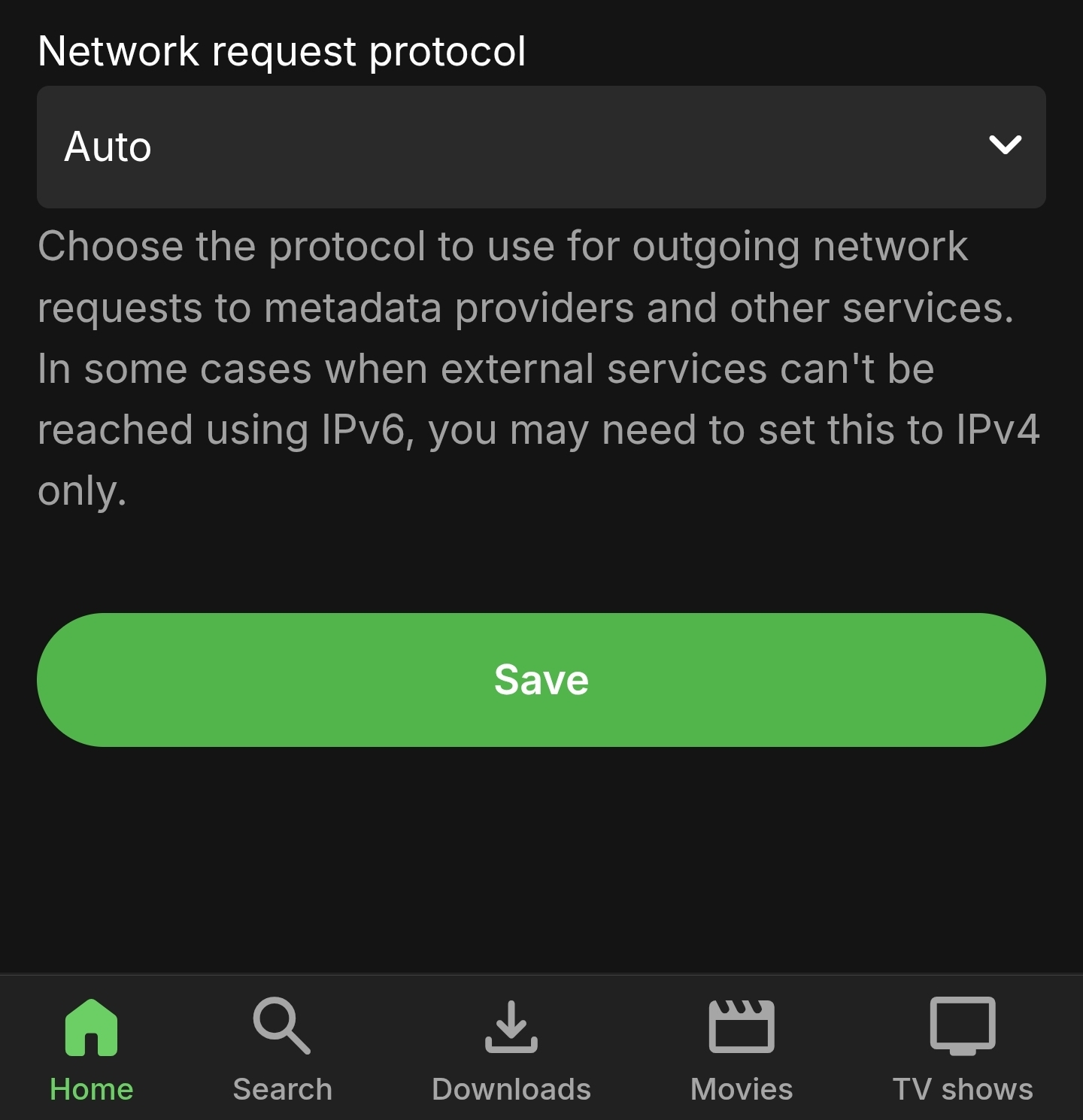
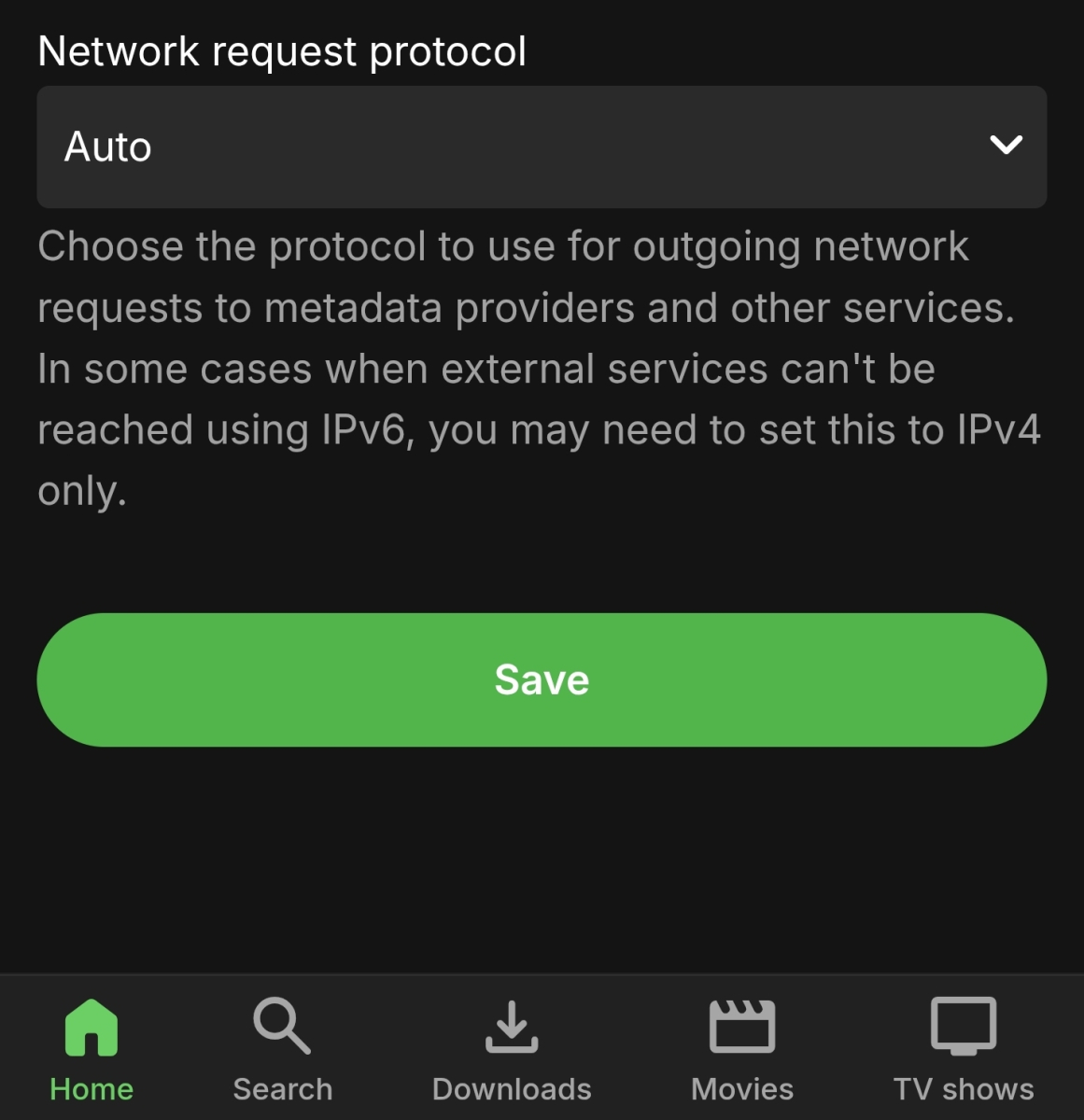
Is this the setting? I should have double checked but I could have sworn that this was already set to auto.
-

Support full regional language tags like es-419 in media stream information
AngelSing replied to AngelSing's topic in Feature Requests
Yes, I think Luke is probably referring to an internal build or a change that has been added but not released yet. I am also still getting the same result in the current Beta: Emby only shows “Spanish” and does not show “Spanish (Latin America)” yet. So I understand Luke’s message as confirmation that es-419 has now been added to Emby’s language mapping, and hopefully it should start working in the next Beta release or once that internal change becomes available. At least that sounds like good news, because it means Emby should eventually be able to recognize es-419 correctly as Spanish (Latin America).