All Activity
- Past hour
-
 Gagegiles joined the community
 -
 Guere joined the community
 -
 Linita92 joined the community
 -
 bhavin_ae joined the community
 -
 FireIzen joined the community
 -

Updated to v2.2.8 and can no longer connect
Brucevankessel replied to JBowen37's topic in Samsung Smart TV
sooo i have this problem to.. cant connect .. and yes i did renew my cert. and i also did the pcks#12 thingy during a browser session (on samsung tv) it said : wrong ssl cert in the app it wont connect but all other devices will connect .. also my LG tv connects perfectly i reinstalld the emby app etc.. still no luck -
 Nikola_89 joined the community
 -
 Nasx1z joined the community
 -
 Jeanlap joined the community
 -
 Shuvo007 joined the community
 -
The ts chunks are taking ~2 seconds to be delivered, which is a very long time considering that later on it takes only a few ms to deliver. This probably means that it's transcoding at full speed for the whole file and then stops, but having said that 2 seconds is still fast enough to deliver without buffering since each chunk is 3 seconds long (-segment_time 00:00:03.000). Looks like your system is pretty slow to handle this, and there's no log entries for Theater to compare with, which should be able to direct play this file. Please include the ffmpeg transcode log as well. BTW, why did you configure your transcoding temp folder to /data/radio/transcoding-temp when you have /data/radio as a library path? This is causing constant rescans of that folder - probably RTM is enabled for this library.
-
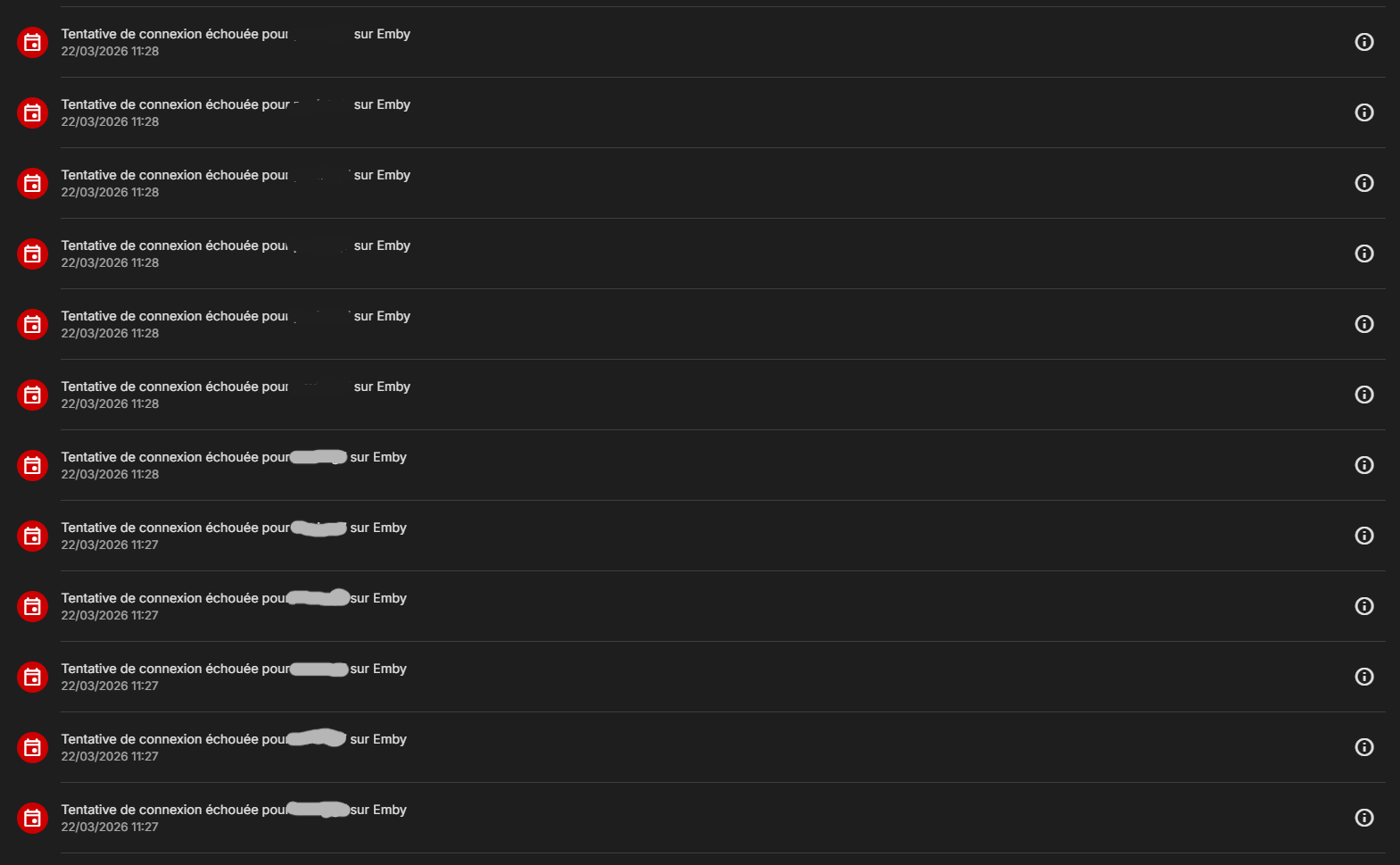
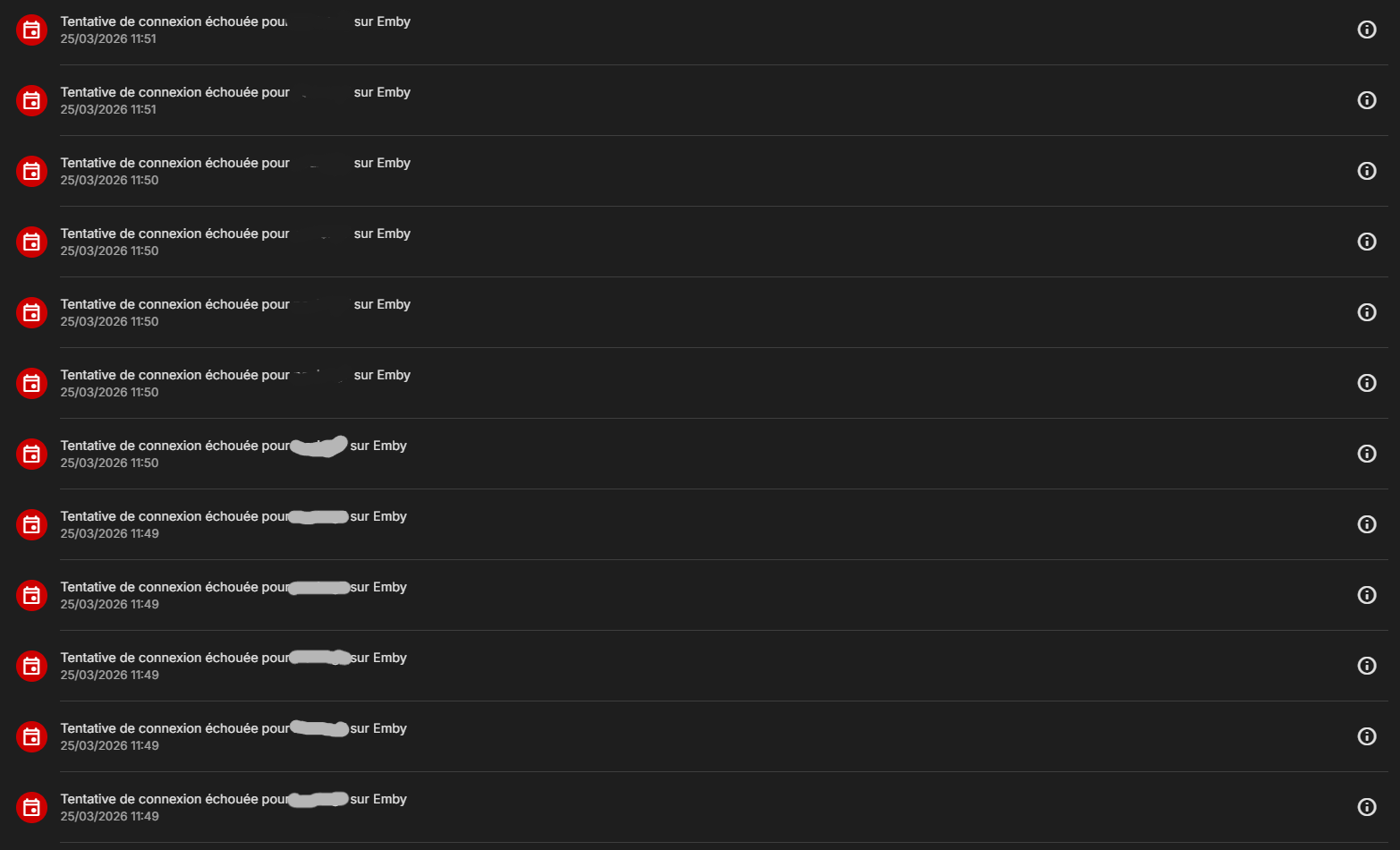
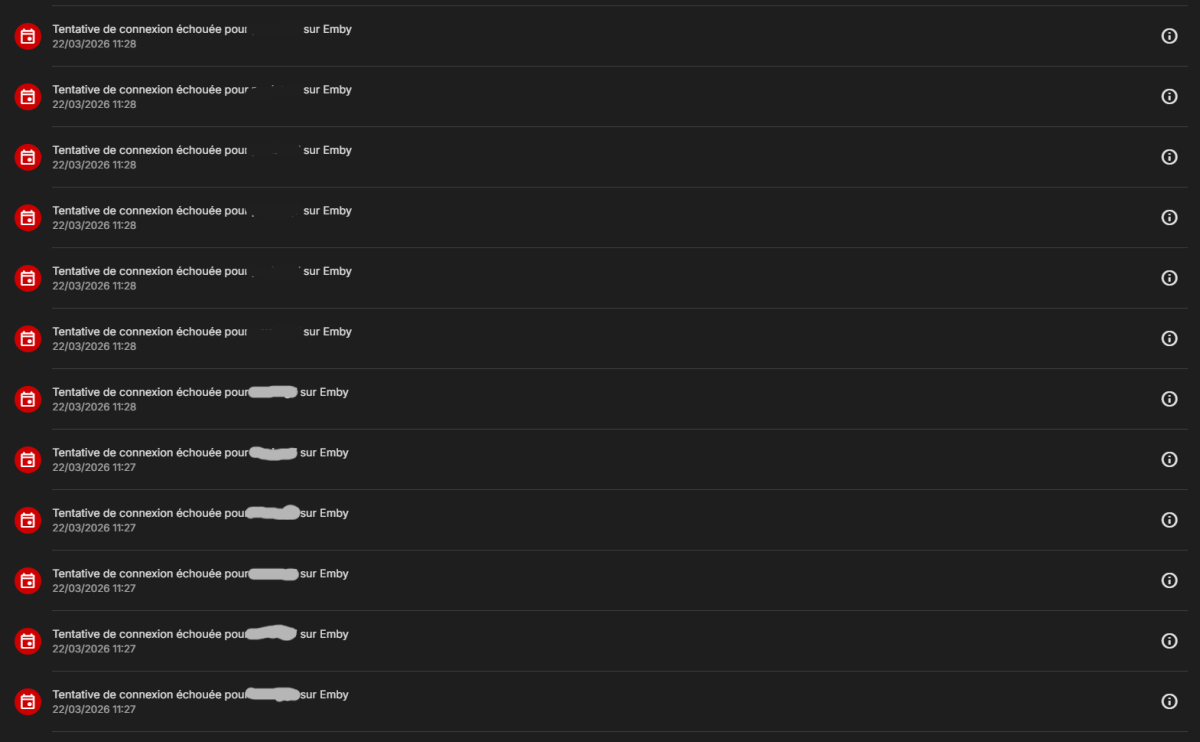
Hello, Few days ago I noticed random connection attempts on my Emby server. Then, 3 days after, the same thing happened : 6 connection attempts for each user. One of the user being me, always connected, and the other being a spare account not connected since a month. You can see the IP is from a local network (managed by Docker). After the failed attempts, Emby locks the users, but I have no issue using Emby afterwars, as if nothing at all happened. After the first attempts, I disabled outside connections just in case, but after 3 days it happened again. During the first instance of attempts, no one was using the server. During the second instance of attempts, I was watching something (with the Emby Windows app). So I'm wondering if this is an internal bug or if the API key used by other services (Seerr and Homarr) could cause this. Not sure about the API because it wouldn't try to log in with the available users, it doesn't work like that (to my understanding). Any idea what could explain this behaviour? Attached is a log extract highlighting the issue. Thanks for your help! embylog.txt
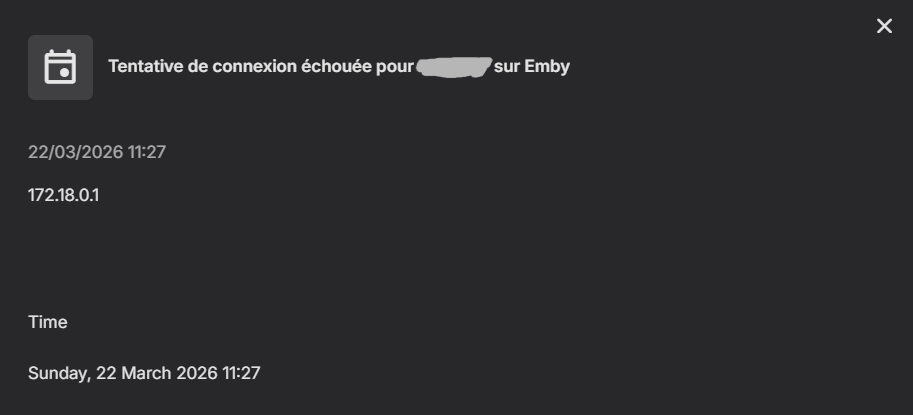
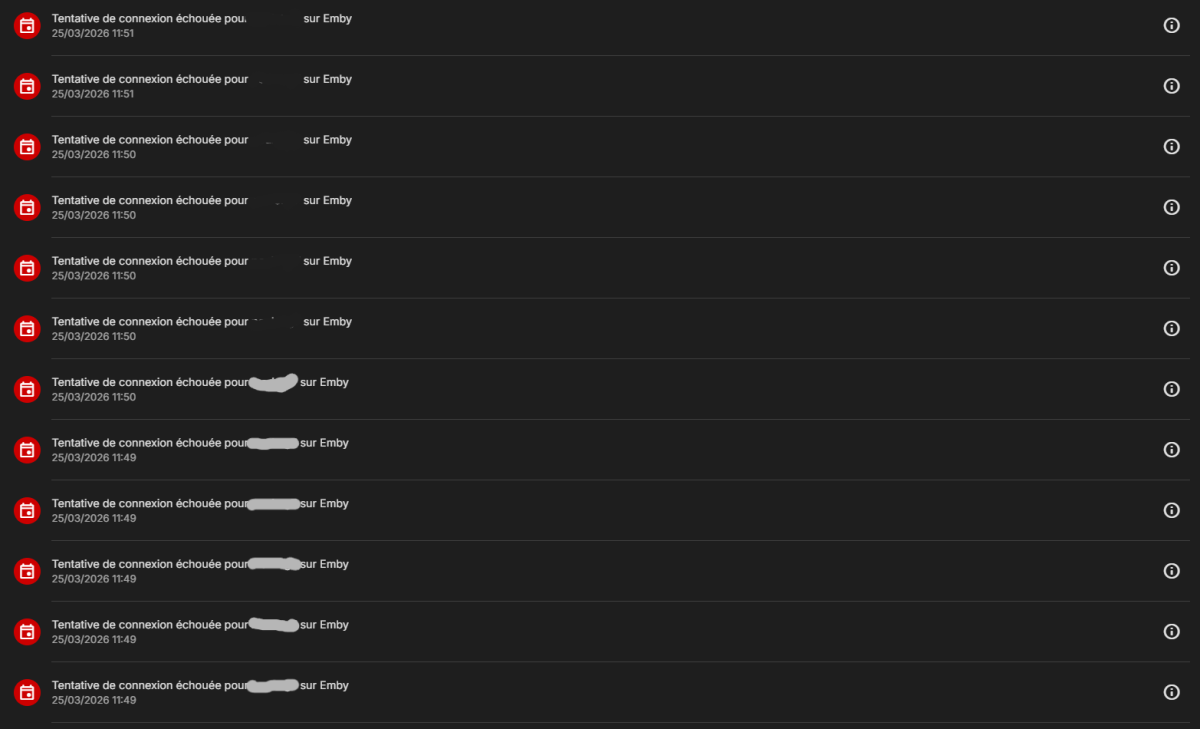

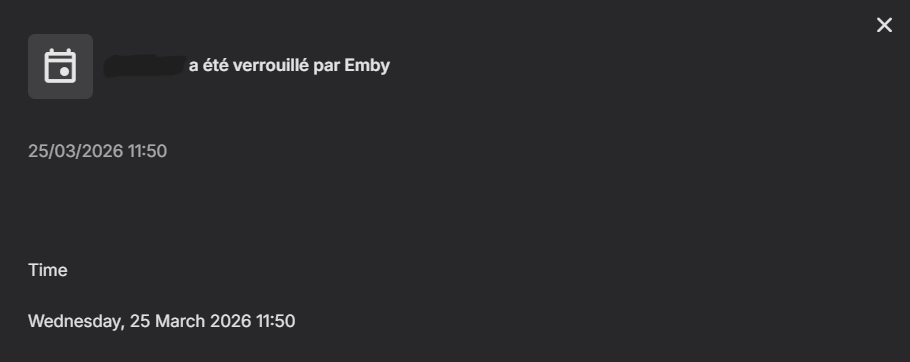
-
I've run into the exact same problem. VTT subtitles in MKV files aren't being detected on Windows Emby Server. Apparently, this issue hasn't been resolved yet. I really hope our talented developers will be able to fix this. Thanks for your hard work, Developers.
- Today
-
Hello, I am currently in France. I have an echo dot that is connected to my US home and US Amazon account I have Emby running as my media server When I try to get my dots to play music from emby, it tells me it is having trouble accessing my emby skill. Any suggestions? Thank you
-
I am trying to determine whether something changed in the way Emby handles local people images. On 4.8.0, this used to work properly for me. I could place the person image in the person’s folder under metadata/people, and if I later replaced that image, a metadata refresh would pick up the change and the updated image would display. I'm now on 4.10.04. That no longer seems to be the case. What I am seeing now is this: If I manually add a person photo through the web UI, Emby saves it as folder.jpg in that person’s folder under metadata/people. That appears to confirm the location is correct. However, if I then overwrite that same folder.jpg on disk with a different image, Emby does not display the replacement image. Instead, the person image goes blank again. So at least on my system, this no longer behaves the way it used to. Previously, replacing the local image and refreshing metadata was sufficient. Now it is not. Has something changed in how local people images are cached or refreshed? Is directly replacing folder.jpg no longer expected to work? If so, what is the current recommended method for updating local people images outside the web editor?
-
@madevilCould you let me know if the problem is still arising with the latest beta build. The current beta is 3.5.31 - download link available here
-

playback is often paused, crashes, freezes but for a specific user (its the wife-BIG problem :))
Zeltak replied to Zeltak's topic in MacOS
hi guys any news on this? Z -
Has this been fixed at all?
-

How to see who is responsible for recording?
knoll126 replied to horstepipe's topic in General/Windows
Wondering if this has been considered more than just a nice thing to add? -

Plugin: EmbyCredits, detect end credits and add auto skip.
yocker replied to yocker's topic in Plugins
New version up (2.4.1) on yocksers/EmbyCredits Github. Changed: Enhanced the Credit Edit with more features. Fixed: Hostnames should now work correctly for connecting to the OCR server. -
Update. He tried it on his phone after I changed the password and updated the device access. It worked. He is able to login and access the server. I just checked back with him and he is still able to connect on his phone. He have not tried it at his house yet. Appreciate all of the help and effort from all you. Been awaiting this for a long time. sa2000 Luke
-
Hi, no, I already manage it this way with the mobile app. I'm keeping this method because we've added the option for users to log in to the app to have a dedicated interface (player, Seerr request, etc.). Sorry, I don't know if that's clear; I'm using a translator. https://jellywatch.app/doc/watchpass
-
Loads and loads up updates here: Some include but not limited to: - Fixed table view to reflect the theme. - Option to control play button visibility on the home page, disabled by default (you can control in the variable section.) - New popout buttons, enabled by default (you can control in the variable section.) - Popout media artwork, disabled by default (you can control in the variable section.) - Active tab style popout, enabled by default (you can control in the variable section.) - Unwatched count style popout, enabled by default (you can control in the variable section.) - played indicator style popout, enabled by default (you can control in the variable section.) - media info badge style, disabled by default right now. (you can control in the variable section.) - Seasonal Event Toggles! Right now, I've only done Easter, but it will completely transform your experience, I guess you could say there's a lot of easter eggs to find with this enabled. (I would love to hear what you think about this. and suggestions for other holidays) - And lots more... Emby Navy and Gold v2.39.css
-

SRT subtitles not displaying, other unknown subtitles are displaying
ebr replied to davesurfer's topic in Roku
Hi there, let's look at an example. Please attach the information requested in how to report a media playback issue. Thanks! -
Merci on a resolue le probleme , on a du desinstaller lapplication sur le amazon fire , meme avec bon user et mot de passe javais toujours erreur ! merci pour votre aide
-
Why not use API keys? That's what they are for.
-

Kein Kompatibler Stream verfügbar wenn Verbindung über NPM hergestellt wird
Brudertac replied to Brudertac's topic in German
New Founds, it looks like i have the same "Problem" as in here: Is there a new Beta already for Test? -
Hi, there's already an open request for this or something functionally equivalent. Please join in and contribute to the existing discussion at:
-
Hello, here is more information on the issue including the video that emby is trying to play on the Roku. The Roku App will display one frame and then display spinning circle. I have tried disabling sever transcoding, forcing direct playback in the Roku, forcing transcoding at low resolution, switching server hdwr transcoding from Nvida to Intel, switch to software only, and all same results. results.
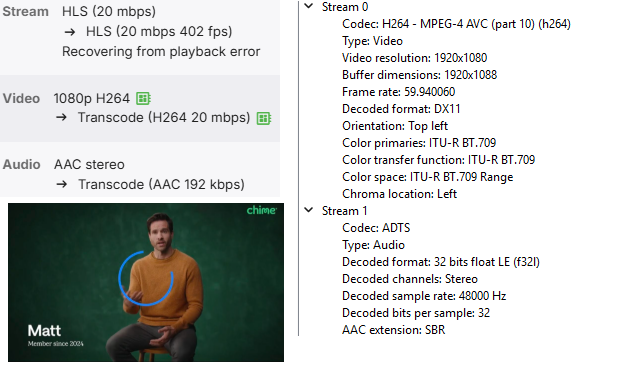
-
I would like to change the font on the Android app to something which can display the music symbol correctly with text fonts. Can't use the app currently.
-
the firewall has been running three weeks no issues. i reinitialized the default tasks and scans two week before firewall. so thats been 5 weeks and no issues, dont know whsat the underlying cause could be. but fingers crossed its managed to right itself. Appreciate everyones help and advice
-
For example, the emby app on LG smart TVs shows up a good readable font. Actually, I don't know if that font is taken from LG's webOS system, but it's good. The ones on emby Android and Fire TV are hard to read—they must be enlarged but then their large line-spacing takes so much room on screen.
-

embyforkodi (next-gen) 12.X.X support
JONNHYDARK replied to quickmic's topic in Emby For Kodi Next Gen
I’ve been loving replacing actor avatars with my like’s images in Emby Server. However, I’ve run into a consistent issue: the plug-in fails to sync these custom actor pictures to the individual episode details. It would be amazing if this could be fixed in a future update. Thanks for all your hard work