All Activity
- Past hour
-
Me and my 2TB SN850x are definitely triggered.... No but honestly it's been really hard to nail down a correlation between the Emby instance and if the person is having this issue. Either things are perfect, or their server melts down on every search. If anything, the content type might be a possible hint. I don't think movies/shows have nearly as many tags to index/search compared to music. In my case I have ~2 million songs that are all run through MusicBrainz, so a single track can have a bunch of performer/composer/artist tags to read and index. My library size is barely double yours, but my database size is 8x.
-
Hi Yoselin, are you really the 1.
-
I agree and it's the reason I got more hard drives while some people like newsgroups I like to copy 4k discs to my computer even though the file size is big the quality is good and emby plays them perfectly. I think eventually they may stop making dvd's but I hope they don't.
-
 urstruly Sanju joined the community
 -
 Inffoste71 joined the community
 -
 elipeer joined the community
 -
 CasaXime joined the community
 -
 57stixx joined the community
 -
 Exolon74 joined the community
 -
 can-o-possum joined the community
 -
 Gvll joined the community
 -
-

Turning subtitles on crashes Emby app (Shield Pro)
Neminem replied to clock_wizard's topic in Android TV / Fire TV
Dev's will need logs. -

Turning subtitles on crashes Emby app (Shield Pro)
clock_wizard posted a topic in Android TV / Fire TV
Subtitles have stopped working on the Emby app for my Shield Pro with Emby server. When I toggle them on, the movie stretches vertically, gets stuck loading for 10 seconds, and then force backs out of the movie. Sometimes the server shuts down after this. I have tested multiple movies and they all do this. The subtitles are working fine when using JustPlayer and on Emby from my phone and PC. I have tried reinstalling the Emby app, clearing cache, confirming permissions allowed. One thing I have not yet done is reinstall the server. Any ideas on how I can fix this would be very helpful. Also wondering if anyone else has had this problem. Thanks. -
 Jlleculeur joined the community
 -
 yoselin1 joined the community
 -
I don't wish to nitpick, but while DVD's should be dead, you really can't beat a 4K disc.
-
i have 40 TB and no slowdowns, but mostly shows and movies. hardware raid with ssds. from what i see is most issues seems to be slow storage. software raid ect. sorry this will trigger some.. but i havent see one user with super fast storage yet complain.
-
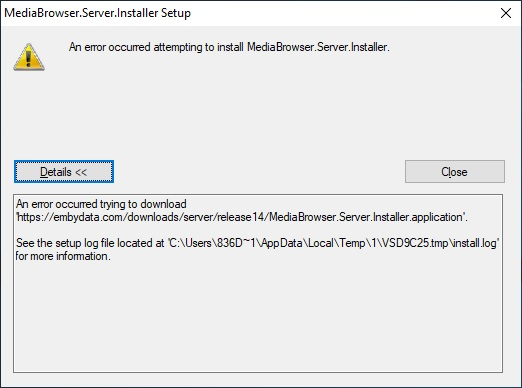
Добрый день! Не могу установить Emby Server. Подскажите, пожалуйста, где копать. VPN не помогает. install.log
- Today
-

When "autoplay next episode" is off, the app still prevents screen from going off
SucksToBeYou replied to SucksToBeYou's topic in Android
Hi, @Luke No. It just stays on a screen with a "next episode" button indefinitely. I attached a screenshot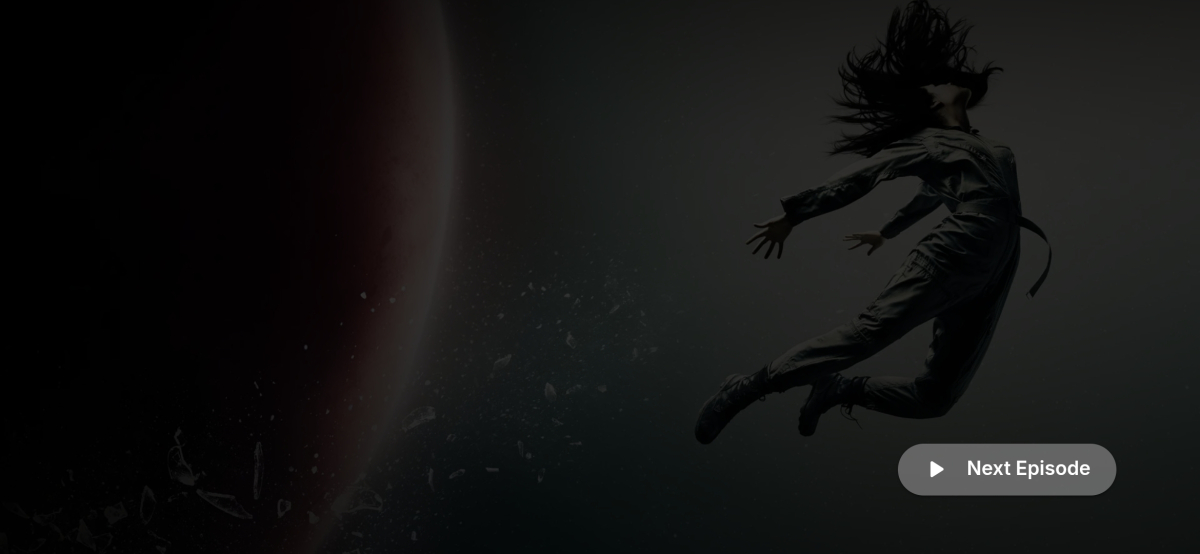
-
Thanks for the info
-

Advice please - getting the maximum from my EMBY Setup / Samsung HW-Q990C (Atmos and TrueHD)
yocker replied to Robnaeyaert's topic in General/Windows
It looks to me that the soundbar supports 4K 120hz, HDR10+ and all the sound formats. So you should be ready for a Nvidia Shield (IMO get the Nvidia Shield Pro 2019). Getting the best movie viewing experience is sadly never neither cheap nor easy. The industry has it down to a science to squeeze every penny out of you for every little upgrade or extra feature you want. -

Advice please - getting the maximum from my EMBY Setup / Samsung HW-Q990C (Atmos and TrueHD)
Robnaeyaert replied to Robnaeyaert's topic in General/Windows
Yes my HW-Q990c has eARC and 2 x HDMI Ports. I believe this soundbar supports most formats - do I need to check that also? Again I dont want to waste money -

Advice please - getting the maximum from my EMBY Setup / Samsung HW-Q990C (Atmos and TrueHD)
Lessaj replied to Robnaeyaert's topic in General/Windows
You would also need to make sure the soundbar supports passing 4K HDR/DV in that setup (it looks like that soundbar does that). Mine only does 1080p but I have the shield hooked up to the TV and the soundbar to the eARC port and it passes all the formats, except unfortunately LG no longer passes DTS with the 2025+ models. However the Shield will automatically convert it on output, so it's still direct playing and not transcoded by the server. TrueHD passes through fine. -
Advice please - getting the maximum from my EMBY Setup / Samsung HW-Q990C (Atmos and TrueHD)
yocker replied to Robnaeyaert's topic in General/Windows
Yes. Nvidia Shield -> Soundbar -> TV. Assuming that your soundbar has HDMI in ports and not just a single (E)Arc port. If the soundbar only has an (E)Arc port you might be out of luck as the Samsung TV most likely won't pass through many formats like 7.1, TrueHD and others. -
embyserver(1).txt

-

embyforkodi (next-gen) 12.X.X support
quickmic replied to quickmic's topic in Emby For Kodi Next Gen
Yes it should sync the watched status, Do you use the same Emby account on both devices? -
Hello all, I assisted a friend of mine who was having what I believe to be the same issues as this one. When he would do any type of search on any platform that has multiple words it would take 10+ seconds. Using the quotations helped; but, you cannot do this with the voice input for the TV app. I had him enable debug logging and I reviewed the embyserver.txt log file. I saw SQL queries that matched the time spend on the search. Along with neighboring lines including the search terms. When searching with just a single word, the queries in the log file looked different that the multi-word queries. I thought that maybe the Emby server was interpreting these words as tags and aggressively checking the database. This still may be the case with a single word; but, I do not have any experience with Emby to know for sure. I used DB Browser for SQLite to run this query manually on the library.db to isolate the issue to the database and not the Client/Server. The queries in the log file use the alias @SearchTerm instead of the actual search terms. I replaced @SearchTerm in the query with the search string/term (in quotes) used on the Client end. Example: 'wall street' for the movie "The Wolf of Wall Street". Once confirmed that the slowness was isolated to the DB, I checked for the existence of indexes in the database. See query below. After reviewing the indexes in the database and the queries found in the server log, I decided to create two new indexes. Before making any changes to the database we backed up the server and shut it down. Using DB Browser for SQLite, I ran the below commands to add the new indexes to the database. I wrote the changes and close the database when done. This seemed to improve performance 3 to 10 time over previous examples. Please feel free to give this a try yourself. Do not attempt this if any of this does not make sense. In theory this should not affect the Emby server at all; but, I cannot confirm that. I also cannot confirm that any updates to the Emby server will not change this back, or cause any conflicts with any future updates. I hope this is of some assistance. I am not going to be monitoring this post. Review of indexes: SELECT name, tbl_name, sql FROM sqlite_master WHERE type = 'index' ORDER BY tbl_name, name; Index one: CREATE INDEX IF NOT EXISTS idxItemLinks2_ItemId_Type_LinkedId ON ItemLinks2 (ItemId, Type, LinkedId); Index two: CREATE INDEX IF NOT EXISTS idxAncestorIds2_ItemId_Distance_AncestorId ON AncestorIds2 (ItemId, Distance, AncestorId);
-
Good quality from DVD is an oxymoron! The only thing that I still have in 480 or 576 is content that doesn't exist in any other format. Optical media is dead and has no future in today's landscape. Your statement of "every single indexer and almost all of the servers for downloading" plus you joining on July 9th sounds to me that you are more interested in starting a controversy rather then being a serious member in the Emby community. Hope you get a handle on your boredom.
-

TV shows- default option is Play Next Up and not Resume
yingste replied to yingste's topic in Apple TV
I just checked and in the web app/website I get the flow that I thought was normal on the apple tv. Web home > select TV show library > Select show > Immediately have the resume button and just to verify clicking resume does resume the media and not start it from the beginning. -
Hi there, please attach the Emby server log from when the problem occurred: How to Report a Problem Thanks!
-
HI, how does the web app compare?
-
To preface it has been a number of months since I last had my TV setup and used my AppleTV with Emby so I may be remembering wrong. I remember that if you had started an episode of a TV show/series and had not yet finished it the default option upon selecting the series from the TV library (Home screen > TV Shows for example) the default option presented would be to resume the partially watched episode. Instead I am presented with "Play Up Next" which instead of resuming the partially watched episode starts it from the beginning. I can get to the resume option but the flow is longer: Home Screen > Tv Shows > {select show} > (scroll down to the "Next Up" list} > Select the show with a partial progress bar > Finally select "Resume from ..." Where I thought the flow used to be: Home Screen > Tv Shows > {select show} > Select "Resume." If it makes any difference the Emby app on the AppleTV shows version 2.0.7 (1) and the server is version 4.9.5.0 running on linux.
-
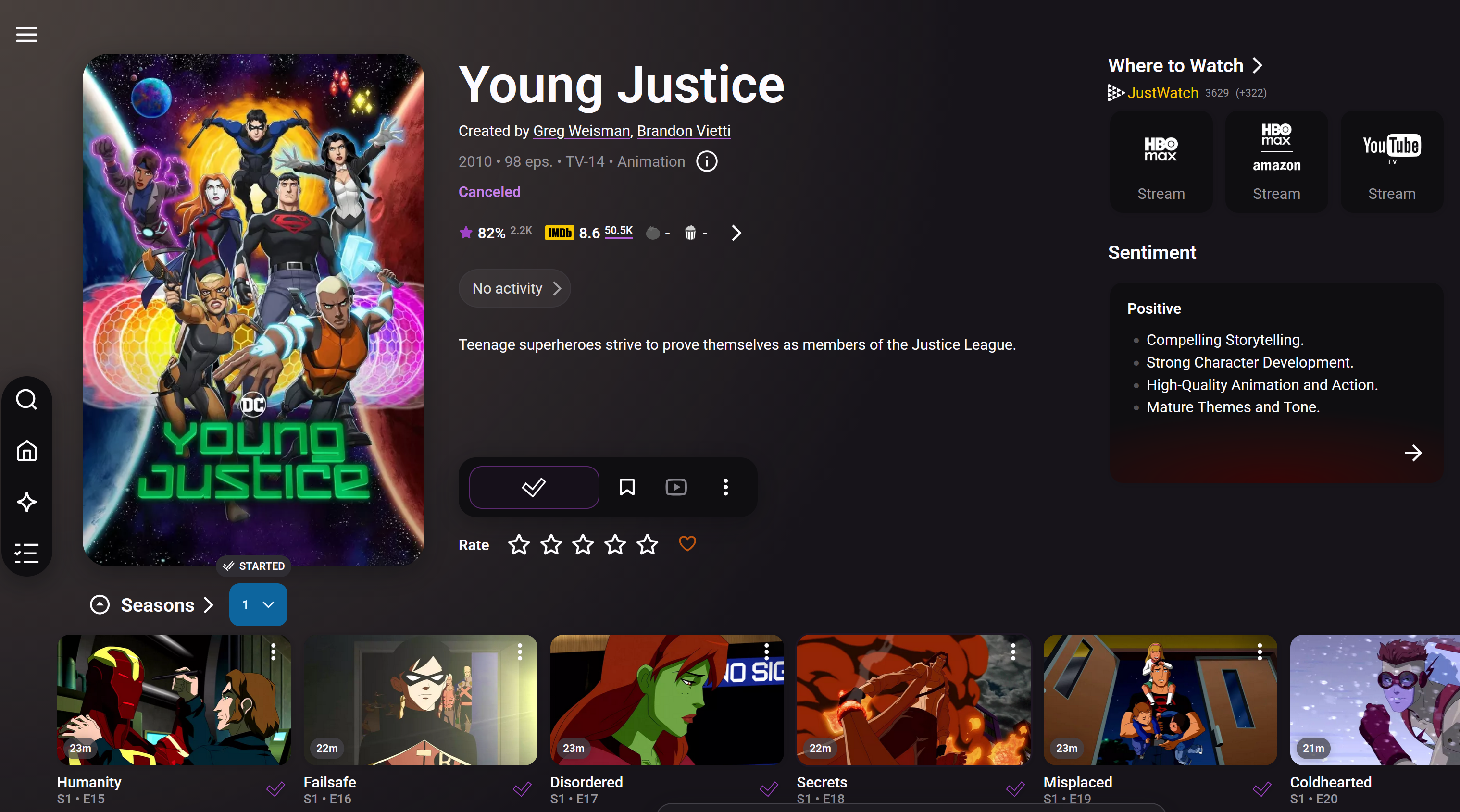
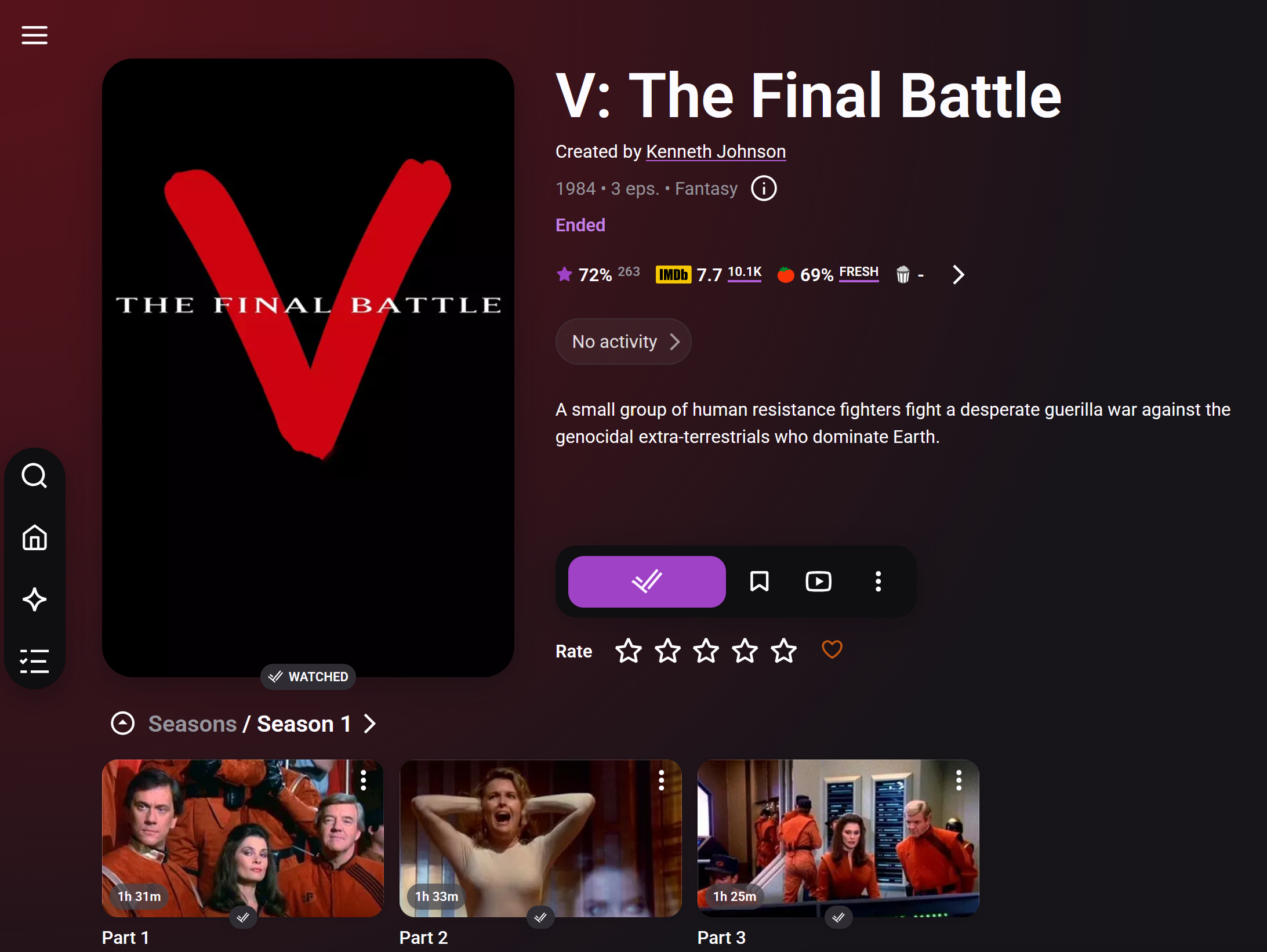
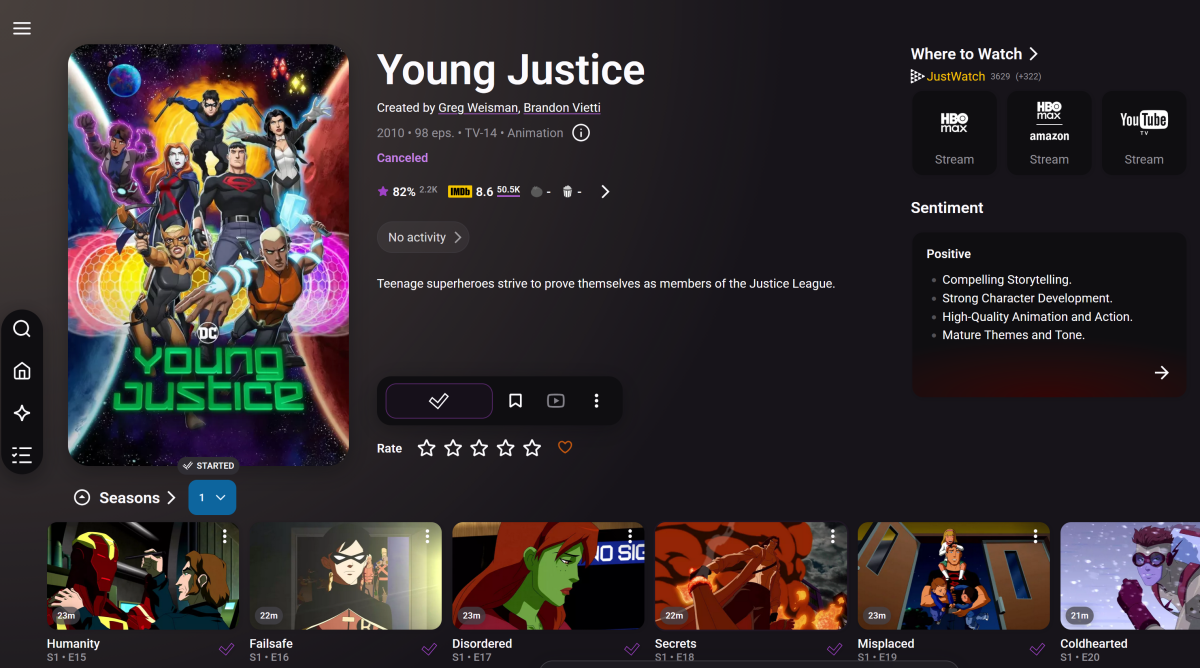
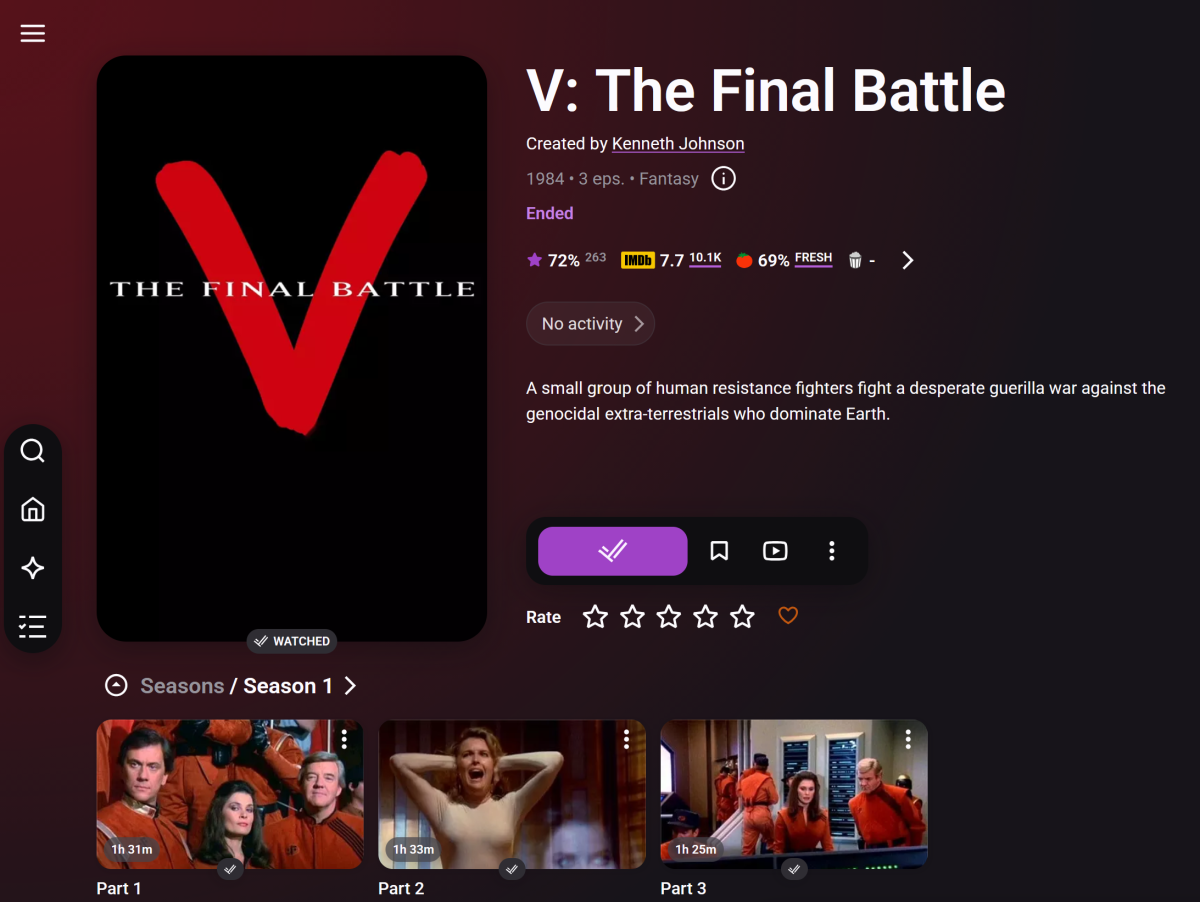
Well, for the American Idol S16 you are right, the Trat.TV website (or my scan), only shows up to S15. However, below is a big chunk for a show called Young Justice. I show a series of episodes Trakt.TV does has S01E16 named "Failsafe". It is true that it is NOT yet watched. Does the message "No Season match in Watched shows list Episode" show up for both, an unwatched show? Even if that is what shows up in both cases it is still wrong. Example: 2026-07-13 10:27:18.216 Debug Trakt: No Season match in Watched shows list Episode: 0x3 'The Final Battle (1)' Series: 'V' This show is watched, and is in Trakt. So we're definitely in better shape, however still seems there is something needing review.
-
Advice please - getting the maximum from my EMBY Setup / Samsung HW-Q990C (Atmos and TrueHD)
Robnaeyaert replied to Robnaeyaert's topic in General/Windows
Thanks @FrostByteand for everyone for the help but I’m a little confused over the setup and connections please. Are you saying to get the maximum I purchase a nvidia Shield and plug it into the hdmi input on my soundbar and make sure the Emby app on the nvidia shield sees my Emby windows server and to watch content on Emby I need to switch to the soundbar hdmi port (with the nvidia shield connected) and watch my content from there? basically ditching my Samsung TV app all together? and that “passes” the video to my tv automatically? I just need to get my head around how it’s all practically hooked up please.