All Activity
- Past hour
-
 Luisflores1 joined the community
 -
 Ezequiel ywttw joined the community
 -
 Mario B joined the community
 -
 Luks2787 joined the community
 -

Emby 3.5.28 stuck on splash screen after Play Store update
js28194 replied to cerulelee's topic in Android
Remove cache, clear data... try again. -
 edisonariza joined the community
 -
 Mata123 joined the community
 -
 Maumausito joined the community
 -
 Elnette joined the community
 -
 Amravdic joined the community
 -
 youkay joined the community
 -
Will see what i can do about it. Strange, looking at it now.
-

Plugin: EmbyCredits, detect end credits and add auto skip.
yocker replied to yocker's topic in Plugins
Fixed. -

Updating Emby - from app store to Emby website image
me@jackbenda.com replied to me@jackbenda.com's topic in TerraMaster NAS
Hey @Luke- just a heads up, we're still on 4.8.8.0 - did the lads at TM get back to you ever? -

Server transfer missing metadata, keep current .nfo info, sessions, etc..
buhochileno replied to buhochileno's topic in Linux
Thank you, Luke! You helped me in the past, about five years ago, with my initial server. Glad to find you again. The transfer is going smoothly. I’ve noticed that I just need to be patient and go show by show, setting it to download only missing metadata. Since my .nfo files are mostly complete, it ends up downloading only the missing images without changing anything in the .nfo files, which is what I want. Thanks again. -
Thanks, this is good information. I guess my tv buffers the stream, then my NAS goes into idle mode. Then when the buffer gets empty, it starts the disks up too slow. Could this be? Does the LG tv app have logs where i could identify why it buffers?
-

Plugin: EmbyCredits, detect end credits and add auto skip.
rechigo replied to yocker's topic in Plugins
The DLL is missing ! - Today
-

Subtitles on new version (v1.0.49) show strange characters
Nic0wyN replied to hspantera's topic in LG Smart TV
Same version (4.9.3.0), this problem is really problematic. -
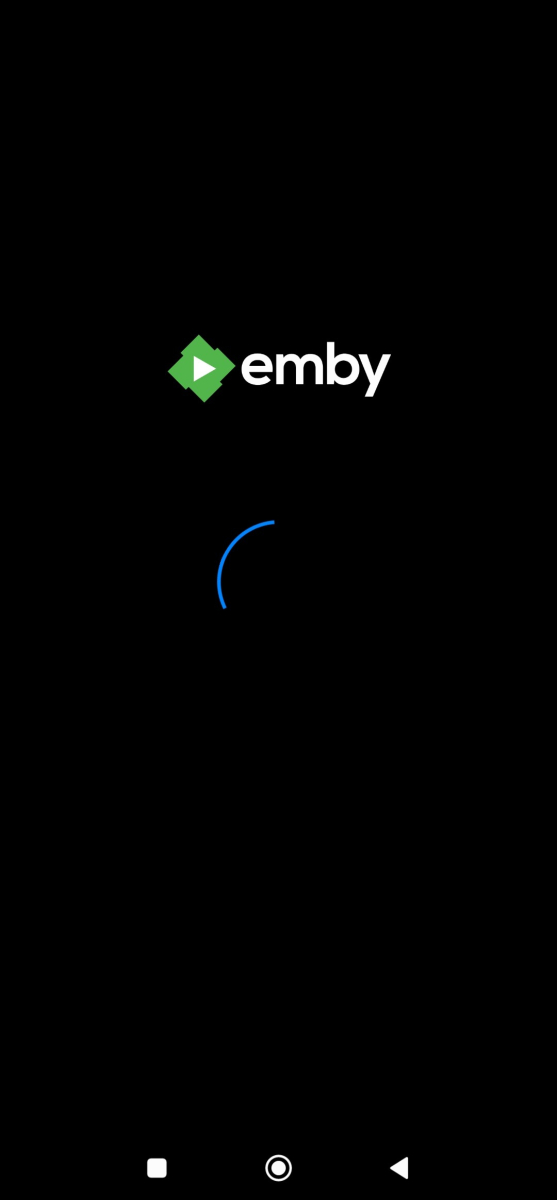
After updating the Emby app from the Google Play Store, Emby no longer opens. The app shows the loading spinner briefly (about 1 second) and then gets stuck on the splash/start screen indefinitely. Device: POCO F5 Pro System version: MIUI 14.0.6 Emby version: 3.5.28

-

LG TV showing spinner on every video and wouldn't play...
tunaz replied to tunaz's topic in LG Smart TV
Update: Issue Resolved I have managed to resolve the playback issue, although I performed two changes simultaneously and I am not entirely sure which one was the definitive fix. Here are the adjustments I made: Transcoding Path: I explicitly defined the Transcoding temporary path as /tmp. Previously, this field was left empty, which defaults to the server's internal data directory. I verified that /tmp has the correct permissions (drwxrwxrwt) for the Emby service to write. Bitrate/Quality Settings: I changed the playback quality on the LG client from a fixed 720p - 1 Mbps to Auto. My previous logs showed that the server was attempting to transcode because the media bitrate exceeded the 1 Mbps limit. The "Invalid Argument" error in FFmpeg has disappeared, and playback now initiates instantly. It is possible that either the default transcoding directory had an underlying pathing issue on Ubuntu 24.04, or the specific 1 Mbps bitrate constraint was causing a conflict with the FFmpeg output parameters for this WebOS version. -
Your AC3 shows up as EAC3 Dolby Atmos in your remux log. I think Atmos is the problem. See: https://support.emby.media/support/articles/LG-Why-not-Atmos.html?q=atmos Other related dscussions on this online: https://duckduckgo.com/?q=Dolby+Digital+AC3+audio+convert+Emby&ia=web Solution may be to remux the audio to another codec and save new media verisons. I don't deal with Atmos. This is a guess.
-
Thank you so much for the work on this. It is next level amazing and brought me fully to EMBY....
-
LG TV showing spinner on every video and wouldn't play...
tunaz replied to tunaz's topic in LG Smart TV
Infinite Loading Spinner on LG WebOS (43UF7787-ZA) - No Playback Started Description I have been using Emby Server for a long time without any issues across all my devices. However, recently, without any changes to my setup, I encountered a playback issue specifically on my LG Smart TV (Model: 43UF7787-ZA, WebOS). When I try to play any video media, a loading spinner appears on the screen and stays there indefinitely. The media never starts playing. Steps to Reproduce Open the Emby app on LG Smart TV. Navigate to any video library. Select a movie or TV show. Click the "Play" button. An infinite loading spinner appears, and playback does not initiate. What I have tried so far: Searched community forums and tested various configuration changes (none worked). (Logout, Delete LG App, Turn off and then install again, change file type etc.) Updated the Emby LG app to version 1.0.50. Updated the Emby Server to version 4.10.0.3 Beta. Verified that playback still works perfectly on other devices (Web, Mobile, etc.). System Information LG TV Model: 43UF7787-ZA LG App Version: 1.0.50 Emby Server Version: 4.10.0.3 Beta Custom CSS: None (or disabled for testing). By the way here is the chown result of "/var/lib/emby/transcoding-temp" drwxrwxrwx 2 emby emby 4096 Feb 22 18:27 /var/lib/emby/transcoding-temp ffmpeg-transcode-d5efbebf-faa6-4c5f-8992-4afcfcb39ac0_1.txt embyserver.txt -
@jriker1I've gone strictly to M3u. There are many providers out there or if you are willing to do the work you can manage your own system. I pretty much replicated everything I used to do with youtubeTV and have it in Emby. There are shortcomings at times where shows will stop for one reason or another, however I don't spend that much time trying to determine if its the provider who stopped sending data or is something local. I refresh my screen when that happens for live shows and it works for me. It can be frustrating for others who want a seamless experience but again it works for me.
-

Subtitles on new version (v1.0.49) show strange characters
nanuk replied to hspantera's topic in LG Smart TV
I'm using Windows Version of Emby Server Version 4.9.3.0 and have the exact same probs with the subtitles using the LG Emby app -
embyserver.txt is not a log ?
-

Pixelated/Blurry/Discolored Playback on Roku when Transcoding
Xalactic replied to Xalactic's topic in General/Windows
Not knowing what's causing an issue does not necessarily mean being unable to replicate it. No one even said they couldn't replicate it. You came in here and started saying that. This has been a two year issue because that's how slow the Emby team has been. Who are you anyway? You're trying to spin it around and make me seem like the problem because I didn't just give up right away. If Emby doesn't want to support the burn in feature, they should drop it. Somehow I'm the difficult one for wanting to see the issue fixed instead of just replacing my devices. Your post history is a lot of attitude and telling people that every issue is their fault. Again, I give up on this now and was only expressing frustration in how Emby handled this. You just want to argue - I'm done. -
It’s something they would do as part of app development for Emby.
-

Downloaded Files not showing thumbnails or skip intro option
Luke replied to manners15's topic in General/Windows
OK we’ll take another look at it. Thanks. -
Hi there, let's look at an example. Please attach the information requested in how to report a media playback issue. Thanks!
-
Iphone11 Chrome: PDF Rendering Blurry Issue & My approach to solving the problem
Luke replied to luguagua's topic in Web App
@Protected -
Thanks for following up.
-

Auto play movie trailer inside folder - Spotlight like @sh0rty inspired
BIGDREY replied to BIGDREY's topic in Web App CSS
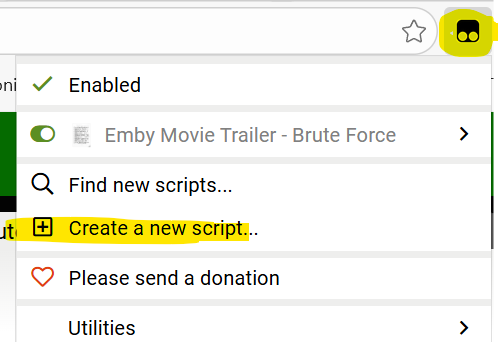
This no longer works for me. Not sure what broke it, but I don't want to spend hours on it.
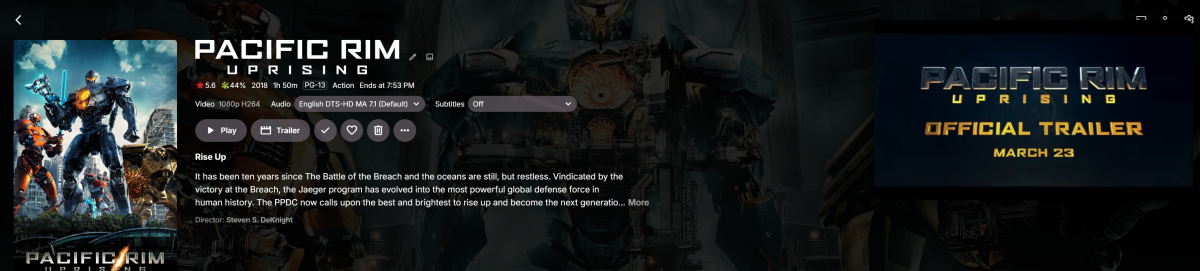
-
LG TV showing spinner on every video and wouldn't play...
Luke replied to tunaz's topic in LG Smart TV
Hi there, let's look at an example. Please attach the information requested in how to report a media playback issue. Thanks! -
Hi there, please attach the Emby server log from when the problem occurred: How to Report a Problem Thanks!