All Activity
- Past hour
-
 ifuchenxu joined the community
 -
 a209 joined the community
 -
 Glas44 joined the community
 -
Hi, can you give it another try? Are you using a vpn?
-
 Skybull joined the community
 -
OK let's look at a specific example of that next episode: How to Report a Problem Thanks.
-
 Camilopeak joined the community
 -
What do you mean by cover png attachment?
-
 na3af joined the community
 -

Emby server won't detect new items in TV shows library
RanmaCanada replied to xifnitsuj's topic in General/Windows
When this happens for me, I just reboot the machine. -
here's my settings, don't see a "screen grabber" choice but thanks for jumping in I still don't understand how having a cover png attachment on my mkv's plays in, is it ever even used for anything?

-

Emby Theater v3.0.20 (Server v4.9.3.0) Homescreen Horiz. navigation broken
step55 replied to d00zah's topic in Windows & Xbox
I downloaded this: https://github.com/MediaBrowser/emby-theater-windows/releases/download/3.0.20/emby-theater-x64.zip Then unzipped to a new folder and ran Emby.Theater.exe -

playback is often paused, crashes, freezes but for a specific user (its the wife-BIG problem :))
Luke replied to Zeltak's topic in MacOS
Hi, what exactly was played, at what time, and with what device/app? -
 vrtzamp joined the community
 -
Thanks for the feedback !
-
Hi, this is good, right?
-
Emby Theater v3.0.20 (Server v4.9.3.0) Homescreen Horiz. navigation broken
Luke replied to d00zah's topic in Windows & Xbox
How exactly did you do a fresh install? - Today
-
 Mohammedalsalhi joined the community
 -
 MilanesaDeNalga joined the community
 -
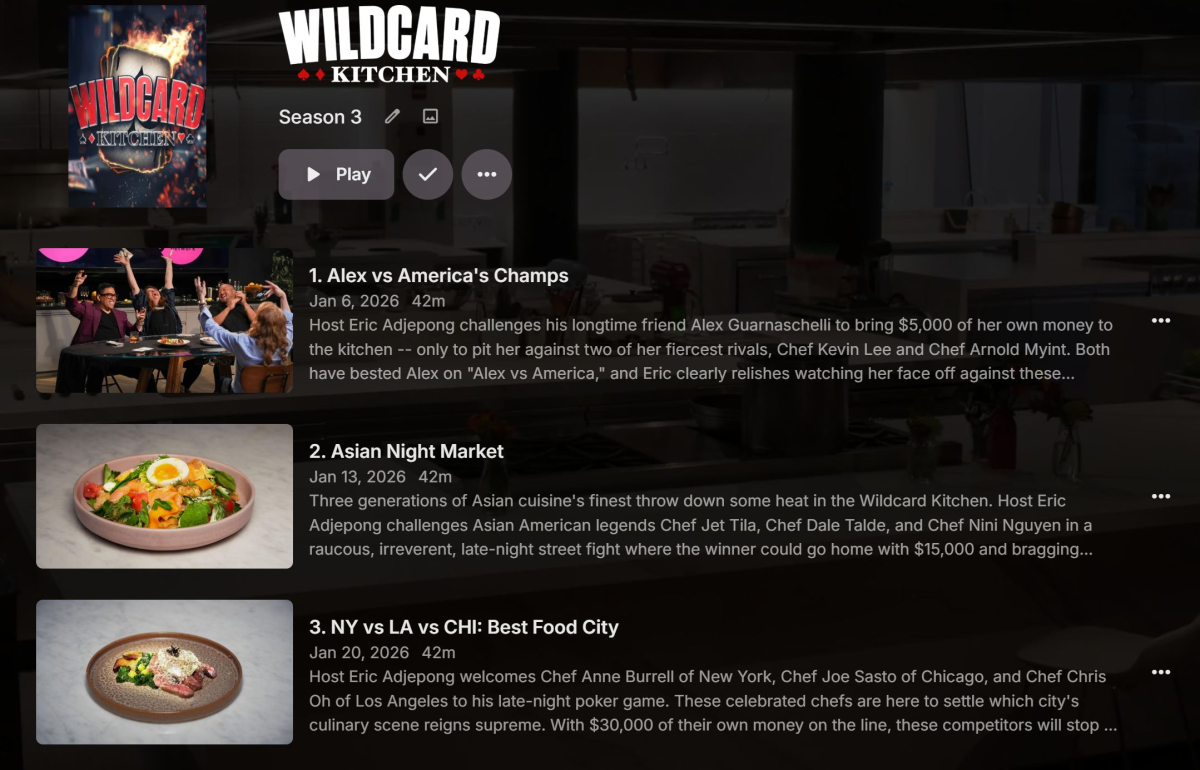
What are your library enabled image fetchers and in what order? Neither TVDB nor TMDB have images for episodes after S03E06, so no thumbs could be downloaded, wild guess would be you have Screen Grabber disabled?
-
Attached is logs. From reading other posts I see it could be described as the server is unresponsive to users some time after authenticating. embyserver.txt
-
Hi Luke, Reviving this thread - I have issues accessing my server remotely sometimes, when accessed from a TV app or phone app it sometimes refuses to connect, and will just happen to start working 5 or so minutes later, but not always the case. It is running on a windows 10 PC, connecting via emby connect only. I have the pc set to always on and never sleep, I use Parsec to remote into the computer and each time it is up and running just fine & will end up working on the remote app access after a few minutes being on the Parsec connection. Is this an issue with Windows? Would it be easier to transition to linux? Also, side note, I found a bug where while the TV app could not connect it defaulted to the server select screen, I accidentally "removed this server" and was unable to re-add the server with emby connect or direct connect. I was forced to remove the user from my server and re-add them and their email address, it then worked as expected. I see this as a bug and want to report it! Also also, if I were to upload a log file, which one would that be? the embyserver.txt? Thank you, Jared
-
@jeffstifiedThere's a new Dev version 2.1.7.5 in the plugin catalog that you have to install manually. With that version, enable debug logging in the plugin settings, create or edit a VirtualTV channel, select or change the Emby Library User in the channel settings and send me the log after that.
-

playback is often paused, crashes, freezes but for a specific user (its the wife-BIG problem :))
Zeltak replied to Zeltak's topic in MacOS
thx @alex77777 will try that during the weekend and report back! -
@hdsuisseThere's a new Dev version 2.1.7.5 in the plugin catalog that should fix your problems. I've also added a new playback mode "Native (Live)". Maybe that is a better alternative to "Continuous Playback"?! Please test that version after manual install from the plugin catalog and report your findings.
-

Default Subtitles Not Automatically Selected
emby.trace706 replied to emby.trace706's topic in Android
Was not the solution. It showed correctly, and going into and playing the initial episode, it worked. However when it auto-played the next episode it went to the 1st subtitle in the list instead of the default. -
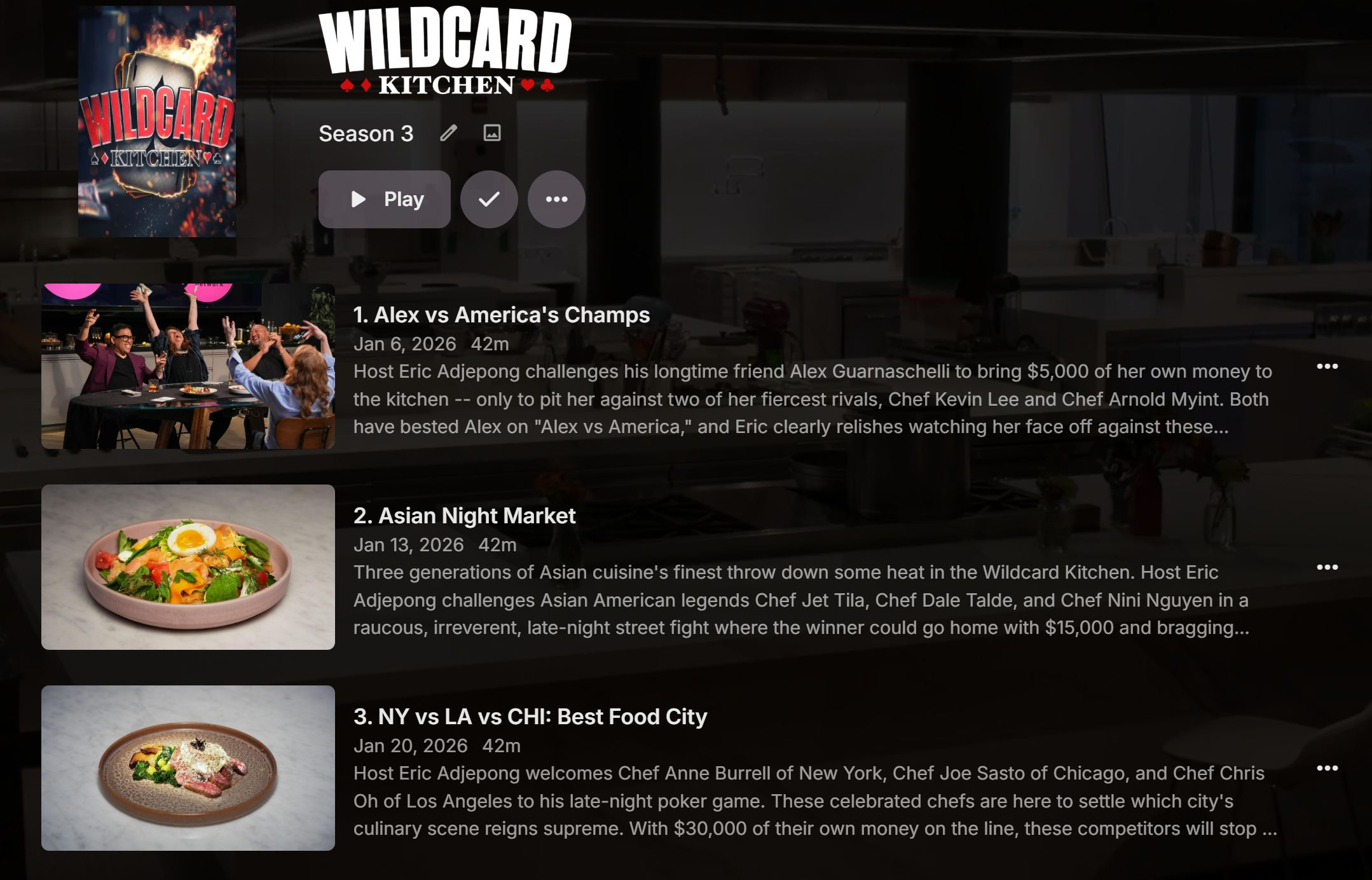
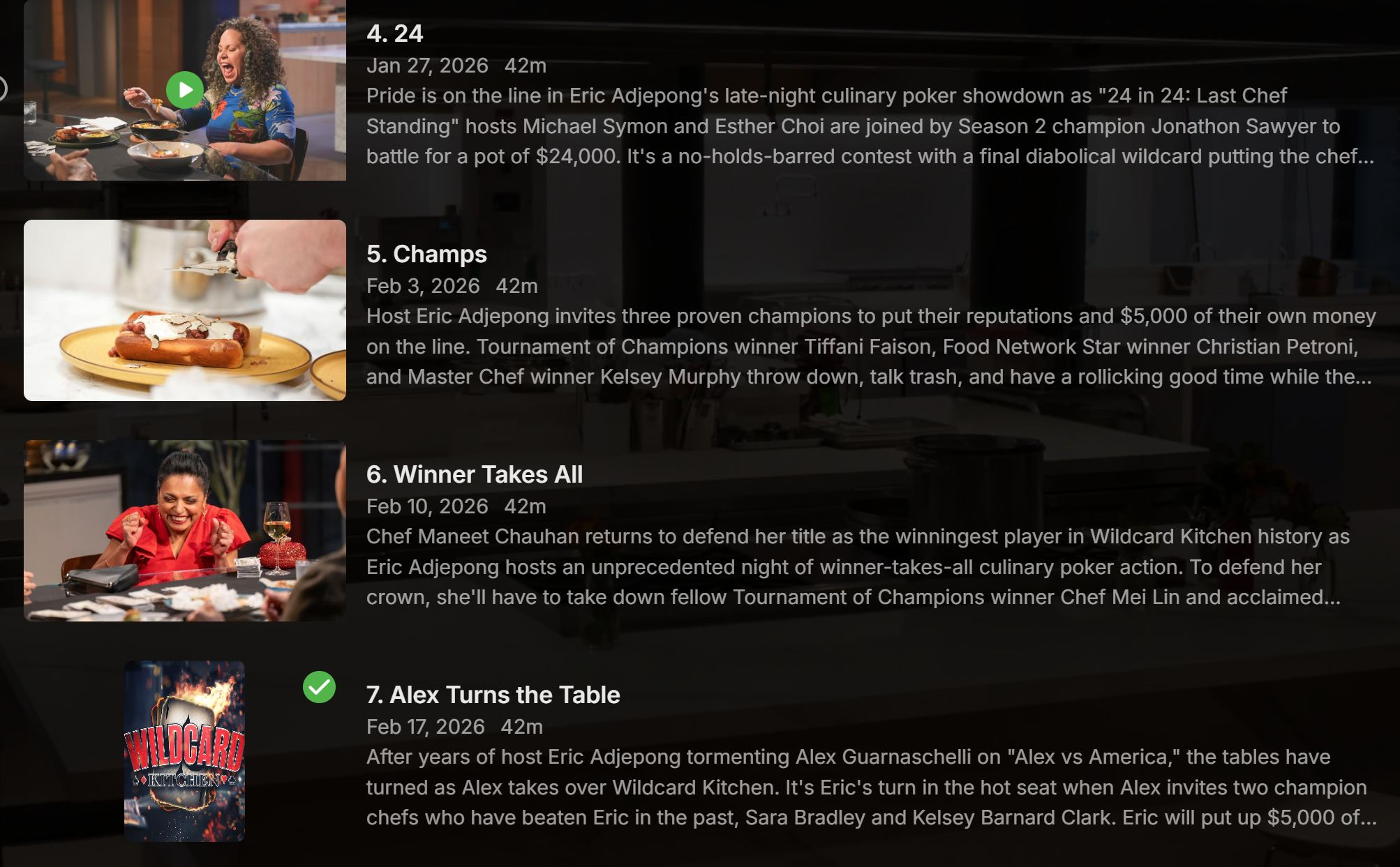
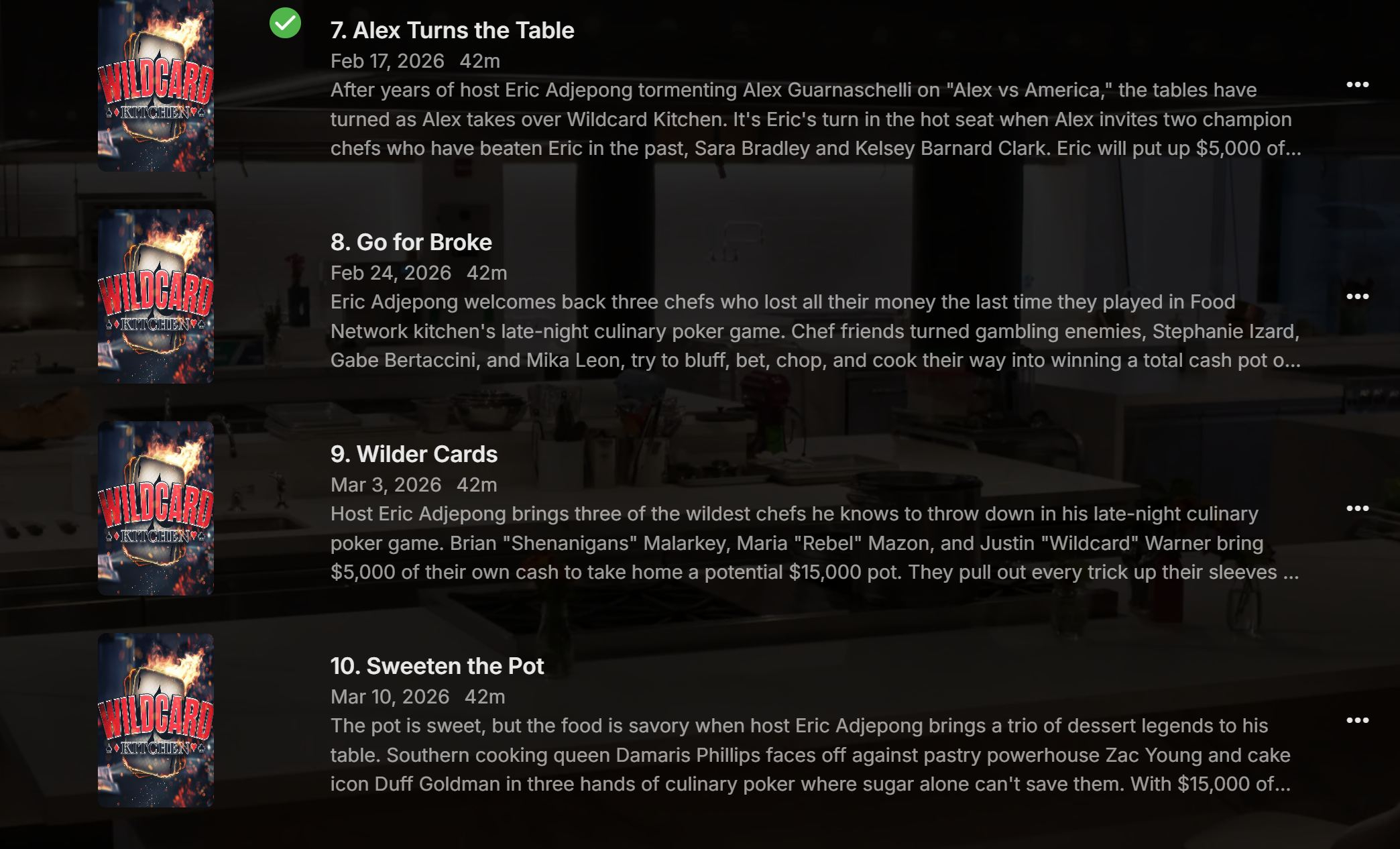
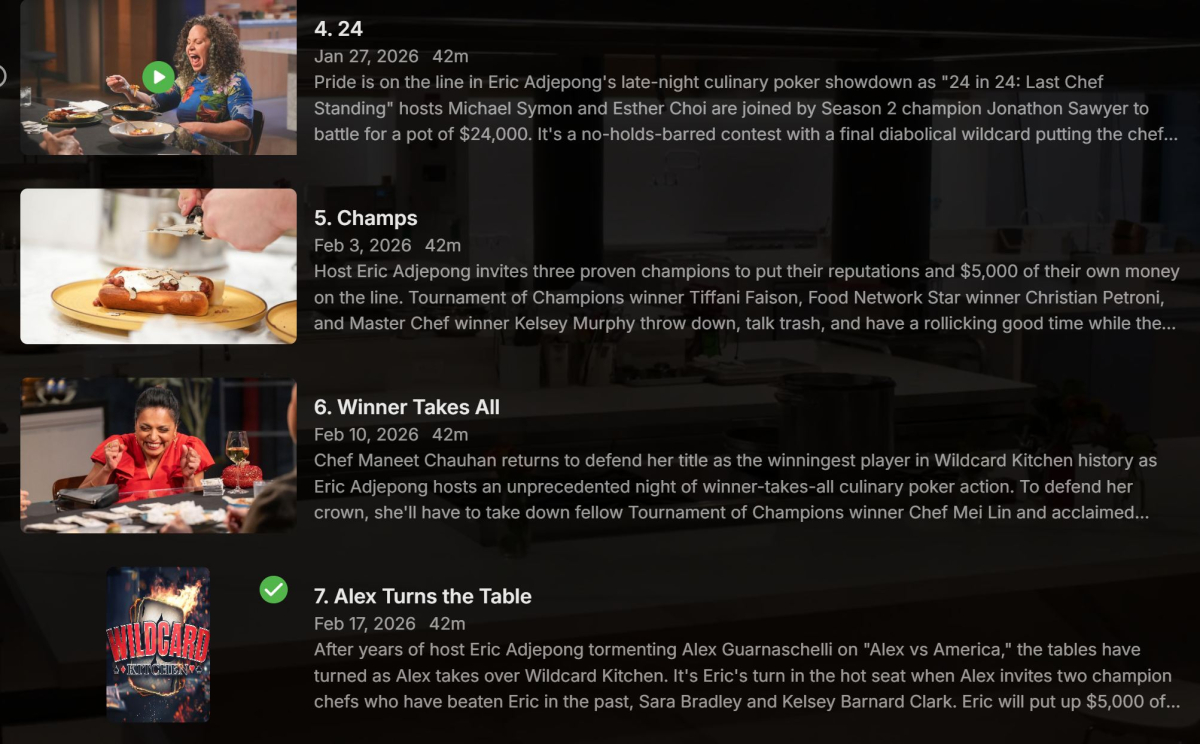
A cooking show Wildcard Kitchen fresh logs attached embyserver-63908944875.txt hardware_detection-63908944956.txt embyserver.txt

-

playback is often paused, crashes, freezes but for a specific user (its the wife-BIG problem :))
alex77777 replied to Zeltak's topic in MacOS
@Zeltak Did you check to see if any of her streams are being transcoded? I also wanted to try a different test, Can you try disabling audio and video transcoding, as well as changing of container format for only her user and see if improves playback on the Apple TV (this may cause issues on other devices but Ive solved playback issues on my Apple TV this way).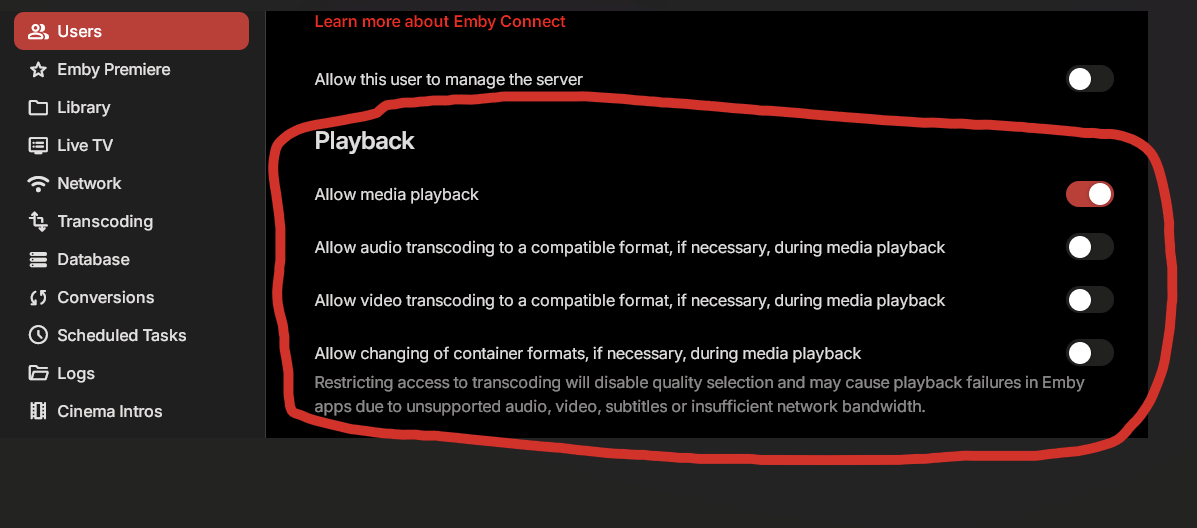
-
Ah, that simplifies the content of .embyignore. Thanks, Luke. Unfortunately, this still means I have to put the .embyignore files up one level from the folder I want to hide… but of course, not any higher than the library root folders. It seems rather a shortcoming of this new system that it no longer supports any way for a folder to designate itself as ignored. Consider it a feature request, I guess.
-

I think my server was hacked
woofstream replied to edvinmorales@hotmail.com's topic in General/Windows
That's nteresting, very insightful. Is using 443 as the remote port fine or has that been a mistake? I'm by no means an expert, I just thought I needed this for SSL. -

I think my server was hacked
Apotropaic replied to edvinmorales@hotmail.com's topic in General/Windows
That IP relates to some ISP in France, can’t jump to conclusions as someone may have hacked them and then piggy backed off their equipment. Interesting it does look like a static IP for some home broadband. Anyway, this is more reason not to use the default Emby ports for remote users. It’s trivial to scan large ranges of home broadband connections for ports 8096 and 8920. Once you find the Emby login pages it’s then just about brute force. This same IP address was caught scanning for FTP servers a few years ago….so they have form for this kind of activity. Again, everyone should change their port forwarding settings so the outside port is randomly in the 20,000-65,000 range. Its not foolproof but anyone going to the lengths of scanning thousands of random ports isn’t doing it to find Emby servers. - Yesterday
-

Plugin: EmbyCredits, detect end credits and add auto skip.
yocker replied to yocker's topic in Plugins
Many, many thanks. Still nice to have permission! I will be sure to write in the plugin that it's inspired by Chapter API! -

Plugin: EmbyCredits, detect end credits and add auto skip.
TeamB replied to yocker's topic in Plugins
its open source, as long as you follow the license its all good. -

Music auto resume not working on iOS/Carplay
jasonmcroy replied to mjvracing's topic in Apple iOS / macOS
I see this is an older post but I was going to post about this over in the iOS Beta forum but thought I would just add to this existing one. @LukeI am seeing this behavior on the beta app for iOS. If I start a playlist, pause playing, exit the app and completely close it (ie, swiping up on the app on the iOS screen to fully close it) then re-open the app it doesn't remember I was mid a playlist. Same thing with a single song outside of a playlist but I usually just listen to playlists, not a single song. But I tried it just out of curiousity. It's the same behavior as above whether I am listening directly on the phone or using it via Carplay. Every other app I have tried to play back music with will remember the position except Emby. Have been trying to use a 3rd Pary app but I have other issues with that one so I would rather be able to just use the native Emby app.