All Activity
- Past hour
-
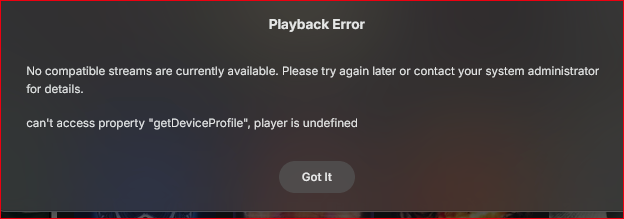
Playback Error No compatible streams are currently available. Please try again later or contact your system administrator for details. can't access property "getDeviceProfile", player is undefined Web app > Music > Shuffle embyserver.txt
-
It won’t be until 2050
-
Hi. FYI the Emby for Android TV app already does this. Once you set a zoom for a particular video, it will re-instate that on each subsequent playback.
-
 yzyihui joined the community
 -

Movies in collections that I made are missing movies
Luke replied to ZamBucca1's topic in General/Windows
Are you saying you don’t know where your own video files are located? -
 testaccount13 joined the community
 -
Movies in collections that I made are missing movies
Luke replied to ZamBucca1's topic in General/Windows
What do you mean by them no longer supporting the collections? -
Thanks. I think I tracked it down to a nullable in my code (not Emby's GetCollectionFolder response), not being checked properly. I don't think it's related to beta versions and could affect all users, so I'll try to get it patched this weekend.
-
Hi, no, but a collection could do that.
-
Hi, where are you looking for it on the home screen?
-
 juanmachin joined the community
 -
Sounds reasonable.
-
 gxrdu joined the community
 -
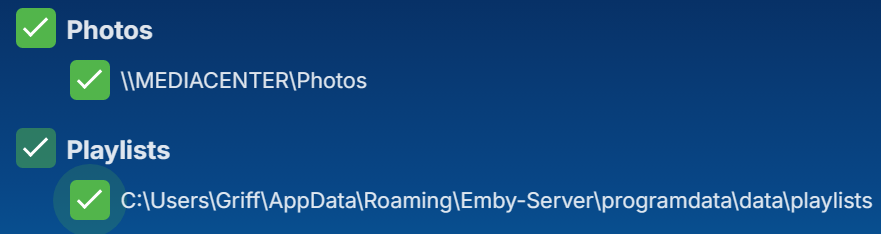
Hi all have a few questions regarding playlists. 1. How the hell do I get playlists to show on my Home Screen? It's in the library order list but does not show. I have 12 in total and only 11 show up. The only way I've been able to access playlists is by adding it at as a Home Section which I'd prefer to not have to do. 2. I've added 5 TV series to a playlist so I can share that with one of my users, is there a way to get it to show as 5 separate TV shows and not a list of 47 individual episodes in one big list? I've had to sort by filename to at least keep them grouped by show. I've looked everywhere, so I'm either stupid or this is a really poor implementation. My user rights has access to all libraries. Interestingly if I go into access and deselect enable access to all libraries, the playlist entry is a different green colour to all the other entries and can't be unselected. Any help appreciated.
-
 lisenok1 joined the community
 -
 nonog27600 joined the community
 -
 Stanev joined the community
 -
 Wjl12345 joined the community
 -
 ways joined the community
 - Today
-
While it isn't an especially popular opinion, if you don't mind (or perhaps you prefer!) doing compulsive file management on your server, Folder View is an incredibly useful way of getting Emby to present to the exact configuration that you want: And if your superhero collection consists of TV shows as well as movies, you can go further and use a Mixed Content library:
-
Can we get a setting to adjust the size of the logotype in the spotlight? I find the current size too small, but in sure others would disagree so it would make the most sense to make it customizable - just like it think the scroll time for the spotlight should be as well.
-

Plugin: EmbyCredits, detect end credits and add auto skip.
yocker replied to yocker's topic in Plugins
Don't worry, I just want it to be as easy as possible and people happy -

Movies in collections that I made are missing movies
ZamBucca1 replied to ZamBucca1's topic in General/Windows
unfortunately No, I could never figure out exactly what folder to look at to check. I think all the issues I had with missing movies and shows was from them no longer supporting the collections. Absolutely no issues with using ACdb lists. Thanks for all your help Luke. -

Plugin: EmbyCredits, detect end credits and add auto skip.
RedNo7 replied to yocker's topic in Plugins
I don't really mind if you keep it simple and only ever look at 'all', but you asked for opinions ..., don't do it just for me if it takes you away from the simplified interface (which I really like the idea of). -
OK, I can see how to do this for films, but not TV.
-
@GrimReaperAs i better be on good terms with the reaper i fixed the problem as fast as i could. Try version 5.61.0.2. It should now play nice with CoverArt.
-

Android downloads fail with 404 because the Emby sync file is missing
OUARZA replied to OUARZA's topic in Android
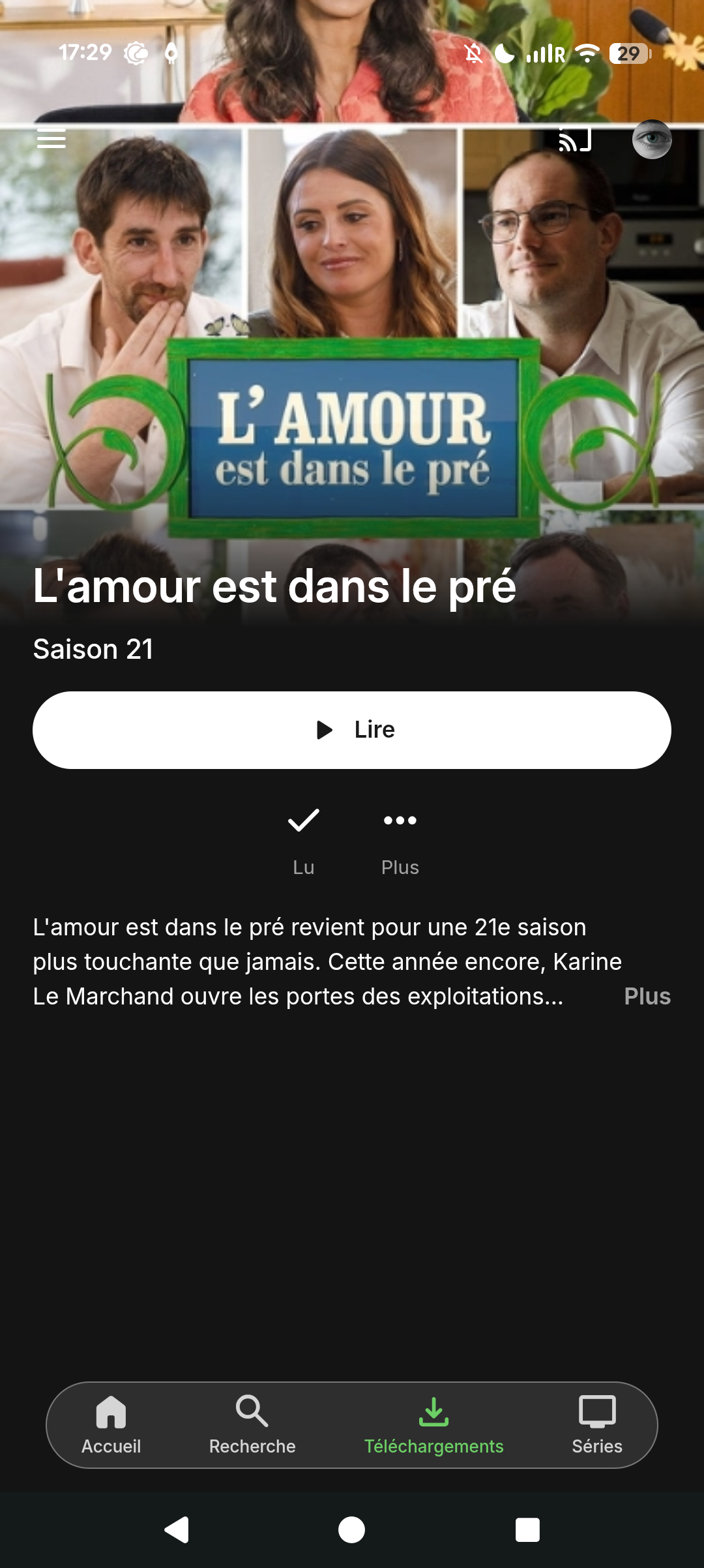
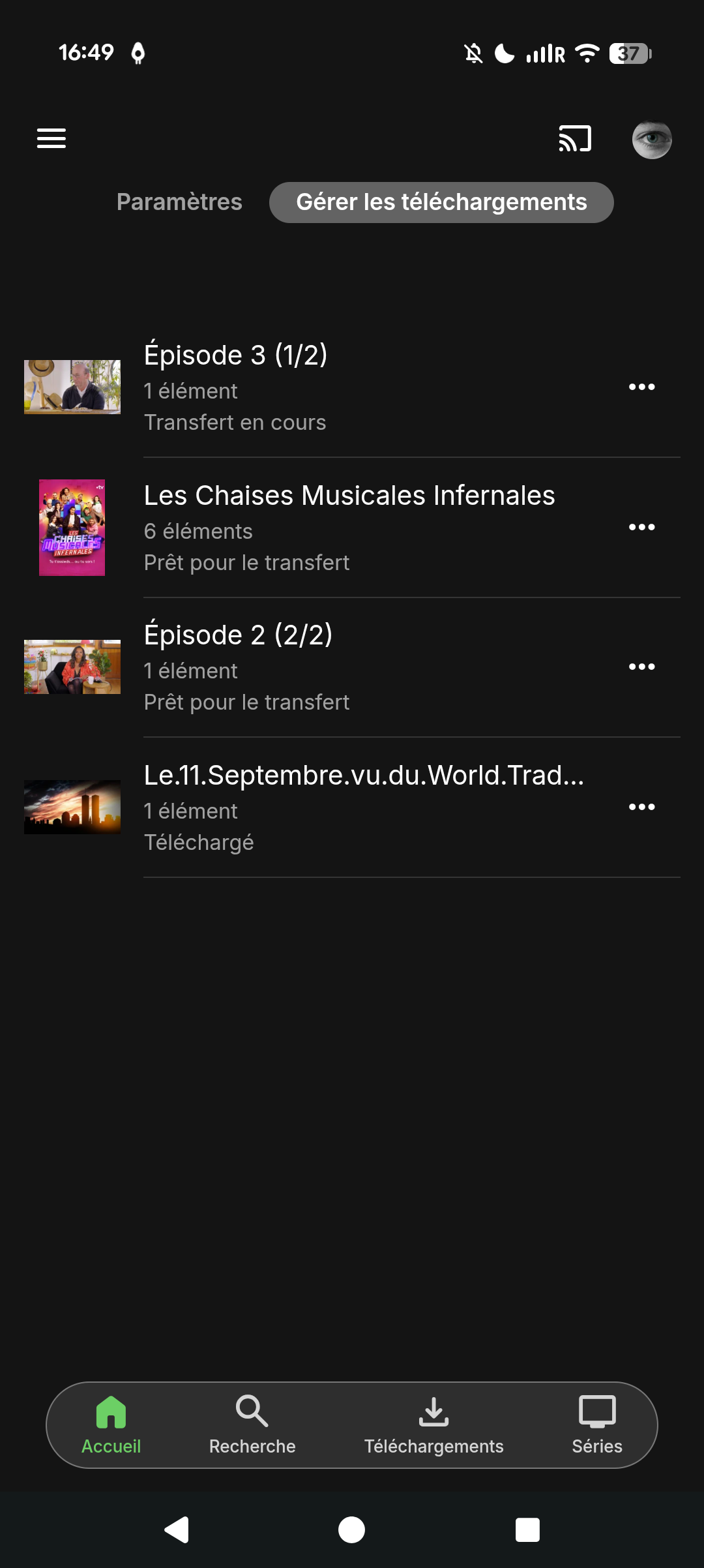
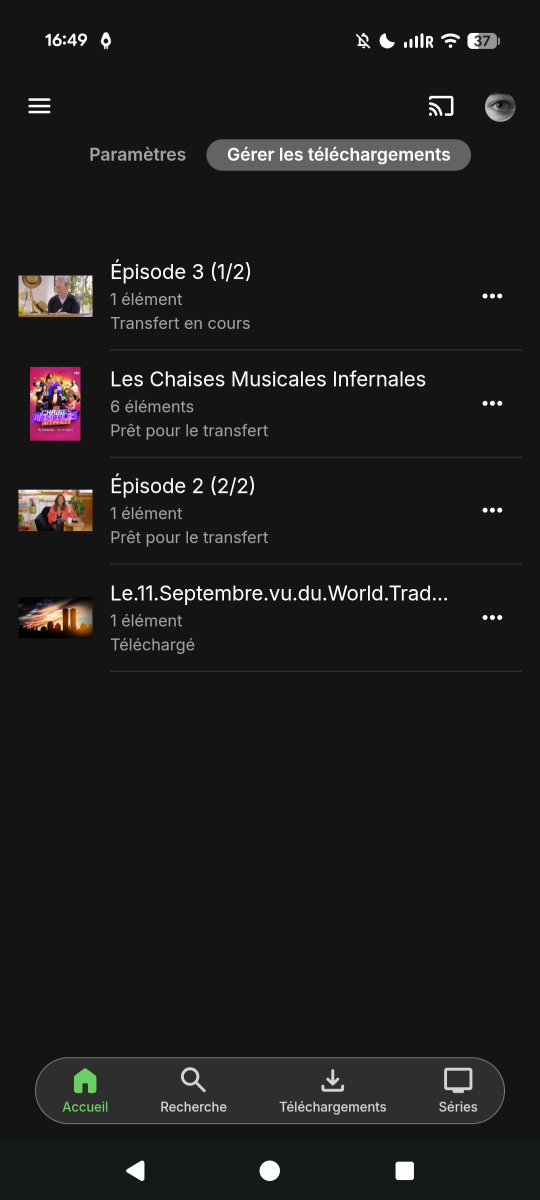
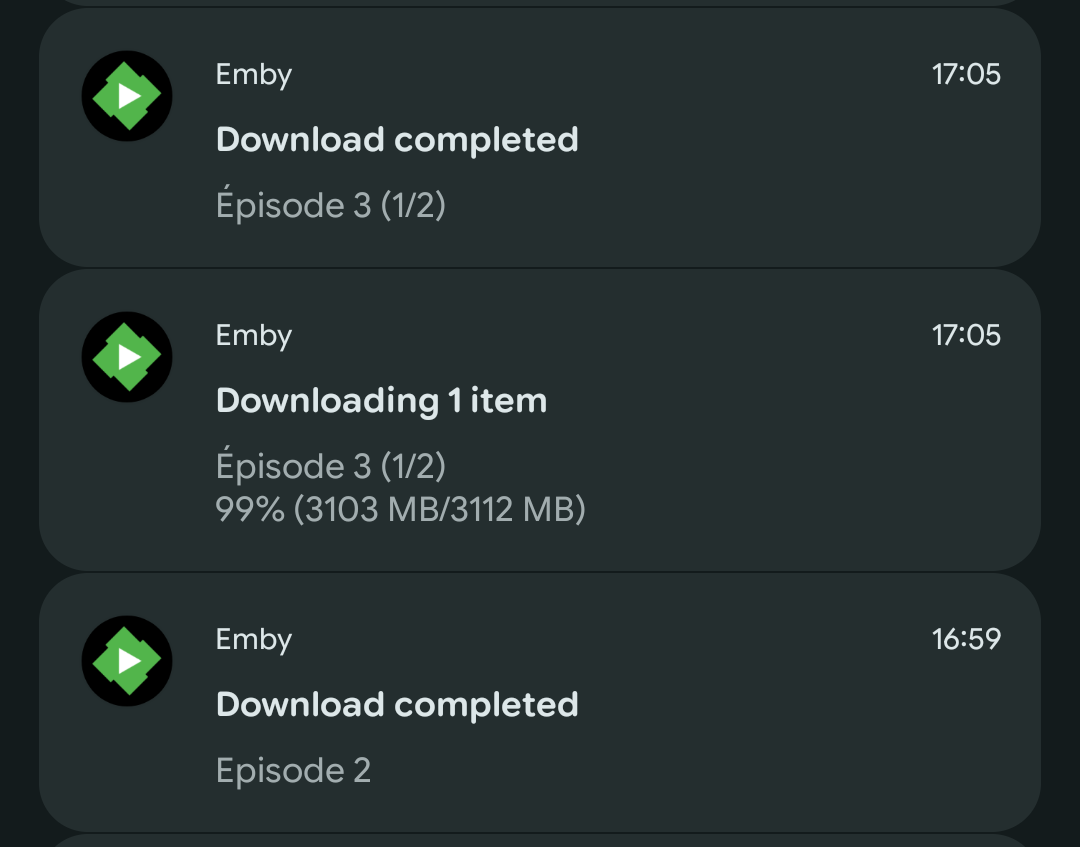
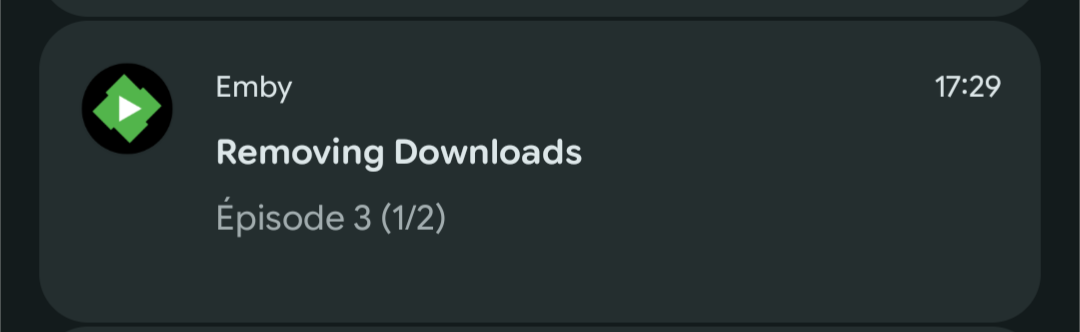
Hi Luke, I’ve found some notifications from the latest download attempt that may help. I’m attaching the screenshots and a fresh Emby server log covering this attempt. At 16:59, Emby notified me that Episode 2 of L’amour est dans le pré had downloaded successfully. At 17:05, I got a “Download completed” notification for Episode 3, but another notification at the same time showed Episode 3 still downloading at 99% (3103 MB/3112 MB). Later, at 17:29, Emby showed “Removing Downloads” for Episode 3. Despite the completion notifications, I can’t find the episodes in the app to watch offline. I have “Download only unwatched videos” enabled. Could that setting explain why Episode 3 was removed, or do the notifications suggest that the same episode was queued twice? This is still happening with Emby Server 4.10.0.40 on my Synology DS720+ and Emby for Android 3.5.55 on Android 17. I’ve also attached the hardware detection report. Thanks for your help. embyserver.txt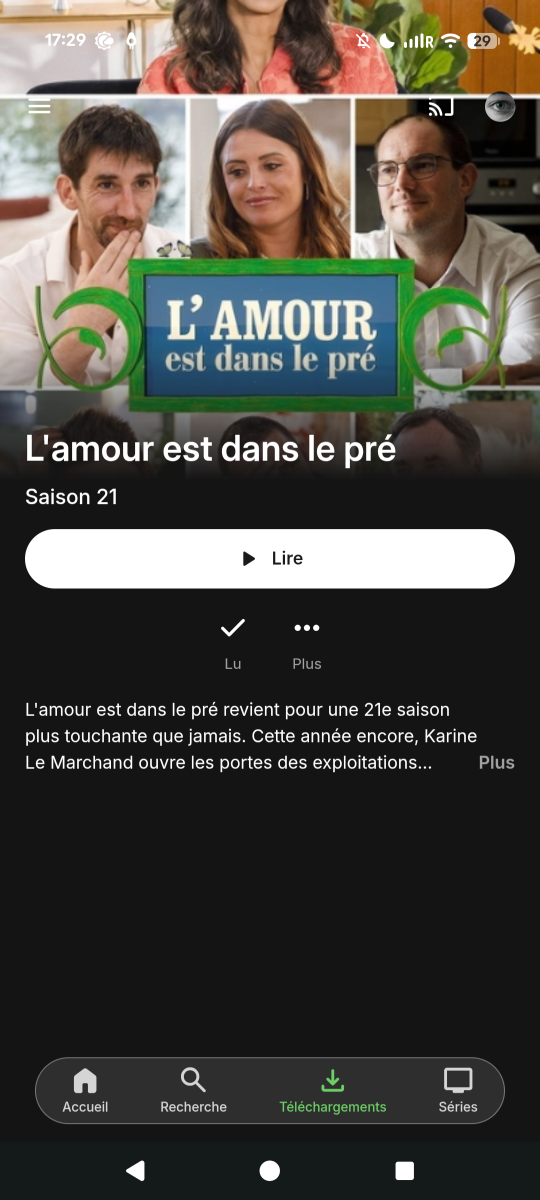
-
OK then it means something along the chain is not allowing open communication to the public internet. I know you said you've been reviewing the Connectivity guide for weeks, which step in the Troubleshooting guide do you get unstuck? https://emby.media/support/articles/Connectivity.html#troubleshooting-external-connections Are you sure Superloop have given you a static IP? I myself am also on Superloop so I know for a fact that they do not block connections, however you need to explicitly ask to be removed from cgNAT. Have you confirmed you don't have a double NAT situation as per the guide? You're saying the only thing that changed is the ISP, so that's where I would be focusing.
-
Yea, I don't have that enabled and this new feature still works.
-
Yes, I have port forwarding set up for 8096, here is the latest test with same error: on port (8096)
-
+1 for this. And also the real ability to edit it in the metadata.
-
Are you actually port forwarding on port 80 though? The default Emby http port is 8096
-
No. it does not have everything from it.
-
Hi @seanbuff, not good news, but hopefully getting a step closer to resolution: Error: I could not see your service on xxx.xxx.xx.xx on port (80)