All Activity
- Past hour
-
As well as a sub-option of "Enable theme suggestions".
-
 Ysjaibjsbks joined the community
 -
 cjrgalarce joined the community
 -
 Majeur joined the community
 -
 Cesar1050 joined the community
 -
 Diegol47 joined the community
 -
 Pehent joined the community
 -
 Weocean joined the community
 -
Usually, the plugin wizard starts automatically. Did you check if the plugin is installed and enabled? As far as I know, Kodi asked you how to deal with the new profile. One option is something like start from scratch, means you have a blank page. Not any addons are installed in the new profile.
-
Good lord making this thing multi-language is a huge pain in the ass!
-
 Yahli123 joined the community
 -
 whydem joined the community
 -
 Henel joined the community
 -

Emby server When Streaming a movies to tv the sound is out of sync
ebr replied to malc1954's topic in General/Windows
Hi there, let's look at an example. Please attach the information requested in how to report a media playback issue. Thanks! -
It is a brush off because a I and others have stated Emby is a one man show. What he wants and everyone else be damned.
-
Small tweak to the gradient. I accidentally used the navy-blue instead of black. Emby Navy and Gold v4.57.css
-

Audiobook Creator/Editor (mp3->m4b, m4b+m4b, m4b retag)
Flest replied to Flest's topic in Tools and Utilities
AB Master v3.8.2.exe -
Aperture v0.7.1 Release Notes This release introduces Movie Collection Gap Analysis — a new admin tool that compares TMDb movie collections against your library to surface missing titles — plus Seerr request options so you can pick your Radarr/Sonarr server, quality profile, and root folder before submitting a request. Baseline: follows v0.7.0 (commit 6893d05). Commit range: 6893d05..94337ae (8 commits). At a glance Theme What shipped Gap Analysis Admin page comparing TMDb collections to your library; background scan persists all parts with library + Seerr status; collection-level sort & filter; movie detail modal with in-app Seerr requests TMDb Collection Cache Persistent tmdb_collection_cache table avoids repeated TMDb API calls for the same collection data Seerr Request Options Choose Radarr/Sonarr server, root folder, quality profile, and language profile before submitting requests — wired into Discovery, Person Detail, Top Picks, My Requests, and Gap Analysis Summary for users Gap Analysis is available in left nav menu under Admin → Gap Analysis. Run a scan, and Aperture fetches every TMDb movie collection referenced by your library, then shows which titles you own, which are already in Seerr's pipeline, and which are still missing. Sort collections by most missing, most complete, or name. Filter by minimum missing count with a slider to focus on the biggest gaps. Click any poster to open a detail modal with backdrop, metadata, and a Request via Seerr button — no need to leave Aperture. Request options dialog — when requesting through Seerr from anywhere in Aperture, you now pick the destination server, root folder, and quality profile. Bulk requests (select all missing in a collection, or multi-select across collections) go through the same flow. Movie Collection Gap Analysis What it is For every movie in your library that belongs to a TMDb collection (e.g. The Dark Knight Collection, Alien Collection), Aperture fetches the full collection and checks which released parts you own, which are in Seerr (requested/processing/available), and which are missing. Collections where all missing parts are already covered by Seerr are hidden entirely. How it works Background scan (refresh-library-gaps job): fetches TMDb collection data (cached in tmdb_collection_cache), cross-references your library and Seerr, and persists every released part with in_library and seerr_status into gap_analysis_results. Display path is pure SQL — zero Seerr or TMDb HTTP calls at page-load time. Fast even with hundreds of collections. UI groups results into collapsible collection cards with a responsive MoviePoster grid. Status overlays show "In Library", "Requested", "Processing", etc. Key features Collection-level sort: Most missing, Most complete, Name A–Z. Min-missing slider: hide collections with fewer than N missing titles. Search: filter by title or collection name. Bulk select + request: select individual posters or all missing in a collection, then request via Seerr with your chosen options. Detail modal: click any poster to see the TMDb detail view with backdrop, cast, overview, and request button. Technical summary Core module: packages/core/src/gap-analysis/index.ts — runLibraryGapAnalysis, getGapCollectionSummaries, listGapResults, getGapCollectionParts (all pure SQL reads). TMDb cache: packages/core/src/tmdb/collection-cache.ts — upsertCollectionCache, getCachedCollectionDataBatch, fetchCollectionDataAndCache. API routes: apps/api/src/routes/gap-analysis/index.ts — GET /latest, GET /results, GET /collection-parts, POST /refresh, POST /request. Job: refresh-library-gaps registered in jobConfig and wired in the executor. Seerr Request Options When submitting a request through Seerr, a new RequestSeerrOptionsDialog lets you choose: Server (Radarr or Sonarr instance) Root folder Quality profile Language profile (Sonarr) The dialog is wired into every request flow: Discovery cards/list items, Person Detail gap rows, Top Picks preview, My Requests, and Gap Analysis. The Seerr provider now exposes listRadarrServers, getRadarrServerDetails, listSonarrServers, getSonarrServerDetails, and batchGetMediaStatus. Database migrations Run your usual migration command so these apply in order: Migration Purpose 0106_gap_analysis.sql gap_analysis_runs and gap_analysis_results tables; source column on discovery_requests 0107_tmdb_collection_cache.sql tmdb_collection_cache table for persistent TMDb collection data 0108_gap_results_status.sql in_library and seerr_status columns on gap_analysis_results; wipes prior runs due to schema change Update instructions For Docker users docker compose pull docker compose up -d Database migrations run on startup (or use your usual pnpm db:migrate / deployment process). Operator checklist Migrate the database — the three new migrations must apply before starting the updated API. TMDb API key must be configured (Admin → Settings) for gap analysis to work. Seerr must be configured and enabled for the request flow. Without Seerr, gap analysis still shows owned vs missing but the request buttons are disabled. Run an analysis — go to Admin → Gap Analysis and click "Run analysis" to populate the initial snapshot. Re-run after syncing new movies. API quick reference Gap Analysis: GET /api/admin/gap-analysis/latest, GET /api/admin/gap-analysis/results, GET /api/admin/gap-analysis/collection-parts, POST /api/admin/gap-analysis/refresh, POST /api/admin/gap-analysis/request. Seerr services: GET /api/seerr/radarr, GET /api/seerr/radarr/:serverId, GET /api/seerr/sonarr, GET /api/seerr/sonarr/:serverId. Batch status: POST /api/seerr/batch-status. Full changelog (commits since v0.7.0) eef6397 feat(seerr): add Radarr/Sonarr request options and batch media status abea84a feat(tmdb): add persistent collection cache and helper types 952acdb feat(core): add gap analysis engine with pre-computed Seerr status 2f55407 feat(api): add gap analysis REST routes and background job executor 03b275d feat(web): add Gap Analysis admin page with detail modal 12d4676 docs: add gap analysis section to admin guide and API reference 94337ae feat(web): replace row-level sort with collection sort and min-missing filter
- Today
-
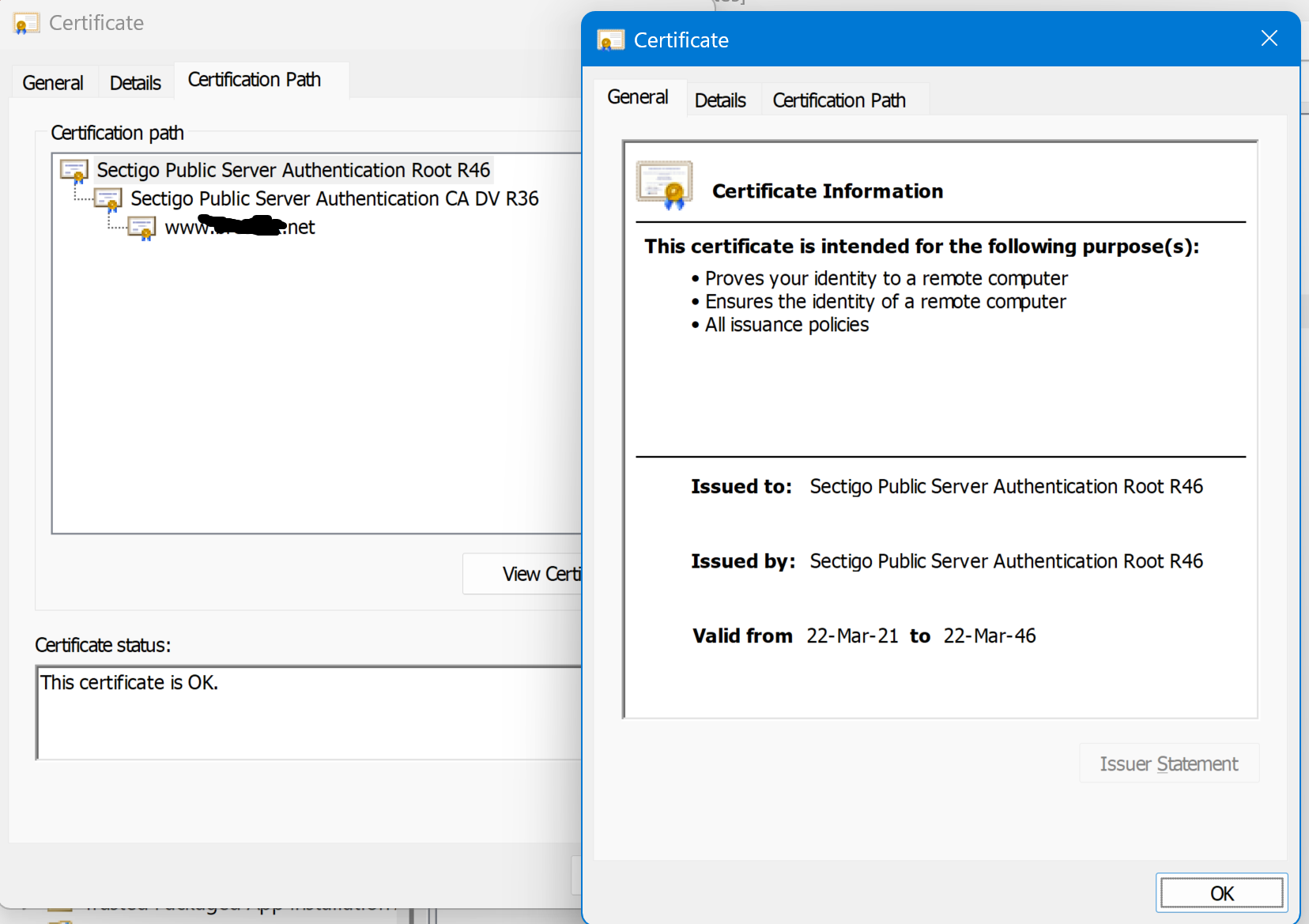
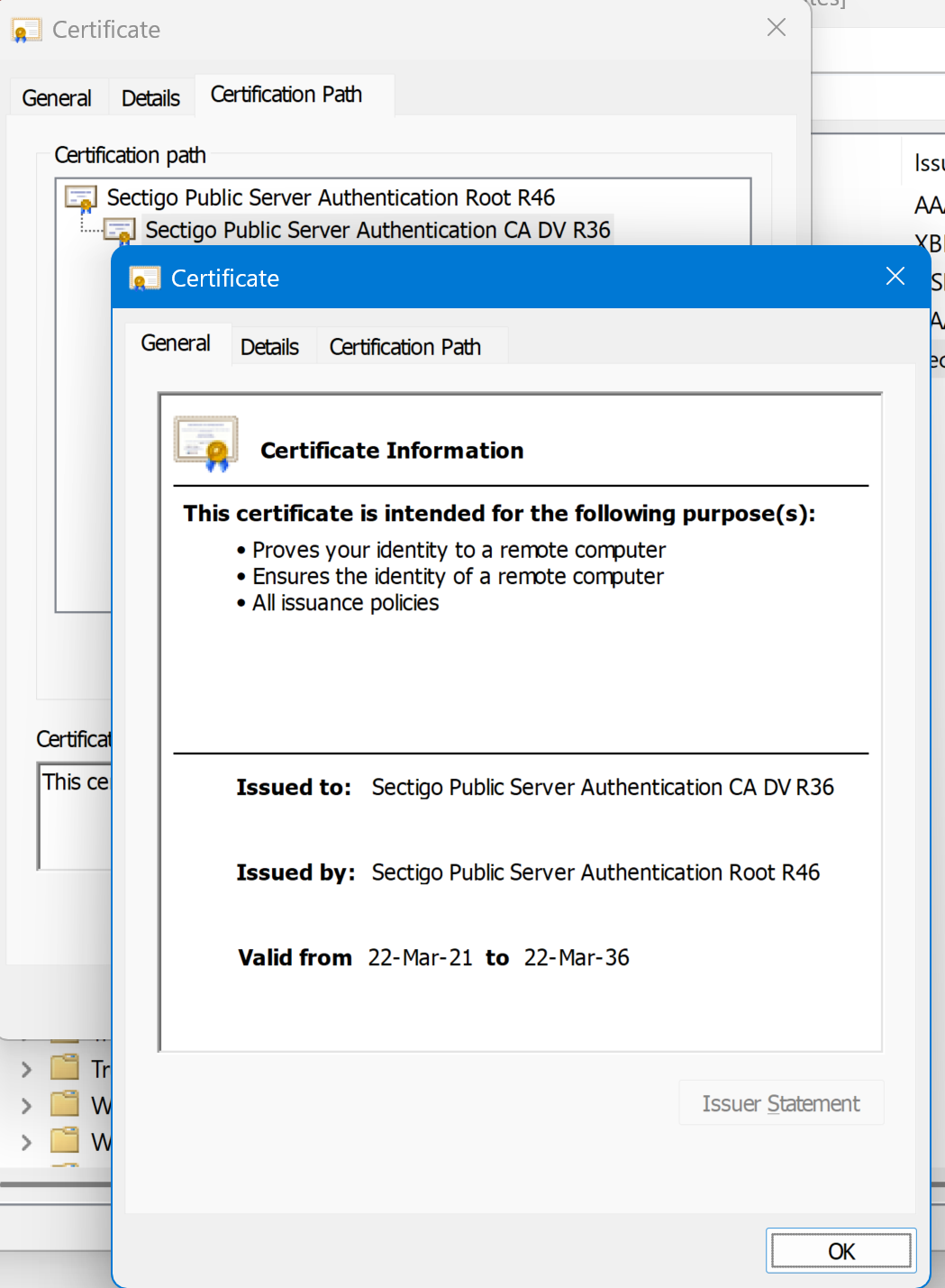
It should, but what if you set the secure connection to disabled? It's possible that the client also has https connection cached and is falling back to it, which is why I suggested deleting the connection, then recreating it using plain http. However, regarding the https connection it is sounding identical to this issue below which is also using sectigo root and intermediate certificates that were recently updated (and I think also a 2021 model TV). If your TV is a 2021 model, and the certs are valid from 2021, then I'm almost certain that the TV doesn't have the the root certificates updated to include them. I suspect that the past certificates were being signed by sectigo using an older certificate chain and they have recently updated them which is why these issues have started. You mention that the cert was updated on the 18th, but it stopped connecting after the server update around the 28th. Just keep in mind that even if you update the certificates on the server, they don't take effect until the server is restarted which would have happened as part of the server update. I suspect that maybe the certs were updated on the 18th without the server bing restarted until the 28th, at which time the new certificates took effect and the problems began.
-
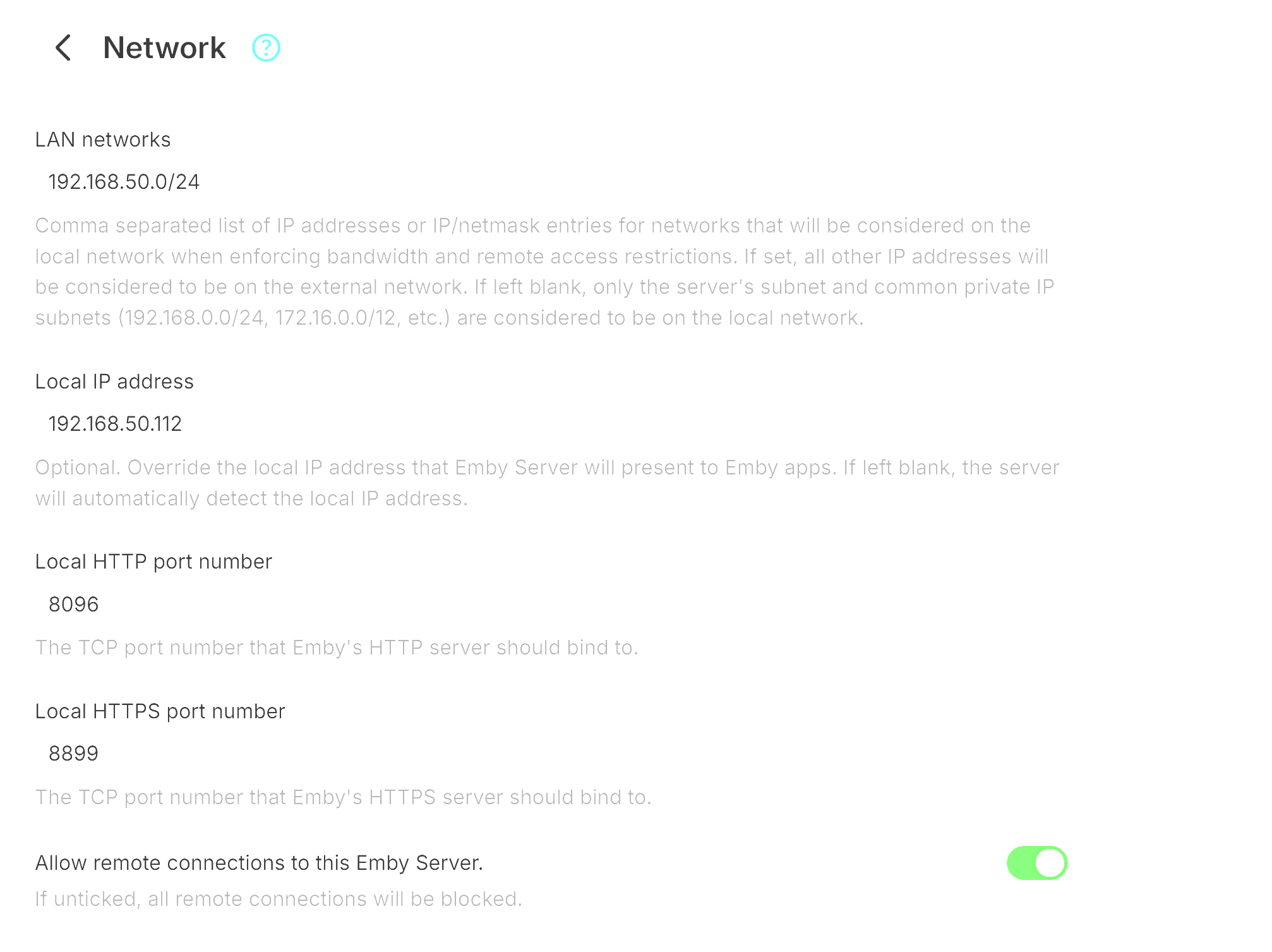
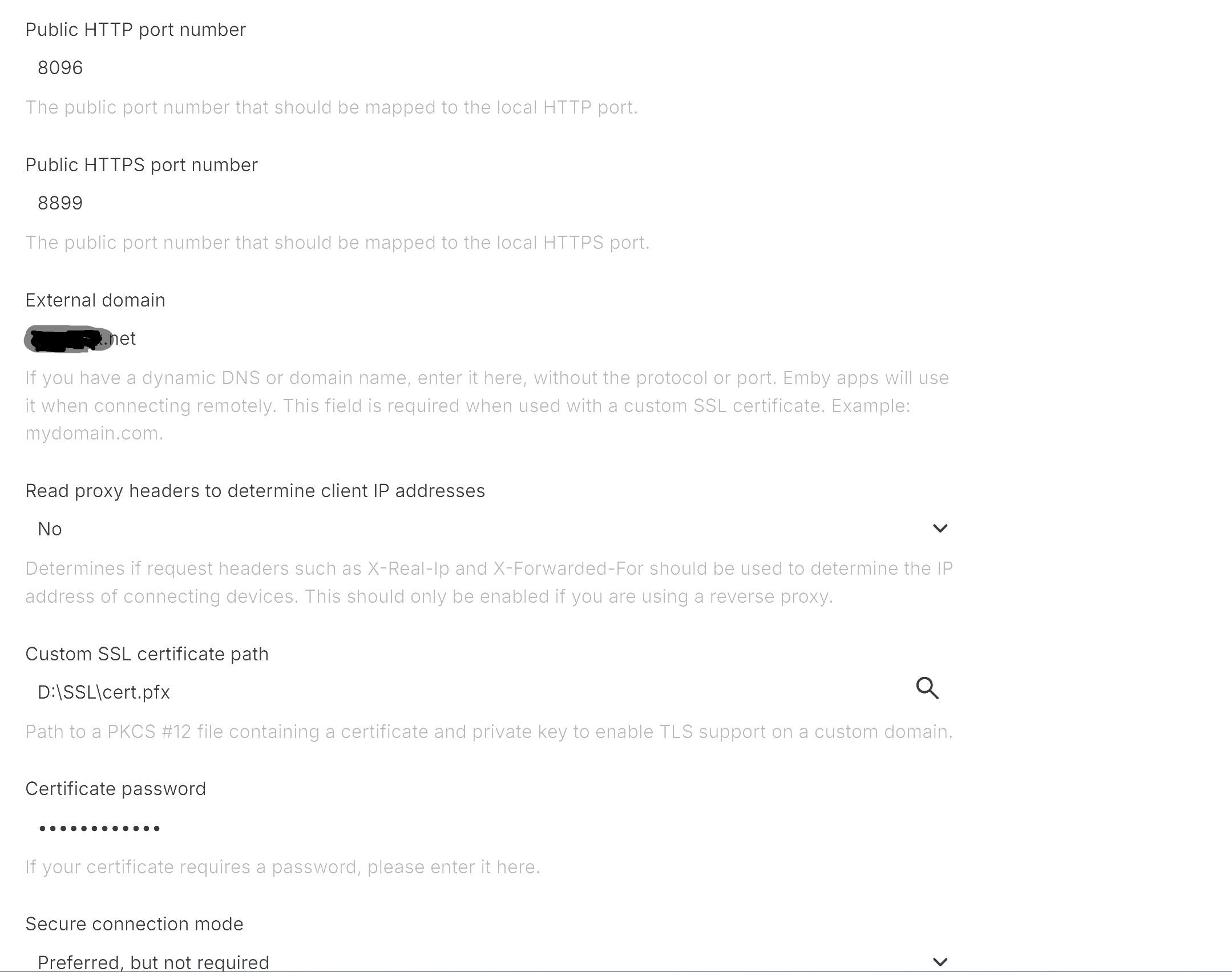
Hi Sam Thanks for your response... For reference when I was at the location today... I changed the client app from connecting to https://########.net, port 8899 and changed it to http://#######.net Port 8096... Would this not bypass the SSL connection issue? As far as additional info, yes... my SSL cert was recently renewed approx 18 days prior to the playback issues and has worked fine until the 28th Here's my network config page in Emby... this setup has worked perfectly for approx 3 years including on the Samsung TV's. It may not be the best setup, i'll grant that... Here is my SSL Cert screens, issued by Sectigo 400 I can enable debug logging etc if required, but if the client is not connecting via SSL, i'm not sure how it will help... the timing of it stopping just seems strange to me i.e the day after a server update ? Regards Brett
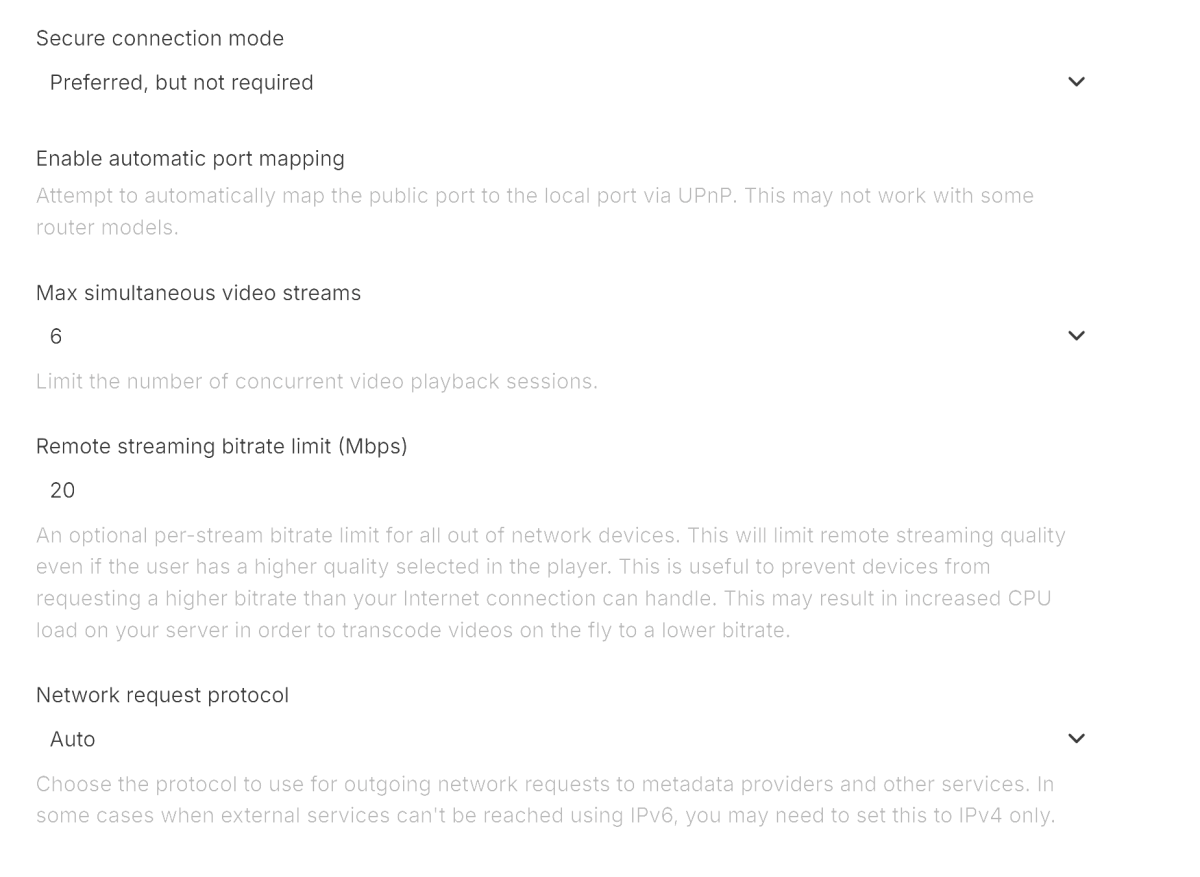
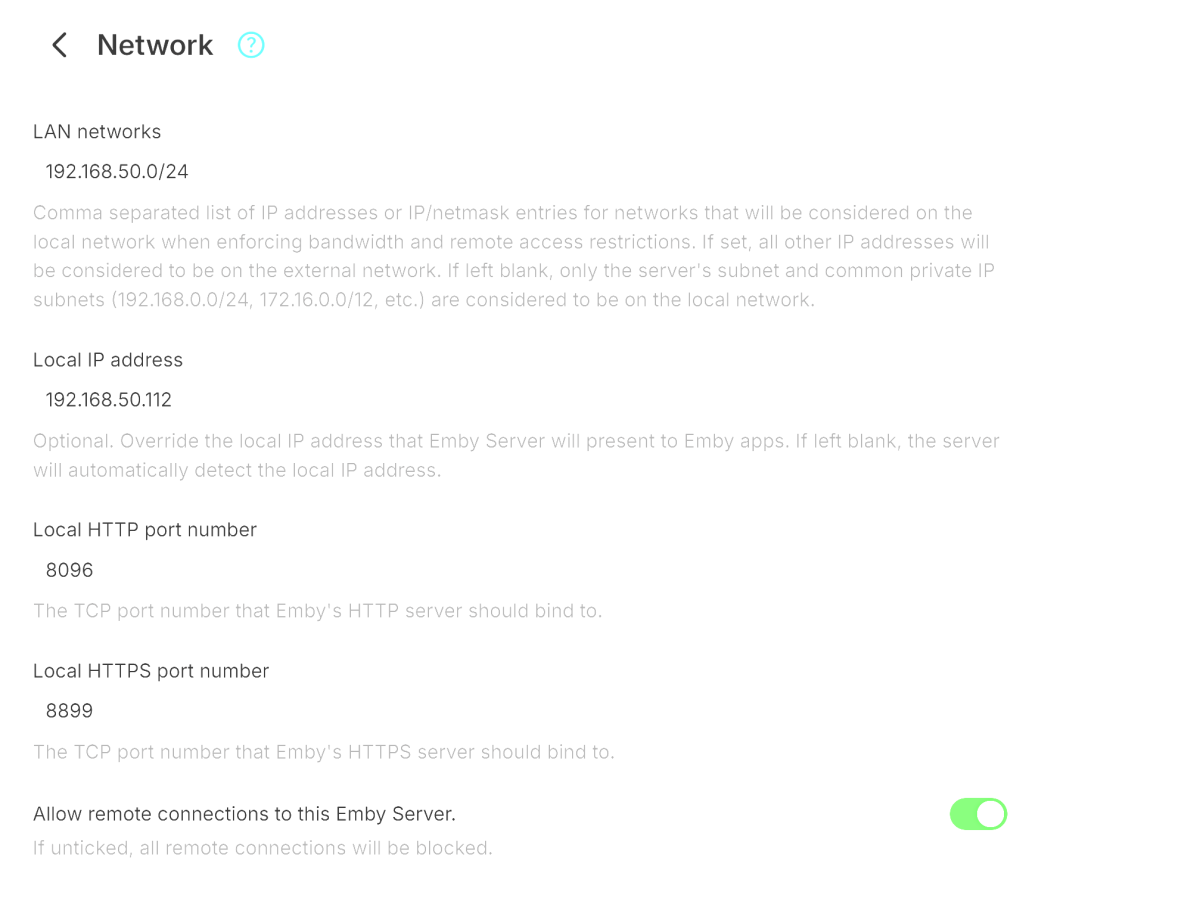
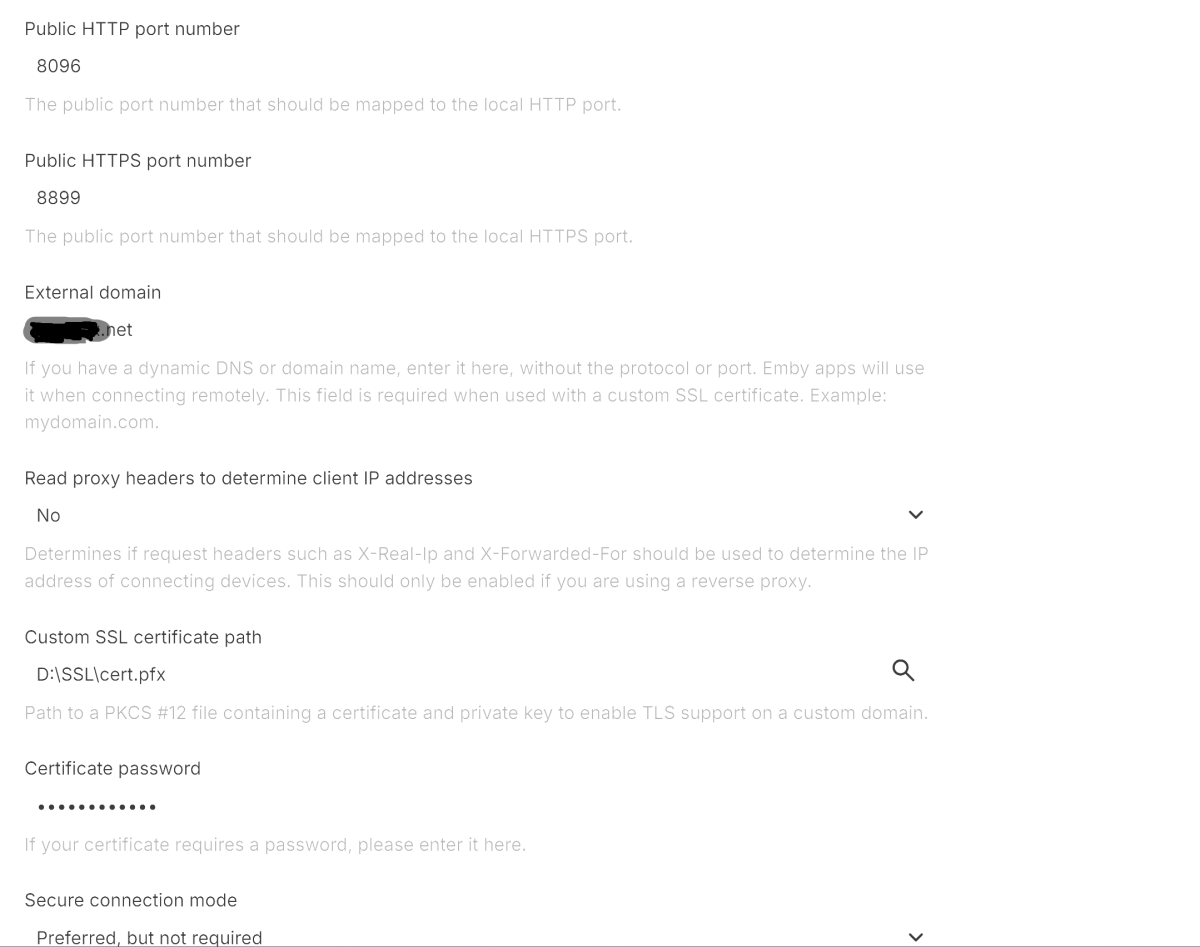
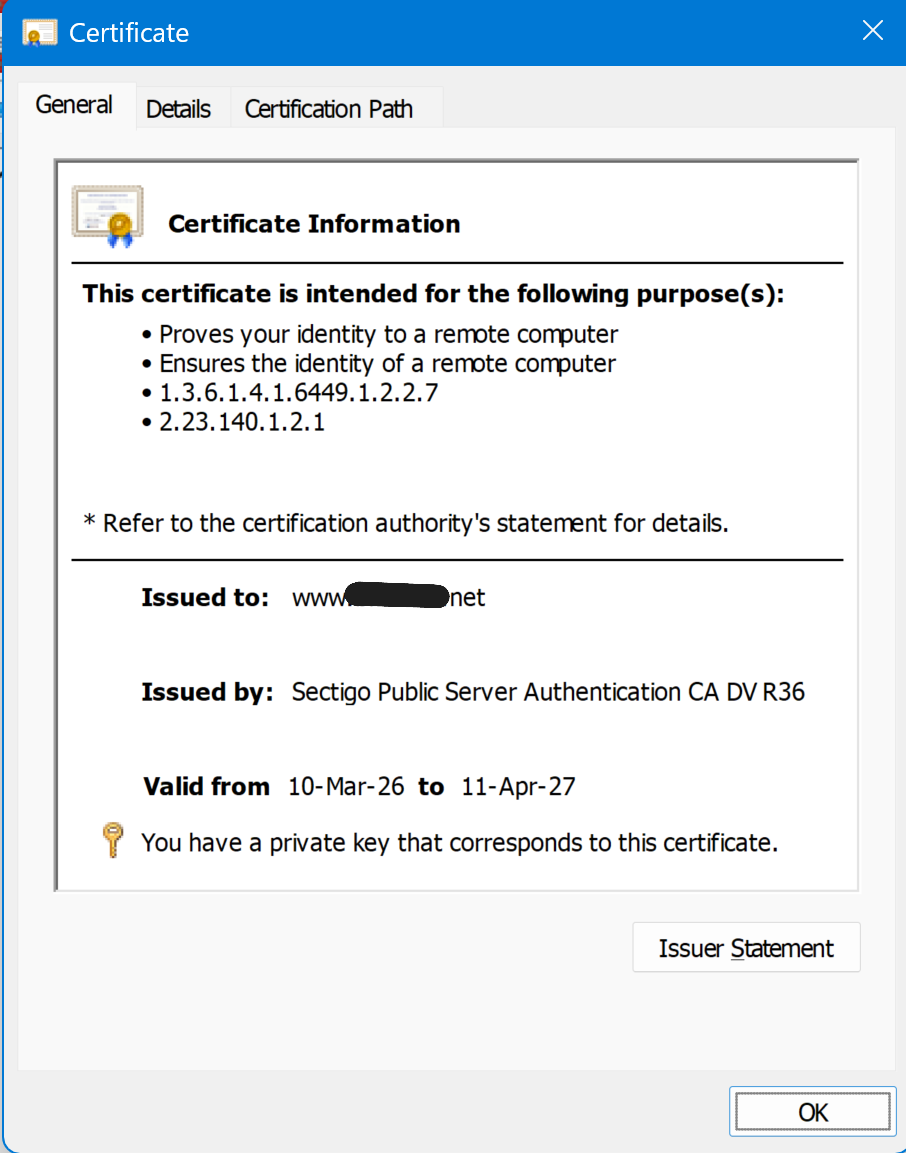
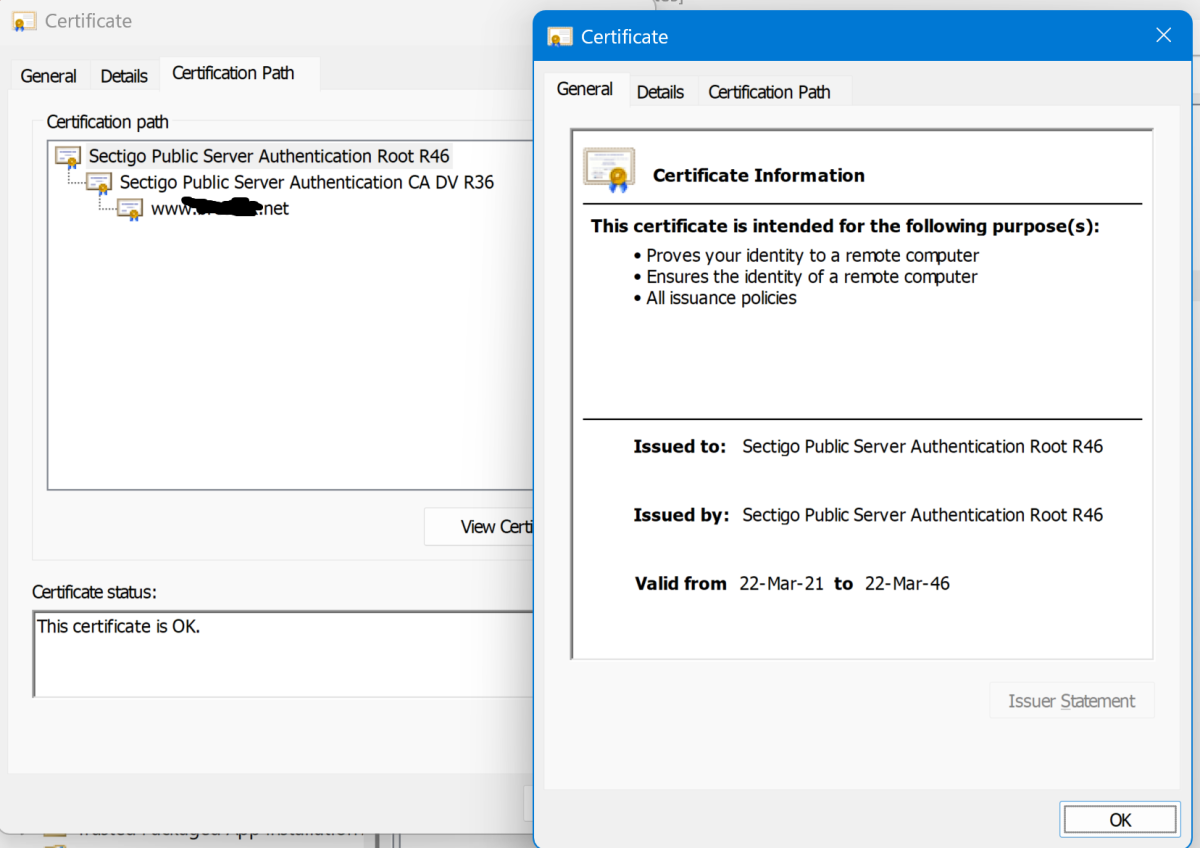
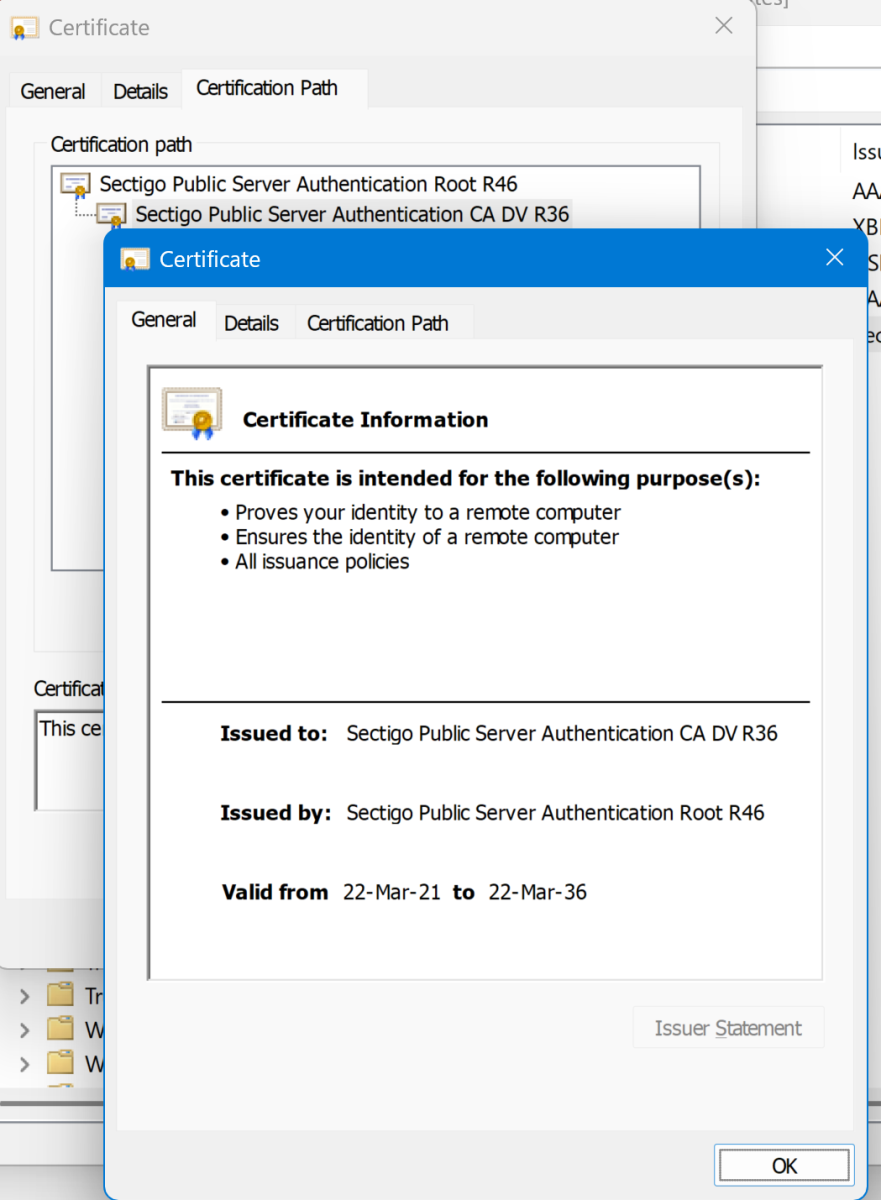
-
-
Was playing a bit with colors to better indicate workflow/selection, tell me which version works better. v1.1b emby_album_tag_importer.py
-
ok also sollte ich nun emby komplett neu installieren und dann hoffen dass es auf allen Geräten besser läuft ? Also ohne Abstürze, verzögertes reagieren etc ?
-
I think this is the issue. It was introduced in tvOS 26.4
-
Double click on the inline image during editing, then you can set the size
-
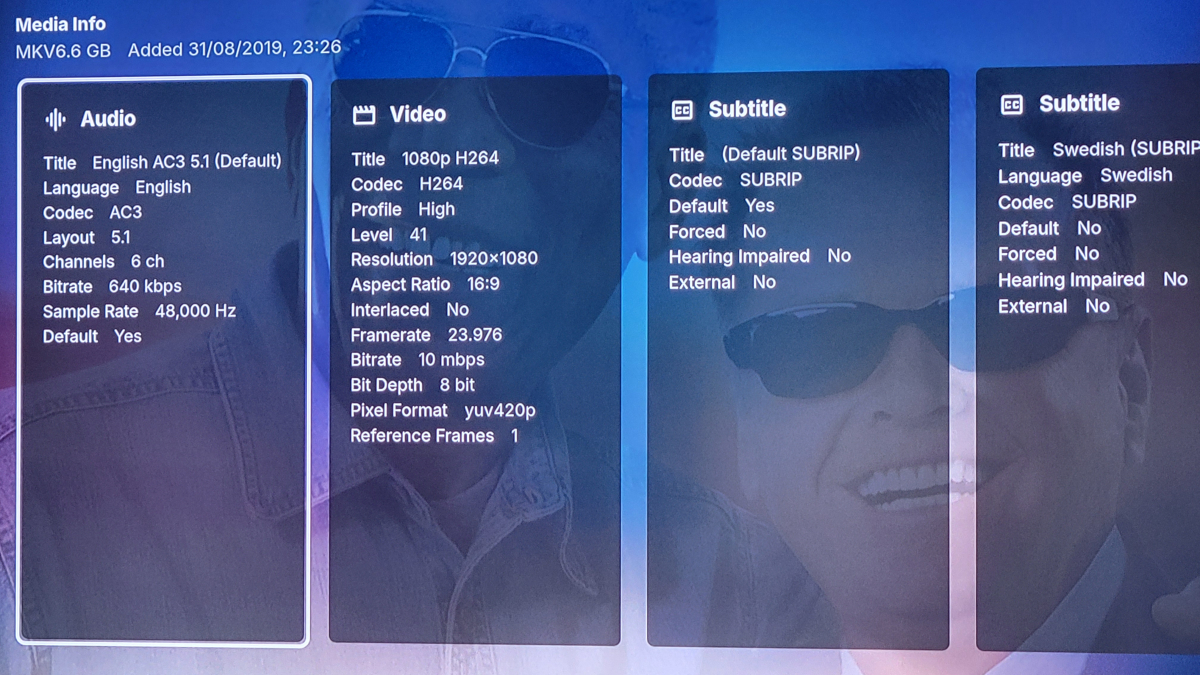
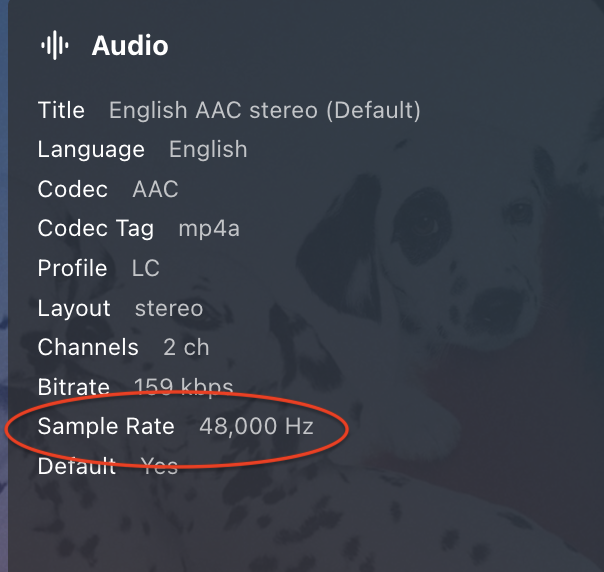
What's the Sample Rate of the AAC audio track for some files that play, and those that don't?
-
@Traction Tim @Luke Did this ever get resolved? I'm new to Emby and I am experiencing similar problems with my playlists.
-
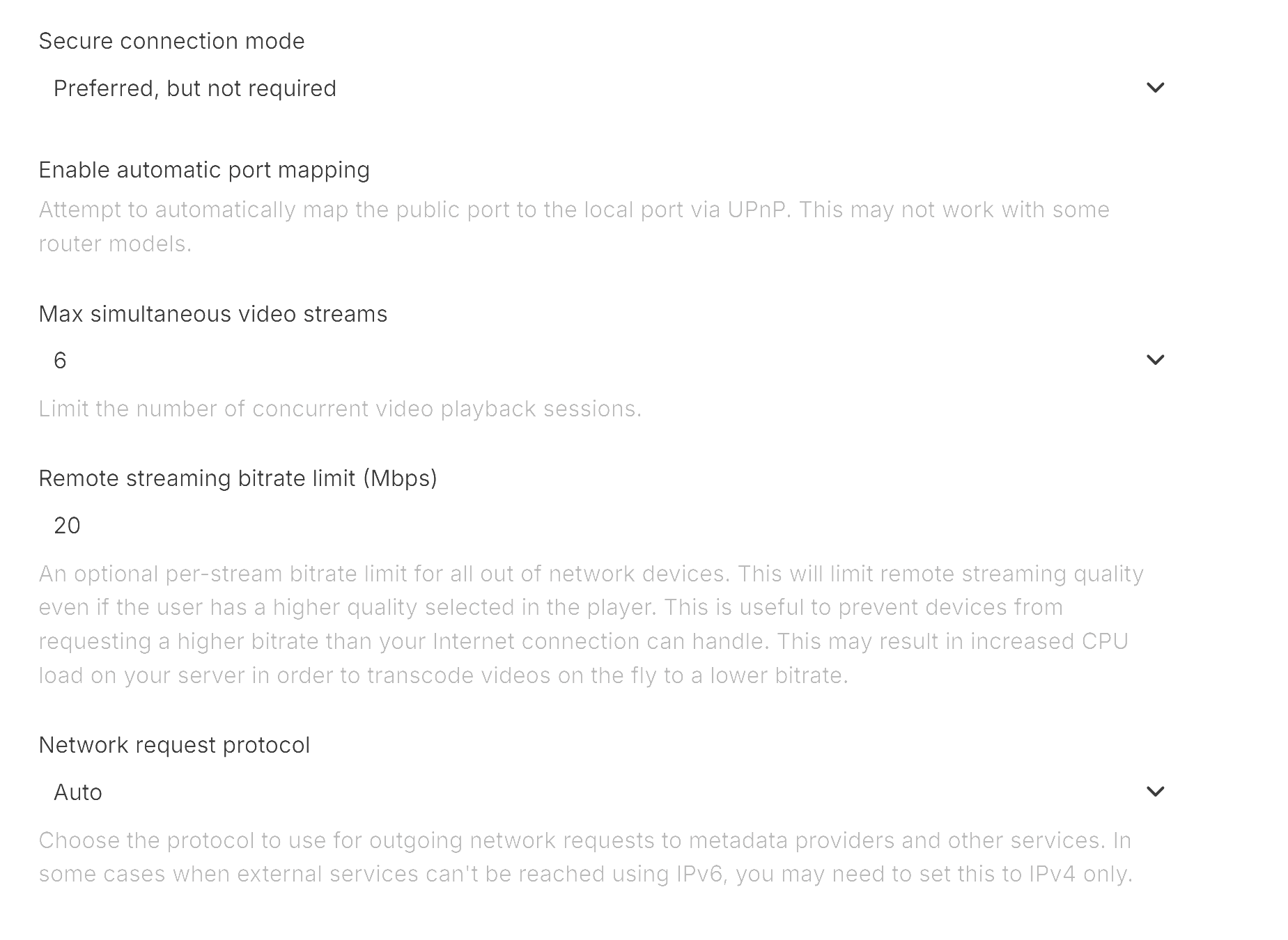
I think this is still https related. I believe the Samsung media player connects slightly differently to the UI, so I've seen this in the past where navigation works fine, but playback does not. In these cases it also won't start the transcoding session. Who is the SSL certificate from? Can you determine the valid from/to dates for each certificate, including the root and intermediate certificates? The easiest option is to check this from a normal web browser on a PC. Have any of the certificates been recently renewed? How did you test the http connection? Is the server set to Prefer or Require a secure connection, or is secure connection disabled? Did you also update the server and port details in the client when you changed this to ensure it is only connecting via http and port 8096? You might even be better to delete all the configured servers in the client and ensure only the plain http server is configured. If it's still an issue, can you please enable debug logging on the server, restart the emby server process so that we capture the full server startup in the log, then do a playback test and post (or PM) a copy of the log?
-
Here you go.. Updates: New variables added --custom-sidebar-width (Custom width of sidebar, 250px default value) --media-card-radius (Adjusts the corner rounding of standard posters, 15px default value) Hotfix added for scrolling issues with the Coverart plugin. Added a slight gradient over dynamic media spotlight to make white description text on a white background better. Emby Navy and Gold v4.56.css
-
Na ja, du könntest ja Jellyfin runterfahren, Emby installieren, über den Standardport auf Emby zugreifen und dann in den Einstellungen den Port auf einen Dir genehmen ändern. Danach kannst Du Jellyfin und Emby parallel ohne Docker betreiben. Oh, es ist im Übrigen verständlich, dass Jellyfin den gleichen Port benutzt, ist Jellyfin doch ein Emby Fork
-

Emby server When Streaming a movies to tv the sound is out of sync
Neminem replied to malc1954's topic in General/Windows
Nice feature request -

Emby server When Streaming a movies to tv the sound is out of sync
malc1954 posted a topic in General/Windows
h -
Ich habe davor einen jellyfin Server ausprobiert und der läuft auf den 8096 Port. Scheinbar nutzt emby den gleichen Port und das lies sich nur via docker umgehen. jetzt könnte man natürlich jellyfin löschen aber ich habe so viel Arbeit reingesteckt. Glaubst du wirklich das dadurch Alles besser läuft ? Wenn ich zum Beispiel Infuse nutze habe ich weniger Probleme
-
v1.1 - Mapping Save/Load status messages added - Delete all rows button added - Mapping input field is a combo-box now (you can both type-in or use dropdown; you'll get suggestions as all unique tags collected based on current album selection) emby_album_tag_importer.py
-
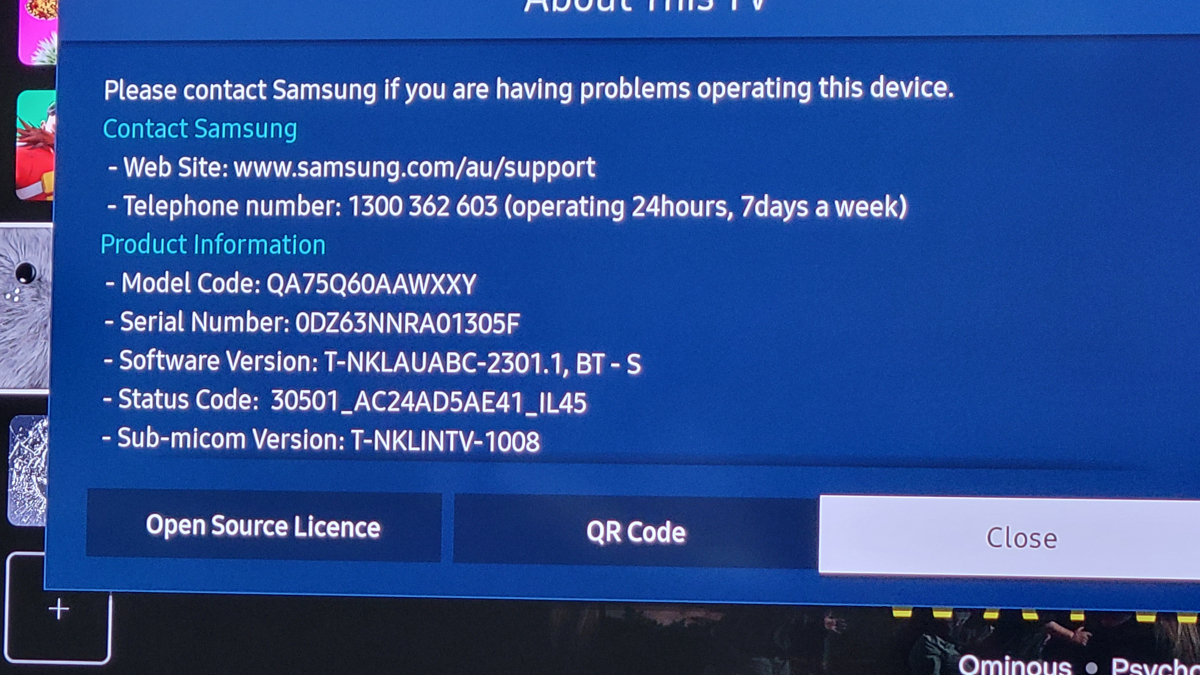
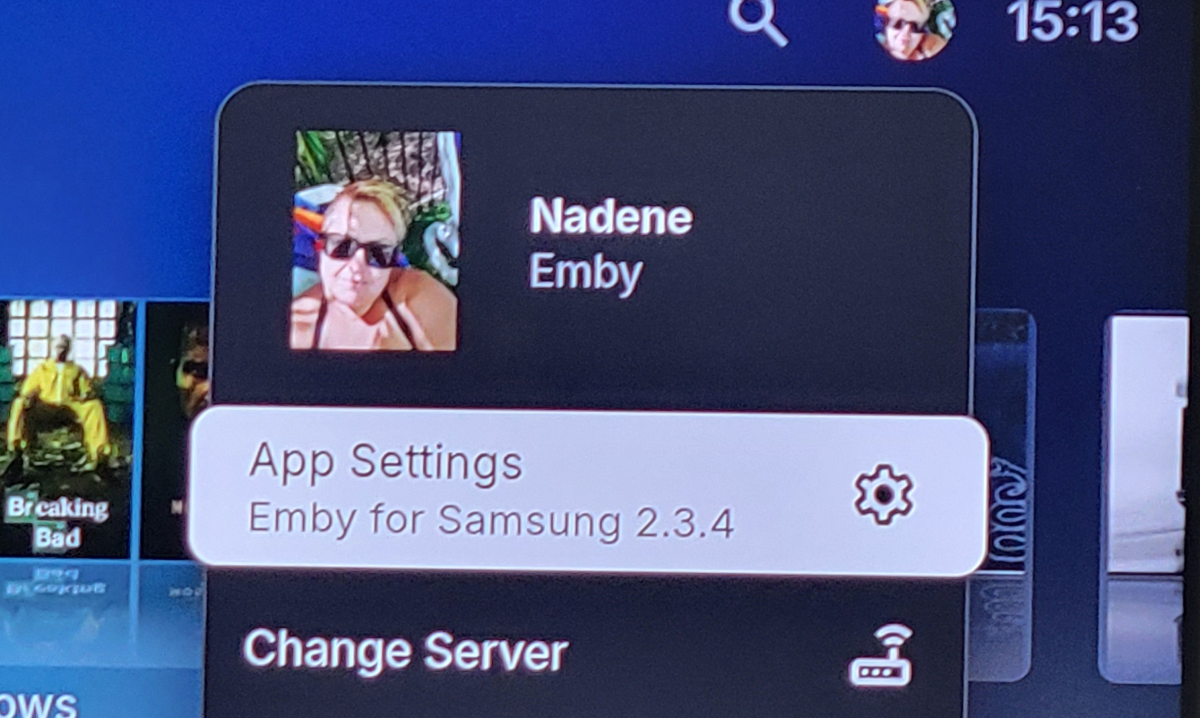
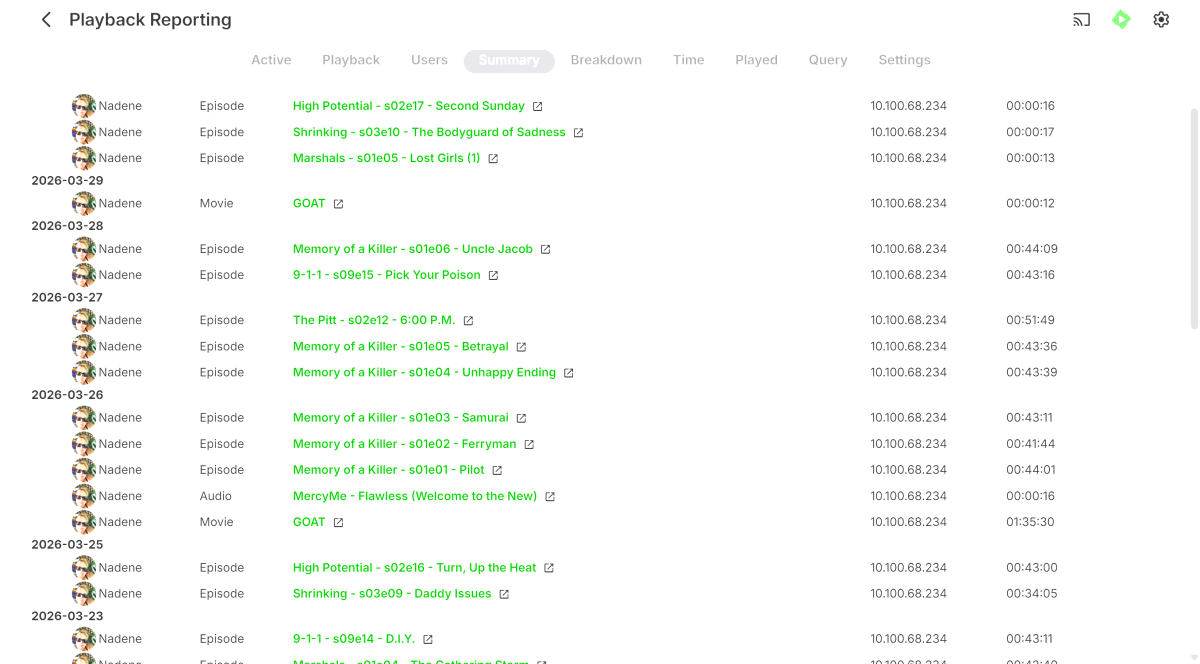
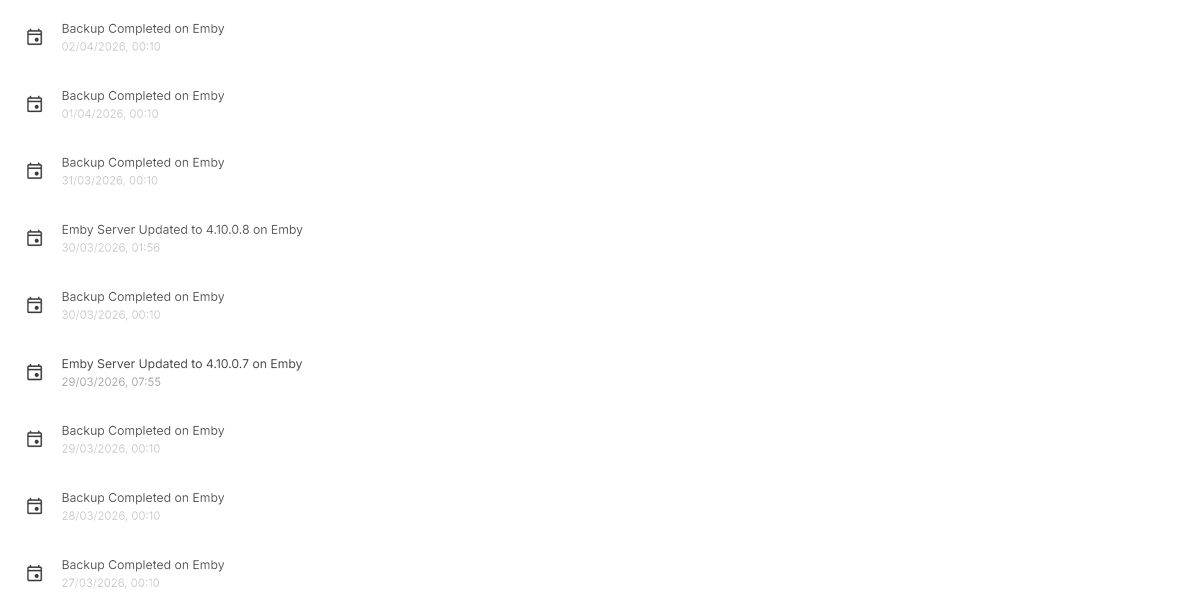
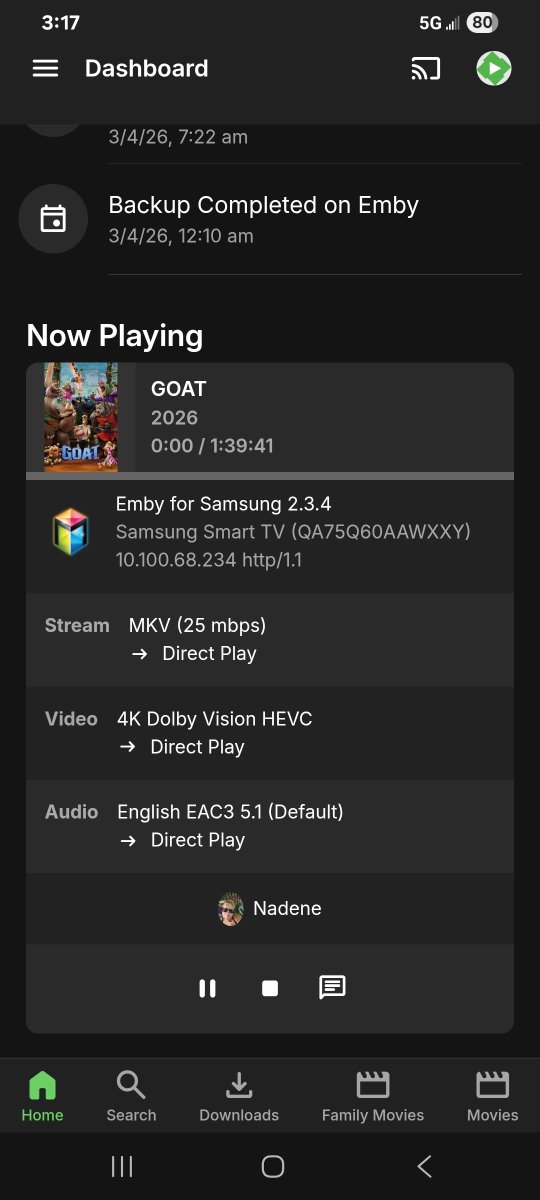
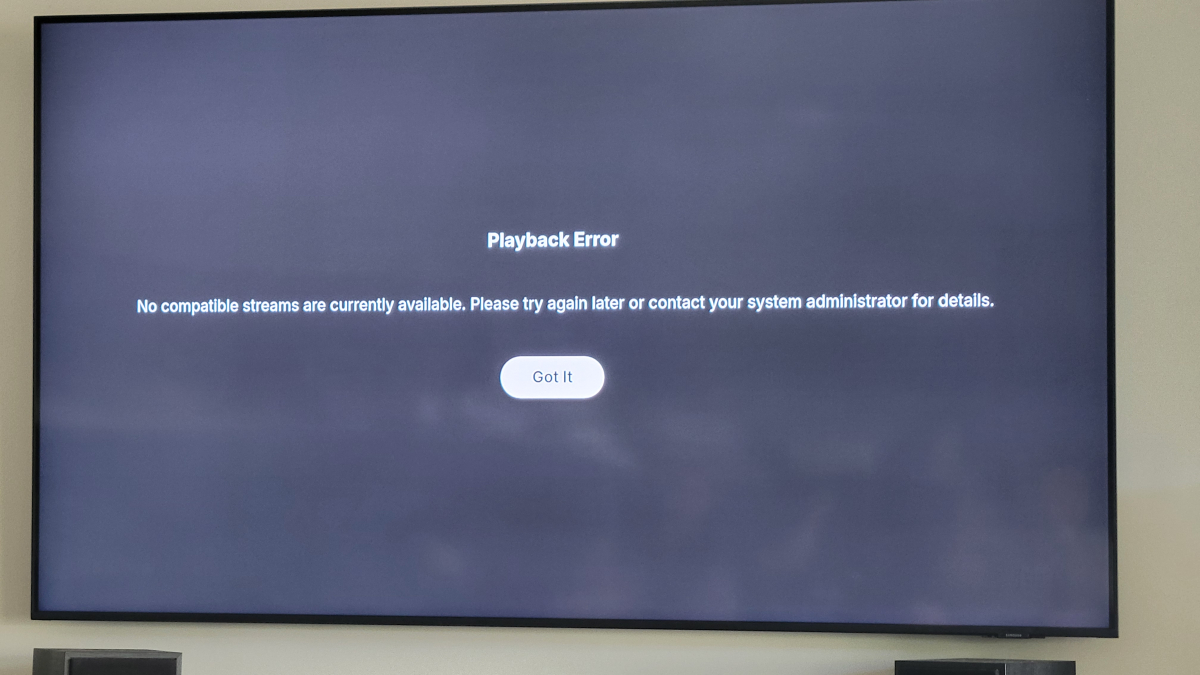
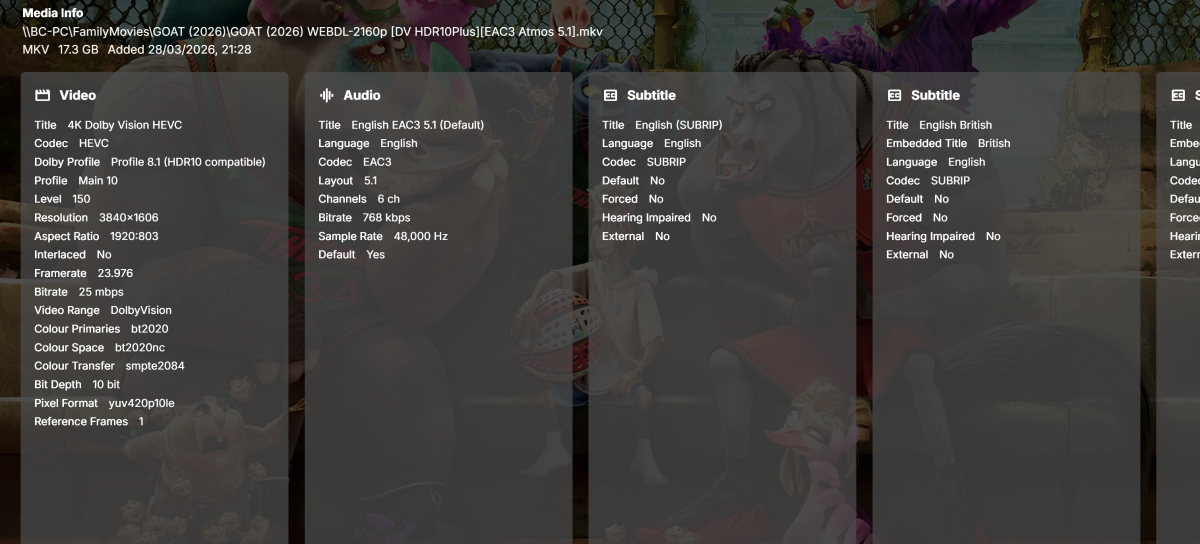
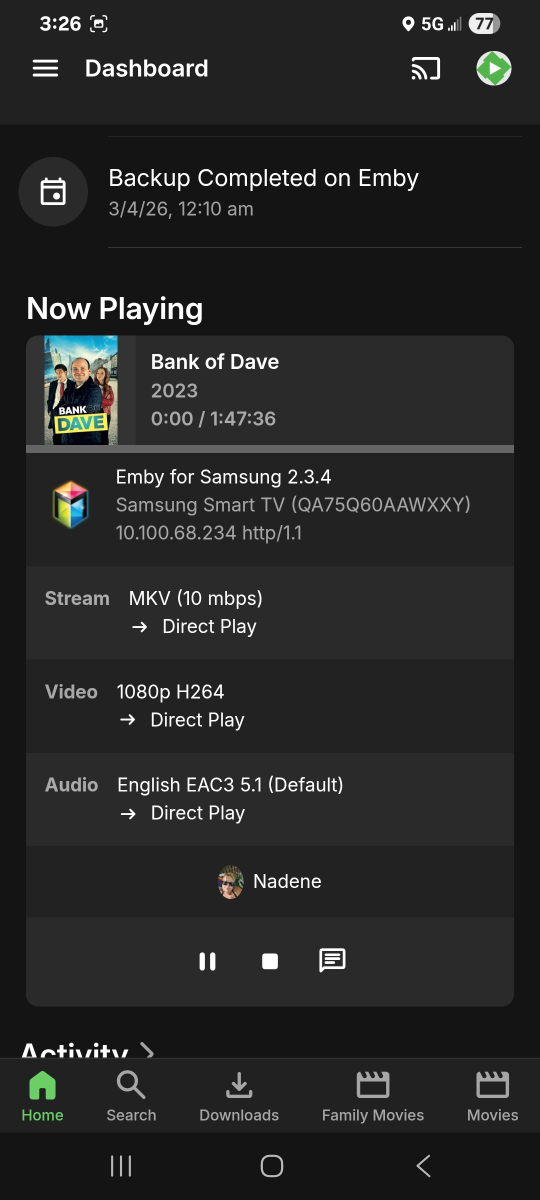
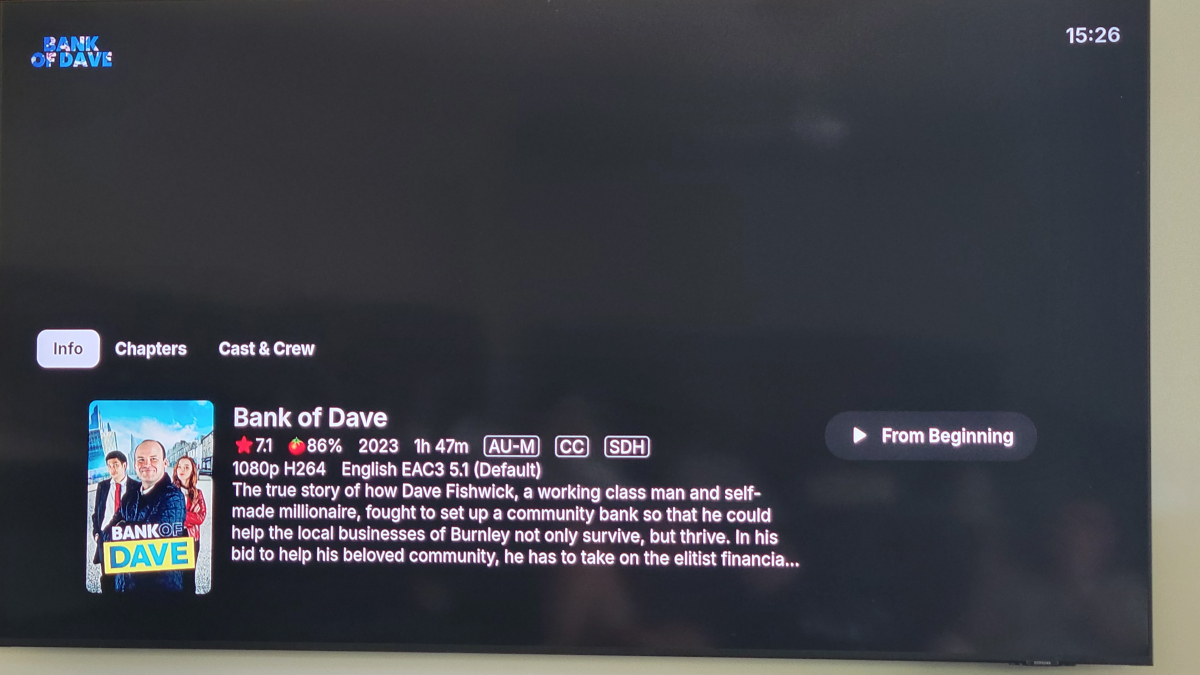
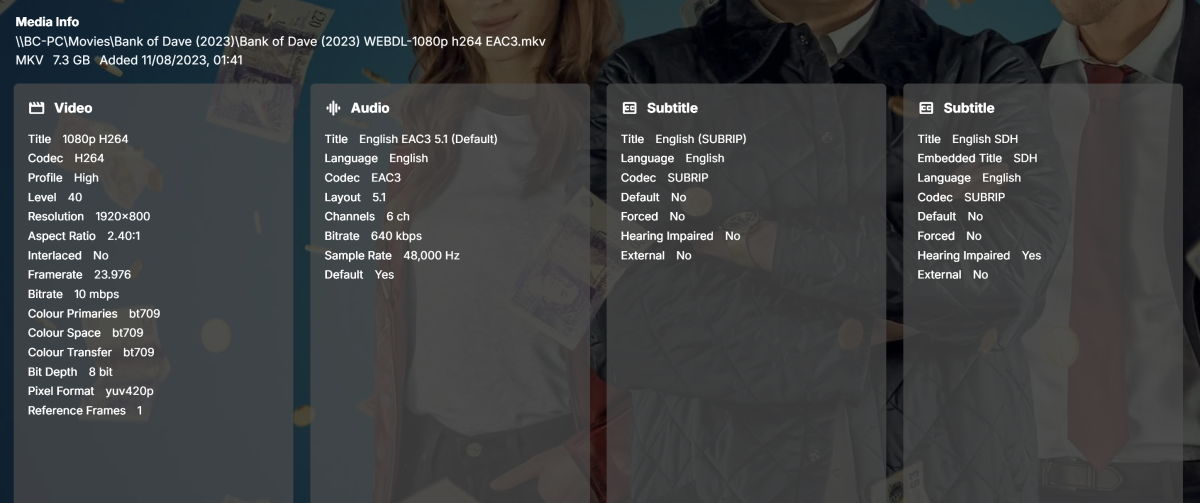
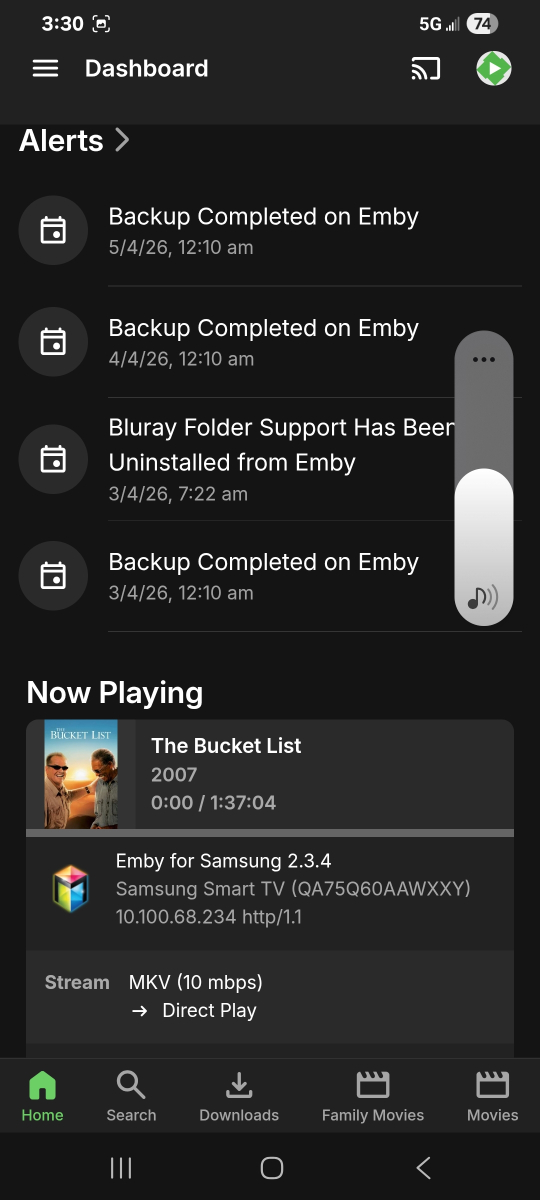
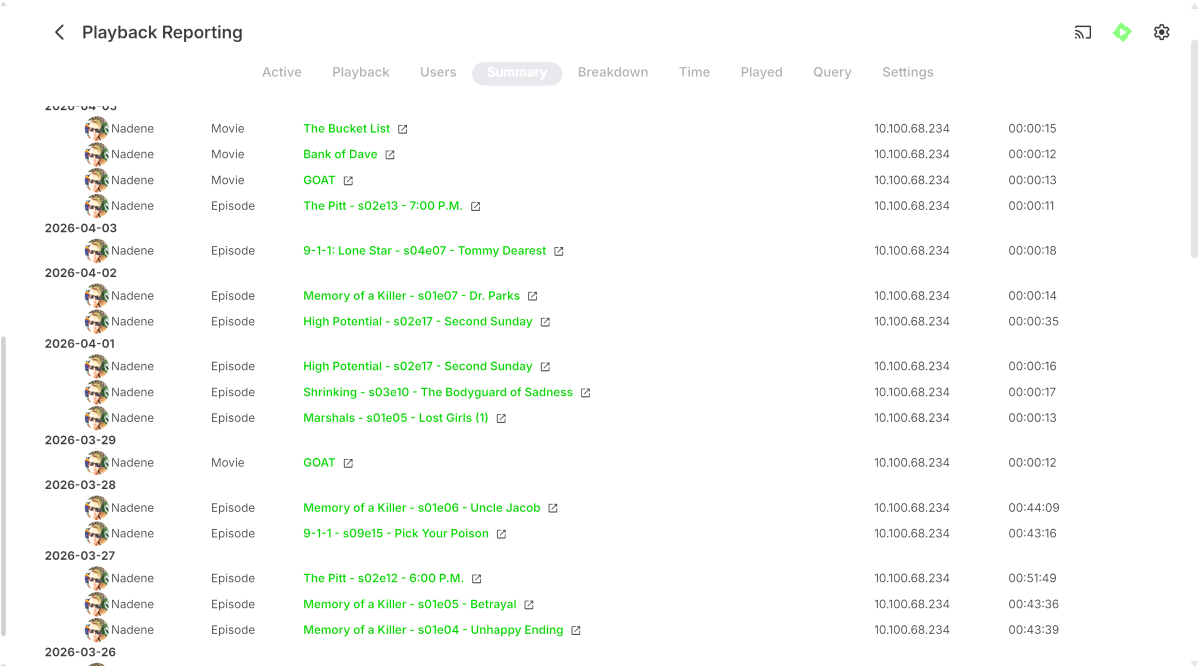
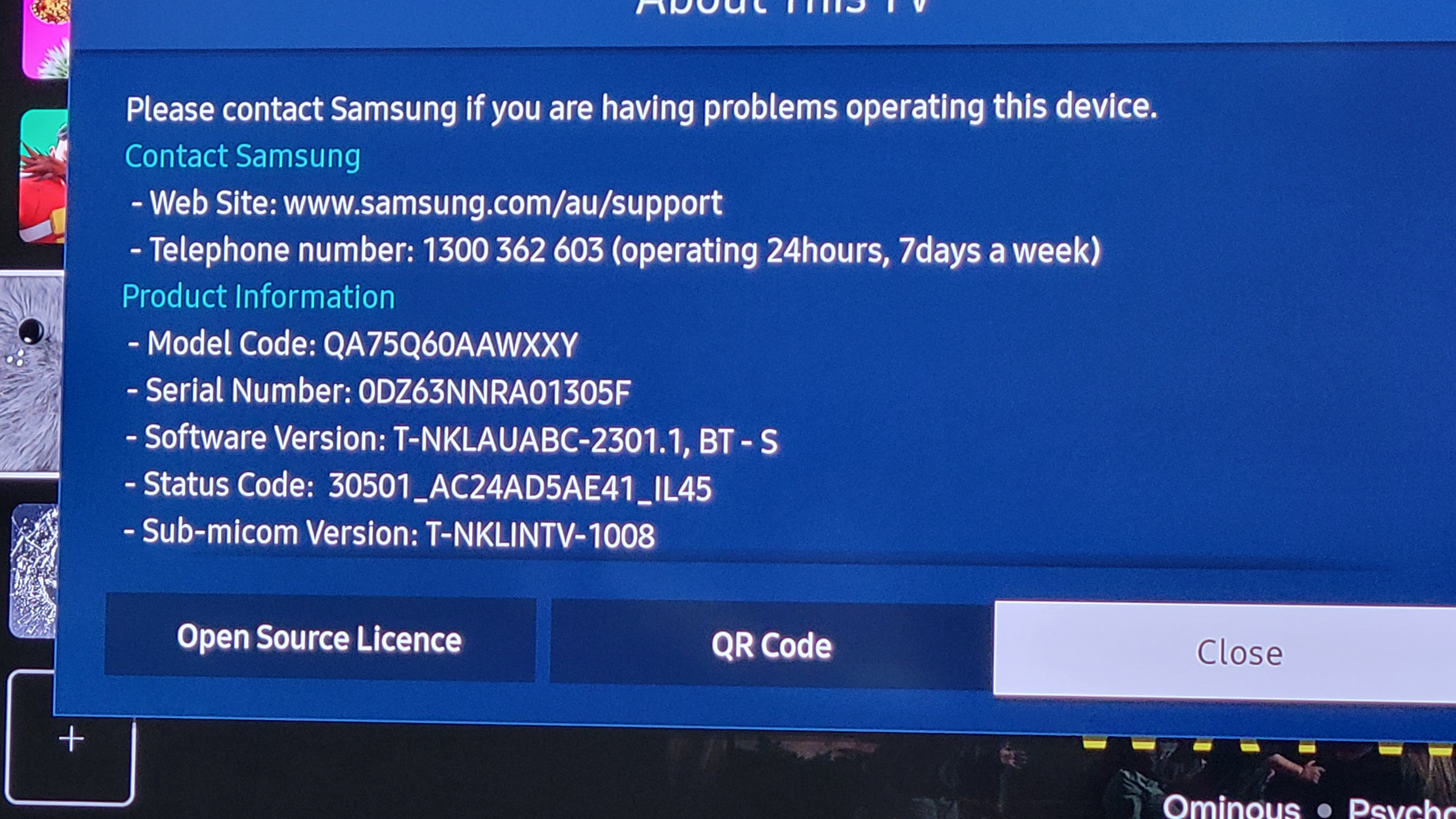
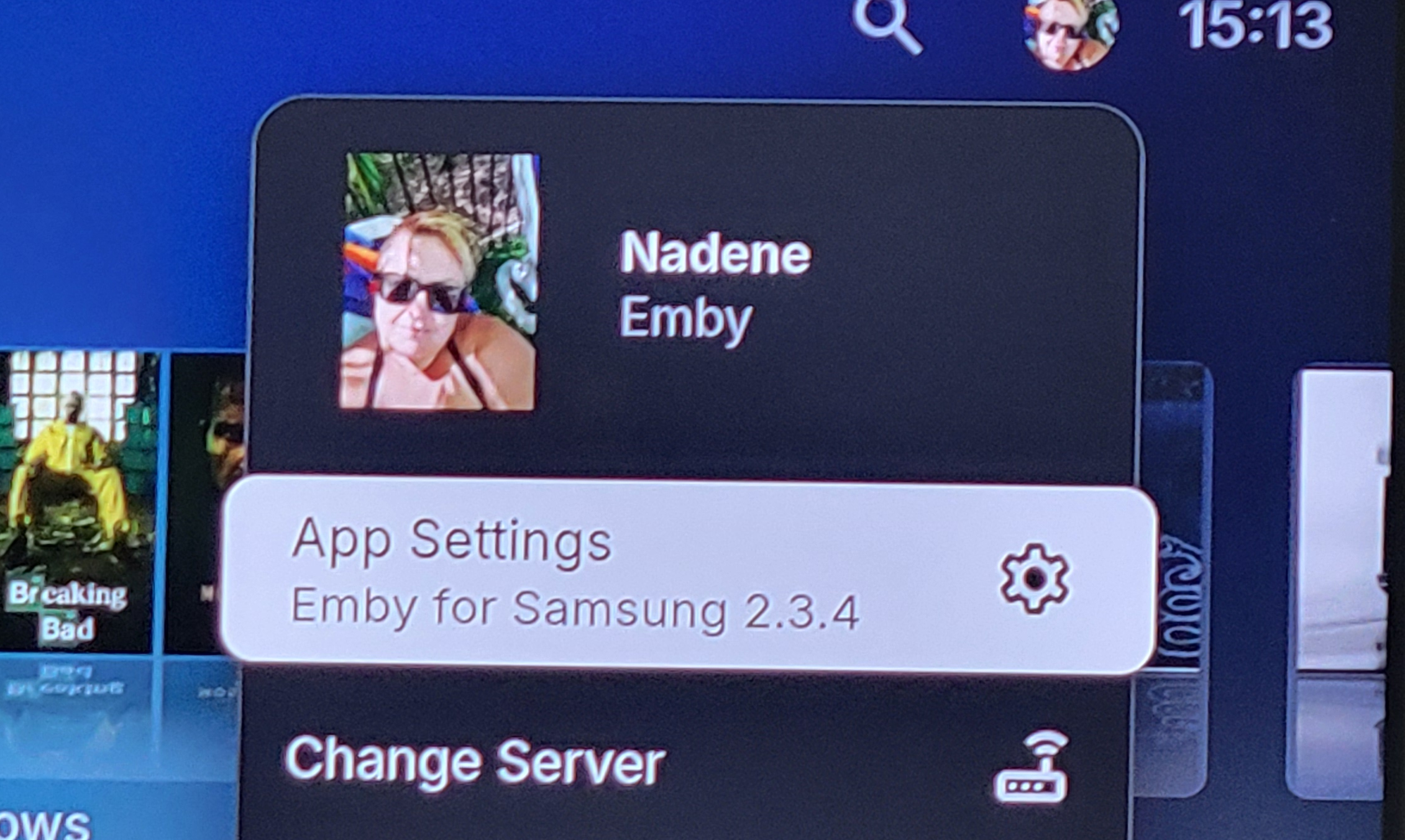
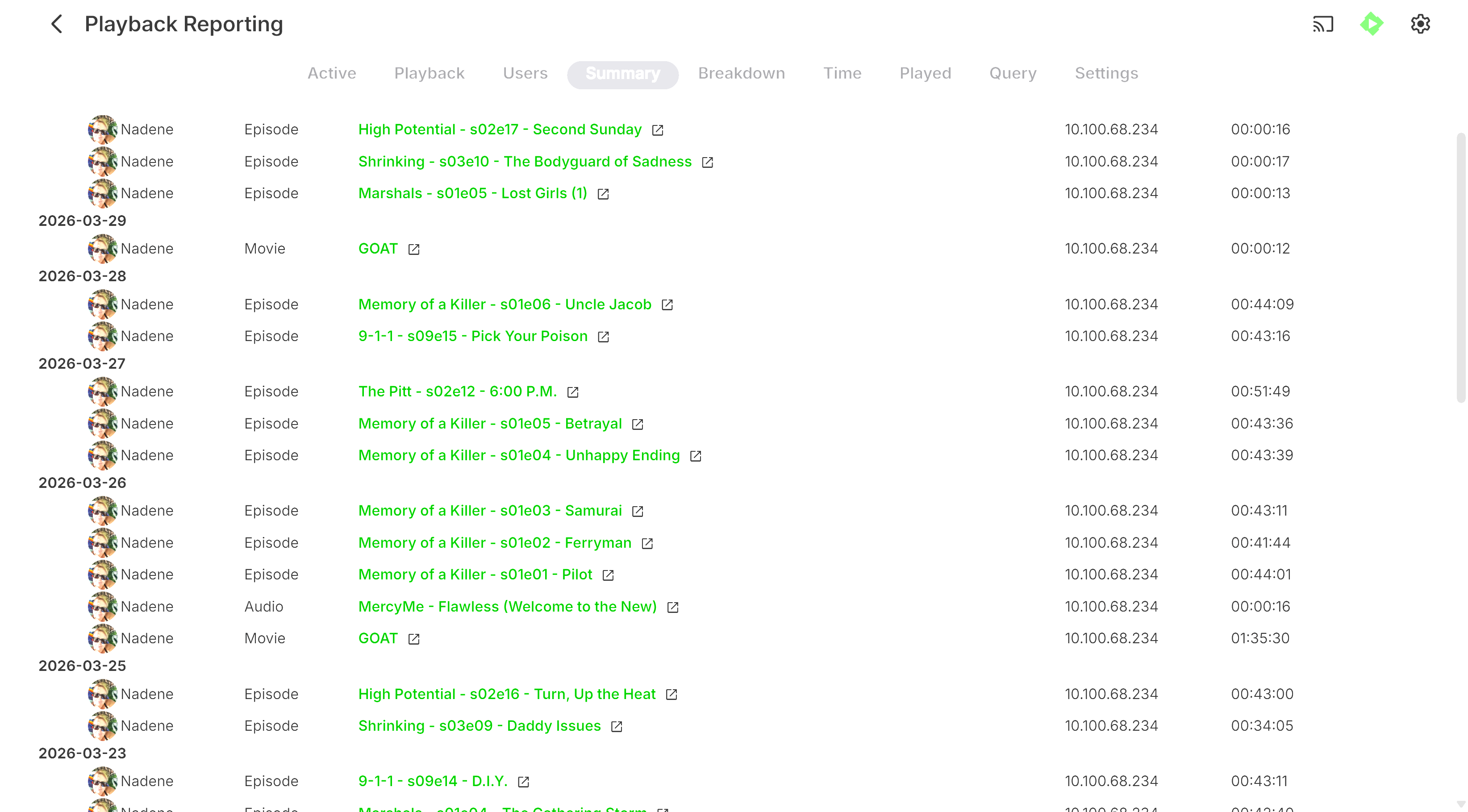
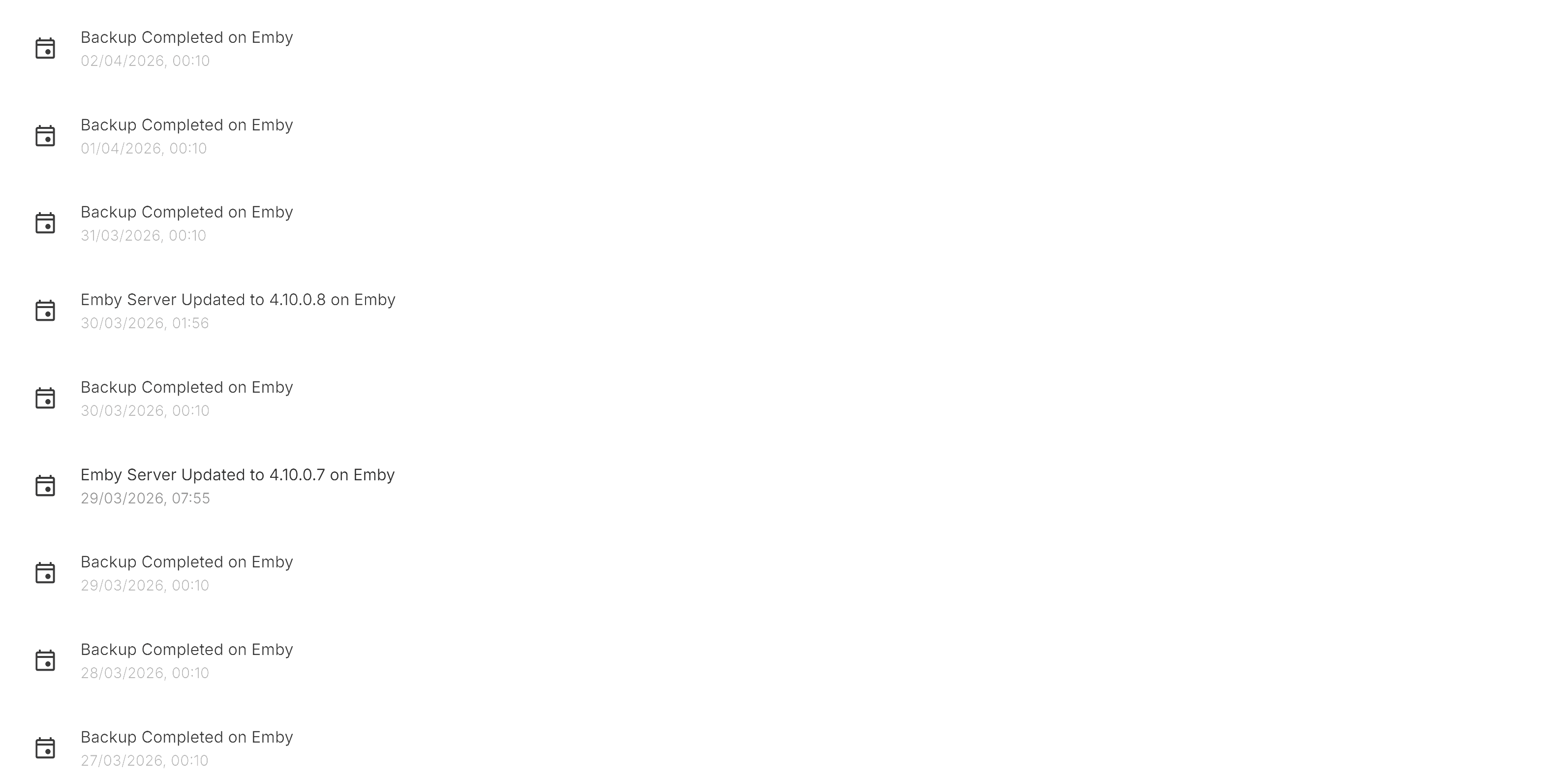
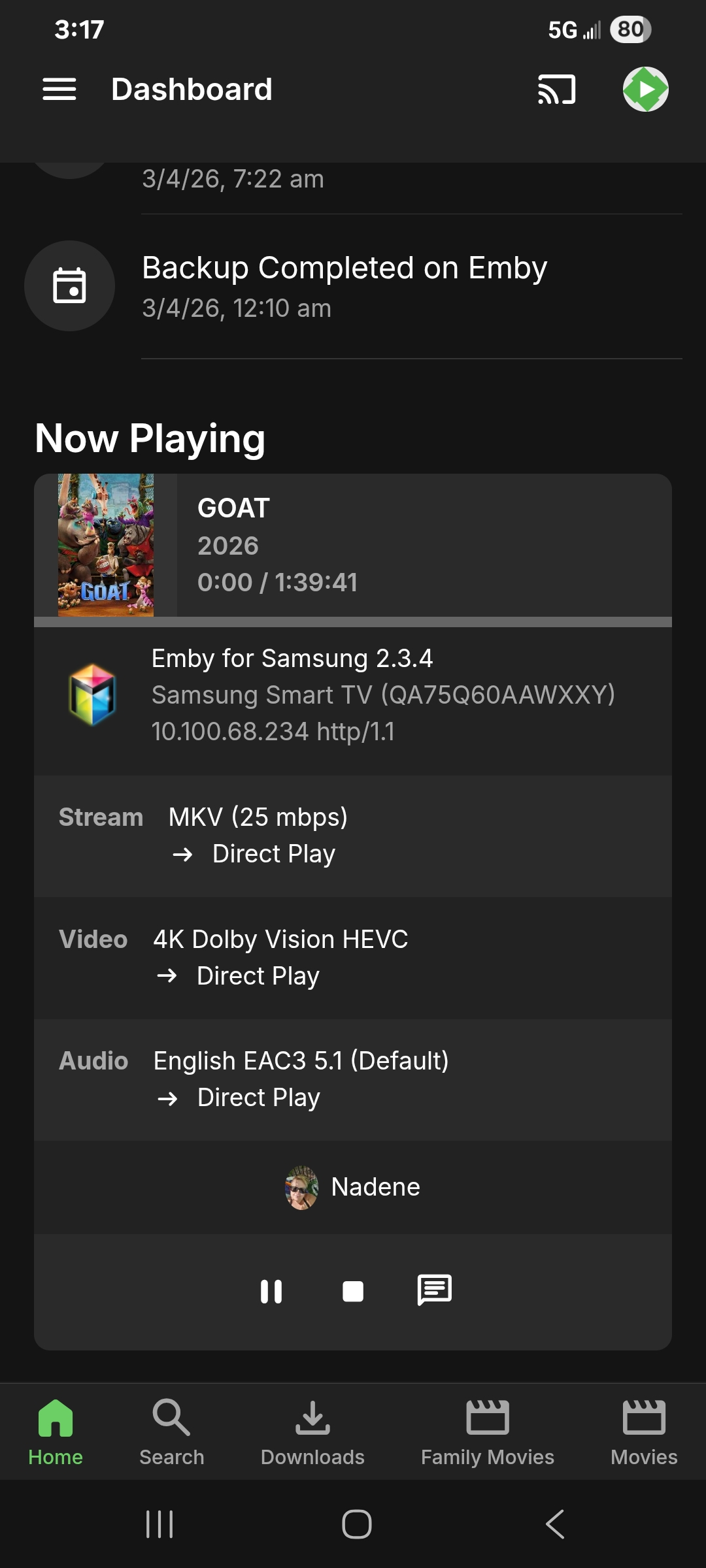
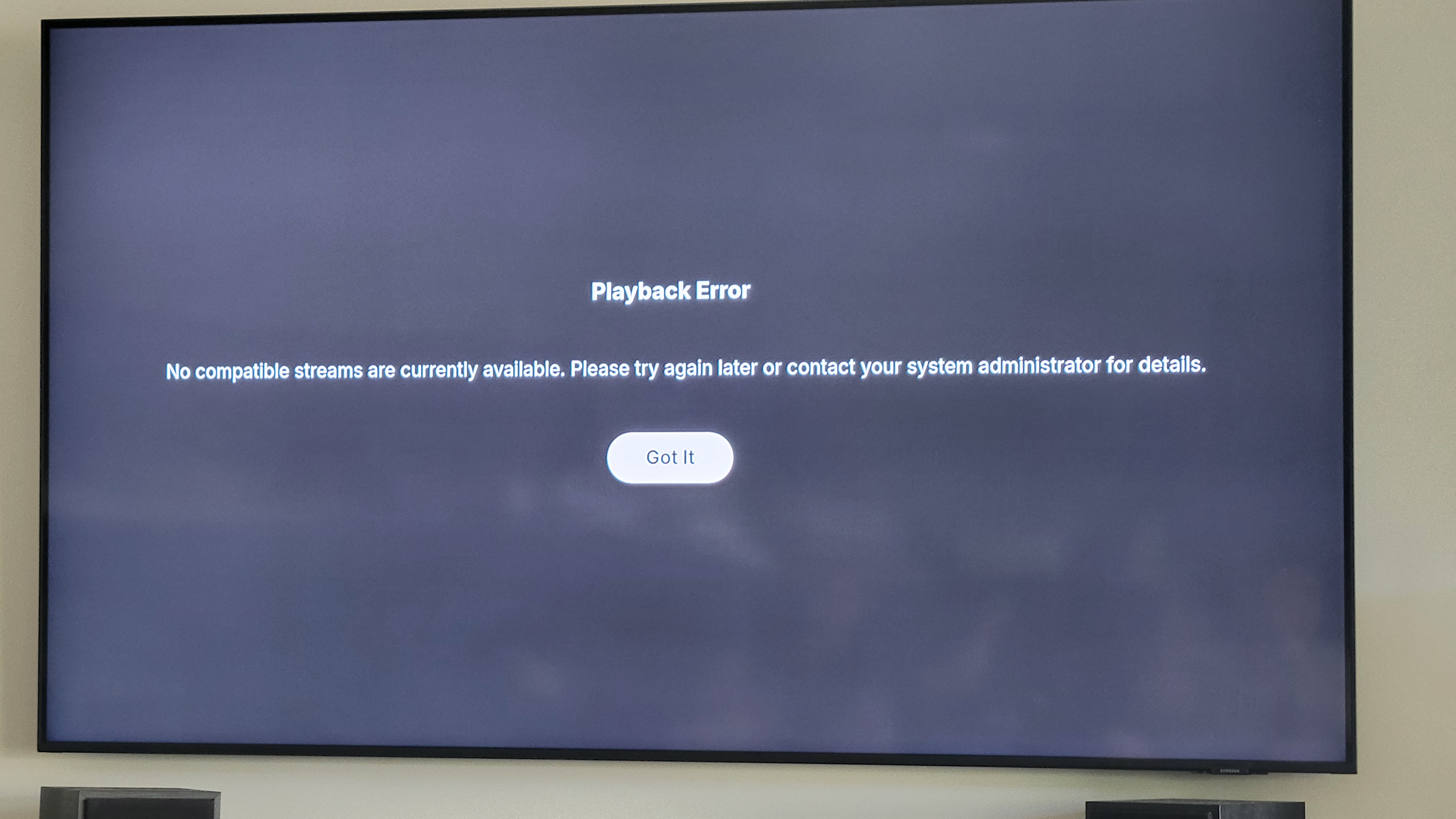
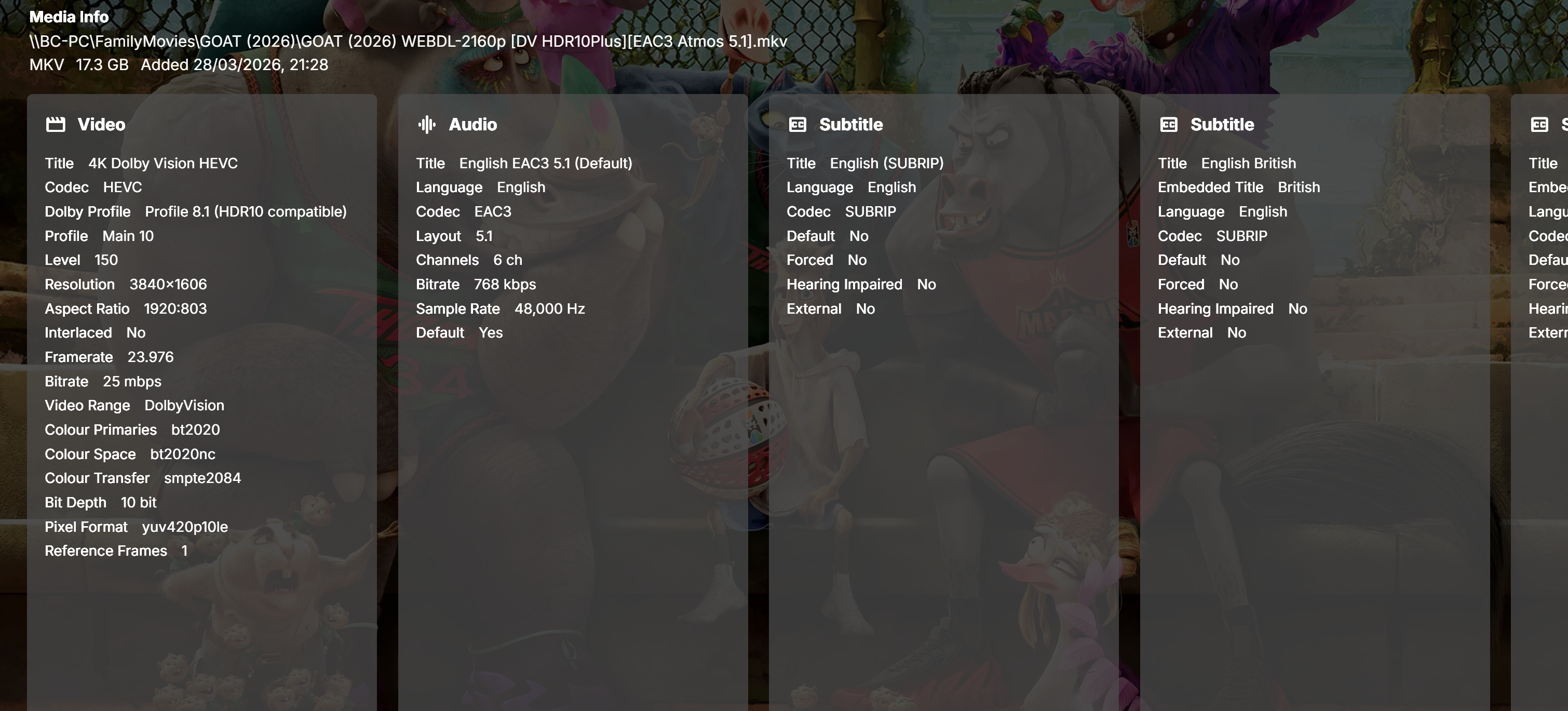
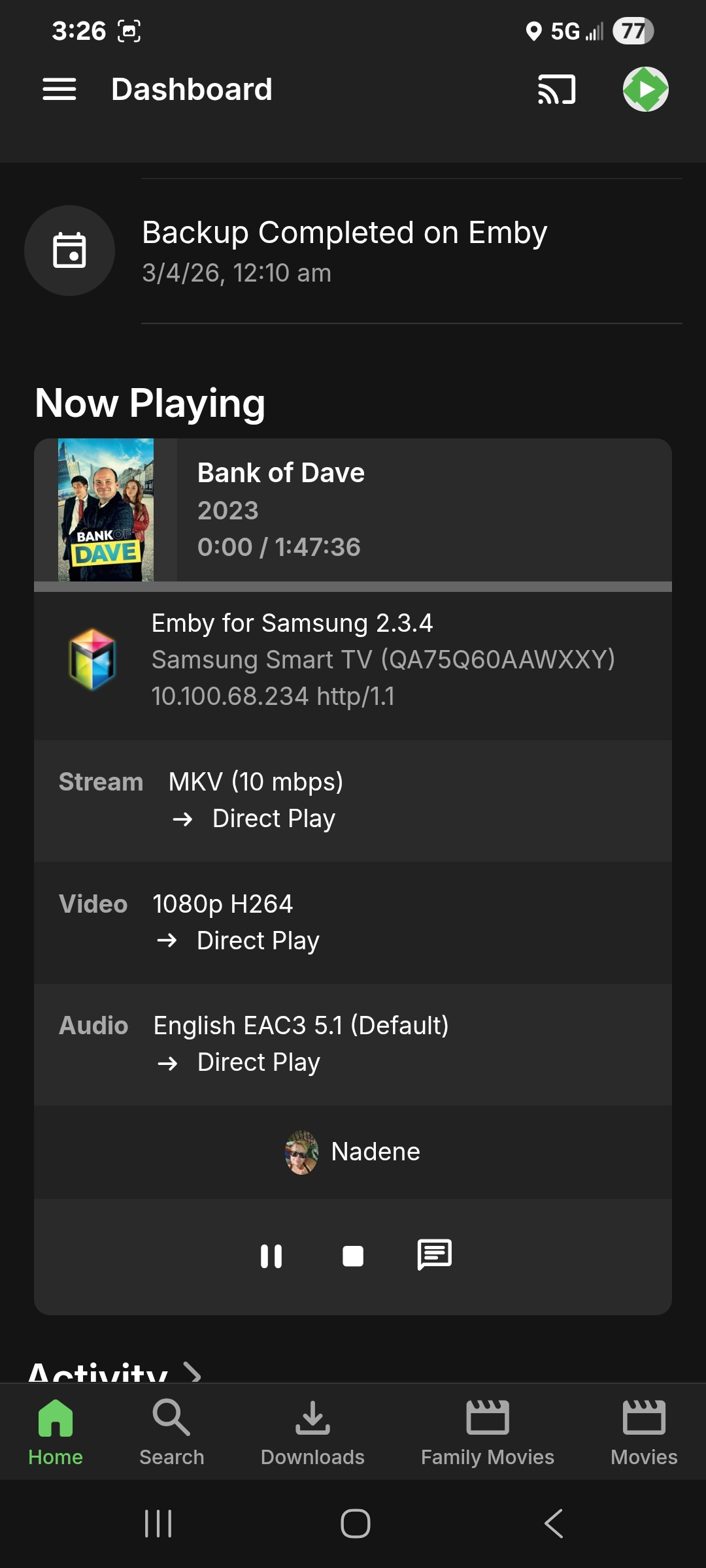
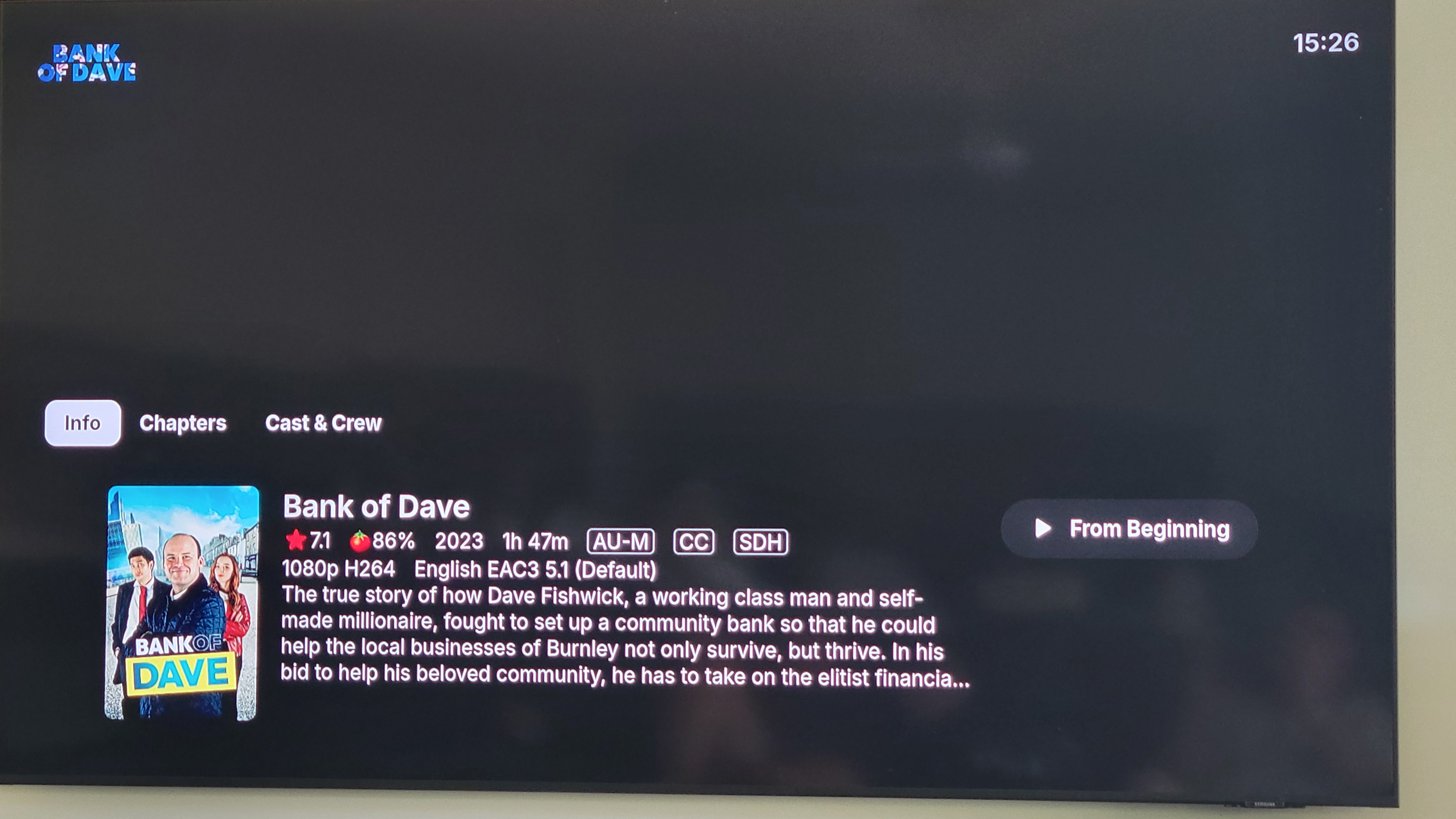
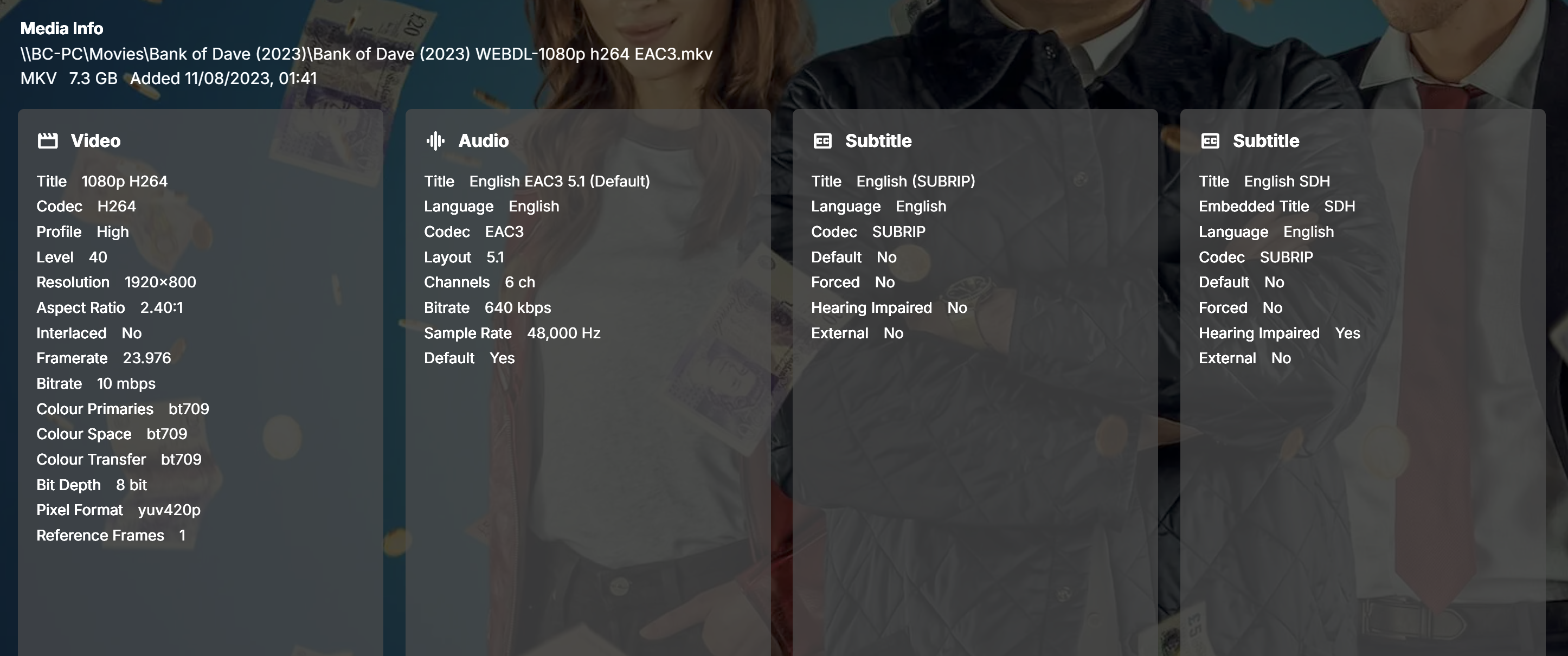
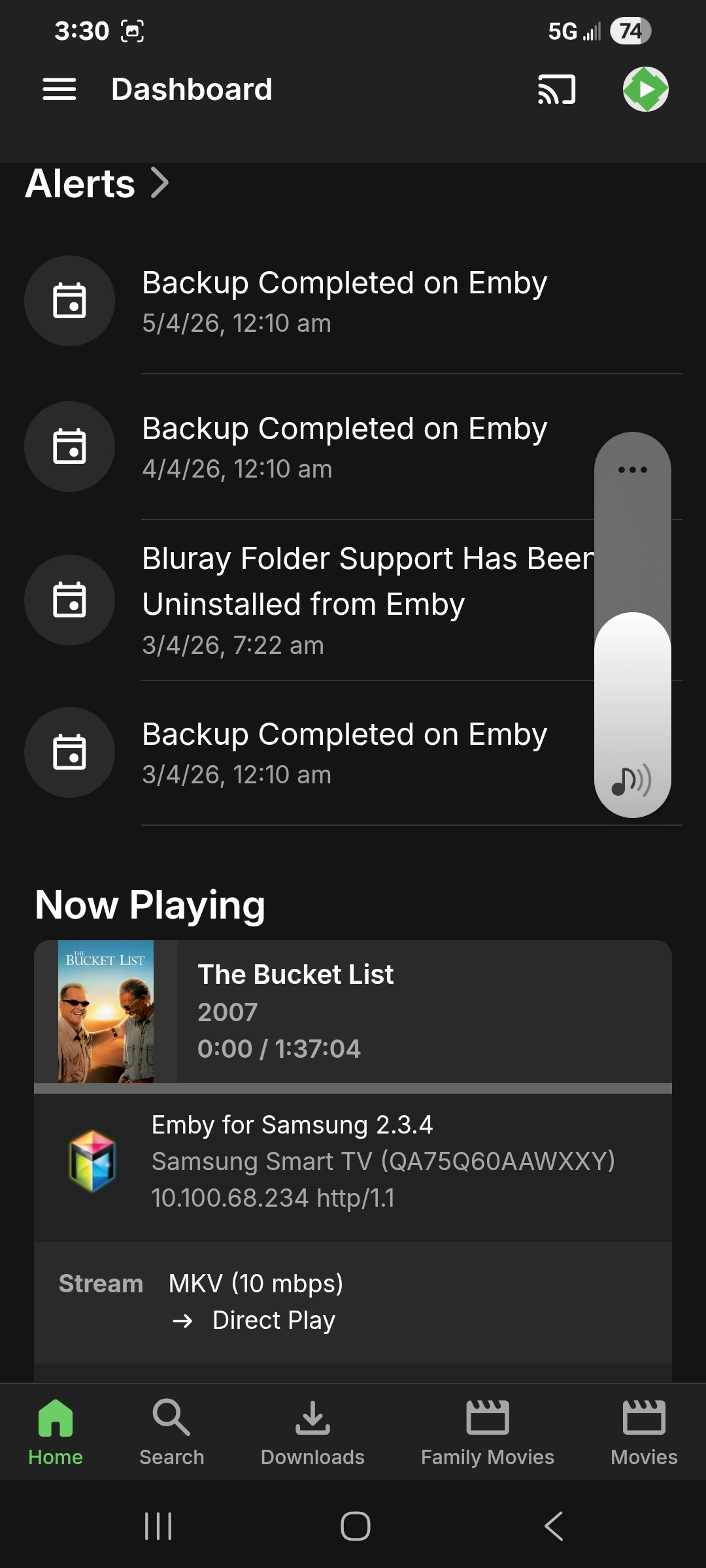
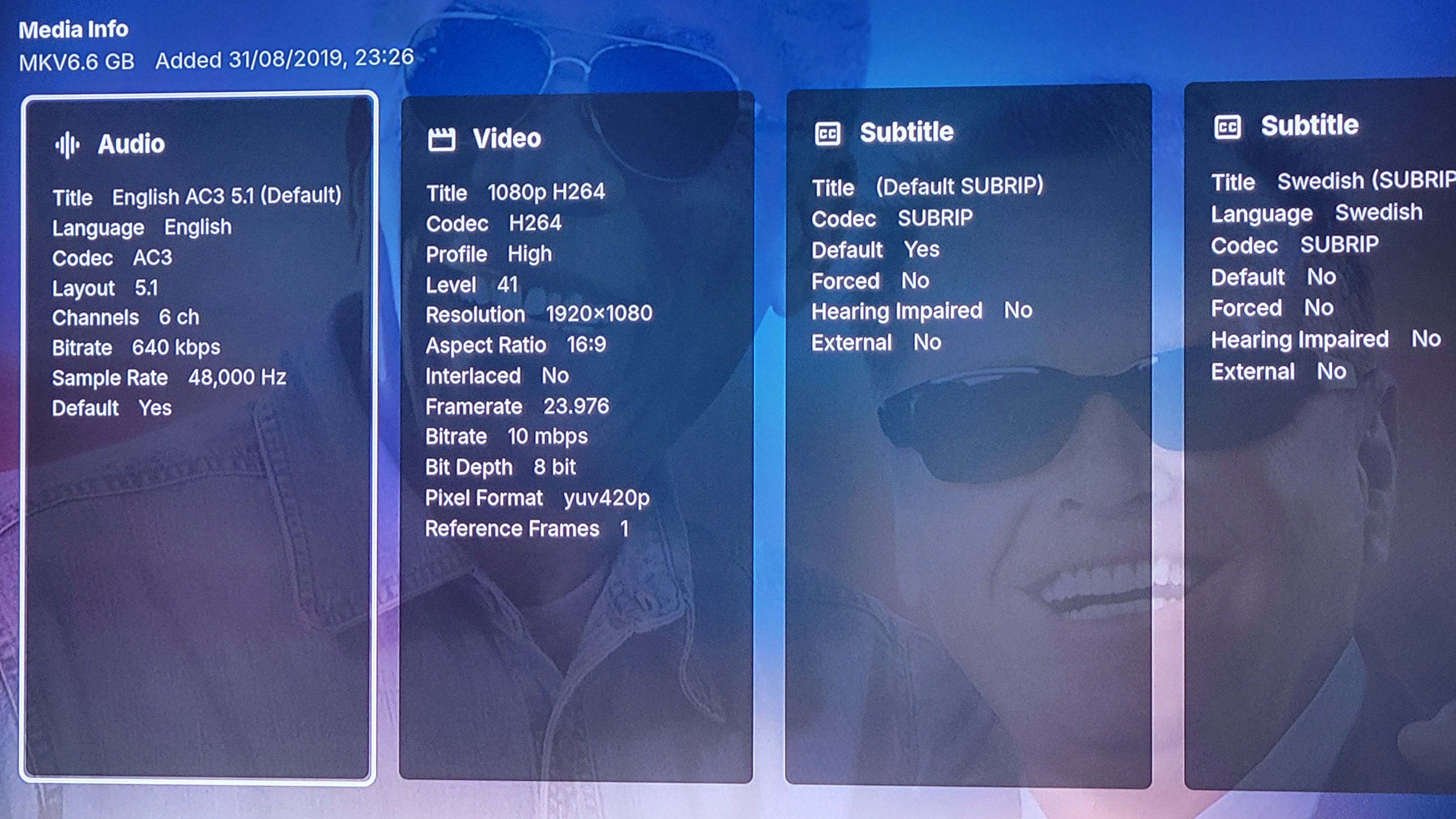
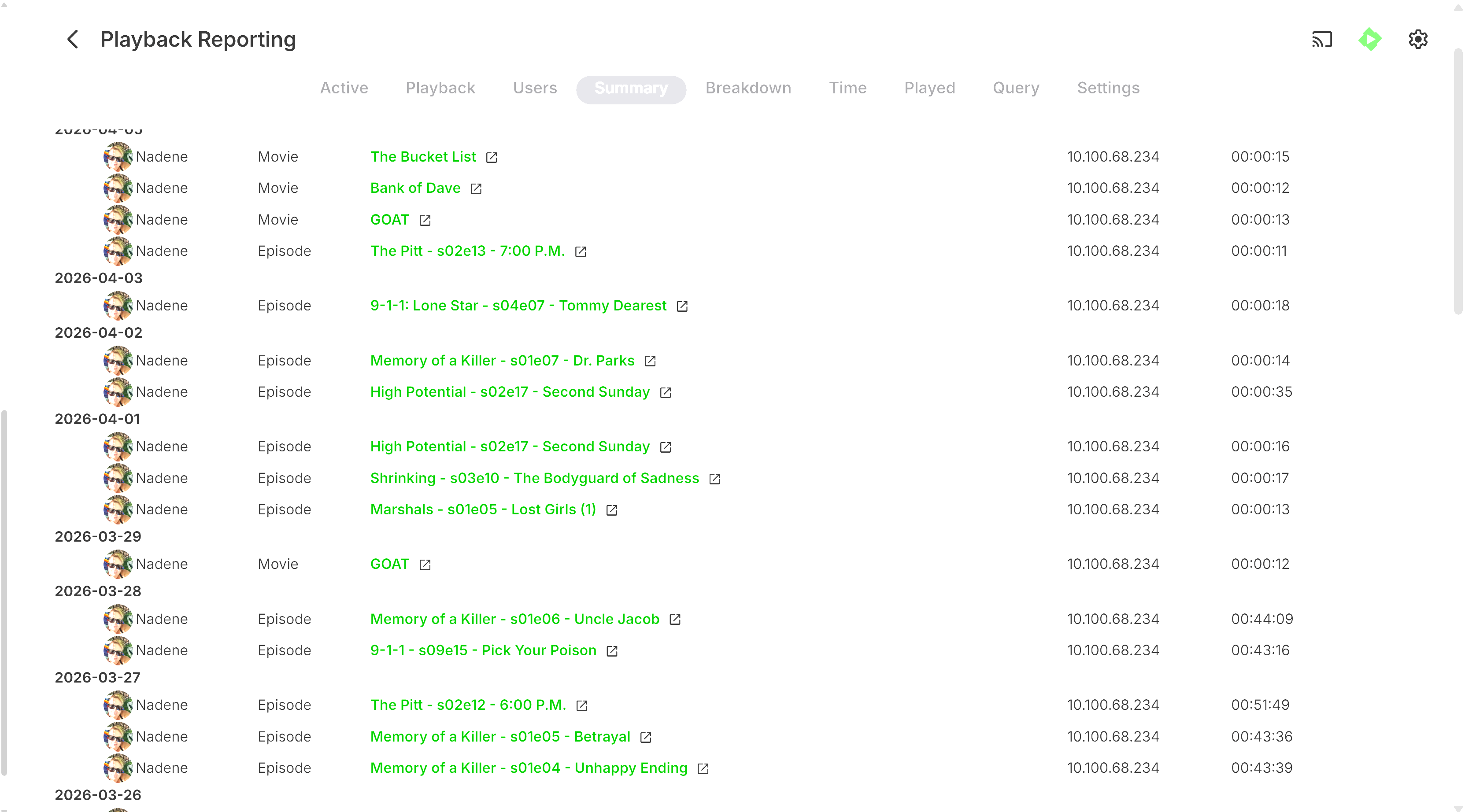
Hi All, Sorry if this is hijacking this thread and please let me know if i need to start another, but I am experiencing very similar issues with 2 Samsung TV's that just cannot play back anything, no movies, tv shows or even just music, at all since 29th March. These devices do connect via a remote SSL connection, can view and navigate Emby, but just fail on playback. As noted earlier by previous OP, there are no transcode / ffmpeg logs generated as for the most part, it looks they devices are trying to direct play. For reference an LG TV and a Fire TV stick in this location can connect and playback media with no issues. The two TV's previously have also played fine. I also have other users with devices in other remote locations that can playback with no issues. Today I changed the remote connection to connect without using SSL to see if that made a difference, and still no change to playback I've attached screenshots and my main emby log from earlier today where I have attempted to play a variety of variety of media files with no success. Sometimes a "no compatible streams message will show, sometimes a error will show in the top right corner as others have advised ( i was unable to capture that message today although we did see it occur) and other times, the playback attempt will just time out and drop back to emby selection. I have also tried to force transcoding with no success as well. QA75Q60AAWXXY with Firmware version 2301.1 App Version ( I manually installed the update to 2.3.4 from 2.2.8 with no change/success), the other Samsung TV (UA75R7100WXXY ver 1501.1) is still running 2.2.8 My Emby server updated on the 29/03/26 to 4.10.0.7 so i'm not sure if its related in any way as the last time the TV's could play anything was the 28/03/26 User playback history ( for reference, this user has only been using the Samsung QA75Q60AA to watch Server alert log Playback attempts today It just very strange that its only the Samsung's that are unable to play anything now ... please let me know if there's anything else i can provide. Sorry for the massive screenshots, i could figure out how to paste them smaller Regards Brett embyserver.txt