All Activity
- Past hour
-
i did switch locations and reverted back. although the recordings still act the same, i have set up some stuff to record to see if it acts the same. will report back. thanks
-
 Zano06 joined the community
 -
 e9zm joined the community
 -
 Criseb joined the community
 -
 bobmatt joined the community
 -
 matthewmunoz joined the community
 -
 marcelorosano joined the community
 -
 Ksksk.0 joined the community
 -
 mati911 joined the community
 -
 Josegc joined the community
 -

Live TV from ErsatzTV M3U source always transcodes — ContainerBitrateExceedsLimit despite low source bitrate
me@jackbenda.com replied to me@jackbenda.com's topic in Linux
Thanks for the suggestions... I’ve been digging into this a bit more and it looks like the issue isn’t really my client settings after all. ErsatzTV is advertising a correct BANDWIDTH= value in the HLS manifest, but Emby is still detecting the stream as much higher bitrate than it actually is. For example, a 1.2 Mbps stream is being interpreted as ~4 Mbps, which then triggers ContainerBitrateExceedsLimit even though the real bitrate is well below any reasonable threshold. This seems to match a known Jellyfin/Eamby issue (ErsatzTV issue #2022) where MPEG‑TS/HLS streams have their bitrates inflated during detection, causing unnecessary transcoding or preventing direct stream. ErsatzTV and Dispatcharr both report the correct bitrate, but Emby’s Live TV pipeline overestimates it. So while setting a higher client bitrate can mask the problem, the underlying issue is that Emby is misreading the source bitrate and refusing to direct‑stream a feed that should already be compatible. I guess I'll make a proper bug report... unless this already constitutes one? @Luke? -
 דודי 1215 joined the community
 -
@LukeI am also experiencing the same problem. I just got a new tv and have it hooked up to a Sonos Arc soundbar using dolby atmos. Plex, Sling, Youtube, have sound, EMBY does not. I have attached logs, please let me know if there is something else you need. Apple tv 26.4 running Emby Version 2.0.3 (2) Fails to play audio from live tv and server media. embyserver.txt
-
and? will it ever be fixed? watching a show with 20m episodes to change the sub every 16m is not so much fun and while were at it. I wrote already 10 times. In the lg app you cannot adjust the delay of the sub because the timing box is hiding the whole sub. who's testing that??
-
Live TV from ErsatzTV M3U source always transcodes — ContainerBitrateExceedsLimit despite low source bitrate
me@jackbenda.com replied to me@jackbenda.com's topic in Linux
Thanks, I get what you mean about Live TV being stuck at 1× and Auto being unreliable. Does that explain why Emby is overestimating the bitrate of the stream coming from ErsatzTV. Because the source doesn’t advertise a proper bitrate, Emby probes it and assumes it’s around 4 Mbps, even though the actual output is only 1.2 Mbps. So Auto ends up enforcing a limit that the stream never actually exceeds, it’s just Emby’s estimate that’s too high. If I switch off Auto and pick a fixed bitrate, that becomes a global cap and forces transcoding for everything else I watch, which I’m trying to avoid. So I’m not sure the client setting alone solves it... the underlying issue is that Emby is misreading the source bitrate and refusing to direct‑stream a feed that should already be compatible. Does that make sense? -
HI, it is possible for future updates. Thanks.
-

Parental Controls: Media disappears when meta data changes
HanSolo replied to HanSolo's topic in Asustor
By restricted user I mean I've set the user to "Block items with no or unrecognized rating information" for all libraries. The user is set maximum allowed parental rating of "TV-Y/APPROVED/G/E/EC/TV-G." I've gone in and set the parental rating on a bunch of albums/tracks/artists to "APPROVED." When I go into the user's Music library and look under "Albums" there is nothing. When I go to songs it appears all the expected tracks are there. This started while I was using the ASUSTOR and on version 4.8.10.0, before that it seemed to work fine. At that time, it wasn't all of the albums, only new ones or ones that I updated the metadata for. When I moved over to Debian and Emby version 4.9.3.0 there has never been anything in the "Albums" area of the music library for that user. Users that don't have such restrictions see everything as expected. let me know if there is anything I can do to help -HS -

Live TV from ErsatzTV M3U source always transcodes — ContainerBitrateExceedsLimit despite low source bitrate
Q-Droid replied to me@jackbenda.com's topic in Linux
For starters live-tv, being live, is always 1x. It can't transcode into the future. Increase the client bitrate limit. Auto is effectively broken on most if not all platforms. - Today
-

Considering Switching to Emby but Trailer Playback Not Working Is a Deal Breaker
gsatvEMBY replied to ExtremeTM's topic in General/Windows
Wow! Been dealing with samne exact issue since the day I flipped plex "the brid" but couldn't figure the issue out! Absolutely works on my TCL Smart TV! -
On more than one occasion, I didn't remember I had an Emby window open in Chrome alongside the Spotify desktop app on my Mac. Pressing the media control keys shouldn't skip back and forth between TV show episodes, also not remembering my view position when I try to undo the damage by navigating to the correct episode. No major streaming service has this default behaviour, not even a YouTube playlist, and that is for a good reason. For audio-only playback this is a perfectly good feature as-is, though and play/pause is perfectly fine as it isn't destructive.
-
Live TV from ErsatzTV M3U source always transcodes — ContainerBitrateExceedsLimit despite low source bitrate
me@jackbenda.com replied to me@jackbenda.com's topic in Linux
Cheers for the response. I did look at the client bitrate settings. At the moment it’s set to Auto, but the issue is that Emby is overestimating the bitrate of the stream coming from ErsatzTV. Because the HLS/TS source doesn’t advertise a proper bitrate, Emby probes it and assumes it’s around 4 Mbps, even though the actual output is only 1.2 Mbps. That’s what triggers the flag. If I manually set the client to something like 720p 2 Mbps, Emby will treat everything as capped at 2 Mbps and transcode all content down to that (not just Live TV) which isn’t ideal. So the problem isn’t really the client setting, it’s that Emby thinks the source bitrate is higher than it actually is. I’m trying to get Emby to direct‑stream the original 1.2 Mbps feed rather than transcoding it unnecessarily. -
For others reading, @SamEScan summarize what was said over PM. Thanks.
-
Why is the cause of the failed to load resource? Can that be due to no rights allowed to access the file or directory? Is the browser trying to reach server content and the server is under a heavy load and does not respond immediately? There was also some CORS errors in trying to get content from the lines beginning with universal? CORS issue can be controlled by a browser setting or with whatever code is requesting the content to not go cross domain and trigger a CORS blocking. What is being called for these errors? Is there a plugin running? What does the browser do when it sees several CORS issues? Would that delay video streaming?
-

Parental Controls: Media disappears when meta data changes
Luke replied to HanSolo's topic in Asustor
Restricted how? -
Hi, no ETA but we are working on it. Thanks.
-
Hi, please email billingsupport@emby.media Thanks.
-
Emby is a Home Use server......
-
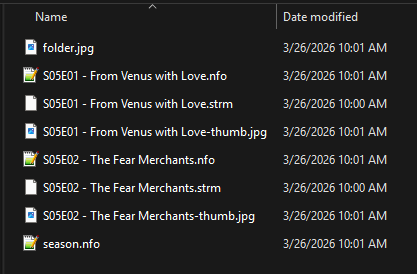
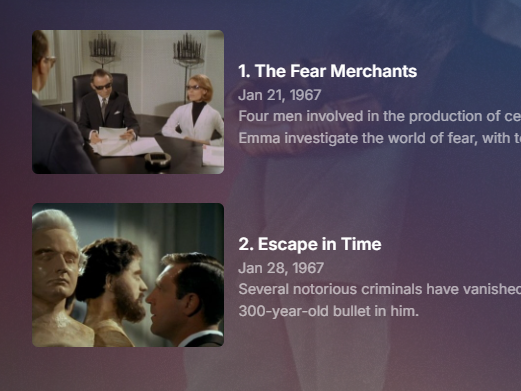
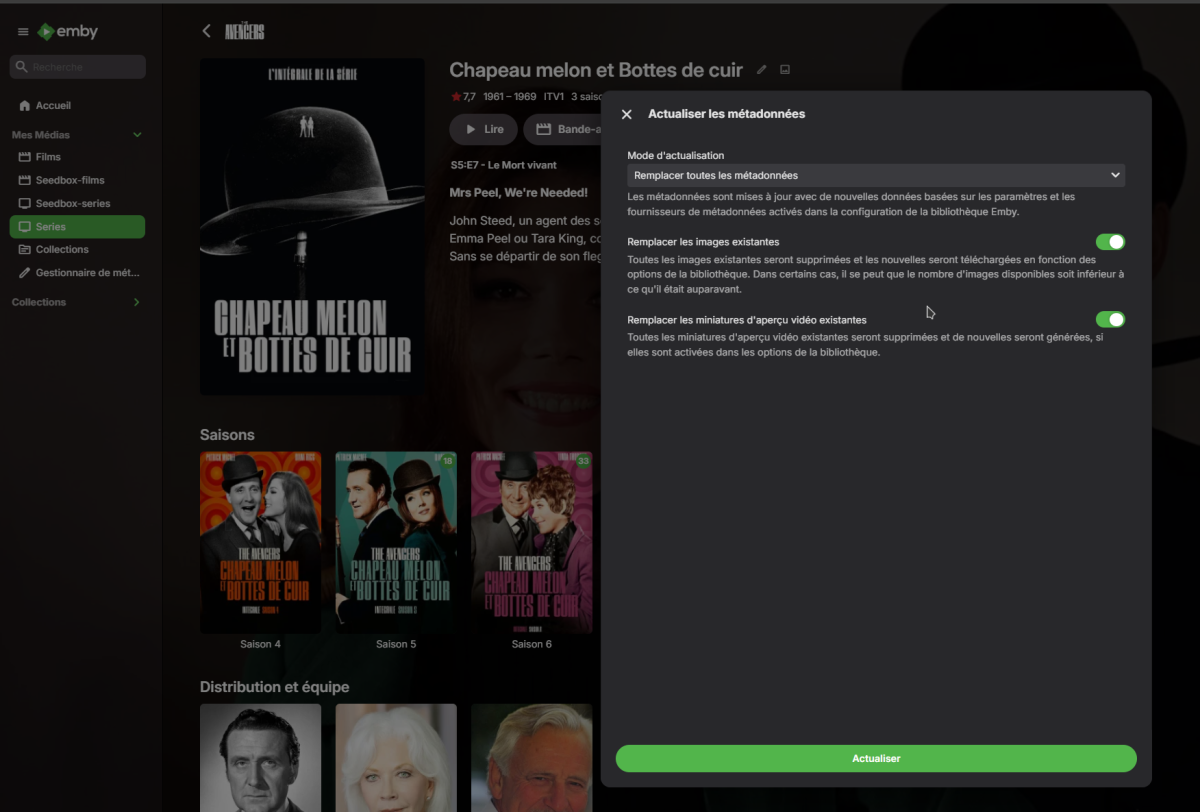
Minus errors in your log or timing as you are recreating preview images not needed as they are correct per files. Changed language to see if api issue but got correct results. Aired DVD


-

Live TV from ErsatzTV M3U source always transcodes — ContainerBitrateExceedsLimit despite low source bitrate
Neminem replied to me@jackbenda.com's topic in Linux
Check your client bit rate settings. ContainerBitrateExceedsLimit = bitrate set to low or set to auto. -
Hello support Could you increase the limit for Emby Premiere? 80 clients is a very small number, considering that an Emby server has much more capacity than that. Would it be possible to purchase a larger limit?
-
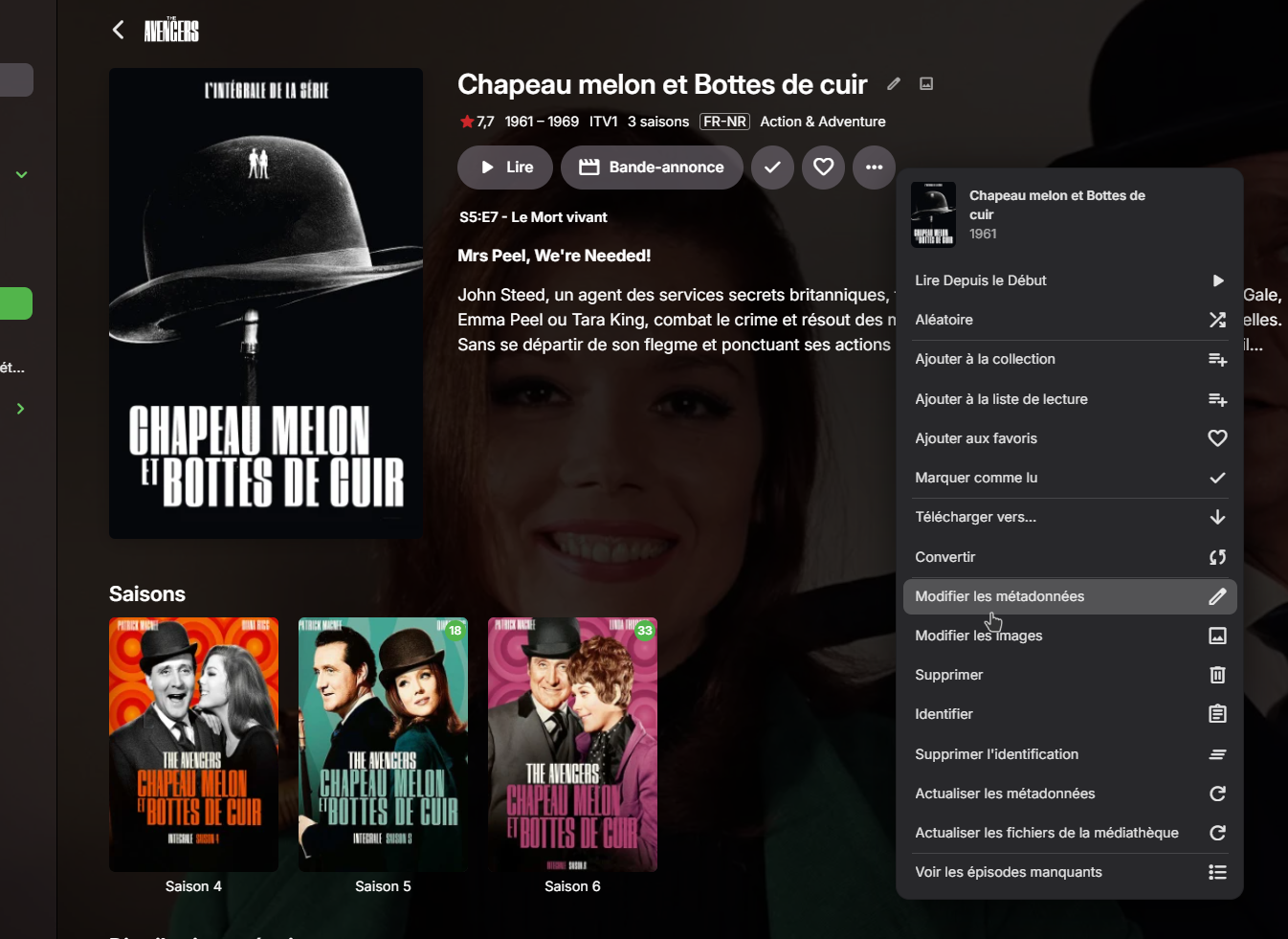
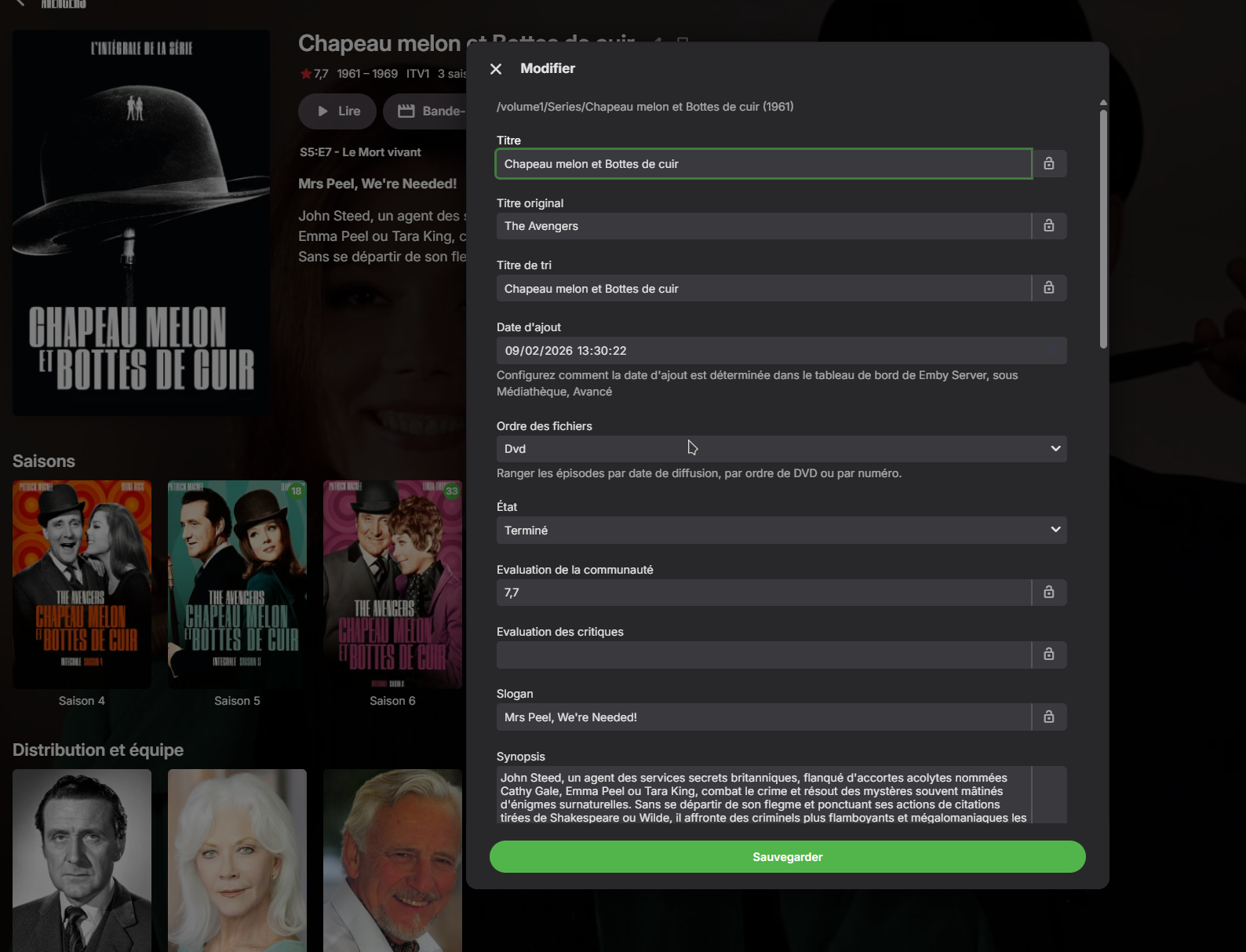
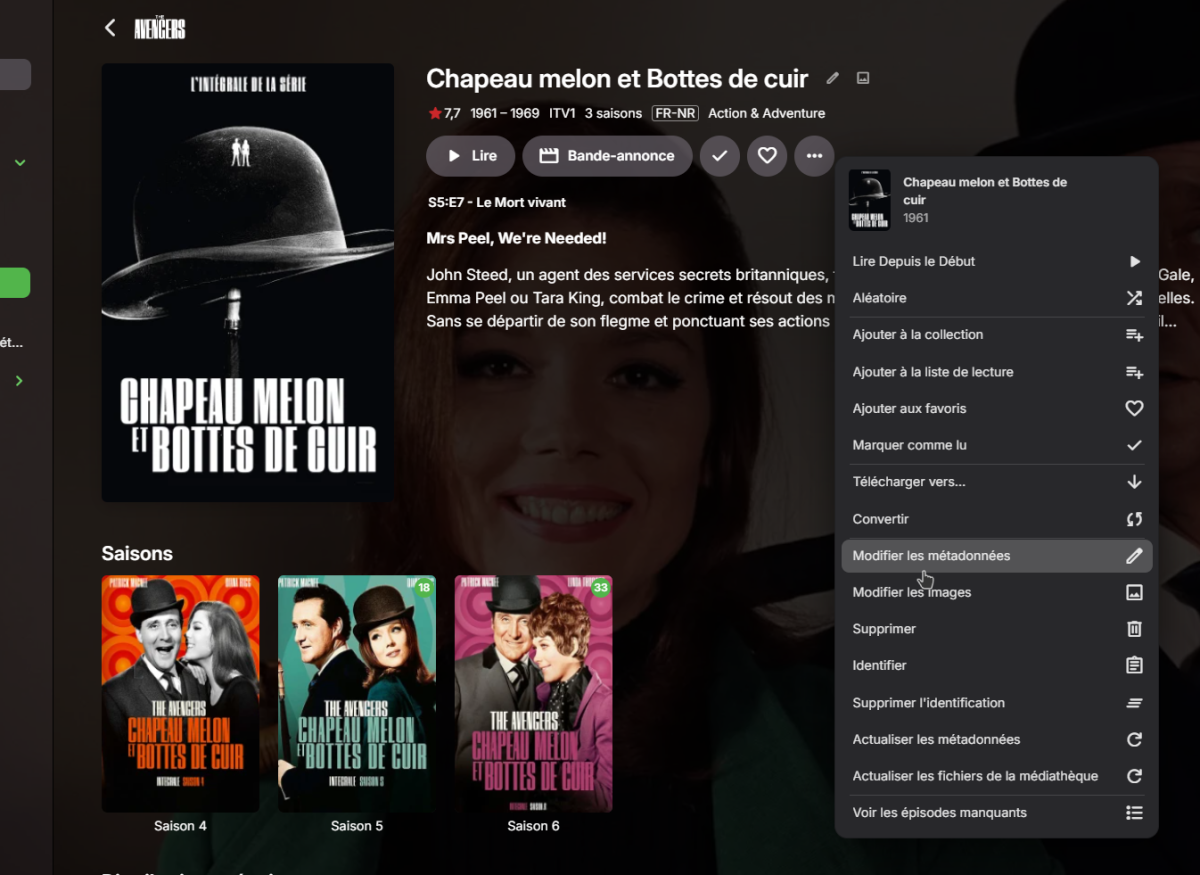
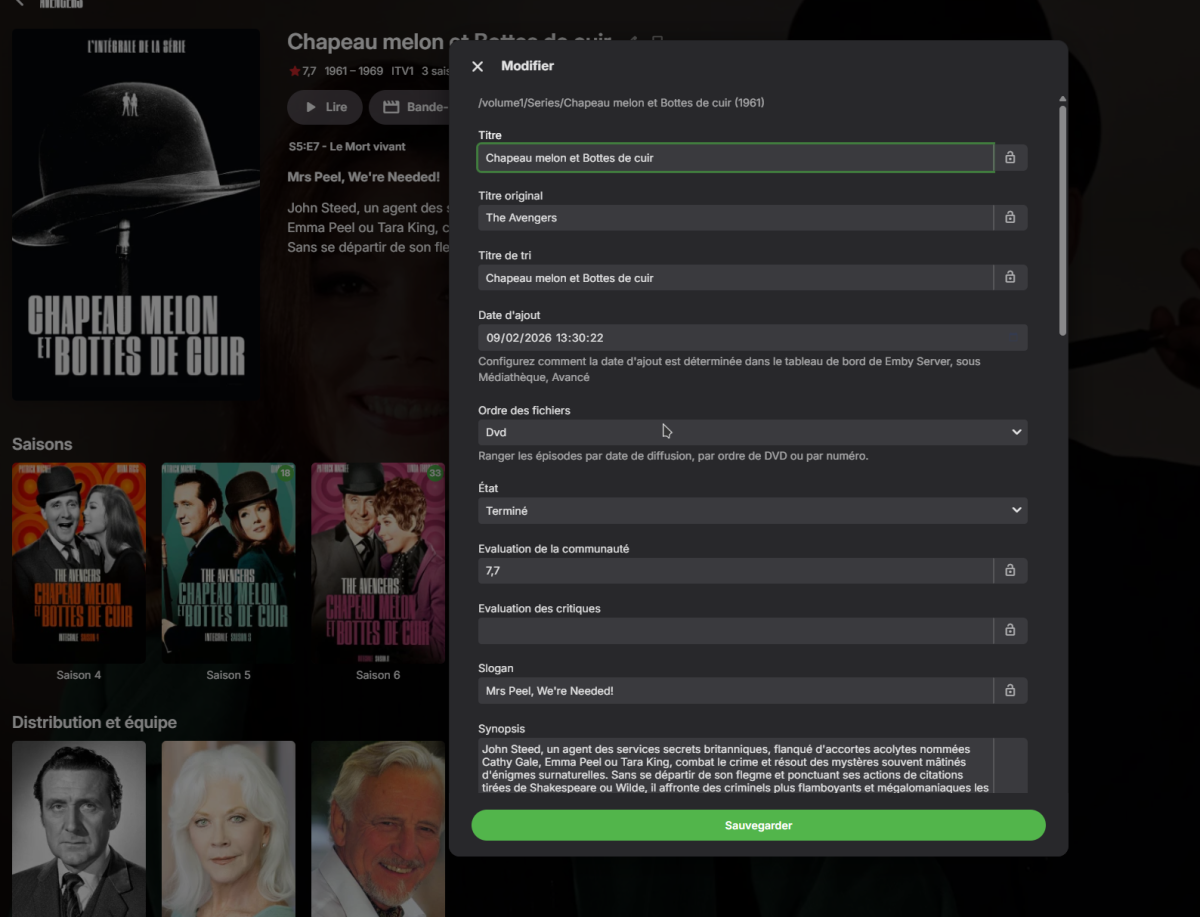
procedure that I used
-
me@jackbenda.com changed their profile photo
-
@visproductionthose errors are a consequence of previous failures and timeouts. The question is why some requests just seem to hang sometimes and not other times. Maybe due to some sleep / stagnant process or failed auth keys. Who knows.
-
Strict vetting for SSL propagation delay can be around 5 days. Has it been that long, since you activated the SSL? https://sslinsights.com/how-long-does-ssl-take-to-propagate/
-

playback is often paused, crashes, freezes but for a specific user (its the wife-BIG problem :))
visproduction replied to Zeltak's topic in MacOS
Zel, Turning off transcoding can also cause stuttering, depending on the end user's hardware, bandwidth, Wifi, other connectivity issues. Transcoding can actually help stop stuttering if it is setup correctly. Asking about transcoding is sort of only the first step to see what is happening. We need log files and actual settings and media codecs and size when transcoding is turned on. If the media file is too large to be handled through whatever combination you have setup, the playback will pause and crash. Wifi can also cause this with simply too much distance, even other appliances in the house or just being close to large metal items, like a fireplace poker within a few feet of the Wifi receiver. Band width via Ethernet can cause problems if 1GB cable connection is mismatched with a 10/100 switch or Ethernet card. -
My test Aired order DVD order per steps above (In my test these would be be wrong for my actual file order) But should work in your case as your files are in that order.