All Activity
- Past hour
-
 JustaMan joined the community
 -
 44902 joined the community
 -
 ElBoy1980 joined the community
 -
 trap112 joined the community
 -
 gtyg joined the community
 -
 roopmello joined the community
 -
 Wurstus9090 joined the community
 -
I don’t really use transcode, all streams are direct play because I don’t have too much ram
-
 OldCat167 joined the community
 -
 Saleemk joined the community
 -
Good to know thank you. I also found another topic in here talking about the transcode path and it defaulting to the RAM if not set up as a path on the drive: I also created a mount for a local folder and use it as the transcode path in emby now.
-
Yep same discussion here.
- Today
-
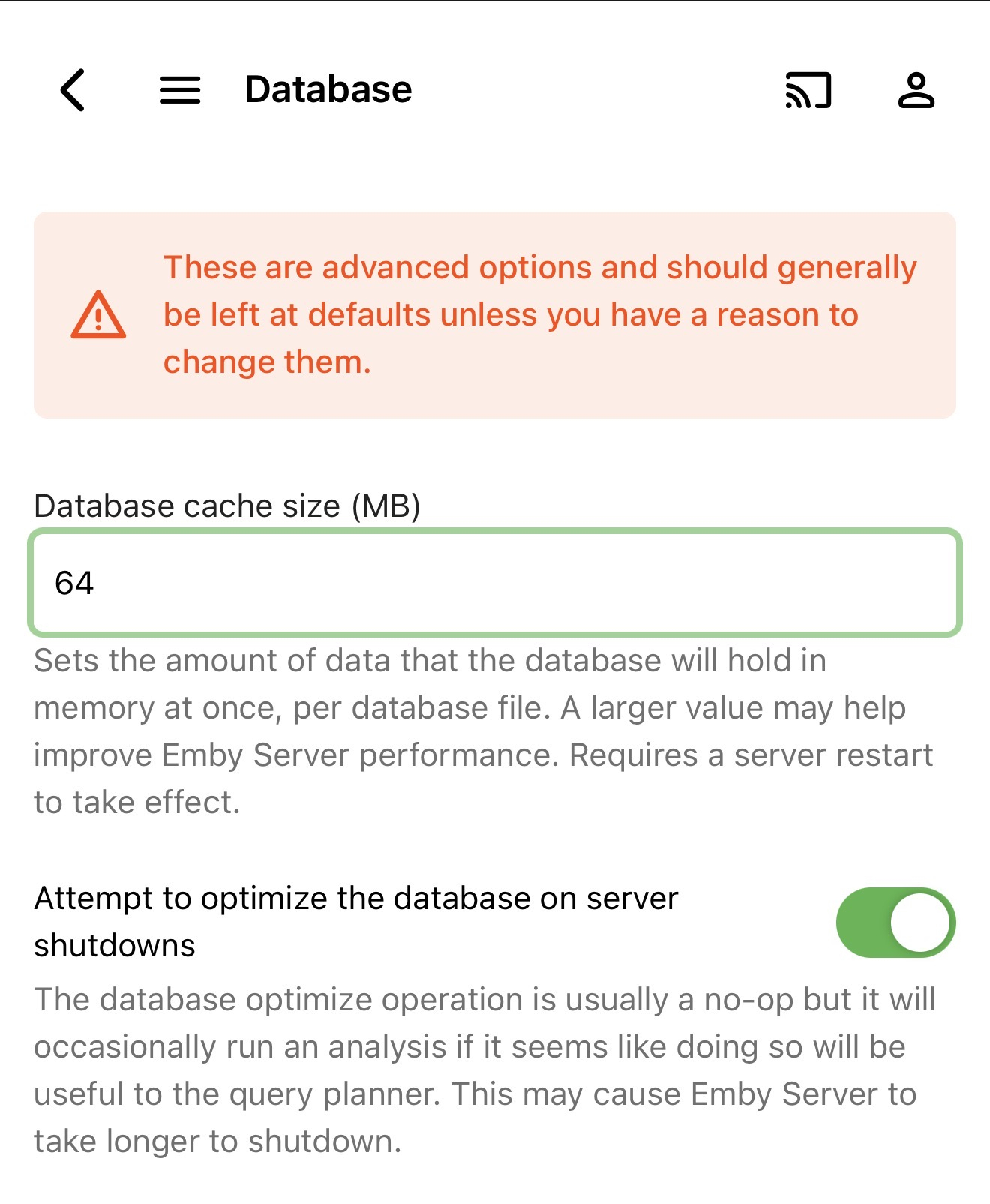
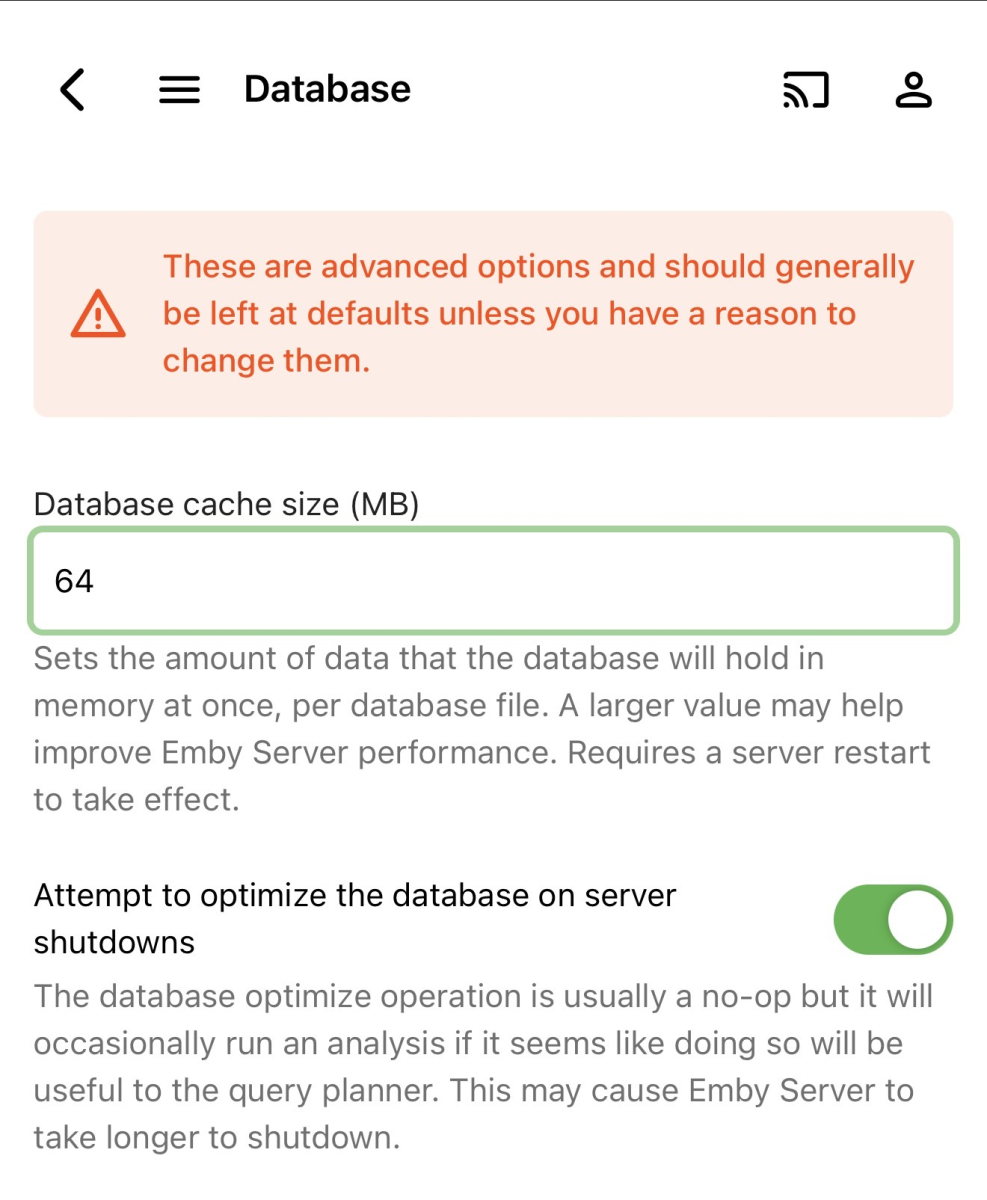
It is too much, some changes was made in the DB and if you don’t have enough RAM this will be consumed with a couple of user’s when the app start
-
I even had 512 in there lol Thank you, changed it to 64, let's see how it goes.
-
Try to set 64MB instead of 128mb on the DB settings and do a server reboot, let me know if this helped you
-
Hi, I have a similar issue and posted in the Docker topic about it: I also had the problem on 4.9.3.0 and it still persists on the newest beta. I really want to avoid reinstalling everything since I have a pretty big library and already had to reset my database a few weeks ago due to a problem caused by a power outage. But even before that I had these problems of emby server crashing. Maybe there would be another fix? Would be nice to learn where to look for crash logs to see what causes the crashes.
-
Emby for android unified app, on Amazon its called only "Emby". Well i dont know whats happening but on google playstore .28 is the latest version i could install, while on Amazon is lottery.
-
I'm on Emby 4.9.3.0 & Trailers Plugin 1.4.0.0. I only have 3 trailers from 2026 and 2027.
-

Hard comparison: Why is Emby's transcoding engine so far behind Jellyfin? (And why I'm switching back
Meitelis replied to adminyy's topic in Linux
Mostly everything is accurate in original topic. I bought lifetime Emby and I have to say that despite the text being clearly ai generated, but I have to admit that it's true unfortunately. Emby has nice gui, but hw transcoding in jellyfin is way richer and more optimised. Ok, if you run it on intel quicksync, but on my rk3588 jellyfin hw transcodes 4k to 4k HEVC at 4.8x. Emby won't even let me do this on rk3588... Which is ok I guess. Until you realise that jellyfin doesn't need ANY subscription. -
Thank you so much for this plugin version, you are a true legend , I loaded this and it picked up in my plugins folder on my Emby. I am running Kometa now to see if it will apply the overlays. I must say a massive thanks for this.
-

Plugin: EmbyCredits, detect end credits and add auto skip.
popy replied to yocker's topic in Plugins
@yocker Any plans to release this plugin in the emby plugin store? This way we dont have to care about manual updates. -

The search experience in Android app needs to be fixed
ecrispy replied to ecrispy's topic in Android
yes, the search does begin as soon as you start selecting letters. But while I can see how thats useful, I don't want that - my server is not always on the same lan, and I have a large library - sending a query on every letter is not ideal. but why are you seeing this on an Android tv box? what is the search you see in other streaming apps, or in the play store, or browser? do you not have onscreen keyboard? this looks like something custom implemented by Emby and I don't see why -
@hatharry YES... F'ING YES.. it works!! happy happy joy joy Thank you Merci Beaucoup
-

Playlists in file system not appearing in Emby (4.9.3.0, Windows 10)
Luke replied to BaNanaBlocks's topic in General/Windows
Hi, what you could try to do is remove the playlists library from emby library setup. That will kick off a library scan, so once that finishes, then create a new playlist manually and that will recreate it. See if that brings everything back. -
Hi, what guide data are you using? What you could try to do instead of recreating the series is just refresh the guide data in the server.
-
Sudden Broken Images on Mobile Browser and Mobile App
Luke replied to hukt_own_fonikz's topic in Linux
Hi there, please attach the Emby server log from when the problem occurred: How to Report a Problem Thanks! -

Plugin: EmbyCredits, detect end credits and add auto skip.
yocker replied to yocker's topic in Plugins
Try this one, i changed the pathing slightly. EmbyCredits.dll -

Plugin: EmbyCredits, detect end credits and add auto skip.
toooo replied to yocker's topic in Plugins
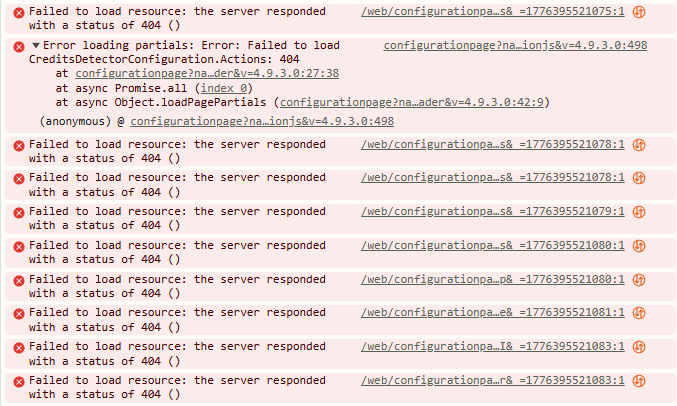
I am using a reverse proxy with "/emby". When navigating to the port directly, the page loads and plugin appears to function. Version 2.4.2 thru 2.4.9 all show this in the browser console when failing under the reverse proxy. I don't believe I changed anything on the reverse proxy, so not sure why it has quit working. Obviously, returning a 404 will break the page, and it looks like the plugin is not including "/emby". Attached is a console history of me clicking on EmbyCredits on the plugin page. embycredits.log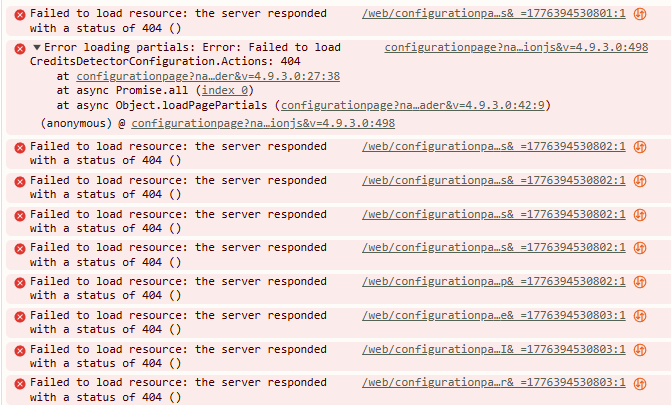
-
The updated is now available please try again
-

Sudden Broken Images on Mobile Browser and Mobile App
hukt_own_fonikz replied to hukt_own_fonikz's topic in Linux
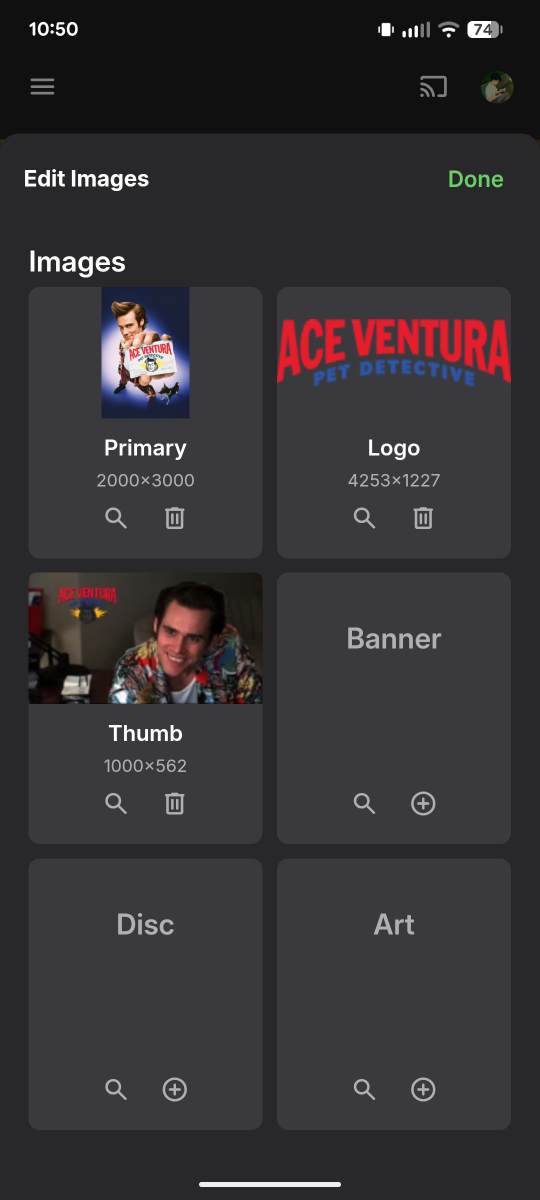
-
Sudden Broken Images on Mobile Browser and Mobile App
hukt_own_fonikz replied to hukt_own_fonikz's topic in Linux
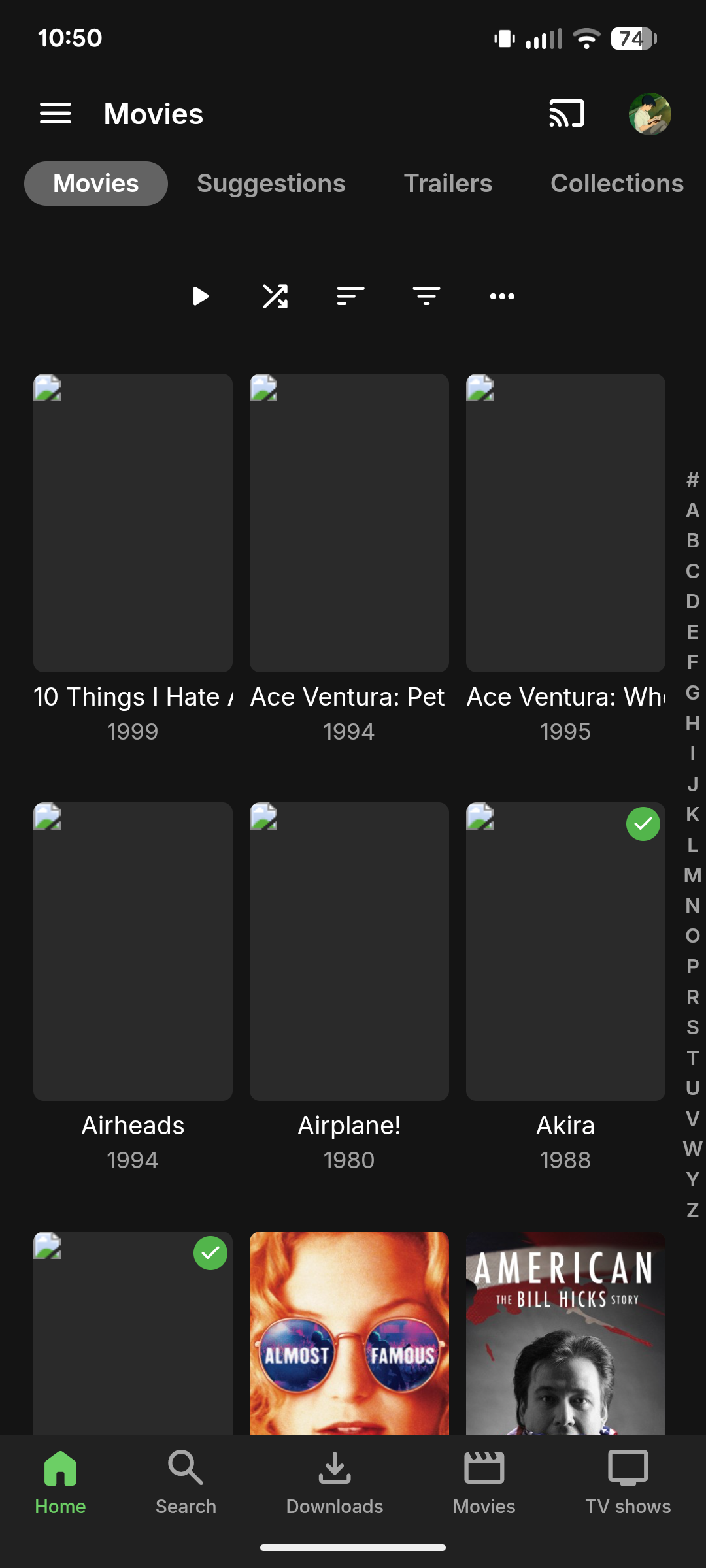
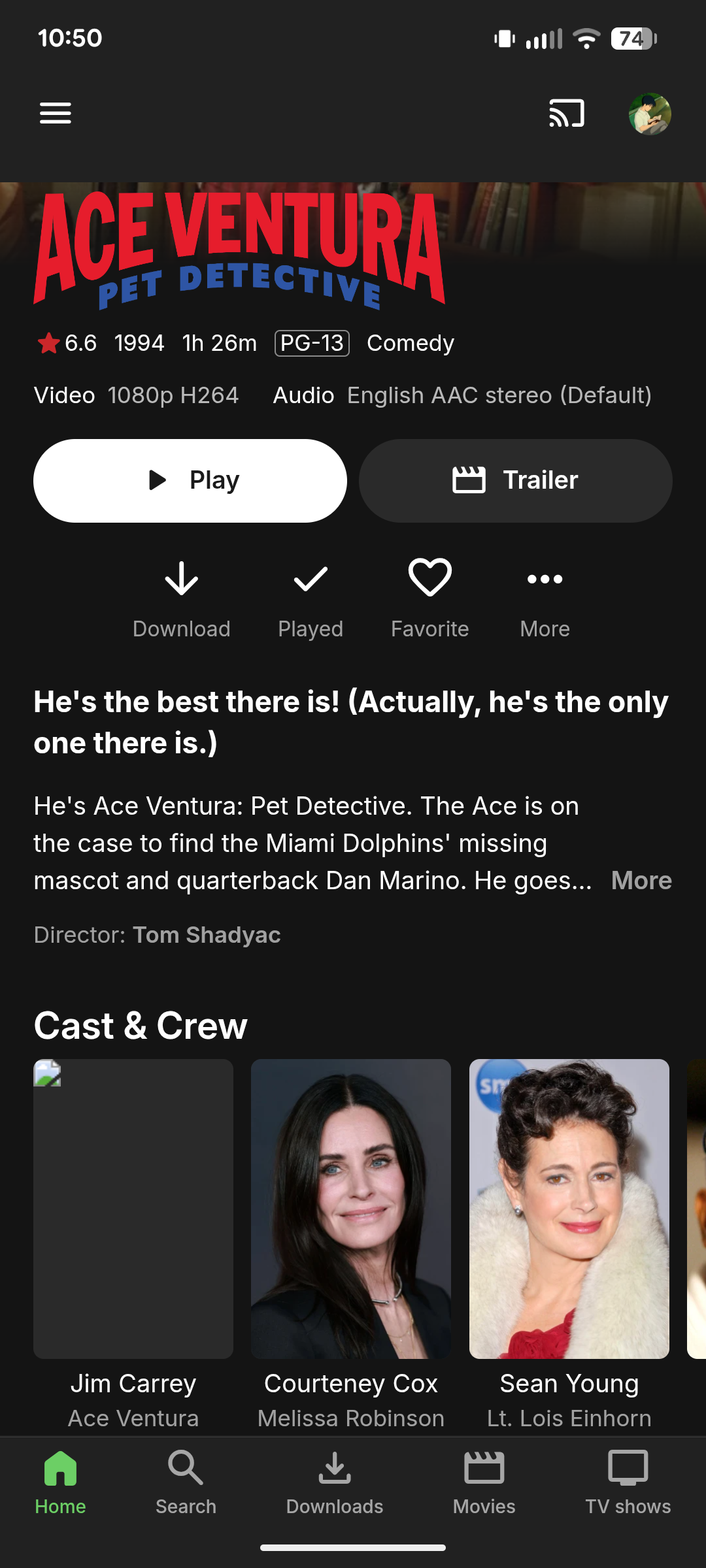
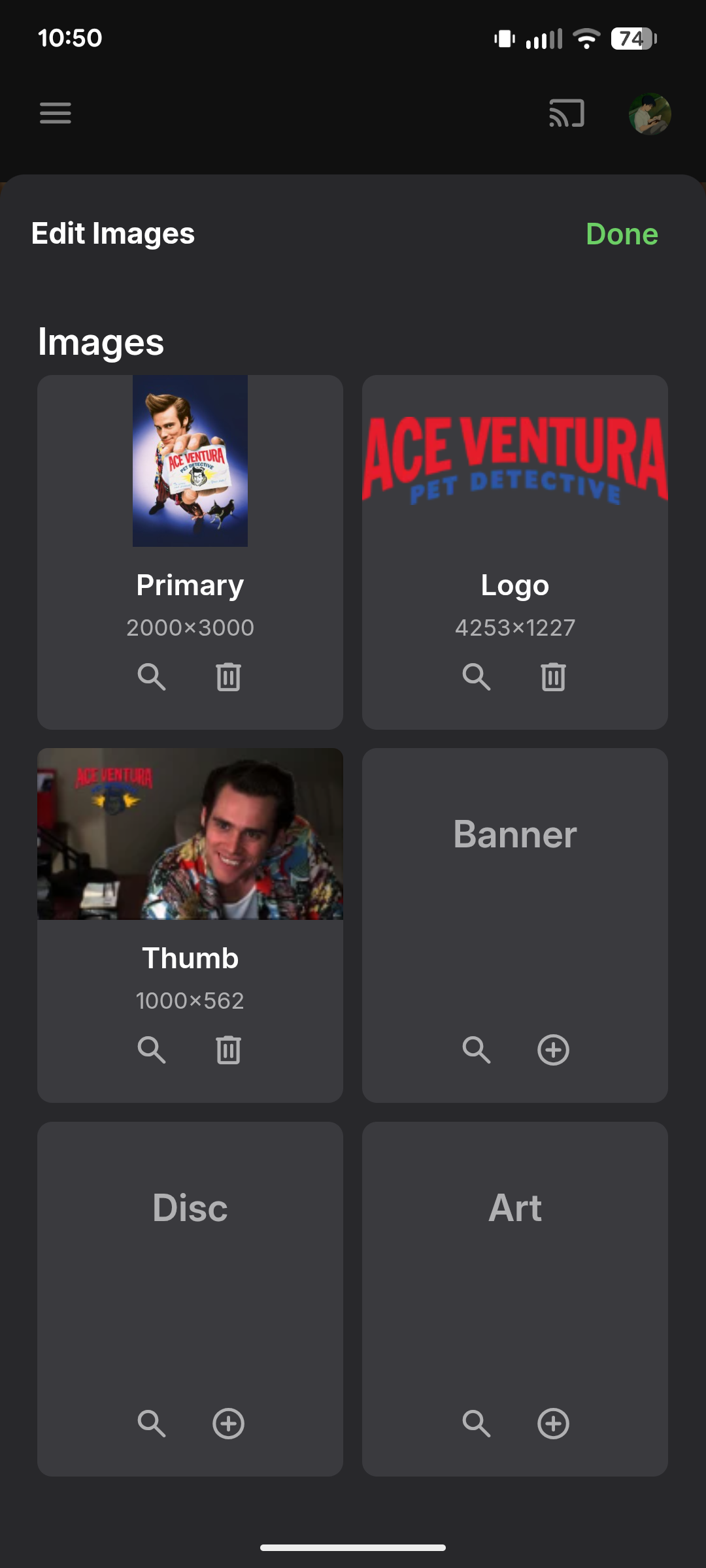
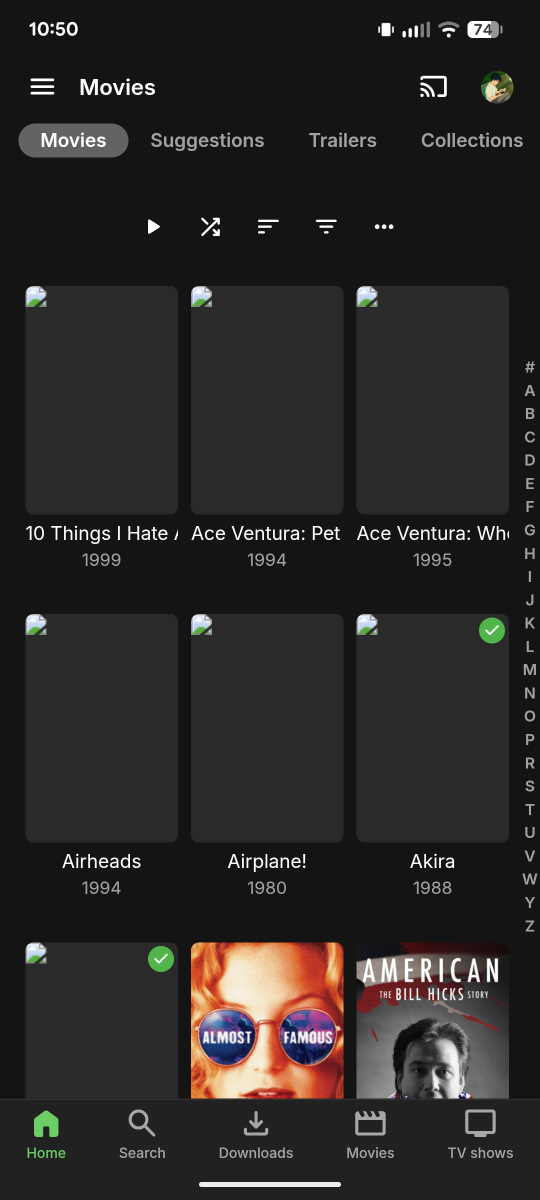
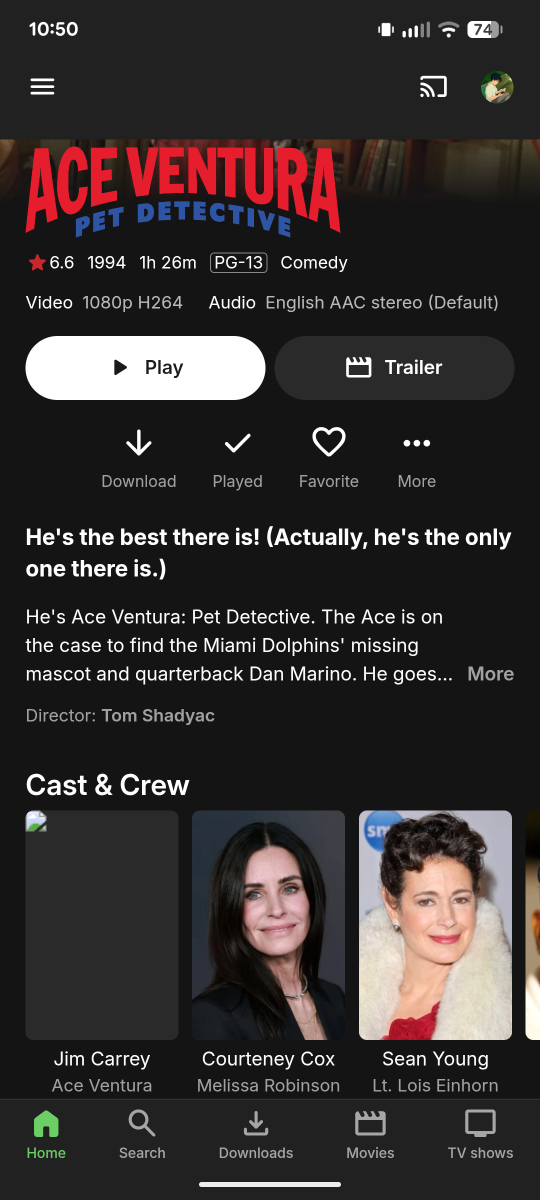
That imgur image, that's from one of the "Live TV" shows. So now I think thoseAmazon URLs are for LiveTV and not actually Movies or TV. Sorry I pointed you in the wrong direction here. I see Better Off Ted in the logs, that is one that wasn't working until I re-downloaded. Whats odd is that Poster isn't showing up in the main view, but all the other assets are like Logo and Thumb and Backgrounds. However when I go to "Edit Images" I can see the Poster just fine. -
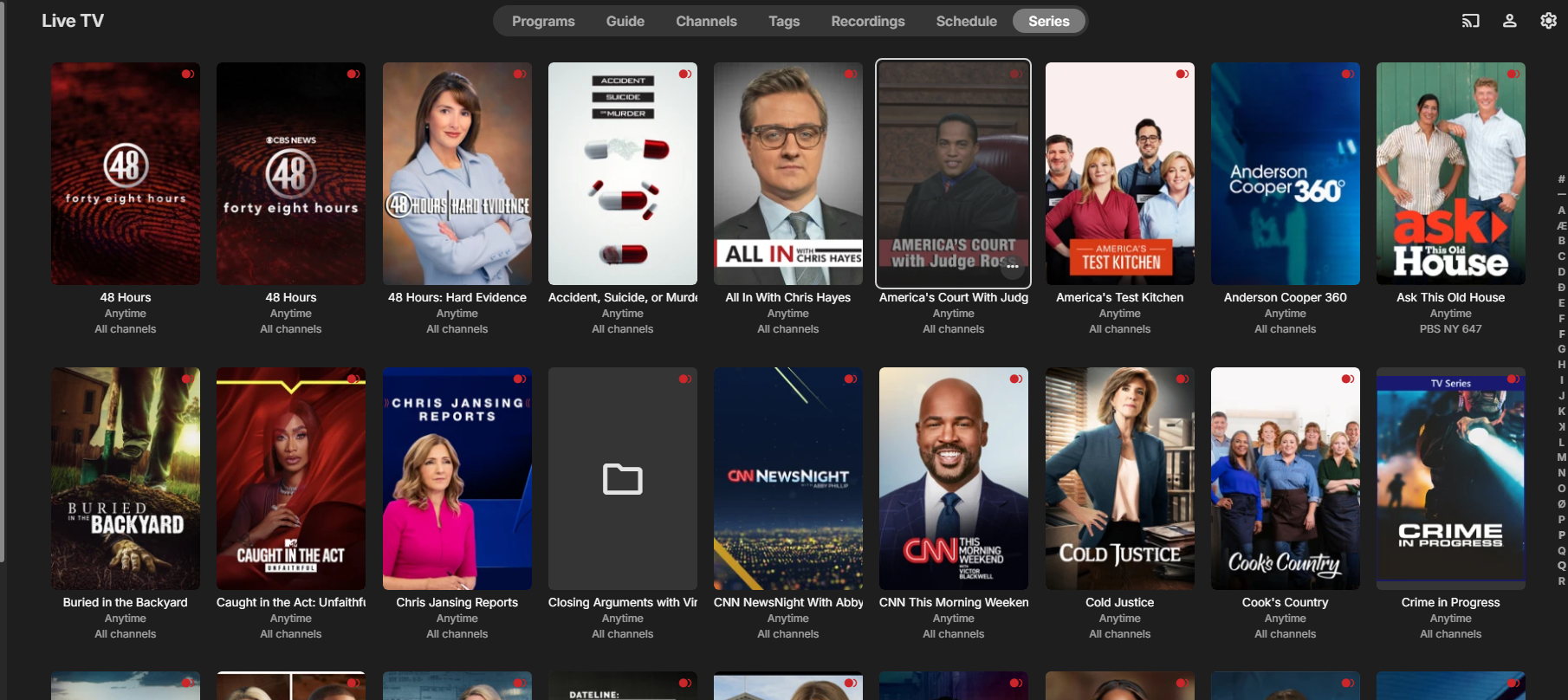
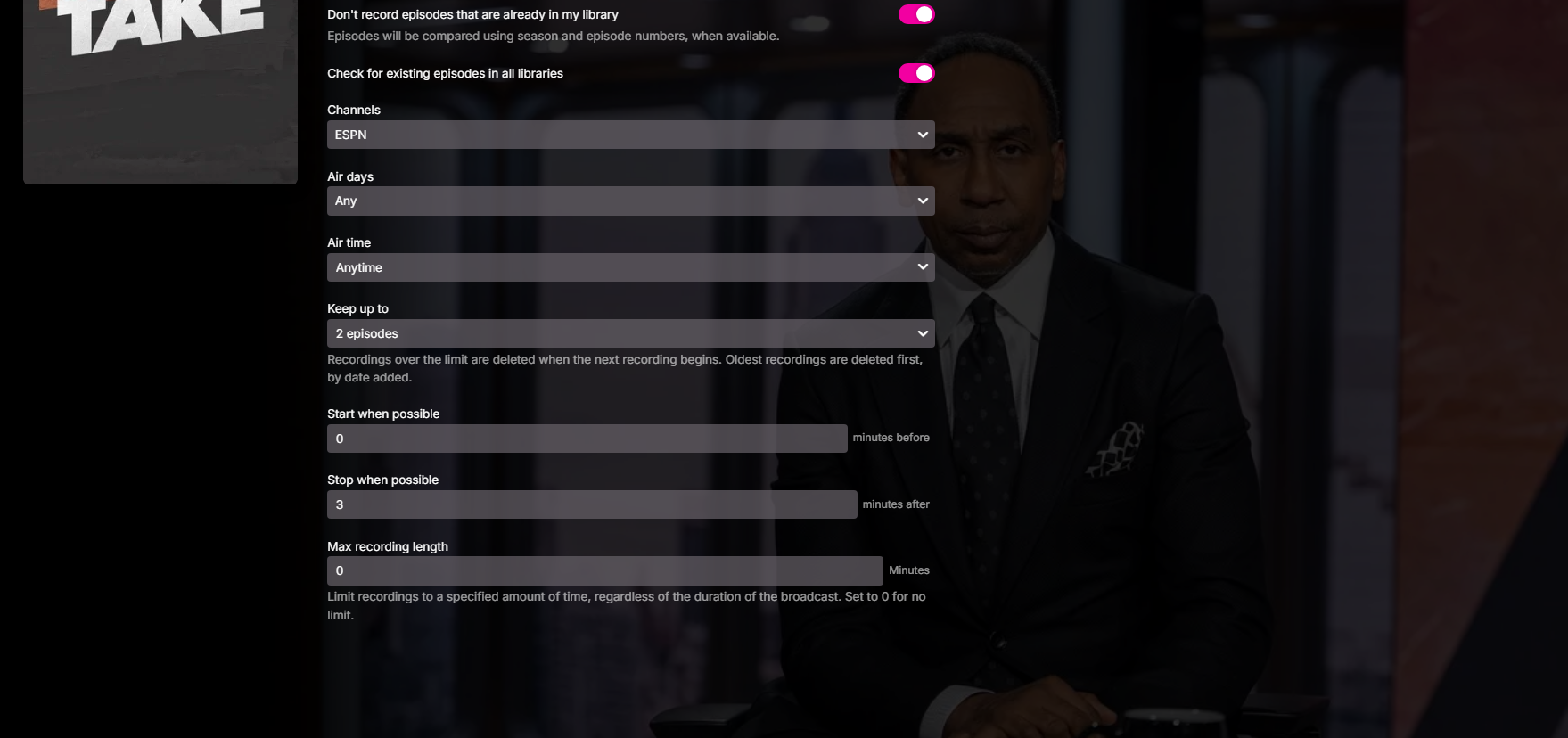
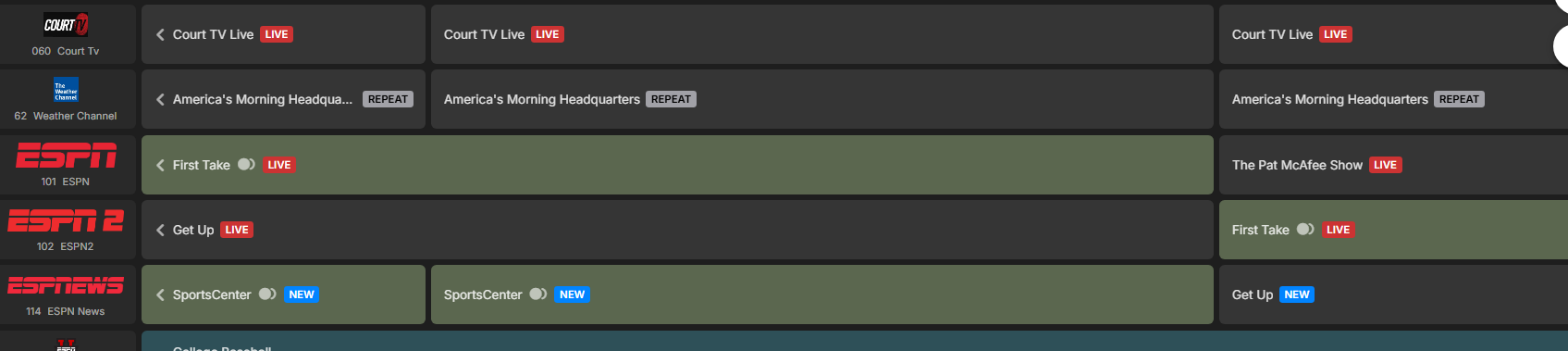
I've at times had a series setting get lost. But today after a server reboot, my entire series listings are there but they see no guide information and thus nothing is scheduled. The worst part is I can enter a series and if at least it allowed me to cancel the series, stay there and set it back up, as sucky as that is, doable. I have to cancel the series and its gone, thus I now have to go back and find the show either through the guide or search and reset them up 1 by 1. I tried doing a server restore. No luck. Example below. Shows part of series. One screenshot of first take on espn with no shows listed. However as my guide shows, first take is in the guide but does not show it is to be recorded. embyserver-63911970377.txt embyserver (5).txt
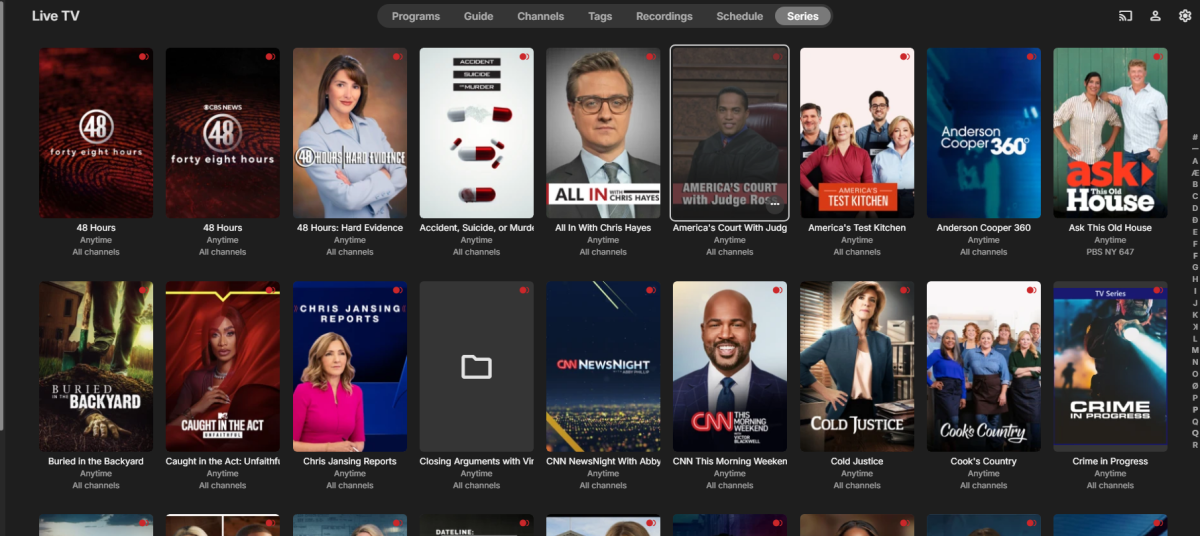
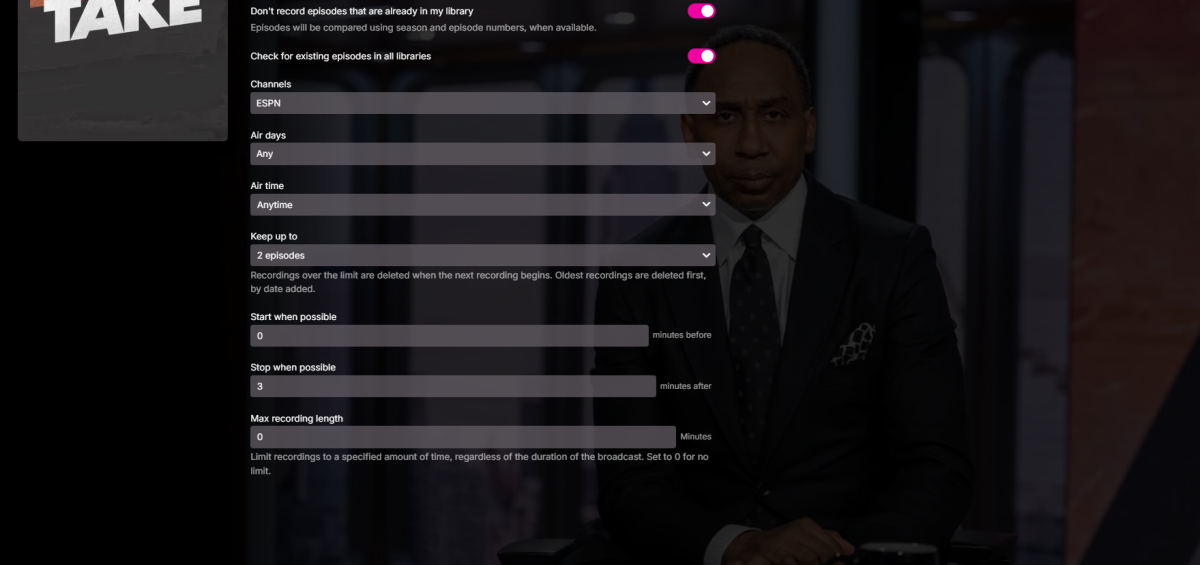
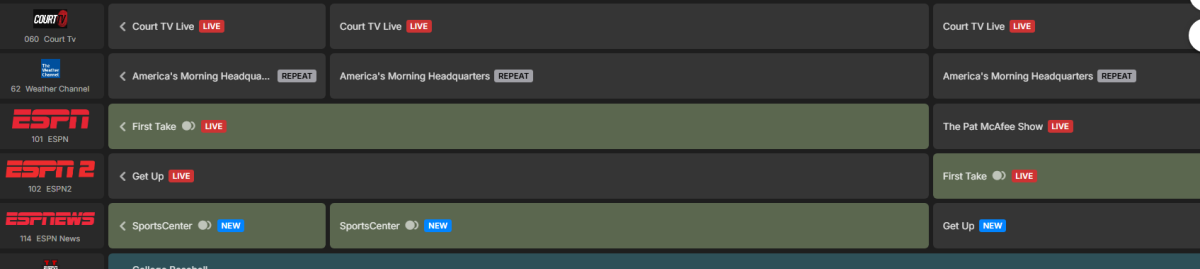
-
I know this is an old post, it's the web browser. In Chrome go to the 3 dots at the top right, then settings, click Reset Settings. This seemed to fix the issue for me.
-
This is my Plex folder, not an Emby folder. Why would there be a The Mutant Watch.mkv? It is one of the extras and has "-featurette" after the name. The movie is X-Men.mkv. This naming is just fine in Plex. What I want to know is if there is a way to import these folders without having to go create a folder for each type of Extra. Has someone written a script to do that or is there some 3rd party tool to go through and do this?