All Activity
- Past hour
-
 fuenteskathe6 joined the community
 -
 FXDeity joined the community
 -
 DanielHAHA joined the community
 -
Hi, I am testing Emby Server on docker and I really like it. I only see one thing or I am doing something wrong. In the library settings I have Enable Real Time monitoring. When I place a file in a directory of that library it doesn't "see" it. I have to do a manual scan and then it comes up in the gui. Is this a known issue or am I doing something wrong? The docker environment is running on a raspberry pi 5.
-
 jzt1984 joined the community
 -
 Breeze168 joined the community
 -
 Moreee311 joined the community
 -

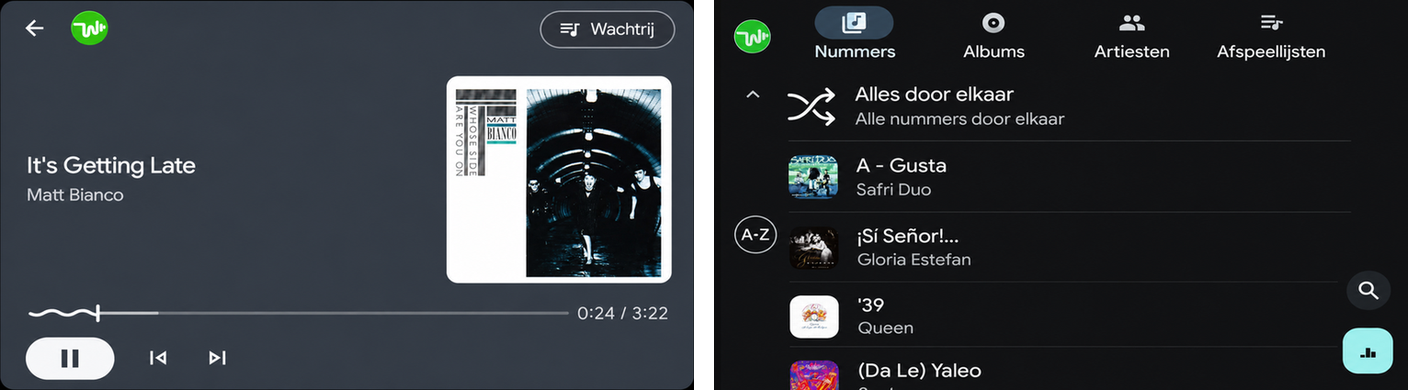
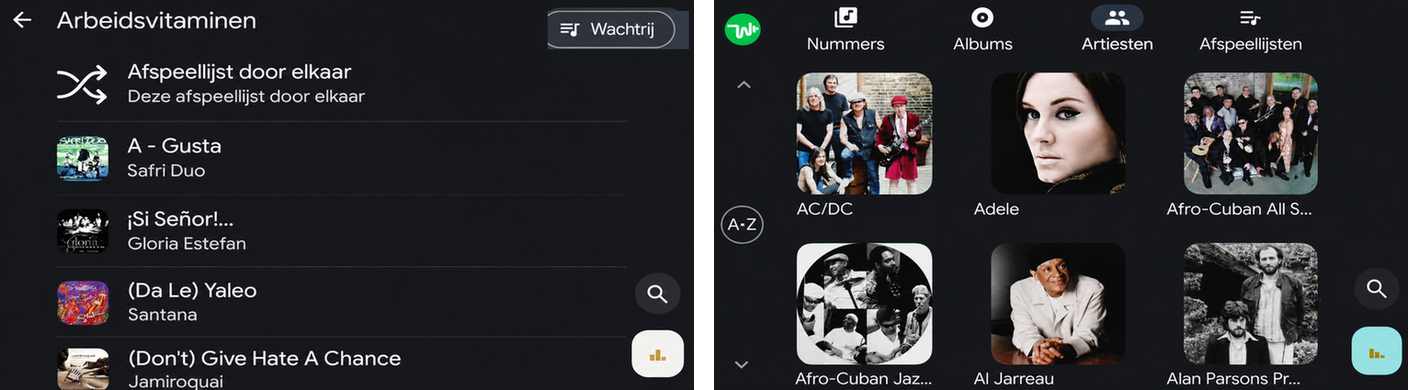
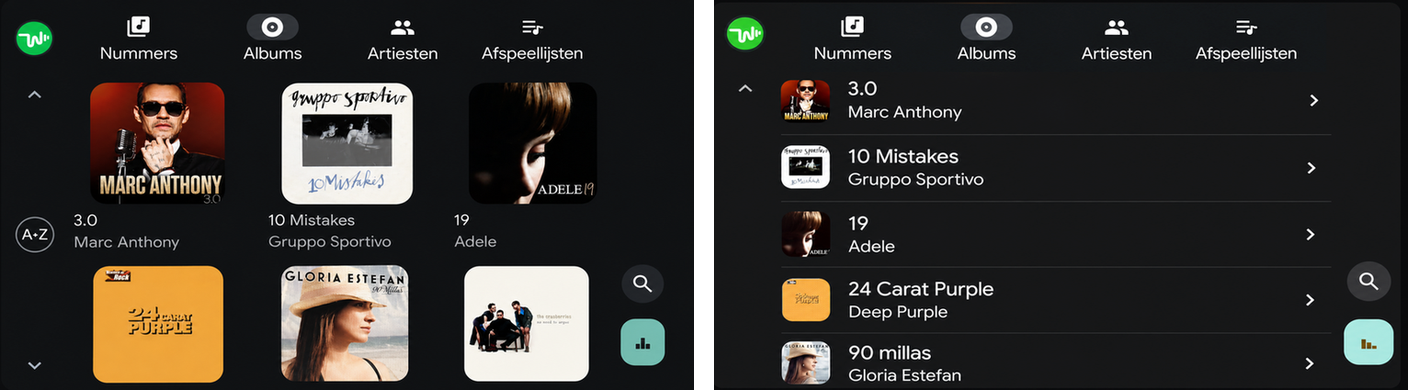
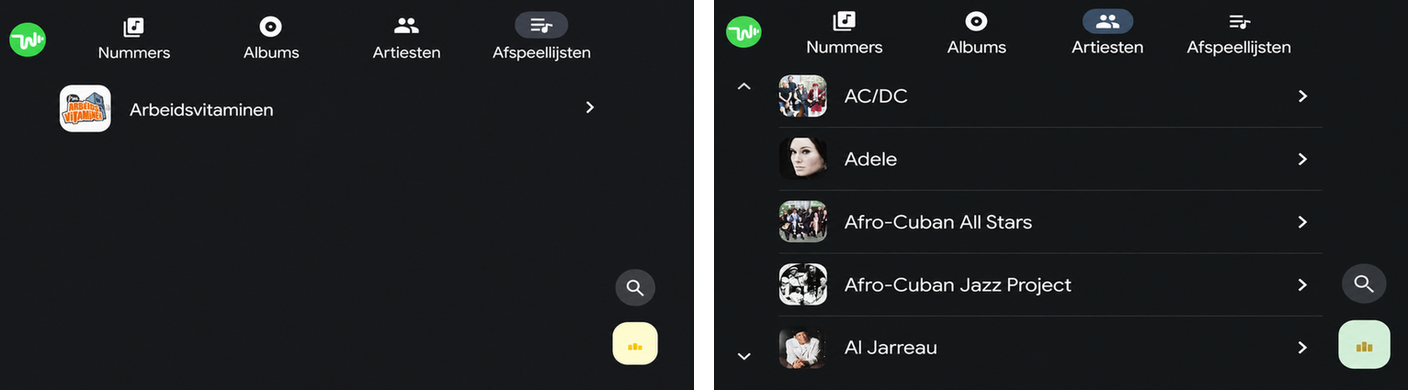
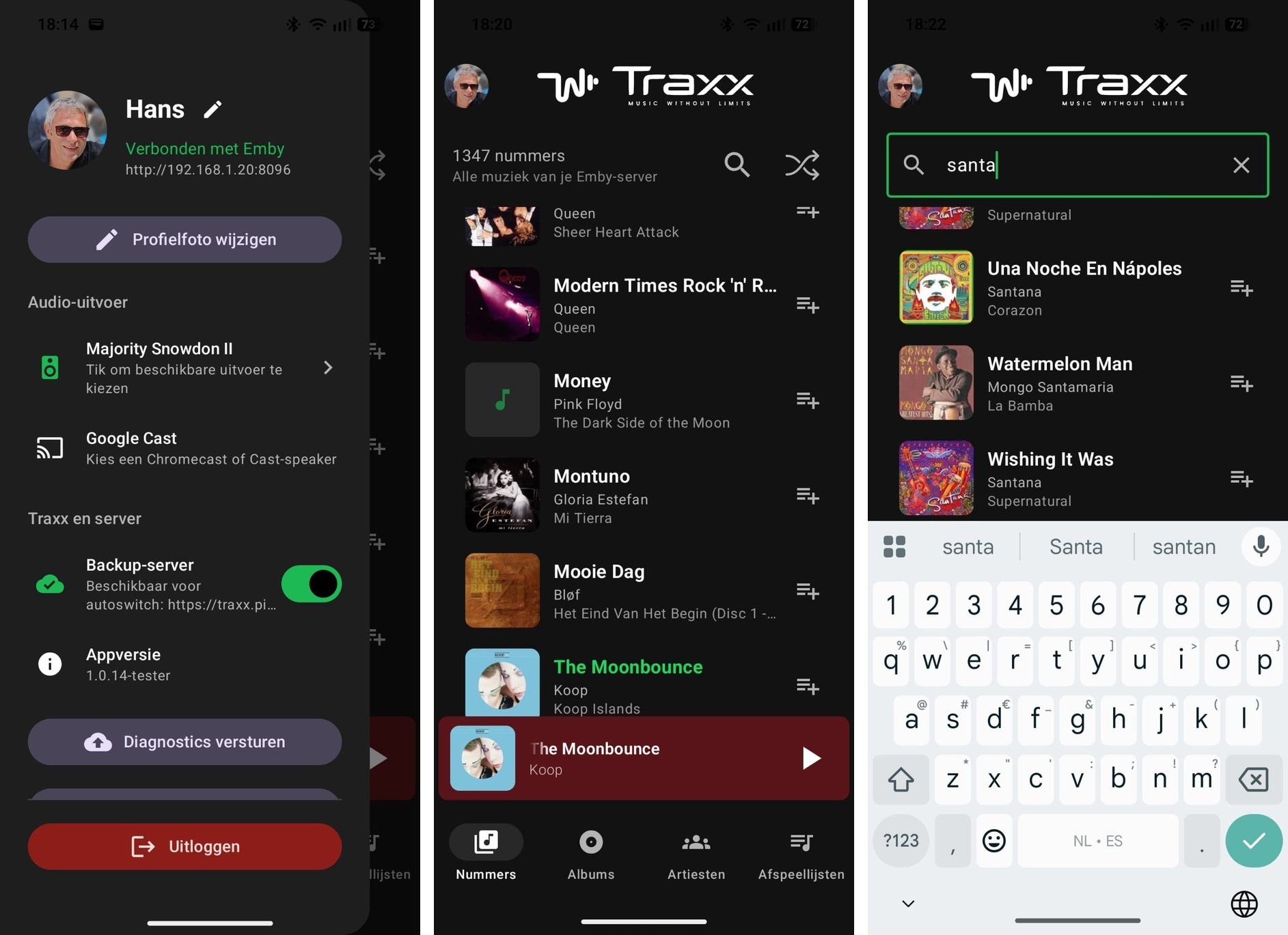
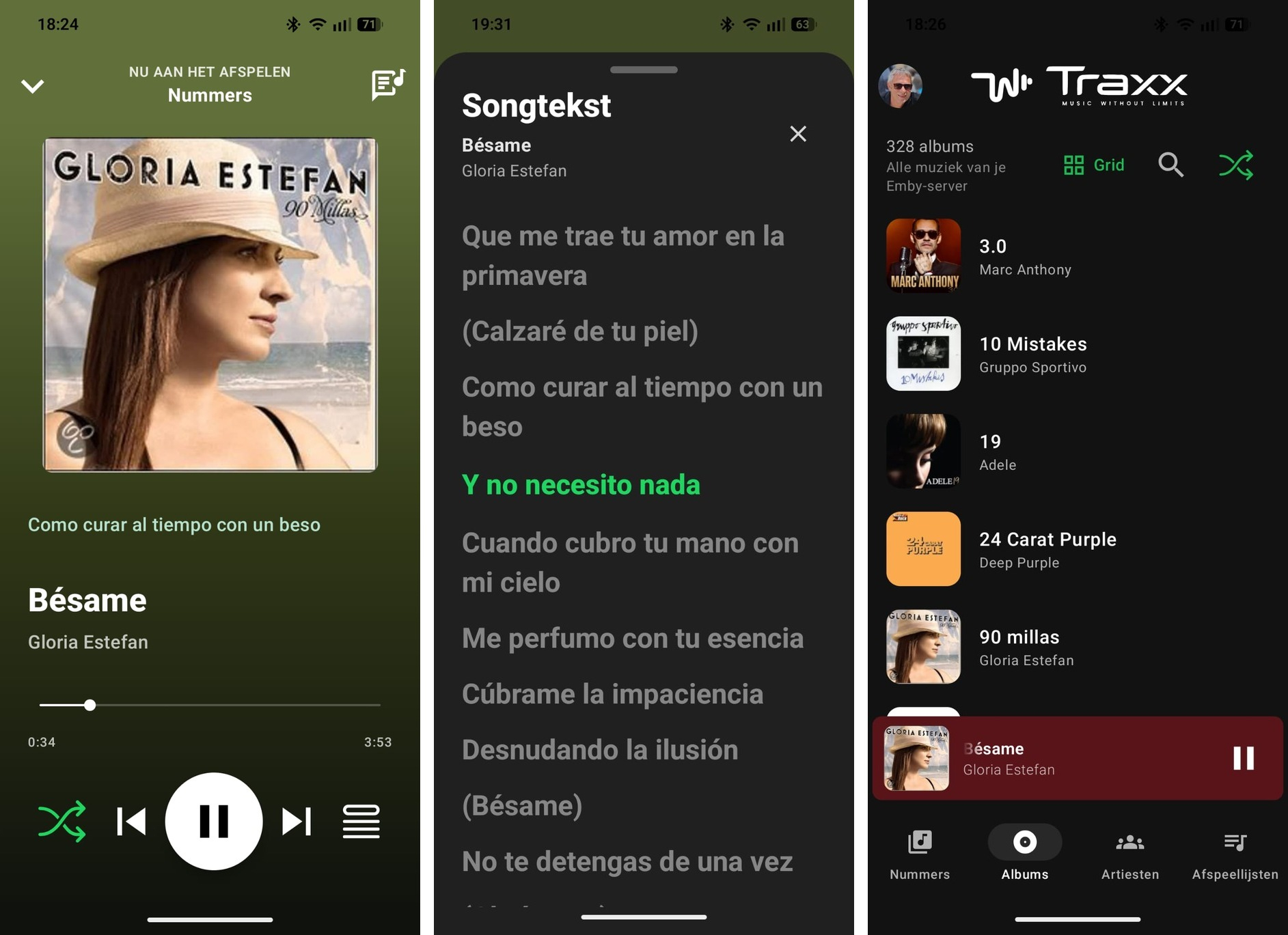
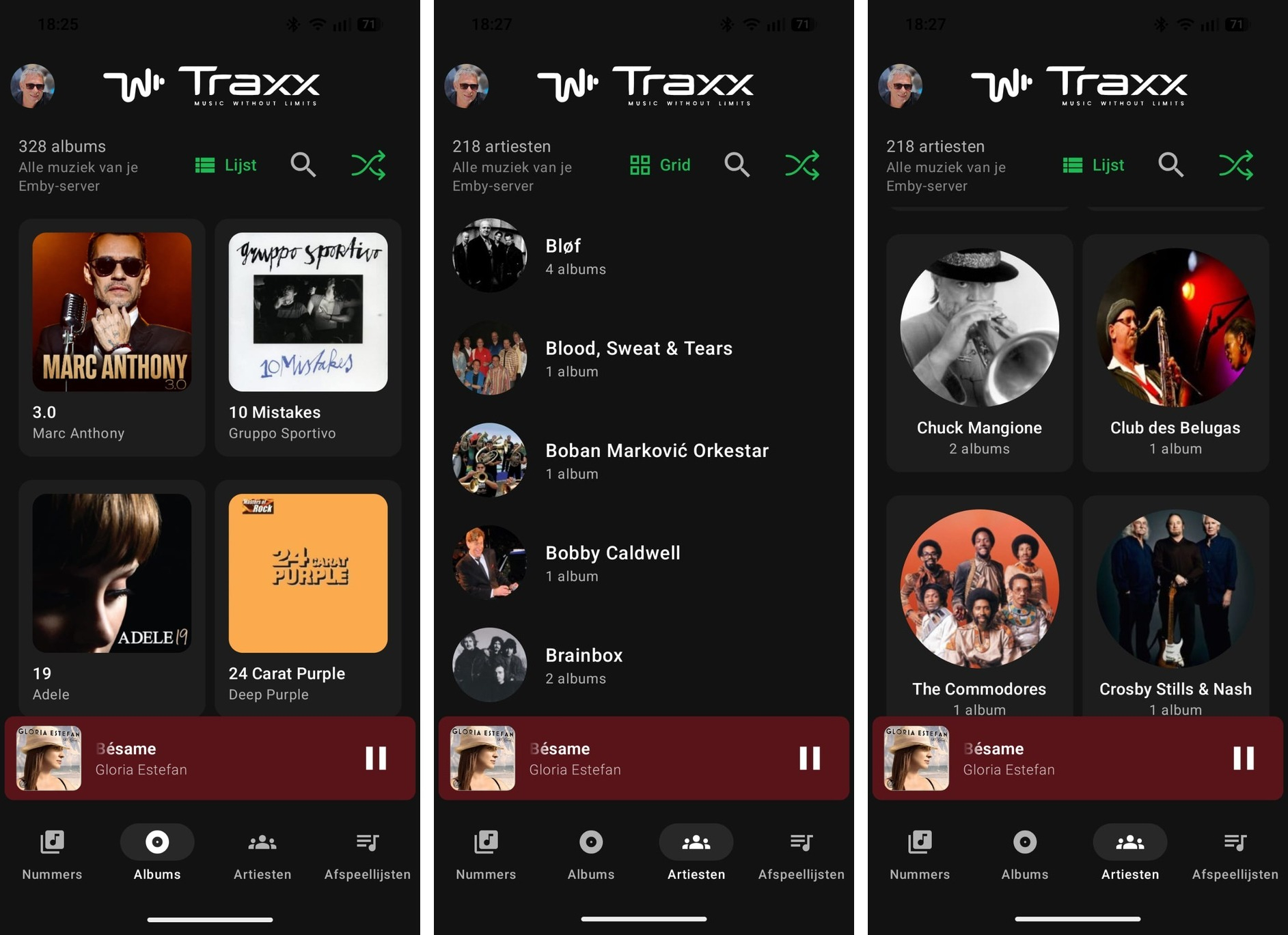
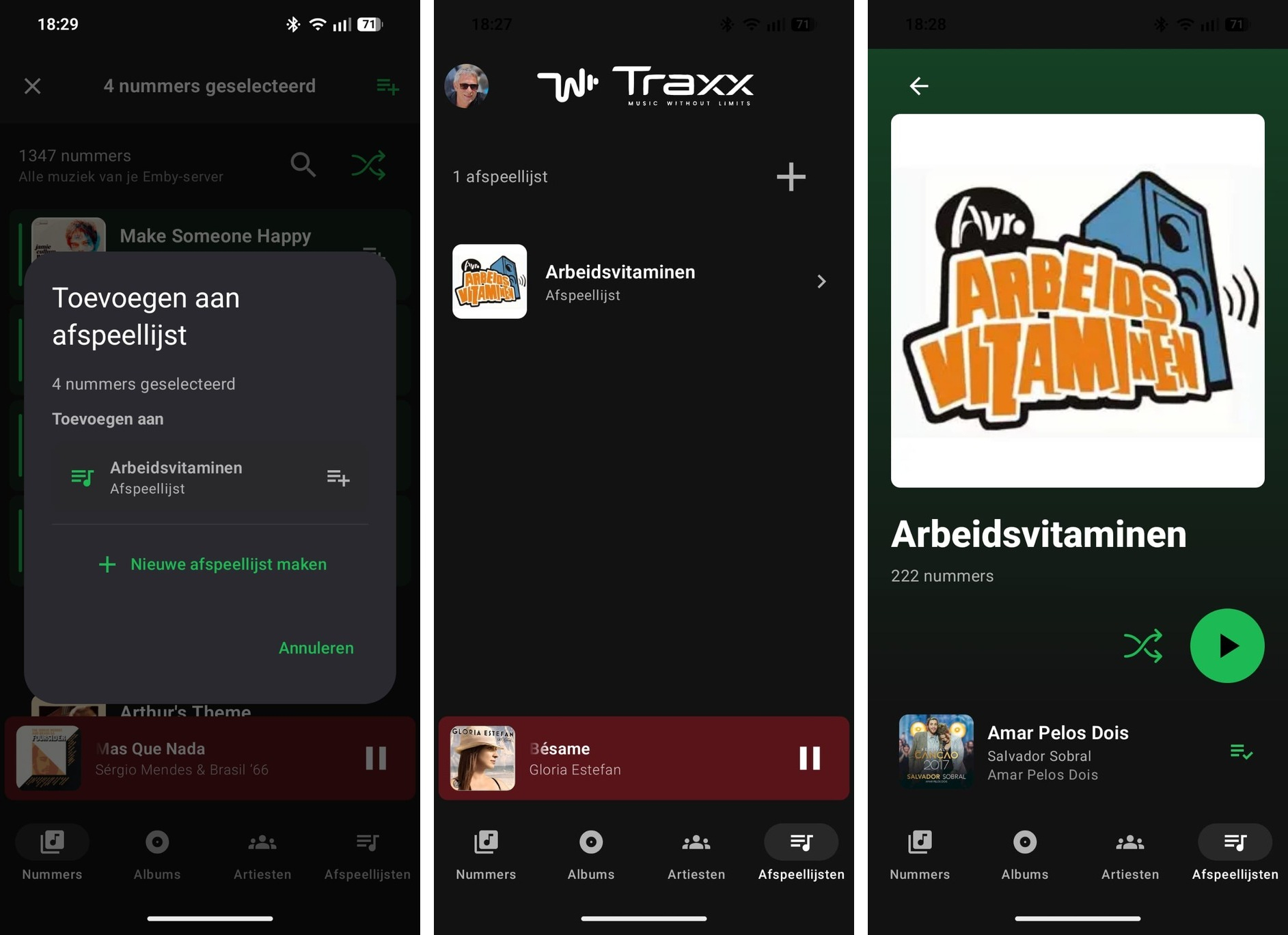
Introducing Traxx, an Android music app built for Emby music libraries
Hauzz replied to Hauzz's topic in Third Party Apps
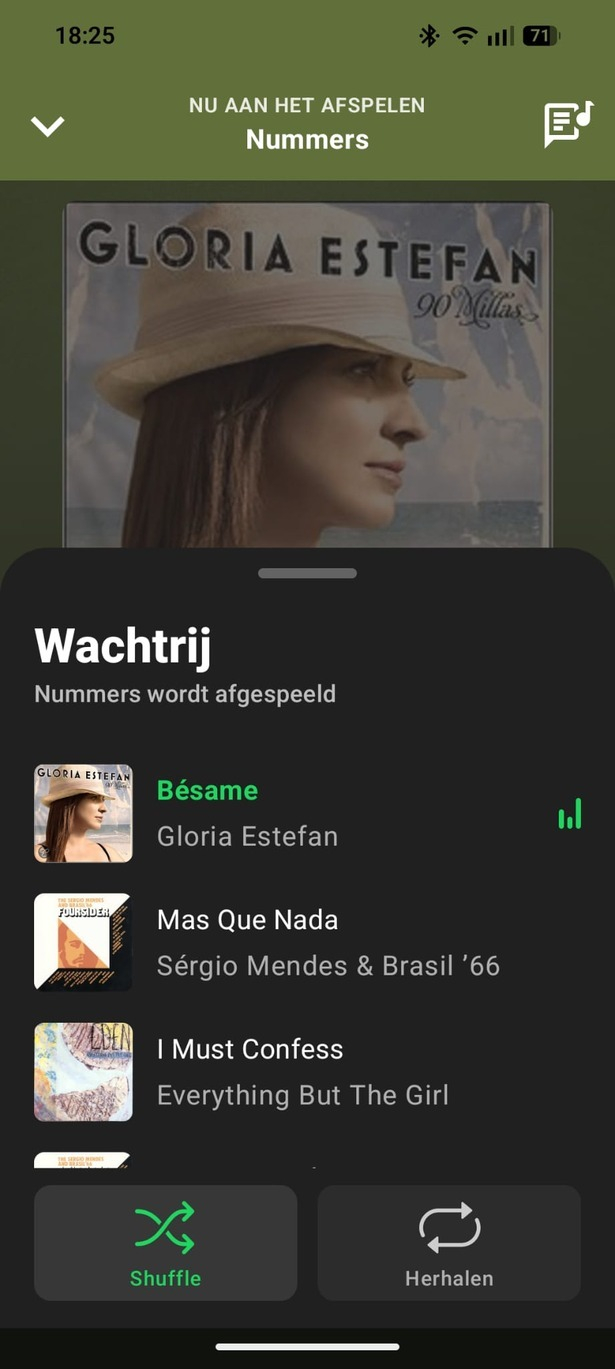
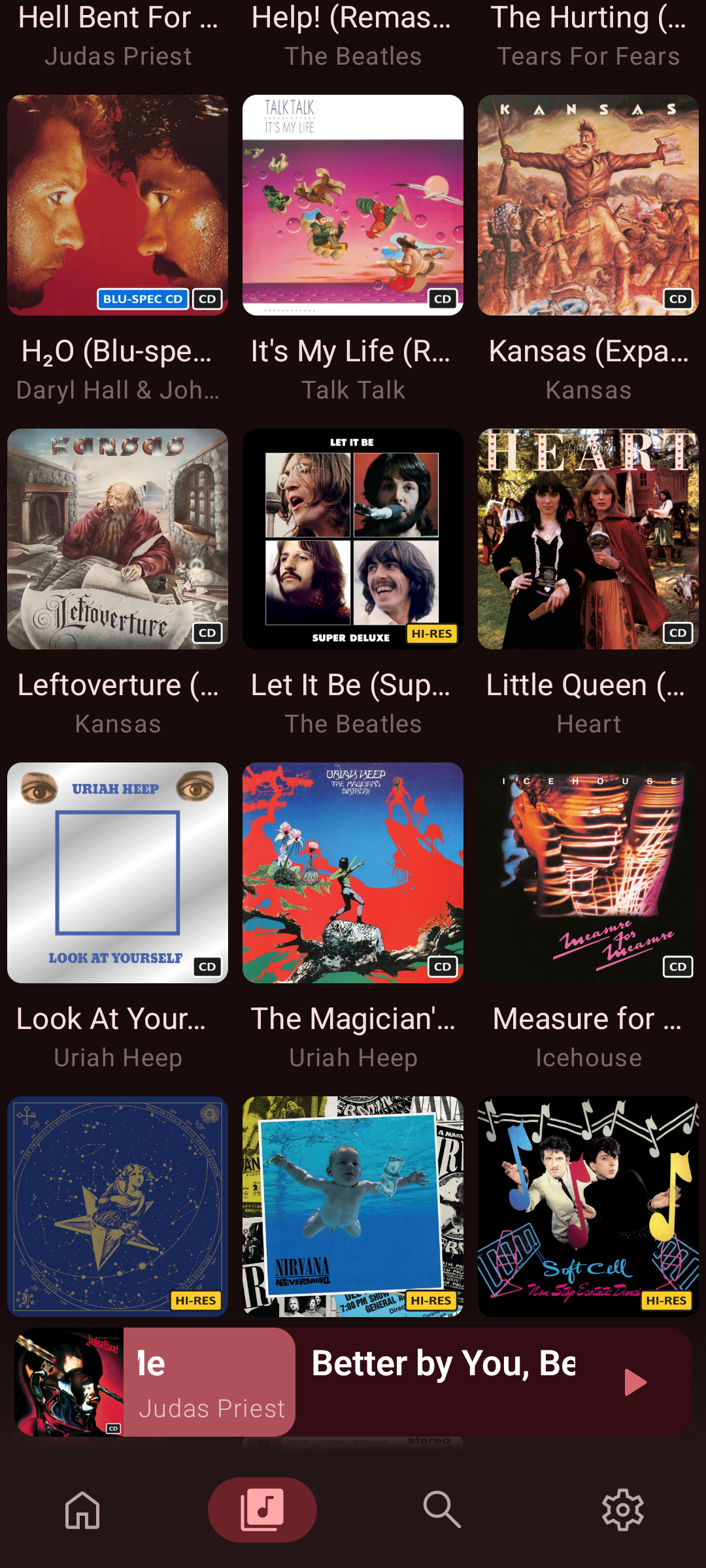
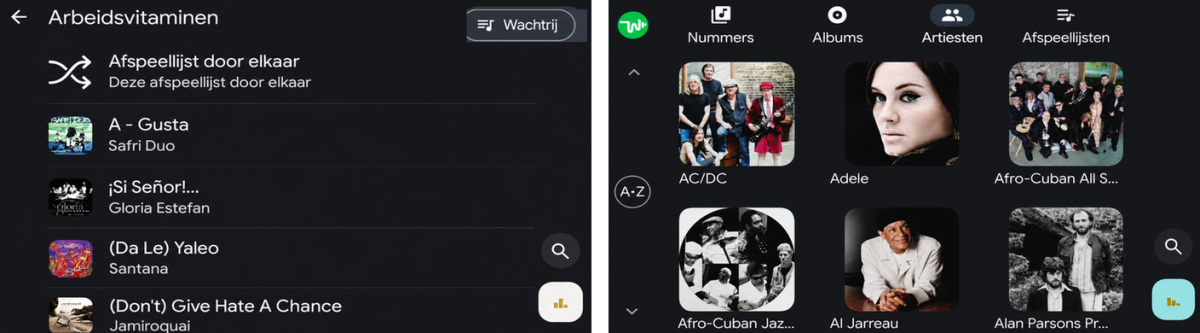
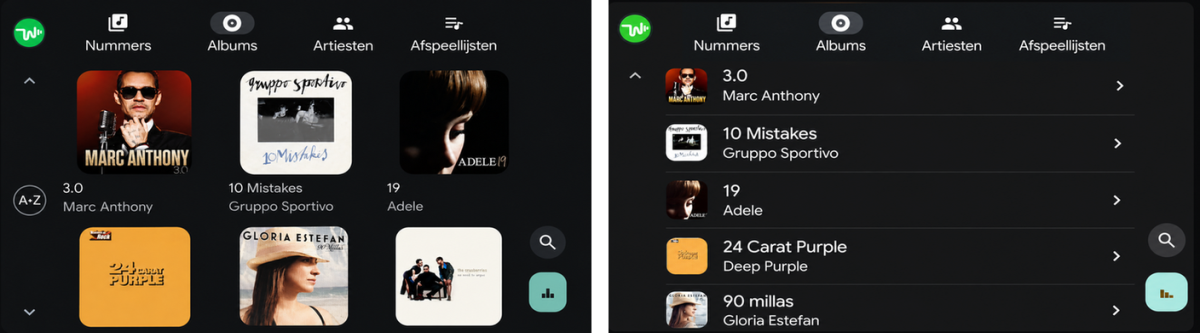
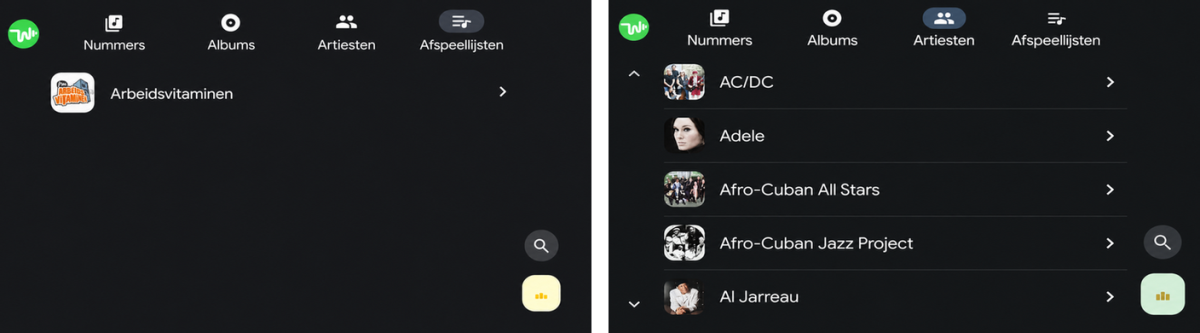
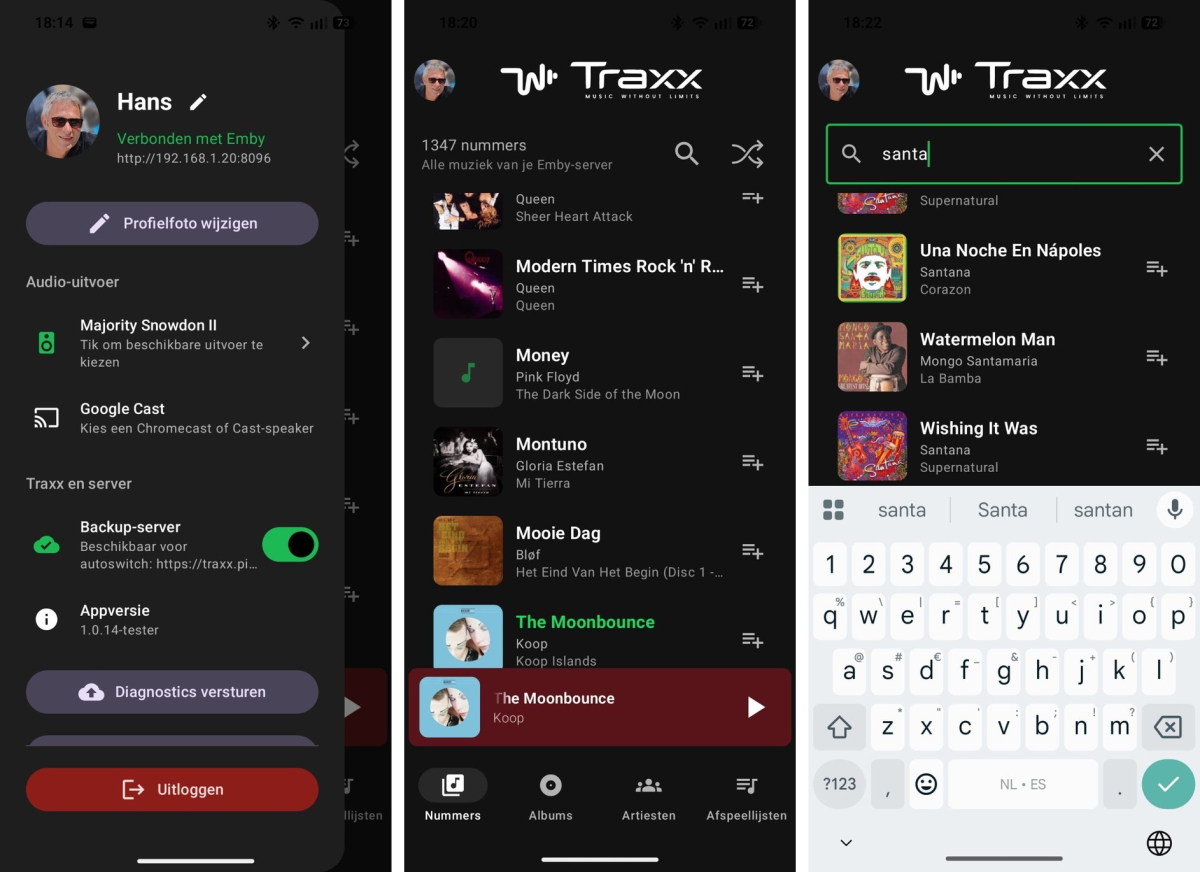
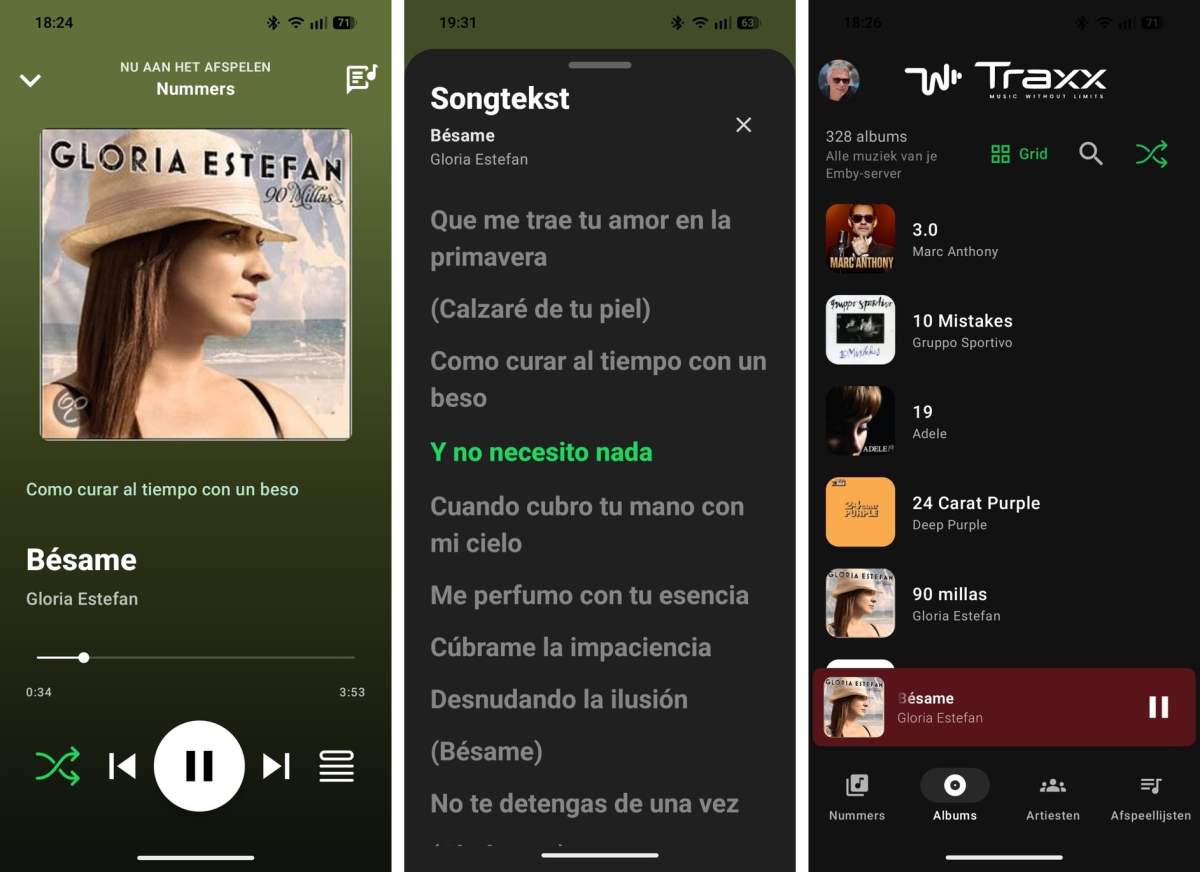
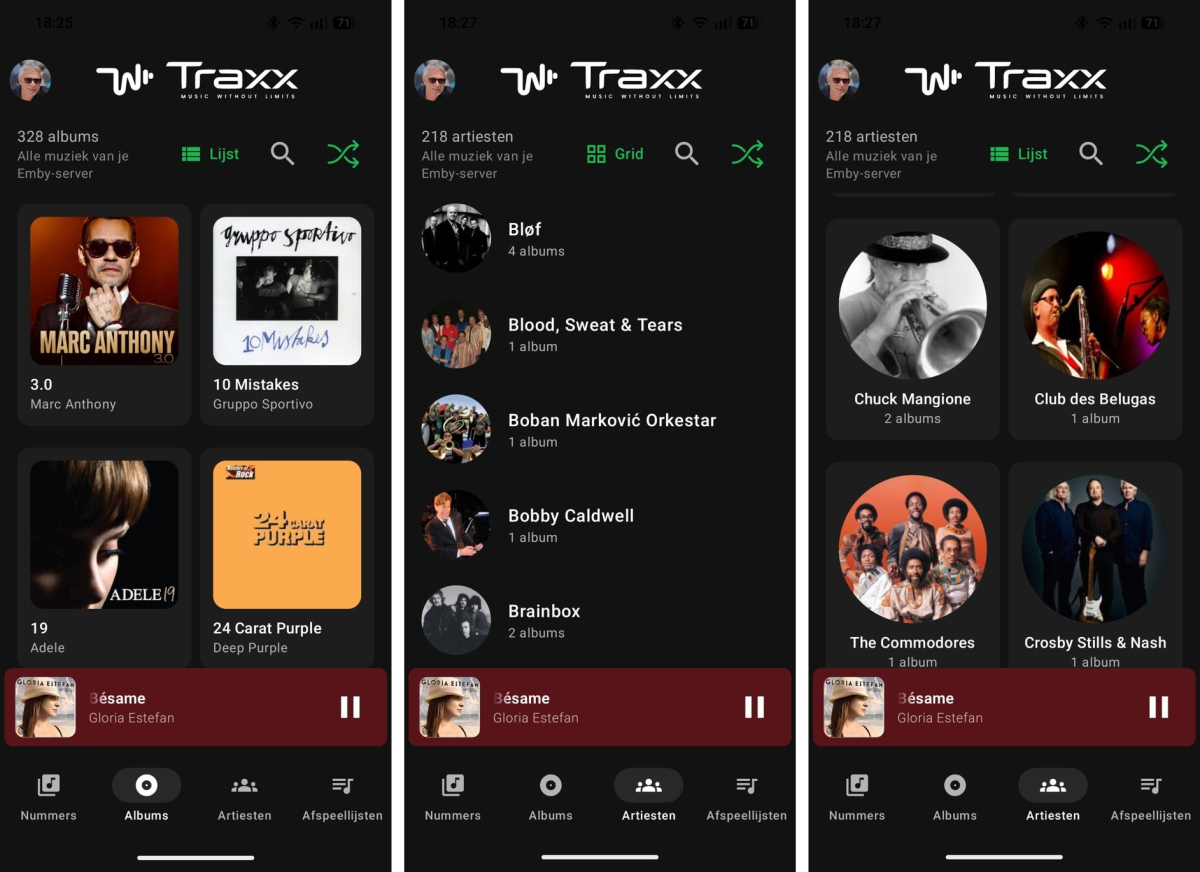
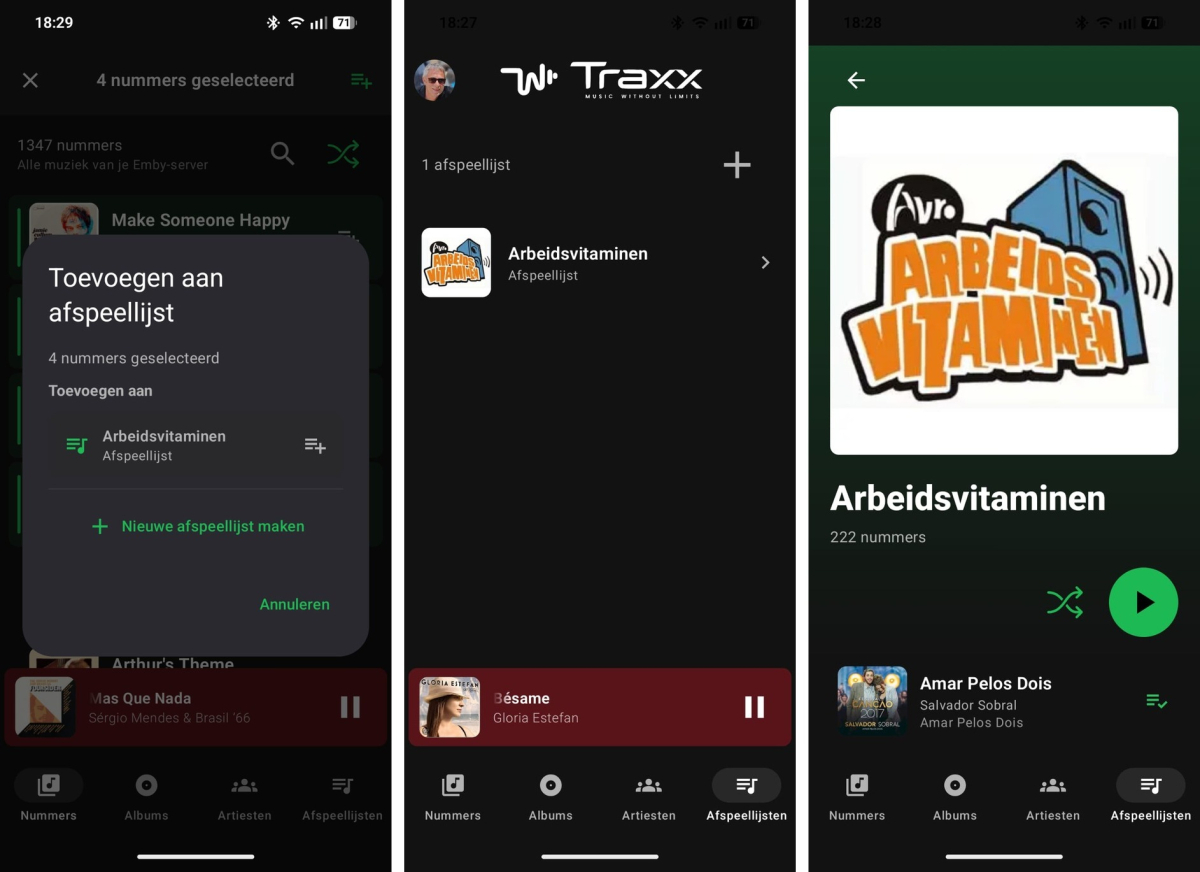
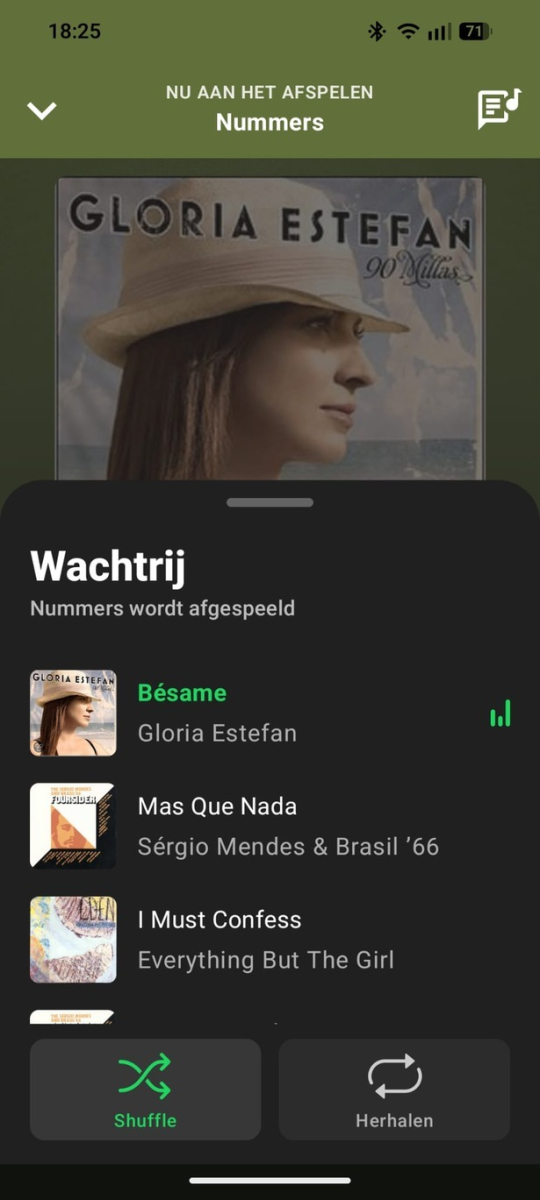
Traxx 1.0.14 test build - changes since June 22 This build is mainly focused on making Traxx easier to use with Emby music libraries, especially on Android Auto, playlists, large libraries, and switching between local and remote server access. Traxx supports three languages, Dutch, Spanish and English, and automatically uses the one that matches your phone’s language. Latest update, July 6 - The tester build and the normal release build were rebuilt, signature-checked, and installed on the test phone. - This update adds the search fixes and library cache refresh fixes listed below. Library and browsing - Albums and Artists can now be shown as either a list or a grid in the phone app. - The List/Grid choice is saved separately for Albums and Artists. - Android Auto uses the same List/Grid choice as the phone app. - Changing List/Grid on the phone can refresh the open Android Auto view on supported head units. - Android Auto no longer shows an extra List/Grid selection page before Albums or Artists. - Artist album counts are shown more reliably. - The app no longer shows unnecessary “Album artist” fallback text in the artist view. Playlist improvements - Adding songs to playlists is now easier. - In the Songs list, long-press a song to start selecting multiple songs. - Tap more songs to select or deselect them. - The top bar shows how many songs are selected. - Tap the playlist button in the top bar to add all selected songs at once. - You can add the selected songs to an existing Emby playlist. - You can also create a new playlist and add the selected songs to it immediately. - Traxx skips songs that are already in the target playlist, so it does not add duplicates. - After adding, Traxx shows how many songs were actually added. Playback and Now Playing - Tapping a song from an album or playlist now opens Now Playing directly. - Album, playlist, and artist detail pages now have smarter Play/Pause behaviour. - If the same source is already playing, the main button pauses or resumes it. - If another album, playlist, or artist is selected, the button starts that source. - Album shuffle no longer starts playback immediately. It only shuffles the visible track list; pressing Play then starts that order. - The mini-player no longer appears immediately when simply opening an album, playlist, or artist page. - After closing Now Playing, a compact “continue listening” bar appears instead. - The queue view now opens directly at the currently playing song. - Synced lyrics can now be shown inline in Now Playing. Search fixes - Selecting an album or artist from search now closes search mode and hides the keyboard. - When returning from the selected album or artist, the item you opened is kept in view. - Selecting a song from search now opens Now Playing directly. - Song search keeps the search text after selection. - Previous and Next now stay inside the visible search results, instead of jumping back to the full Songs list. Android Auto - Android Auto browsing has been improved for Albums, Artists, Playlists, and Songs. - Album, artist, and playlist items now show better names and artwork instead of falling back to a generic “Traxx” item. - Android Auto can prepare library metadata without needing the phone app to be opened first. - Artwork loading for Android Auto is more controlled and happens in stages. - Album artwork fallback is faster for large libraries. - Android Auto gets better hints for list/grid display, while the car/head unit still decides the final layout. Large library and artwork fixes - The local library cache now handles large libraries more safely. - This avoids crashes such as very large library rows becoming too big for Android’s local database handling. - When Emby reports album removals or merges, Traxx now does a proper main library refresh. - Old album and artist detail snapshots are cleared after those changes, so removed or merged albums should no longer stay visible as empty old entries. - Temporary artwork server errors and timeouts are remembered for 24 hours, so Traxx does not keep retrying the same failing image over and over. - The tester/debug build now has a clearer artwork problems screen: failed artwork is shown with a recognizable song, album, artist, or playlist name where possible, plus the reason, retry count, last error time, and Emby ID. Temporary errors can also be cleared so Traxx can try those images again later. Server switching and connection handling - Switching between a local Emby address and a remote/backup address is more stable. - When moving away from the local network, Traxx can switch to the backup/remote address more reliably. - When returning to the local Wi-Fi network, Traxx can switch back to the local server address when reachable. - The current song should keep playing where possible during server switching. - Upcoming queue items are updated to use the active server address, reducing playback failures after switching networks. - Server addresses are compared more intelligently, so addresses with or without `http://` can still be recognized as the same server. Cast and security - Local HTTP Cast streams can now be routed through the phone relay when needed. - Artwork provider access has been tightened. - Release logging stays limited, while tester/debug builds include more diagnostics for troubleshooting. Tester build - The tester APK is a separate app: `Traxx Tester`. - It is signed, obfuscated, and resource-shrunk like a release build. - The tester build expires after 14 days from first install.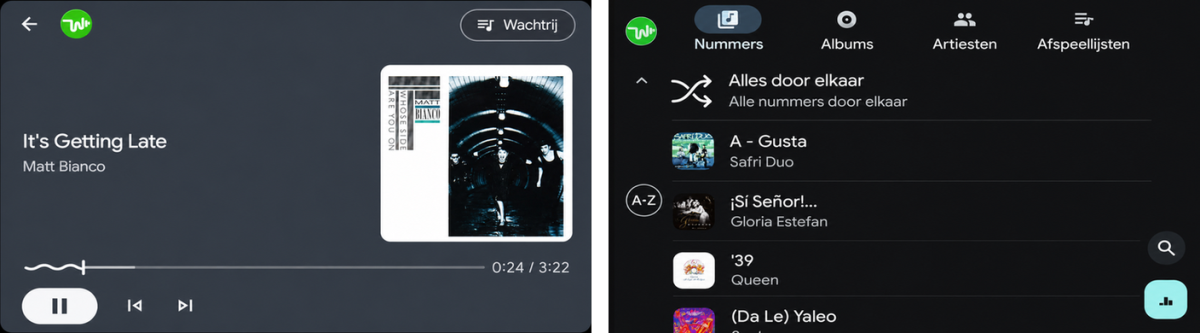
-
 dfop joined the community
 -
 JokerJ420 joined the community
 -
 zzhengkun joined the community
 -
Thanks for the answer. That one works wel.
- Today
-

Another "Waiting to transfer" download failure mode - duplicate download attempts
softworkz replied to maximumentropy's topic in Windows & Xbox
@Luke -
New stable is out - can you confirm whether it's fixed?
-
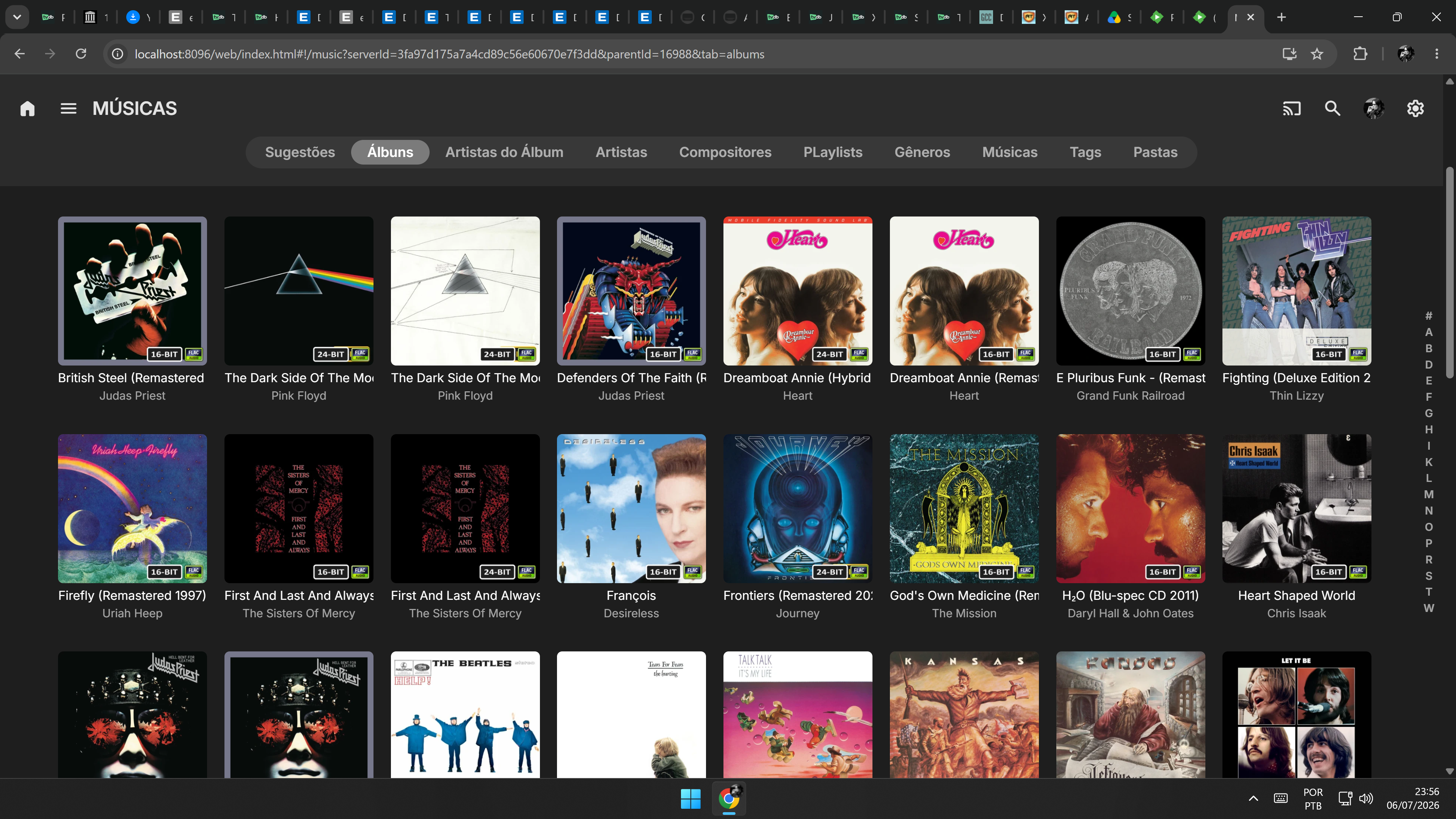
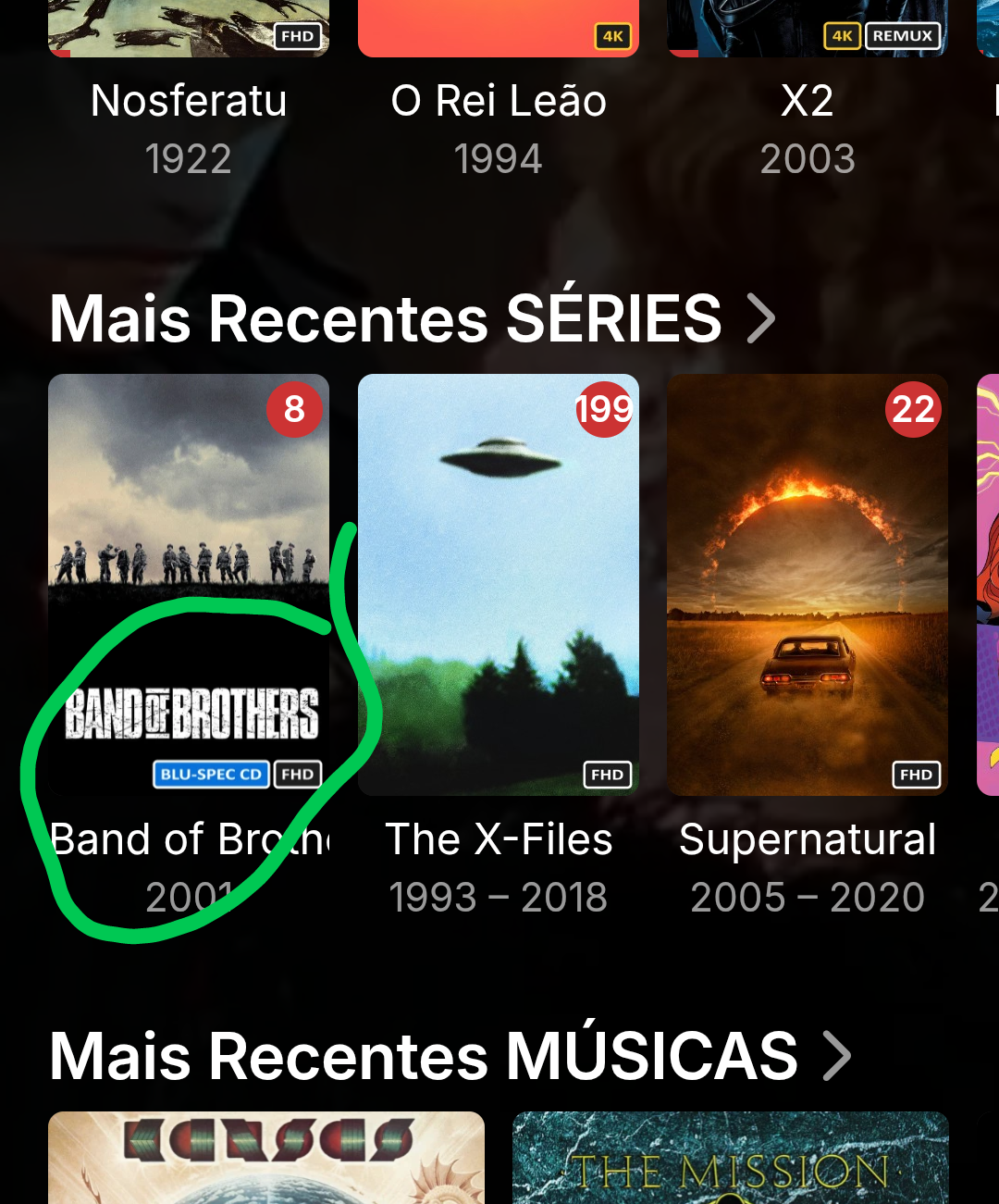
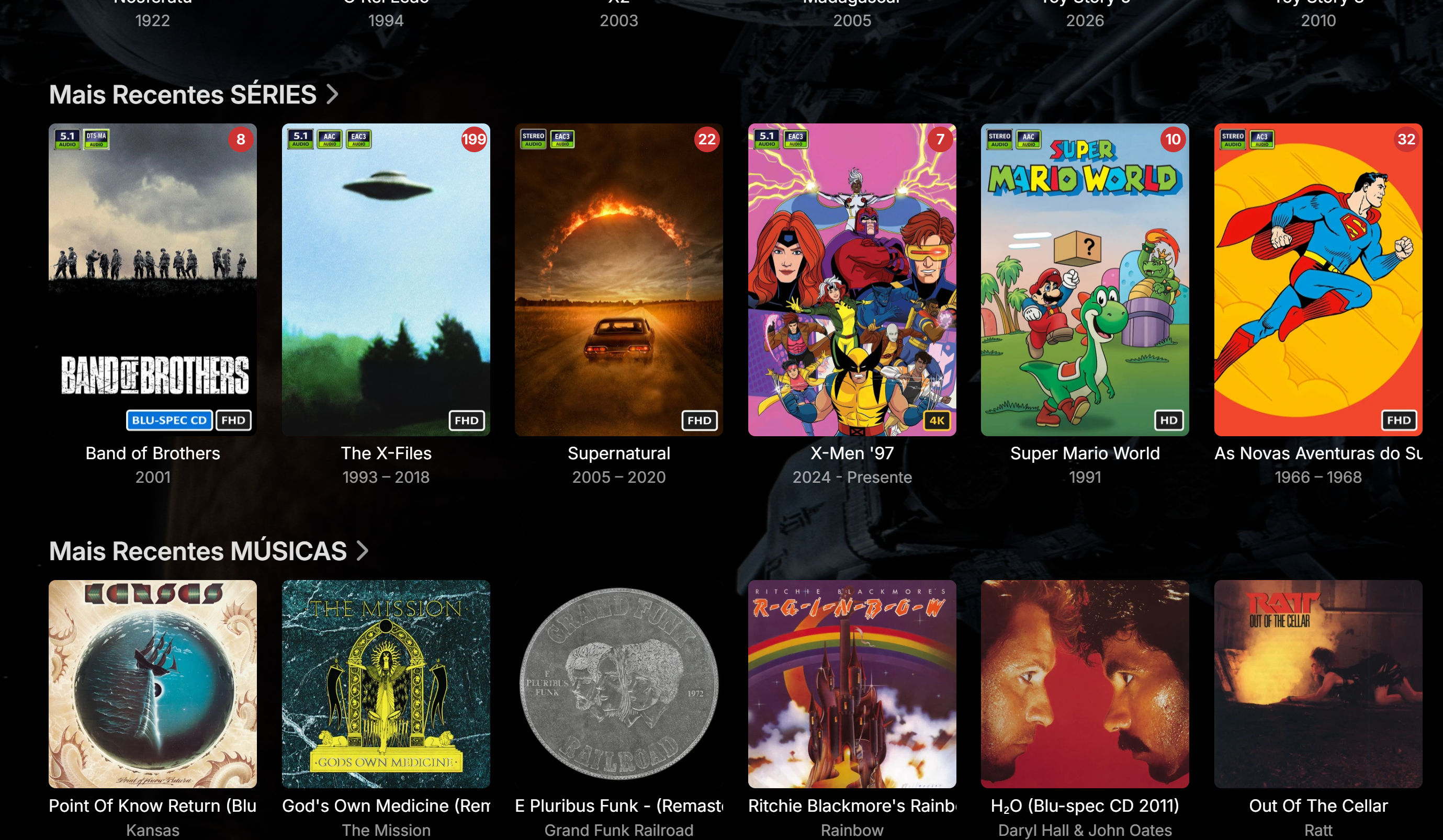
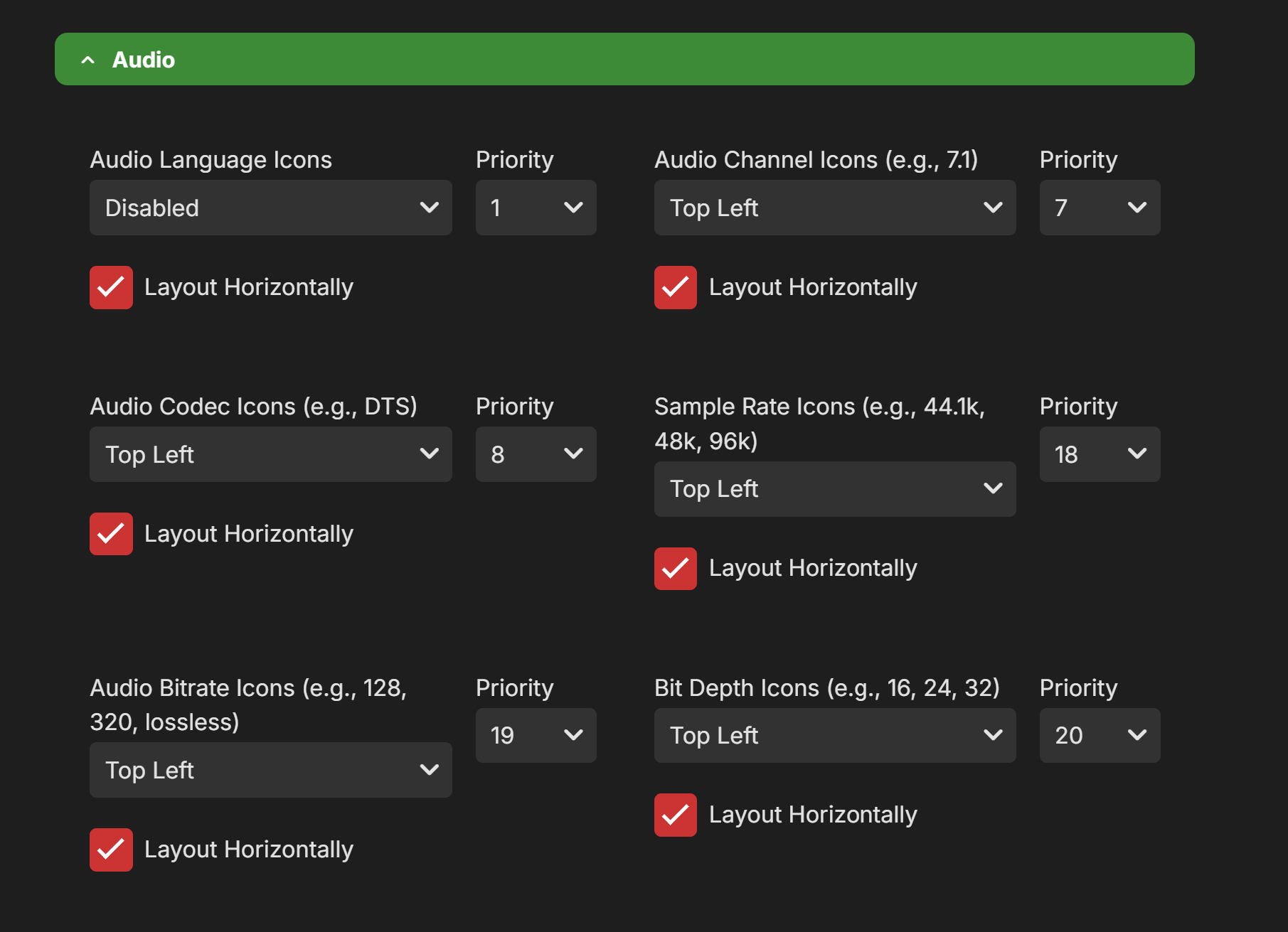
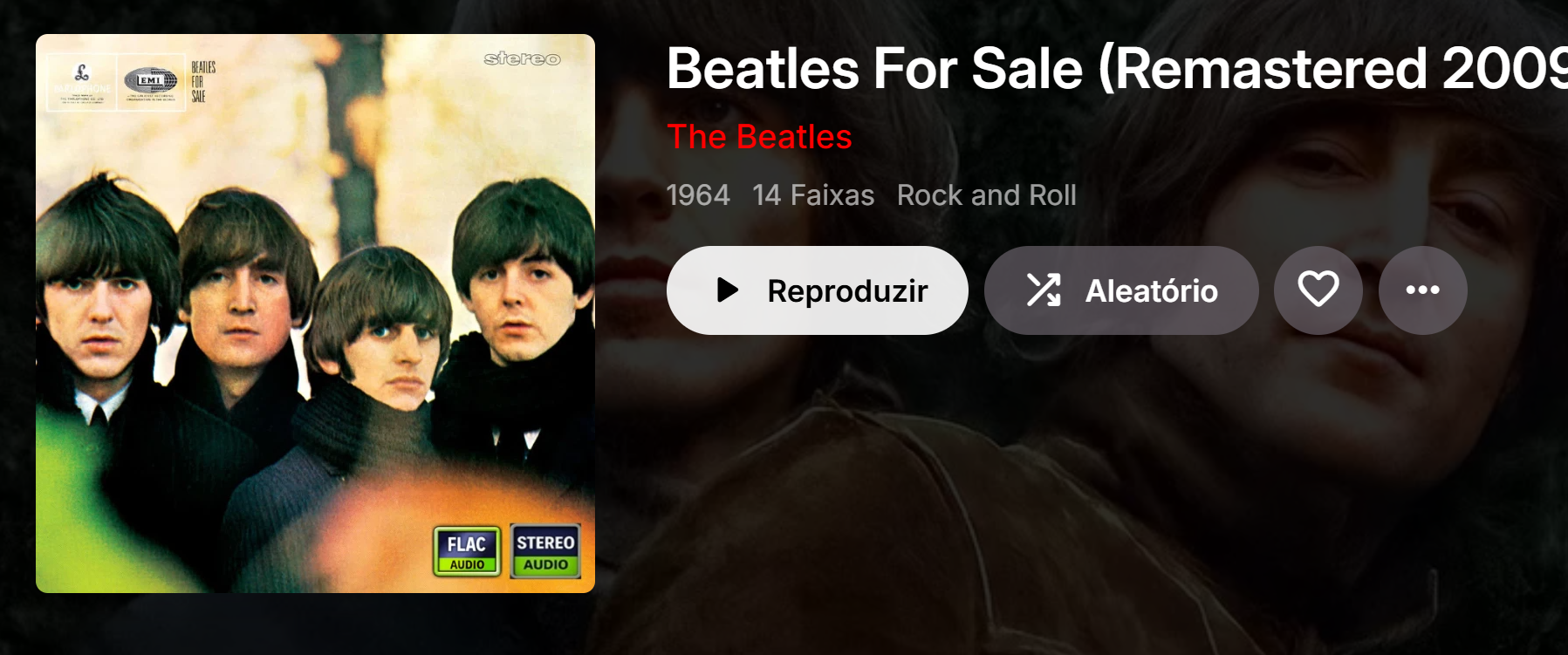
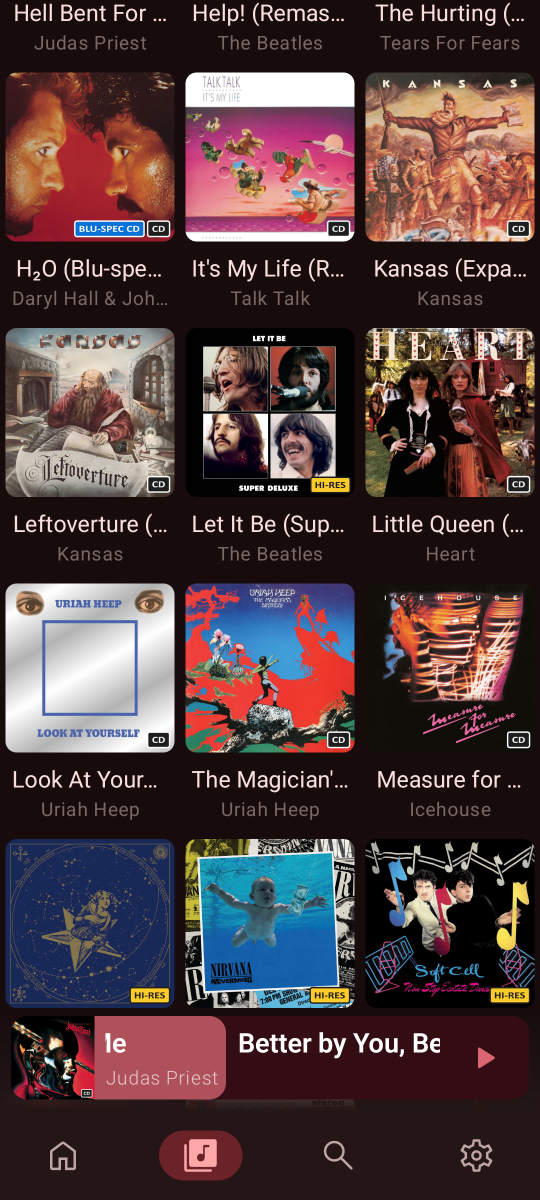
I set something up using the file-based method; I managed to get tags working as long as the info is in the album title. And in most cases, I do have that in the album title. So, it’s doing the job for now. As for Hi-Res—well, any 24-bit song counts as Hi-Res, all 16bit it's cd most cases, so I swapped "bitrate" for "Hi-Res," and it works. It becomes a semi-automated process if you know how to handle filenames. I look forward to the day when customizable ones are available. I'm here if you need any help.
-
Your EmbyServer installation must have become corrupted in some way. The server uses .net8 and is self-contained, which means it has all the .net stuff it needs on board already. Installing a .net runtime won't help. You can try uninstall+install again or install without uninstall (as you said you can't remove it). Please also take a look at the Windows event log and check your antivirus for any events.
-
HI there, can you please provide a specific example? How to Report a Problem Thanks !
-
First track yes, seems that and album shares their poster. Well you can.. Any tag added to the first track in an album will be shown on the album poster because of said way Emby works. Understandable, I will see what i can do to work around it but for now it looks grim as i don't know if it's possible to separate those posters or how to do it.
-
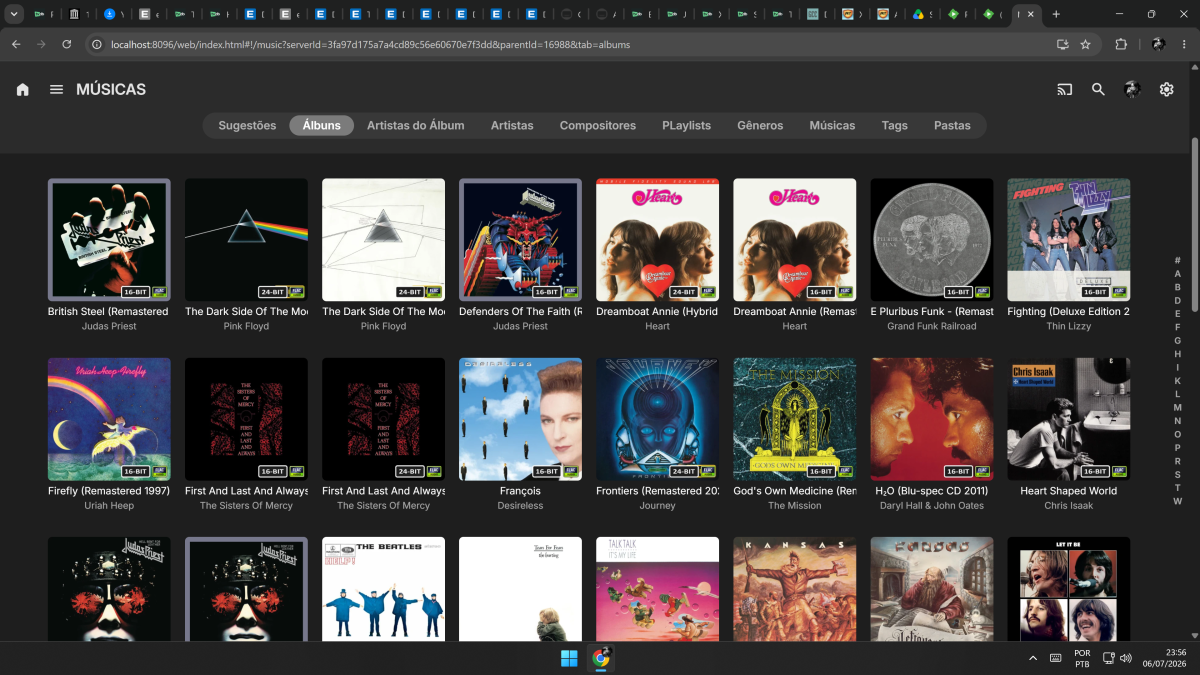
"First number of an album"? What is that? Firts track? If I understand correctly, then I can't add tags to albums, only to artists? But if I add the tag to the artist, it's pointless, since each artist has albums of varying values, defeating the whole purpose. ps Meanwhile, yes, 16 and 24 are correctly identified. Everything else you created that doesn't have icons should probably work too. Oh man, and I really wanted the custom ones.
-

Merging Live TV recordings and downloaded TV recordings for same show
flashls82 replied to flashls82's topic in General/Windows
Ok, then yeah, I was being dense, didn't realize I could point it at a specific folder. Will give that a try. -
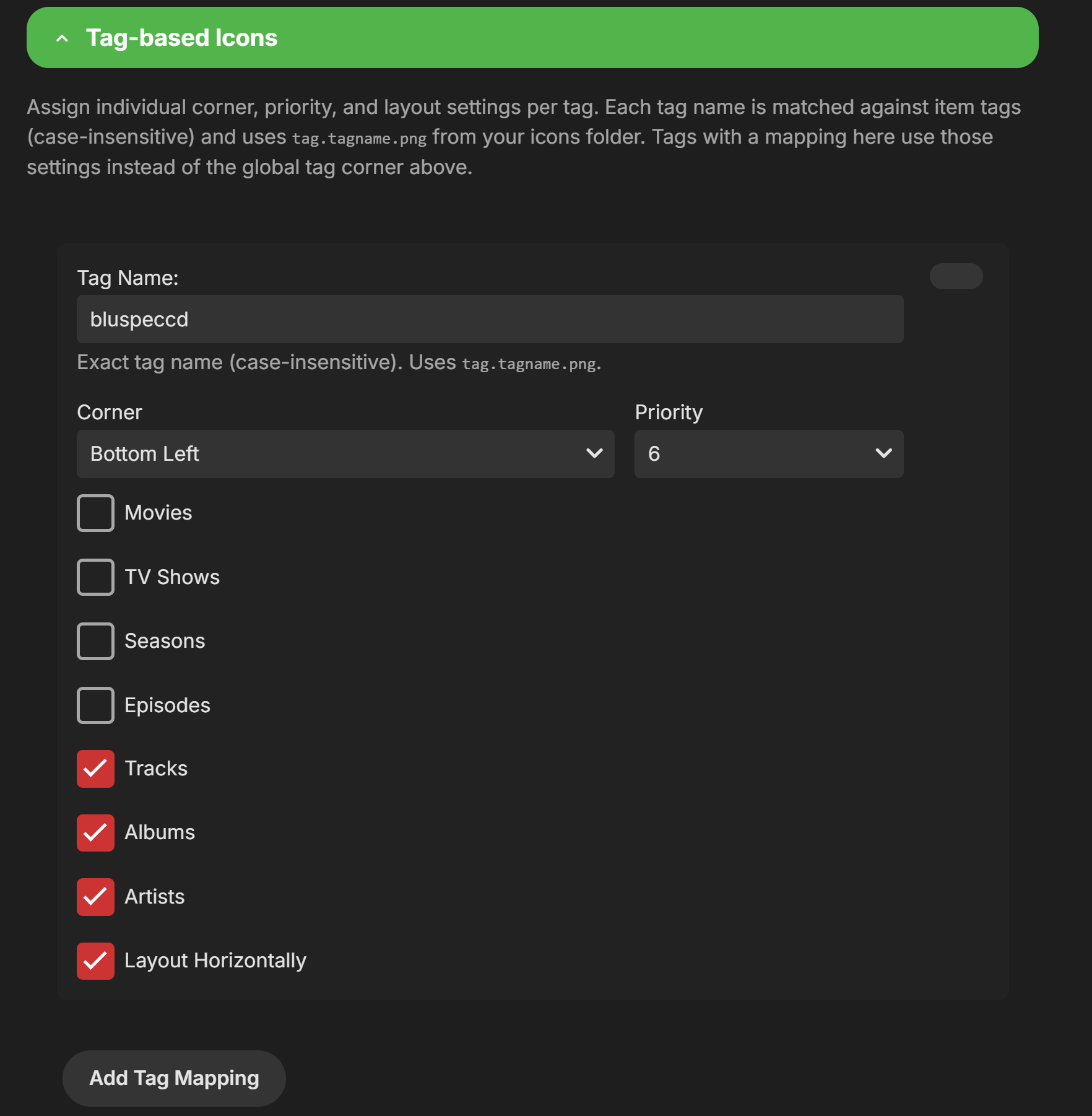
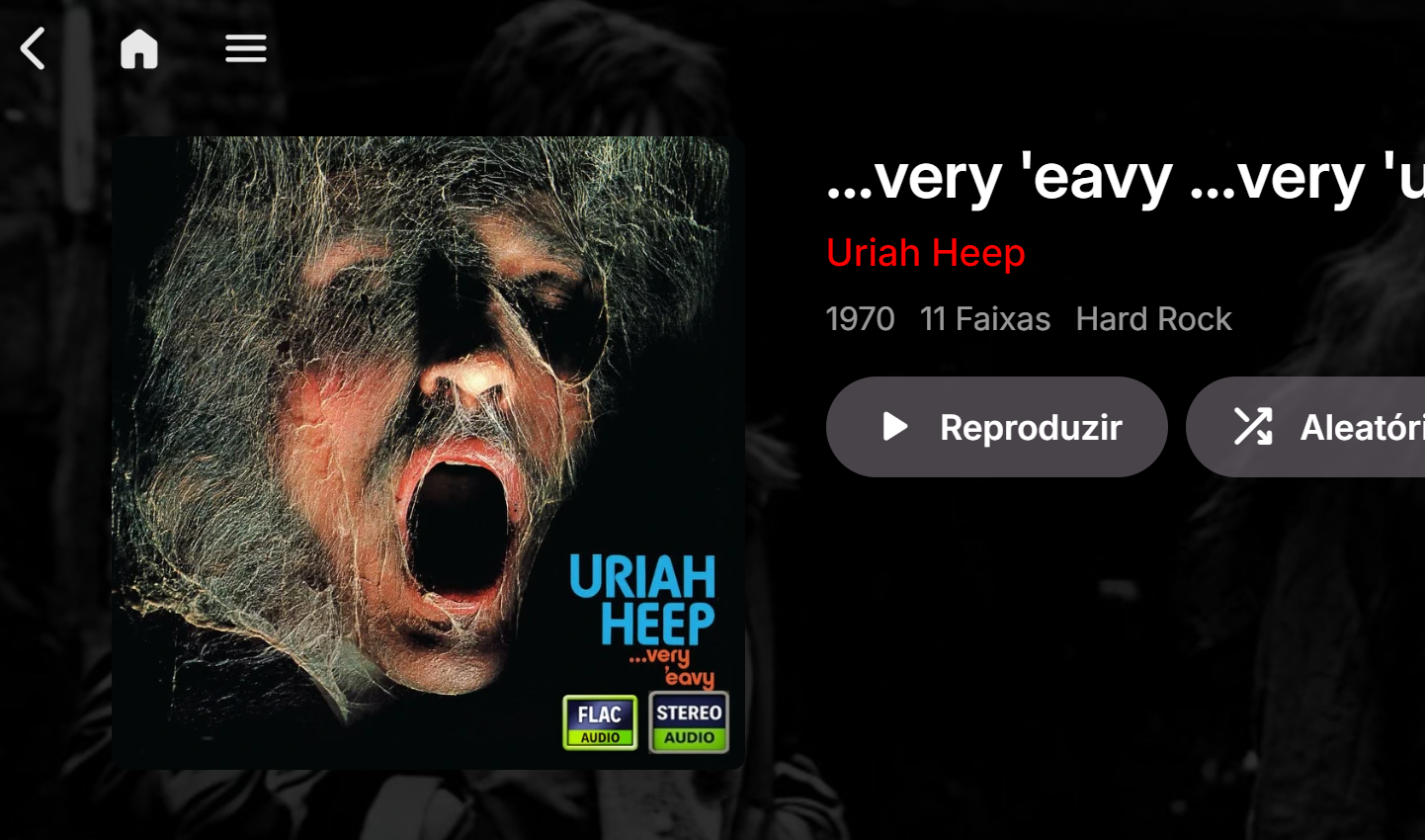
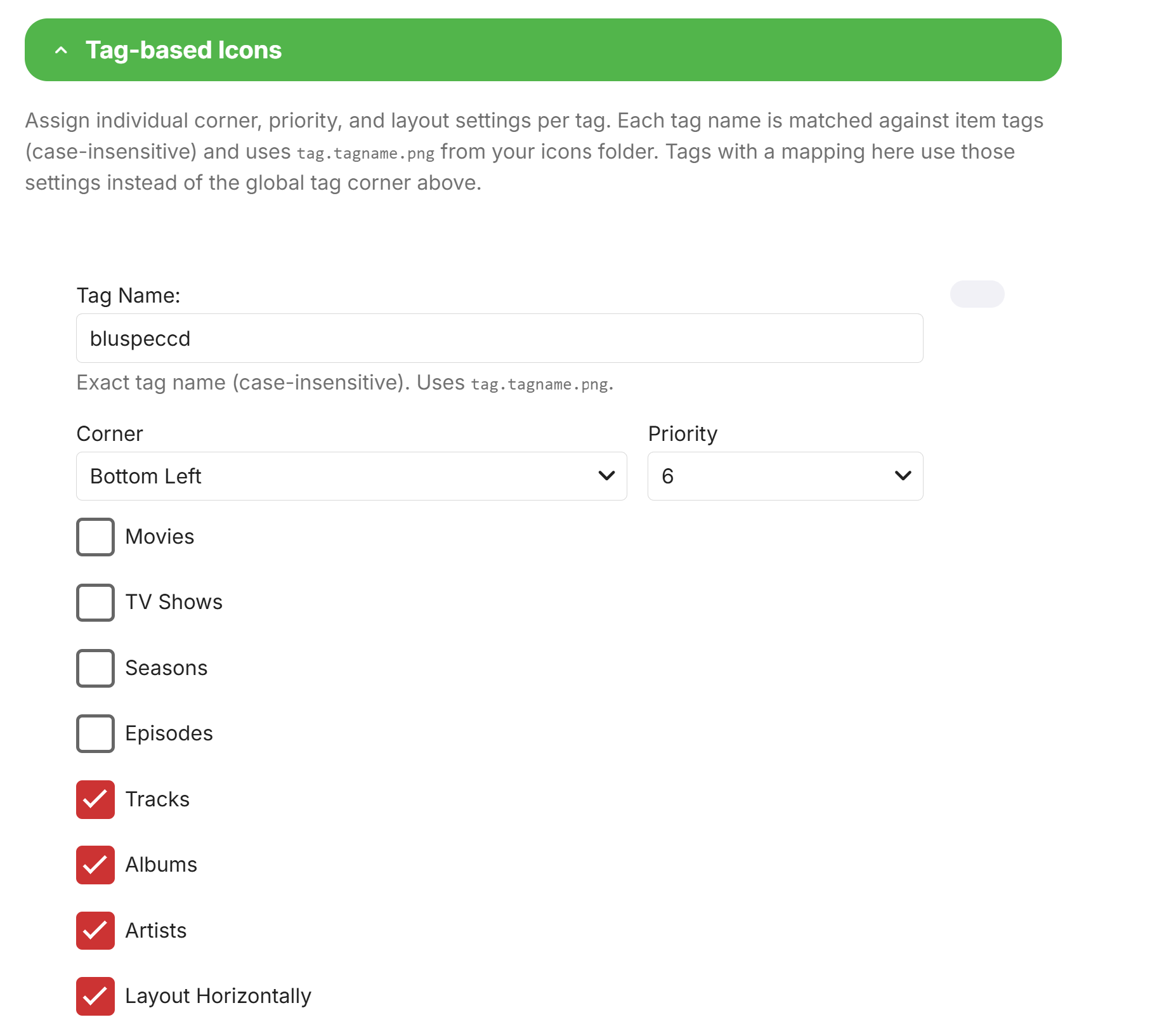
@sergiovassariFound the problem, basically i misunderstood you. The tag based system is.. Problematic for album covers and will only work for individual music numbers. In other words, the tag and filename based systems only works for individual music numbers and not the album cover. A little quirk i need to fix (if possible because of the way Emby works) is that adding the tag to the first number of an album will actually show the tag on the album cover. I will look into getting tags to work for the album cover but i doubt it is something that can be fixed.
-
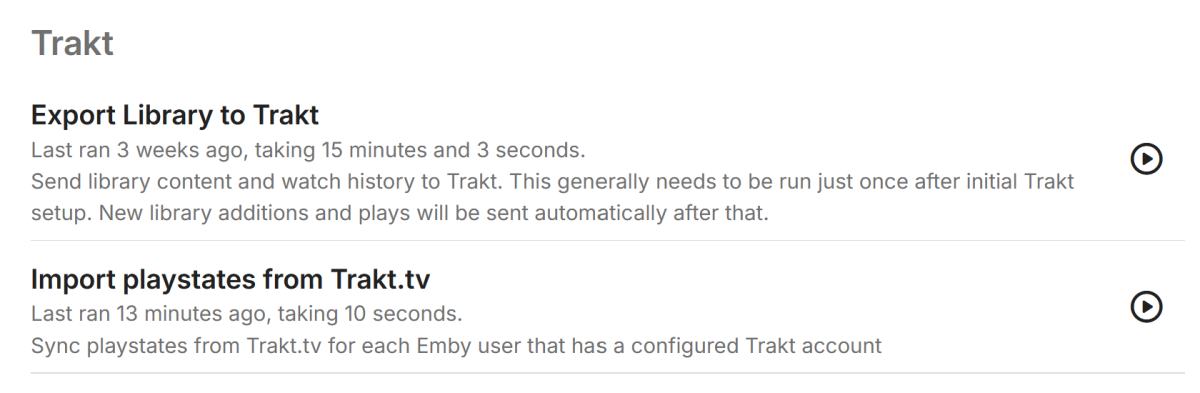
No more immediate crash, but I believe it is fair to say the query/match being used is a swing and a miss but only for TV. Movies looks good. So here is a log snippet with debug tuned on that shows the Movies working, and the TV not. Just to be clear, it does not work for a single TV show, not one. But progress.... no crash. The task completed
-
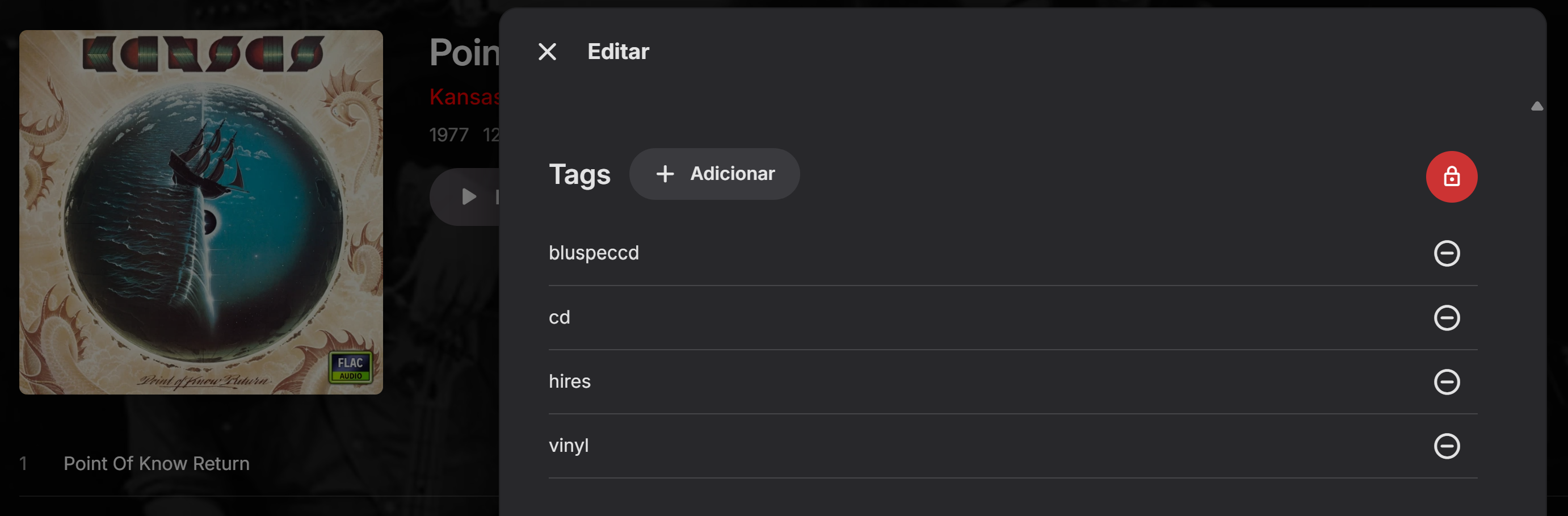
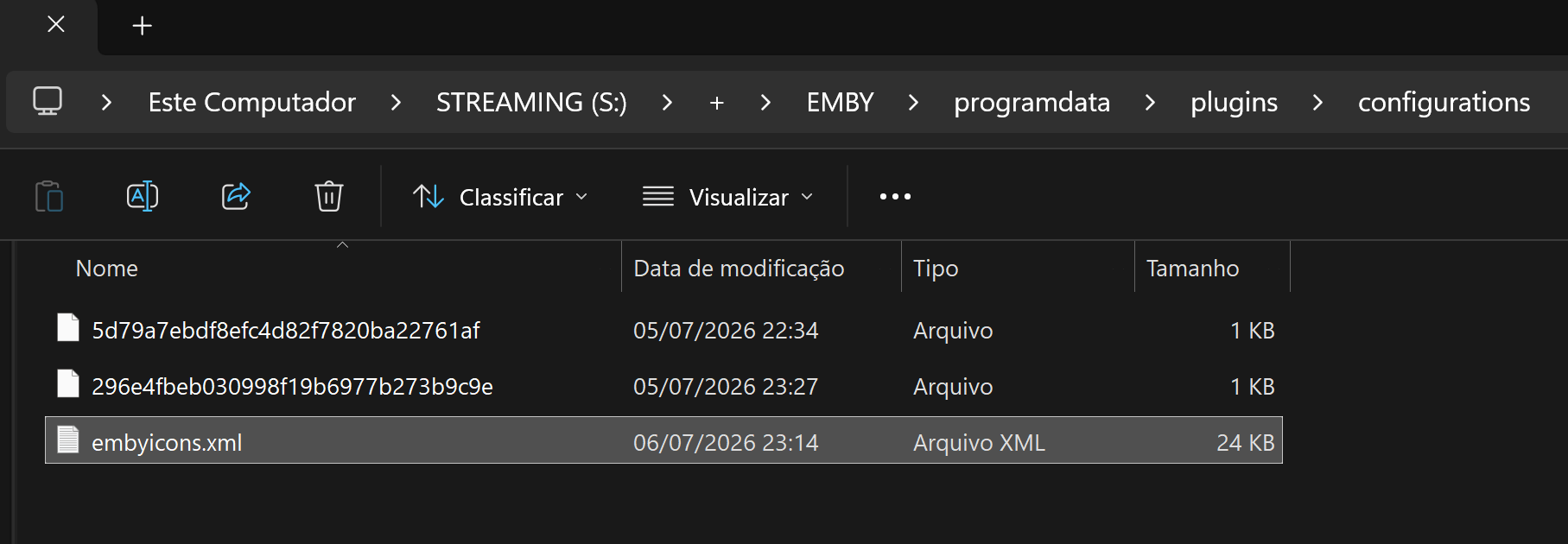
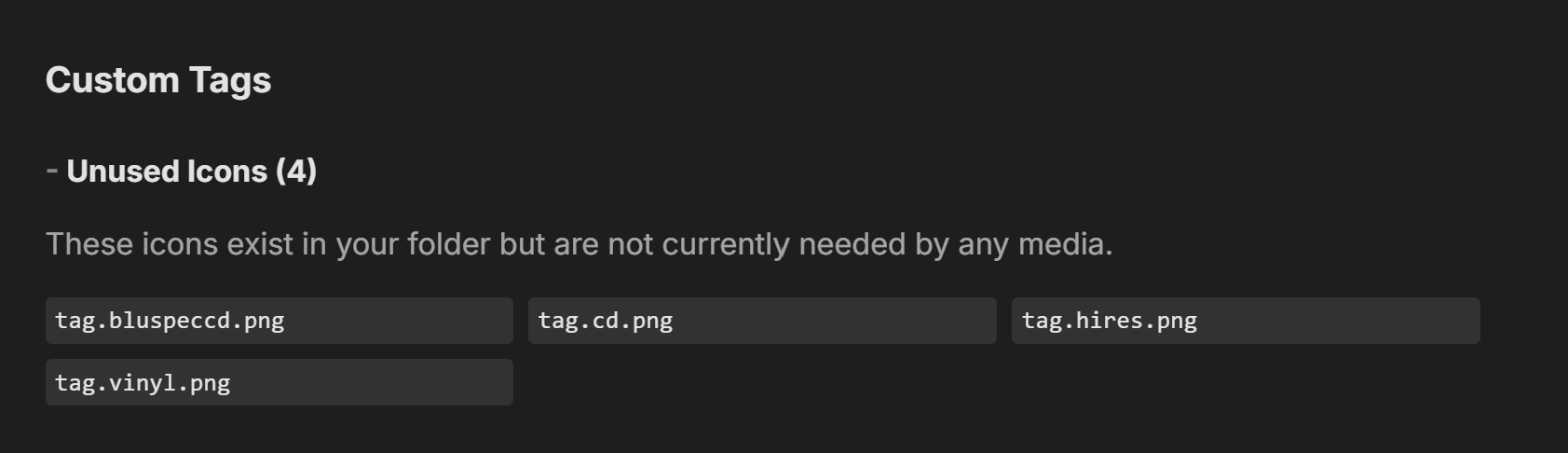
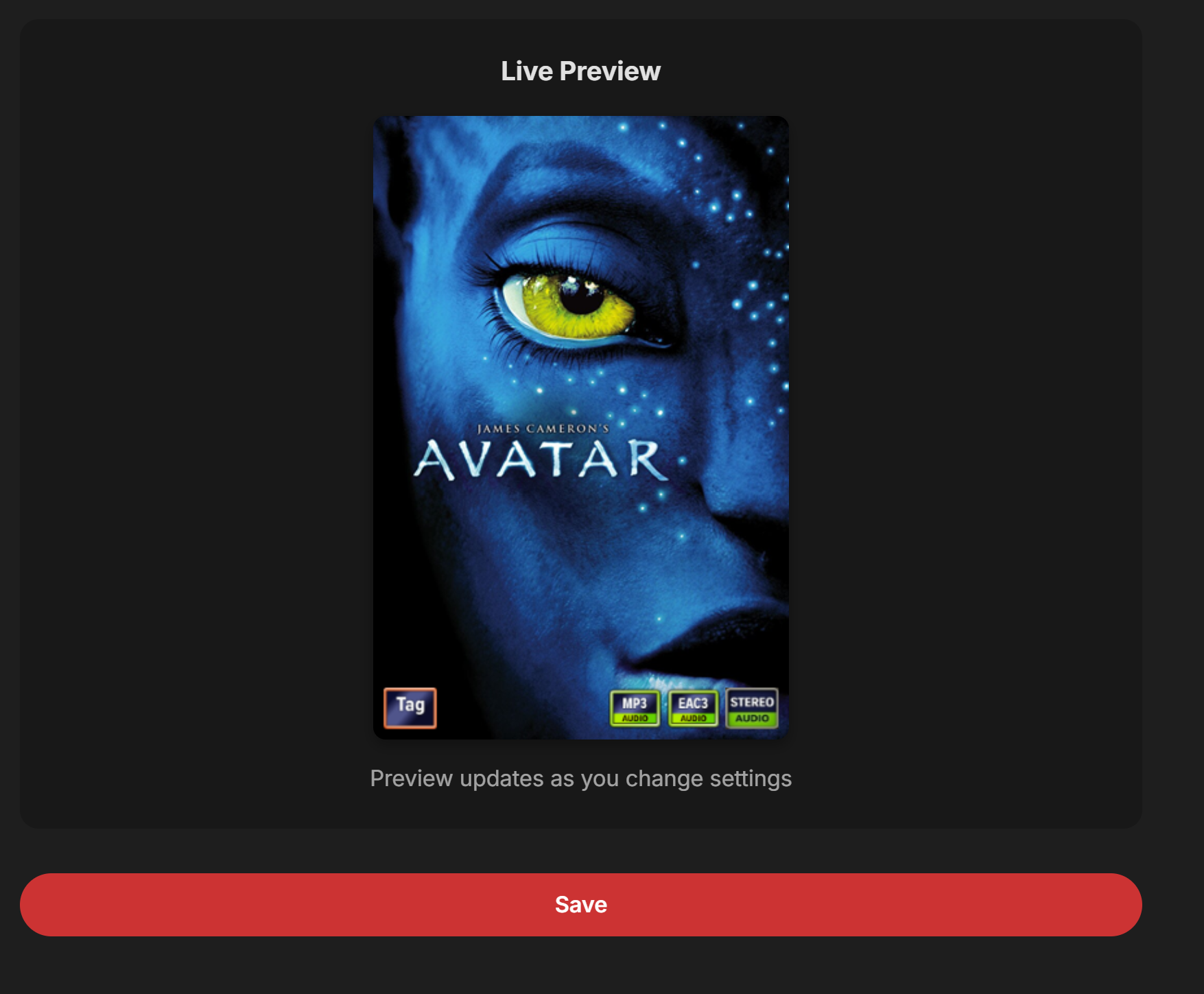
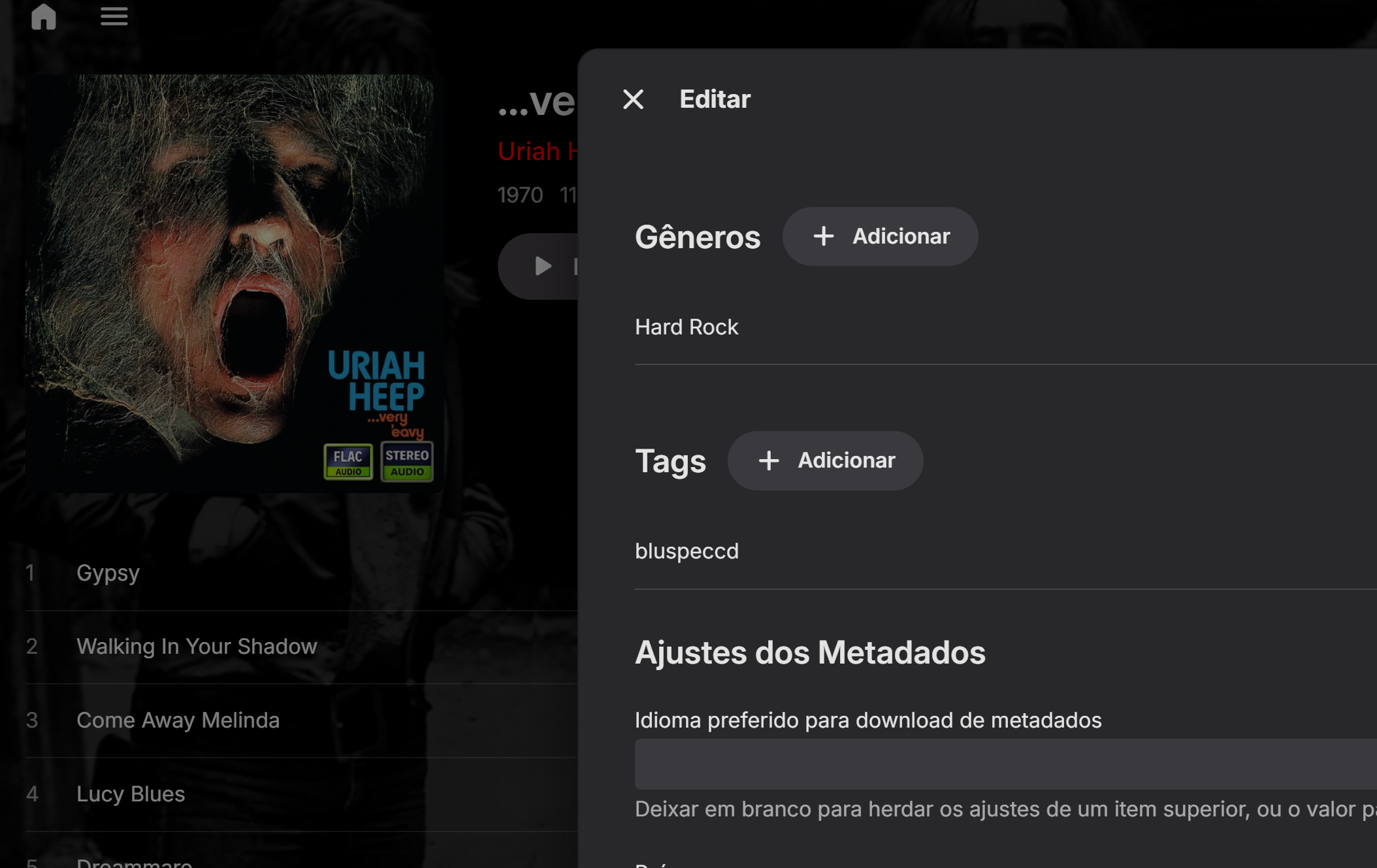
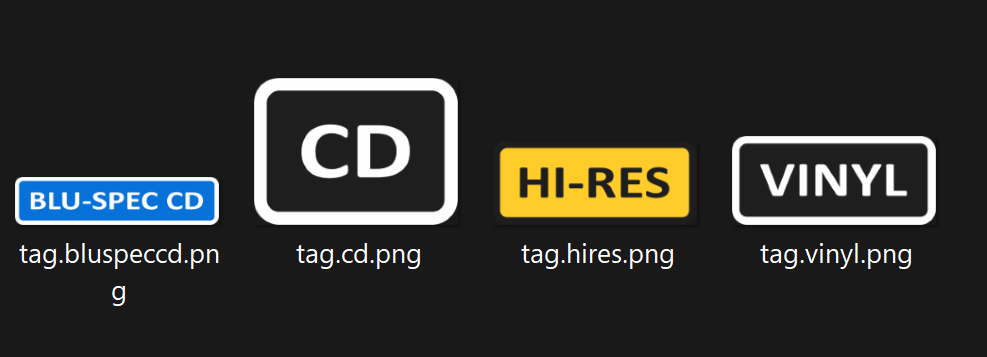
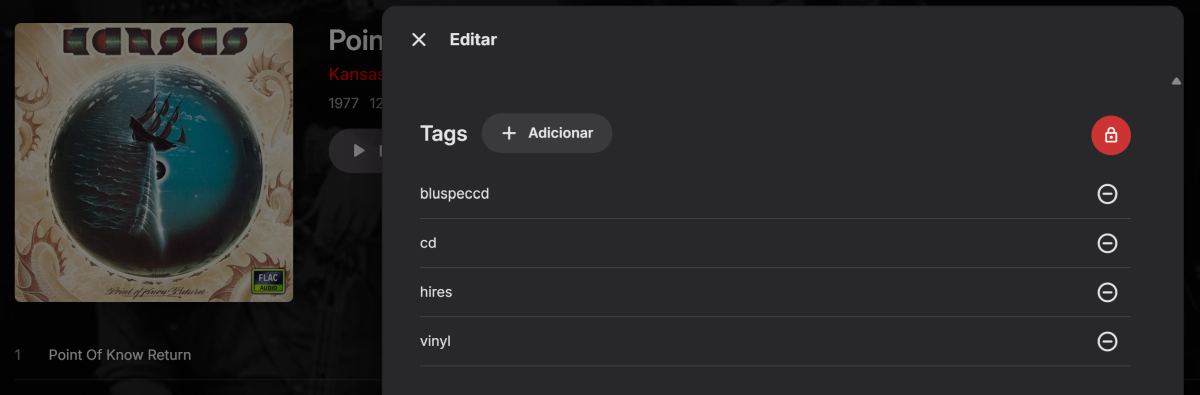
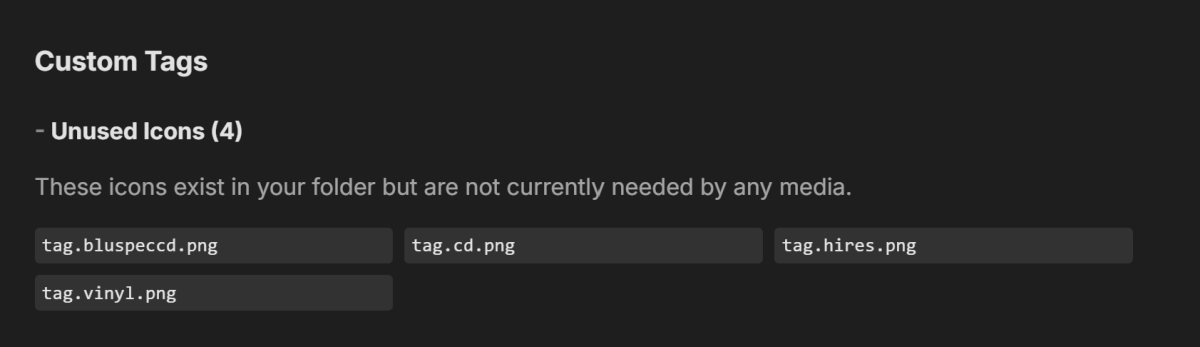
I'll simplify the test: I applied 4 tags to just one album. That Album The tags don't show up, no matter what I do. If I repeat the process for a movie, the tags appear like magic. Icon Manager on EmbyIcons 5.55.9.0 Regarding the logs, I don't know where the Emby one is located. Please check if this is it. embyserver.txtembyicons.xml And there are these other two here...
-

Emby Beta 4.10.0.15+: Crashing due to Out of Memory on DS918+ Package Center Install
DarWun replied to DarWun's topic in Synology
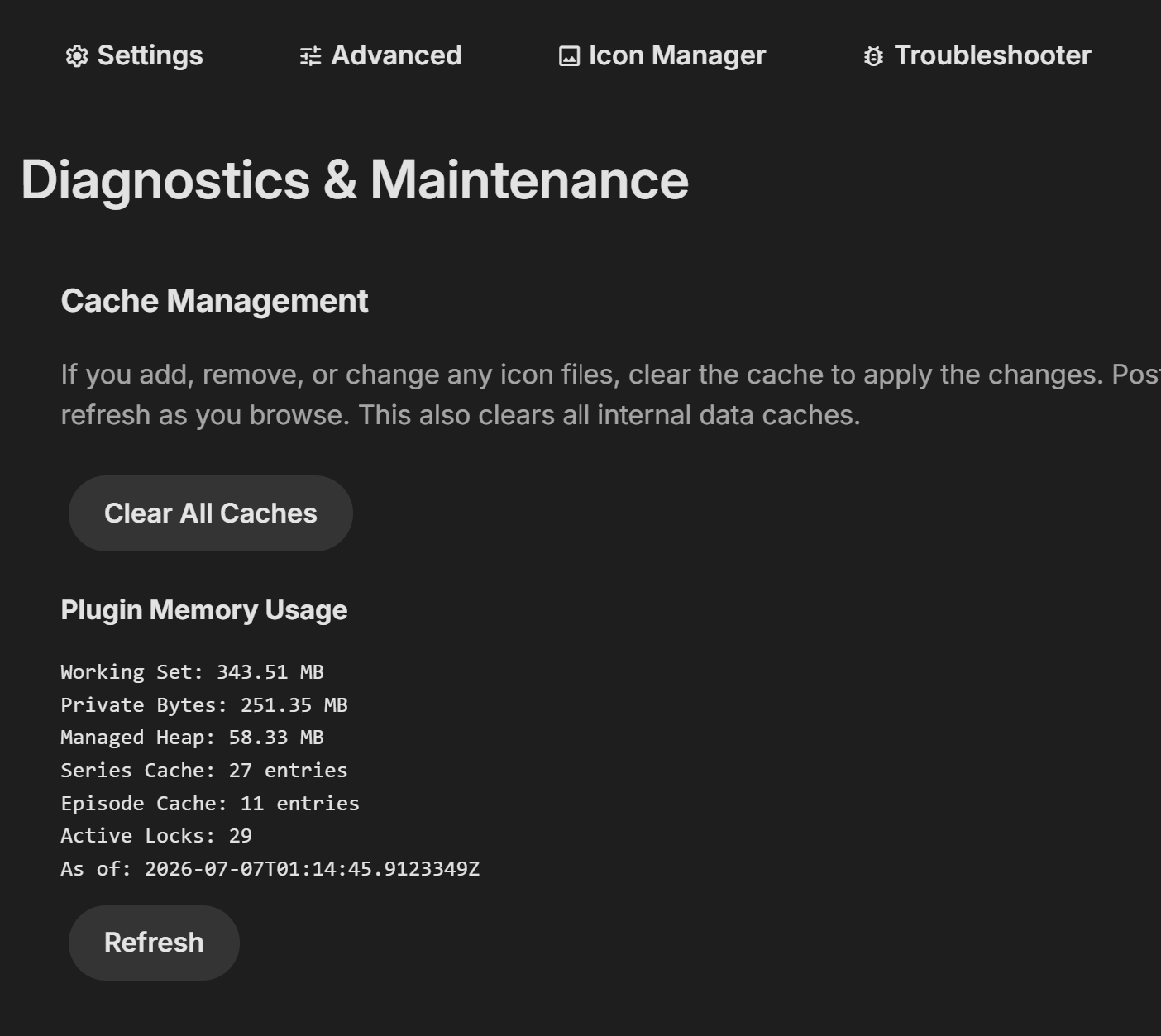
These plugins have been installed for over a year (or several years in most cases) without an issue. They may be causing the incremental memory increase over time that has been reported by others. I've been rebooting my server every few weeks to address this. I fail to see how they could be responsible for a sudden increase in memory usage by Emby when a library scan is initiated. Jumping from 900Mb of memory usage to 1.62GB after initiating a scan...how could those plugins be causing that? Most of those plugins identified are only run manually on my server. They do not run otherwise. My issue is that when I initiate a library scan, memory usage occasionally (once a week after updating to Beta 4.10.0.15) jumps significantly causing Emby to shutdown. I don't see how that could be a result of the plugins. @sa2000In this post: you stated that "For excessive memory usage investigations, I normally would use a script to record memory usage by Emby Server ... ". Can you provide that script? -
@sergiovassariPlease send me an Emby log file and if possible the embyIcons.xml located in the plugin/configurations folder.
-
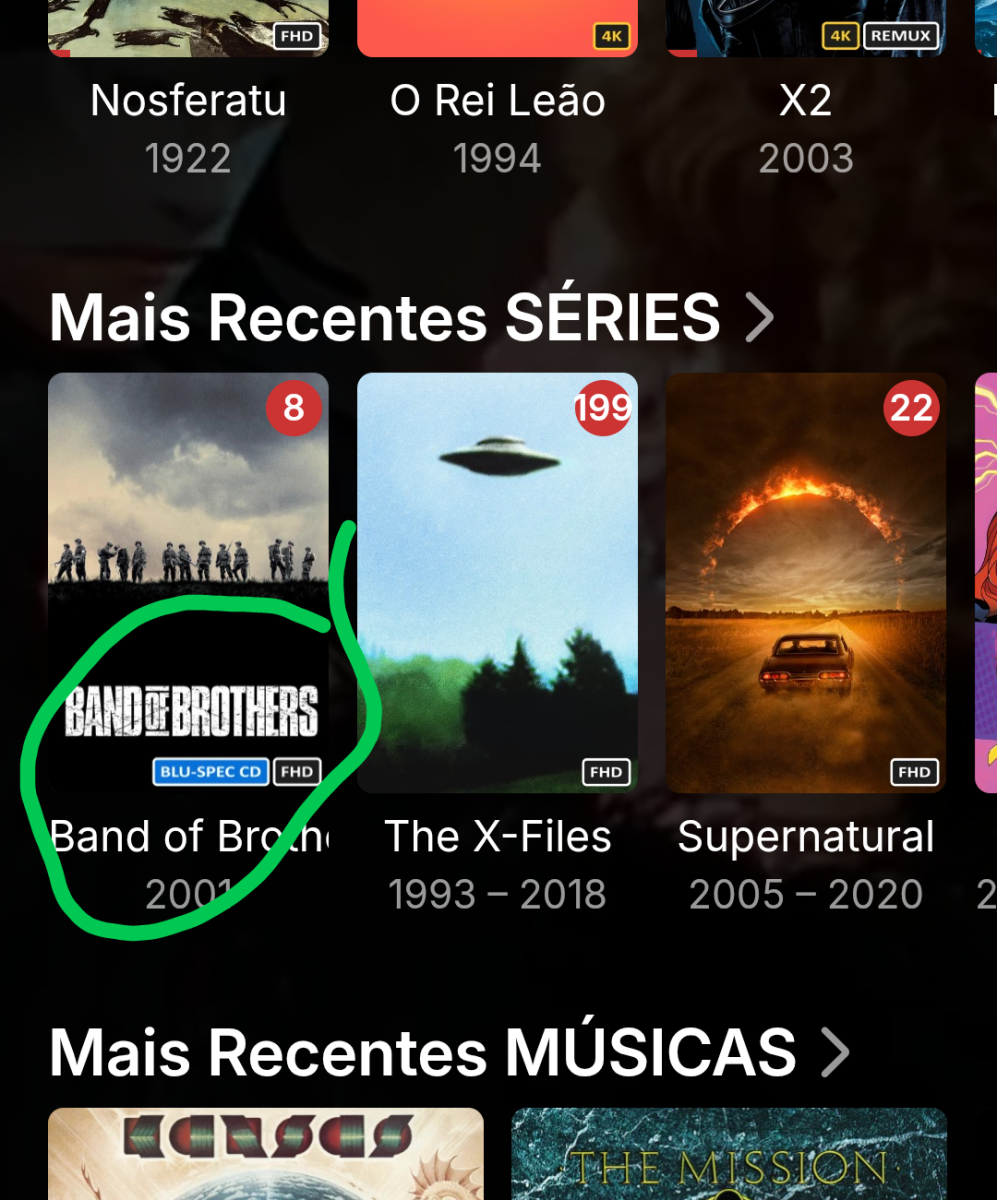
If I understood you correctly, yes, the tag gets saved. I’ve gone back and forth, and it’s always there. In fact, I’ve used this tag on other albums as well. I wasn't listening to the song or the album at the time; everything was turned off. The tag definitely gets saved. In fact, that same tag works for movies and series, but not on music.
-
@sergiovassariCheck if the tag is still there on the music number you want to have a tag on. Emby can not add tags to numbers while you are listening to them for some reason.
-
I'll make a few and test them. They should show up...
-
@Lukethere appears to be a problem with the build you uploaded today. all4dom can't get it installed and I can install it, but it hangs right away at the Emby logo. My TV is from 2018 running Tizen 4.0
-
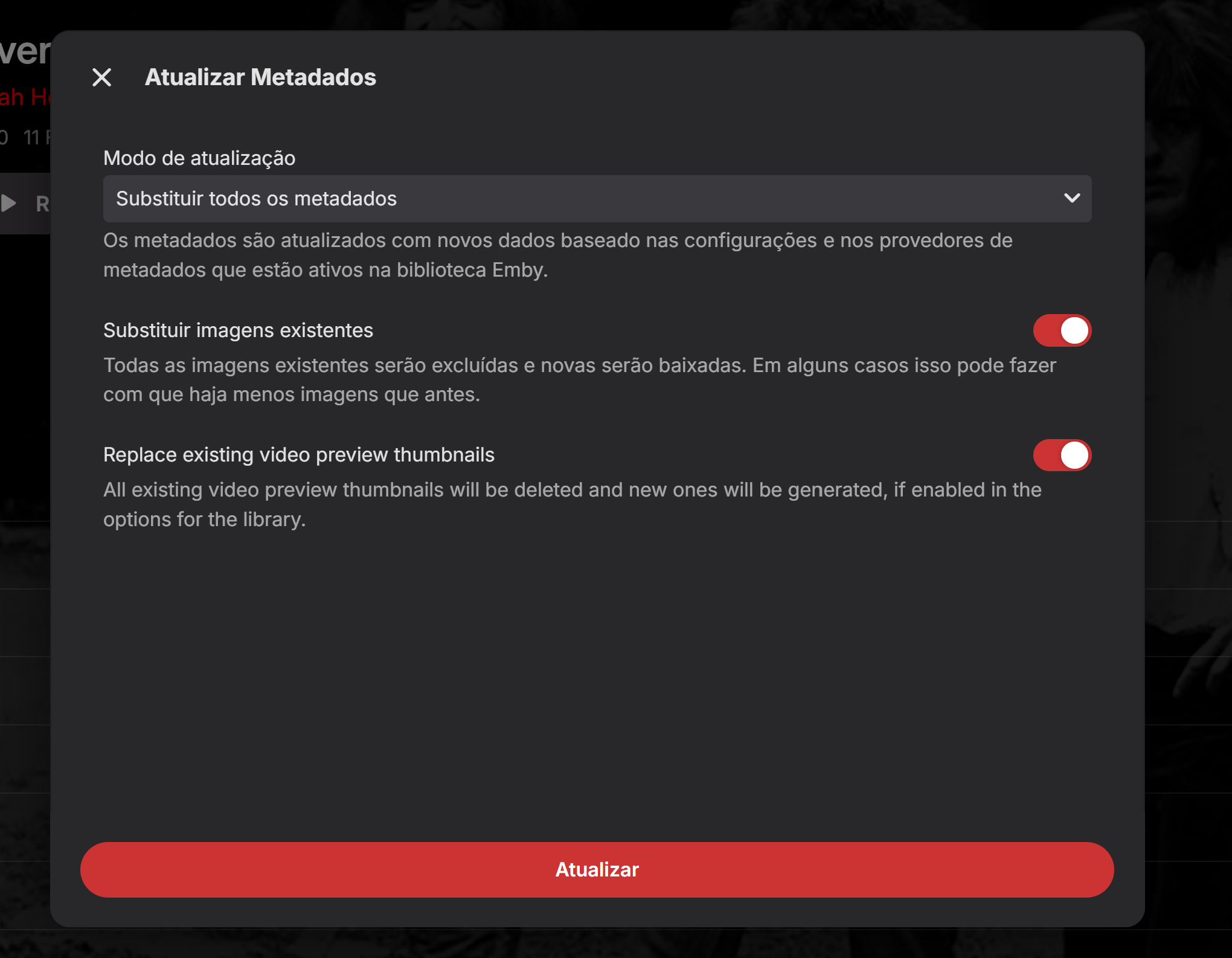
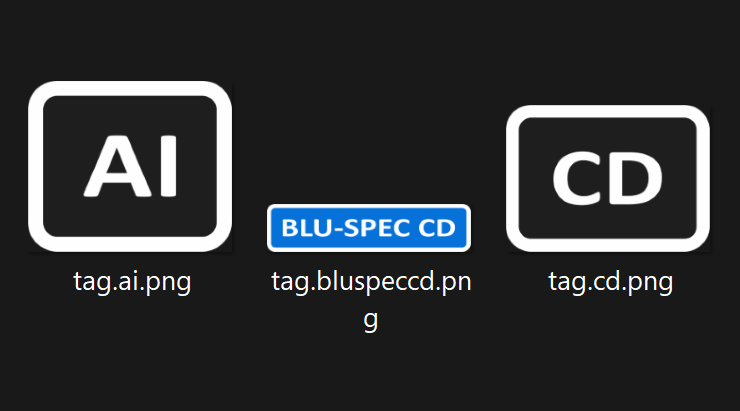
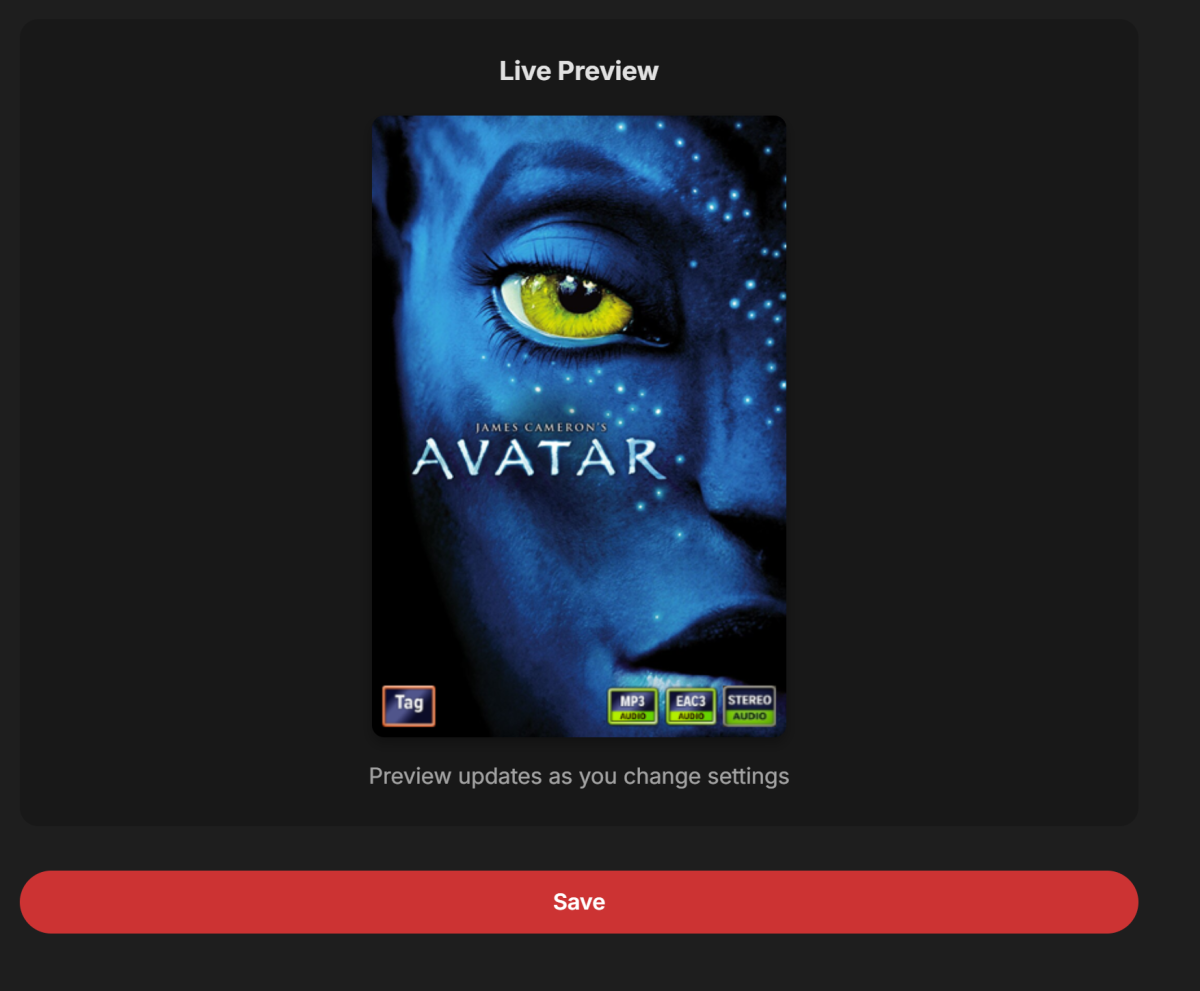
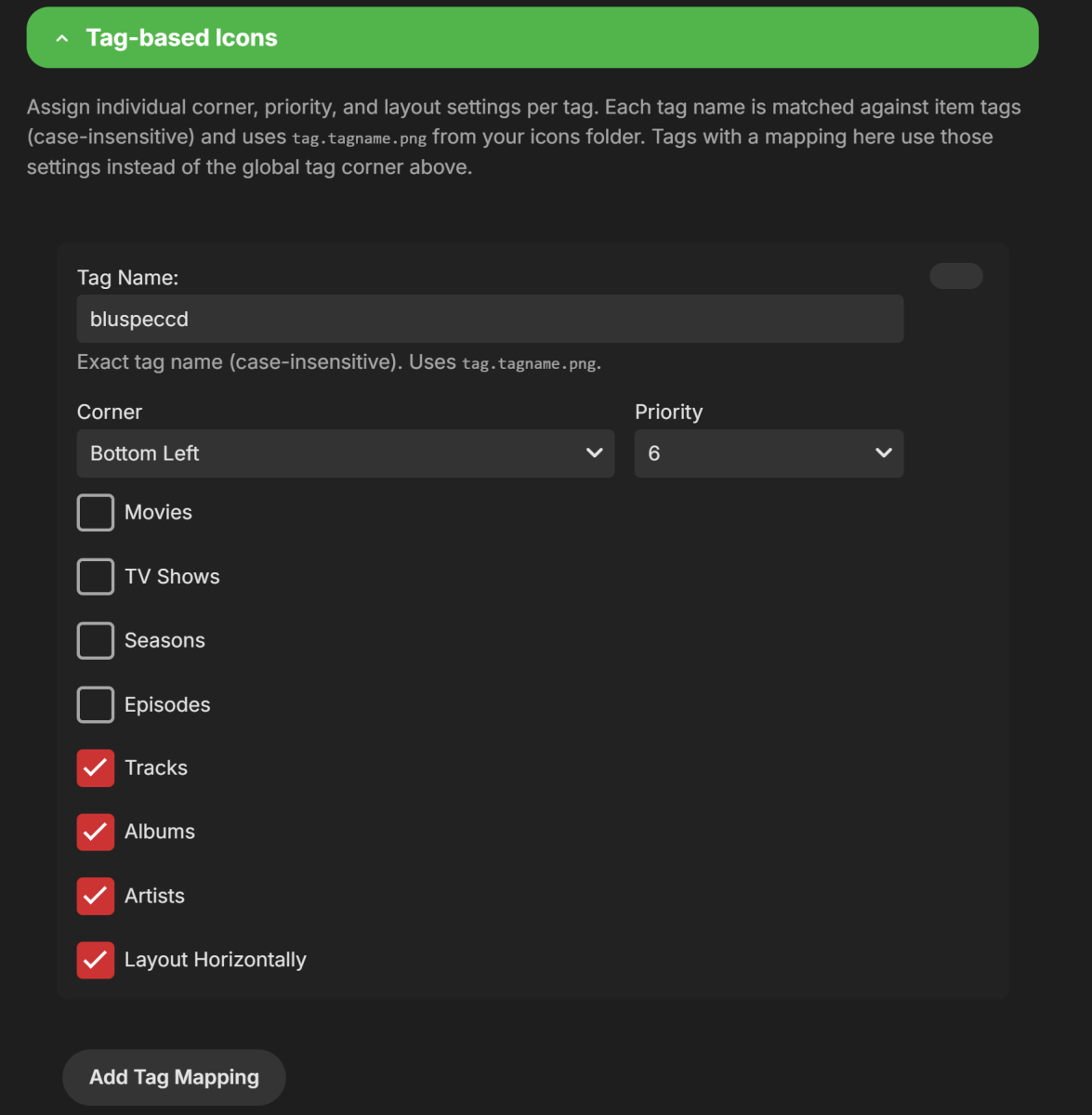
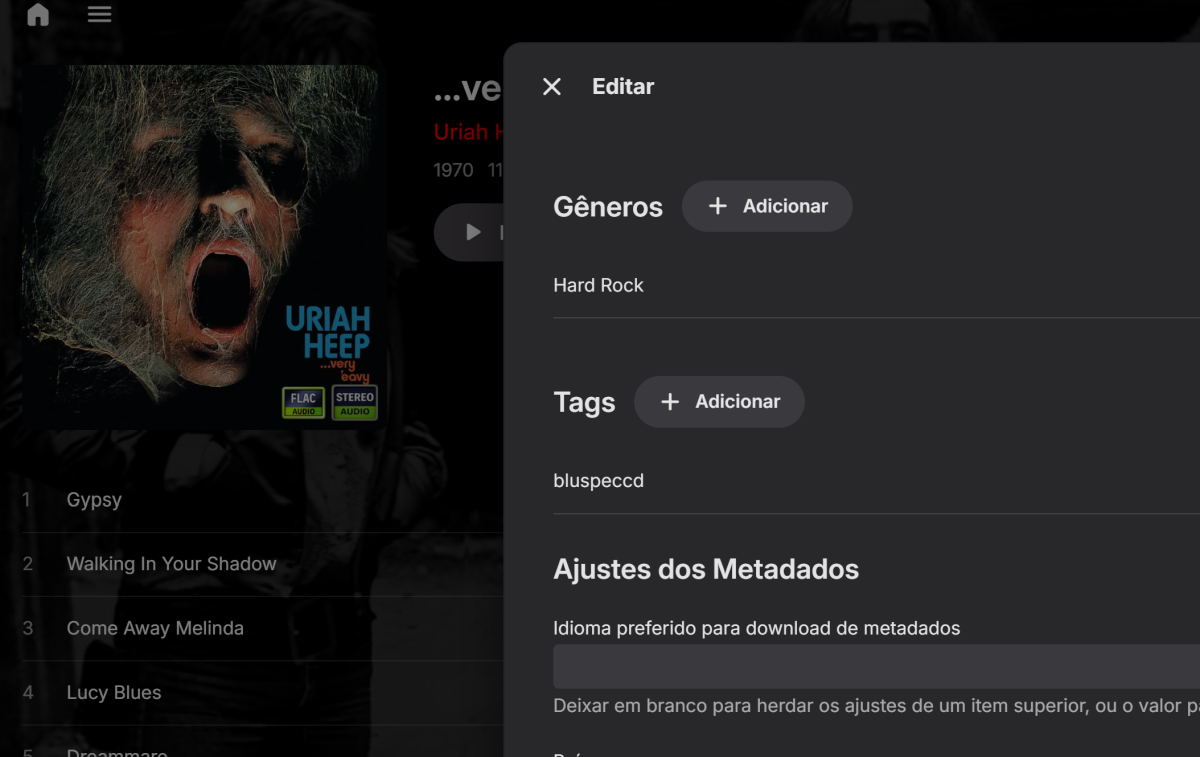
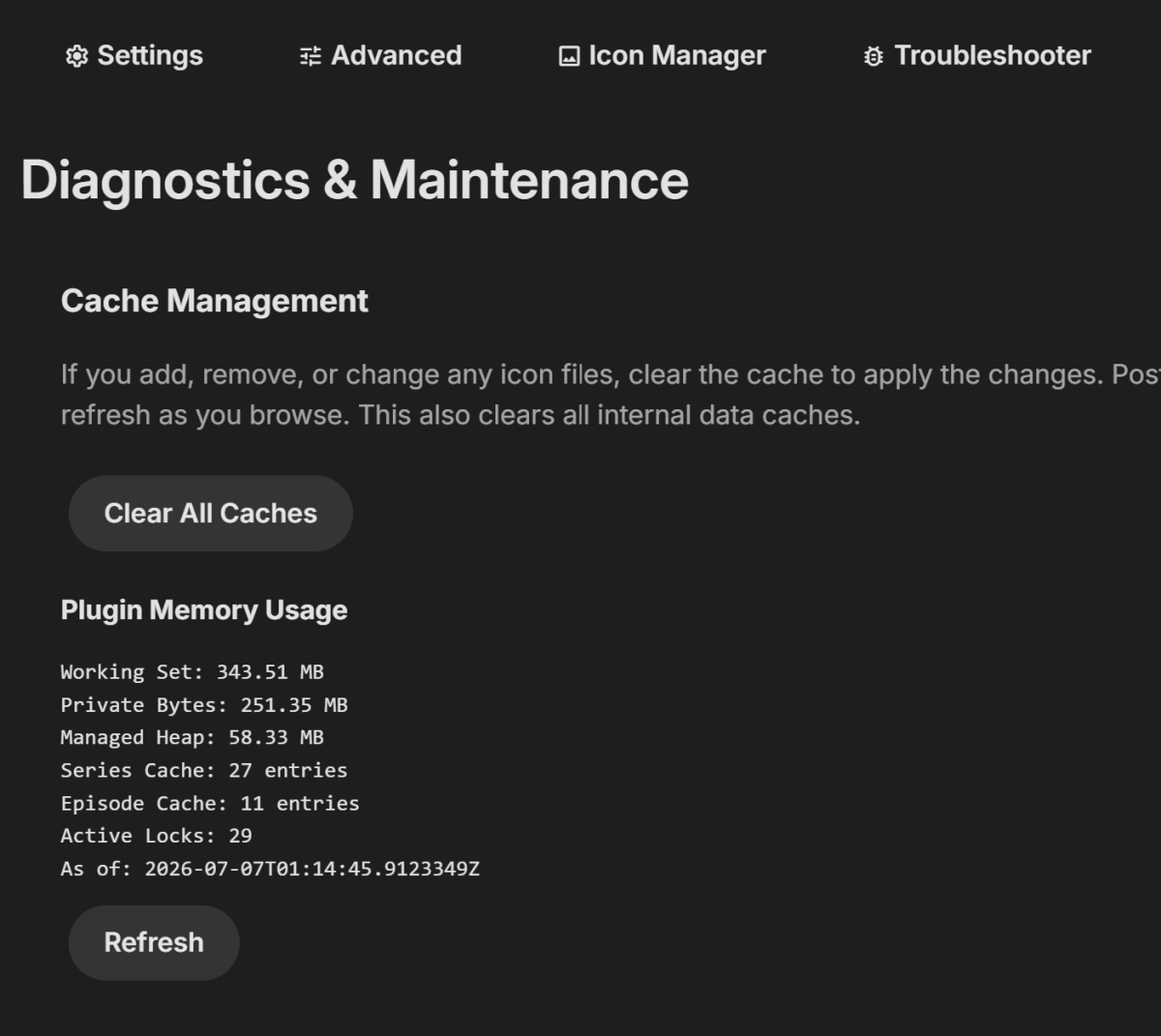
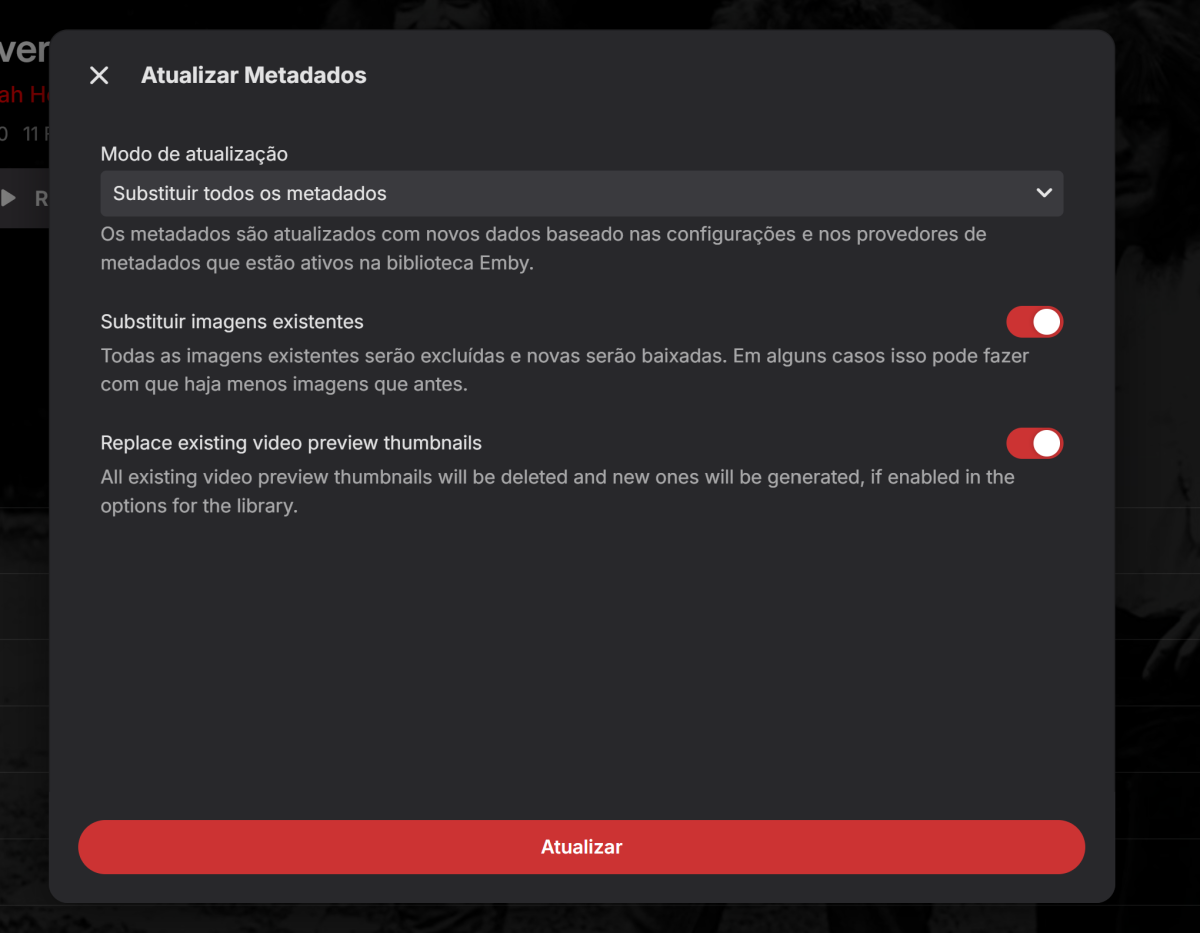
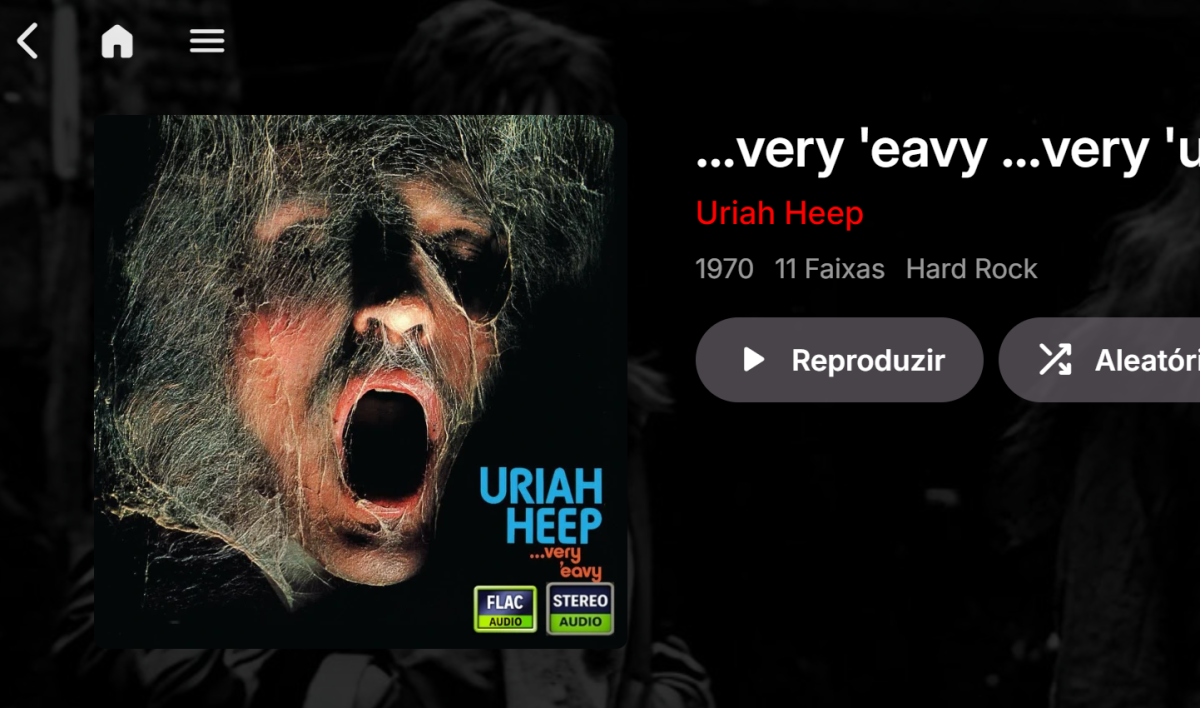
I'll go into detail so you can see if I'm doing anything wrong: My file for test. Preview. Tag is there. setting Tag the album Clear cach, refresh... Clear metadata Delete cache folder on emby. Restart Server. Only this 2 things If I clear the cache directly in the browser (Chrome), I can see the test results faster. Why does this matter? Any changes to movies and series show up instantly. So, it seems like music album art behaves differently, and I suspect I know why: movie and series covers are physically stored in a folder, whereas *my* album art is embedded within the .FLAC file itself—added using Mp3tag. That might change how the whole caching process works. That’s just my hunch.
-
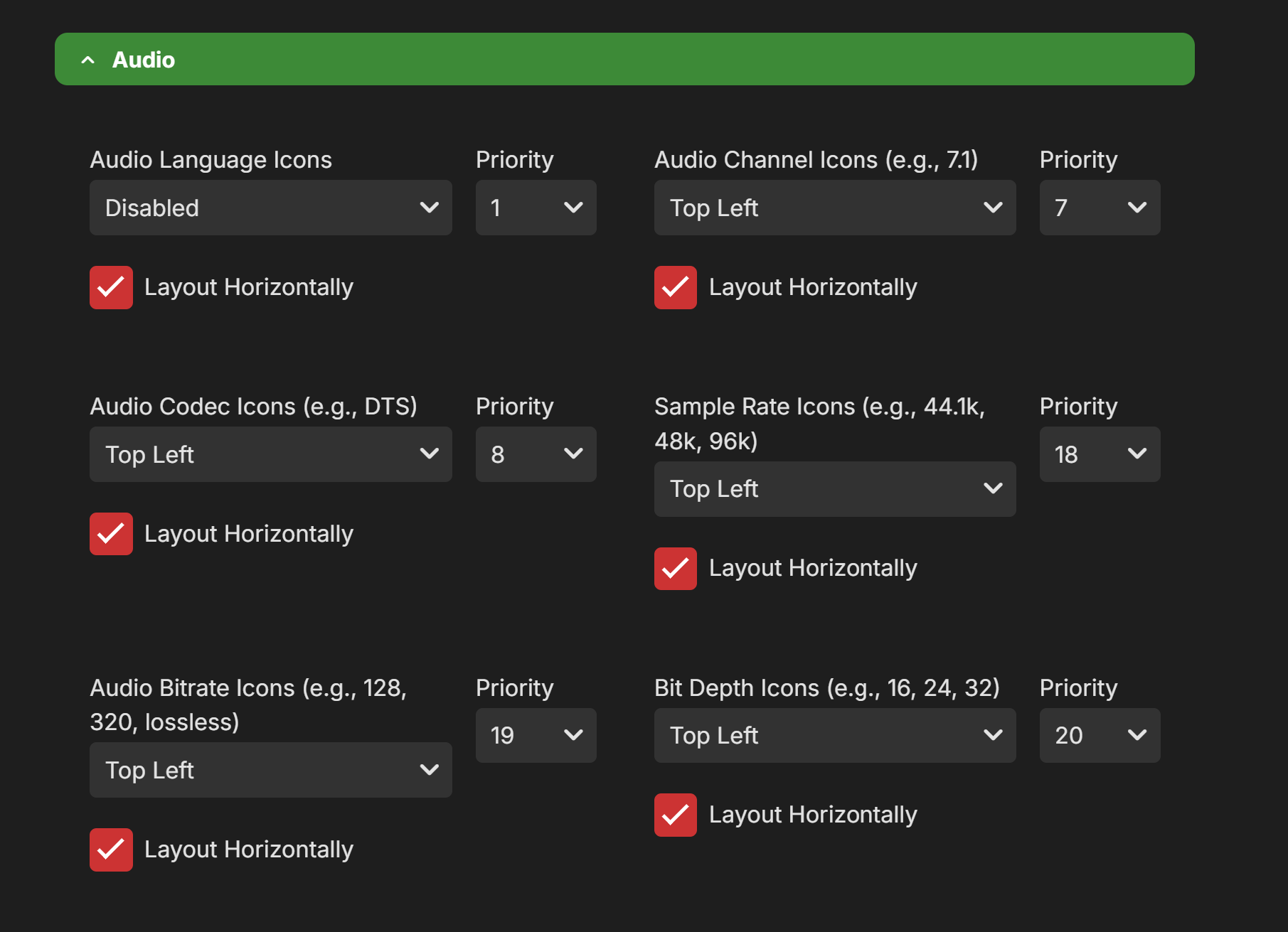
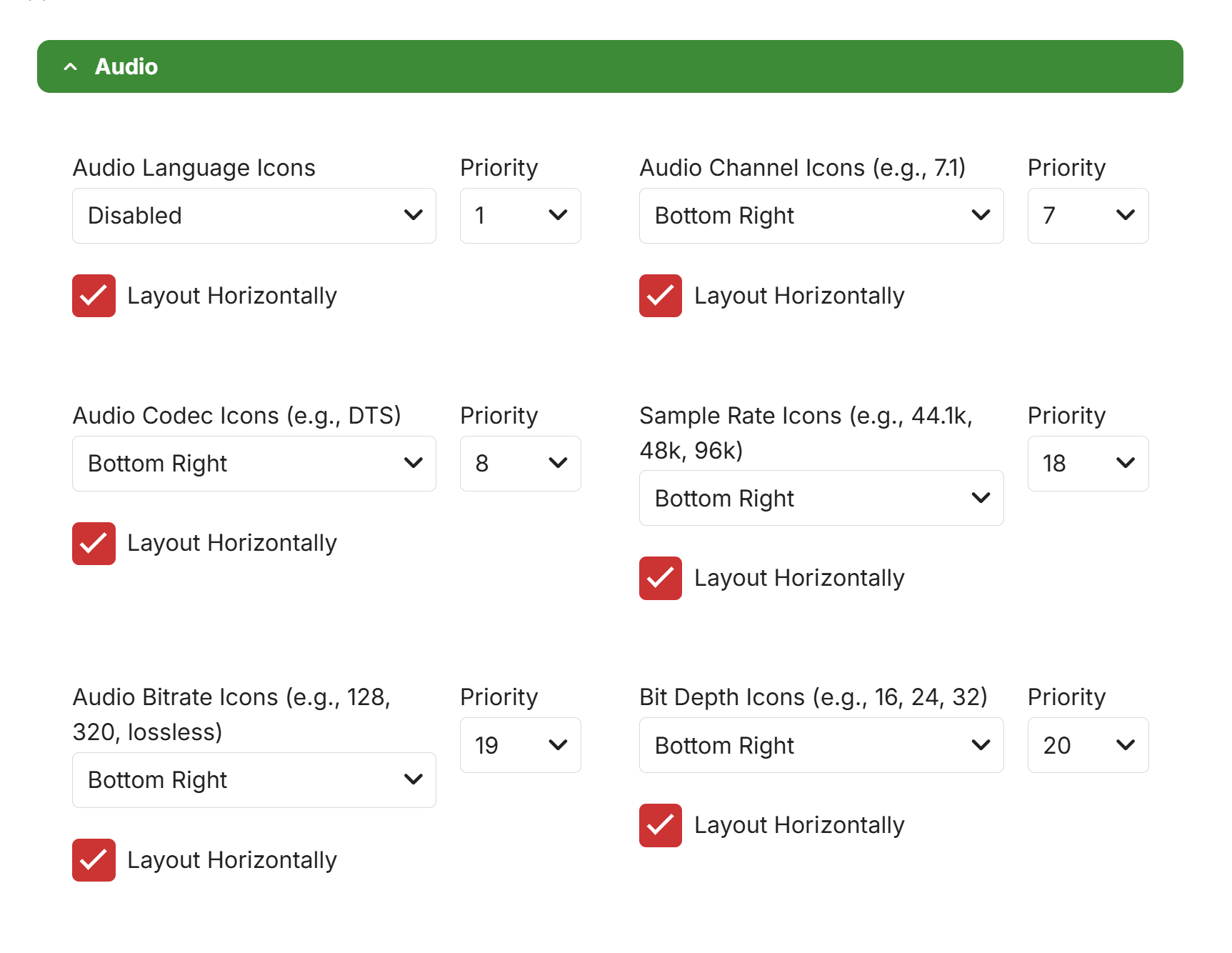
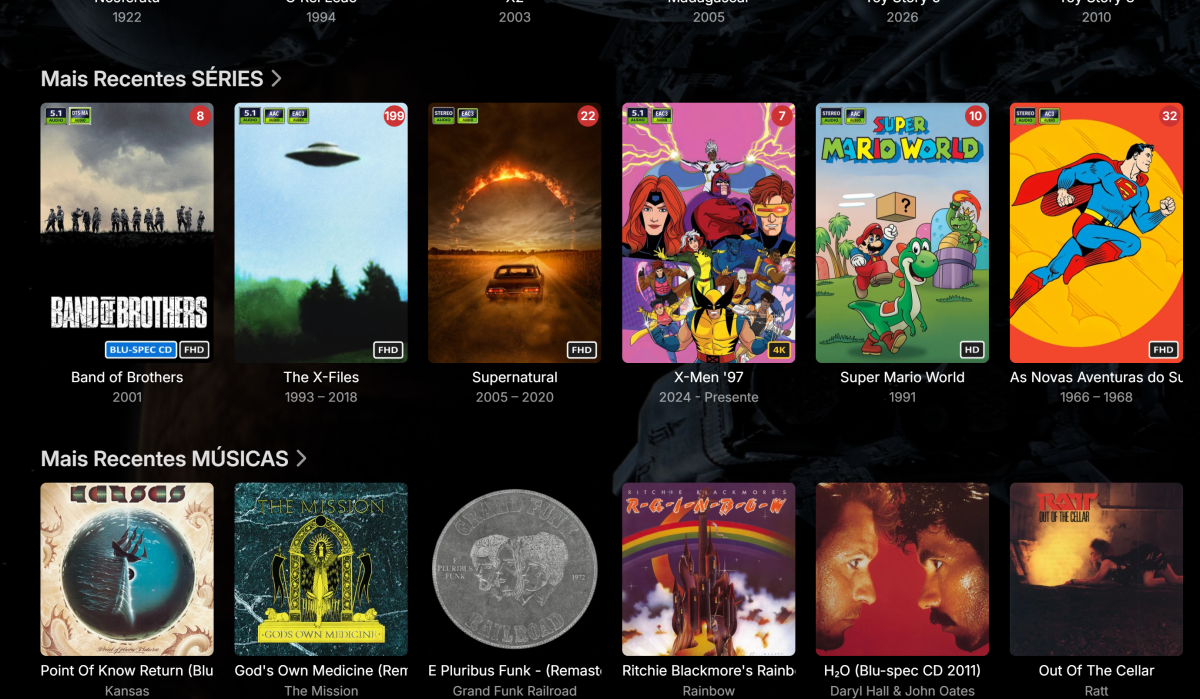
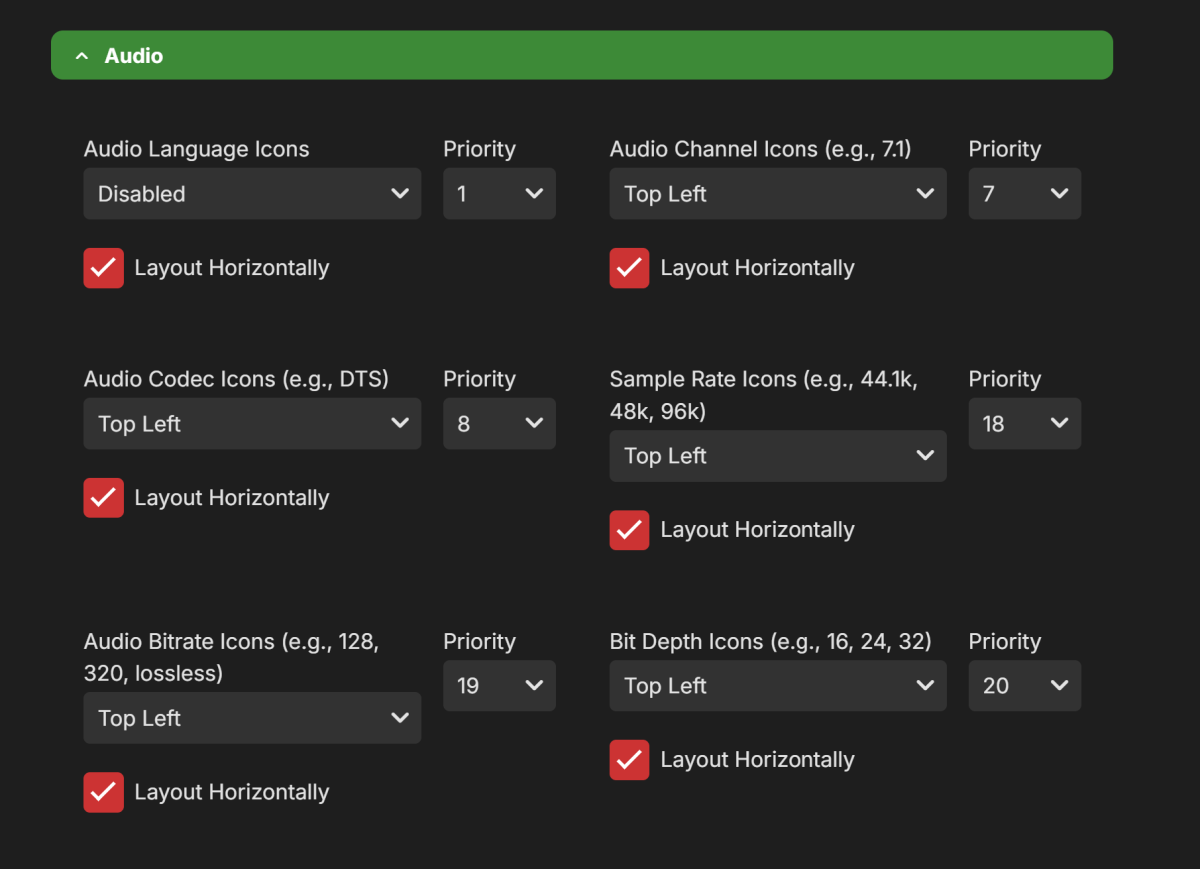
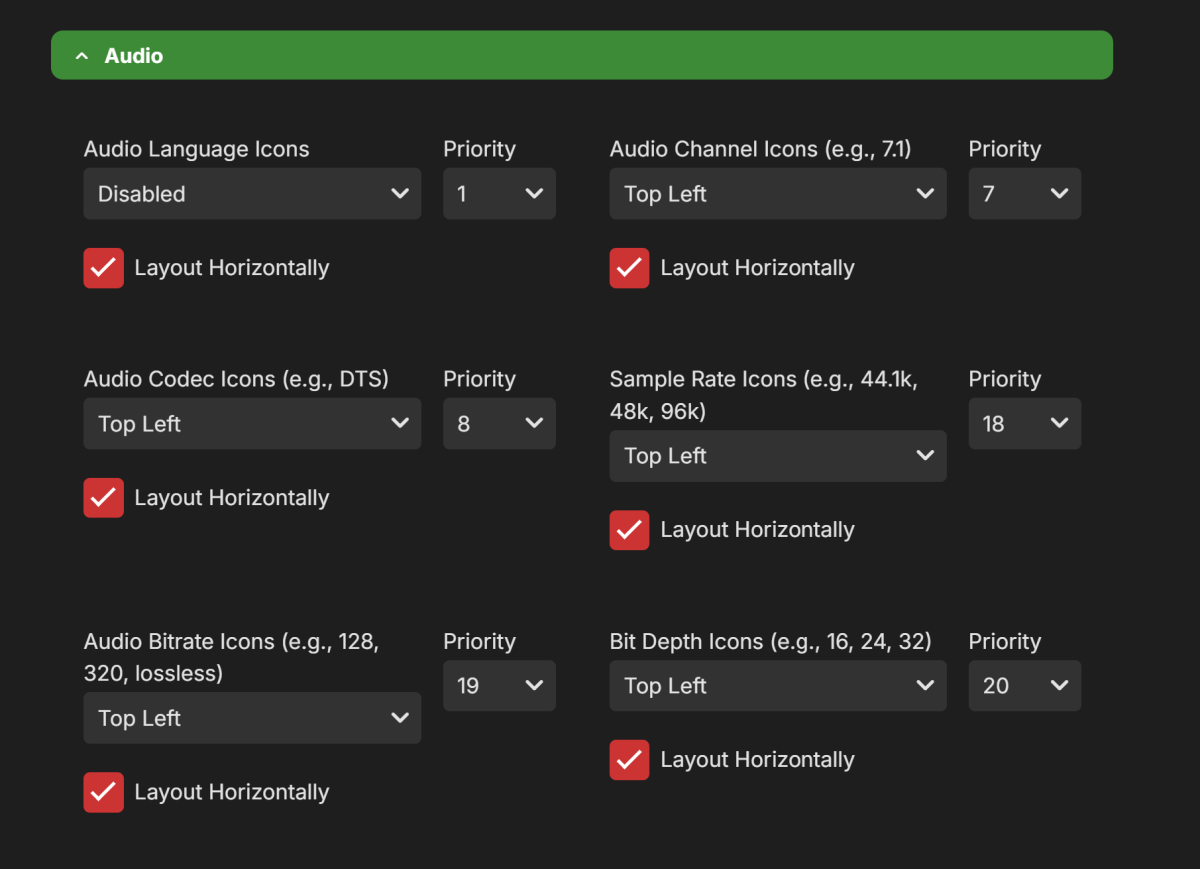
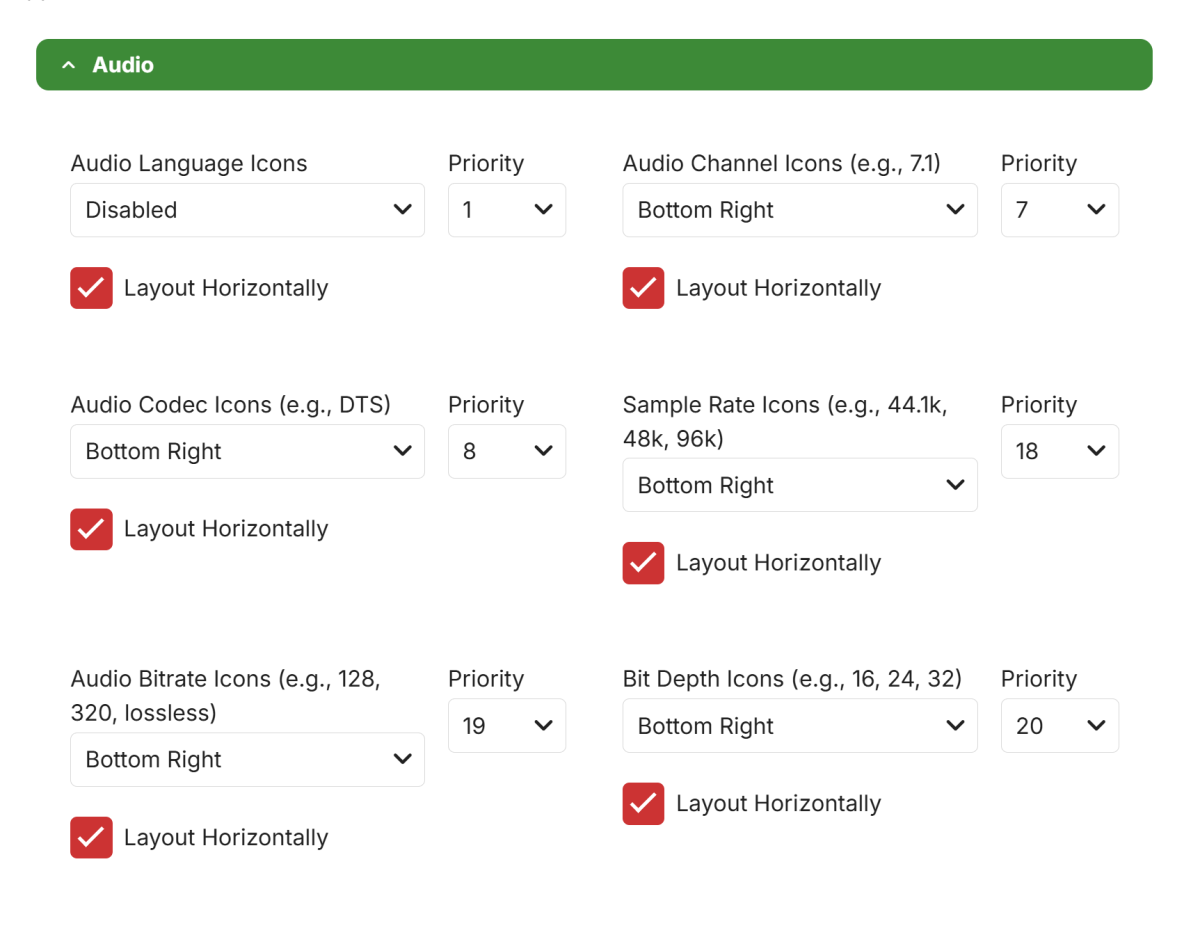
Regarding the last post: it was working for music, but the browser had a terrible lag. Even after restarting after every change and clearing the Emby cache folder, the update only finally appeared when I added and then removed a cover image. Even after realizing it works, small changes don't update automatically like they do for movies. I have to delete the covers, restart, refresh (F5), and maybe then something shows up. Anyway, I used Edge; since there was no pre-existing cache there, I was able to see the plugin working. But... Of all these options, only two appear. Tag based still nothing on music, but works on movies
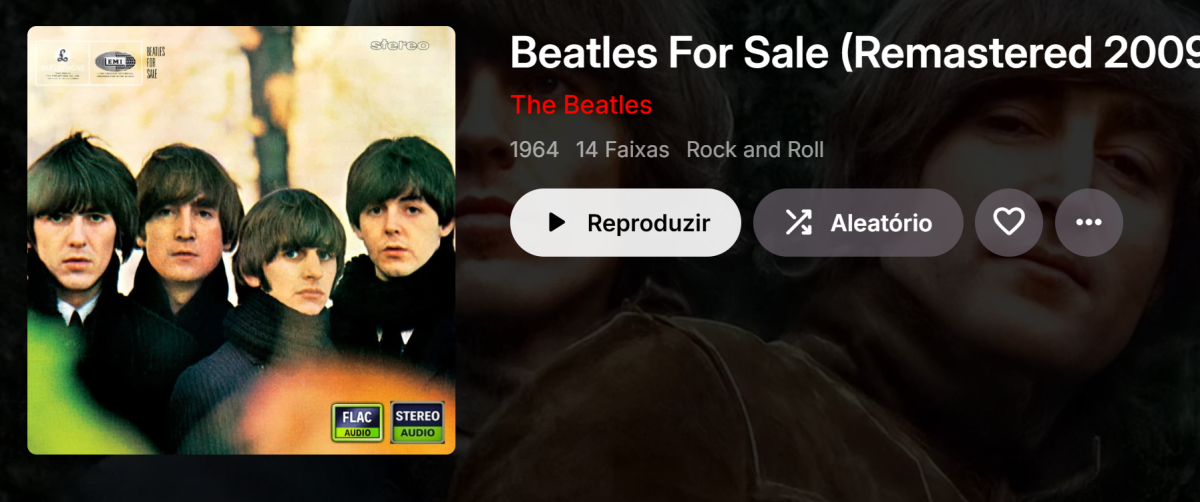
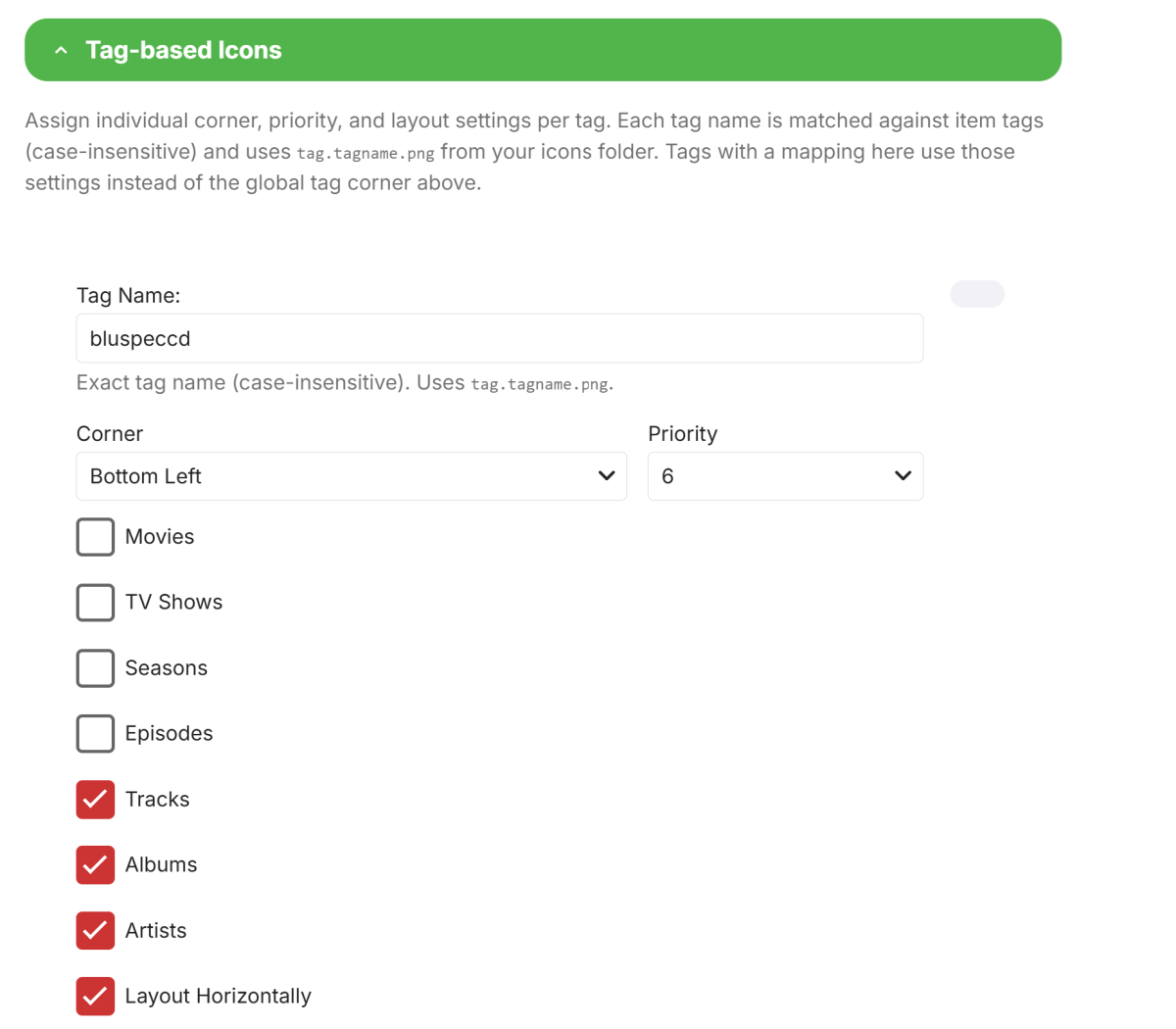
-
@sergiovassari The tag and filename-based icons should work.. Will look into it. For normal icons, you need to supply your own icons for now as i haven't made any yet.
-
Just uninstalled and reinstalled, got the same as before. Maybe some sort of incapability with the subtitle fixes made today.